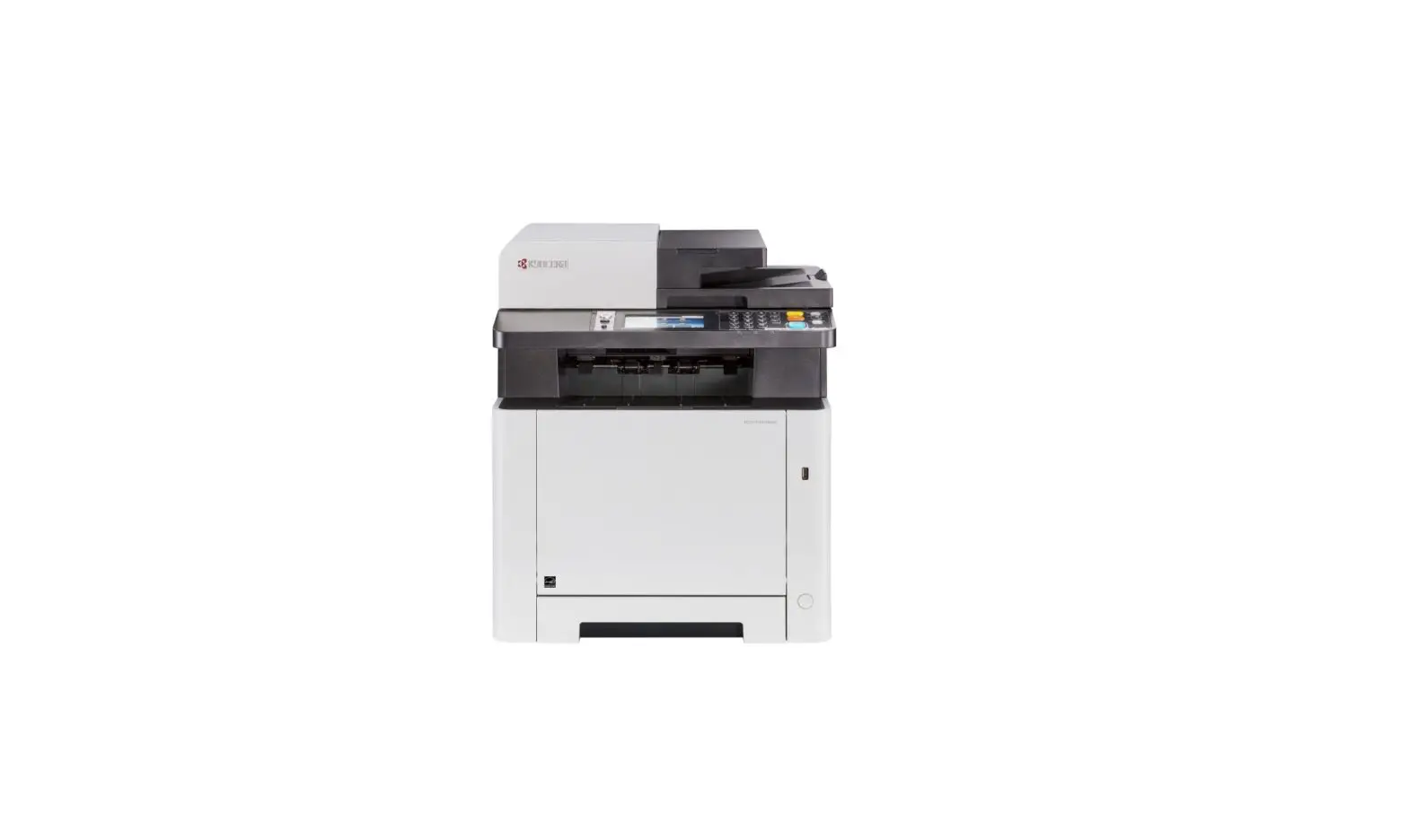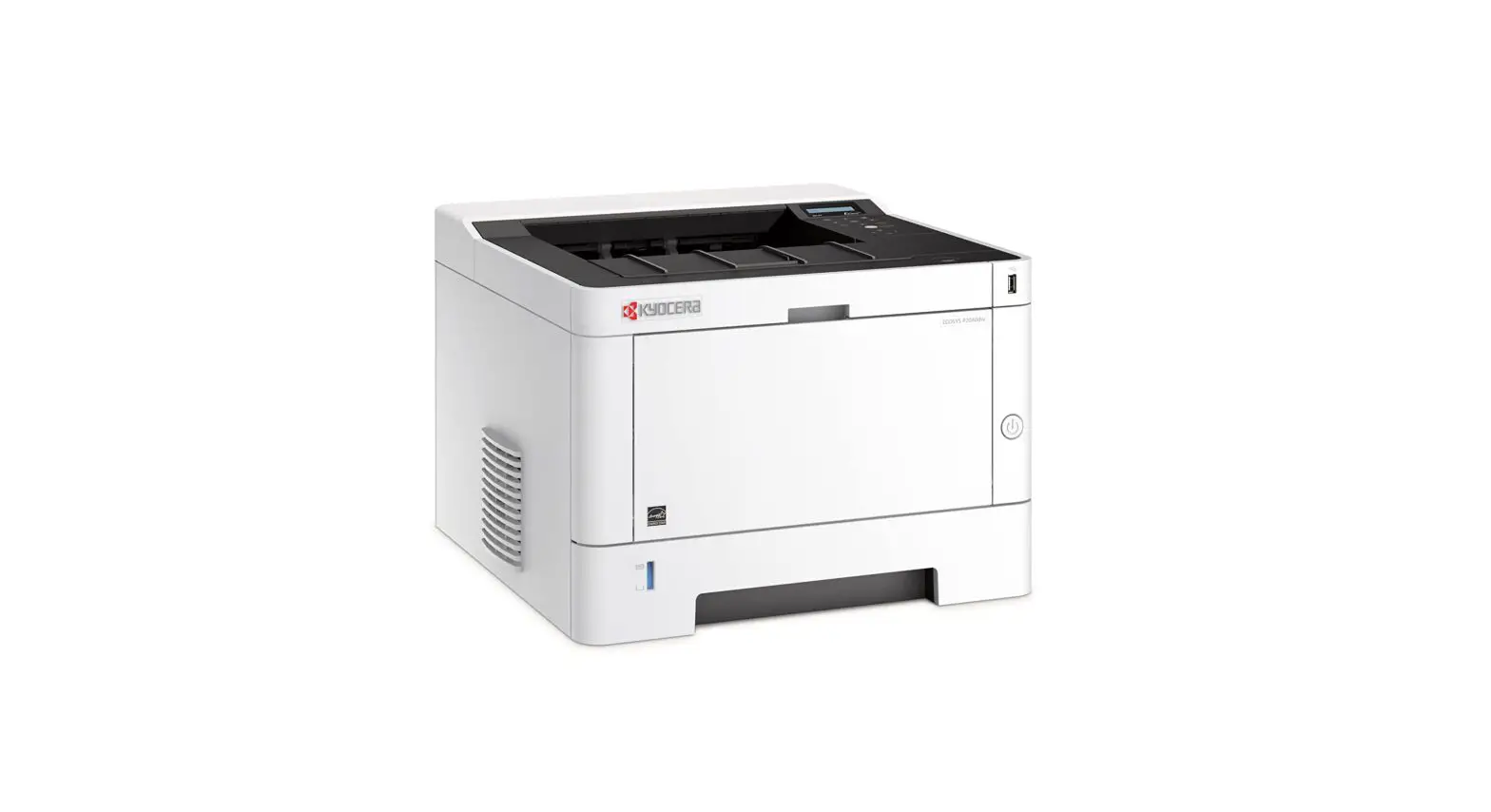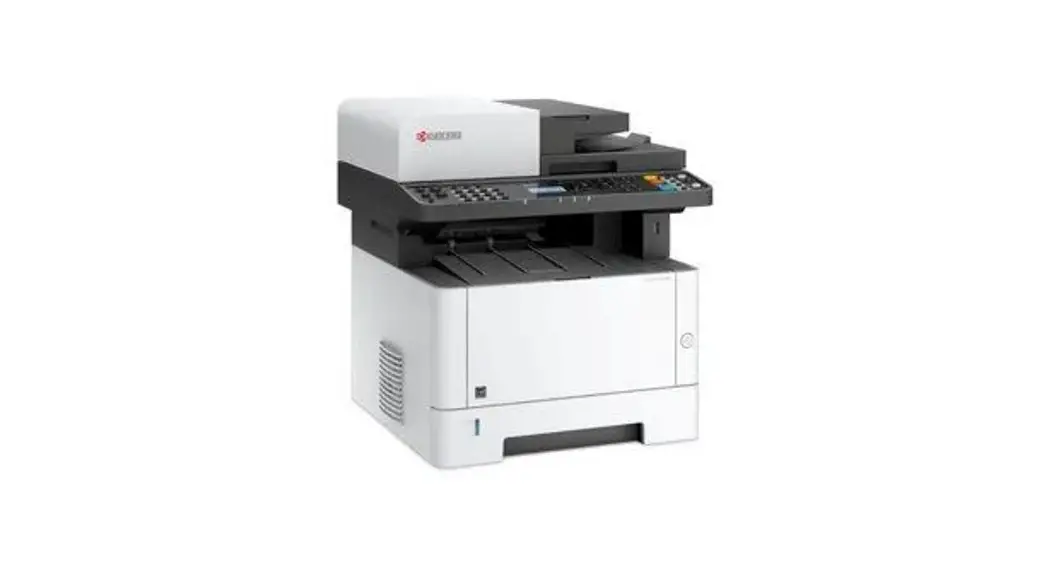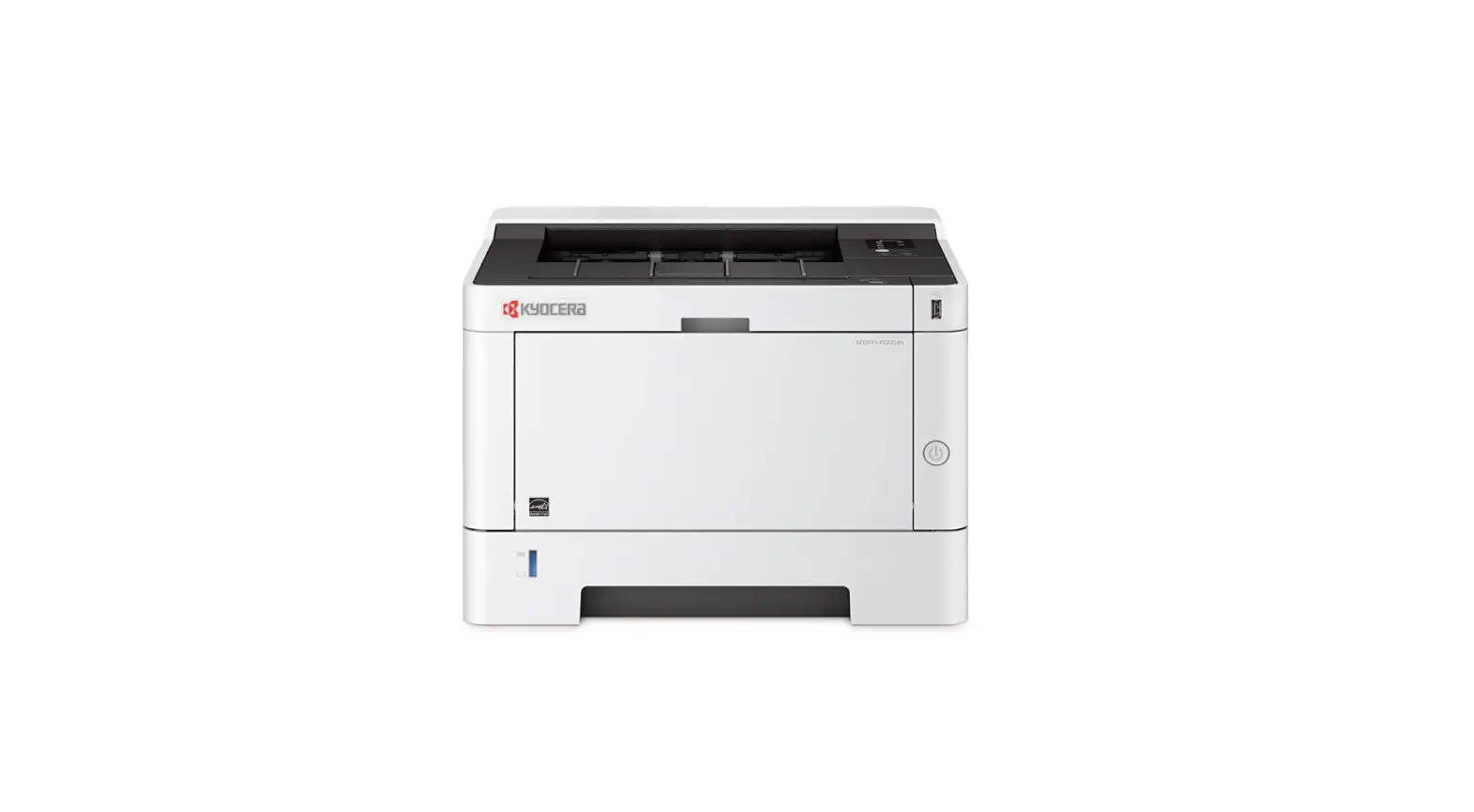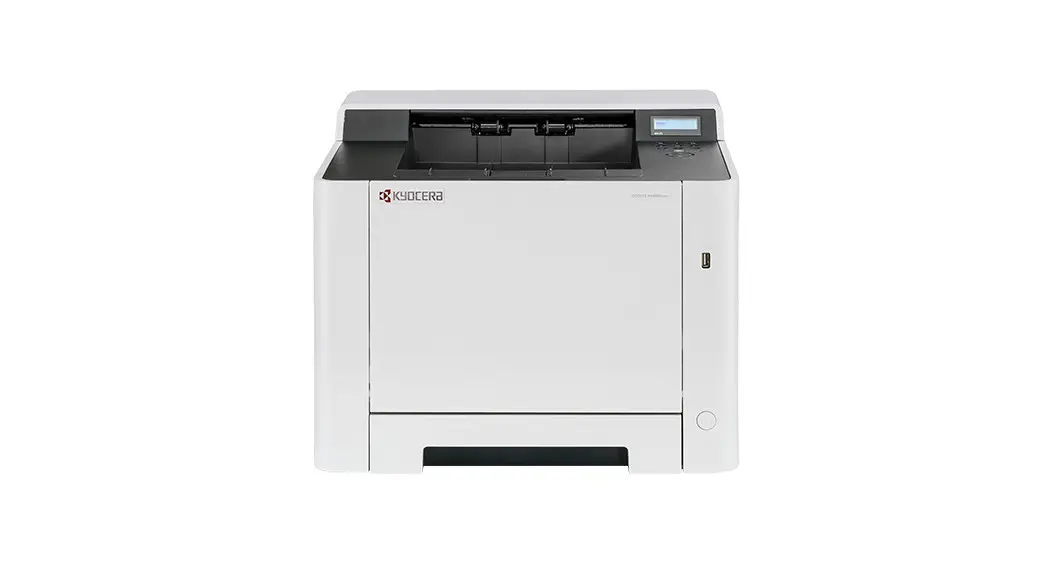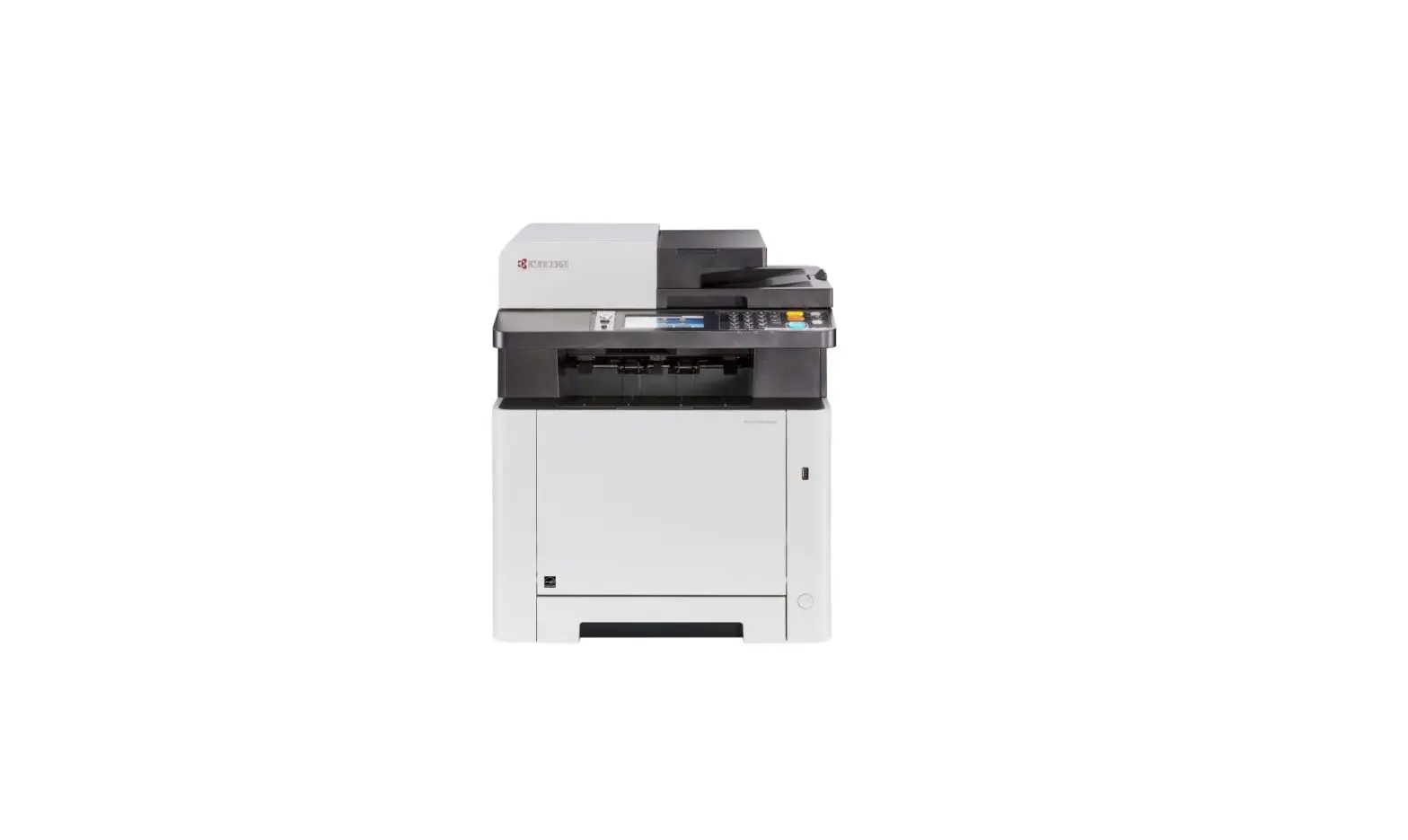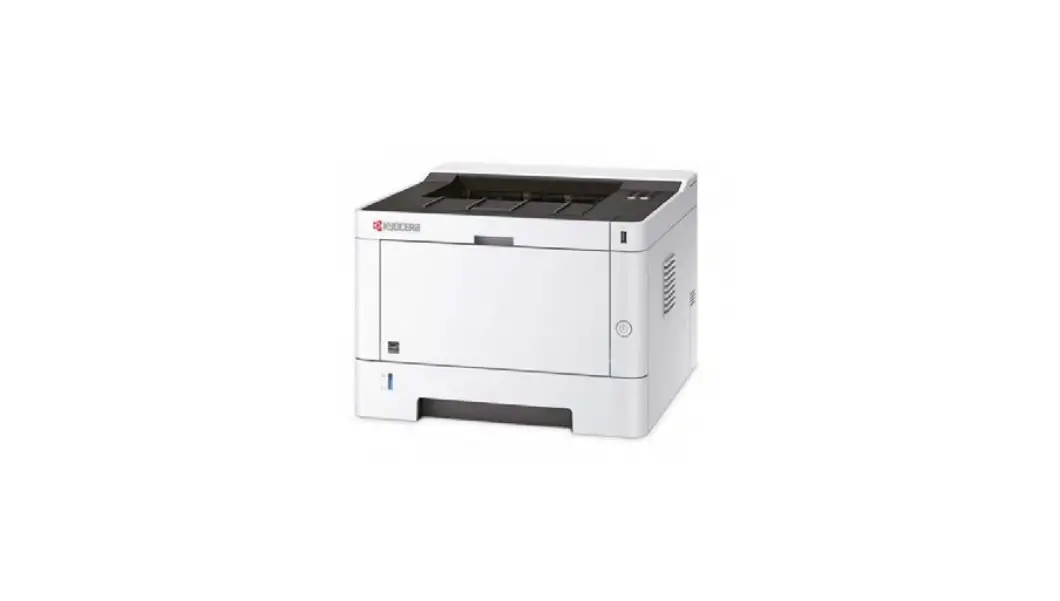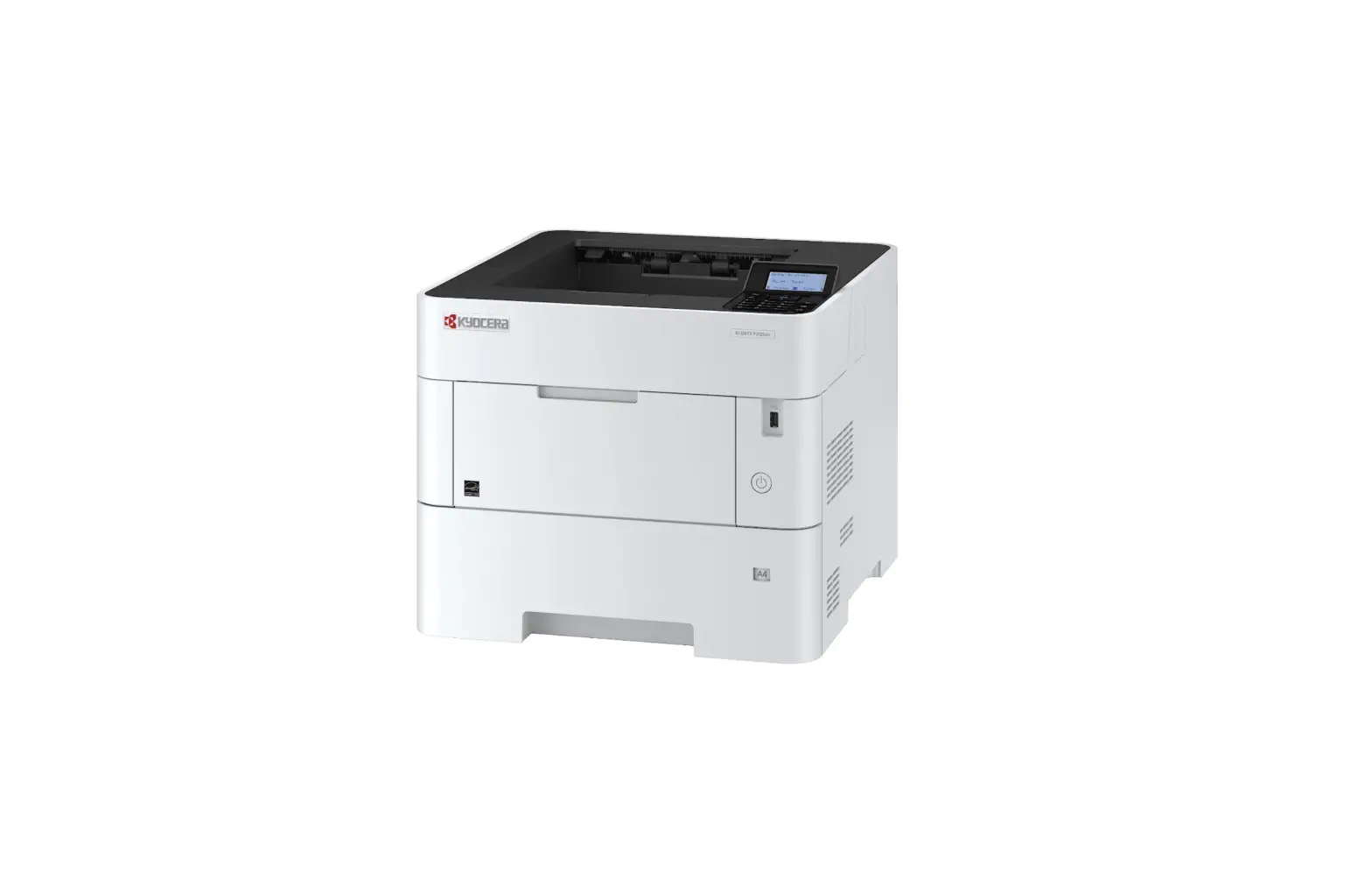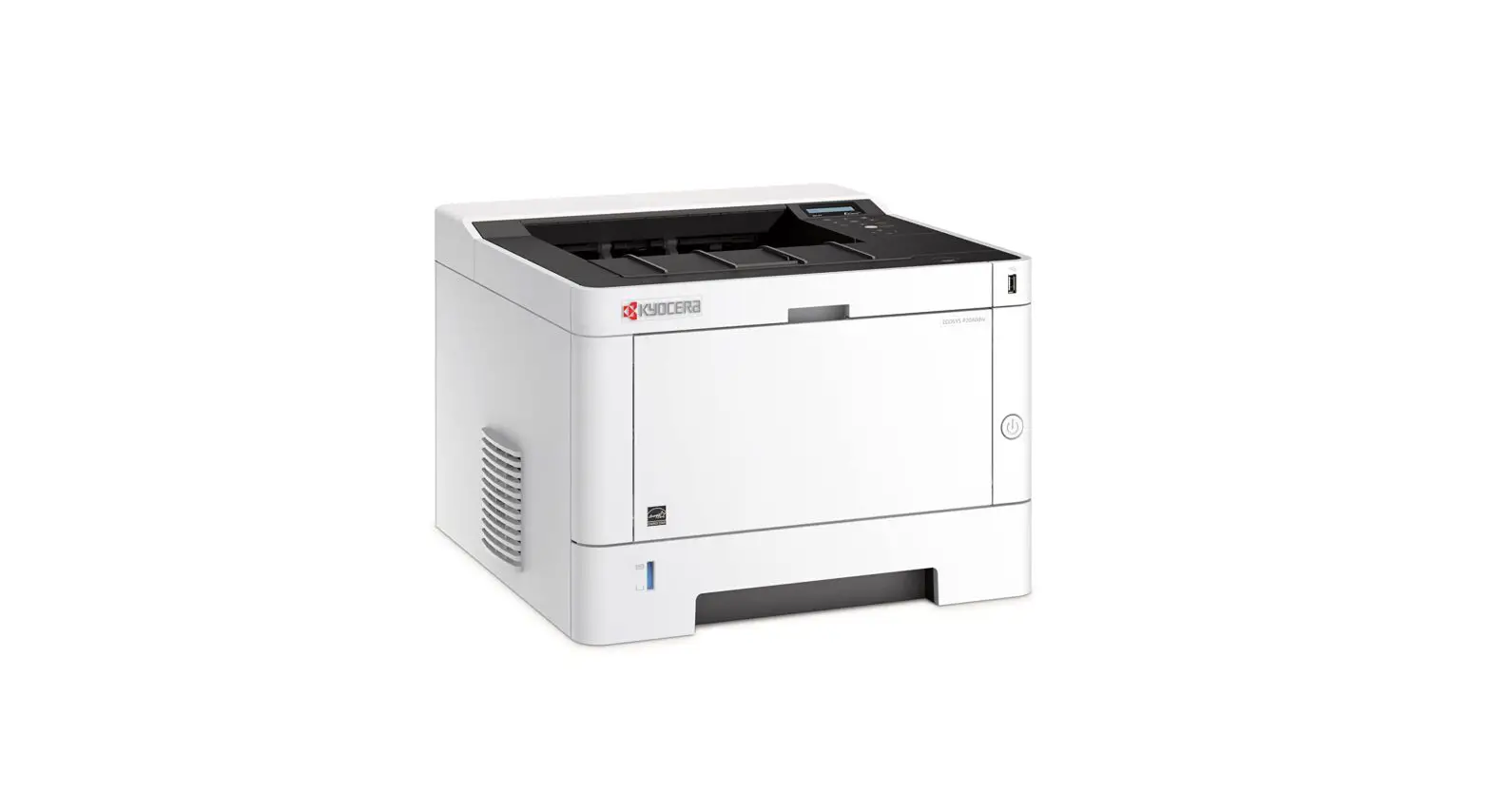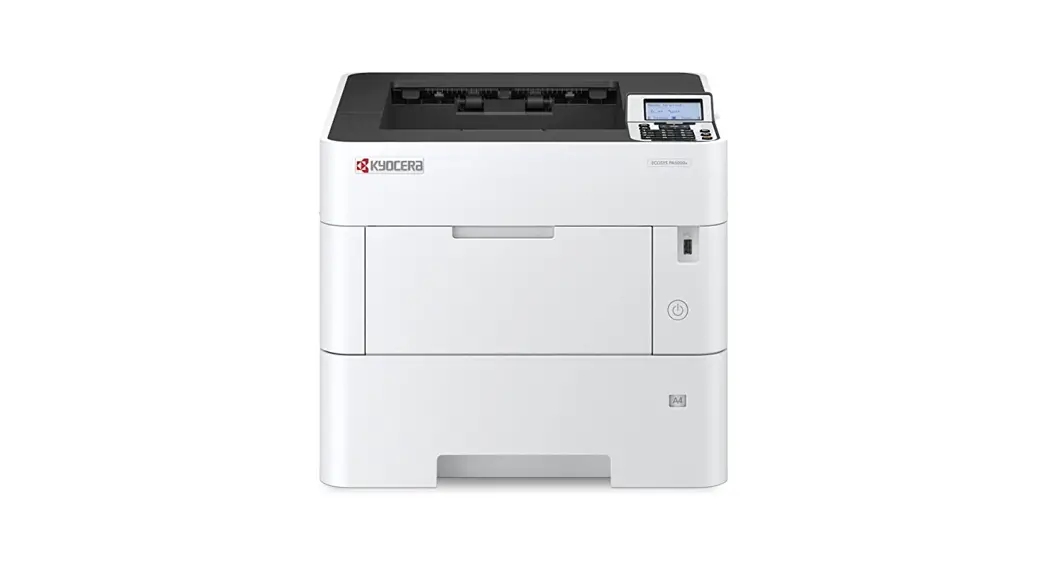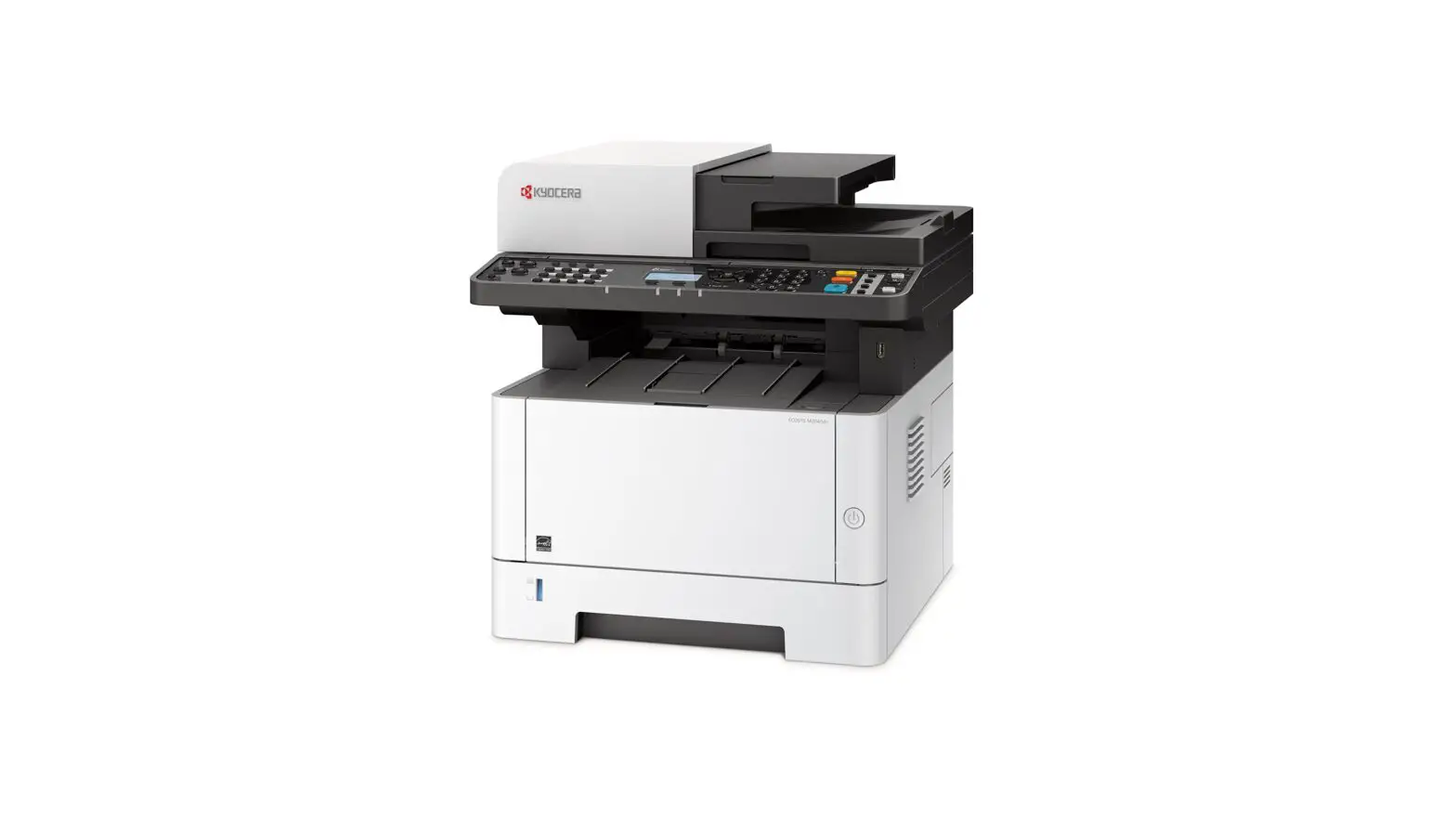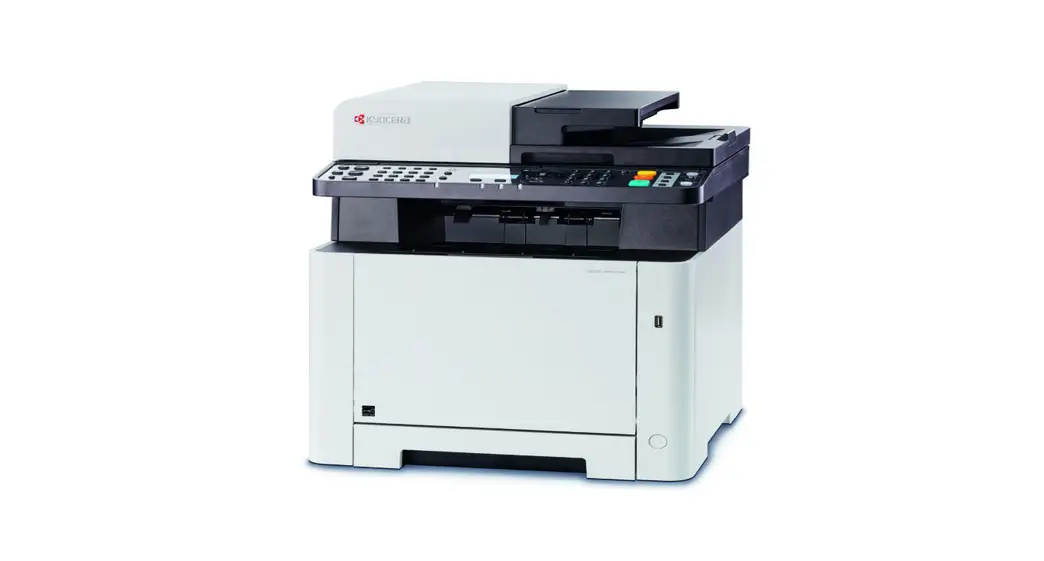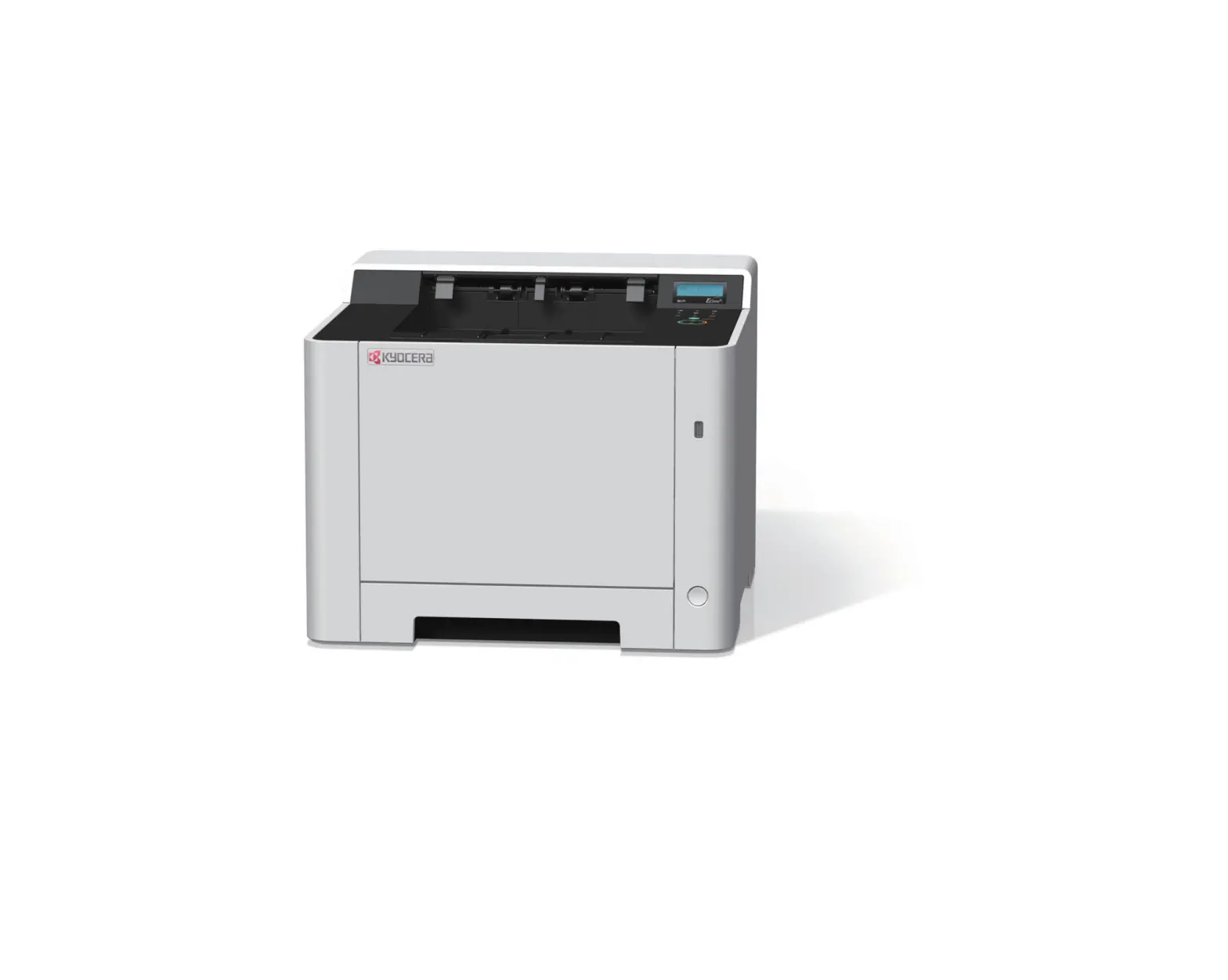
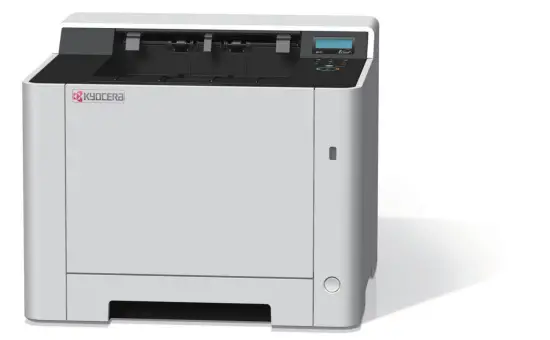
KYOCERA ECOSYS P5026cdw Colour Printer
Preface
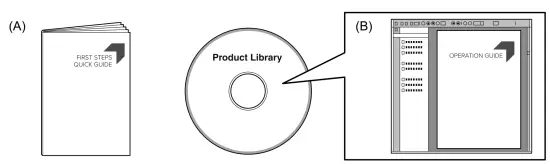
This guide (A) only explains the basic operations of the machine.
For other information, see Operation Guide (B) on the Product Library disc.
Unpacking
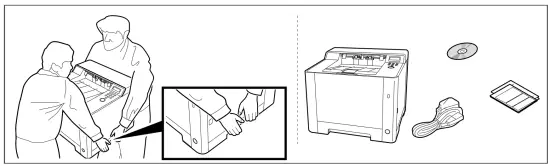
The included components differ depending on the countries or regions.
Setting up the Toner Container
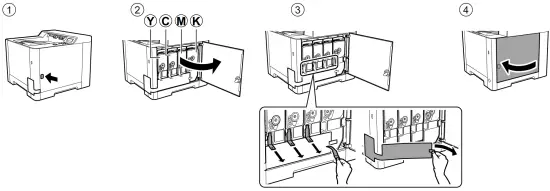
Connect Cable
Network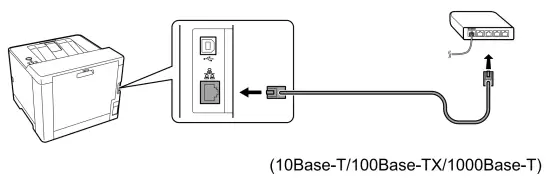
USB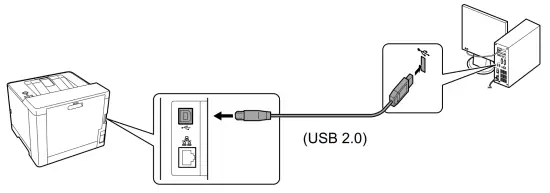
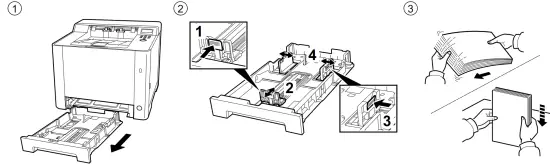
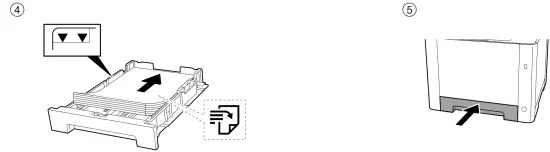
Loading Paper
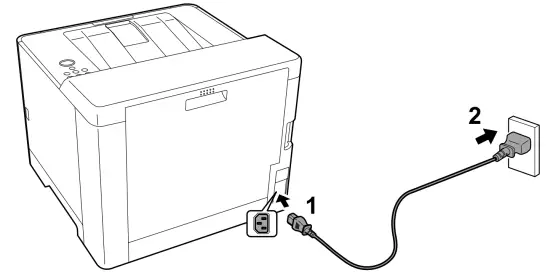
Connect Power Cord
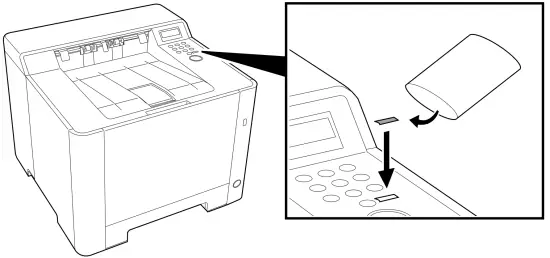
Replace Operation Panel Sheet
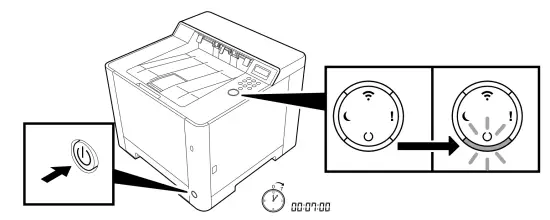
Power On
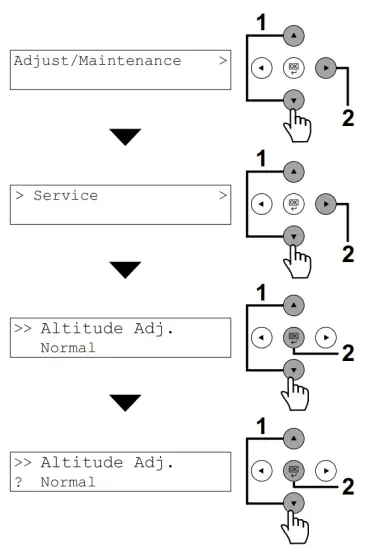
Altitude Adjustment (1000m or higher Only)

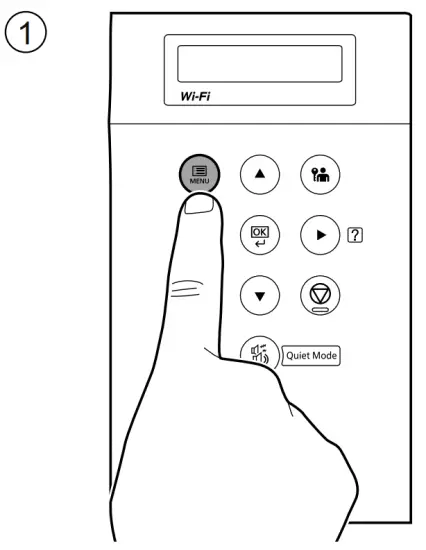
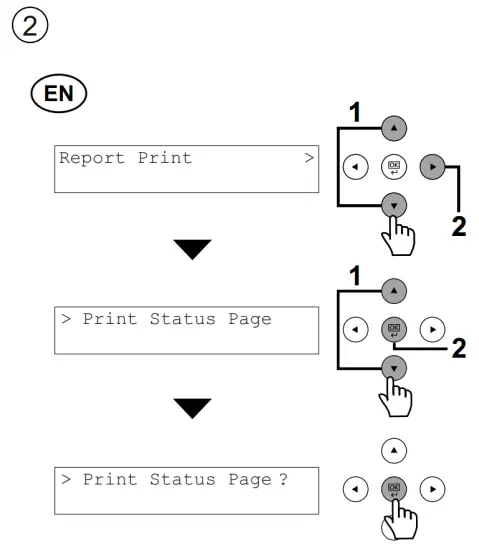
Print Status Page
Install Drivers and Utilities
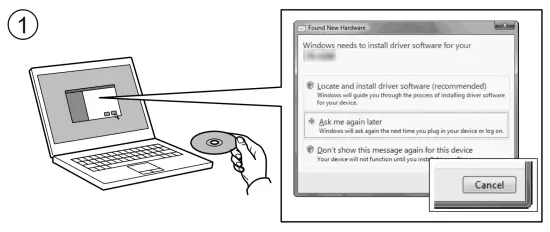
If Found new Hardware window appears, click Cancel.
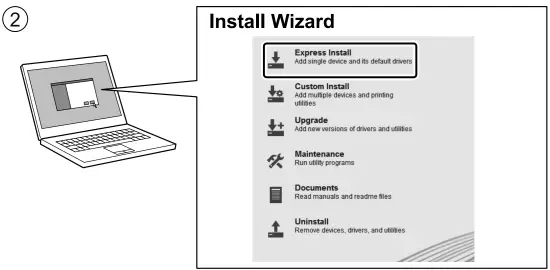
If Found new Hardware window appears, click Cancel.
Login

Admin. ID: ECOSYS P5026cdw/ECOSYS P5026cdn – 2600
ECOSYS P5021cdw/ECOSYS P5021cdn – 2100
Admin. Password: ECOSYS P5026cdw/ECOSYS P5026cdn – 2600
ECOSYS P5021cdw/ECOSYS P5021cdn – 2100
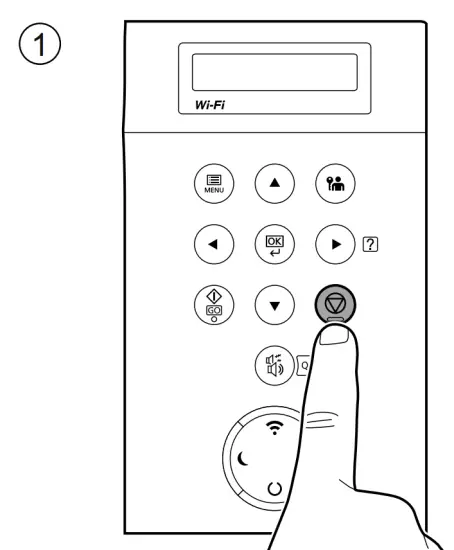
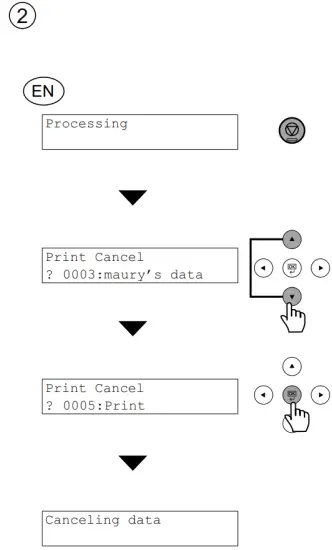
Cancel Printing
Private printing
From a PC
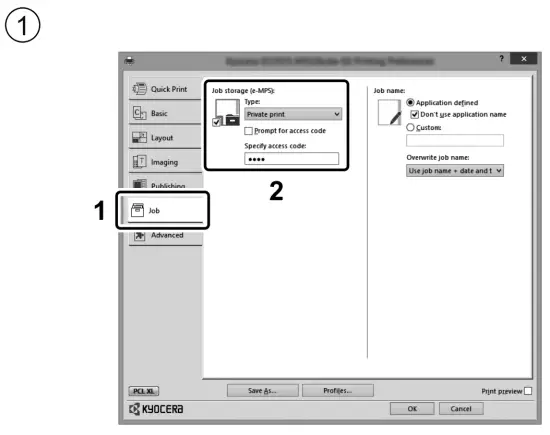
To activate the private printing from the PC, set the items No. 1 and 2 in the screen.
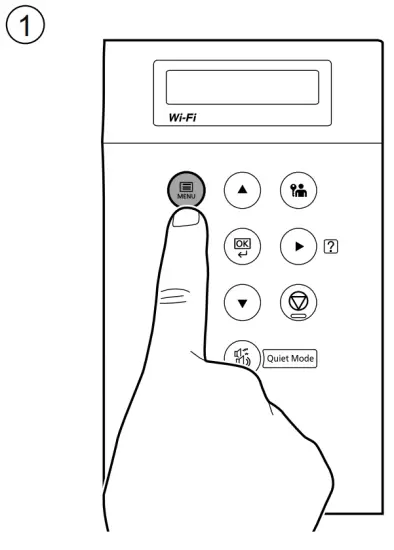
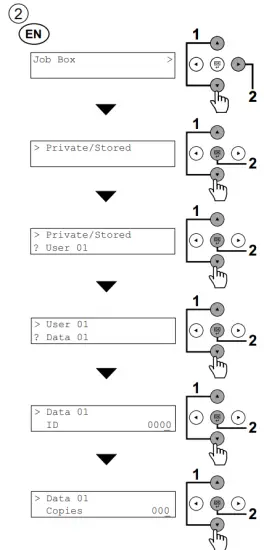
From the Operation Panel
Troubleshooting
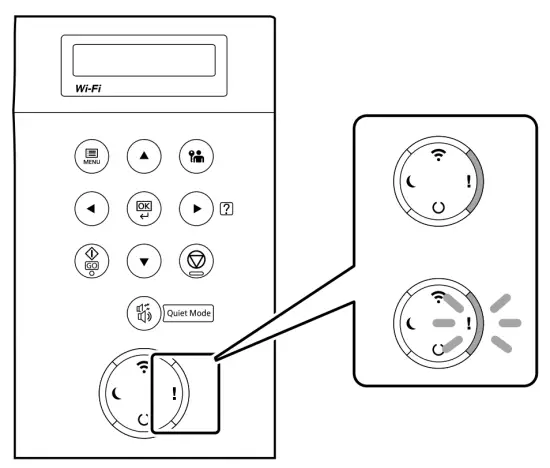
If an error occurs on the machine, the error message appears on the screen.
Also the Attention indicator on the operation panel will light up or flash. Refer to the Operation Guide to Clear the error. For details, refer to the Operation Guide on the Product Library disc.
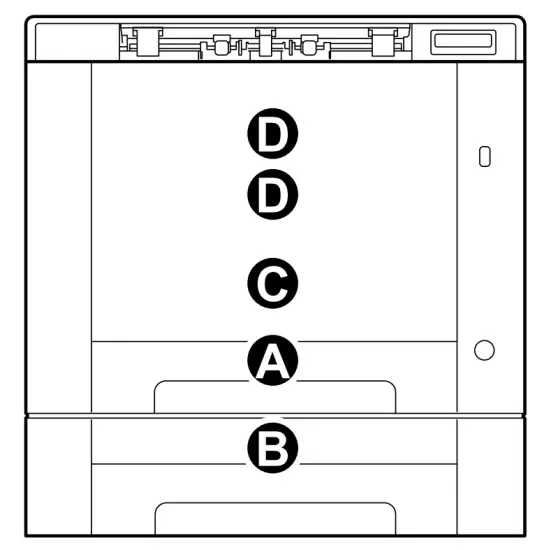
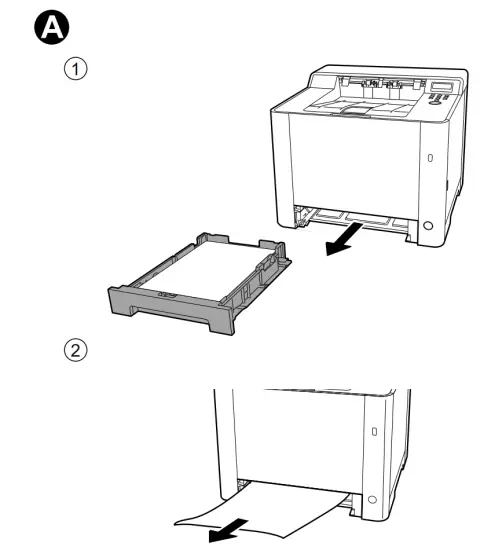
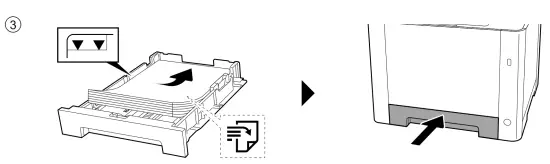
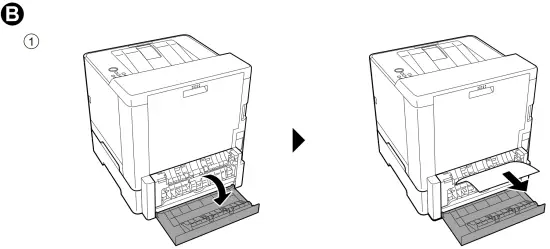
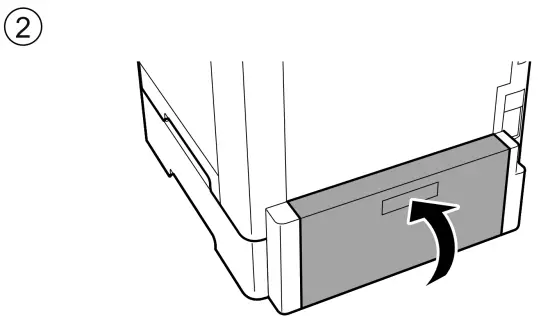
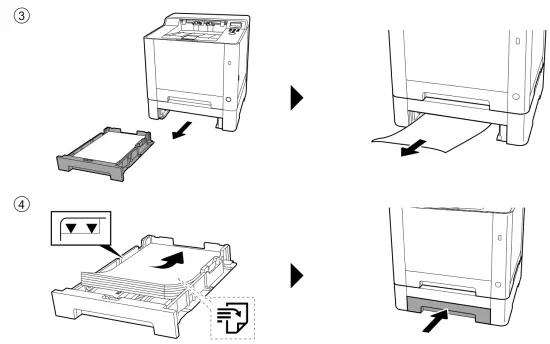
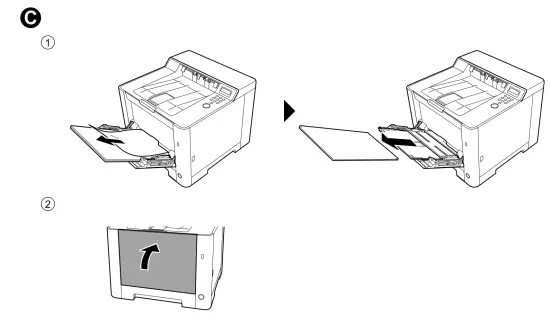
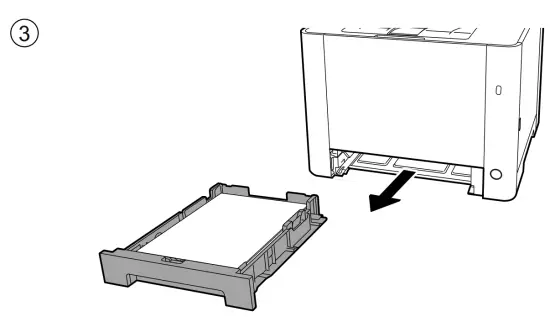
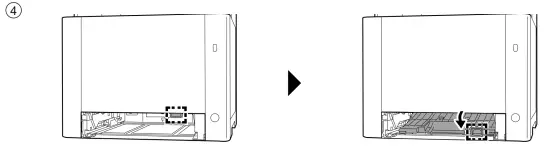
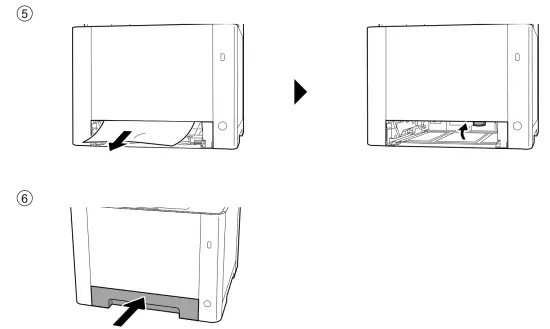
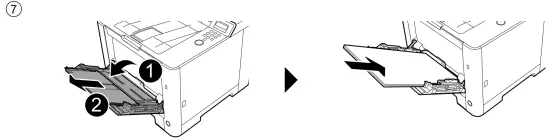
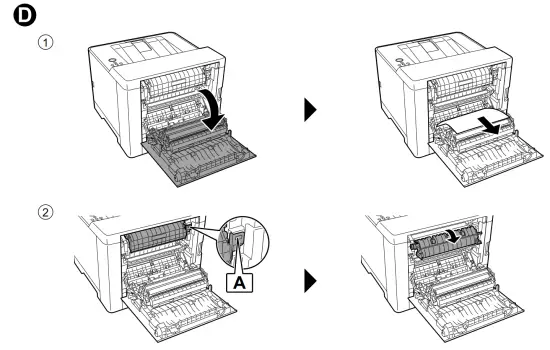
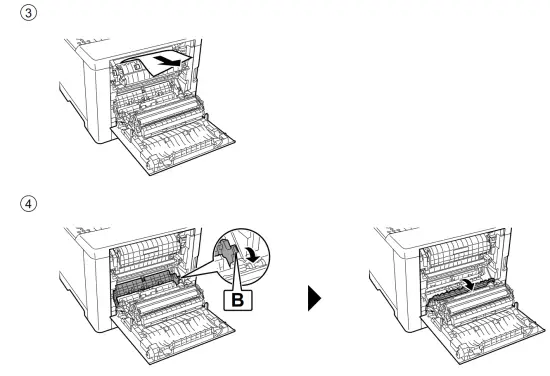
Clear Paper Jam