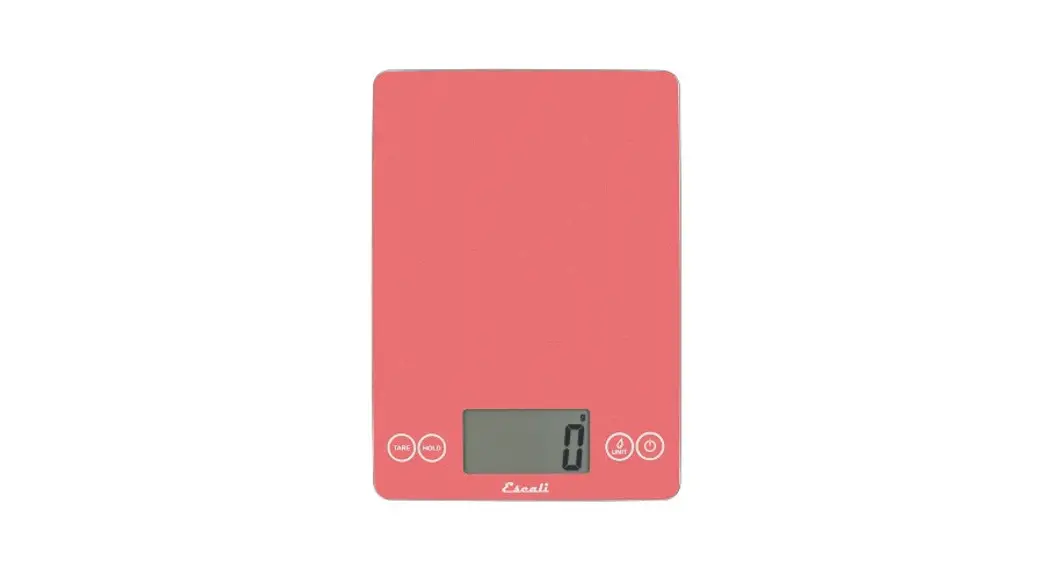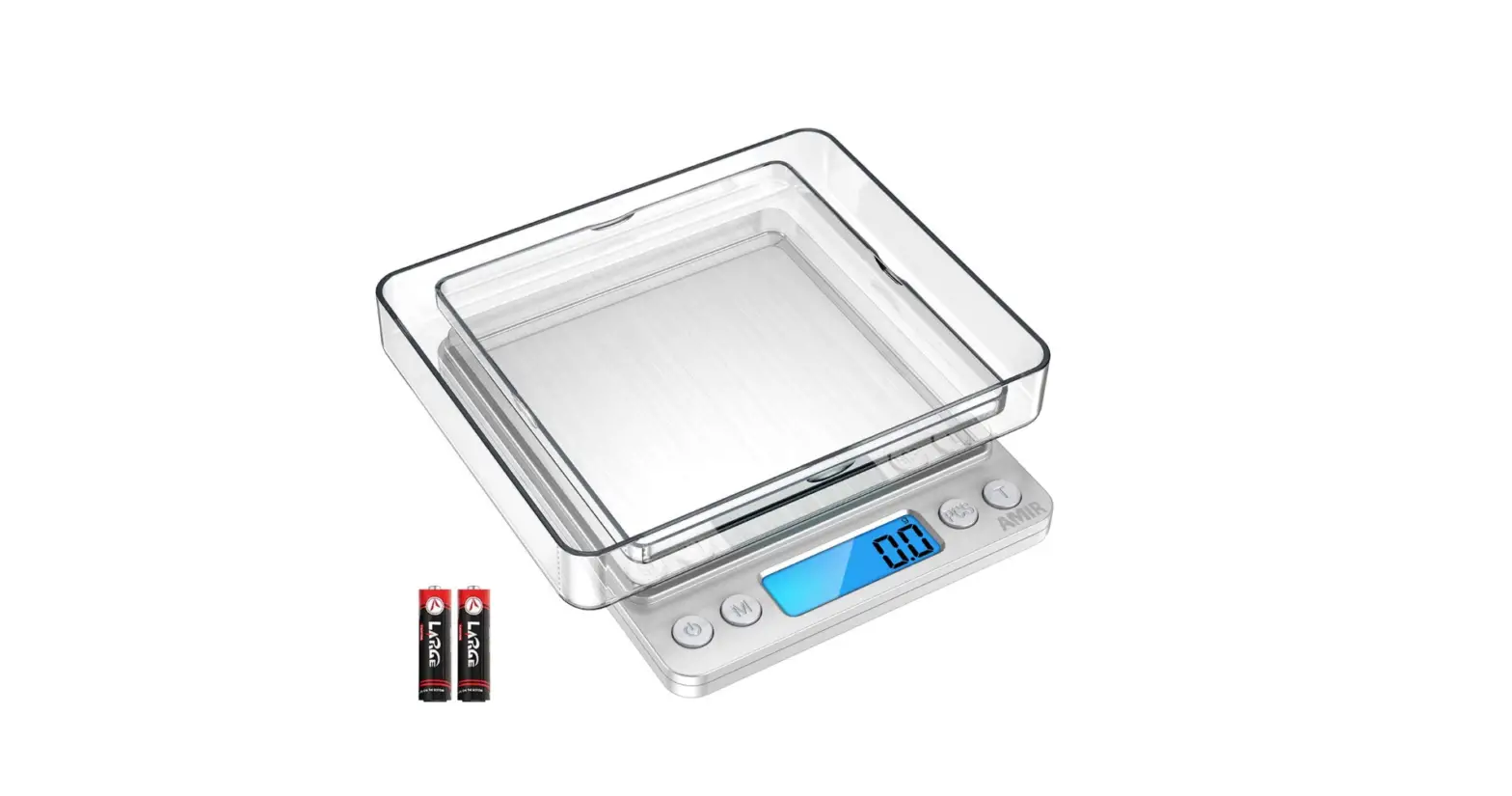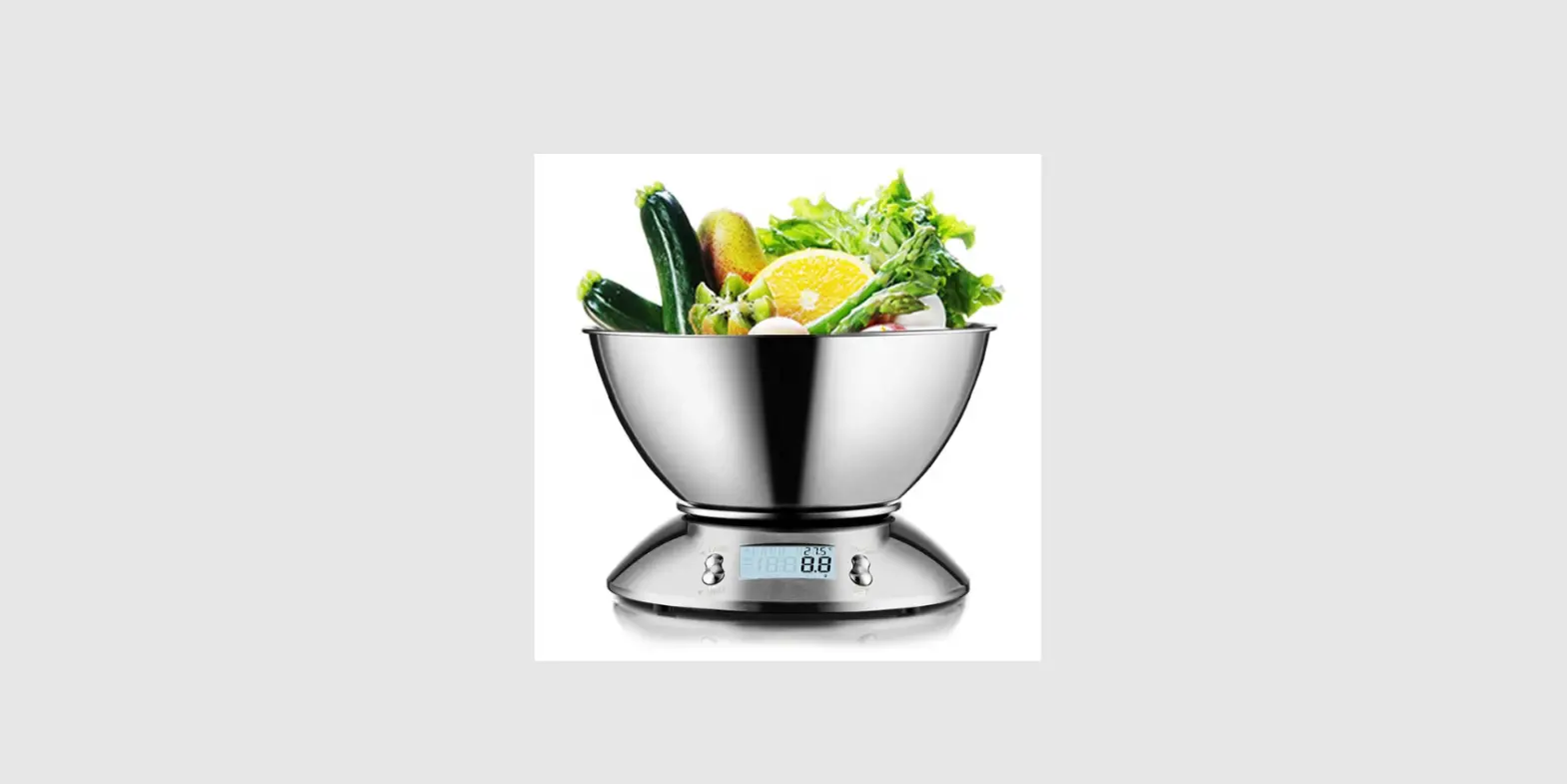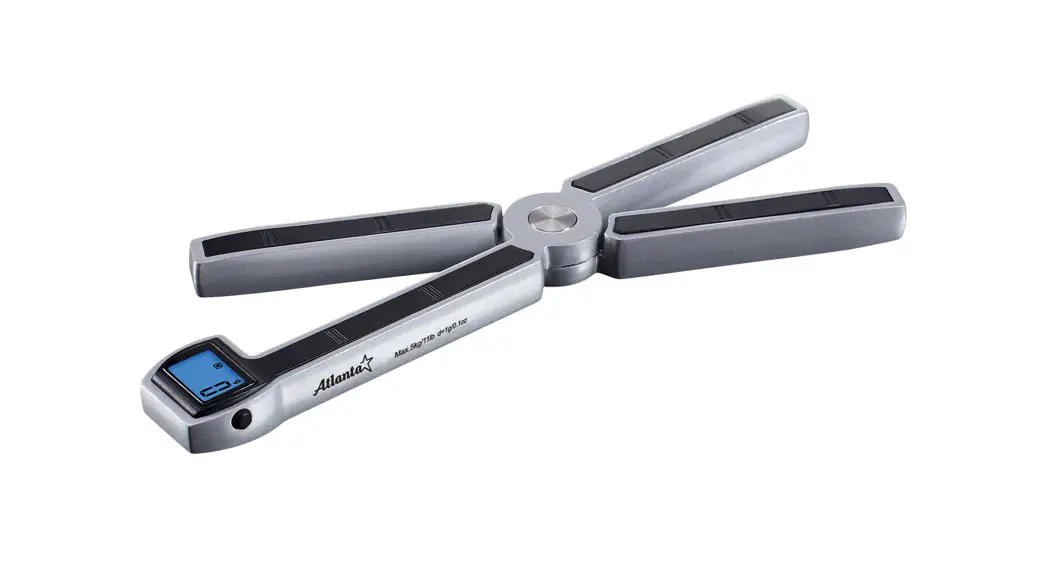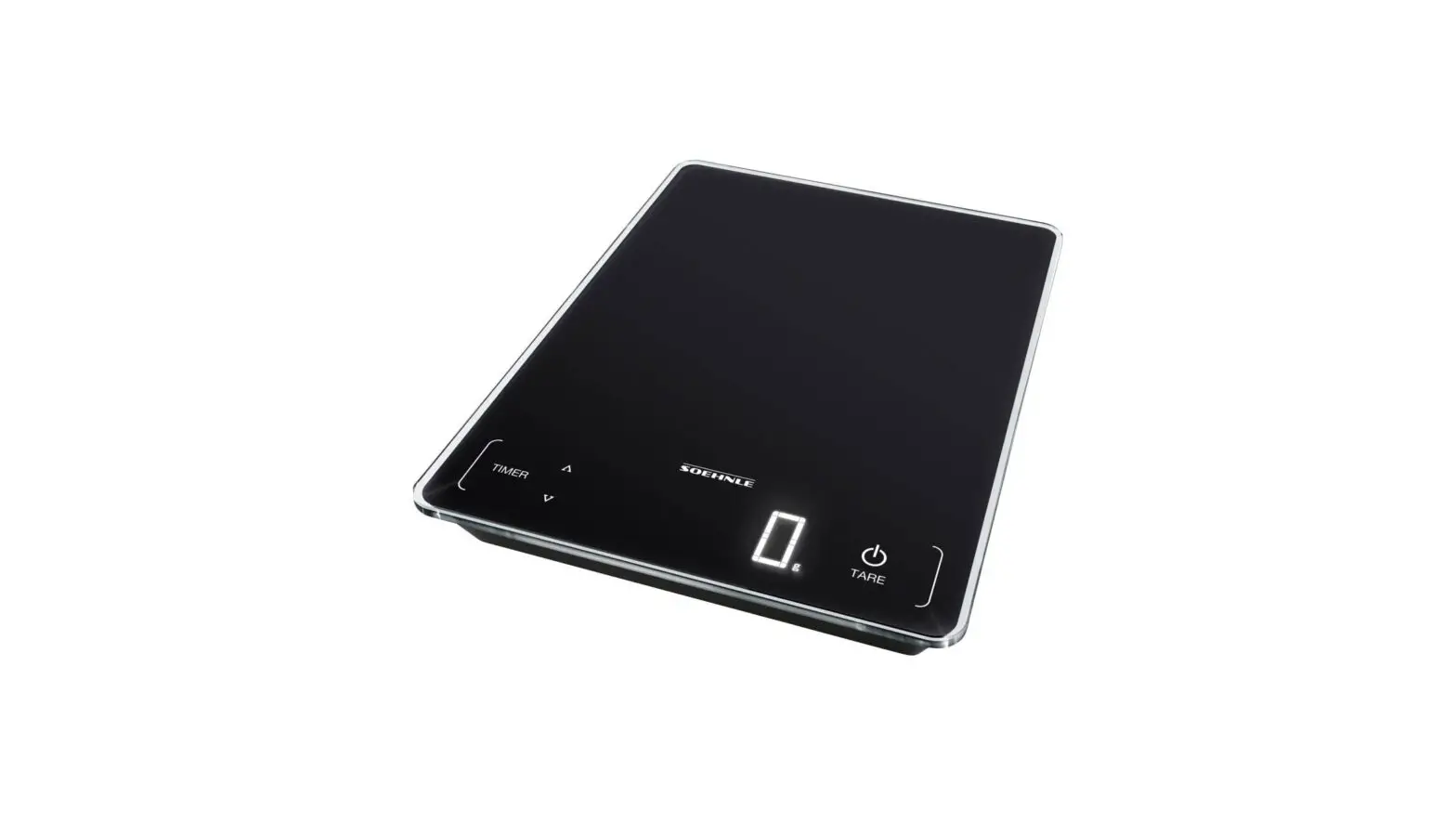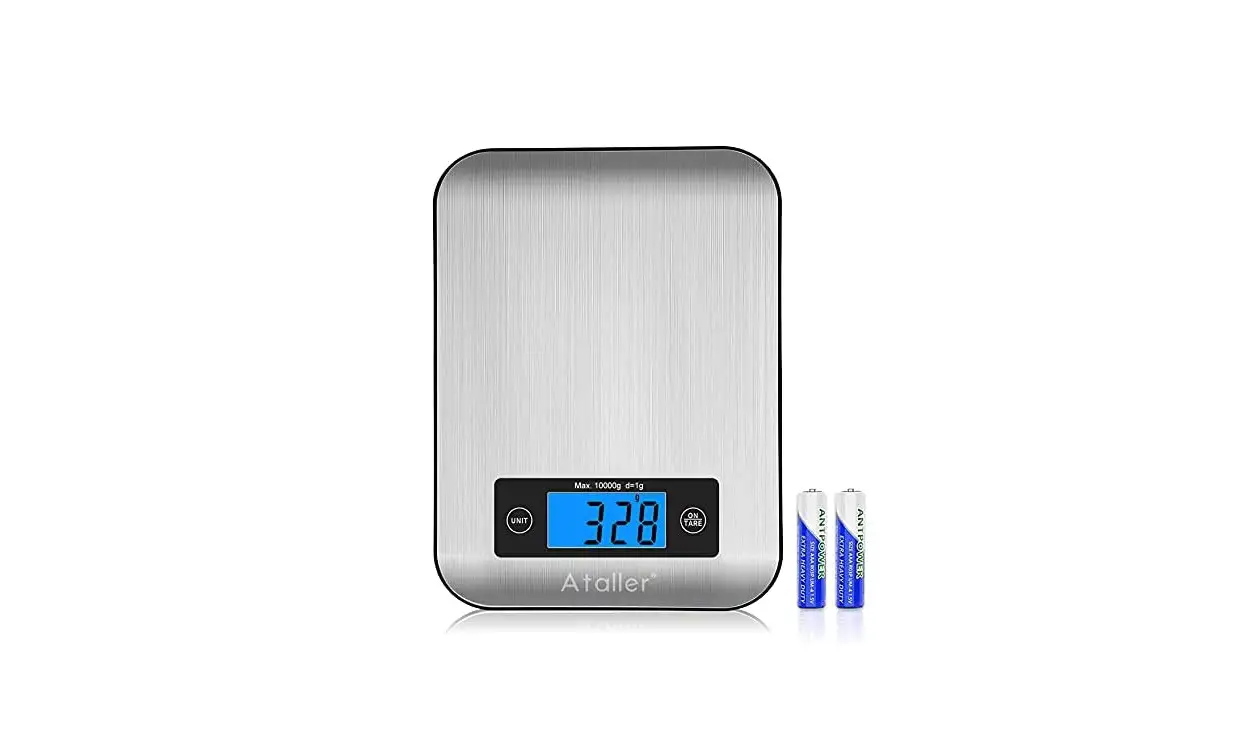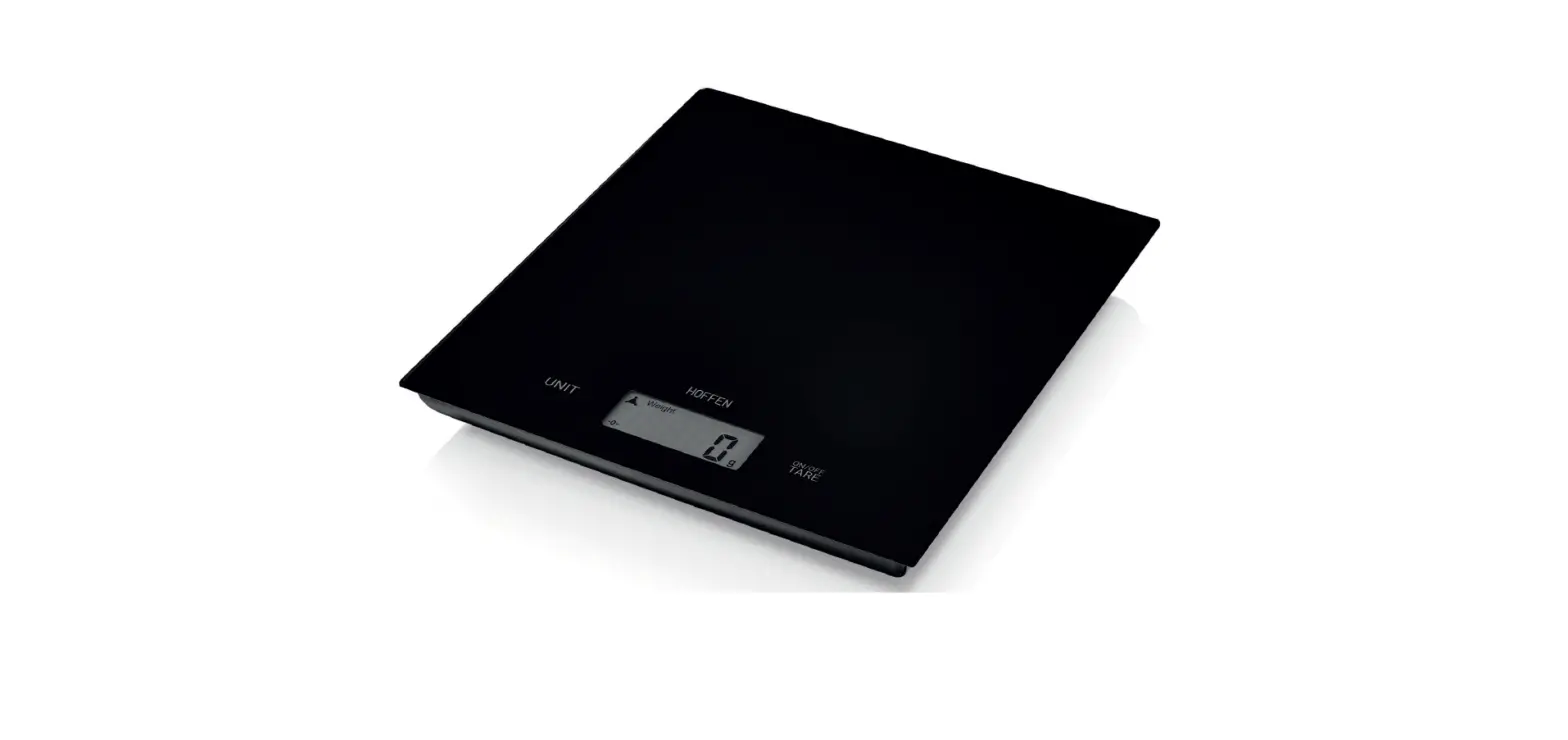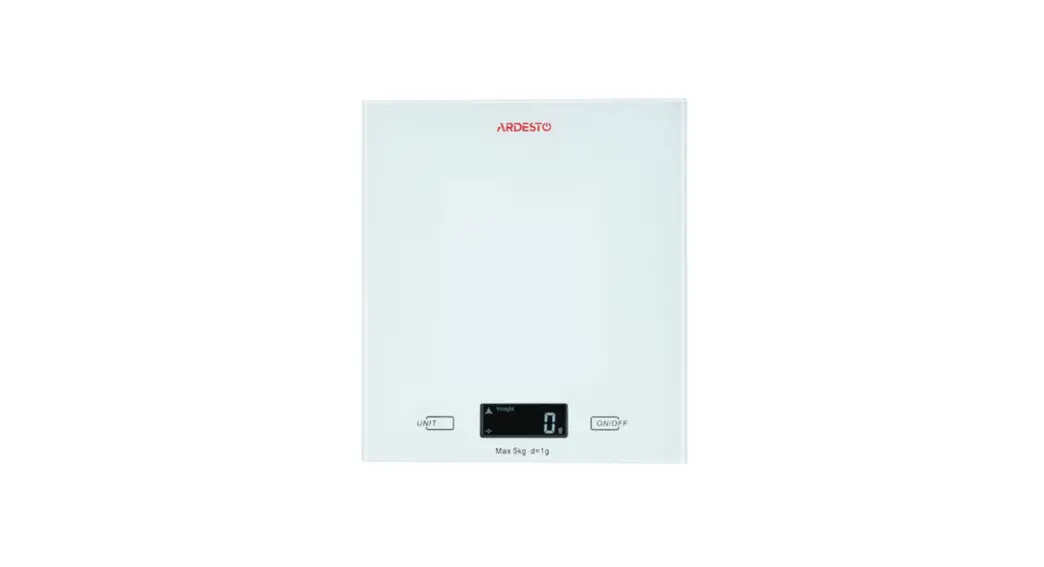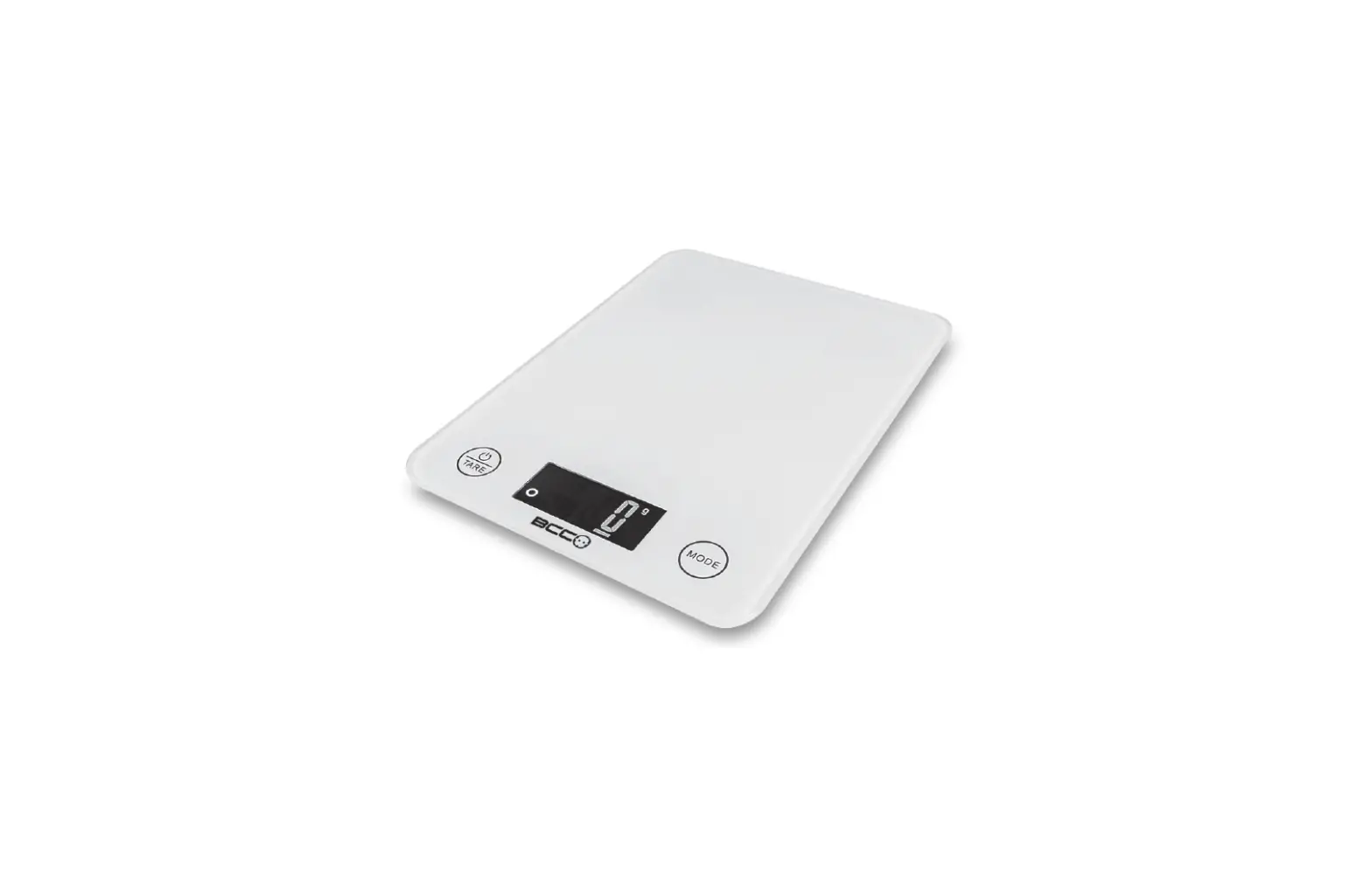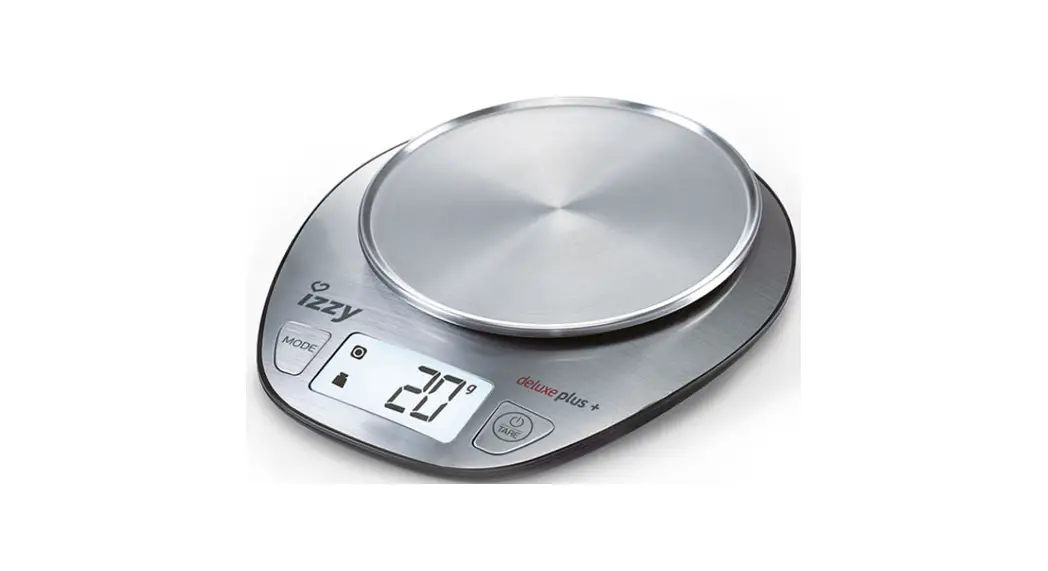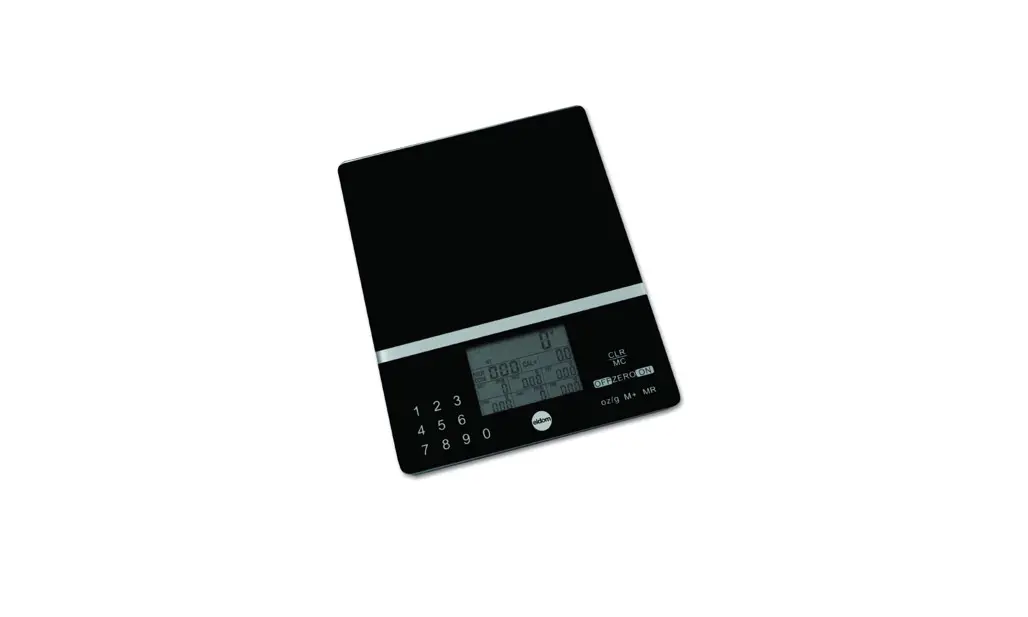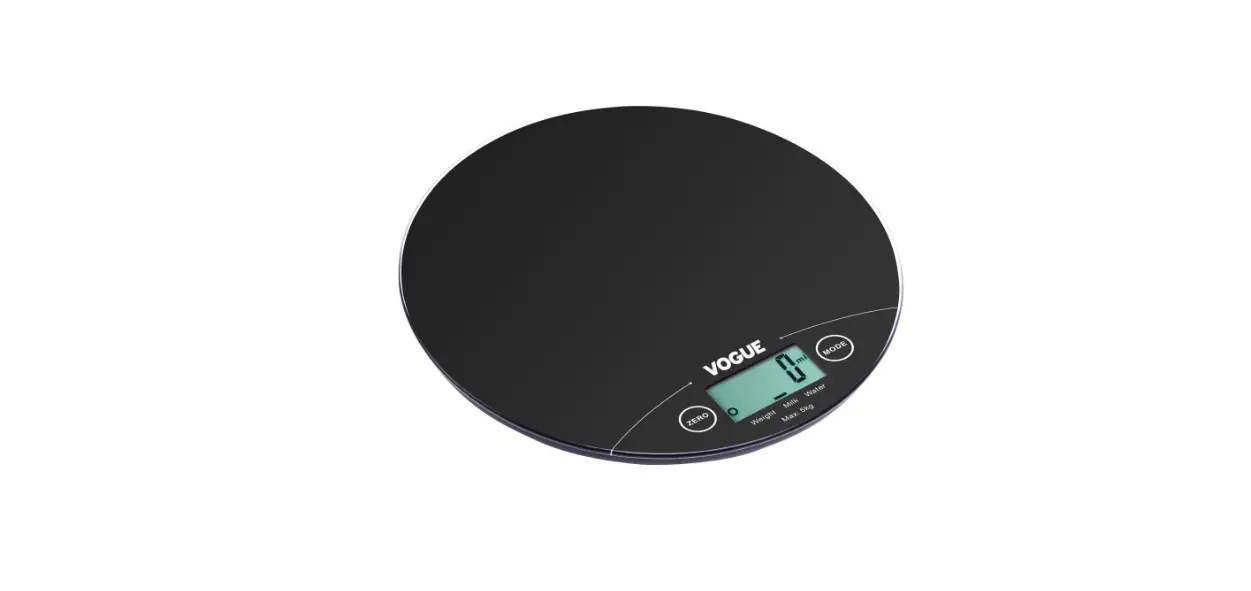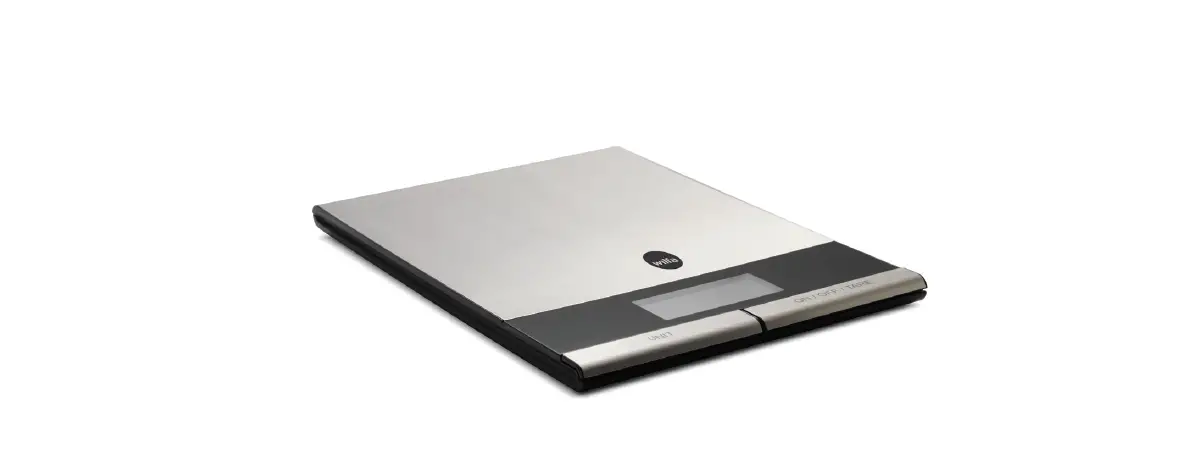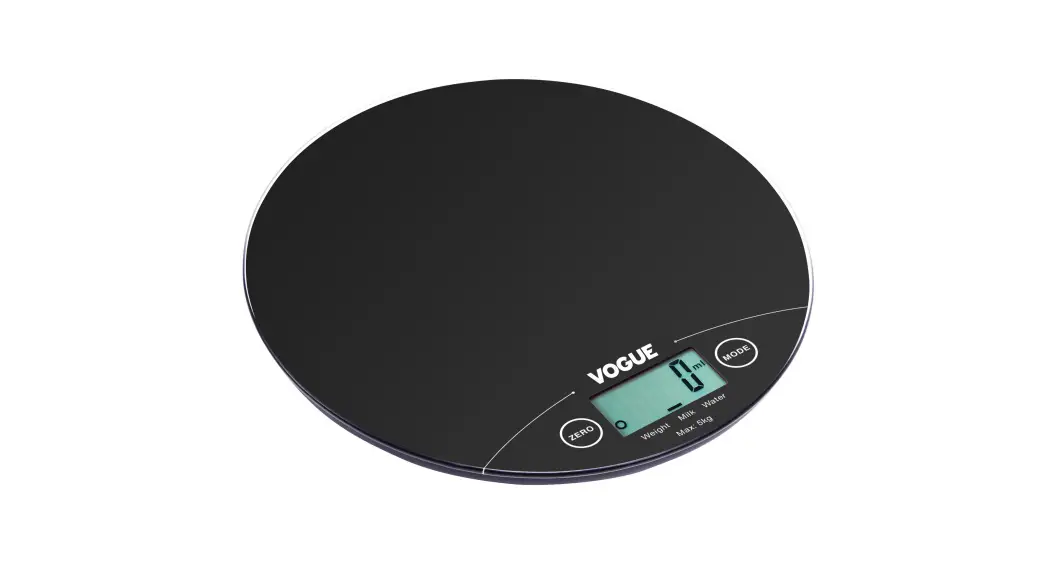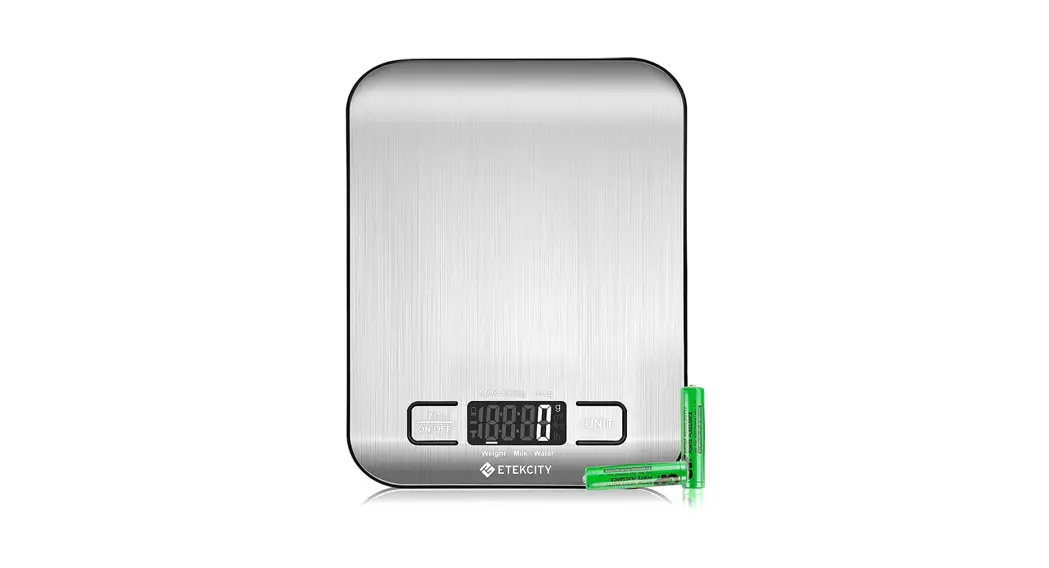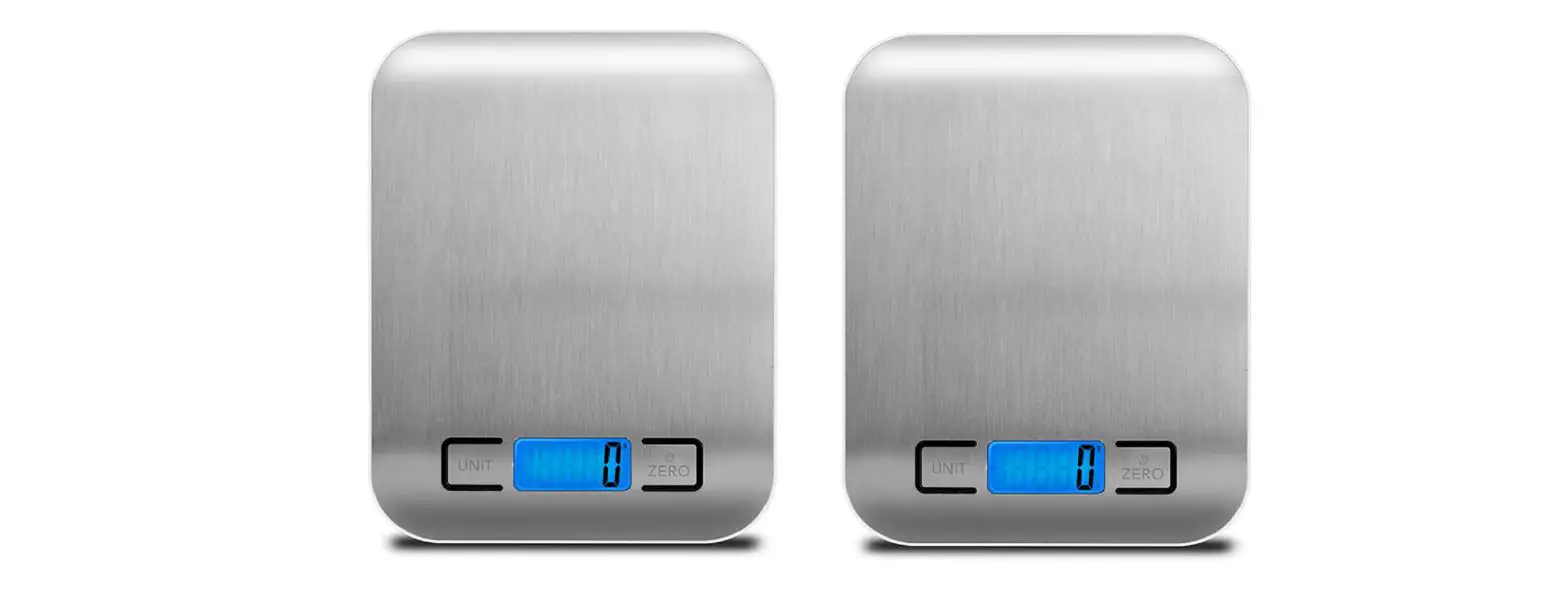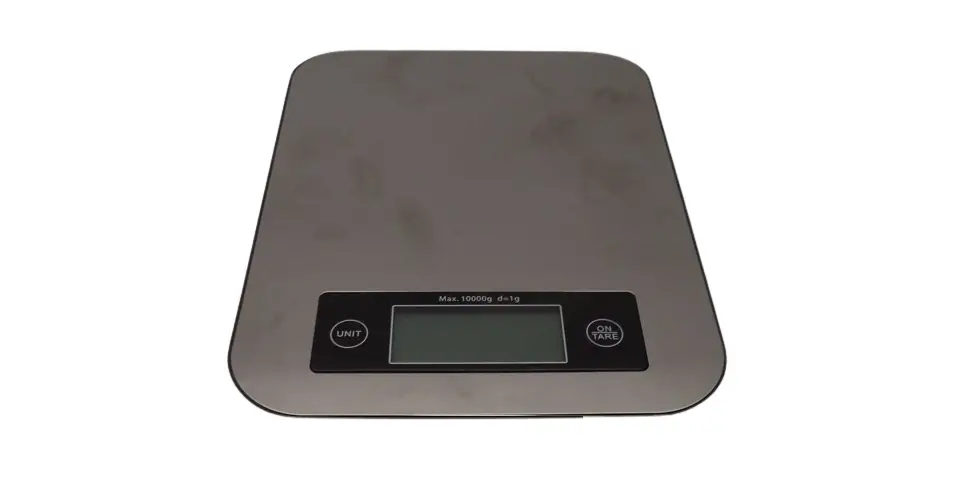
Electronic Kitchen Scale
Instruction Manual
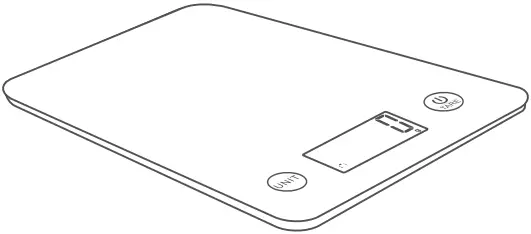
KG65-M
PRODUCT SPECIFICATION
| Product size | 188x218x18mm |
| Power | 3 x 1.5V AAA batteries |
| Display | LCD readout display |
| Max Capacity | 5kg / 11lb:0.4oz 5000ml / 176fl’oz |
| Division | 1g / 0.1z 1ml / 0.1fl’oz |
PRODUCT FEATURE
- Equipped with four precision gauge sensors system
- Touch on/Auto off/Touch off
- Tare function
- Measure volume of water and milk
- Two weight units: g-lb:oz
- Two volume units: ml-fl’oz
- Low battery/over-load indication
PRODUCT STRUCTURE
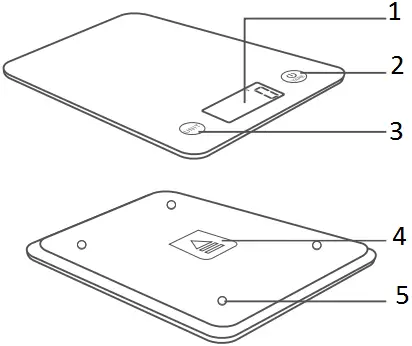
- LCD readout display
- Power button/ Tare button
- Unit switch button/ Mode switch button
- Battery cover
- High precision sensor
LCD DISPLAY FUNCTIONS
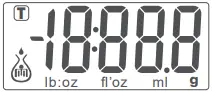
 :negative value g : weight unit
 :tare weight lb:oz: weight unit
ml : volume unit fl’oz: volume unit
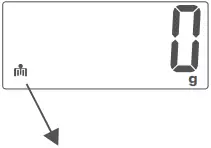
 weight mode
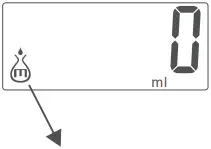
 milk volume mode
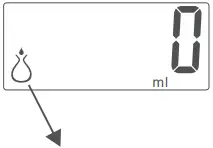
 water volume mode
TO INSERT OR REPLACE BATTERY
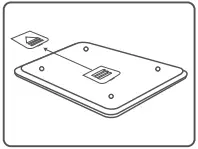
1. On the base of the scale, gently remove the battery cover, following the direction of the arrow
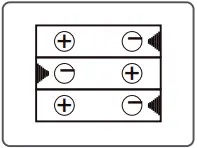
2. Insert 3 x AAA batteries into the compartment in line with the polarity markings on the base
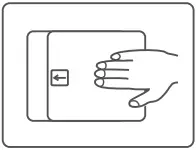
3. After inserting the batteries, replace the battery cover and push the cover to close.
Kind notice:
Please be aware that the incorrect polarity will cause permanent damage to the electronics
 Touch on / Touch off / Zero / Tare
 Unit Conversion: g-lb:oz, ml-fl’oz Mode Conversion: weight↔milk volume↔water volume
OPERATION
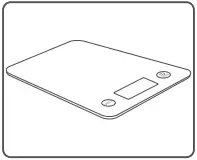 Before use, place the scale on a solid, level surface. Place any container or bowl (if used) on the scale before operation
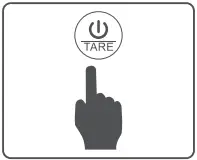 Gently touch the
  button to turn on the scale
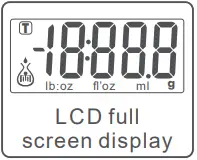 The scale LCD display will start
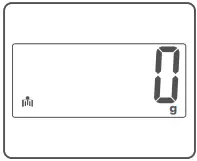 Wait until the Zero is shown on the display
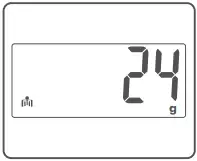 Place the item to be weighed on the scale (or in the bowl if required). The LCD will show the weight reading
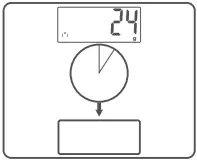 After weighing, touch the button for 3 seconds to turn off the scale. Or leave it and it will automatically power off in 2 minutes.
MODE CONVERSION
The scale has three weighing modes. To measure different items, users can select the required weighing mode by touching the `Unit’ button to convert the desired weighing mode – weight mode, milk volume mode or water volume mode. on the left side of the LCD screen, it shows the weighing modes. See LCD display functions below
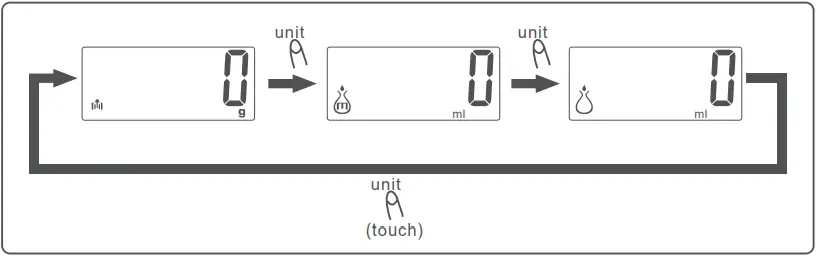
UNIT CONVERSION
While the scale is on, select the required unit by touching the  button for 3 seconds until the desired unit is shown - g/lb:oz or ml/fl’oz
1. Weight mode 
weight unit weight unit
2. Milk Volume mode 
volume unit volume unit
3. Water Volume mode 
TARE FUNCTION
The tare function allows you to weigh another item consecutively after weighing the first item without removing it from the scale.
 Gently touch the button to turn on the scale.
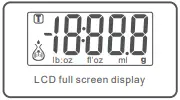 The scale LCD display will start.
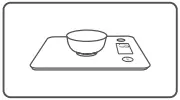 Wait until the “0” is shown on the display. Put the container on the scale platform.
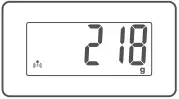 The LCD display will show the steady weight of the container.
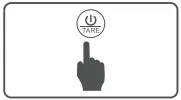 Touch the button to clear the weight of the container (reset to zero).
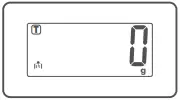 The top-left corner will show icon
  . This means the Tare function is activated.
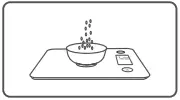 Add the ingredients into the container.
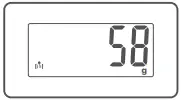 The LCD will show the weight of the ingredients only. Repeat touching the button to weigh the rest of the ingredients.
NEGATIVE VALUE
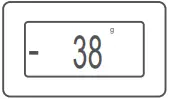 The display will show a negative value (see LCD functions) if a weight has been removed from the scale. Please press the button to clear the negative value and the display will show ‘0’ again,
ERROR INDICATION
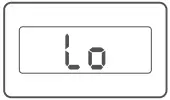 The ‘Lo’ symbol on the display indicates that the battery power is running low. Please replace with new batteries.
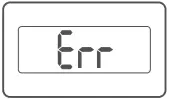 The
The  symbol on the display indicates that the scale is over-loaded. Please remove the excessive load immediately to avoid possible damage to the product.
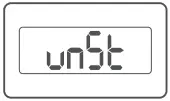 The
The  symbol on display indicates that the scale is not stable for weighing. Please follow operation instructions for usage.
CARE AND MAINTENANCE
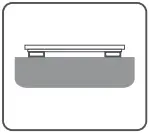
• Place the scale on a solid level surface before use.
• Avoid hitting or dropping the scale otherwise damage may occur.
• Do not overload the scale or put heavy things on the scale when not in use.
• Treat the scale with care as it is a highly precise electronic instrument.
• Do not immerse this product in water or any other liquid. Please keep dry at all times.
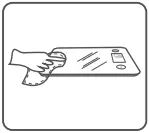
• Clean the scale with a soft damp cloth, do not use chemicals or harsh abrasives.
BATTERY ADVICE
• If the scale is not to be used for long periods, it’s recommended to remove the battery to avoid damage to the scale due to possible battery leakage.
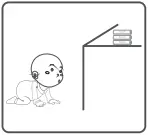
• Keep the batteries out of reach of children.
• Do not mix old and new batteries, different compositions or different brands in order to prevent possible leakage or explosion.
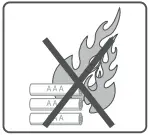
• Do not heat or deform the batteries or expose to fire.
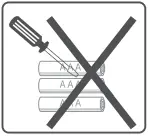
• Waste batteries should not be disposed of with household waste.
• Please check with your local authority for battery recycling advice.
 Waste electrical products should not be disposed of with houeshold waste. Please recycle where facilities exist. Check with your Local Authority or retailer for recycling advice.
NOTE: This equipment has been tested and found to comply with the limits for a Class B digital device, pursuant to part 15 of the FCC Rules. These limits are designed to provide reasonable protection against harmful interference in a residential installation. This equipment generates uses and can radiate radio frequency energy and, if not installed and used in accordance with the instructions, may cause harmful interference to radio communications. However, there is no guarantee that interference will not occur in a particular installation. If this equipment does cause harmful interference to radio or television reception, which can be determined by turning the equipment off and on, the user is encouraged to try to correct the interference by one or more of the following measures:
– Reorient or relocate the receiving antenna.
– Increase the separation between the equipment and receiver.
-Connect the equipment into an outlet on a circuit different from that to which the receiver is connected.
-Consult the dealer or an experienced radio/TV technician for help
Changes or modifications not expressly approved by the party responsible for compliance could void the user’s authority to operate the equipment.
This device complies with Part 15 of the FCC Rules. Operation is subject to the following two conditions:
(1) this device may not cause harmful interference, and
(2) this device must accept any interference received, including interference that may cause undesired operation.