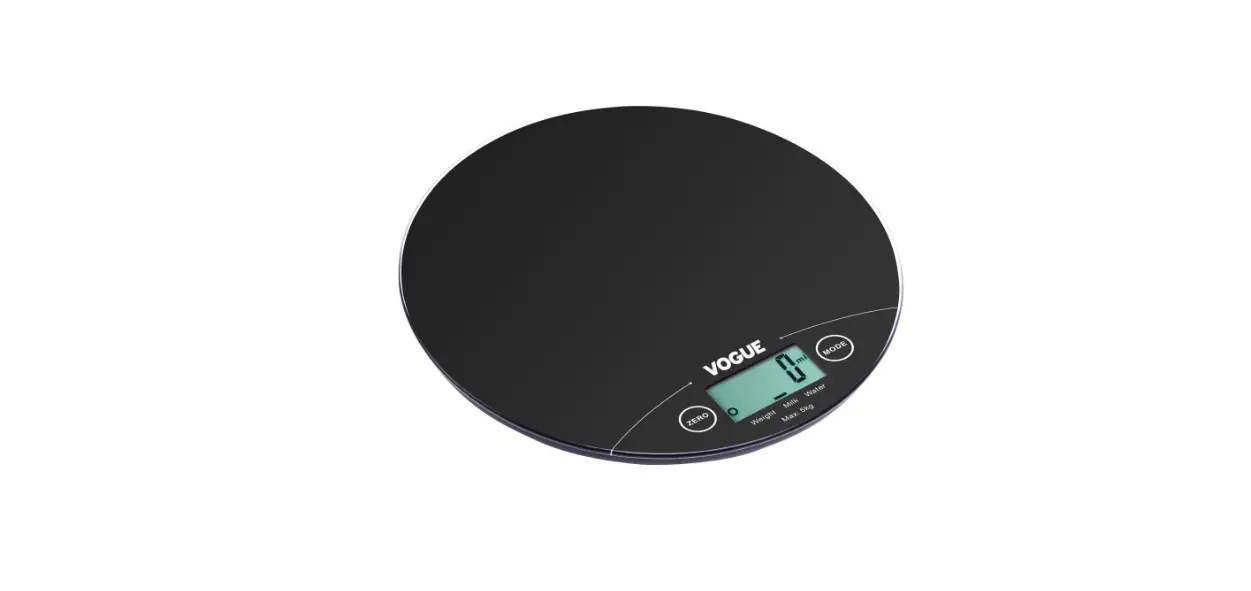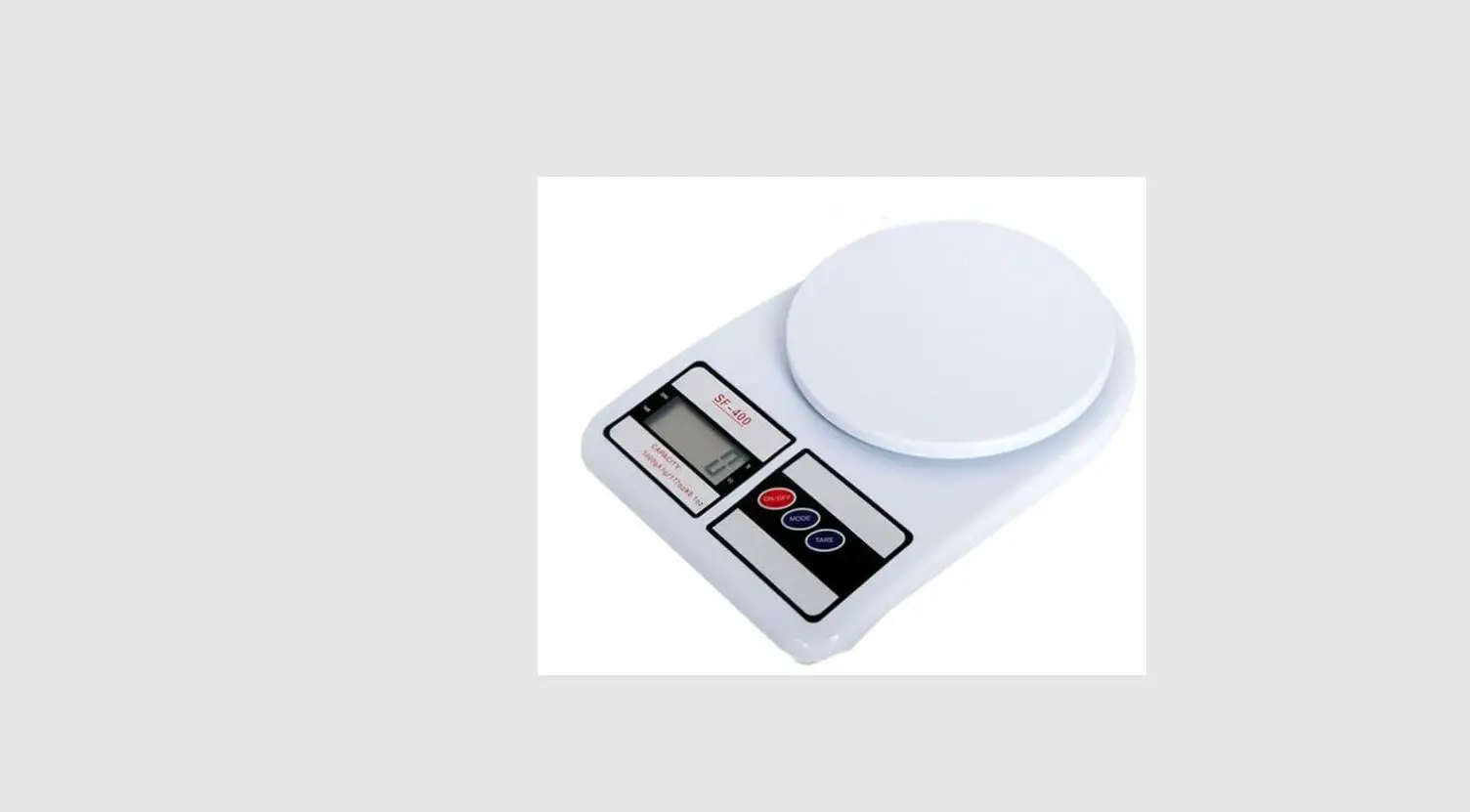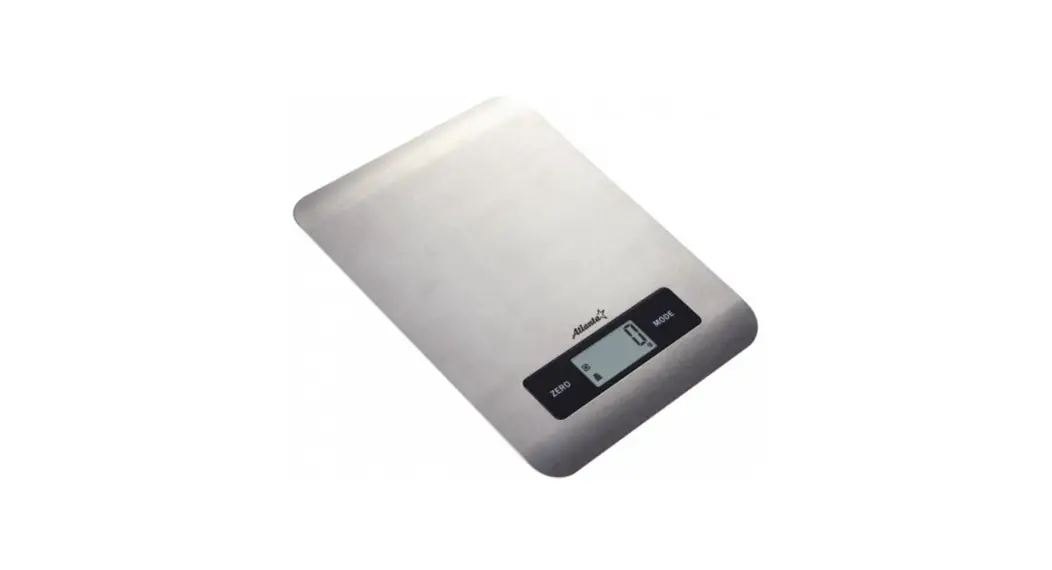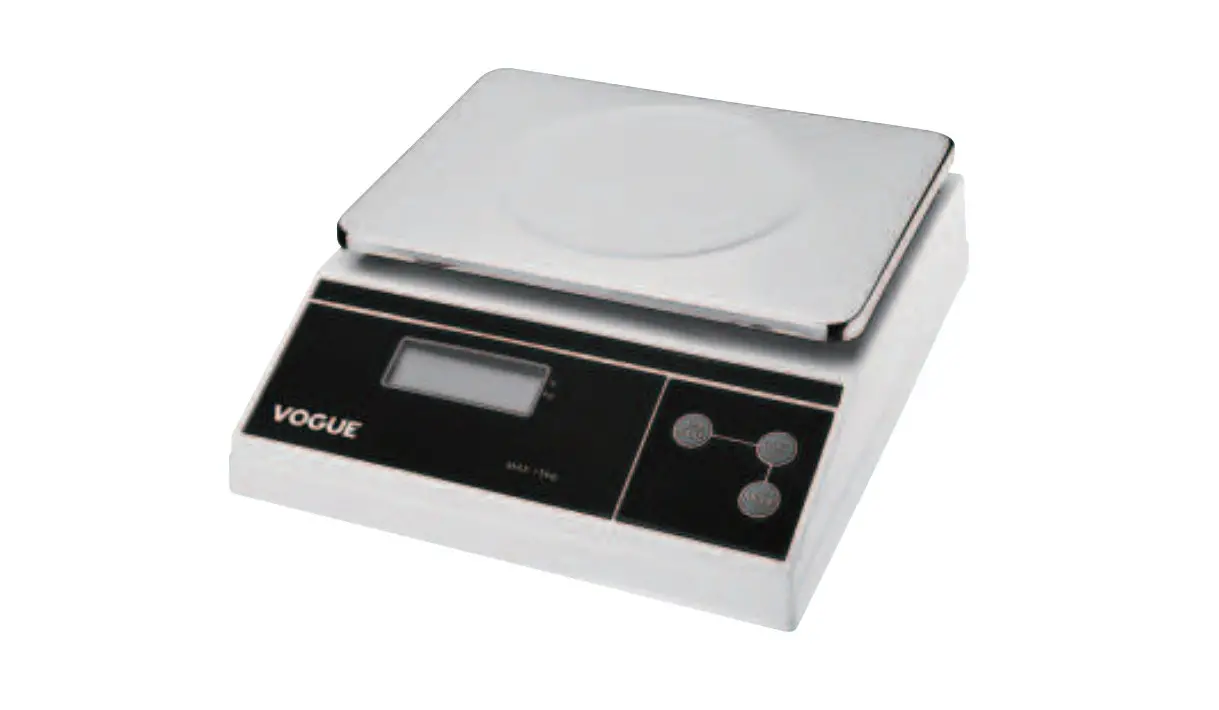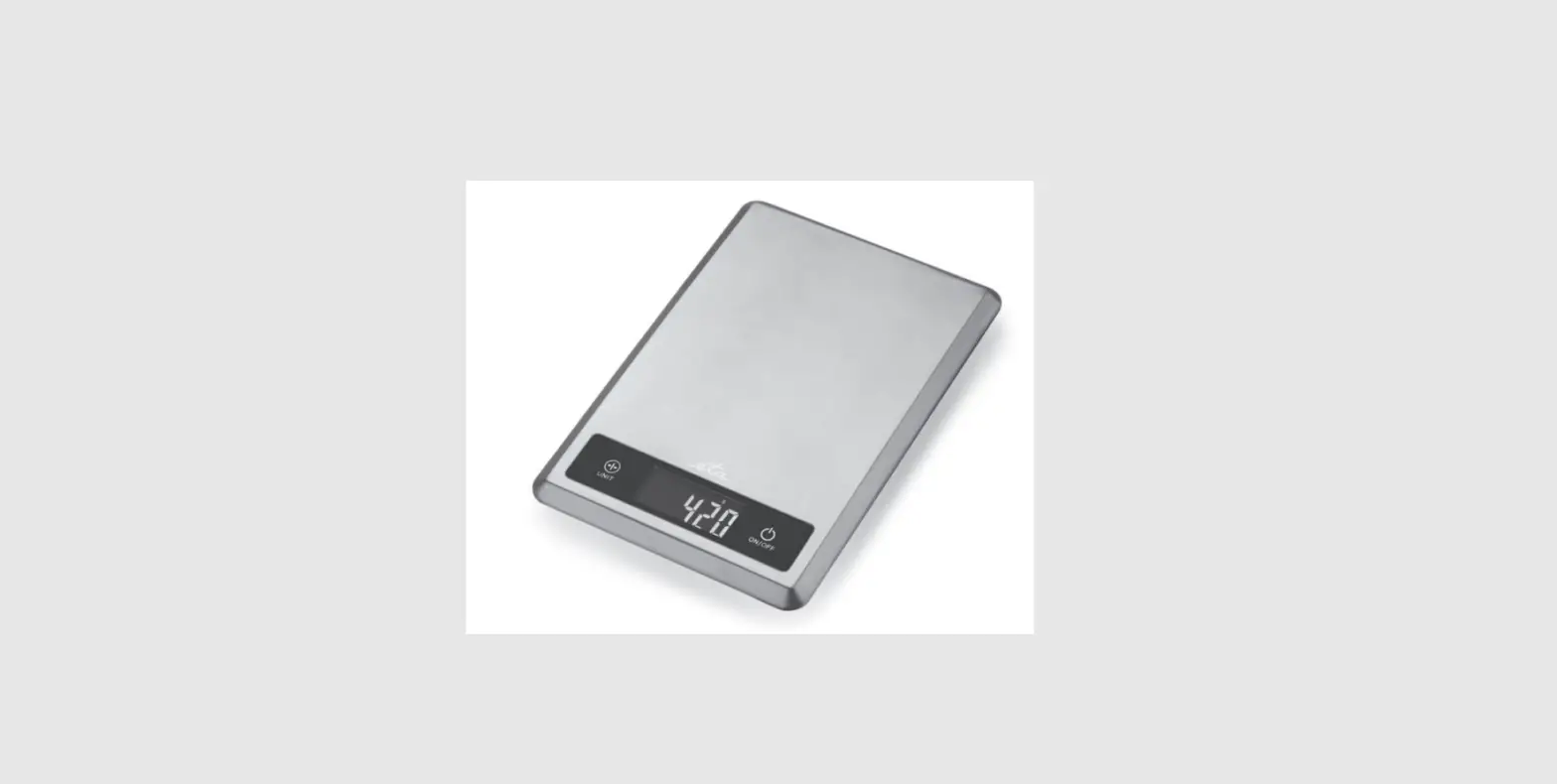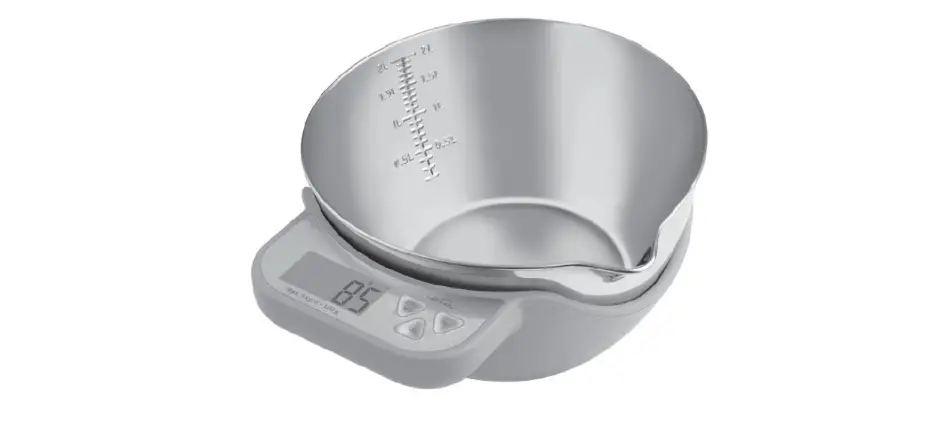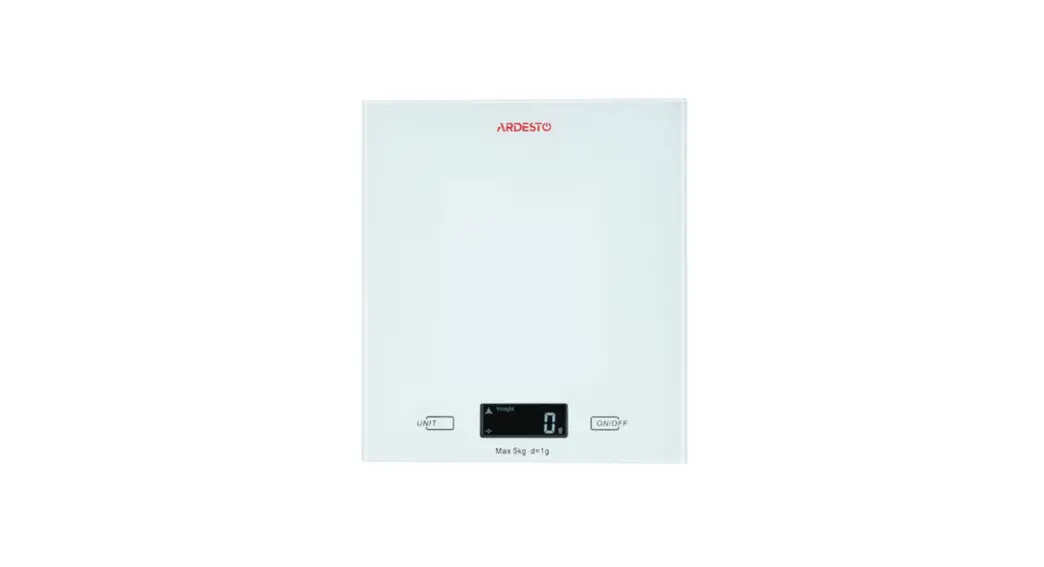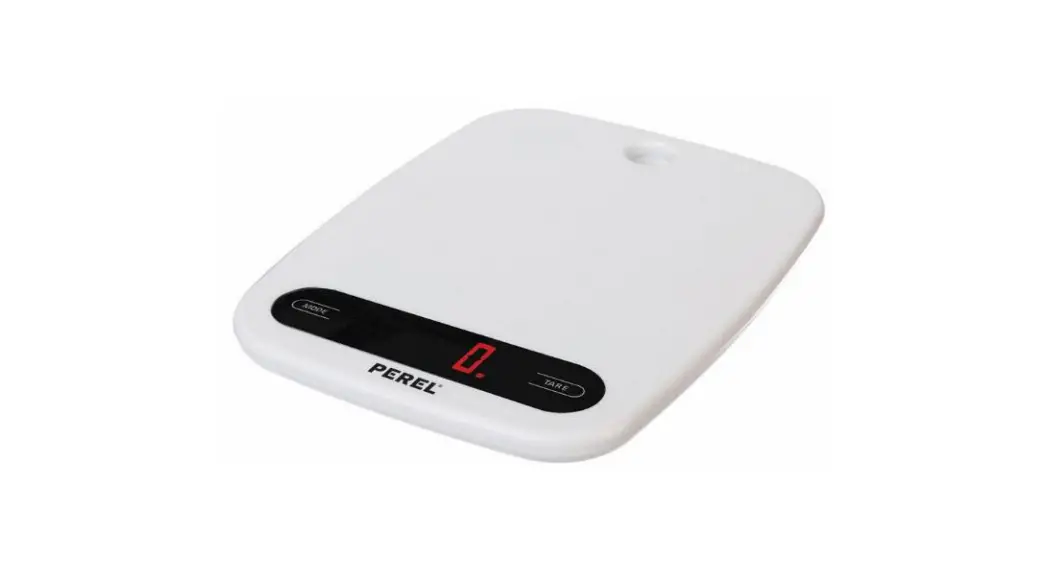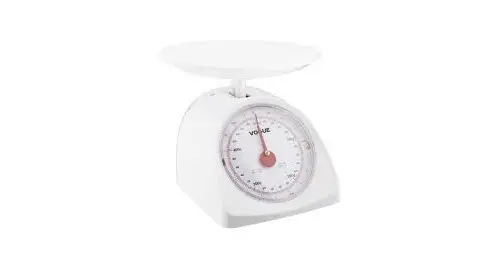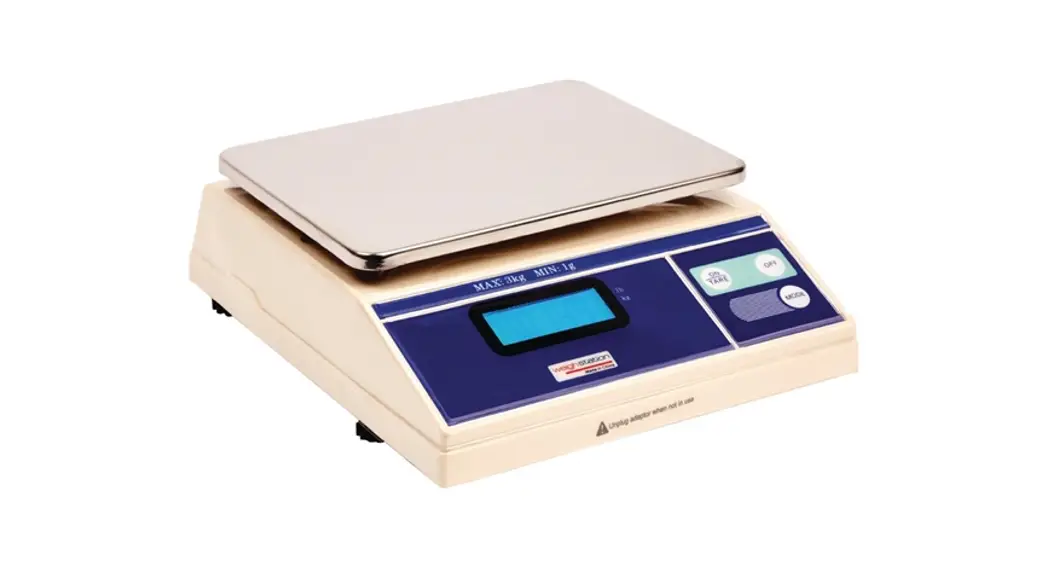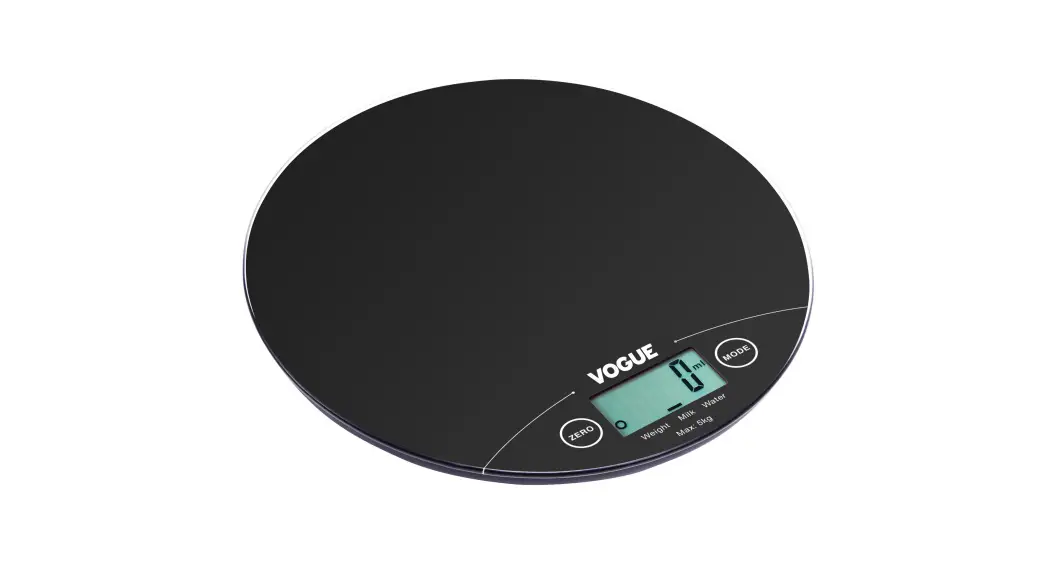

Electronic Kitchen Scales
Instruction manual
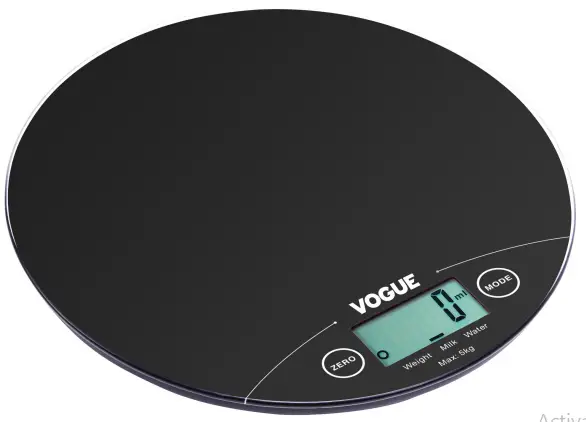
Model: GG017
Features:
- Measures the volume of milk and water.
- Converts between metric and imperial measurements, for both weight and volumes.
- Low battery power / Overload indication
- High precision strain gauge sensor
- Tare function
- Auto-off
To Install or Replace Battery:
1x3V CR2032 lithium battery (included). Remove isolation sheet before use.
Open the battery case cover at the bottom of the scale:
1. Take out the used battery with the aid of an appropriate object, as shown in the picture.
2. Install a new battery by putting one side of the battery beneath the battery baffle and then pressing down the other side.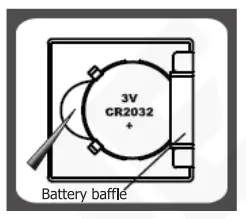
LCD Screen:
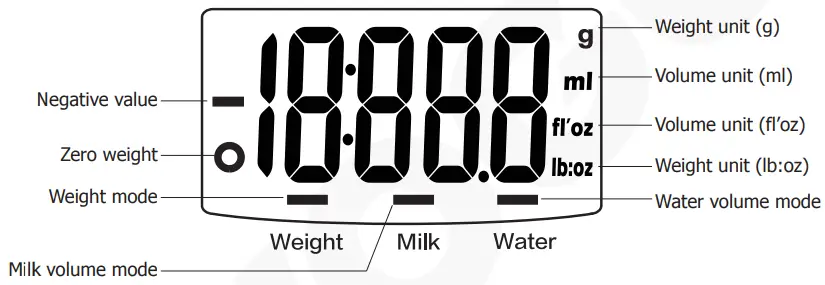
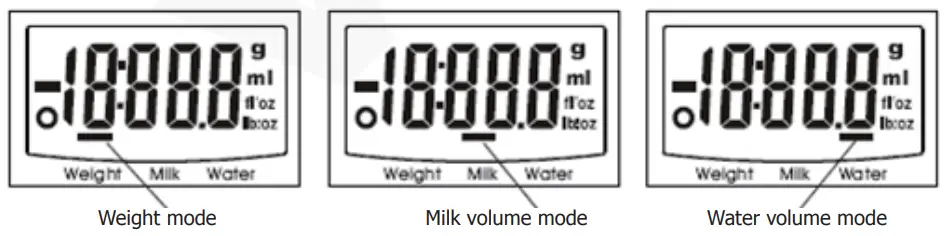
Working Modes:
Unit Conversion:
The metric/imperial conversion button can be found on the bottom of the scales, as illustrated.
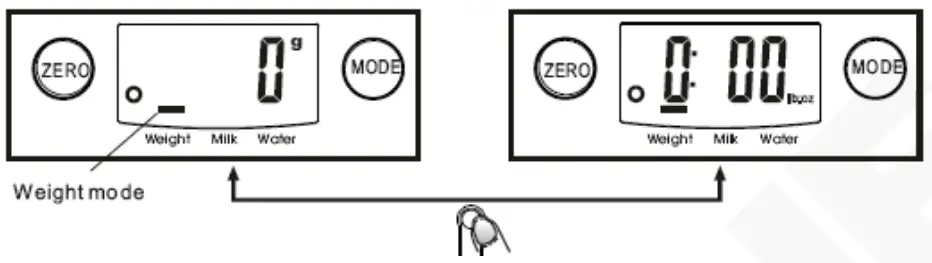
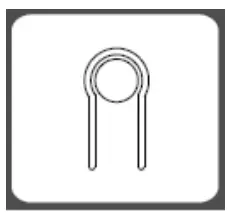 Use the MODE button to select between weight, milk, or water volume. To convert between metric/imperial measurements, use the unit conversion button on the bottom of the scale.
For Example:
Note:
- When setting g as a weight unit, the default volume unit is ml.
- When setting lb: oz as a weight unit, the default volume unit is fl’oz.
To Start Weighing:
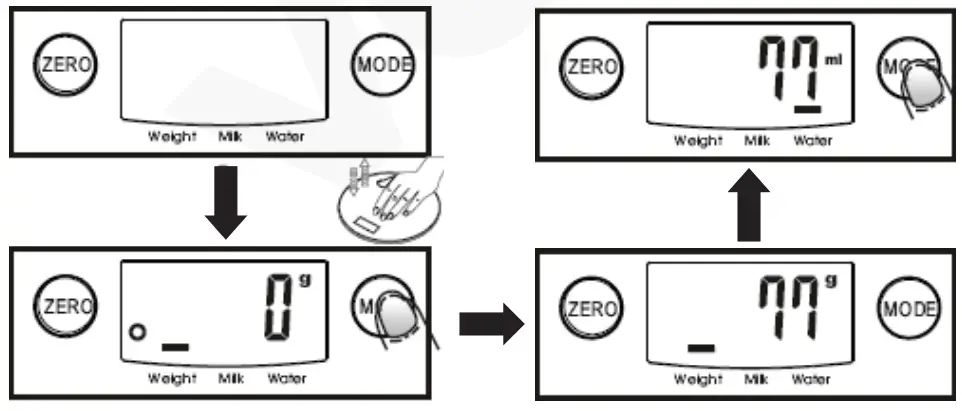
Weighing mode
- Place the scale on a solid and flat surface.
- Place the bowl (if used) on the scale before turning on the scale.
- Gently press on the scale with your hand to turn it on.
- Wait until LCD shows ‘0’.
- Place items onto the scales to start weighing, LCD will show the weight reading.
- If you are measuring the volume of water or milk, press the MODE button to choose volume mode and
view the volume of the weighing object.
Volume indication mode
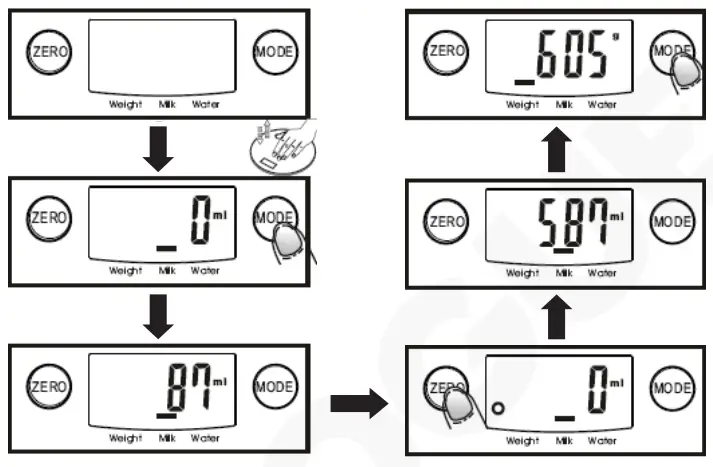
- Place the scale on a flat surface.
- Gently press on the scale with your hand to turn it on.
- Wait until LCD shows “0”, and press the MODE button to choose “Water” or “Milk” mode.
- Put a liquid container onto the scale platform.
- Press the ZERO button to reset LCD to “0”.
- Pour the liquid (water or milk) into the container, LCD shows the volume of the liquid.
- Press the MODE button to choose “Weight” mode and view the weight of the liquid.
Add & Weigh Function:
To weigh different items consecutively without removing items from the scale:
- Put the first Load on the scale and get a weight reading.
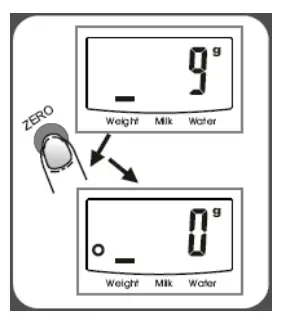
- Press the ZERO button to reset the LCD reading to “0” before adding the next items.
- You can repeat this operation.
- LCD will show “—–” or “0g” each time ZERO is pressed.
- “—–” means not stable, please wait for a moment.
- “0g” or “O” on the lower-left corner of LCD means the “ZERO” function is active.
- Max. weight capacity remains unchanged.
Cleaning, Care & Maintenance
- Clean the case with a damp cloth and warm water.
- Remove the battery if the unit is not to be used for an extended period of time.
Compliance
Dispose of depleted batteries in accordance with local regulations, within the EC there are nominated disposal points for batteries.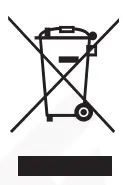 The WEEE logo on this product or its documentation indicates that the product must not be disposed of as household waste. To help prevent possible harm to human health and/or the environment, the product must be disposed of in an approved and environmentally safe recycling process. For further information on how to dispose of this product correctly, contact the product supplier, or the local authority responsible for waste disposal in your area.
 VOGUE parts have undergone strict product testing in order to comply with regulatory standards and specifications set by international, independent, and federal authorities.
VOGUE products have been approved to carry the following symbol:
All rights reserved. No part of these instructions may be produced or transmitted in any form or by any means, electronic, mechanical, photocopying, recording, or otherwise, without the prior written permission of VOGUE.
Every effort is made to ensure all details are correct at the time of going to press, however, VOGUE reserve the right to change specifications without notice.
DECLARATION OF CONFORMITY
• Conformiteitsverklaring
| Equipment Type | Model | |
| Electronic Round Scales 5kg | GG017 | |
| Application of Territory Legislation & Council Directives(s) | Non-Automatic Weighing Instruments (NAWI) 2014/31/EU Electro-Magnetic Compatibility (EMC) Directive 2014/30/EU – recast of 2004/108/EC EN 55014-1:2017 EN 55014-2:2015 Restriction of Hazardous Substances Directive (RoHS) 2015/863 amending Annex II to Directive 2011/65/EU | |
| Producer Name | VOGUE | |
I, the undersigned, hereby declare that the equipment specified above conforms to the above Territory Legislation, Directive(s), and Standard(s).
Ik, de ondergetekende, verklaar hierbij dat de hierboven gespecificeerde uitrusting goedgekeurd is volgens de bovenstaande Richtlijn(en) en Standaard(en).
Je soussigné, confirme la conformité de l’équipement cité dans la présente à la / aux Directive(s) et Norme(s) ci-dessus Ich, der/die Unterzeichnende, erkläre hiermit, dass das oben angegebene Gerät der/den oben angeführten Richtlinie(n) und Norm(en) entspricht.
Il sottoscritto dichiara che l’apparecchiatura di sopra specificata è conforme alle Direttive e agli Standard sopra riportati.
El abajo firmante declara por la presente que el equipo arriba especificado está en conformidad con la(s) directiva(s) y estándar(es) arriba mencionadas.
Eu, o abaixo-assinado, declaro que o equipamento anteriormente especificado está em conformidade com a(s) anterior(es) Directiva(s) e Norma(s)
| Date | 14th January 2021 | ||
| Signature |  |  |  |
| Full Name | Ashley Hooper | Eoghan Donnellan | Josie Holt |
| Position | Technical & Quality Manager | Commercial Manager/ Importer | Commercial Manager/ Responsible Supplier |
| Producer Address | Fourth Way, Avonmouth, Bristol, BS11 8TB United Kingdom | 42 North Point Business Park New Mallow Road Cork Ireland | 15 Bagdally Road, Campbelltown NSW 2560 |


| UK | +44 (0)845 146 2887 |
| Eire | |
| NL | 040 — 2628080 |
| FR | 01 60 34 28 80 |
| BE-NL | 0800-29129 |
| BE-FR | 0800-29229 |
| DE | 0800 — 1860806 |
| IT | N/A |
| ES | 901-100 133 |
| PT | [email protected] |
| AU | 1300 225 960 |
GG017_UK_A5_v2_20210423