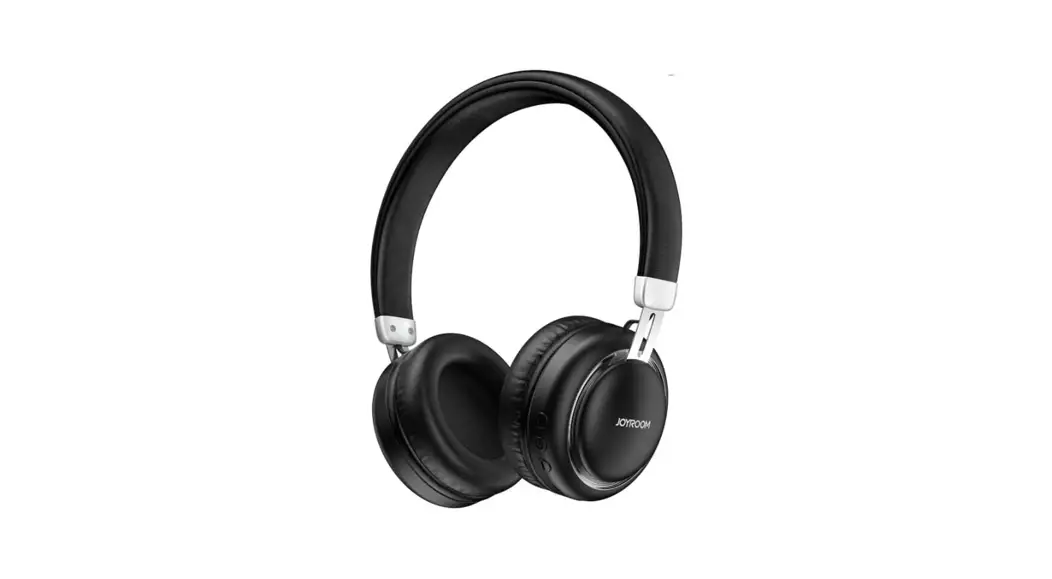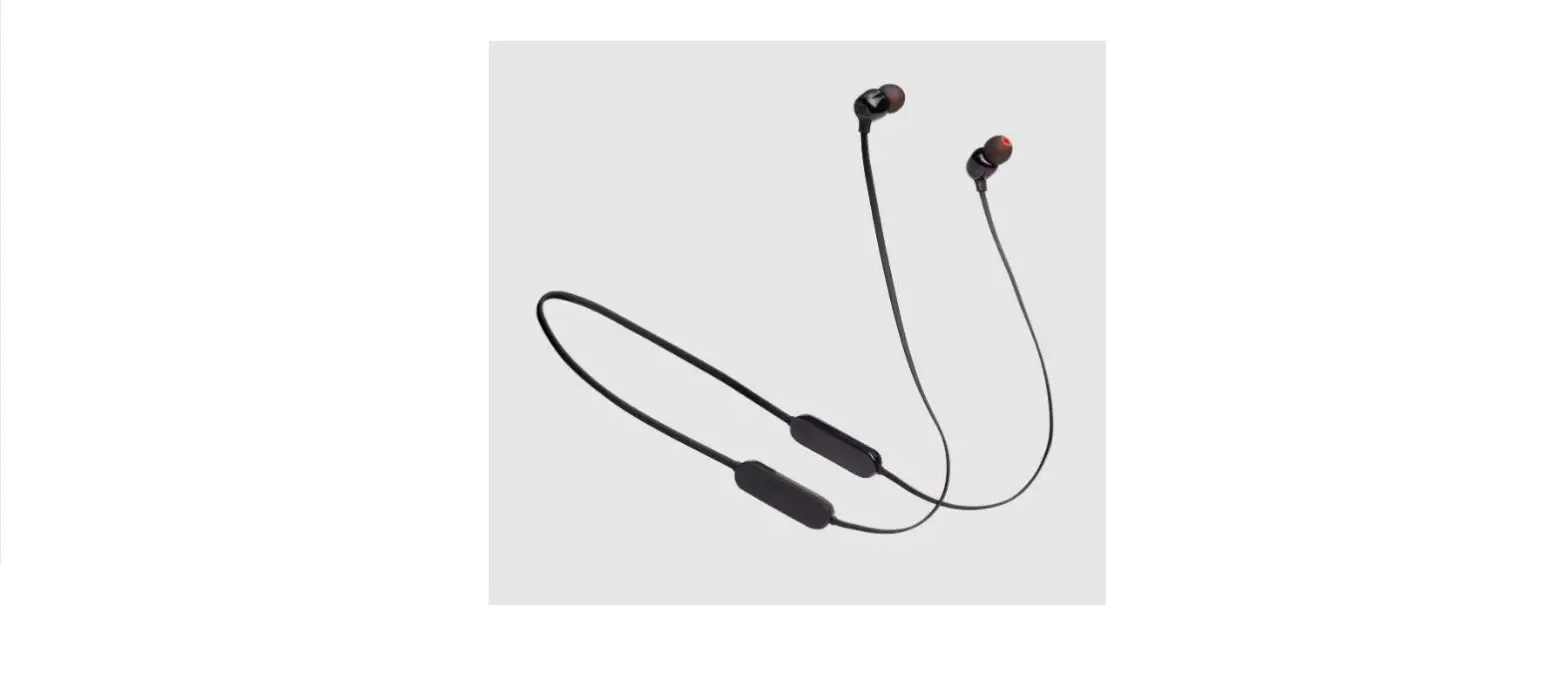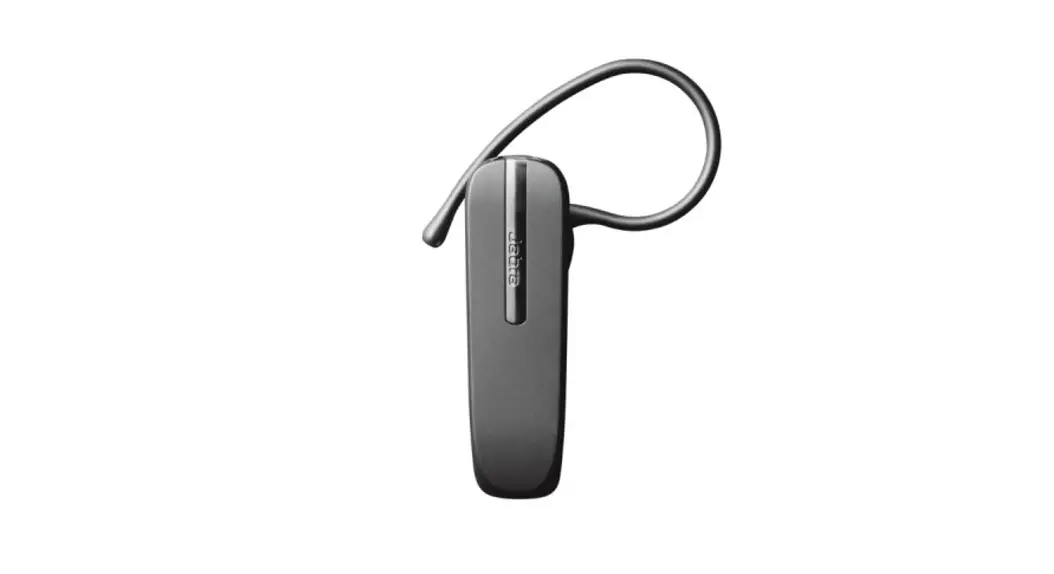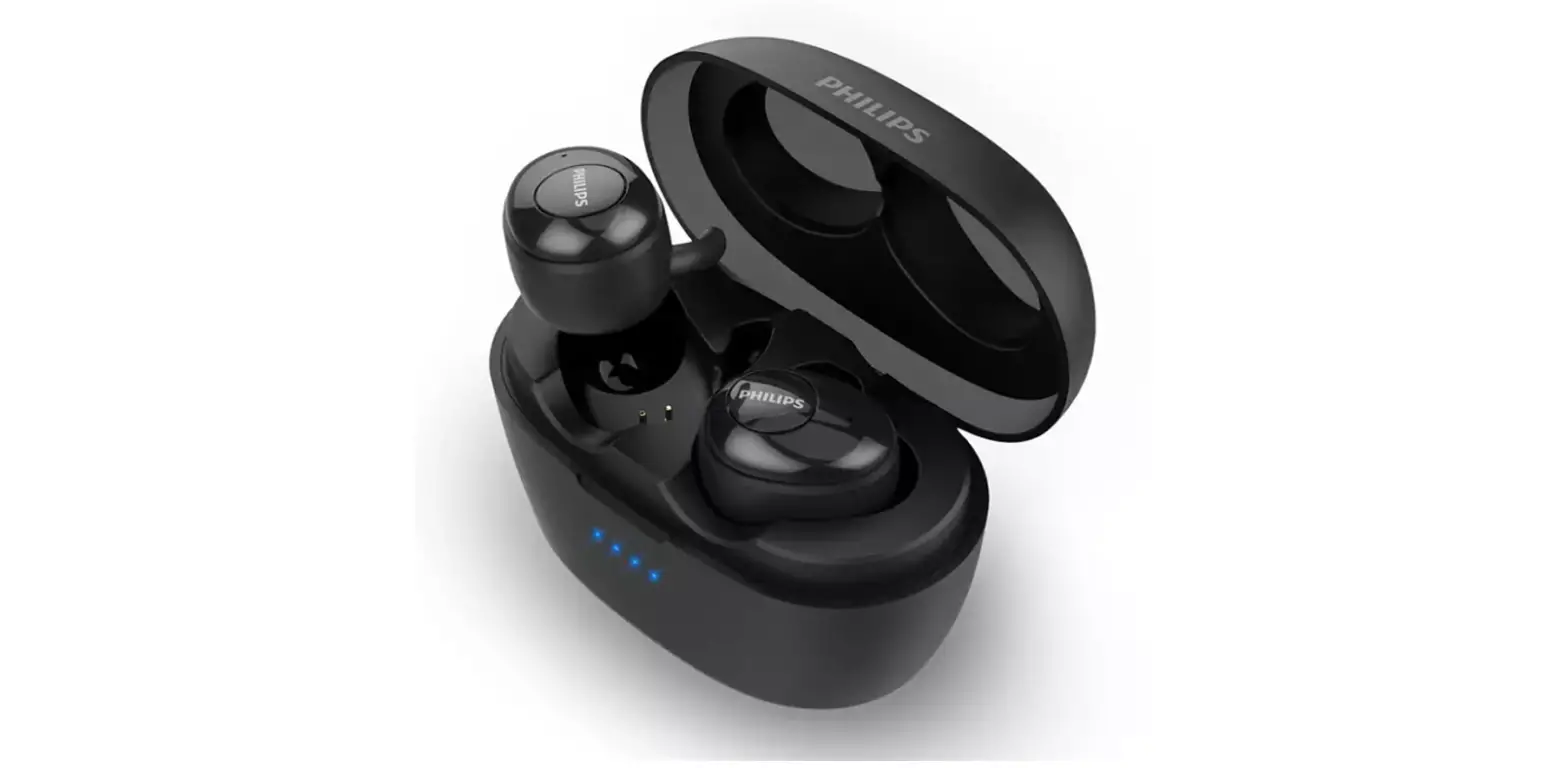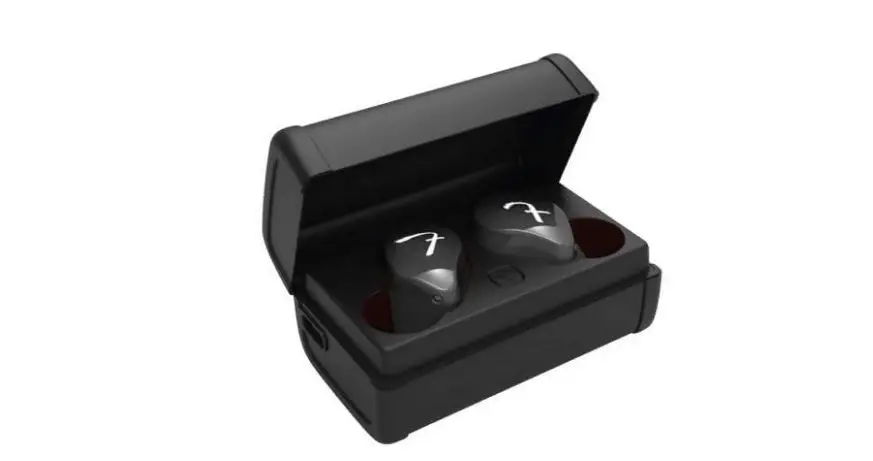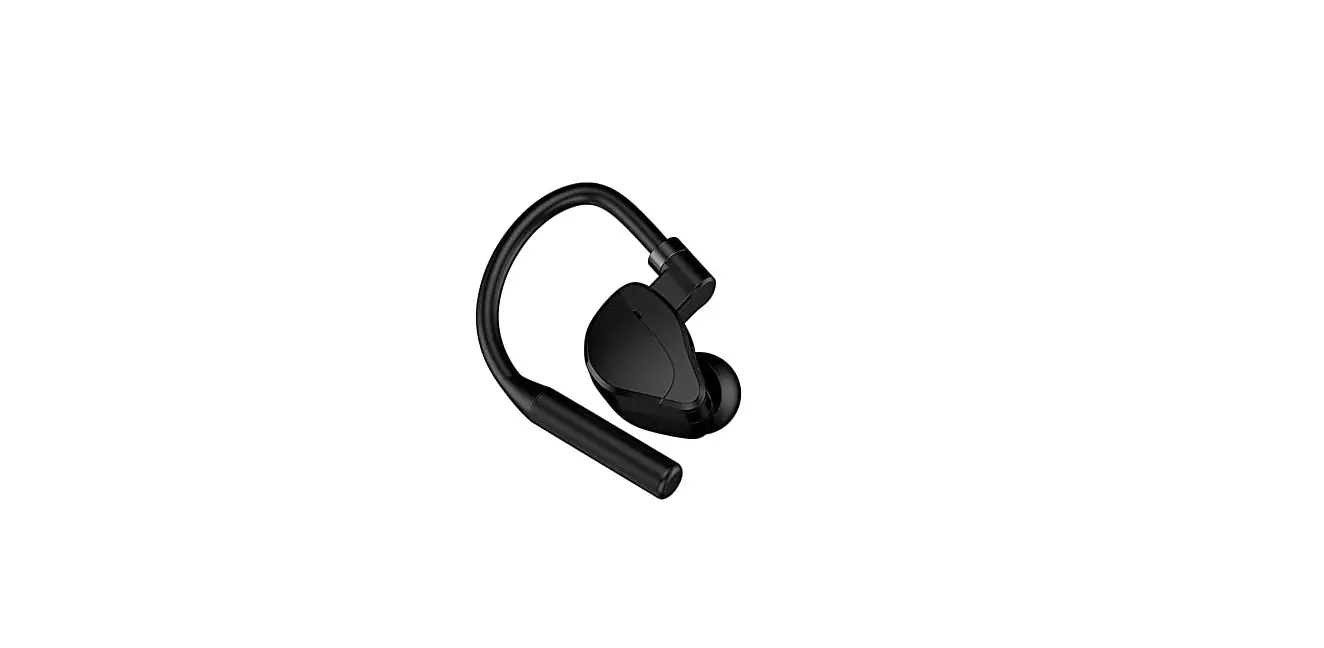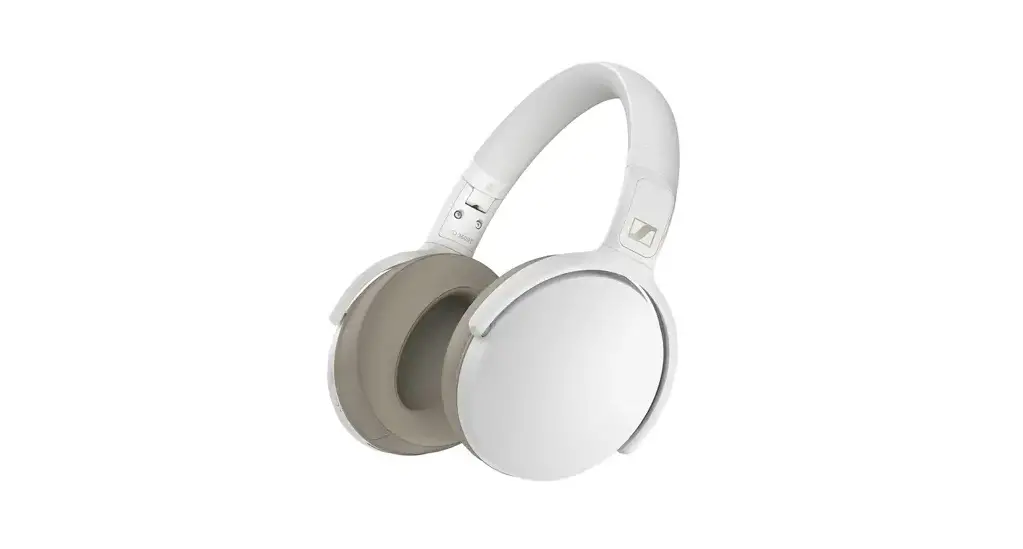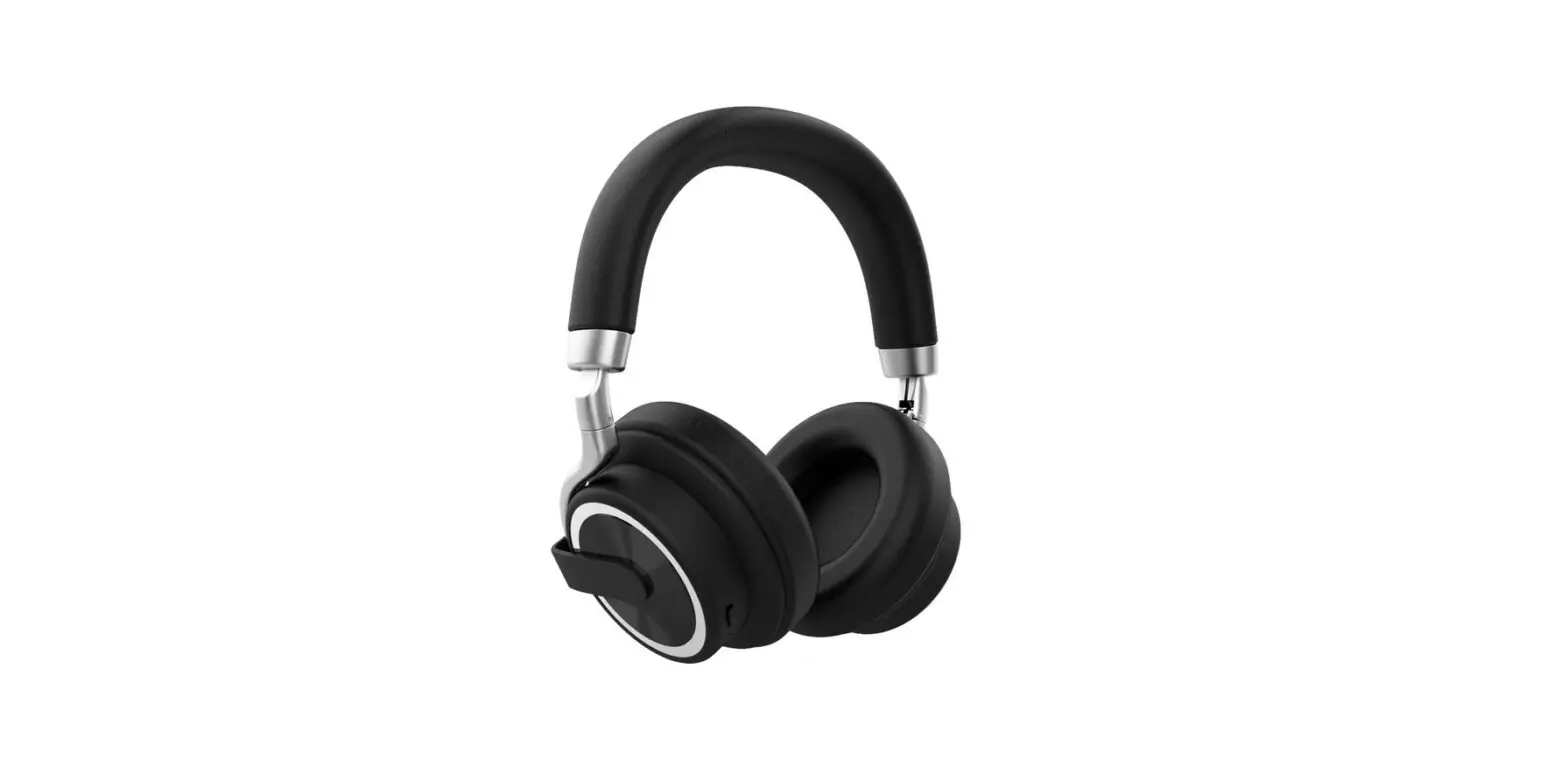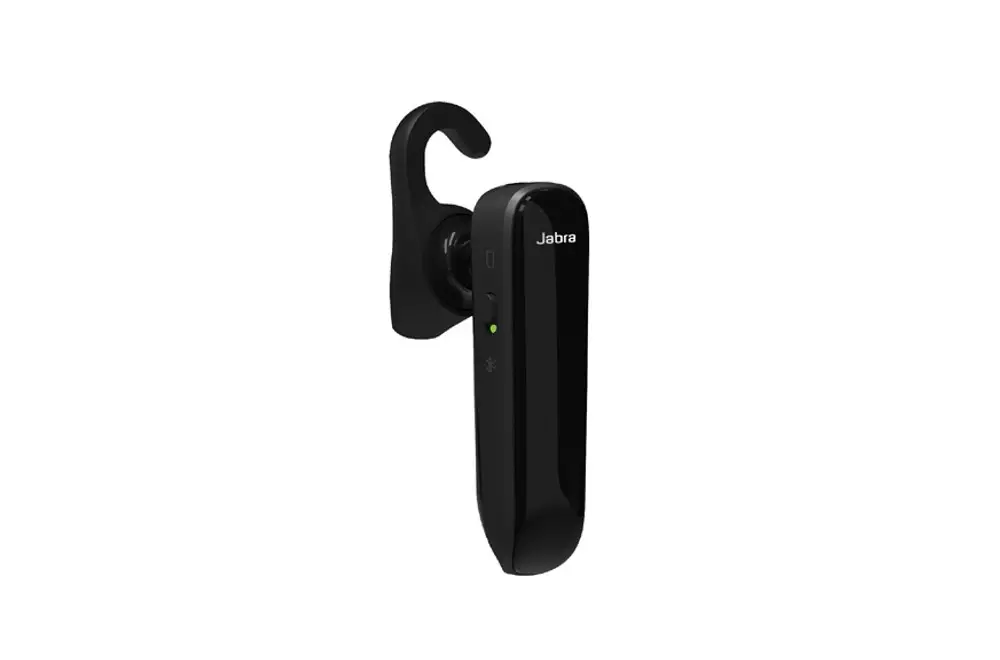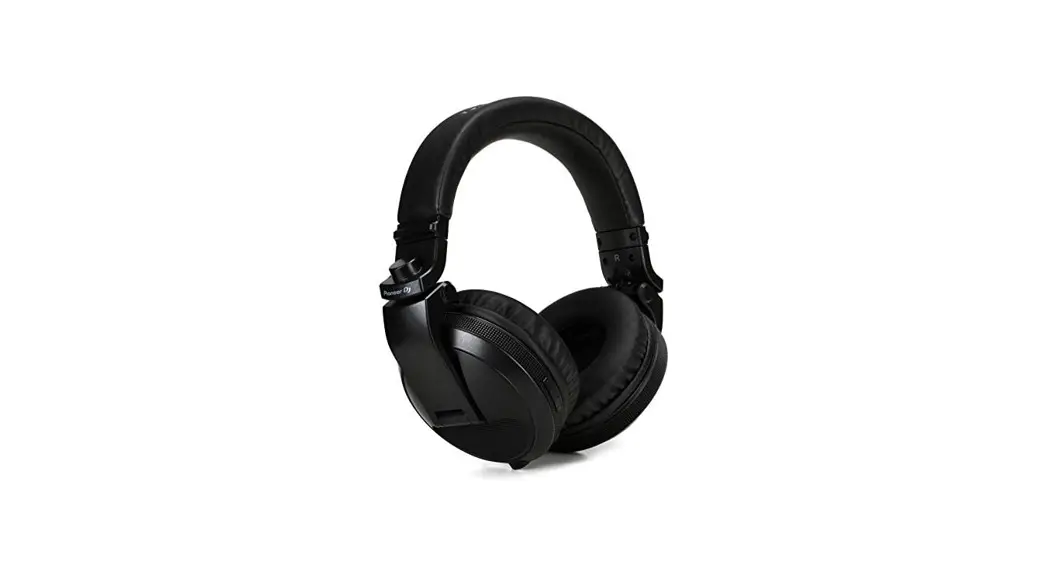
 JX5 Wireless Bluetooth Headset
Instruction Manual
Basic parameters
| Bluetooth version | Bluetooth V5.2 |
| Bluetooth protocol | a2dp/avctp/avdtp/avrcp |
| Bluetooth operating frequency | 2402MHZ-2480MHZ |
| frequency response | 20HZ-20KHZ |
| Battery capacity | Headset battery: 50mA Charging chamber battery : 500mA |
| Headset playback/talk time | 5-6 hours |
| Bluetooth connection distance | 2:10m |
| Charging time | About 1.5 hours |
Operating Instructions for Headset Keys
| Serial No | function | headset operation | indicator light | voice |
| 1 | Start up | L/R earphone is automatically turned on and paired/long press the P/P key for 3 seconds | Green light flashes 1 time | Power on |
| 2 | Shutdown | Put the L/R headset in the compartment, turn it off and charge it/long press the P/P key for 4 seconds | White light flashes 3 times | Power off |
| 3 | Pairing succeeded | Ear pairing succeeded | The white and green lights of the main engine flicker alternately. and no lights of the auxiliary engine flicker | Clew tone |
| 4 | Connection succeeded | The phone is successfully connected to the headset | / | Connected |
| 5 | Disconnect | The mobile phone actively disconnects Bluetooth | The white and green lights of the main engine flicker alternately, and no lights of the auxiliary engine flicker | Disconnected |
| 6 | P1WPause | Short press the P/P key for 1 time for L/R headset | No light flashing | |
| 7 | Previous song | Long press the – key for 1 second | No light flashing | |
| 8 | Next | Long press the+key for 1 second | No light flashing | |
| 9 | Volume up | Short press the+key | No light flashing | |
| 10 | Vol | Short press the – key | No light flashing | |
| 11 | Voice Assistant | Long press the P/P key for 1.5 seconds on the L/R headset | No light flashing | |
| 12 | Last redial | L/R headset P/P key: double click | No light flashing | |
| 13 | Answer/end | Short press the P/P key of L/R headset for 1 time | No light flashing | |
| 11 | Reject incomm: calls | Press the P/P key of L/R headset for 2 seconds | No light flashing |
FCC Warnning:
This equipment has been tested and found to comply with the limits for a Class B digital device, pursuant to part 15 of the FCC Rules. These limits are designed to provide reasonable protection againstharmful interference in a residential installation. This equipment generates, uses and can radiateradio frequency energy and, if not installed and used in accordance with the instructions, maycause harmful interference to radio communications. However, there is no guarantee thatinterference will not occur in a particular installation. If this equipment does cause harmfulinterference to radio or television reception, which can be determined by turning the equipmentoff and on, the user is encouraged to try to correct the interference by one or more of thefollowing measures:
- Reorient or relocate the receiving antenna.
- Increase the separation between the equipment and receiver.
- Connect the equipment into an outlet on a circuit different from that to which the receiver is connected.
- Consult the dealer or an experienced radio/TV technician for help.
Caution: Any changes or modifications to this device not explicitly approved by manufacturer could void your authority to operate this equipment.
This device complies with part 15 of the FCC Rules. Operation is subject to the following two conditions: (1)This device may not cause harmful interference, and (2) this device must accept any interference received, including interference that may cause undesired operation.
This equipment complies with FCC radiation exposure limits set forth for an uncontrolled environment. This equipment should be installed and operated with minimum distance 0cm between the radiator and your body.