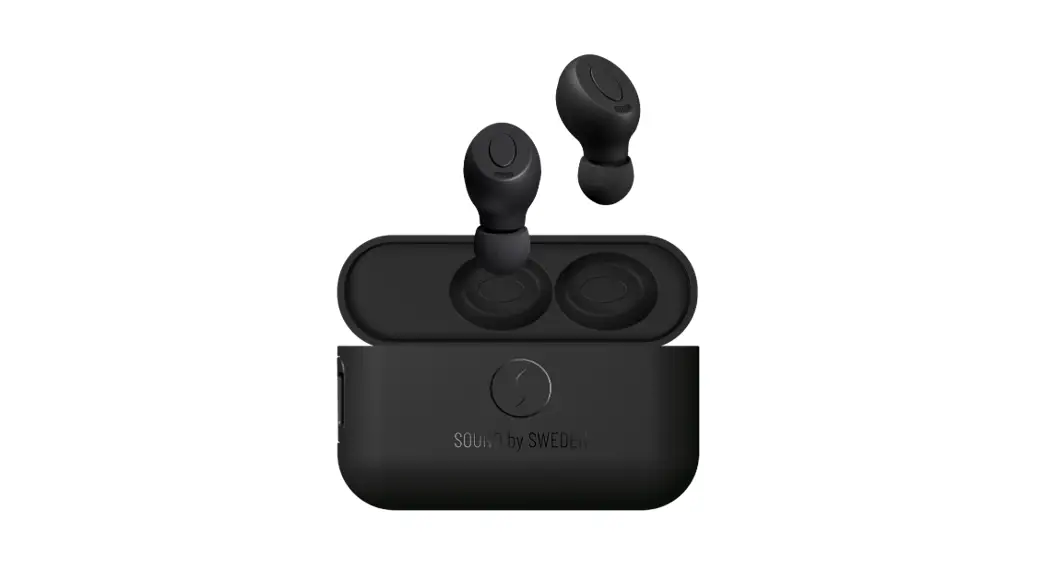

Sound By Sweden ZERO-TX True Wireless
Overview
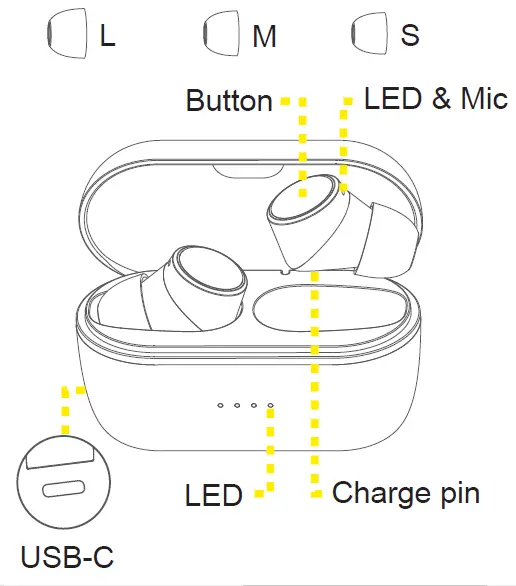
Quick start
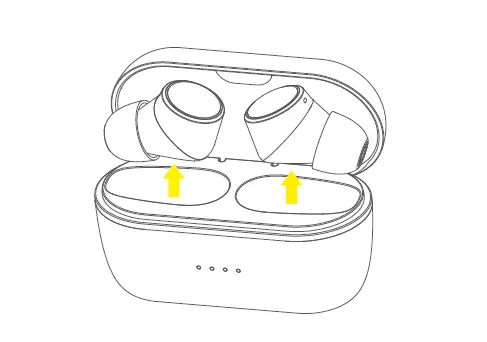
- Start charge the earphones in charging box until red LED on earphone turn off.
- Activate Bluetooth® on the transmitting device.
- Take out both earphones from the charging box. They automatically start searching for a device to pair with.
- Select “ZERO-TX” in Bluetooth list of the transmitting device.
Resetting & Wearing
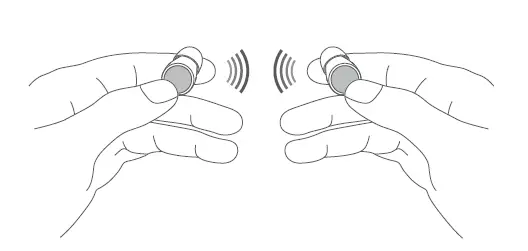
- Turn off the earphones, press for the buttons for 10 sec. The LED:s will start flashing in white and red.
- Put both earphones into the charging box.


Insert the earphone carefully with the mic pointing forward, towards the face.
Charging
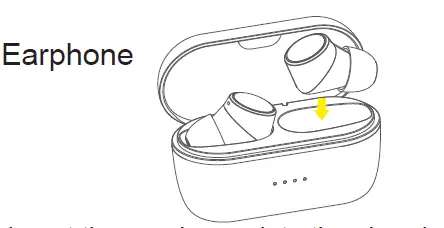
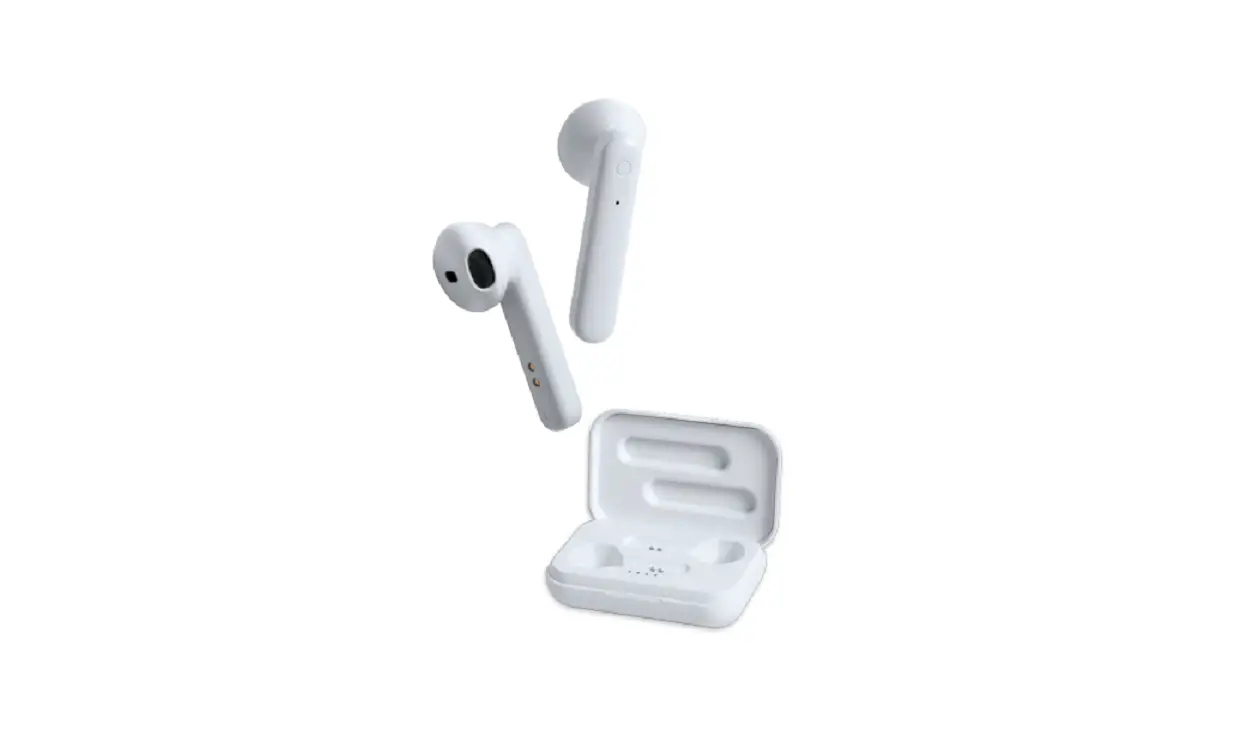
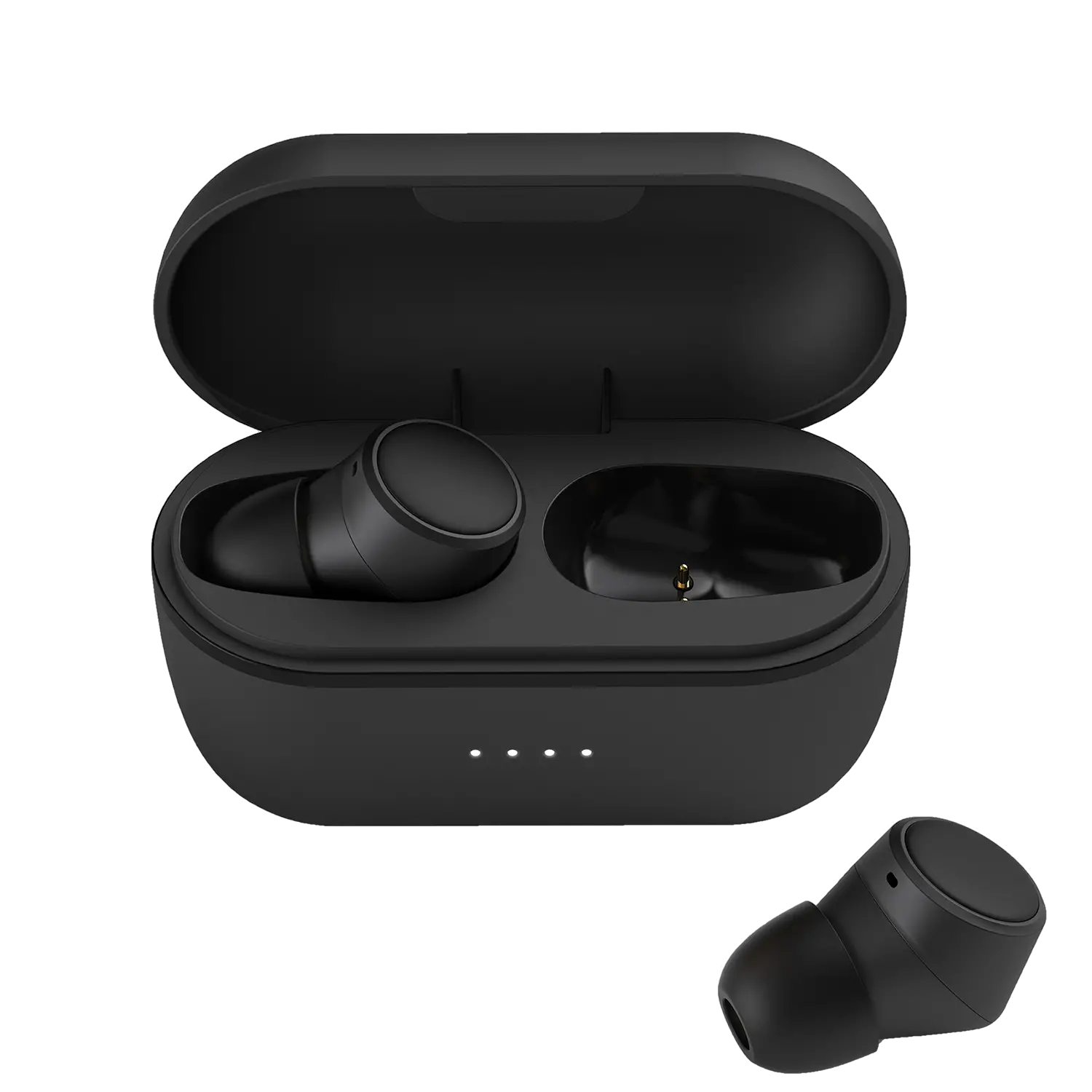
Insert the earphones into the charging box. The LED:S will shine red during the charing process and turns off when the earphones are fully charged.
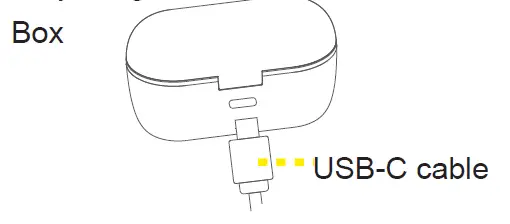
There are 4 LED:s indicating the charging box battery status 25%, 50%, 75% and 100% in sequence.
Functions
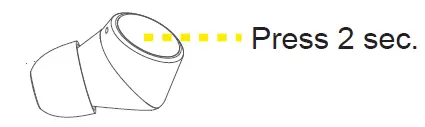
- Power On
Method 1: Take out the earphone from box.
Method 2: Press button 2 sec.
- Power Off
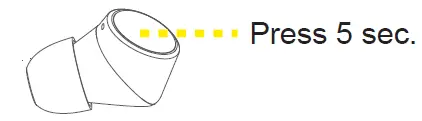
Method 1: Put the earphone into the box.
Method 2: Press button 5 sec.
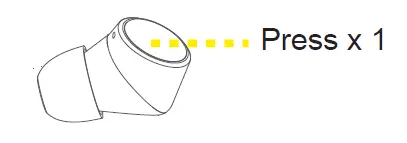
- Answer & Hang up
Press button 1 time.
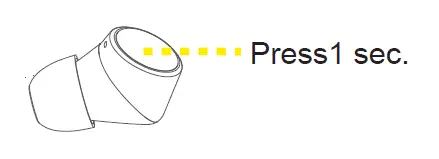
- Decline the call
Press the button 1 sec.
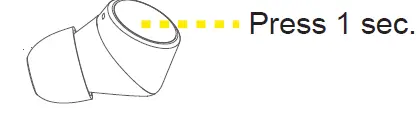
- Switch Audio output
During the call, press the button 1 sec. to switch output between phone & earpone.
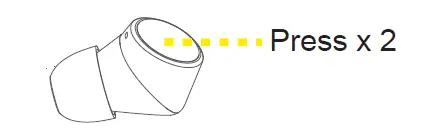
- Mute On & Off
During the call, press the button 2 times.
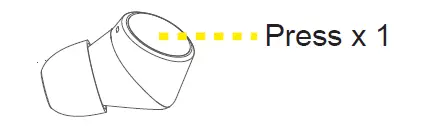
- Play & Pause
Press the button 1 time.
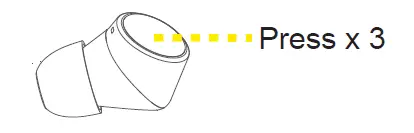
- Skip to previous track
Press the button 3 times.
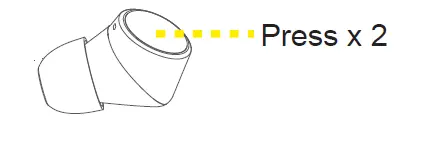
- Skip to forward track
Press the button 2 times
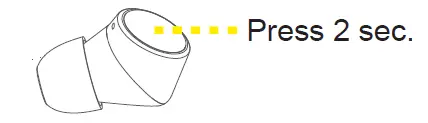
- Voice Assistant
Press the button 2 sec. to activate eg: Siri or Google Assistant.
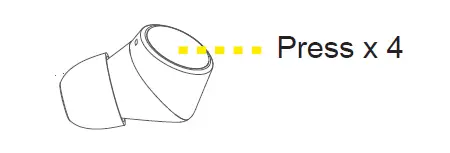
- Re-dial last calling number
Press 4 times.
Tips & warning
- Before use, please read the manual carefully.
- The charging box should be fully charged before first use.
- If the earphones are not being used for a month, please charge before use.
- If you have any questions concerning our products, you can reach our customer support at: [email protected]
NOTE
- Do not store in extreme temperatures, below 0 degrees and +45 degrees Celsius.
- Keep dry during charging and usage.
- Do not use harsh chemicals or strong detergents to clean the earphones and charging box.