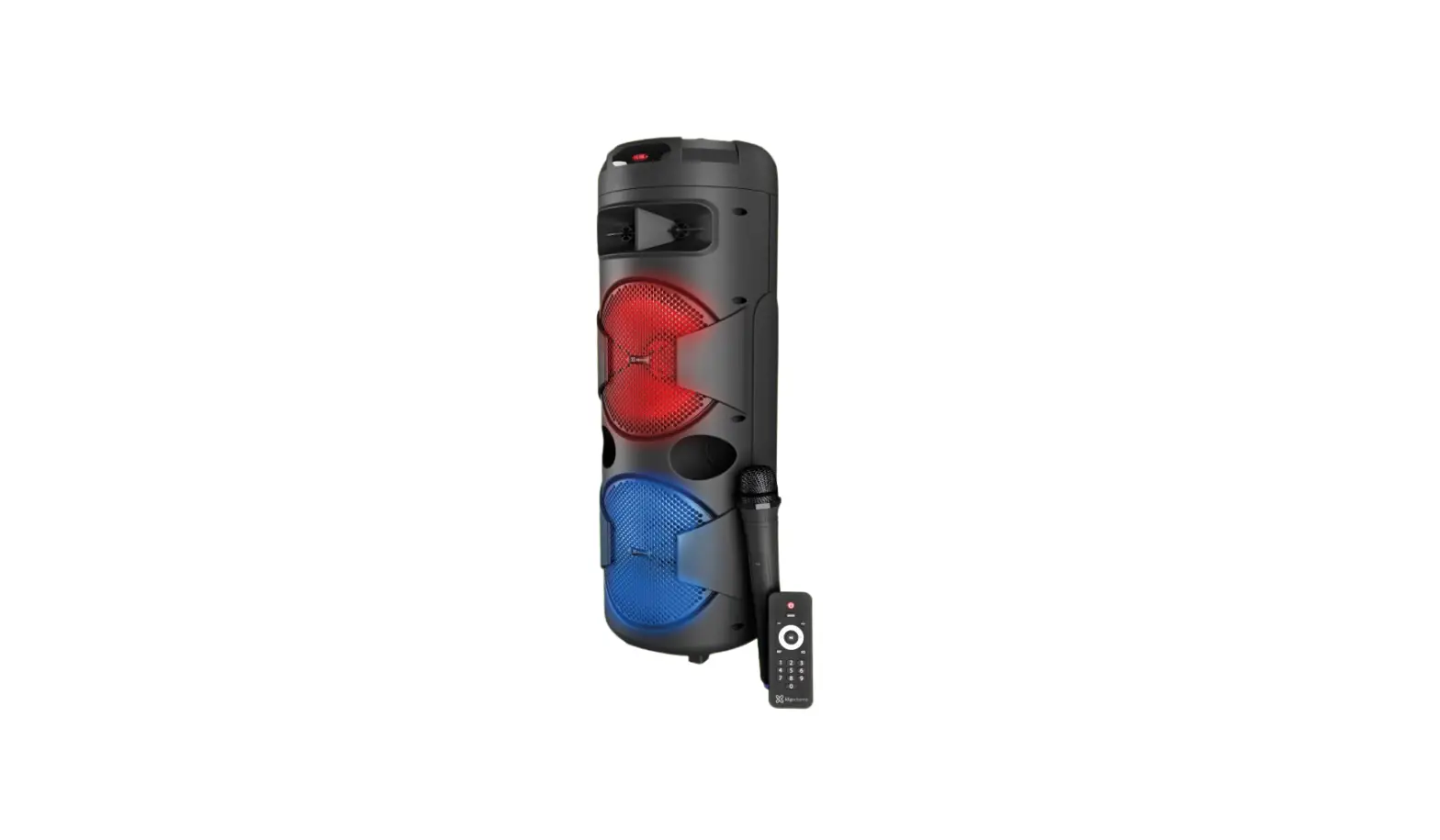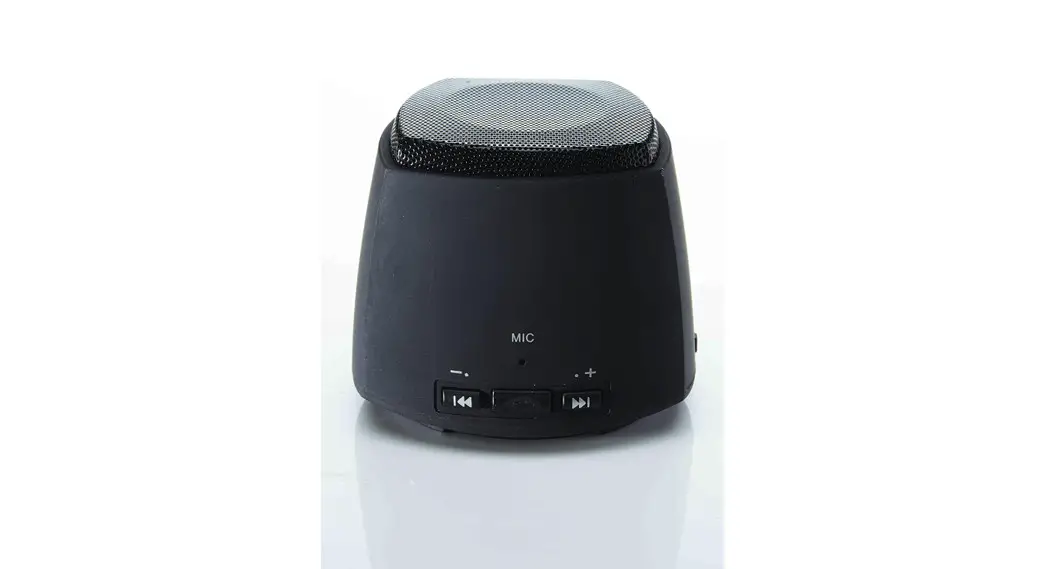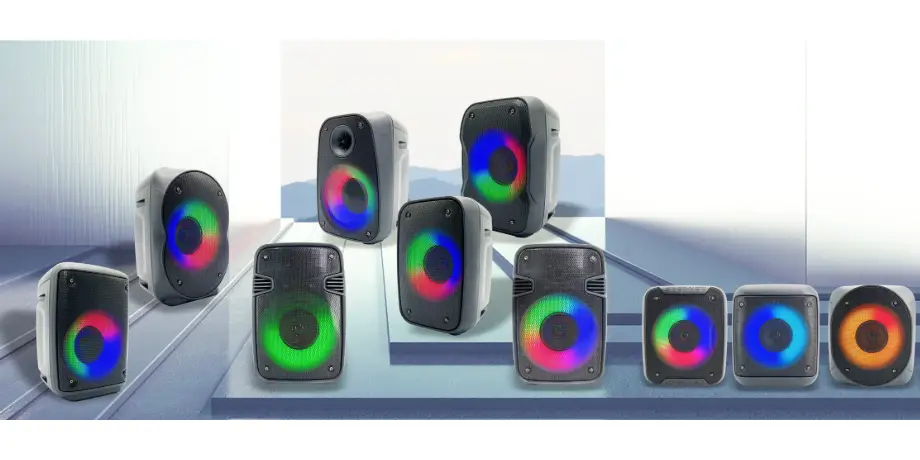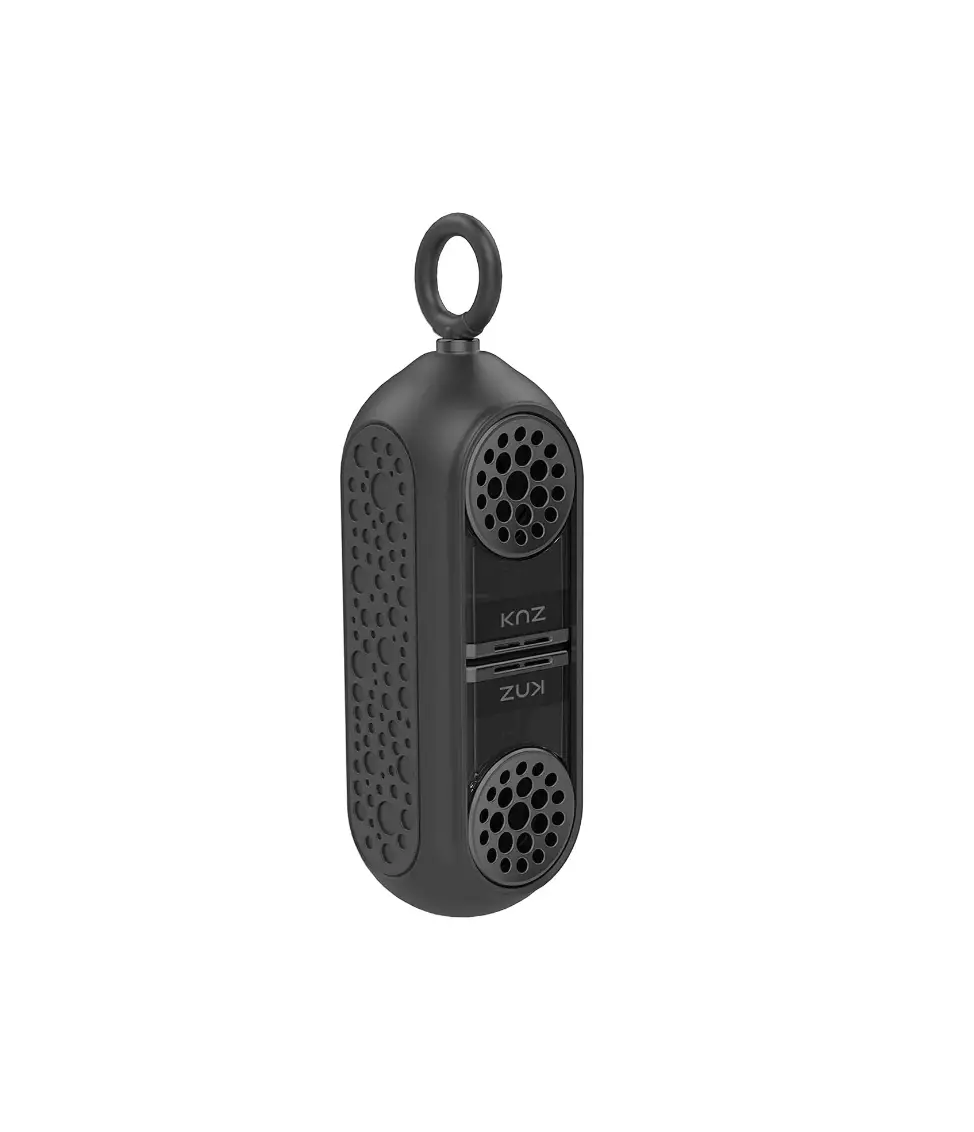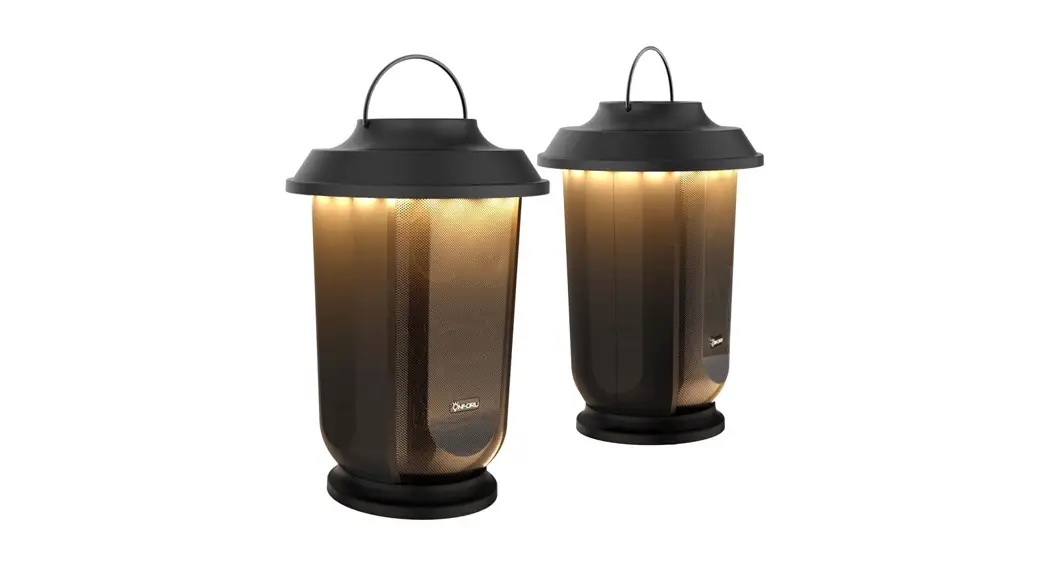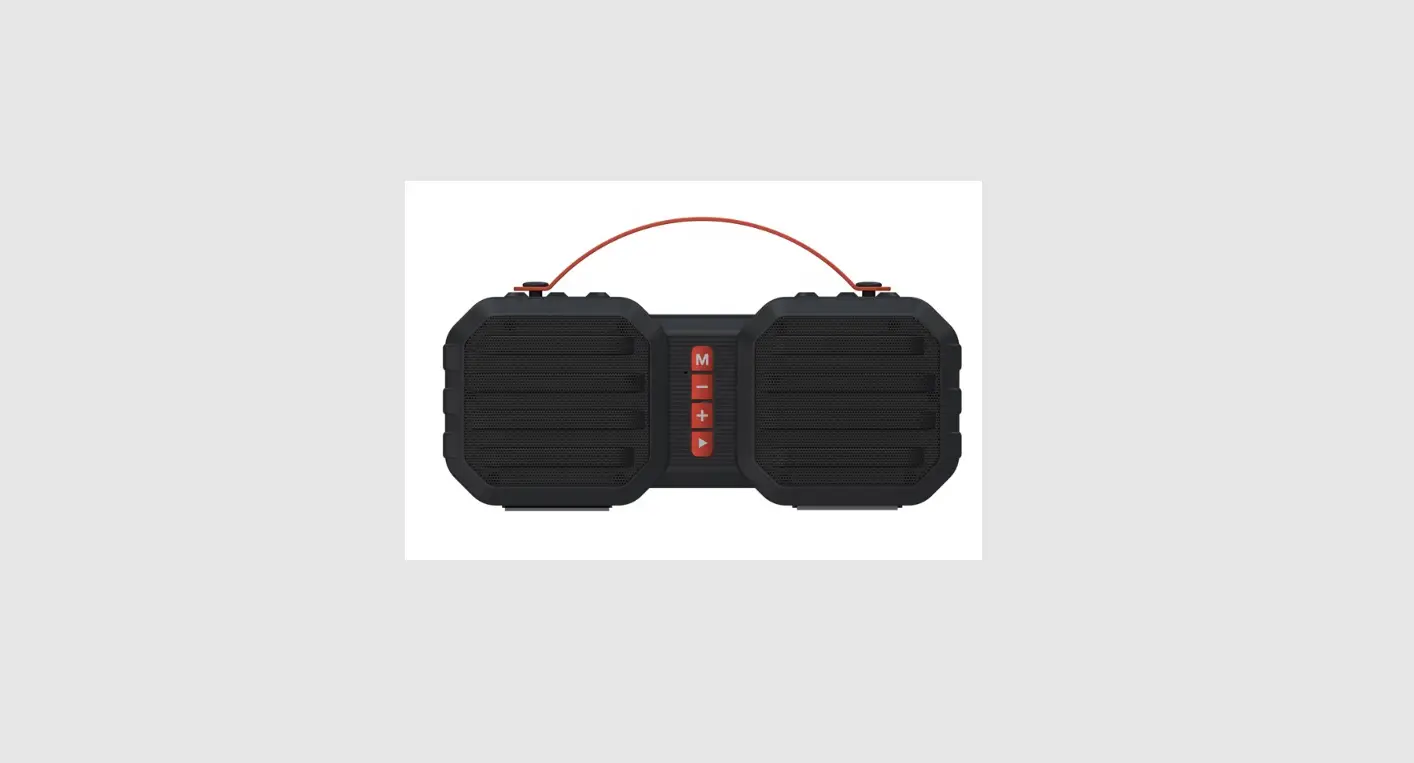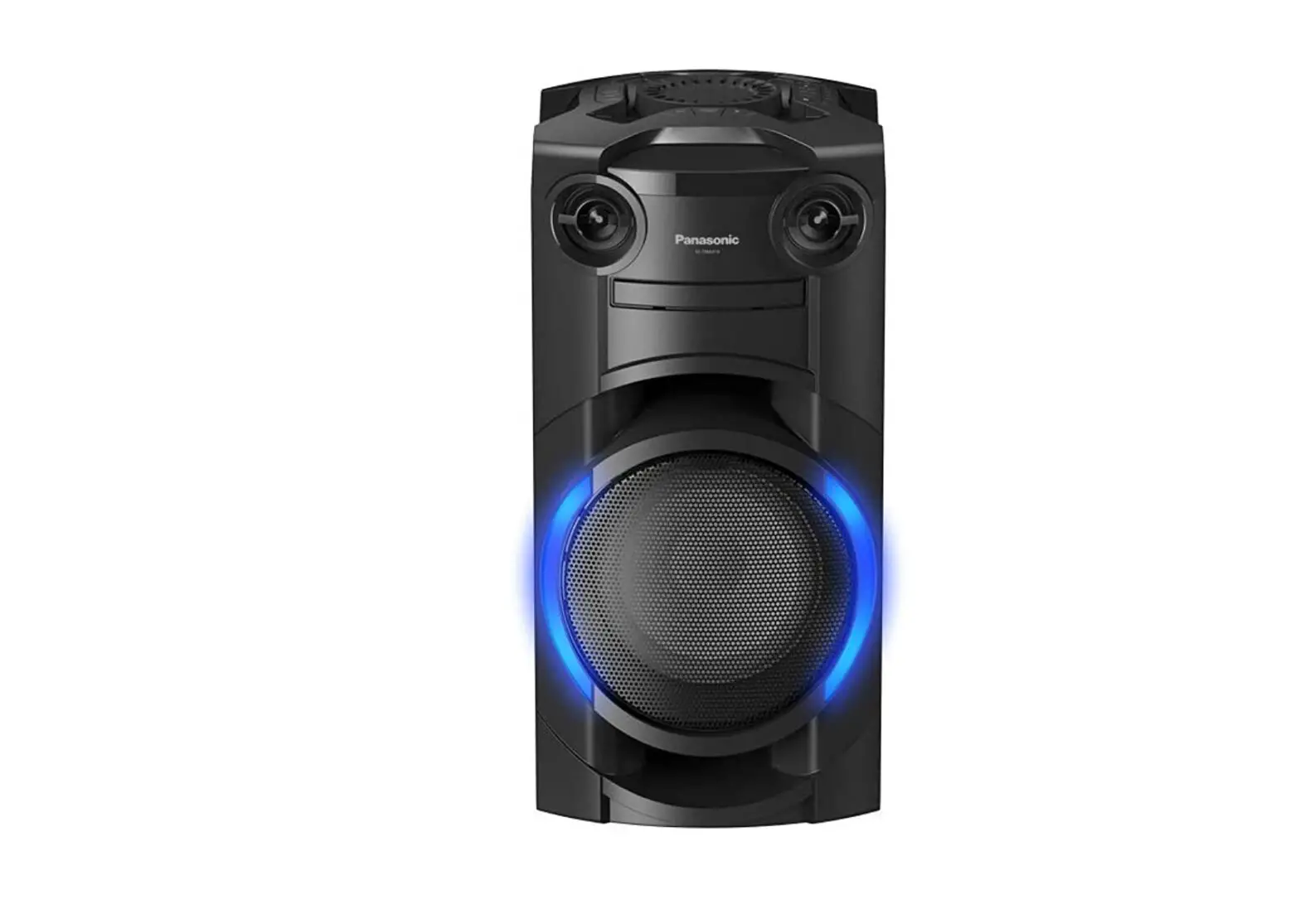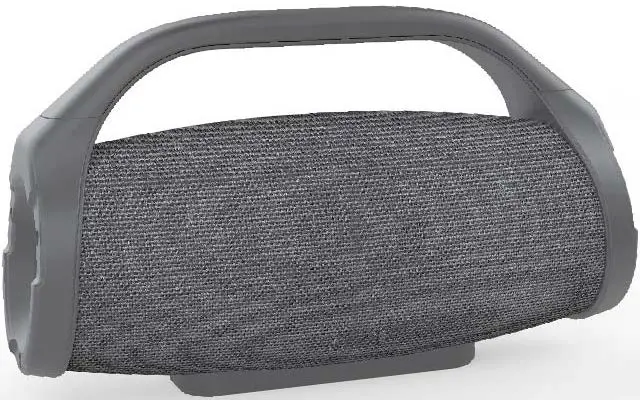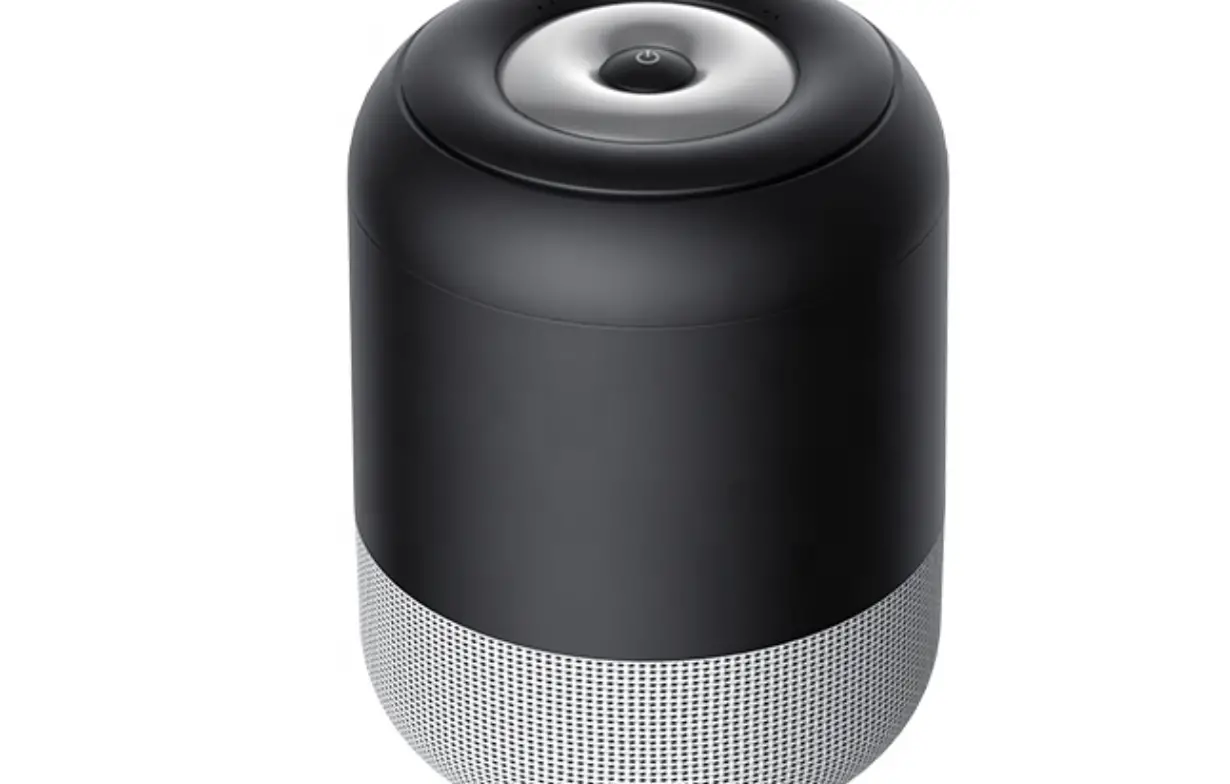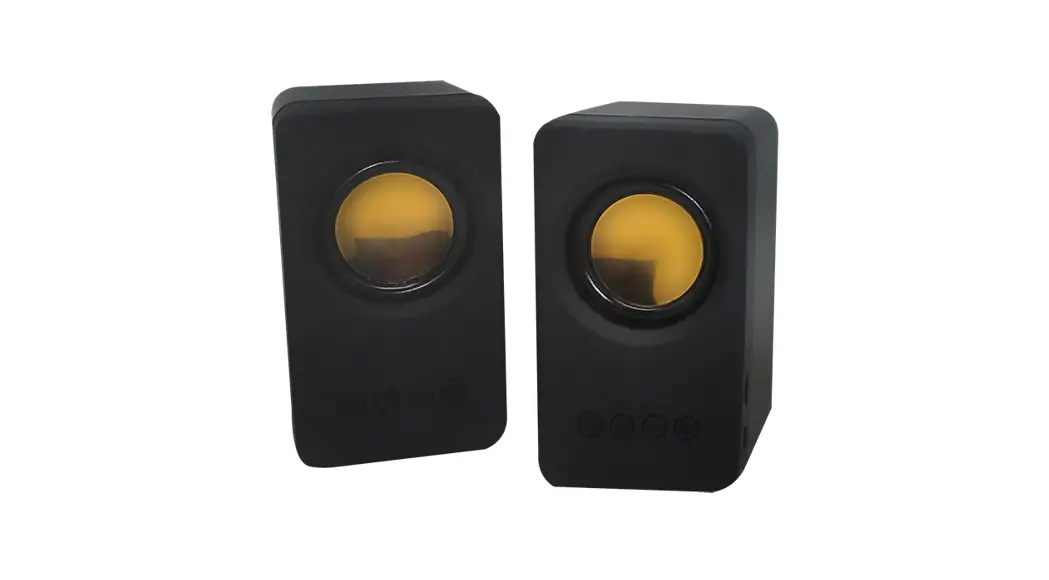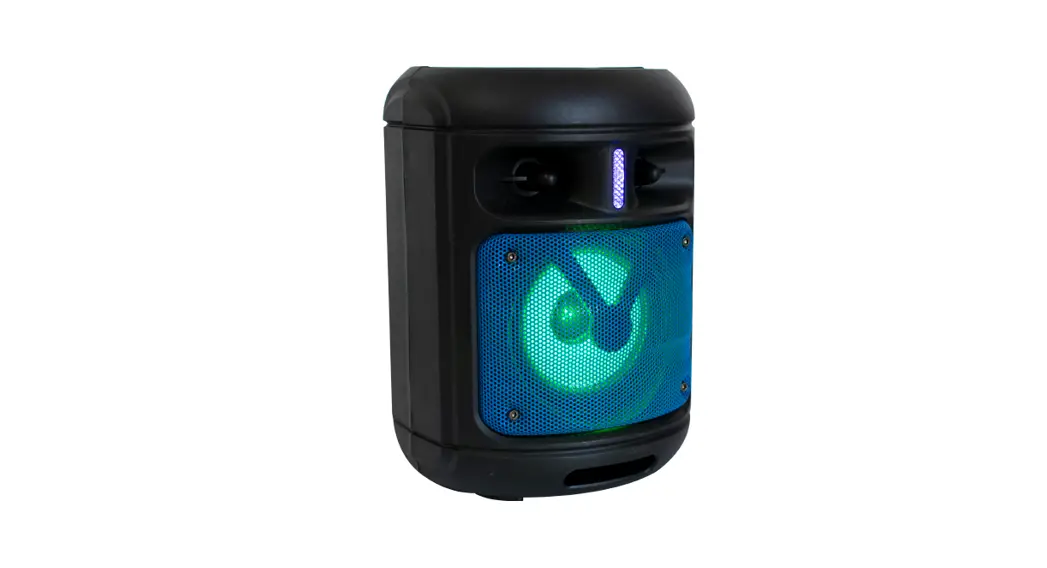
 KTS-1226 True Wireless Speaker
Instruction Manual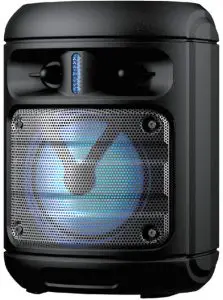
FEATURES:
True wireless stereo function
Support USB/TF card
FM Radio
AUX-in function
Karaoke Function
Rechargeable Lithium battery
SPECIFICATION:
| Output power | 10 W |
| Driver unit size | 2*4 inch |
| Impedance | 3 Ohm |
| S/N ratio | 80dB |
| Separation | 45dB |
| Distortion | .s1.0°/0 |
| Frequency response | 100Hz-20KHz |
| Bluetooth version | V4.2+EDR |
| Bluetooth range | 10 meters |
| Bluetooth pairing name | KTS-1226 |
| Bluetooth profiles supported | A2DP |
| USB & TF max. memory supported | 32 GB |
| FM radio | 87.5-108.0MHz |
| Battery capacity | Built-in 2400mAh |
| Battery type | Li-ion |
| Charging indicator | Yes |
| Charge voltage | DC 5V |
| Full charge time | 6 hours |
| Playback time | 2 hours |
ACCESSORY:
Charging cable: 1 piece;
Audio cable: 1 piece;
User manual: 1 piece;
Connect to Bluetooth device
Bluetooth and TWS function
Turn on both units, start to search for, and select”KTS-1226″ in the list of Bluetooth devices, When the connection is successful, the indicated tone will be on.
How to use True wireless stereo function
If people have 2pcs and both of them has a TWS function, Then turn on both units, and press any pcs of the MODE button for a few second, then the 2pcs unit will connect automatically.
Note: True wireless stereo function only work in Bluetooth mode.
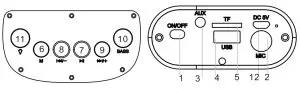
- POWER ON/OFF: Turn on/off the machine.
- MIC-IN: Microphone-in.
- Aux:3.5mm aux-in jack.
- USB slot: Play the MP3 file from USB.
- TF slot: Play the MP3 file from the TF card.
- MODE: Change to the different function, press and hold switch the light on/off.
 : Under USB/TF/Bluetooth mode, short press for play and pause; Under FM mode, short press: station selection and frequency modulator alternation, long press for automatic search.
 : Under USB/TF/Bluetooth mode, short press to move to previous channel/track. Press and hold to decrease the volume.
 : Under FM/USB/TF/Bluetooth mode, short press to move to next channel/track. Press and hold to increase the volume
- Press to increase the bass.
- Press to change the flashlight mode.
- DC-5V: DC-5V USB charge port.
BLUETOOTH
Turn on the speaker, It comes into Bluetooth mode directly. After pairing the device, it can play the music, Short time Press  to Play/Pause, press
  and
and  to Prev and Next. Long time press and to turn down and turn up the Volume.
AUX-IN
AUX-IN, Press the MODE Button to change to Aux mode, plug the audio cable into the AUX jack, Press and hold the and buttons to decrease and increase the volume.
USB/TFCARD
Insert the USB or TF card into the USB/TF slot, it will read the MP3
format music automatically. Press to Play/Pause, short time press and to Prev. and Next, press and hold the and buttons to decrease and increase the volume.
FM RADIO
Press the MODE button to change to FM radio mode, and then press the Button to search FM channel automatically. This operation will scan all FM stations and Pre-record them to the memory. The scan procedure will take several minutes to complete and should not be interrupted. Once complete, you can short press and to move forward or backward. Press and hold the and buttons to decrease and increase the volume
CHARGING
Plug the USB cable into the speaker MICRO USB port and connect to a power source.
Red LED on when charging.
FCC COMPLIANCE STATEMENT:
This device complies with part 15 of the FCC Rules. Operation is subject to the following two conditions:
- This device may not cause harmful interference, and
- this device must accept any interference received, including interference that may cause undesired operation.
Note: This equipment has been tested and found to comply with the limits for a Class B digital device, pursuant to Part 15 of the FCC Rules. These limits are designed to provide reasonable protection against harmful interference in a residential installation. This equipment generates, uses, and can radiate radio frequency energy and, if not installed and used in accordance with the instructions, may cause harmful interference to radio communications.
However, there is no guarantee that interference will not occur in a particular installation. If this equipment does cause harmful interference to radio or television reception, which can be determined by turning the equipment off and on, the user is encouraged to try to correct the interference by one or more of the following measures:
Reorient or relocate the receiving antenna.
Increase the separation between the equipment and receiver.
Connect the equipment into an outlet on a circuit different from that to which the receiver is connected.
Consult the dealer or an experienced radio/TV technician for help.
Warning: Changes or modifications to this unit not expressly approved by the party responsible for compliance could void the user’s authority to operate the equipment.
FCC Radiation Exposure Statement
The device has been evaluated to meet general RF exposure requirements.
The device can be used in portable exposure conditions without restriction.