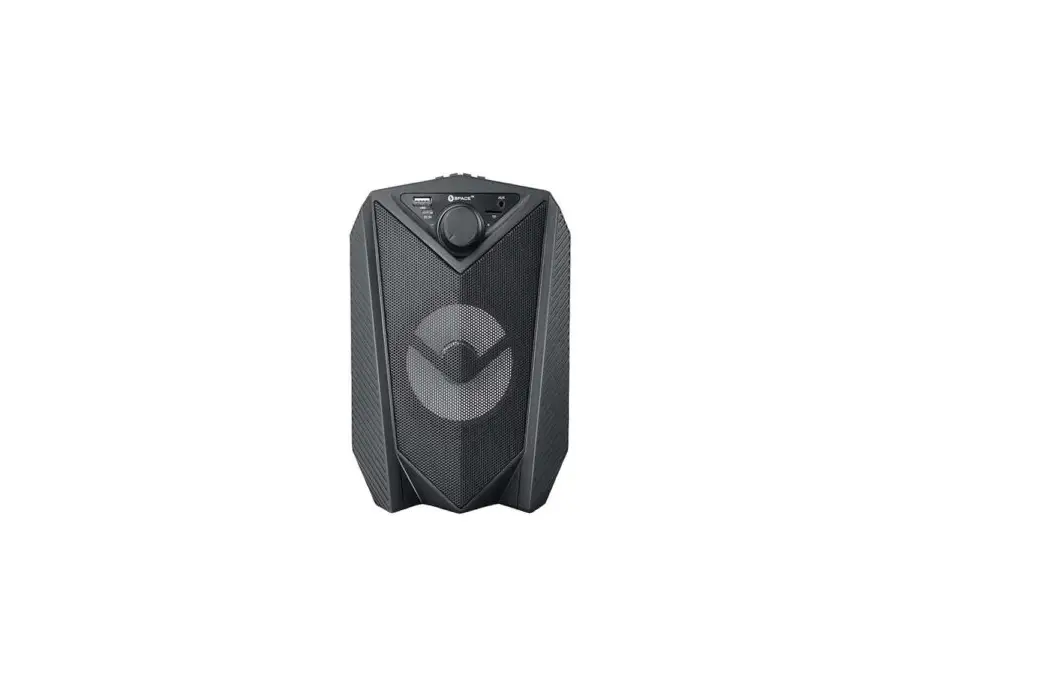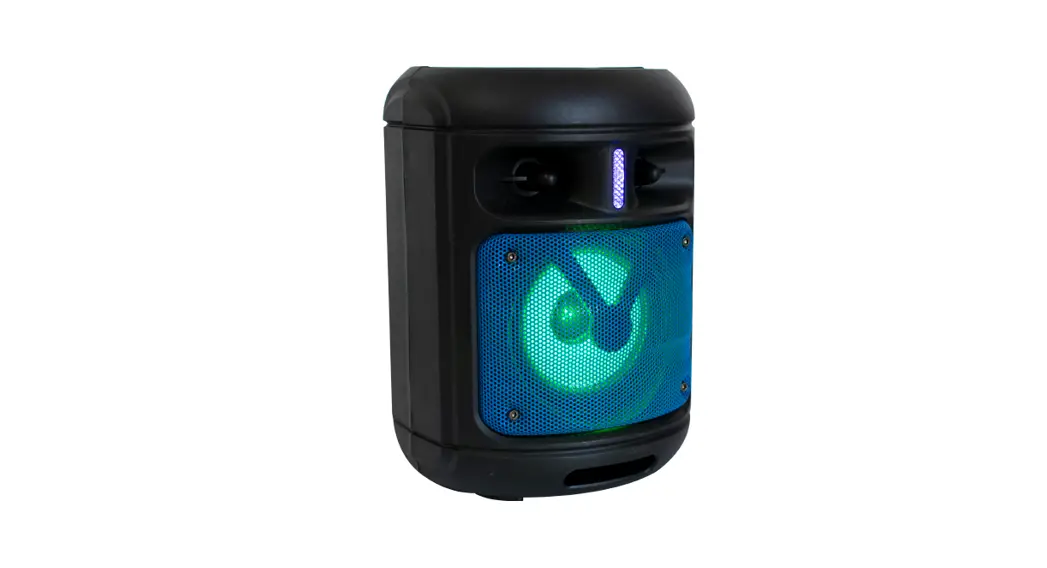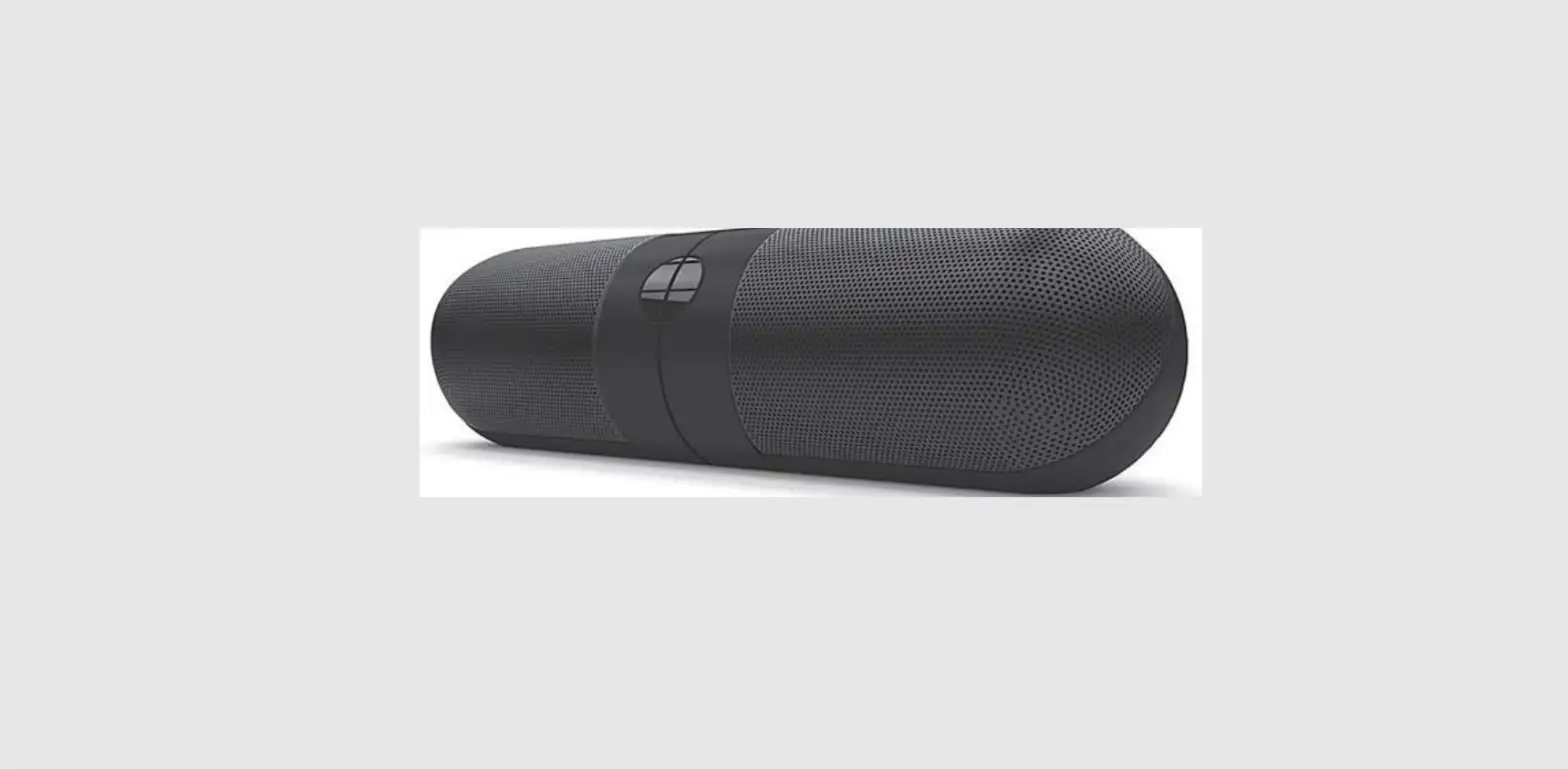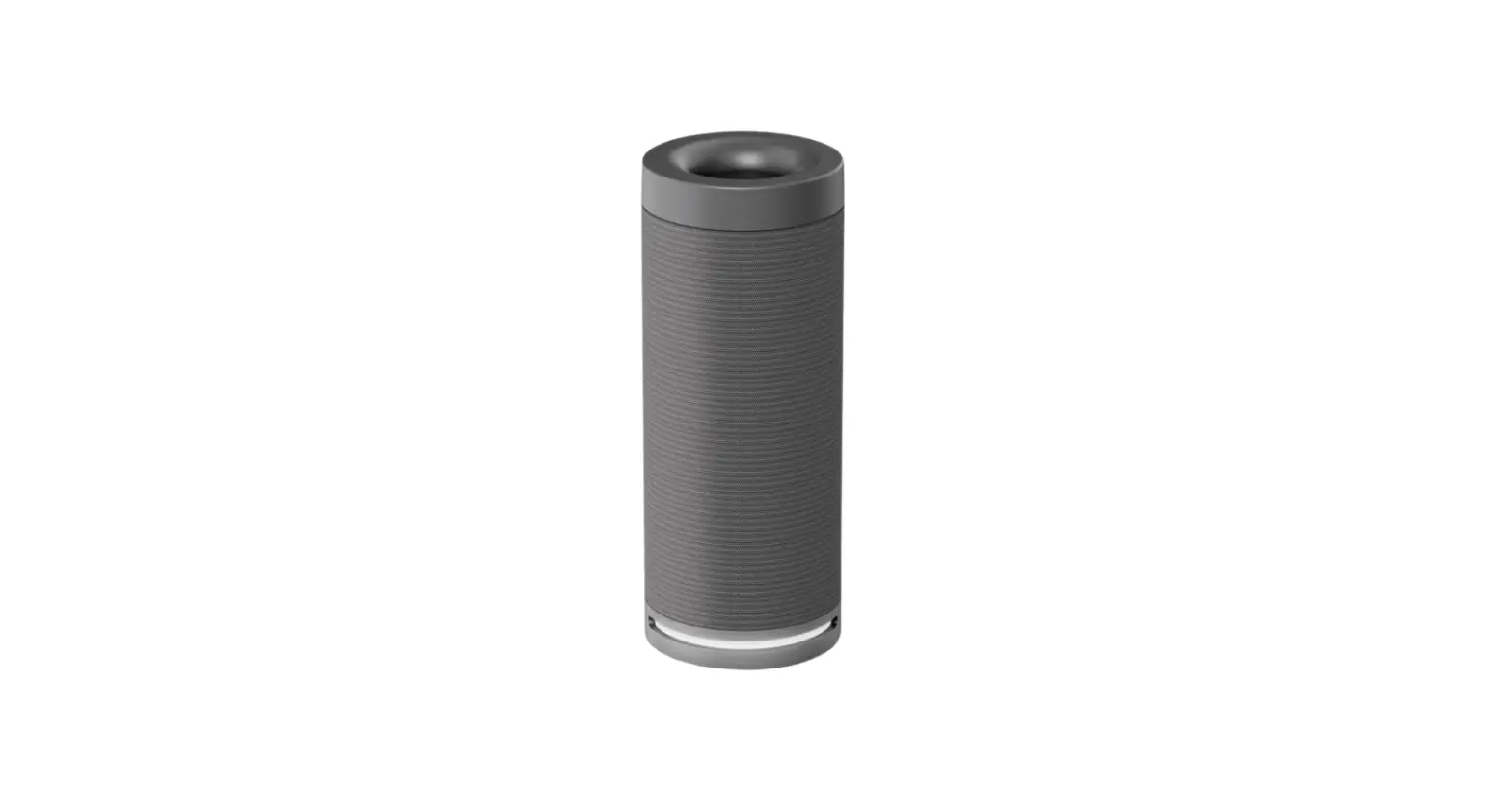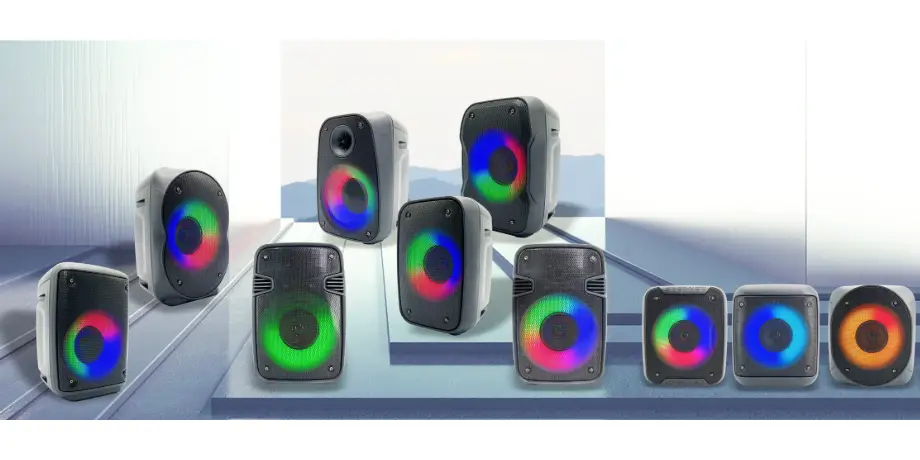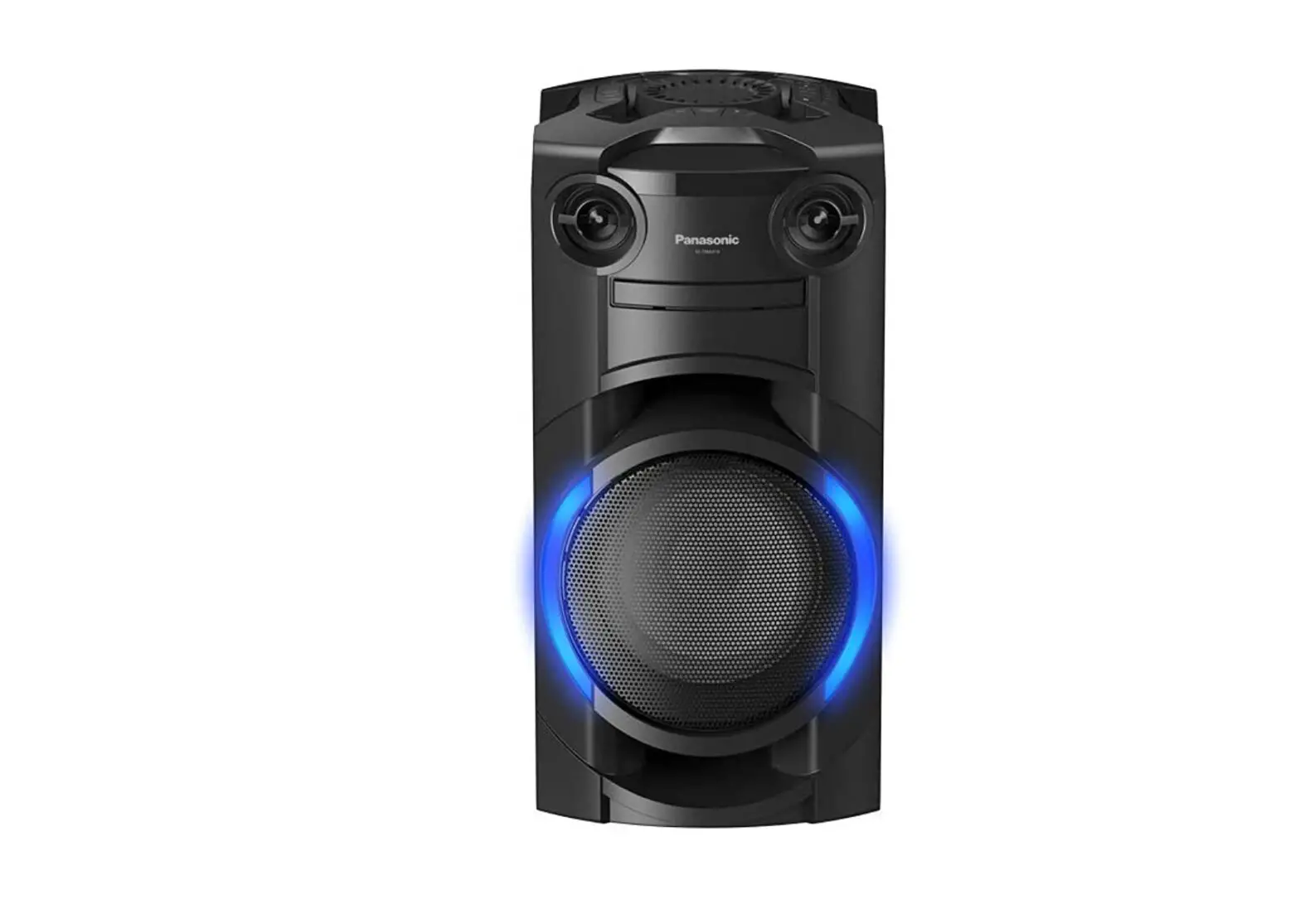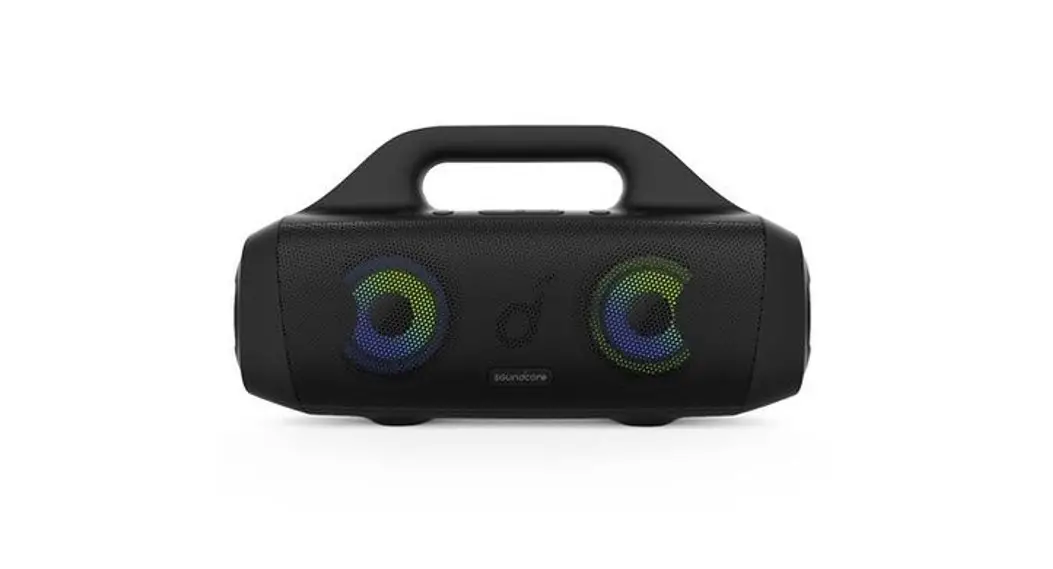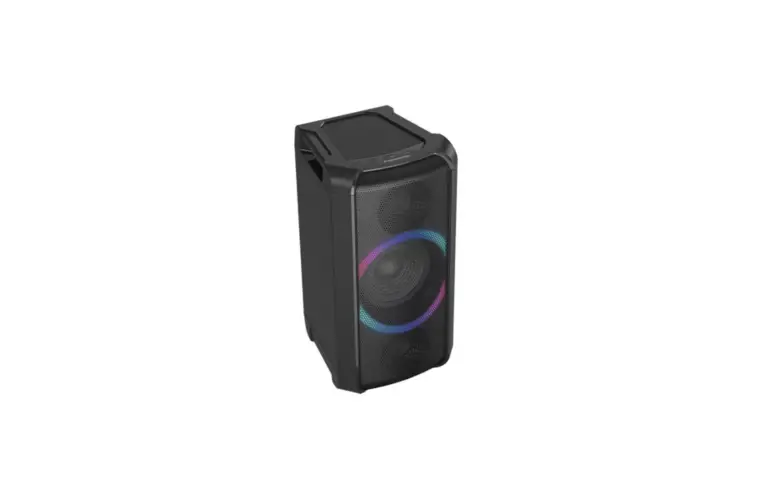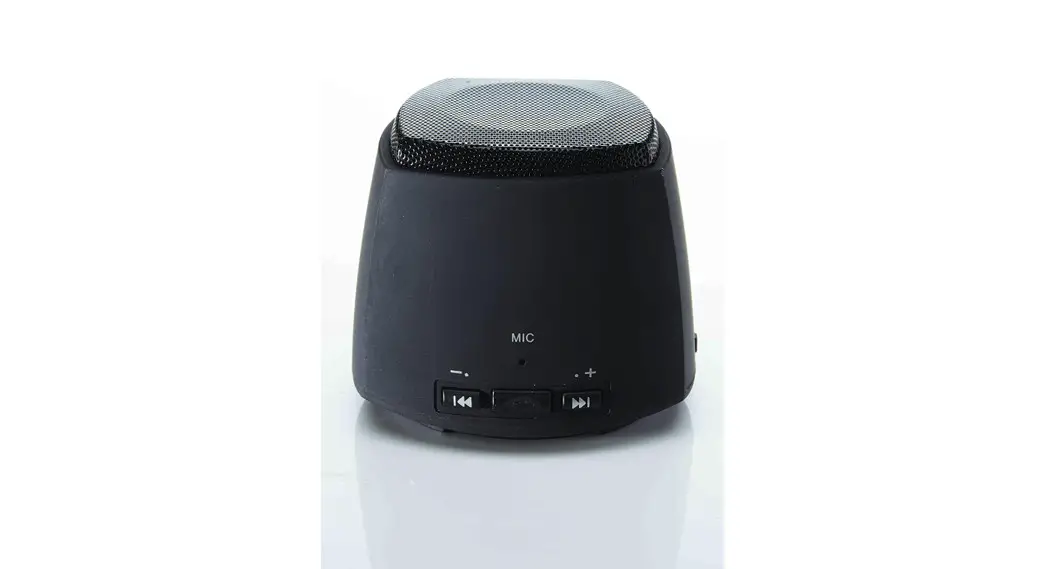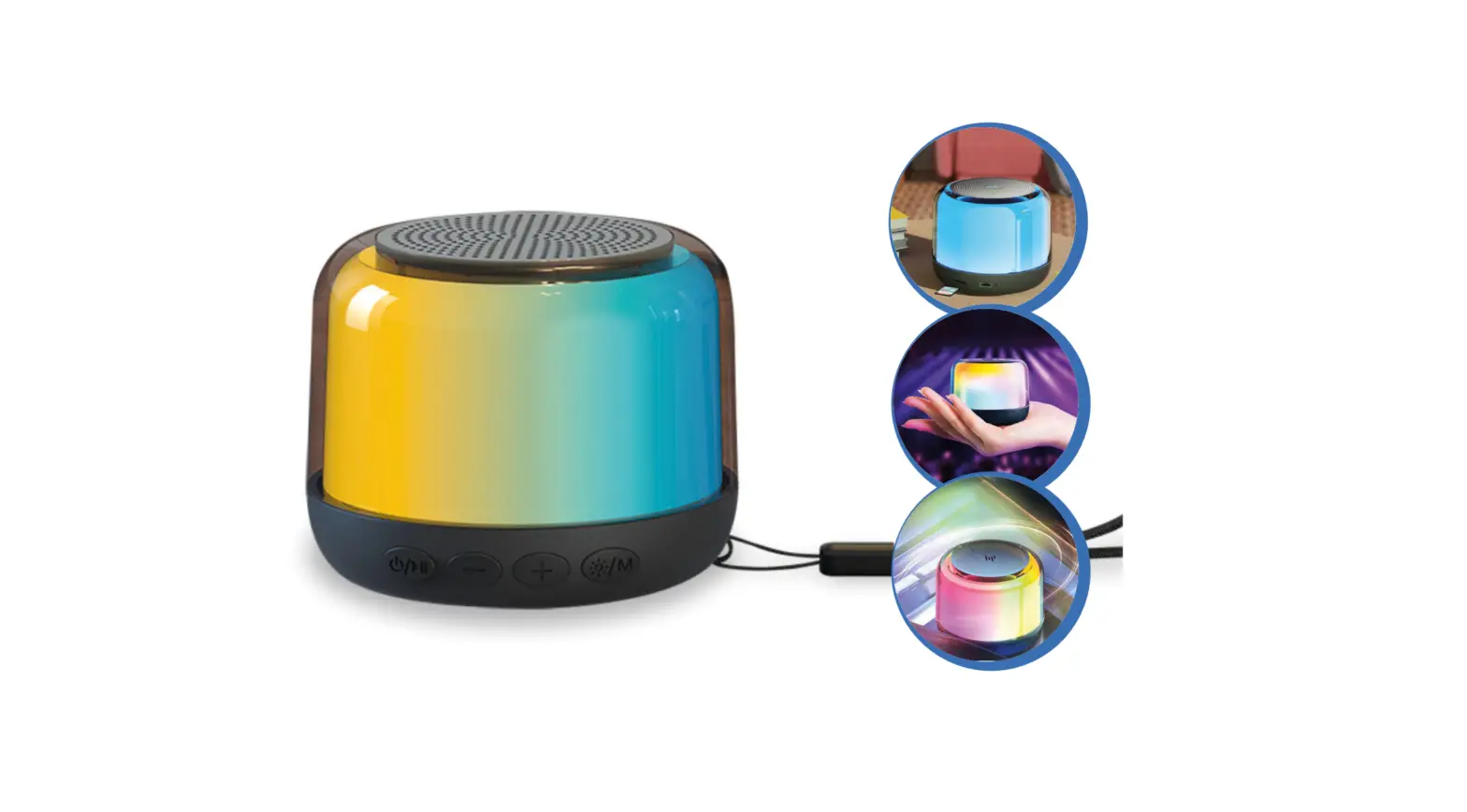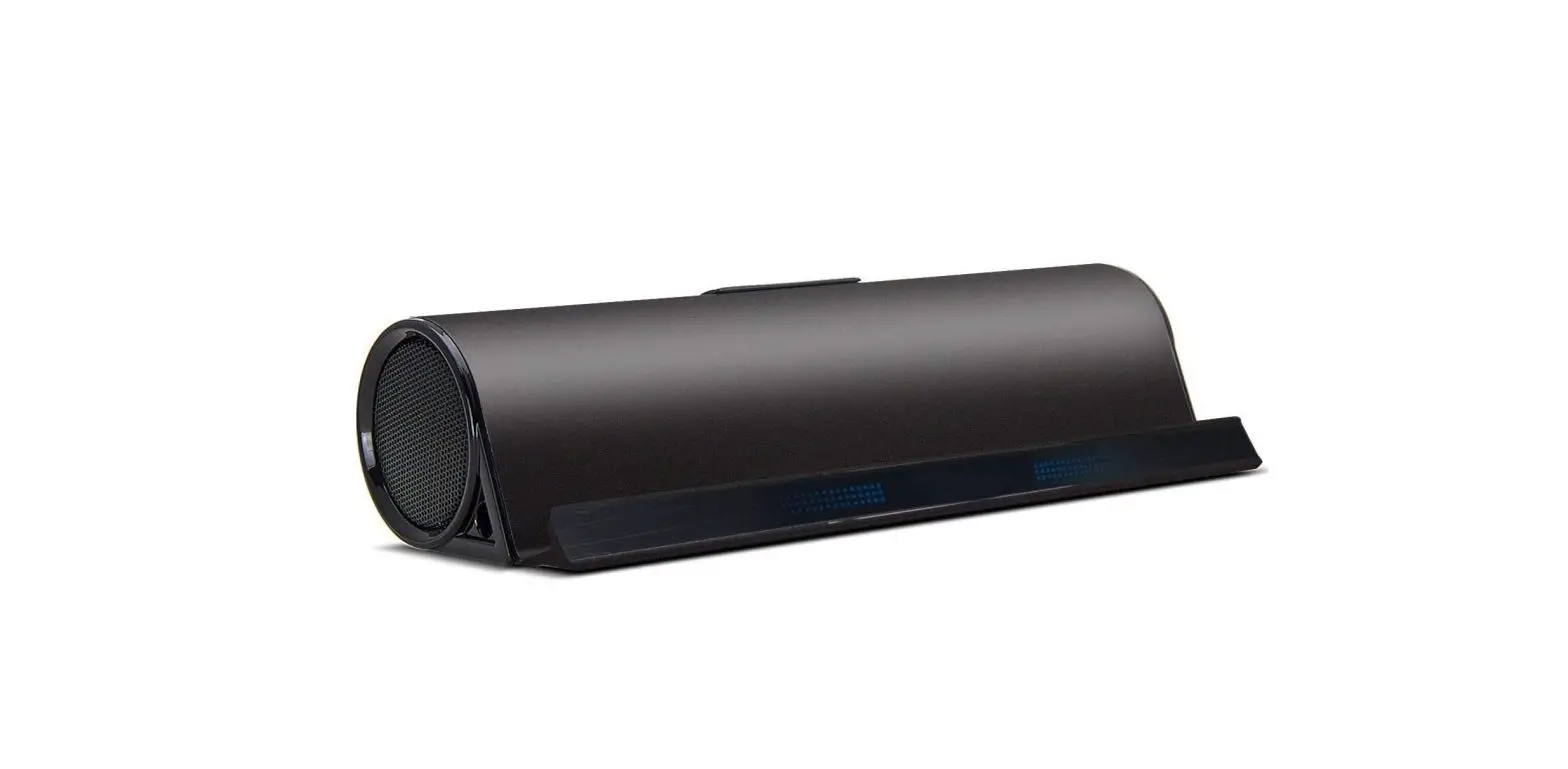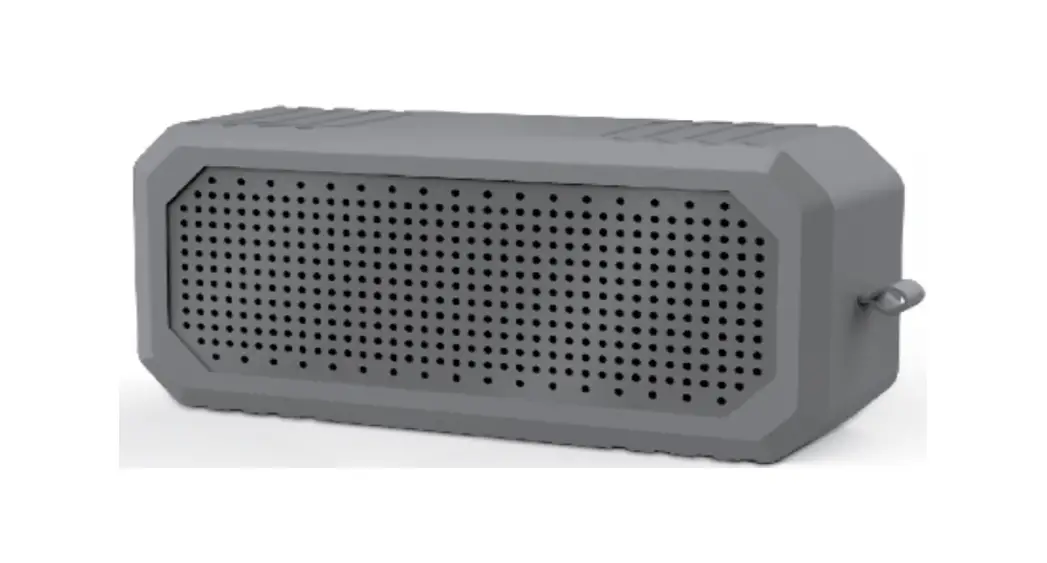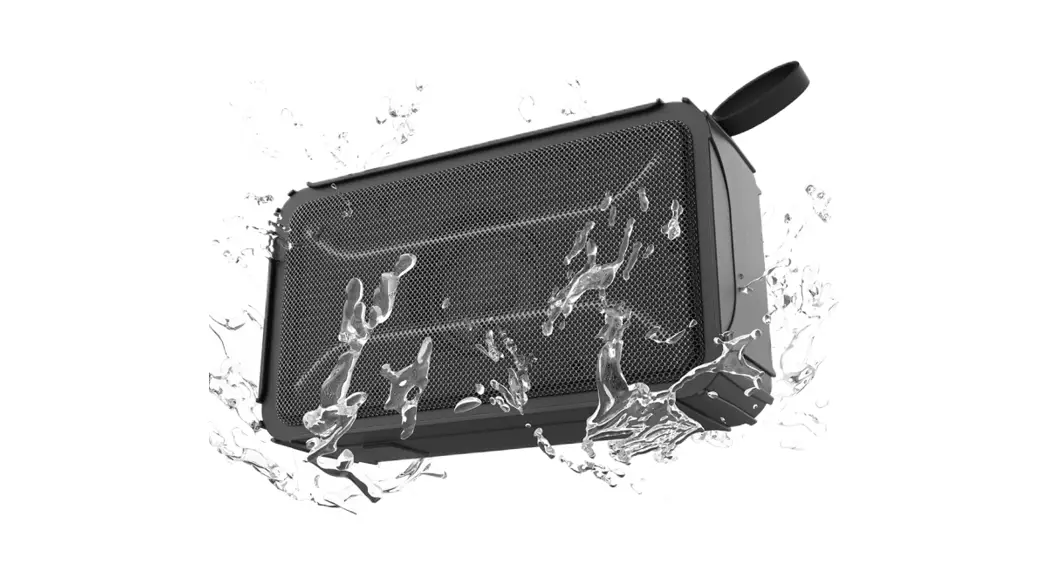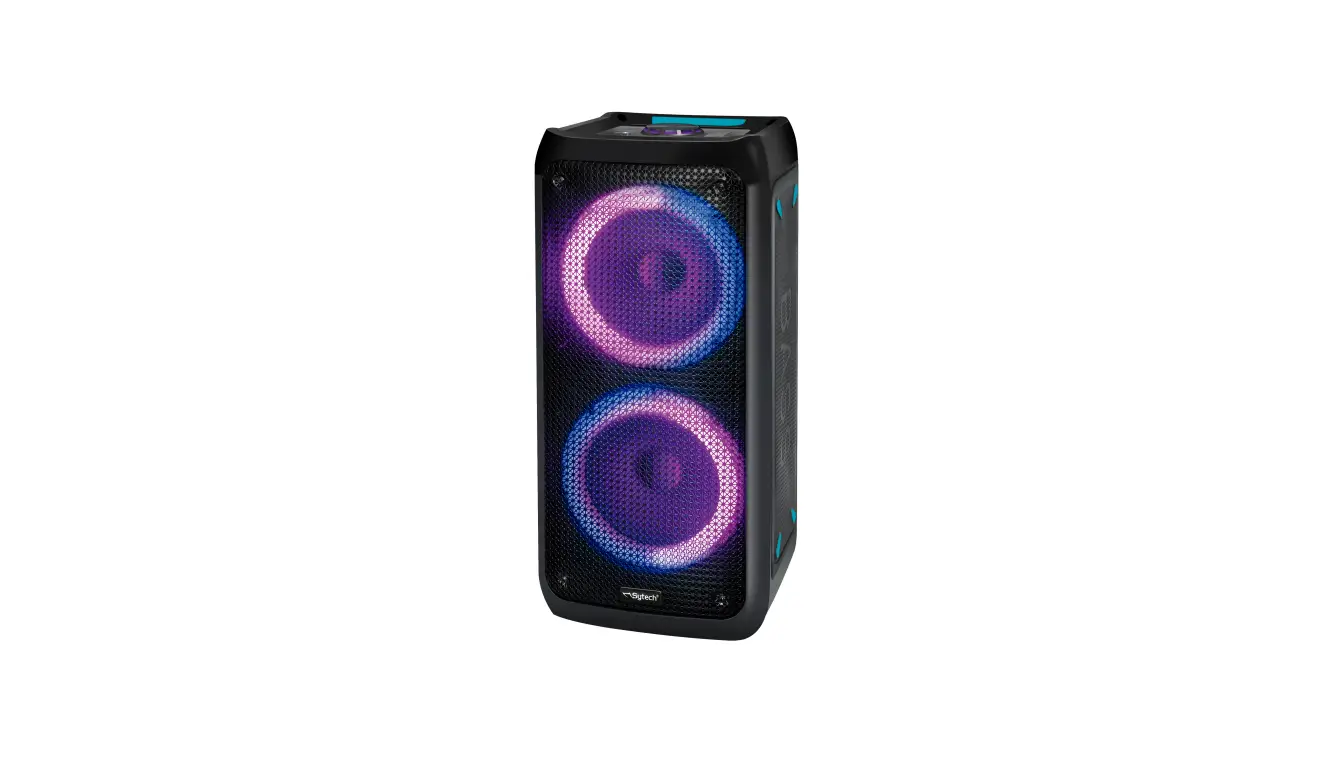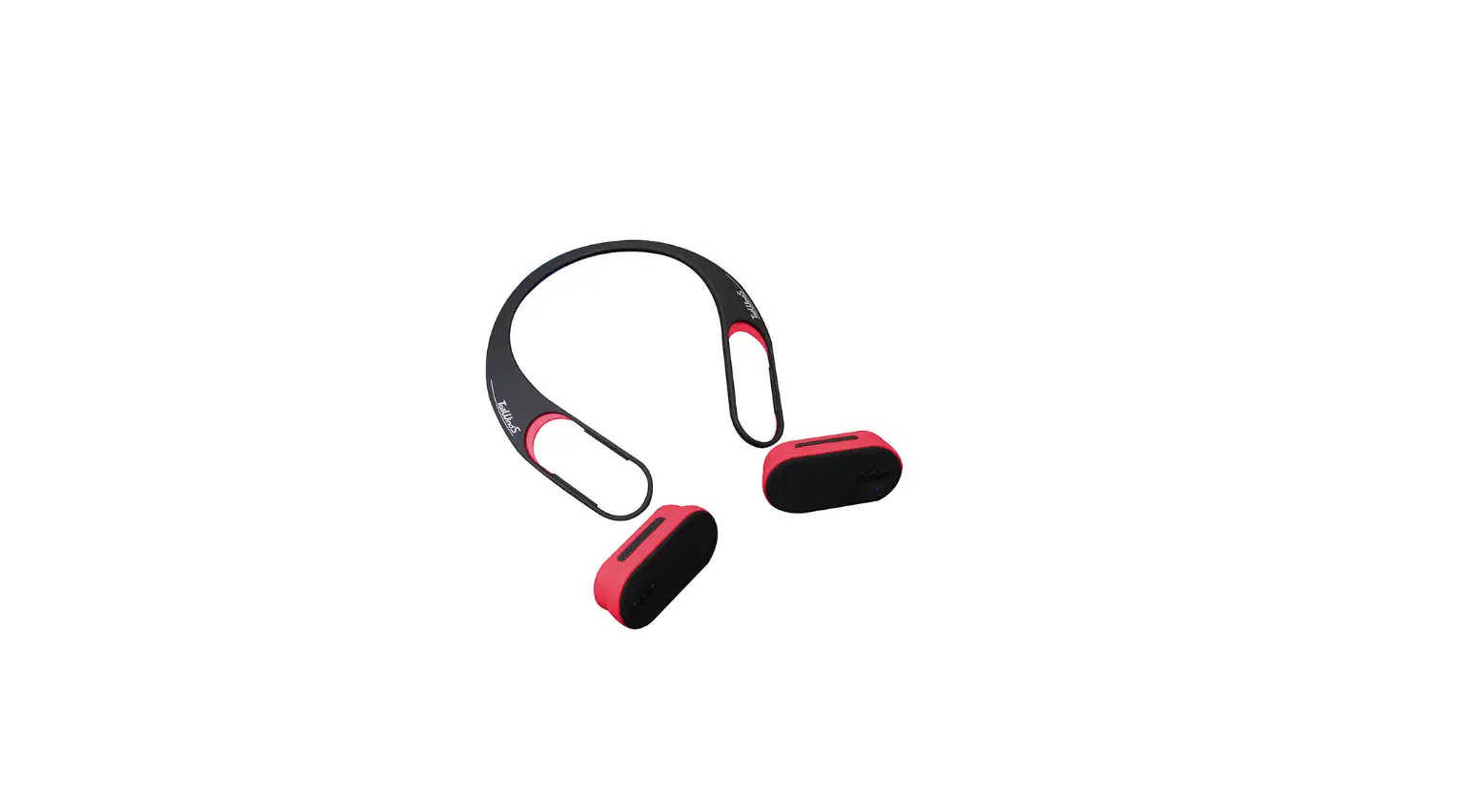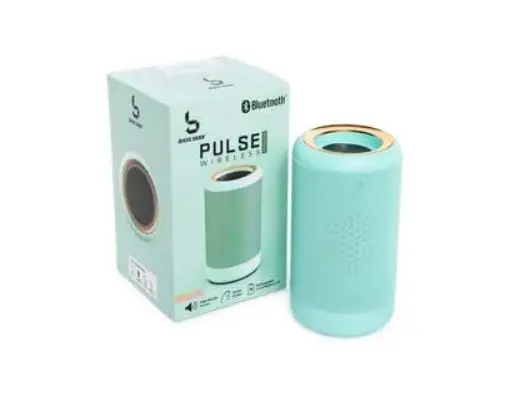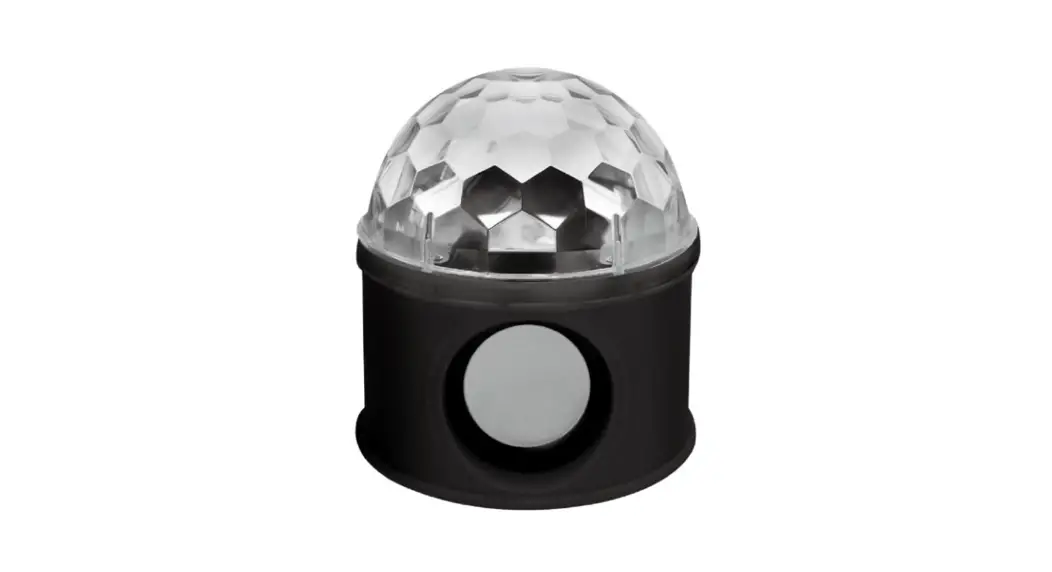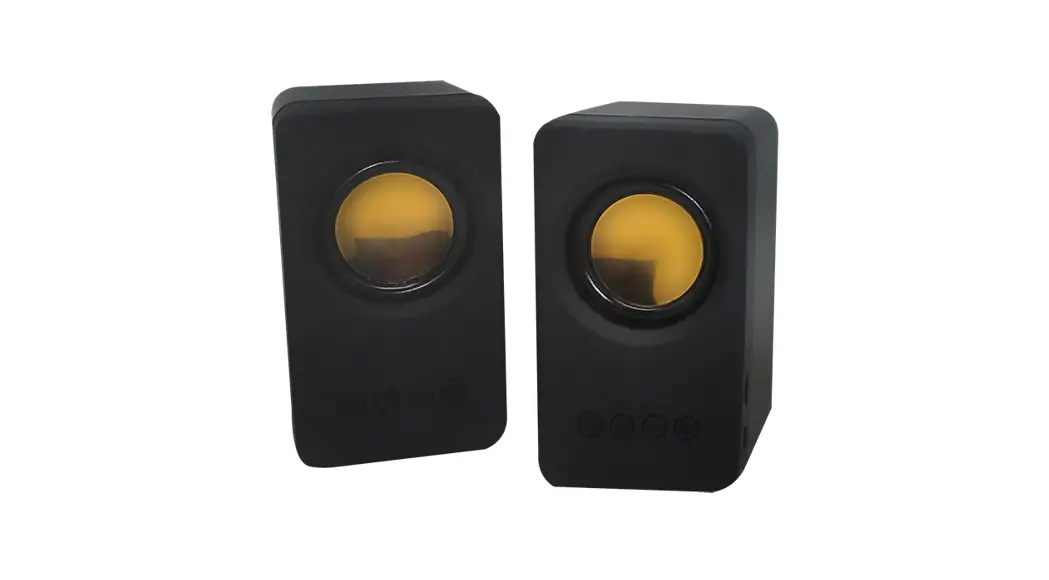


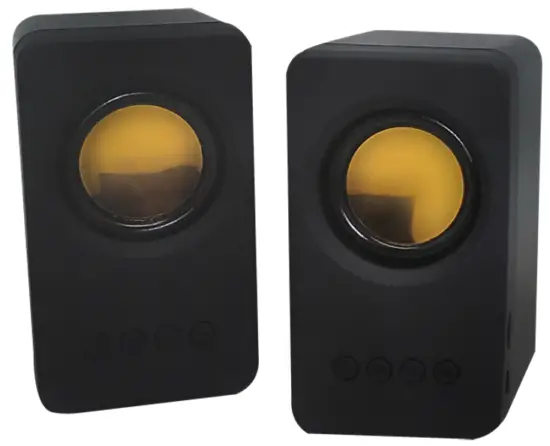
Wireless Speakers
Instruction Manual
FIND YOUR
OWN WAY
Main Functions:
- Power On
Advanced wireless chip and circuit design support all wireless devices.
Turn on the device, press the button, switch to Bluetooth mode, and the Blue light will flash. Open your phone or tablet and search for device and click connect, voice prompt to pair “Success”, Blue light will no longer flash. The wireless device’s working distance is 10 meters.
 - Bluetooth Mode and TWS Function
Power on the speaker, enter Bluetooth mode, use a mobile phone or another device, and connect one of the speakers, this will connect the other speaker automatically, or power on both speakers and press/hold to connect or disconnect devices. Pairing name: “TWS”.
 - FM Radio Function
Press theto enter FM mode, short press to automatically search for the radio, and the search is completed automatically to preset stations. Press the 
 key to enter the previous channel or the next channel, short Press to exit when searching for a station (Plug in the charging cable for better radio station quality).
 - Micro SD Function
Supports Micro SD card and plays MP3 audio formats.
 the button, switch to Bluetooth mode, and the Blue light will flash. Open your phone or tablet and search for device and click connect, voice prompt to pair “Success”, Blue light will no longer flash. The wireless device’s working distance is 10 meters.
 to connect or disconnect devices. Pairing name: “TWS”.
 key to enter the previous channel or the next channel, short Press
 Func tion Indication
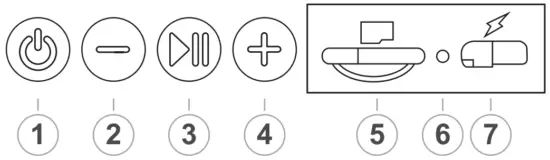
- Long press to power On or Off, short press to enter Mode.
- Short press for previous song, long press for volume down.
- Play/Pause, radio search, and TWS function.
- Short press for next song, long press for volume up.
- Card interface: card can decode the audio playback of MP3 format when inserted.
- Status: blue light. Charging: red light
- DC 5V charging port. Micro USB charging interface.
Specifications
Speaker: 050-45, 403w
Material: ABS
Frequency 100Hz-20KHz
Bluetooth Range: up to 10m
Battery: 1200mah
Playing hours: around 4 hours
Product dimension: 65*67*115mm
Product weight: 215g
FCC Statement
This device complies with part 15 of the FCC Rules. Operation is subject to the following two conditions: (1) This device may not cause harmful interference, and (2) this device must accept any interference, received, including interference that may cause undesired operation.
Note: This equipment has been tested and found to comply with the limits for a Class B digital device, pursuant to part 15 of the FCC Rules. These limits are designed to provide reasonable protection against harmful interference in a residential installation. This equipment generates, uses, and can radiate radio frequency energy and, if not installed and used in accordance with the instructions, may cause harmful interference to radio communications. However, there is no guarantee that interference will not occur in a particular installation. If this equipment does cause harmful interference to radio or television reception, which can be determined by turning the equipment off and on, the user is encouraged to try to correct the interference by one or more of the following measures:
- Reorient or relocate the receiving antenna.
- Increase the separation between the equipment and receiver.
- Connect the equipment into an outlet on a circuit different from that to which the receiver is connected.
- Consult the dealer or an experienced radio/TV technician for help.
Note: The Grantee is not responsible for any changes or modifications not expressly approved by the party responsible for compliance. such modifications could void the user’s authority to operate the equipment.
The device has been evaluated to meet general RF exposure requirements. To maintain compliance with FCC’s RF exposure guidelines, the distance must be at least 20 cm between the radiator and your body and fully supported by the operating and installation configurations of the transmitter and its antenna(s).
is distributed by CJ Global Inc. All rights reserved. 2010 Maple Ave Fair Lawn NJ 07410
The Bluetooth word mark and logos are registered trademarks owned by the Bluetooth SIG,
Inc. and any use of such marks by CJ Global is under license.
Other trademarks and trade names are those of their respective owners.