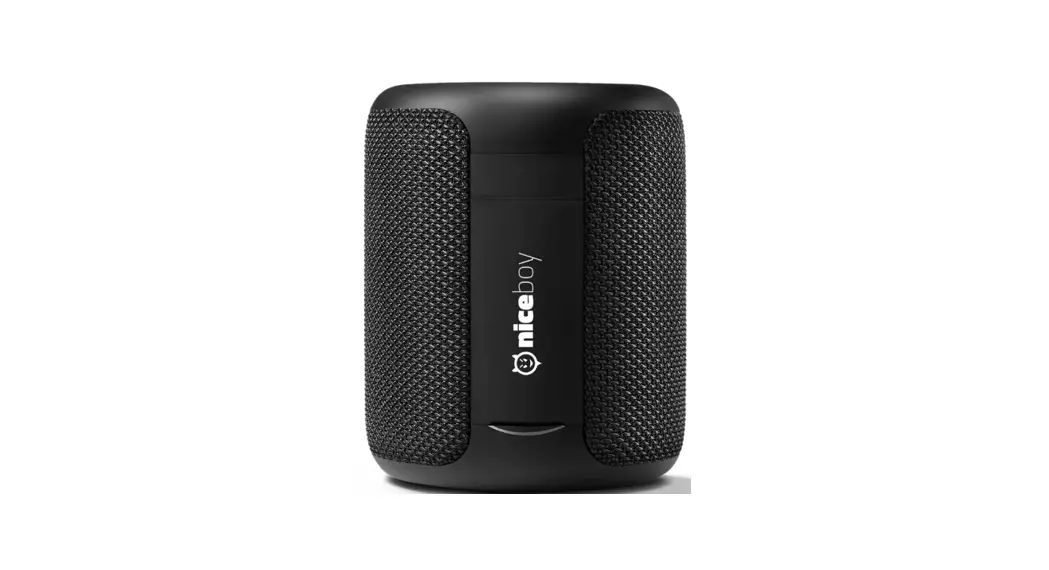
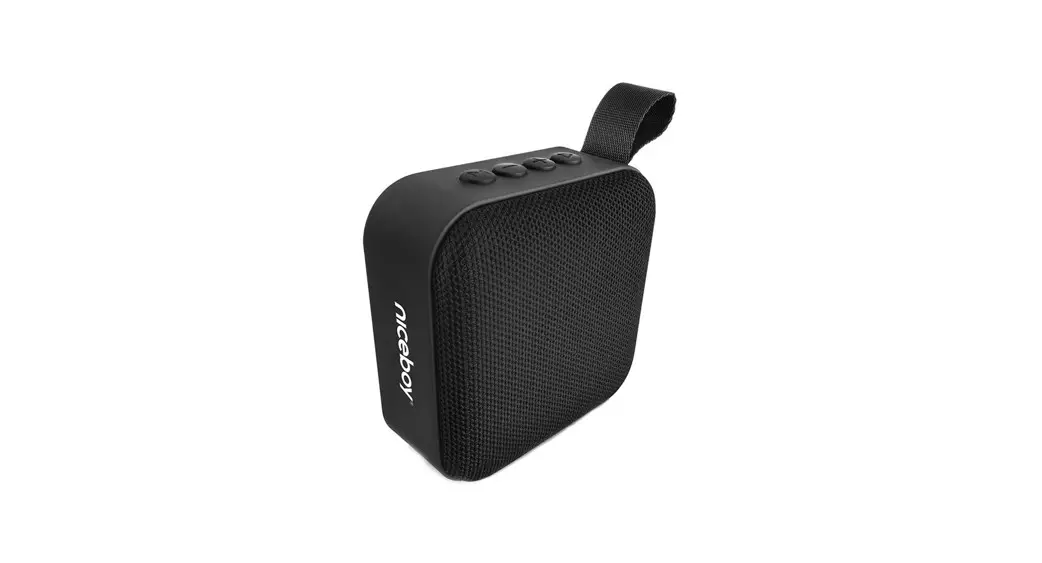
BOOST MINI Portable Audio Bluetooth Speaker
Product Information
| Product Name | BOOST MINI |
|---|---|
| Model | Portable Audio Bluetooth Speaker |
Product Usage Instructions
Safety Instructions
Read all instructions before using the product. Follow these
safety instructions to ensure proper usage and to avoid damage:
- Only charge the speaker with devices rated and marked with 5V
to avoid damage. - Do not open up the speaker as it voids the warranty and may
damage the product. - Rechargeable batteries have a limited number of charge cycles.
Battery life and number of charge cycles vary by use and
settings. - Never place the speaker close to high temperature heat
sources. - To keep the warranty valid, never try to repair the product
yourself.
Parts and Functions
The speaker has the following parts and functions:
| No. | Part | Function |
|---|---|---|
| 1 | Lanyard | |
| 2 | Volume down button (-) | Previous song, decrease the volume |
| 3 | Pause button | Play, pause, answer call, TWS |
| 4 | Volume up button (+) | Next song, increase the volume |
| 5 | Power button | Power on/off, activate Siri, reset |
| 6 | Mode button | Switch the playing mode |
| 7 | LED indicator | |
| 8 | Type-C charging port | |
| 9 | AUX IN port | |
| 10 | Bluetooth indicator | |
| 11 | Microphone |
The Speaker’s Battery
The speaker is powered by a built-in rechargeable battery.
Charging
To charge the speaker:
- Connect the supplied charging cable to the charge input of the
speaker. - Connect the other end of the charging cable to a USB port on
your computer or a USB charger. - The charging LED will turn red during charging.
- The LED will turn off when the speaker is fully charged.
It is recommended to charge the speaker for 10 minutes before
using it if it has not been used in more than 7 days. The speaker
can be used while it is charging.
Power On/Off
To power on the speaker:
- Press and hold the power button for 3 seconds.
- The indicator light will turn on and a sound will play to
indicate that the speaker is on.
To power off the speaker:
- Press and hold the power button for 3 seconds.
- The indicator light will turn off and a sound will play to
indicate that the speaker is off.
Siri Functionality
To activate most connected voice assistants:
- Short press the power button.
Connect the Speaker
To connect the speaker to a Bluetooth device:
- Turn on the speaker.
- The indicator light will flash white to indicate that it is
ready to pair. - On your device, search for “BOOST MINI” and connect to it.
- The indicator light will stop flashing and a sound will play to
indicate that pairing is successful. - Only one Bluetooth device can be connected at a time. To
connect another device, first disconnect the current one.
Disconnect the Speaker
To disconnect the speaker when it is connected via
Bluetooth:
- Long press the mode button for 3 seconds.
Reconnect the Speaker
To automatically reconnect the speaker to a previously
disconnected device:
- Some Bluetooth devices support automatic reconnection. With
those devices, the speaker will automatically reconnect. - The speaker will not automatically reconnect to devices that do
not support automatic reconnection. - When the speaker is not connected, long press the mode button
for 3 seconds to connect to the last disconnected device.
Playing Mode
To switch between Bluetooth and Aux inputs:
- Press the mode button.
Note: Connected Bluetooth devices will unpair when switching to
Aux.
Audio Cable Connection
To play audio from the aux input:
- Connect a stereo 3.5mm aux cable to the speaker.
- This will automatically disable the Bluetooth connection on the
speaker.
Change Volume and Song
When listening to music:
- To increase volume: Short press on the (+) button.
- To decrease volume: Short press on the (-) button.
- To play the previous song: Long press on the (-) button.
- To play the next song: Long press on the (+) button.
PORTABLE AUDIO BLUETOOTH SPEAKER
Model: BOOST MINI User Manual
SAFETY INSTRUCTIONS Read all instructions
Only charge with devices rated and marked with 5V to avoid damage to the speaker. Do not open up the speaker, it voids the warranty and may damage the product. Rechargeable batteries have a limited number of charge cycles. Battery life and number of charge cycles varies by use and settings. Never place the speaker close to high temperature heat sources. To keep the warranty valid, never try to repair the product yourself.
PARTS AND FUNCTIONS
1. Lanyard
2. -: Volume down button: previous song, decrease the volume
3. Pause button: play, pause, answer call, TWS
4. +: Volume up button: next song, increase the volume
5. Power button: power on/off, siri, reset
6. Mode button: switch the playing mode
7. LED indicator
8. Type-C charging port
9. AUX IN port
10. Bluetooth indicator
10.
11. Microphone
1. 11. 5.
2. 3. 4. 6.
7. 8. 9.
THE SPEAKER’S BATTERY
A built-in rechargeable battery powers the speaker.
CHARGING
Connect the supplied charging cable to the charge input and to a USB port on your computer or a USB charger. The charging LED is lit red during charging. The LED turns off when fully charged. It is recommended to charge 10 minutes before using the speaker if it has not been used in more than 7 days. The speaker can be used while it is charging.
POWER ON/OFF
Power on: Press the power button for 3 seconds to turn the speaker on. The indicator light will turn on and a sound will play to indicate that the speaker is on. Power off: Press the power button for 3 seconds to turn the speaker off. The indicator light will turn off and a sound will play to indicate that the speaker is off.
SIRI FUNCTIONALITY
Short press power button to activate most connected voice assistants.
CONNECT THE SPEAKER
After turning on the speaker, the indicator light will flash white to indicate that it is ready to pair. On your device search for “BOOST MINI” and connect. The indicator light will stop flashing and a sound will play to indicate that pairing is successful. Only one Bluetooth device can be connected at the same time. To connect another device, first disconnect the current one.
DISCONNECT THE SPEAKER
When it’s connected via Bluetooth, long press mode button 3 seconds to disconnect it.
RECONNECT THE SPEAKER
Some bluetooth devices support automatic reconnection. With those devices, the speaker will automatically reconnect. The speaker will not automatically reconnect to devices that do not support automatic reconnection. When it’s not connected, long press mode button 3 seconds to connect to the last disconnected device.
PLAYING MODE
Pressing the mode button will switch between Bluetooth and Aux inputs. Connected Bluetooth devices will unpair when switching to Aux.
AUDIO CABLE CONNECTION
Connecting a stereo 3.5mm aux cable will automatically disable the Bluetooth connection on the speaker and play audio from the aux input.
CHANGE VOLUME AND SONG When listening to music
Increase volume: Short press on the “+” button Decrease volume: Short press on the “- ” button Previous song: Long press on the “-” button Next song: Long press on the “+” button
PAUSE BUTTON FUNCTIONALITY
Short Press: ·Music playback status: play, pause function. ·When there is an incoming call: answer the call. ·While in a call: hang up the phone call.
Long Press: ·When there is an incoming call: press 2 seconds to reject the call. ·Press 2 seconds to enter TWS connection, once connected, press 2 seconds to disconnect TWS connection. ·Long press for 5 seconds to clear the pairing information and return to the default volume with a beep, the speaker will automatically turn off.
Double press: ·When connected to a phone, double pressing the power button will call back the that phone call.
HANDS-FREE FUNCTIONALITY
1. Turn on the speaker and the bluetooth indicator will flash white. 2. Short press the pause button to answer the call on the speaker. You can speak using the built in
microphone. After call is ended, it will continue to play music. 3. Long press the pause button on the speaker to reject an incoming call. 4. The bluetooth indicator will be solid white, only one bluetooth device can be connected at the
same time.
RESET FUNCTIONALITY
In the case that the speaker stops working and cannot be operated, press and hold the reset button through the aux port with straightened paper clip for 6 seconds to automaticaly reset the speaker and turn off.
AUTOMATIC TURN OFF FUNCTIONALITY
The speaker will automatically turn off in 10 minutes when Bluetooth is not connected and no music is playing.
TECHNICAL PARAMETERS
· Model: BOOST MINI · Speaker: Ø52mm 4 5W*1 · Charging time: 3 hours · Input: 5.0V 1.0A · Product Weight: 182g
· Bluetooth: V5.0 · Built-in rechargeable battery: Li-on, 3.7V, 800mAh · Playing time: 4+ hours · Product Size: 100*100*45mm · Range: Up to 10m · Waterproof level: IPX7
PACKAGE INCLUDING
· 1pcs* BOOST MINI wireless speaker
· 1pcs* Product manual
· 1pcs* Type-C cable
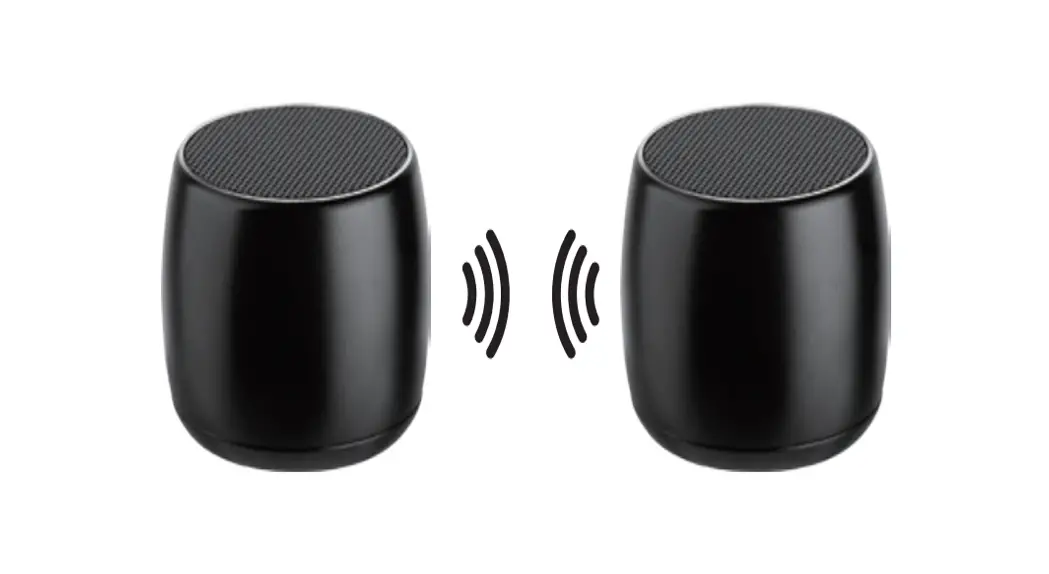
TRUE WIRELESS STEREO (TWS) CONNECTION
1: Turn on both speakers 2: Press and hold the Play/Pause-button on one of the speakers for about 2 seconds until you hear a
“beep” sound. The default is the primary speaker that you operated the Play/Pause-button of this speaker for pairing initially. 3: Release Play/Pause button. It can take a few more seconds before speakers connect to each other. Check the indicator lights to distinguish L/R channel: The white light on one speaker is flashing white for every 3 seconds that should be the left channel (the primary speaker); the white light on the other speaker is solid white that should be the right channel. 4: Go into the Bluetooth menu on your smartphone and pair the speakers with your phone by selecting the speaker model number (Only one speaker will appear in your device’s Bluetooth menu).
TWS DISCONNECTION
1. Press and hold the Play/Pause-button on one of the speakers for about 2 seconds until you hear a “beep”sound.
TROUBLESHOOTING THE TWS CONNECTION Connection failed
Solution: (1) Please check whether the multifunction indicator light flashes white. Please power on your speakers if
the light isn’t on. Please charge the speaker if the light is still not on. (2) Please turn off other nearby bluetooth devices as they may interfere with the pairing process. (3) Repeat the pairing process to connect to the speaker.
Playback is inconsistent Solution: (1) Check that you are within 8-12 meters of the bluetooth connection. (2) Ensure there is not any obstacle between the play device and speakers. (3) Check the playback device or whether the speaker is in a low power state. NOTES BEFORE USE To ensure safe operation, please follow the following rules: 1. Place the speakers in a stable position to avoid damage and personal injury. 2. Do not drop, disassemble, open, crush, bend, puncture, burn speaker. 3. Do not place the speaker near any significant heat source. 4. Do not attempt any repairs yourself. 5. Before wiping with a dry cloth to clean the speakers, set the power switch to the off position and
unplug the power cord from the power outlet. 6. This product can produce sound at damaging levels, please protect yourself by limiting exposure
to high SPL output.
FCC STATEMENT:
This device complies with Part 15 of the FCC Rules. Operation is subject to the following two conditions: (1) This device may not cause harmful interference. (2) This device must accept any interference received, including interference that may cause undesired
operation.
WARNING:
Changes or modifications not expressly approved by the party responsible for compliance could void the user’s authority to operate the equipment.
NOTE
This equipment has been tested and found to comply with the limits for a Class B digital device, pursuant to Part 15 of the FCC Rules. These limits are designed to provide reasonable protection against harmful interference in a residential installation. This equipment generates uses and can radiate radio frequency energy and, if not installed and used in accordance with the instructions, may cause harmful interference to radio communications. However, there is no guarantee that interference will not occur in a particular installation. If this equipment does cause harmful interference to radio or television reception, which can be determined by turning the equipment off and on, the user is encouraged to try to correct the interference by one or more of the following measures:
Reorient or relocate the receiving antenna. Increase the separation between the equipment and receiver. Connect the equipment into an outlet on a circuit different from that to which the receiver is connected. Consult the dealer or an experienced radio/TV technician for help.
FCC Radiation Exposure Statement:
This equipment complies with FCC radiation exposure limits set forth for an uncontrolled environment. This equipment should be installed and operated with minimum distance 20cm between the radiator & your body.
TROUBLESHOOTING The speaker does not turn on?
Recharge your speaker.
The speaker does not turn off or does not respond?
Reset your speaker. Press and hold the reset button through the aux port with clip for 6 seconds to automaticaly reset the speaker and turn off.
There is no sound?
Adjust the volume. Make sure that your Bluetooth device is within range. Ensure there is no obstacles in the way that can block/disturb the signal. Check via the device’s Bluetooth connection if the speaker is connected with the device.
There is poor sound quality?
Move the device closer to the speaker or try removing obstacles between them.
Cannot connect the device with the speaker?
Disconnect other connected devices and then try again. You can force a disconnection by moving out of Bluetooth range (10 m).
In order to avoid harming the product performance, please charge your device each 3 months at least.