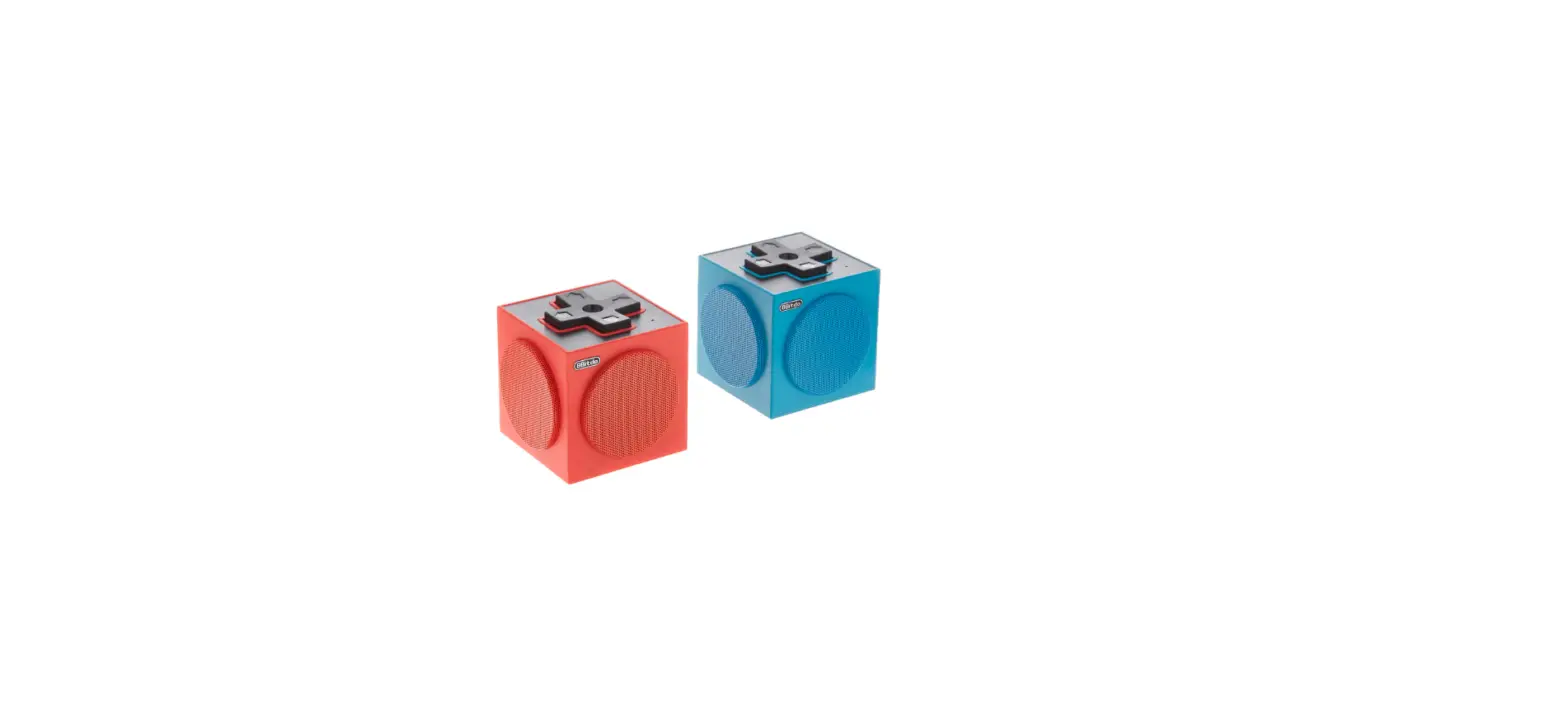
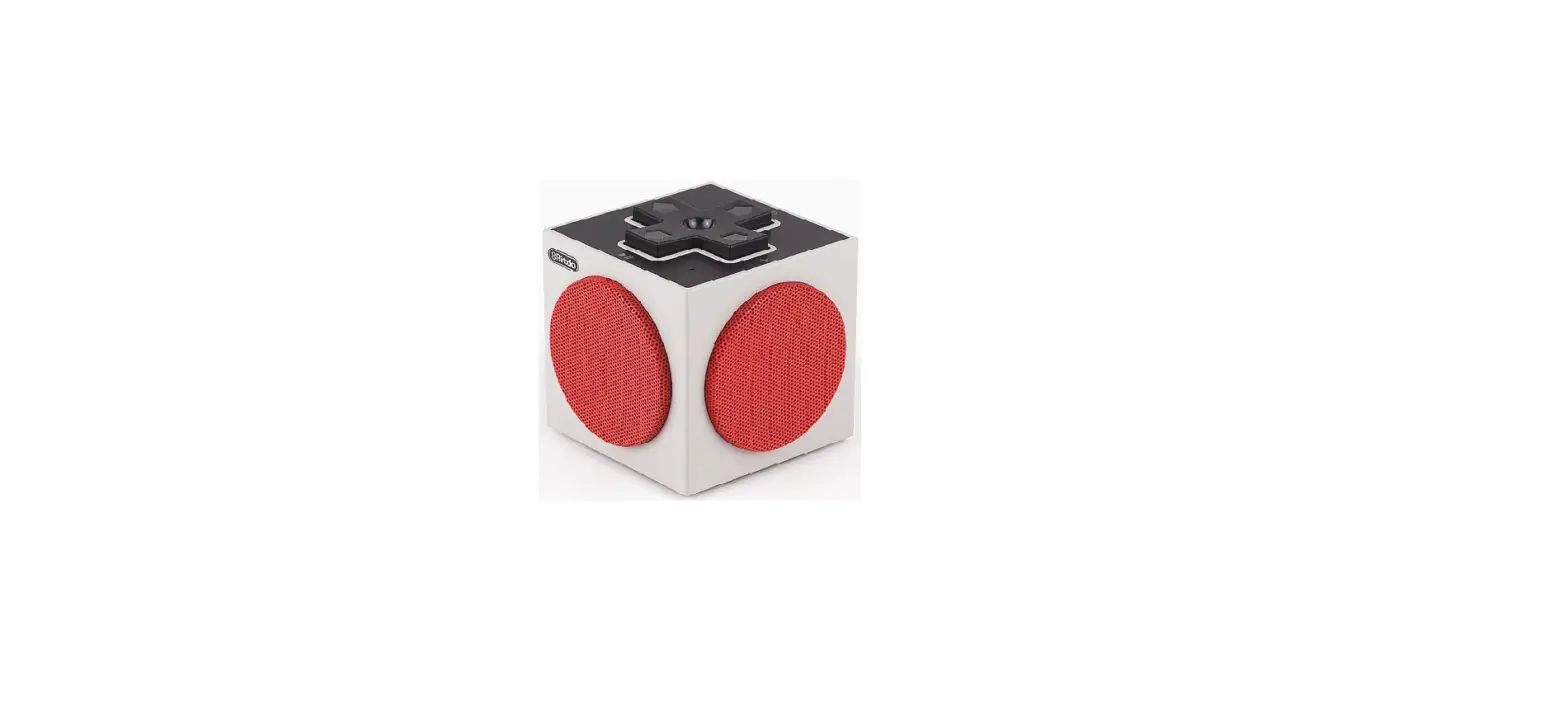
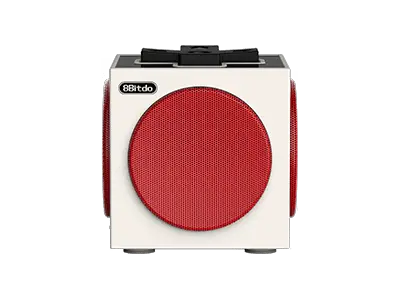
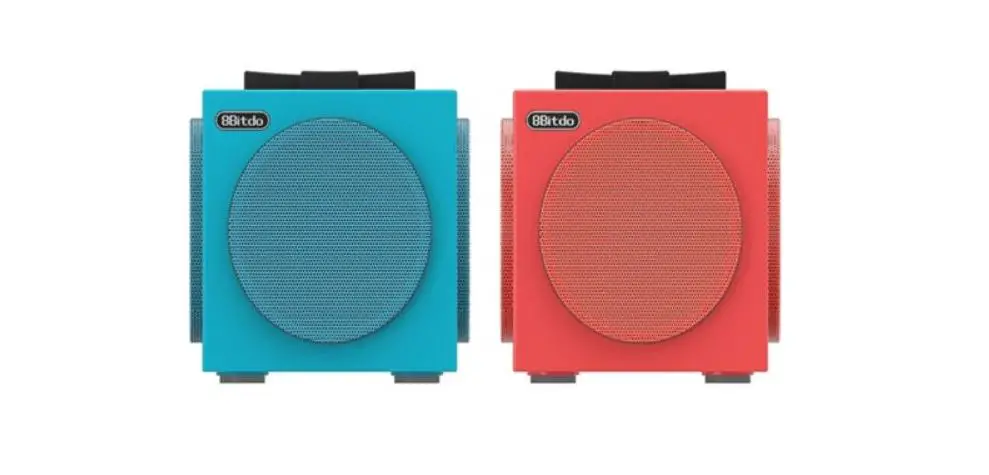
8BitDo TwinCube Speakers User Manual
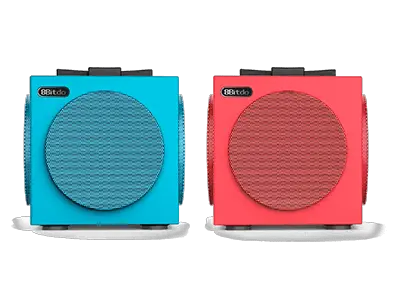
TwinCube Speakers Instruction
Power On
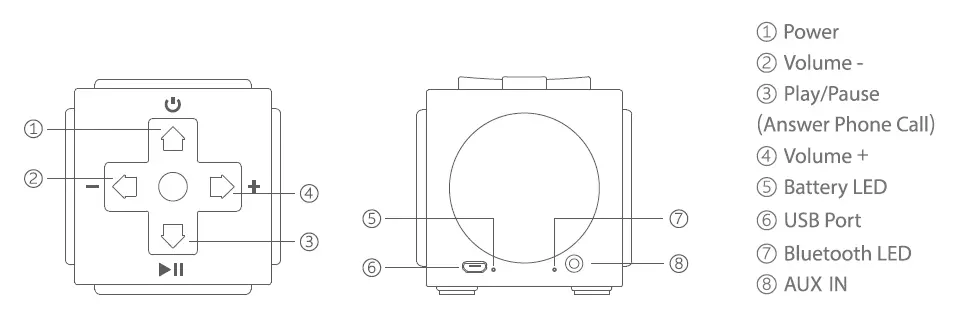
Press  POWER button on each speaker.
  LED on each speaker will rapidly blink.
Sync Speakers
(1) Press and hold  PLAY button on any of the two speakers for 3 seconds.
(2) When you hear’Party Searching; speakers enter pairing mode.
(3) When you hear’Party Connected; speakers are successfully paired.
(4) LED on the primary/left speaker will slowly blink twice every cycle. LED on the secondary/right speaker will slowly blink once each cycle.
Connection
(1) Bluetooth: find [8Bitdo TwinCube] in your device’s Bluetooth setting, click to connect.
(2) Audio cable: plug your audio cable in AUX IN port on the primary speaker to connect.
- TwinCube Speakers will auto reconnect to last paired device.
Play Music
(1) Play : (1) Play/Pause, (2) AUX IN mode: Silent / Sound back
(2) +/- : Volume
Power Off
Press and hold POWER button on each speaker to turn off the system, you will hear a beeping sound.
Additional Information
Single Speaker Mode
(1) Press POWER button on any of the two speakers.
(2) Find [8Bitdo TwinCube] in your device’s Bluetooth setting, click to connect.
(3) LED will stay solid, there will also be a sound indicating that connection is successful.
Answer Phone Call
(1) Music playing will be replaced by ring tone when there is an in-coming call.
(2) Press PLAY button to answer/stop phone call.
(3) Press and hold PLAY button to resume music playing.
Charge the Battery
Plug in USB cable,  LED stays solid; LED turns off when battery is fully charged; Charging time ≥ 2.5 hours.
Support
Please visit support.8bitdo.com for further information and additional support.
FAQ – Frequently Asked Questions
Yes, once the two speakers are synced together, they function as a set of stereo speakers.
Yes, once the two speakers are synced together, they function as a set of stereo speakers.
A. Press and hold PLAY button on any of the two speakers for 3 seconds
B. When you hear ‘Party Searching’, speakers enter pairing mode
C. When you hear ‘Party Connected’, speakers are successfully paired
D. LED on the primary/left speaker will slowly blink twice every cycle. LED on the secondary/right speaker will slowly blink once each cycle
Note: Primary speaker is the left speaker by default.
Yes, you can. Just follow the steps as follow:
A. Press POWER button on any of the two speakers
B. Find ‘8Bitdo Twin Cube ’ in your device’s Bluetooth setting, click to connect
C. LED becomes solid when connection is successful, there will also be a sound indicating that connection is successful
Yes, you can. This can be achieved via the audio cable included in the packaging. Just plug the cable into the AUX IN port on the primary speaker and your Switch.
Note: Bluetooth connection is not applicable here.
No, you can not.
Download
8BitDo TwinCube Speakers User Manual – [ Download PDF ]