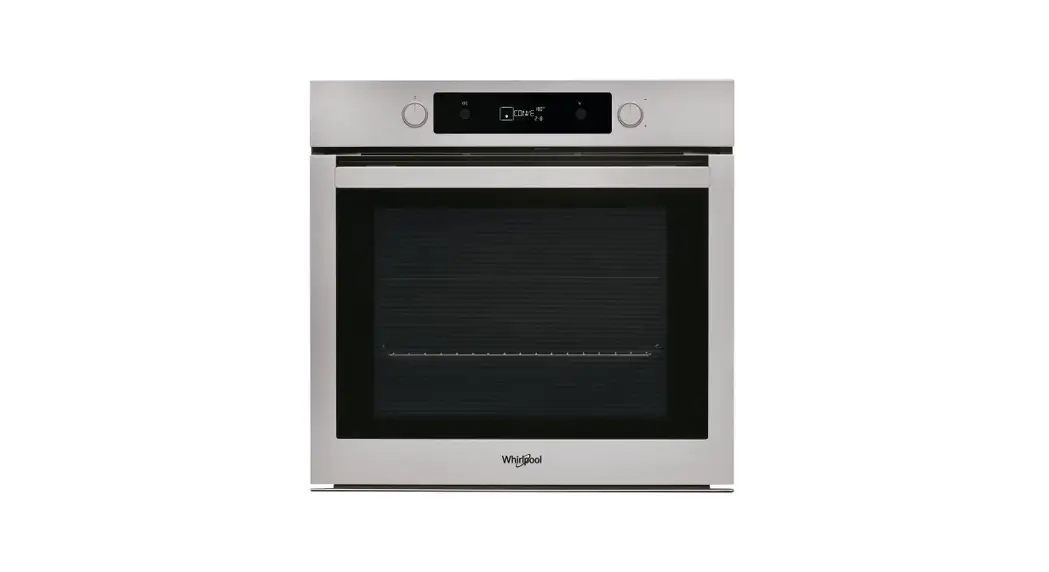
saco AKP216/IX Oven Indesit Whirlpool
Instruction Manual

Operating Instructions – Oven Indesit Whirlpool AKP216/IX
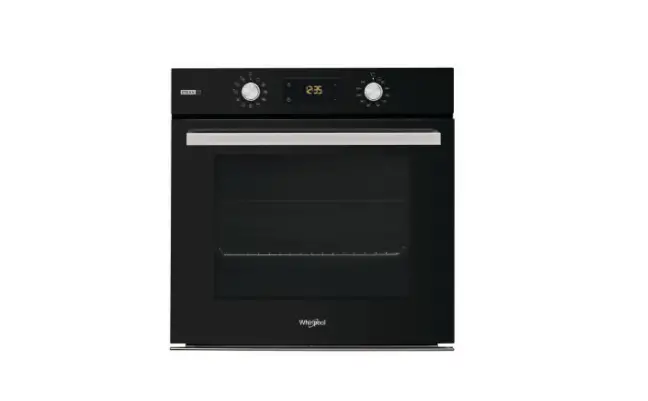
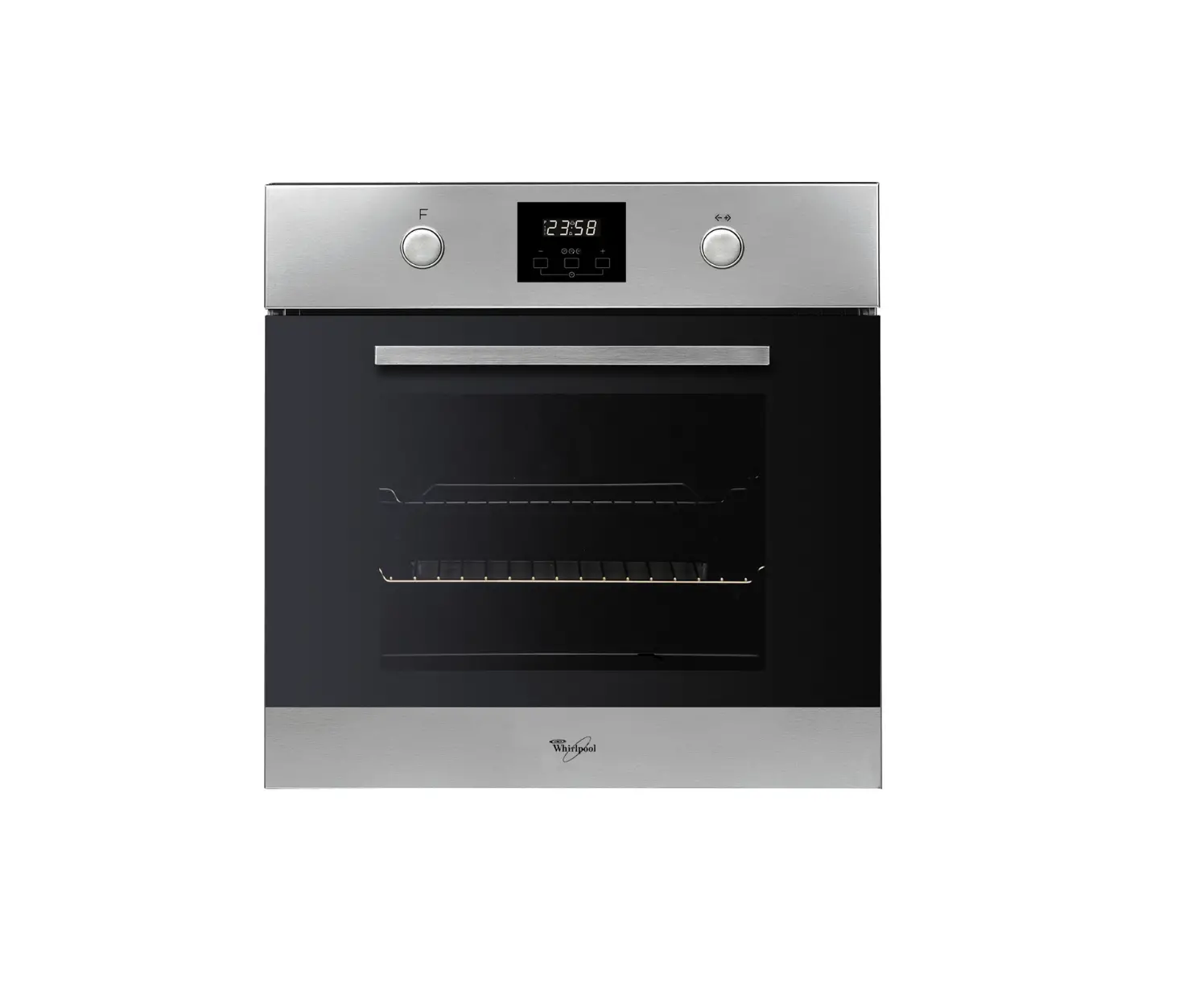
Control panel
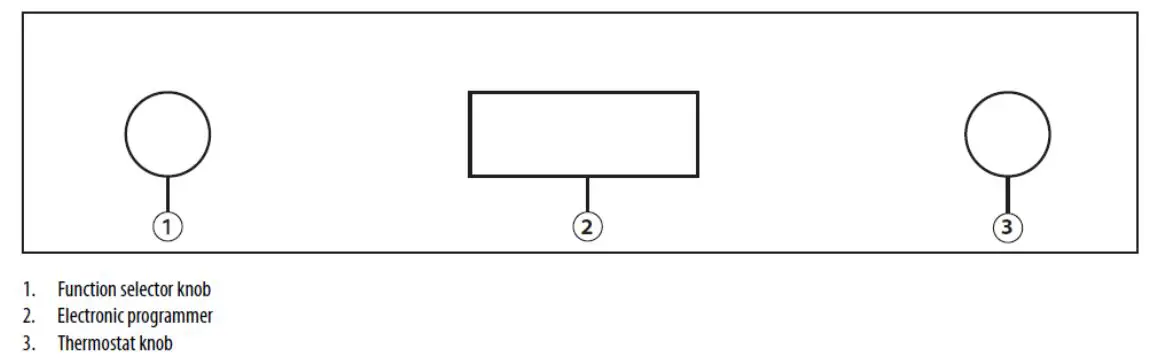
How to operate the oven
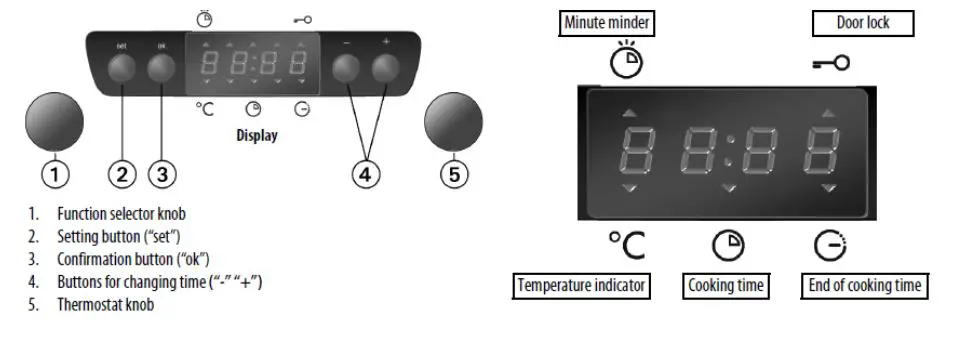
Starting the oven
Selecting and changing the clock time:
- Press “ok”. The time of day flashes on the display.
- Press button “-“ or “+” to set the hour
- Press “ok” and “-“ or “+” to set the minutes.
- Press “ok” to confirm.
To change the time: Press and hold “ok” for 2 seconds until the time flashes on the display. Repeat the steps described above.
Press and hold “ok” for 2 seconds until the time flashes on the display. Repeat the steps described above.
Selecting an oven function
The oven function selector knob should be used to select the particular mode of cooking that you require. The appliance will utilise different elements within the oven cavity, depending on the oven function that you select. When a function is selected, the power indicator light will come on.
Oven functions
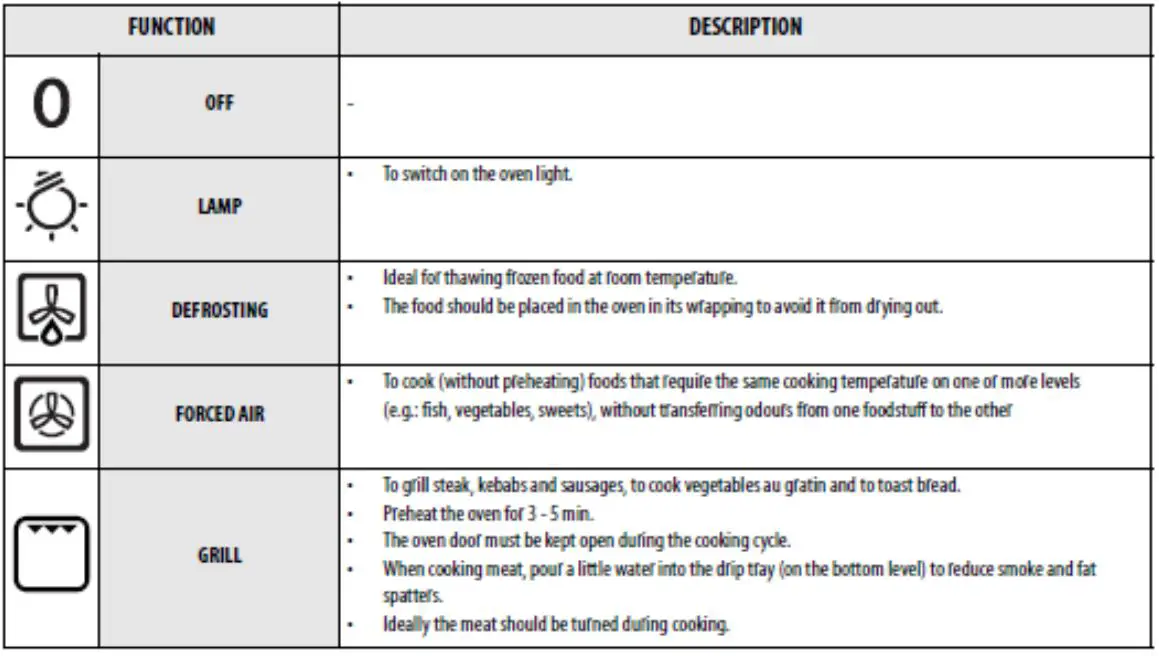
 Oven light: Separate light control which allows the light to be switched on, even when the oven is not cooking.
 Defrost Mode: The fan runs without heat to reduce the defrosting time of frozen foods. The time required to defrost the food will depend on the room temperature, the quantity and type of food. Always check food packaging for the defrosting instructions.
 Fan Oven: This method of cooking uses the circular element while the heat is distributed by the fan. This results in a faster and more economical cooking process. The fan oven allows food to be cooked simultaneously on different shelves, preventing the transmission of smells and tastes from one dish onto another.
 Half Grill: This method of cooking utilises the inner part only of the top element, which directs heat downwards onto the food. This function is suitable for grilling small portions of bacon, toast and meat etc.
Selecting the cooking function
- Turn knob (1) to the chosen function
- Turn knob (5) to select the temperature
- Press “ok” to confirm; the oven will switch on. The indicator
 next to
  switches off when the selected temperature is reached.
 switches off when the selected temperature is reached.
To change the temperature
Turn knob (5) and select the desired temperature.
To cancel any selection, turn knob (1) to “0”. Alternatively, press “ok” to switch the oven off, maintaining the previously selected functions.
Selecting the cooking time
Select the cooking time (available with any function, except for the special functions to turn the oven on for a specified period of time. At the end of the specified time the oven will switch off automatically. The maximum programmed cooking time is 6 hours.
- Set the function and the temperature
- Press “set” (the indicator on the display lights up next to the cooking time symbol
 ) and within 8 minutes, proceed to select the desired cooking time using buttons “-“ or “+”.
 - Confirm the selection by pressing “ok”, the oven switches on and the display shows the residual cooking time.
- To change the previous temperature setting, turn knob (5). To return to the residual cooking time, wait 5 seconds.
Appearance of  on the display
Once the time has elapsed, an acoustic signal is heard and appears on the display.
The oven will switch off automatically.
To change the cooking time, use button “-“ or “+”.
Turn knob (1) to “0”
The time of day appears again on the display.
To increase the cooking time, use button “-“ or “+”
Selecting the end of cooking time
Using this function, it is possible to preset the end of cooking time. The maximum programmed cooking time is 23 hours and 59 minutes.
“Select the cooking time”
- Press “set” to set the end of cooking time: the indicator next to the symbol
 lights up.
 - Set the end of cooking time using button “-“ or “+”
- Press “ok” to confirm the end of cooking time
The oven will turn on automatically at the end of cooking time minus cooking time: the  indicators on the
display above the symbols 
 will light up.
Minute minder
The timer can only be set when the oven is not in use and allows a maximum setting of 6 hours. To set the minute minder:
- Leave knob (1) on “0”. The display shows the time of the day.
- Press “set”. The indicator
 next to the symbol
  lights up. Use buttons “-“ or “+” to set the desired time.
 - Press “ok” to confirm the selection.
 next to the symbol
  lights up. Use buttons “-“ or “+” to set the desired time.
Once the set time has elapsed: An acoustic signal sounds and END flashes on the display. Press “ok” the acoustic signal stops. The time of day appears again on the display.
Door Lock 
- With knobs (1) and (5) set to “0” press buttons “ok” and – at the same time for 3 sec. The indicator next to the symbol
 lights up.
 - The oven functions will not operate while the door lock is activated.
- To deactivate the lock, repeat the sequence described in point 1
 lights up.
Function description table