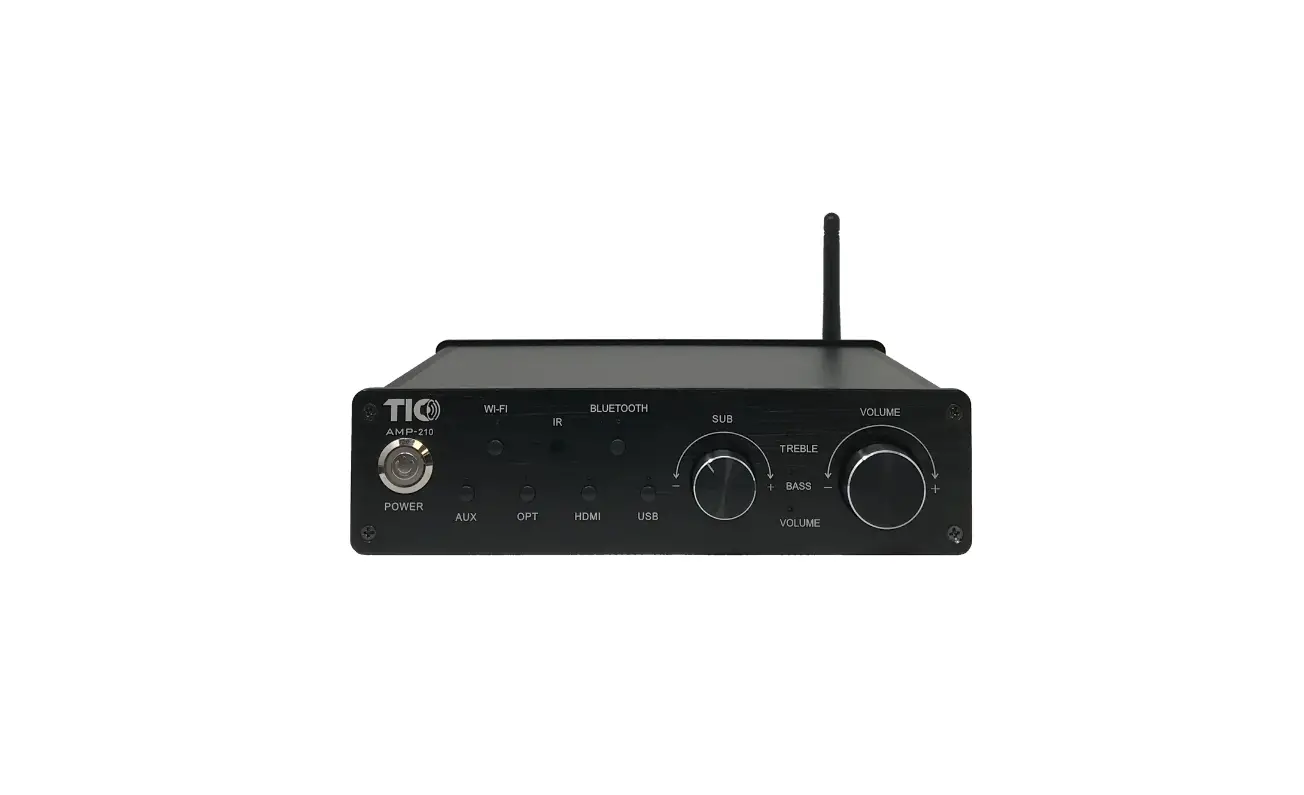
Install G10 with iPhone WAC
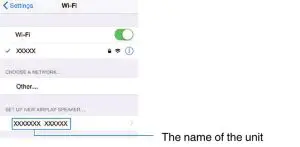
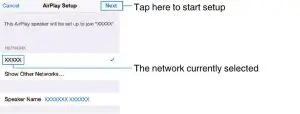
- On the iOS device, select the unit as the Airplay speaker on the Wi-Fi screen.
•iOS 10 (example of the English version)
- Select the network (access point) of which you want to share the settings with the unit.
 •When the sharing process finishes, the unit is automatically connected to the selected network (access point), and “Completed” appears on the front display.
•If “Not shared” or “Not connected” appears, press ENTER to repeat from step 1 or try another connection method. - Press SETUP.
•This completes the network settings.
 •When the sharing process finishes, the unit is automatically connected to the selected network (access point), and “Completed” appears on the front display.