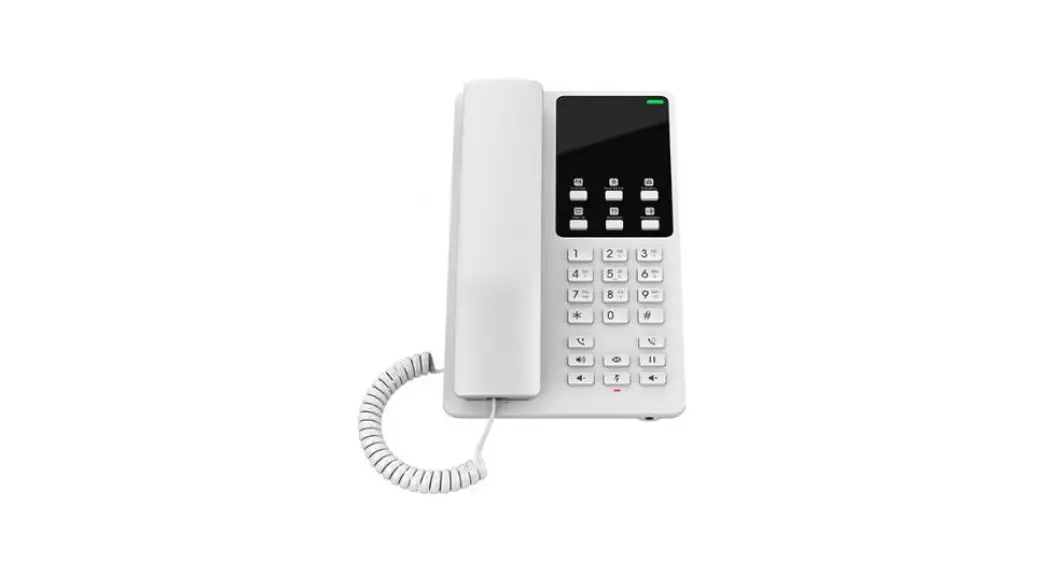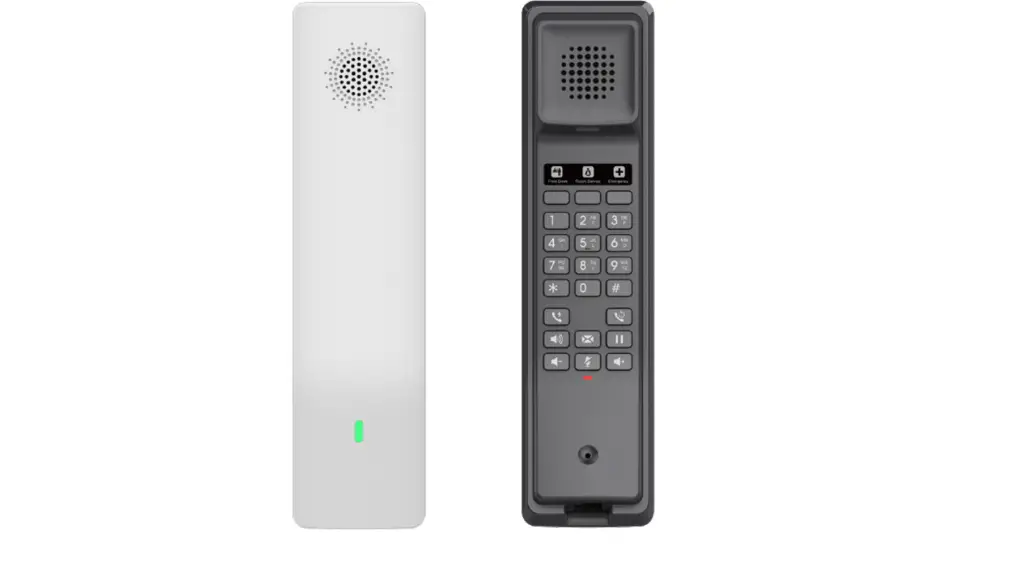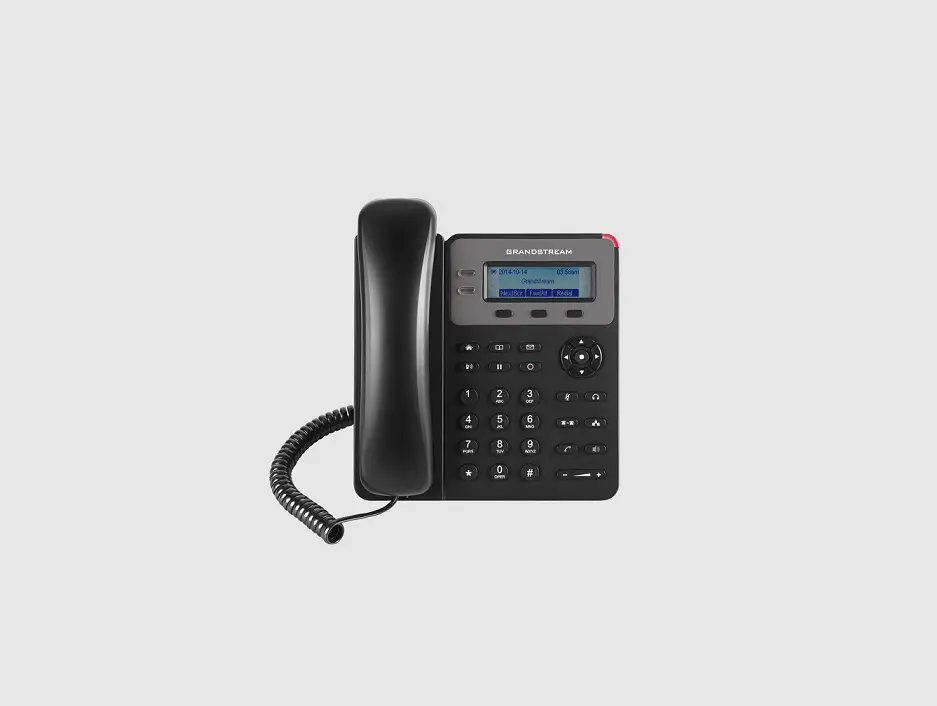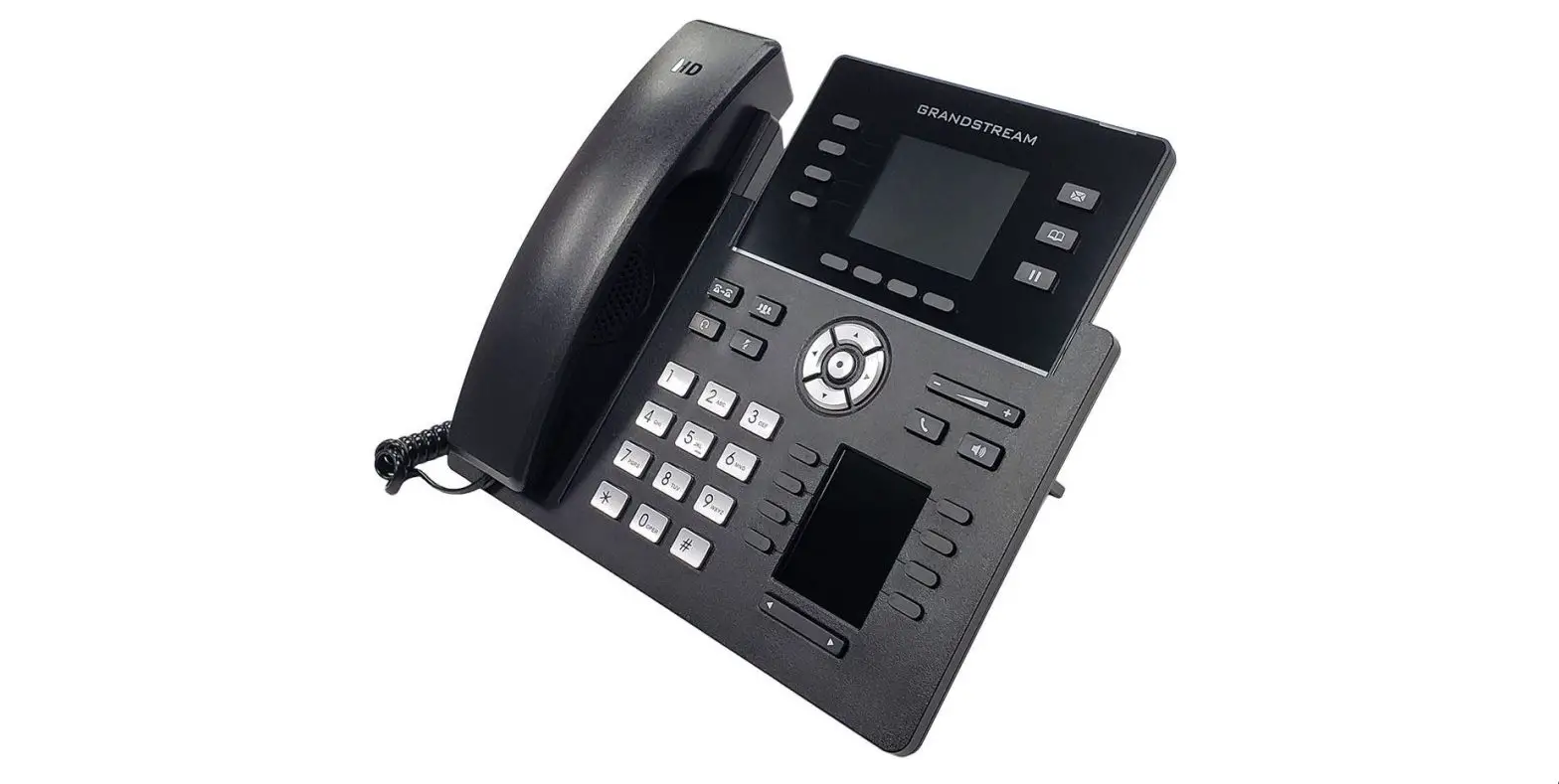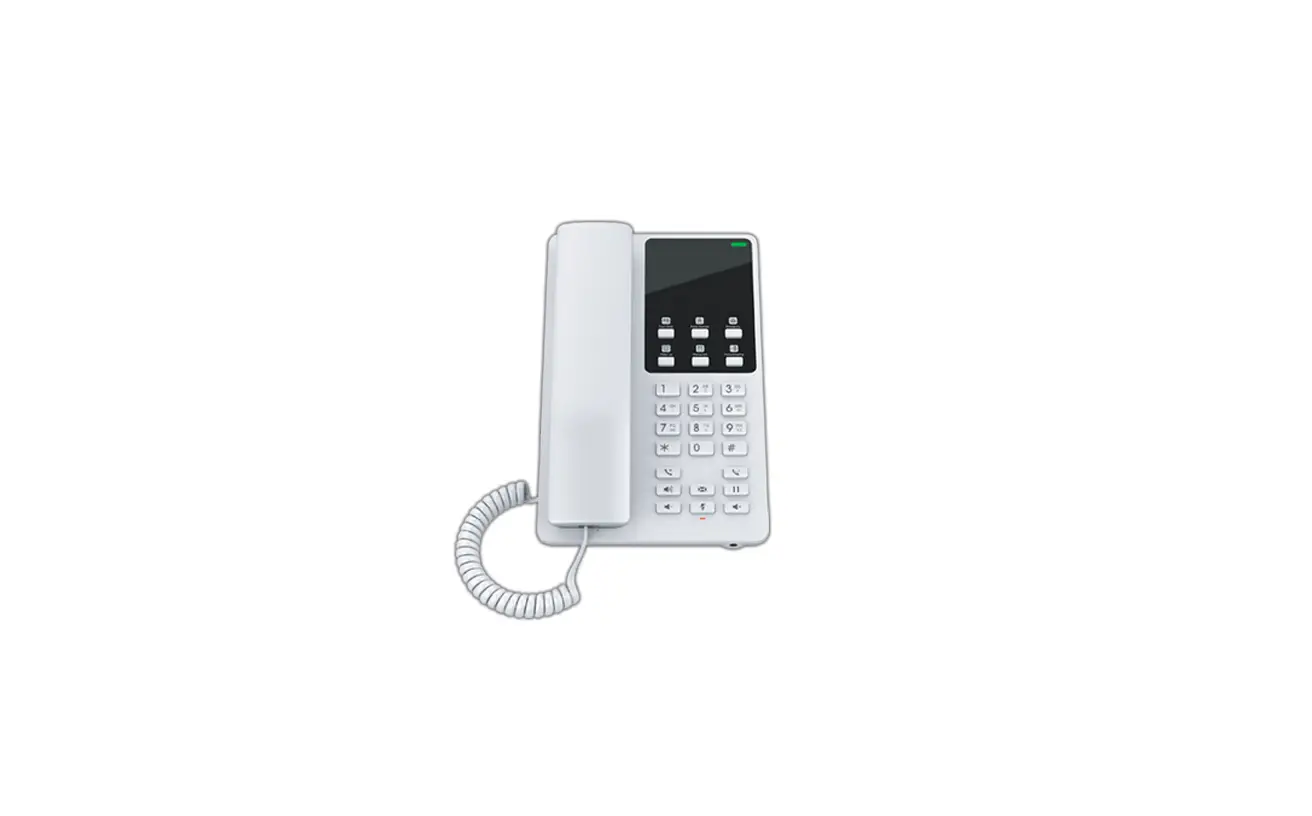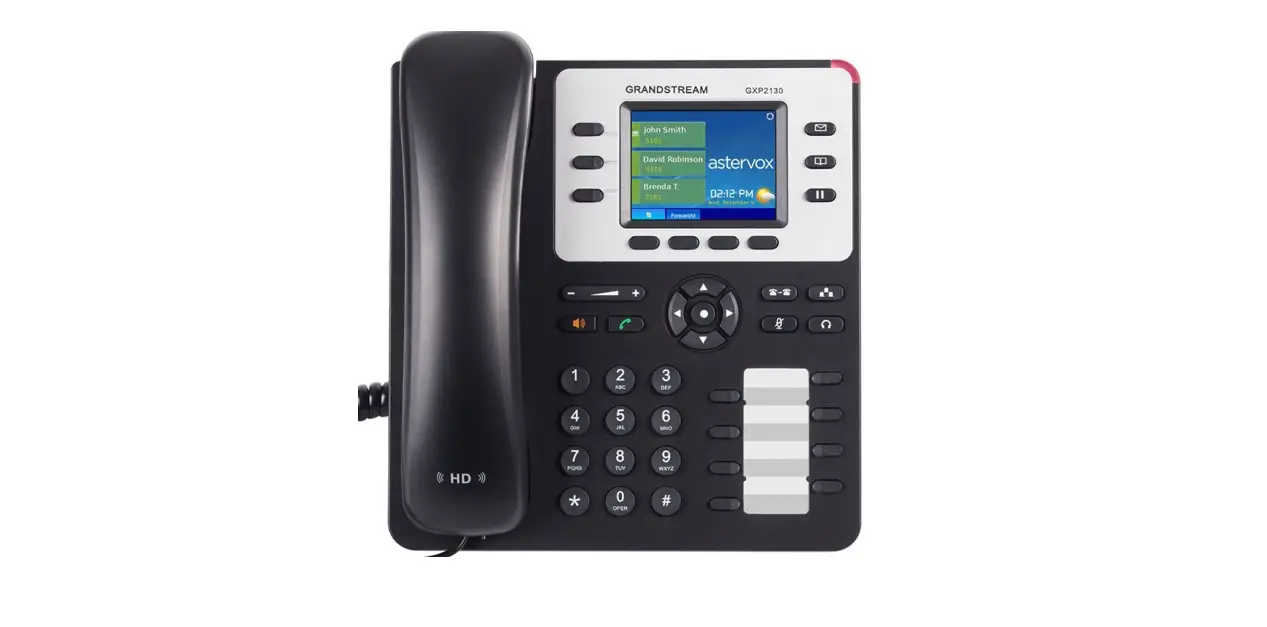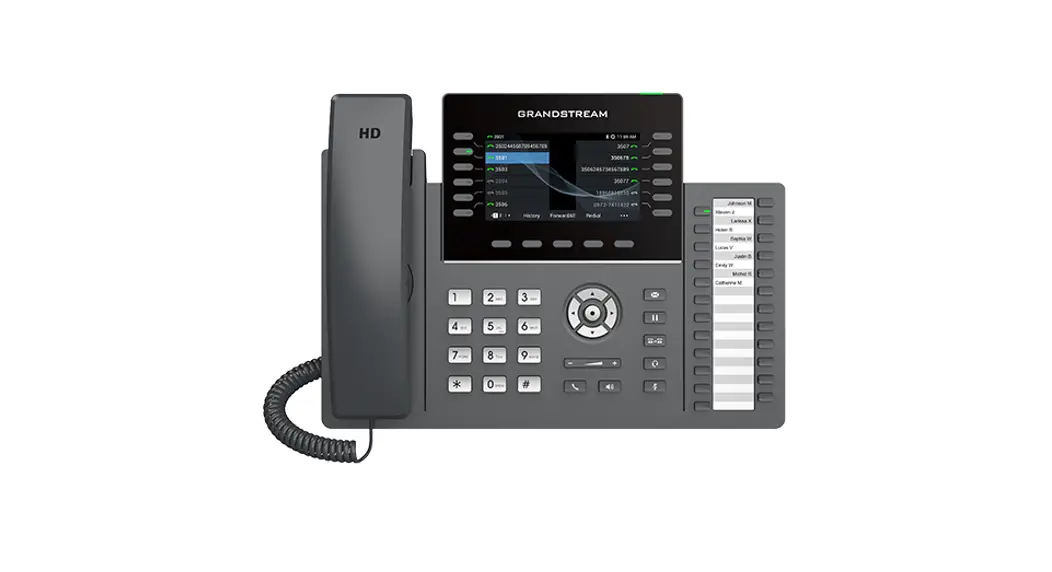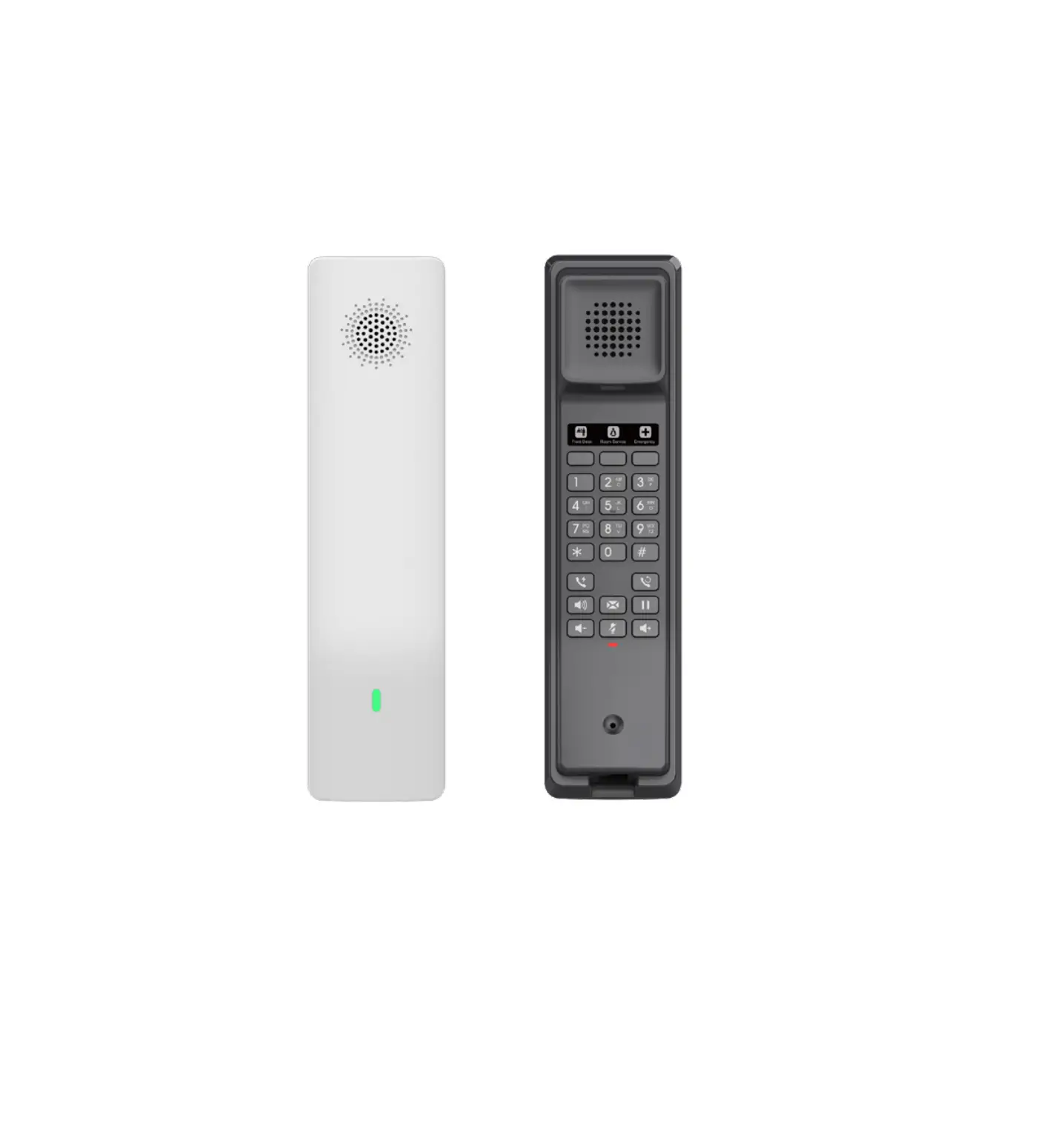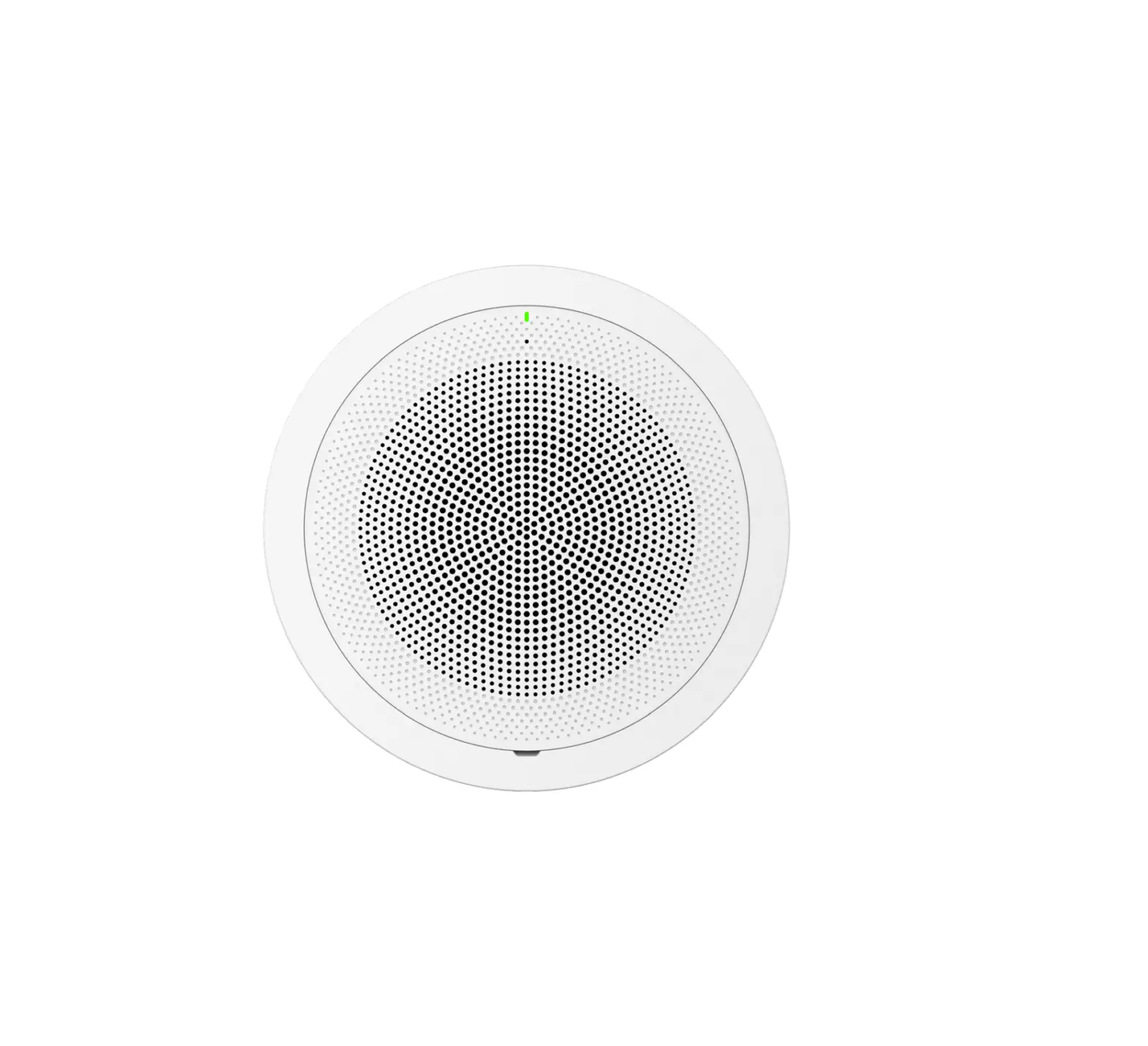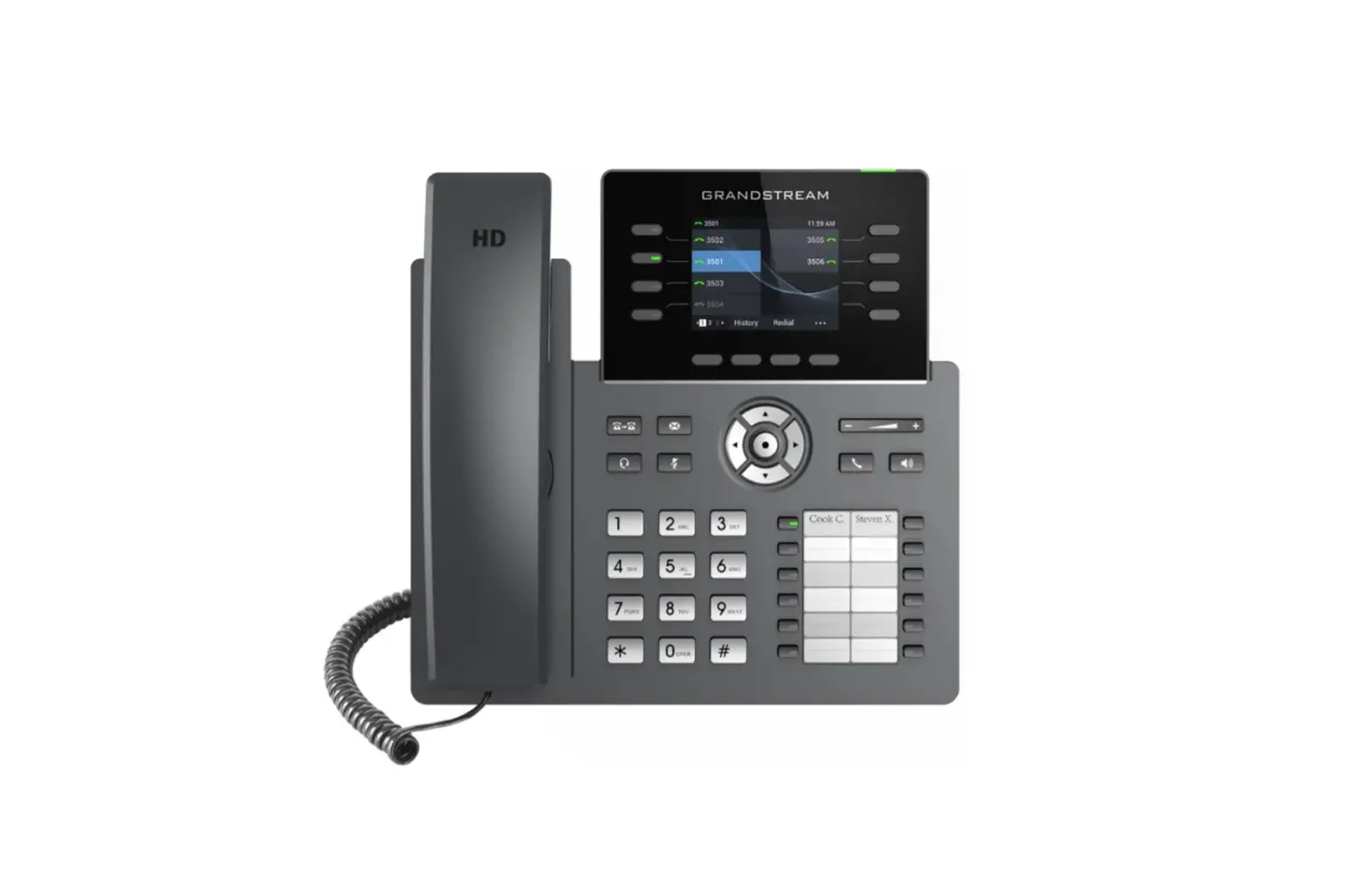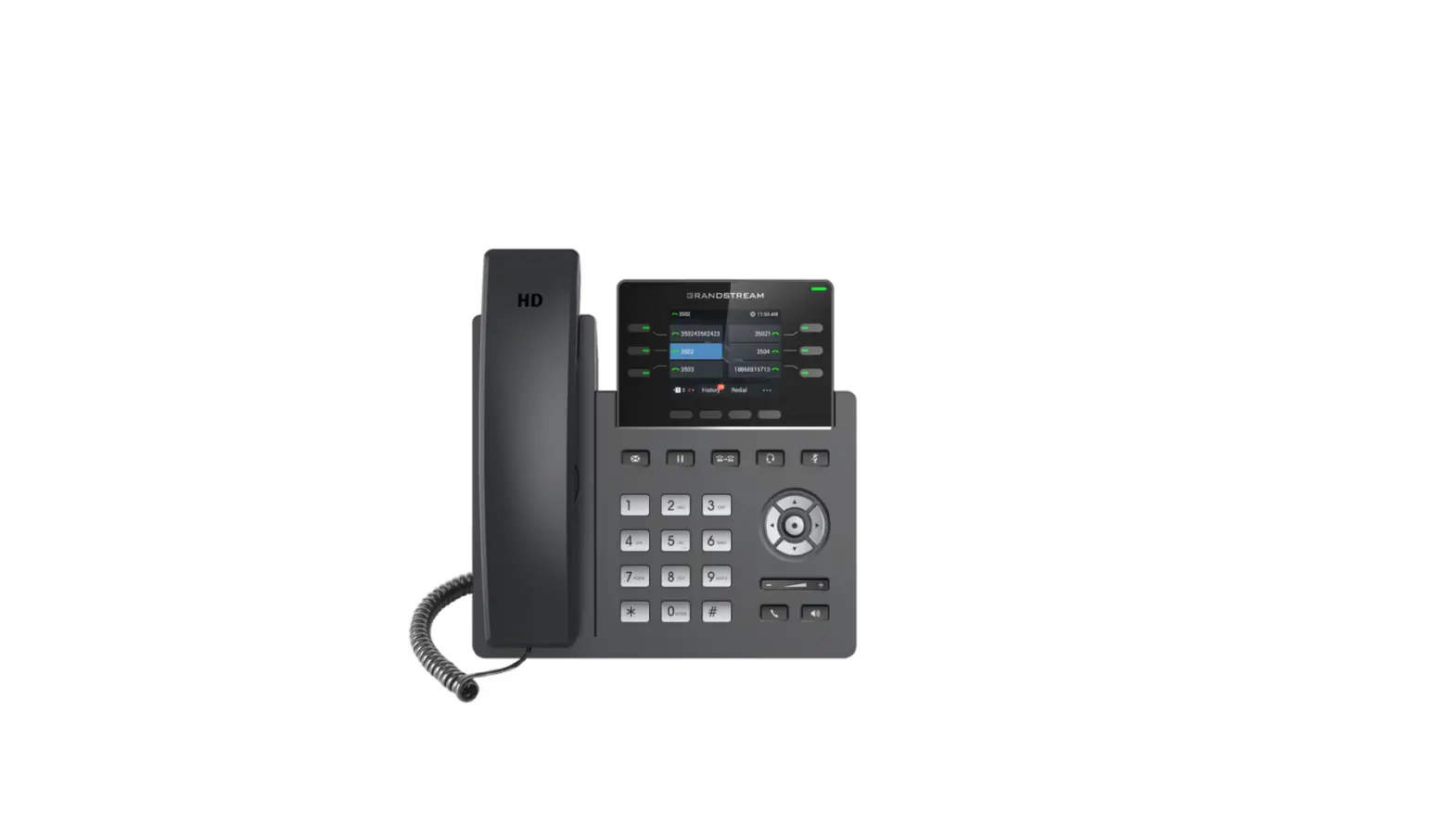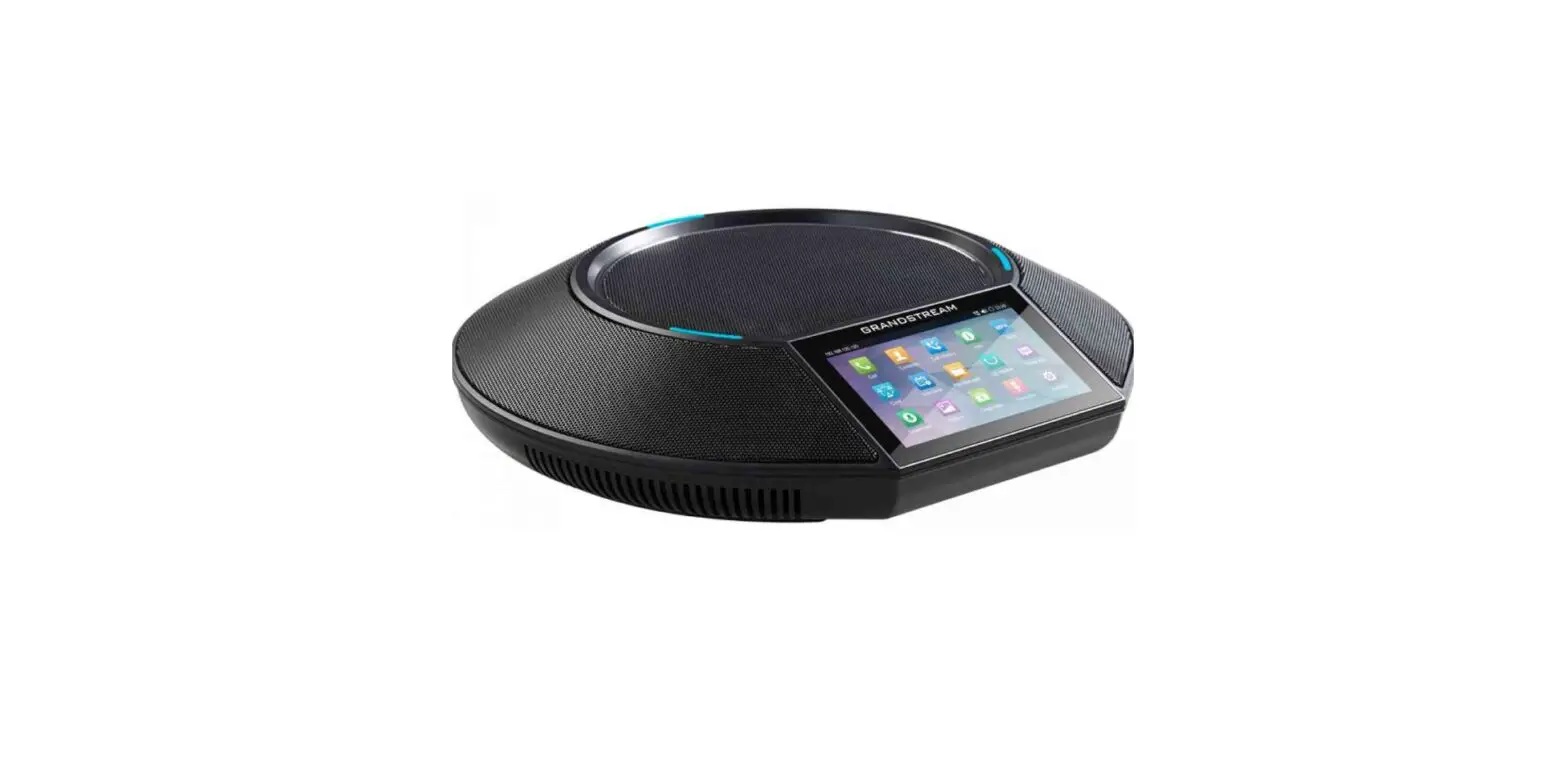

GRANDSTREAM GAC2570 Enterprise Conference Phone

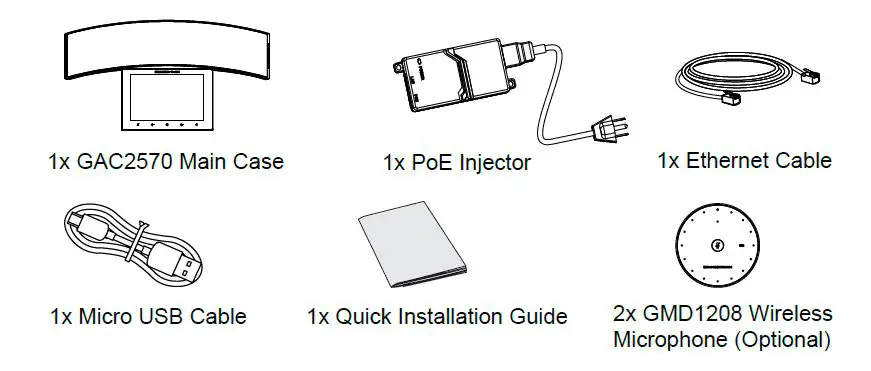
Package Contents
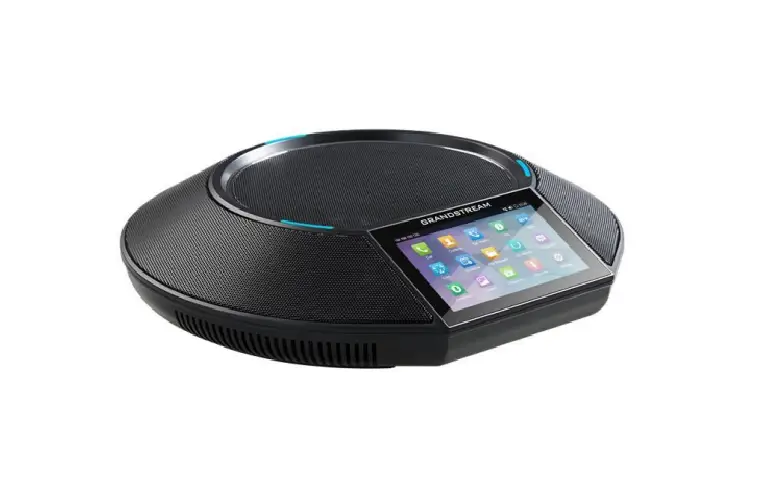
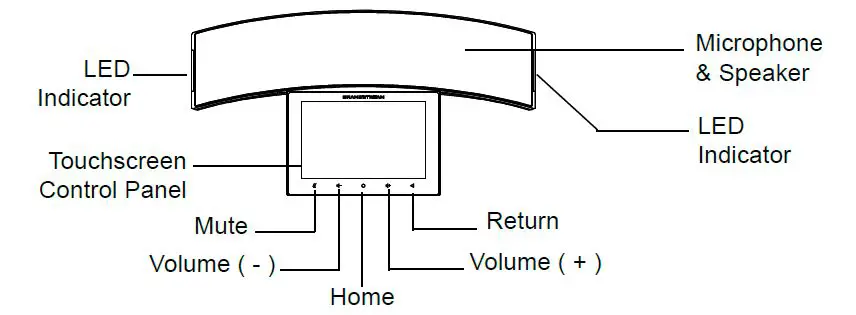
GAC2570 Description
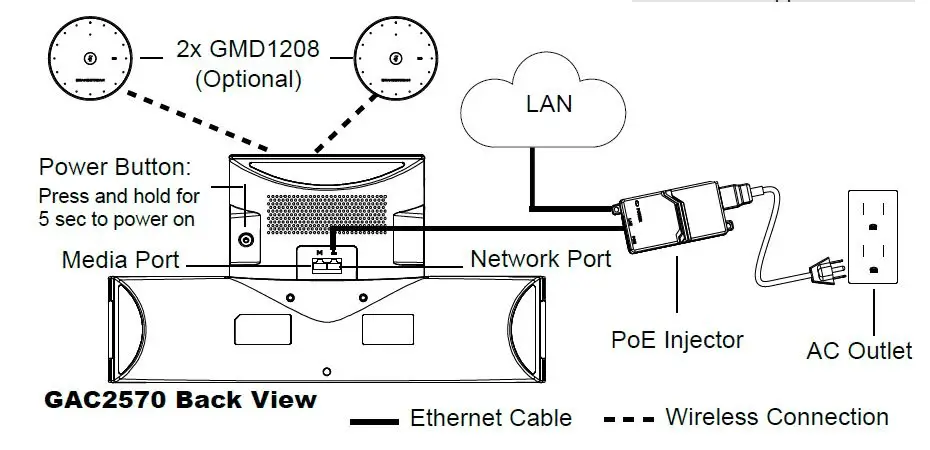
GAC2570 Connection
Notes:
- GAC2570 supports Wi-Fi connectivity.
- GAC2570 can be powered via a built-in battery (without PoE injector).
- GAC2570 requires PoE+ to be powered up.
Optional Connections
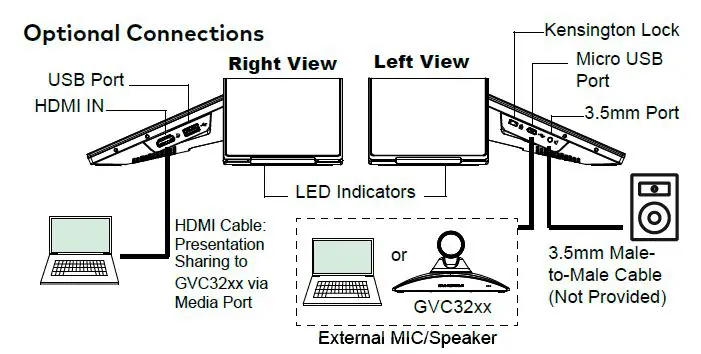
GAC2570 Usage Modes
Audio Conference System Mode
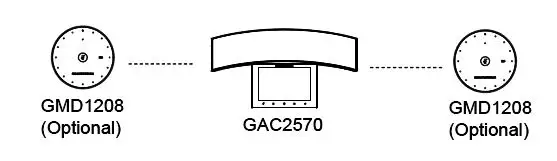
External MIC/Speaker
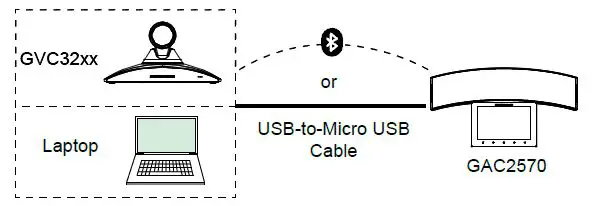
Note: Refer to online documentation for more details regarding the GAC2570 usage modes, GMD1208 or GVC32xx. www.grandstream.com
GAC2570 Configuration
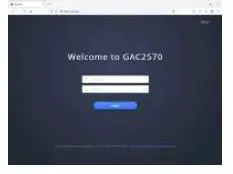
Via Web Browser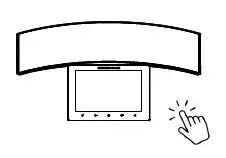
- From the main menu, slide to “Settings” screen.
- Access “Settings” app ►Status ► Network status ► IPv4 address”.
- Type in the IP address in your PC browser.

- Enter username and password to login. (The default administrator username is “admin” and the default random password can be found at the sticker on the GAC2570).
Notes:
The computer must be in the same LAN as the GAC2570.
Via Touch Screen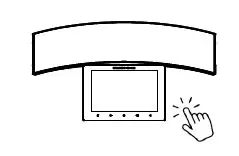
- On the main menu, click “Click to add accounts” to configure SIP account.
- Access “Settings App” for advanced configuration.
Refer to online documents and FAQ for more detailed information: http://www.grandstream.com/our-products This product is covered by one or more of the U.S. patents (and any foreign patent counterparts thereto) identified at www.cmspatents.com
 Grandstream Networks - IP Voice, Data, Video & Security
 Grandstream Networks - Networking & Unified Communications