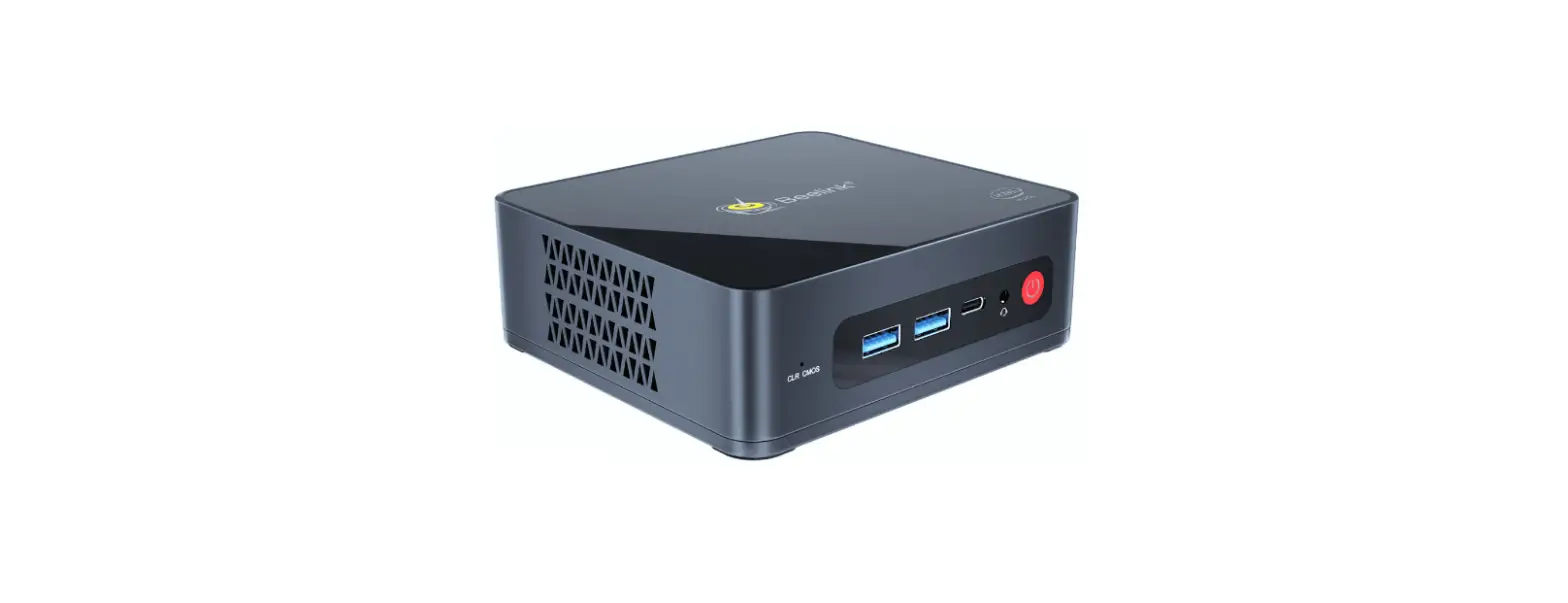
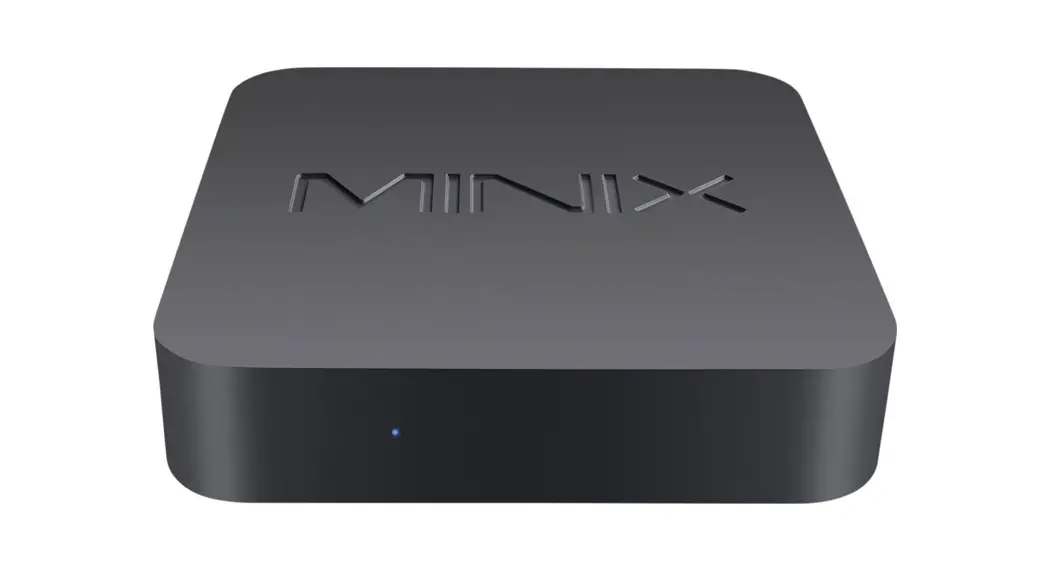
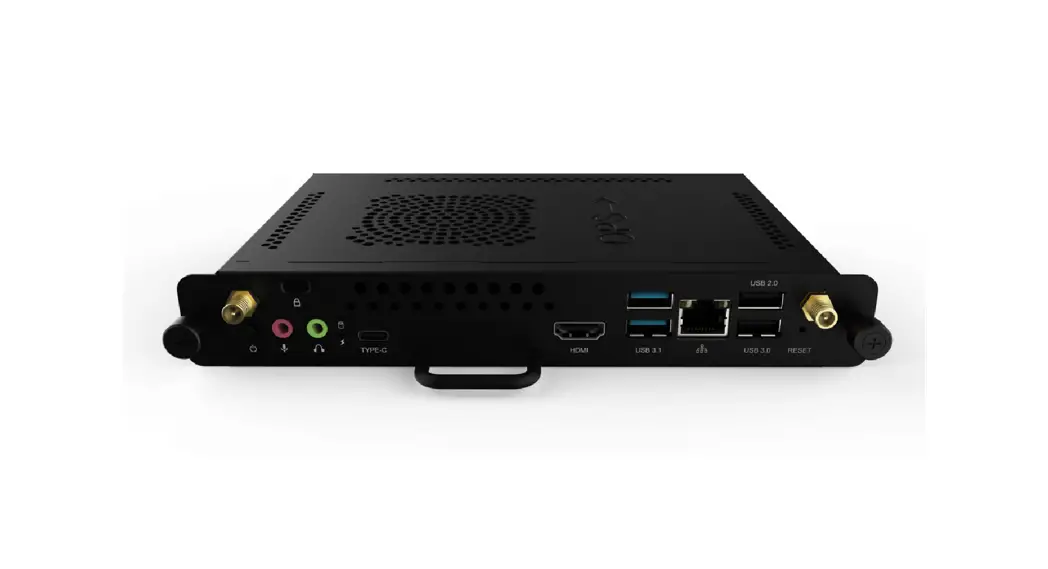
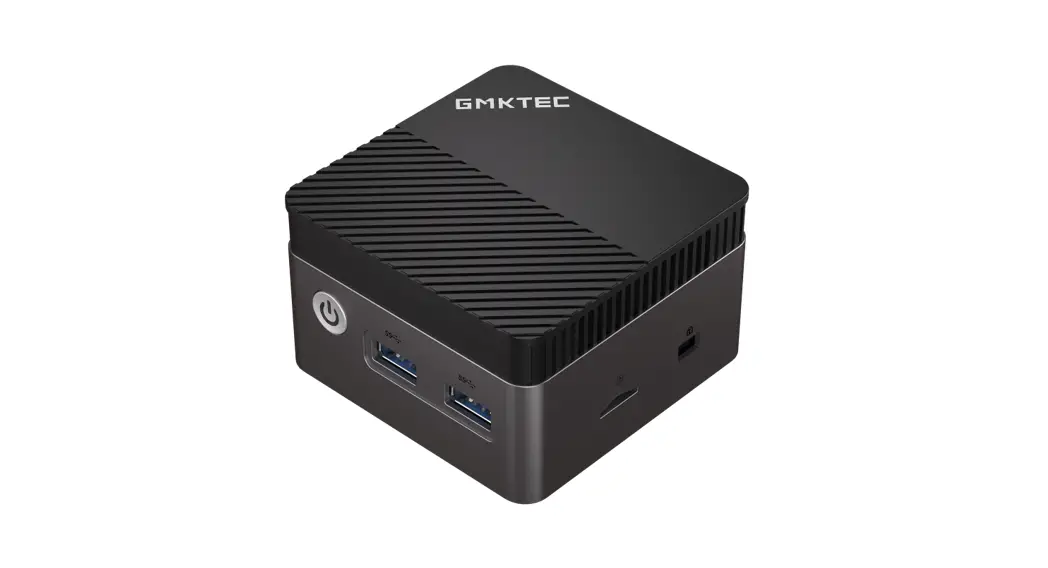
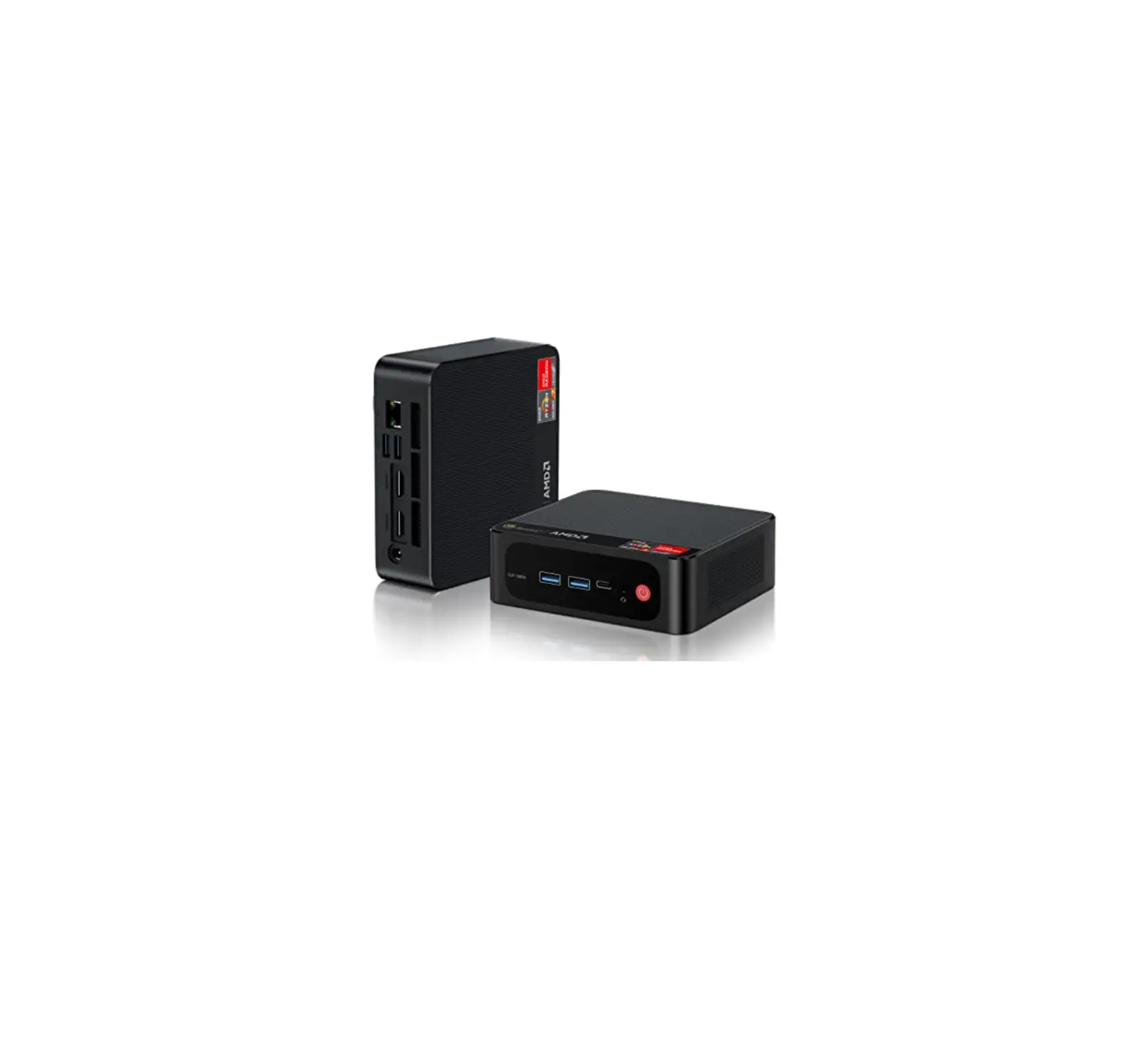
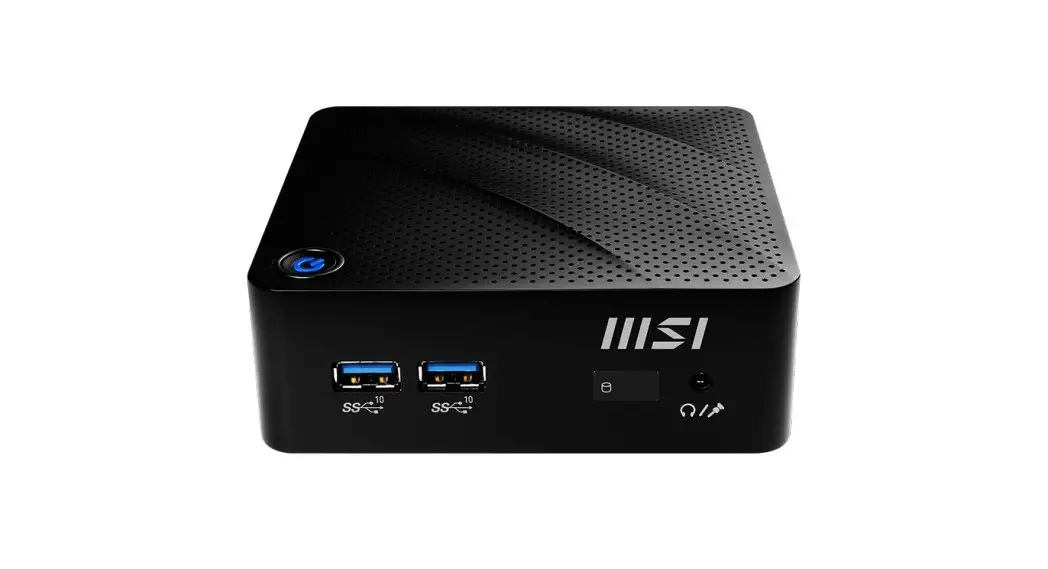
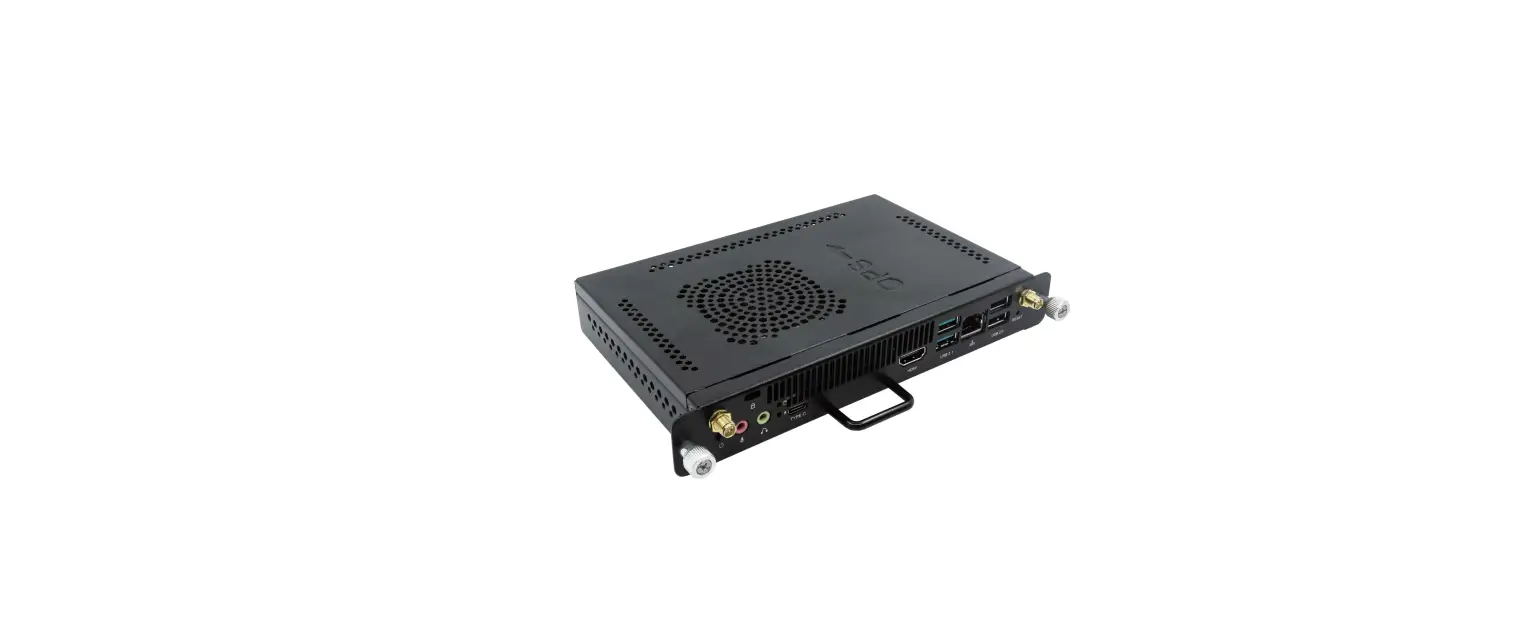
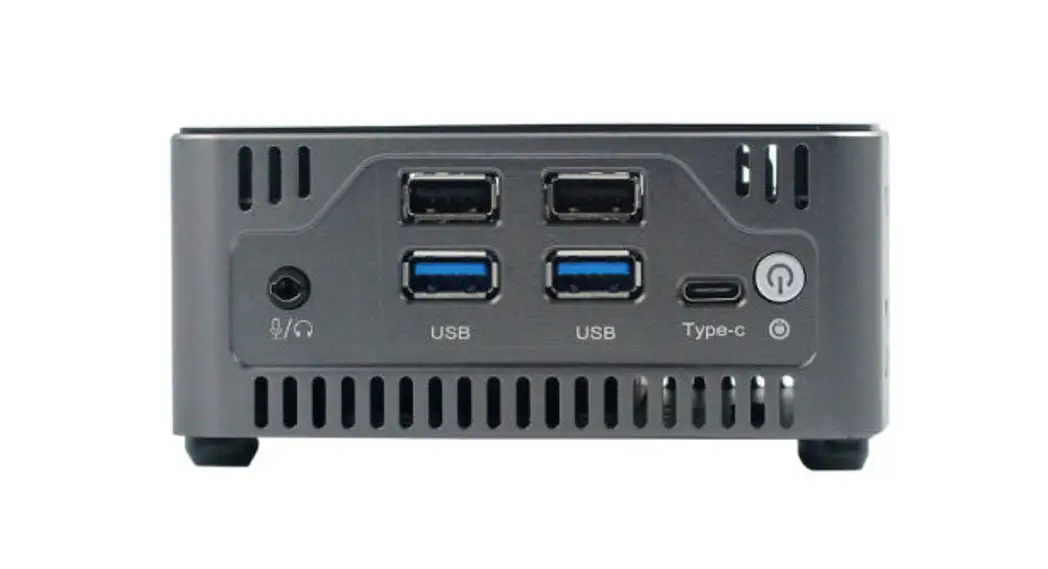
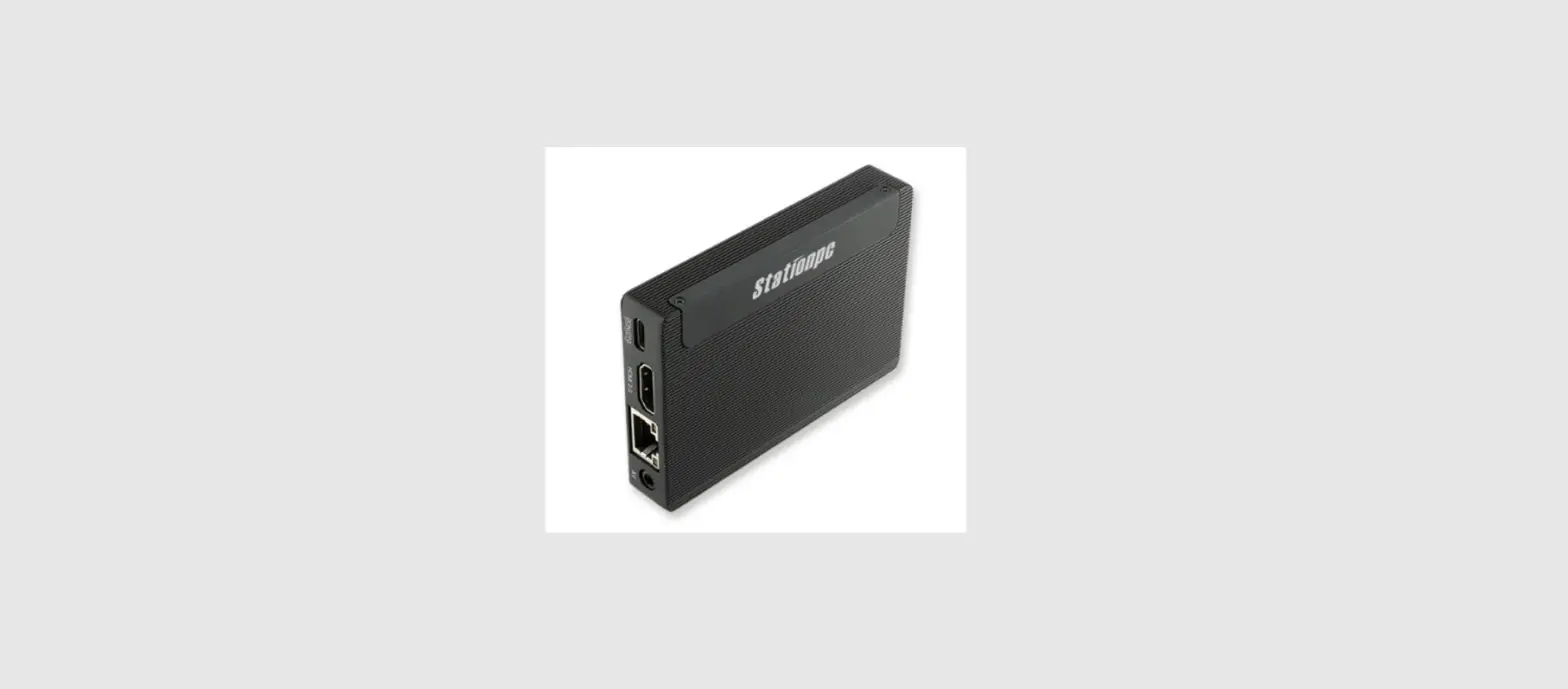
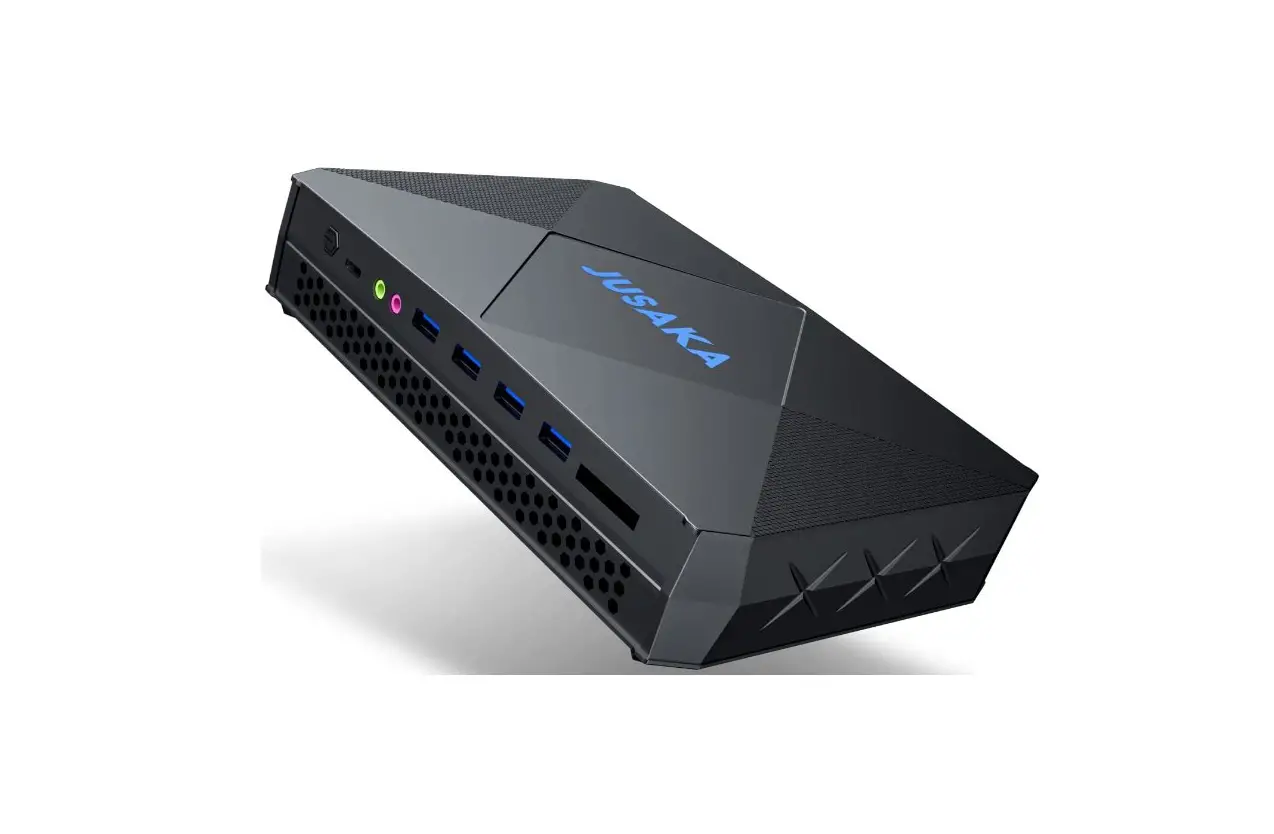
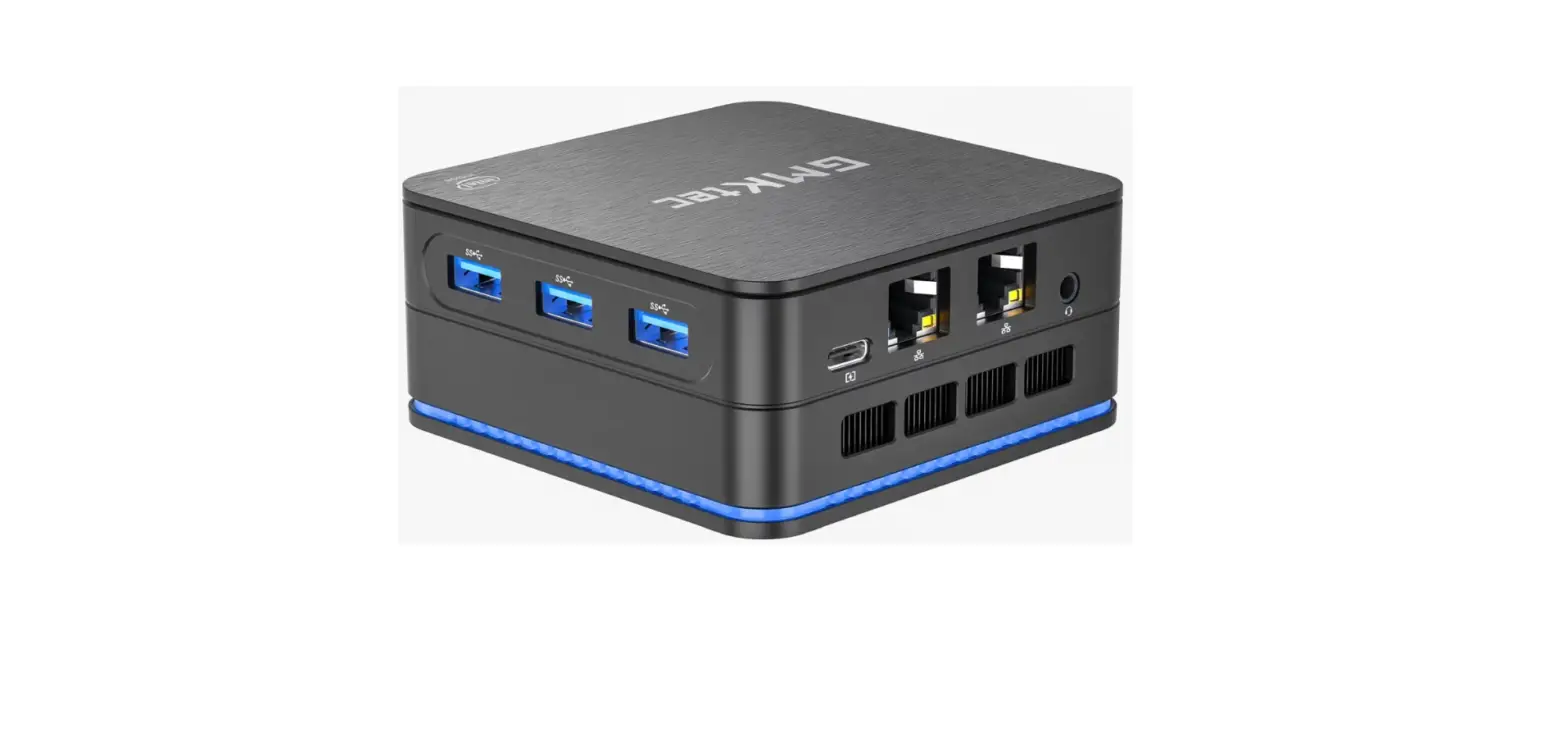
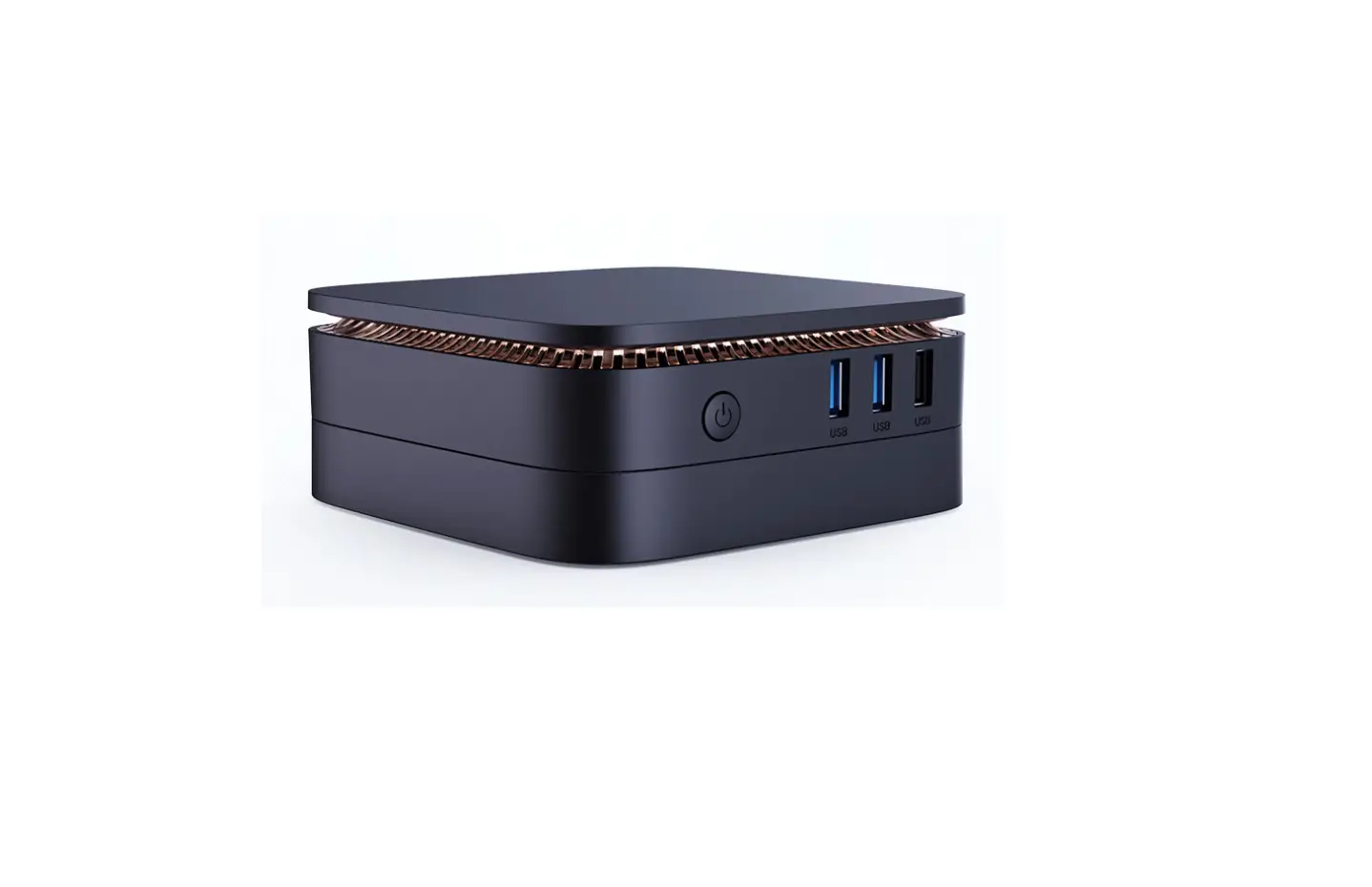
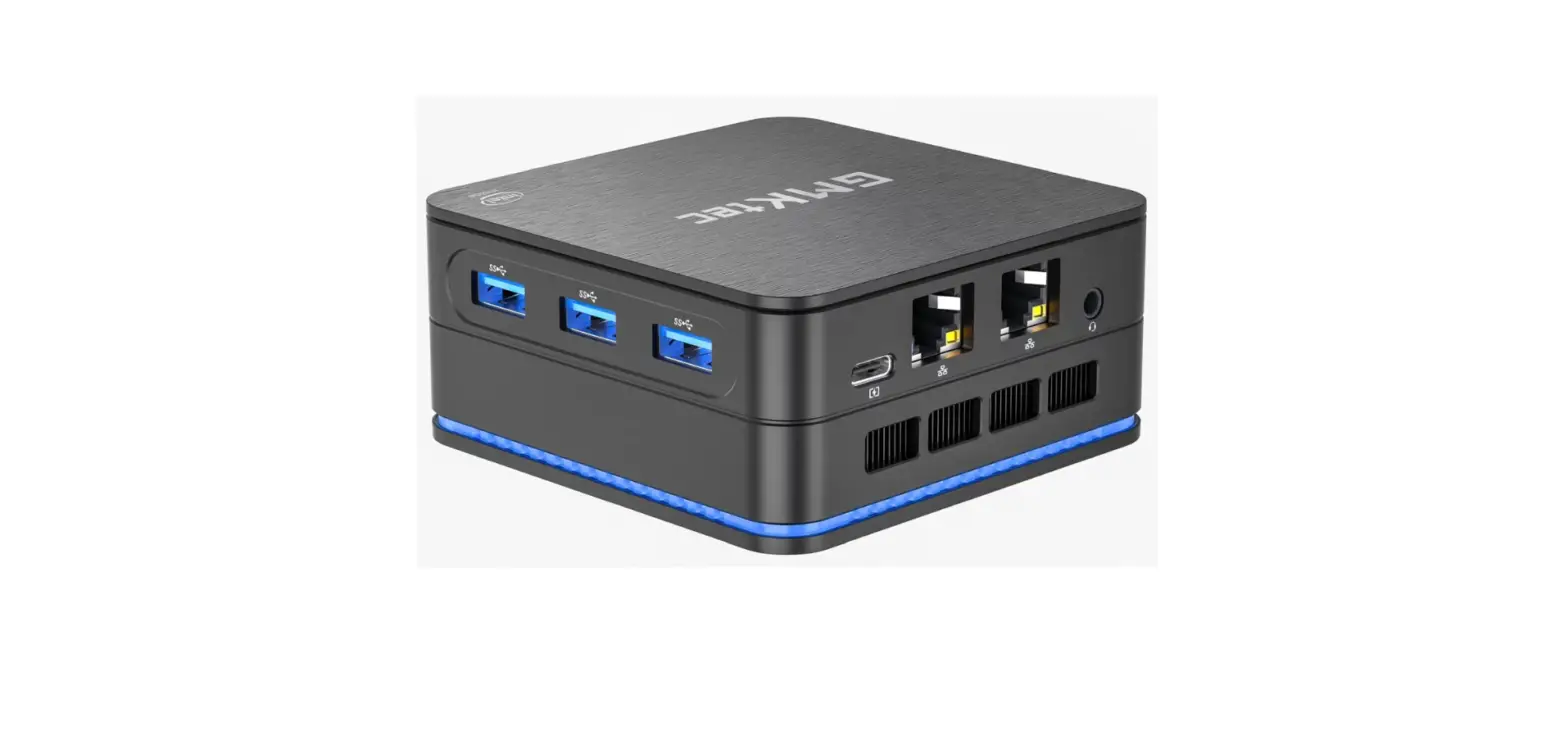
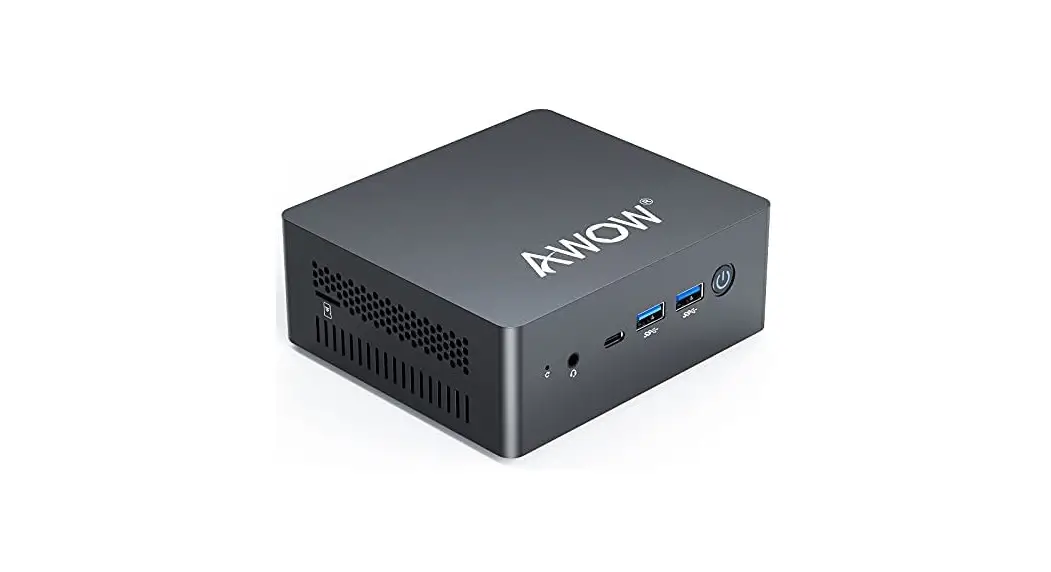
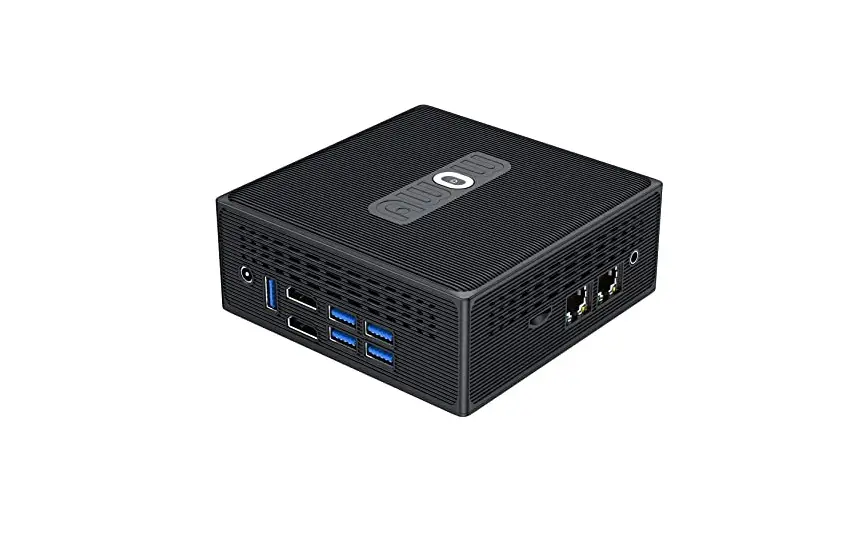
N104 Alder Lake-P Business Mini PC
Product Information
The N104 is a compact and powerful mini PC that comes with a
range of features and configurations to meet your computing needs.
It has a CPU, graphics, memory, and storage capabilities, along
with Ethernet and wireless connectivity options. The mini PC also
comes with several IO interfaces, including USB ports, audio jacks,
power buttons, and clear CMOS buttons, among others.
Product Specifications
- CPU
- Graphics
- Memory
- Storage: 1 x M.2 2280 KEY-M, Support NVME/SATA3.0 SSD
- Ethernet: 1 x RJ45, 10/100/1000/25000Mbps
- Wireless: 1 x M.2 KEY E 2230 With PCIe, USB2.0, CnVi
- IO Interfaces:
- Front panel: 2 x USB3.2 GEN2 (10Gbps)Type-A, 1 x 3.5mm Combo
Audio Jack, 1 x Power Button, 1 x Clear CMOS Button, 2 x Digital
Mic (Option) - Rear panel: 1 x RJ45, 2 x HDMI Type-A, 1 x Type-C (Support
PD65W Input, DP Output Display and USB 3.2) - Left panel: 1 x DC Jack, 2 x USB 2.0 Type-A, 1 x Kensington
Lock
- Front panel: 2 x USB3.2 GEN2 (10Gbps)Type-A, 1 x 3.5mm Combo
- Operating System: WINDOW 10/WINDOWS 11/LINUX
- WatchDog: Support
- Power Input: 12~19V DC IN, 2.5/5.5 DC Jack
- Environment: Operating Temperature: -5~35, Storage Temperature:
-20~70, Operating Humidity: 10%~90%(non-condension), Storage
Humidity: 5%~95%(non-condension) - Dimensions: 120 x 120 x 37 mm
Product Usage Instructions
Before using the N104 mini PC, please ensure that all items in
the package checklist are included and undamaged. If you find any
damage or shortage, contact your dealer immediately.
To use the mini PC, follow these steps:
- Connect the power adapter to the DC jack on the left panel of
the mini PC. - Connect the HDMI cable to the HDMI Type-A port on the rear
panel of the mini PC and to your display device. - If you want to connect to the internet using Ethernet, connect
one end of an Ethernet cable to the RJ45 port on the rear panel of
the mini PC and the other end to your router or modem. If you want
to connect wirelessly, insert a wireless card into the M.2 KEY E
2230 slot on the mini PC. - Press the power button on the front panel to turn on the mini
PC. - You can now use the N104 mini PC with your preferred operating
system, including WINDOWS 10/WINDOWS 11/LINUX.
Note that the N104 mini PC comes with several IO interfaces,
including USB ports, audio jacks, power buttons, and clear CMOS
buttons, among others. These interfaces can be used to connect
peripherals and accessories to the mini PC.
N104
1.
x 1
x 1
x 1
2.
– Intel® Adler Lake-P CoreTM Processors CPUMax TDP 28W
– Intel® Iris Xe Graphics for I7/I5 CPU – Intel® UHD Graphics for i3/Celeron CPU
– 2 x SO-DIMM DDR4 3200 MHz Max 64GB
– 1 x M.2 2280 KEY-MSupport NVME/SATA3.0 SSD
– 1 x RJ4510/100/1000/25000Mbps
Wireless – 1 x M.2 KEY E 2230 With PCIeUSB2.0CnVi
IO
– 1 x Type-CSupport PD65W InputDP Output Display and USB 3.2
– 2 x USB3.2 GEN210GbpsType-A – 1 x 3.5mm Combo Audio Jack – 1 x Power Button – 1 x Clear CMOS Button – 2 x Digital MicOption
IO IO
– 1 x DC Jack – 2 x USB 2.0 Type-A – 1 x RJ45 – 2 x HDMI Type-A – 1 x Type-CSupport PD65W InputDP Output
Display and USB 3.2
– 1 x Kensington Lock
WatchDog –
– WINDOW 10/WINDOWS 11/LINUX
– 12~19V DC IN2.5/5.5 DC Jack
– -5~35-20~70 – 10%~90%5%~95% – 120 x 120 x37 mm
1
3.IO
Digital Mic
TYPE-C
USB3.2 Audio Jack Power Button Clear CMOS Button
TYPE-C
DC Jack USB2.0 LAN
HDMI
Kensington Lock
· TYPE-CTYPE-C · USB3.2USB3.2 · Audio Jack · Digital Mic · Clear CMOS ButtonCMOS · Power Button · DC JackDC · USB 2.0USB2.0 · LANRJ-45 · HDMI · Kensington Lock
2
SJ/T11364-2014
(Pb)
PCB
X
(Hg) O
(Cd) O
(Cr(VI))
O
(PBB) (PBDE)
O
O
O
O
O
O
O
O
O
O
O
O
O
O
O
O
O
O
O
O
X
O
O
O
O
O
X
O
O
O
O
O
O
O
O
O
O
O
O
O
O
O
O
O
O: GB/T 26572 X: GB/T 26572 X GB/T 26572 RoHS
N104 Simple User’s Guide
1.Package Checklist
Thank you for choosing our products. Before using your product, please make sure your packaging is complete, if there have been damaged or you find any shortage, please contact your dealer as soon as possible.
The Machine x 1 Power Adapter x 1
Simple User’s Guide x 1
2.Product Configuration
CPU Graphics Memory Storage
– Intel® Adler Lake-P CoreTM Processors CPU, Max TDP 28W – Intel® Iris Xe Graphics for I7/I5 CPU – Intel® UHD Graphics for i3/Celeron CPU – 2 x SO-DIMM DDR4 3200 MHz Max 64GB
– 1 x M.2 2280 KEY-M, Support NVME/SATA3.0 SSD
Ethernet – 1 x RJ45, 10/100/1000/25000Mbps
Wireless
– 1 x M.2 KEY E 2230 With PCIe, USB2.0, CnVi
– 1 x Type-C (Support PD65W Input, DP Output Display and USB 3.2)
– 2 x USB3.2 GEN2 (10Gbps)Type-A Front IO interface – 1 x 3.5mm Combo Audio Jack
– 1 x Power Button
– 1 x Clear CMOS Button
– 2 x Digital Mic (Option)
– 1 x DC Jack
– 2 x USB 2.0 Type-A
Rear IO interface
– 1 x RJ45 – 2 x HDMI Type-A
– 1 x Type-C (Support PD65W Input, DP Output
Display and USB 3.2)
Left IO interface – 1 x Kensington Lock
Operating System – WINDOW 10/WINDOWS 11/LINUX
WatchDog – Support
Power Input – 12~19V DC IN, 2.5/5.5 DC Jack
Environment
– Operating Temperature: -5~35 – Storage Temperature: -20~70 – Operating Humidity: 10%~90%(non-condension) – Storage Humidity: 5%~95%(non-condension)
Dimensions – 120 x 120 x 37 mm
1
3.IO Interface
Front panel
Digital Mic
Rear panel
TYPE-C
USB3.2 Audio Jack Power Button Clear CMOS Button
TYPE-C
Left panel
DC Jack USB2.0 LAN
HDMI
Kensington Lock
· TYPE-C: TYPE-C connector · USB3.2: USB 3.2 connector, backwards compatibility USB 3.1/2.0 · Audio Jack: Headset jack · Digital Mic: Digital microphone · Clear CMOS Button: Clear CMOS Button · Power Button: Pressing the power button, the machine is turned on · DC Jack: DC power interface · USB 2.0: USB 2.0 connector, backwards compatibility USB 1.1 · LAN: RJ-45 network connector · HDMI: High-definition multimedia display interface · Kensington Lock: Security lock jack
2
NOTE: This equipment has been tested and found to comply with the limits for a Class B digital device, pursuant to part 15 of the FCC Rules. These limits are designed to provide reasonable protection against harmful interference in a residential installation. This equipment generates uses and can radiate radio frequency energy and, if not installed and used in accordance with the instructions, may cause harmful interference to radio communications. However, there is no guarantee that interference will not occur in a particular installation. If this equipment does cause harmful interference to radio or television reception, which can be determined by turning the equipment off and on, the user is encouraged to try to correct the interference by one or more of the following measures: – Reorient or relocate the receiving antenna. – Increase the separation between the equipment and receiver. -Connect the equipment into an outlet on a circuit different from that to which the receiver is connected. -Consult the dealer or an experienced radio/TV technician for help Changes or modifications not expressly approved by the party responsible for compliance could void the user’s authority to operate the equipment. This device complies with Part 15 of the FCC Rules. Operation is subject to the following two conditions: (1) this device may not cause harmful interference, and (2) this device must accept any interference received, including interference that may cause undesired operation. RF Exposur e War ni ng St at ement s: This equipment complies with FCC radiation exposure limits set forth for an uncontrolled environment. This equipment shall be installed and operated with minimum distance 20cm between the radiator & body. For USA: The frequency stability of all transmission frequencies of U-NII-1, U-NII 2A, UNII 2C and U-NII-3 meets the requirements of 47 CFR FCC Part15.407(g), and the manufacturer declares that their transmission is maintained at Band U-NII-1, U-NII 2A, U-
. NII 2C and U-NII-3