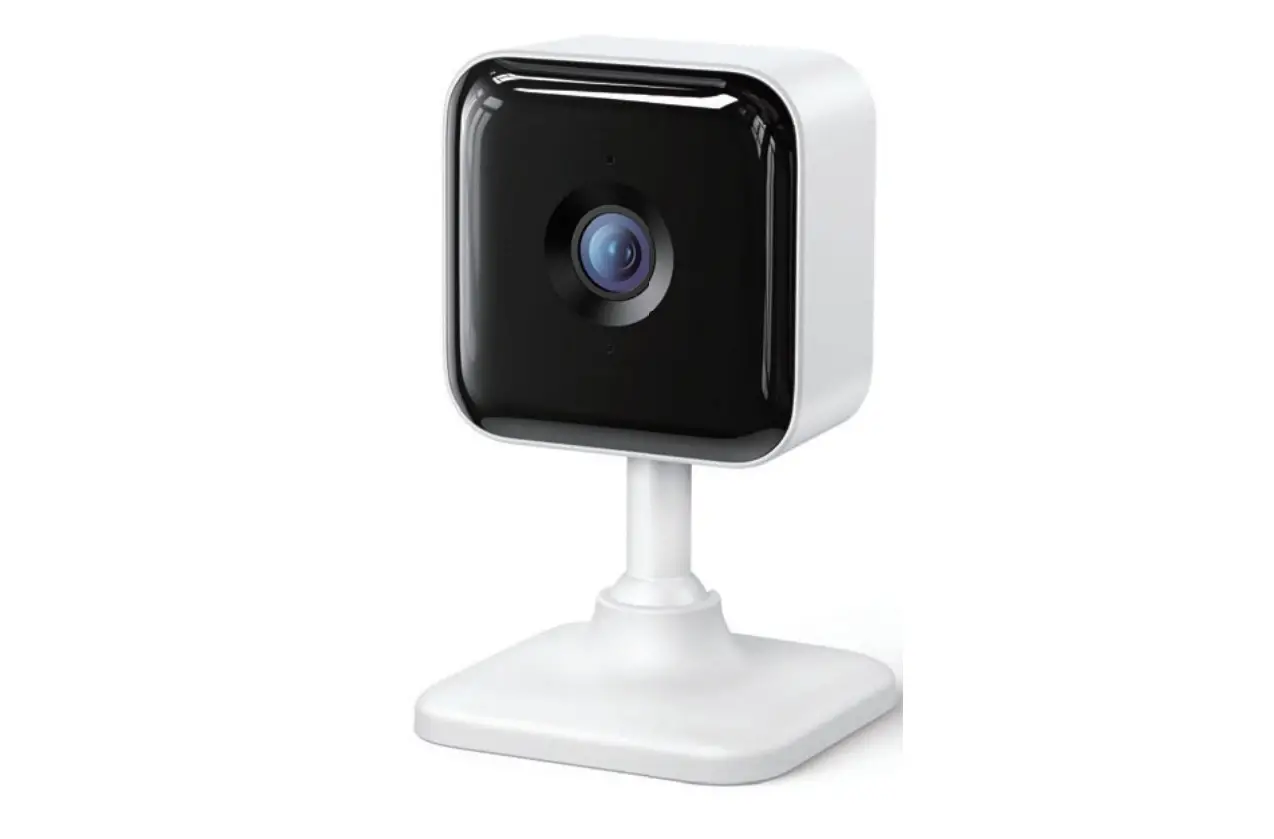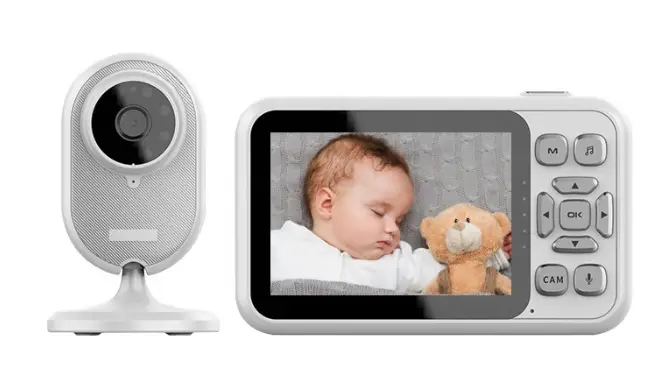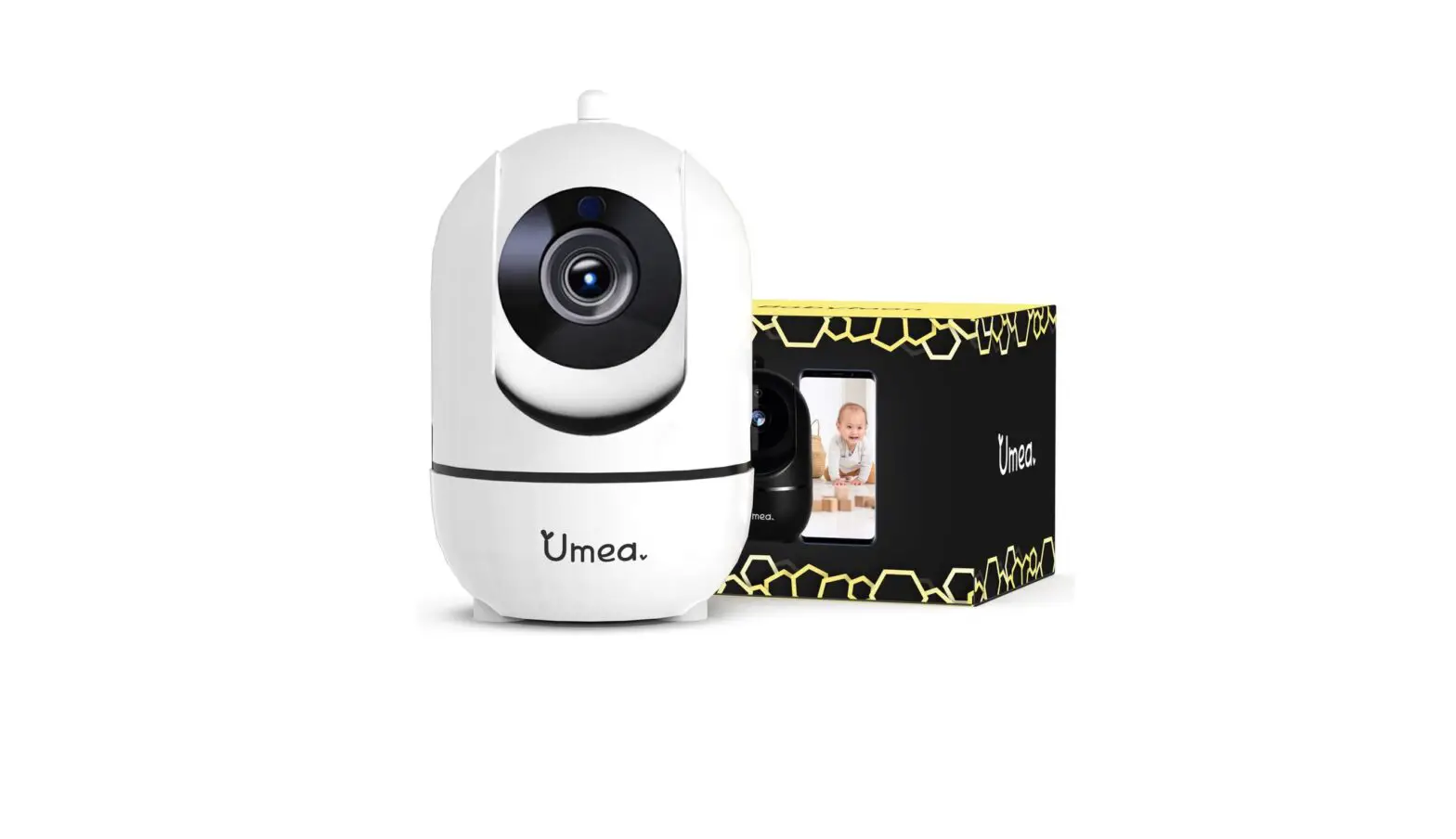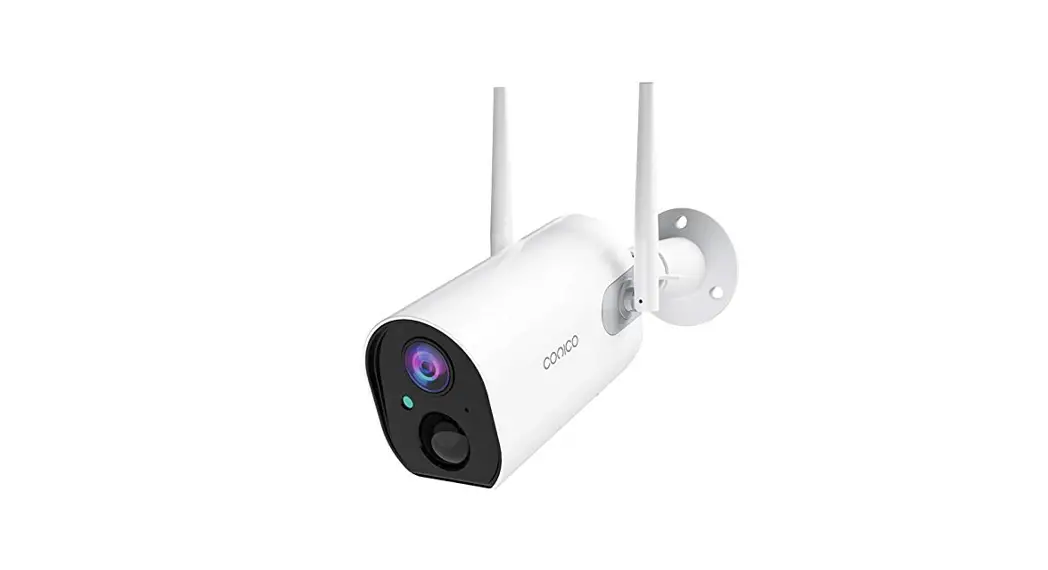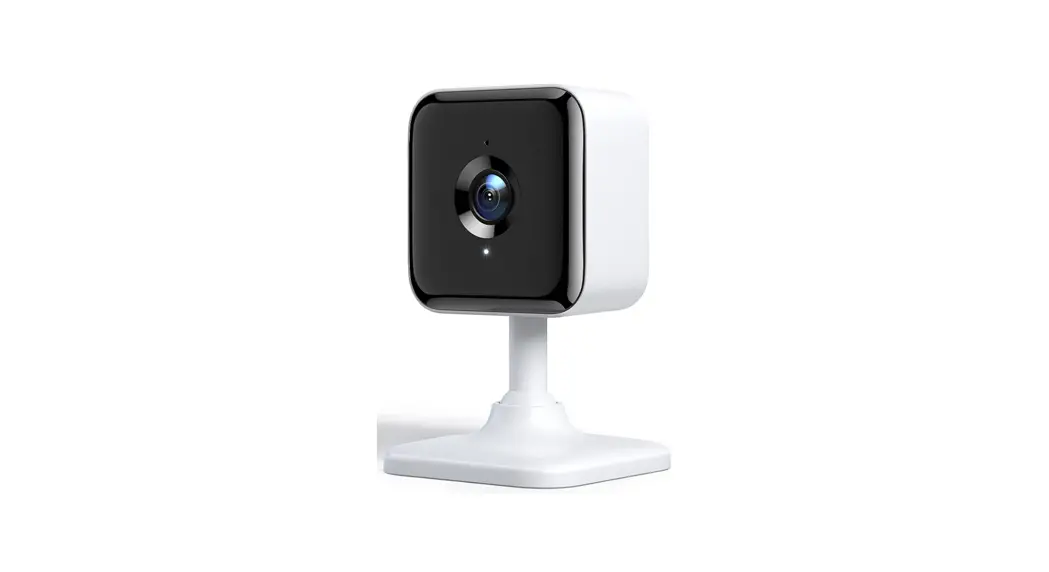
 XC100 Security Camera and Baby Monitor
User Manual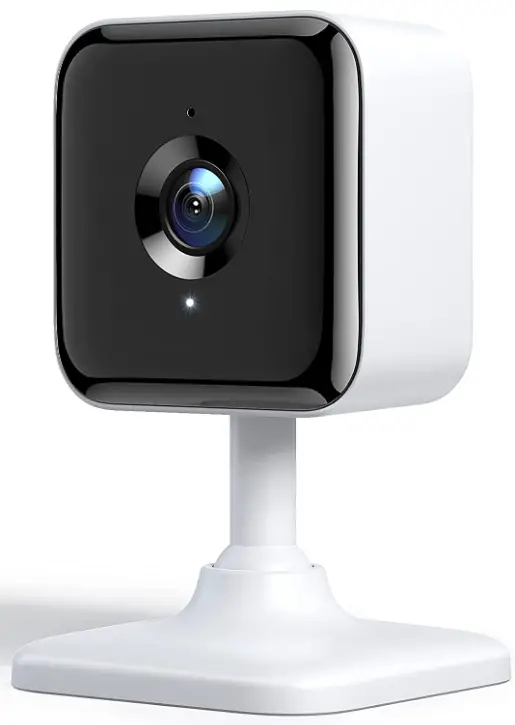
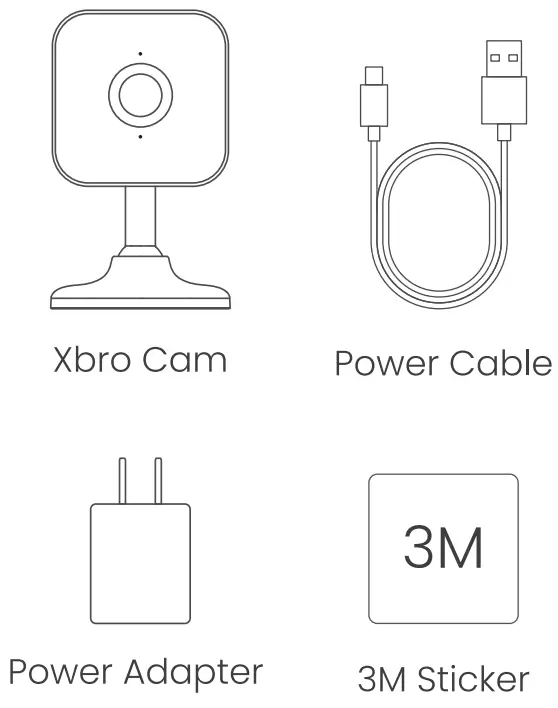
In The Box
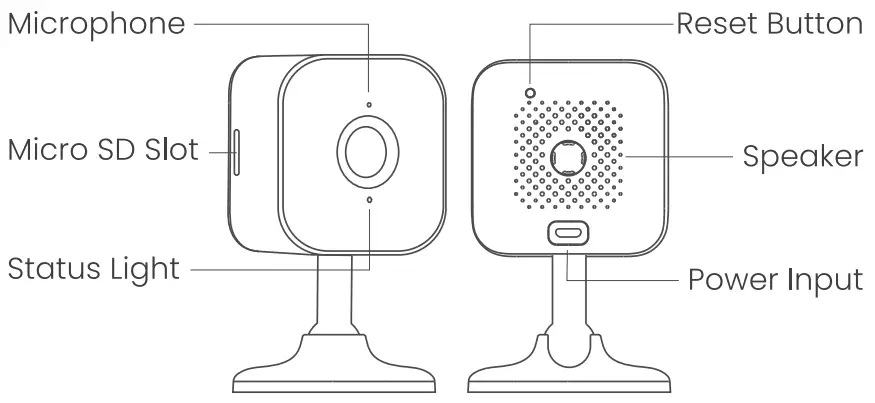
Look Closer
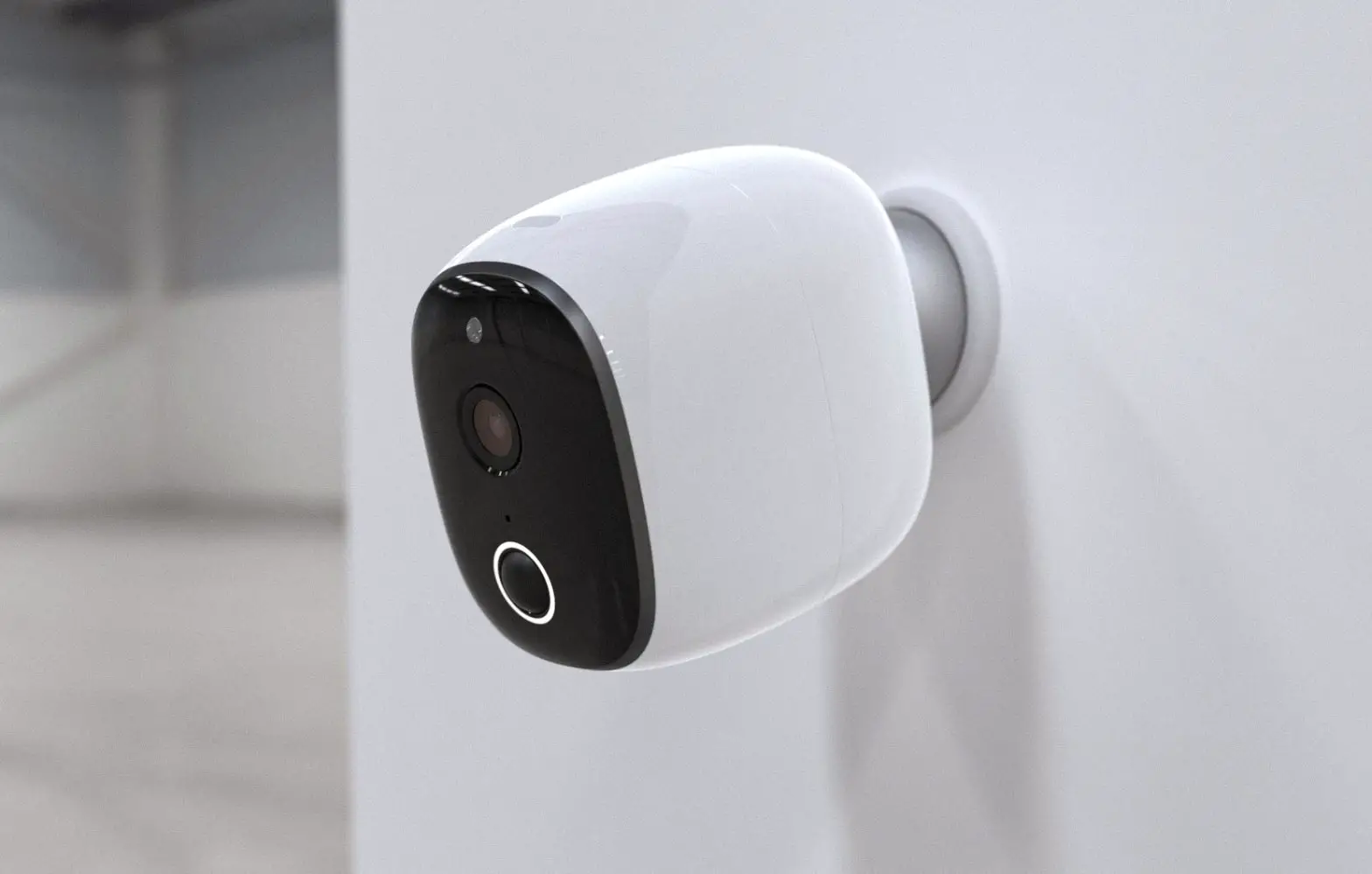
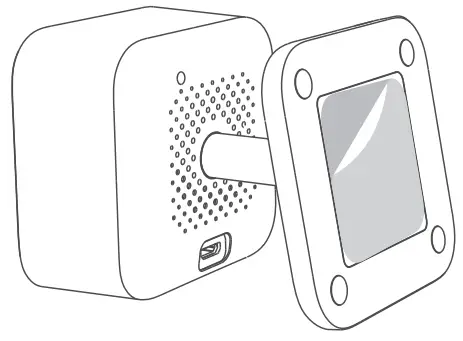
Paste 3M Sticker on the bottom of the camera for Wall Mount&Ceiling Mount.
OSAIO App
Please search “OSAIO” on App Store/Google Play, or scanning the QR code to download the App.
 https://download.osaio.net/app
How to Set Up
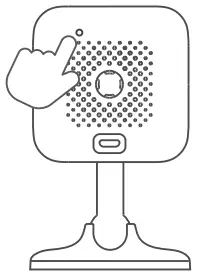
- Connect the camera to a power outlet, then press and hold the Setup button until there is a voice prompt.

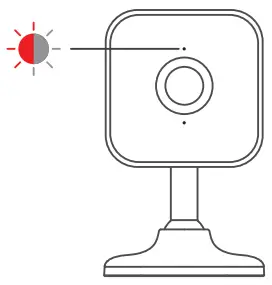
- Wait for 15 seconds until the red status light flashes.

- Follow the instructions in OSAIO App to finish setup with 2.4GHz Wi-Fi.


Customer Service
Find a way to share? @Xbro
@Xbro Xbro
Xbro Xbro
Xbro
If you need help [email protected]
Warranty 30-day return policy
 2-year limited warranty
Light Indications
 | Solid red light The device is powered on and initializing. |
 | Flashing red light The device is ready to connect. |
 | Flashing white light Connection is in progress. |
 | Flashing white & red light Wrong account/password, please reconnect. |
 | Solid white light The device is working properly. |
IC Warning
This device complies with Industry Canada licence-exempt RSS standard(s). Operation is subject to the following two conditions:
- this device may not cause interference, and
- this device must accept any interference, including interference that may cause undesired operation of the device.
Under Industry Canada regulations, this radio transmitter may only operate using an antenna of a type and maximum (or lesser) gain approved for the transmitter by Industry Canada. To reduce potential radio interference to other users, the antenna type and its gain should be so chosen that the equivalent isotopically radiated power (e.i.r.p.) is not more than that necessary for successful communication.
FCC Statement
This equipment has been tested and found to comply with the limits for a Class B digital device, pursuant to part 15 of the FCC rules. These limits are designed to provide reasonable protection against harmful interference in a residential installation. This equipment generates, uses and can radiate radio frequency energy and, if not installed and used in accordance with the instructions, may cause harmful interference to radio communications.