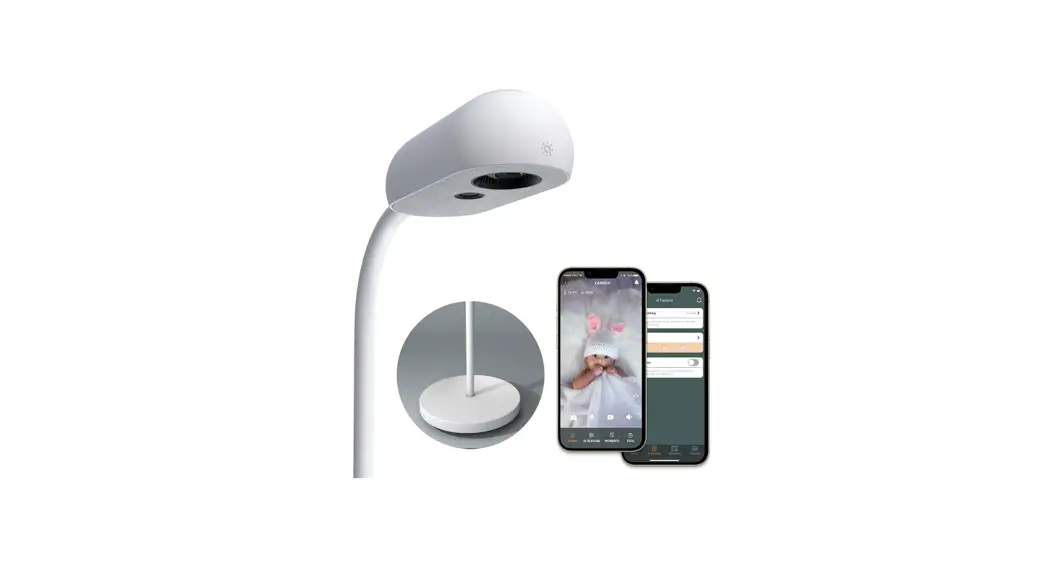
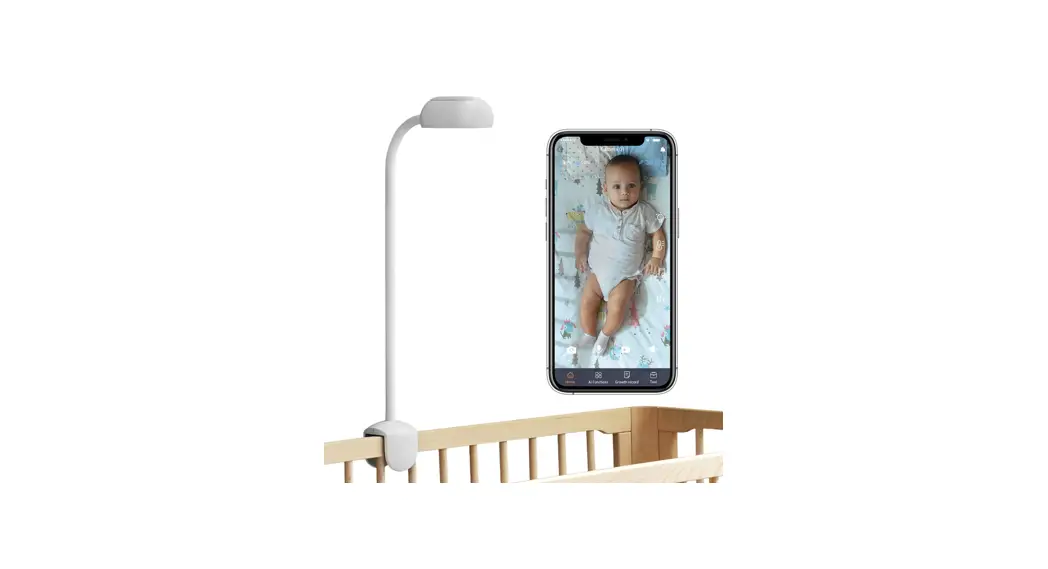
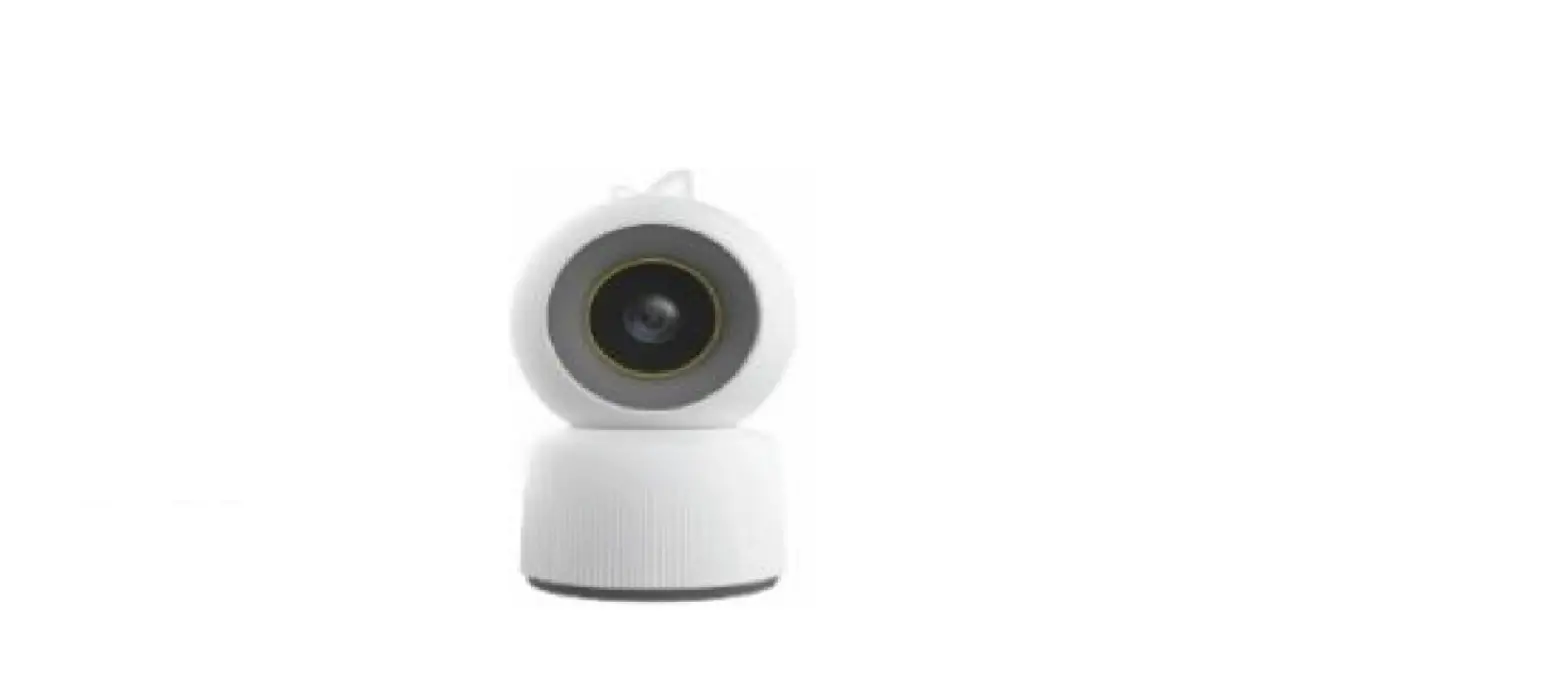
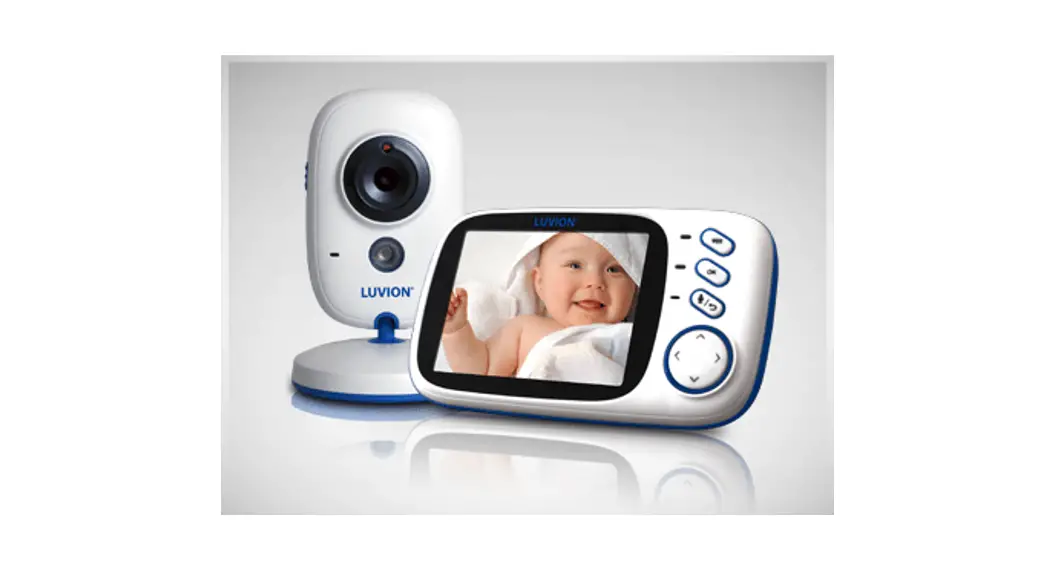
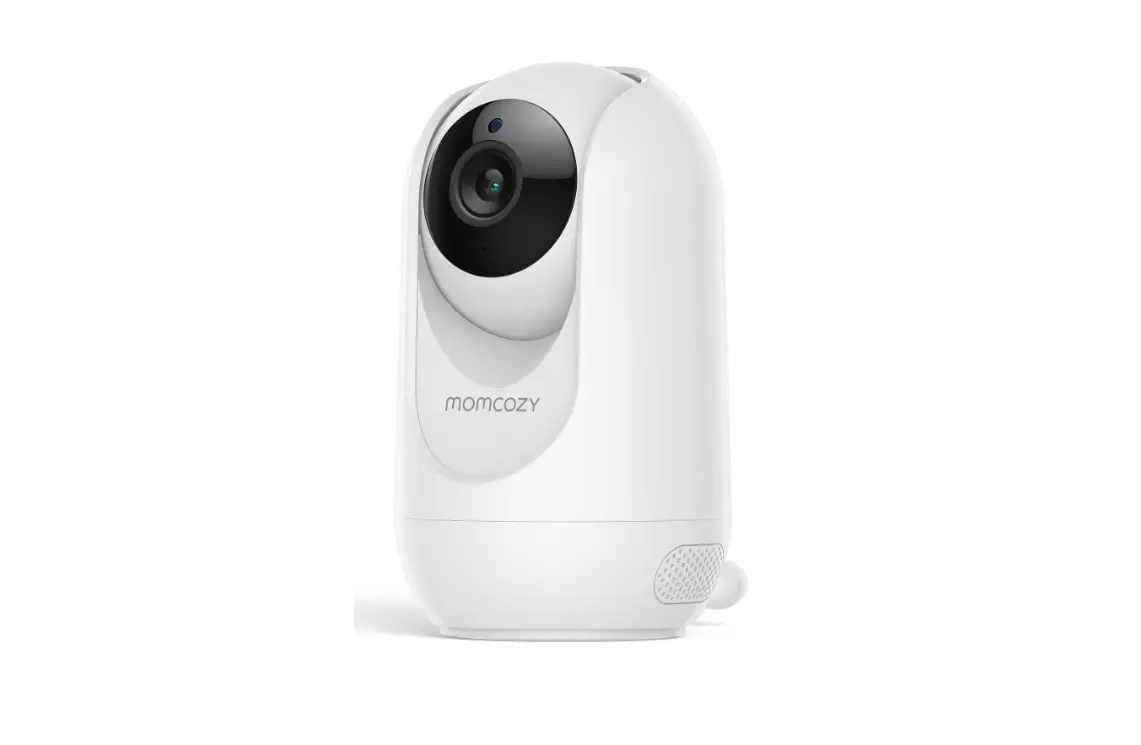
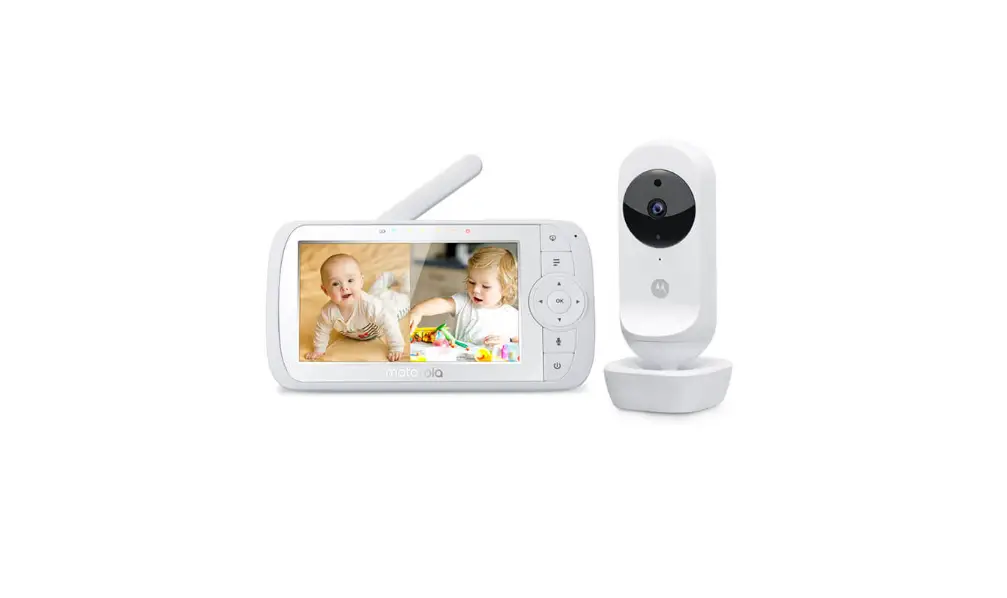
X3 Pro Smart Baby Monitor and Stand HD Video Camera
Smart Baby Monitor
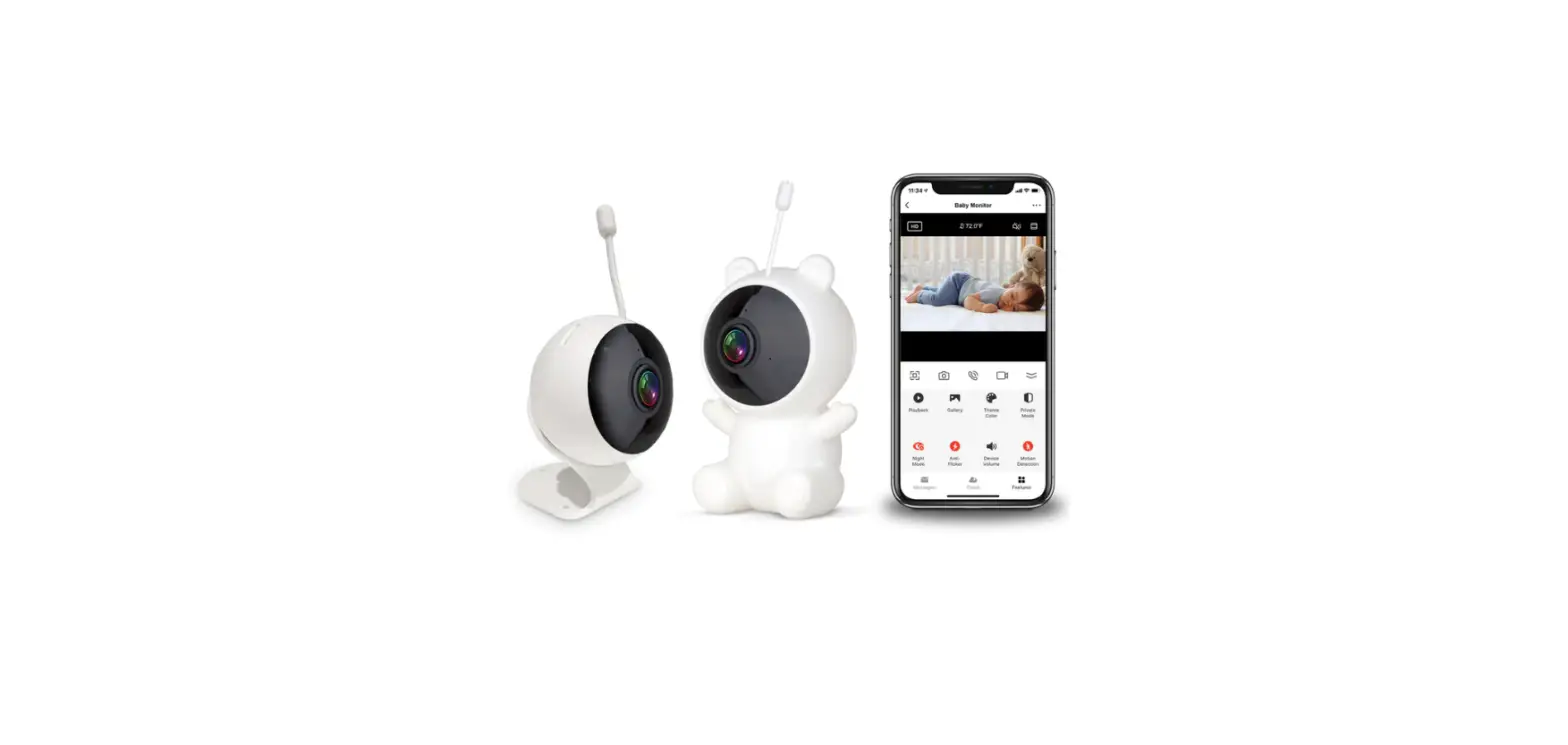
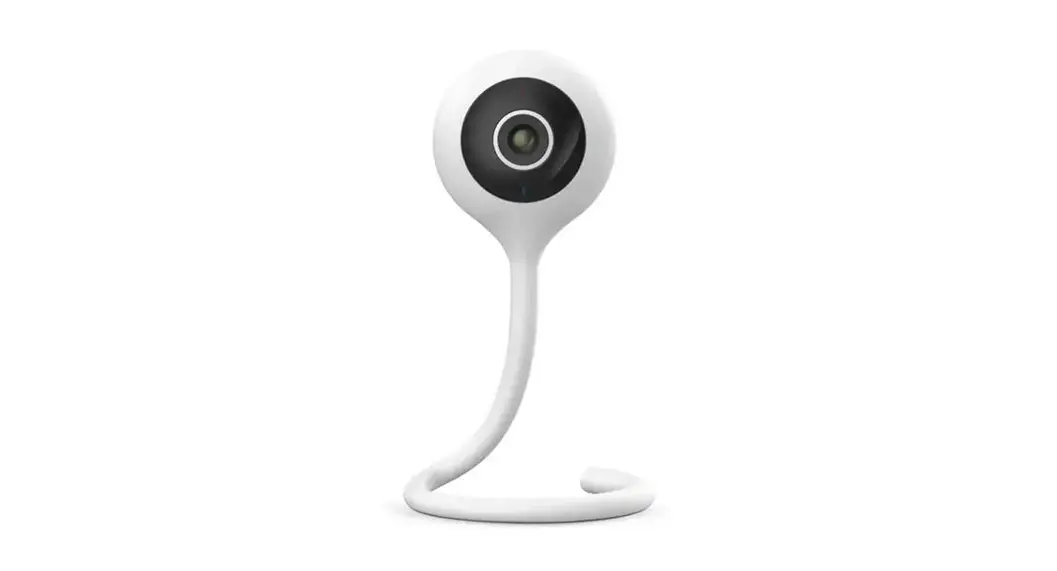
The Smart Baby Monitor is a device that allows parents to
monitor their baby’s activities remotely. It comes with a camera
that can be mounted on the wall near the baby’s crib and connected
to a mobile app. The device has several features that make it easy
for parents to keep an eye on their child, including live video and
two-way audio, crying detection, soothing music, sleep analysis,
and photo and video capture.
Safety
When using the Smart Baby Monitor, it is important to keep
safety in mind. The device comes with a cord that must be covered
at all times to prevent strangulation. Before each use, check the
protective covering to ensure that the cord is not exposed. If the
protective covering is damaged or broken, discontinue use
immediately. Also, make sure to position the crib against the wall
where the camera will be mounted and check that there are no studs
in the center of the crib. The power outlet should also be out of
your child’s reach.
Installation
Installing the Smart Baby Monitor is a simple process. Follow
these steps:
- Using the included Mounting Template, find the 20 (50cm)
position from the headboard of the crib and mark it on your
wall. - Pull straight and vertical the Mounting Template, then align
with the mark. Once in position, make a mark on your wall at 60
(150cm). - Align the screw holes at the lowest part of the mounting
bracket and adjust it using the built-in level. Once level, mark
the wall through the two top holes in the bracket. - Drill 1/4 (6mm) holes in the three marked spots.
- Insert three anchors until flush with wall.
- Align the mounting bracket with the three anchors, and insert
screws into the anchors and screw in halfway. - Adjust the Mounting Bracket using the built-in level. Once
level, tighten the three screws. - Place Cheego Camera over Mounting Bracket and press it down
until it clicks. - Organize the power cable, peel the tape backing off the Cable
Covers, and firmly adhere the bottom of the cable covers to the
wall. Connect the power cable with the DC Power Adapter, plug the
power adapter into your outlet. Make sure that the power outlet you
use is not within your child’s reach.
Instructions
Before using the Smart Baby Monitor, you need to download and
register the Cheego Smart App from Apple Store or Google Play or
scan the QR code on the device or in user guide. Follow these
steps:
- Connect the camera with the power adapter and wait about 35
seconds for the device to boot up successfully. - Open the Cheego Smart App and add your device by scanning the
QR code. - Pair your device with the app and choose the installation way
and position.
Features
The Smart Baby Monitor comes with several features that make it
easy for parents to monitor their baby:
- Live Video And Two-Way Audio: The Cheego 3MP
ultra HD camera and high-quality speaker provide a fantastic
connection with your baby anywhere and anytime. - Crying Detection & Soothing Music: The
Smart Baby Monitor automatically plays soothing music and turns on
the night lamp (at night) and sends alarm messages to the app when
it detects baby’s crying. - Sleep Nanny: The device captures and analyzes
baby’s sleep with AI technology in real time and sends alarm
messages to the app if your baby wakes up. - Moments: The Smart Baby Monitor uses an
advanced algorithm to capture photos and videos of baby’s wonderful
moments. Record your baby’s precious time.
Smart Baby Monitor
User Manual
Safety
WARNING: Strangulation Hazard– Children have STRANGLED in cords. NEVER attempt to use cord without the protective covering. Check protective covering before each use to ensure that the cord is not exposed to your child. Immediately discontinue use if protective covering is damaged or broken.
· This device is designed to be mounted behind a standard crib and against the wall. · Adult assembly is required.Keep small parts away from children when assembling. · This product cannot replace adult supervision. Ensure your child’s health by checking on him/her regularly. · This device is designed for indoor use only. · This product and its packaging are not toys. Do not allow children to play with them. · Falling warning—In order to prevent products fell to hurt, be sure to install the monitor in a stable location, tighten the screws, securely monitor your device. · Make sure the camera could capture the baby’s facial image clearly after the installation. · This device complies with Part 15 of the FCC Rules. Operation is subject to the following two conditions: (1) this device may not cause harmful
interference, and (2) this device must accept any interference received, including interference that may cause undesired operation. · NOTE: This equipment has been tested and found to comply with the limits for a Class B digital device, pursuant to Part 15 of the FCC Rules. These limits are designed to provide reasonable protection against harmful interference in a residential installation. This equipment generates, uses and can radiate radio frequency energy and, if not installed and used in accordance with the instructions, may cause harmful interference to radio communications. However, there is no guarantee that interference will not occur in a particular installation. If this equipment does cause harmful interference to radio or television reception, which can be determined by turning the equipment off and on, the user is encouraged to try to correct the interference by one or more of the following measures: — Reorient or relocate the receiving antenna. — Increase the separation between the equipment and receiver. — Connect the equipment into an outlet on a circuit different from that to which the receiver is connected. — Consult the dealer or an experienced radio/TV technician for help. · This equipment must be installed and operated in accordance with provided
instructions and the antenna(s) used for this transmitter must be installed to provide a separation distance of at least 8″ (20cm) from all persons and must not be co-located or operating in conjunction with any other antenna or transmitter. End-users and installers must be provide with antenna installation instructions and transmitter operating conditions for satisfying RF exposure compliance. · To comply with FCC RF exposure compliance requirements, the antenna used for this transmitter must be installed to provide a separation distance of at least 8″ (20cm) from all persons and must not be co-located or operating in conjunction with any other antenna or transmitter.”
Installation
Position your crib against the wall where you will mount Cheego Camera. Be sure to check that there are no studs in the center of the crib and that the power outlet is out of your child’s reach.
1. Using the included Mounting Template, find the 20″ (50cm) position from the headboard of the crib and mark it (as) on your wall. Once complete, move the crib out of your way.
2.Pull straight and vertical the Mounting Template, then align with the mark . Once in position, make a mark on your wall at 60″ (150cm)(as). 3. Align the screw holes at the lowest part of the mounting bracket(mark) then adjust it using the built-in level. Once level, mark the wall through the two top holes in the bracket(as).
4.Drill 1/4″ (6mm) holes in the three marked spots(). 5.Insert three anchors until flush with wall.
6.Align the mounting bracket with the three anchors, and insert screws into the anchors and screw in halfway. 7.Adjust the Mounting Bracket using the built-in level. Once level, tighten the three screws.
8.Place Cheego Camera over Mounting Bracket and press it down until it clicks.
9.Organize the power cable, peel the tape backing off the Cable Covers, and firmly adhere the bottom of the cable covers to the wall. Connect the power cable with the DC Power Adapter, plug the power adapter into your outlet. Make sure that the power outlet you use is not within your child’s reach.
INSTRUCTIONS
Get start Cheego Smart app Download the Cheego Smart App from Apple Store or Google Play. Or scan the QR code on the device or in user guide.
Download & Register “Cheego Smart”APP
Boot Please connect the camera with the power adapter. And the LED light will be automatically turned on and off. Please wait about 35 seconds before the device boot up successfully.
GET START CHEEGO SMART APP
Cheego Smart APP will upgrade and update. The actual operation may be different from the above description. Please follow the instructions in the current version.
When connecting, please keep the network good and the monitor turned on.
CHEEGO SMART APPLICATION SETUP GUIDE
· Download the Cheego Smart App and set up your account.
· Follow the in-app instructions to set up your Cheego Smart Camera. Choose:
Homepage > Add your device > Scan QR code to connect>Pair succeed> Choose installation way> Choose installation position
· You can choose to follow the assembly instructions in-app or in this booklet.
FEATURES INTRODUCTION
Live Video And Two-Way Audio
Cheego 3MP ultra HD camera and high-quality speaker provide a fantastic connection with your baby anywhere and anytime.
Crying Detection& Soothing Music
Cheego baby monitor automatically plays soothing musics& turns on the night lamp (at night), and sends alarm messages to the APP when it detected baby’s crying.
Sleep Nanny
Cheego captures and analyzes baby’s sleep with AI technology in real time, and sends alarm messages to the APP if your baby wakes up.
Moments
Cheego uses an advanced algorithm to capture photos and videos of baby’s wonderful moments. Record your baby’s precious time.
Virtual Fence Detection
Cheego sends instant notifications through the APP when the baby is out of the virtual fence.
Danger Zone Detection
Set the electronic area as the danger zone, when baby enters the danger zone, Cheego provides voice warning and sends alarm messages to the APP.
Temperature and Humidity Detection
Embeded high precision temperature& humidity sensor, Cheego checks the room temperature and humidity in real time to make baby more comfortable..
Non-Invasive Night Vision
Non-invasive infrared sensor makes clear vision in the dark.
SPECIFICATIONS
Model
X3 Pro
Resolution
1296P
Lens
f=3.2mm / F1.6
Field of View 130° (Diagonal)
Connectivity Wi-Fi 2.4GHz/5GHz 802.11a/b/g/n
Support System Android 11.0 or IOS 13.0 or above
TF card
32GB
Wall MountStandard Package
Mounting
Floor Stand MountNeed to Purchase a Replacement Floor Stand
Power Working Temperature Dimensions Item Weight
DC12V / 1A 0-40
90X90X215mm 420g
FAQ
I don’t hear the connection succeeded when I scan QR code
QR code cannot be recognized, the possible reasons are as follows:
1). Screen is too dark
2). Too far or too close from the lens
3). Reflection
Suggestions:
1). The phone screen is facing the lens
2). Adjust phone screen brightness
3). Adjust the distance between the phone and the lens
What should I do if the camera goes offline (device icon gray)?
Suggestions:
1). Shut down and reboot your device 2). If the Wi-Fi was changed, please follow the RESET instruction to reset your camera.
What should I do if I can’t connect my device after the upgrade?
The possible reasons are as follows:
1). Check the WiFi network
2). Shut down and reboot your device
3). Re-setup the device ( After the device is powered on, scan reset QR code within ten minutes ) , rebind the device.
What should I do if the call has an echo?
When making a call, please try to keep the mobile phone more than 10 meters away from the device. The echo and howling caused by the short distance call is a normal phenomenon.
What should I do if mobile phone cannot receive the notification?
Go to mobile “setting””Cheego smart””Allow notification”
How to RESET the camera?
press the RESET button on the camera with 5 seconds, click “Reset Device Step by Step” in Cheeg Smart APP, then do it step by step.
GUARANTEE & WARRANTY
SATISFACTION GUARANTEE & RETURN POLICY Thank you for purchasing Cheego products. If you are not completely satisfied with your purchase, you may return the product for a full refund within 30 calendar days of setting up a hardware product ( icheego.com) or within 15 days of activating an online product (Cheego authorized online reseller). This satisfaction guarantee requires proof of purchase from an authorized seller. Purchases from 3rd party retailers will need to be returned to the original place of purchase.
LIMITED WARRANTY
This limited warranty contains important information about your rights and obligations, as well as limitations and exclusions that may apply to you.
This limited warranty only applies if you are the original purchaser, use and operate the product in the United States or Canada. Please note if you are not resident of the United States or Canada, this Limited Warranty & Return Policy does not apply to you.
PRODUCTS OBTAINED FROM UNAUTHORIZED RETAILERS ARE NOT COVERED BY THIS LIMITED WARRANTY. Please be aware that there are some retailers and websites that claim to be authorized retailers of Cheego when they are not. Note that when you purchase from these
unauthorized retailers, you are taking a risk, including a risk that these products are used or defective, and this limited warranty will not apply.
1. WHAT THIS LIMITED WARRANTY COVERS? PERIOD OF COVERAGE. Warrants to the owner of the enclosed product that the product contained in this box (“Product”) will be free from defects in materials and workmanship for a period of one (1) year from the date of delivery following the original retail purchase (the “Warranty Period”). If you believe you have received a defective product, we will either repair or replace the defective product or its defective component part(s) in accordance with the terms of this limited warranty. We warranty replacement for the remaining unexpired period of the original product’s warranty. This limited warranty is the only warranty available for our products.
2. WHAT THIS LIMITED WARRANTY DOES NOT COVER? · Products marked as “sample” or “Not for Sale”, or sold “AS IS”; · Ineligible Products that have been subject to: (a)Modifications, alterations, tampering, or improper maintenance or repairs; (b)Handling, storage, installation, testing, or use not in accordance with the Terms of Service or other instructions provided by Cheego; (c)Abuse or misuse of the Product; (d)Damages caused by Acts of God, including but not limited to
lightning, flood, tornado, earthquake, or hurricane; · Consumables parts, including but not limited to batteries, unless damage is due to defects in materials or workmanship of the product; · You use unauthorized service providers for maintenance or repair; · Unauthorized use of the Product or software can impair the Product’s performance; · This limited warranty does not warrant to covered any software, even if packaged or sold with the Products; · Refer to the licensing agreement accompanying the software for details of your rights with respect to its use; · This limited warranty does not warrant that the operation of the product will be uninterrupted or error-free; · This warranty cannot be transferred from the original end-user to others for any such transfer.
3.NOT A MEDICAL DEVICE. The products are not medical devices and are not intended to be used as a medical devices.
4.DISCLAIMER OF WARRANTIES. EXCEPT AS STATED ABOVE IN SECTION 1 OF THIS LIMITED WARRANTY, AND TO THE MAXIMUM EXTENT PERMITTED BY APPLICABLE LAW, CHEEGO DISCLAIMS ALL EXPRESS, IMPLIED, AND STATUTORY WARRANTIES AND CONDITIONS WITH RESPECT TO THE PRODUCT, INCLUDING THE IMPLIED
WARRANTIES OF MERCHANTABILITY, FITNESS FOR A PARTICULAR PURPOSE AND NON-INFRINGEMENT. TO THE MAXIMUM EXTENT PERMITTED BY APPLICABLE LAW, CHEEGO ALSO LIMITS THE DURATION OF ANY APPLICABLE IMPLIED WARRANTIES OR CONDITIONS TO THE DURATION OF THIS LIMITED WARRANTY.FOR THE AVOIDANCE OF DOUBT, NOTHING IN THIS CLAUSE 6 IS INTENDED TO EXCLUDE ANY WARRANTIES OR GUARANTEES WHICH CANNOT BE EXCLUDED UNDER APPLICABLE LAWS.
5.YOUR RIGHTS AND THIS LIMITED WARRANTY. WE LIMIT THE APPLICABILITY OF IMPLIED WARRANTIES, INCLUDING THE IMPLIED WARRANTIES OF MERCHANTABILITY AND FITNESS FOR A PARTICULAR PURPOSE, TO THE DURATION OF THIS LIMITED WARRANTY. TO THE EXTENT PERMITTED BY LAW, WE DISCLAIM ALL OTHER WARRANTIES OF ANY KIND. SOME STATES AND COUNTRIES DO NOT ALLOW LIMITATIONS ON IMPLIED WARRANTIES, SO THE ABOVE LIMITATION MAY NOT APPLY TO YOU. OUR SOLE LIABILITY FOR ANY DEFECT SHALL BE AS SET FORTH IN THIS LIMITED WARRANTY AND EXCLUDES ANY CLAIMS FOR INCIDENTAL OR
CONSEQUENTIAL DAMAGES. SOME STATES AND COUNTRIES DO NOT ALLOW THE EXCLUSION OR LIMITATION OF INCIDENTAL OR CONSEQUENTIAL DAMAGES, SO THE ABOVE LIMITATION OR EXCLUSION MAY NOT APPLY TO YOU. NO PERSON OR ENTITY IS AUTHORIZED TO MAKE ANY OTHER WARRANTY ON OUR BEHALF. THIS WARRANTY GIVES YOU SPECIFIC LEGAL RIGHTS. YOU MAY ALSO HAVE OTHER RIGHTS WHICH VARY FROM STATE TO STATE AND COUNTRY TO COUNTRY.
COMPLIANCE
DECLARATION OF CONFORMITY
Hereby, Hangzhou Cheego Technology Co., Ltd. Room 603, Bldg. E2, 3# Xiyuan 8 Road, Hangzhou, 310030, China, declares that the equipment Model CCA3 is in compliance
with Directive 2014/53/EU.
PRODUCT USE WARNING
This product is meant for indoor use only.
RADIO FREQUENCY (RF) EXPOSURE STATEMENT
This equipment should be installed and operated with a minimum distance of 20 cm between the camera and the human body.
This symbol means the product must not be discarded as household waste, and should be delivered to an appropriate collection facility for recycling. Proper disposal and recycling helps protect natural resources, human health and the environment. For more information on disposal and recycling of this product, contact your local municipality, disposal service or the shop where you bought this product.
FCC Statement: This device complies with part 15 of the FCC Rules. Operation is subject to the following two conditions: (1) This device may not cause harmful interference, and (2) this device must accept any interference received, including interference that may cause undesired operation. This equipment has been tested and found to comply with the limits for aClass B digital device, pursuant to part 15 ofthe FCCRules. Theselimits aredesigned to provide reasonable protection against harmful interference in a residential installation. This equipmentgenerates,usesandcanradi ateradiofrequencyenergyand,ifnotins talled andused inaccordance withthe instructions,may causeharmfulinterferencetoradio communications.However,there isno guaranteethatinterferencewill notoccur ina particularinstallation.Ifthisequipmen tdoescauseharmfulinterferencetoradi oor television reception, which can be determined by turning the equipment off and on, the user is encouraged to try to correct the interference by one or more of the following measures:
–Reorient or relocate the receiving
antenna.
–Increase the separation between
the equipment and receiver.
–Connect the equipment into an
outlet on a circuit different from that to which the receiver is connected.
–Consult the dealer or an
experienced radio/TV technician for help.
Caution: Any changes or modifications not expressly approved by the party responsible for compliance could void the user’s authority to operate the equipment. Thisequipment complies withFCC radiation exposure limits setforth for an uncontrolled environment. This transmitter must not be co-located or operating in conjunction with any other antenna or transmitter. This equipment should be installed and operated with minimum distance 20cm between the radiator&your body.
 Cheego, Cheego Smart