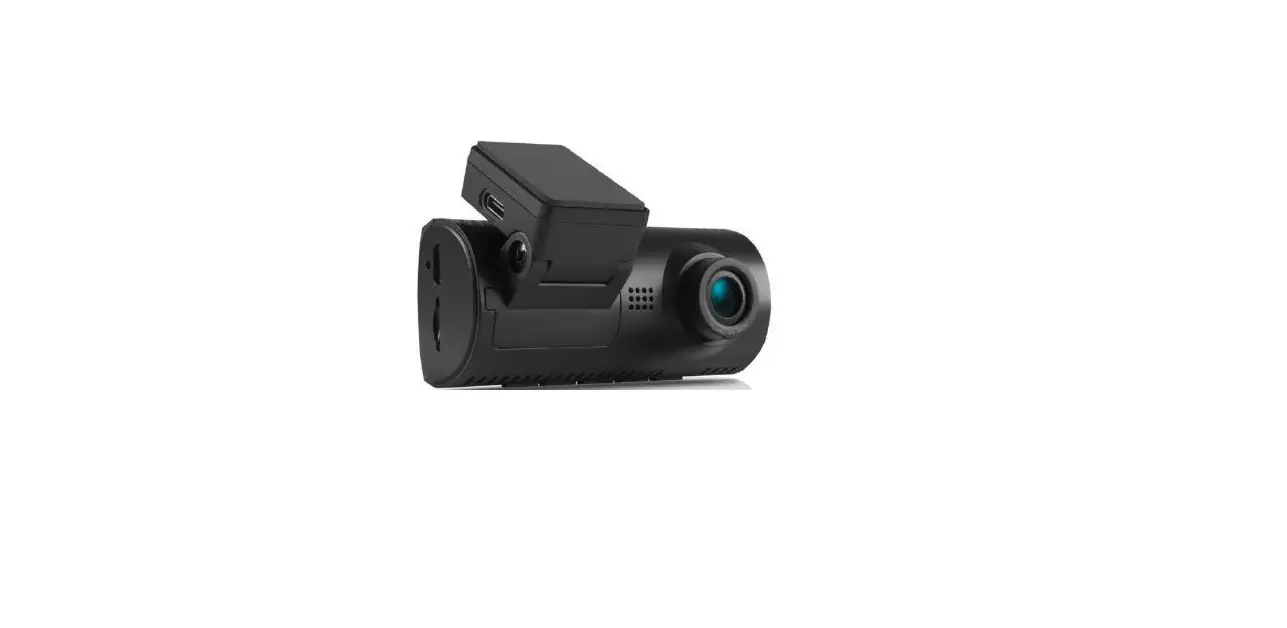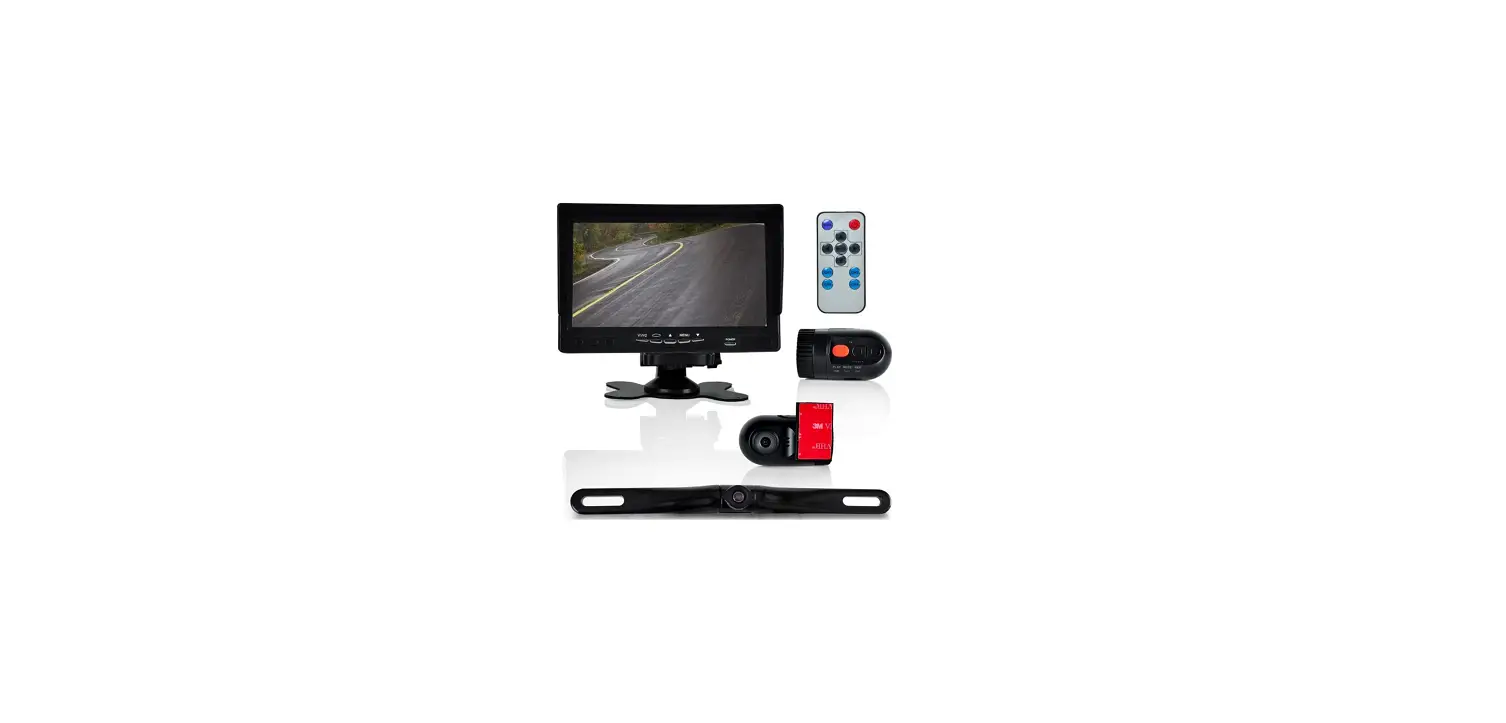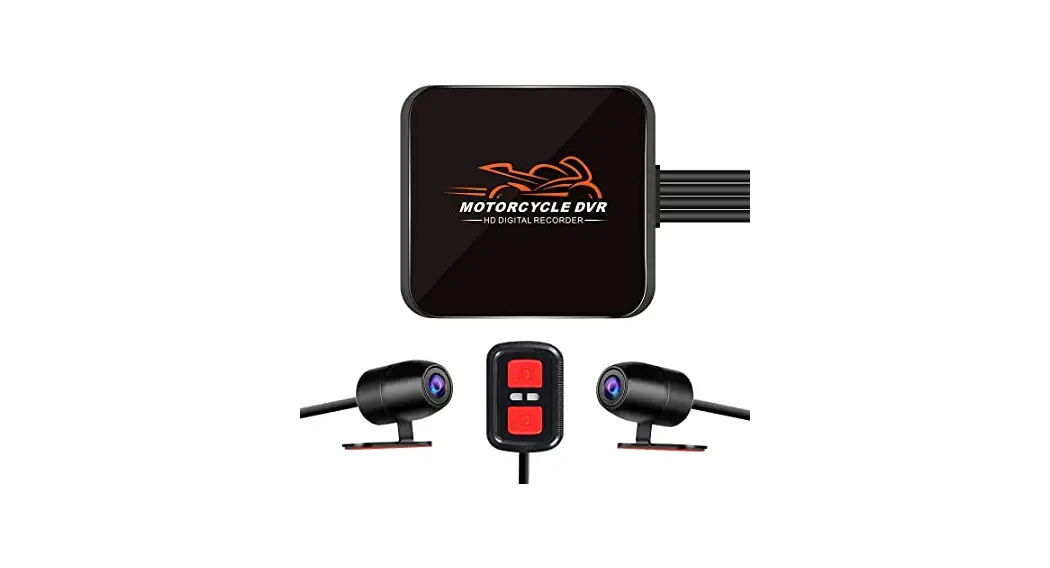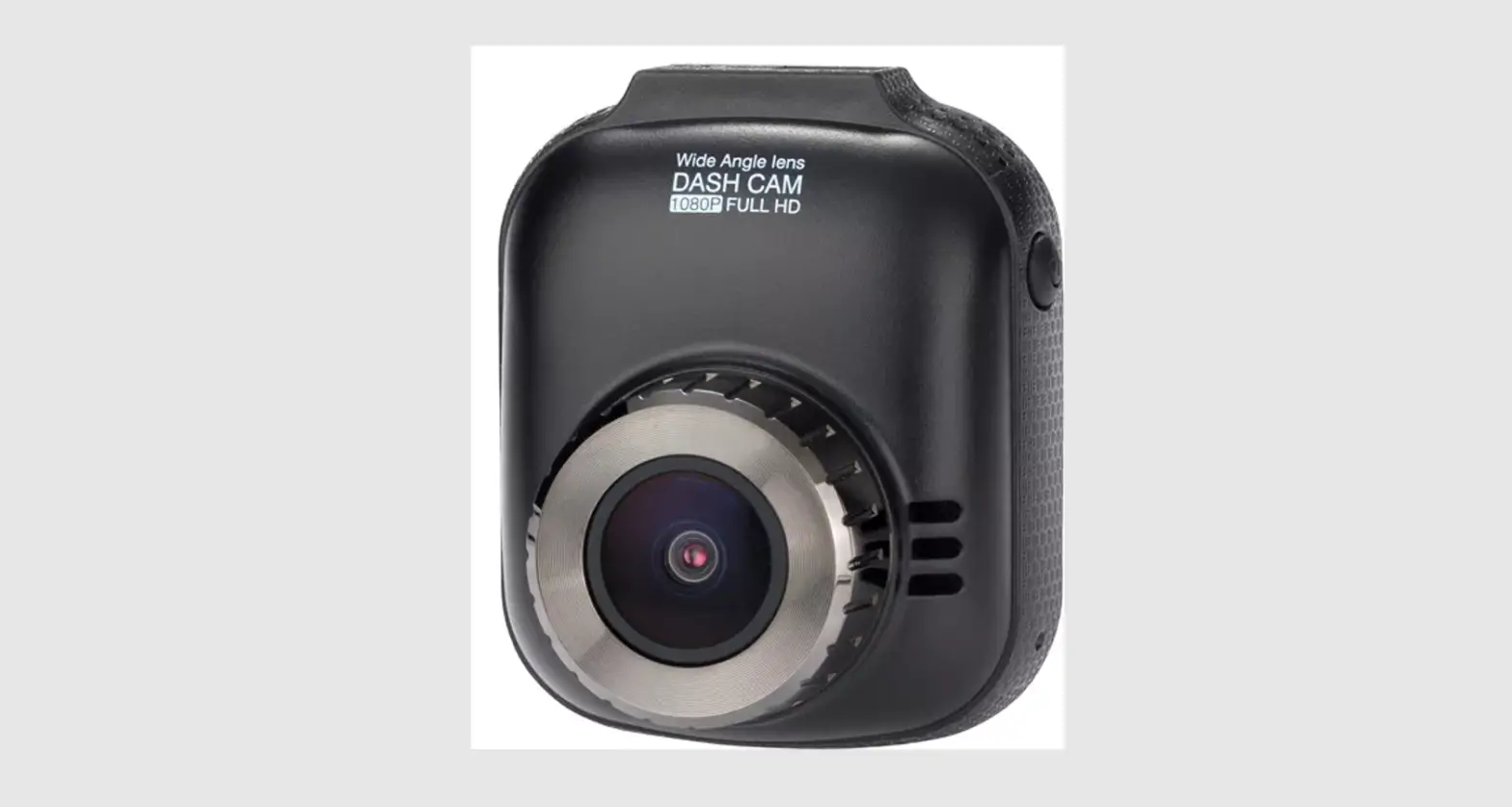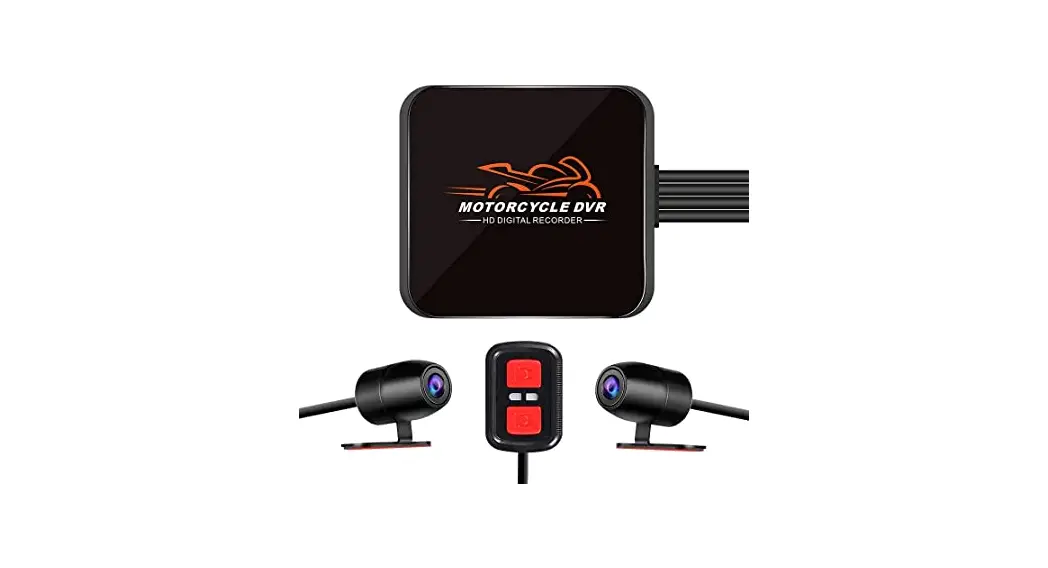

VSYSTO C4.3B Baby Car Recorder
Safety Instruction
In order to use this product safely, please confirm that you have fully understood the following.
Warning: This section indicates that improper handling may have serious consequences
Attention: This section indicates that improper handling may cause harm to the user or damage the product.
warning
| 0 | & Warning |
| Do not install the device in a position that obstructs vision or driving | |
| (9 | Do not disassemble or refit the product without permission |
| (9 | Do not use accessories other than the original ones |
| (9 | DVR main unit is NOT waterproof |
| &Attention |
| If the product makes abnormal noise or odor, please stop using it immediately. |
| The camera module is IP67 waterproof but the host is NOT waterproof |
| When disposing of this product, please follo w the classification principle and do not discard it at wil l. |
| Do not store this product in high temperature and humid environment |
| 0 Pictures in this user manual for reference only, please in kind prevail. |
Standard Accessories 
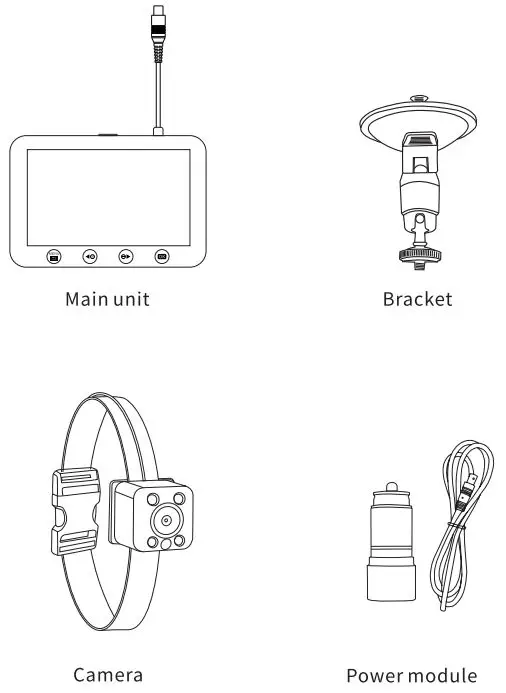
If there is any change of specification and appearance due to improvement, we are not able to inform you in advance. Please understand
Please note that there are differences between the schematic diagram and the real object in the manual.
Description Of Each Part 
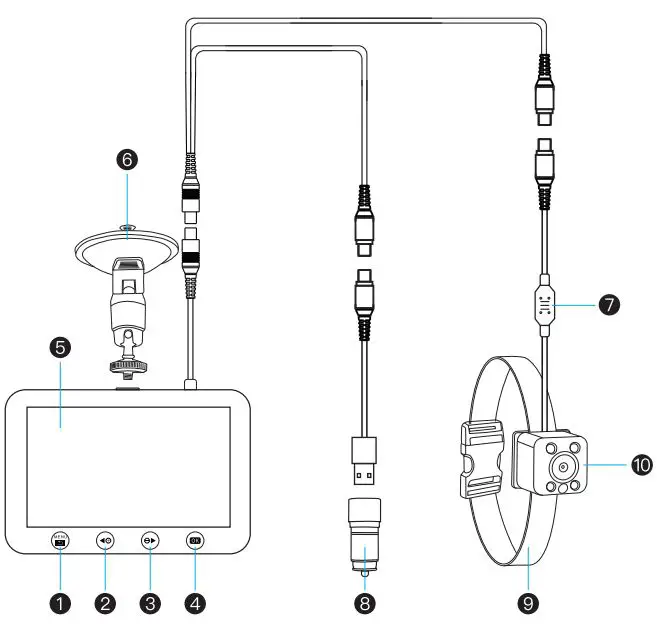
- Menu/Back
- Up
- Down
- OK/REC/Play/Pause
- LCD screen
- Bracket
- Temperature Sensor
- Car charger
- Bandage
- Camera
Installation Diagram 
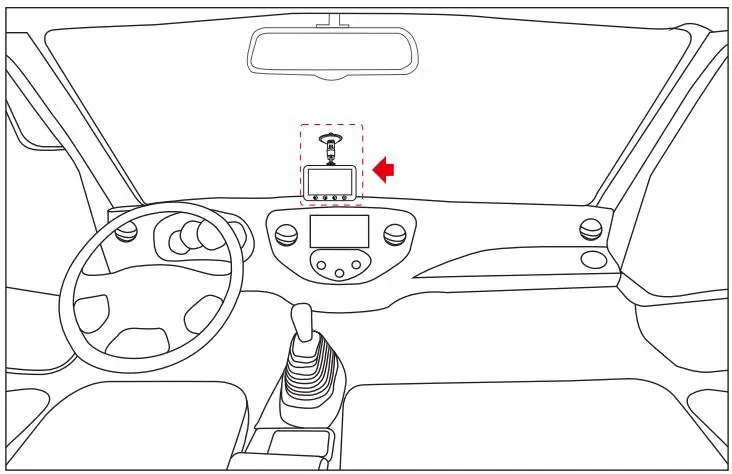
Main unit 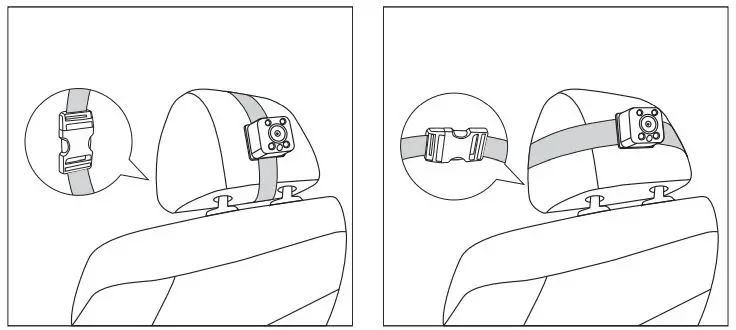
Camera
| Item | Selections | Item | Selections |
| Tempera t ure Un i t | “C/°F | G-sensor | Off/High/Medium/L ow |
| REC Sound | On/Off | Brightness | 1-15 |
| Screen Save | Off/1/3/Smins | Light Freq. | 50Hz/60Hz |
| Date Input | 00/MM/YY | Date In put | Set date & time |
| Format | Yes/No | Sys. Reset | Yes/No |
Time&Date
- Press
 to pause the DVR, then long press
 button, enter
 .
. - Select enter time and date.
- Press
 to change the digits, pressto confirm and move to another digit.
 - Repeat step 3 to setup date and other options you need.
The time will be updated automatically after you set the local time zone and received signal.
 to pause the DVR, then long press
 button, enter
 .
. to change the digits, press
Loop Recording & G-sensor
When the memory card is full, the earliest recorded video will be overwritten, but the locked videos will not be overwritten.
This recorder has built-in G-sensor. When the recorder triggered the gravity sensor to record emergency video, the video file name is GSRXXXXXXX. Video files recorded in emergency mode are protected from being overwritten by normal recording video. Note: If there are more than 10 videos named GSR-XXXXXXX in the memory card, the system will automatically delete the oldest video.
Inserting the memory card
Insert the memory card like the picture below. Push the memory card until it clicks into place
To remove the memory card, push to eject the memory card out of the slot.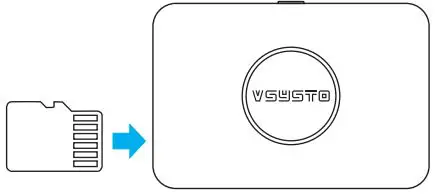
- Do not remove or insert the memory card when the device is being powered on. This may damage the memory card.
- Please use high speed micro SD card with CLASS@) icon.
- Please use 8G-32G memory card.
Playback
- Playback in DVR
Press button to enter , and select the video file by pressing , pressto playback the video you choose.
 - Playback in PC
- Use memory card reader, then connect to PC
- You can find video folder when you access the memory card by PC and just need to select the video you need to playback .
- You can get some information from the video file name:

“REC” means normal record
160924 means date 24th September, 2016
133124 means time 13oclock 31 minutes 24seconds
00005 means file serial number
AVI means video file format
 , and select the video file by pressing
CONTRACT US
We constantly optimize and strive for excellence to make driving safer, and smarter. Share your product experience and story with us to inspire someone else.
If you have any thoughts on how we can do even better, we welcome your constructive feedback and suggestions.