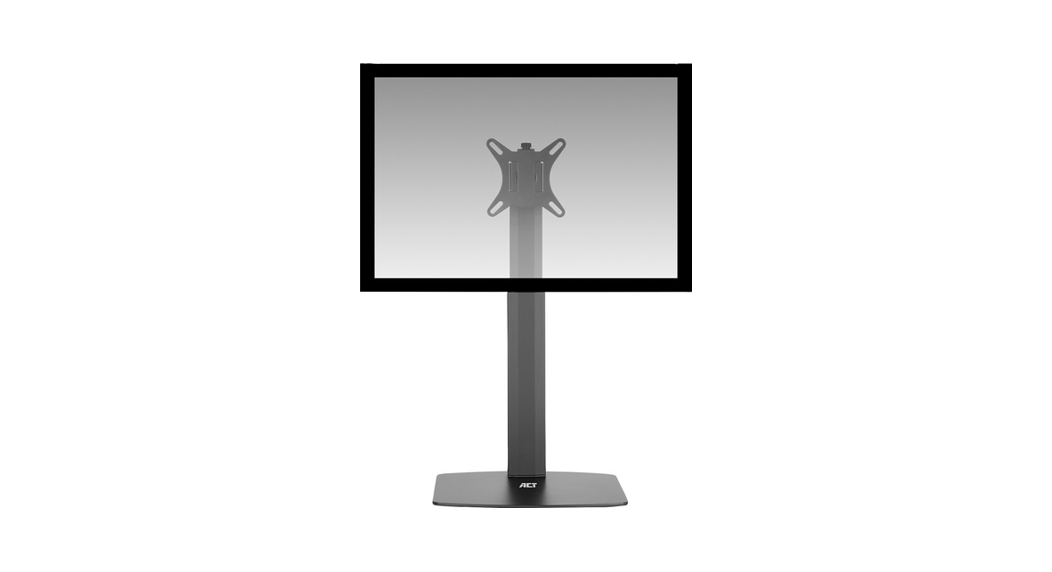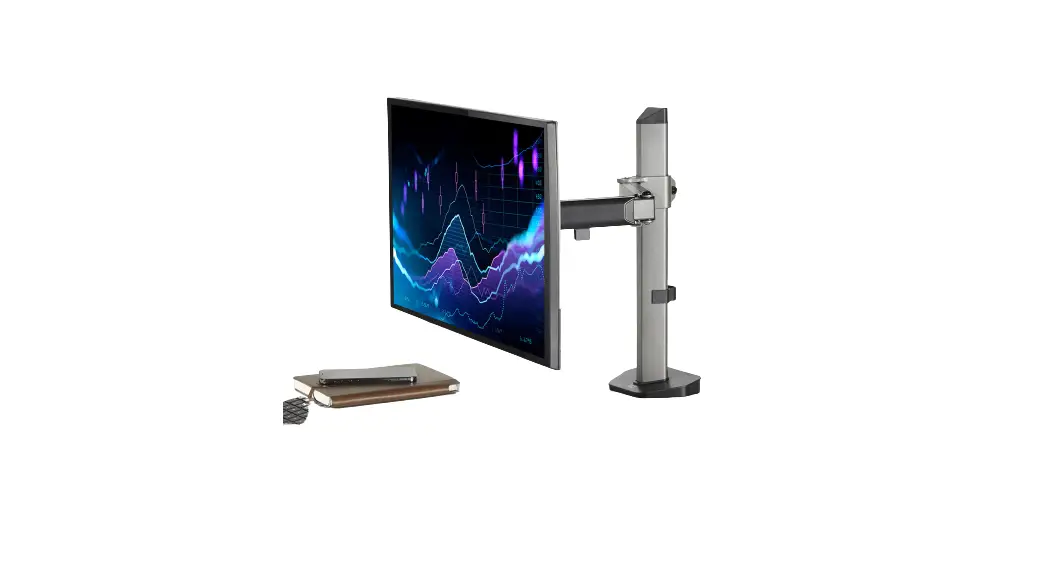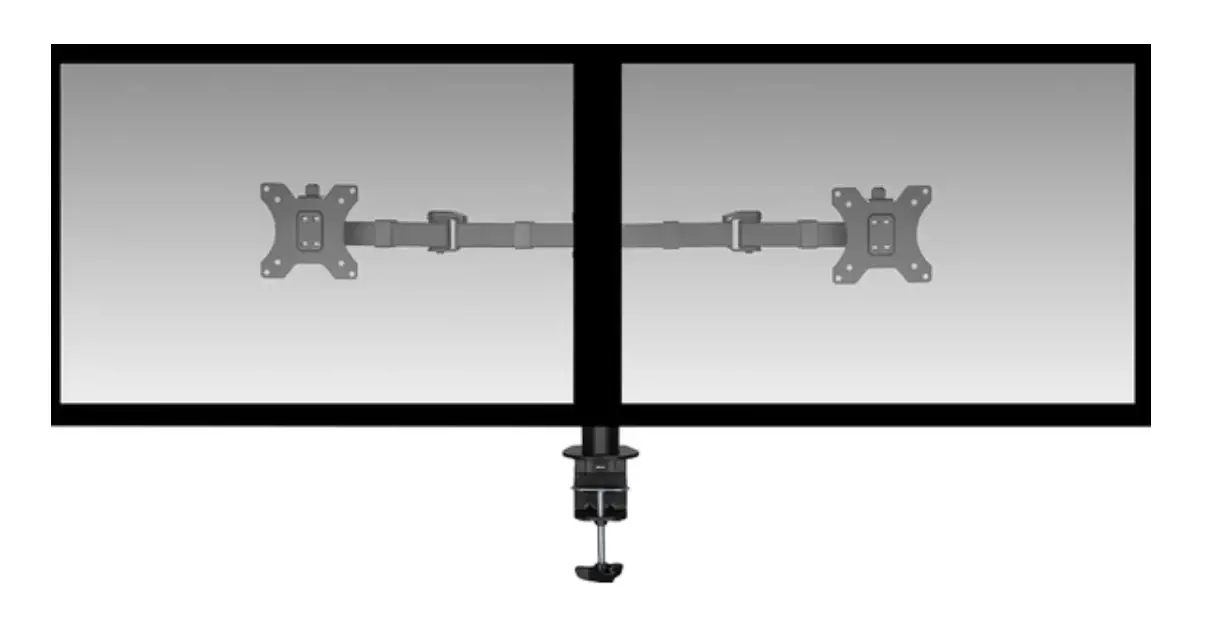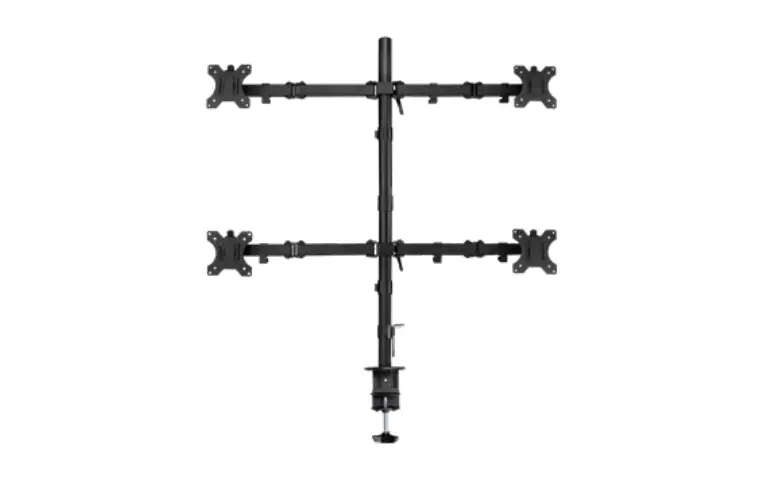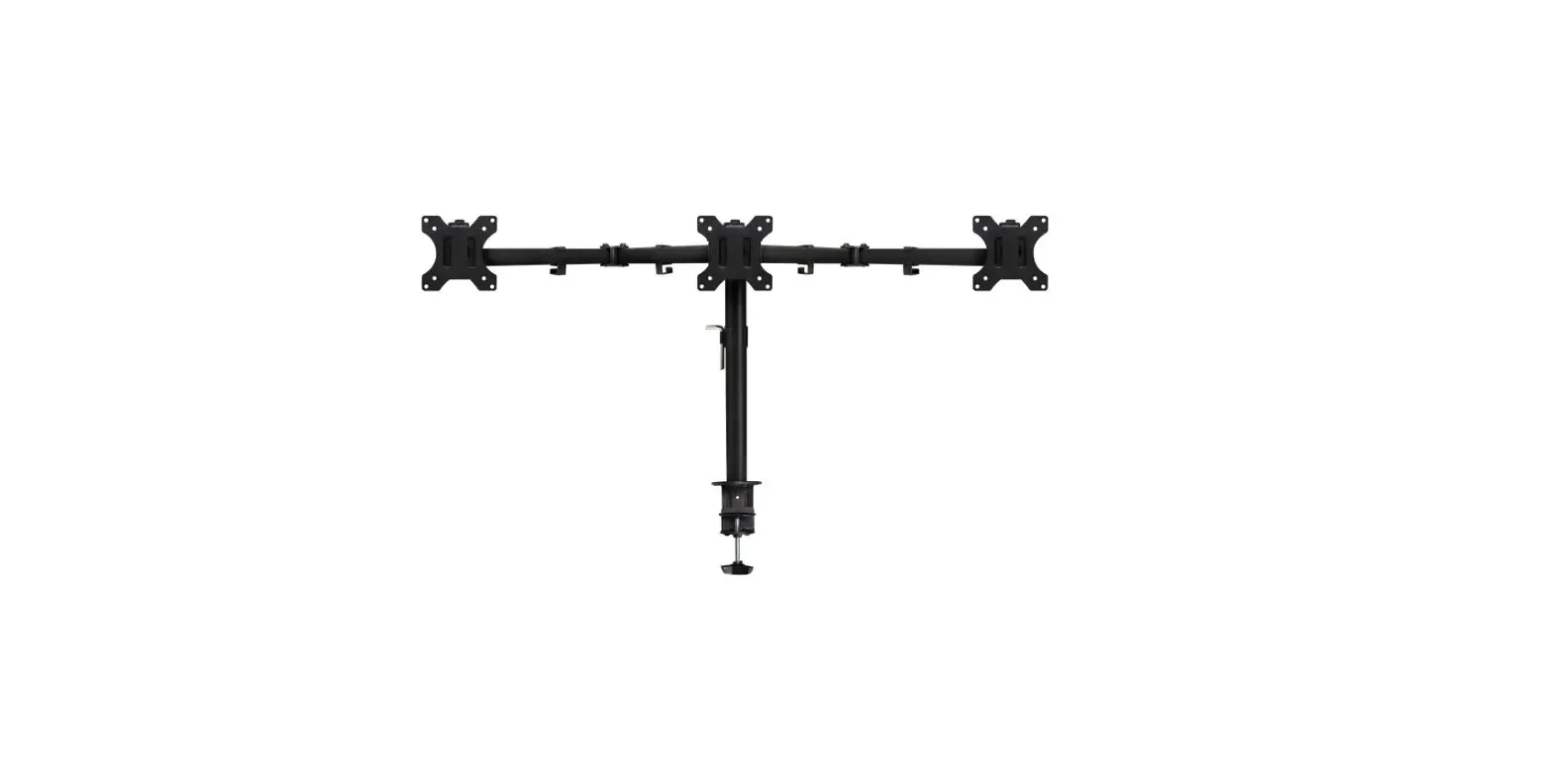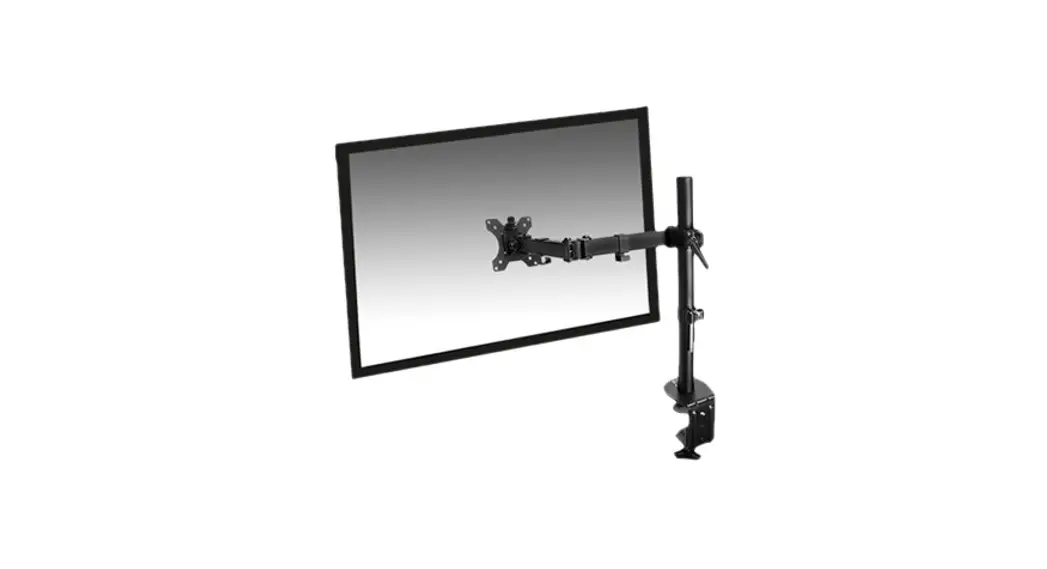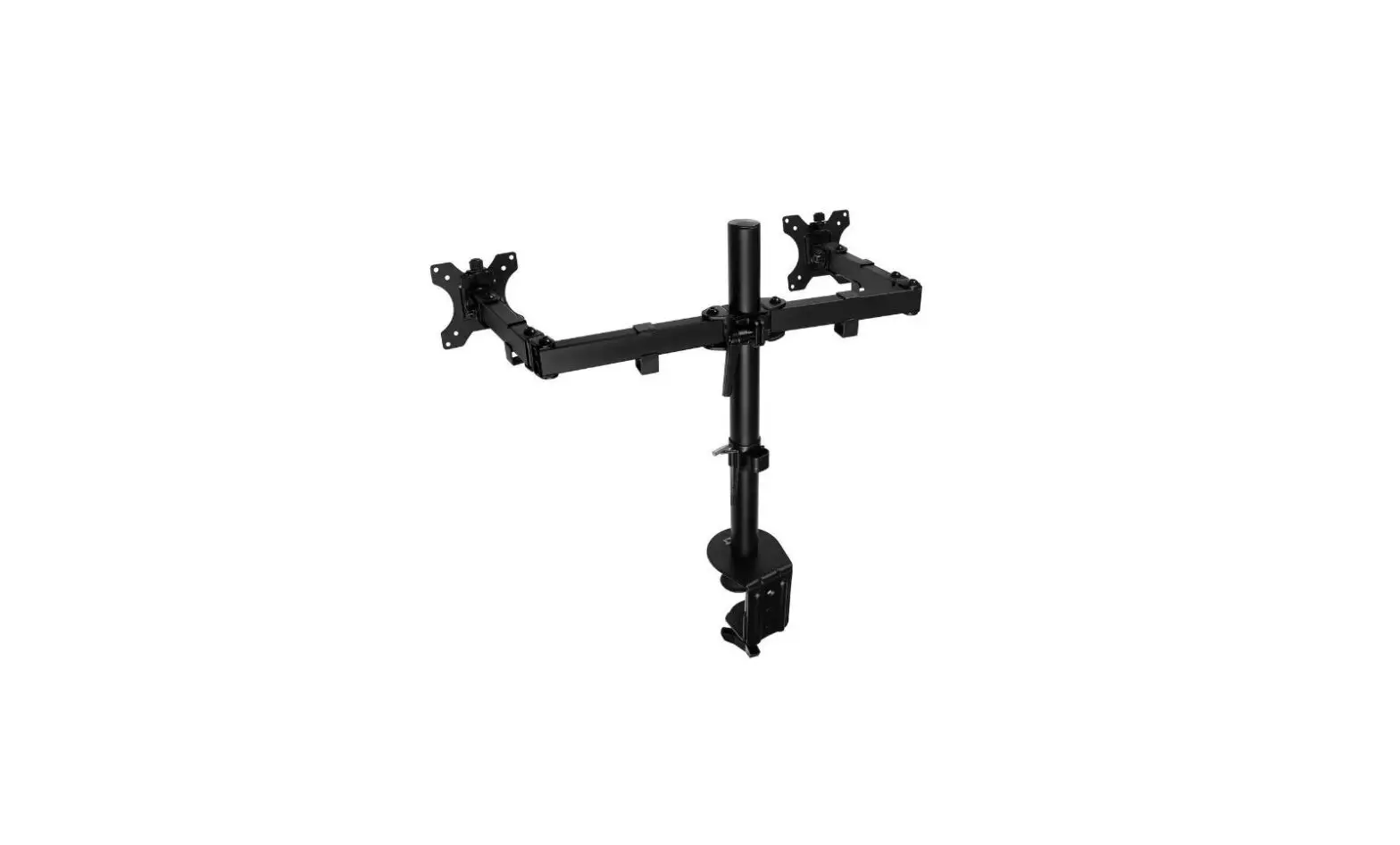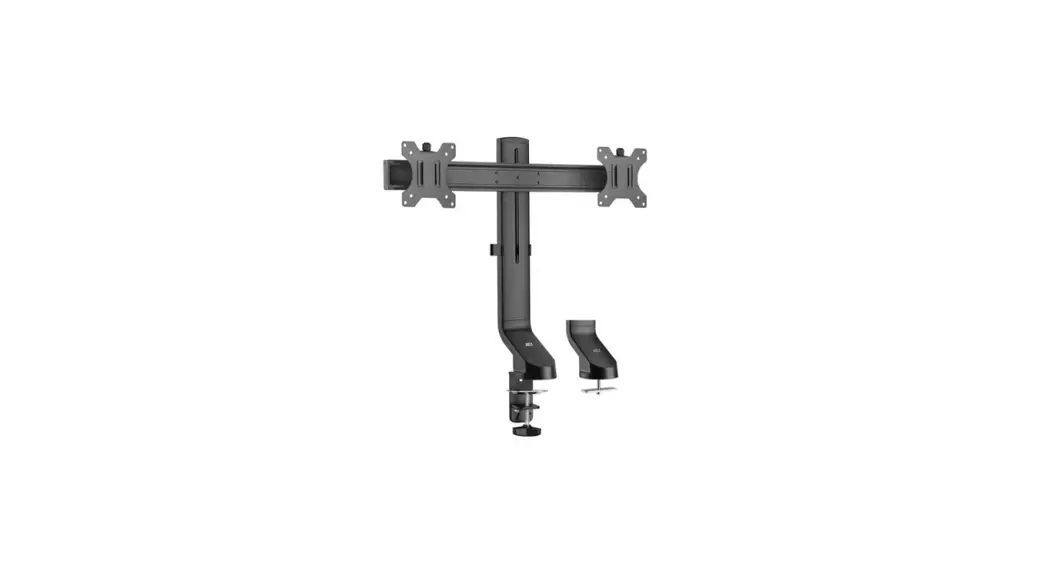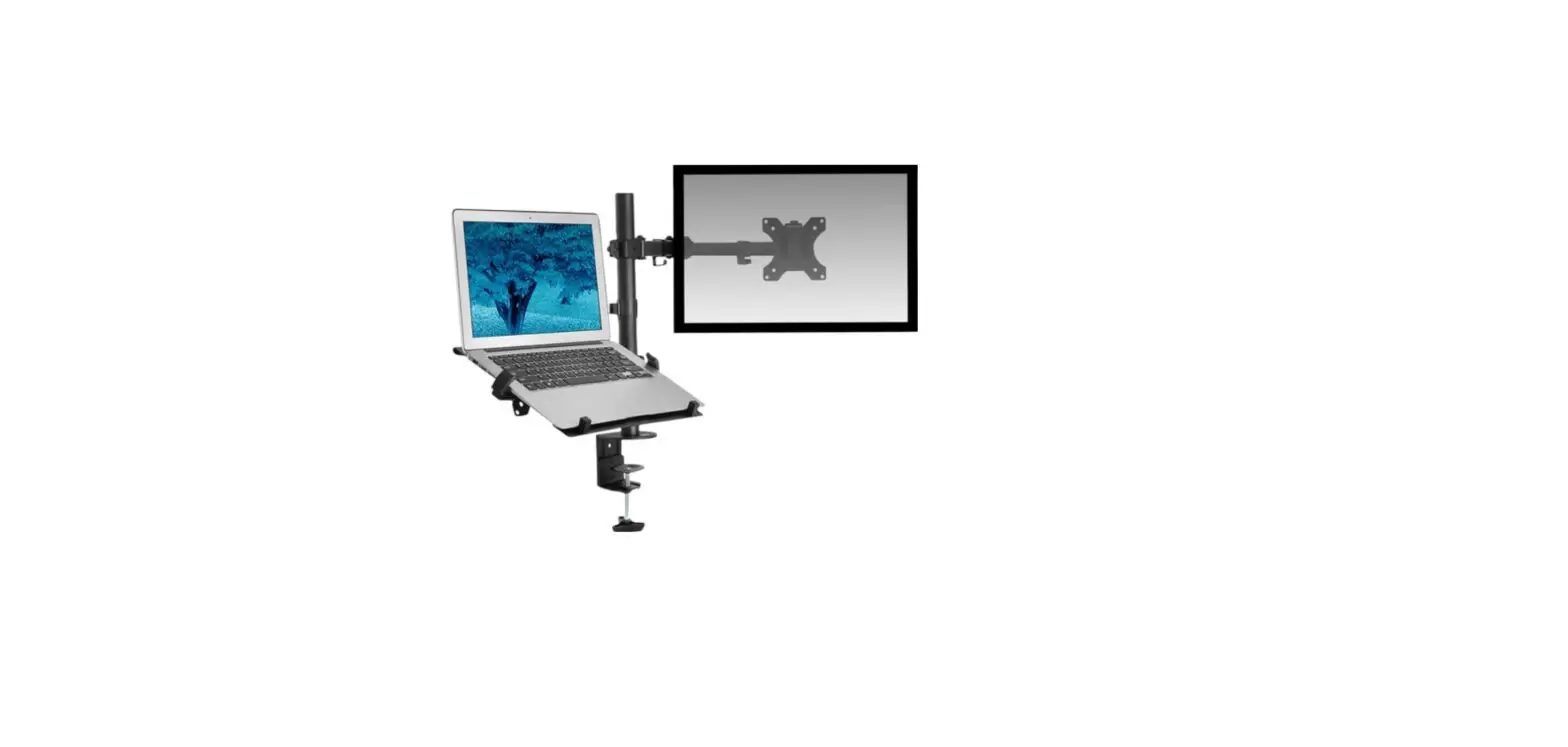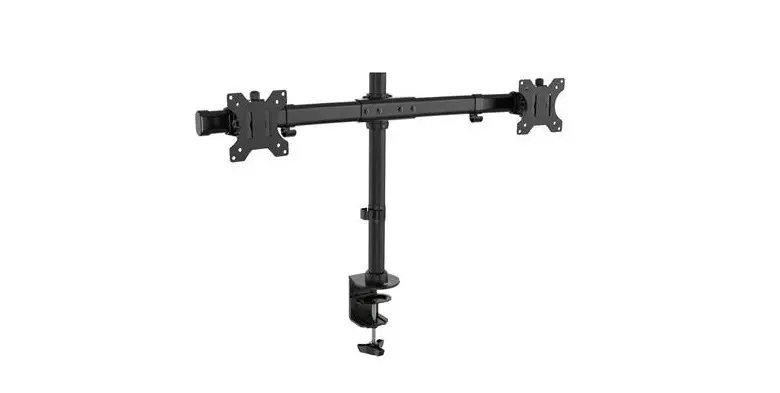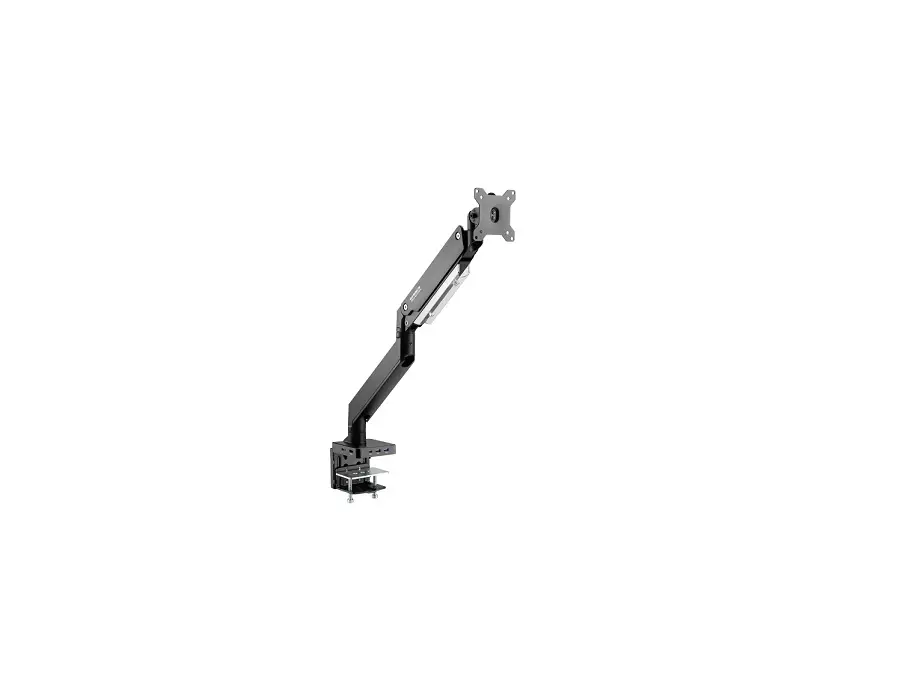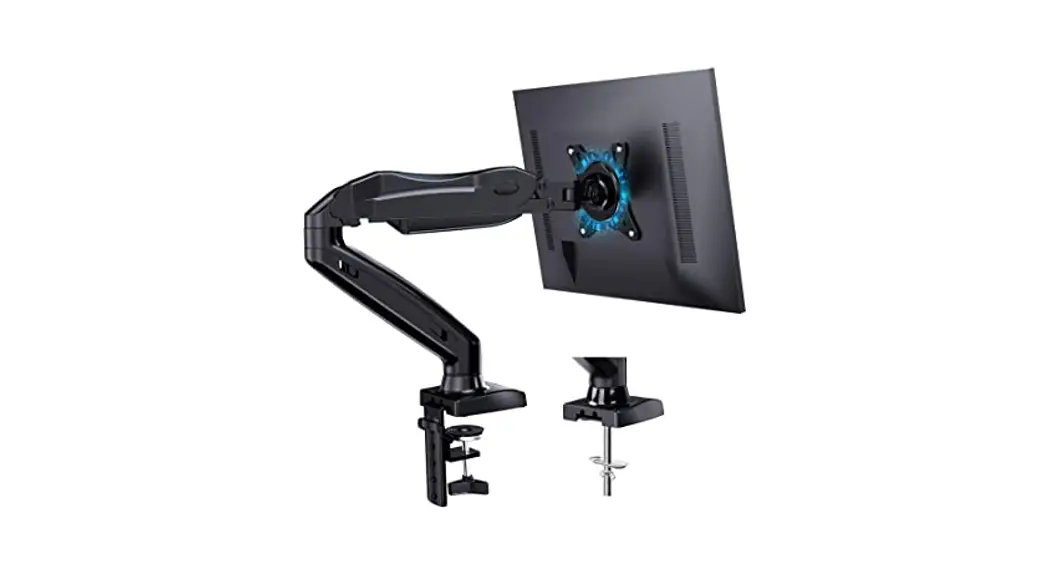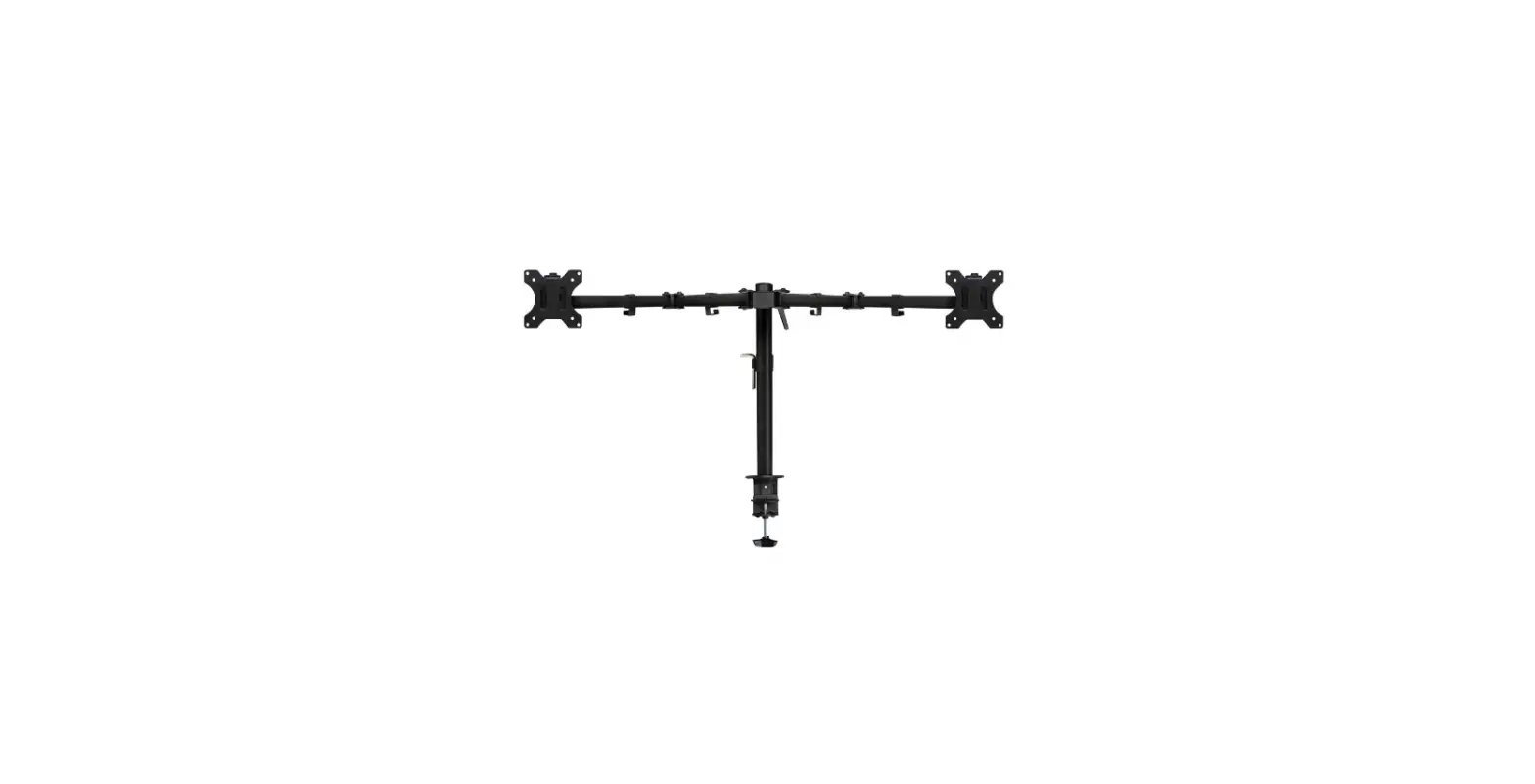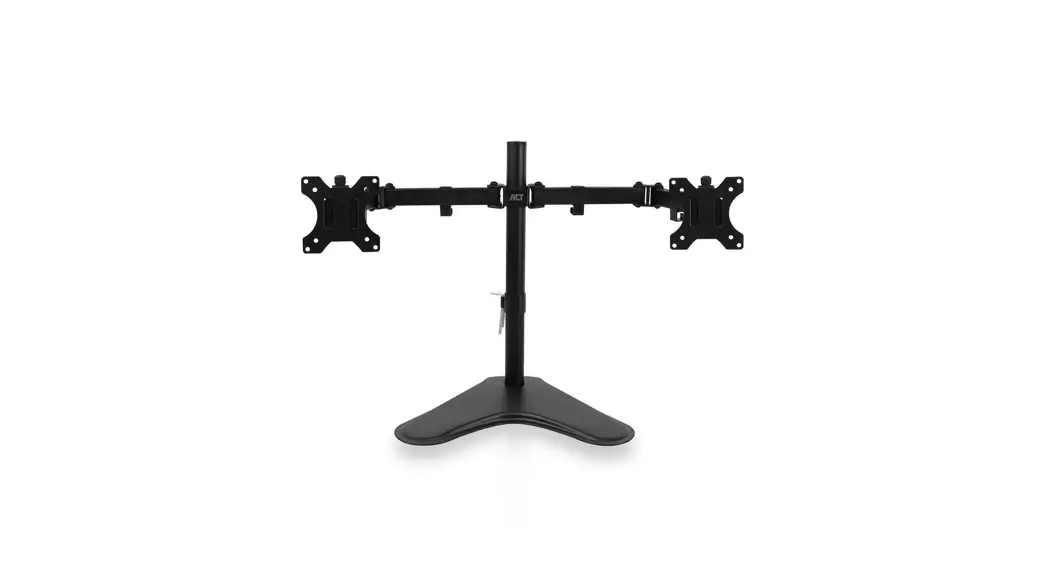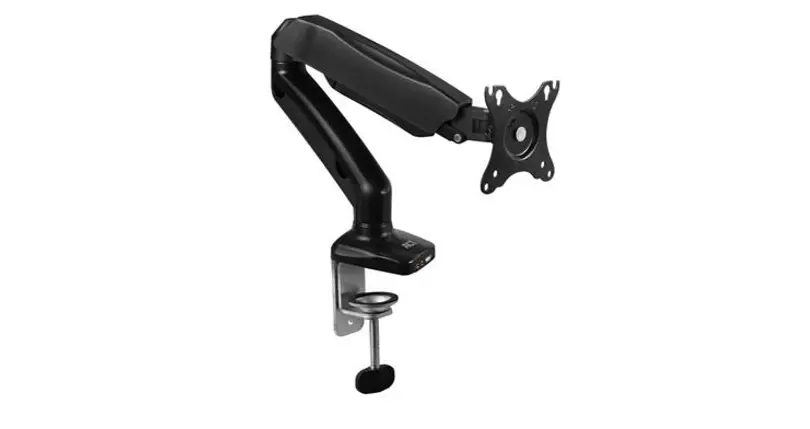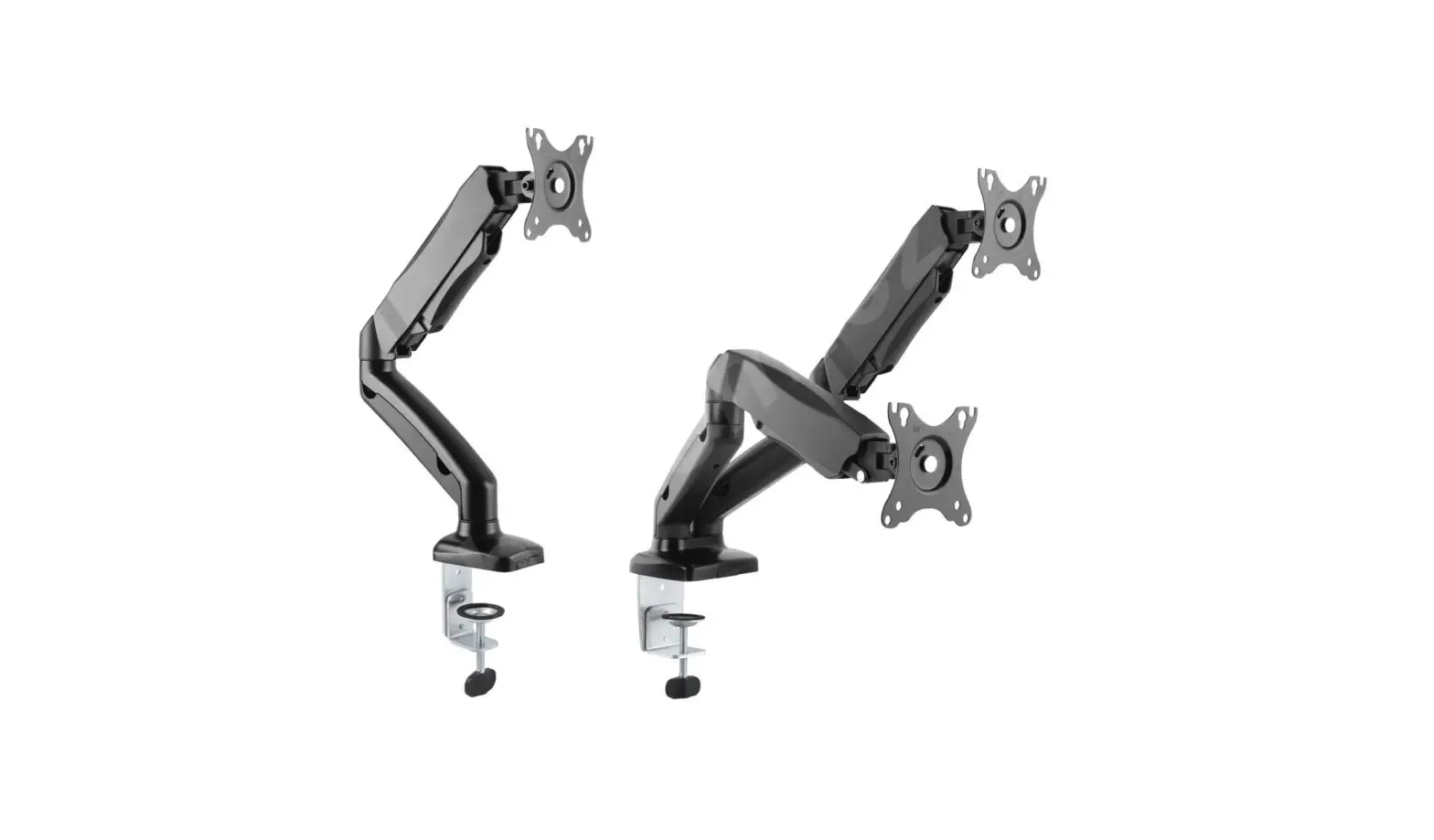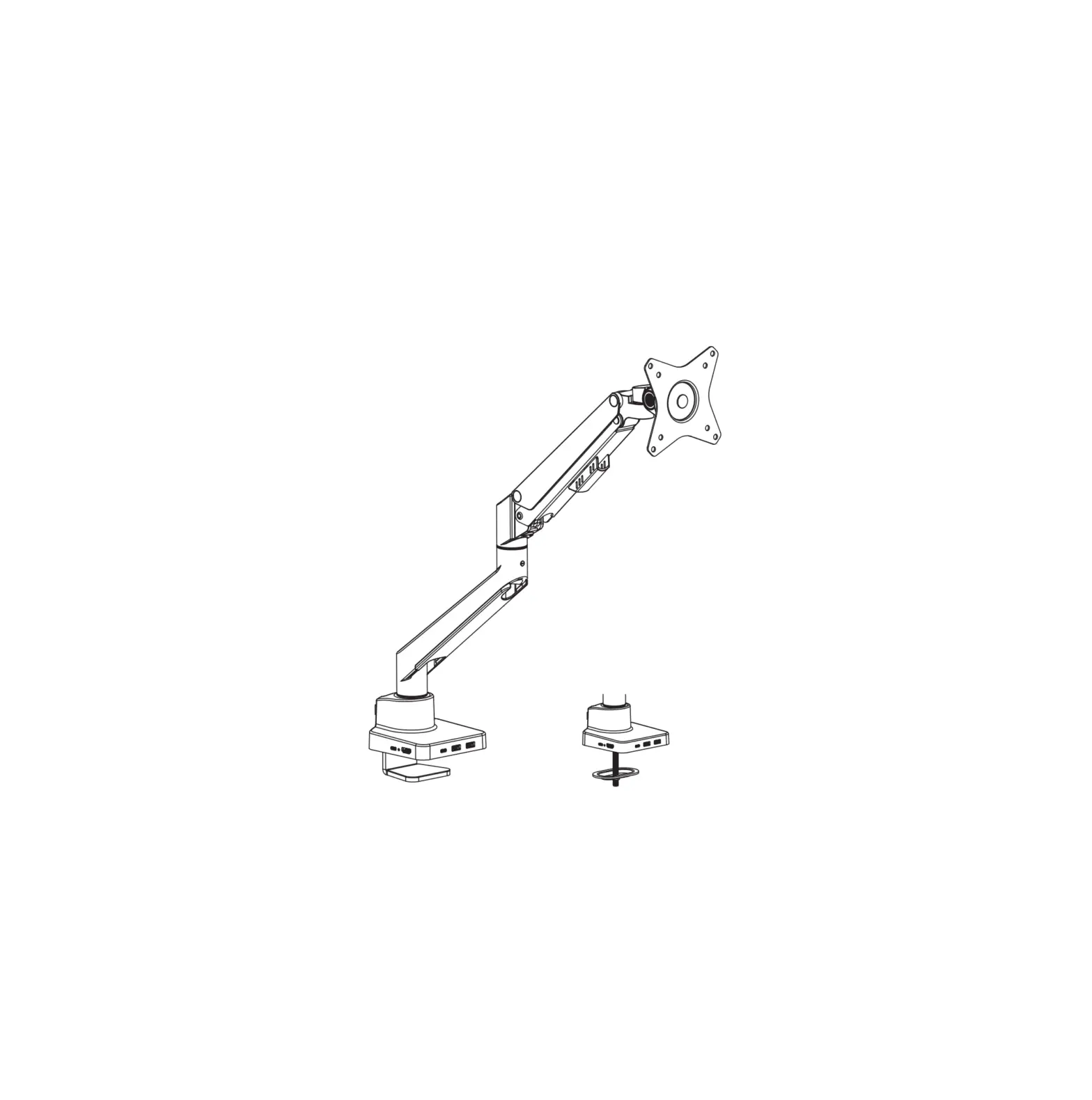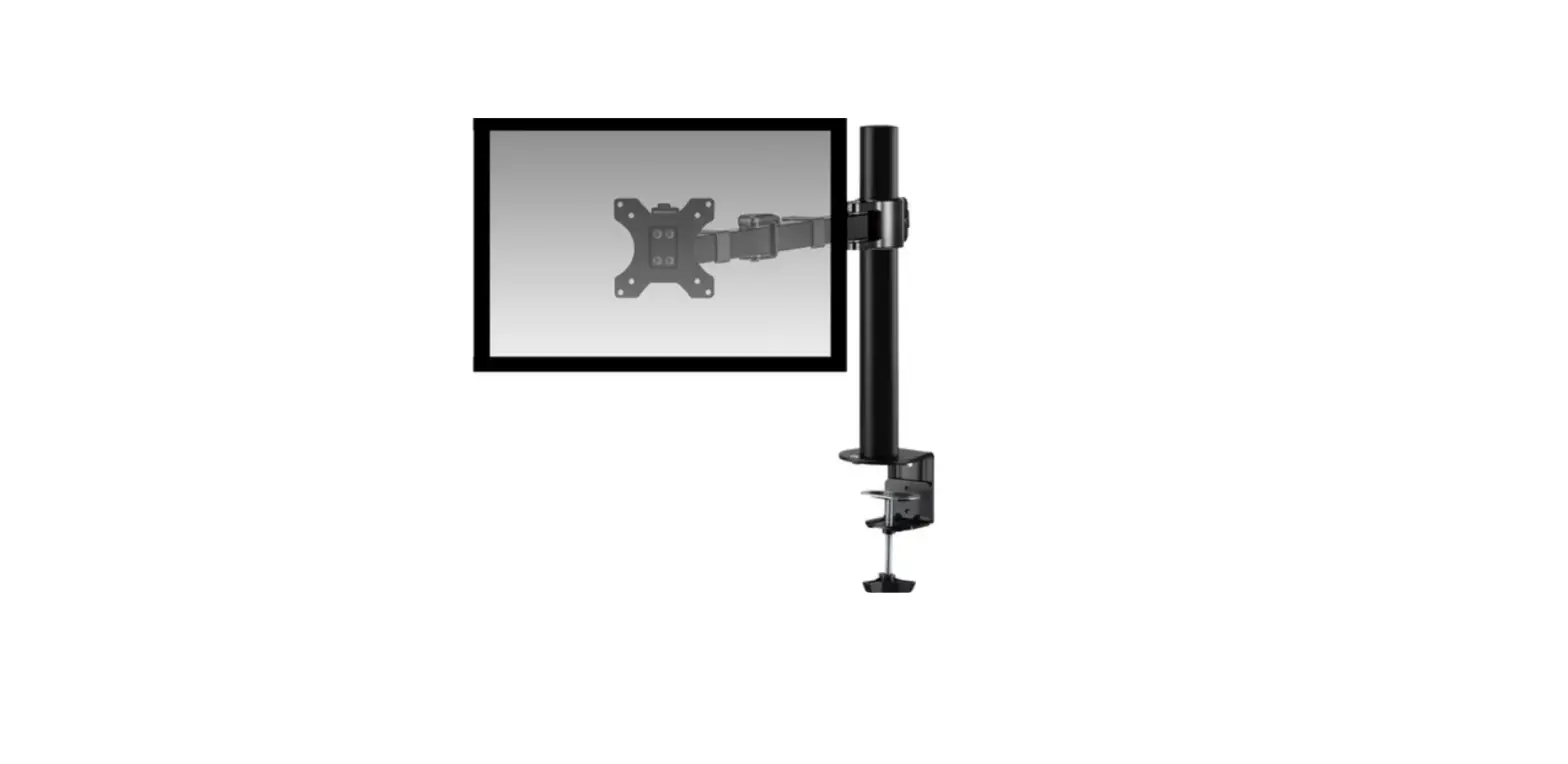

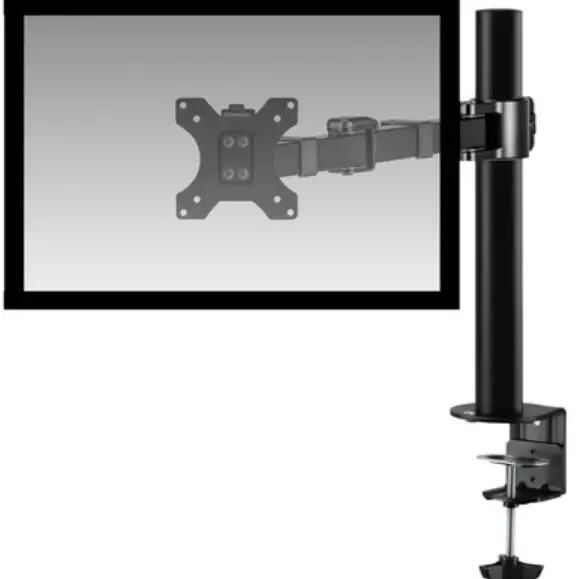
ACT AC8325 Monitor Desk Mount
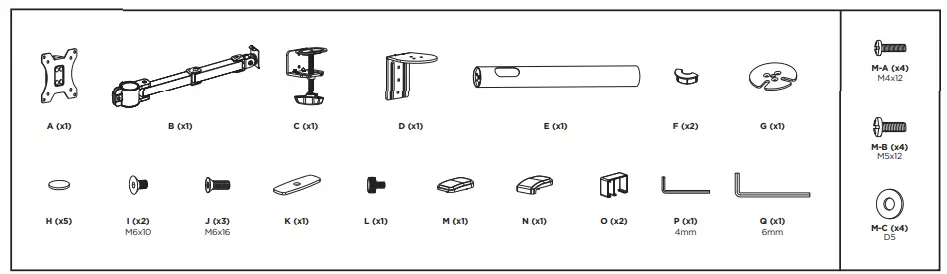
TOOLS
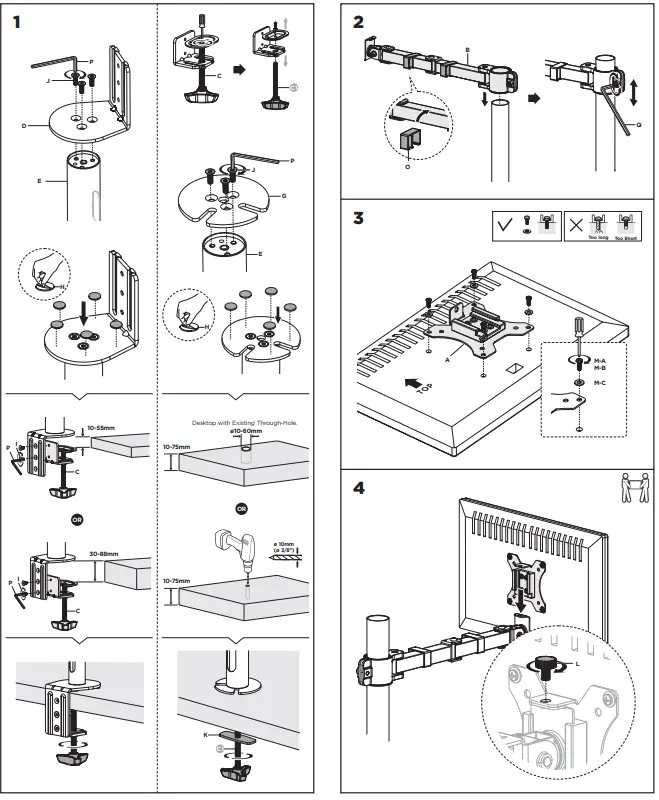
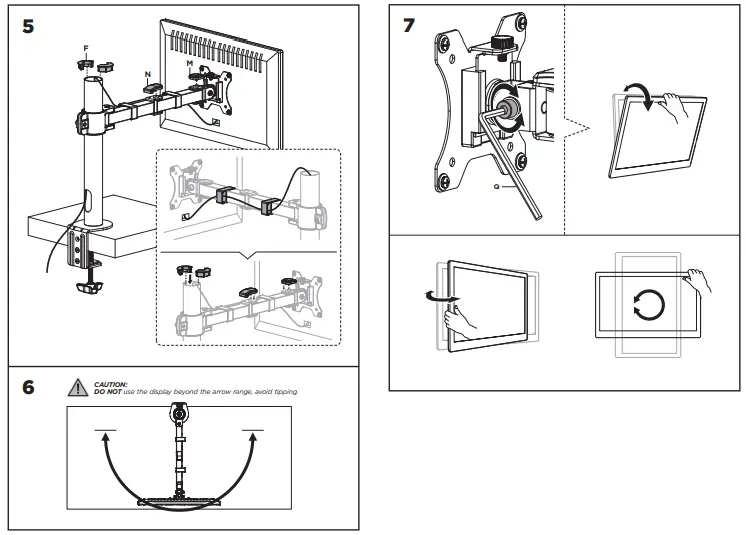
INSTALLATION INSTRUCTION

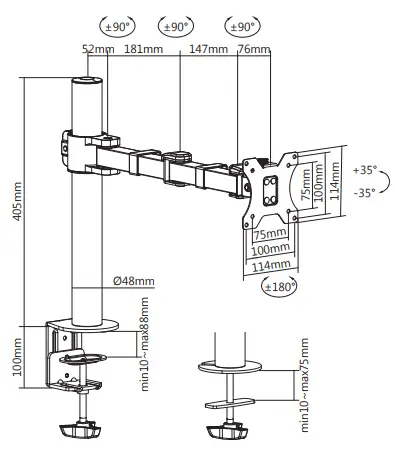
Dimension
- Read the entire instruction before you start the installation and assembly.
- CAUTION: Use with products heavier than the rated weights indicated may result in instability causing possible injury.
- Mounts must be attached as specified in assembly instructions. Improper installation may result in damage or serious personal injury.
- Make sure that the supporting surface will safely support the combined weight of the equipment and all attached hardware and components
- Use the mounting screws provided and DO NOT OVER-TIGHTEN mounting screws.
- This product contains small items that could be a choking hazard if swallowed. Keep these items away from children
- This product is intended for indoor use only. Using this product outdoors could lead to product failure and injury.
- IMPORTANT: Ensure that you have received all parts according to the component checklist prior to the installation.
- MAINTENANCE: Check that the bracket is secure and safe to use at regular intervals (at least every three months).
- You can find safety information at www.act-connectivity.com/safety
- For service, manuals, firmware or updates visit www.act-connectivity.com
 Safety instructions | ACT
 Online Review & Business Listing Management | Connectivity
 Home | ACT