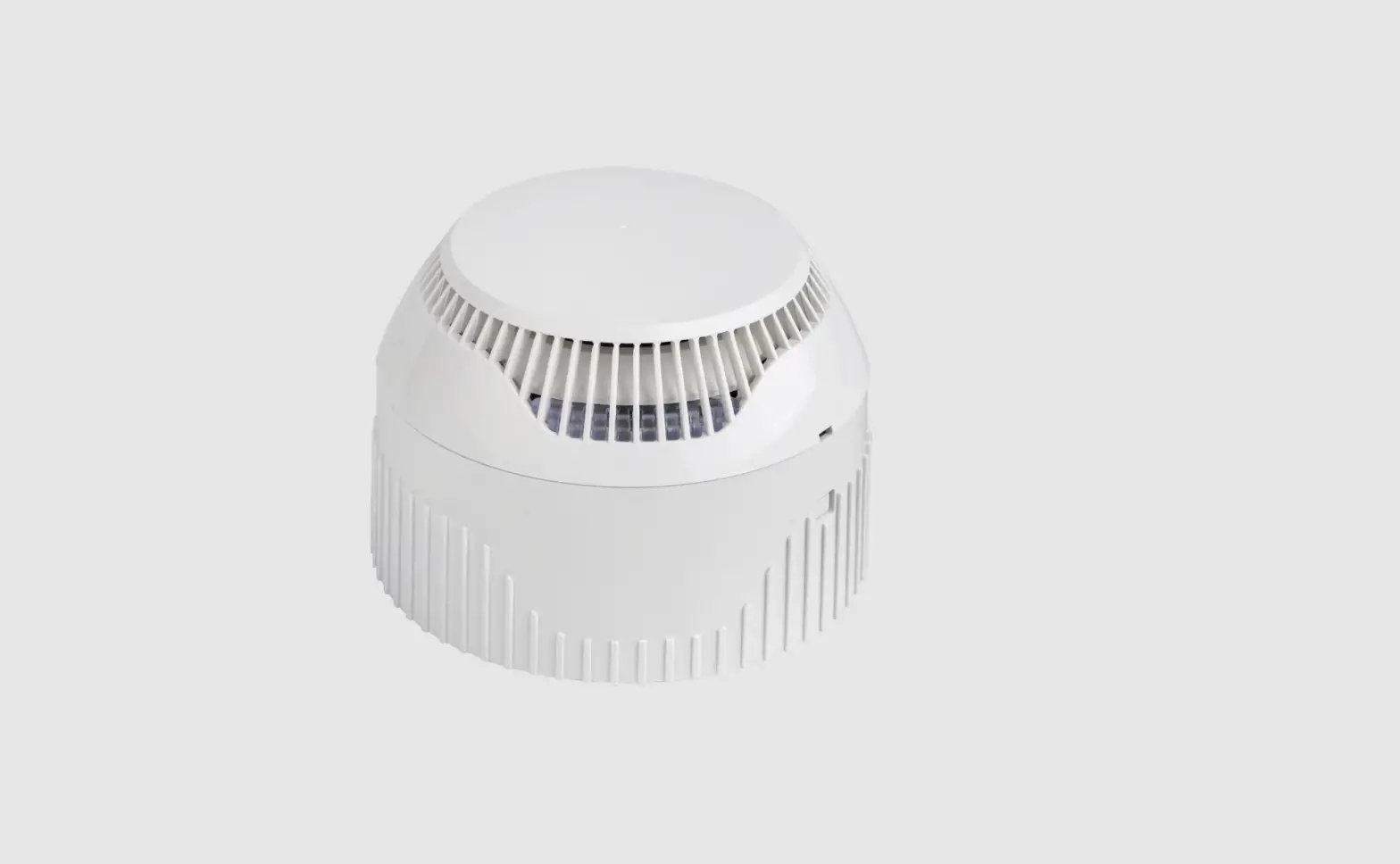
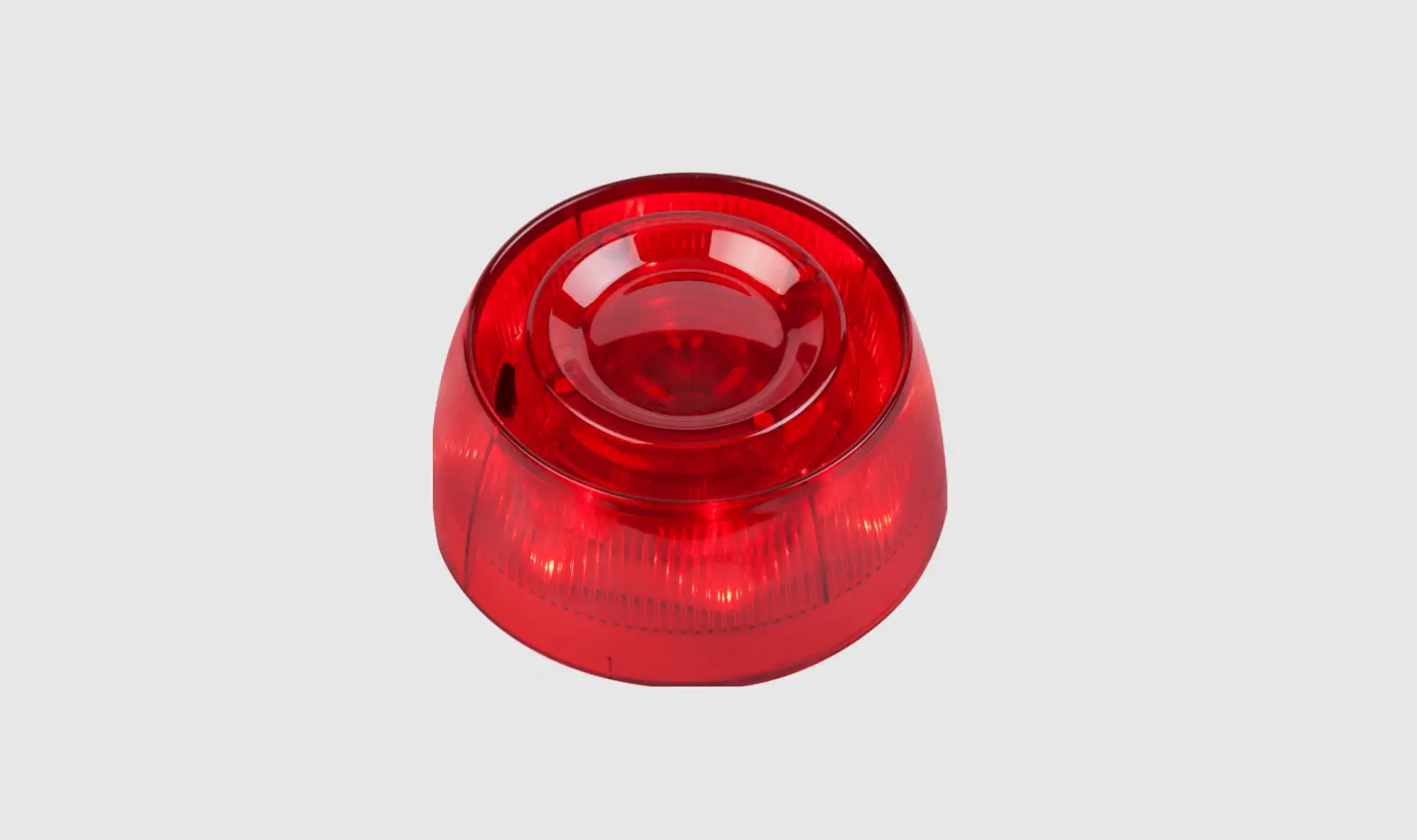
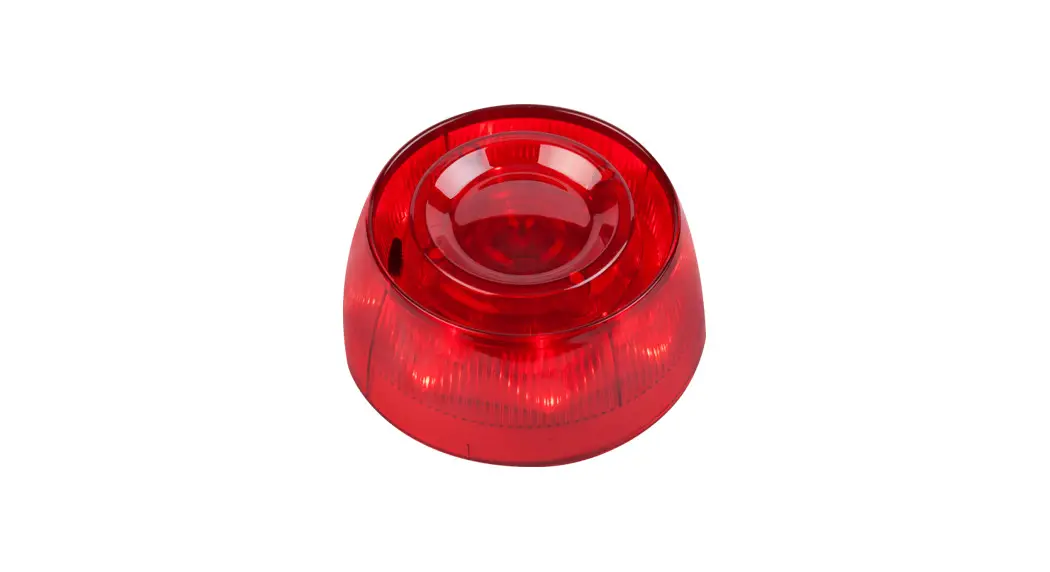
Natron MD Wireless Addressable Fire Alarm Combined Detector
Product Information
Product Name: Natron MD Wireless Addressable
Fire Alarm Combined Detector
Model Number: 23 2918
Certifications: EN 54-5:2017+A1:2018, EN
54-7:2018, EN 54-25:2008 Class: A1/R
Manufacturer: Teletek Electronics JSC
Manufacturer Address: 2 Iliyansko Shose Str,
1220 Sofia, Bulgaria
Product Usage Instructions
1. General Description
Refer to the installation manuals of Natron WE-C, Natron WE-A
and Natron WE-A/C wireless expander modules for detailed
information about the programming menus and other details.
2. Technical Specifications
The battery life of the detector is approximately 6 years with
the built-in buzzer disabled. By default, the operation of the
built-in buzzer is disabled.
3. Installation Place and Mounting
For optimum operation, ensure at least 2m distance between two
Natron expander modules and the same minimal distance between each
device and the expander module.
Do not install the detector near sources of steam, condensation,
smoke, or natural heat sources.
Refer to the user manual for instructions on disassembling,
locking/unlocking the detector from the base, and assembling.
4. PCB Elements
No specific instructions provided. Refer to the user manual for
more details.
5. Description of the LED Indication and Sound
Signalization
The LED indicators and sound signalization are used for
different status events and modes. Refer to the user manual for
detailed information on each mode and their corresponding LED and
sound signals.
6. Enrolling to Expander Module
No specific instructions provided. Refer to the user manual for
more details.
7. Test of the Fire Detector
No specific instructions provided. Refer to the user manual for
more details.
8. Reset of the Detector
No specific instructions provided. Refer to the user manual for
more details.
9. Checking the Signal Quality (RSSI)
The signal quality between the detector and the expander module
can be checked using the DEVICE RSSI menu of the module. Follow the
steps in the user manual to access the menu and interpret the
signal quality based on the displayed RSSI level.
10. Finding the Detector Installation Place
No specific instructions provided. Refer to the user manual for
more details.
11. Replacing Batteries
It is recommended to change the batteries after 10 years of
operation, regardless of their indicated discharge level. Use only
batteries approved by the manufacturer – Panasonic CR123A 3V or
other with similar characteristics. When indicated by the
panel/expander module for low battery, replace the discharged
batteries with new ones within one month. The remaining shelf time
of the new batteries must not be less than 8 years.
Natron MD
Wireless addressable fire alarm combined
detector
23 2918 DoP No: 214
EN 54-5:2017+A1:2018 EN 54-7:2018 EN 54-25:2008 Class: A1/R
Teletek Electronics JSC Address: 2 Iliyansko Shose Str,
1220 Sofia, Bulgaria
ATTENTION: Read carefully this installation Instructions before installing the device! This manual is subject to change without notice!
1. General Description
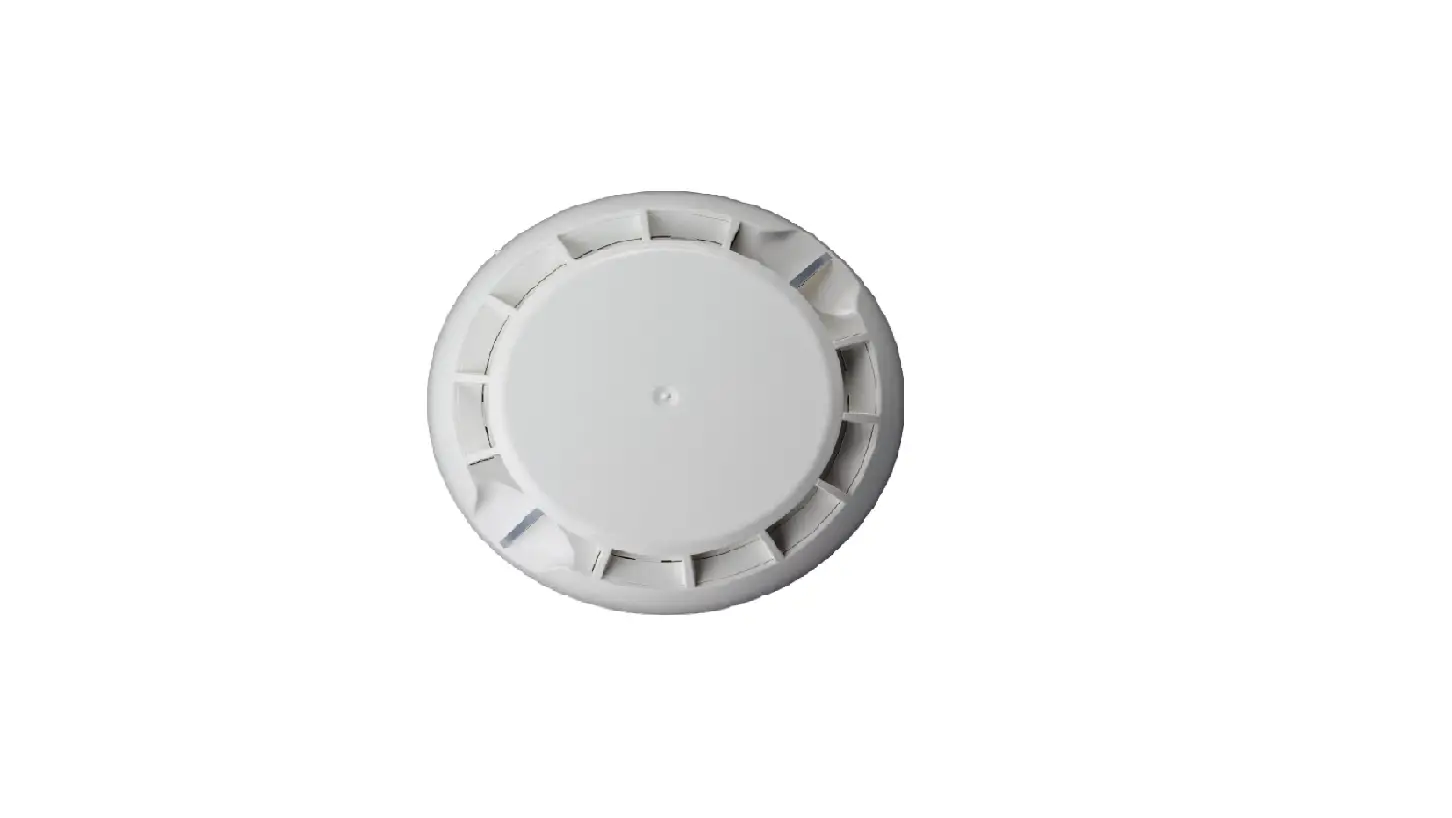
Natron MD is a wireless addressable fire alarm combined (heat and optical-smoke) detector, designed for operation with Natron series wireless expander modules*. The detector is equipped with 360° visible LED indication and a built-in buzzer for additional sound signalization in case for announcing of events fire alarm and finding the place of installation. The detector is compatible with a deep wireless fire base for ceiling mounting. For prevention of unauthorized disassembling or removing, the detector can be locked to the fire base. The detector is equipped also with a tamper switch for self-protection of the box. Natron MD is designed for indoor installation.
* Refer to the installation manuals of Natron WE-C, Natron WE-A and Natron WE-A/C wireless expander modules for detailed information about the programming menus and other details.
2. Technical Specifications
Communication range with expander module …………… 1500m Battery power supply……………………………………………… 3 x CR123A 3V Battery life…………………………………………………………….. ~10 years* Radio frequency ……………………………………………………. 868MHz Communication type………………………………………………. Bidirectional Communication Protocol ………………………………………… NATRON TTE Radio signal modulation type ………………………………….. GFSK Number of frequency channels ……………………………….. 6 pair channels Radiated power …………………………………………………….. 20 mW Receiver category (EN300-220-1) …………………………… 1.5 Trace attenuation ………………………………………………….. -90dBm (during the installation) Test transmission message period ………………………….. 300s Class……………………………………………………………………. A1/R Sensitivity (selectable from panel/module menus) …….. High/Normal/Middle/Low Built-in buzzer volume ……………………………………………. 80dB/1m Operation temperature …………………………………………… -10°C to +55°C Related humidity resistance ……………………………………. (93±3)% @ 40° (no condensation) Enclosure box type, color ……………………………………….. ABS, White Dimensions (including base) …………………………………… Ø106×82.5mm Protection …………………………………………………………….. IP30 Weight (including base and batteries)………………………. 242g Mounting ………………………………………………………………. Ceiling, Indoor use Standards …………………………………………………………….. EN 54-5; EN 54-7; EN 54-25
* With disabled operation of the built-in buzzer. If the operation of the built-in buzzer is enabled, the battery life will be shorter – ~6 years. By default, the operation of the built-in buzzer is disabled.
1
3. Installation Place and Mounting
Attention: For optimum operation, plan to ensure at least 2m distance between two Natron expander modules and the same minimal distance between each device and the expander module.
Installation place
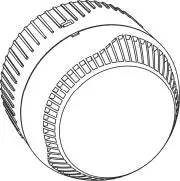
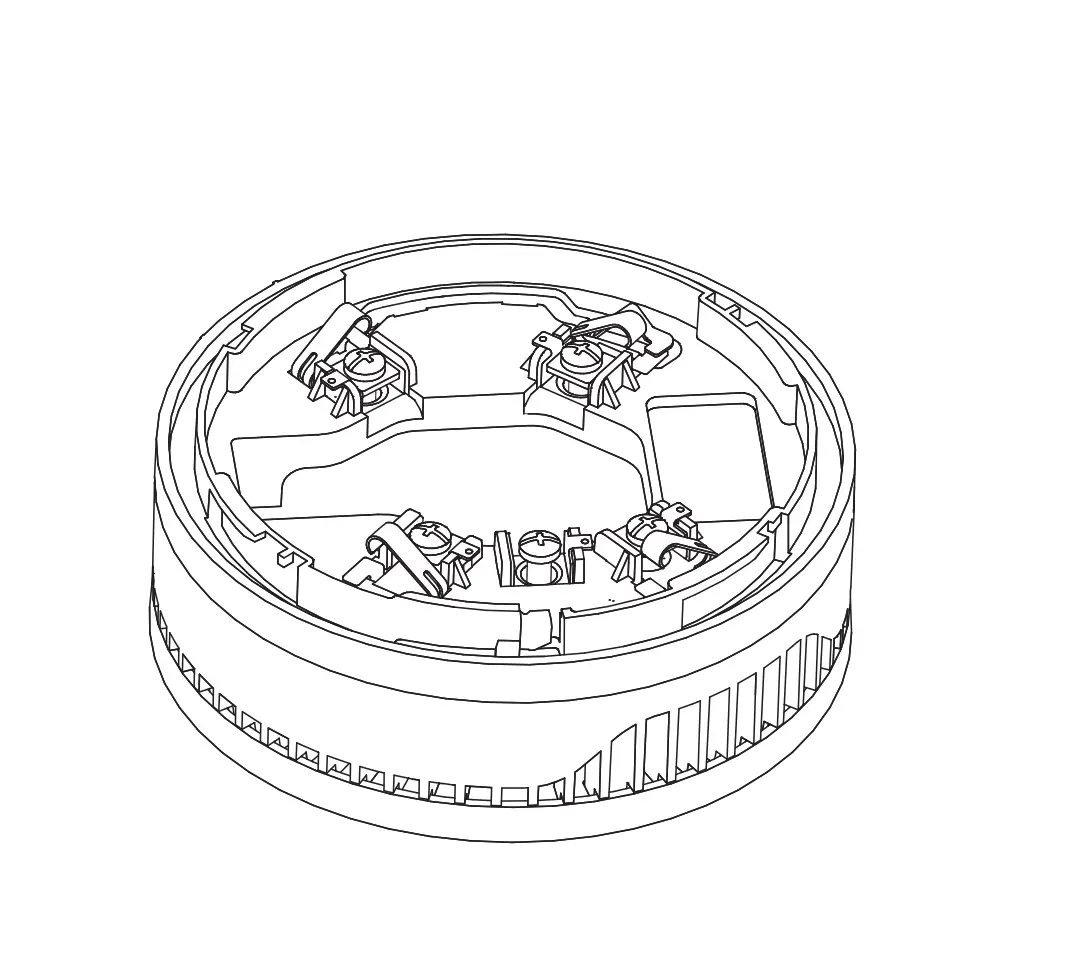
Dimensions of Natron MD Wireless fire base and detector
Wireless fire base – mounting
Do not install the detector near sources of steam, condensation or
smoke and close to natural heat sources!
Disassembling
Locking the detector to the base
Unlocking the detector from the base
Assembling
LED Indication see item 5.
2
4. PCB Elements
The PCB of Natron MD is factory mounted and is accessible after disassembling the detector from the wireless fire base see item 3.
1 Enroll button. The button is used for the following actions: – Enrolling the detector to the expander module. – Checking the signal strength. – Reset the detector.
2 Power Batteries CR123A 3V Attention: Use only batteries from the same type!
3 Tamper switch
5. Description of the LED Indication and Sound Signalization
The LED indicators are used for signalization of different status events and modes.
The operation of the built-in buzzer can be enabled/disabled from the panel/module programming menus (that
depends on the type of the control panel addressable or conventional).
The LED and sound signalization after fire alarm event is cleared only after resetting the control fire alarm panel.
Mode
LEDs status
Built-in buzzer
Stand-by
Off
Off
Fire Alarm
On – Fast blinking in red On – Continuous sound
Find Position
On – Blinking in orange
On – Short sounds
Test signal strength
On – See item 6
Off
Test fire detector operation On – See item 7
Off
Reset
On – See item 8
Off
RSSI Check
On – See item 9
Off
6. Enrolling to Expander Module
1. Remove the wireless fire base to access the PCB with the batteries compartment. If the device is not new, perform reset as described in item 8. 2. Enter in programming mode of the Natron expander module. Select ADD DEVICE menu and press ENTER button. A list with already enrolled devices is shown on the screen with an order number and type of the device. 3. Scroll down to find a free address to enroll the detector. Every free address is labeled as EMPTY. 4. Press ENTER button. Message SEARCHING >>> (arrows are blinking) appears on the screen showing that the module is scanning for signals from wireless device in its covering range. Note: If there is no signal from the device in 2-minute period, the expander module will exit automatically the programming mode. 5. Power on the detector. If the device is new just remove the protective folio from the batteries the enrolling process starts automatically. If the device is powered and reset – single press the ENROLL button. The LEDs start flashing in red. 6. In case of successful enrolment, the LEDs flash 3 times in green and message DONE appears for a while on the screen of the module. The detector is added to the list as MD type. 7. Test the signal strength between the detector and the expander module. Single press the ENROLL button and wait for the LEDs indication:
– 3 flashes in green excellent signal strength; – 3 flashes in orange good signal strength, but, if possible, change the place of installation; – 3 flashes in red poor signal strength and it is obligatory to change the place of installation. You can also check the signal quality for the device in DEVICE RSSI menu of the module – item 9. 8. If the signal quality and strength are excellent or good, you can proceed with mounting. 9. Use appropriate fixing elements to mount the wireless fire base to the place of installation. Follow the instructions in item 3 to lock the detector to the fire base if this is needed. 10. Place the detector in the base and rotate until the short marks of both sides coincide. Continue to rotate the detector until the long mark of the base and the mark on the detector coincide a click is heard. 11. Test the detector for proper operation.
3
7. Test of the Fire Detector
Start testing procedure for the fire zone to which the detector is associated – follow the given instructions in the operation manual of the addressable/conventional fire alarm control panel. Exert influence on the fire detector by smoke generator (Aerosol Dispenser) or by aerosol simulator of smoke to test the optical part; or use heat tester (Cordless Heat Detector Tester or Heat Tester 110V>240V) at distance of 20 cm to test the heat part. After short period the detector enters in test fire alarm mode – LEDs start blinking in red. The built-in buzzer is not activated. Reset the fire alarm control panel and exit the zone test mode.
8. Reset of the Detector
If the detector is not new, you must reset it before enrolment to the expander module. Check the batteries condition. It is recommended to change all of them with a brand new. To reset the Natron MD, power it on with the batteries and after that press and hold ENROLL button for 5-7 seconds. The reset is complete when the LEDs of the detector flash 3 times in green, followed from 1 long flash in red and 1 long flash in green. Next pressing of ENROLL button will start the enrolment procedure to expander module.
9. Checking the Signal Quality (RSSI)
The quality of the signal between the detector and the expander module is checked at DEVICE RSSI menu of the module. The signal quality is assessed in [dB]. 1. Enter in programming mode of the module. Scroll to menu DEVICE RSSI and press ENTER button. A list with present enrolled devices is shown on the screen with an order number and type of the device. 2. Find in the list the detector number. 3. Press ENTER button. Refer to the table below to read the signal quality on the screen:
Signal quality
Level RSSI
Description
< -90 dB
Loss
Bad signal or no connection.
-90 ÷ -70 dB
Good
The signal is satisfactory but needs improvement. It is recommended to change the installation place of the device.
> -70 dB
Excellent
Excellent signal.
4. You can exit the menu at any time with pressing CANCEL button.
10. Finding the Detector Installation Place
This is a procedure that helps the engineer to find the exact location of every wireless device in the fire installation and test the connection with the module. 1. Enter in programming mode of the module. Scroll to menu FIND DEVICE and press ENTER button. A list with present enrolled devices is shown on the screen with an order number and type of the device. 2. Find in the list the detector number which you want to locate in the fire installation. 3. Press ENTER button. Message FINDING >>> (arrows are blinking) appears on the screen showing that the module is scanning for signals from the selected wireless device. The message will change for a while to FINDING DONE in case of success. 4. The detector will respond with blinking in orange LEDs and short sound signals from the built-in buzzer. 5. The module will exit automatically the finding procedure after 70-80 seconds. You can also stop the procedure at any time with pressing CANCEL button.
11. Replacing Batteries
It is recommended to change the batteries after 10 years of operation regardless of their indicated discharge level. Always use only batteries approved by the manufacturer – Panasonic CR123A 3V or other with similar characteristics. Attention: After indication from the panel/expander module for low battery of a device, the user/ installer must replace the discharged batteries with new within one month. The remaining shelf time of the new batteries must not be less than 8 years.
1. Disable the detector operation to avoid fault messages. 2. Disassemble the detector as described in item 3. 3. Remove the old batteries and place the new as observe the +/- polarity. 4. Assemble the detector back in place. 5. Enable the detector operation. 6. Check the signal quality in DEVICE RSSI menu of the expander module. 7. Test the detector operability.
CAUTION: Do not expose used batteries to fire, hot ovens, or mechanical crushing/cutting as this can result in an explosion. Exposing batteries to extremely high environmental temperatures or low air pressure can result in explosion or the leakage of flammable liquid or gas. DISPOSAL: Follow local regulations regarding disposal of the batteries.
18021215, RevB, 07/2023
4