729T Turtle Switch
Product Information: Turtle Switch #729T
The Turtle Switch #729T is a versatile device designed to
provide various stimuli for sensory stimulation. It features
lights, music, and vibrations to engage and entertain users. The
switch can also be used as a switch interface to operate external
toys or devices.
Key Features:
- Lights, music, and vibration stimuli
- Switch interface capability
- Easy to operate
- Durable construction
Contact Information:
For Technical Support:
- Call: 1-800-832-8697 (Monday through Friday, 9 a.m. to 5 p.m.
EST) - Email: [email protected]
Enabling Devices
50 BroadwayHawthorne, NY 10532
Tel: 914.747.3070 / Fax: 914.747.3480
Toll-Free: 800.832.8697
Website: www.enablingdevices.com
Product Usage Instructions:
- Ensure the battery compartment is accessible.
- Insert the required batteries (refer to the user manual for
battery specifications) into the battery compartment. - Replace the battery case cover and securely fasten it with the
provided small screw. Avoid over-tightening. - To activate or deactivate specific stimuli, use the small white
rocker switches located on the device. Push the switches to the
“on” position for the desired stimuli (1 for vibration, 2 for
music, 3 for lights). The “open” position indicates that the
stimuli is turned off (see Fig 1). - Press anywhere on the Turtle’s back to trigger the selected
stimuli, such as vibration, lights, or music. - To use the Turtle Switch as a switch interface, connect an
external toy or device using the provided double-ended male
1/8-inch to 1/8-inch cord. Plug one end into the 1/8-inch female
jack on the side of the Turtle. - When using the Turtle Switch as a switch interface, you can
turn any of the three stimuli (vibration, music, lights) on or
off.
Troubleshooting:
Problem: The Turtle Switch does not operate properly.
- Ensure the batteries are correctly placed in the battery
compartment and making good contact. - Verify that the desired stimuli are selected according to the
operation instructions (No.3). - If the unit still does not work properly, replace the batteries
with new ones.
Problem: The Turtle Switch does not activate a connected
toy/device.
- Check that all connections are fully plugged in without any
gaps. - Inspect the batteries in the toy/device and replace them if
weak or dead.
Care Instructions:
To clean the Turtle Switch, wipe it with a household
multipurpose cleaner and disinfectant. We recommend using Simple
Green, a non-toxic biodegradable all-purpose cleaner. Avoid
submerging the unit as it can damage the top and electrical
components.
Revision Date: 3/15/2022
Turtle Switch #729T
(With Lights, Music & Vibration)
USER’S GUIDE
For Technical Support: Call our Technical Service Department Monday through Friday, 9 a.m. to 5 p.m. (EST)
1-800-832-8697 [email protected]
50 Broadway Hawthorne, NY 10532 Tel. 914.747.3070 / Fax 914.747.3480 Toll Free 800.832.8697 www.enablingdevices.com
This turtle has triple the rewards! It activates with a light touch–choose from music, lights, vibration, or all three! Makes a great companion to our Ladybug switch (#729). Size: 9″L x 6¼”W x 4″H. 2 AA Batteries. Weight: 1 lb.
Operation:
1. The Turtle Switch requires two AA batteries (Not included). The battery compartment is located under the base of the unit. Carefully turn the switch over, and then remove the battery cover with a small Philips screwdriver. Install new batteries, being careful to observe proper battery polarity. Use alkaline batteries only (e.g. Duracell or Energizer brand). Do not use Heavy Duty, Super Duty or rechargeable batteries because they supply lower voltage and the unit will not perform properly. Never mix old and new batteries together or different brands or types together.
2. Replace the battery case cover and secure it with the small screw. Do not over-tighten.
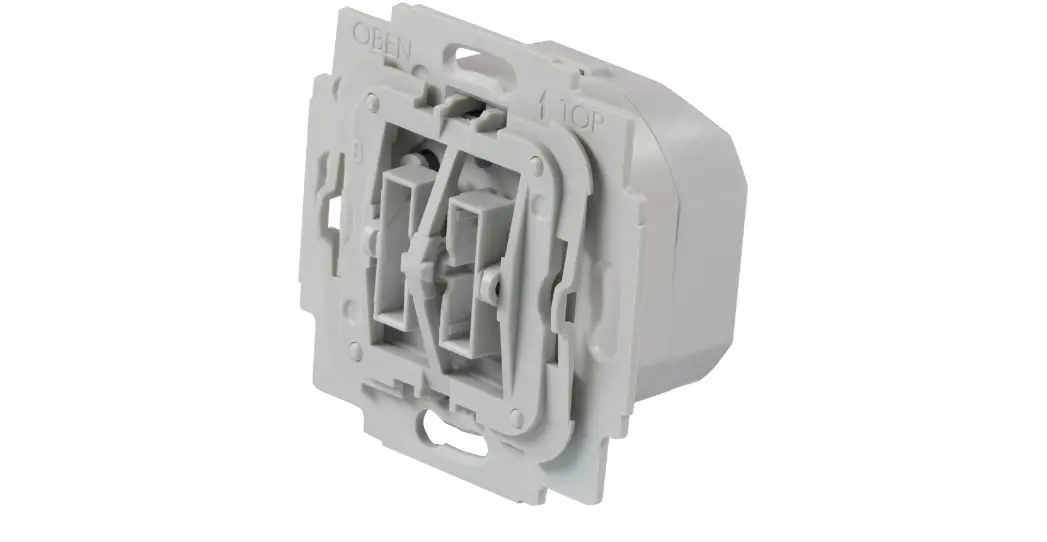
3. To turn on or off the desired stimuli (1-vibration; 2-music; 3lights), push the small white rocker switches to the on or (open position). Open position means off. Please see Fig 1.
Figure 1.
4. Press anywhere on the Turtle’s back and you will be rewarded with the selected stimuli vibration, lights or music.
5. To operate as a switch connect an external toy or device via the double ended male 1/8-inch to 1/8-inch cord , one end plugs into the 1/8-inch female jack on the side of the Turtle. Plug
the other end into your toy/device. If you need to use a ¼” adaptor, it must be a mono adaptor, not stereo. Make sure both ends of the cable is plugged in all the way. There should be no gaps. Press anywhere on the Turtle’s back to activate your toy or device. Once you release pressure from the switch, your toy or device will turn off.
6. When using as a switch you can turn On or Off any of the three stimuli.
Troubleshooting:
Problem: The Turtle Switch does not operate properly.
Action # 1: Make sure the batteries are in the battery compartment properly, and making good contact.
Action # 2: Make sure you have the desired stimuli selected as explained in operation No.3
Action # 3: If the unit still does not work properly, replace the batteries.
Problem: The Turtle Switch does not activate a connected toy/device.
Action #1: Make sure connections are plugged in all the way. There should be no gaps.
Action #2: Check batteries in toy/device, replace if weak or dead.
Care of Unit:
The Turtle Switch can be wiped clean with any household multipurpose cleaner and disinfectant. We recommend Simple Green, which is a non-toxic biodegradable all-purpose cleaner.
Do not submerge the unit, as it will damage the contents of the top and the electrical components.
Rev 3/15/2022
 Products For People With Special Needs | Enabling Devices