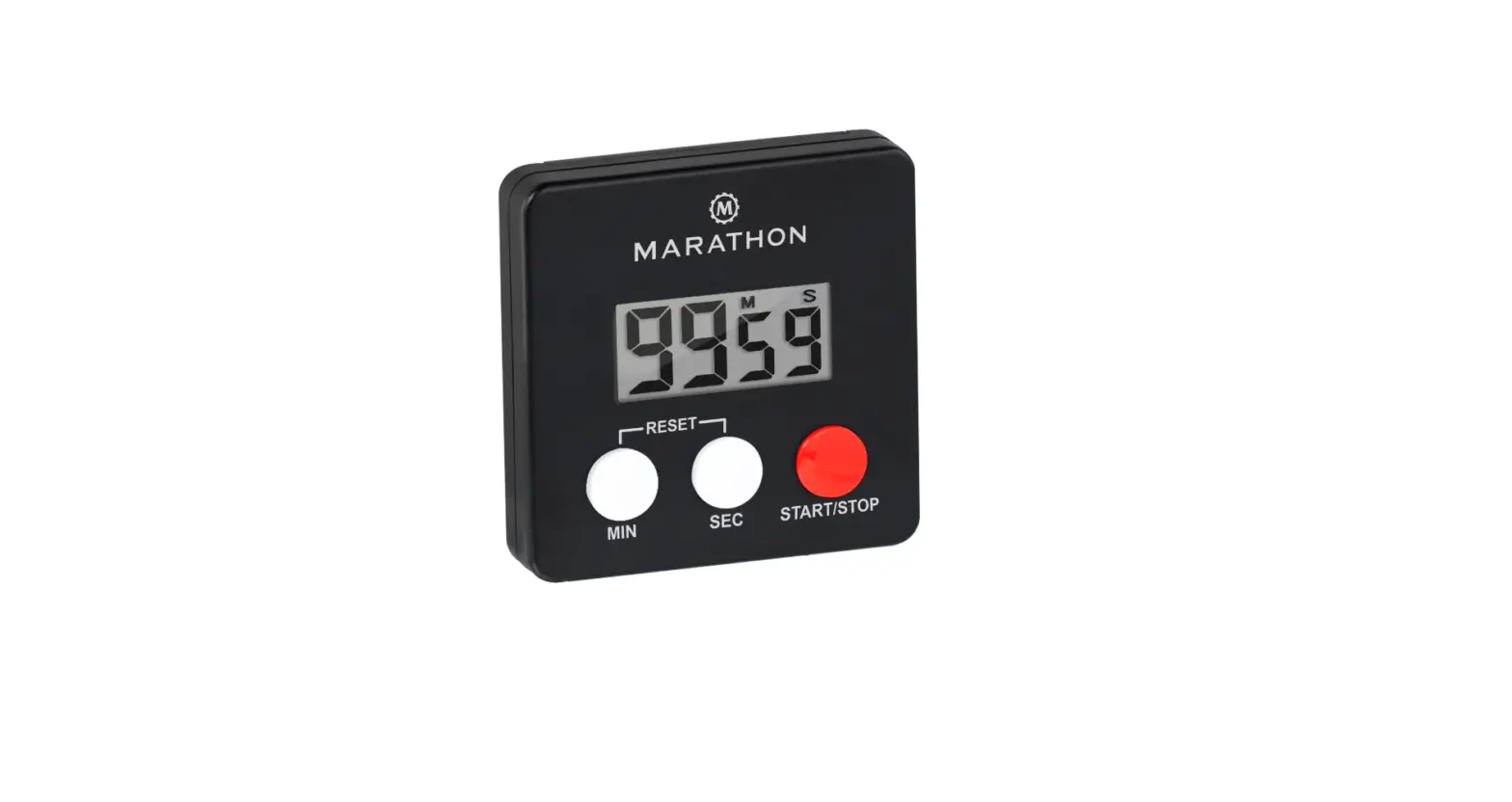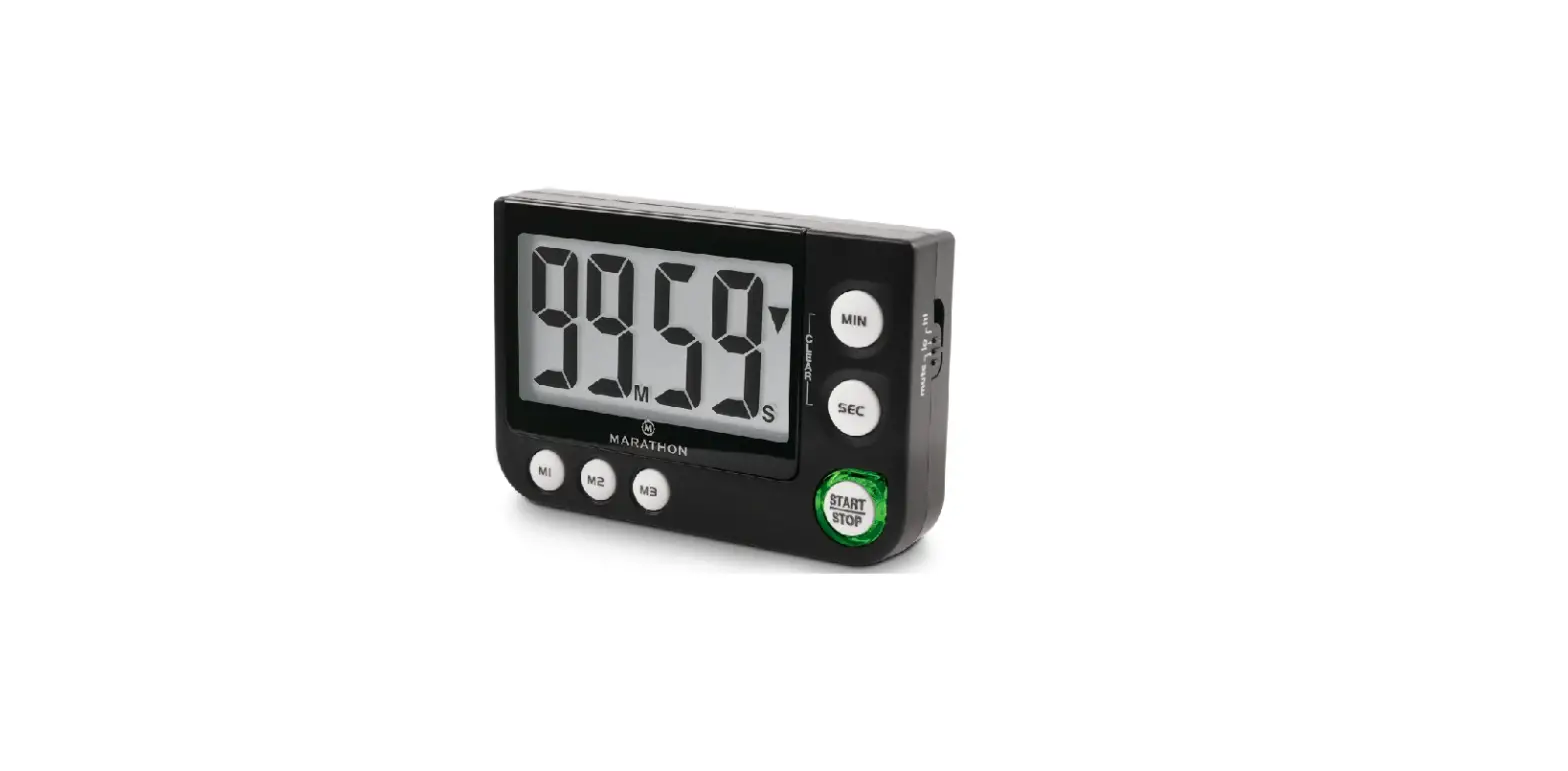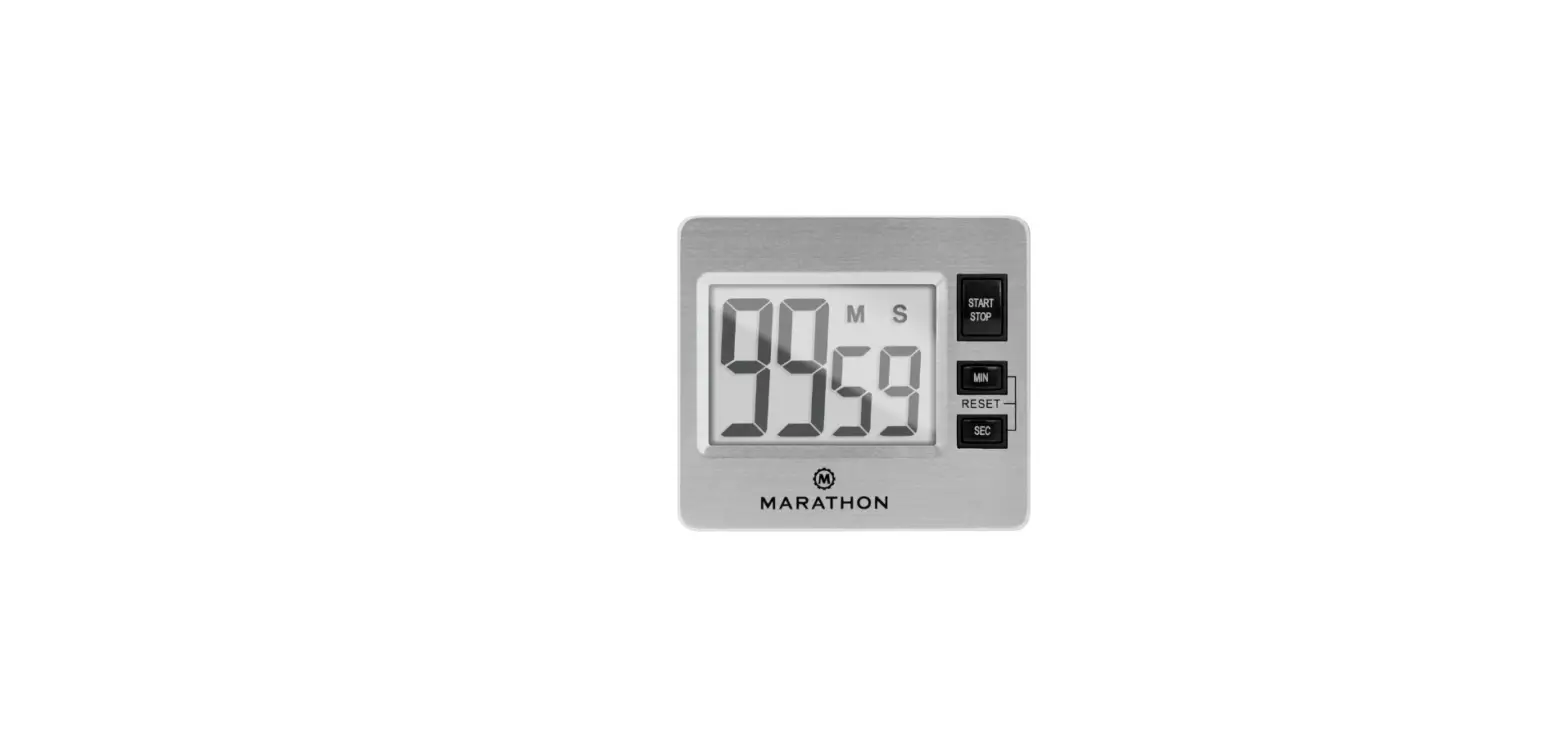

MARATHON TI030012 Minute Timer with Magnetic Clip
TURNING ON THE TIMER
- Remove the plastic film from the LCD display.
- Insert the battery (1x AAA). The screen will display “00:00” once operational.
TIMER FUNCTION
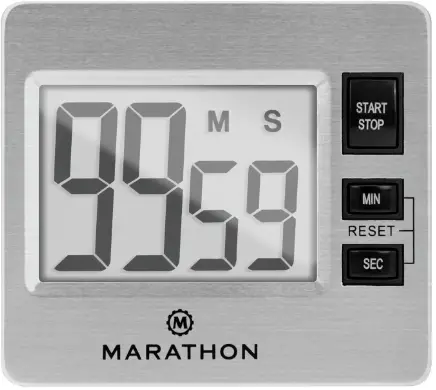
- When “00:00” displays, press START/STOP key to start the timer. Press “START/STOP” key to pause the count, press “START/STOP” to continue count.
COUNT DOWN FUNCTION
- Press “MIN” or “SEC” to manually set an amount to count down from. Hold “MIN” or “SEC” to set amount more quickly. Press “START/STOP” to start or stop the count down.
- Press “MIN” and “SEC” simultaneously to reset count time to “00:00”.
2 year warranty
Marathon Watch Company Ltd.
Customer Service USA & Canada Estados Unidos & Canada: +1-800-822-4329 International / International / Internacional: +1-905-764-9420