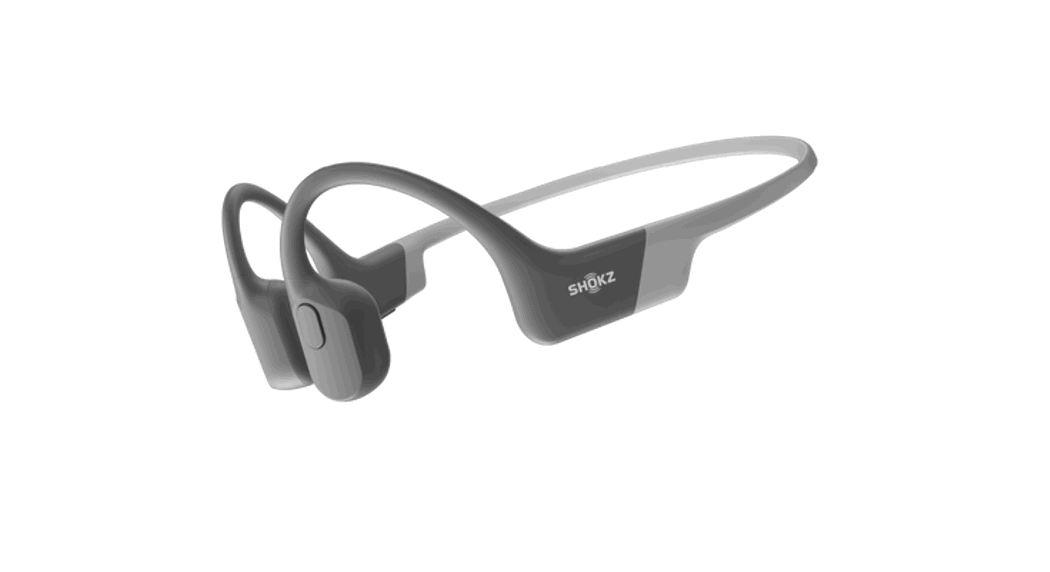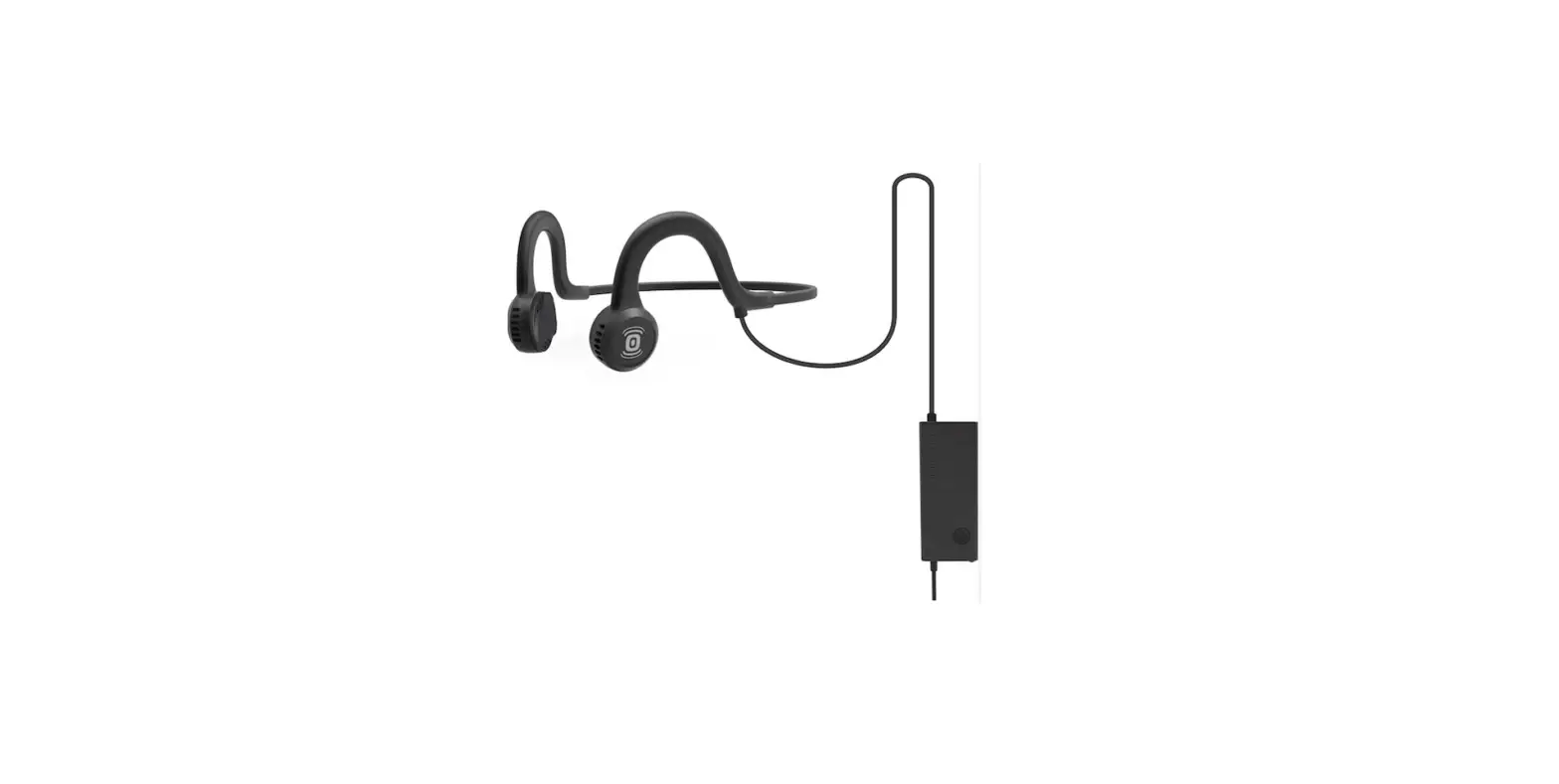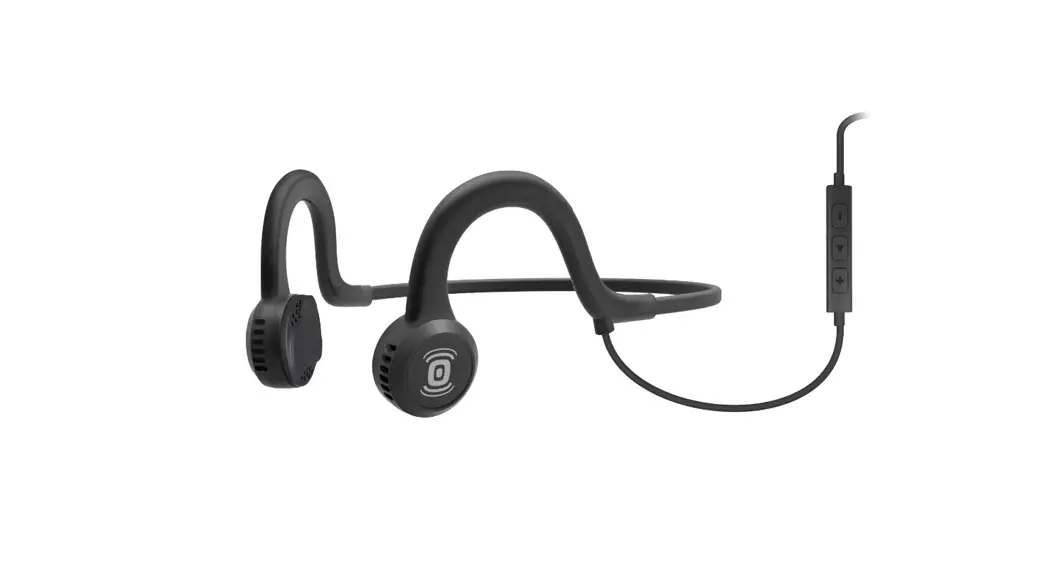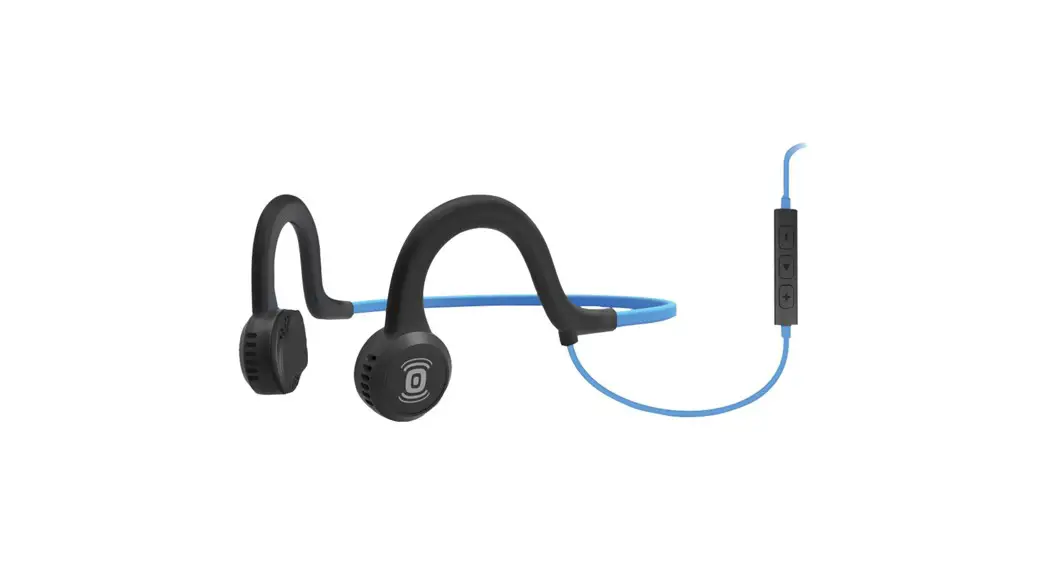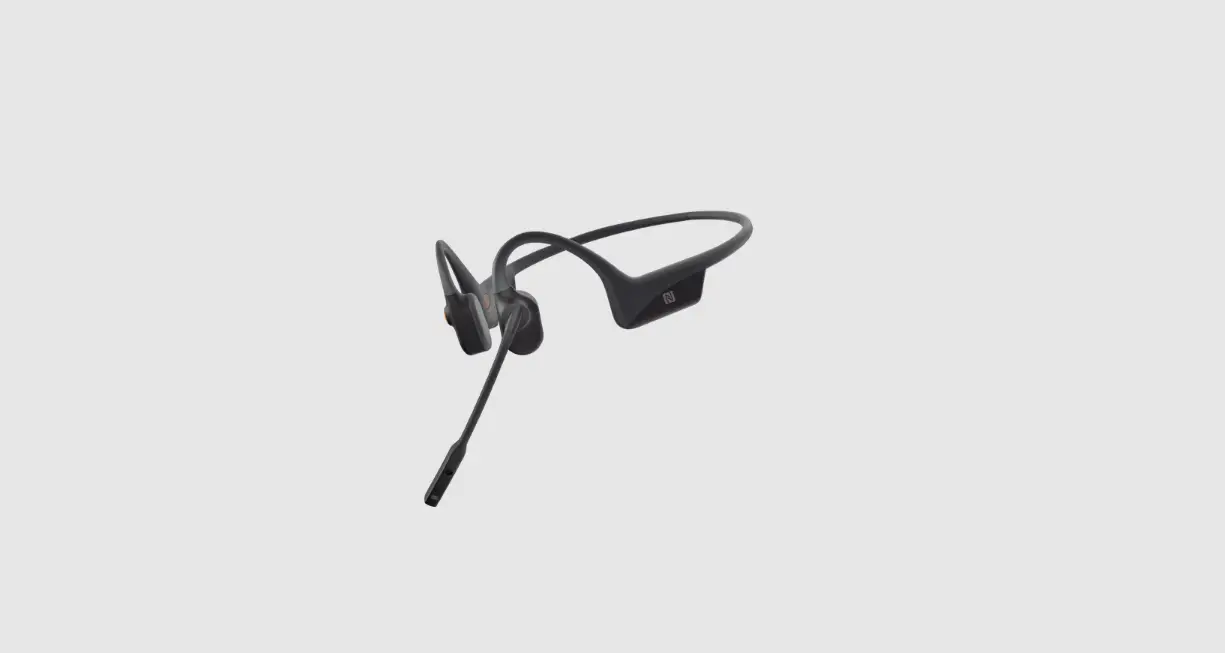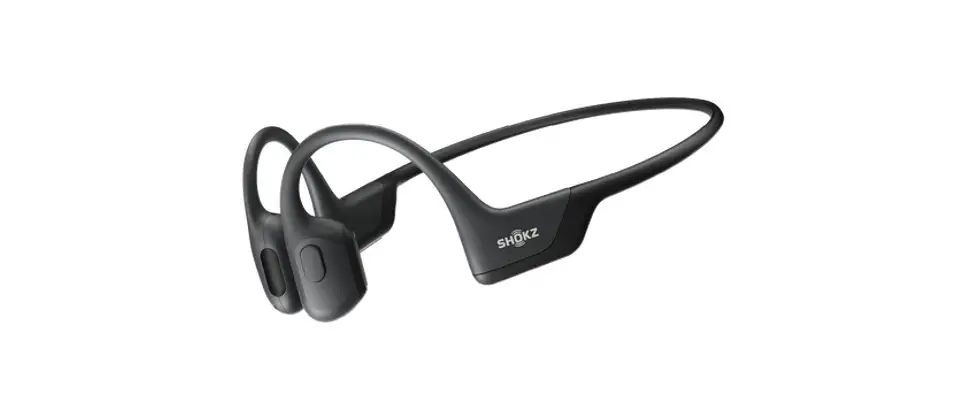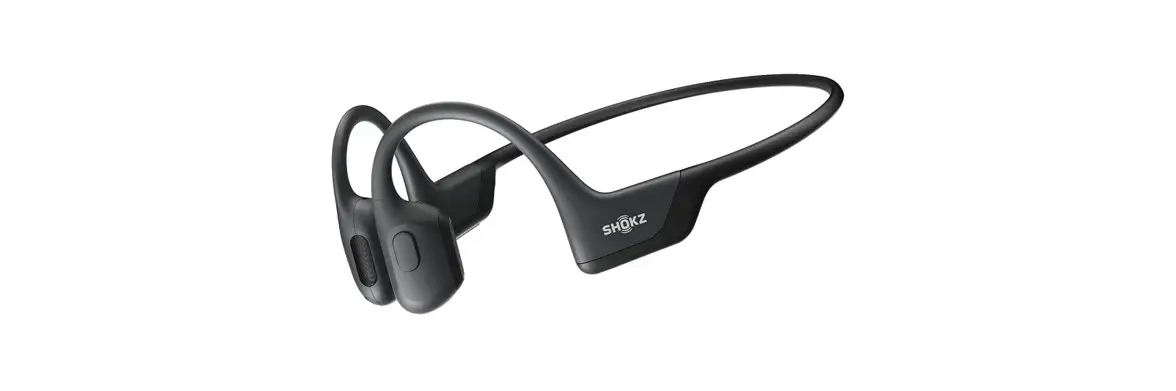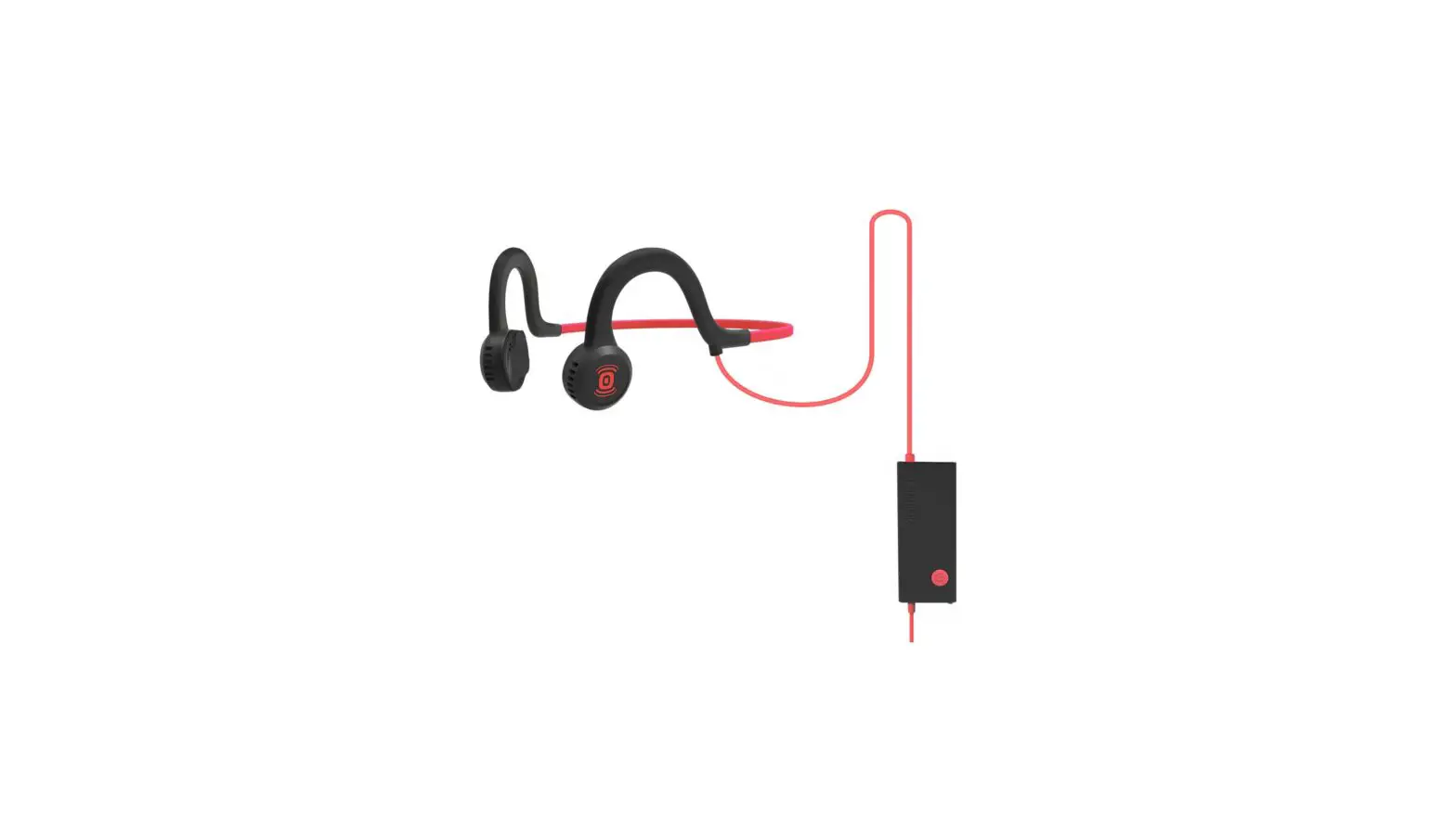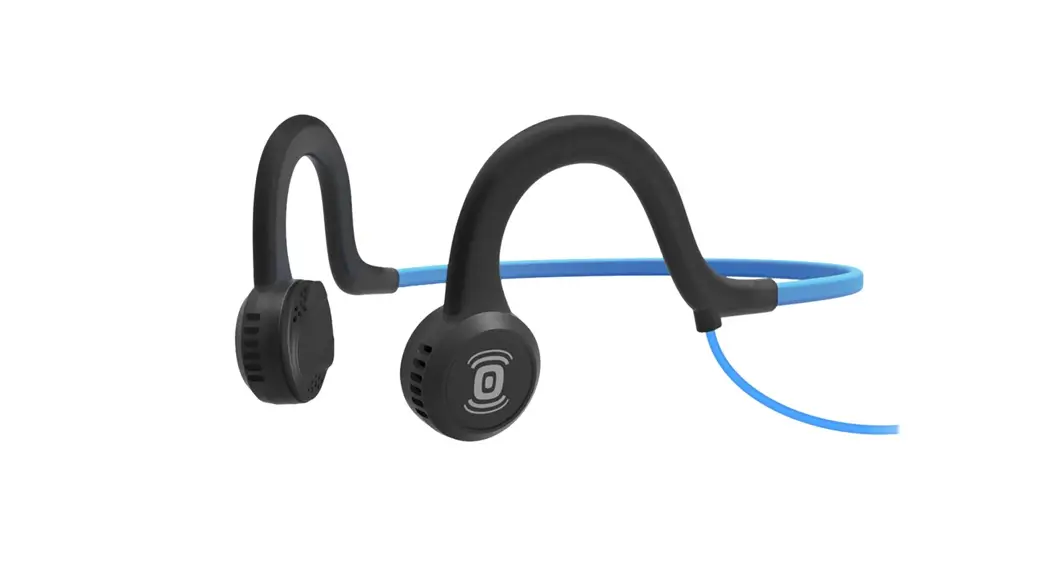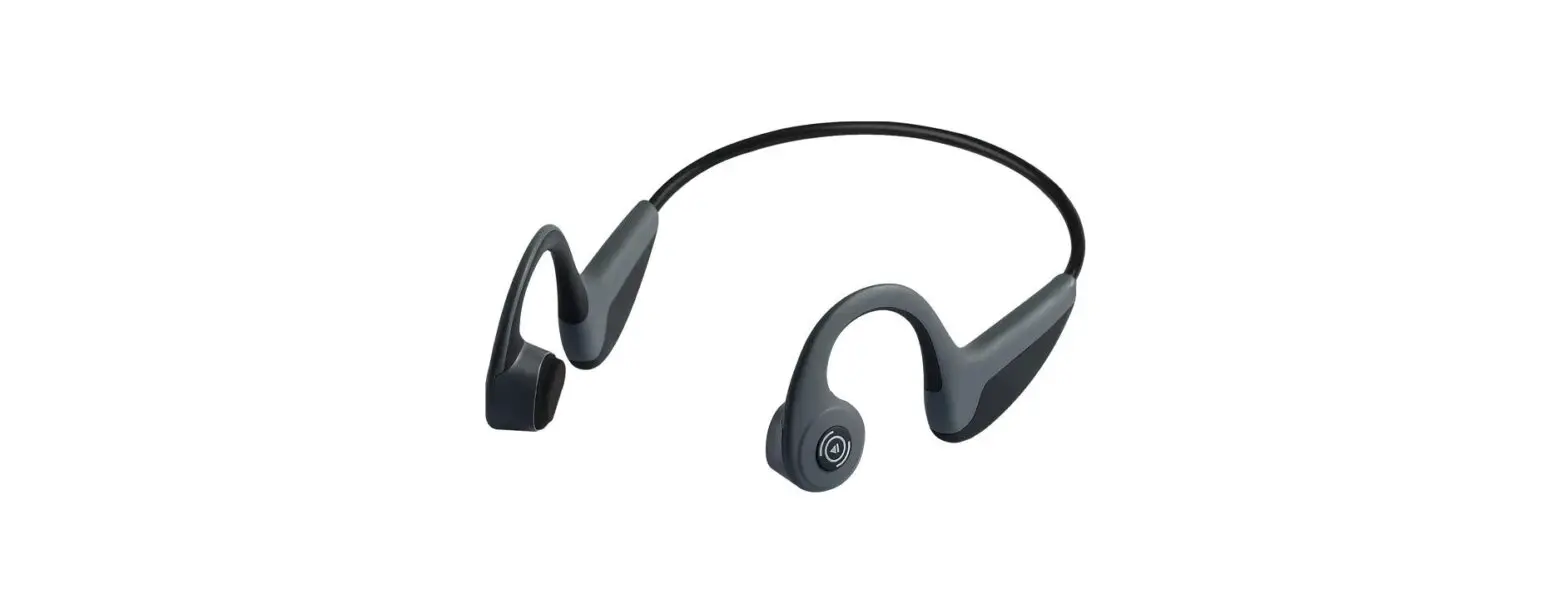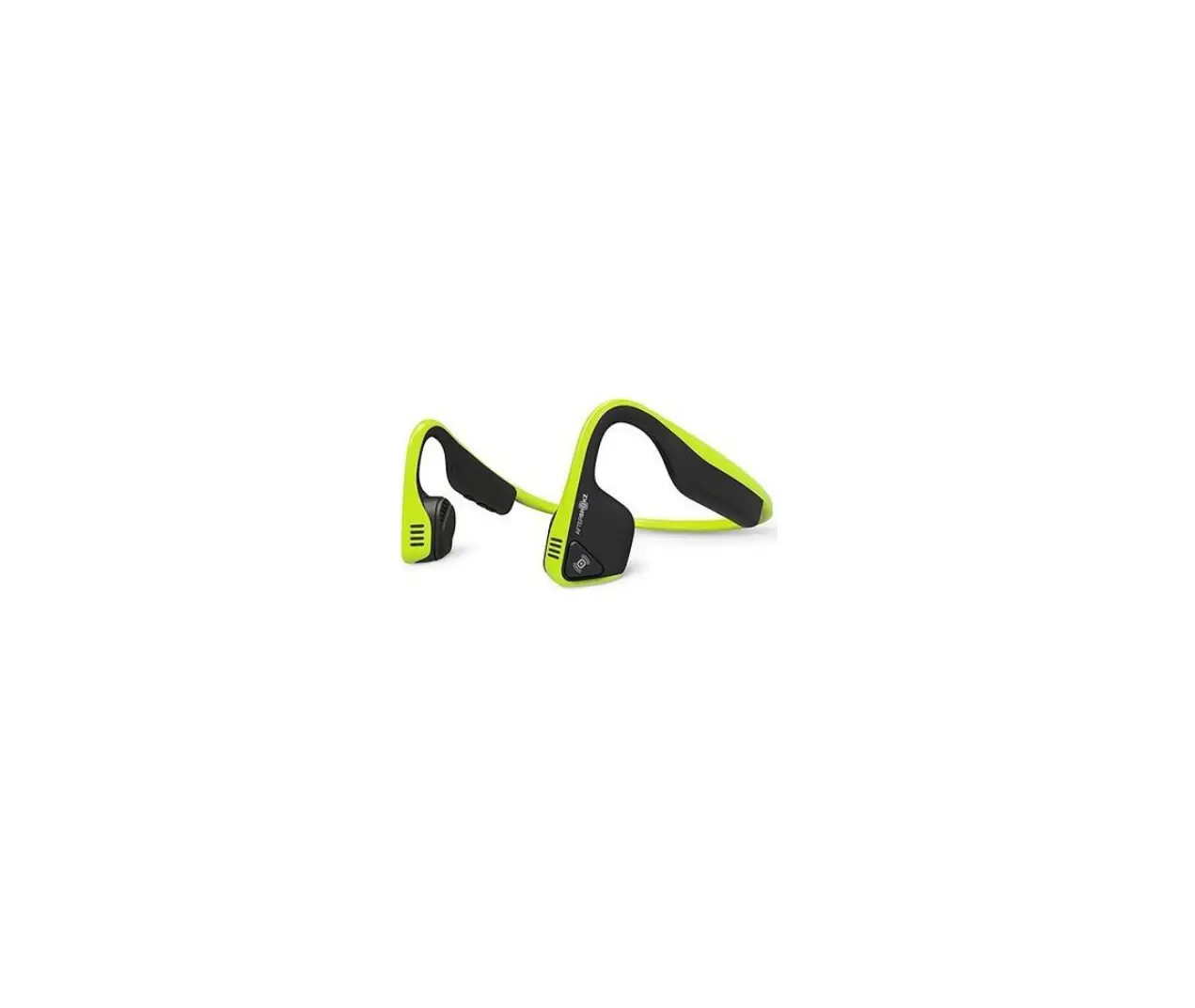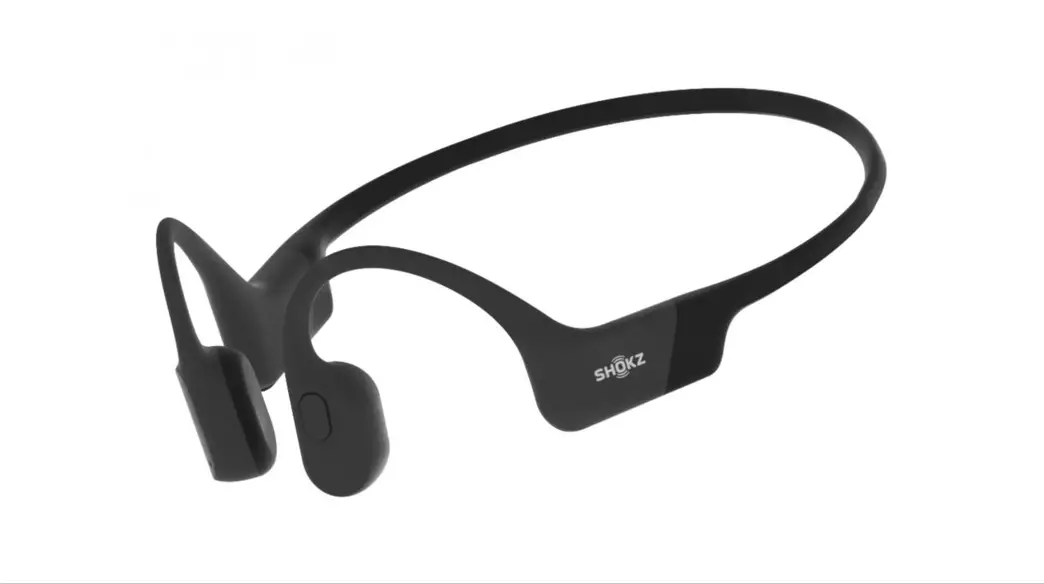

AS401 Sports Titanium Bone Conduction Transducer
User Guide
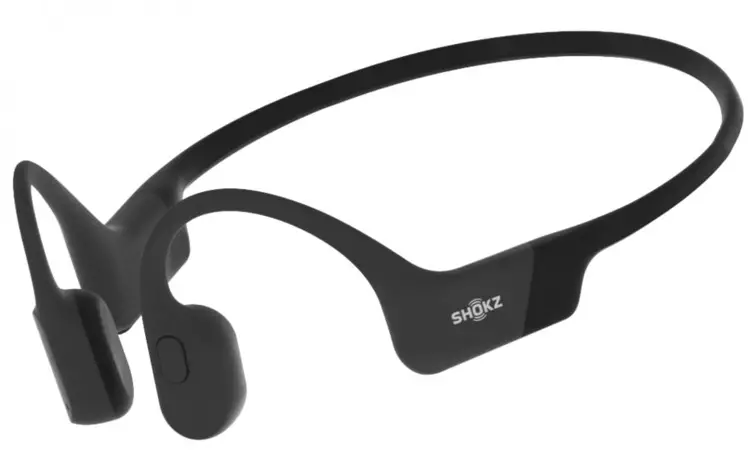
SPORTZ Titanium
Register your product
We’ve got your back against damages. Register your Sportz Titanium at bit.ly/RegisterSportzTitanium
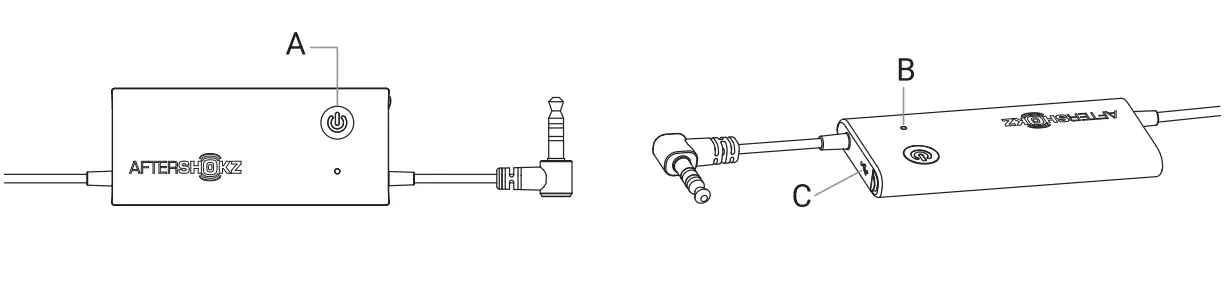
| Function | Action |
| Power on | Press and hold the power button for 2 seconds |
| Power off | Press and hold the power button for 2 seconds |
LED Indicator(B)
| Function | Action |
| Solid red | Charging |
| Solid blue | Charging complete |
| Flashing red every 4 seconds | Low battery |
USB Charging Port (C)
Charge the headphones with the included micro-USB charging cable
The LED indicator will turn blue when charging is complete.
Specifications
| Part number | AS401 |
| Speaker type | Bone conduction transducer |
| Frequency response | 20Hz-20KHz |
| Sensitivity | 101 ± 3d8 |
| Continuous play | 12 hours |
| Standby time | 60 days |
| Charge time | 2 hours |
| Weight | 1 .38 oz (39g) |
| Warranty | 2 years |