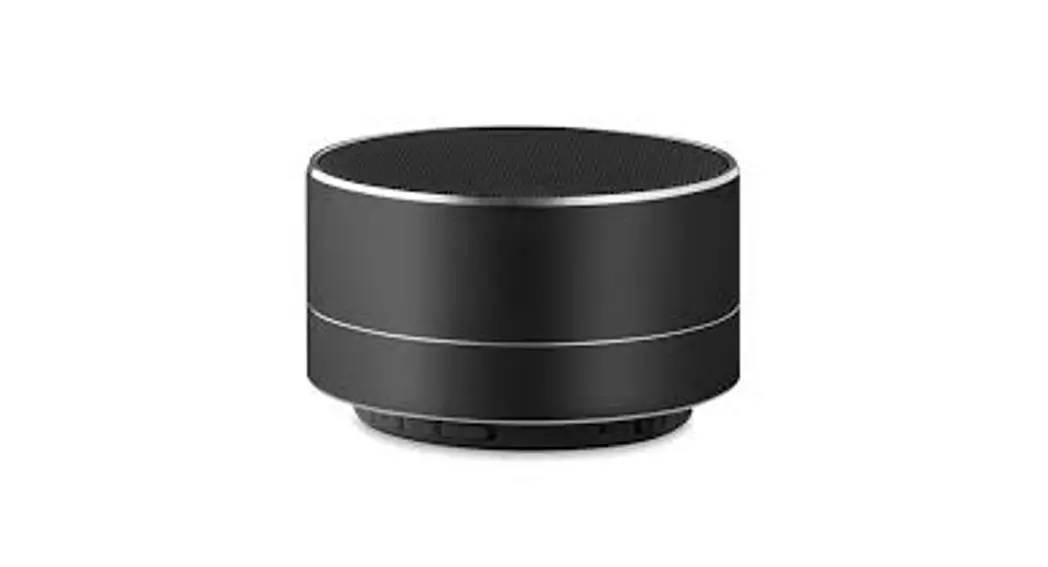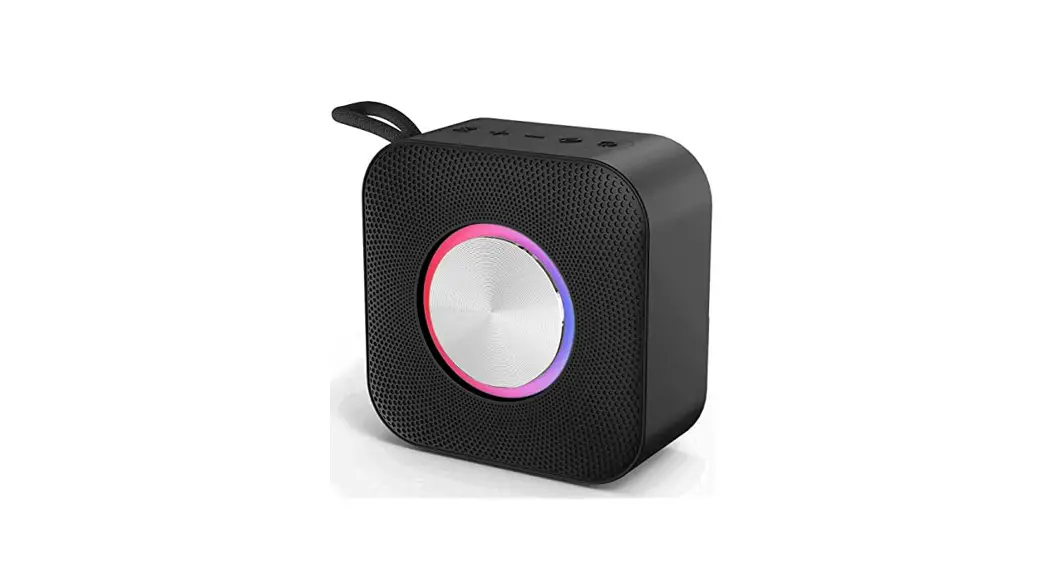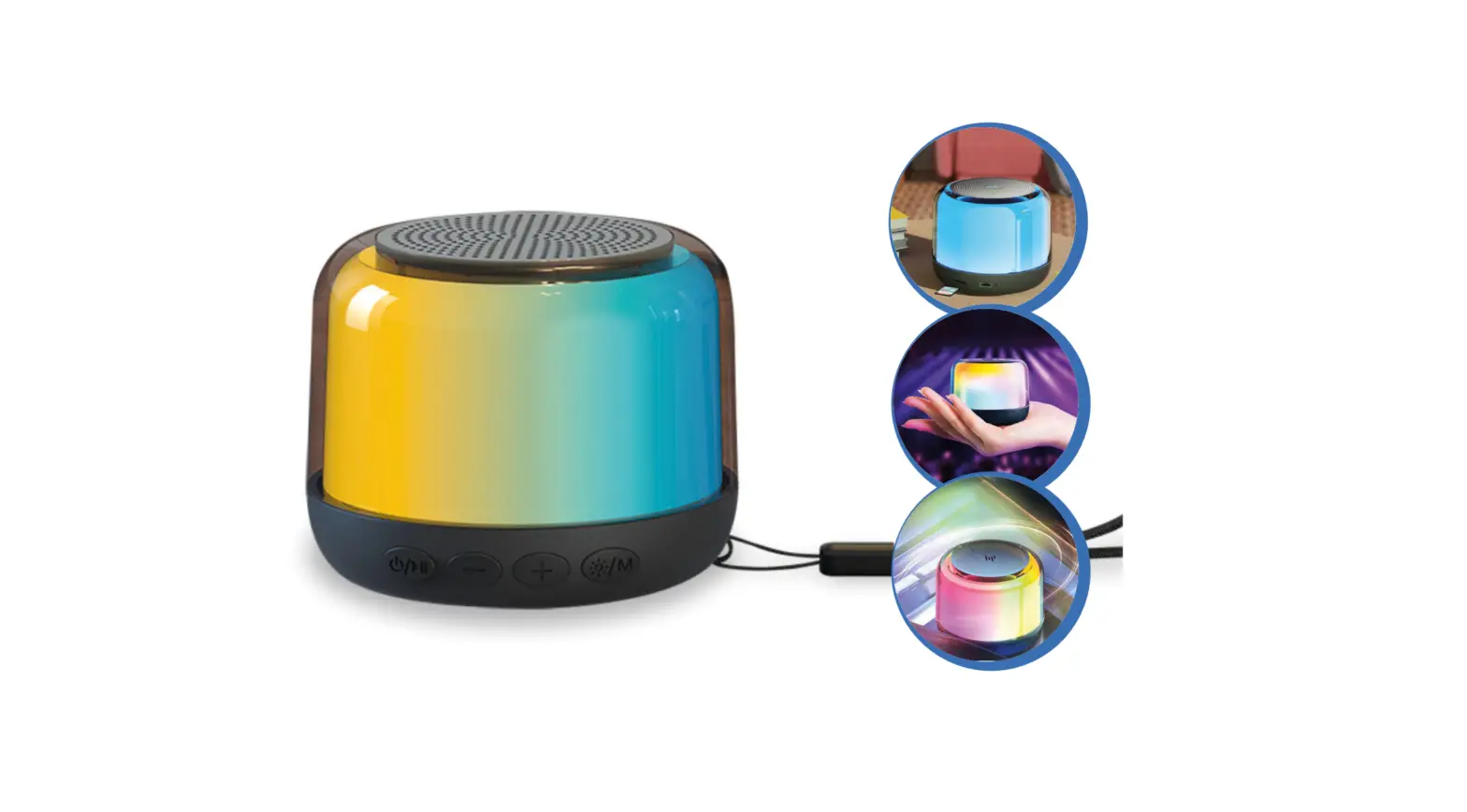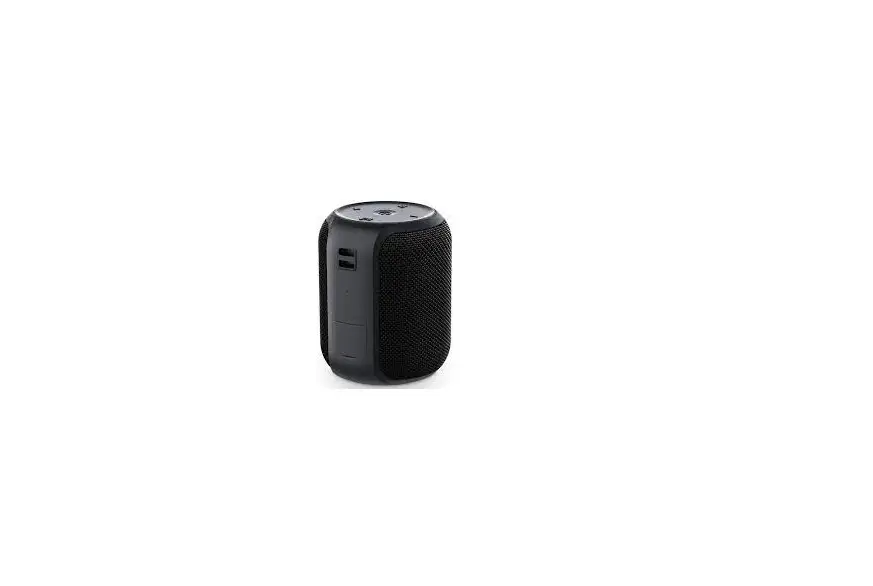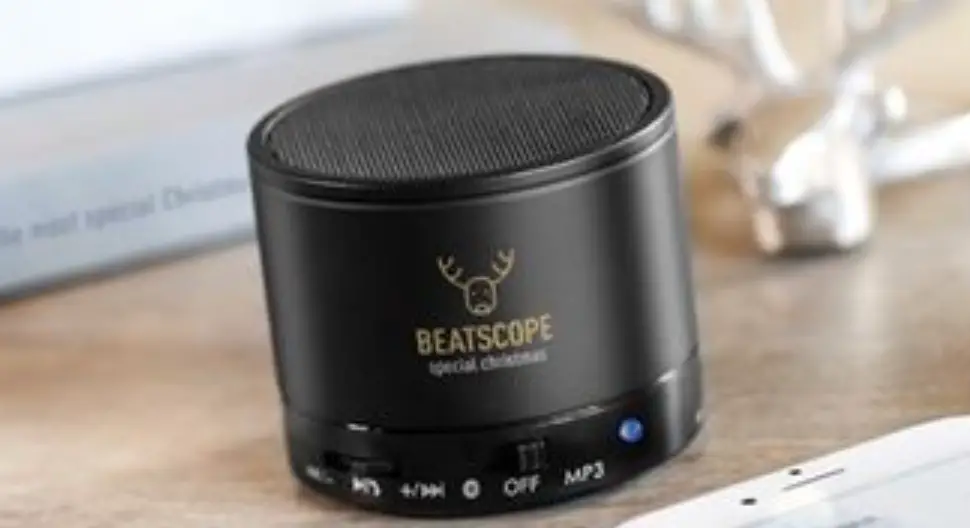

TM by MO8726 3W Round Wireless Speaker
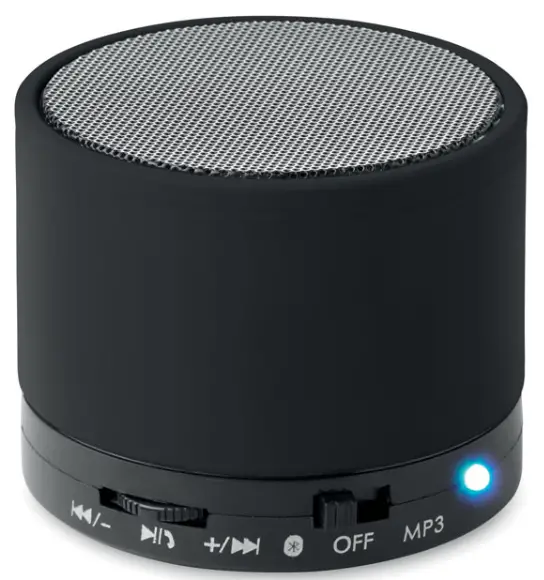
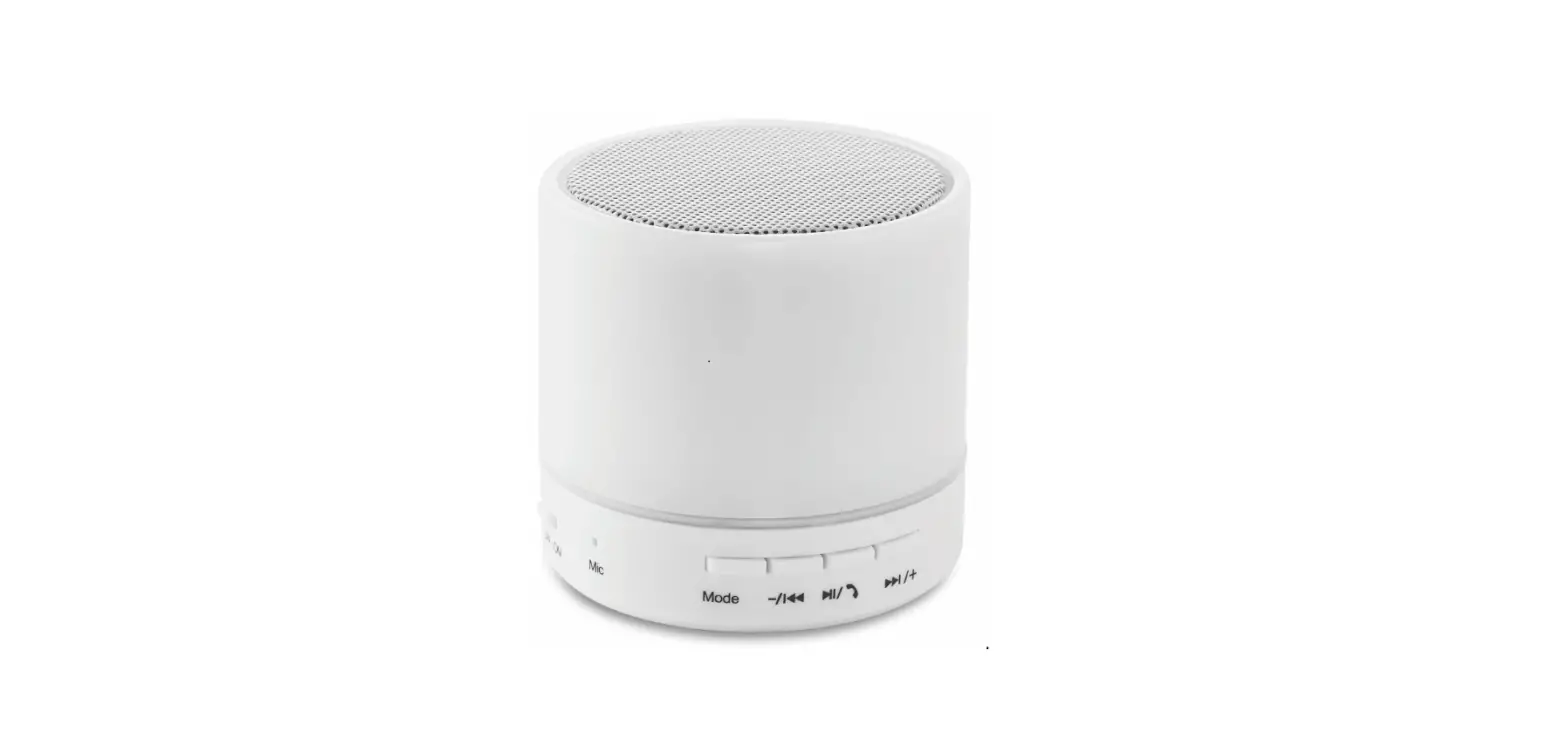
3W speaker to amplify the sound of any type of audio media. Wireless connection of devices with Bluetooth ® technology (smartphone, tablets, computers). Auxiliary jack (mini USB type) to connect any external audio equipment. Radio and audio player / MP3 integrated. Direct reading of micro SD / TF cards via the TF card port. Microphone (allows the use of a mobile in hands – free mode). Recharges via USB (cable included).
- Multifunction button
- ON/OFF button
- LED indicator
- Microphone
- SD/TF card slot
- ‘AUX’IN /DC IN 5V
- Button description
Play / Pause- In TF mode: press and release the button: Play / Pause
- In wireless connection mode: press and release the button
- While music is playing: Play / Pause
- Call: Answer/End .Press and hold for 2 seconds: reject calls.+/ Next / VOL+
- Push in the direction of the arrow and release: in TF and wireless connection mode the next track is played. This button does not work in ‘AUX’ mode.
- Push in the direction of the arrow and hold: increase volume. / – Back / VOL-
- Push in the direction of the arrow and release: in TF and wireless connection mode, the previous track is played. This button does not work in ‘AUX’ mode.
- Push in the direction of the arrow and hold: decrease volume. ON / OFF button: to turn the speaker on or off
: Speaker is in wireless connection mode
MP3: Speaker is in MP3/TF/RADIO mode
- LED indicator status
- Blue LED on: TF MP3 mode in pause or ‘AUX’ /Radio mode
- Blue LED flashes: music is playing
- Blue LED flashes quickly: search for wireless connection
- Red LED on: battery is charging
- Before using the device
- To optimize the battery performances, charge your speaker at least 10 hours before the first use.
- The usual loading time is about 2 to 3 hours.
- Only recharge the battery if your speaker turns off or if the sound quality is poor.
- If you do not use your speaker for a long time, you have to charge it at least once a month.
- Wireless connection mode
- Make sure your device has free wireless function.
- Put your mini- speaker in wireless connection mode.
- After 3 seconds you will hear a sound meaning that the device is ready to be connected.
- The blue LED will flash quickly while searching and connecting your device.
- When the two devices recognize each other, the speaker is listed as “MO8726”. No password is required to connect. Once the match is made, the blue LED is on.
- Once the connection is established you will hear a sound. If the connection is canceled, you will hear a new short sound.
- SD/TF card mode
- Insert your SD/TF card into the TF card slot.
- Turn the speaker in MP3 position.
- Your speaker will automatically find your memory card and play the registered files (see list of compatible files Chapter 9. Technical Specifications).
- Go backwards/forwards: Push in the direction of the arrow and release / – or +/ to go to previous or next track.
- Adjust the volume: Push in the direction of the arrow and hold / – or +/ to increase or decrease the volume.
- FM mode
- Check if the TF/SD card slot is empty.
- Turn your speaker in MP3 position, it will automatically find the frequency modulation (FM).
Press the Play/Pause button , the program search is automatic. - Push in the direction of the arrow and release / – or +/ to select the radio station of your choice.
- Push in the direction of the arrow and hold/ – or +/ to increase or decrease the volume.
Advise: To optimize the radio reception please connect the provided cable.
- ‘AUX’ IN
- With the supplied cable, connect the ‘Jack’ auxiliary to the audio output of your device and connect the cable to the mini speaker via the ‘AUX’ input.
- Press and hold the button Play/Pause for 2 seconds. You will hear a short sound.
- Push in the direction of the arrow and hold / – or +/ to increase or decrease the volume.
- The speaker adapts to any device with a 3.5mm exit (e.g. smartphone, computer, MP3/MP4 players, tablet etc.).
- Charge the battery
- With the provided cable, connect the ‘AUX’ input of the speaker to a computer via the USB port.
- The fixed red LED will indicate that the device is charging.
Technical specifications
| Wireless version: | Wireless 2.1 |
| Frequency: | 2.4-2.48GHZ |
| Working distance: | 10 meters |
| Radiated Power: | ≥7.5 dBm |
| Communication: | A2DP, AVRCP |
| Radio FM: | 87.5-108MHZ |
| Audio driver unit: | 40mm |
| Power: | 3W,4Ω |
| Frequency: | 100HZ~18KHZ |
| Decibel: | ≥90db |
| Distortion: | ≤0.5% |
| Supported files: | MP3/WAV |
| Battery: | Rechargeable – lithum. |
| Capacity: | 450mAh |
| Voltage: | 3.7V |
| Life time: | 2 hours (full power) |
| Ports: | AUX, Jack ,Audio ,Universal |
| SD/TF card : | 64 GB. |
| Product size : | 60X60X50mm |
| Weight: | 214g |
WARNING:
- The device is not a toy for children
- Protect the device from possible shots
- Do not expose to high temperature. Do not put into the fire.
- Avoid exposing the device to water splashes. Do not immerse. NOTE: The overcharge protection system of the speaker will cut the current into battery when the voltage is 4.2v and more.
 Export