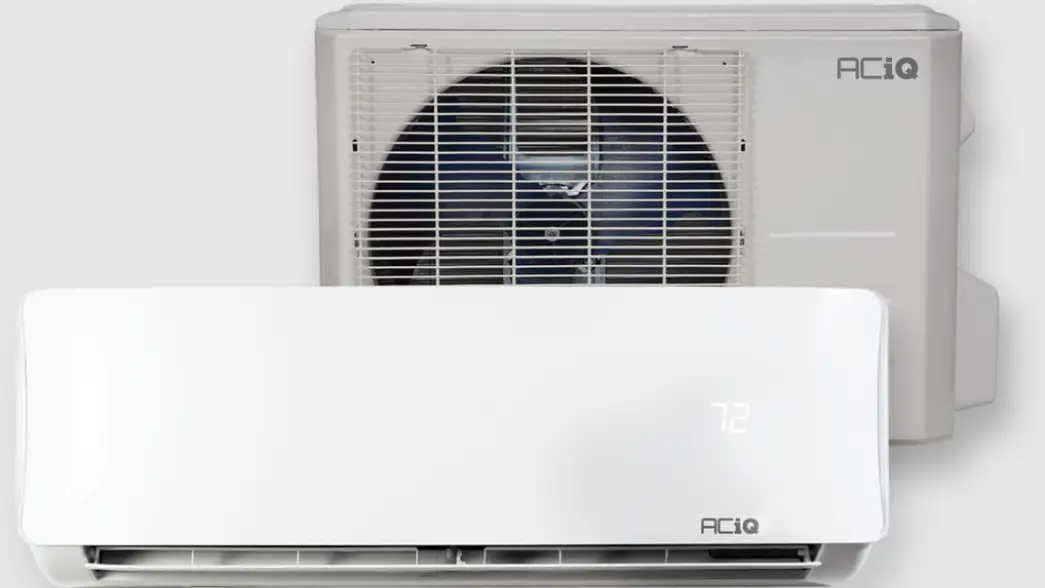
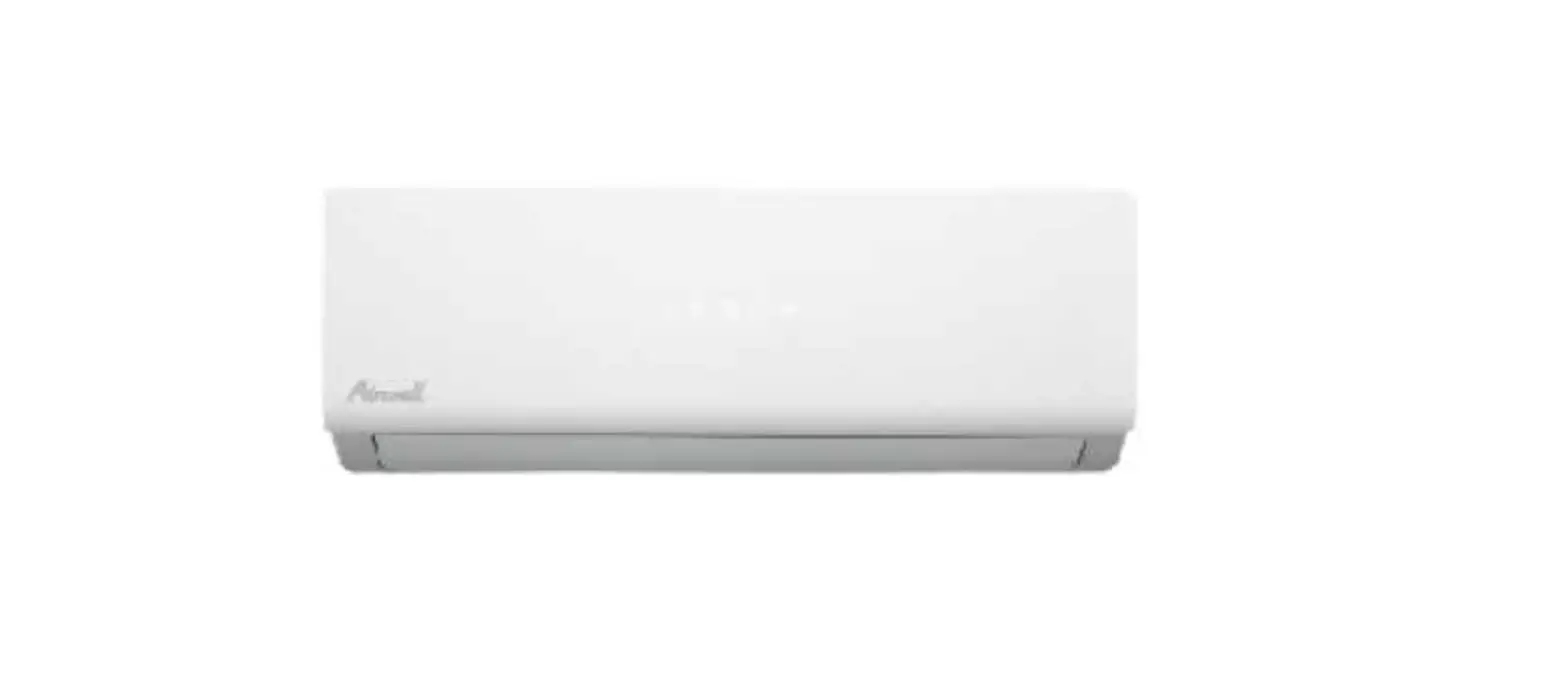
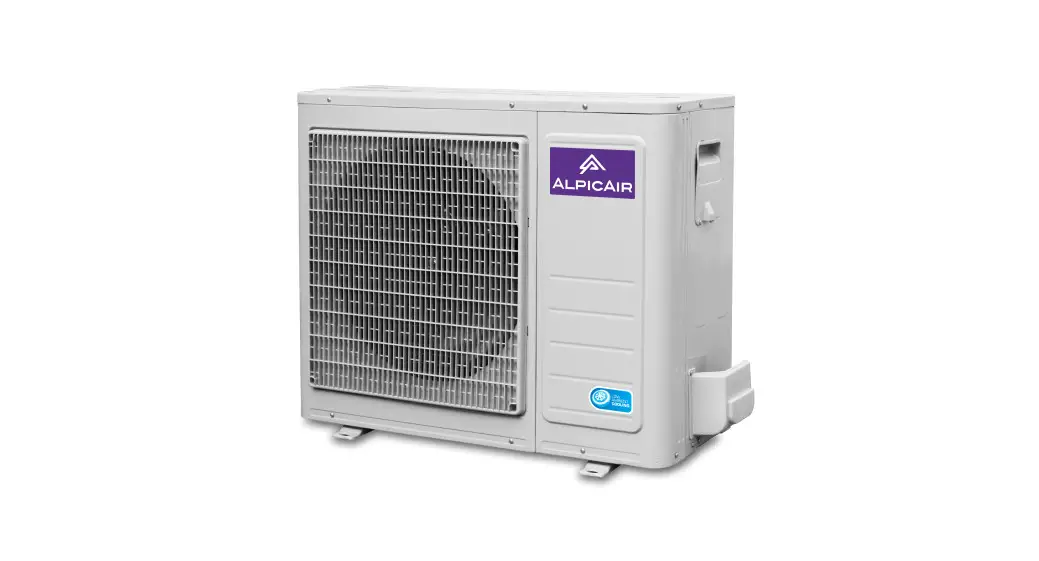
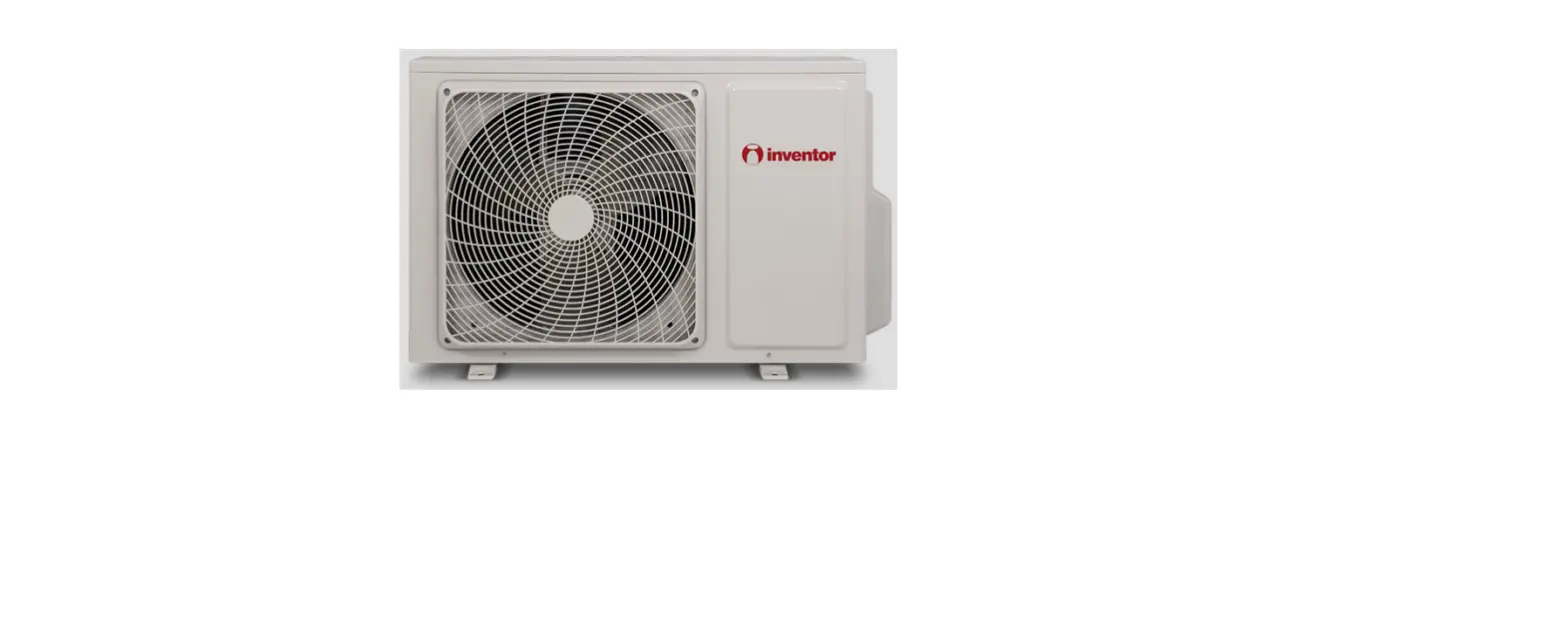
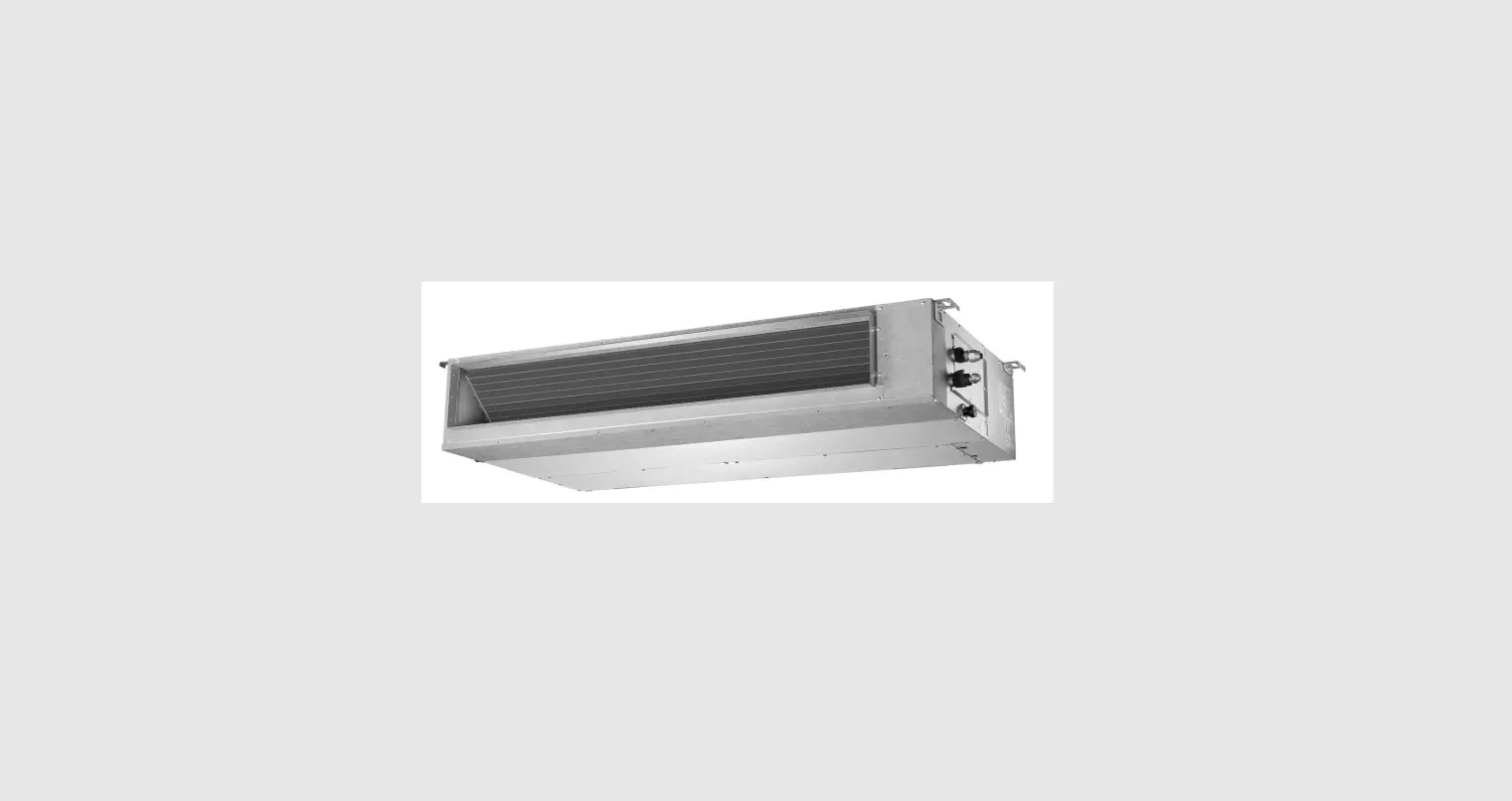
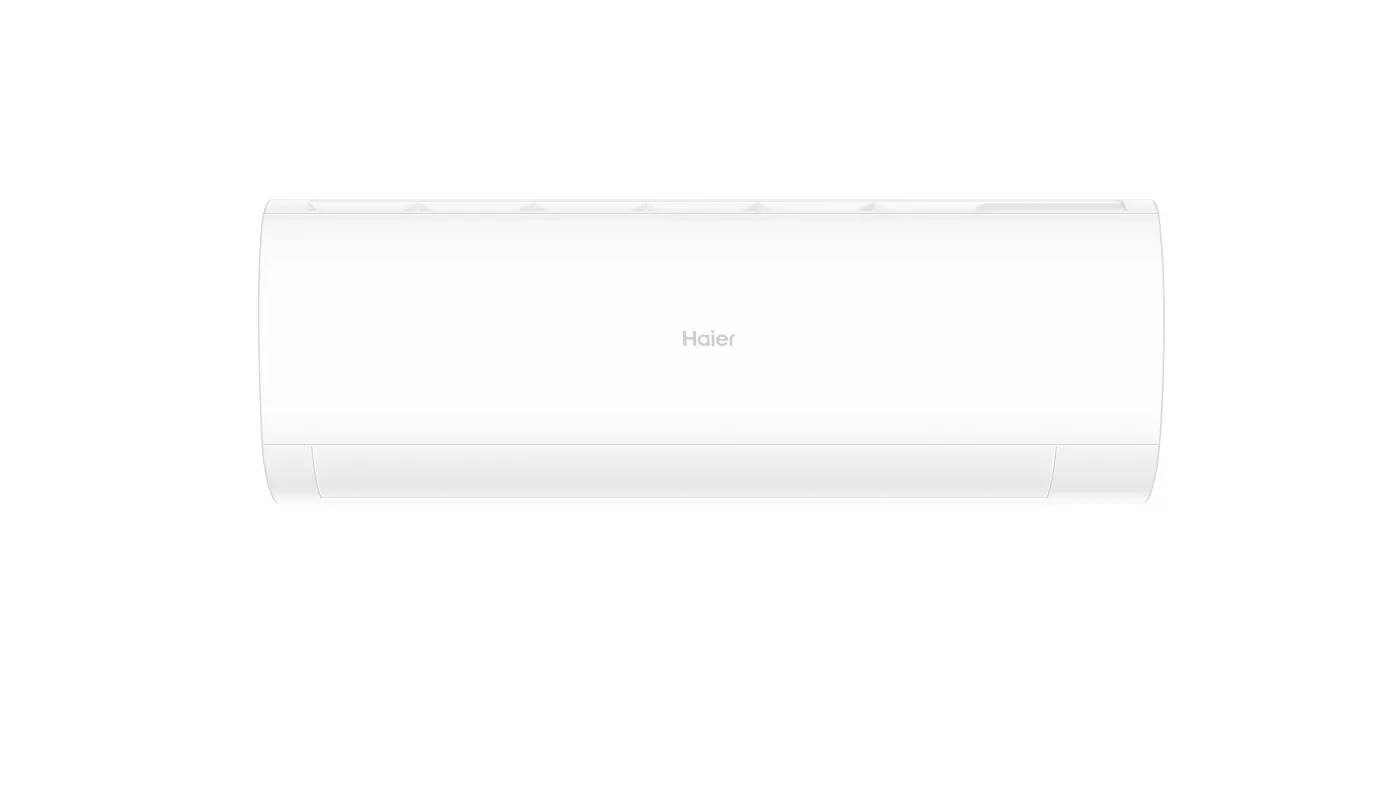
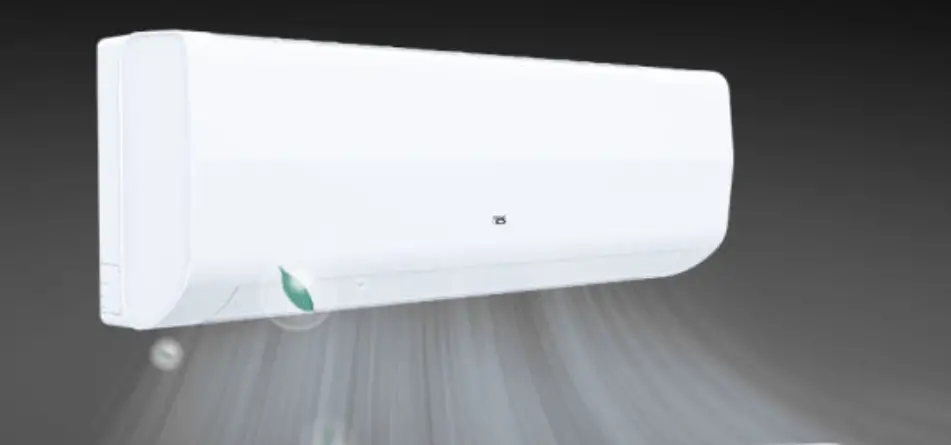
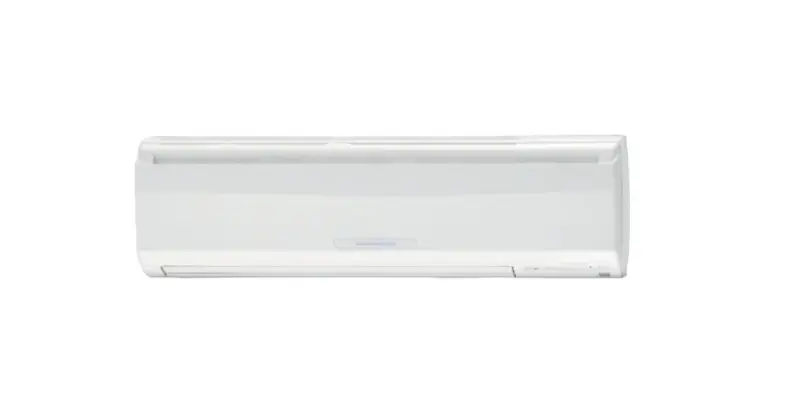
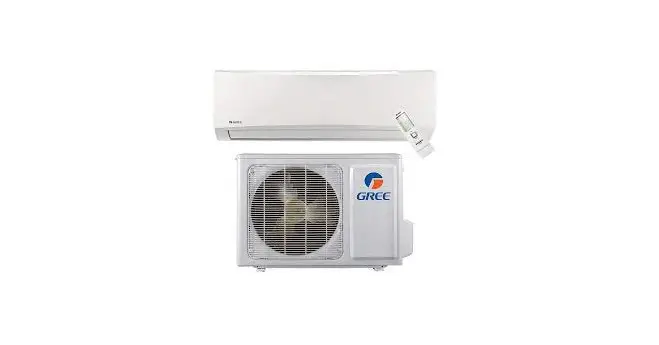
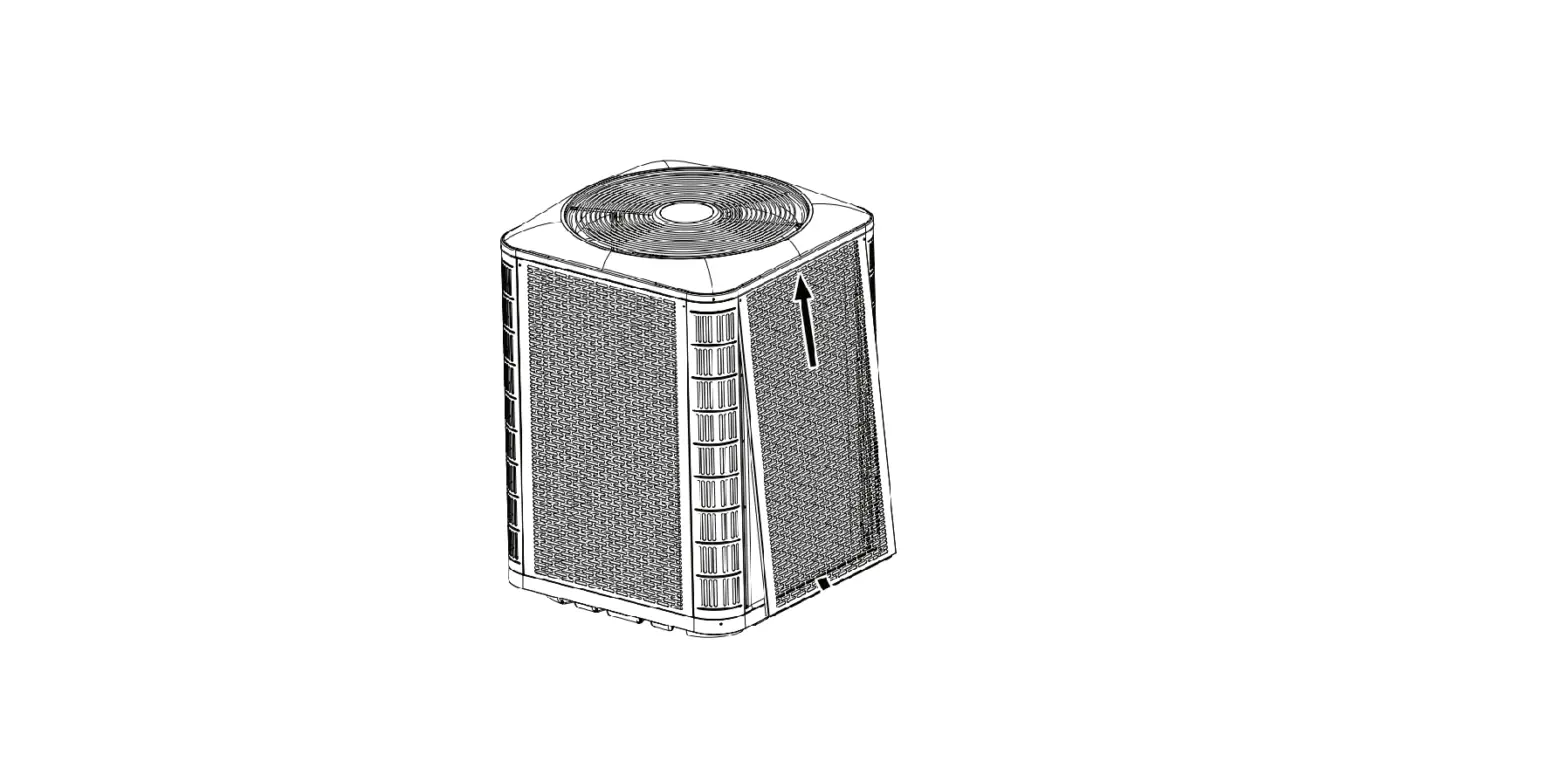
MRC-075CS-3 MultiElite 2 Multi Split System Air Conditioner
Product Information
| Product Name | MultiElite 2 Multi Split System Air Conditioner |
|---|---|
| Model Numbers | MRC-075CS-3, MRC-100CS-4, MRC-120CS-5 |
| Important Note | Please read this manual carefully before installing or operating your air conditioning unit. Make sure to save this manual for future reference. |
| Caution | The system is charged with flammable refrigerant, safety checks are necessary to ensure that the risk of ignition is minimized. |
Product Usage Instructions
- General Information
- Congratulations on your purchase of an ActronAir air
conditioning unit! - This unit has been designed and engineered to provide optimum
air conditioning and to achieve maximum energy efficiency. - Your air conditioning system has been manufactured from the
highest quality materials. - Numerous in house and external inspections and test procedures
were conducted to your air conditioning unit to ensure satisfactory
operation.
- Read safety precautions before installation.
- Incorrect installation due to ignoring instructions can cause
serious damage or injury. - The seriousness of potential damage or injuries is classified
as either a WARNING or CAUTION. - Failure to observe a caution may result in injury or equipment
damage. - Failure to observe a warning may result in death or serious
injury.
- Wall Mounted Type – Refer to page 5 of the manual for
details. - Bulkhead Type – Refer to page 6 of the manual for details.
- Mini Cassette Type – Refer to page 7 of the manual for
details.
- Refer to page 8 of the manual for operating conditions.
- Refer to page 8 of the manual for features.
- Refer to page 9 of the manual for unit operation
instructions.
- Refer to page 10 of the manual for manual operation
instructions.
- Refer to page 10 of the manual for care and maintenance
instructions.
- Refer to page 13 of the manual for troubleshooting tips.
- Refer to page 15 of the manual for error codes related to the
indoor unit.
MultiElite 2 Multi Split System Air Conditioner
Owner’s Manual
Model Numbers
MRC-075CS-3 MRC-100CS-4 MRC-120CS-5
IMPORTANT NOTE:
Please read this manual carefully before installing or operating your air conditioning unit. Make sure to save this manual for future reference.
CAUTION:
The system is charged with flammable refrigerant, safety checks are necessary to ensure that the risk of ignition is minimised.
That’s better. That’s Actron.
Owner’s Manual
Multi Split System
Table of Contents
01. General Information …………………………………………………………………………………………………………… 3
02. Safety Instructions …………………………………………………………………………………………………………….. 3
03. Unit Parts ………………………………………………………………………………………………………………………….. 5
03.01. Wall Mounted Type
5
03.02. Bulkhead Type
6
03.03. Mini Cassette Type
7
04. Operating Conditions ………………………………………………………………………………………………………… 8
05. Features ……………………………………………………………………………………………………………………………. 8
06. Unit Operation ………………………………………………………………………………………………………………….. 9
07. Manual Operations ………………………………………………………………………………………………………….. 10
08. Care and Maintenance ……………………………………………………………………………………………………… 10
09. Troubleshooting ……………………………………………………………………………………………………………… 13
10. Error Codes (Indoor Unit) …………………………………………………………………………………………………. 15
This manual is a controlled document which contains confidential and proprietary information. Distribution, modification, copying and/or reproduction are prohibited without written consent from ActronAir
Product design and specifications are subject to change without prior notice for product improvement.
READ SAFETY PRECAUTIONS BEFORE INSTALLATION Incorrect installation due to ignoring instructions can cause serious damage or injury. The seriousness of potential damage or injuries is classified as either a WARNING or CAUTION.
Failure to observe a caution may result in injury or equipment damage CAUTION
Failure to observe a caution may result in death or serious injury. WARNING
2
Owner’s Manual – MultiElite 2 Split System
Doc. No. 9590-4012 Ver. 2 220616
Owner’s Manual
Multi Split System
01. General Information
CONGRATULATIONS on your purchase of an ActronAir air conditioning unit! This unit has been designed and engineered to provide optimum air conditioning and to achieve maximum energy efficiency.
Your air conditioning system has been manufactured from the highest quality materials. Numerous “in house” and “external” inspections and test procedures were conducted to your air conditioning unit to ensure satisfactory operation.
This guide provides operation instructions specific to your split indoor unit. Read this manual thoroughly to ensure safe operation of your air conditioning system.
02. Safety Instructions
· Only licensed HVAC technicians* should service this air conditioning equipment. Improper service or alteration by an unqualified technician could result in significant and major damage to the product or property which may render your warranty null and void. Such unqualified service could also lead to severe physical injury or death. Follow all safety instructions in this literature and all warning labels that are attached to the equipment.
· Prevailing WH&S regulations must be observed and will take precedence to the safety instructions contained on this manual. Safe work practices and environment must be the paramount importance in the performance of all the service procedures.
· This appliance is not intended for use by young children or infirm persons unless they have been adequately supervised by a responsible person to ensure that they can use the appliance safely. Young children should be supervised to ensure that they do not play with the appliance.
*Qualifications required will be appropriate Electrical, Refrigeration and Refrigerant Handling License and Training dependent on local State/Territory regulations.
DANGER Hazardous Voltage – Risk of Electrocution. Turn Off the power from main isolator before proceeding with any service and maintenance work of the unit. Observe proper LOCK-OUT/TAG-OUT (LOTO) procedures for electrical appliances in order to prevent accidental switching-on of the power supply. Extreme care and caution must be observed should there be a need to work on live circuit.
WARNING · If any abnormal situation arises (like burning smell), turn of the power supply and call your HVAC technician for instructions
to avoid electric shock, fire or injury. · DO NOT let the indoor unit or the controller get wet. It may cause electric shock or fire. · DO NOT insert fingers, rods or other objects into the air inlet or outlet. This may cause injury, since the fan may be rotating
at high speeds. · DO NOT use a flammable spray such as hair spray, lacquer or paint near the unit. This may cause fire or combustion.
PRODUCT INSPECTIONS · Fully check your air conditioning unit and all items against the bill of loading upon receiving your shipment. Inspect the unit,
components and accessories for any sign of shipping damage. If there is any damage to the unit, contact ActronAir Customer Care immediately on: 1300 522 722. · Check the unit nameplate to verify the model, serial number, electrical rated specifications and details are correct.
Owner’s Manual – MultiElite 2 Split System
3
Doc. No. 9590-4012 Ver. 2 220616
Owner’s Manual
Multi Split System
CODES, REGULATIONS AND STANDARDS · The installer assumes responsibility to ensure that unit installation complies with the relevant council, state & federal
codes, regulations and building code standards. All electrical wiring must be in accordance with current electrical authority regulations and all wiring connections to be as per electrical diagram provided with the unit.
CAUTION · DO NOT inspect the unit by yourself. Ask a qualified HVAC technician to perform the inspection. · To prevent product deterioration, do not use the air conditioner for preservation purposes (storage of food, plants, animals,
works of art, etc.). · DO NOT operate the air conditioner with wet hands. It may cause electric shock. · DO NOT touch the evaporator coils inside the indoor unit. The evaporator coils are sharp and may cause injury. · DO NOT place items that might be affected by moisture damage under the indoor unit. Condensation can occur at a relative
humidity of 80%. · DO NOT expose heat-producing appliances to cold air or place them under the indoor unit. This may cause incomplete
combustion or deformation of the unit due to the heat. · If the air conditioner is used together with other heating devices, thoroughly ventilate the room to avoid oxygen deficiency. · DO NOT climb onto or place objects on top of the outdoor unit. · DO NOT operate the air conditioner when using fumigant insecticides. The chemicals may become layered with the unit and
endanger those who are hypersensitive to chemicals. · DO NOT let children play with the air conditioner. · DO NOT operate the air conditioner in a wet room (e.g. bathroom or laundry room). This can cause electrical shock and cause the
product to deteriorate. · DO NOT insert fingers, rods or other objects into the air inlet or outlet. This may cause injury, since the fan may be rotating
at high speeds.
WARNING This air-conditioning unit contains R-32 refrigerant (CLASS A2L) which is mildly flammable.
NOTE · Service, maintenance, repairs and decommissioning of this unit must be performed by a licensed HVAC technician; qualified
to handle R-32 refrigerant. · R-32 refrigerant is odourless, if the refrigerant gas comes into contact with fire, it may emit a poisonous gas. · Do not continuously operate open flames and ignition sources in the room.
4
Owner’s Manual – MultiElite 2 Split System
Doc. No. 9590-4012 Ver. 2 220616
Owner’s Manual
Multi Split System
03. Unit Parts
NOTE For multi-split type air conditioners, one outdoor unit can be matched to different types of indoor units. All of the pictures in this manual are for illustration purposes only. Your air conditioner may be slightly different, if similar in shape. The following pages introduce several kinds of indoor units that can be matched with the outdoor units.
03.01. Wall Mounted Type
1
2
3
4
6
7
8
5
Indoor
Item
Unit Parts
1 Panel Frame Top Air Intake Grille
2
(Return Air Filter Underneath) 3 Front Panel
4 Horizontal Louver
5 LCD Display Window
6 Vertical Louvre Manual Control Button
7
(behind the front panel) 8 Remote Controller
Outdoor
Item
Unit Parts
Drain Hose, Refrigerant Connecting
9
Pipe
10 Connecting Cable
11 Refrigerant Pipe Valve
12 Fan Guard
12
9
10
11
Owner’s Manual – MultiElite 2 Split System
5
Doc. No. 9590-4012 Ver. 2 220616
Owner’s Manual
03.02. Bulkhead Type
2
5 1
Multi Split System
Indoor
44
Item
Unit Parts
1 Air Outlet
3
2 Air Inlet
3 Air Filter
4 Control Box
5 Wired Controller
Outdoor
Item
Unit Parts
Drain Hose, Refrigerant Connecting
6
Pipe
7 Connecting Cable
8 Refrigerant Pipe Valve
9 Fan Guard
9
6
6 7
8 Owner’s Manual – MultiElite 2 Split System
Doc. No. 9590-4012 Ver. 2 220616
Owner’s Manual
03.03. Mini Cassette Type
1
3
4
6
5
2
7
Multi Split System
Indoor
Item
Unit Parts
1 Drain Pump (drain water from indoor unit)
2 Drain Hose
3 Air Outlet
4 Air Inlet
5 Return Grill
6 Display Panel
7 Wired Controller
Outdoor
Item
Unit Parts
8 Refrigerant Connecting Pipe
9 Connecting Cable
10 Refrigerant Pipe Valve
11 Fan Guard
11 8 9
10
Owner’s Manual – MultiElite 2 Split System
7
Doc. No. 9590-4012 Ver. 2 220616
Owner’s Manual
Multi Split System
04. Operating Conditions
Operating Temperature
Optimal performance for the COOL, HEAT, and DRY modes can be achieved in the following temperature ranges. When your air conditioner is used outside of these ranges, certain safety protection features will activate and cause the unit to perform less than optimally.
Room Temperature Outdoor Temperature
COOL Mode 17°C to 32°C -15°C to 50°C
HEAT Mode 0°C to 30°C -25°C to 30°C
DRY Mode 10°C to 32°C 0°C to 50°C
NOTE
Room relative humidity should be less than 80%. If the air conditioner operates in room with relative humidity greater than 80%, the surface of the air conditioner may attract condensation. Please sets the vertical air flow louvre to its maximum angle and set HIGH fan mode.
To further optimize the performance of your unit, do the following:
· Keep doors and windows closed. · Limit energy usage by using TIMER ON and TIMER OFF functions. · Do not block air inlets or outlets. · Regularly inspect and clean air filters.
05. Features
Compressor Protection · The compressor cannot restart for 3 minutes after it stops.
Hot Start · The unit is designed not to blow cold air during HEAT mode, when the indoor heat exchanger is in one of the following
conditions and the set temperature has not been reached. a. When heating has just started. b. When the system is in defrost. c. Low temperature heating.
· The indoor or outdoor fan stop running when the system is in defrost.
Defrosting · Frosting may occur on the outdoor unit during a heat cycle when outdoor temperature is low and humidity is high
resulting in lower heating efficiency in the air conditioner. · Under these conditions, the air conditioner will stop heating operations and start defrosting automatically. · The defrost period may vary from 4 to 10 minutes, depending the outdoor temperature and the amount of frost
buildup on the outdoor unit.
Auto-Restart In case of power failure, the system will immediately stop. When power returns, the Operation light on the indoor unit will flash. To restart the unit, press the ON/OFF button on the remote control. If the system has an auto restart function, the unit will restart using the same settings.
NOTE
Lightning or any electronic interference nearby may cause the unit to malfunction. If this happens, reset the power mains (isolator). Press the ON/OFF button on the wired controller to restart operation.
8
Owner’s Manual – MultiElite 2 Split System
Doc. No. 9590-4012 Ver. 2 220616
Owner’s Manual
Multi Split System
06. Unit Operation
White Mist Emitting From The Indoor Unit
· A white mist may be generated due to a large temperature difference between air inlet and air outlet on COOL mode in places with high relative humidity.
· A white mist may be generated due to moisture created in the defrosting process when the air conditioner restarts in HEAT mode operation after defrosting.
Noise Coming From The Air Conditioner
· You may hear a low hissing sound when the compressor is running or has just stopped running. This sound is the sound of the refrigerant flowing or coming to a stop.
· You may also hear a low squeaking sound when the compressor is running or has just stopped running. This is caused by temperature heat expansion and cold contraction of the plastic parts in the unit when the temperature is changing.
· A noise may be heard due to the louver restoring itself to its original position when power is first turned on.
Dust Blowing Out From The Indoor Unit
This is happens when the air conditioner has not been used for a long time or during its first use.
Smell Emitting From The Indoor Unit
This is caused by the indoor unit giving off smells permeated from building materials, furniture, or smoke.
The Air Conditioner Turns To Fan Only Mode From Cool Or Heat Mode
When the indoor temperature reaches the set temperature setting, the compressor will stop automatically, and the air conditioner turns to FAN only mode. The compressor will start again when the indoor temperature rises on COOL mode or falls on HEAT mode to the set point.
Droplets of water may form on the surface of the indoor unit when cooling occurs in relatively high humidity (above 80%). Adjust the horizontal louver to the maximum air outlet position and select HIGH fan speed
Energy Saving Tips
· DO NOT set the unit to excessive temperature levels. · While cooling, close the curtains to avoid direct sunlight. · Doors and windows should be kept closed to keep cool or warm air in the room. · DO NOT place objects near the air inlet and outlet of the unit. This will reduce the efficiency of the unit. · Set a timer and use the built-in SLEEP/ECONOMY mode if applicable. · If you don’t plan to use the unit for a long time, remove the batteries from the remote control (if wireless remote
control is being used). · Clean the air filter every two weeks. A dirty filter can reduce cooling or heating efficiency. · Adjust louvers properly and avoid direct airflow.
Owner’s Manual – MultiElite 2 Split System
9
Doc. No. 9590-4012 Ver. 2 220616
Owner’s Manual
Multi Split System
07. Manual Operations
Operation Mode Selection
While two or more indoor units are simultaneously operating, make sure the modes do not conflict with each other. The heat mode claims precedence over all other modes. If the unit initially started to operate in HEAT mode, the other units can operate in HEAT mode only.
Example: If the unit initially started to operate under COOL (or FAN) mode, the other units can operate under any mode except HEAT.
If one of the unit selects HEAT mode, the other operating units will stop operation and displays –.
Alternatively, the defrost and alarm indication light (if applicable) will light up, or the operation indication light will flash rapidly, and the timer indication light will turn off ( for the floor and standing type).
Optimal Operation
To achieve optimal performance, please note the following:
· Adjust the direction of the air flow so that it is not blowing directly on people. · Adjust the temperature to achieve the highest possible level of comfort. Do not adjust the unit to excessive
temperature levels. · Close doors and windows in COOL mode or HEAT mode. · Use the TIMER ON button on the remote controller to select a time you want to start your air conditioner. · Do not place any object near the air inlet or air outlet, as the efficiency of the air conditioner may be reduced and the
air conditioner may stop running. · Clean the air filter periodically, otherwise cooling or heating per conformance may be reduced. · Do not operate unit with horizontal Louvre in closed position.
08. Care and Maintenance
NOTES
Apart from filter cleaning, all other general maintenance and care of systems should be undertaken by a licensed technician.
Service, maintenance, repairs and decommissioning of this unit must be performed by a licensed HVAC technician; qualified to handle R-32 refrigerant.
Maintenance Procedures
This section describes the procedures that must be performed as a part of normal maintenance program. Regular servicing of equipment by licensed technician is highly recommended. Regular servicing of your unit helps in maintaining its optimum performance and reliability. The checklist and service periods provided on this manual are guides only, as some sites may require more frequent servicing. Always disconnect electrical power to the unit before performing these procedures. It is always a safe practice to observe all safety warnings and cautions when conducting maintenance tasks.
WARNING
Hazardous Voltage ! Always make sure that all power supply, including remote controls, are disconnected before performing maintenance. Observe proper LOCK-OUT/TAG-OUT procedures to ensure that power cannot be inadvertently energised. Failure to disconnect power before maintenance procedures can result in serious injury and/or death. This unit is charged with R-32 mildly flammable refrigerant.
10
Owner’s Manual – MultiElite 2 Split System
Doc. No. 9590-4012 Ver. 2 220616
Owner’s Manual
Multi Split System
DANGER Live Electrical Connections! It may be necessary to work with live electrical components on certain maintenance tasks. Only licensed electricians and qualified technicians are allowed to perform these tasks.
Beware of Rotating Fan Blades! Always make sure that all power supply, to the Outdoor Fans are turn Off and isolated.
Observe WH&S safety procedures, do not wear loose clothing and any jewellery when working near the fans. Wear PPE whenever performing any maintenance procedures. Observe all necessary procedures when working in a confined space.
Annual Maintenance Checklists
· Perform general maintenance inspections. · Perform scheduled start-up checks. · Leak test refrigerant circuits. · Inspect contacts of all contactors and relays. Replace all worn contacts as required. · Inspect, clean and tighten all electrical connections. · Check fans for balanced operation. Make sure that there are no loose screws / bolts, no fan blades interference and no
damage to the fans and guards. · Inspect the air filters, clean or replace as required. · Clean and repaint any corroded panel section. · Ensure no blockage of airflow through variable speed drive.
Cleaning the Condenser Coils
Clean the coils at least once a year or more frequently if unit is located in a dusty and dirty environment, in order to maintain your system’s proper operating performance. High discharge pressures are good indication that the coils need cleaning. When using detergent or solvents to clean the coils, follow the manufacturer’s instructions to avoid potential damage to the coils and to the unit.
To clean the refrigerant coils, use a soft brush and water spray, such as garden hose or pressure washer with low pressure nozzle.
WARNING Do Not Use High Alkaline Detergent! When using detergent for coil cleaning, ensure that the alkaline level is no higher than 8.5, which can cause corrosion damage to the coils.
No Water into the Electrical Compartments! Ensure consideration is given to the possibility of water entering the electrical compartments during cleaning of the condenser coil.
Owner’s Manual – MultiElite 2 Split System
11
Doc. No. 9590-4012 Ver. 2 220616
Owner’s Manual
Multi Split System
Coil Cleaning Procedures · Disconnect power to the unit. · Remove the louvered panels from the unit to gain access to the air inlet side of the coils. · Use a soft brush to remove loose dirt and debris from both sides of the coils. · Straighten bent coil fins with fin comb. · Prepare the detergent solutions according to the manufacturer’s instructions. · Spray solution at a 90o angle to the coils, keeping a minimum nozzle spray angle of 15°, with at least a 1800mm distance
from the coils and 600 psi pressure. · Spray leaving air side of the coils first then the air inlet side. Allow the solution to stand on the coils for five minutes. · Rinse both sides of the coils with cool clean water. · Inspect the coils, if they are still dirty, repeat the cleaning procedure. · Clean and wipe dry the outer and inner sides of the unit, the refrigerating parts and other components. · Ensure that the condensate drain lines are not blocked. · Reinstall all unit panels, covers and guards. · Restore electrical power to the unit after ensuring all electrical components are dry.
Preparation For Periods of Non-Use If you plan to not use your air conditioner for an extended period of time, do the following: · Run the appliance on FAN mode for 12 hours in a warm room to dry all its components. Presence of moisture for a long
period of time may lead to mold formation. · Turn off the appliance and turn off power via the main power isolator. · Clean the air filter according to the instructions in the previous section. Reinstall the clean, dry filter before storing. · Remove the batteries from the remote control (if wireless remote control is used).
Recommendation is to electrically isolate the unit heater, if any, will not run.
Maintenance Pre-Season Inspection After long periods of non-use, or before periods of frequent use, do the following: · Use a dry cloth to wipe off the dust accumulated on the rear air intake grille in order to avoid the dust being dispersed
from the indoor unit. · Check that the wiring is not broken off or disconnected. · Check that the air filter is installed. · Check if the air outlet or inlet is blocked after the air conditioner has not been used for a long time.
CAUTION · Any unit repairs, maintenance and cleaning of outdoor unit should be performed by qualified HVAC technician. · Filter cleaning can and should be regularly performed by product owner as required.
WARNING
· If the refrigerant leaks, turn off the air conditioner and any combustible heating devices, ventilate the room and call your HVAC technician immediately. Refrigerant can be toxic. DO NOT use the air conditioner until the leak is repaired.
· When the air conditioner is installed in a small room, measures must be taken to prevent the refrigerant concentration from exceeding the safety limit in the event of refrigerant leakage. Concentrated refrigerant causes a severe health and safety threat.
12
Owner’s Manual – MultiElite 2 Split System
Doc. No. 9590-4012 Ver. 2 220616
Owner’s Manual
Multi Split System
09. Troubleshooting
SAFETY PRECAUTIONS
If ANY of the following conditions occurs, turn off your unit immediately! · The power cord is damaged or abnormally warm · You smell a burning odour · The unit emits loud or abnormal sounds · A power fuse blows or the circuit breaker frequently trips · Water or other objects fall into or out of the unit DO NOT ATTEMPT TO FIX THESE YOURSELF! CONTACT AUTHORISED SERVICE PROVIDER IMMEDIATELY!
The following problems are not a malfunction and in most situations will not require repairs.
Fault
Possible Causes
The unit has a 3-minute protection feature that prevents the unit from overloading. The unit cannot be restarted within three minutes of being turned off.
Unit does not turn on when pressing ON/OFF button
Cooling and Heating Models: If the Operation light and PRE-DEF (Pre-heating/ Defrost) indicators are lit up, the outdoor temperature is too cold and the unit’s anti-cold wind is activated in order to defrost the unit.
In Cooling-only Models: If the Fan Only indicator is lit up, the outdoor temperature is too cold and the unit’s anti-freeze protection is activated in order to defrost the unit.
The unit changes from COOL mode to FAN mode
The unit changes its setting to prevent frost from forming on the unit. Once the temperature increases, the unit will start operating again.
The set temperature has been reached, at which point the unit turns off the compressor. The unit will resume operating when the temperature fluctuates again.
The indoor unit emits white mist
In humid regions, a large temperature difference between the room’s air and the conditioned air can cause white mist.
Both the indoor and outdoor units emit white mist
When the unit restarts in HEAT mode after defrosting, white mist may be emitted due to moisture generated from the defrosting process.
The indoor unit makes noises
A squeaking sound is heard when the system is OFF or in COOL mode. The noise is also heard when the drain pump (optional) is in operation.
A squeaking sound may occur after running the unit in HEAT mode due to expansion and contraction of the unit’s plastic parts.
Both the indoor unit and outdoor unit make noises
A low hissing sound may occur during operation. This is normal and is caused by refrigerant gas flowing through both the indoor and outdoor units.
A low hissing sound may be heard when the system starts, has just stopped running or is defrosting. This noise is normal and is caused by the refrigerant gas stopping or changing direction.
The outdoor unit makes noises
The unit will make different sounds based on its current operating mode.
Dust is emitted from either the indoor or outdoor unit
The unit may accumulate dust during extended periods of non-use, which will be emitted when the unit is turned on. This can be mitigated by covering the unit during long periods of inactivity.
The unit emits a bad odour
The unit may absorb odors from the environment (such as furniture, cooking, cigarettes, etc.) which will be emitted during operations.
The unit’s filters have become moldy and should be cleaned.
The fan of the outdoor unit does not operate
During operation, the fan speed is controlled to optimize product operation.
Owner’s Manual – MultiElite 2 Split System
13
Doc. No. 9590-4012 Ver. 2 220616
Owner’s Manual
Multi Split System
When troubles occur, please check the following points before contacting a repair company.
Fault
Possible Causes
Remedies
Power failure
Wait for the power to be restored
The power switch is off
Turn on the power
The unit is not working
The fuse is burned out Remote control batteries are dead
Replace the fuse Replace the remote control batteries
Poor Cooling Performance
The unit starts and stops frequently
The unit’s 3-minute protection has been activated Temperature setting may be higher than the ambient room temperature The heat exchanger on the indoor or outdoor unit is dirty
The air filter is dirty
The air inlet or outlet of either unit is blocked
Doors and windows are open
Excessive heat is generated by sunlight
Low refrigerant due to leak or long-term use There’s too much or too little refrigerant in the system There is air, incompressible gas or foreign material in the refrigeration system.
System circuit is blocked
Wait three minutes after restarting the unit
Lower the temperature setting
Clean the affected heat exchanger
Remove the filter and clean it according to instructions Turn the unit off, remove the obstruction and turn it back on Make sure that all doors and windows are closed while operating the unit Close windows and curtains during periods of high heat or bright sunshine Check for leaks, re-seal if necessary and top off refrigerant Check for leaks and recharge the system with refrigerant Evacuate and recharge the system with refrigerant Determine which circuit is blocked and replace the malfunctioning piece of equipment
The compressor is broken
Replace the compressor
The voltage is too high or too low
Install a manostat to regulate the voltage
Poor Heating Performance
The outdoor temperature is lower than 7°C
Cold air is entering through doors and windows
Low refrigerant due to leak or long-term use
Check for leaks and recharge the system with refrigerant
Make sure that all doors and windows are closed during use
Check for leaks, re-seal if necessary and top off refrigerant
NOTE
If your problem persists after performing the checks and diagnostics above, turn off your unit immediately and contact ActronAir on 1800 119 229 for technical support or warranty.
14
Owner’s Manual – MultiElite 2 Split System
Doc. No. 9590-4012 Ver. 2 220616
Owner’s Manual
Multi Split System
10. Error Codes (Indoor Unit)
When troubles occur, please check the following points before contacting a qualified service technician. When the indoor unit encounters a recognized error on different models ,
1. the running LED with flash in a corresponding series, the timer LED may turn on or begin flashing; 2. an error code will be displayed; 3. both 1 and 2.
These error codes are described in the following tables:
Running Lamp ——–1 time 2 times 3 times 4 times 5 times
5 times
5 times
5 times
5 times
6 times
6 times
12 times 9 times 7 times 2 times
3 times
5 times 1 time
6 times
7 times 1 time
Timer Lamp
——–OFF OFF OFF OFF OFF
OFF
OFF
OFF
OFF
OFF
OFF
OFF OFF FLASH FLASH
FLASH
FLASH FLASH
FLASH
FLASH ON
Display
Information
Defrost Filter cleaning reminder (power on display for 15 seconds) Active clean Filter replacement (power on display for 15 seconds) Heating in room temperature under 8 °C Forced cooling AP mode of WIFI connection Remote switched off Indoor unit EEPROM parameter error Indoor/Outdoor units communication error Zero-crossing signal detection error The indoor fan speed is operating outside the normal range Outdoor unit EEPROM parameter error Condenser coil temperature sensor T3 is in open circuit or has short circuited Outdoor room temperature sensor T4 is in open circuit or has short circuited Compressor discharge temperature sensor TP is in open circuit or has short circuited Evaporator coil outlet temperature sensor T2B is in open circuit or has short circuited Indoor room temperature sensor T1 is in open circuit or has short circuited Evaporator coil middle temperature sensor T2 is in open circuit or has short circuited The outdoor fan speed is operating outside the normal range Indoor PCB/Display board communication error IPM malfunction or IGBT over-strong current protection Over voltage or over low voltage protection Top temperature protection of compressor or High temperature protection of IPM module or High pressure protection Inverter compressor drive error Current overload protection Communication error between outdoor main chip and compressor driven chip High or low pressure protection Indoor units mode conflict (match with multi outdoor unit)
Solution
Normal Display, not error code
TS23 TS24 TS41 TS27 TS23 TS29
TS29
TS29
TS29
TS29
TS29 TS27 TS50 TS32 TS34 TS42 TS32 TS30 TS36 TS43/TS45
—
Owner’s Manual – MultiElite 2 Split System
15
Doc. No. 9590-4012 Ver. 2 220616
Owner’s Manual
Multi Split System
For Other Errors:
The display board may show a garbled code or a code undefined by the service manual. Ensure that this code is not a temperature reading.
Troubleshooting:
Test the unit using the remote control. If the unit does not respond to the remote, the indoor PCB requires replacement. If the unit responds, the display board requires replacement. Contact authorised service provider.
88 Flash Frequency:
1s 0.4s
1.2s
0.4s
1s 0.4s 1.2s 0.4s
… …
16
Owner’s Manual – MultiElite 2 Split System
Doc. No. 9590-4012 Ver. 2 220616
Notes
Multi Split System
……………………………………………………………………………………………………………………………………………………………………………………………………………………………………………… ……………………………………………………………………………………………………………………………………………………………………………………………………………………………………………… ……………………………………………………………………………………………………………………………………………………………………………………………………………………………………………… ……………………………………………………………………………………………………………………………………………………………………………………………………………………………………………… ……………………………………………………………………………………………………………………………………………………………………………………………………………………………………………… ……………………………………………………………………………………………………………………………………………………………………………………………………………………………………………… ……………………………………………………………………………………………………………………………………………………………………………………………………………………………………………… ……………………………………………………………………………………………………………………………………………………………………………………………………………………………………………… ……………………………………………………………………………………………………………………………………………………………………………………………………………………………………………… ……………………………………………………………………………………………………………………………………………………………………………………………………………………………………………… ……………………………………………………………………………………………………………………………………………………………………………………………………………………………………………… ……………………………………………………………………………………………………………………………………………………………………………………………………………………………………………… ……………………………………………………………………………………………………………………………………………………………………………………………………………………………………………… ……………………………………………………………………………………………………………………………………………………………………………………………………………………………………………… ……………………………………………………………………………………………………………………………………………………………………………………………………………………………………………… ……………………………………………………………………………………………………………………………………………………………………………………………………………………………………………… ……………………………………………………………………………………………………………………………………………………………………………………………………………………………………………… ……………………………………………………………………………………………………………………………………………………………………………………………………………………………………………… ……………………………………………………………………………………………………………………………………………………………………………………………………………………………………………… ……………………………………………………………………………………………………………………………………………………………………………………………………………………………………………… ……………………………………………………………………………………………………………………………………………………………………………………………………………………………………………… ……………………………………………………………………………………………………………………………………………………………………………………………………………………………………………… ……………………………………………………………………………………………………………………………………………………………………………………………………………………………………………… ……………………………………………………………………………………………………………………………………………………………………………………………………………………………………………… ……………………………………………………………………………………………………………………………………………………………………………………………………………………………………………… ……………………………………………………………………………………………………………………………………………………………………………………………………………………………………………… ……………………………………………………………………………………………………………………………………………………………………………………………………………………………………………… ……………………………………………………………………………………………………………………………………………………………………………………………………………………………………………… ………………………………………………………………………………………………………………………………………………………………………………………………………………………………………………
Owner’s Manual – MultiElite 2 Split System
17
Doc. No. 9590-4012 Ver. 2 220616
Notes
Multi Split System
……………………………………………………………………………………………………………………………………………………………………………………………………………………………………………… ……………………………………………………………………………………………………………………………………………………………………………………………………………………………………………… ……………………………………………………………………………………………………………………………………………………………………………………………………………………………………………… ……………………………………………………………………………………………………………………………………………………………………………………………………………………………………………… ……………………………………………………………………………………………………………………………………………………………………………………………………………………………………………… ……………………………………………………………………………………………………………………………………………………………………………………………………………………………………………… ……………………………………………………………………………………………………………………………………………………………………………………………………………………………………………… ……………………………………………………………………………………………………………………………………………………………………………………………………………………………………………… ……………………………………………………………………………………………………………………………………………………………………………………………………………………………………………… ……………………………………………………………………………………………………………………………………………………………………………………………………………………………………………… ……………………………………………………………………………………………………………………………………………………………………………………………………………………………………………… ……………………………………………………………………………………………………………………………………………………………………………………………………………………………………………… ……………………………………………………………………………………………………………………………………………………………………………………………………………………………………………… ……………………………………………………………………………………………………………………………………………………………………………………………………………………………………………… ……………………………………………………………………………………………………………………………………………………………………………………………………………………………………………… ……………………………………………………………………………………………………………………………………………………………………………………………………………………………………………… ……………………………………………………………………………………………………………………………………………………………………………………………………………………………………………… ……………………………………………………………………………………………………………………………………………………………………………………………………………………………………………… ……………………………………………………………………………………………………………………………………………………………………………………………………………………………………………… ……………………………………………………………………………………………………………………………………………………………………………………………………………………………………………… ……………………………………………………………………………………………………………………………………………………………………………………………………………………………………………… ……………………………………………………………………………………………………………………………………………………………………………………………………………………………………………… ……………………………………………………………………………………………………………………………………………………………………………………………………………………………………………… ……………………………………………………………………………………………………………………………………………………………………………………………………………………………………………… ……………………………………………………………………………………………………………………………………………………………………………………………………………………………………………… ……………………………………………………………………………………………………………………………………………………………………………………………………………………………………………… ……………………………………………………………………………………………………………………………………………………………………………………………………………………………………………… ……………………………………………………………………………………………………………………………………………………………………………………………………………………………………………… ………………………………………………………………………………………………………………………………………………………………………………………………………………………………………………
18
Owner’s Manual – MultiElite 2 Split System
Doc. No. 9590-4012 Ver. 2 220616
Notes
Multi Split System
……………………………………………………………………………………………………………………………………………………………………………………………………………………………………………… ……………………………………………………………………………………………………………………………………………………………………………………………………………………………………………… ……………………………………………………………………………………………………………………………………………………………………………………………………………………………………………… ……………………………………………………………………………………………………………………………………………………………………………………………………………………………………………… ……………………………………………………………………………………………………………………………………………………………………………………………………………………………………………… ……………………………………………………………………………………………………………………………………………………………………………………………………………………………………………… ……………………………………………………………………………………………………………………………………………………………………………………………………………………………………………… ……………………………………………………………………………………………………………………………………………………………………………………………………………………………………………… ……………………………………………………………………………………………………………………………………………………………………………………………………………………………………………… ……………………………………………………………………………………………………………………………………………………………………………………………………………………………………………… ……………………………………………………………………………………………………………………………………………………………………………………………………………………………………………… ……………………………………………………………………………………………………………………………………………………………………………………………………………………………………………… ……………………………………………………………………………………………………………………………………………………………………………………………………………………………………………… ……………………………………………………………………………………………………………………………………………………………………………………………………………………………………………… ……………………………………………………………………………………………………………………………………………………………………………………………………………………………………………… ……………………………………………………………………………………………………………………………………………………………………………………………………………………………………………… ……………………………………………………………………………………………………………………………………………………………………………………………………………………………………………… ……………………………………………………………………………………………………………………………………………………………………………………………………………………………………………… ……………………………………………………………………………………………………………………………………………………………………………………………………………………………………………… ……………………………………………………………………………………………………………………………………………………………………………………………………………………………………………… ……………………………………………………………………………………………………………………………………………………………………………………………………………………………………………… ……………………………………………………………………………………………………………………………………………………………………………………………………………………………………………… ……………………………………………………………………………………………………………………………………………………………………………………………………………………………………………… ……………………………………………………………………………………………………………………………………………………………………………………………………………………………………………… ……………………………………………………………………………………………………………………………………………………………………………………………………………………………………………… ……………………………………………………………………………………………………………………………………………………………………………………………………………………………………………… ……………………………………………………………………………………………………………………………………………………………………………………………………………………………………………… ……………………………………………………………………………………………………………………………………………………………………………………………………………………………………………… ………………………………………………………………………………………………………………………………………………………………………………………………………………………………………………
Owner’s Manual – MultiElite 2 Split System
19
Doc. No. 9590-4012 Ver. 2 220616
Refrigerant Trading Authorisation No.: AU06394
©Copyright 2021 Actron Engineering Pty Limited ABN 34 002767240. ®Registered Trade Marks of Actron Engineering Pty Limited. ActronAir is constantly seeking ways to improve the design of its products. Therefore, specifications are subject to change without notice.
Owner’s Manual – MultiElite 2 Split System Doc. No. 9590-4012 Ver. 2 220616