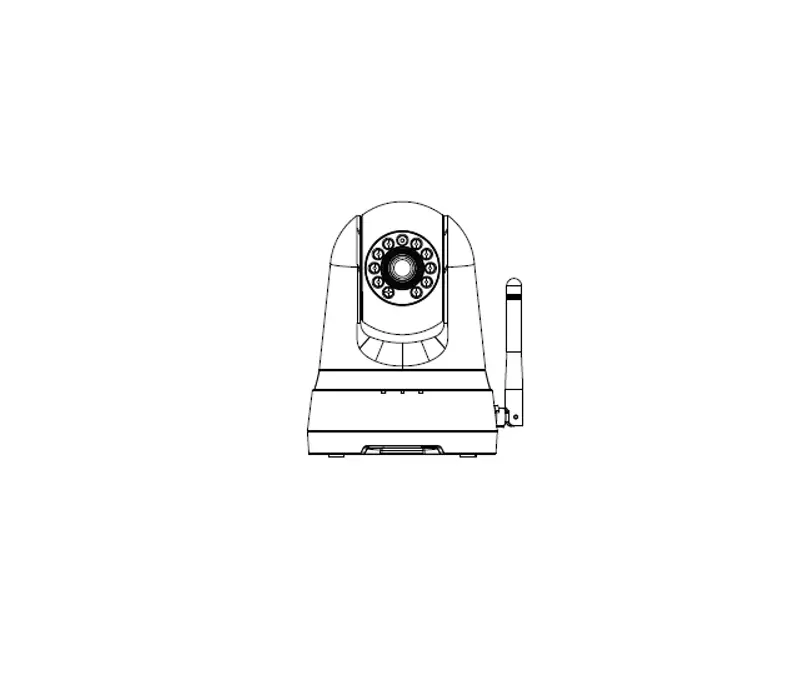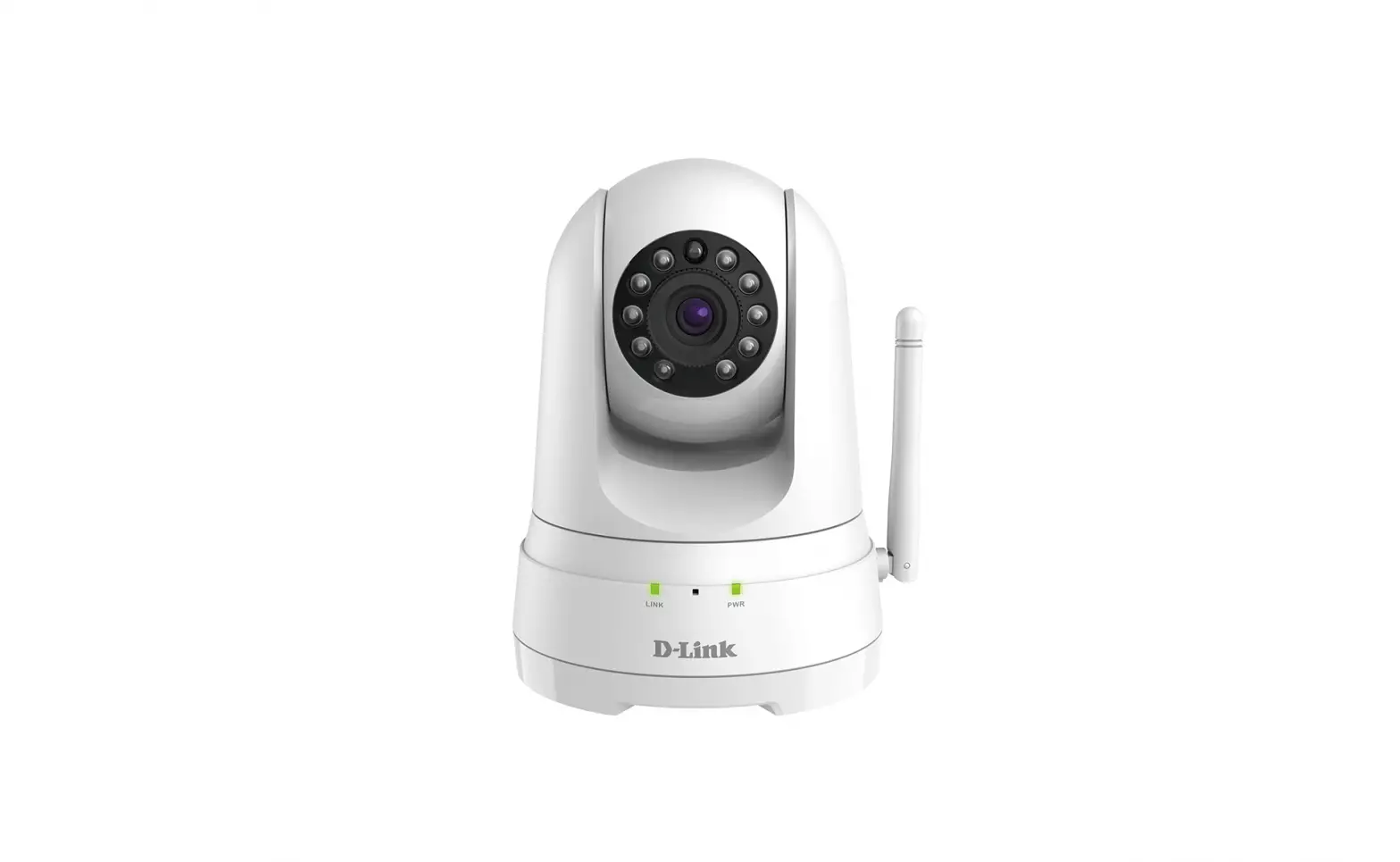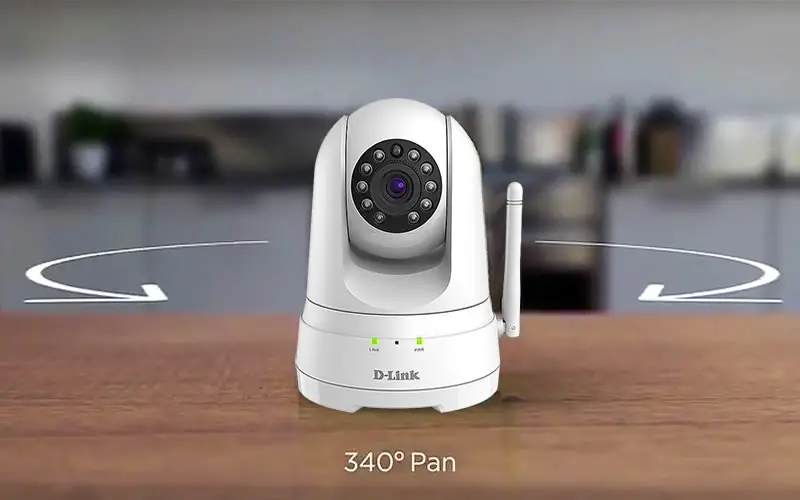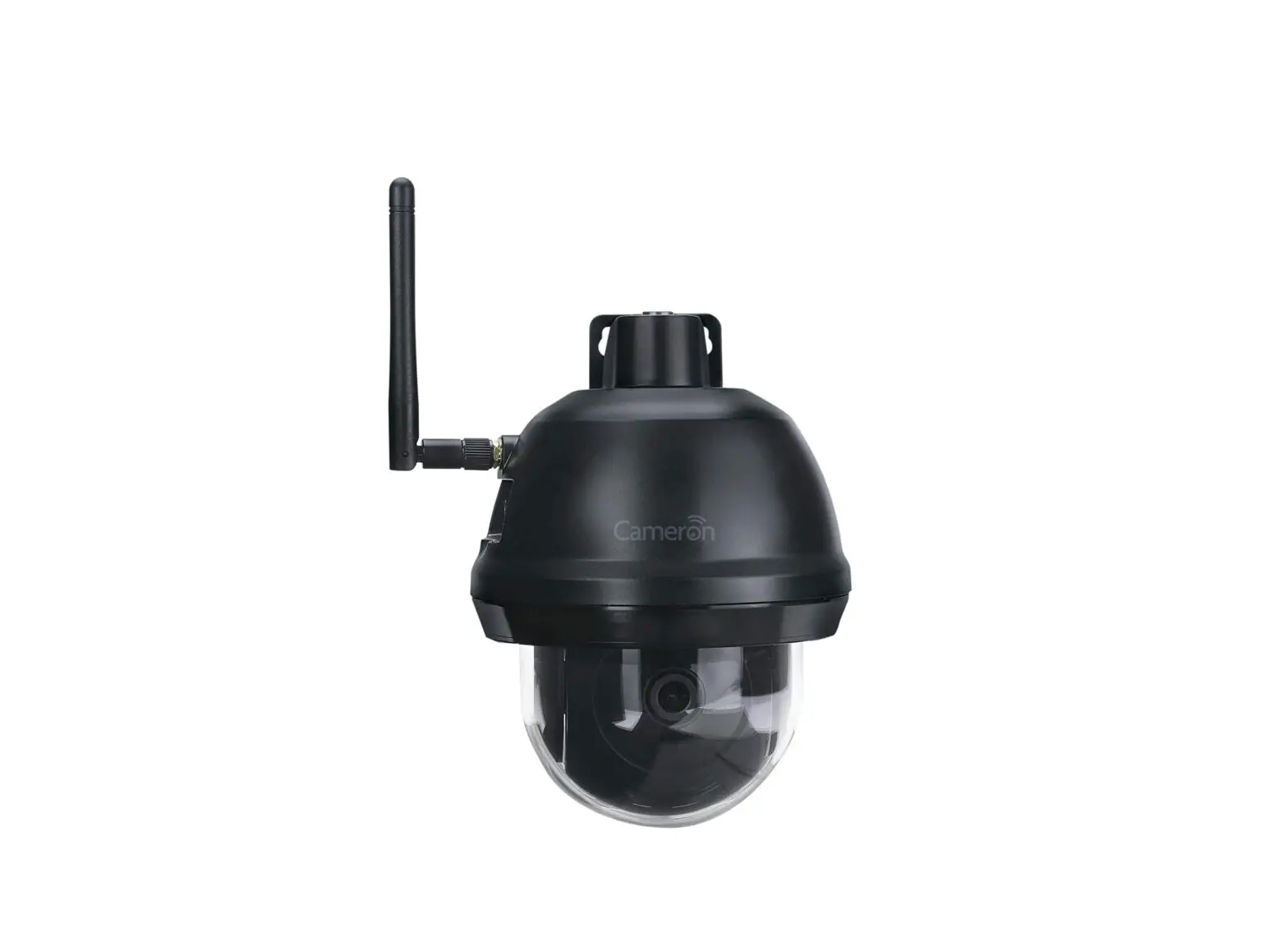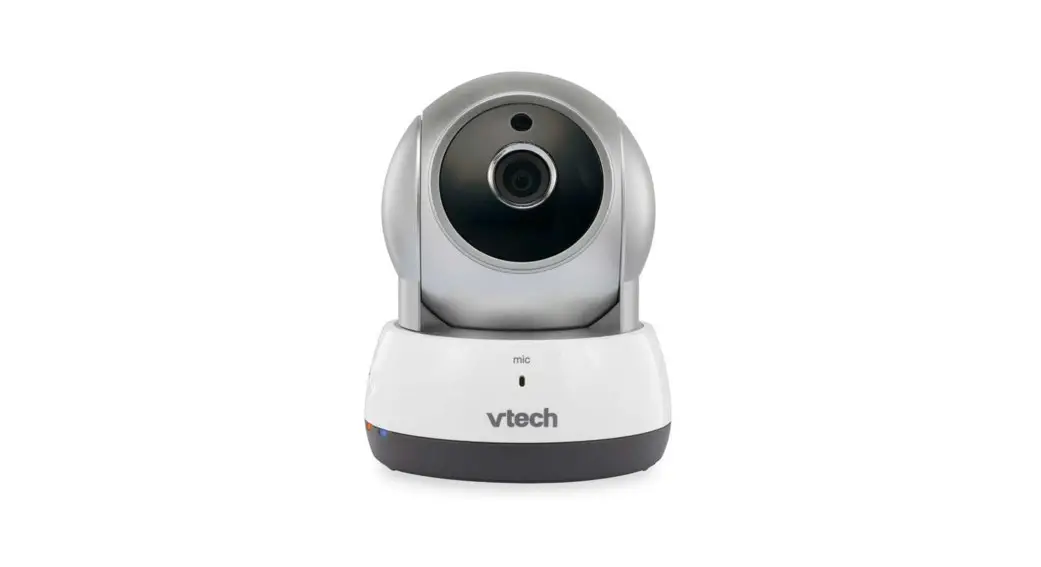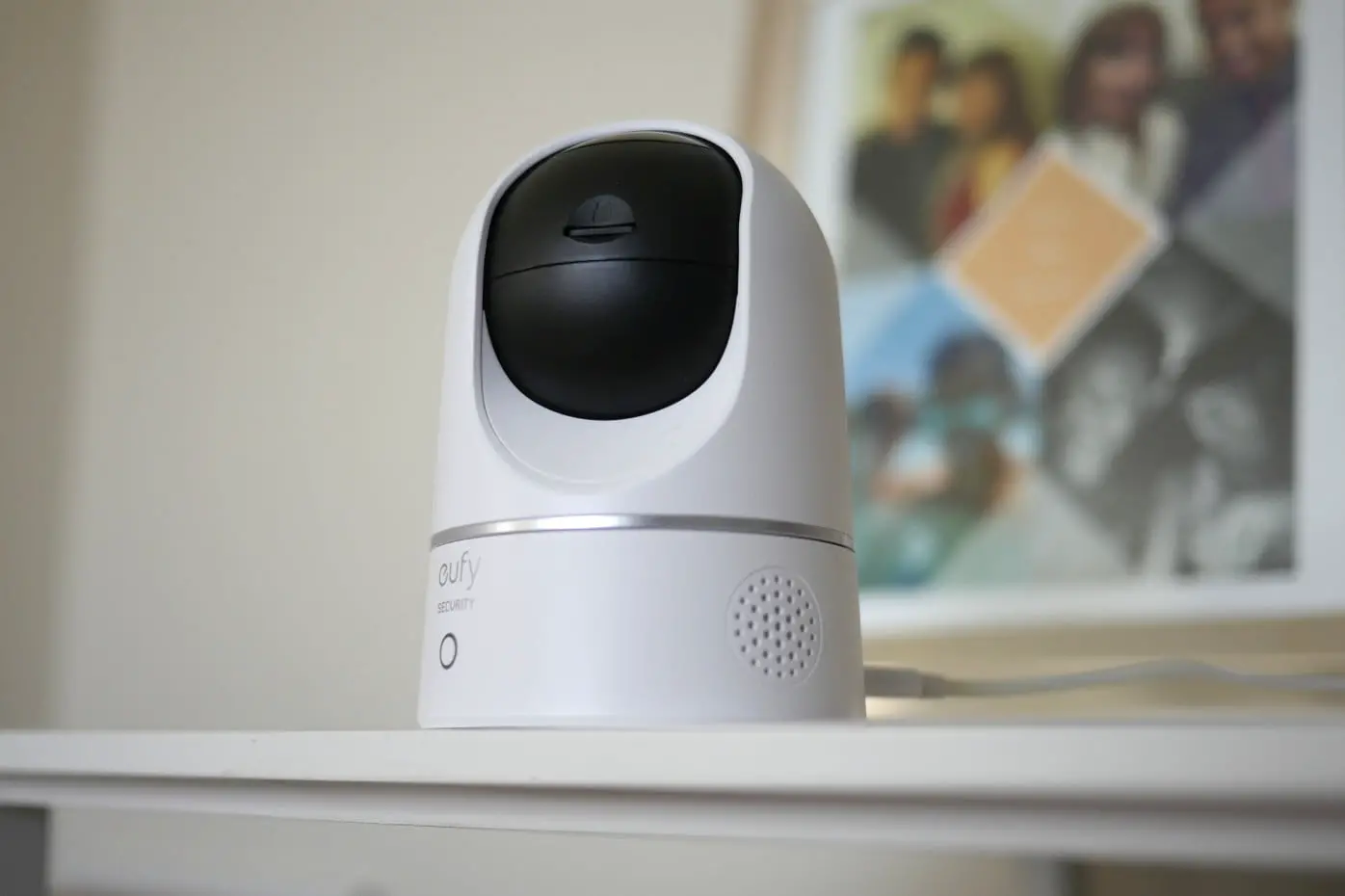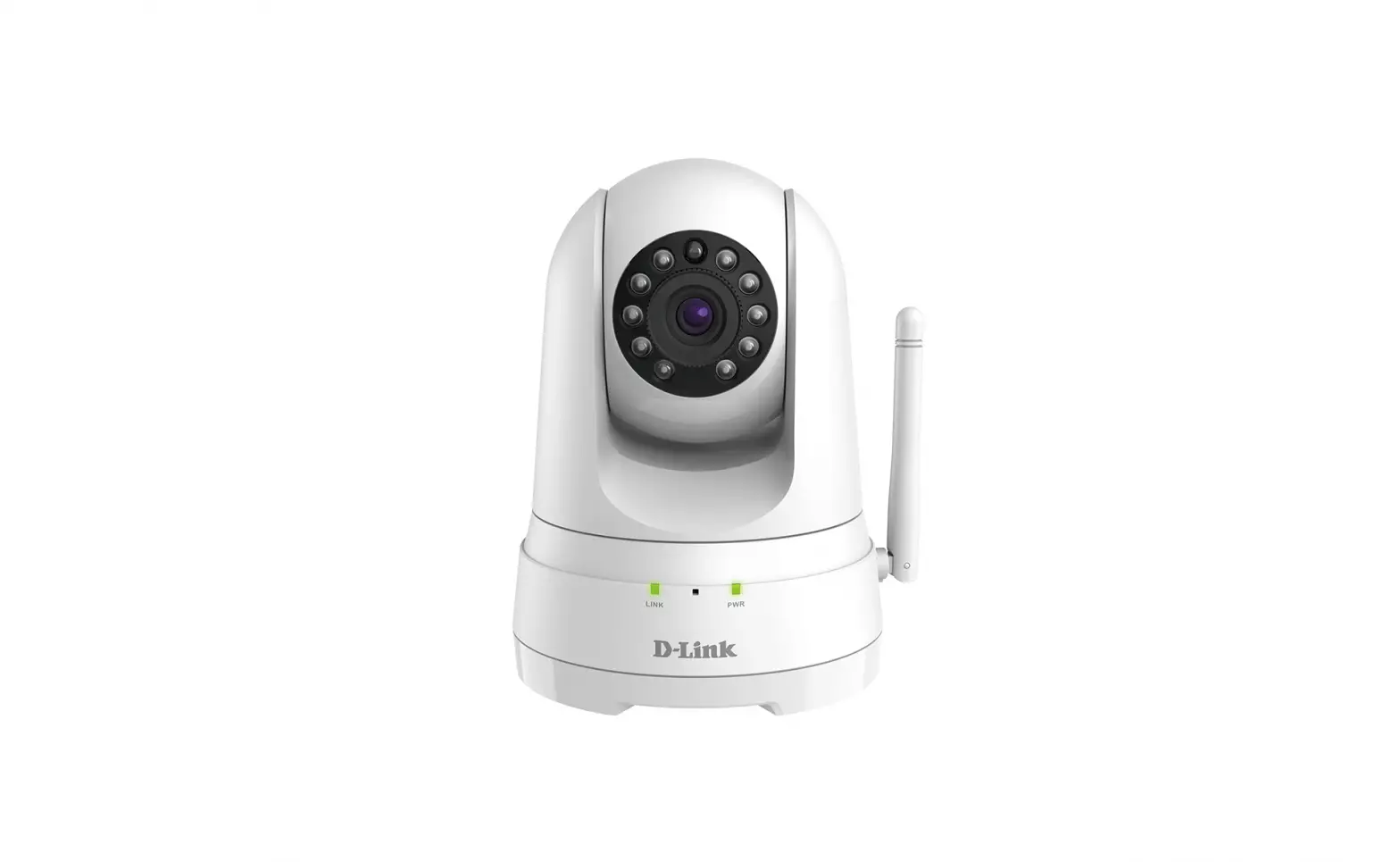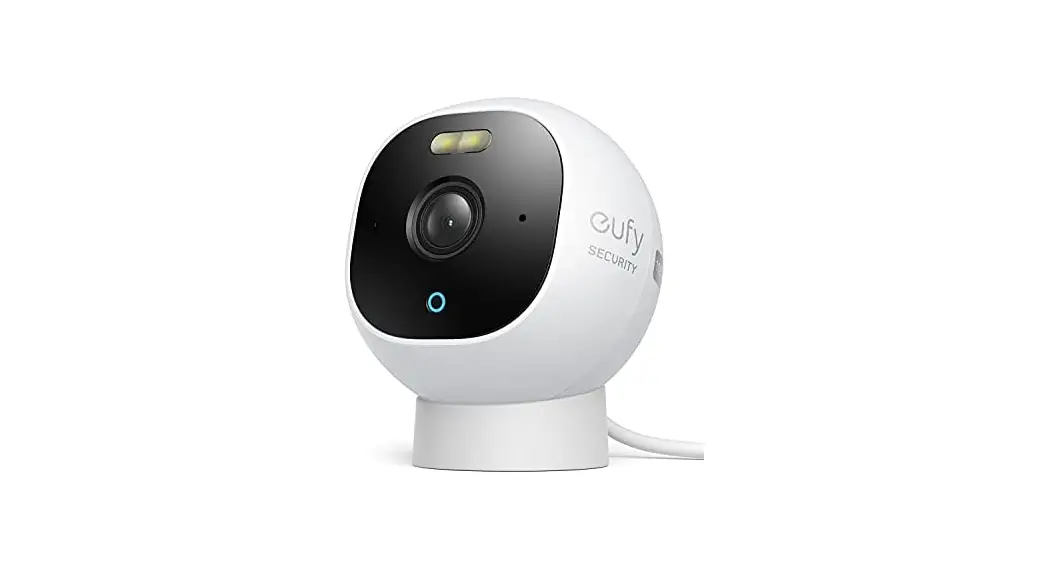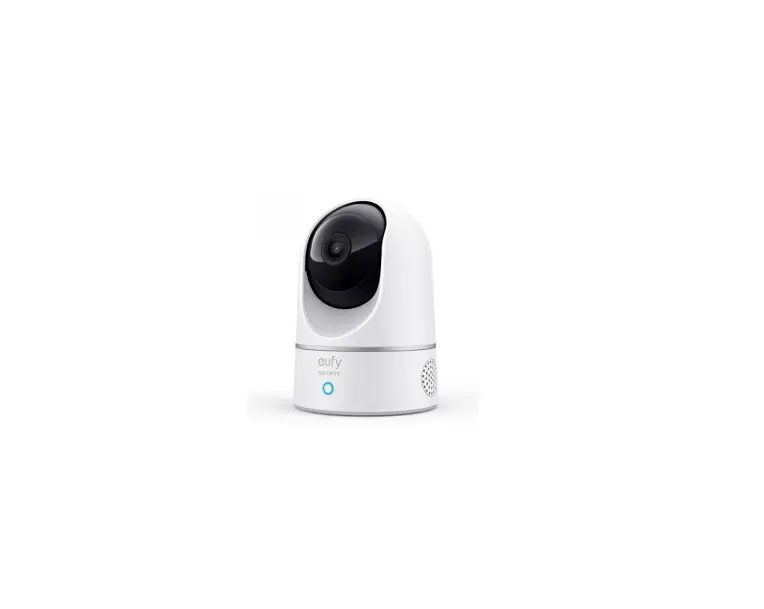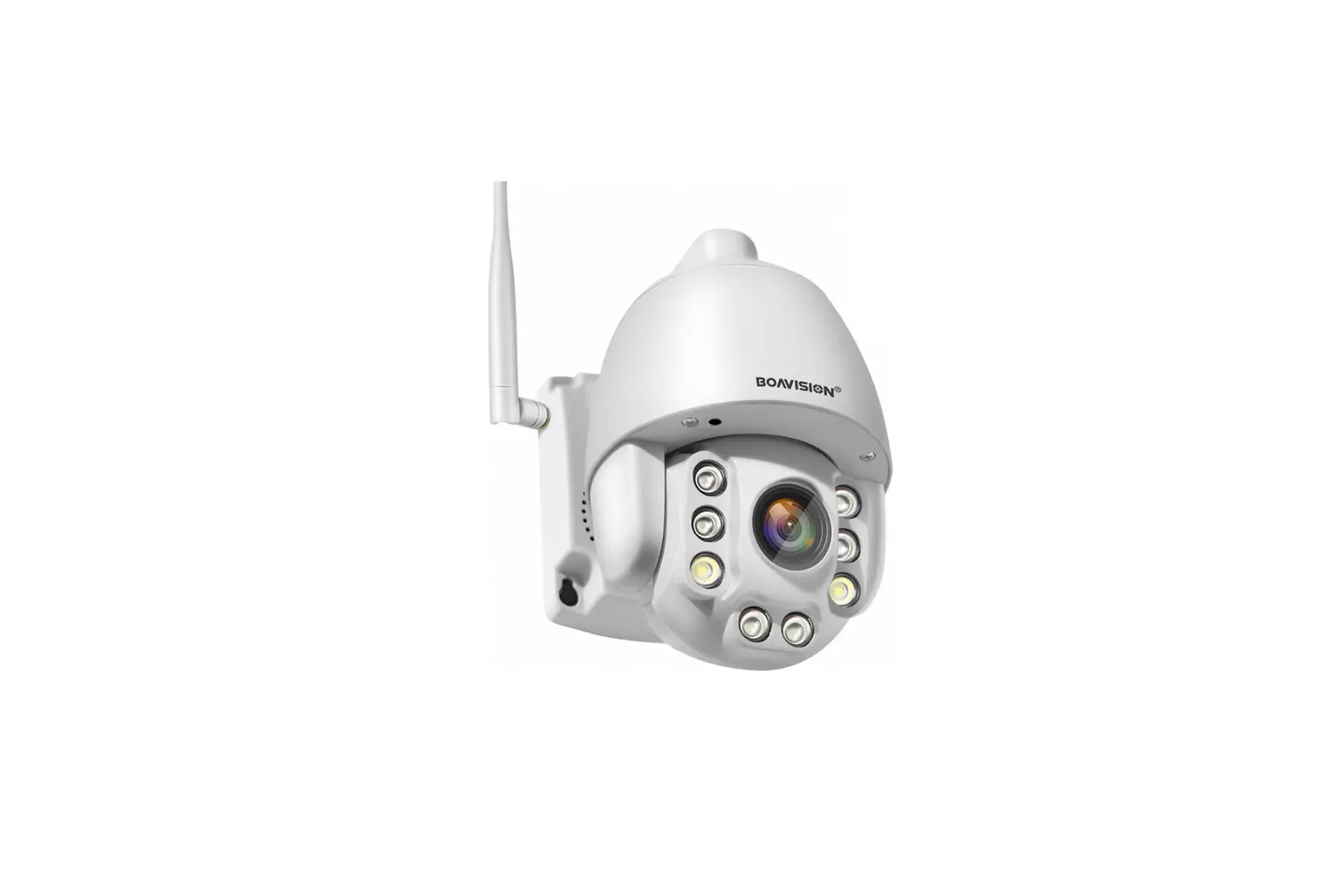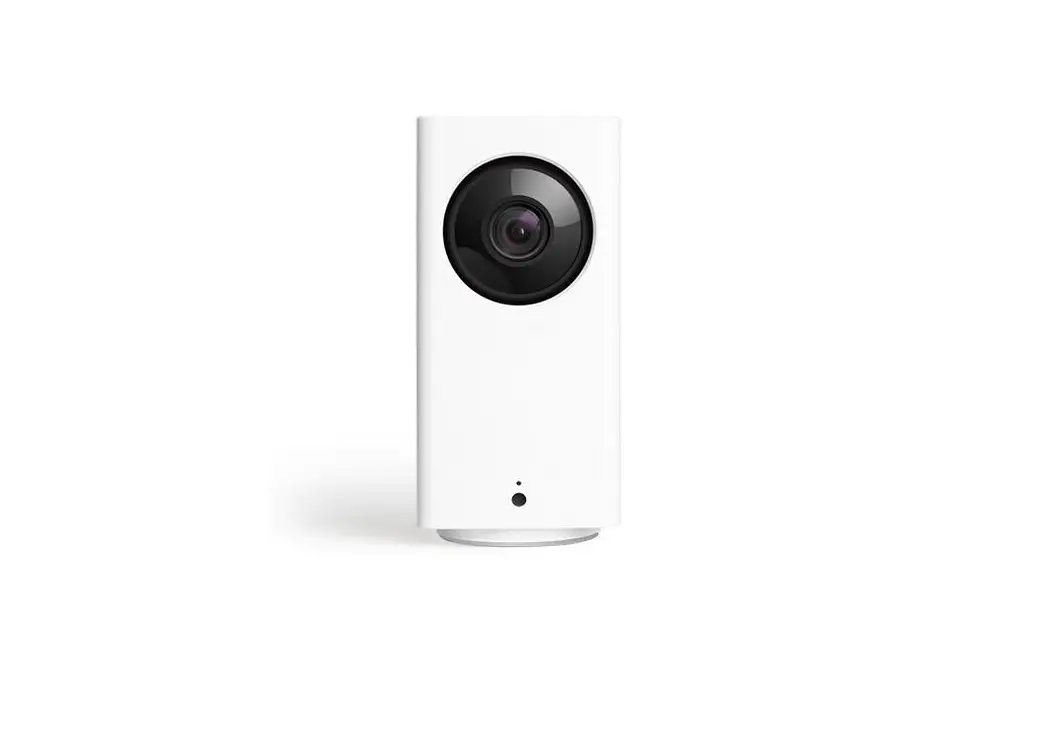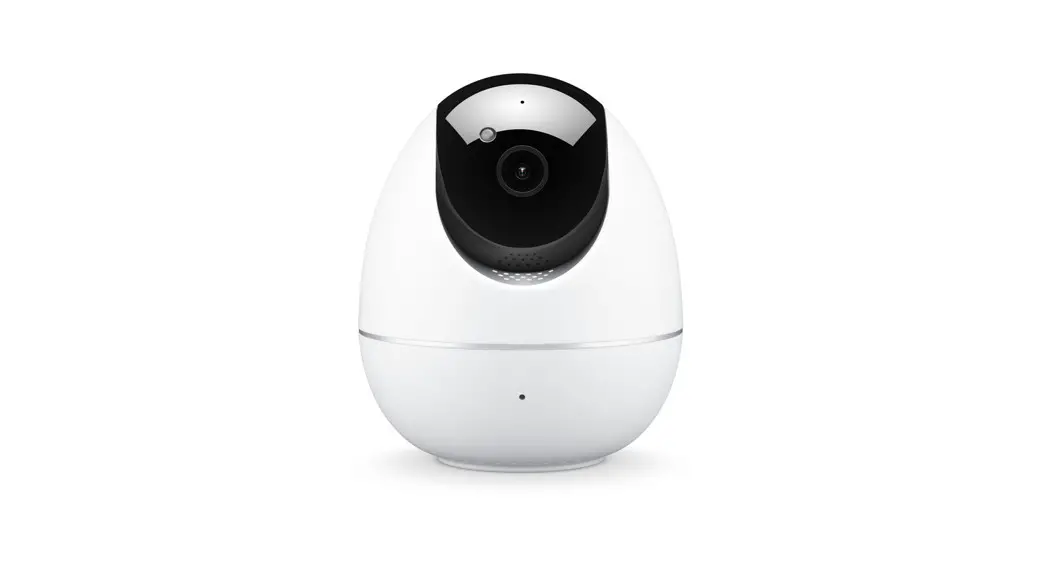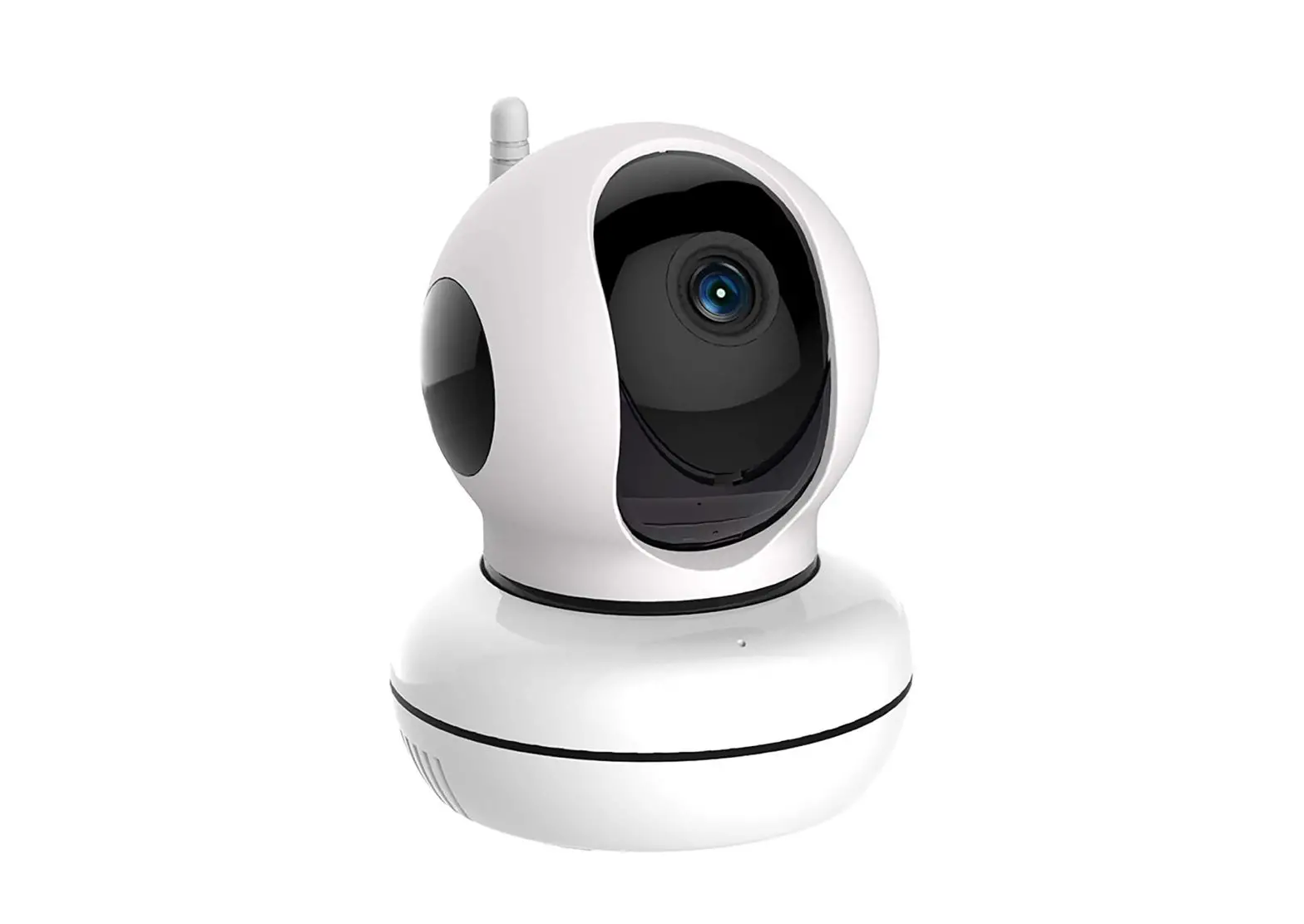
SKYLINK WC-400PHB Indoor Pan & Tilt Camera User Guide
Package Contents
- Indoor Pan & Tilt Camera

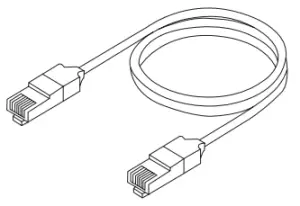
- Ethernet Cable

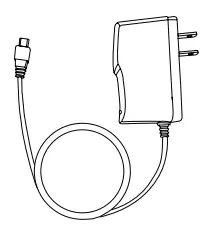
- Power Adapter

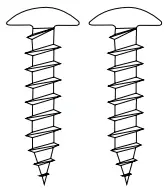
- Screw X 2

- Mounting plate

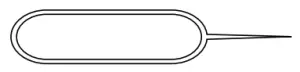
- Pin Tool

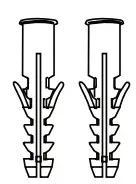
- Drywall Anchor X 2

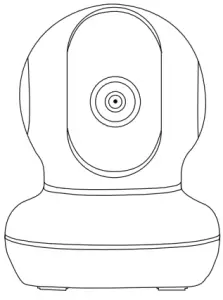
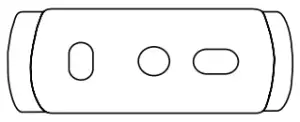
Mounting Plate
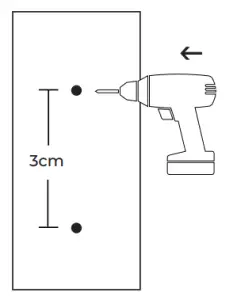
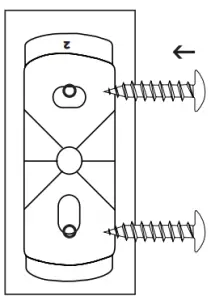
- Drill small holes as displayed 3m apart

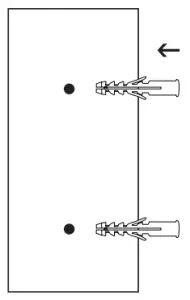
- Install anchors into drill hole

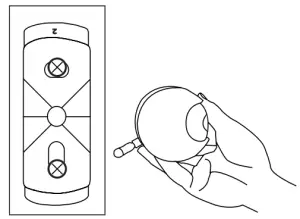
- Align mounting brackets as shown and install screws into anchors

- Place the bottom of the camera onto the mounting plate and twist rightwards

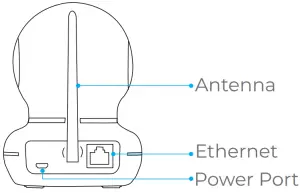
Set-Up the Camera
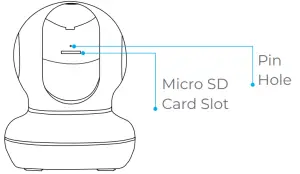
In the event that you forget your password, insert the pin tool into the pin hole and push the reset button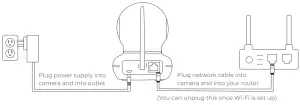
Connet with apps
SCAN
Learn how to set up with apps


SkylinkCam 1


Orbit


SkylinkNet
Warranty/Customer service
This product is guaranteed to be free of defects in materials and workmanship for 1 year from the date of purchase. If this product is defective, call 1-800-304-1187 for repair or replacement parts. Guarantee does not include normal wear and tear or batteries.
If you have any questions, problems or missing parts, please call: Skylink Customer Support 1-800-304-1187 9:00am – 5:00pm EST, Monday-Friday. Or
e-mail us at [email protected]
www.skylinkhome.com