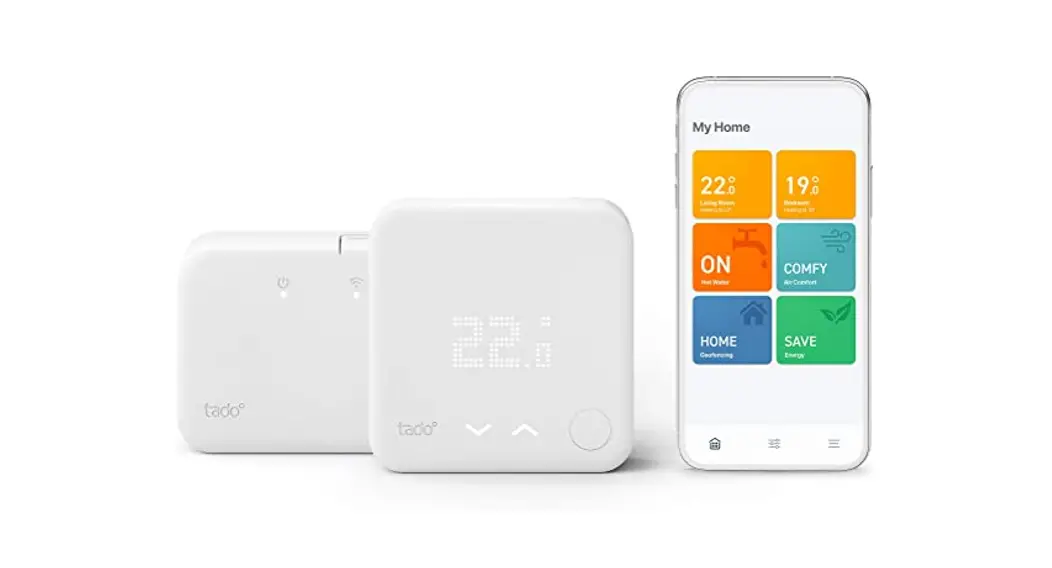


Manual for Professional Installers
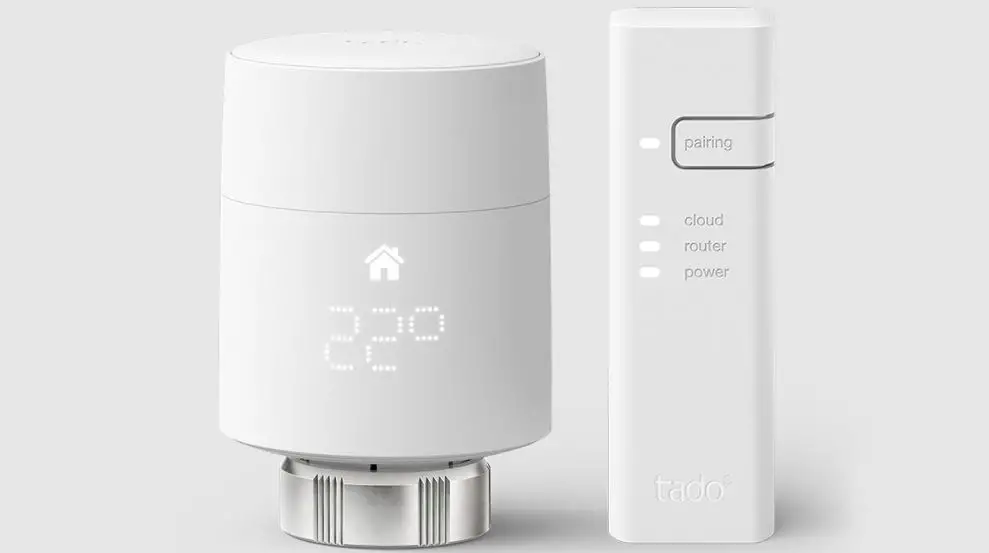
For the Starter Kit – Wireless Smart Thermostat V3+
(Incl. Programmer with Hot Water Control)
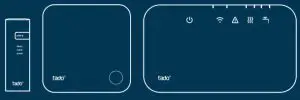
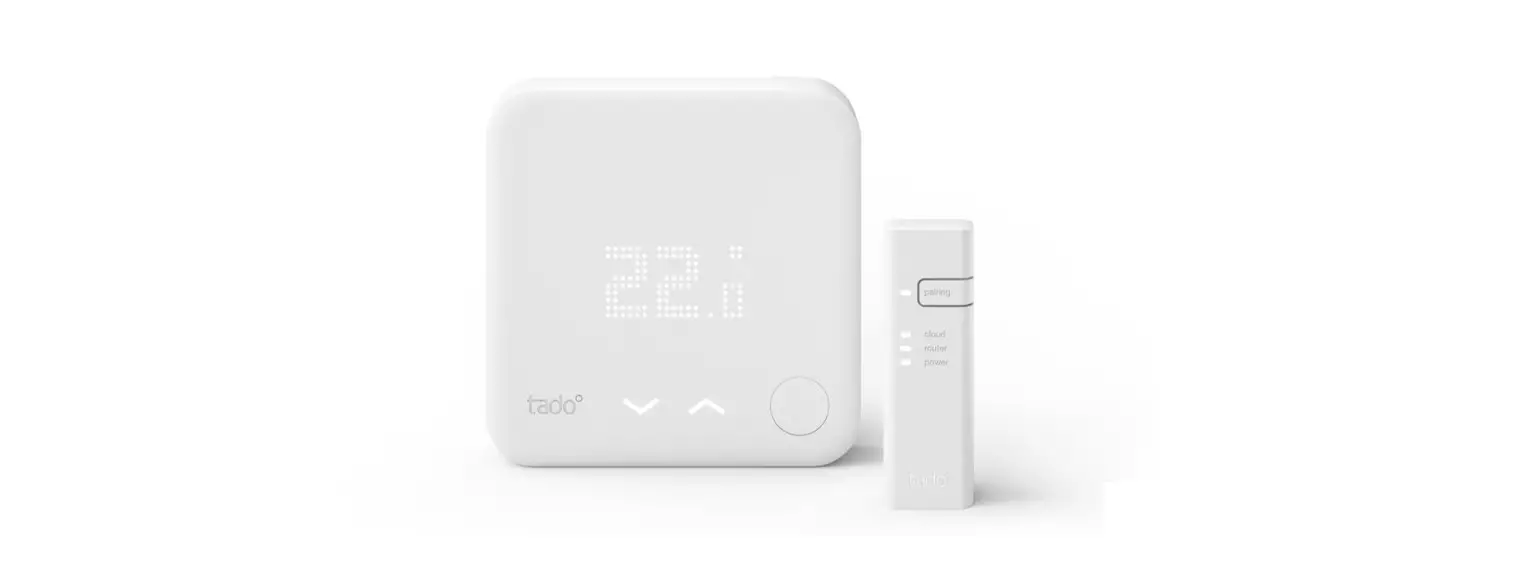
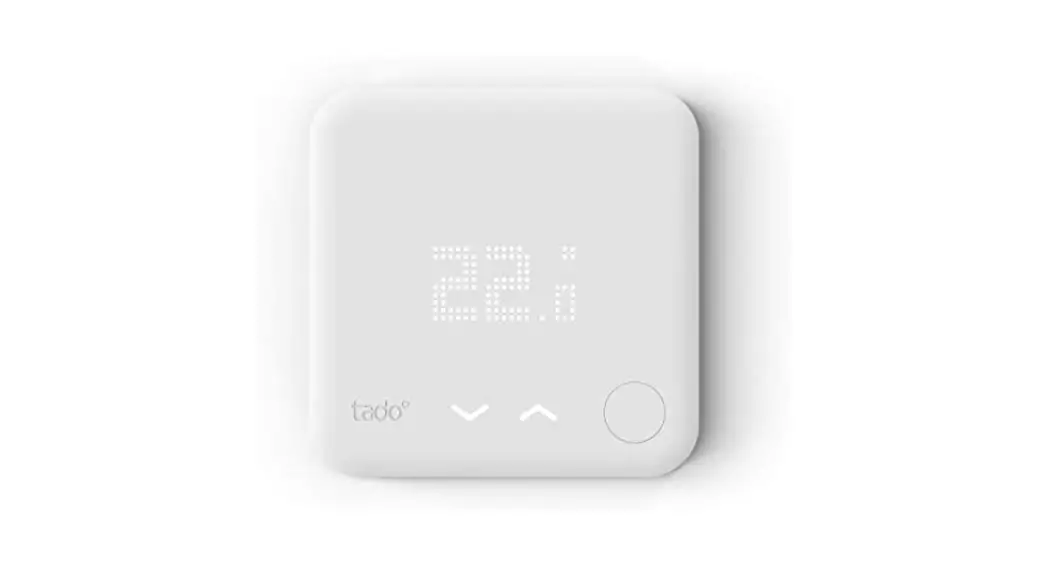
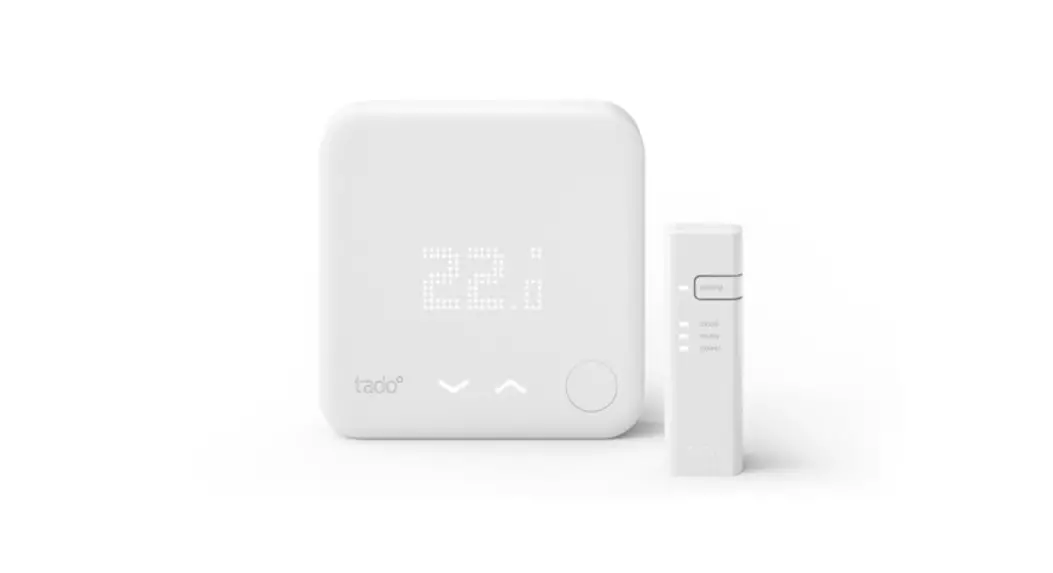
This manual is meant exclusively for professional installers. It includes generic instructions to install the Wireless Receiver (Programmer) and the Wireless Temperature Sensor.
Manual version 3.2
DIY Installation
If you are not a professional installer, please download the tado˚ app. There you will find specific installation instructions.

 https://apps.apple.com/de/app/tado/id574418486?l=en

 https://play.google.com/store/apps/details?id=com.tado&gl=DE
Install the Internet-Bridge
A. Connect the Internet Bridge to the router.
If no free USB port is available on the router, use the included 5V power adapter.
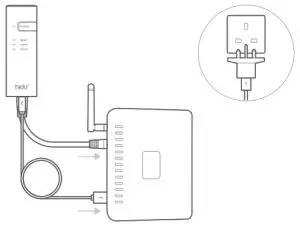
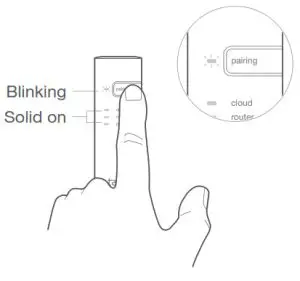
B. Press and hold the pairing button until the pairing LED starts blinking.
Pair the Wireless Temp. Sensor
| A. Remove the battery protection strip. | 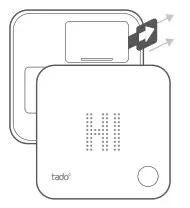 |
| B. Press the button for 3 sec to start pairing. | 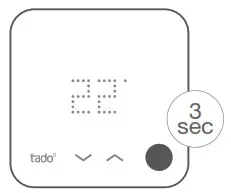 |
| C. Pairing may take up to 2 min. | 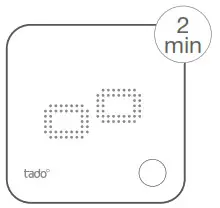 |
| D. The static icon below indicates successful pairing. | 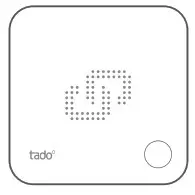 |
If pairing fails (E0), make sure the distance between the devices is approximately 3 meters. Pair again by pressing the button for 3 sec.
Replace the room thermostat
 Caution! Turn OFF the power before wiring!
If there is a wired room thermostat installed in the zone that is intended to be controlled by the Wireless Receiver, please decommission it by bridging the control wires and insulating the other wires with the included 2-terminal connector blocks as shown in the images.
Once tado° is installed, the Wireless Receiver will be the only device that controls the heating system.

 For Neutral and Earth, Insert only one wire per block, even though the block has more than one opening.
Extra information: Wireless Receiver Symbols
 | Power supply, testing mode & configuration |
 | Connection with other tado˚ devices |
 | Device errors |
 | Heat request |
 | Hot water request |
 | Unfold to check: |
Wire the Wireless Receiver
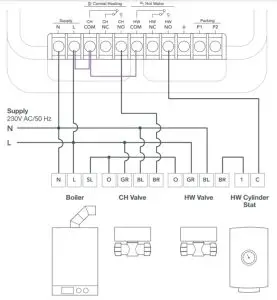
S-Plan
The Wireless Receiver is configured by default for fully-pumped S-plan and Y-plan heating systems.
 Caution! Turn OFF the power before wiring!
Mount the Wireless Receiver to the wall before wiring.
Always use the included strain reliefs and position them on the outer insulation layer of the cable.
 Included bridging wires (purple)
 Y-Plan
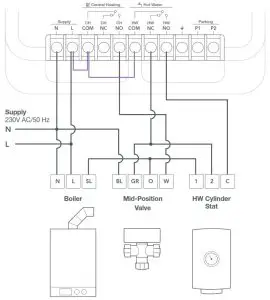
The Wireless Receiver is configured by default for fully-pumped S-plan and Y-plan heating systems.
Caution! Turn OFF the power before wiring!
Mount the Wireless Receiver to the wall before wiring.
Always use the included strain reliefs and position them on the outer insulation layer of the cable.
Included bridging wires (purple)
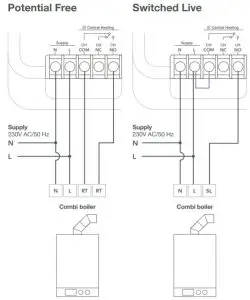
Combi Boilers:
When connecting tado° to a combi boiler, the configuration should be changed to a single relay to deactivate hot water control on the Wireless Receiver (see step 6).
Caution! Turn OFF the power before wiring!
Mount the Wireless Receiver to the wall before wiring.
Always use the included strain reliefs and position them on the outer insulation layer of the cable.
Included bridging wires (purple)
Pair the Wireless Receiver
| A. Put the cover on the device. | 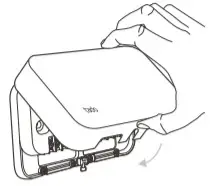 |
| B. Turn the power back ON and wait 30 sec. | 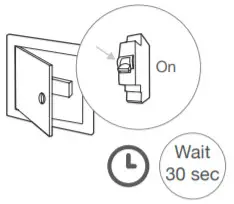 |
| C. Press the main button above the signal icon for 3 sec to start pairing. | 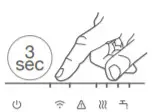 |
| D. Solid indicates successful pairing. | 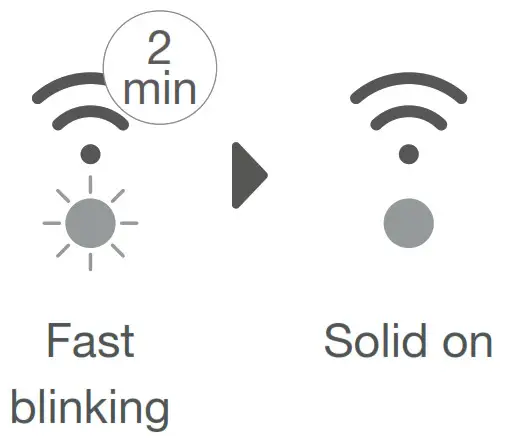 |
Configuration
Configuration is only required if tado° is wired to a combi boiler or to a gravity-fed system.
A. Press both test buttons at the same time for 5 sec, until the colored power LED shows the current configuration.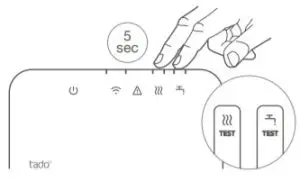 B. Press the heating TEST button to switch between configurations. Wait 5 sec to confirm the selection.
| Colour | System | Configuration | HW control | |
 | Green | S-Plan & Y-plan | Dual relay-Fully pumped | Yes |
 | Yellow | Combi Boiler | Single Relay | No |
 | Blue | Gravity-fed | Dual Relay – Gravity fed | Yes |
C. Once the selection is confirmed, the LED will blink to indicate is being saved. After, the LED stays solid 20 sec in the color of the selected configuration.
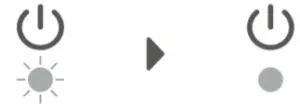
Testing instructions in the next pages
Test the system
A. Press the heating or hot water TEST button once. The orange LED will start fading in and out indicating that the testing mode is active.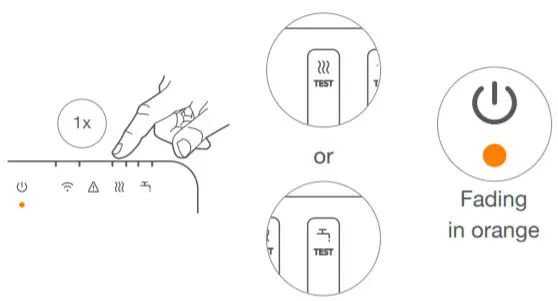
B. Press the TEST button for either heating or hot water to switch the relay ON or OFF. The TEST button’s LED will turn ON when the relay is in the closed position.
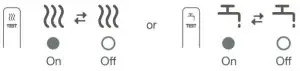
The device exits the testing mode automatically after 2 minutes of not pressing the either TEST button.
Please note that the TEST buttons adhere to the configuration of the device, meaning that the hot water TEST button will be inactive if the configuration is set to a single relay.
Need help?
Find additional Professional Installer Manuals here.
 https://www.tado.com/professional-manuals
Find more information on error codes in our Help Center.

Register on our tado°
Professional site for help, tips, and more information.


104172 V2