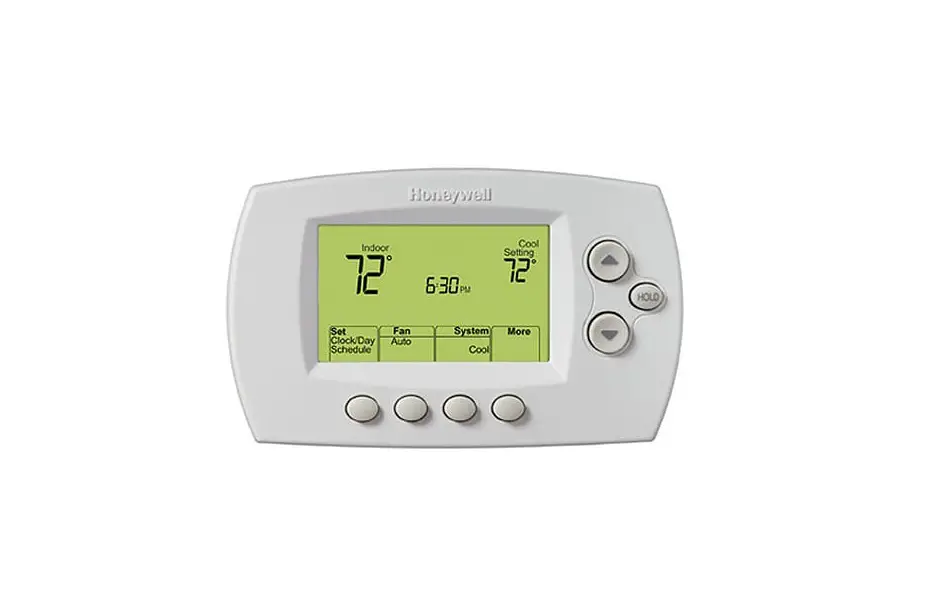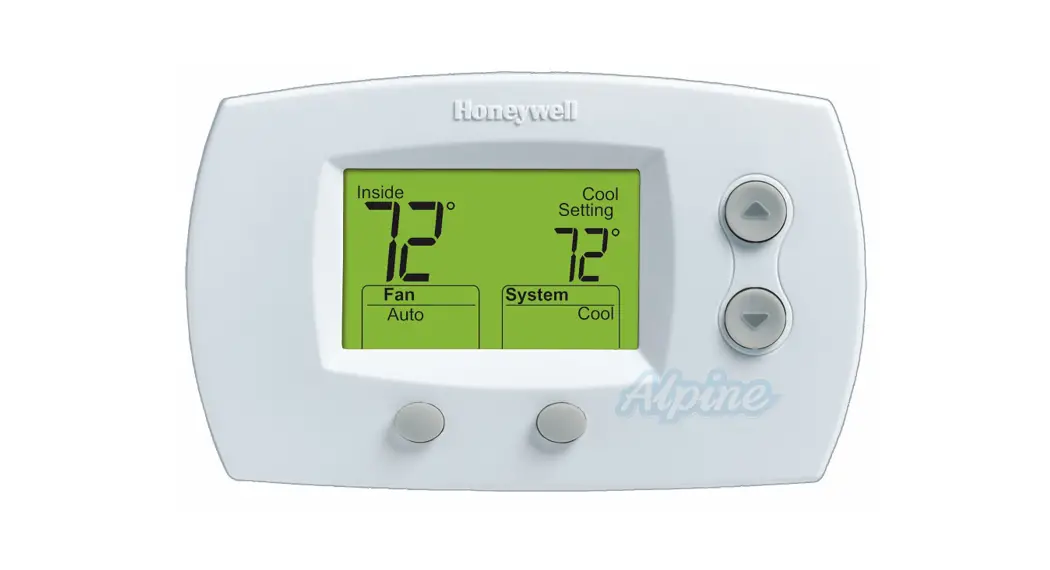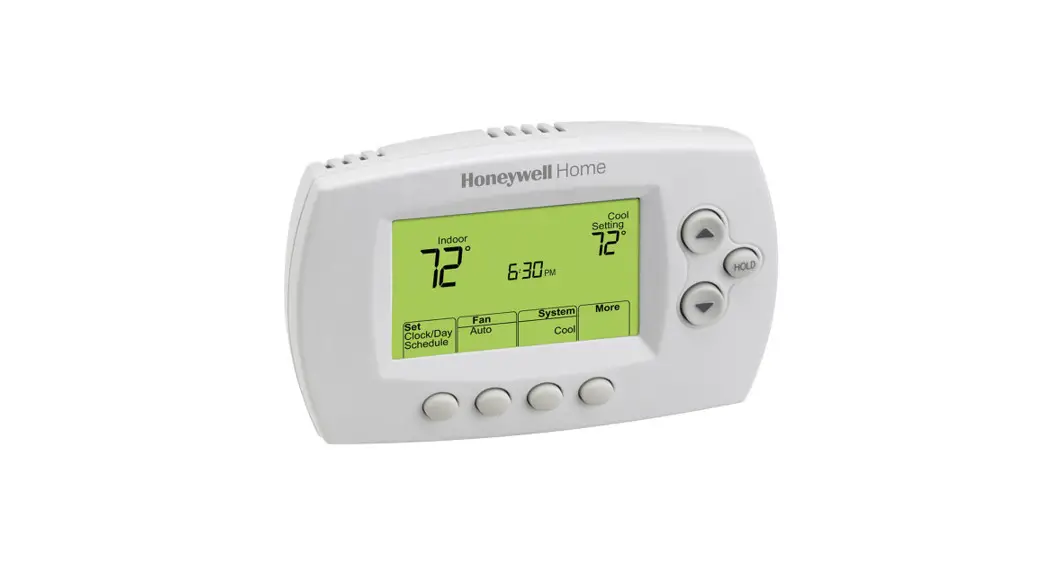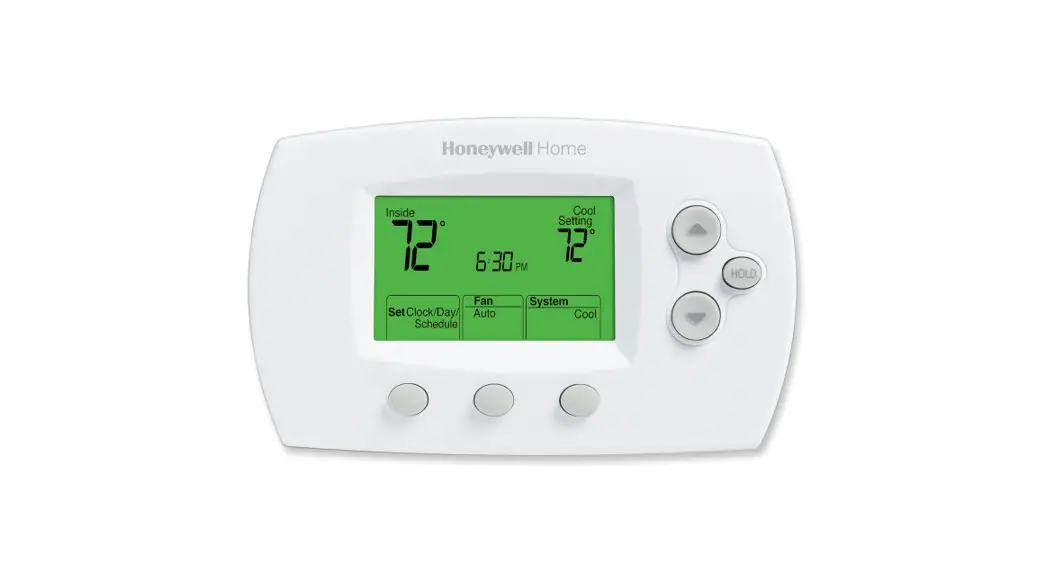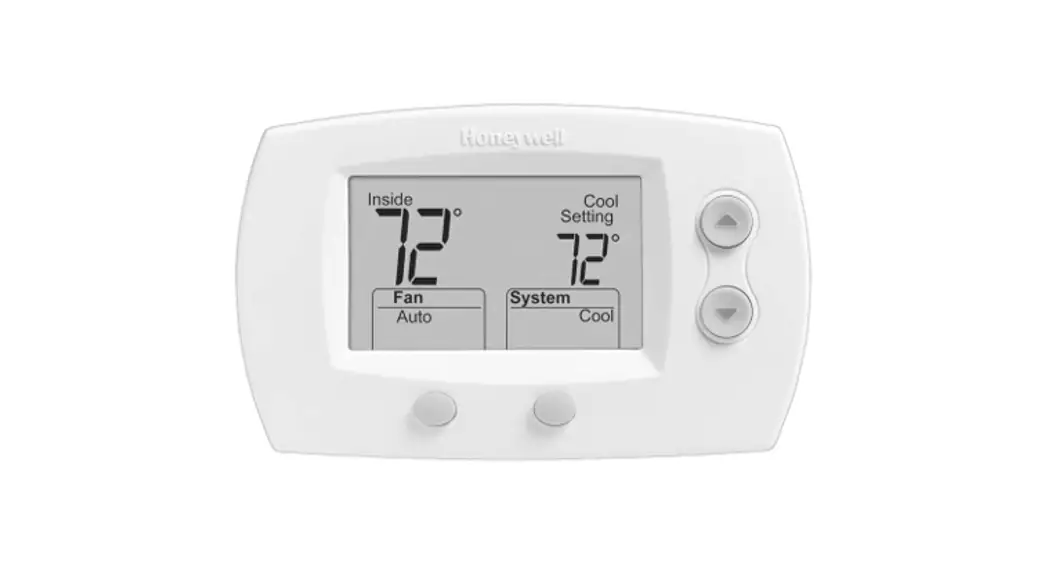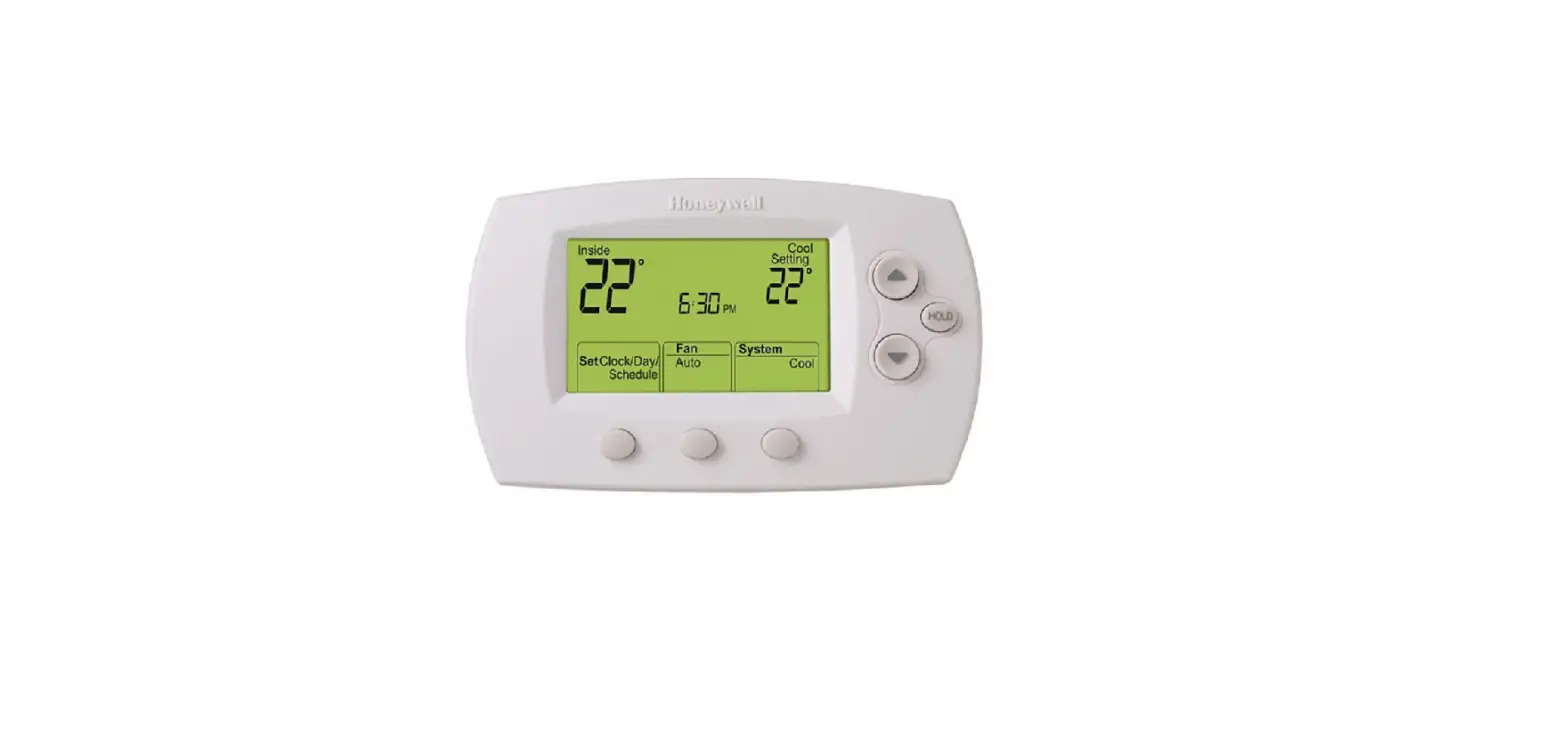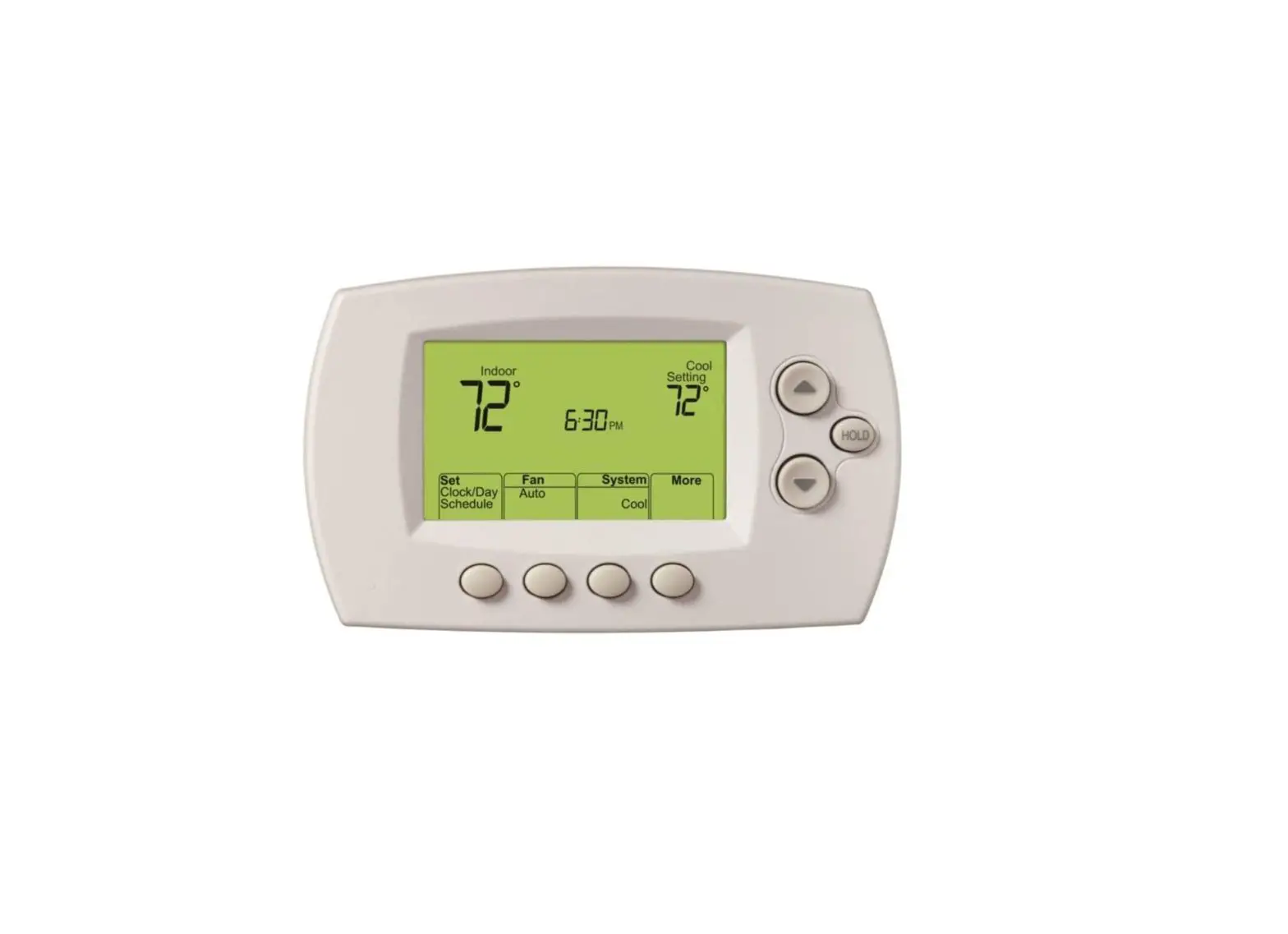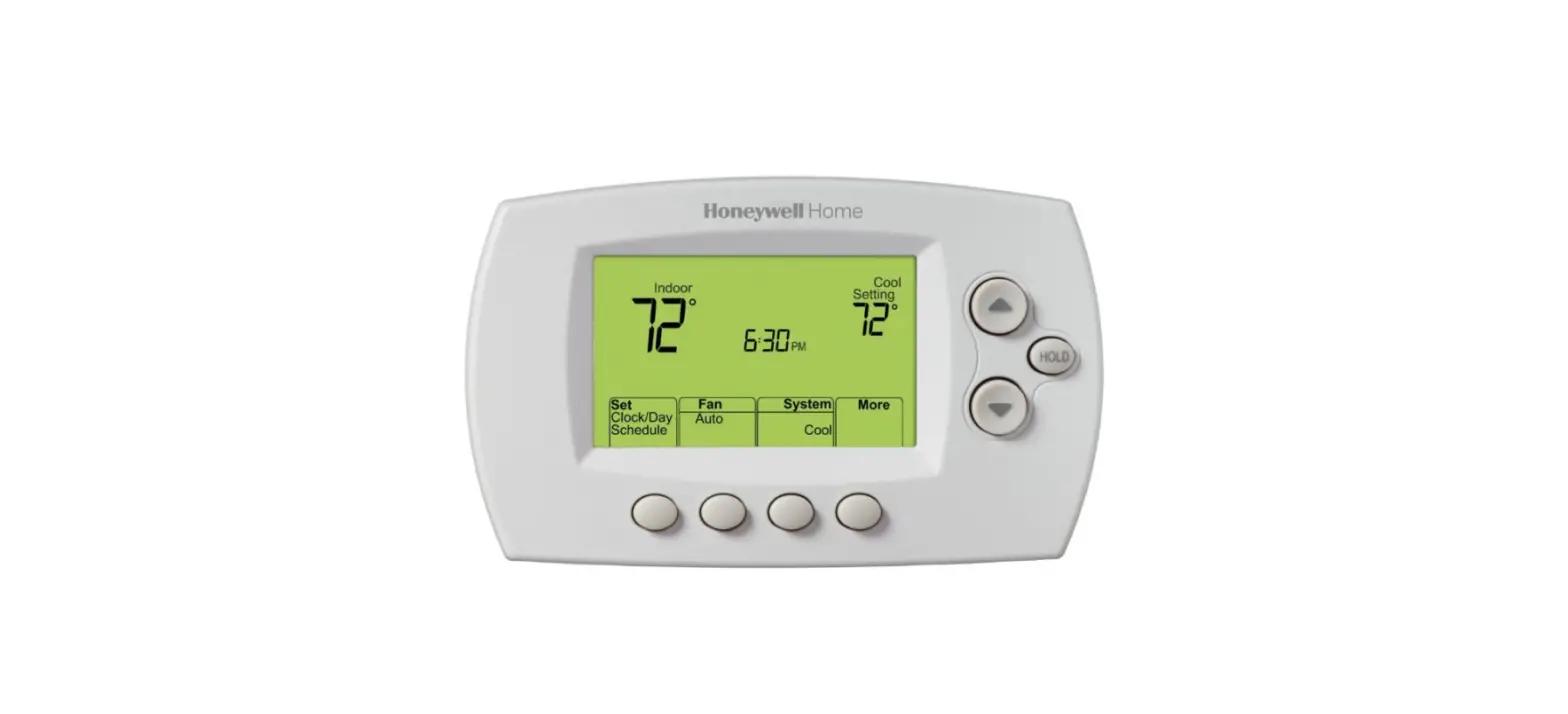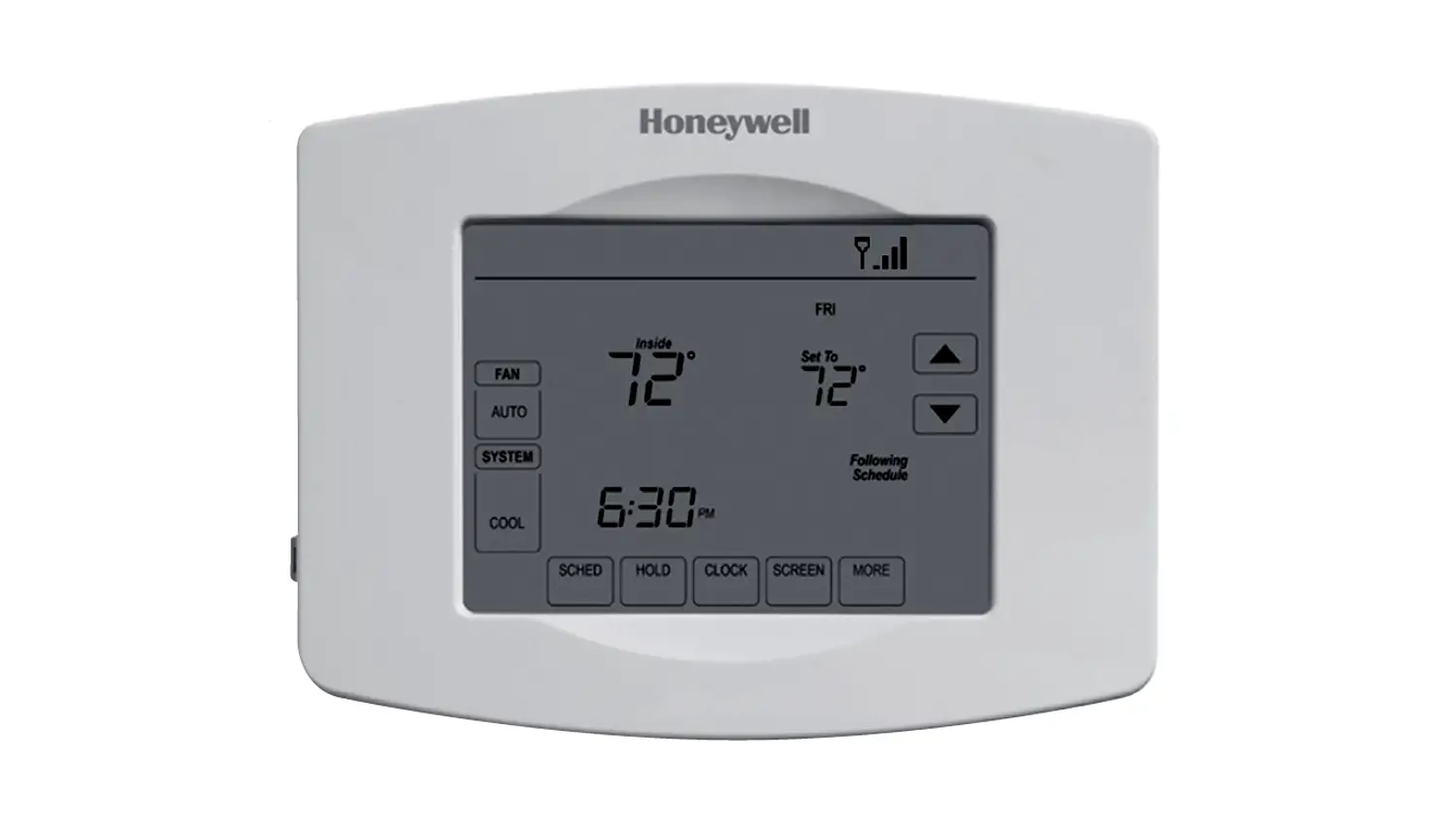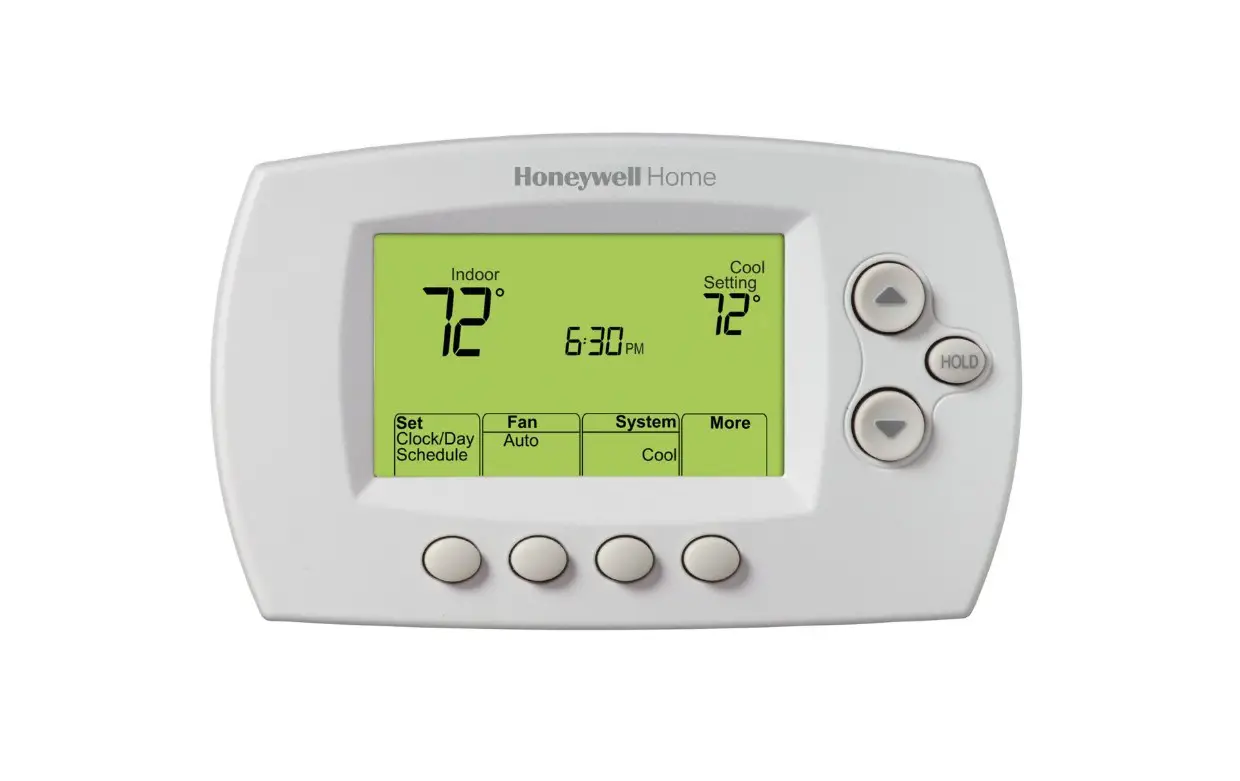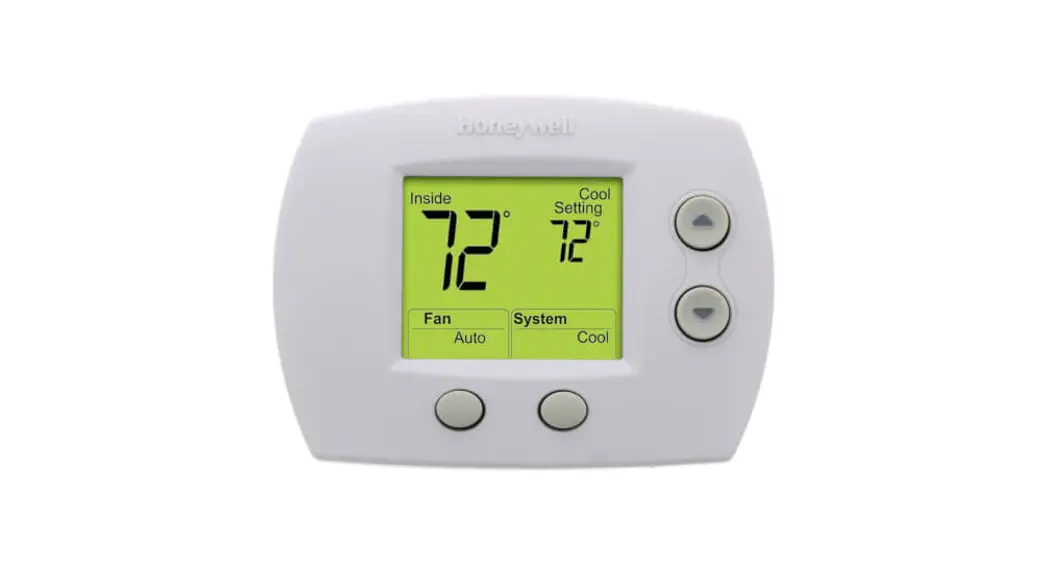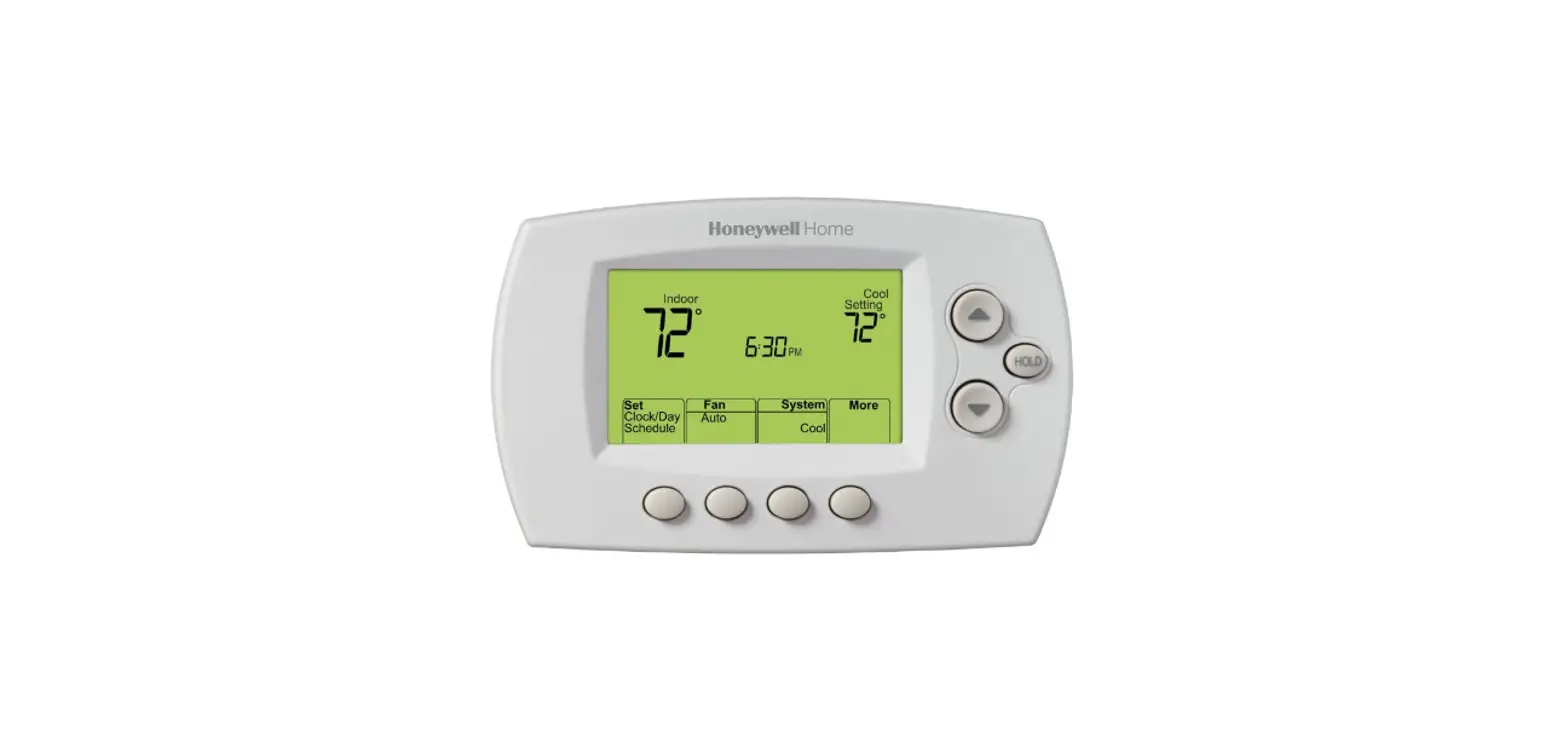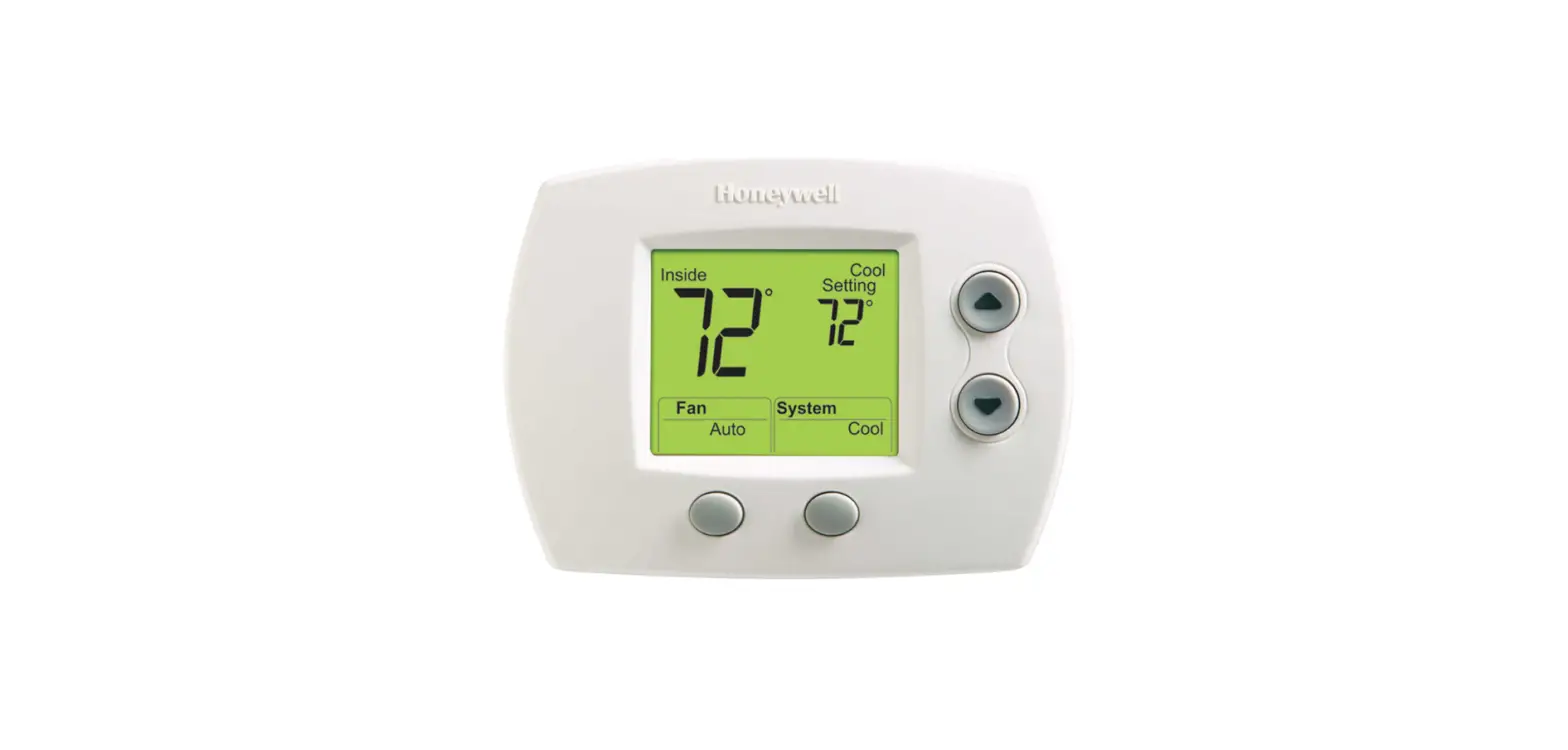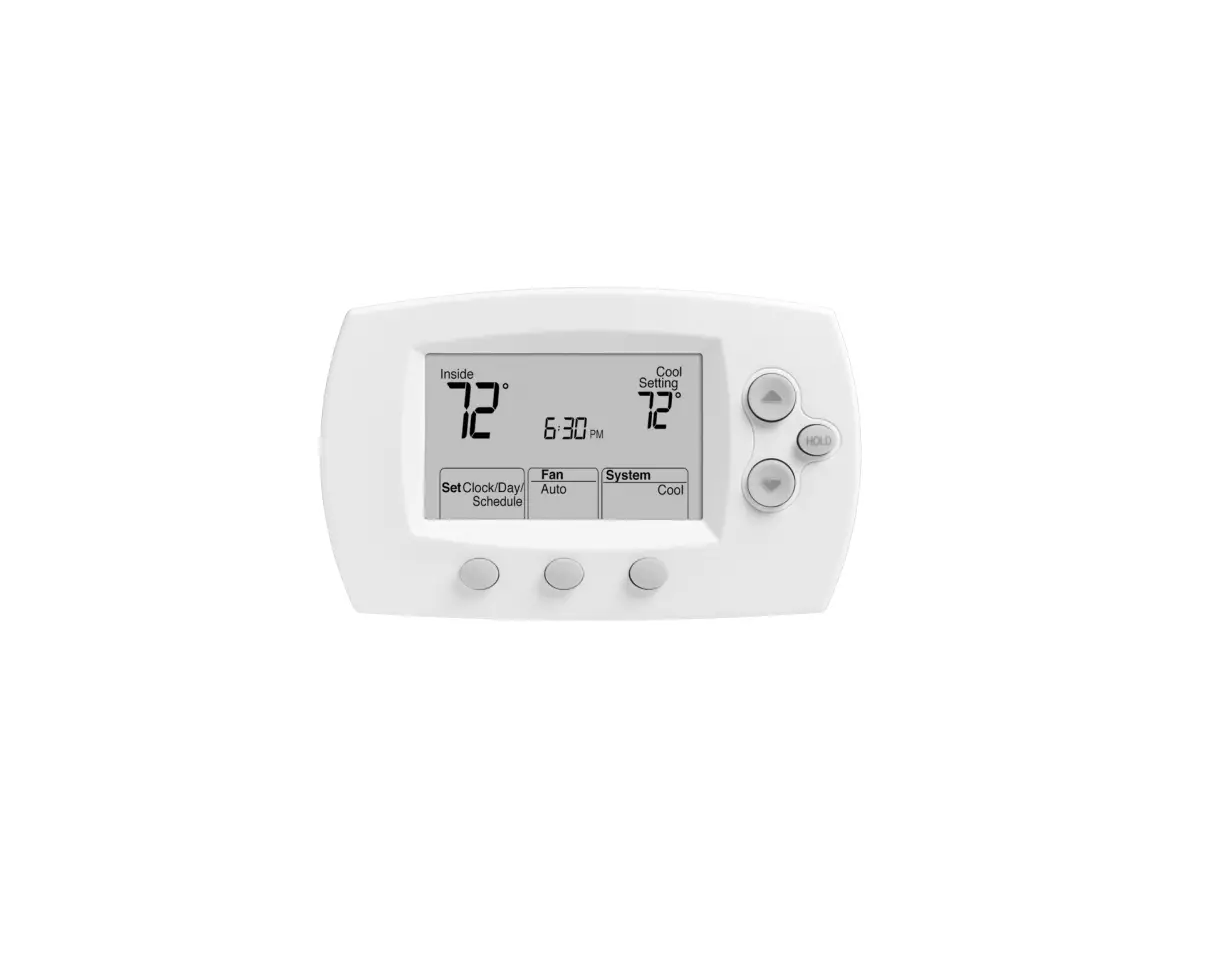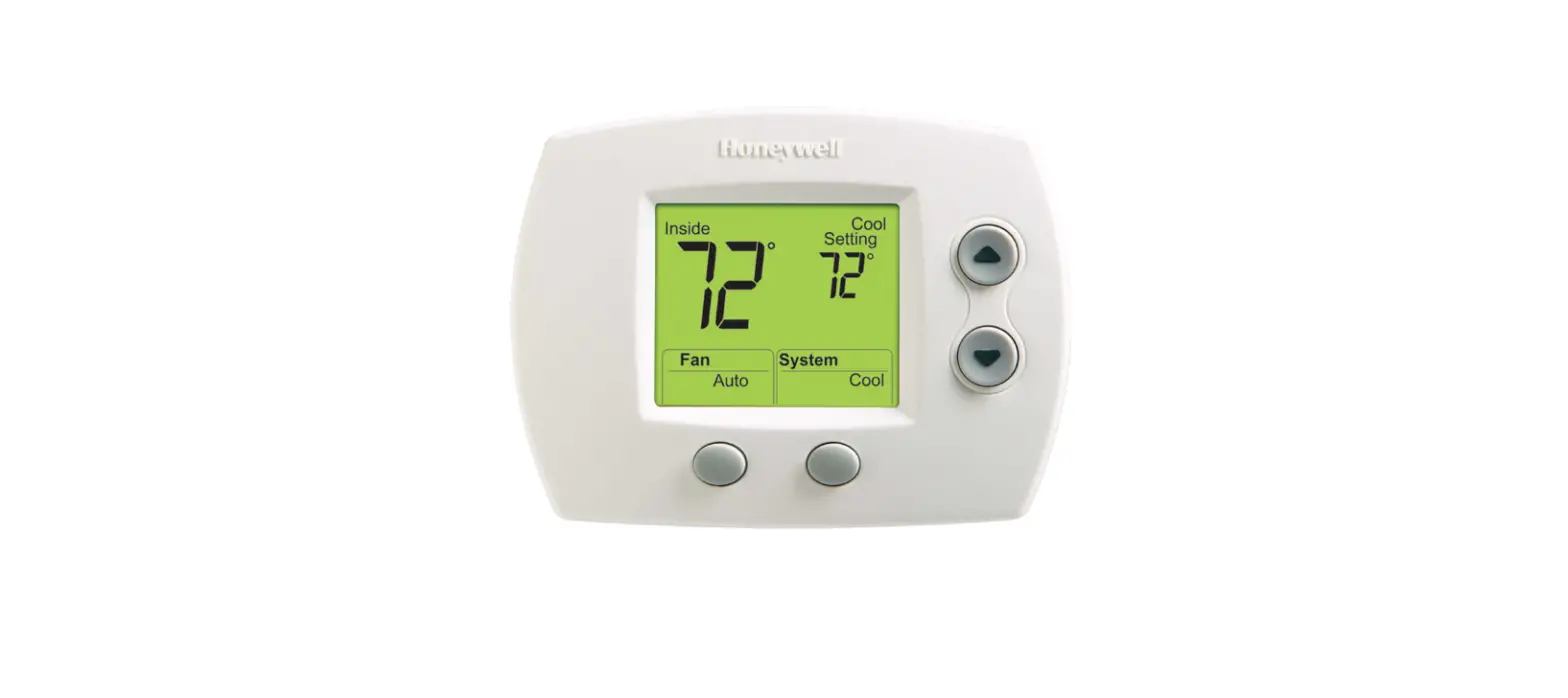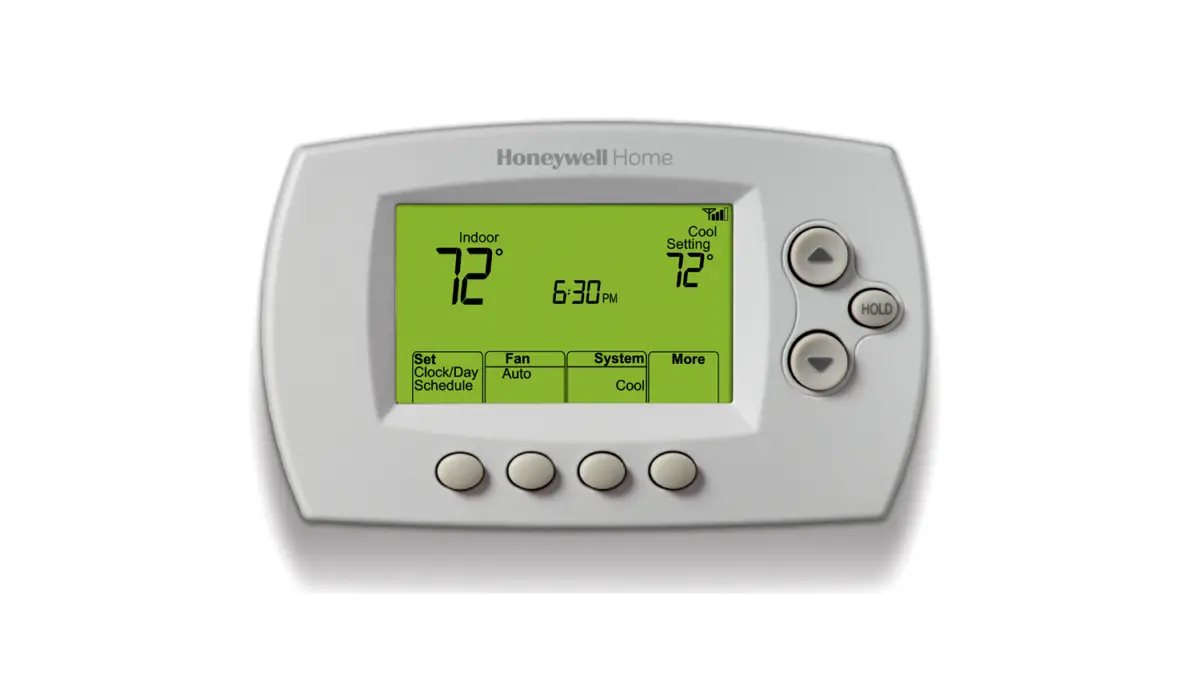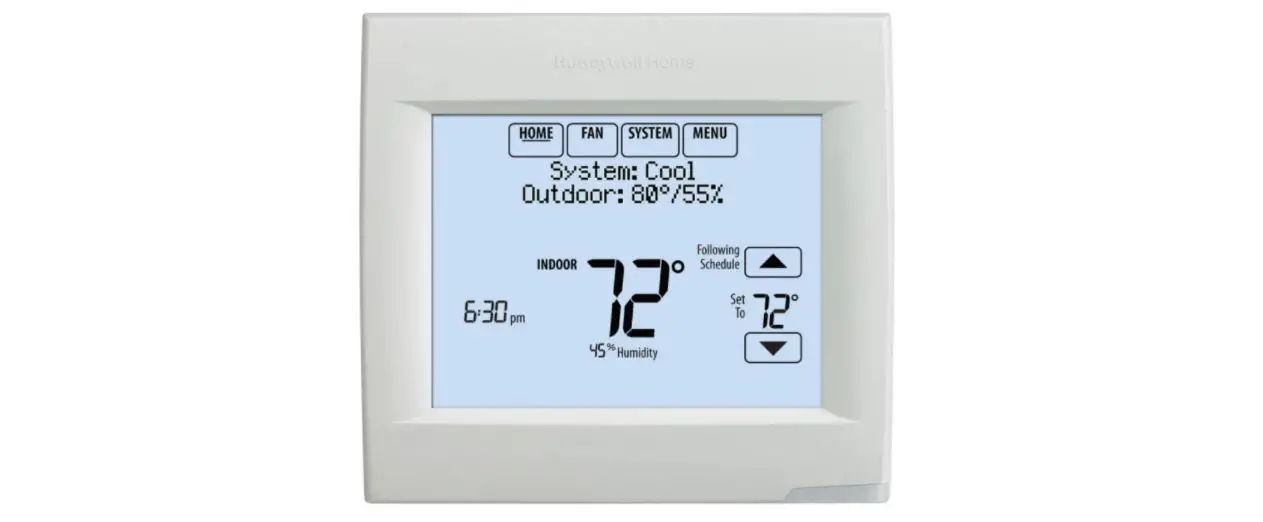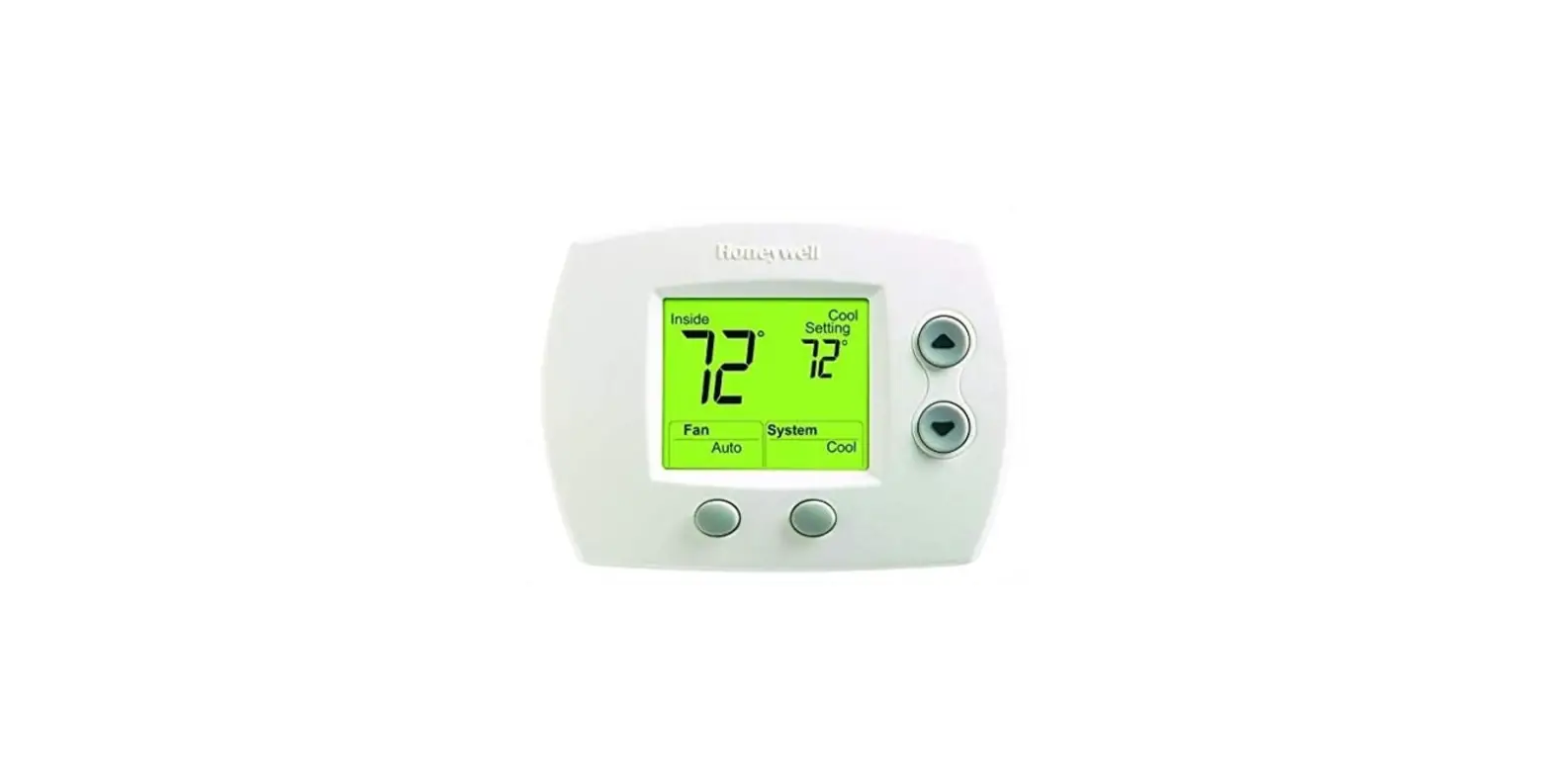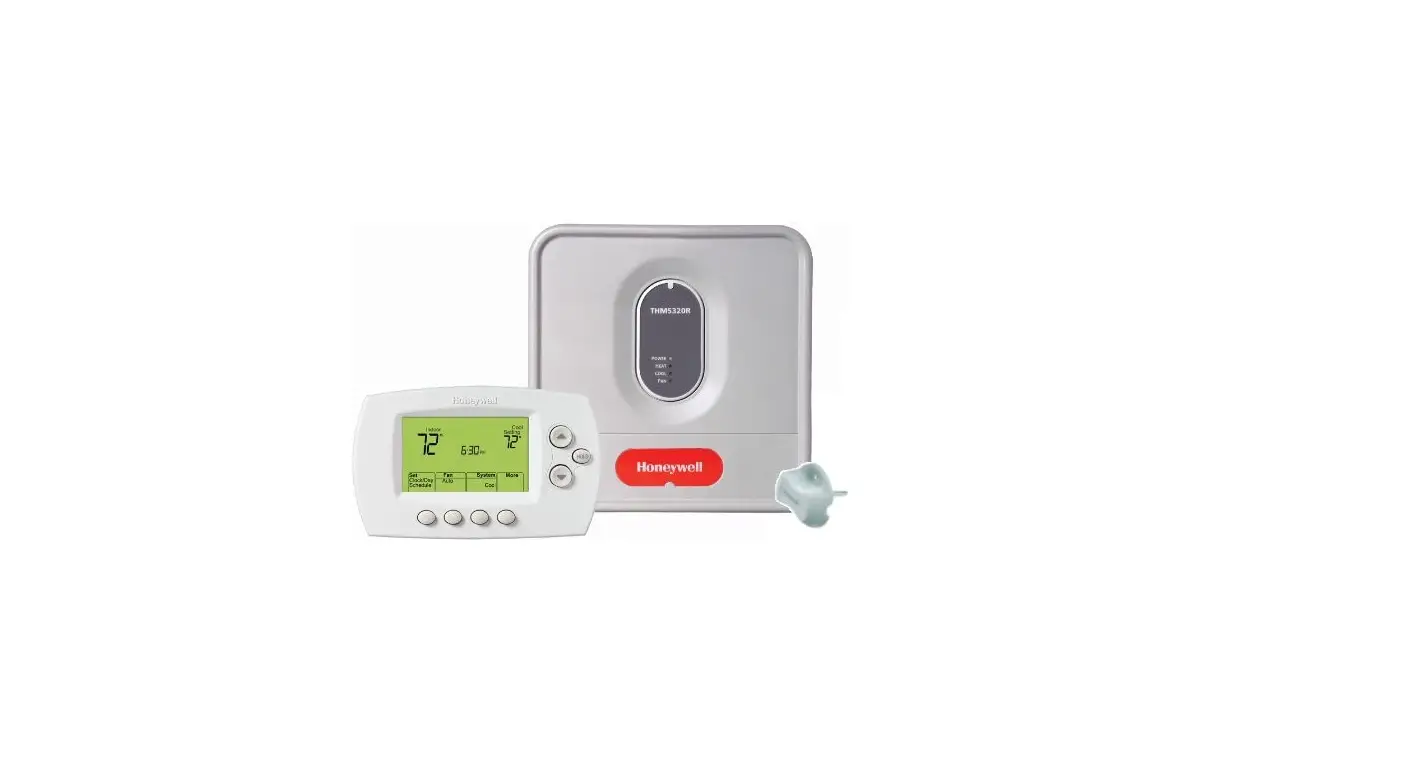

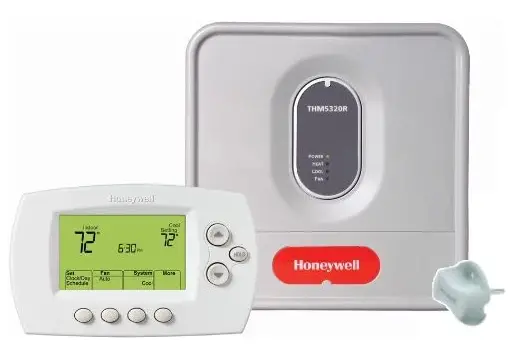
Honeywell YTH6320R1001 Wireless Focuspro Thermostat Kit
Specifications
- BRAND: Honeywell
- ITEM WEIGHT: 1 pounds
- PRODUCT DIMENSIONS: 4.38 x 5.56 x 1.25 inches
- ITEM MODEL NUMBER: YTH6320R1001
- BATTERIES: 2 AA batteries required.
- COLOR: White
- STYLE: Wireless
- SHAPE: Rectangular
- THICKNESS: 1 Inches
- POWER SOURCE: Battery-powered
Introduction
The focuspro thermostat is now wireless and still has all the great features. It installs quickly. It also shows the humidity and temperature outside. It has battery life of a year; two months’ notice of low battery. All HVAC equipment is wired to the EQUIPMENT INTERFACE MODULE (EIM). The wireless devices communicate with the module. In the event that the wireless thermostat’s power is lost, the RETURN AIR SENSOR works with the Equipment Interface Module to ensure safe indoor temperatures. 62 F for heating and 82 F for cooling is maintained. Wireless technology from REDLINK is backed by RedLINK dependability. No interference with the house’s other wireless devices.
HOW TO MANUALLY OVERRIDE
To immediately change the temperature, press up or down. This will momentarily override the current time period’s temperature setting. The word “Temporary” and the current program period will flash together on the display. The modified temperature will be applied until the start of the subsequent period.
HOW TO CONNECT THE HONEYWELL REDLINK SENSOR
Indoor Wireless Sensor Install batteries and connect the thermostat’s sensor. Put the batteries in, then switch the thermostat into Wireless Setup mode. To connect the wireless sensor to the thermostat, press and hold the CONNECT button. Press CONNECT, then let go. The status light will glow green for 15 seconds after a little delay.
HOW TO RESET
Press and hold the sensor’s Connect button until the orange light shows to reset the sensor (after about 15 seconds). Then attempt to reattach the sensor to the thermostat.
FAQs
It won’t work. Mitsubishi’s indoor unit has a thermistor. which gauges air temperature
Each system is unique, to be sure. Like you, I have white, red, and green for my heater and green, white, and red for my air conditioner. I lacked a black wire. You are correct, black is a popular color.
I agree with the other two suggestions. Please note that Honeywell will not answer questions to home owners. I had a problem getting the “remote” thermostat to “see” the wireless signal. The “Thermostat” and “Control module” worked perfectly but the supplemental remote controller was never able to connect.
If the battery powered thermostat fails and the system is stuck in the “on” position the system could continue heating for an extended period of time and potentially cause a dangerous situation. To avoid this, the return sensor is a temperature sensor placed in the air intake duct (drill a hole and push it through).
No, you don’t need the whole system. The thermostat is a Honeywell TH6320R1004. As long as the thermostat has “Red Link” you should be able to use it. Normally thermostats don’t go bad, unless water, bugs, or people do something to it.
I do not know. Check YouTube.
Yes, the thermostat control can be placed in bedroom for your control; main unit should be installed at furnace’s point.
It will allow multiple remote thermostats going into one EIM, I have not experienced any interference between the wireless thermostats and any other wireless devices and I have a number of them in my home.
depends on how you have it set up….on your portable wireless unit….(the small hand held unit)…you have the option of having the temperature controlled from it or you can have the temperature controlled from your big wall mounted unit.
I have the Wi-Fi thermostat in my living area and a standard thermostat in the basement connected to the air handler. Both ate connected to the same terminals. The WIFI controller is a 5 wire hookup and the standard thermostat is a 4 wire hookup. I turn off the unit I do not need and set the one I need to the temperature setting I want in either heat or cool.
No but we just never mounted the thermostat and use it as a remote.
Absolutely. It’s is a wireless thermostat. You want to make sure that this is the correct model thou for the boiler you have.
I didn’t know they had a non-programmable system, but I imagine that you could use the programmable thermostat, as long as it is compatible to Honeywell YTH6320R1001 control box. I’d make sure of that before you buy one.
It is wireless in the way that you don’t have to run wires, but I see nothing in the instructions about connecting it to your cell phone or anything like that. I know there is an optional remote control you can purchase to go with it.
I do not know the answer. We just wired the base unit to the zone 4 of our zoned AC unit.