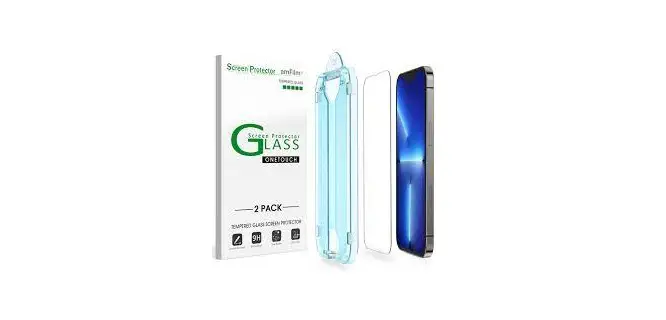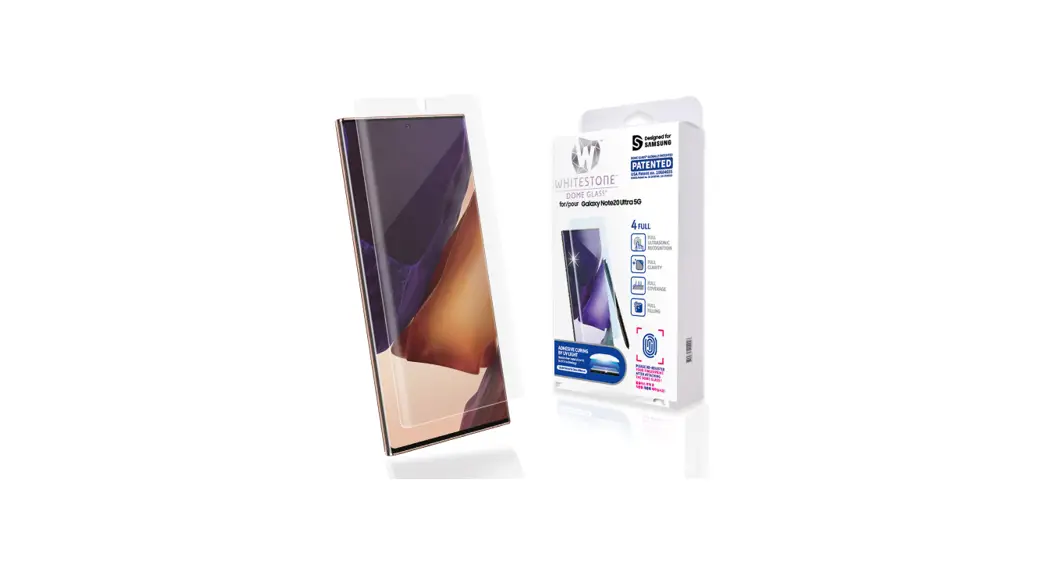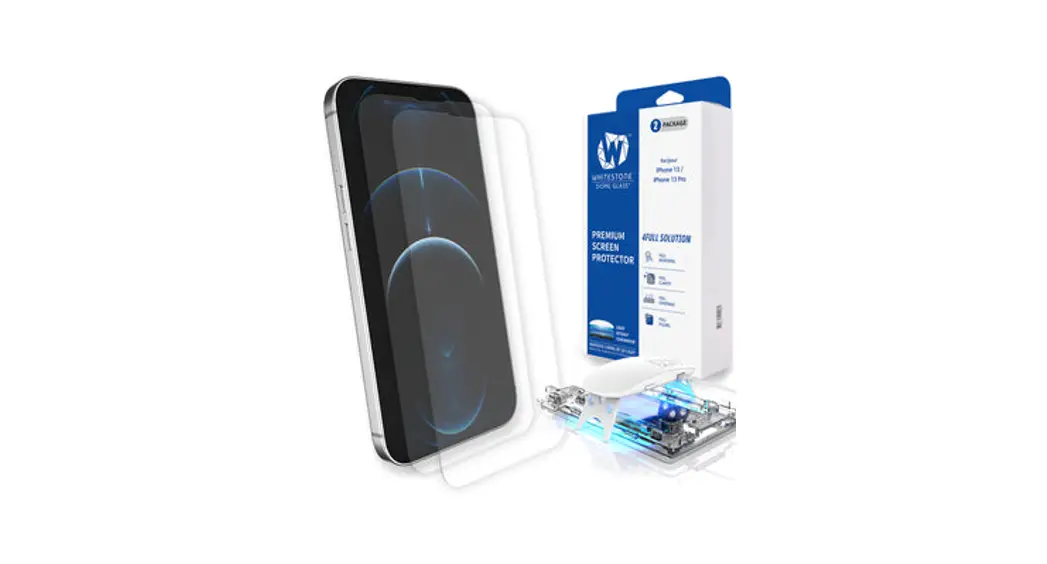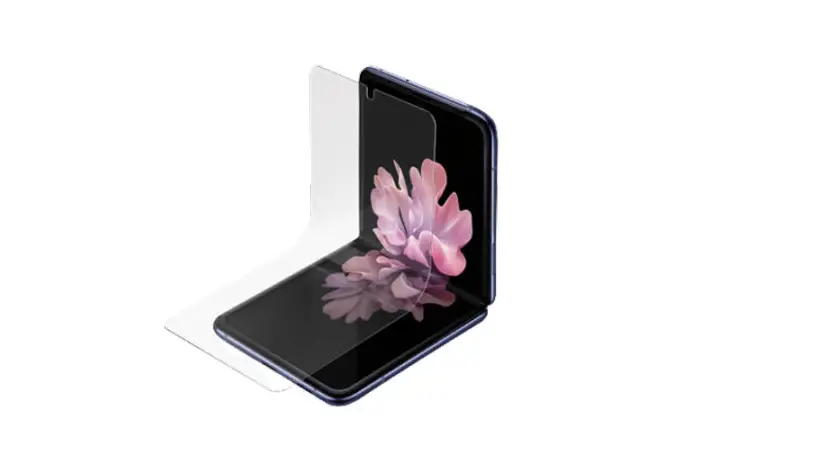

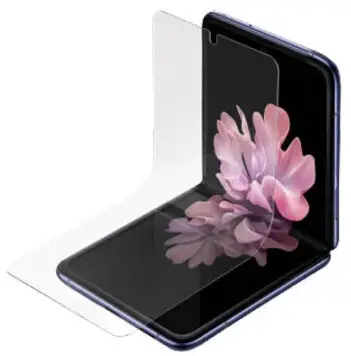
Overview
Please make sure to check manual and installation video before using the product.
Products damaged or damaged by user usage, cannot be exchanged or refunded.
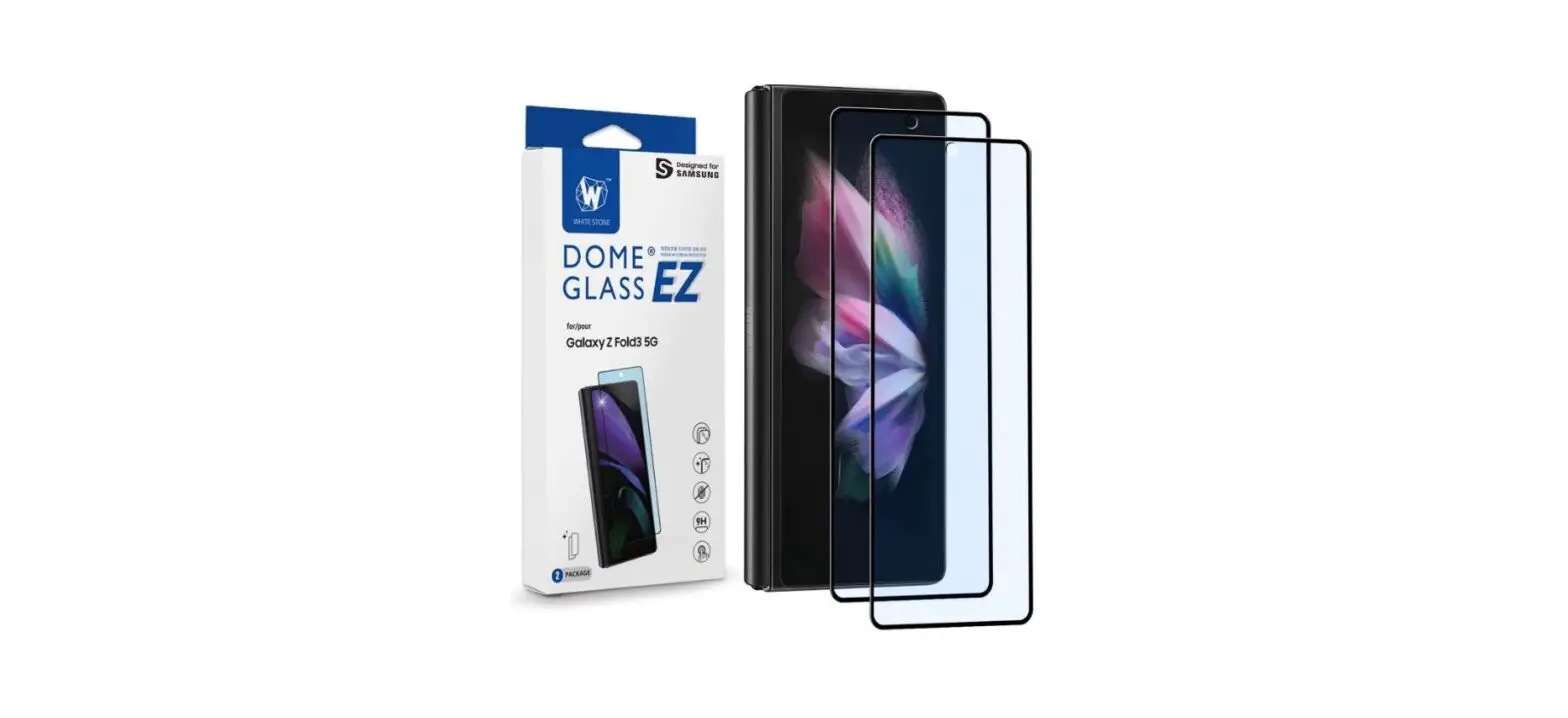
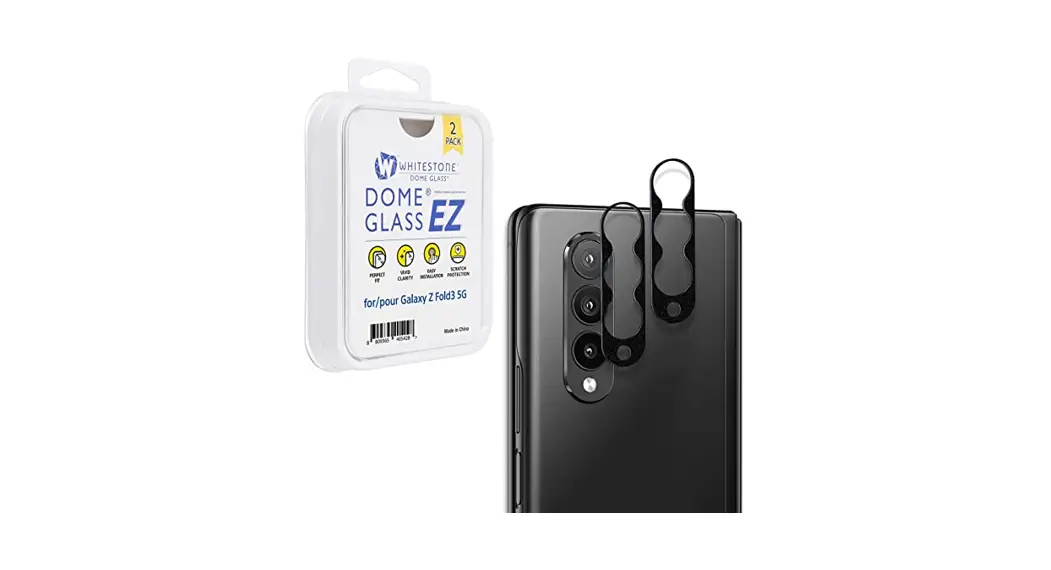
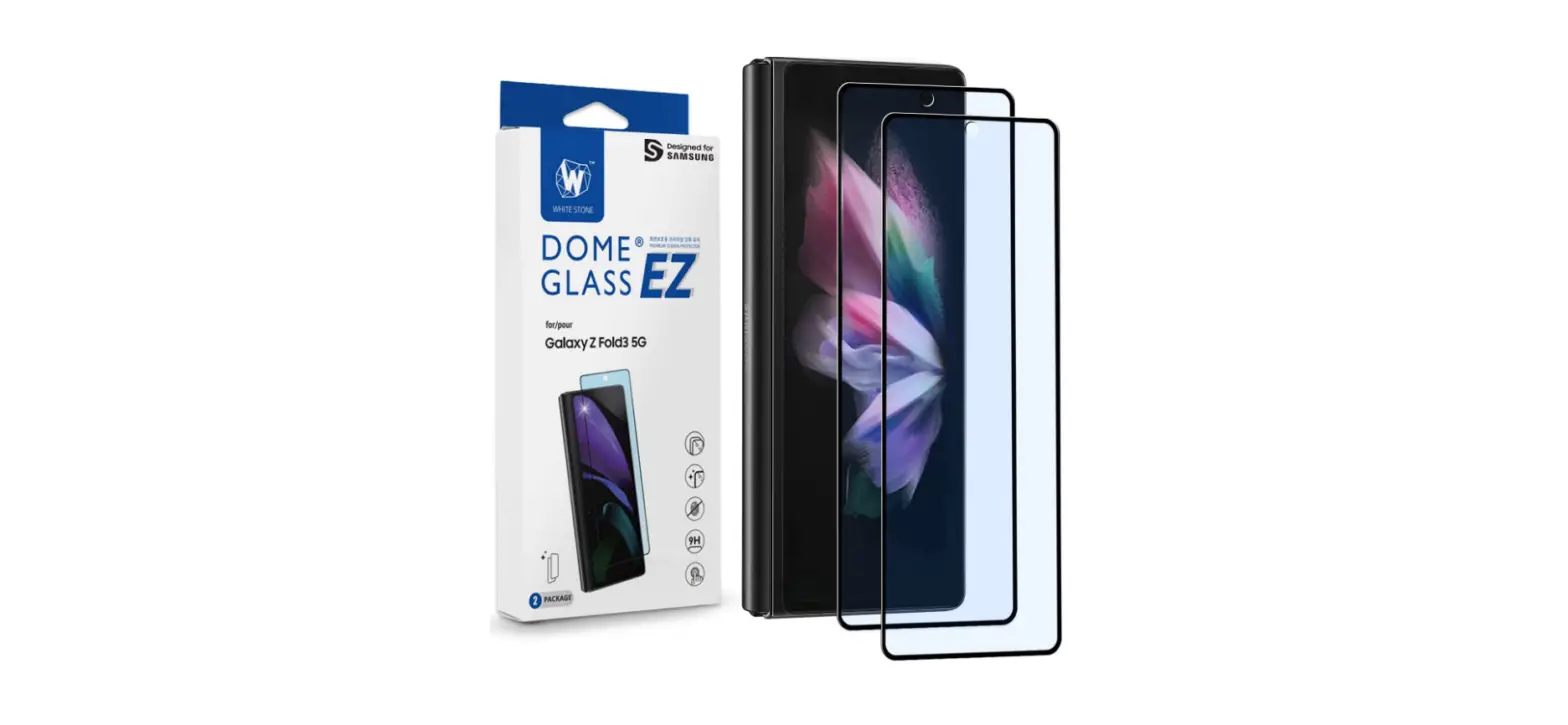
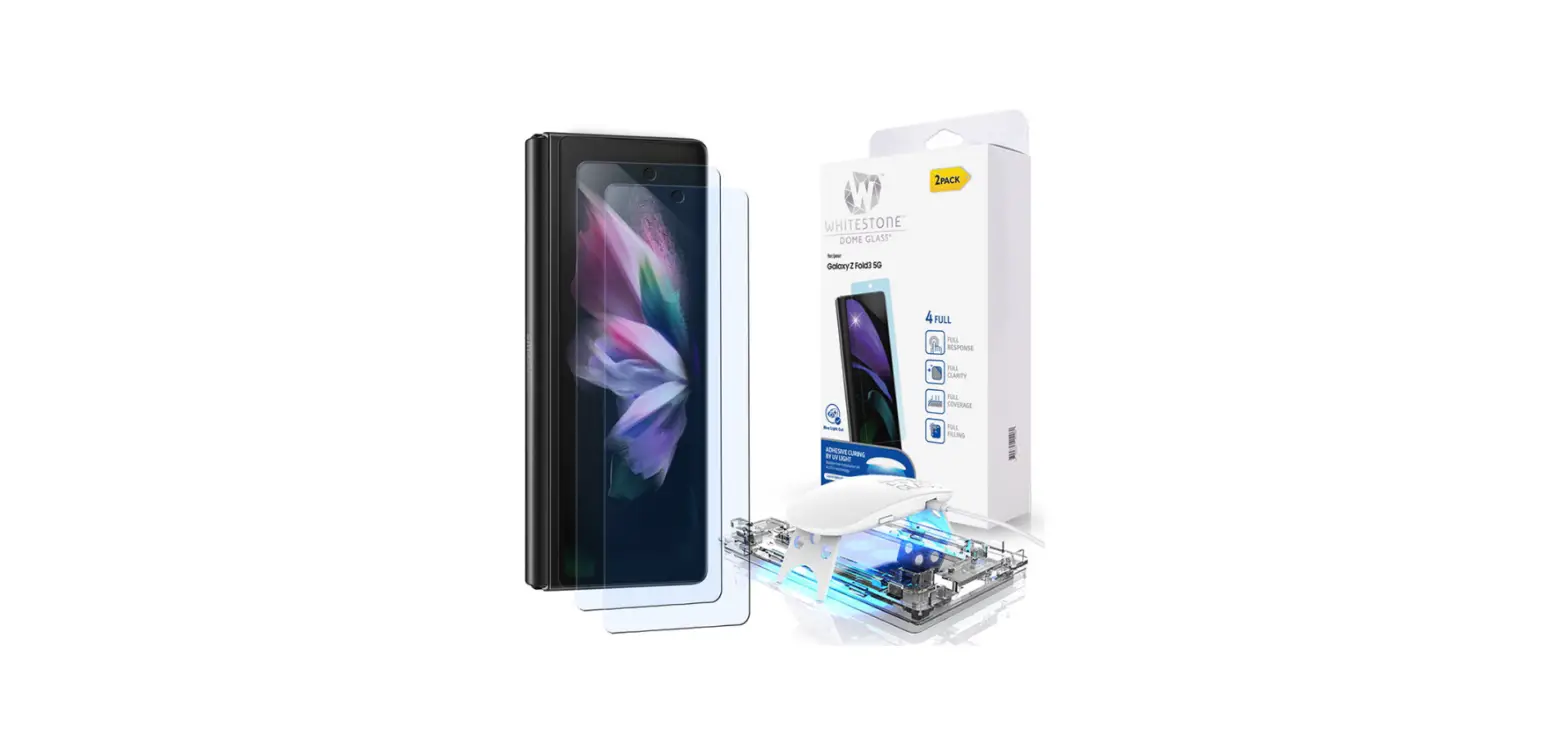
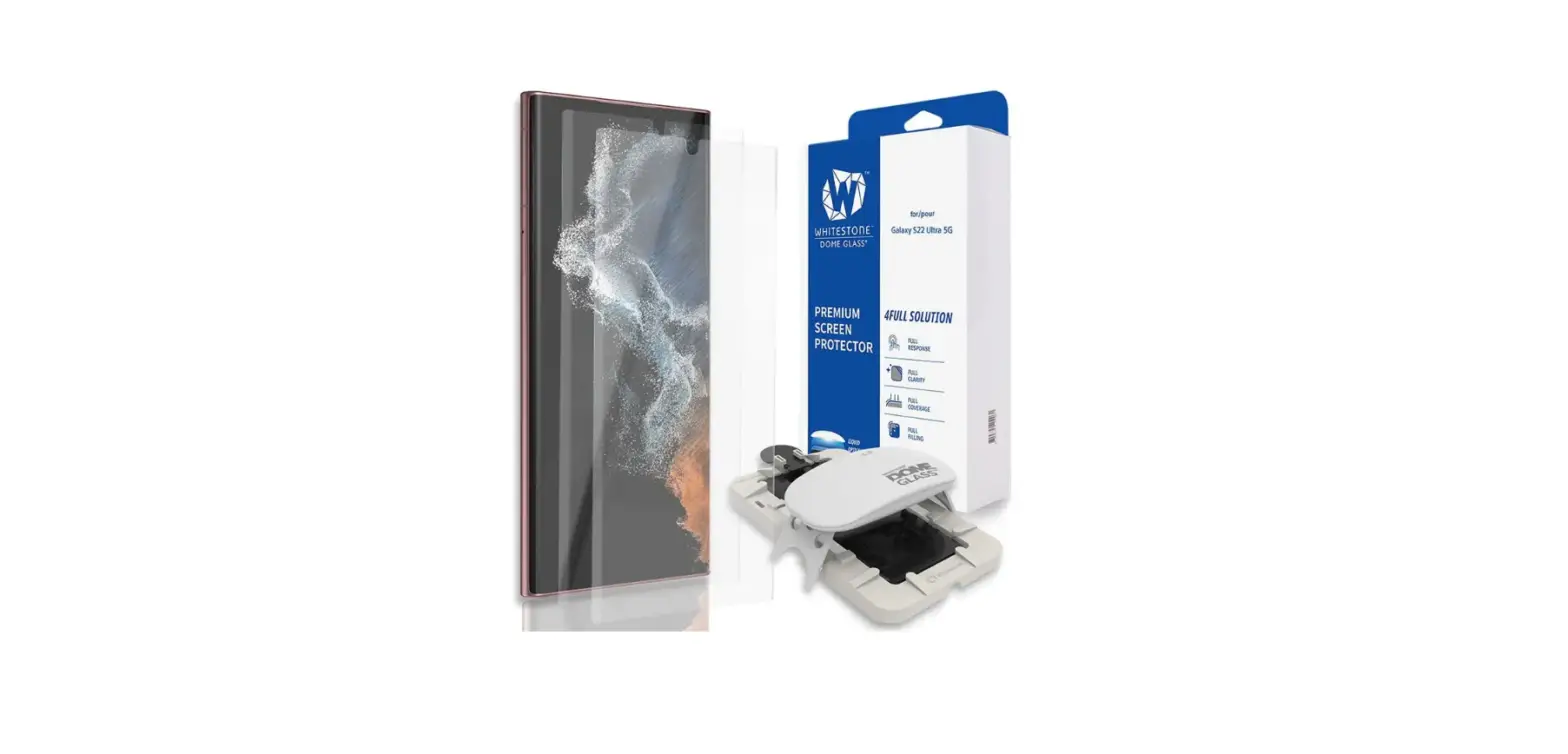
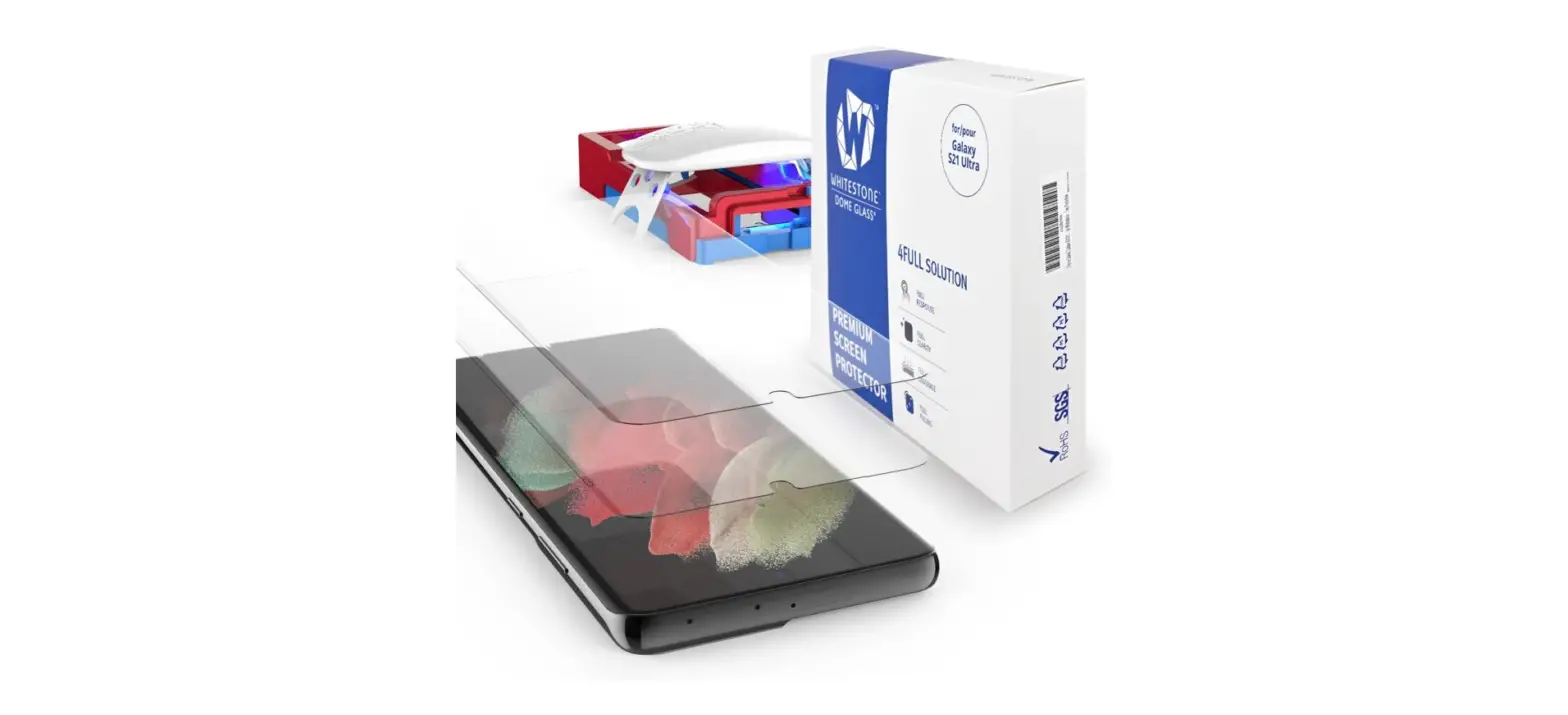
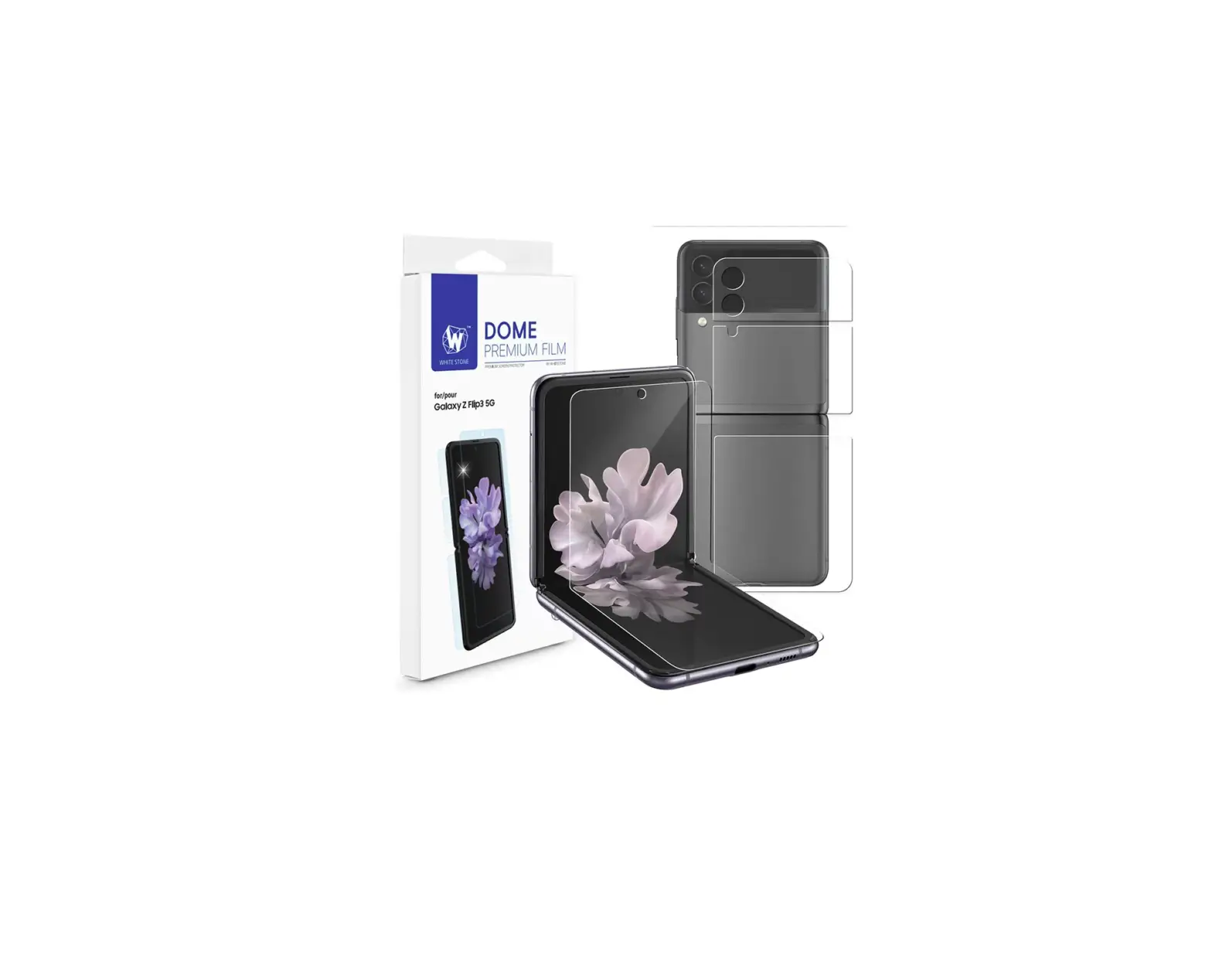
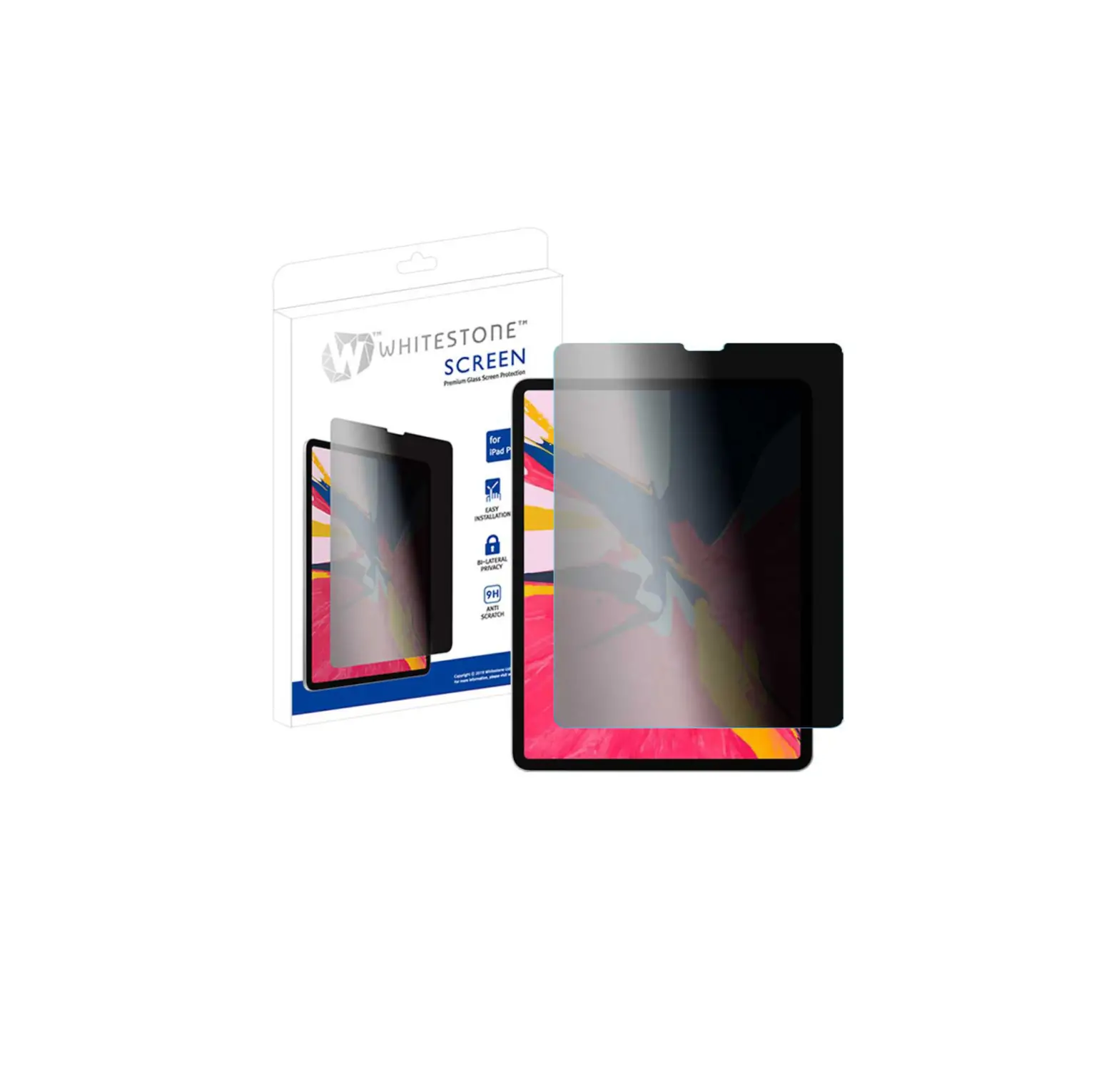
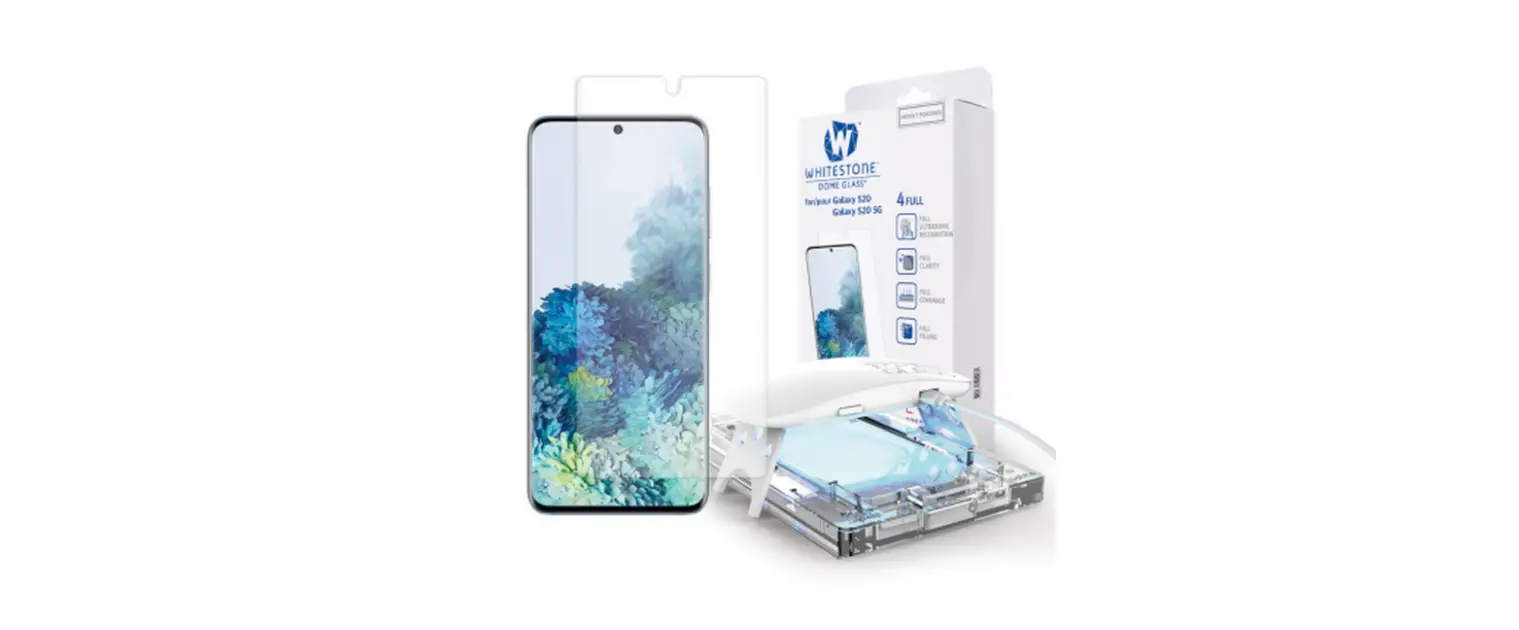
Please check the model and components before using the product.
- Match your device model with the product in advance.
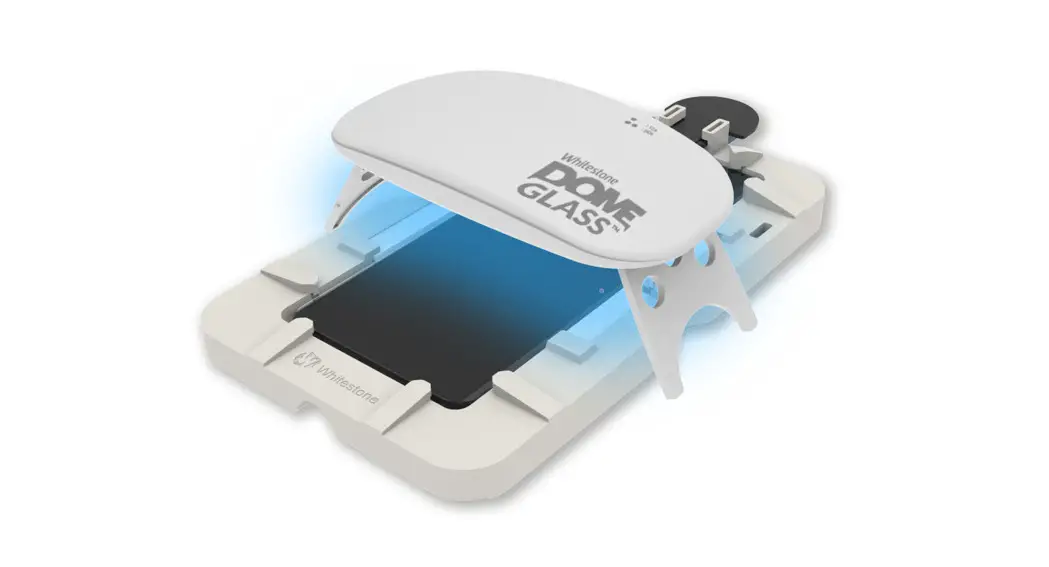
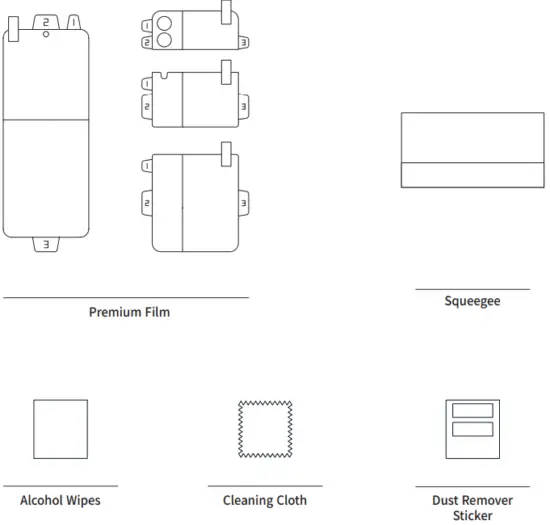
- Please check all the components listed on the page3 and if there is any problem with the components, please contact us before the installation.
Cautions before Dome glass installation
- Surface scratch restoration is limited to minor scratches.
- It can be immediately restored, when writing with a stylus pen gently.
- If pressing too hard, the glass could be restored in a few days, but may remain small stains.
- No exchanges or refunds for customer’s fault.
Components
Reference
- There may be differences in components depending on the model.
- To improve the product, component’s appearance or specifications etc. can be change without prior notice.
- Some components can be purchased separately if necessary.

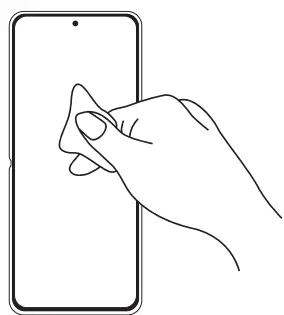
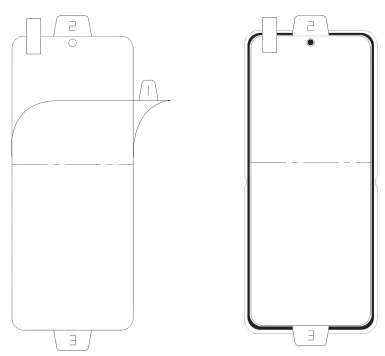
Installation-Display
- STEP1
Use the alcohol wipe and the cleaning cloth to wipe down the screen. Remove any dust on your screen with the dust remover sticker.
- STEP2
Remove protective film number 1. Align the film starting with the top edges of the screen.
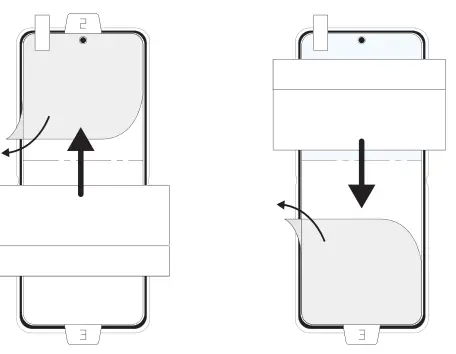
- STEP3
Remove the No.2 protective film and apply it with a squeeze. Remove the No.3 protective film and apply it with a squeeze.
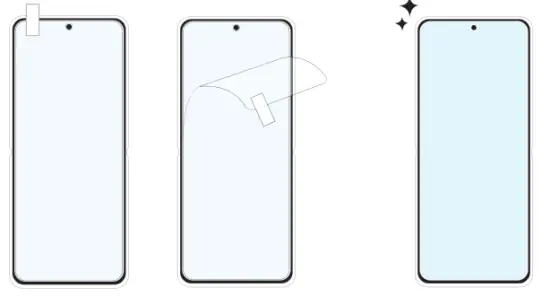
- STEP4
Remove any bubbles with a squeeze. Finish by removing the protective film on the top side.
Installation-Body
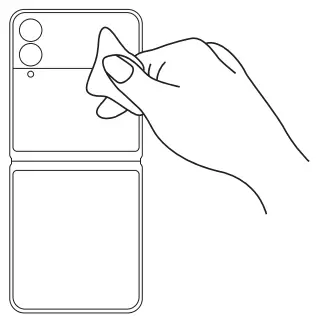
- STEP1
Use the alcohol wipe and the cleaning cloth to wipe down the device. Remove any dust on your device with the dust remover sticker.
- STEP2
Remove protective film number 1. Align the film starting with the top edges of the screen.
- STEP3
Remove the No.2 protective film and apply it with a squeeze. Remove the No.3 protective film and apply it with a squeeze.
- STEP4
Remove any bubbles with a squeeze. Finish by removing the protective film on the top side.
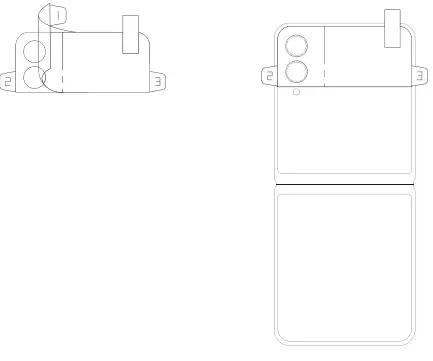
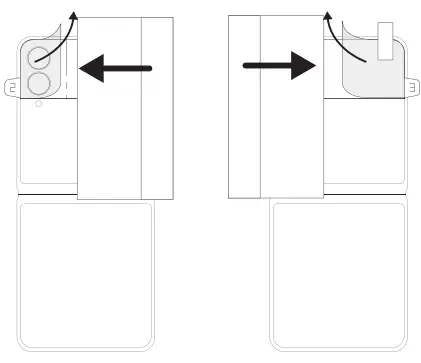
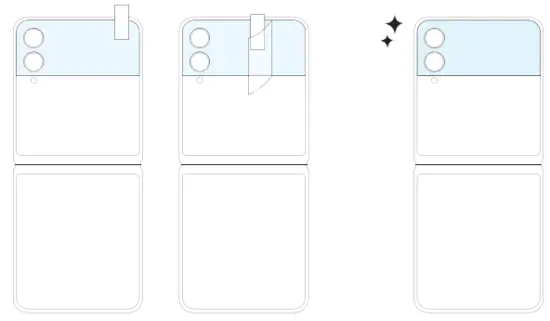
Installation-Body
- STEP1
Use the alcohol wipe and the cleaning cloth to wipe down the device. Remove any dust on your device with the dust remover sticker.
- STEP2
Remove protective film number 1.Align the film starting with the top edges of the screen.
- STEP3
Remove the No.2 protective film and apply it with a squeeze. Remove the No.3 protective film and apply it with a squeeze.
- STEP4
Remove any bubbles with a squeeze. Finish by removing the protective film on the top side.
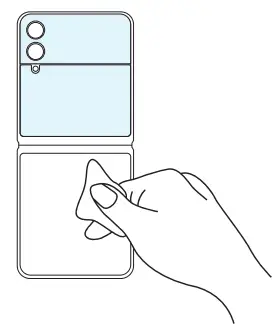
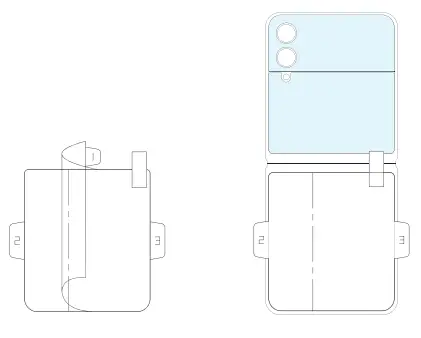
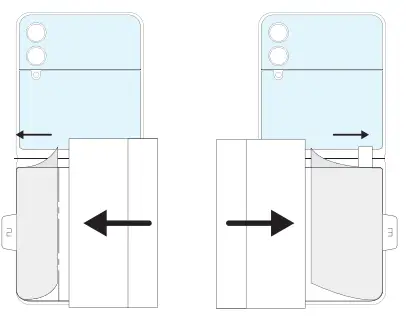
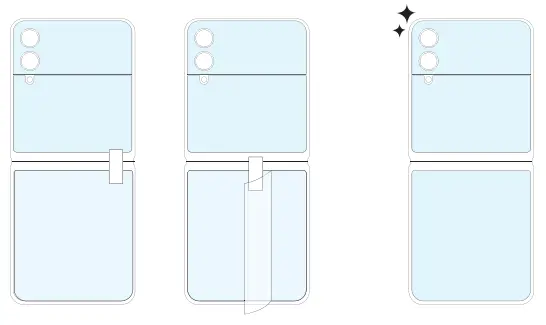
Please check the installation Guide.
Precautions after installation
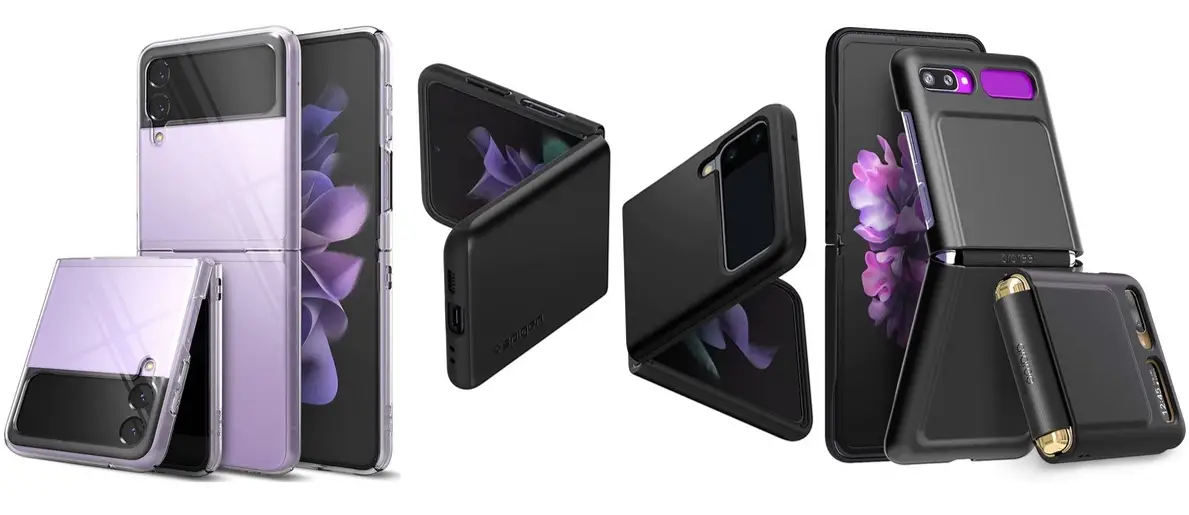
- Bubbles or lifting may occur by physical impacts such as drop impact, incompatible phone cases use, excessive strength while cleaning with alcohol wipes or etc.
- No refund or exchange for any type of user damages.
CONTACT US
HOMEPAGE
www.whitestonedome.com
> WARRANTY REQUEST
We always provide friendly and fast service to your questions.
 Screen Protector Solution | Patented Liquid Dispersion Tempered Glass – whitestonedome