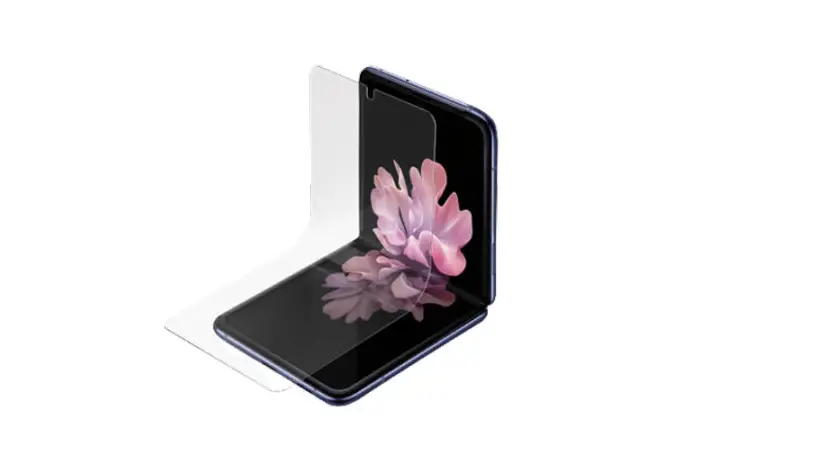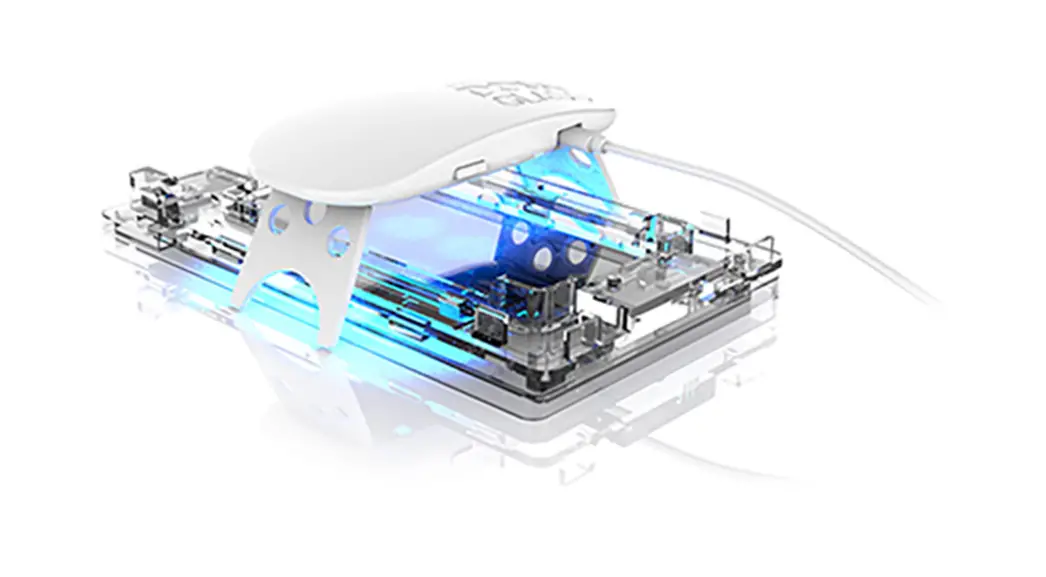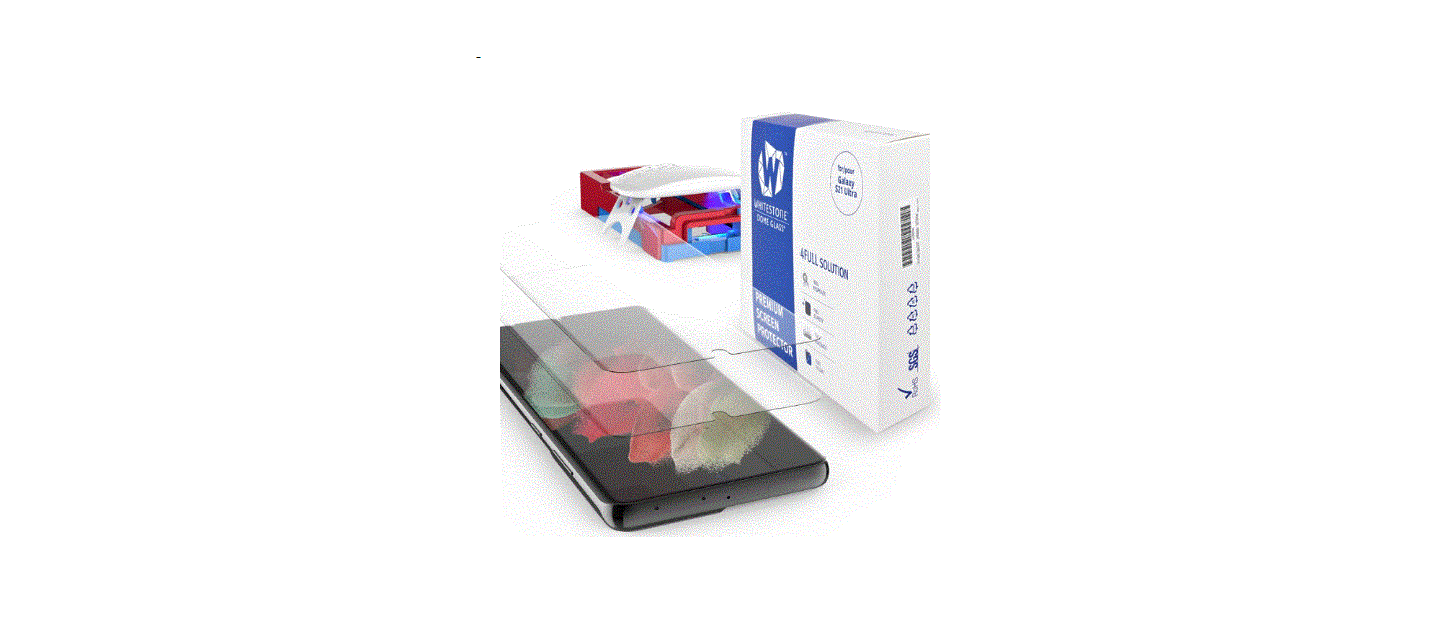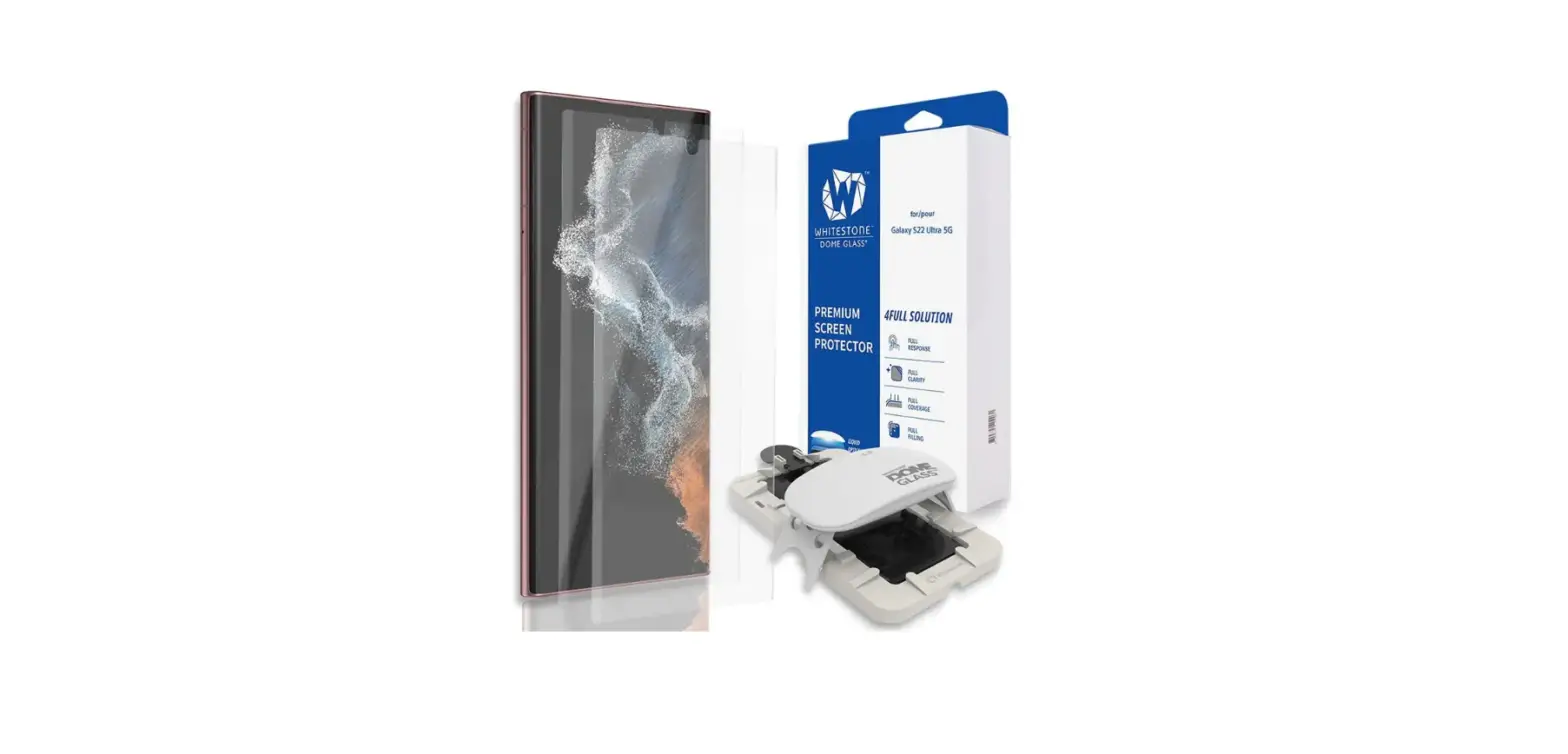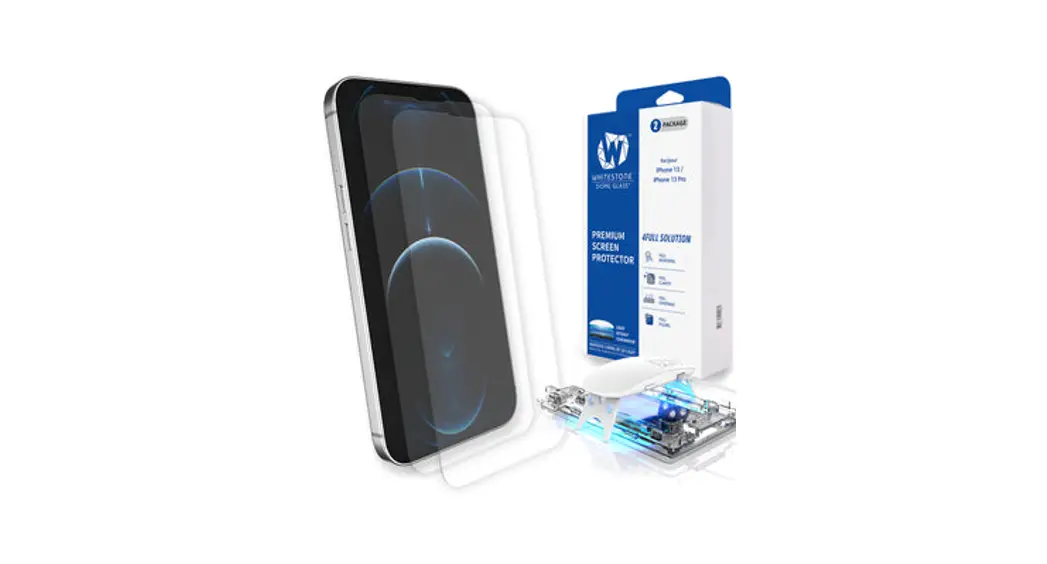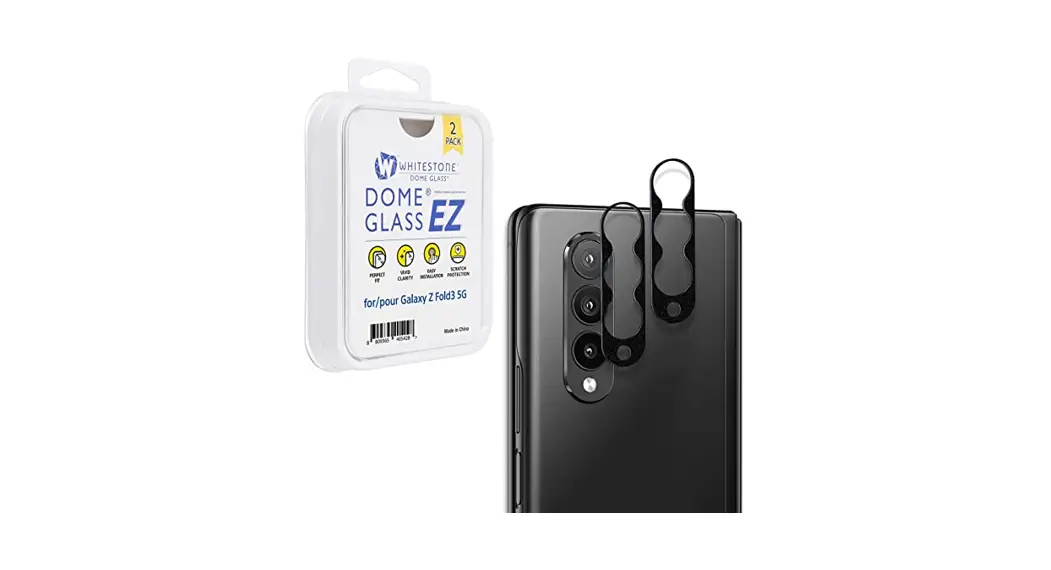
 DOME GLASS ®
EZ Installation User Guide
User Guide
- Please check all manual and attachment videos before using the product.
- Products damaged or damaged by user negligence cannot be exchanged or refunded.
EZ Installation Guide
 Please make sure to check manual and installation video before using the product.
 Products damaged or damaged by user usage, cannot be exchanged or refunded.
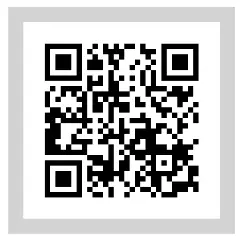
<Quick guide / User guide>
http://m.site.naver.com/0lpjS
After checking the Quick guide, check the User guide.
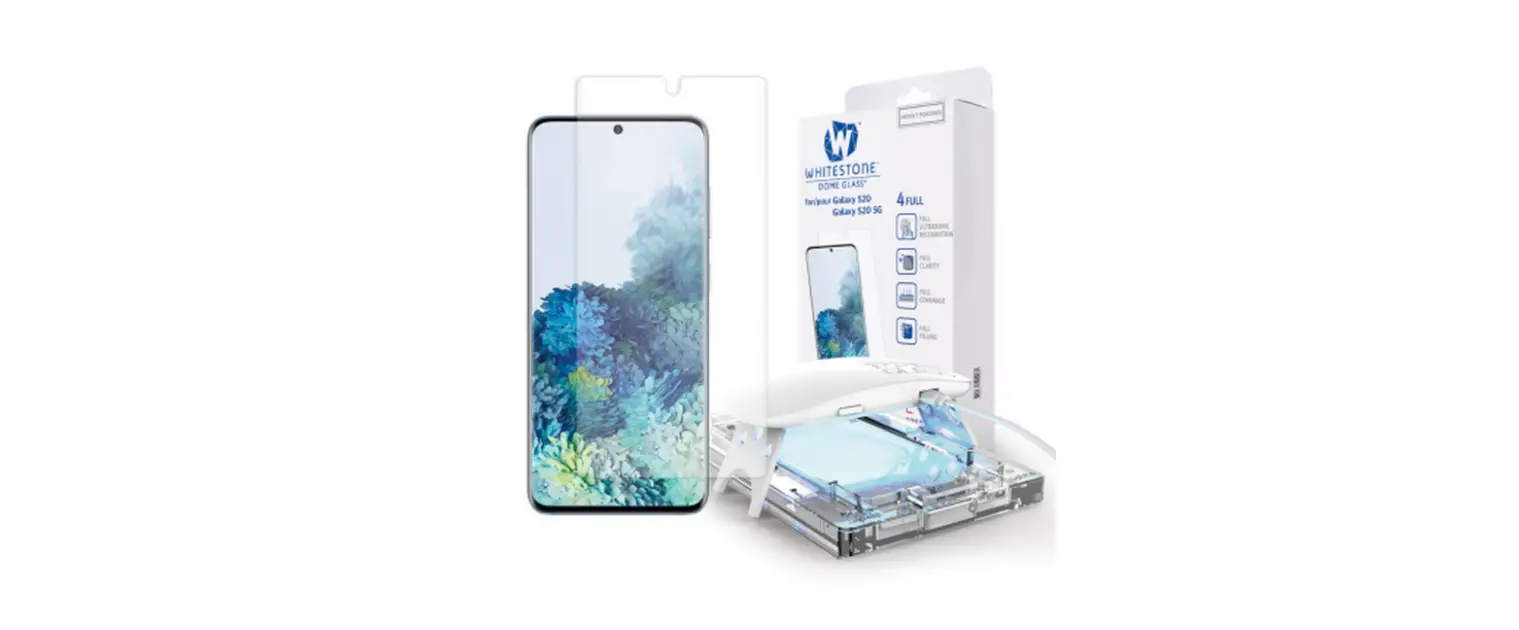
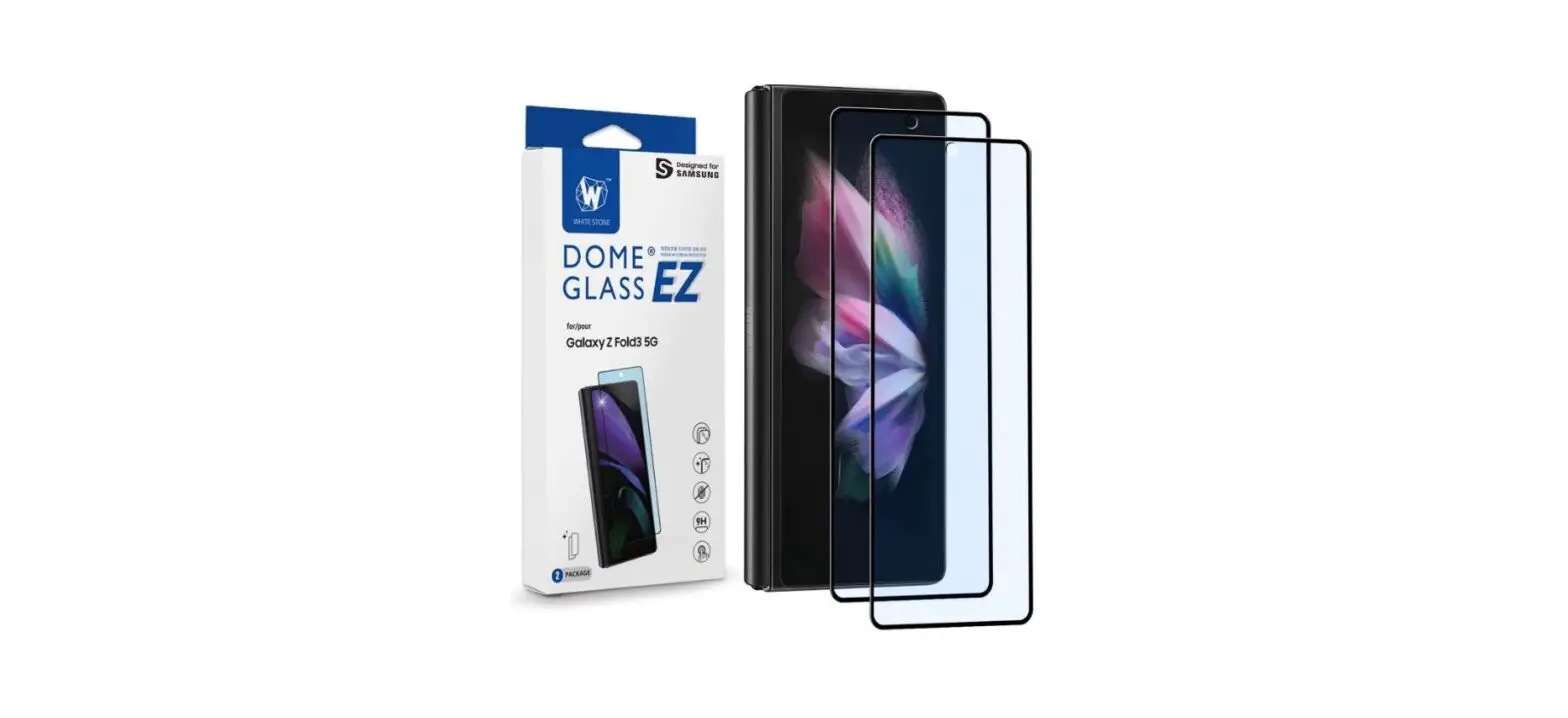
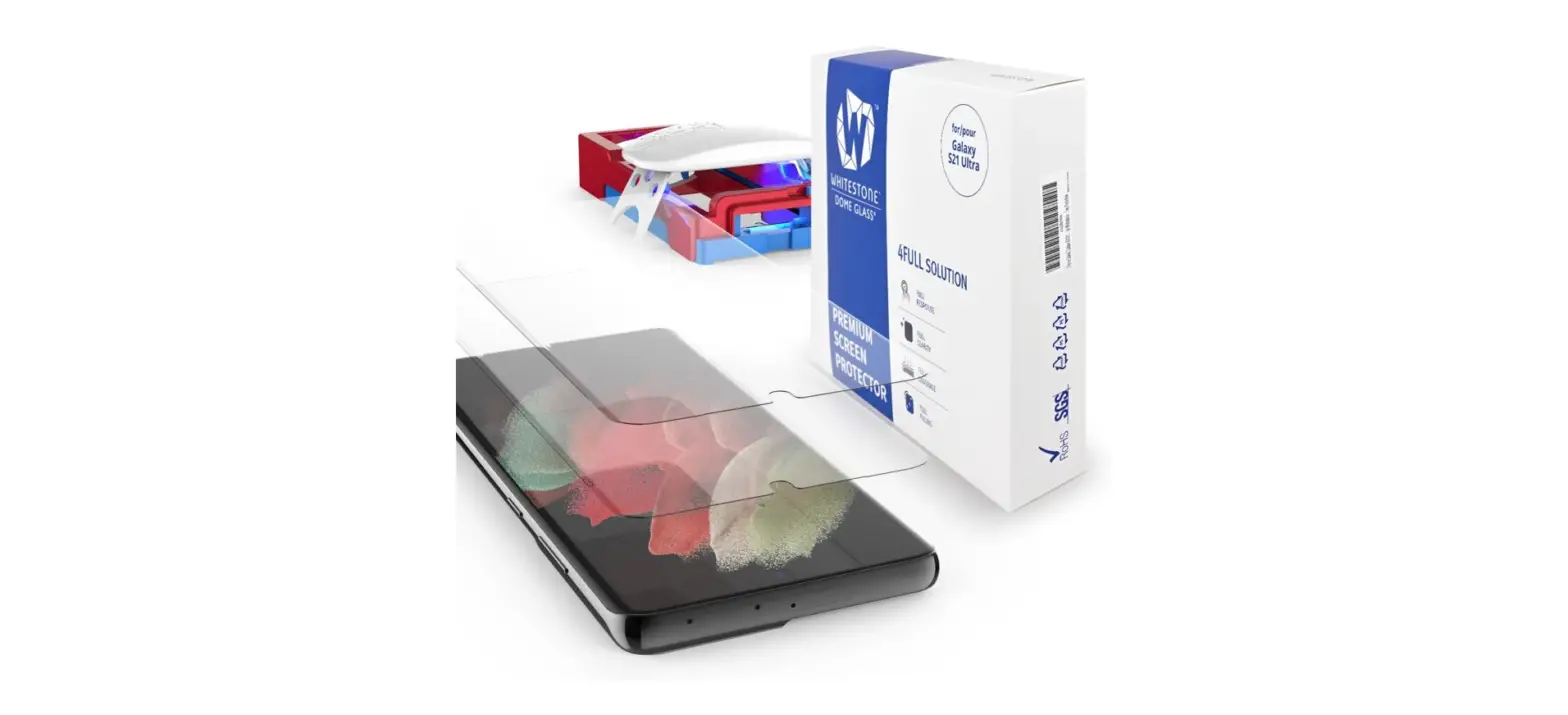
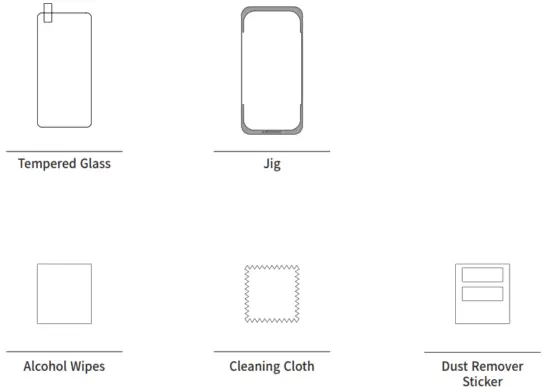
Please check the model and components before using the product.
- Match your device model with the product in advance.
- Please check all the components listed on the page3 and if there is any problem with the components, please contact us before the installation.
Cautions before Dome glass installation
- It is not a defective product when wavy pattern appear after attaching the EZ glass. It is caused by the air layer and It will disappear after few days.
- EZ glass can be damaged by the excessive power of pressure. EZ glass includes shatter-resistant film but please be careful to keep your hands safe from any various dangerous factors.
- Re-attaching the EZ glass is not recommended since it may lose function in the adhesive.
- No exchanges or refunds for customers’ fault.
 Components Reference
- There may be differences in components depending on the model.
- To improve the product, component’s appearance or specifications etc. can be change without prior notice.
- Some components can be purchased separately if necessary.
 Installation
STEP1
Clean your device using alcohol wipe and cleaning cloth.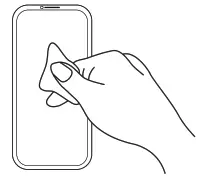
STEP2
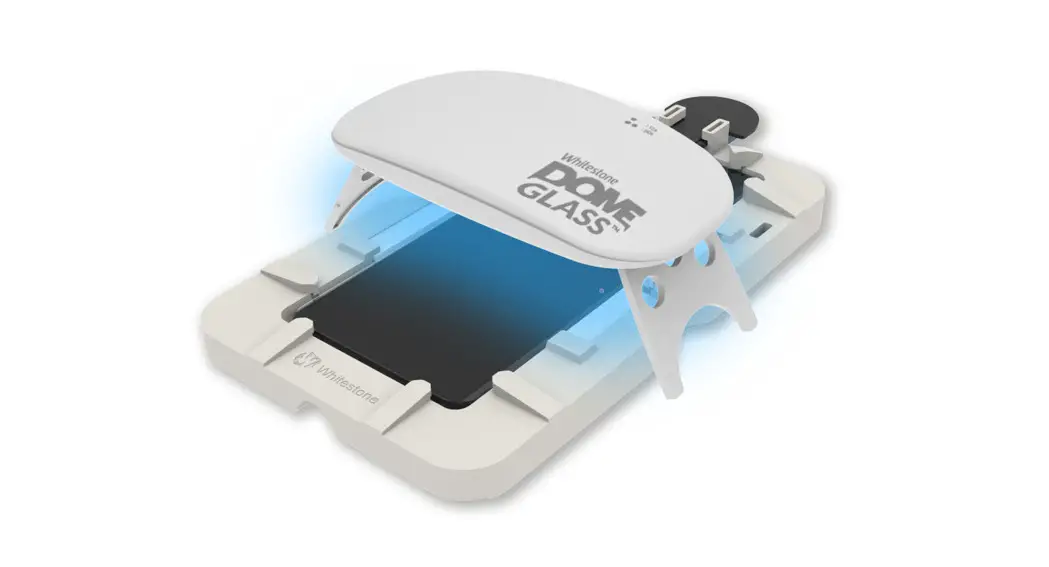
Put your device into the Jig and remove any dust from your screen with dust removal sticker.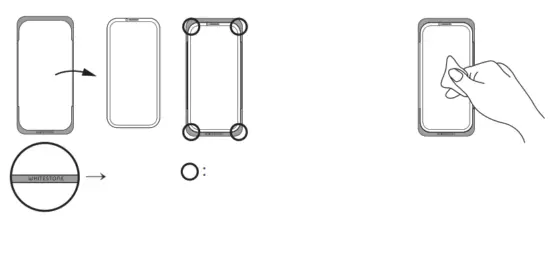
Installation
STEP3
Remove the liner film on the back of the tempered glass and carefully place the glass from bottom to the top as shown in the image. Make sure not to touch the adhesive surface of the glass.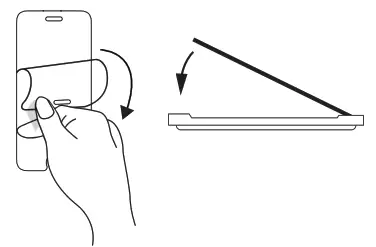
STEP4
Draw “+” sign on the center of the glass in order to attach it properly.
Once the adhesive spreads out and covers the whole screen, remove the jig.
If air bubbles occur after attachment,
push them outward from the center of the tempered glass using the cleaning cloth. 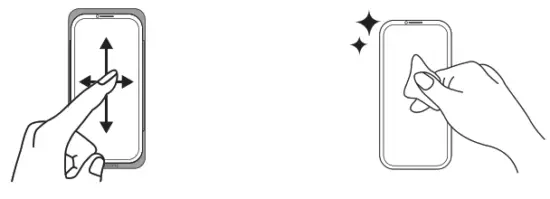
Please check the Installation Guide. Precautions after installation
- Glass may be damaged by impacts or external strength.
- Although glass includes shatter-resistant film, recommend users change the glass to new one once glass is broken in order to prevent any harm.
- Bubbles or lifting may occur by physical impacts such as drop impact, incompatible phone cases use, excessive strength while cleaning with alcohol wipes or etc.
- No refund or exchange for any type of user damage.
- Refer to the Reuse of Jig manual when reusing the jig.
Precautions when removing the tempered glass
- When removing the tempered glass from the device, face it towards the ground before removing it.
- Remove it outdoors or near a trash can.
- Use your fingernails and slowly lift the glass from the corner to remove it.
(Removing it suddenly could lead to damages or injuries)
※Global A/S※
CONTACT US
[email protected]
HOMEPAGE
www.whitestonedome.com
> WARRANTY REQUEST
We always provide friendly and fast service to your questions.
WHITESTONE Ltd.
27, Baekseokgongdan7-ro, SeoBuk-gu, Cheonan-si, Chungcheongnam-do, Republic of Korea
The unique Component Manufacturer, Whitestone (www.whitestonedome.com) for Mobile Device.
Copyright ⓒ 2021 Whitestone Ltd. All rights reserved.
 Screen Protector Solution | Patented Liquid Dispersion Tempered Glass – whitestonedome