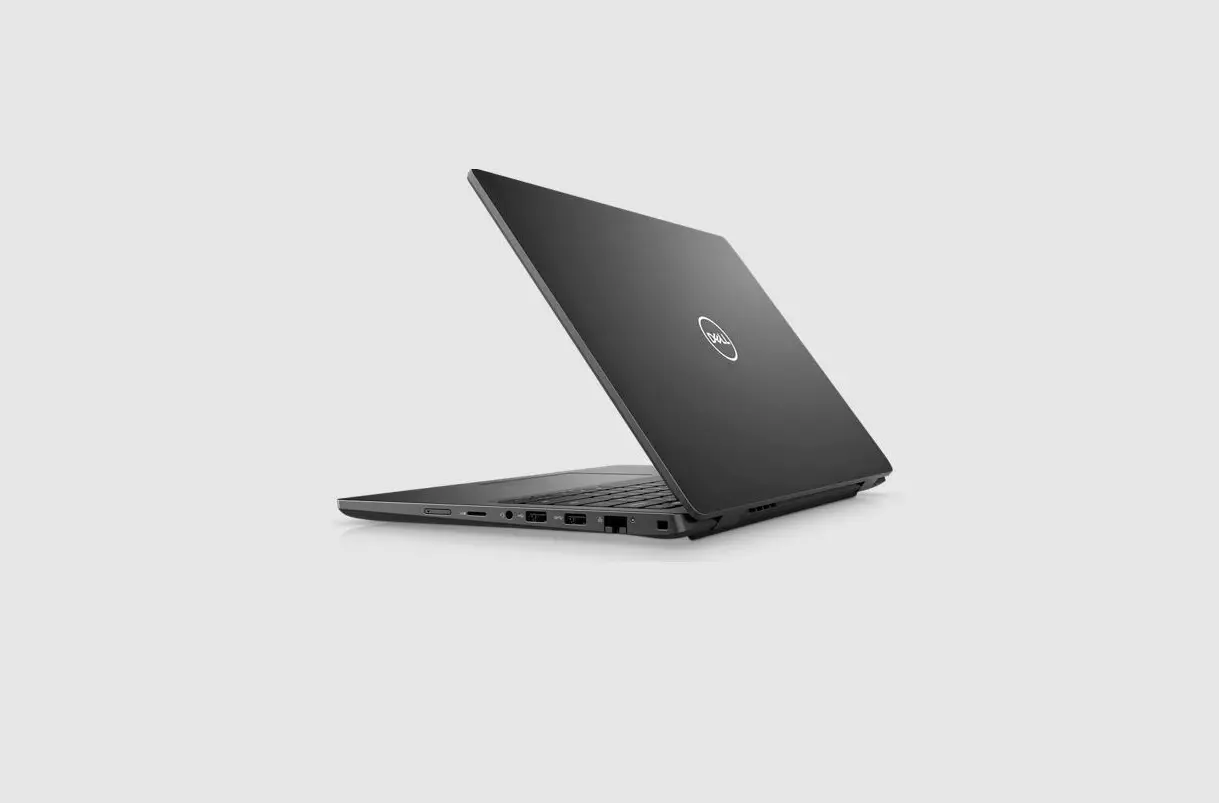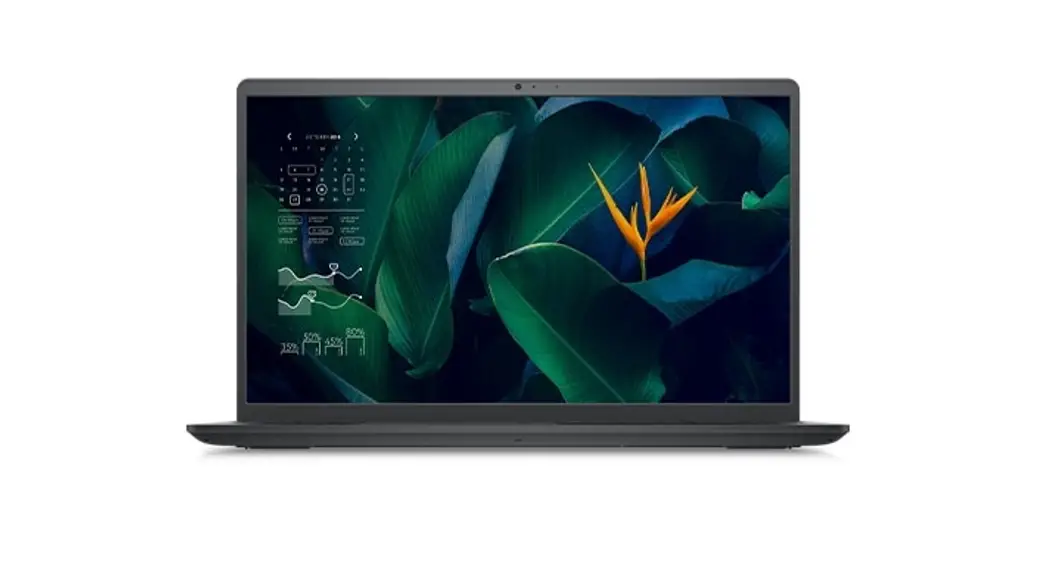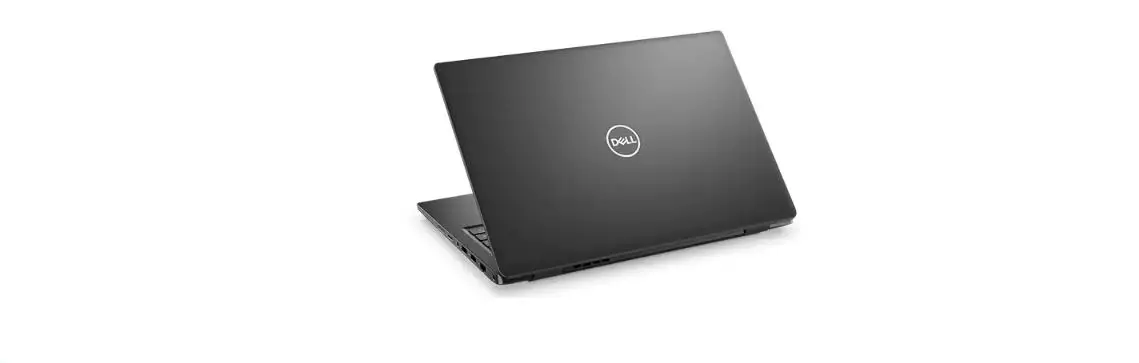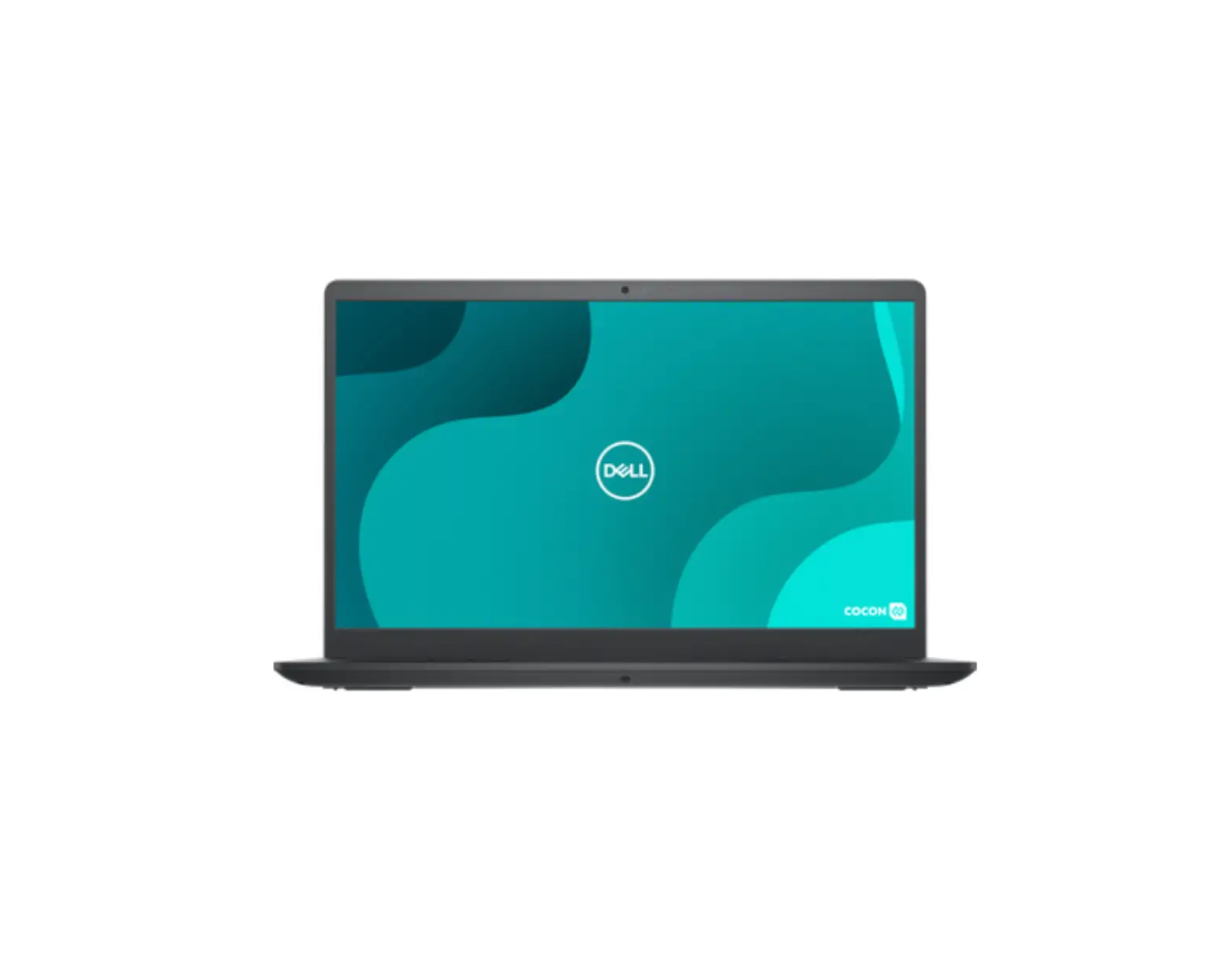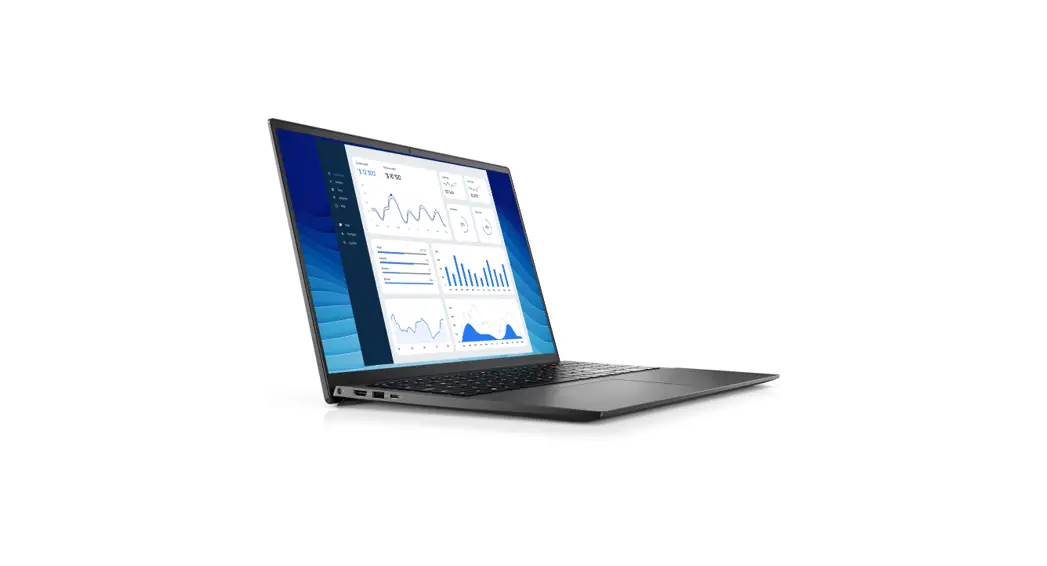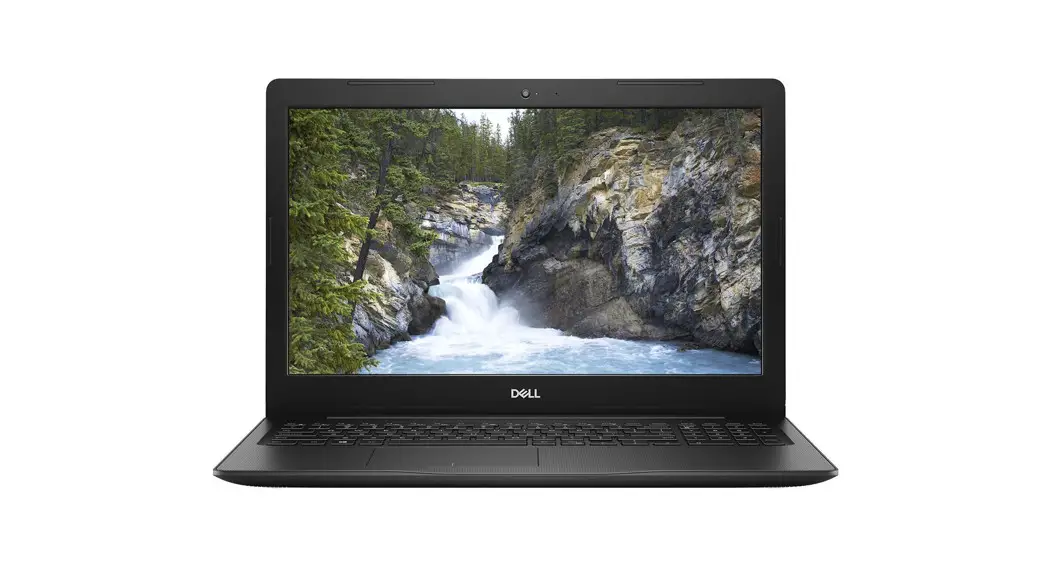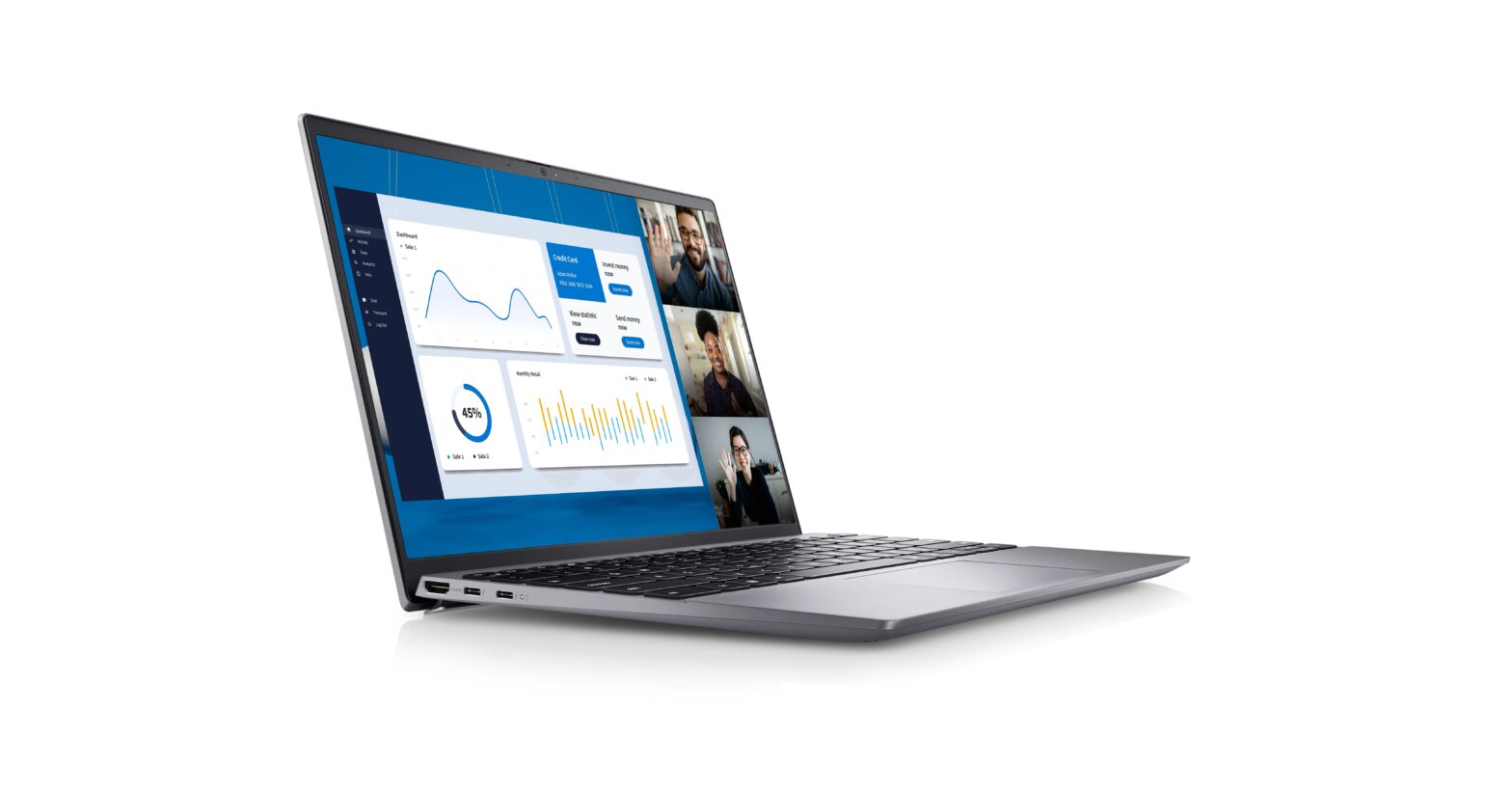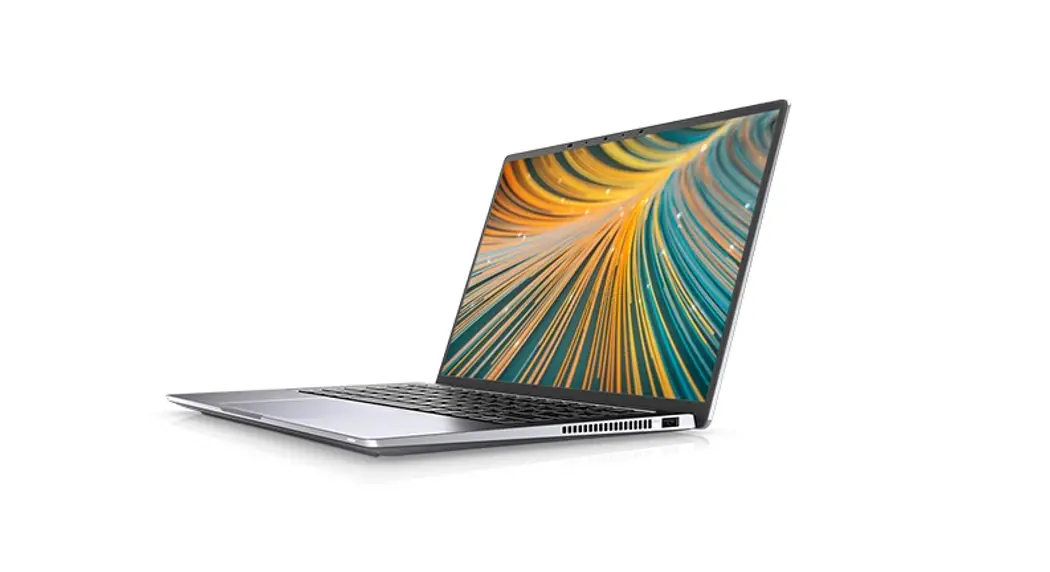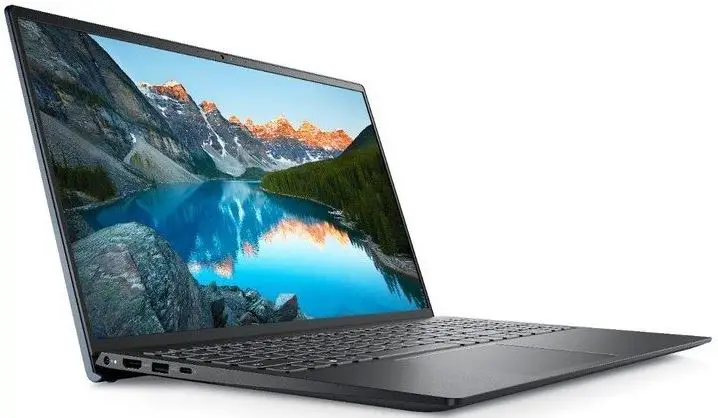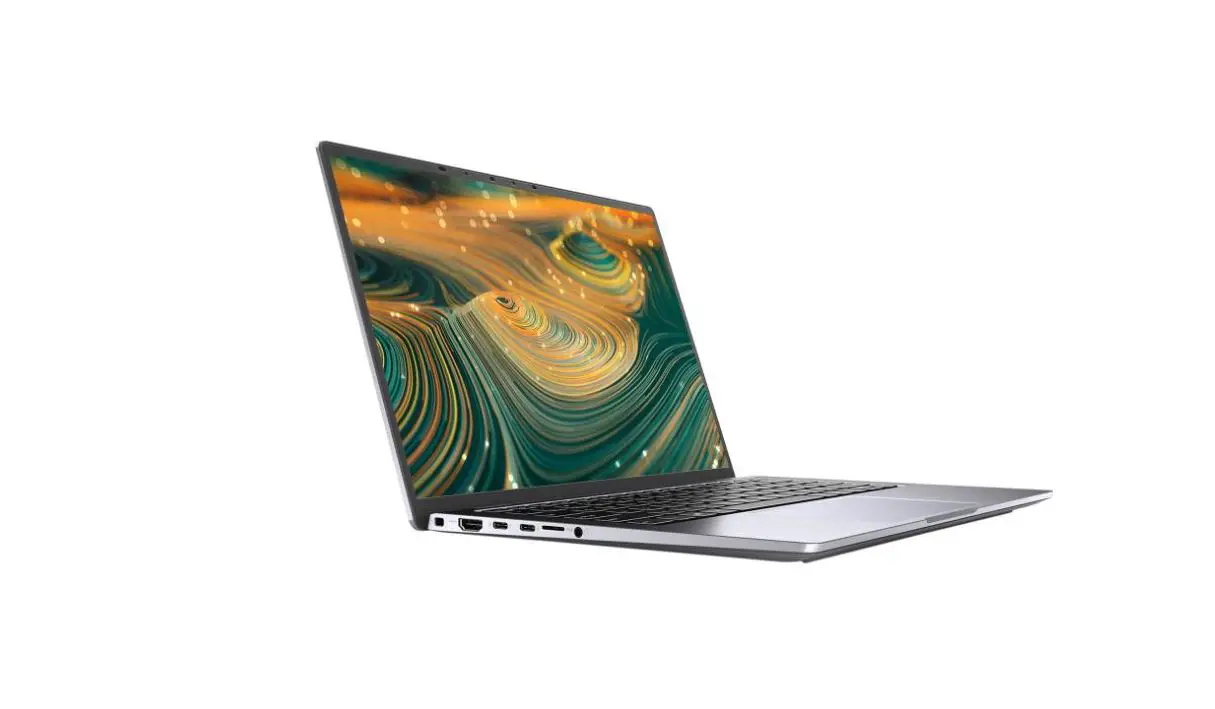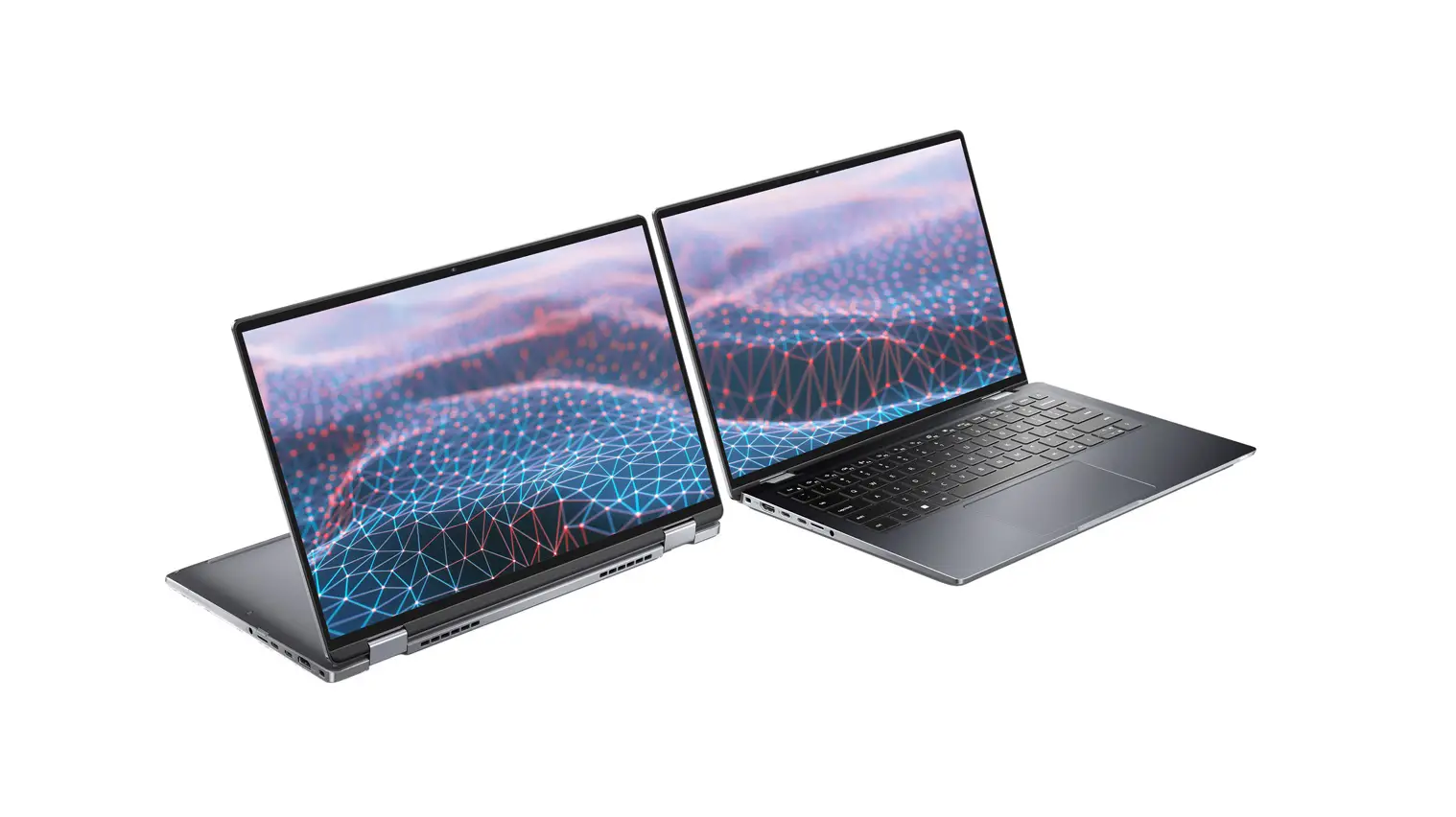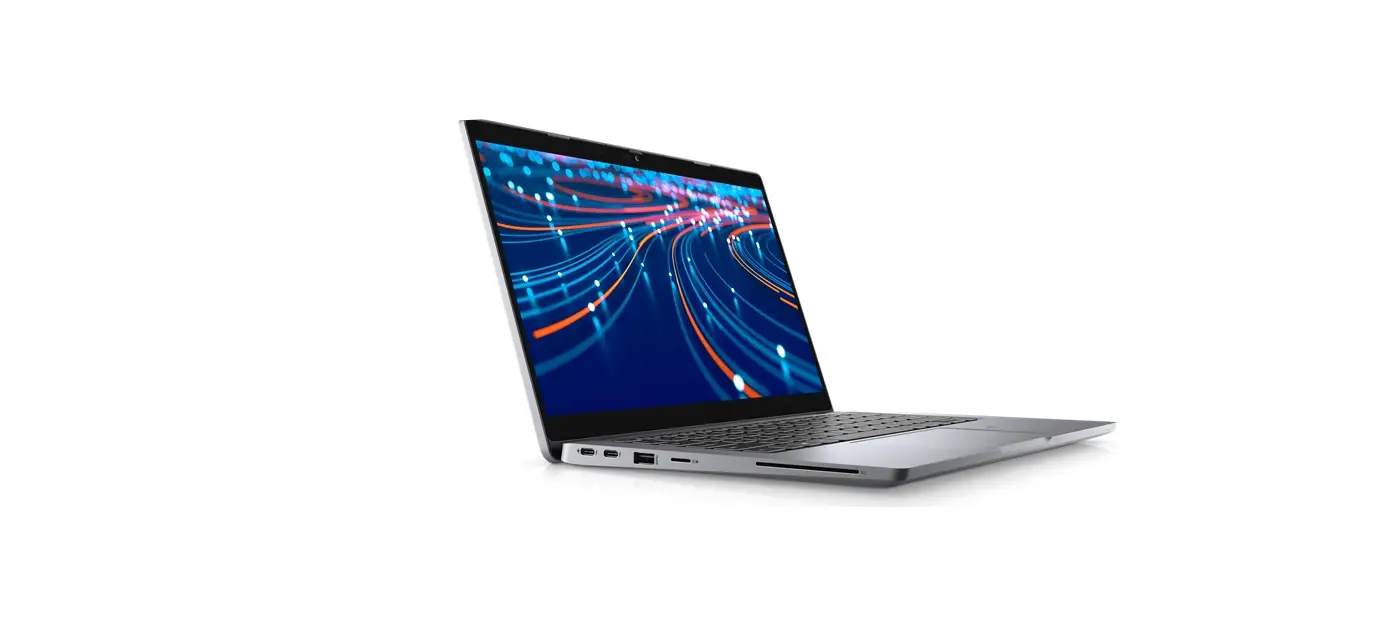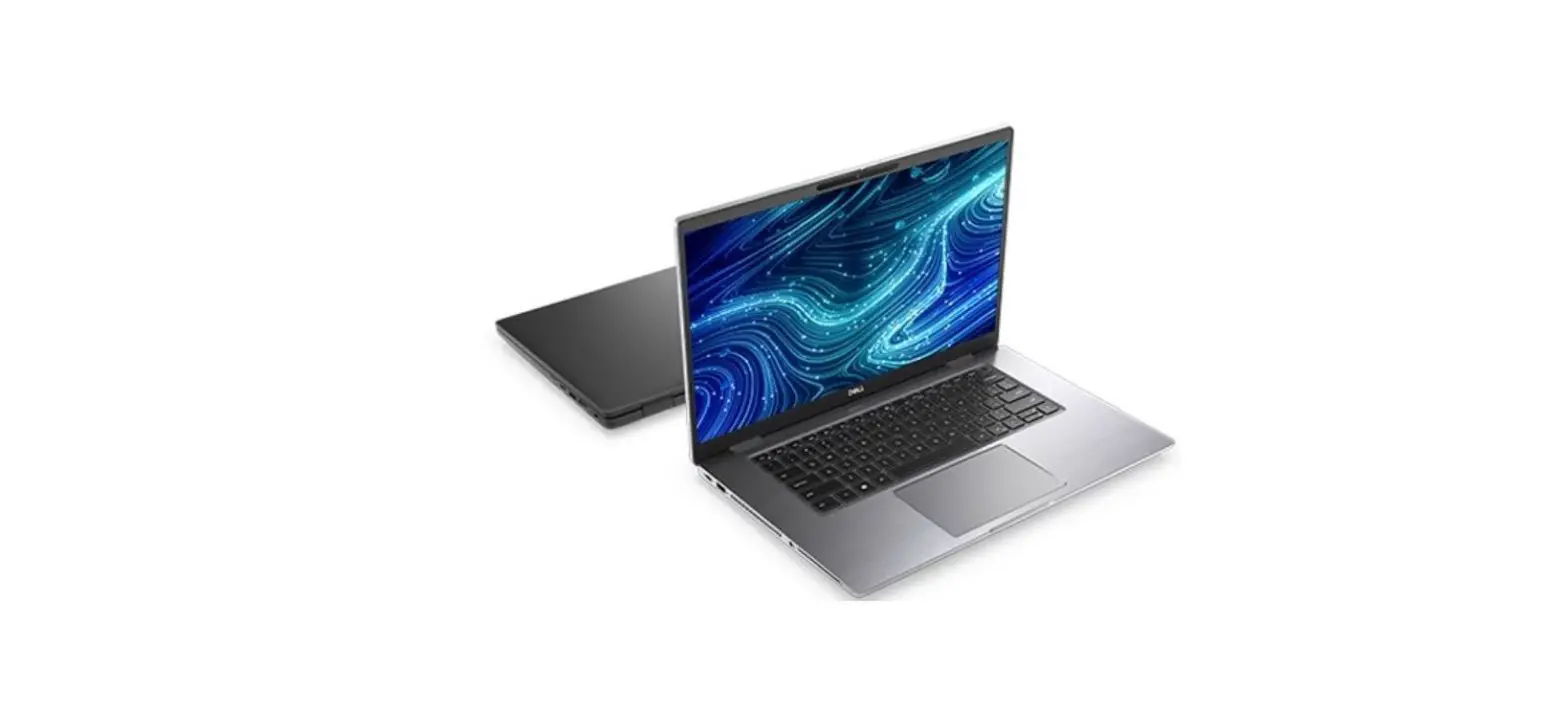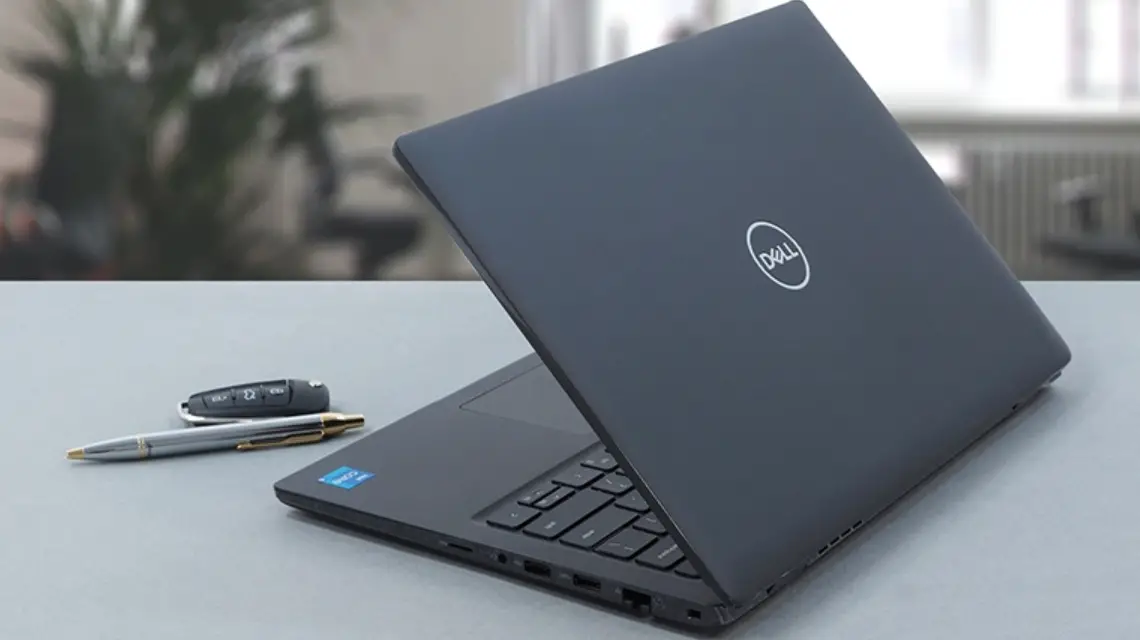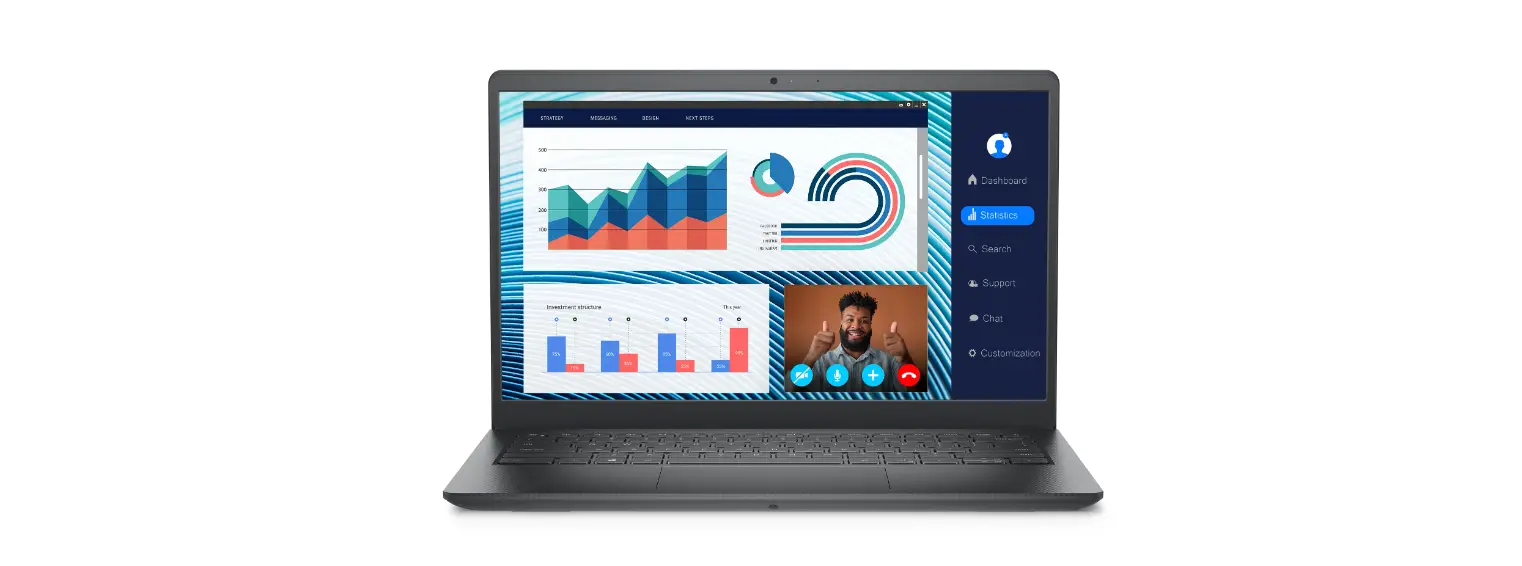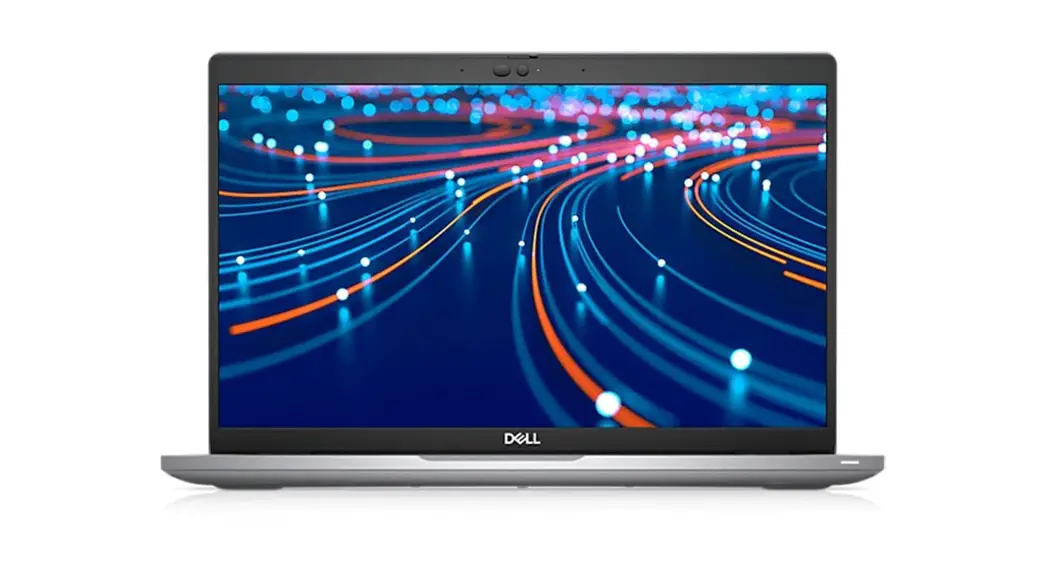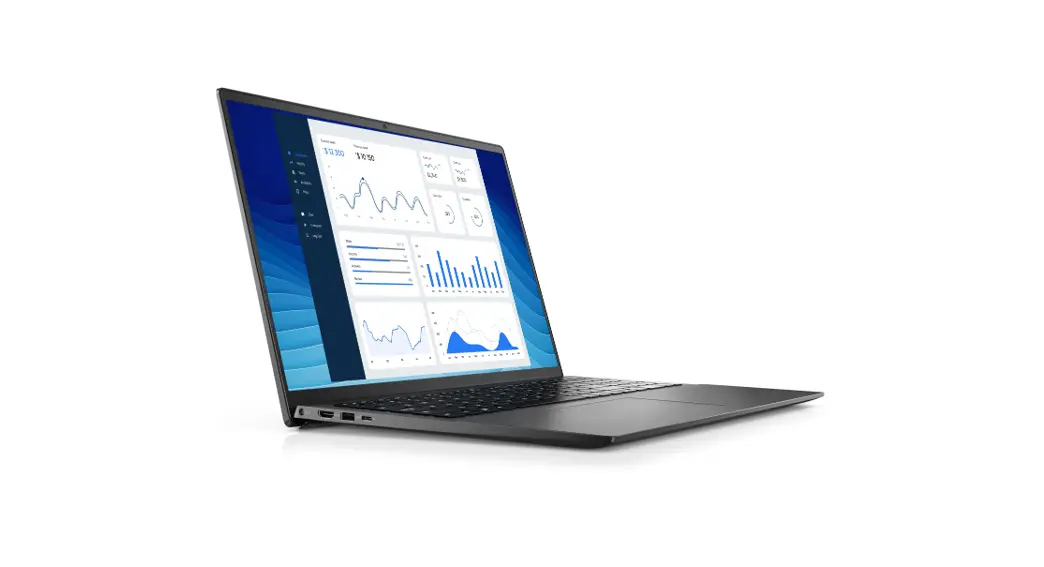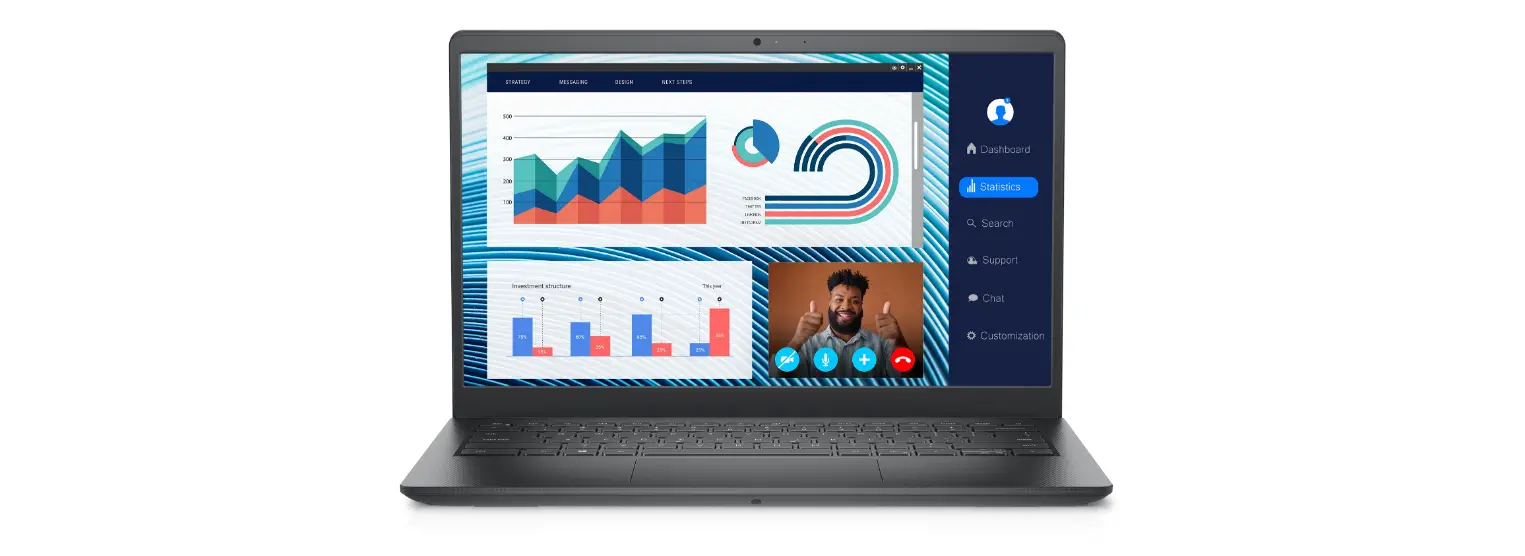

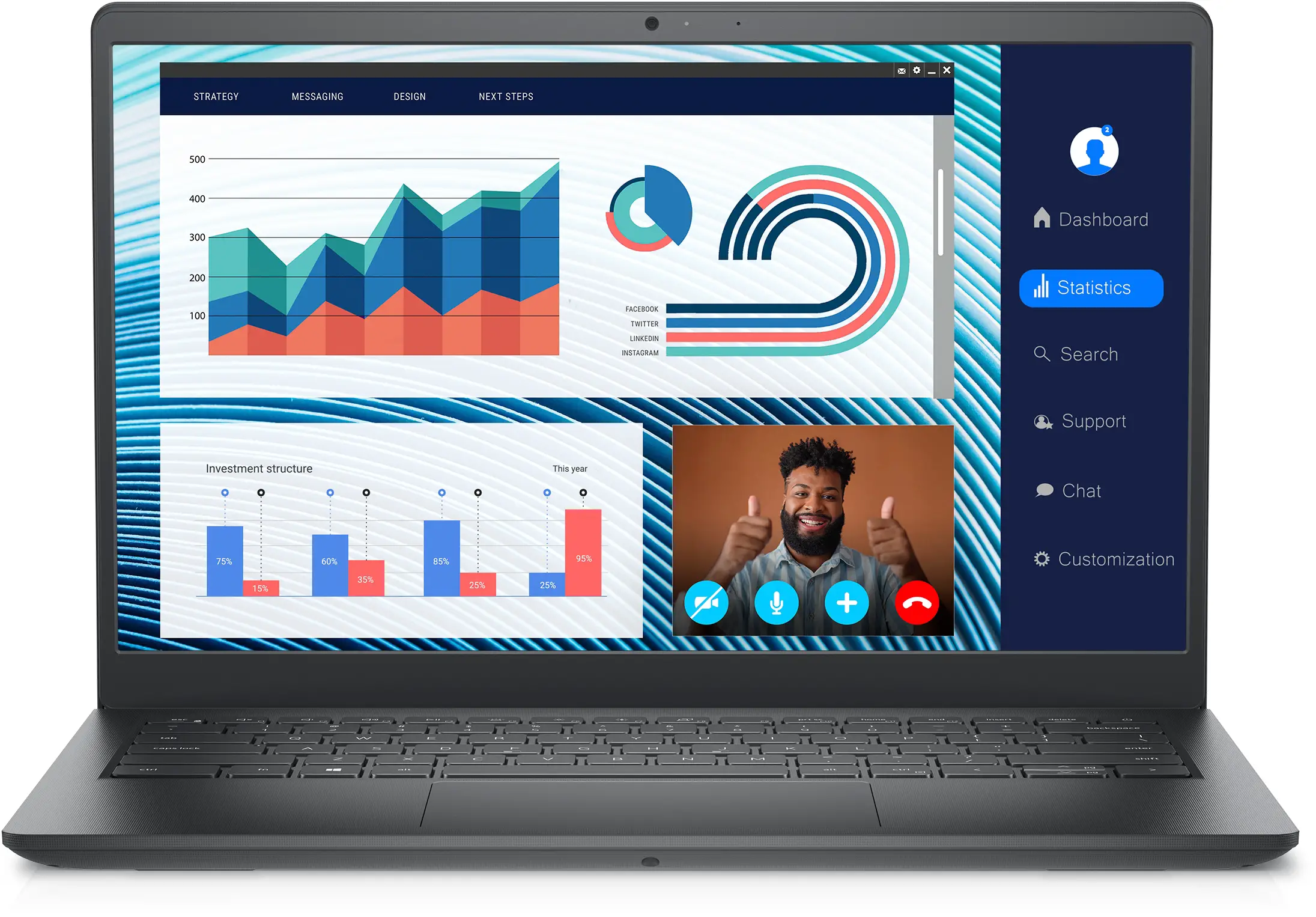
DELL P152G Vostro 3420 14-Inch Laptop
Regulatory Model/Type
P152G/P112F001-004
Norma Oficial Mexicana
Importador:
Dell México, S.A. de C.VAv. Javier Barros Sierra, no 540, Piso 10, Col. Lomas de Santa Fe Delegación Álvaro Obregón, Ciudad de México. C.P. 01219R.F.C: DME9204099R6País de origen: Hecho en China
MCMC certification mark
Windows
In Windows Search, type System. In the search results, click System.
On the desktop, click  →About This Computer.
Connection and use of this communications equipment is permitted by the Nigerian Communications Commission.
http://www.dell.com/learn/tw/zh/twcorp1/envt-info-materials
CAUTION
Read the safety information that shipped with your computer. For additional safety best practices information, see the Regulatory Compliance Homepage at Dell.com/regulatory_compliance.
Do not remove the computer cover unless you need to install internal accessories for your computer. For instructions on removing and replacing parts, see the Owner’s or Service Manual at Dell.com/support.
Retain the filler brackets or cards that ship with your computer. Installing filler brackets or filler cards over empty card-slot openings is necessary to maintain FCC certification of the computer. The filler brackets and filler cards keep dust and dirt out of your computer and maintain the airflow that cools your computer.
Power Adapter
- Input voltage: 100-240 V AC
- Input current (maximum): 1.3 A
- Input frequency: 50-60 Hz
- Output current: 2.31 A
- Output voltage: 19.5 V DC
- Maximum operating temperature: °C ( °F)
Connect the power adapter or the power cable to your computer and to the display, if required.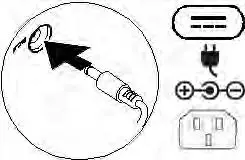 Power on the computer (and the display, if connected).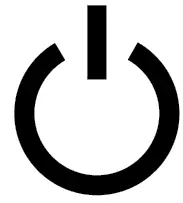
NOTE
Depending on your computer configuration, some ports or connectors may not be available.
Icons
 Power adapter
 USB 2.0
 USB 3.0/USB 3.1 Gen 1
 USB 3.0/USB 3.1 with PowerShare
 USB 3.1 Type-C
 eSATA
eSATA Thunderbolt
 Thunderbolt 3 port with Power delivery (USB-C)
 Network
 VGA
VGA DVI
DVI HDMI
HDMI DisplayPort
 Mini DisplayPort
 TV-in
TV-in External Graphics Port
 Infrared (IR) emitter
 Headphone/Audio-out
 Headset
 Microphone
 Line-in
 Line-out/Speakers: front left-right
 Speakers: rear left-right
 Speakers: side left-right
 Speakers: Audio center/subwoofer
 S/PDIF
 Screen-rotation lock
 SIM-card slot
 ExpressCard slot
 Media-card reader
 Security-cable slot
 Power/Battery-status light
 Battery-status light
 Hard-drive activity light
 Wi-Fi light
 Bluetooth light
 Power adapter
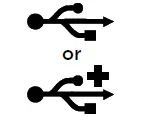 USB 2.0
 USB 3.0/USB 3.1 Gen 1
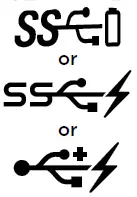 USB 3.0/USB 3.1 with PowerShare
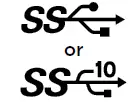 USB 3.1 Type-C
 eSATA
eSATA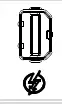 Thunderbolt
 Thunderbolt 3 port with Power delivery (USB-C)
 Network
 VGA
VGA DVI
DVI HDMI
HDMI DisplayPort
 Mini DisplayPort
 TV-in
TV-in External Graphics Port
 Infrared (IR) emitter
 Headphone/Audio-out
 Headset
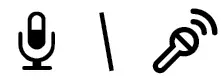 Microphone
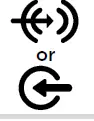 Line-in
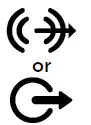 Line-out/Speakers: front left-right
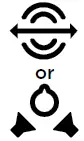 Speakers: rear left-right
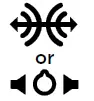 Speakers: side left-right
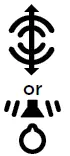 Speakers: Audio center/subwoofer
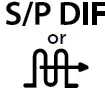 S/PDIF
 Screen-rotation lock
 SIM-card slot
 ExpressCard slot
 Media-card reader
 Security-cable slot
 Power/Battery-status light
 Battery-status light
 Hard-drive activity light
 Wi-Fi light
 Bluetooth light
 Regulatory Compliance | Dell
 Materials – Restricted Material Compliance | Dell 台灣