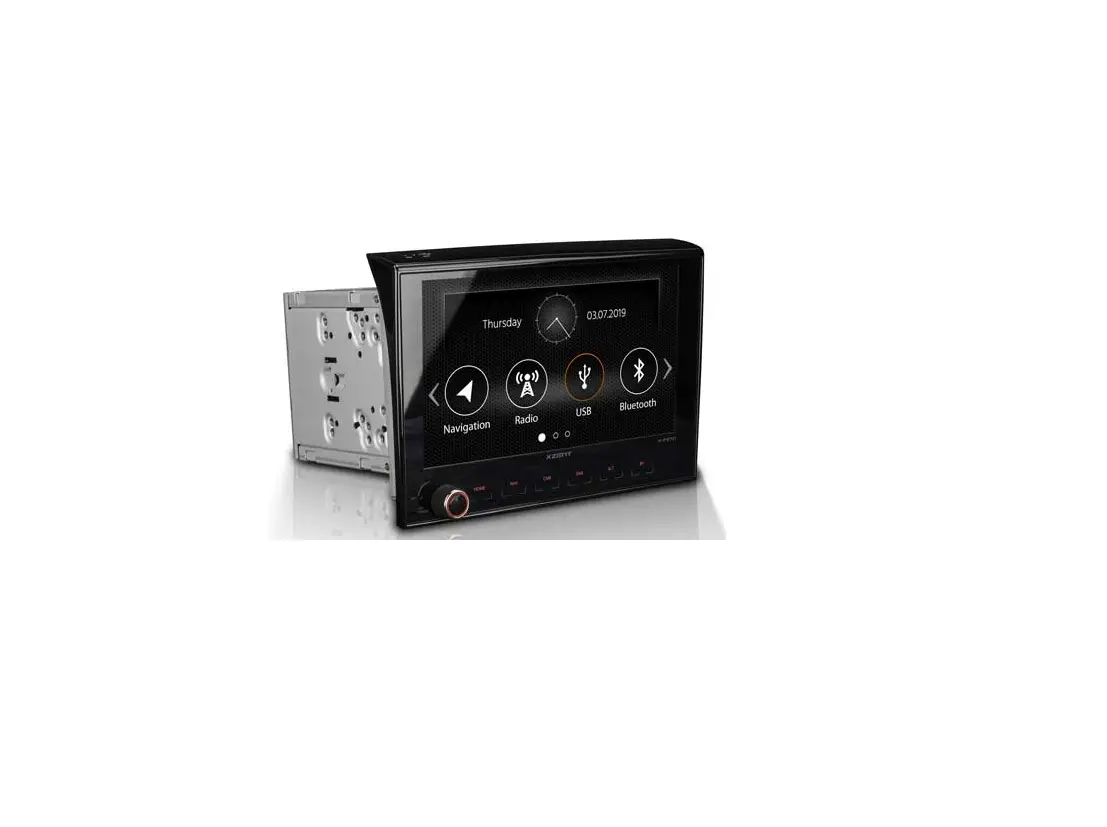
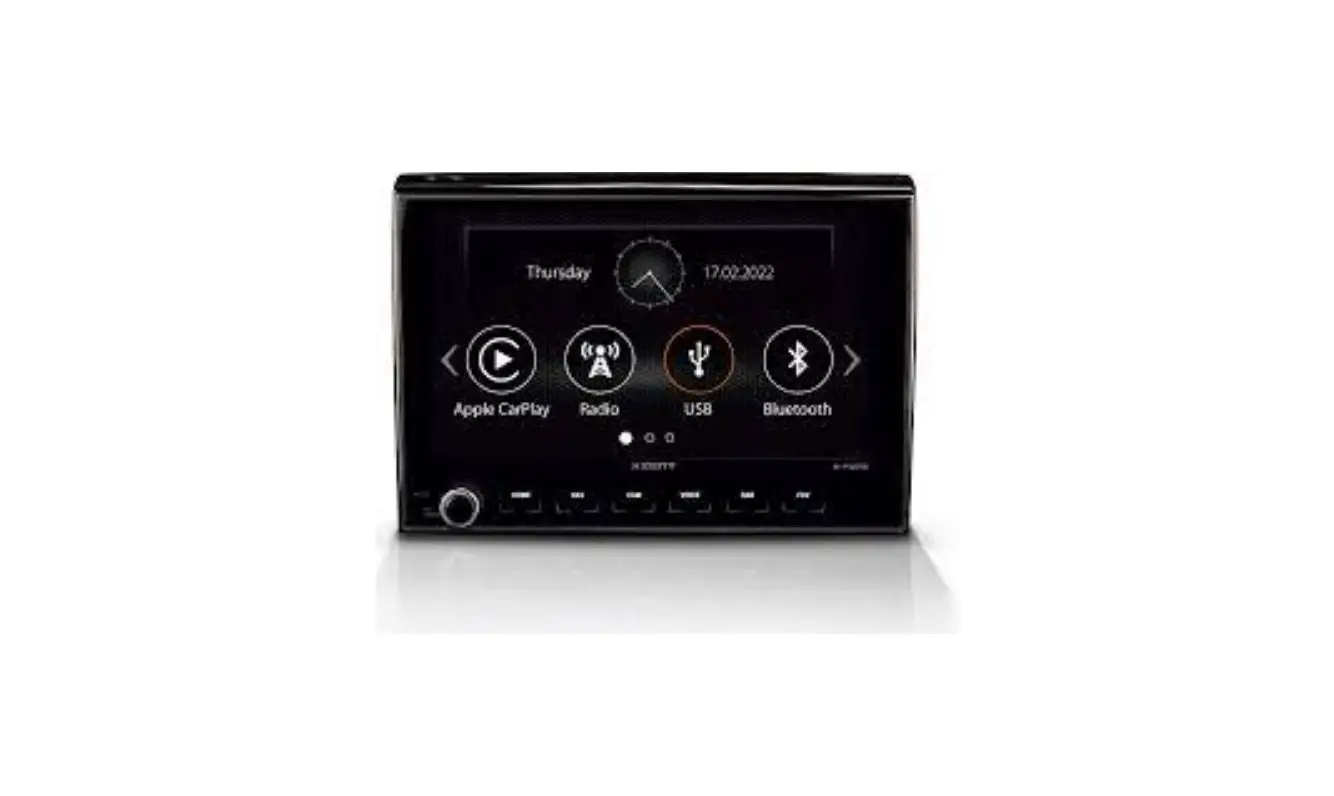
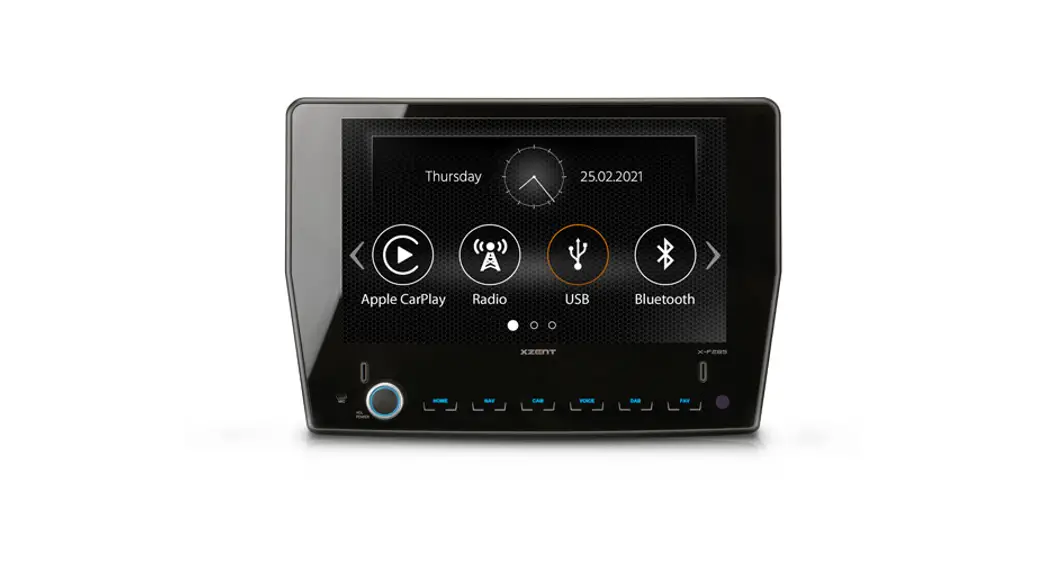
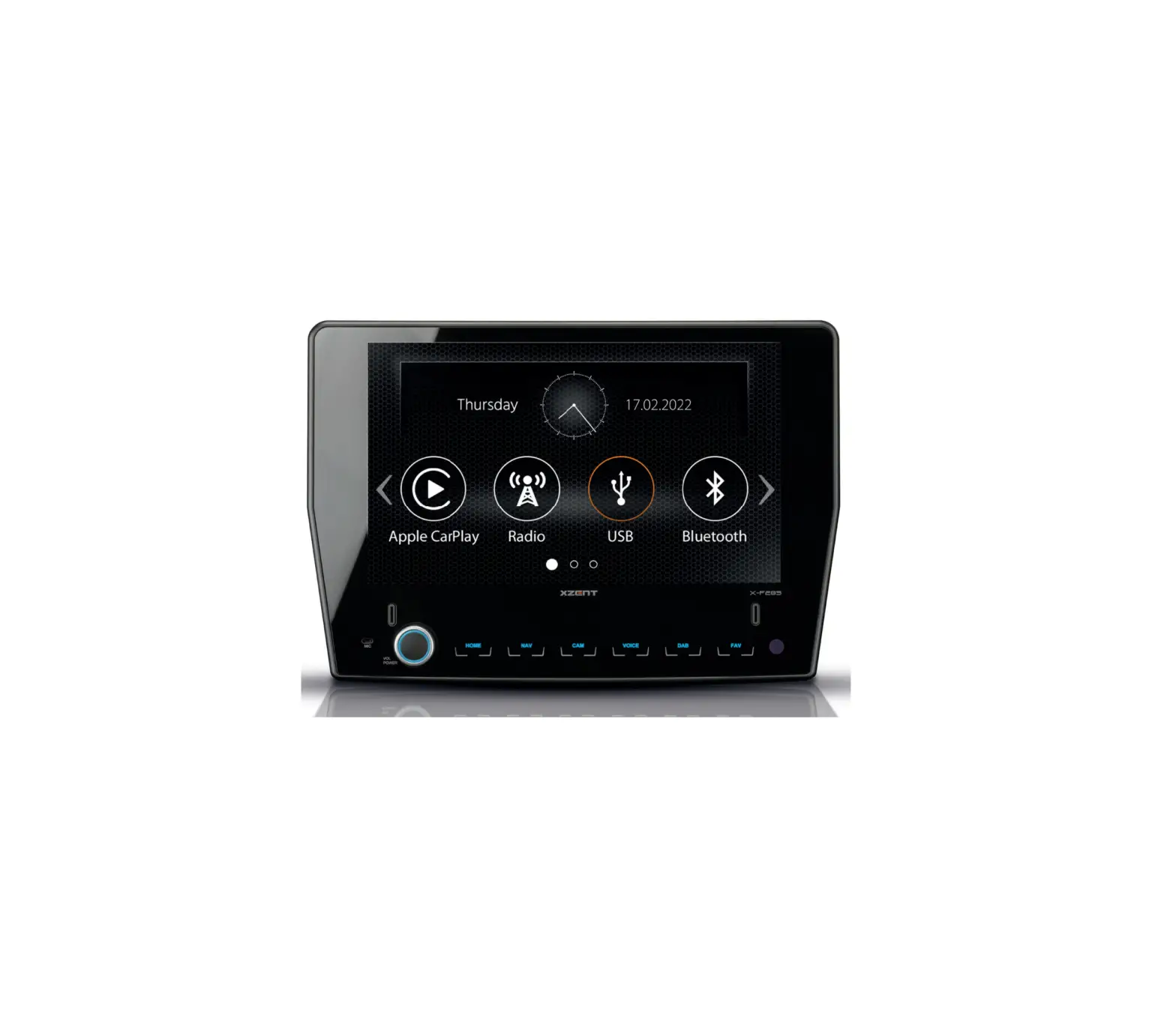
X-F275 2-DIN Infotainer for Fiat Ducato
Product Information:
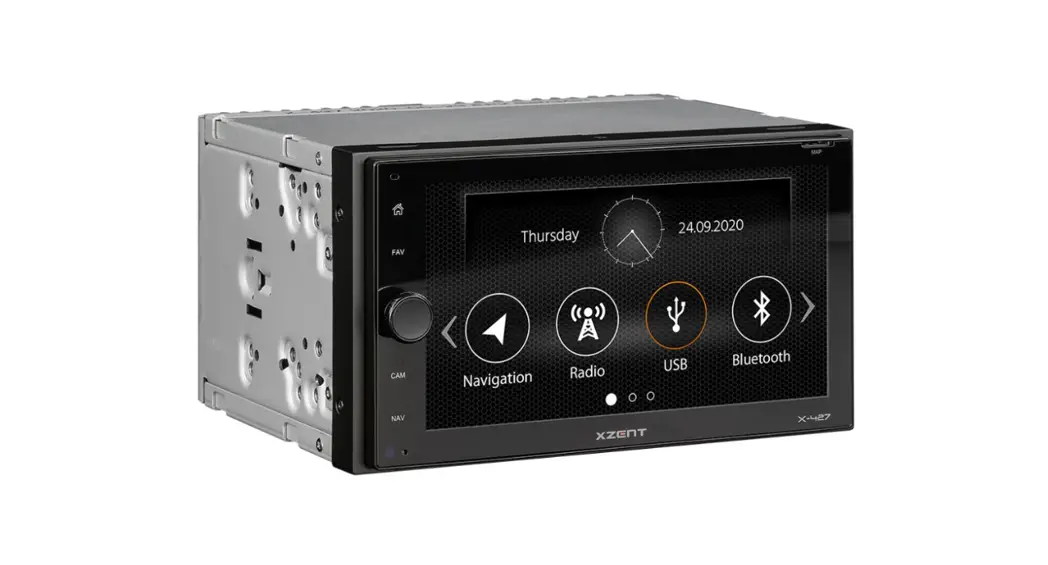
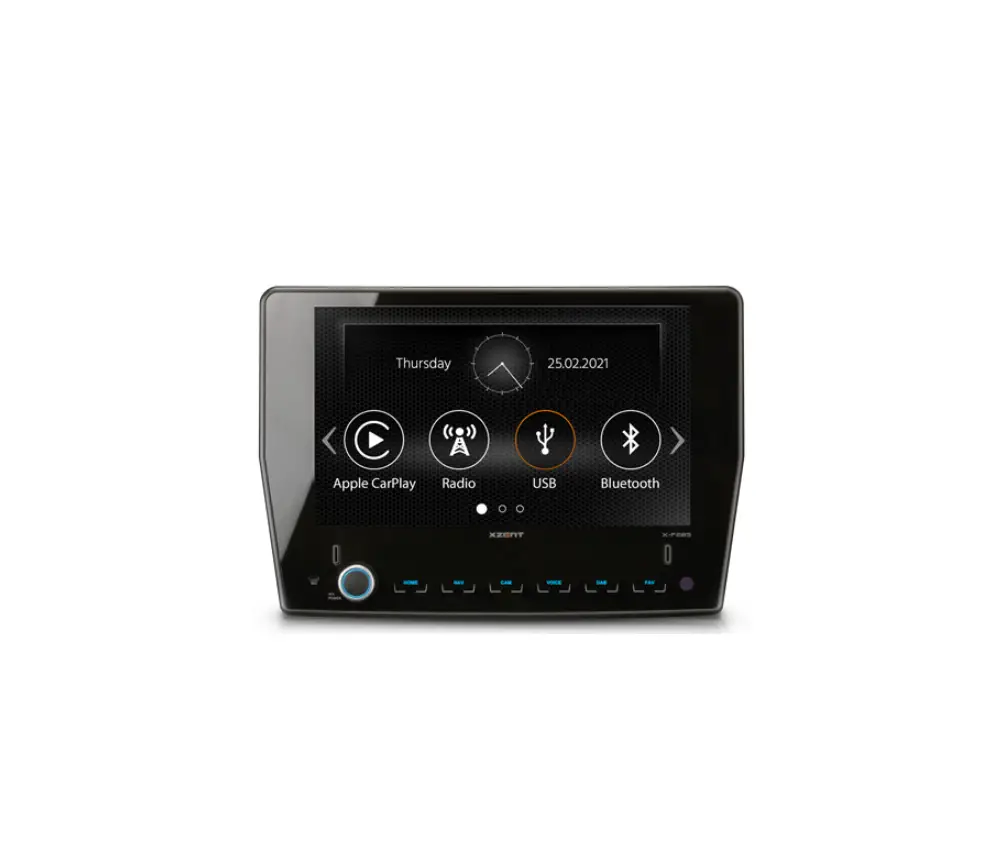
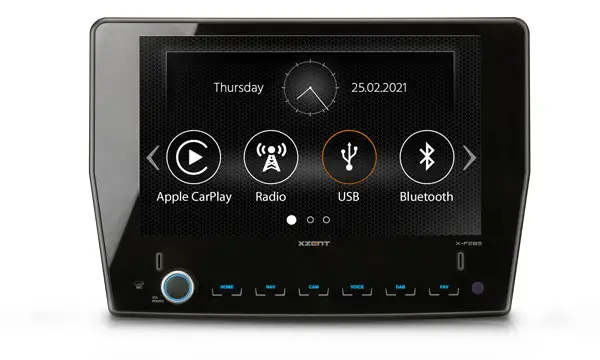
The X-F275 is a car-specific infotainer from the ARGO Series by
XZENT. It is designed for use in FIAT DUCATO III vehicles. The
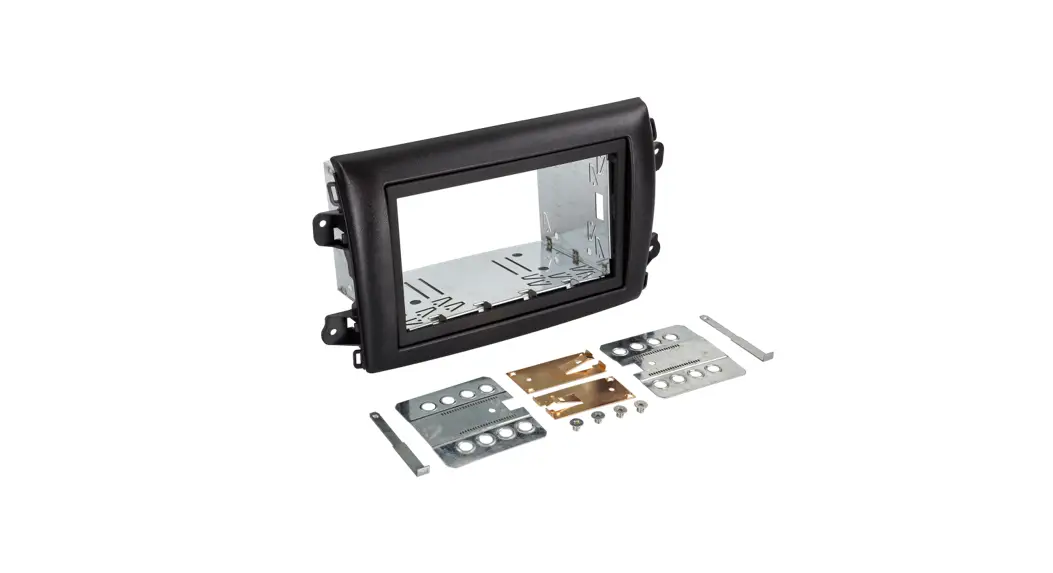
device comes with various accessories included in the kit, such as
an IR remote control, mounting frame, screws, adaptor cables,
microphone with cable extension, and parking brake connection
cable.
Compatibility:
- Model Version: 250/251 250/251 250/251 250/250D/250L
250/251 - Model Year: 2006 – 2011, 2011 – 2014, as of 2014, as of 2006,
as of 2006
Caution:
- The installation of the XZENT system should be carried out by
an authorized installer. Incorrect installation can cause damage to
the vehicle and the XZENT system. - Correct functioning can only be guaranteed when using the XZENT
original accessories included in the kit or optionally available.
Modifying or altering the XZENT system or its accessories can cause
damage.
Note:
- The XZENT system is not compatible with vehicles that are
equipped with an OE radio or OE navigation system from the
factory. - The installation instructions provided are for vehicle
platforms appearing in the compatibility list. Deviating equipment
and specific adjustments implemented by the motorhome manufacturer
brand are not taken into account. - A suitable DAB antenna (not included) must be connected to the
XZENT system to utilize the integrated DAB+ receiver. - If the vehicle is equipped with an ex-work OE DAB antenna, a
FAKRA> SMB adapter is required for connection. - An active antenna system (FM / DAB) is recommended for better
radio reception. - If the target vehicle has a resistor-based multifunction
steering wheel, no additional accessories are needed to support the
steering wheel remote control functions. - Software updates to the XZENT system are installed with a USB
memory device. Ensure that the USB connection of the XZENT system
remains accessible later. - For questions or problems related to the XZENT system, please
contact the dealer from whom you purchased it.
Product Usage Instructions:
- Ensure that the target vehicle is factory configured with
preinstallation for a radio system. - Install the XZENT system in the vehicle using the provided
mounting frame and self-tapping Philips screws. - Connect the appropriate adaptor cables to the corresponding
ports on the XZENT system:
- – 10PIN adaptor cable for 4.2 channel line-out
- – 6PIN adaptor cable for A/V monitor-in
- – 12PIN adaptor cable cam power + video-in
- – 4PIN adaptor cable A/V monitor-out
cable extension and 3.5 mm jack.
port on the XZENT system.
antenna to the XZENT system. If the vehicle has an ex-work OE DAB
antenna, use a FAKRA> SMB adapter for connection.
vehicle with an active antenna system (FM / DAB).
steering wheel, no additional accessories are needed for steering
wheel remote control functions.
accessible for software updates. Install a USB extension cable if
necessary.
Mounting instruction NMOoTnICtEaDg’AeSaSnElMeBi tLAuGnEg
X-F275
Car Specific Infotainer X-F275 ARGO Series
FIAT DUCATO III
LISTE DE COMPTABILITÉ
Modèle Fiat Ducato III Fiat Ducato III Fiat Ducato III Citroën Jumper II Peugeot Boxer II
Type de modèle 250/251 250/251 250/251 250/250D/250L 250/251
Année du modèle 2006 – 2011 2011 – 2014 à partir de 2014 à partir de 2006 à partir de 2006
AVERTISSEMENT
– L’installation du système XZENT devrait être effectuée par un distributeur agréé. Le montage nécessite des connaissances et des outils spécifiques. Une installation inappropriée peut endommager le véhicule et le système XZENT.
– Le bon fonctionnement ne peut être garanti que si vous utilisez les accessoires originaux inclus dans la livraison. Le système XZENT et les accessoires originaux ne doivent en aucun cas être modifiés de quelque manière que ce soit. Des actions inappropriées peuvent endommager le véhicule et le système XZENT.
INDICATION
– Le véhicule cible doit être équipé de la préparation de la radio en usine. Le système XZENT n’est pas compatible avec les véhicules équipés à l’usine de l’appareil radio ou du système de navigation OE.
– Les présentes instructions d’installation s’appliquent aux plates-formes de véhicules figurant sur la liste de compatibilité et à leur état tel qu’il est proposé par le constructeur du véhicule concerné. La présente notice d’installation ne tient pas compte des différences d’équipement ni des adaptations spécifiques des batteries, des systèmes de recharge et des schémas de fonctionnement de l’électricité fournis par les fabricants d’appareils mobiles. En cas de questions ou de problèmes spécifiques au véhicule, veuillez vous adresser au fabricant de l’appareil.
– Le système XZENT est équipé d’un récepteur DAB+ intégré. Pour l’utilisation, vous avez besoin d’une antenne DAB adaptée, non comprise dans la livraison, qui doit être connectée au système XZENT. Si une antenne DAB OE est installée à l’usine, un adaptateur FAKRA > SMB est nécessaire
– Afin d’améliorer la réception radio, il est recommandé d’équiper le véhicule d’une antenne active (OUC/DAB). – Si le véhicule cible est équipé d’un volant multifonction résistant, aucun autre accessoire n’est nécessaire pour les fonctions de télécommande du volant. – Les mises à jour logicielles du système XZENT sont installées avec un support de données USB. Pendant le montage, veillez donc à ce que le port USB du
système XZENT reste accessible ultérieurement (installation extension USB). – En cas de questions ou de problèmes concernant le système XZENT, veuillez vous adresser au détaillant auprès duquel vous l’avez acheté.
ÉTENDUE DES FOURNITURES
N°
Article
1
Appareil XZENT X-F275
2
Télécommande IR
3
Cadre de montage métallique en deux parties
4
Vis cruciformes auto taraudeuses
5
Câble de raccordement 10PIN 4.2 Sortie Cinch-Line
6
Câble de raccordement 6PIN pour entrée de moniteur A/V
7
Câble de raccordement 12PIN pour entrée Cam Power + vidéo
8
Câble de raccordement 4PIN pour sortie de moniteur A/V
9
Microphone avec rallonge de 3 m et cliquet de 3,5 mm
10
Câble de raccordement frein à main
11
Câble de raccordement principal ISO/DIN
12
Câble de raccordement pour adaptateur de montage pour volant de direction
13
Adaptateur d’antenne FM ISO/DIN
14
Antenne GPS avec fiche coudée à 90° et rallonge de 3 m
15
Pastille adhésive 3M double face pour antenne GPS
16
Ligne d’alimentation principale pour appareil X-F275
17
Câble USB de 80 cm de long (gris/noir)
Quantité 1 1 1 4 1 1 1 1 1 1 1 1 1 1 1 1 2
OUTIL REQUIS
– Tournevis torique T25 – Lime – Tournevis cruciforme – Outil de déverrouillage en plastique – Bande de tissu – Scie à main ou outil équivalent
FIAT DUCATO III
COMPATIBILITY LIST
Model Fiat Ducato III Fiat Ducato III Fiat Ducato III Citroën Jumper II Peugeot Boxer II
Model Version 250/251 250/251 250/251 250/250D/250L 250/251
Model Year 2006 – 2011 2011 – 2014 as of 2014 as of 2006 as of 2006
CAUTION
– The installation of the XZENT system should be carried out by an authorized installer. Specific knowledge and tools are required to do the installation. Incorrect installation can cause damage to the vehicle and the XZENT system.
– Correct functioning can only be guaranteed when you use the XZENT original accessories included in the kit or optionally available. The XZENT system and the original accessories must under no circumstance be modified or altered in any way. Inappropriate actions can cause damage to the vehicle and the XZENT system.
NOTE
– The target vehicle must factory configured with preinstallation for a radio system. The XZENT system is not compatible with vehicles that are equipped with an OE radio or OE navigation system from the factory.
– This device installation manual applies to vehicle platforms appearing in the above compatibility list, and in a condition as offered by the respective vehicle manufacturer. Deviating equipment and specific adjustments to battery-, charging systems and power harness layout implemented by the given motorhome manufacturer brand are not taken into account in these installation instructions. Please contact the relevant motorhome manufacturer.
– The XZENT system is equipped with an integrated DAB+ receiver. To make use of this you will need a suitable DAB antenna (not included in kit) that must be connected to the XZENT system. If vehicle is equipped with ex-work OE DAB antenna, a FAKRA> SMB adapter is required for connection.
– In order to obtain better radio reception, it is recommended to equip the vehicle with an active antenna system (FM / DAB). – If the target vehicle is equipped with a resistor based multifunction steering wheel, no additional accessories are needed to support the steering wheel
remote control functions. – Software updates to the XZENT system are installed with a USB memory device. Therefore when fitting the system make sure that the USB connection of the
XZENT system will still be accessible later (installation of USB extension cable). – If you have questions or problems relating to the XZENT system, please contact the dealer from whom you purchased it.
THE KIT INCLUDES
No. Item
Qty
1
XZENT X-F275 device
1
2
IR remote control
1
3
Two-part metal mounting frame
1
4
Self-tapping Philips screws
4
5
10PIN adaptor cable for 4.2 channel line-out
1
6
6PIN adaptor cable for A/V monitor-in
1
7
12PIN adaptor cable cam power + video-in
1
8
4PIN adaptor cable A/V monitor-out
1
9
Microphone with 3m cable extension and 3.5 mm jack
1
10
Parking brake connection cable
1
11
Main wire harness ISO/DIN
1
12
SWC interface adaptor
1
13
FM antenna adaptor ISO/DIN
1
14
GPS-antenna with 90° angled connector and 3 m cable extension
1
15
Doublesided 3M self-adhesive pad for GPS antenna
1
16
Main device manual for X-F275
1
17
USB extension cable with 80 cm length (gray / black)
2
TOOLS REQUIRED
– Torx screwdriver T25 – File – Phillips screwdriver – Release tool made of plastic – Fabric tape – Hand saw or equivalent tool
DÉMONTAGE ET PRÉPARATION :
REMOVAL WORK AND PREPARATION:
1
1 Retirez les deux compartiments selon les indications du fabricant.
Remove both storage compartments in accordance with the
manufacturer`s information.
2
2 Séparez les supports en matière synthétique pour les
Cut off the left and right plastic holders for the storage
compartiments de rangement
compartments as flush as possible.
alignés à gauche et à droite.
3
3 Pour ce faire, utilisez une scie adaptée, puis une lime pour enlever
Use a suitable saw to do this, and then a file to remove any
les éventuels surplus
protrusions still present.
INSTALLATION
INSTALLATION
4
4 Retirez les deux boulons supérieurs originaux (T25).
Remove the two original Torx screws at the top (T25).
5
5 Insérez le cadre de montage en deux parties (n° 3) de manière
Insert the two-part mounting frame (No. 3) at an angle from above into
inclinée dans le puits de radio
the radio slot.
depuis le haut.
6
10 11
6 Vissez le cadre de montage en haut et en bas à l’aide des quatre vis à tête cruciforme (n° 4) fournies dans le système XZENT.
Screw down the mounting frame at the top and bottom with the four Phillips screws (No. 4) supplied with the XZENT system kit.
7 Installez l’antenne GPS (n° 14) à un endroit approprié et veillez à ce que la réception GPS ne soit pas influencée négativement par l’ombrage des parties métalliques du véhicule (vitrage de protection thermique, etc.). Placez ensuite le câble de raccordement dans le puits
Fit the GPS antenna (No. 14) at a suitable place, and make sure that the GPS reception is not adversely affected due to shadowing by metallic vehicle parts (thermal glazing etc.). Next run the
8 Si vous souhaitez utiliser le microphone externe fourni (n° 9), installez-le maintenant et placez le câble de raccordement dans le puits radio. Selon la préférence et le choix du microphone interne ou externe, la source du microphone doit être adaptée en fonction du mode Bluetooth dans
If you wish to use it, now fit the external Bluetooth microphone (No. 9) supplied, and run the connecting cable to the radio slot. Depending on preference and your choice of an external or device-internal microphone, the microphone source for the Bluetooth mode must be correspondingly changed
9 Installez les câbles prolongateurs USB Run the USB extension cable (No. 17) (n° 17) du puits radio à l’endroit que from the radio slot to the position you
10 FACULTATIF
Si votre véhicule est équipé d’un volant multifonction résistant, connectez l’adaptateur LFB (n° 12) au câble de raccordement principal (n° 11) et à la fiche 20 broches côté véhicule.
OPTIONAL
If your Car is equipped with a resistor based multifunction steering wheel you have to connect the enclosed SWC-adapter (No. 12) with the Main connection cable (No. 11) and the 20-
11 Connectez le câble de raccordement principal (n° 11) du système XZENT (n° 1) aux fiches ISO du véhicule.
En cas d’utilisation d’une caméra de marche arrière, le signal de marche arrière émis par le véhicule doit être connecté au raccordement réversible du système XZENT pour la commutation automatique.
Retirez le signal de freinage sur le frein à main et connectez-le au parking afin de pouvoir regarder les vidéos sur le stand. AVERTISSEMENT !!! La lecture de fichiers vidéo n’est pas autorisée par le législateur pendant le trajet. L’écran est donc éteint lorsque le véhicule se déplace.
Connect the main cable (No. 11) of the XZENT system (No. 1) to the ISO plug connectors of the vehicle.
When using a reversing camera system, the reversing signal from the vehicle must be connected to the reverse connection of the XZENT system for automatic switching.
Relay the handbrake signal from the handbrake and connect it to ,,Parking” to enable videos playback function with stationary vehicle. ATTENTION!!! Playback of videos while driving is not permitted by law. For this reason the video playback function is blocked while the vehicle is moving / driving.
12
12 Raccordez tous les câbles précédemment placés dans le puits radio et le câble d’antenne original au système XCENT (n° 1). Utilisez si nécessaire, l’adaptateur d’antenne ISO-DIN inclus dans la livraison (n° 13).
Poussez ensuite délicatement le système XZENT dans le puits de radio jusqu’à ce qu’il s’enclenche de manière audible.
Connect all the cables to the XZENT system (No. 1): those previously run in the radio slot, and the original antenna cable. If necessary, use the ISO DIN antenna adapter (No.13) included in the kit.
Next slide the XZENT system carefully into the radio slot until it is heard to engage.
INDICATION
– Assurez-vous que toutes les fiches au dos de l’appareil ont suffisamment d’espace et ne soient pas pliées. – Pour les véhicules équipés d’une antenne active FIAT d’origine, l’alimentation de l’antenne doit être assurée.
Veillez tout particulièrement à ce que les connecteurs de la ligne P.ANT du câble de raccordement principal (n° 11) soient reliés entre eux. – Les connecteurs non munis d’un mécanisme de sécurité doivent également être protégés par un ruban isolant.
MISE EN MARCHE
Assurez-vous que le véhicule est à l’extérieur et que la réception GPS n’est pas affectée par des ombres (arbres, bâtiments hauts, etc.). Enfilez maintenant les cartes SD acquises séparément avec le logiciel de navigation dans le logement de carte SD du système XZENT prévu à cet effet, puis lancez-le pour créer le SatFix. Veillez à ce que le véhicule ne soit pas déplacé tant que le Sat-Fix n’est pas créé. Appuyez sur la touche NAV pour démarrer le mode navigation et sélectionnez Vue des cartes. Dès que votre emplacement actuel est visible dans l’affichage de la carte, le Sat-Fix est créé automatiquement, ce qui peut prendre 3 à 5 minutes, selon le cas. Vous pouvez maintenant utiliser le système XZENT. Pour terminer, effectuez un test fonctionnel général et effectuez les réglages de base. En outre, assurez-vous qu’aucun message d’erreur n’apparaît à bord.
NOTE
– Make sure that all connectors at the rear of the unit have sufficient room and are not bent. – For vehicles with an original FIAT active antenna, it is necessary to ensure a power supply for the antenna. Pay particular attention that the plug connectors of
the P.ANT lead of the main connection cable (No. 11) are connected together. – Connectors without a retaining mechanism must also be secured with insulating tape.
COMMISSIONING
Make sure that the vehicle is outside, and that the GPS reception is not adversely affected by any shadowing (trees, high buildings etc.). Insert the seperately purchased navigation software SD card supplied into the SD card slot of the XZENT system, and start it in order to establish a sat fix. Make sure that the vehicle is not moved until the sat fix is established. Now press the NAV button to start the navigation mode, and choose map view. Once your present location can be seen in the map view the sat fix will be automatically established. This can take 3 to 5 minutes. You can now use the XZENT system. Finally carry out a general functional test, and make the basic settings. Also ensure that no fault warnings appear on the vehicle side.
Caractéristiques électriques
Alimentation électrique : +12 V DC par rapport à la masse du véhicule Protection externe contre les courts-circuits internes : Mini-fusible ANL 15 A
Flux d’exploitation futur*
Allumage Arrêt en mode ralenti : Lecture audio/vidéo (VOL 20) : En mode navigation (VOL 20) : En mode navigation (VOL 40) :
< 5.0 mA ~1,40 A ~ 1,55 A ~ 3,80 A
* @13,8 V Tension de fonctionnement avec sortie frontale et arrière connectée à un haut-parleur de 4 ohms
Electrical characteristics
Power supply: +12 V DC against vehicle ground External protection against internal short-circuit: 15 A Mini-ANL fuse
Operating currents*
ACC off idle status: Audio / video playback (VOL 20): GPS mode with active route guidance (VOL 20): GPS mode with active route guidance (VOL 40):
<5.0 mA ~ 1.40 A ~ 1.55 A ~ 3.80 A
* @ 13.8 V operating voltage with front and rear 4 ohm loudspeaker connected to device
USB1
Schéma des connexions/Connection Diagram
C
USB-4P
USB-4P
AB
USB1
E
CD
B D
A
E A
E B
C
D
X-F275
XZENT by ACR AG · Bohrturmweg 1 · Bad Zurzach · Suisse · www.xzent.com
Sous réserve de fautes d`impression et de modifications techniques. Subject to technical changes and misprints. État : janvier 2021· Rév A
 XZENT – Mobile Solutions für Ihr Fahrzeug