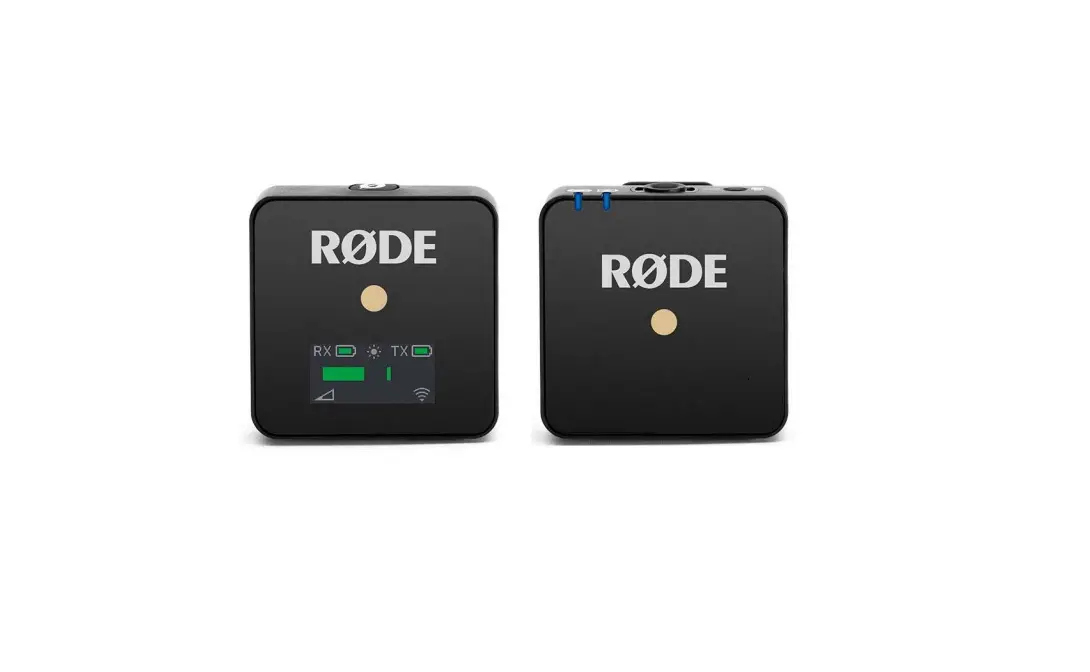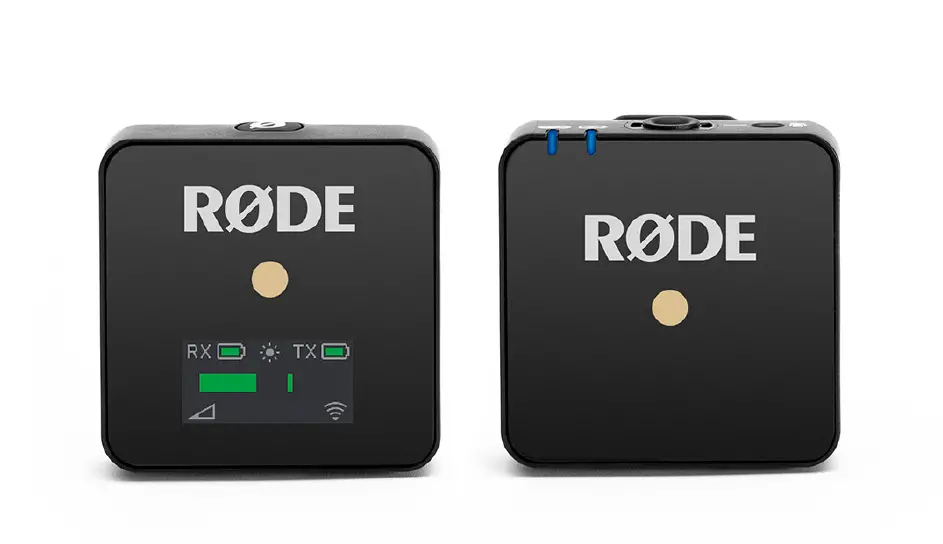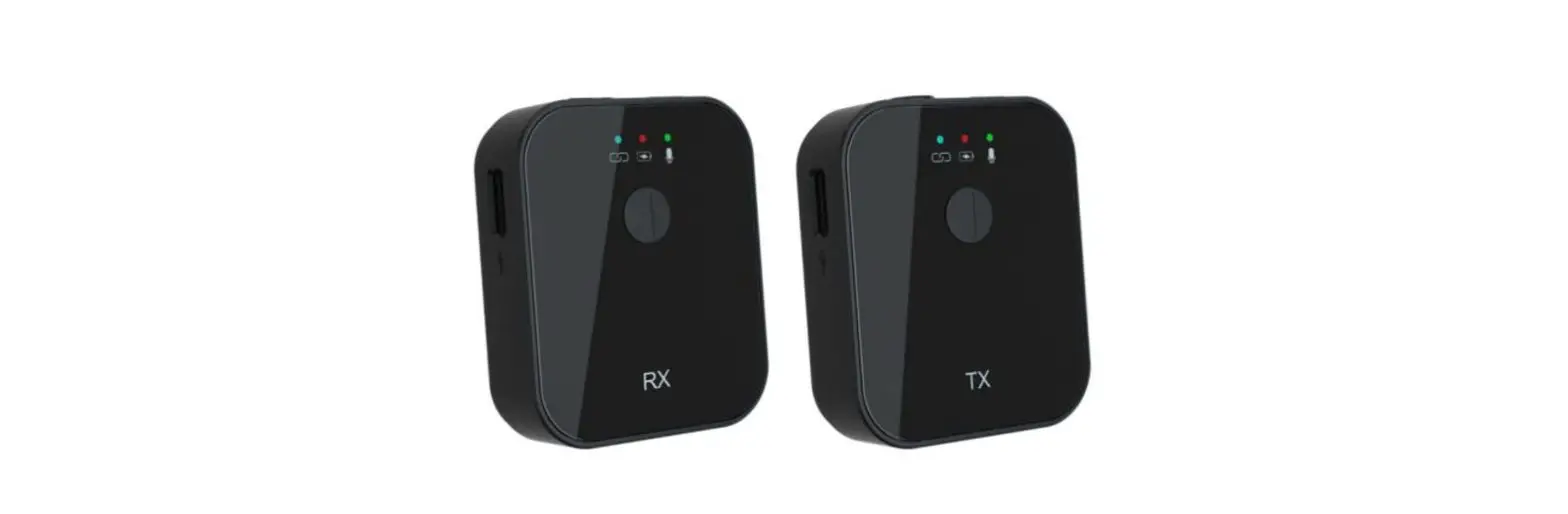

DEITY PWLW Pocket Wireless Digital Microphone System for Cameras and Smartphones
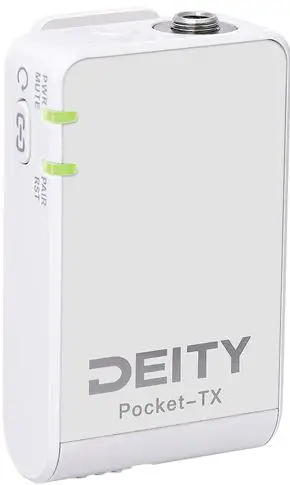
Foreword
Thank you for purchasing the Deity Pocket Wireless.
Instructions
- Please read this product manual carefully.
- Keep this product manual. Always include this product manual when passing the products on to third parties.
- Heed all warnings and follow all instructions in this product manual.
- A WARNING: Do not place the product near any corrosive chemicals. Corrosion may cause the product to malfunction.
- Only use a microfiber or dry cloth to clean the product.
- Operate carefully – dropping or hitting the product may cause damage.
- Keep all liquids away from the product. Liquids entering the product can short-circuit the electronics or damage the mechanics.
- Store the product in a dry, clean, dust-free environment.
- If your product malfunctions, please have it serviced by an authorized shop. The warranty does not cover repairs to devices that have been subjected to unauthorized disassembly, although you may request such repairs on a chargeable basis.
- The product is certified by RoHS, CE, FCC, KC, NBTC, NCC and Japan MIC. Please adhere to the operation standards. The warranty does not cover repairs arising out of the misuse of the product, although you may request such repairs on a chargeable basis.
- The instructions and information in this manual are based on thorough, controlled company testing procedures. Further notice will not be given if the design and specifications change.
FCC Compliance Statement
This device complies with Part 15 of the FCC Rules. Operation is subject to the following two conditions:
- This device may not cause harmful interference, and
- This device must accept any interference received, including interference that may cause undesired operation.
Warning: Changes or modifications not expressly approved by the party responsible for compliance could void the user’s authority to operate the equipment.
NOTE: This equipment has been tested and found to comply with the limits for a Class B digital device, pursuant to Part 15 of the FCC Rules. These limits are designed to provide reasonable protection against harmful interference in a residential installation. This equipment generates, uses and can radiate radio frequency energy and, if not installed and used in accordance with the instructions, may cause harmful interference to radio communications. However, there is no guarantee that interference will not occur in a particular installation. If this equipment does cause harmful interference to radio or television reception, which can be determined by turning the equipment off and on, the user is encouraged to try to correct the interference by one or more of the following measures:
- Reorientate or relocate the receiving antenna.
- Increase the distance separating the equipment and receiver.
- Connect the device to a different power supply than that which the receiver is connected to.
- Consult the dealer or an experienced radio technician for help.
Intended Use
Intended use of the Deity Pocket Wireless includes:
- The user has read the instructions of this manual.
- The user is using the products within the operating conditions and limitations described in this product manual.
- “Improper use” means using products other than as described in these instructions or under operating conditions that differ from those described herein.
Item checklist
The package includes the following items: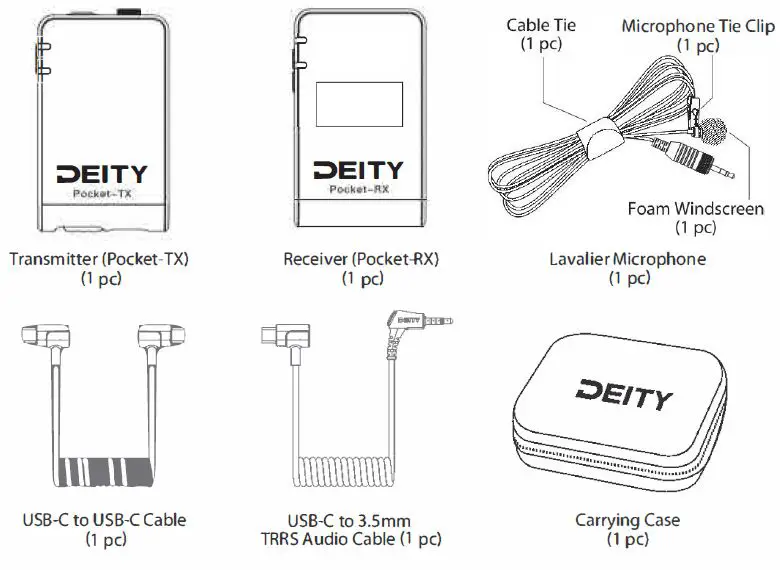
- USB-C Charging Cable (1 pc)
- USB-C to USB-A Firmware Update Adapter (1 pc)
- Windscreen (1 pc)
- Product manual (1 pc)
- Warranty Card (1 pc)


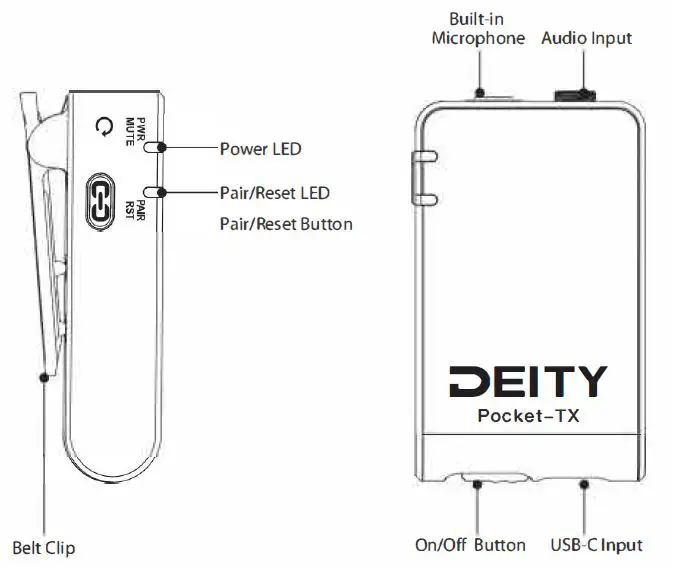
Nomenclature
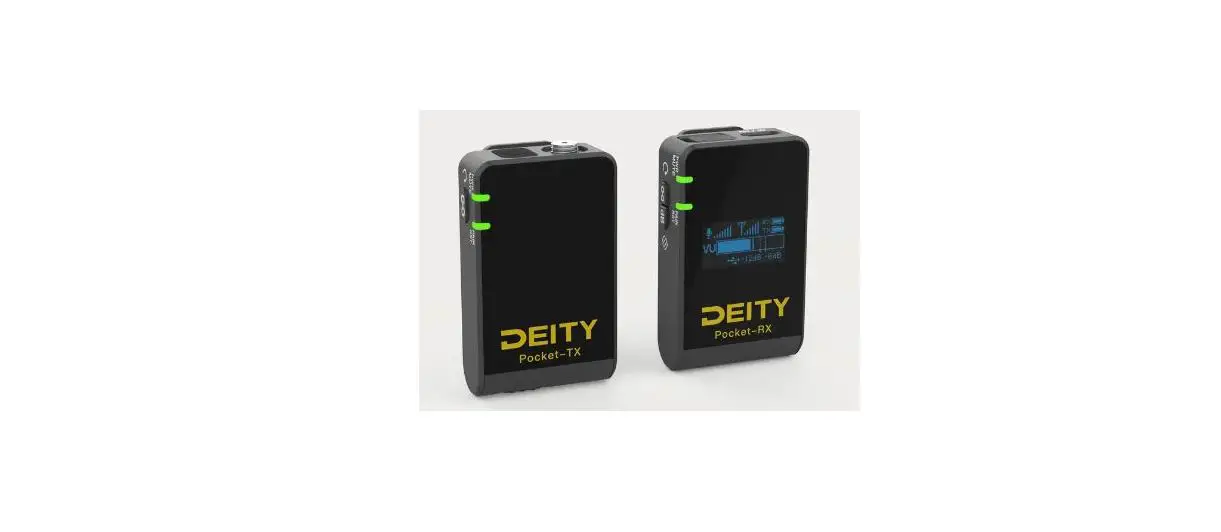
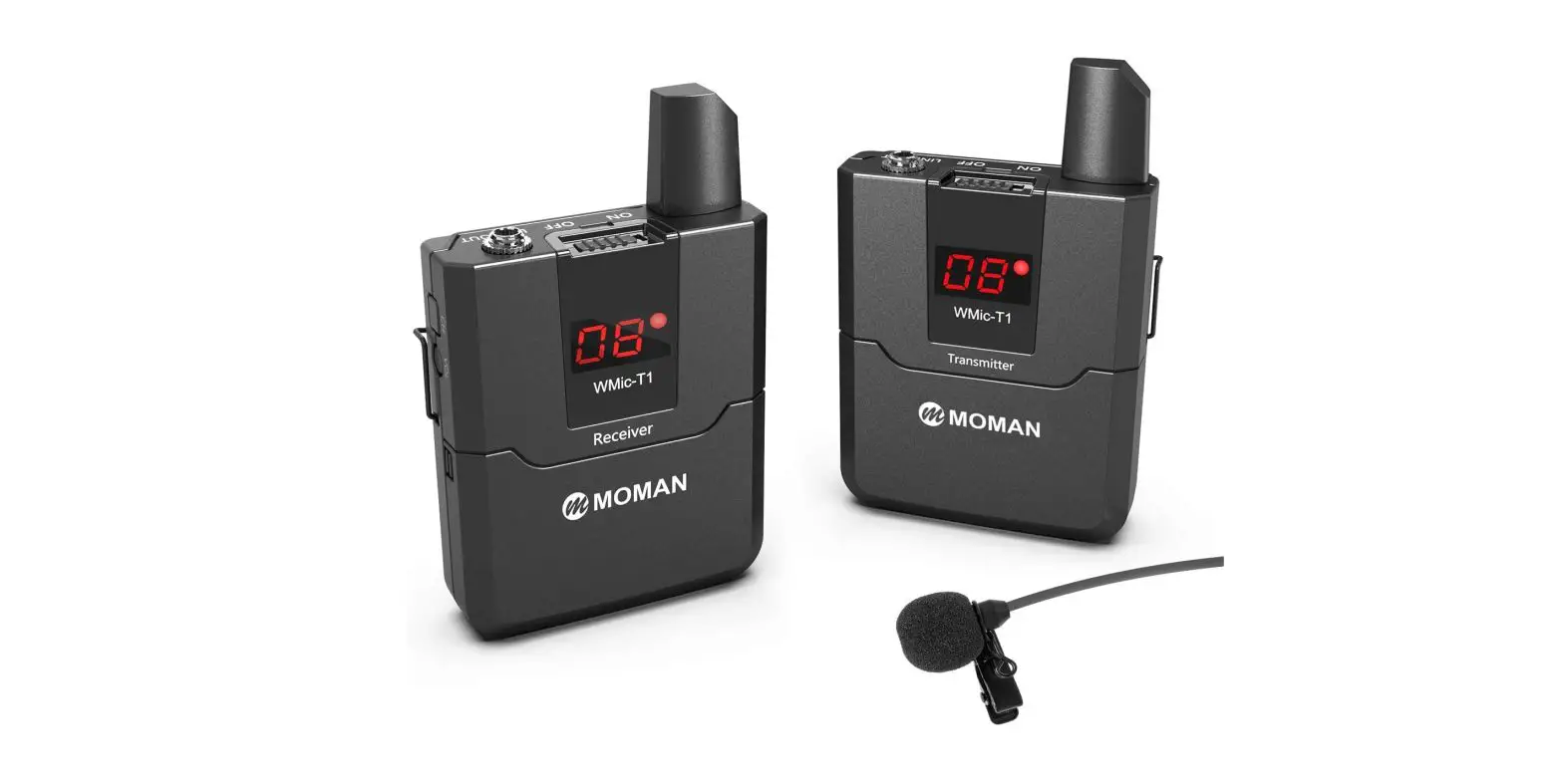
- Transmitter (Pocket-TX)

- Receiver (Pocket-RX)

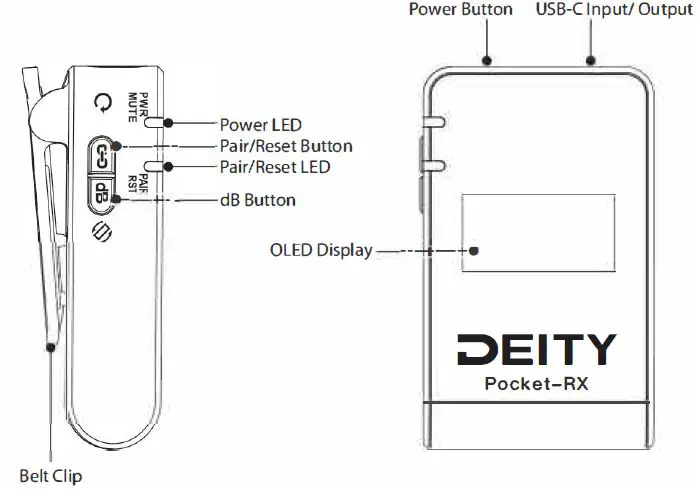
Installations and Use
Lavalier Microphone Installation If you need to use an external microphone, simply clip the lavalier microphone onto your clothes and screw it into the transmitter’s microphone input. If there is not an external microphone plugged in, the transmitter will use the internal built-in microphone directly. You can attach the supplied windshield if needed. 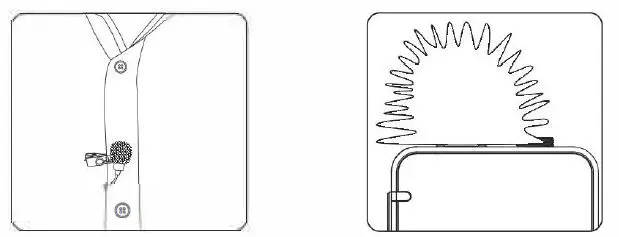
Pocket Wireless Device Installation
Mount the Pocket Wireless receiver to the camera or similar audio device by inserting the clip into the cold shoe. When the Pocket Wireless receiver is turned on, the power LED will be green. Connect the Pocket Wireless receiver and camera or recording device with the included USB-C to 3.5mm TRRS audio cable, then you are ready to record. 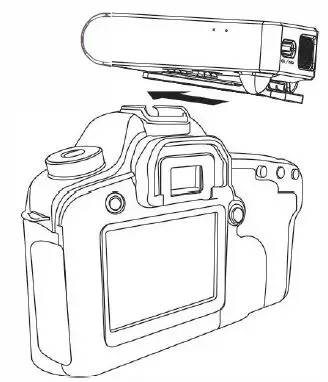
Connect the Pocket Wireless receiver (Pocket-RX) to a smartphone or computer with the included USB-C to USB-C cable or charging cable. iPhone users should purchase the relevant adapter separately. 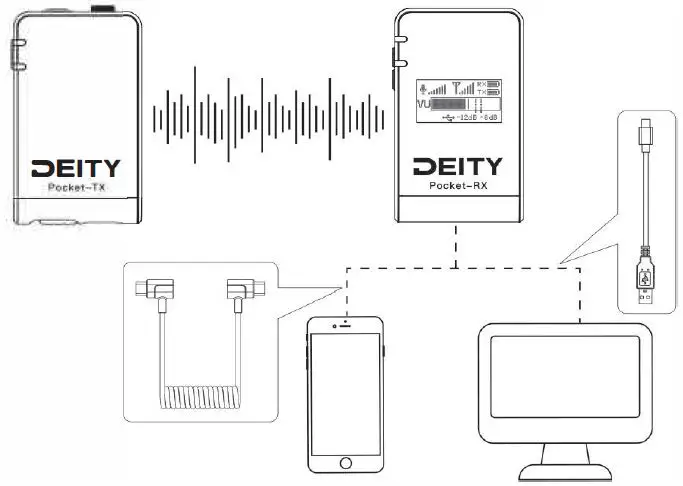
Pocket Wireless works out of the box with Cameras, Recorders, Smart-phones, Laptops, and Tablets that feature “Plug-in-Power” via the USB-C to USB-C cable or charging cable.
Functions and Operations
On/Off Button Slide the On/Off button to turn the Deity Pocket Wireless transmitter and receiver on and off.
Pair/Reset Button Power-on the devices, short press the Pair button on the transmitter and receiver. The transmitter and receiver can now be paired.
- Pair LEDs slowly flashing indicates that the pairing has not started or was unsuccessful.
- Pair LEDs quickly flashing indicates that the pairing is on-going.
- Pair LEDs staying green indicates that pairing was successful.
- If the pairing is successful, you will not need to pair the device again when you use it. After successful pairing, press again to mute the microphone. The Power LED will slowly flash red.
- To reset the system, long press the Pair/Reset button >3s. The Pair/Reset LED will go out and then return to normal function.
dB Button When the device is powered on and the TX and RX are paired, you can press the dB button on the receiver to adjust the microphone gain as needed (matching the transmitter gain with the audio’s output level, the user’s voice level and the position of the microphone). The adjustment range is from -3dB to +21dB in 3dB steps. * Long press the dB button and the OLEO display will flip vertically. 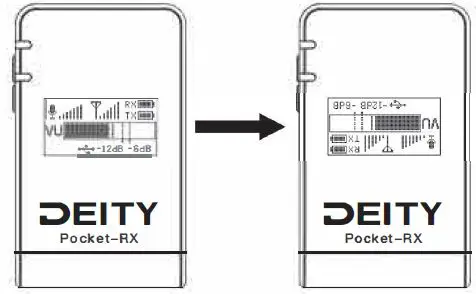
Firmware Update You can update the firmware with a U disk (exFat/Fat32 USB flash drive). Download the latest update from our website. Place the Firmware in the root directory of the U disk. Power off the Pocket Wireless transmitter and receiver, use the “USB-C to USB-A Firmware Update Adapter” to connect the U disk to the USB-C input port. Power on the device, the LED lights will turn on and the firmware will update automatically.
- The power green LED will flash.
- When firmware update is successful, the power LED stays green.
- When firmware update is unsuccessful, the power LED flashes red.
- After firmware update, pull out the USB.
- Official website : https://www.deitymic.com
Charging The power LED glows green when the battery is good. The color changes to red when there is about S minutes of operation left. The battery is charged using the included USB-C charging cable connected to a DC adapter (not included).
- When charging, the power LED will flash between red and green.
- When fully charged, the power LED stays green.
- Charging at temperatures below 7 0 degrees will cause damage to the battery.
Icon Description
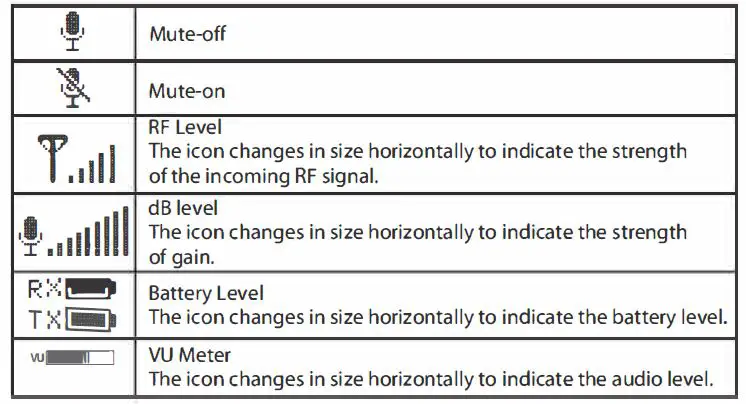
Specifications
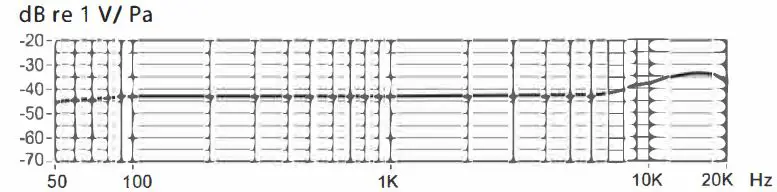
- Frequency Response

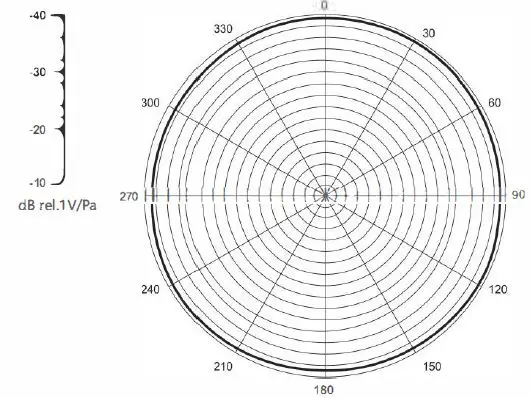
- Polar Pattern

- Performance Parameter
Transmission Type 2.4 GHz Range (Distance) > 70 m Transmitting Bitrate/Sampling 24bit/48kHz Display Type 0.96″ OLED Display Battery Type Lithium-ion Rechargeable Battery Battery Capacity Pocket-RX: 400mAh Pocket TX: 400mAh Battery Working Time ~5Hrs@ 25mw RF Output Battery Charger USB-C Cable Pocket-TX Input Connectors 3.5mm Stereo TRS Pocket-RX Output Connectors USB-C Pocket-RXDimensions 33.2 mm*55.1mm*20.1 mm Pocket-TXDimensions 33.2mm*54.8mm*20.1mm Pocket-RX Net Weight Pocket TX Net Weight 31 g Temperature Range -10 ‘C to +45 ‘C Polar Pattern Omni- directional Dynamic Range 83dB (per IEC651) Maximum SPL ;:,110dB L (@1KHz,1%THD into 1K) Frequency Range 50Hz~20kHz THD <0.5% Output Impedance 2.2KO Sensitivity -40±2dB re 1V/Pa@1kHz Signal /Noise ;:,67dB SPL (@1 KHZ,rel 1Pa per IEC651) Output Connection 3.Smm TRS Cable Length 1.6M Net Weight 21g - Compatibility Pocket Wireless transmitter (Pocket-TX) and receiver (Pocket -RX) can work with below Deity 2.4G Wireless Audio System family devices.
- BP-TX pair to Pocket-RX
- HD-TX pair to Pocket*RX
- BP-TRX pair to Pocket-RX
- Pocket-TX pair to DUO-RX
- Pocket-TX pair to BP-TRX


Detailed product manual for Deity Pocket Wireless can be found on www.deitymic.com