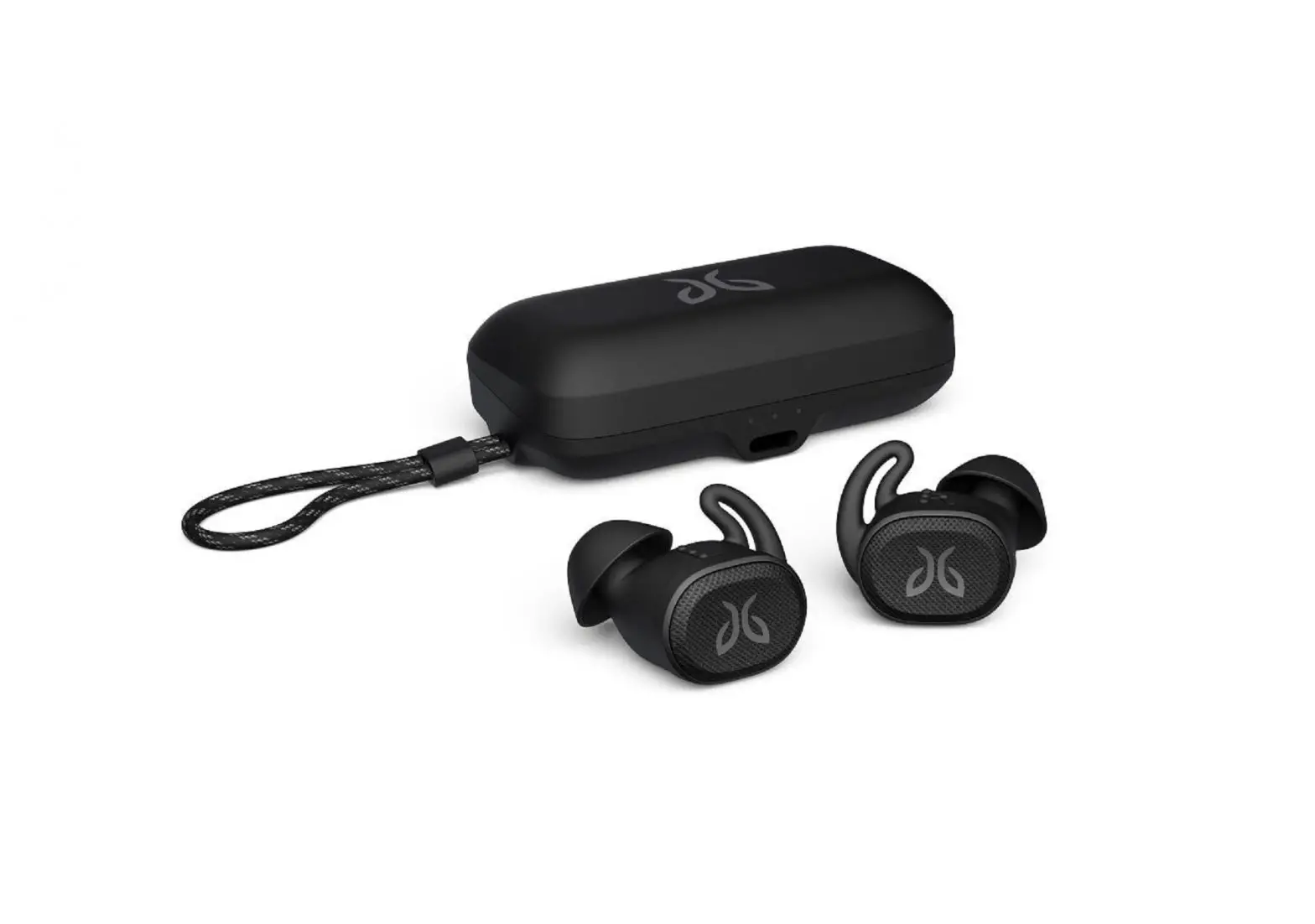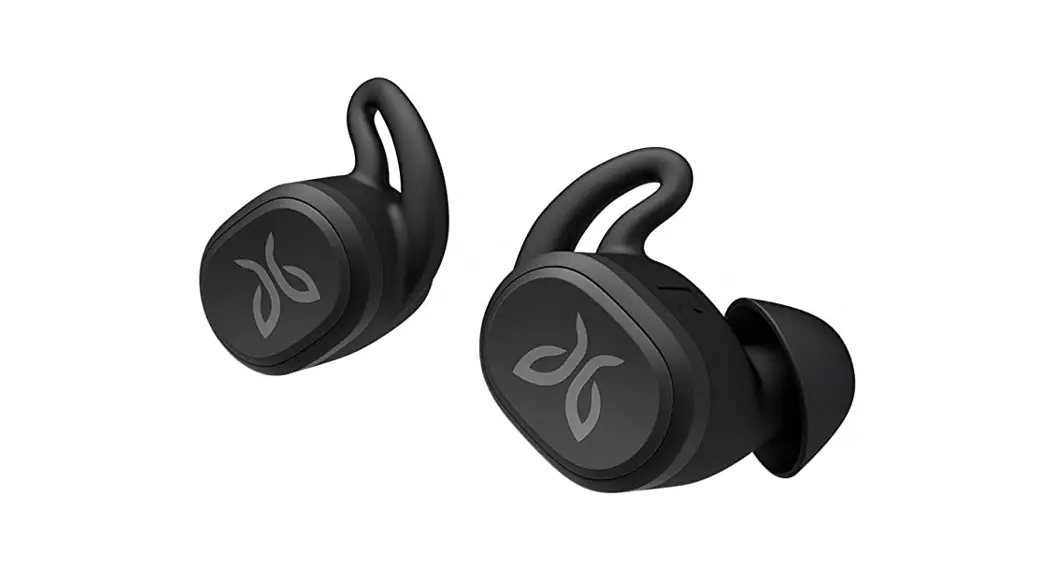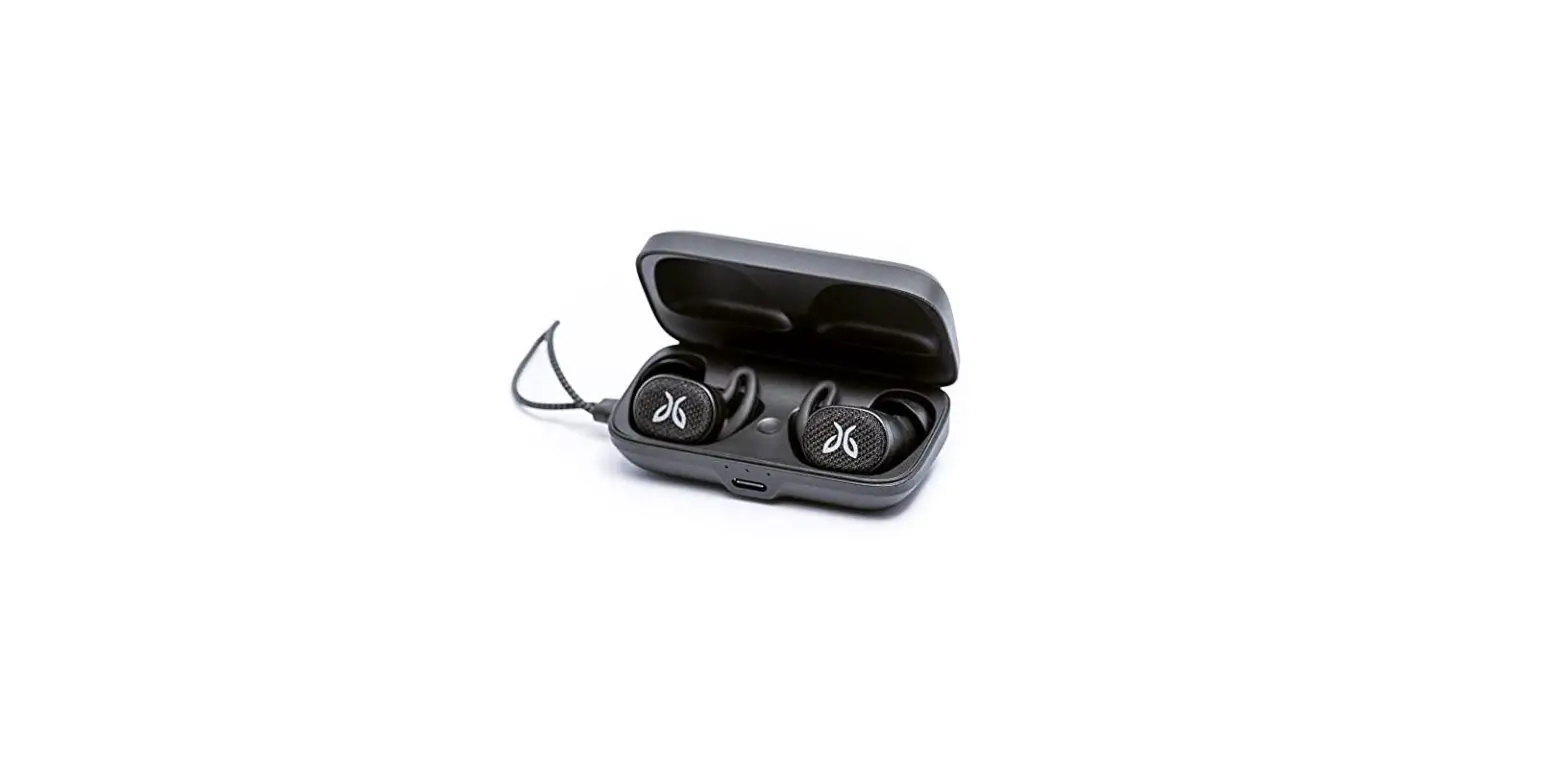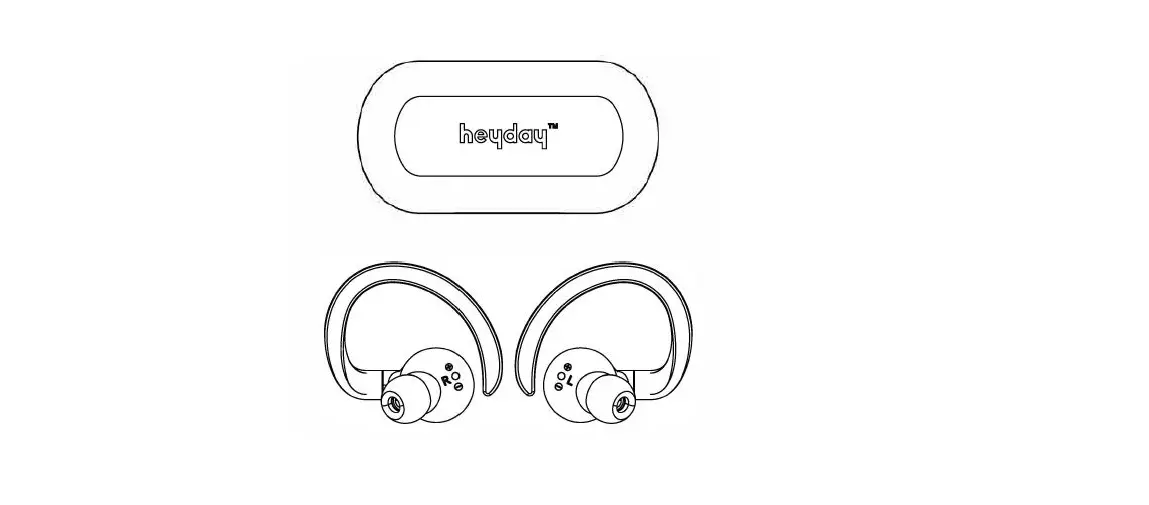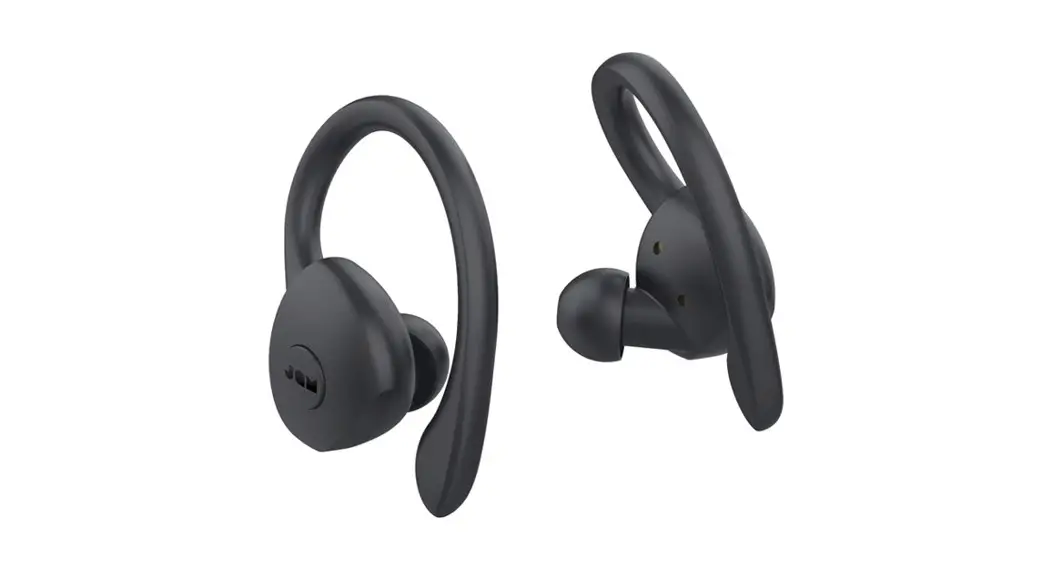

Vista 2 True Wireless Earbuds for Sports
User Guide
QUICKSTART
Self
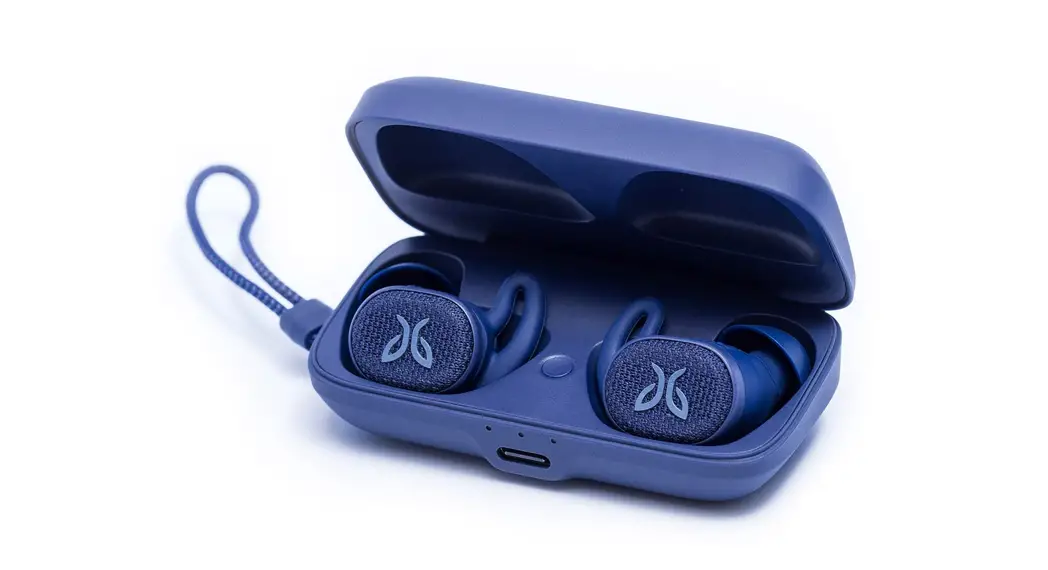
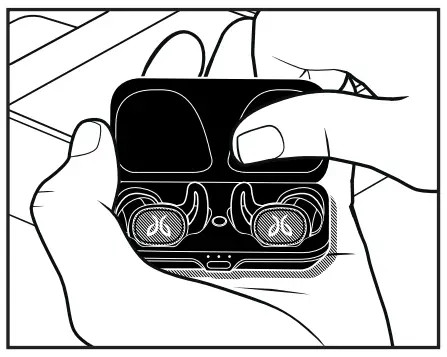
- Take the case out of the box & open it

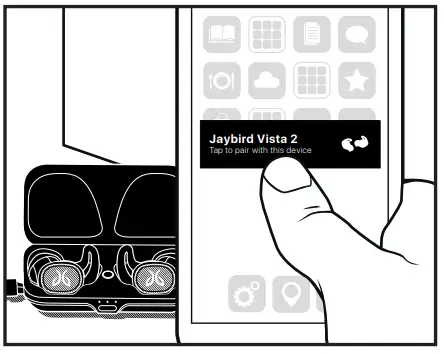
- Go to BT settings / select Vista

- Done
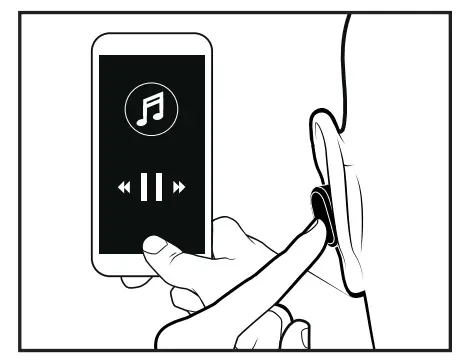
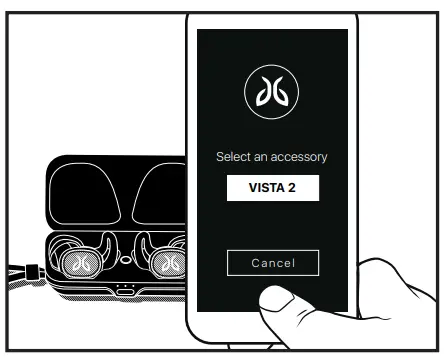
App guided
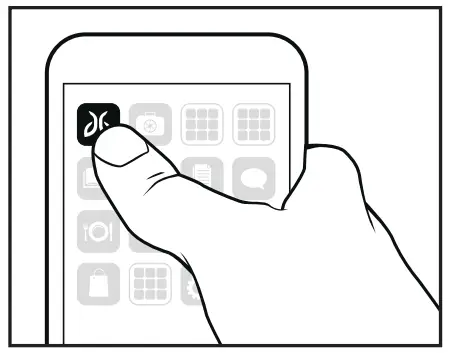
- Download & Open Jaybird App

- Follow on-screen instructions Select an accessory VISTA 2 Cancel

- Done
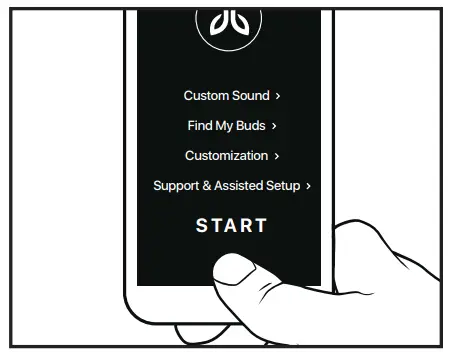
FIT
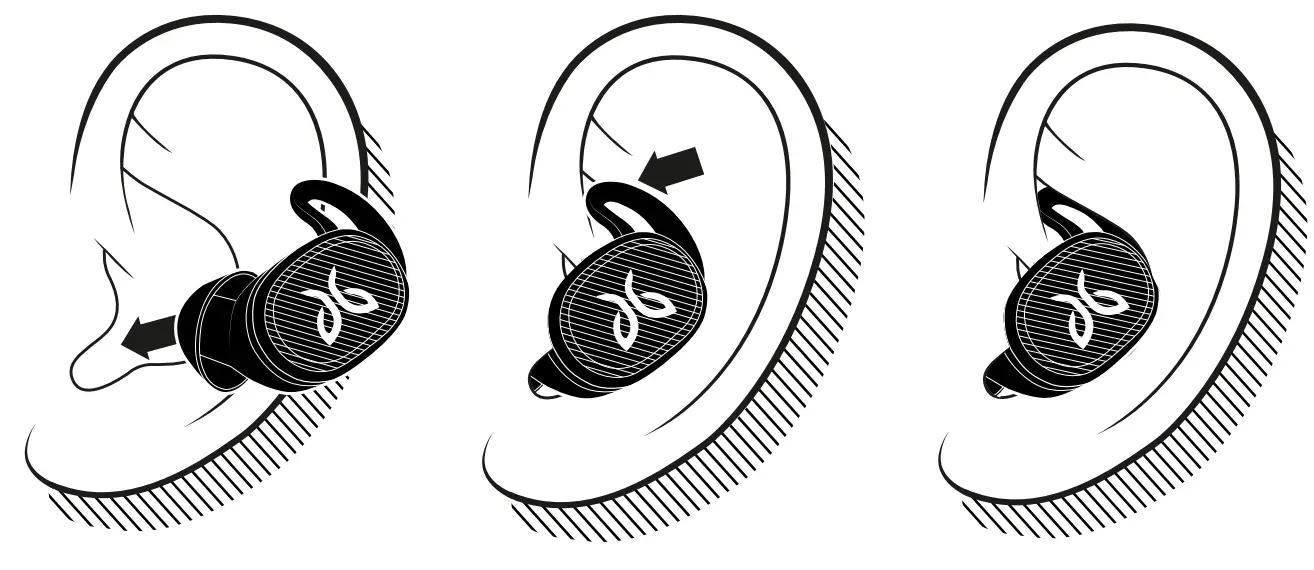
For an assisted fit setup, please download the Jaybird App or visit www.jaybirdsport.com/support/vista2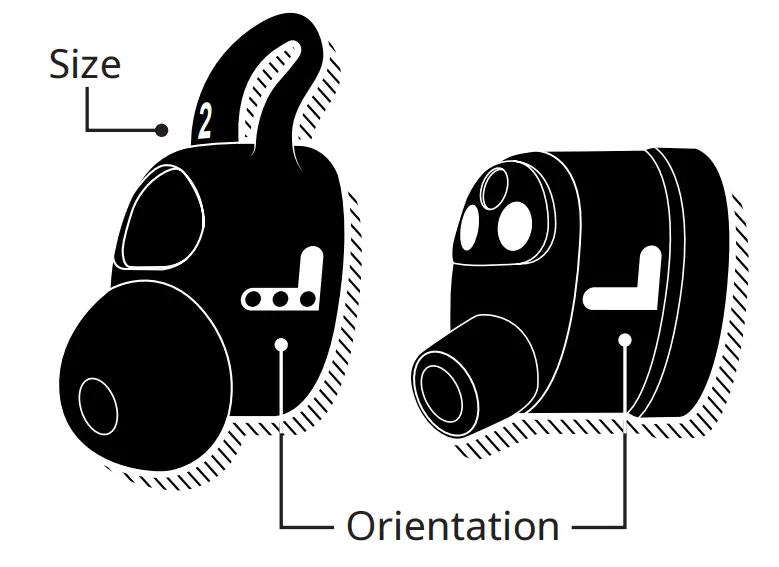
- Start with the pre-installed size 2 on the earbud.
- If the earbud does not feel secure enough please try size 3.
- If you feel some discomfort or pressure, please try size 1.
- It is not uncommon to use a different size in each ear.

CONTROLS
Download the Jaybird app to customize your button controls.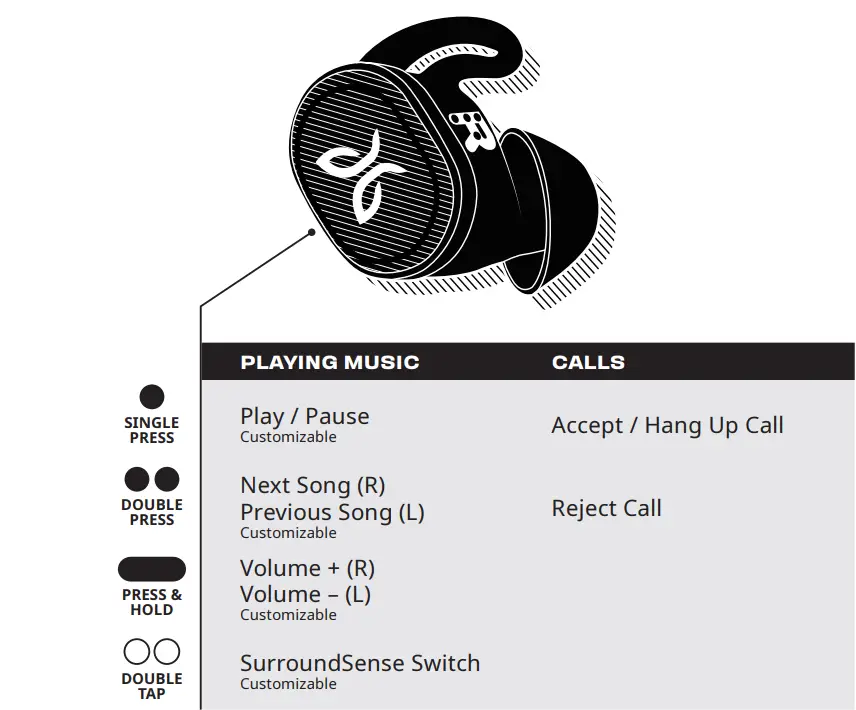
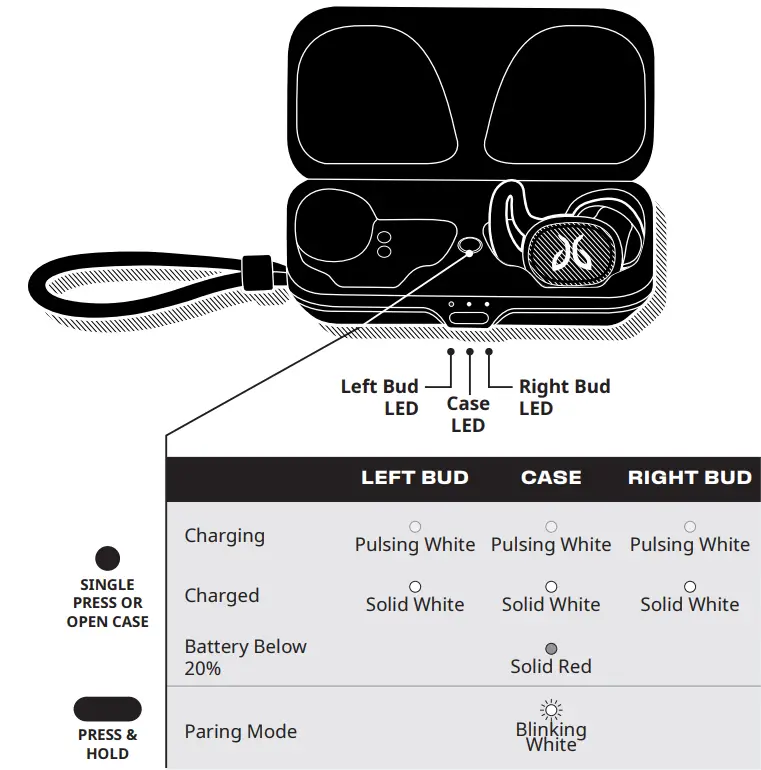
CASE CONTROLS
WATERPROOF
Your Jaybird headphones feature an IP68 waterproof rating. Jaybird headphones are designed to handle rain, mud, dust, and outdoor adventures.
Jaybird headphones are not designed for swimming, showering, or exposure to pool or ocean water. In case of exposure to salted or chlorinated water, rinse the headphones gently with fresh water and air dry before use.
The charging case is IP54 and water-resistant. Please ensure your headphones are completely dry before putting them inside the case.
CARE & MAINTENANCE
Please see jaybirdsport.com for proper care and maintenance instructions.
SUPPORT
We want to make sure you get the best experience possible.
DOWNLOAD
The Jaybird app
VISIT US ONLINE
www.jaybirdsport.com/vista2
©2020 Logitech. Logitech, Jaybird, and the Jaybird logo are trademarks or registered trademarks of Logitech Europe
S.A. and/or its affiliates in the U.S. and other countries. ©
620-009576.002