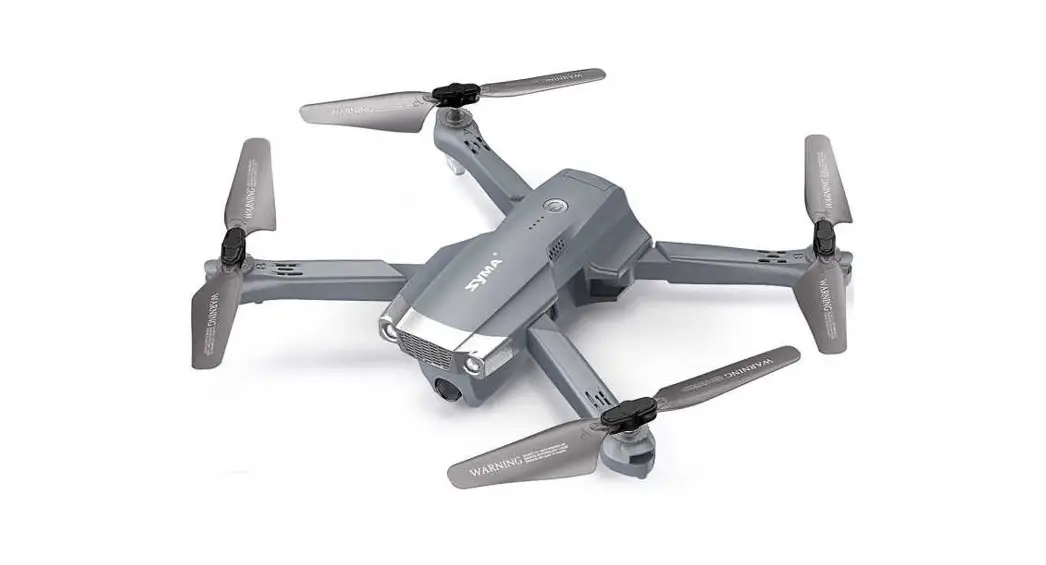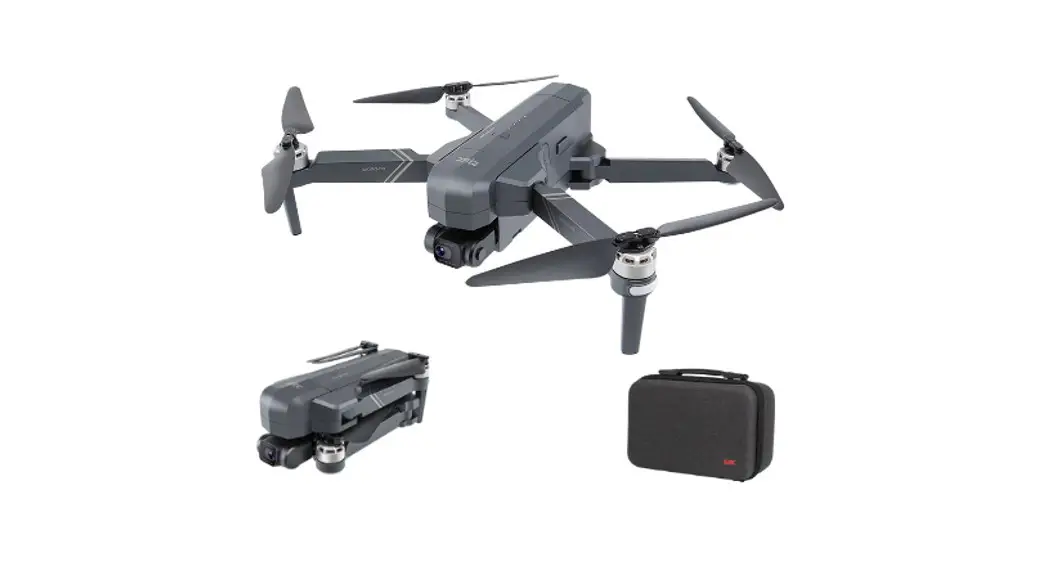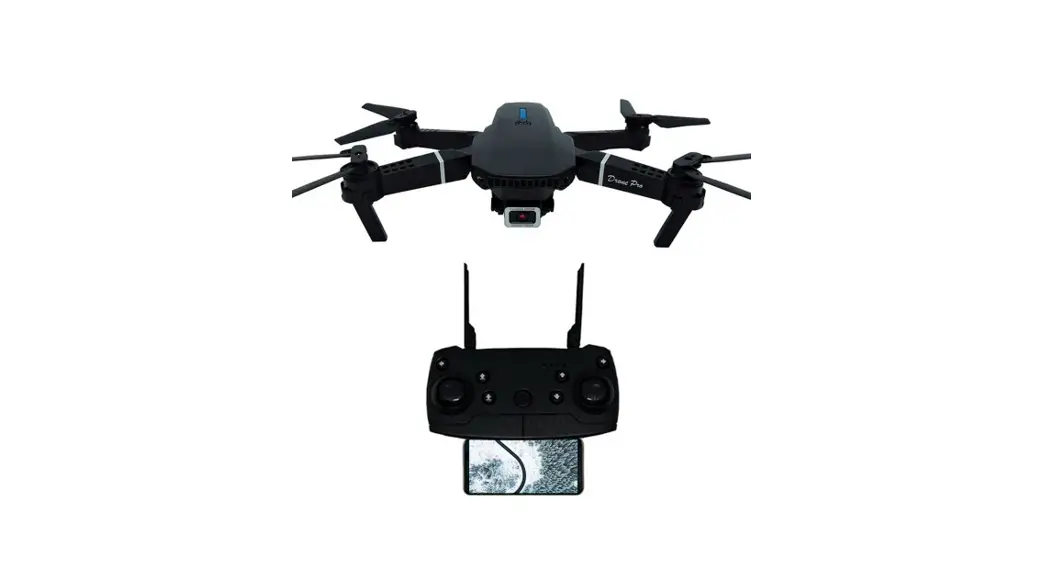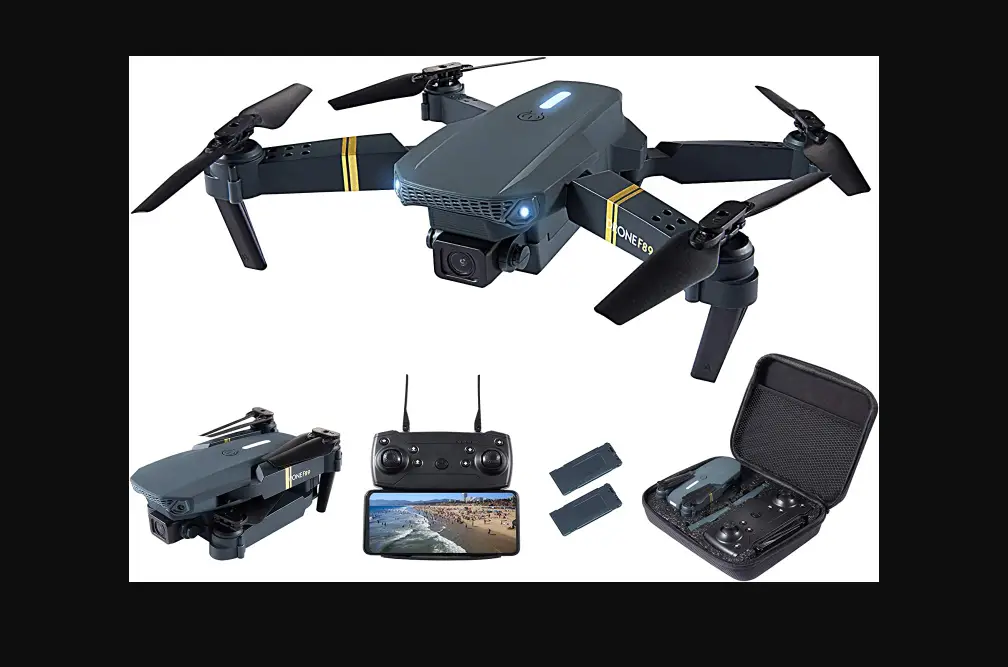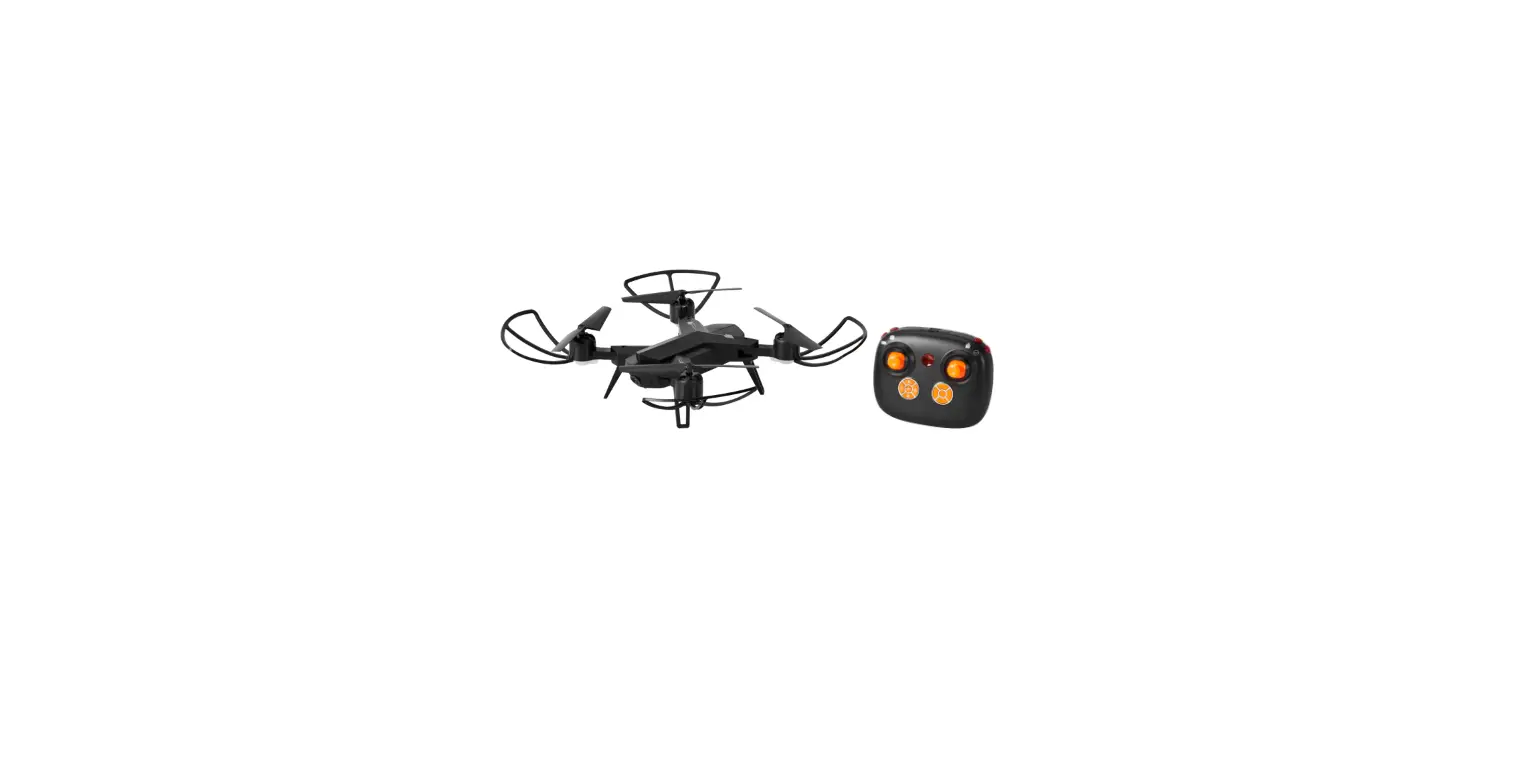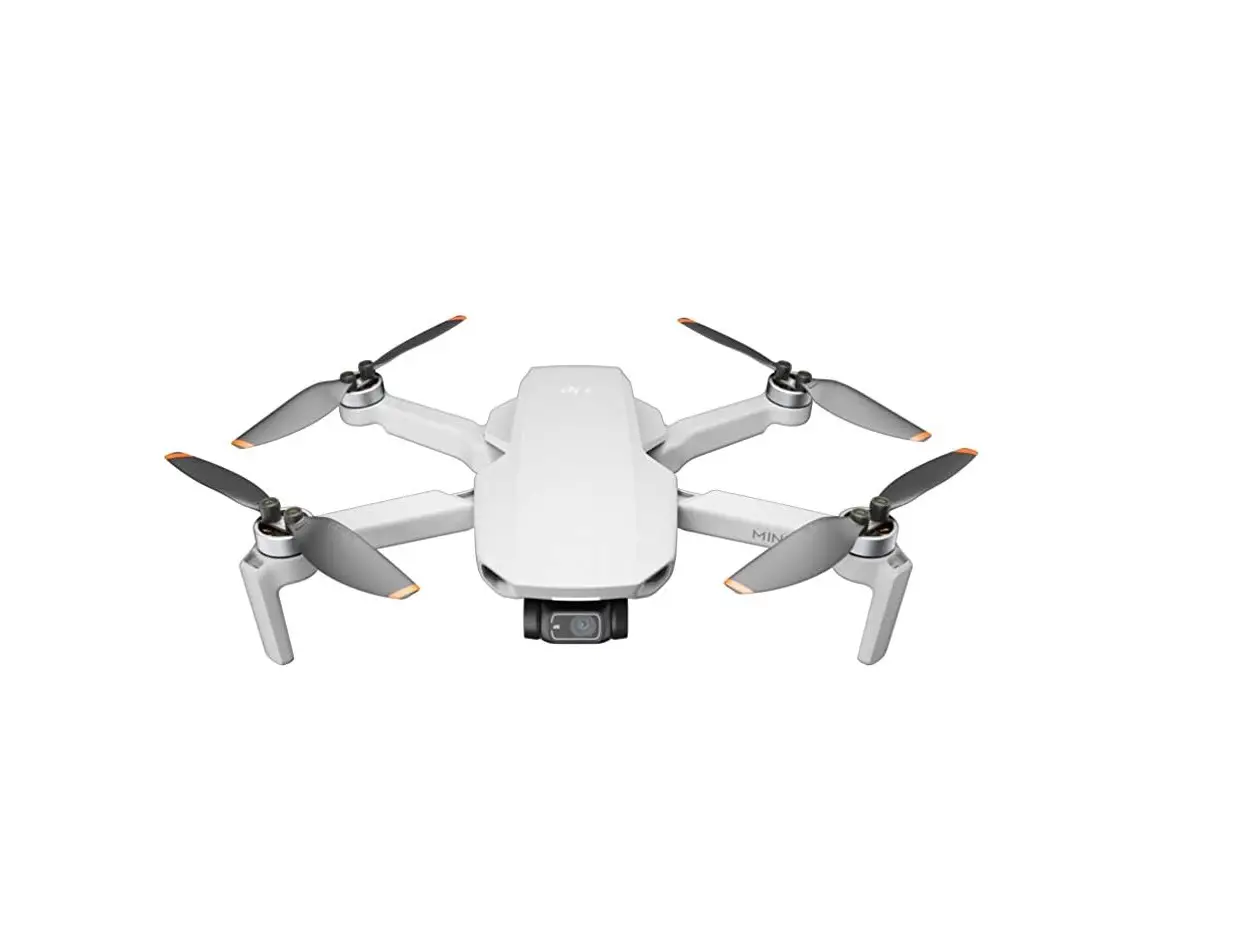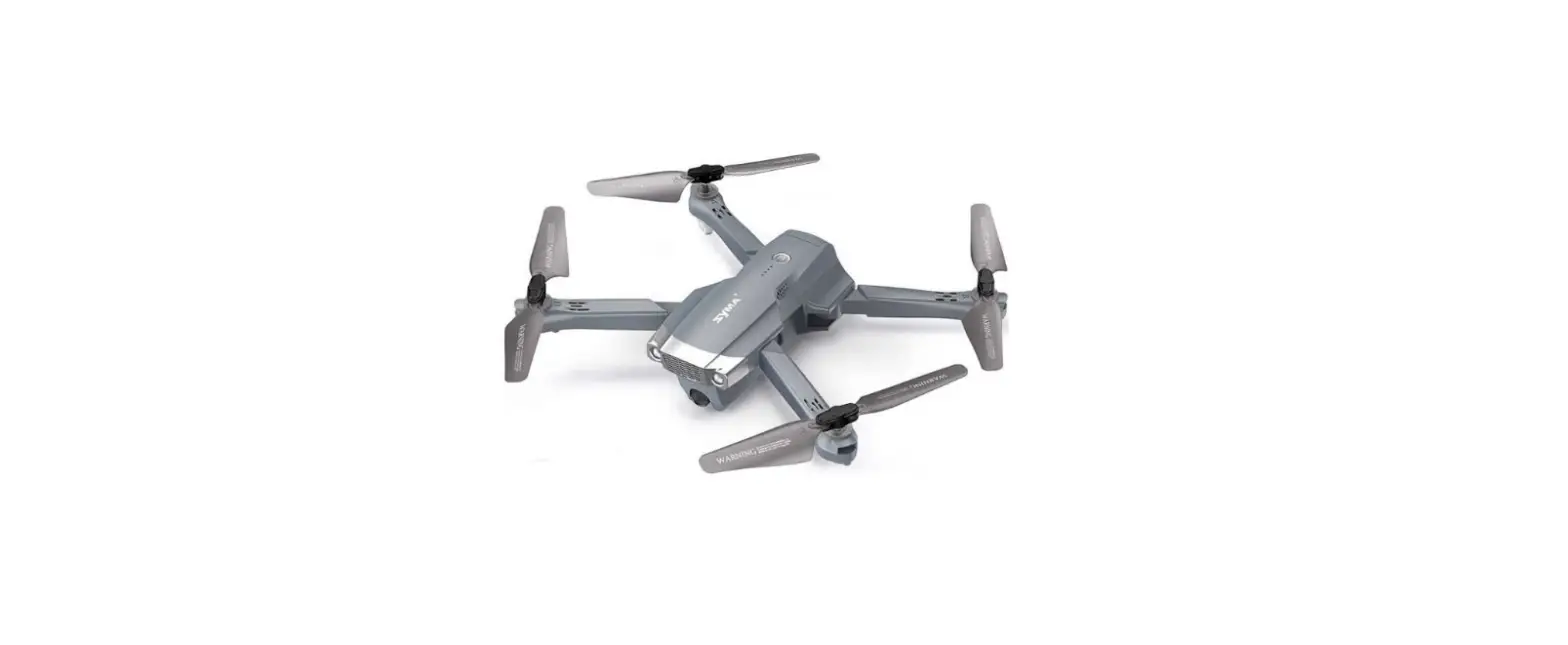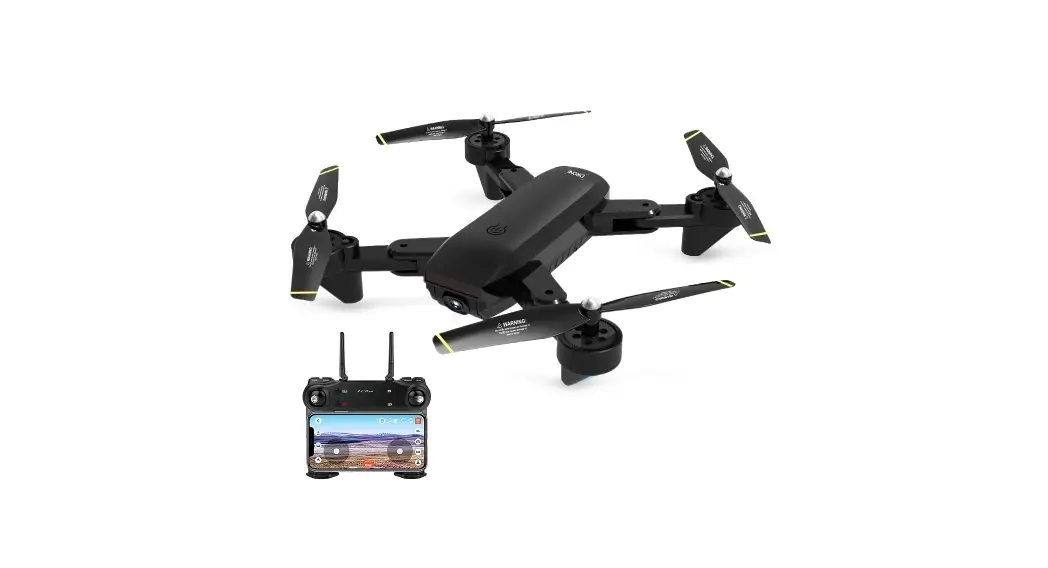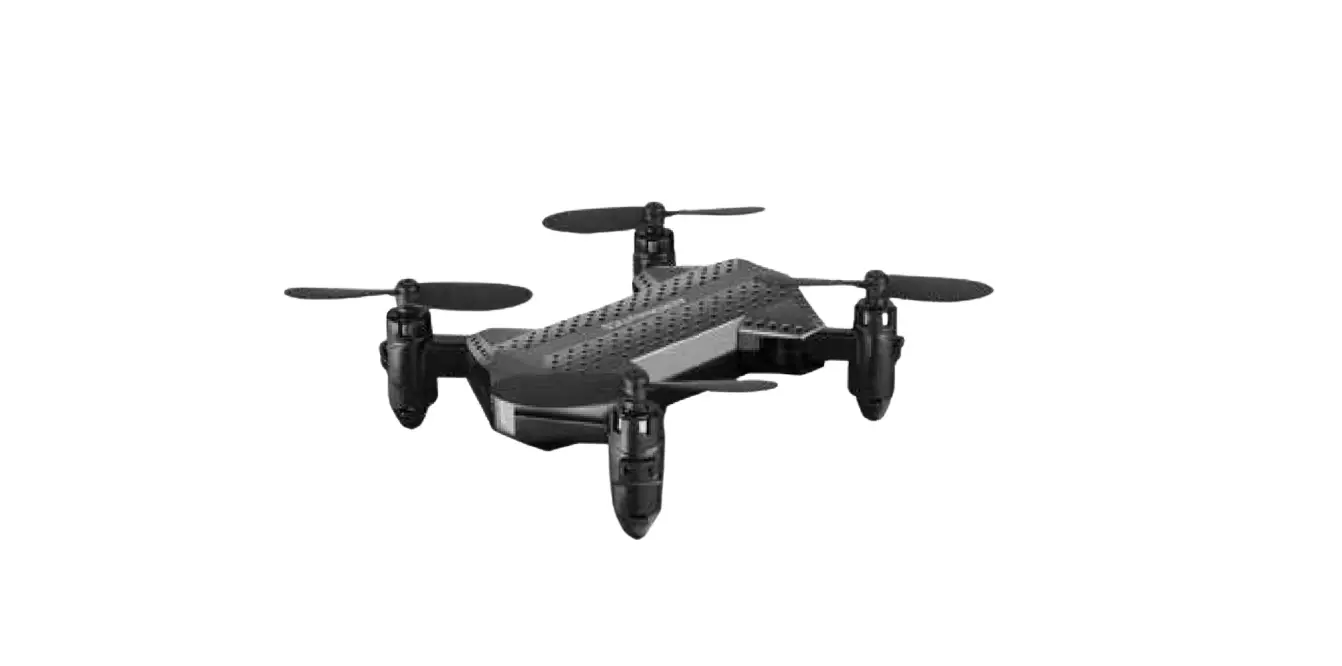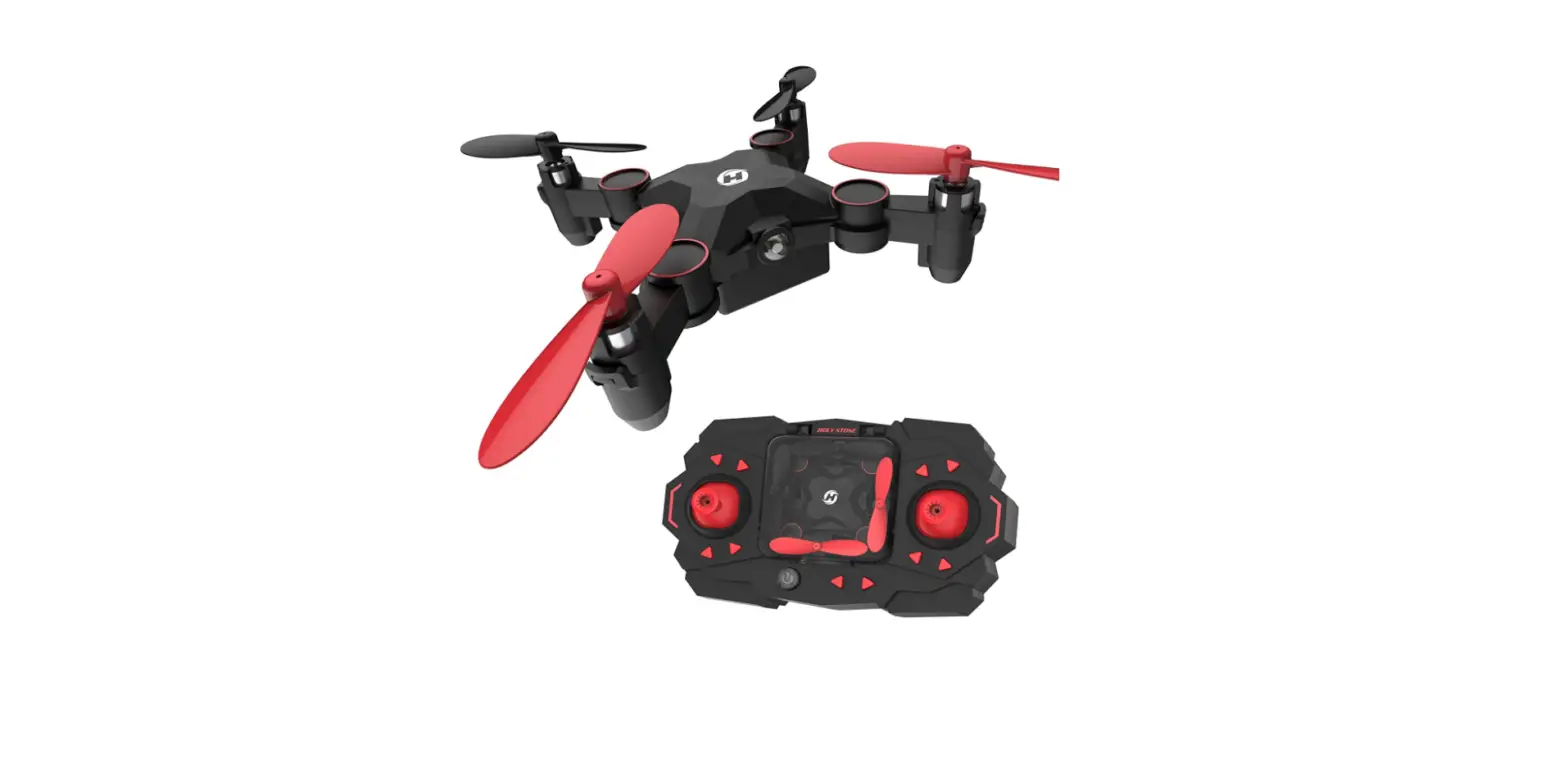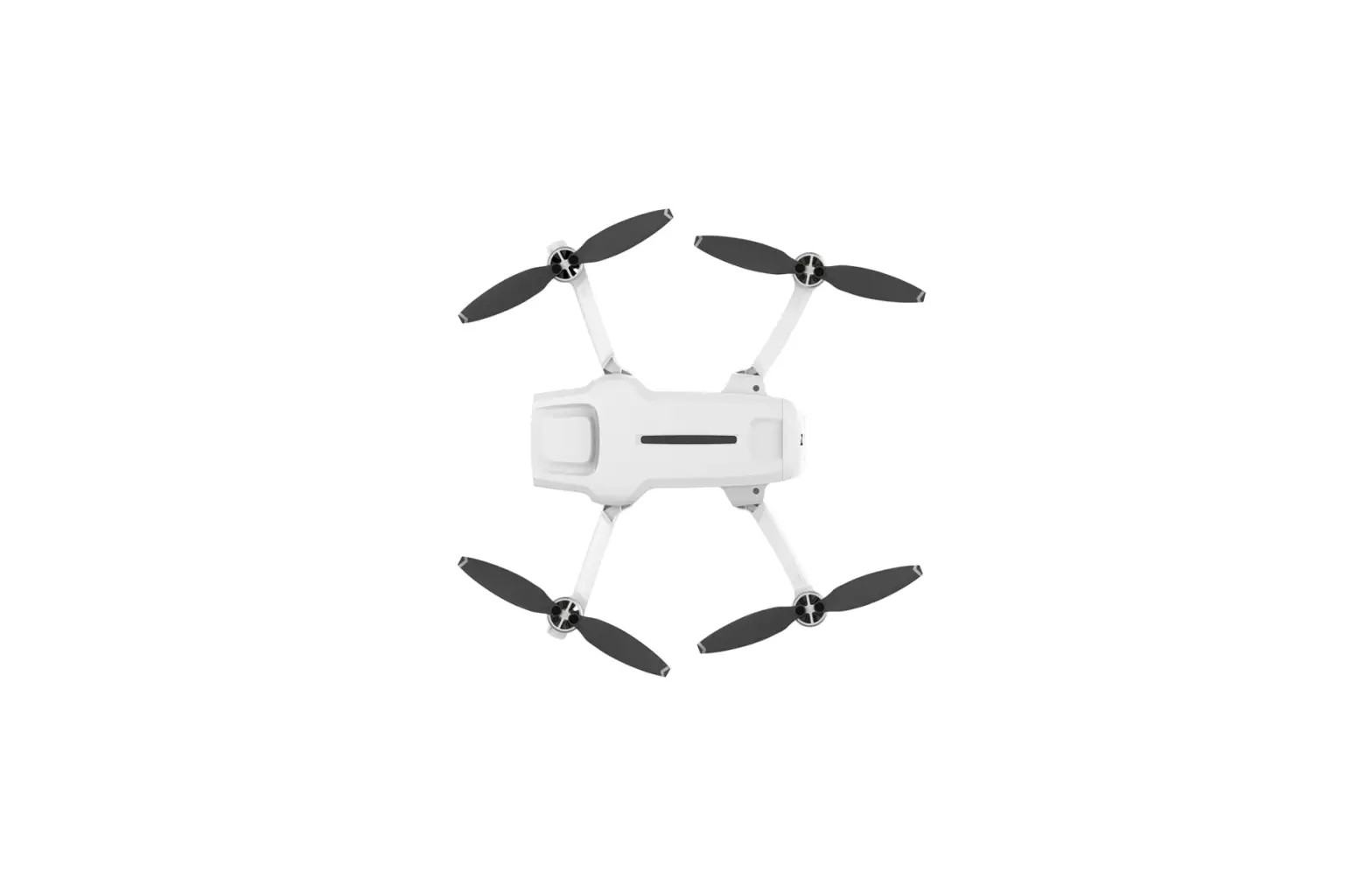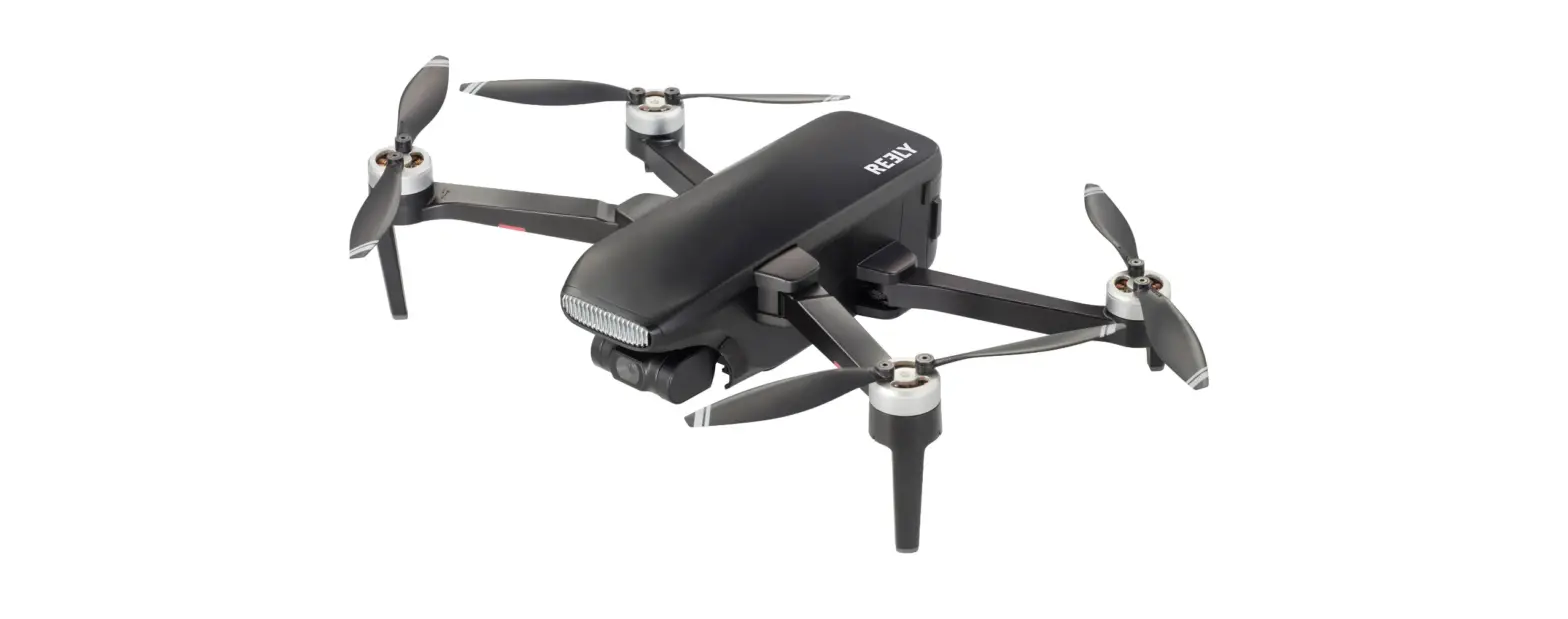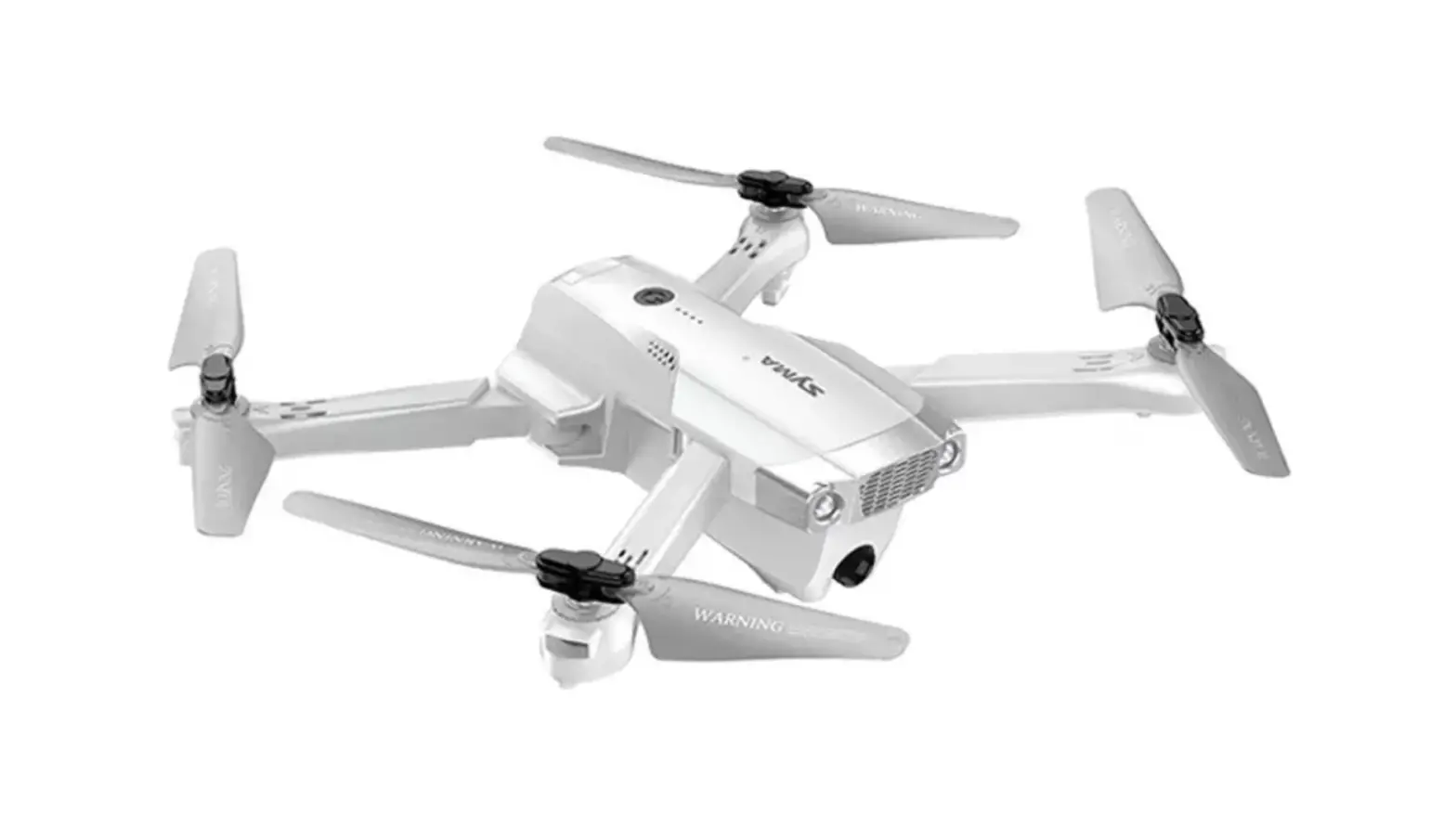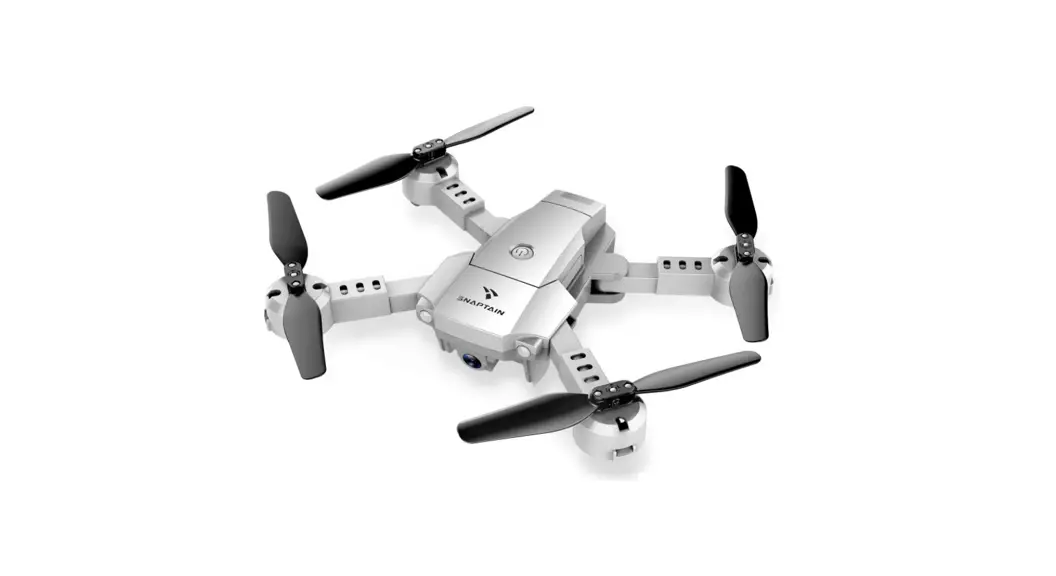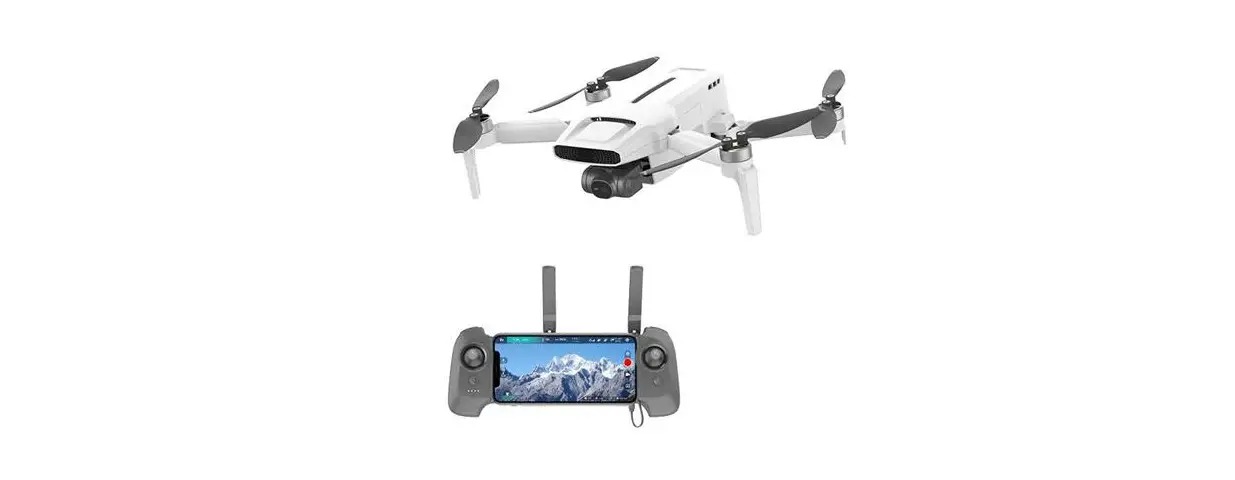
 FMWRJ04A7 X8 Mini Pro Combo
Version Foldable Drone
Instruction Manual
Product Introduction
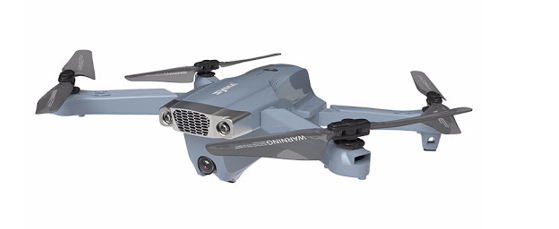
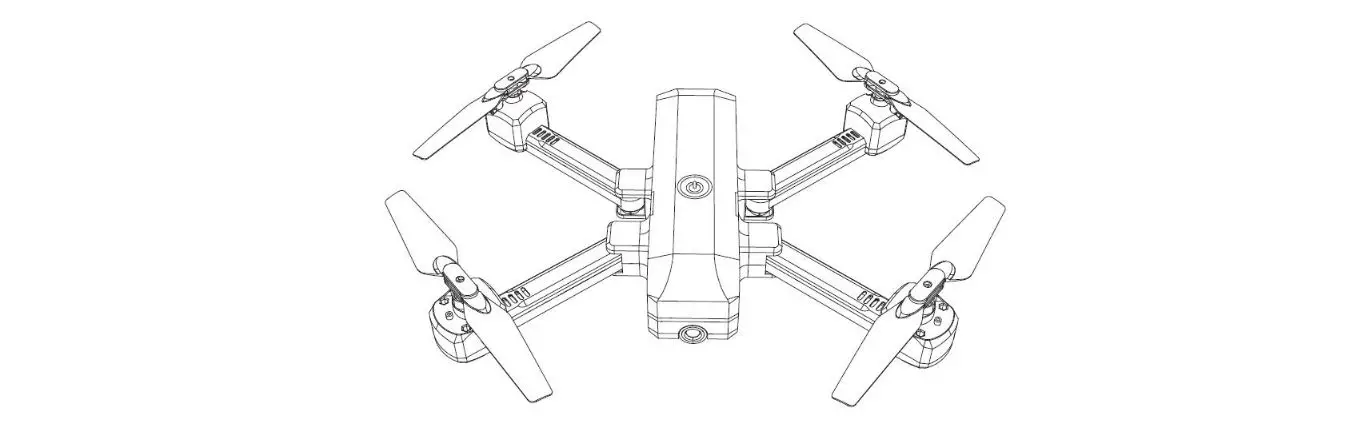
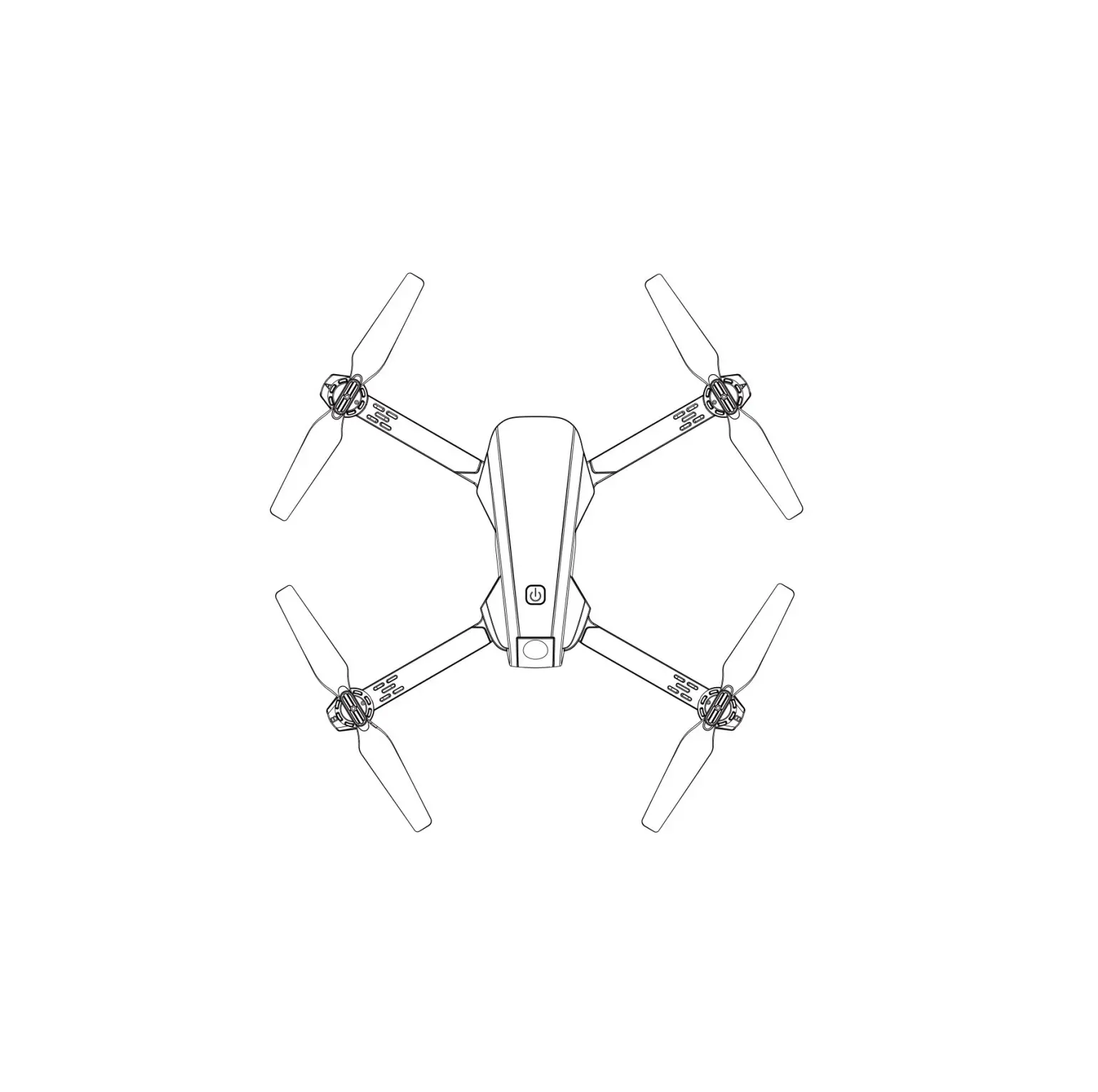
Drone
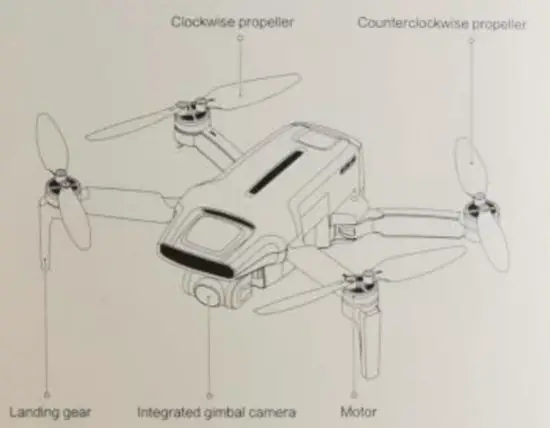 | 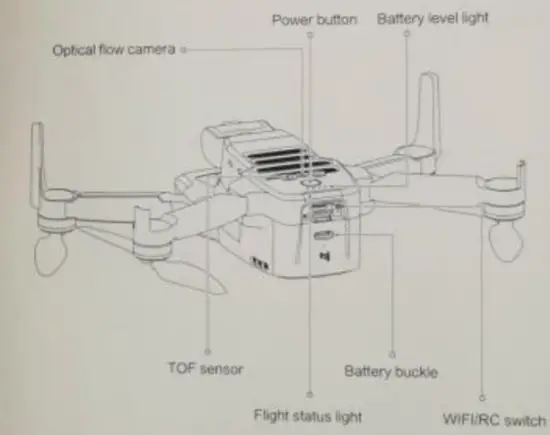 |
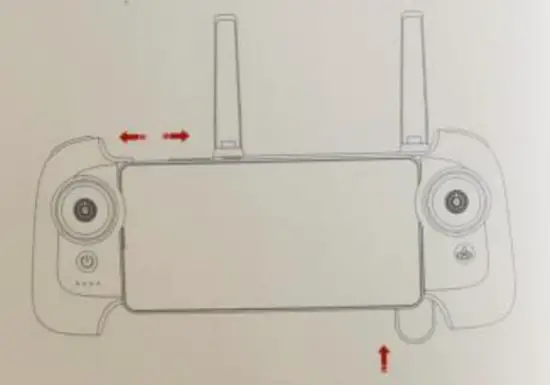
Remote controller
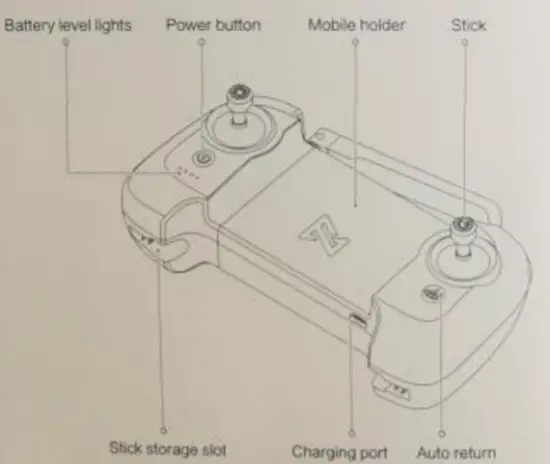 | 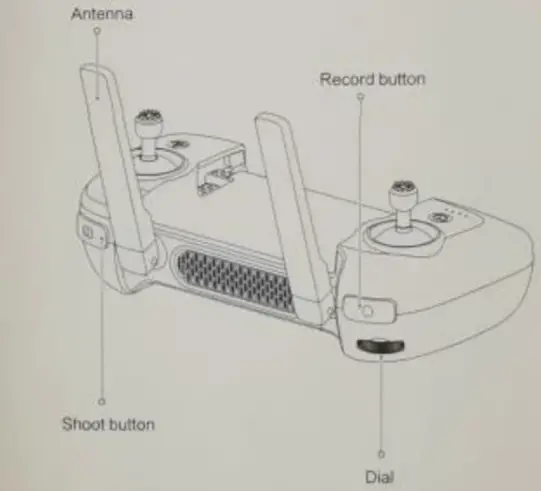 |
| Button | Function description | |
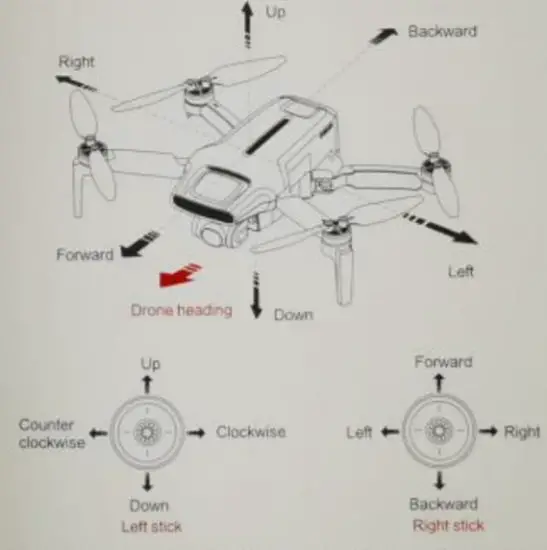
| 1 | Left stick | Push stick upwards tea drone goes up Pull stock downward the drove goes down Toggle stack toter*, the drone rotates anti-clockwise Toggle sock to right the drone relates clockwise |
| 2 | Right stick | Push stick upward the drone flies Forward Pull stick downward, the drone tries bay mard Tockpe Toggle stack toter*, the drone rotates anti-clockwise Toggle sock to right the drone relates clockwise |
| 3 | Auto return | Long press the button for over 2 seconds and the drone will enter RTH mode When you hear a Leeti Short mess the button to cancel RTH mode |
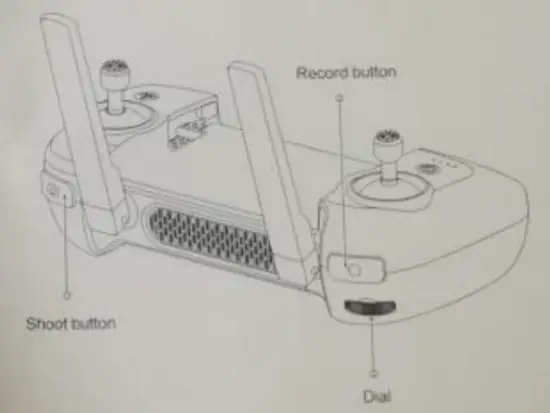
| 4 | Shoot Button | Short press to shoot the picture |
| 5 | Record button | Short press to start /stop recording |
| 6 | Dial | adjust the pitch angle of the gimble camera |
| 7 | power button | Short press to view the battery level Short press + long press 2 seconds to power on/off |
Drone Specification
| Model code | FMWRJ04A7 |
| Maximum falling speed | 3.5 m/s |
| Operating temperature | 0~40℃ |
| Max. flight speed | 16 m/s |
| Appropriate height | ≤4000 m |
| Operating frequency | 5.725 – 5.825 GHz |
| Dimensions | 145 mm × 85 mm × 56 mm (folded) 200 mm × 145 mm × 56 mm (unfolded) |
| Weight | Weight of the drone with battery in the standard version: about 258 g Weight of the drone with battery in the pro version: approx. 245 g |
| Satellite positioning systems | GPS GLONASS BEIDOU |
| Flight time | Standard version battery life: 30-minutes ((no wind and at a constant flight speed of 6m/s) Pro version battery life: 31 minutes (no wind and constant flight speed of 6m/s) |
Remote control
| Net weight | Approximately 260 g |
| Dimensions | 165 mm x 89 mm x 47 mm |
| Operating frequency | 5.725 – 5.825 GHz |
| Type | Rechargeable lithium battery |
| Nominal voltage | 3.7 V |
| Battery voltage | 3500 mAh |
| Input | 5V 2A |
| Max. transmission distance | Approximately 8000 m |
| Operating temperature | 0~40℃ |
| Appropriate height | ≤4000 m |
Gimbal Camera
| Angular vibration range | ±0.005° |
| Lens | FOV 80° |
| Controlled rotation range | 10° ~ -90° (Pitch) |
| Camera aperture | f2.0 |
| Equivalent focal distance | 26 mm |
| Focal distance of the camera | 3.54 mm |
| Sensor | 1/2.6″ SONY CMOS |
| Effective pixels | 12M pixels |
| ISO range | 100-3200 |
| Shutter speed | 32 ~ 1/8000 s |
| Maximum video resolution | 3840×2160 I 30fps I 25fps I 24fps |
| File system | FAT32 |
| Image format | JPG,JPG DNG |
| Maximum bitrate | 100 Mbps |
| Video format | MP4 |
The smart battery in the standard version
| Type | Li-ion 2S |
| Weight | 102 g |
| Voltage | 7.2 V |
| Capacity | 2400 mAh |
| Limited voltage | 8.4 V |
| Energy | 17.28 Wh |
| Suitable charging temperature | 5~40℃ |
Pro version smart battery
| Weight | 86 g |
| Type | LiPo 2S |
| Capacity | 2200 mAh |
| Limited voltage | 8.8 V |
| Energy | 16.94 Wh |
| Voltage | 7.7 V |
| Suitable charging temperature | 5~40℃ |
Note
There are 2 battery types available – Standart and Pro. The Pro version makes the device lighter and extends its runtime. With the quick charge feature, the backup battery can be charged while the drone is flying and you won’t have to think about extra batteries.
The batteries are charged via a standard USB Type-C connector, which also eliminates the need for additional battery charging stations.
Ready to fly
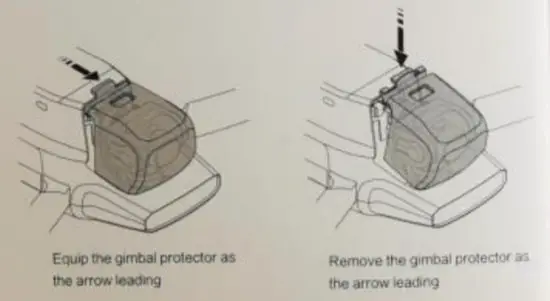
- Equip and remove the gimbal protector
• Equip and remove the gimbal protector as shown.
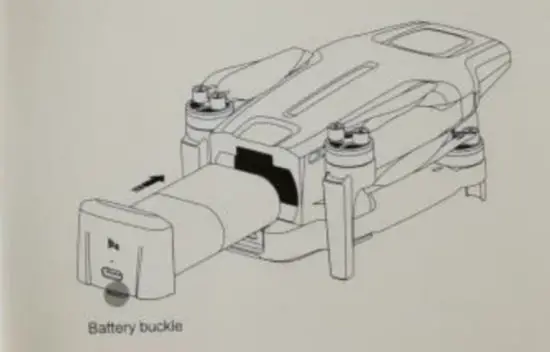
- battery
• Hard push the battery. There will be a ‘click” sound tt the battery !s installed in place
• To remove the Me battery, you need to press the bottom battery buckle to Pull out.
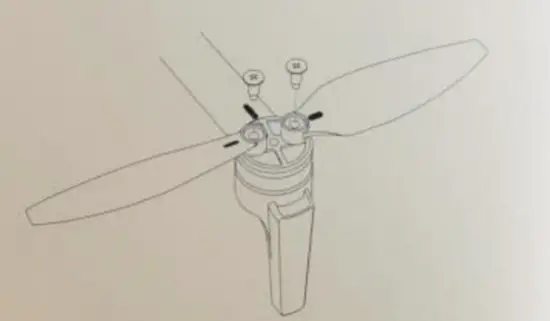
Propeller
- Please install and remove the propellers as the picture shows.
- The propellers need to be installed according to the marks on the arms and propellers. and distinguished the forward and reverse propellers (the attached picture shows the forward propeller.
- Need to use a server for installation and make sure the screws are locked
- To keep safe screws should be replaced together with propellers.

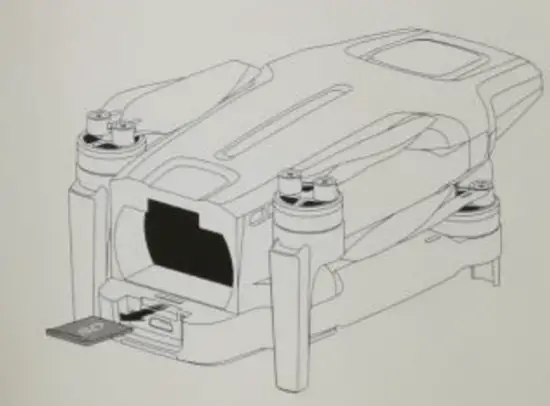
Insert Micro SD card
- When installing a Micro SD card, please pull out the battery.
- Insert the SD card into the SD card slot.
- When removing the SD card, press the SD card to pop out.

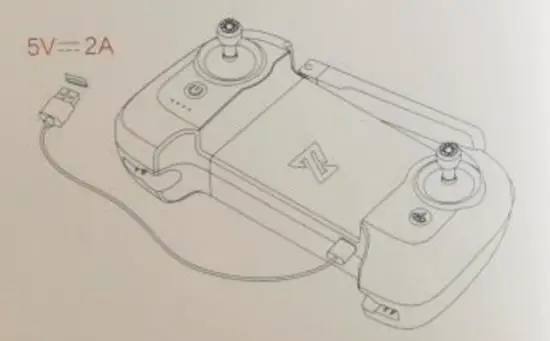
Charging
- Connect the remote controller to a power adaptor as shown below.
- When the RC is in cnarge. the battery level lights are flashing
- when tne RC is fully charged, the battery level lights go out.
- It takes about 23 hours to fully charge the RC in Ine powered off condition

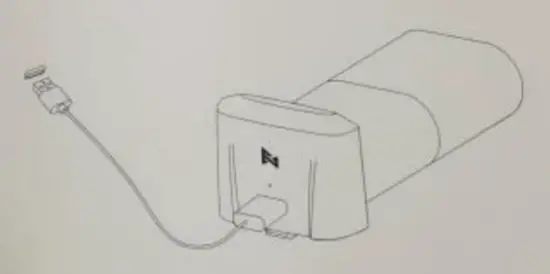
- battery Status light keeps on when charging.
- The battery level fights off when charging is finished.
- It takes 7.5n to fully charge the battery via 5V/2A, 1.5h via 9V/2A, and LH via 9V13A.

Remote controller
- Use, cable to connect the device as shown.
- Unfold the RC to place the device

Distinguish the direction of the drone
- The side of the gimbal camera is the head of the drone.
- Distinguish the director of done through status light.

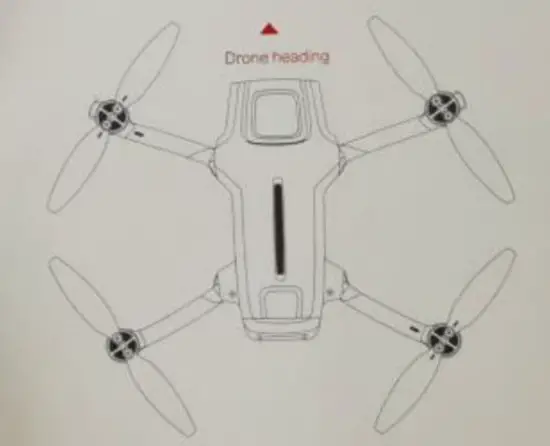
Safety tips: User should lace to the tail of drone when operating It In case of an accident caused by the wrong safety.
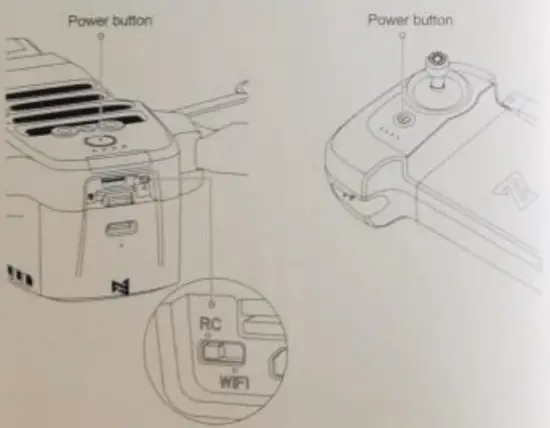
turning on/of the drone and the RC
- Short txess•tong press power button 2 seconds to power nrvort
- Short press to check battery *vet.
- Confirm the anent state of the Wi-Fr / RC switch before powering on factory default RC position switch control model requires restarting the device

Flying
Auto take-on/off landing
- Keec: boat skits to the bottom inner still over 2 seconds, the propellers start spinning.
- Release both slicks once Propellers have been spinning. and fin* push the left sick upward to take off the drone.
- Moony flight, release both sticks to hover.

- Slowly moves the Sett sock downward to the drone.
- Once the drone has landed. push and hold the left stack down over S seconds the motors will stop.
 Safety tips: User should lace to the tail of drone when operating It In case of an accident caused by the wrong safety.
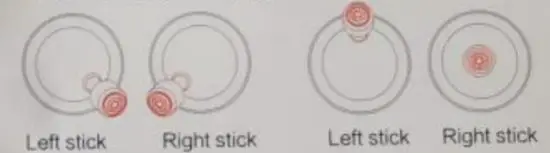
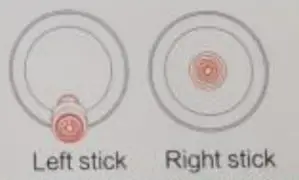 Safety tips: User should lace to the tail of drone when operating It In case of an accident caused by the wrong safety.
Stop propellers in an emergency
When motors can’t properly turn off, please toggle the left stick to the bottom inner in maximum range, and press the Auto return-to-home button for 5 seconds simultaneously, the motors will stop.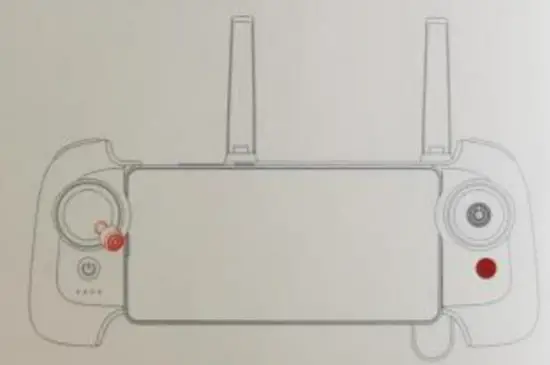 Safety tips: Please place the battery separately if don’t use it for a long time.
Shooting and recording
- Press the shoot button to take a photo. A photo is taken when you hear 2 short sounds.
- Press the record button to record video. Recording starts when you hear 2 short sounds. Press again to stop recording with 4 short sounds.
- The pitch angle of the gimbal can be controlled by toggling the left dial up and down.

Light Recognition
Dronlight
| Drone status | Light status | Drone lights |
| Initial check failed Compass error IMU error Cannot take off | Self-checking failed Take-off forbidden Flying error | Red lights are on |
| IMU is warmed up | Self-checking | Yellow lights fade in and out |
| Compass calibration | Compass calibrating | The horizontal green light is on and the vertical red light is on |
| The compass needs to be calibrated | The compass needs to be calibrated | The red and yellow light is flashing at regular intervals |
| The drone disconnects with the RC | Signal is lost | Yellow lights fade in and out |
| Low battery warning | Low battery | Red lights flash quickly |
| Extremely low battery warning | Extremely low battery | Red lights double flash |
| Take off as normal | Take off | Green lights fade in and out |
| ATTI mode | Red lights are on | |
| ATTI mode | ||
| Firmware update | Firmware update | The red and green lights flashes at regular intervals. |
| Directly connect with the phone | Connecting | Status light flashes in turn |
| Disconnect with the phone | Signal lost | Yellow lights fade in and out |
| Pairing | Pairing | Taillights turned off |
Remote controller hight
| Remote lights | Remote status |
| Short press the power button | Check battery level |
| Fade in and out | Not connected to the drone |
| Flash in turn | Pairing or updating the firmware |
| Light keeps on | Connection normal |
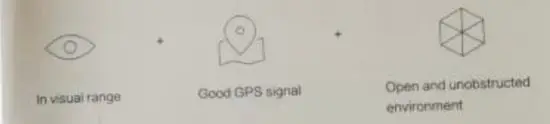
Safety tips:
Fly only in open areas, and avoid people, arsenals. trees vehicles and buildings. Keep away kern airports. railways, railways, high-rises, electric wires, and areas where drones arc restricted, Keep away from telecommunication base stations. high-power antennas and areas with cortex electromagnetic signals Do not use this product in restricted areas. Be sure to areas the Disclaimer and Safety Operation Instructions carefully.