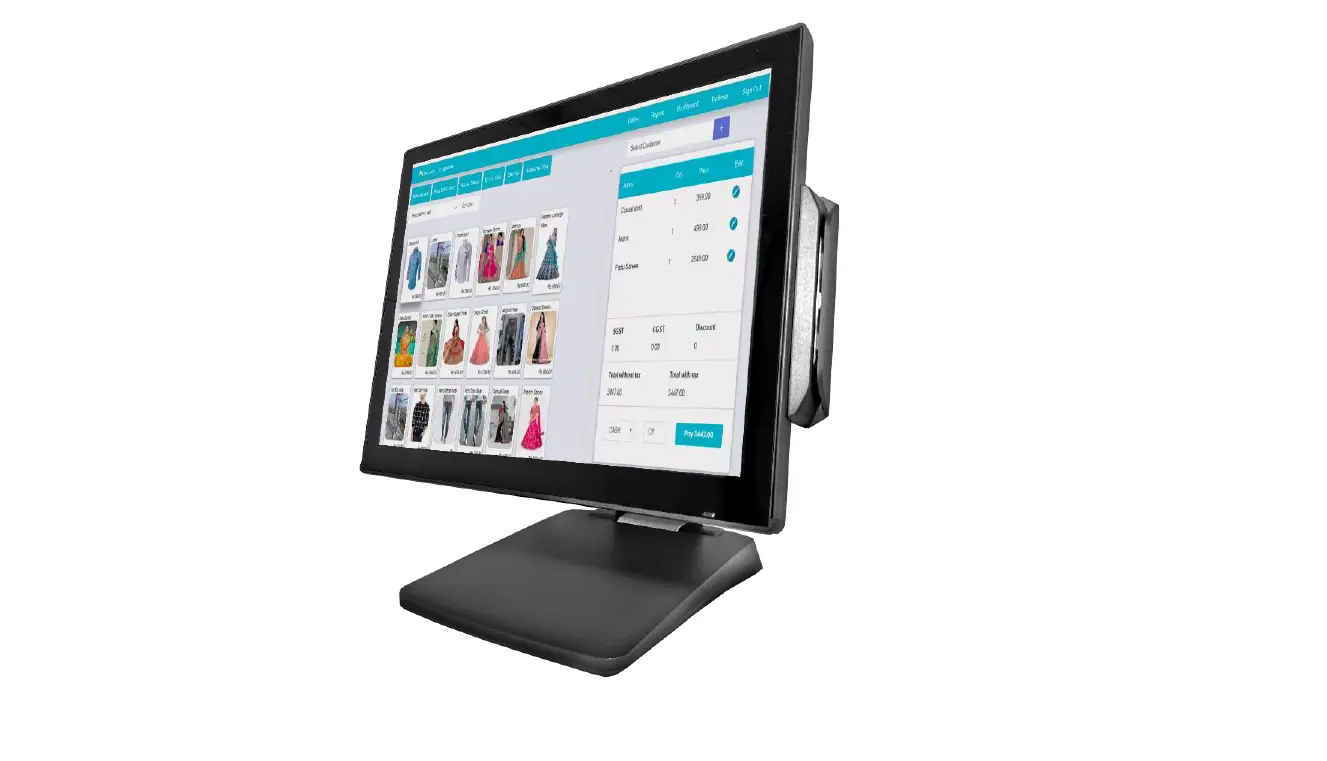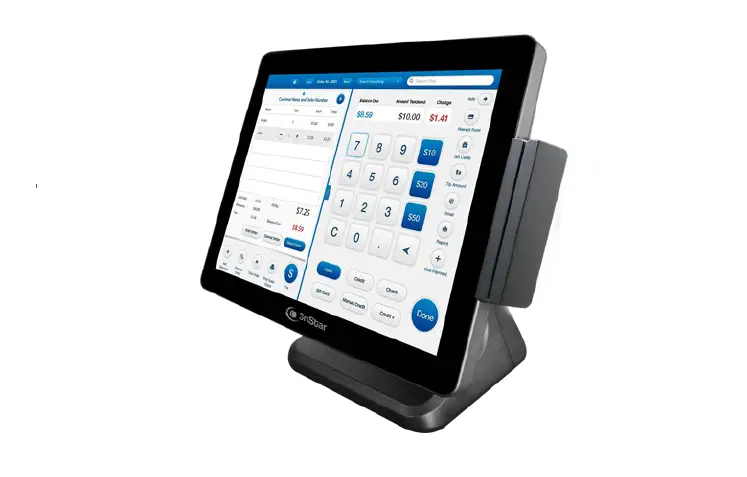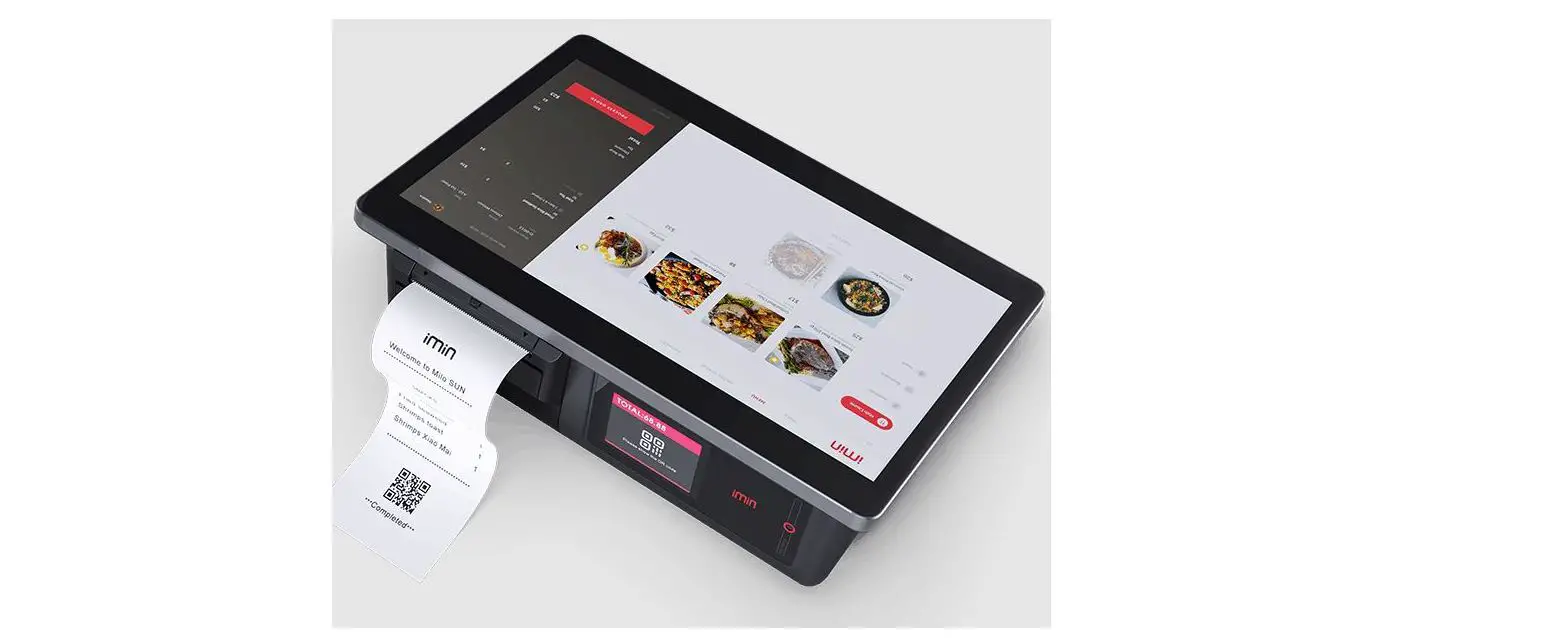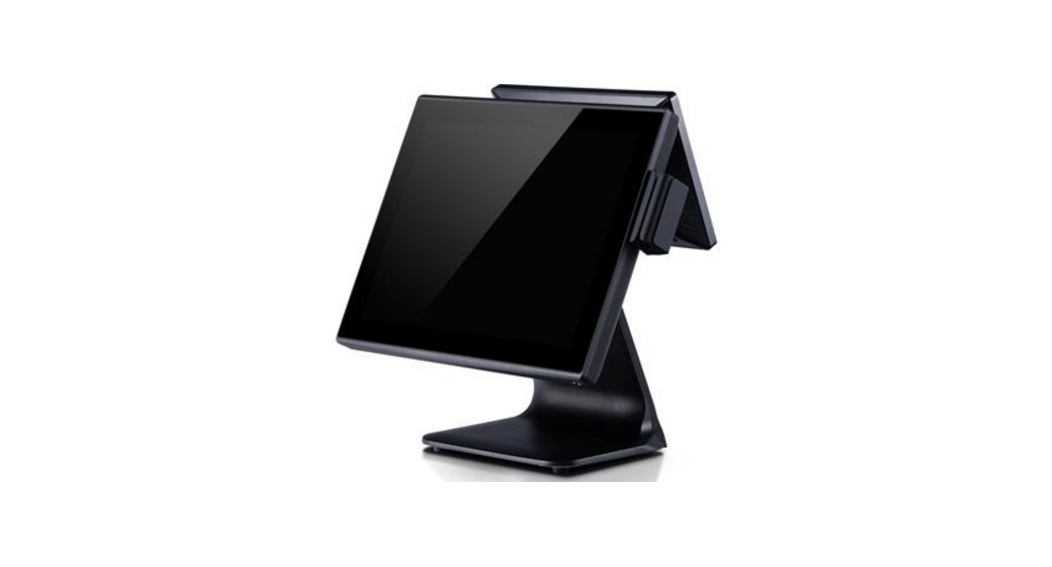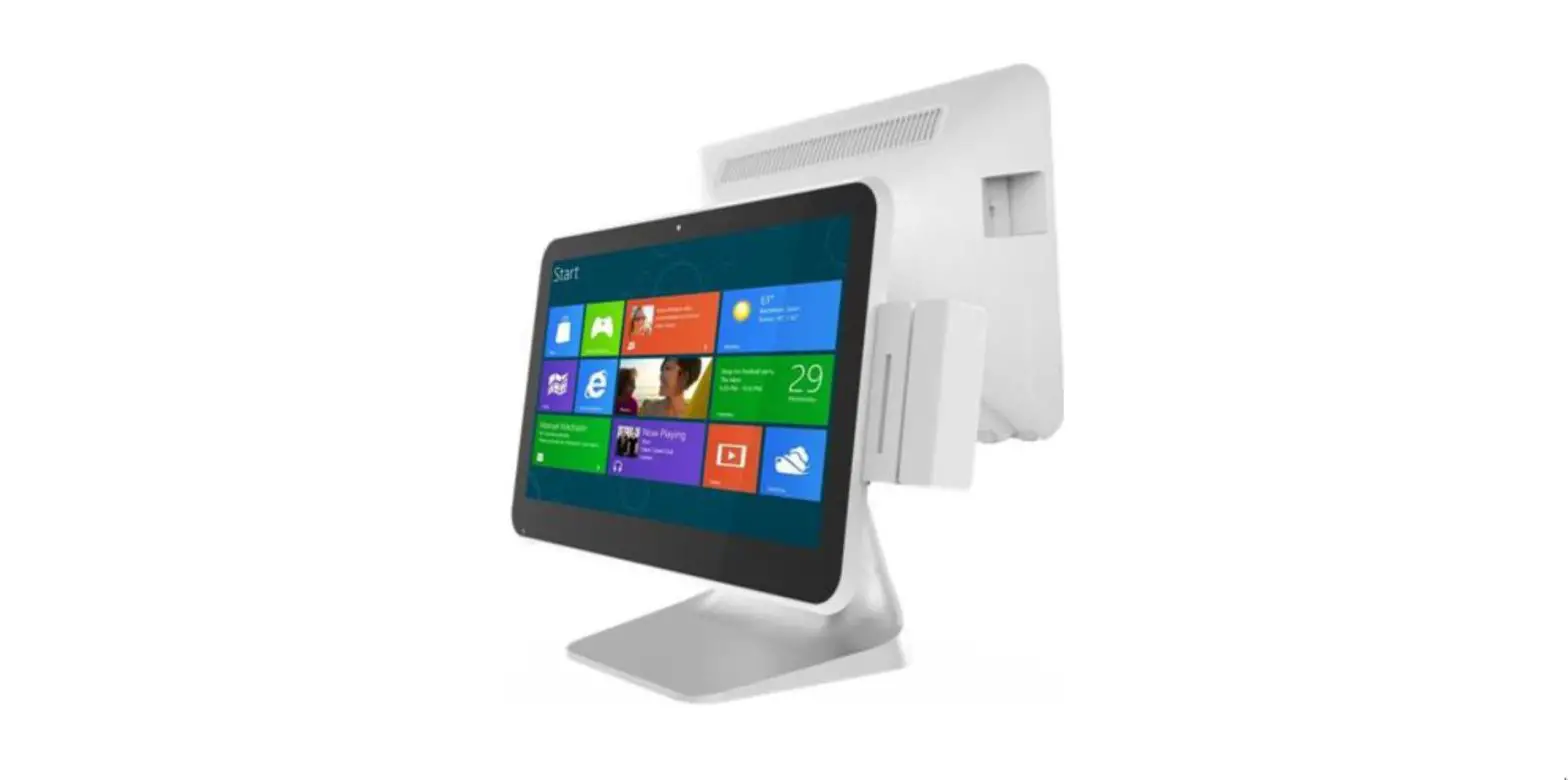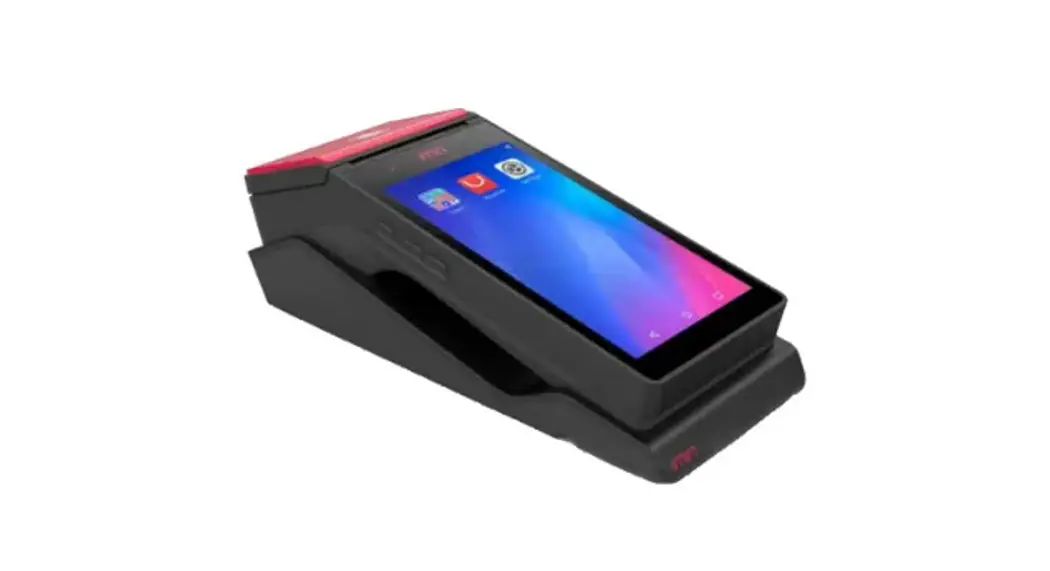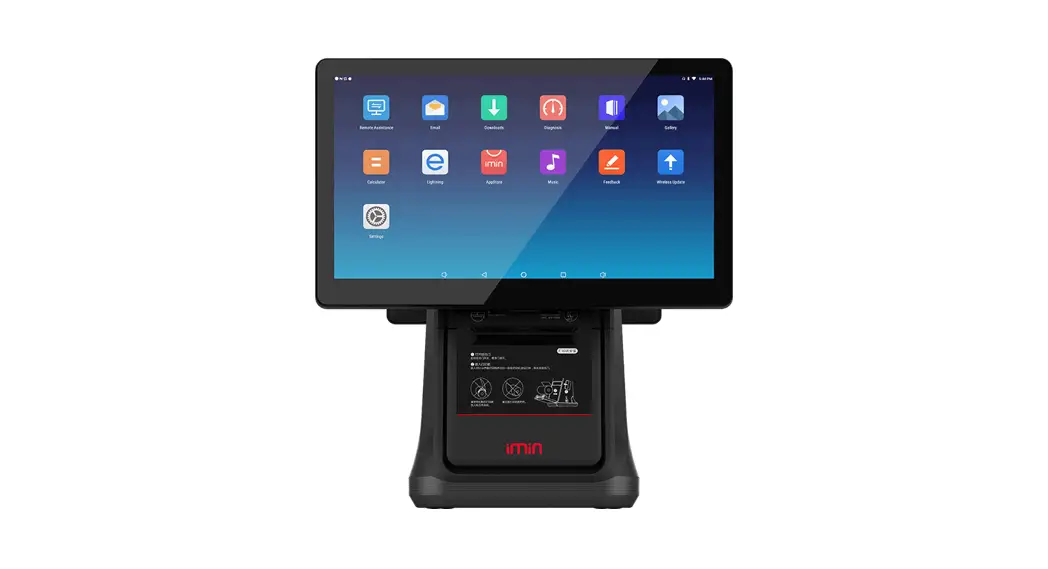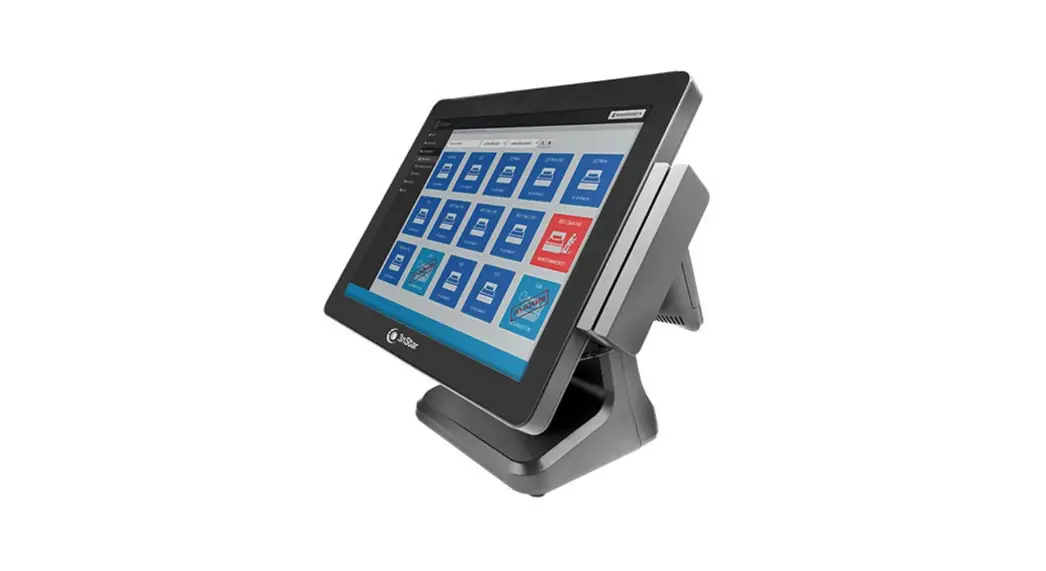
 PTE0211W-8-240 AIO POS System Core i5 11th Gen
User Manual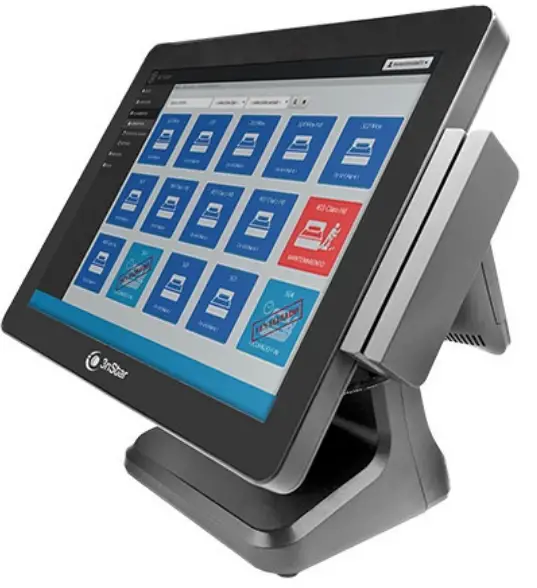 PTE0211
Point of Sale System i5
Safety Precautions
- Select a flat and vibration-free table to place the terminal.
- The location of the terminal should be chosen to avoid direct sunlight, and exposure to water and dust.
- Please keep terminal away from strong electromagnetic fields.
- To prevent fire or electric shock, please avoid blocking or covering air vents from terminal.
- In areas of poor power quality or storage, this terminal should be equipped with a separate power supply to power it.
- The product uses a standard wall outlet with earthling poles and cannot be arbitrarily changed. Confirm if the voltage nameplates of the drives match.
- Make sure the ground prong of the power plug is in a power outlet or power strip grounding jack, and make sure that the grounding jack is thoroughly grounded. If poorly grounded or ungrounded, the result will be either an electric shock, a fire, or damage to the equipment.
- The terminal is best to not start with other high-power appliances that frequently share the same socket outlet. The terminal should be located away from the cash register, in a close accessible way to swap.
- This equipment should be connected to a variety of cables in case of power failure to ensure that the conduct takes the screws tighten well to be able to plug or unplug the cables.
- Clean the terminal, please do not use a wet rag to wipe the body or chemicals such as: gasoline, thinners, etc.
- When the terminal fails, immediately cut off power. Do not attempt to open or repair terminal, as well as to not let it be promptly used by others.
WARNING: For the non-compliance with the above issues, as well as non-qualified service personnel or the use of non-designated by the Company to provide and repair parts for maintenance of all the consequences, the Company does not assume any responsibility.
Initial Installation
1. Unpacking
Immediately after unboxing the terminal, please verify if all products are none damaged. If product contains damaged hardware, please make sure to report the issue to the
shipping company. Once reported the shipping company will immediately report the claim to the manufacturer. After unpacking, check if spare parts are complete.
2. Preparing for Installation
Examine the case for cleanliness, signs, marking, and if labeling is correct. Check the working environment because the cash register is a precision instrument and should be
checked before using the surrounding environment so that it meets the technical specifications of the cash register. If inconsistent with the specifications, please do not use the cash registers.
3. The main technical specifications
Power supply voltage: 220VAC~ ± 15%
Power: 80W ± 15%
Frequency: 50—60Hz
Temperature Operating: 0 ℃ ~ 40 ℃
Storage: -20 ℃ ~ +55 ℃
Relative humidity: 20% ~ 93% (40 ℃)
4. Preparing for use
- When placing the machine, please make note of the cable line to ensure that the wires are fluent.
- Open the machine host power switch (note: we must ensure that there is a good power supply ground).
- System installation (cash registers at the factory with only the DOS operating system and customers using a genuine Windows operating system before installation).
- To perform some general sales operations, check monitors, printers, cash drawers and other peripherals to ensure that they’re working properly.
Touch POS Appearance
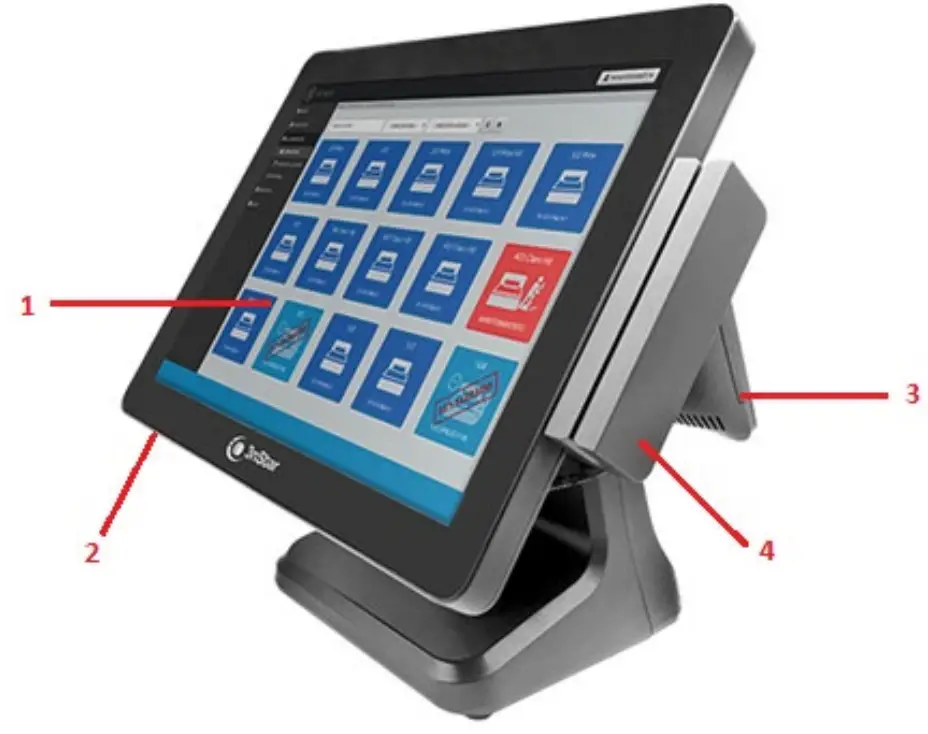 PTE0110 POS
- 15-inch main display (resistance touch display)
- Power button
- 9.7-inch custom display
- MSR
Product Description
1. 15-inch LED display parameter
| Item | Specification | Unit |
| Screen Diagonal | 15.0 | Inch |
| Active Area | 304.128(H)×228.096(V) | mm |
| Pixel Pitch | 0.099(H)×0.297(V) | mm |
| Resolution | 1024(H)×768(V) | – |
| Pixel Arrangement | R.G.B. Vertical stripe | – |
| Display Mode | Normally Black | – |
| LED life | 50000 | Hour |
| White Luminance | 350(Typ) | Nit |
| Contrast Ratio | 1000:1(Typ)/700:1(Min) | – |
| Response Time | 30 | ms |
| Operating Voltage | 3.3V | V |
| Surface Treatment | Hard-Coating(3H) | – |
| Outline Dimension | 326.5(H)×253.5(V)×9.7(D)Typ. | Mm |
| Input signal | LVDS | – |
| Support Color | 16.7M | – |
| Items | Symbol | Min. | Max. | Unit | Conditions |
| Supply Voltage | VDD | -0.5 | 5 | V | – |
| Operating Temperature | TOP | -20 | 70 | ℃ | Note |
2. 15-inch touch screen parameter
| Size | 326mm x 252mm |
| Visual Area | 304mm x 228mm(4:3) |
| Resolution | 1024 x 768 |
| Refresh rate | 60Hz |
| Dot pitch | 0.297mm x 0.297mm |
| Resolution | 4096 x 4096 |
| color | 16M |
| Response time | 16ms |
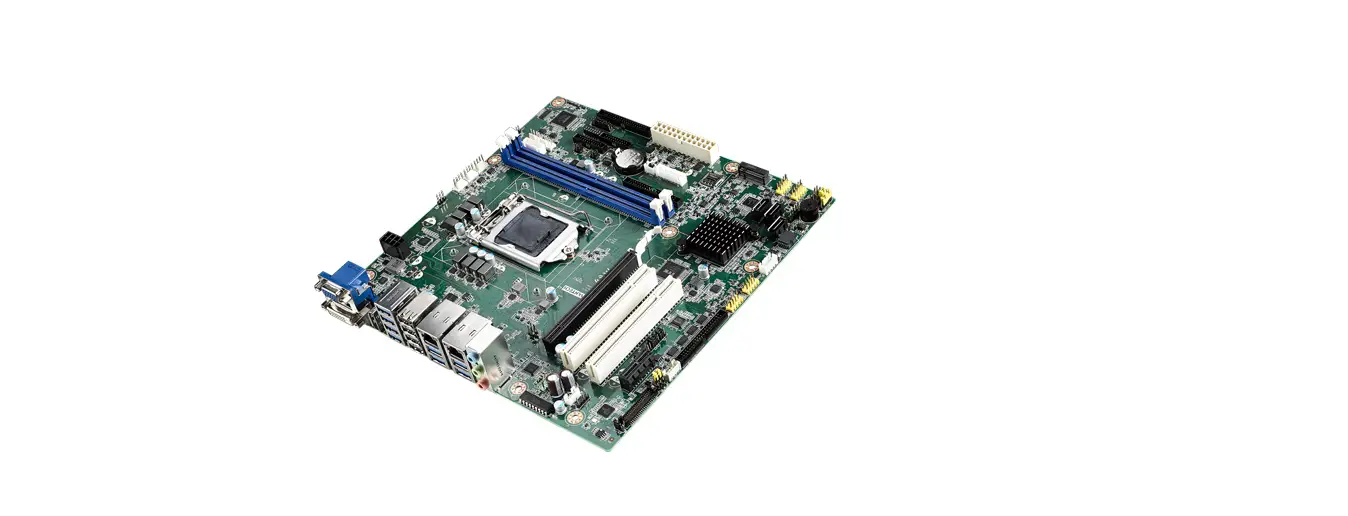
3. Motherboard parameter
| Item | Specification | |
| PCB | Form Factor | Special |
| Dimensions | 190*140mm | |
| Layer | 4 Layers | |
| Color | Green | |
| Processor | Processor | GeminiLake Refresh Celeron J4125 2.0GHz-2.7GHz/10W |
| Socket | FCBGA1090 | |
| TDP | 10W | |
| Heat dissipation | No FAN | |
| Chips | PCH | N/A |
| CPU_PWM | RT5077AGQW | |
| Super I/O | IT8786E-I/EX | |
| LVDS | 7511B | |
| COM | 75232 | |
| LAN | RTL8111H | |
| Audio | ALC897-VA2, NS4251, 3W4Ω | |
| Memory | SlotType | 260Pin DDR4 SO-DIMM |
| Slot Number | 1 | |
| Memory Type | DDR4 2400MHz | |
| Max Memory | 8GB | |
| Channels | Single | |
| Graphics | Controller | Intel® HD Graphics |
| LAN | Connector | 1*RJ45 |
| PXE/RPL Boot Rom | YES | |
| Wake Up On LAN | YES | |
| USB | USB2.0 | 6 |
| USB3.0 | 4 | |
| Other | BUZZER | 1 |
| CMOS Battery | 1 |
COM1/COM2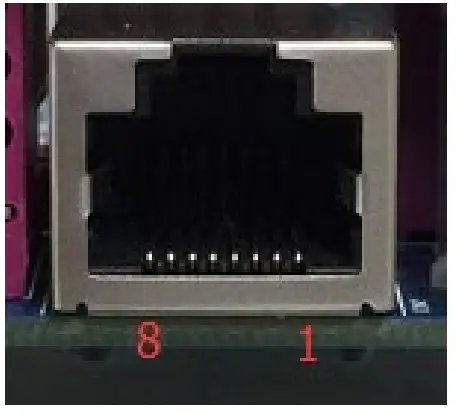
| Pin | Signal |
| 1 | GND |
| 2 | RX |
| 3 | TX |
| 4 | RI |
| 5 | GND |
| 6 | RX |
| 7 | TX |
| 8 | RI |
Main board & I/O Port
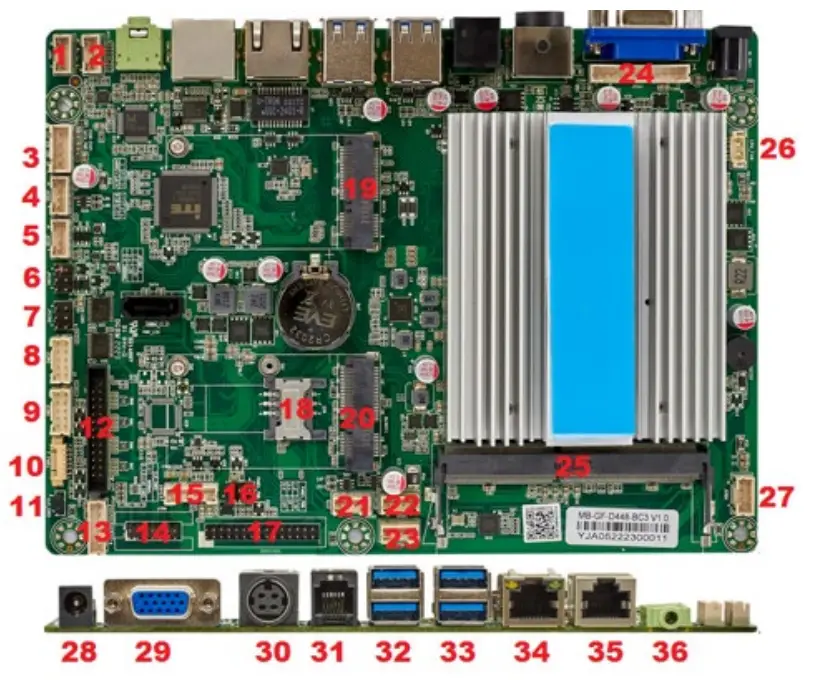
NUM | LABEL | COMPONENTS |
| 1 | JSPK | Speaker |
| 2 | JMIC | MIC |
| 3 | SATA-PWR | 4 pin Hard disk power-supply port |
| 4 | USB | USB 2.0 port |
| 5 | USB | USB 2.0 port |
| 6 | JPCOM1 | COM1 port with power choice pin |
| 7 | JPCOM2 | COM2 port with power choice pin |
| 8 | JCOM3 | COM3 port |
| 9 | JCOM4 | COM4 port |
| 10 | F-PANEL | Turn on/off, Hard disk indicator light |
| 11 | CLR_COMS | Clean COMS setting |
| 12 | JLPT | LPT port |
| 13 | JPS/2 | PS/2 keyboard and mouse |
| 14 | JTPM | Connect to TPM2.0 model |
| 15 | INVTER | Display backlight port |
| 16 | PANEL_PWR | Setting display supply voltage |
| 17 | LVDS | Connect LVDS display |
| 18 | SIM | SMI card slot |
| 19 | MINI SATA | Mini hard disk port |
| 20 | MINI PCI-E | Connect to WIFI or 4G model |
| 21 | USB | USB 2.0 port |
| 22 | USB | USB 2.0 port |
| 23 | USB | USB 2.0 port |
| 24 | VGA | VGA port(inside) |
| 25 | SO-DIMM | Memory port |
| 26 | CPU-FAN | CPU fans port |
| 27 | USB | USB 2.0 port |
| 28 | DC OUT | 12V power output |
| 29 | VGA | VGA port |
| 30 | DC IN | 12V power input |
| 31 | RJ12 | Cash drawer port (Support OPOS) |
| 32 | USB | USB 3.0 port |
| 33 | USB | USB 3.0 port |
| 34 | LAN | Network port |
| 35 | RJ45(COM) | COM1/COM2 port |
| 36 | AUDIO-OUT | Audio input |
5. Dual screen settings
a. Open the folder in turn, install VGA driver. Then reboot the computer.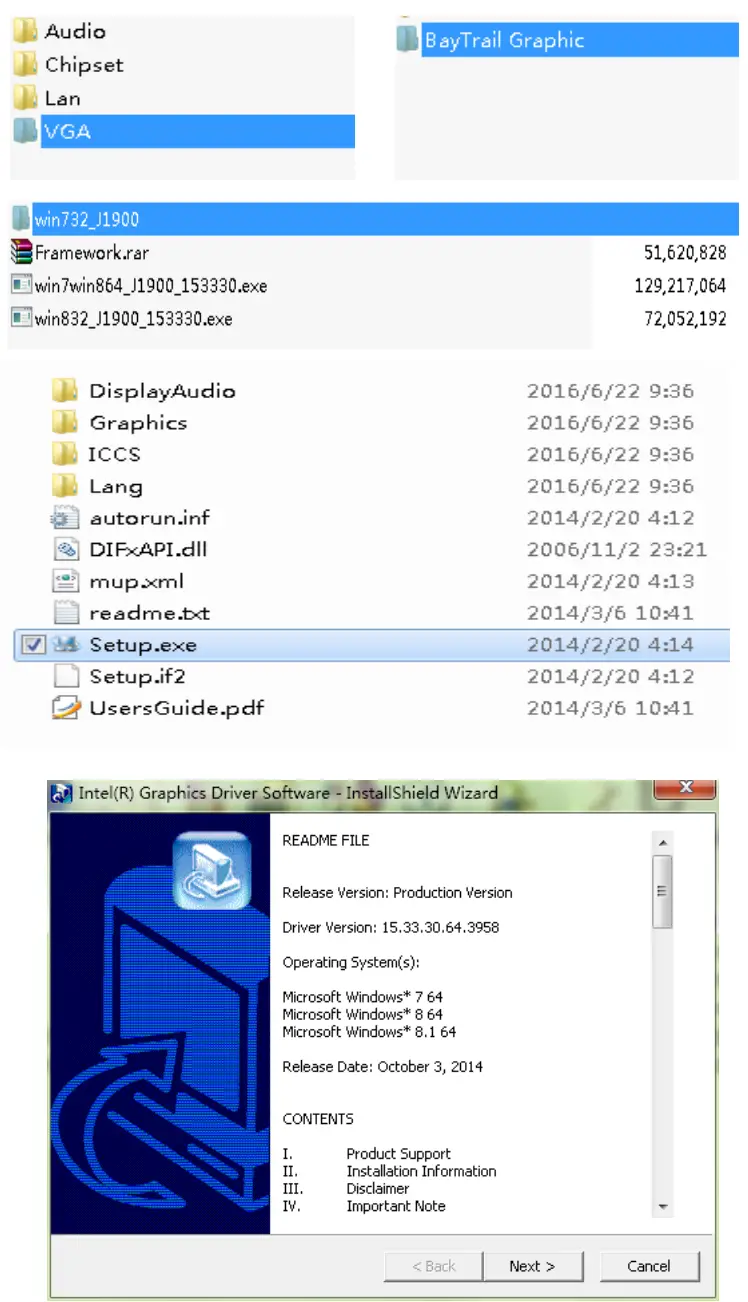
b. In the Desktop, click the right mouse button. In turn, select “Graphics Options” → “Output To” → “Extended Desktop” → “Built-in Display + Monitor”. 
 Warm Tips:
3nStar does not provide any data restoration and the backup service. 3nStar is not responsible for damage or loss of data, programs, or storage media. Please make sure you are in time to backup any information or programs that you consider valuable. Thank you for your cooperation!
Appendix: Names of toxic and harmful substances or elements and their contents
| Part | Hazardous substance | |||||
| Pb | Hg | Cd | Cr(Ⅵ) | PBB | PBDE | |
| External device | × | × | ○ | ○ | ○ | ○ |
| Cable part | × | ○ | ○ | ○ | ○ | ○ |
| Switching power supply | × | × | ○ | ○ | ○ | ○ |
| Mainboard and PCBA | × | ○ | ○ | ○ | ○ | ○ |
| Memory | × | ○ | ○ | ○ | ○ | ○ |
| HDD/SSD | × | ○ | ○ | ○ | ○ | ○ |
| FAN | × | × | ○ | ○ | ○ | ○ |
| Plastic part | ○ | ○ | ○ | ○ | ○ | ○ |
| Aluminum alloy | × | ○ | ○ | × | ○ | ○ |
○: The content of toxic and harmful substances in all homogeneous materials in the parts are specified in the SJ/T113632006 limited the following requirements.
×: The content of toxic and harmful substances in at least one of the homogeneous materials beyond the limitation of SJ/T11363 – 2006 provisions; on the table in the “X” components, due to technical reasons at present cannot achieve the replacement, follow-up will gradually improve.
Note: the peripheral component contains the keyboard, display, printer, cash drawer, adapter, customer display, laser gun or scanner.