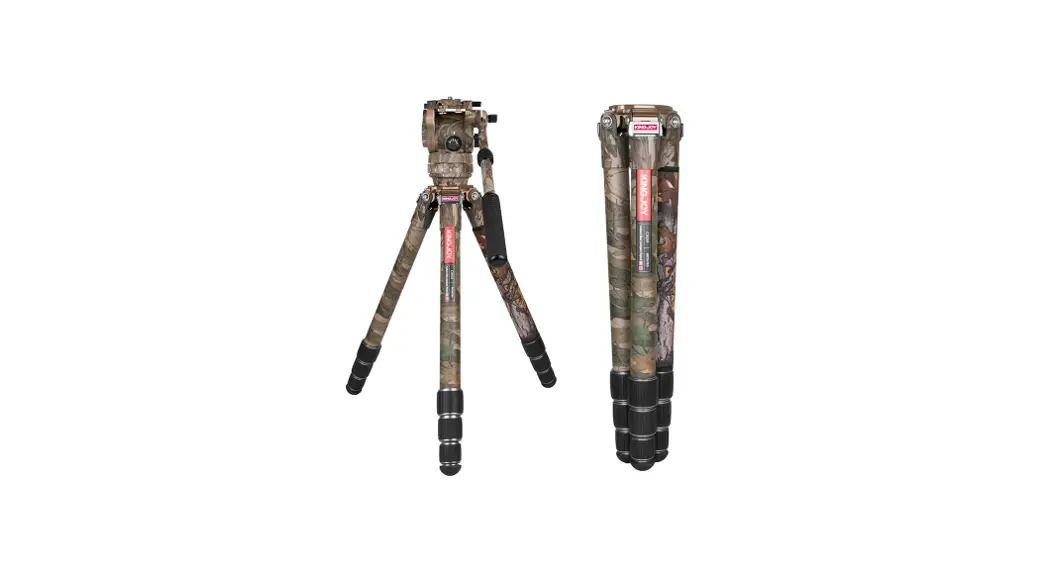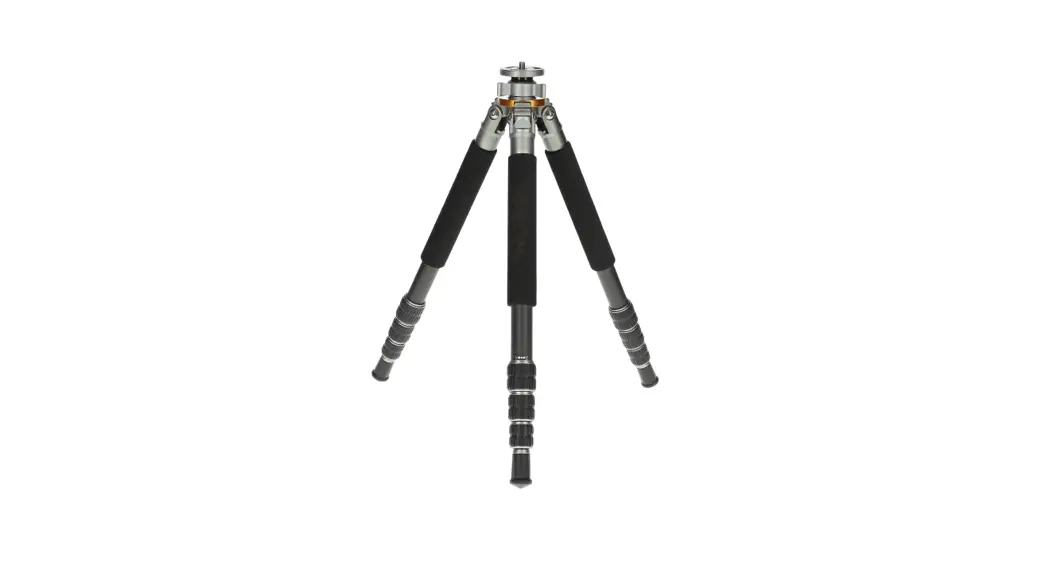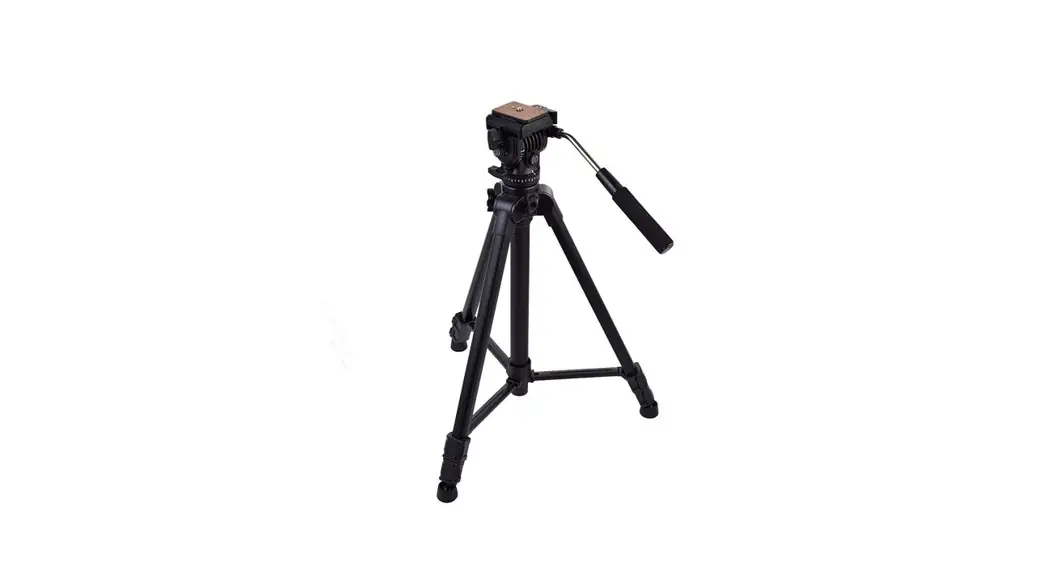

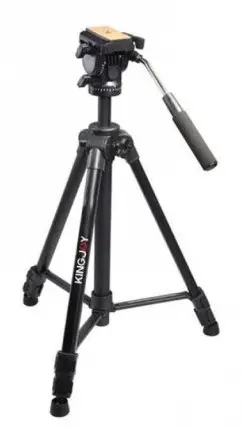
KINGJOY-VT-1500
User Manual
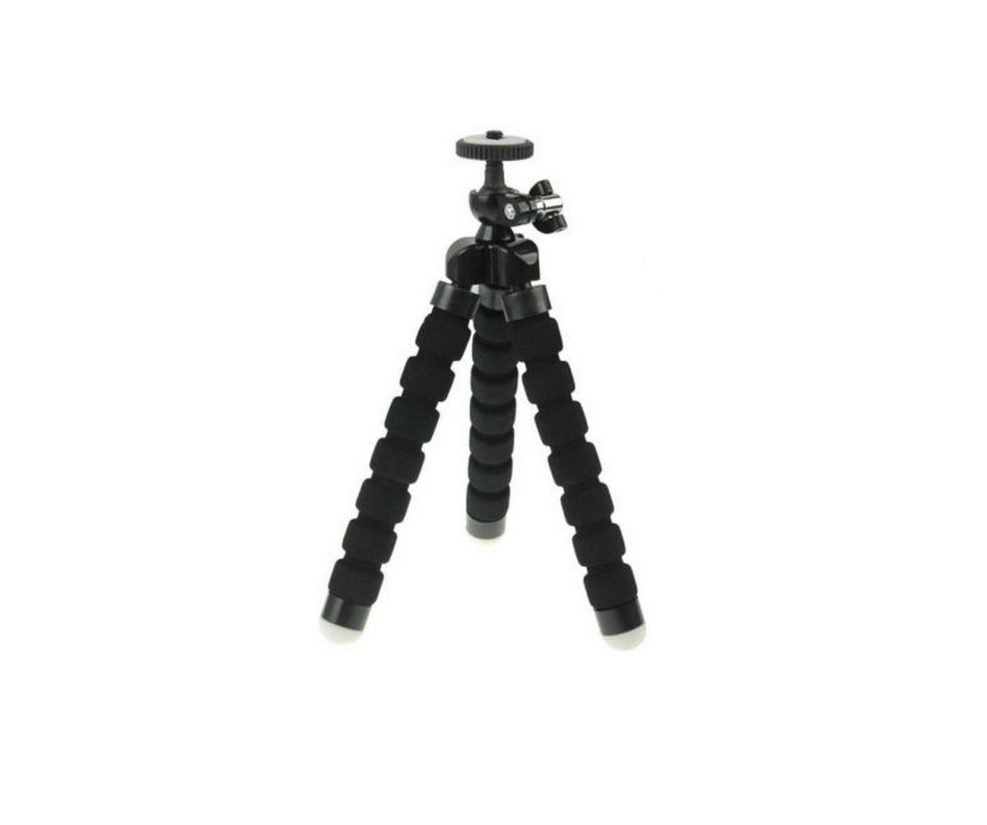
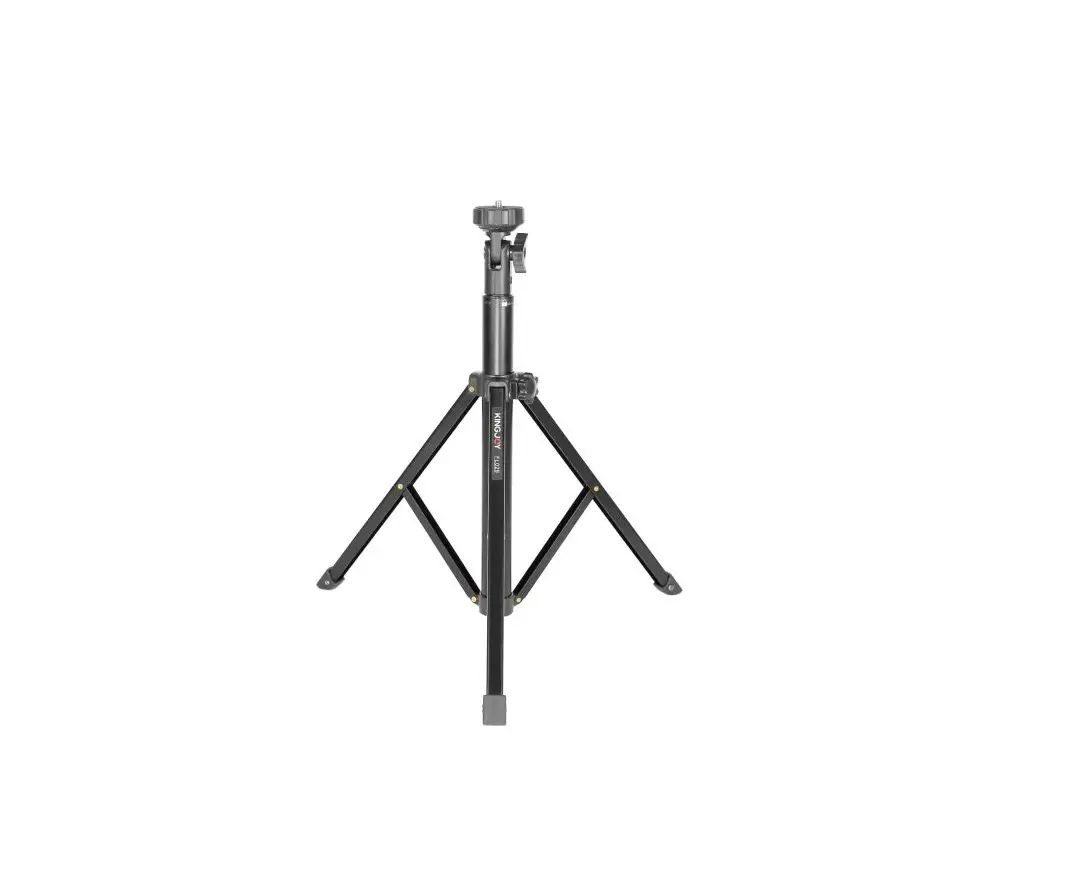
VT-1500 Tripod Stand
The product user guide contains product features, how to use, and the operating procedure. Read the user manual carefully to get the best experience and avoid unnecessary damage. Keep this manual for future reference. If you have any questions or comments about the device, please contact the customer line.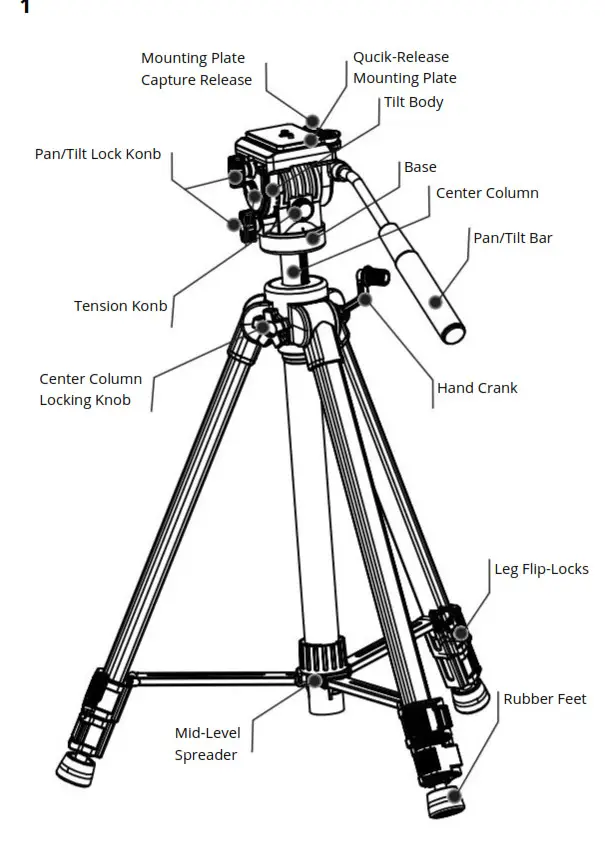
 |  |
 |  |
(Illustration 1) Key Features
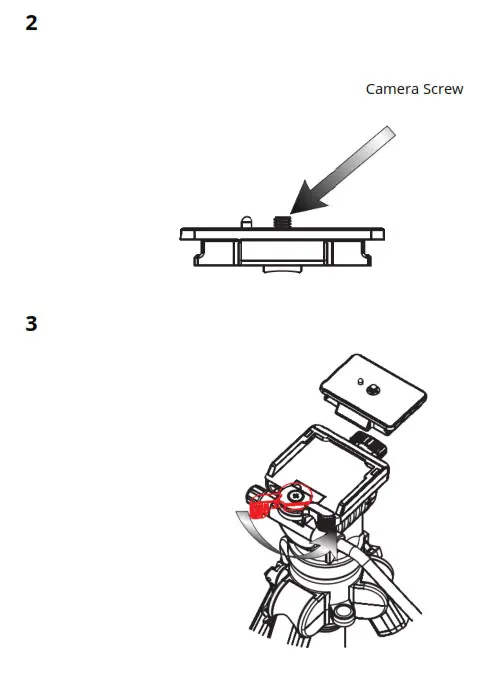
2. Mount Camera to Plate
(Illustration 2) Attach the quick-relase plate to the threaded hole on the base of your camera.
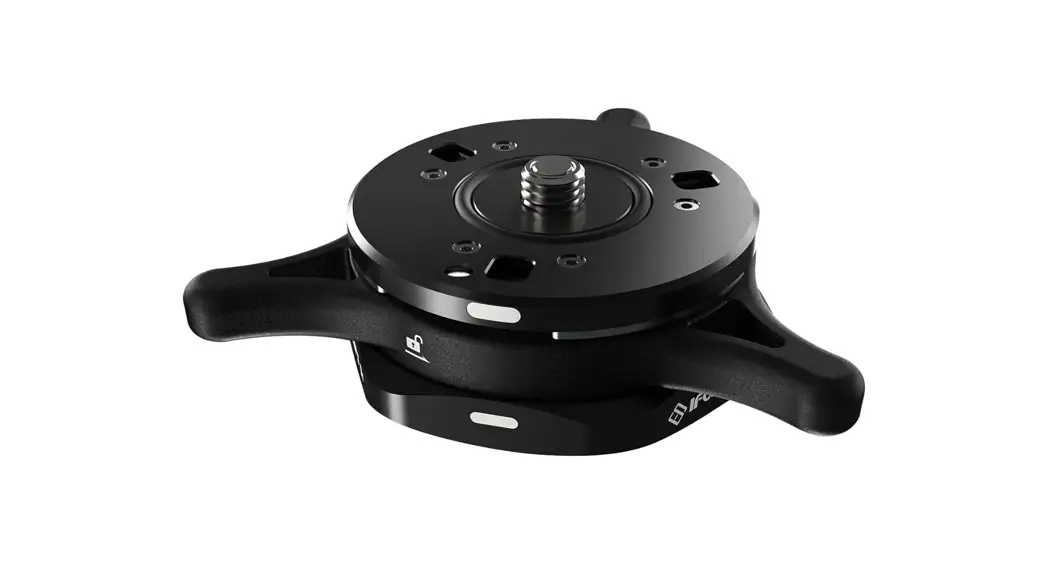
3. Mount and Remove Quick-Relase Plate
(Illustration 3) To mount or remove mounting plate by turning the plate capture release as illustrated.
4. Tilt
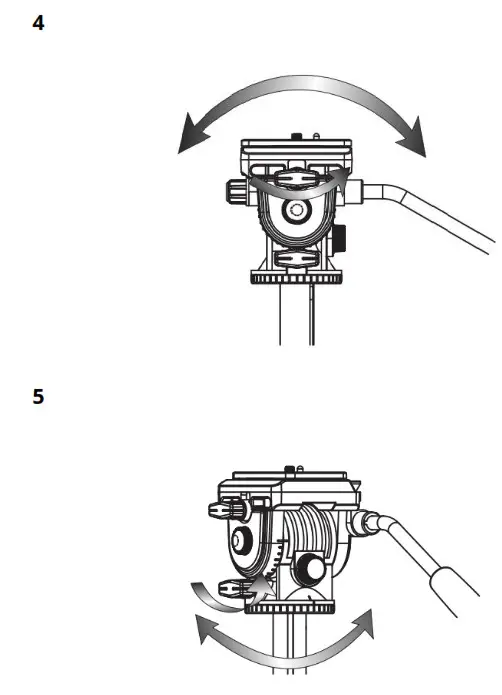
(Illustration 4) Release the tilt lock knob. Using the pan/tilt bar, move the camera up or down to tilt. There is a tension knob below the straight twist knob, the tension knob can be adjusted the friction of turning of the rotating base.
5. Pan
(Illustration 5) Release the pan lock knob. Using the pan/tilt bar, move the camera left or right to pan. Above the base there is a tension knob which can be adjusted the friction or turning of the rotating base.
6. Change the Direction of Bar
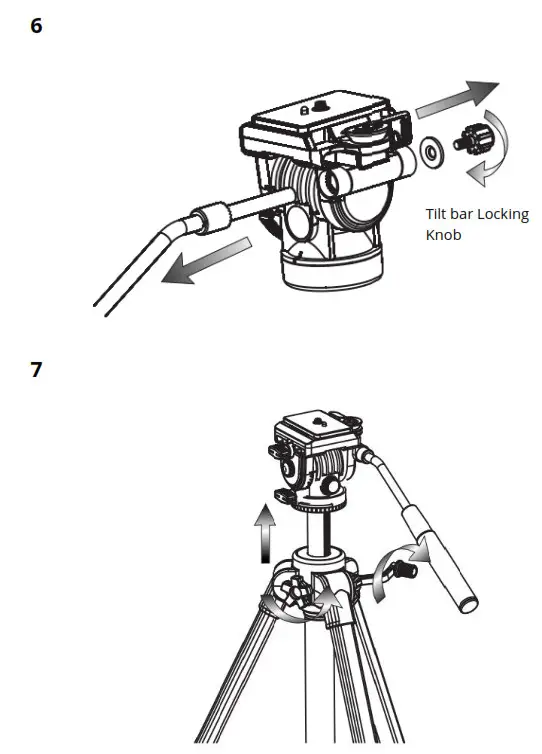
(Illustration 6) To remove the tilt bar by turning the bar locking knob as illustrated. And then mount the bar on the opposite direction by locking the knob tightly.
7. Raise Center Column
(Illustration 7) To unlock the center column by turning the locking knob counterclockwise. Use the head crank to raise or lower the head platform and the relock
center column.
8. Extended Legs
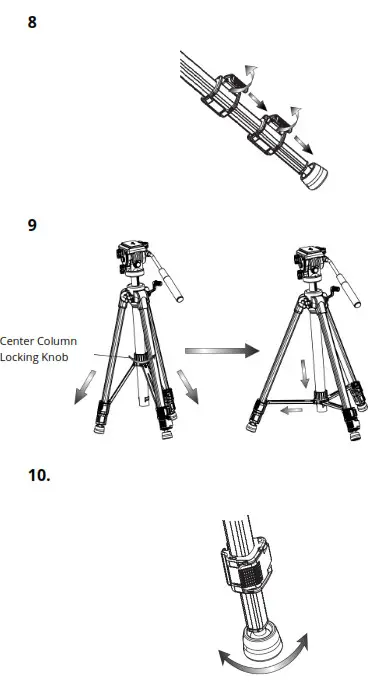
(Illustration 8) Pull each flip-lock and extended the leg to its desired height and relock the flip-locks)
9. Mid-Lever Spreader
(Illustration 9) To rotate the center column locking knob as pic shows, extend the leg tube till the desired angle, then turn the center column locking knob counterclockwise to
fix the tripod. We suggest to extend the angle, the tripod can reach the best stability performance.
10. Rubber Feet
(Illustration 10) As shooting locations and conditions change, this rubber feet play an important role in rugged ground.
Warnings:
 | Do not exceed the tripod’s maximum load capacity. |
 | Ensure the center column is locked. |
 | Do not operate this tripod when the temperature is below -20⁰C or above 70⁰C. It is not commended to operate in saltwater. |
 | Do not put this tripod in sunlight or leant it against the glass of car for a long time. |
 | Do not leave this tripod unattended in public place; please be careful when use it in dangerous place. |
 | Remove the camera from the ballhead during setup or transport. |
 | It is not necessary to equip lubricant. Please use standard lubricant or grease when necessary. |
 | For your safety, keep it out of power supply. |
Warranty Conditions
A new product purchased in the Alza.cz sales network is guaranteed for 2 years. If you need repair or other services during the warranty period, contact the product seller
directly, you must provide the original proof of purchase with the date of purchase.
The following are considered to be a conflict with the warranty conditions, for which the claimed claim may not be recognized:
- Using the product for any purpose other than that for which the product is intended or failing to follow the instructions for maintenance, operation and service of the product.
- Damage to the product by a natural disaster, the intervention of an unauthorized person or mechanically through the fault of the buyer (e.g. during transport, cleaning
by inappropriate means, etc.). - Natural wear and aging of consumables or components during use (such as batteries, etc.).
- Exposure to adverse external influences, such as sunlight and other radiation or electromagnetic fields, fluid intrusion, object intrusion, mains overvoltage, electrostatic discharge voltage (including lightning), faulty supply or input voltage and inappropriate polarity of this voltage, chemical processes such as used power supplies, etc.
- If anyone has made modifications, modifications, alterations to the design or adaptation to change or extend the functions of the product compared to the purchased design or use of non-original components.
✉ www.alza.co.uk/kontakt
✆ +44 (0)203 514 4411
Importer
Alza.cz a.s., Jankovcova 1522/53, Holešovice, 170 00 Praha 7, www.alza.cz
 alza.at
 alza.co.uk
 alza.de
 alza.hu
 alza.sk