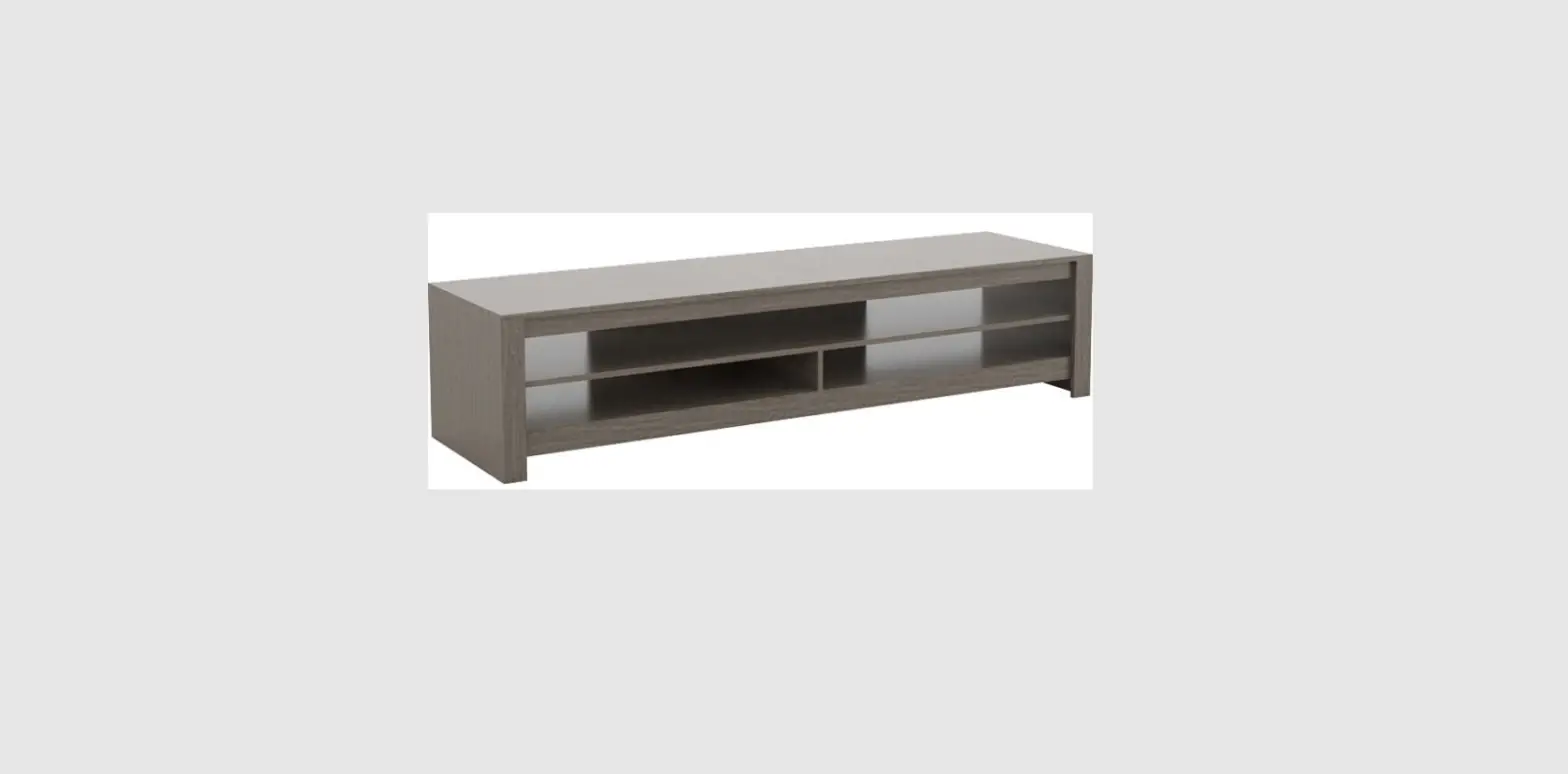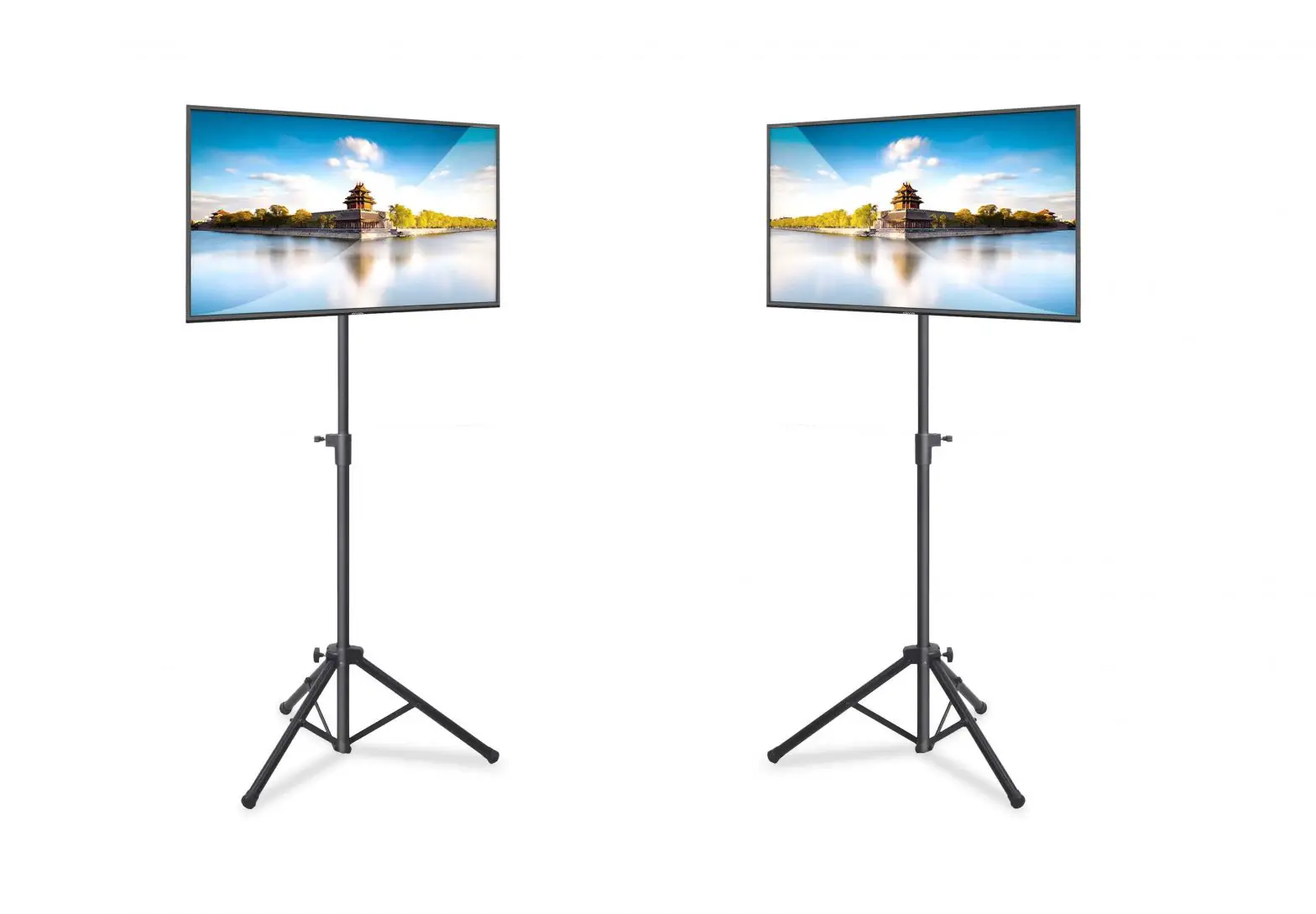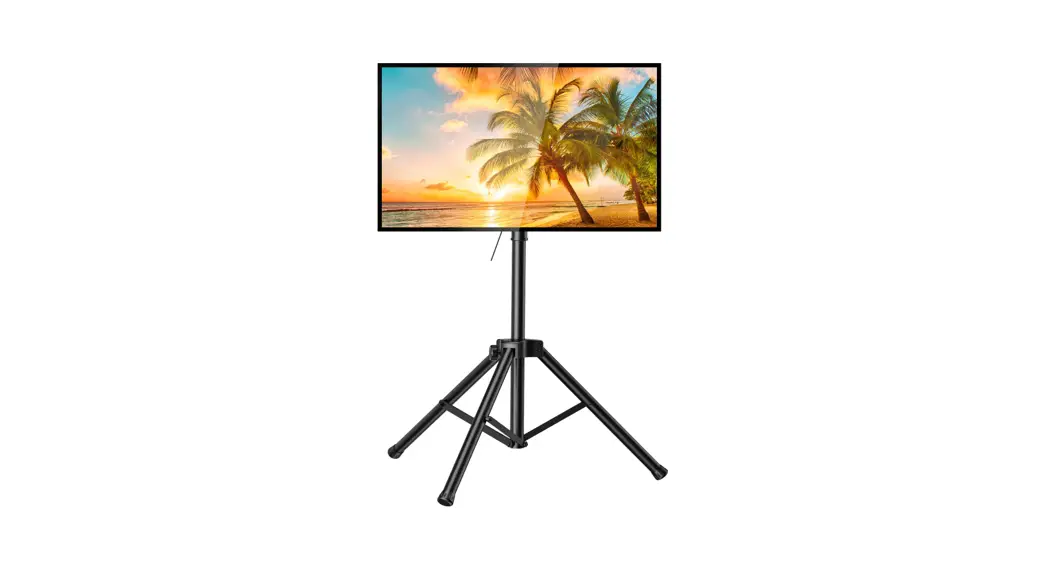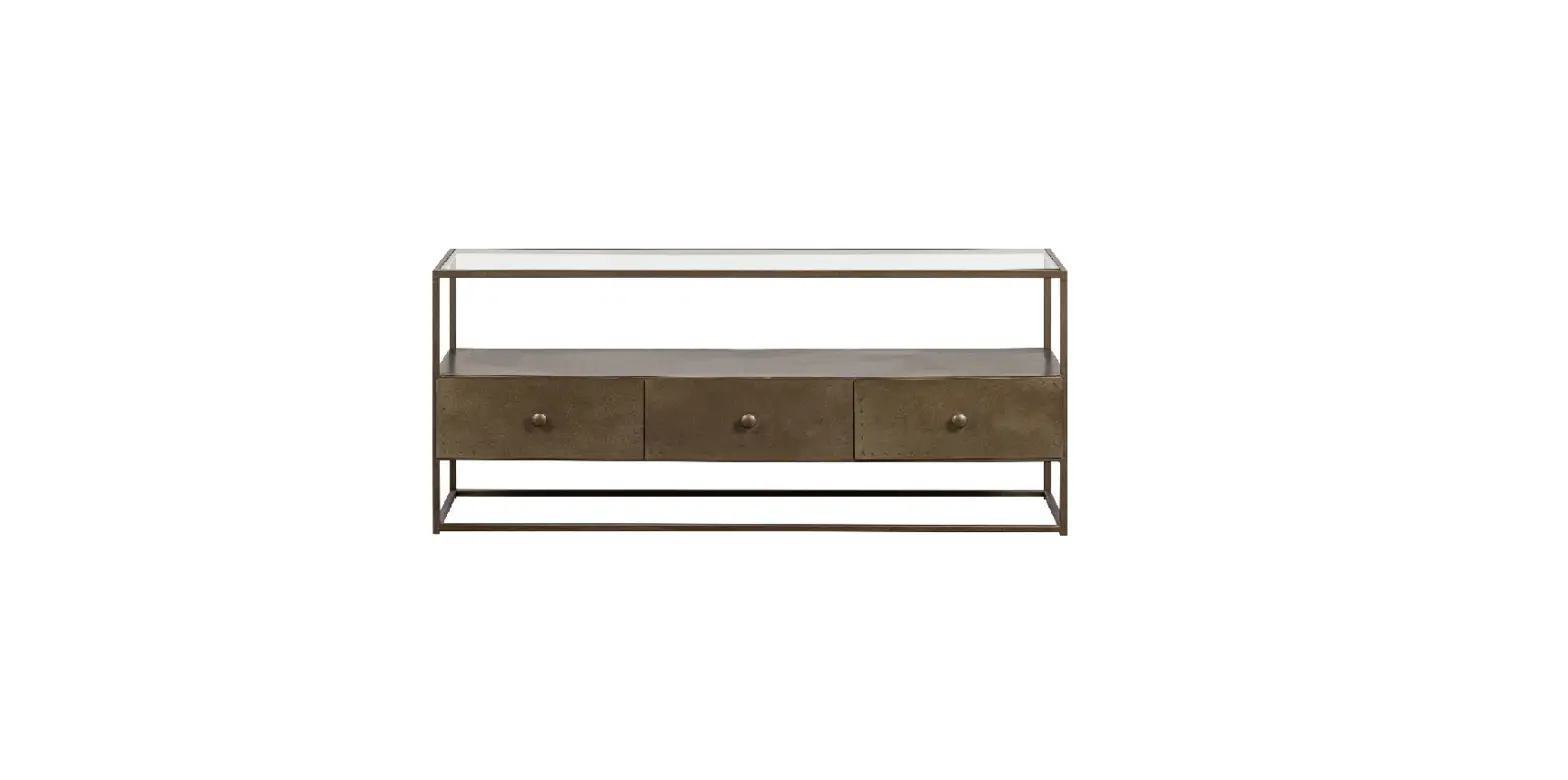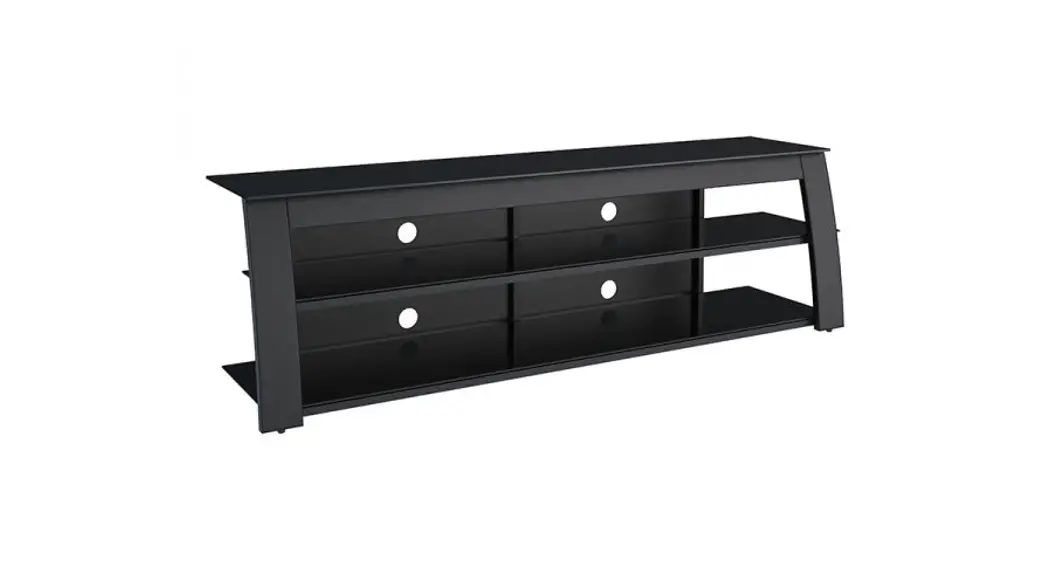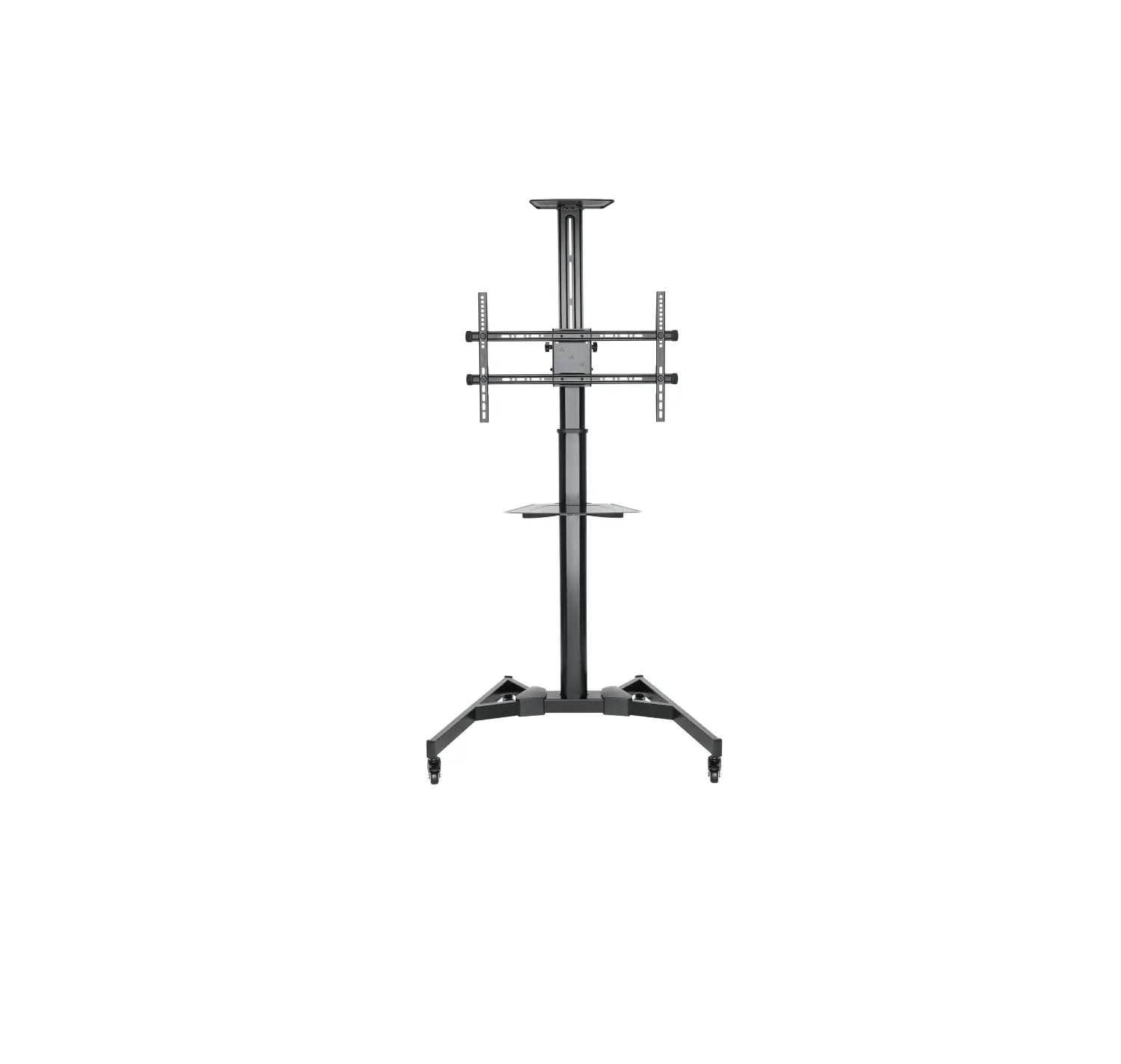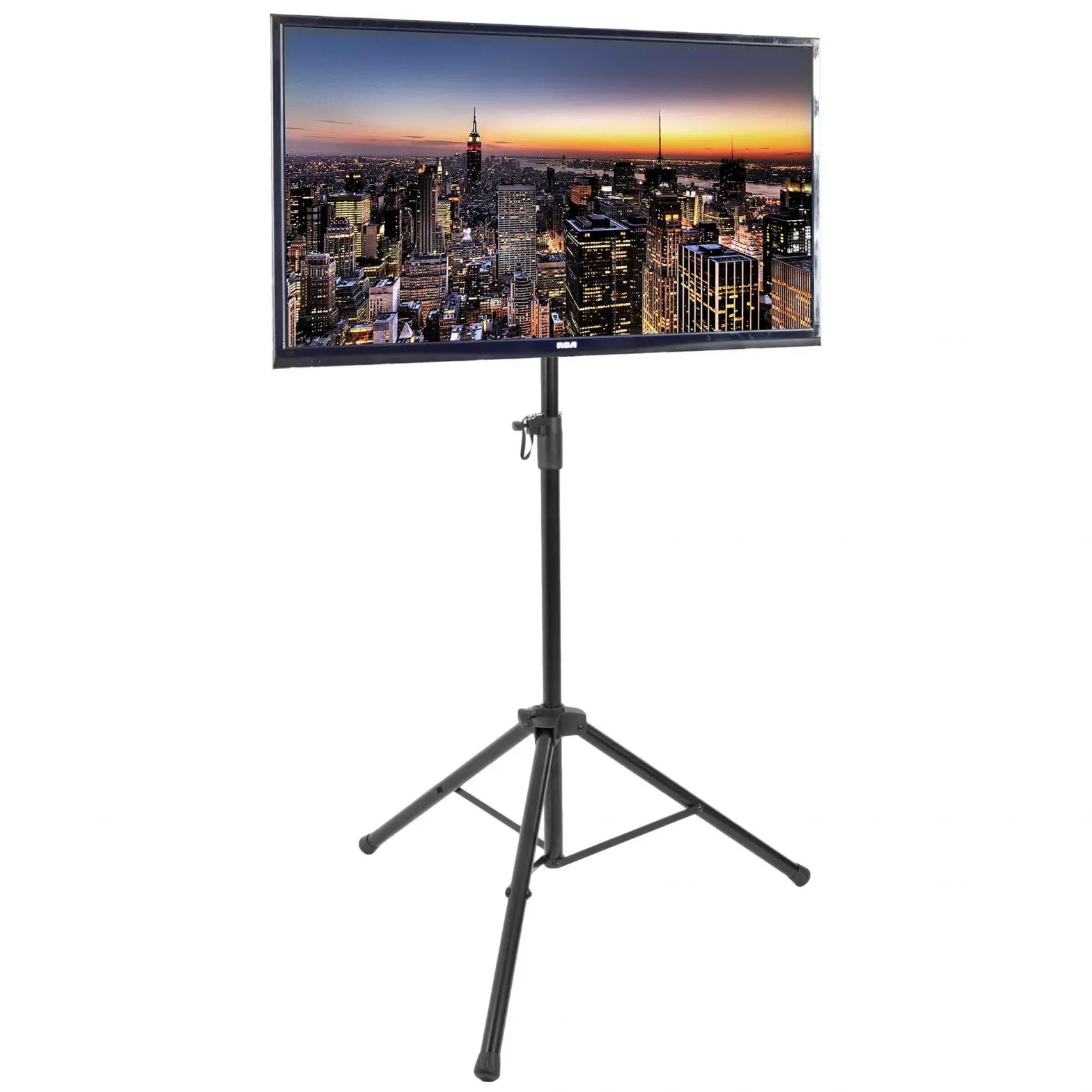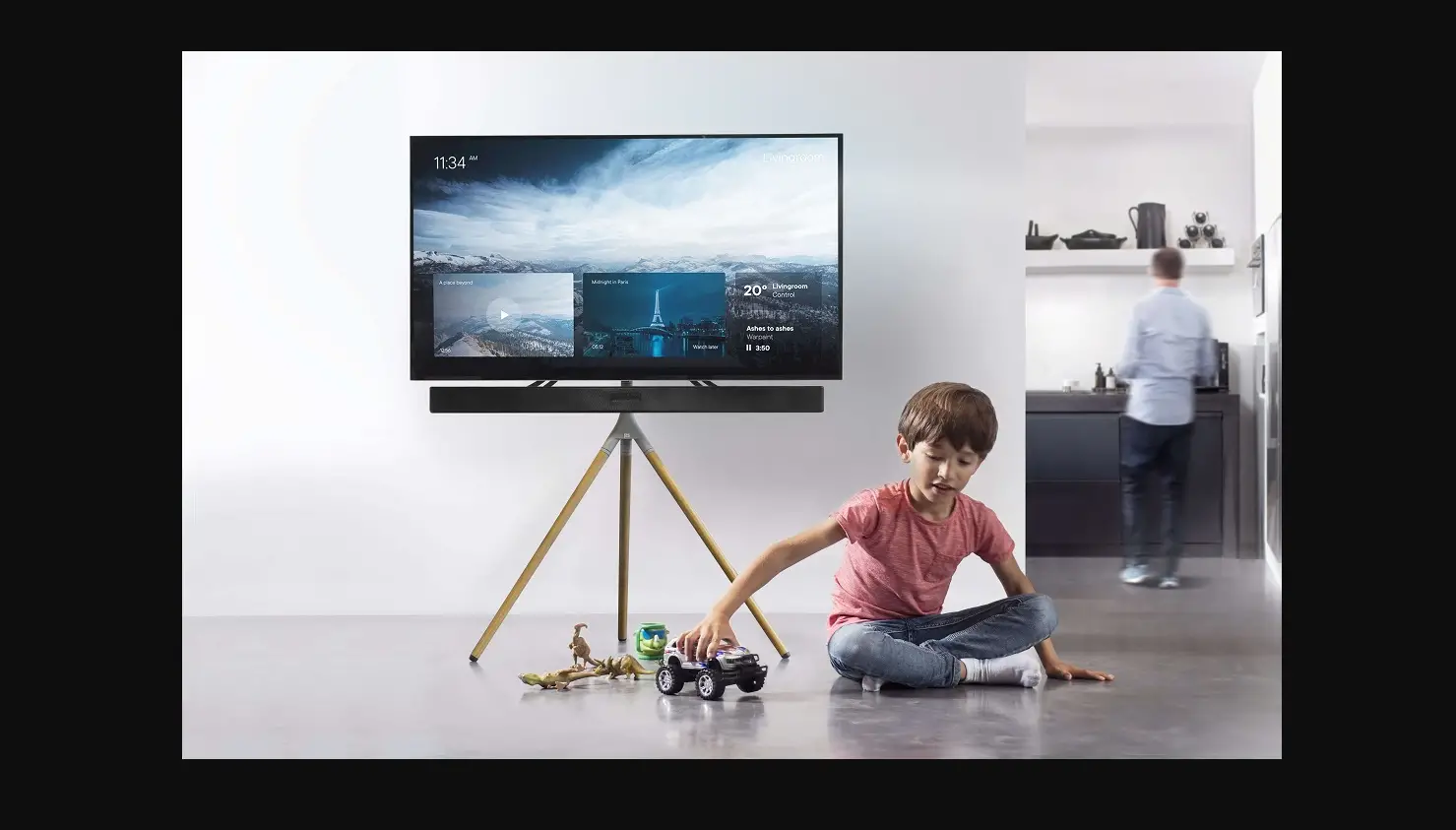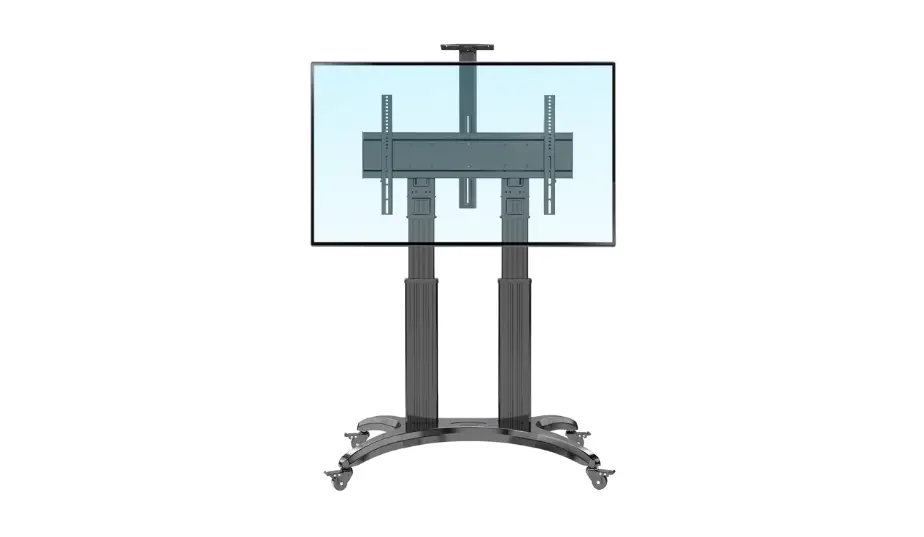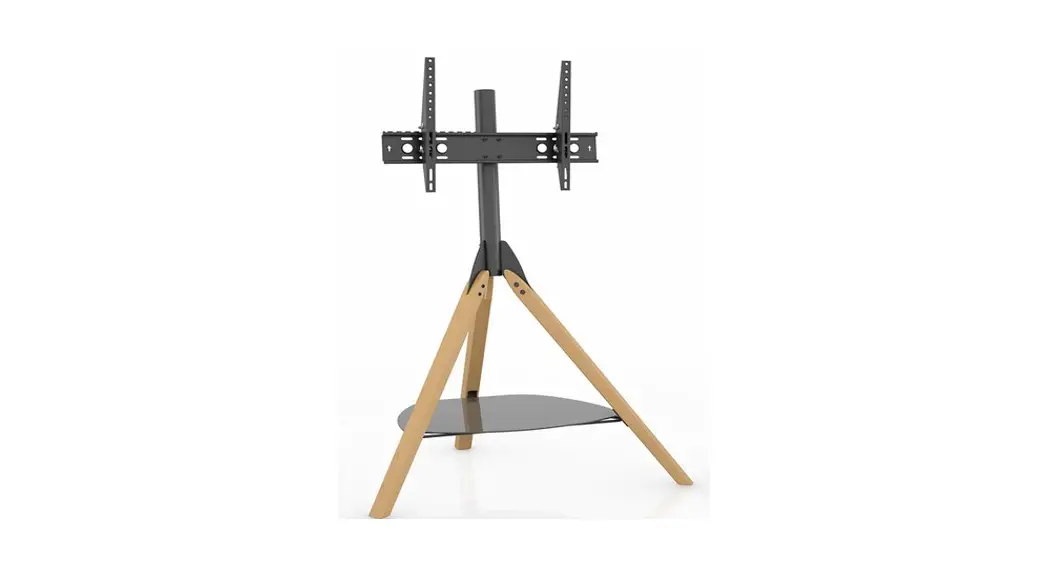

FSL1000HOXBB-A Hoxton Tripod TV Stand
Instruction Manual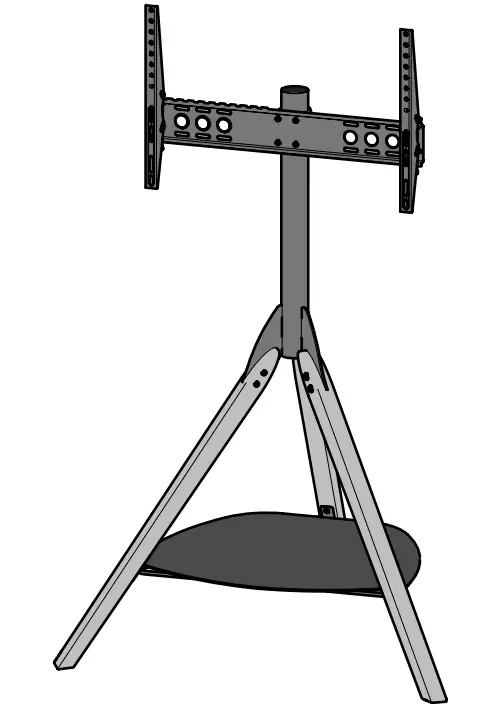
FSL1000HOXBB-A Hoxton Tripod TV Stand
 Read through ALL instructions before commencing installation.
If you have any questions about this product or issues with installation, contact the customer services helpline before returning this product to the store.
CUSTOMER SERVICES HELPLINE NUMBER:
+44 (0) 333 320 0463 (UK)
1-800 667 0808 (USA)
IMPORTANT INFORMATION!
We advise that before starting the assembly of this product you familiarise yourself with the instructions and the parts list in this leaflet.
Do not’s
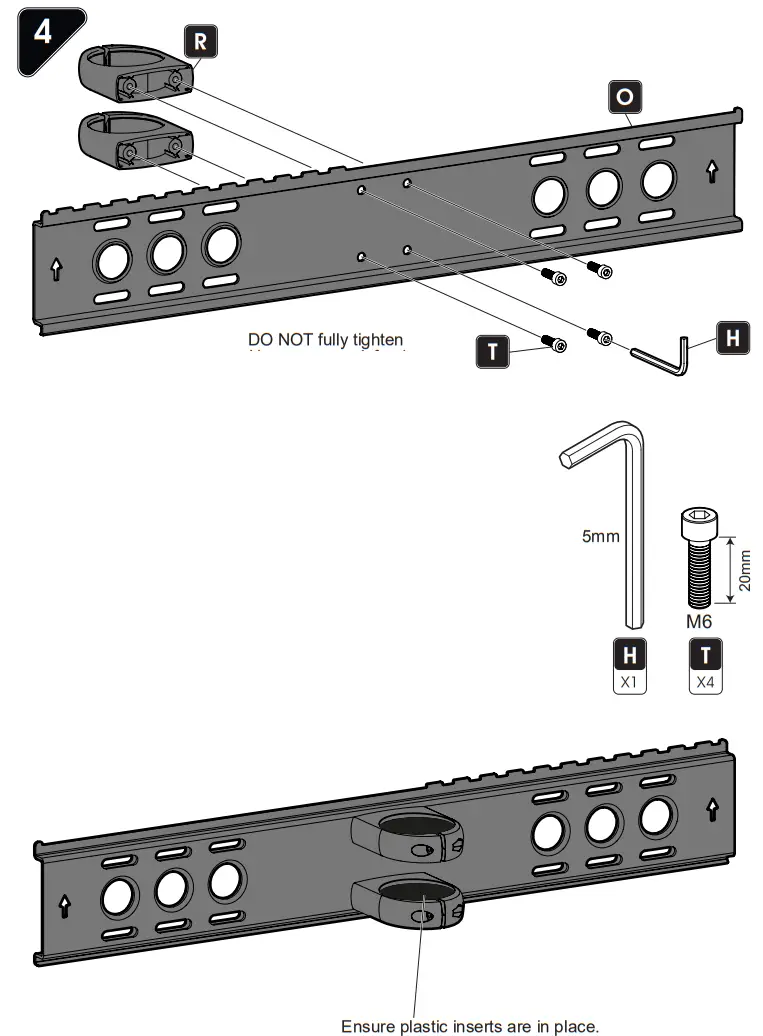
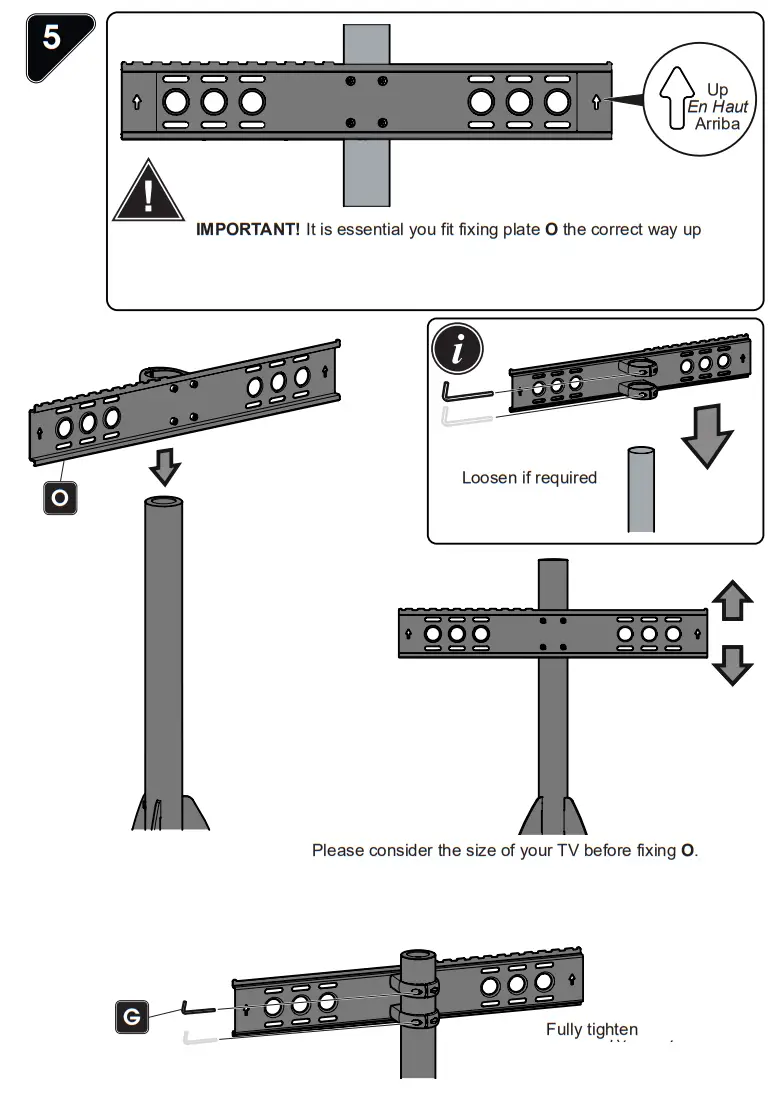
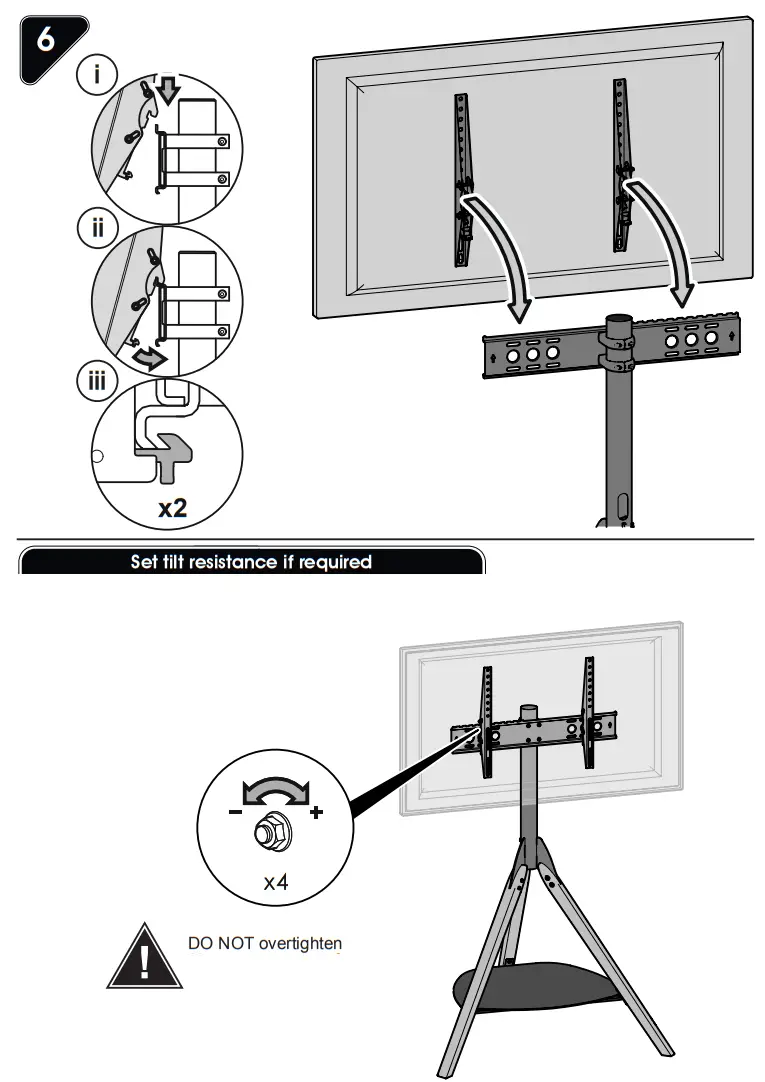
Do not overtighten any part of this assembly.
Do not place hot or cold objects on to or next to any surface unless the object is sufficiently insulated to prevent contact.
Do not strike any part of the stand with hard or pointed items.
Do not sit, stand or climb upon any part of this furniture.
Do not use washing powders or other substances containing abrasives when cleaning the wood or glass.
Do’s
Do use a soft cloth with a suitable furniture polish when cleaning wooden panels.
Do use a damp cloth with diluted washing up liquid for cleaning the glass surfaces.
Check all nuts and bolts from time to time.
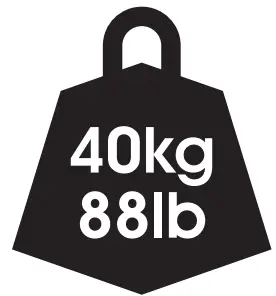
Maximum TV weight and shelf capacities
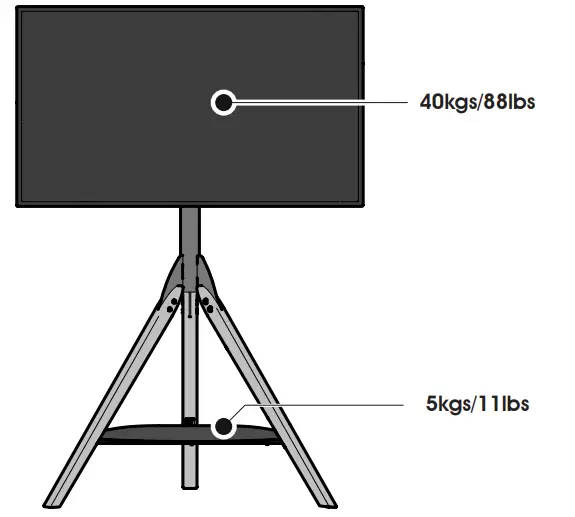
WARNING: Wherever possible distribute weight evenly.
Boxed Parts
Tools Recommended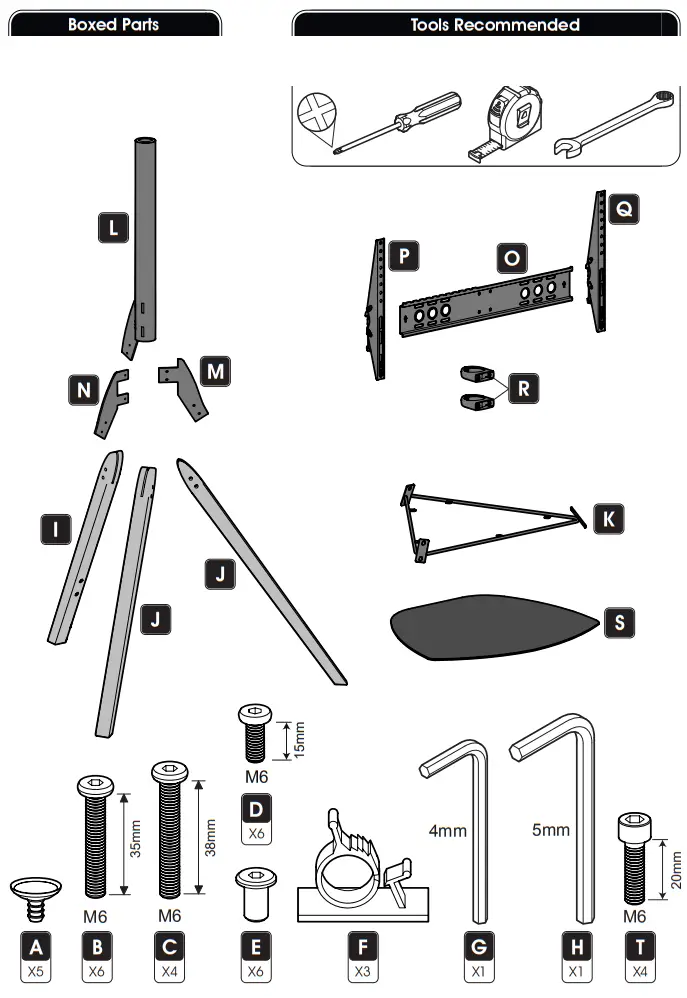
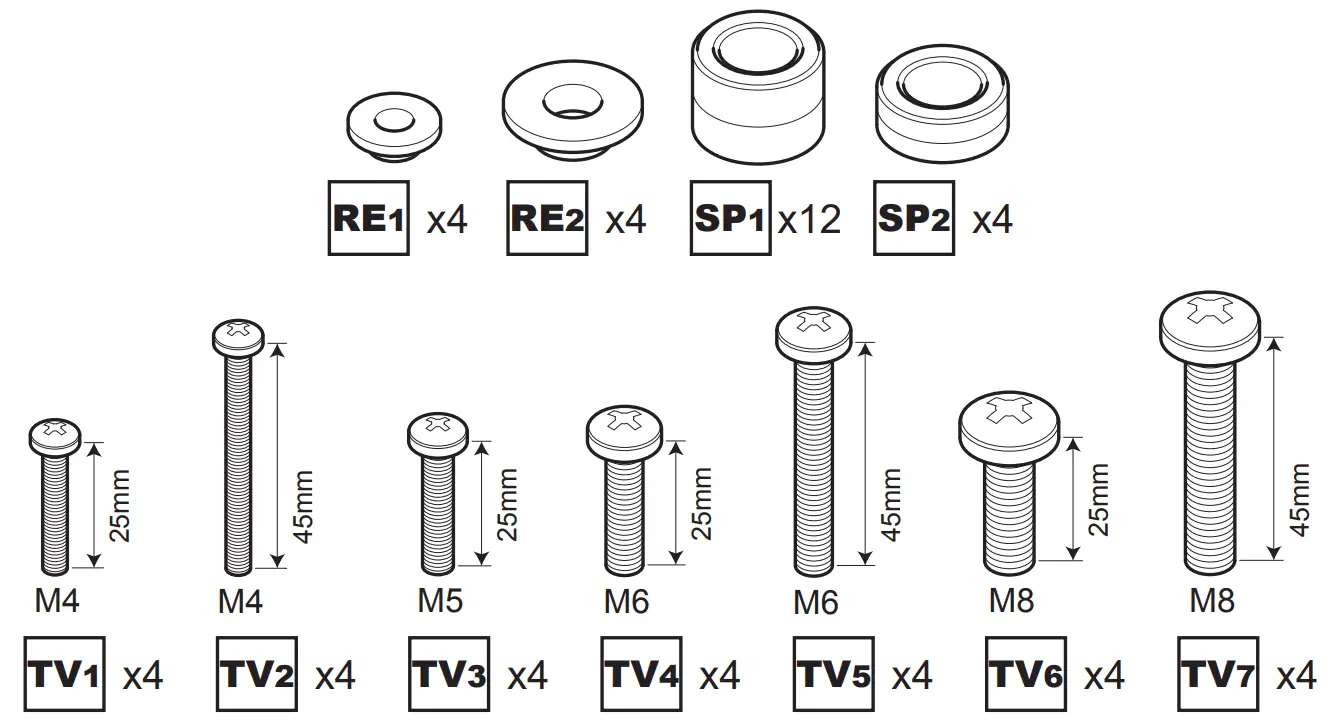
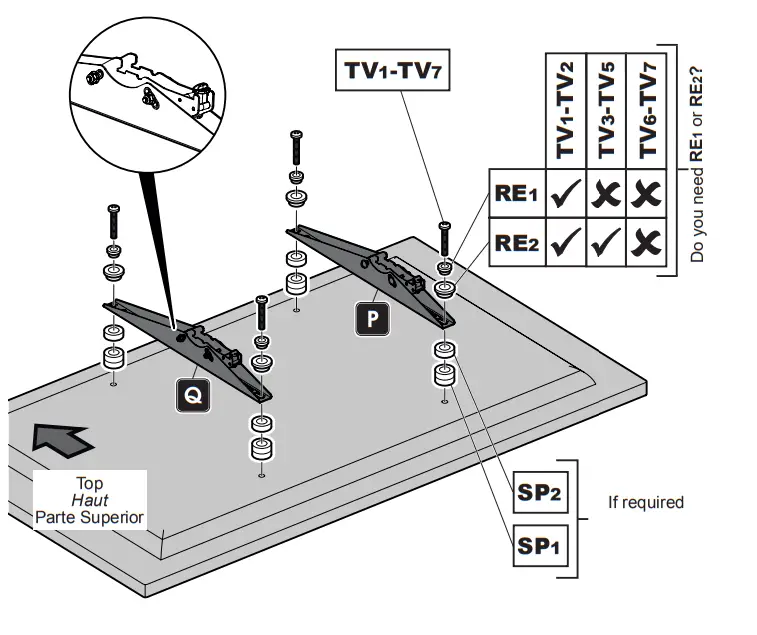
TV Screws, Reducers and Spacers
Measure the TV fixing holes Width and Height
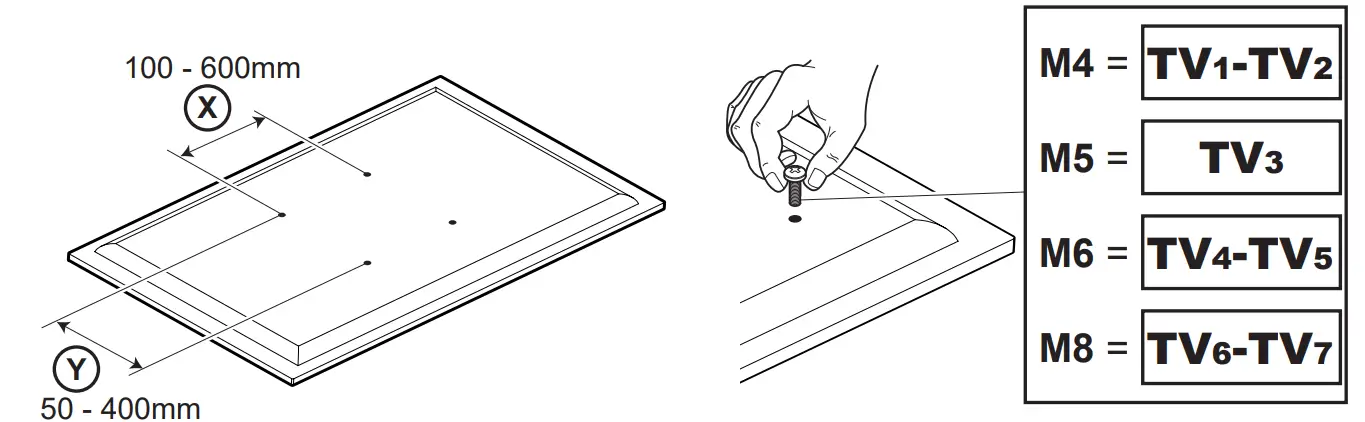
If width X is greater than mm or height Y 600 greater than mm STOP installation now and contact the customer help line at 400
You are provided with diameters of TV fixing screws, Determine the screw diameter that fits and remember for step 6.
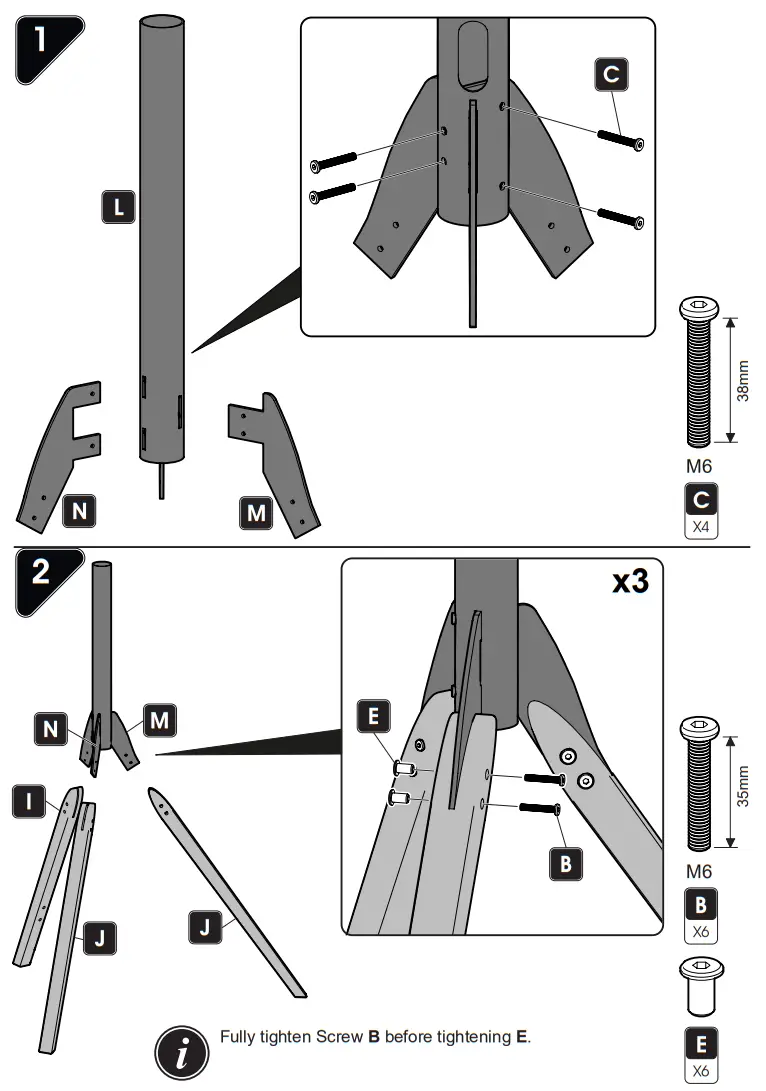
 Lubricate A with washing-up liquid if it is difficult to fit.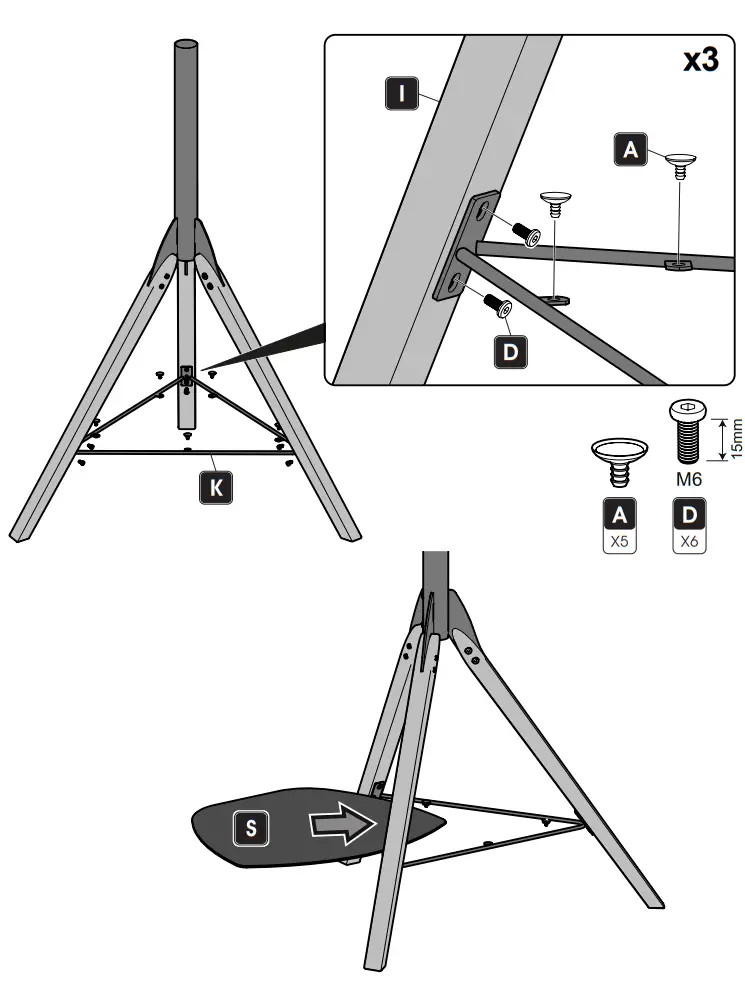
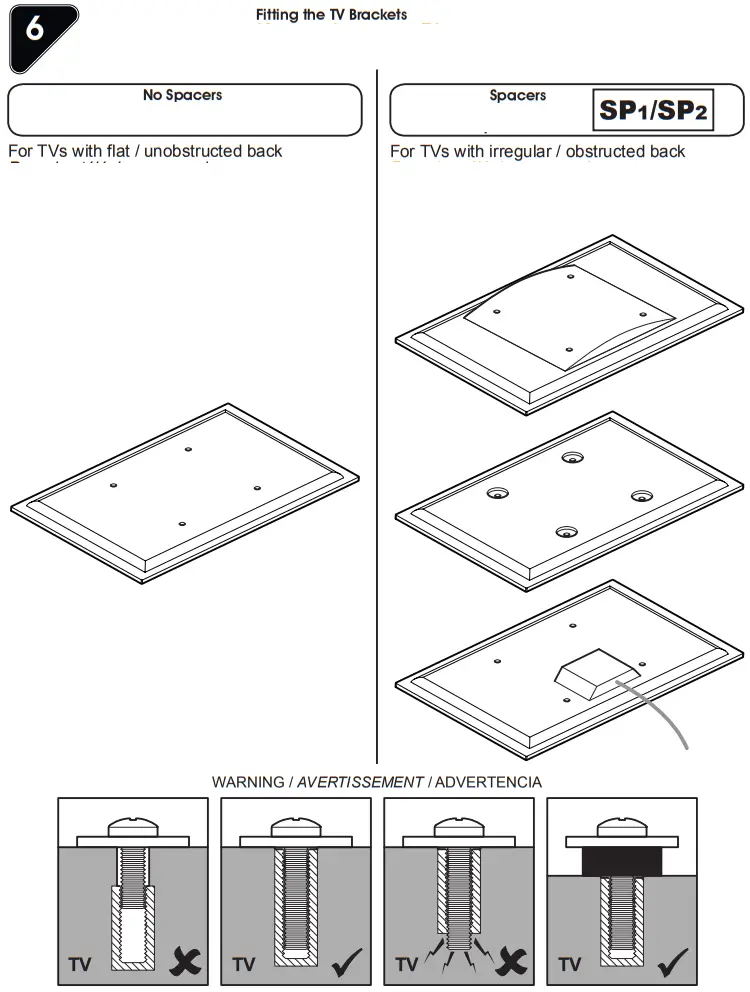
Fitting the TV Brackets
 After completing the step you will have fittings left over, please keep them for future reference.
Attach the bracket to the back of your TV using suitable screw, reducer and spacer combinations.
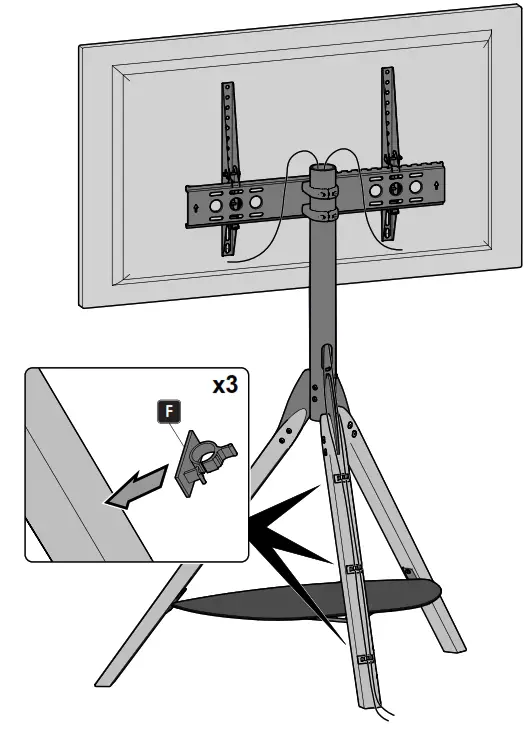
Cable Management
 Home - AVF Group US