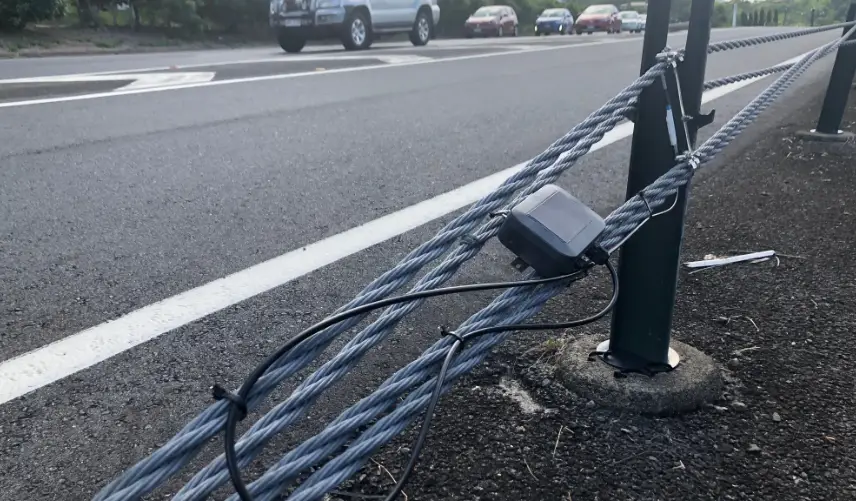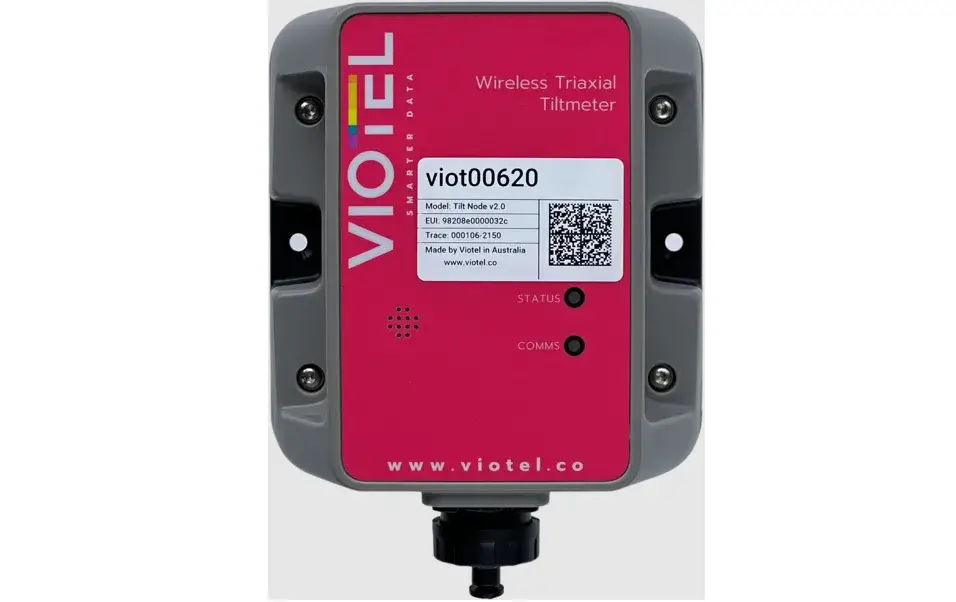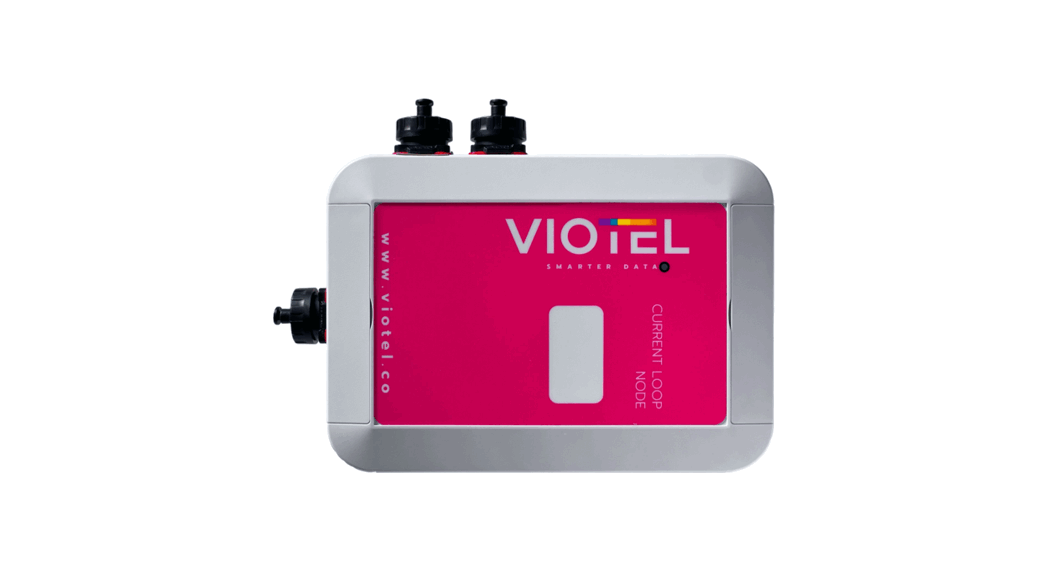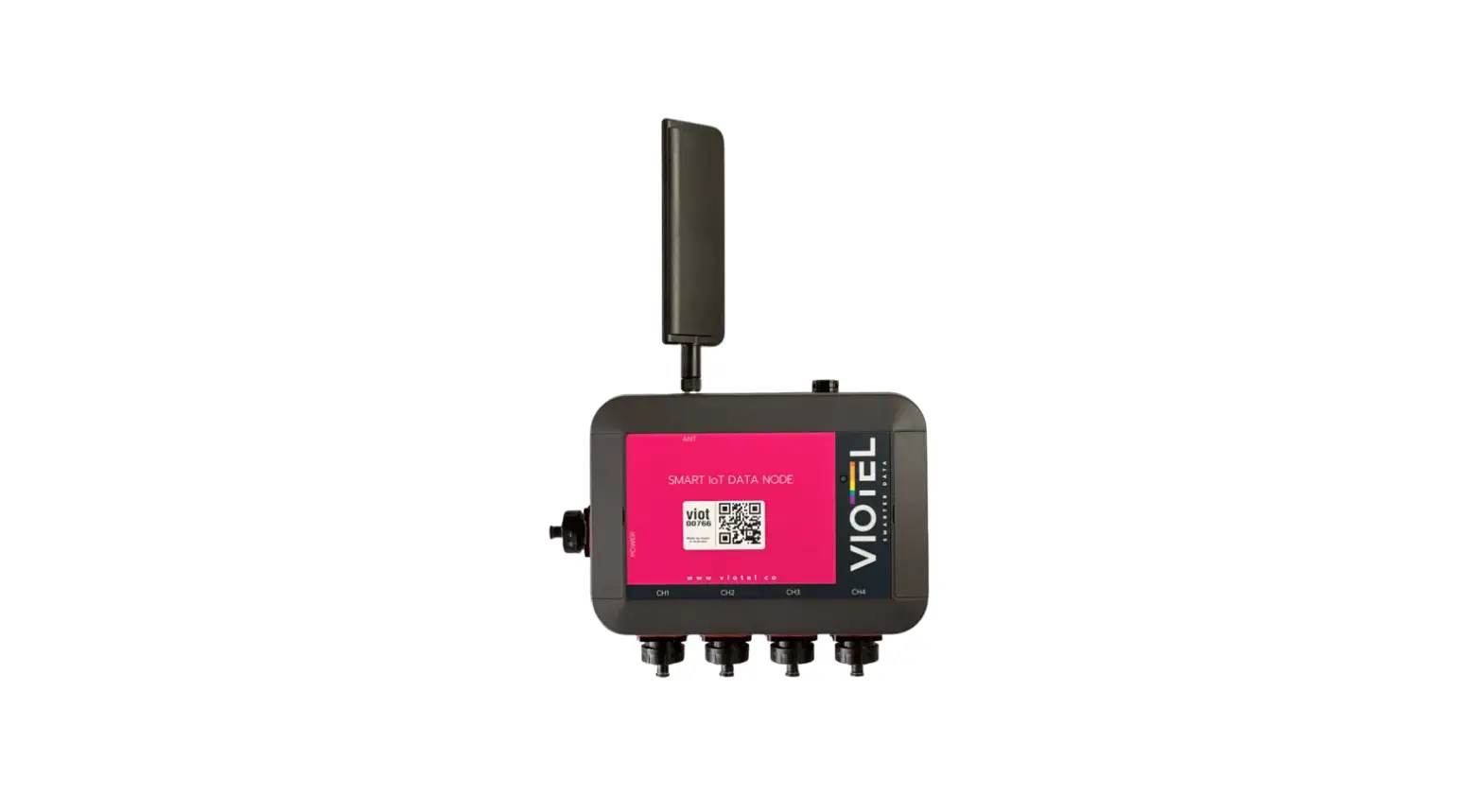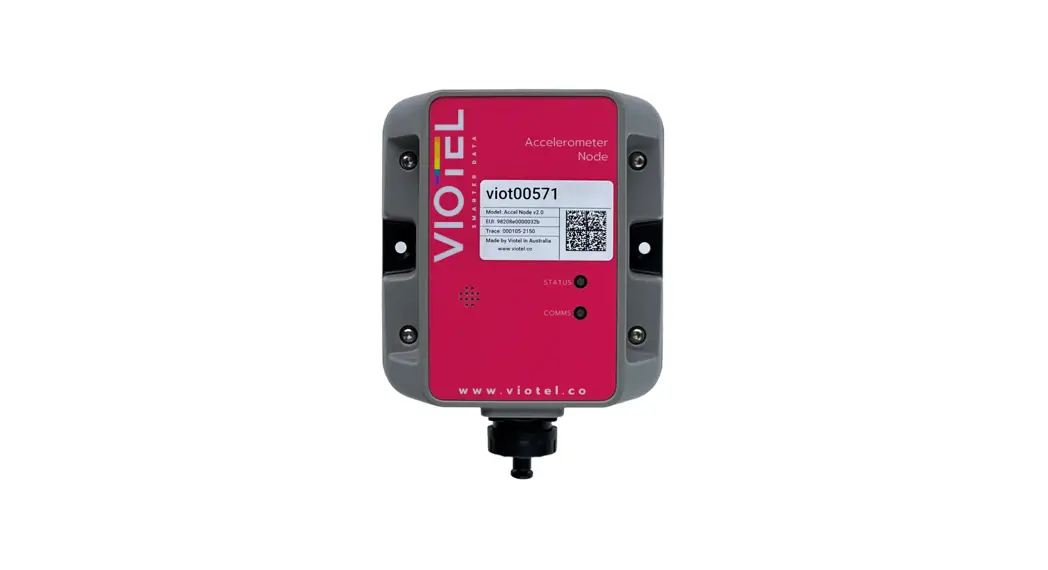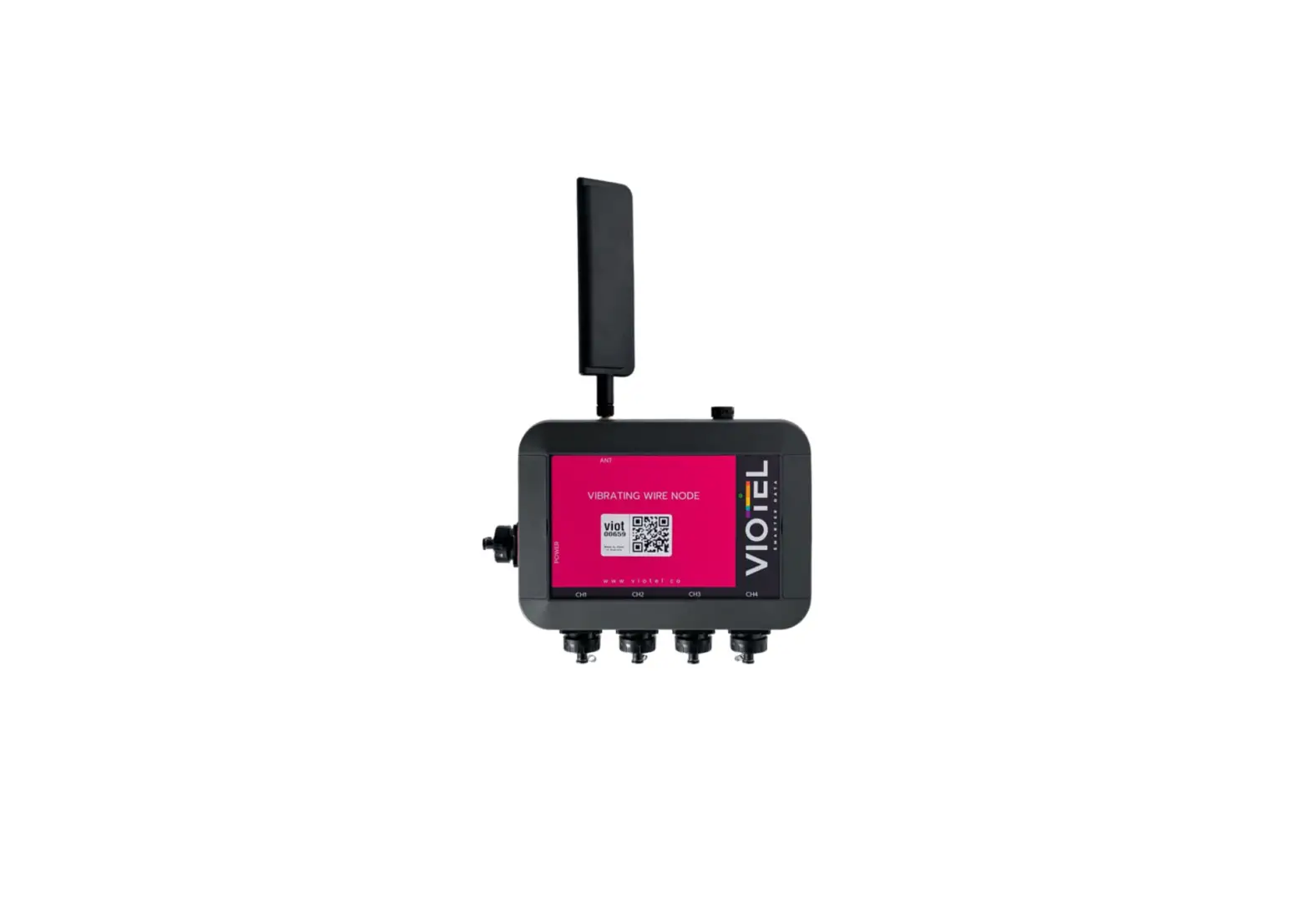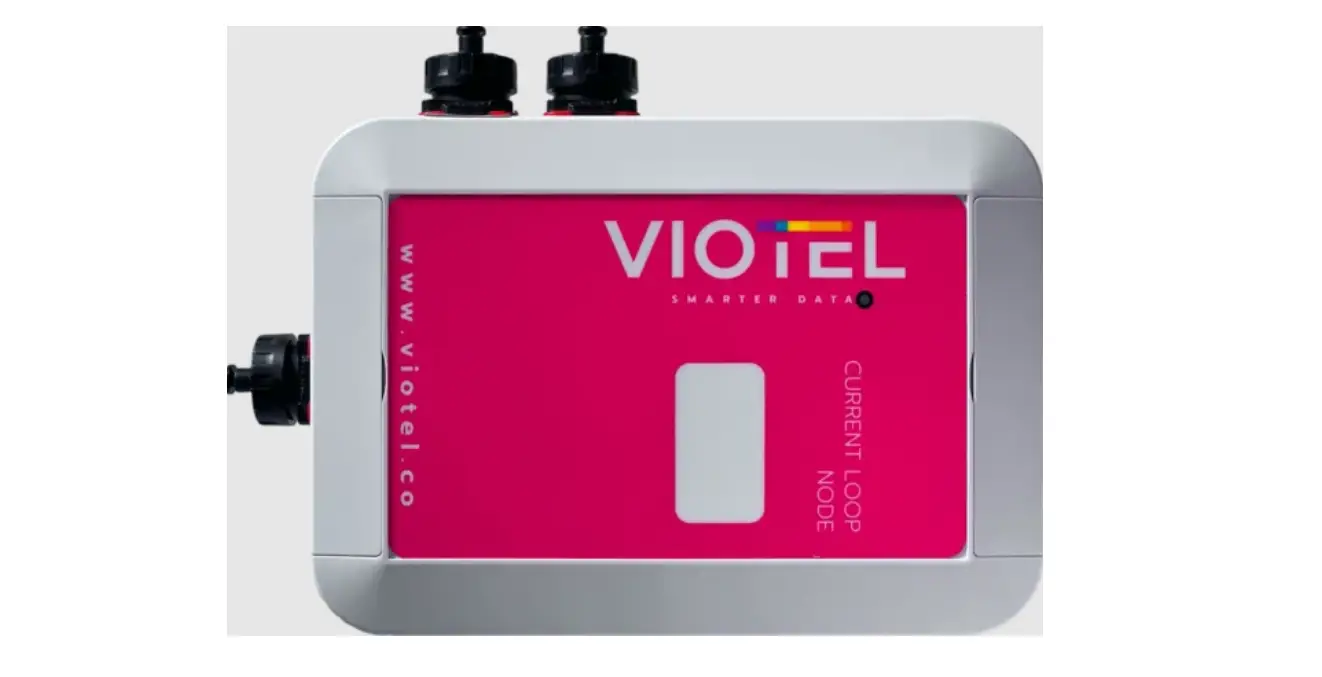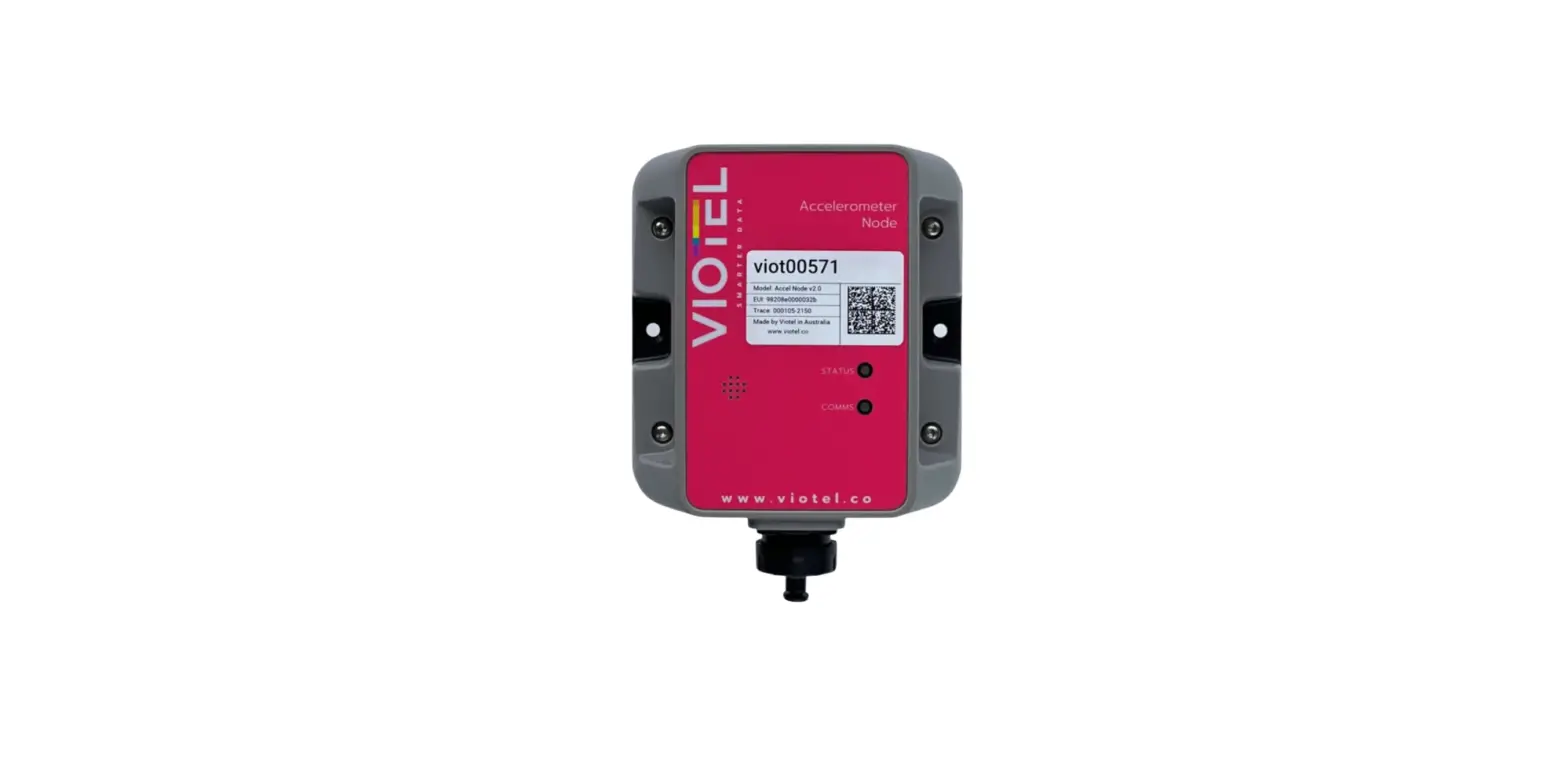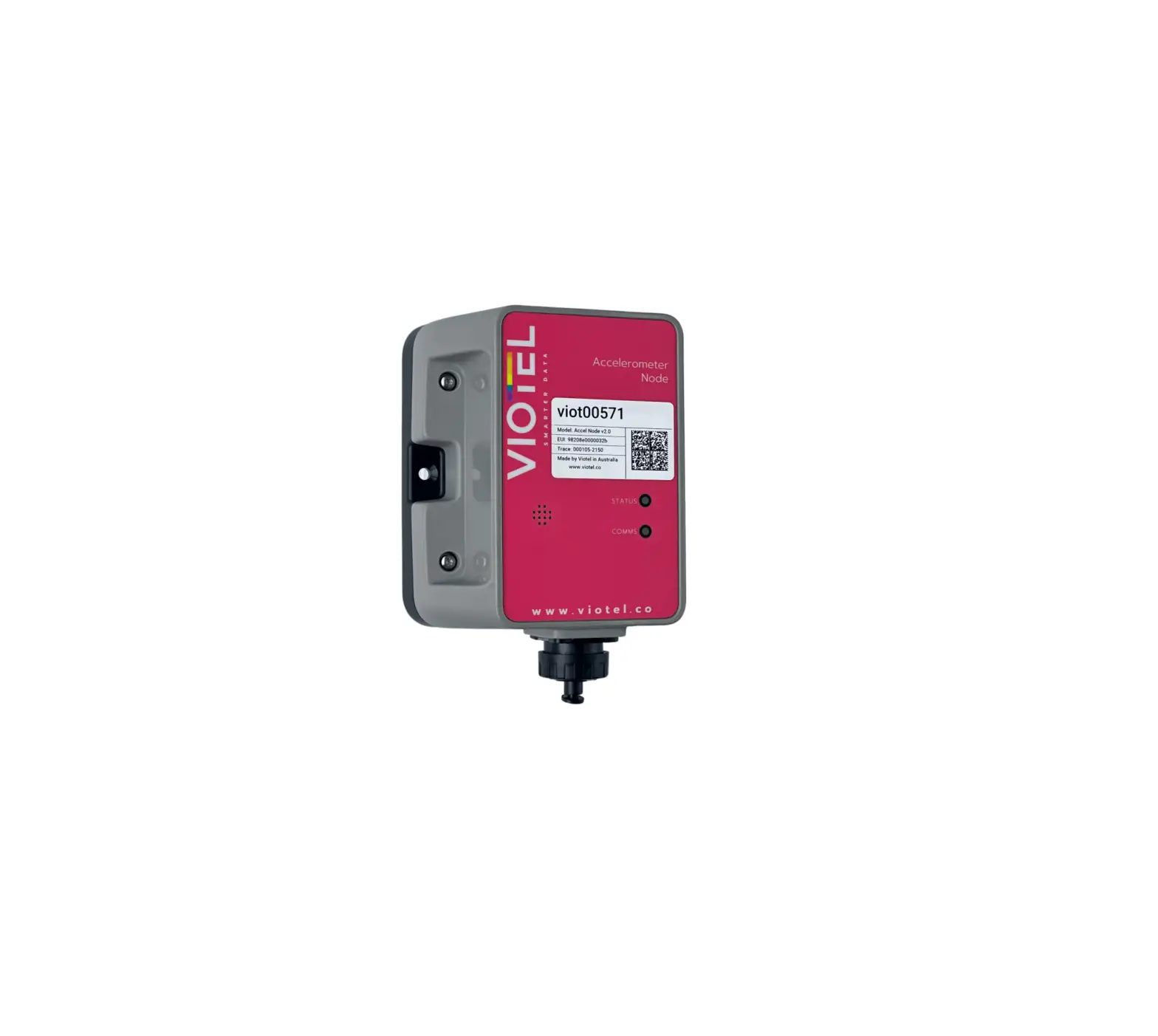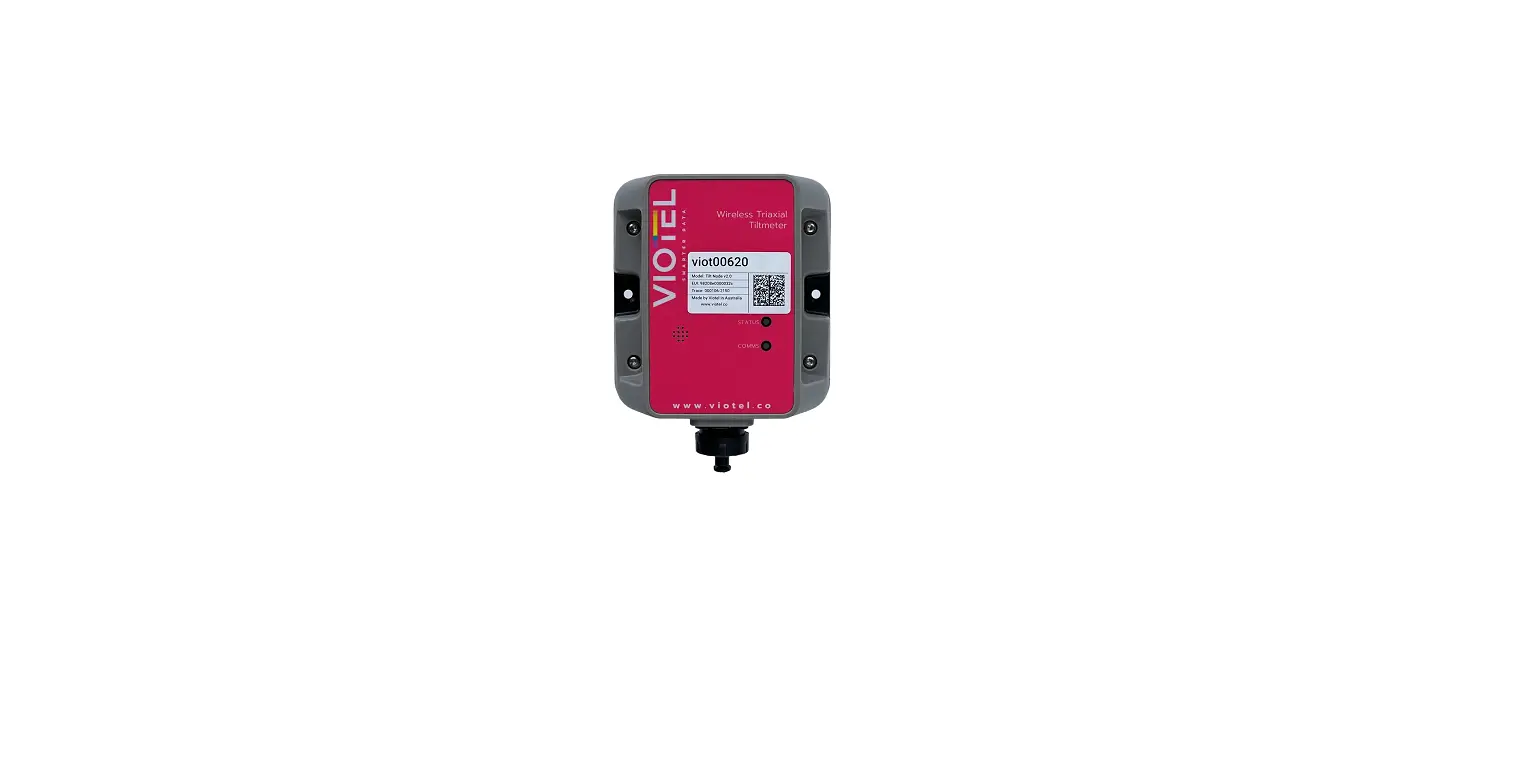

VIOTEL Wireless Triaxial Tilmeter Node
MOUNT
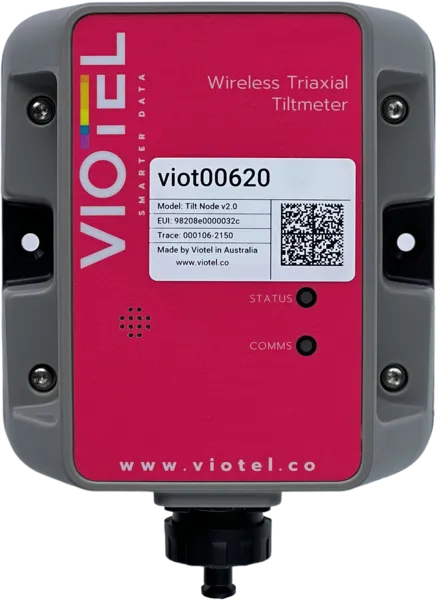
Mount the device firmly to your chosen location using a secure mounting method: Two-sided adhesive, side mounting holes and/or pole mount bracket for threaded holes. Exact Leveling is not necessary, the device can be zeroed in the dashboard.
USING THE MAGNET
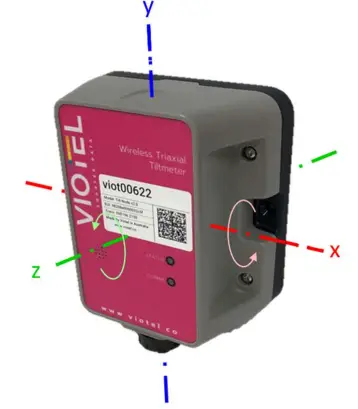
Wherever instructed to tap the node using the magnet, do so at the spot indicated “X”. Sequential taps must be performed within 3 seconds before the device count resets.
CONFIRM STATUS
Tap Once
- If the device is off, a solid blue light will appear from the status LED. Proceed to step 4.
- If the device is on, a green light then yellow light will appear from the status LED. The device takes 10 quick readings and uploads them before returning to On status after a few minutes.
TOGGLE DEVICE ON
Tap Twice
- This will turn the device on followed quickly by 2 green LED flashes. The device may take serval minutes to update.
VIEW DATA
Please head over to your nodes Dashboard to begin seeing the data.
| STATUS | |
| GREEN | On |
| BLUE | Off |
| PURPLE | Diagnostic Mode |
| RED | Device is Busy |
| COMMS | |
| BLUE | Communicating with server |
| YELLOW | Collecting GPS Coordinates |
| RED | Unable to Communicate |
OUR RESONANCE
Resonance describes the phenomenon of increased amplitude that occurs when a an external force or a vibrating system is equal or close to the natural frequency of the system on which it acts. Leveraging decades of experience in earthquake analysis and monitoring of mining seismicity, Viotel has a deep understanding of resonance and have developed a unique series of asset management solutions involving monitoring and analysis of vibrations and waveforms.
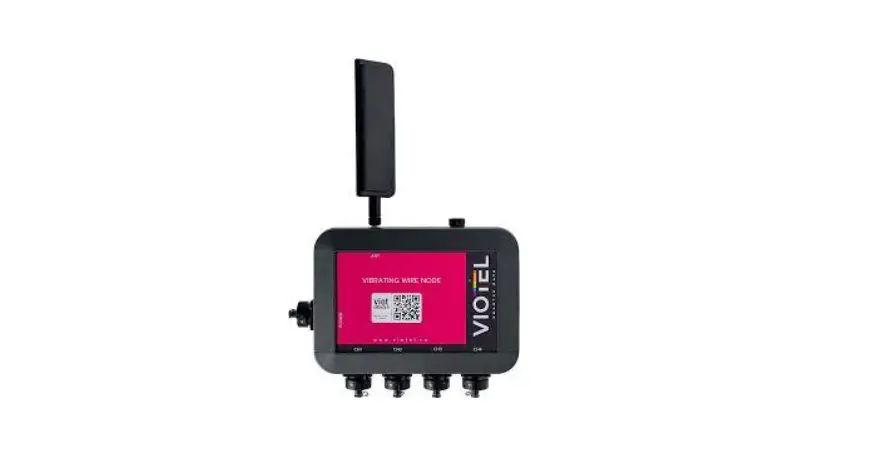
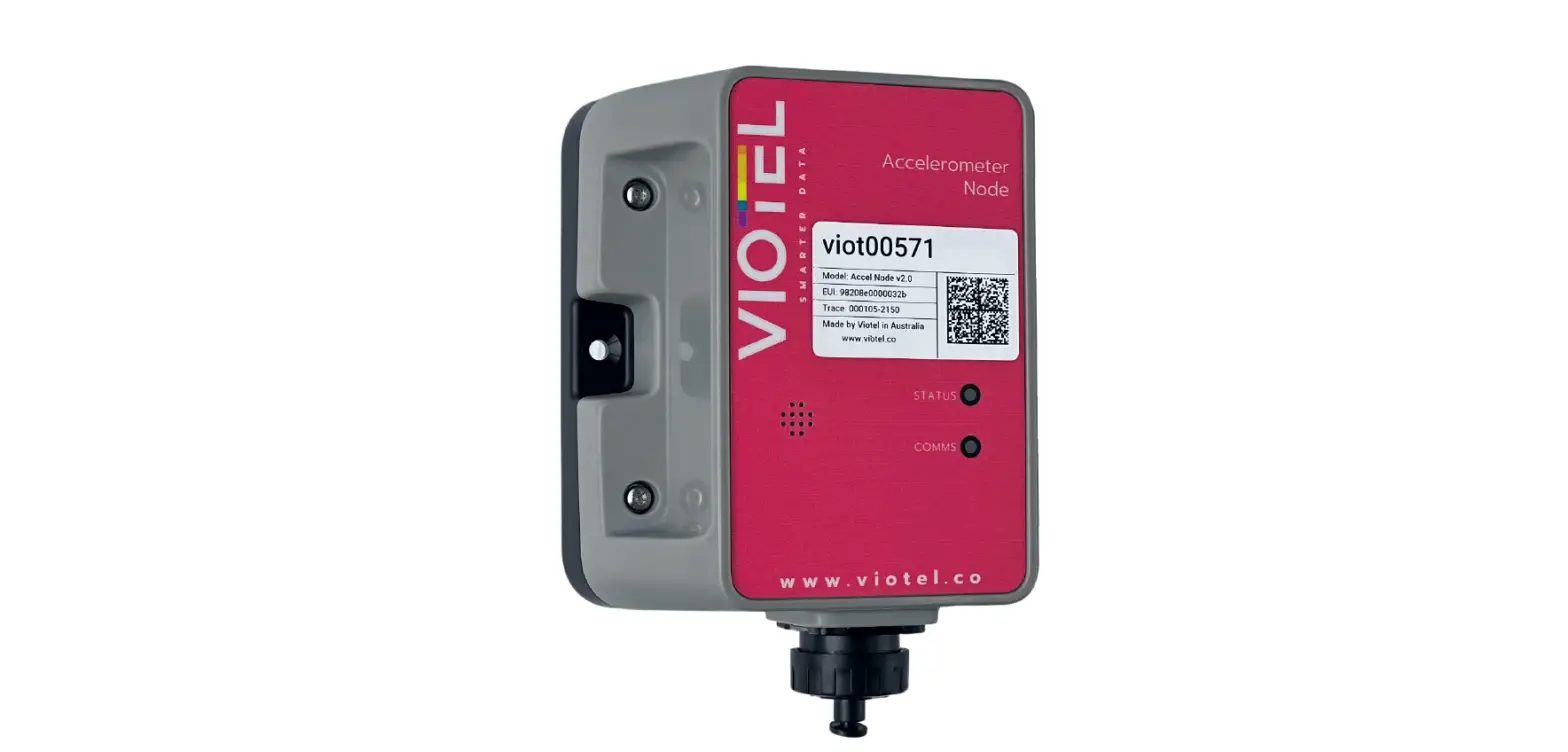
The Virtual Wireless Triaxial Tiltmeter features a high-accuracy triaxial tilt sensor and is self-contained with an internal battery (solar panel optional), GPS, and cellular (CatM1) modem. The tiltmeter is shipped pre-programmed and integrated. Simply mount the sensor in the desired location and power on for reliable, continuous, real-time monitoring.
www.viotel.co
[email protected]
Please refer to the User Manual for more information and a full guide on this device.For queries, email [email protected]
 Viotel - Smart Monitoring Solutions