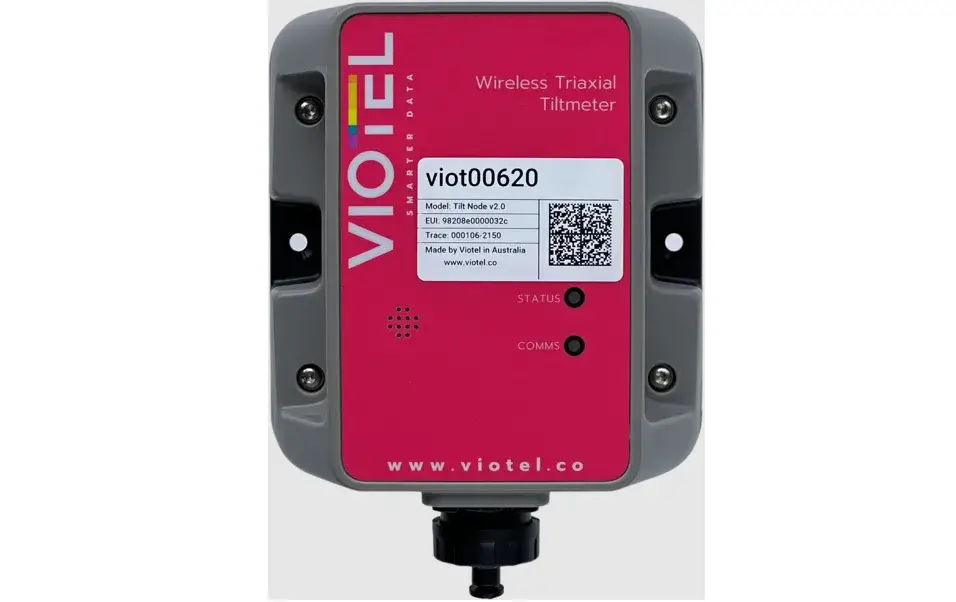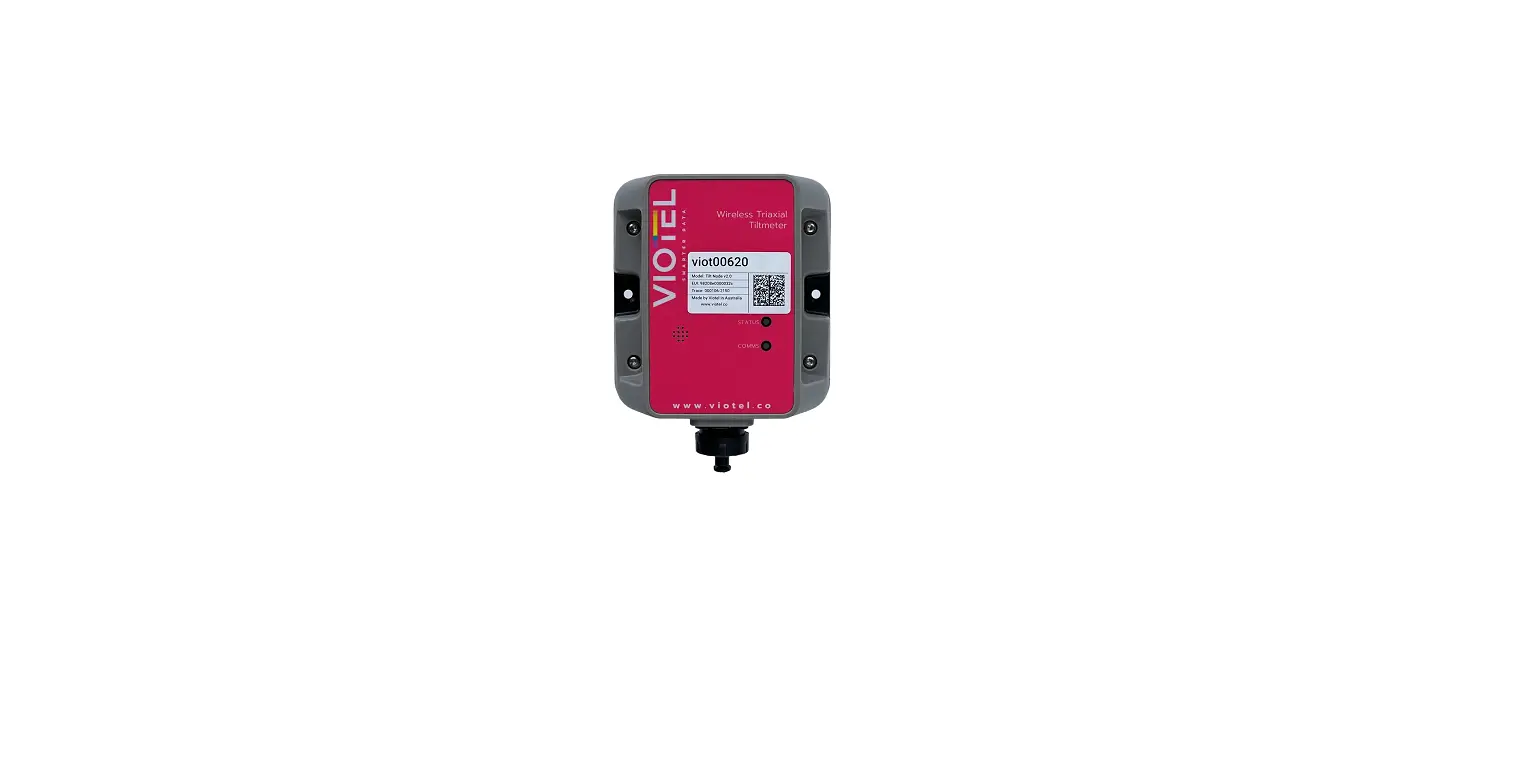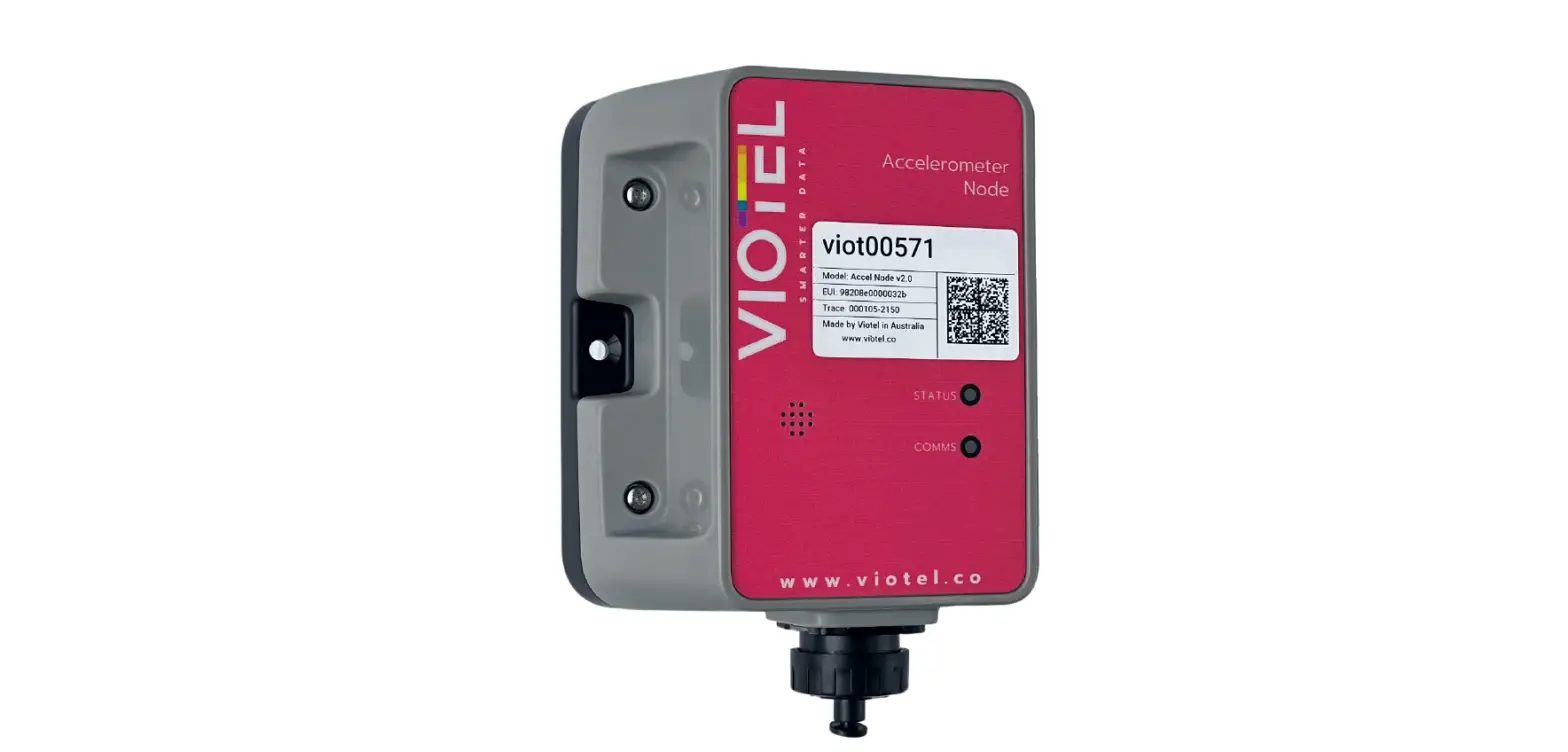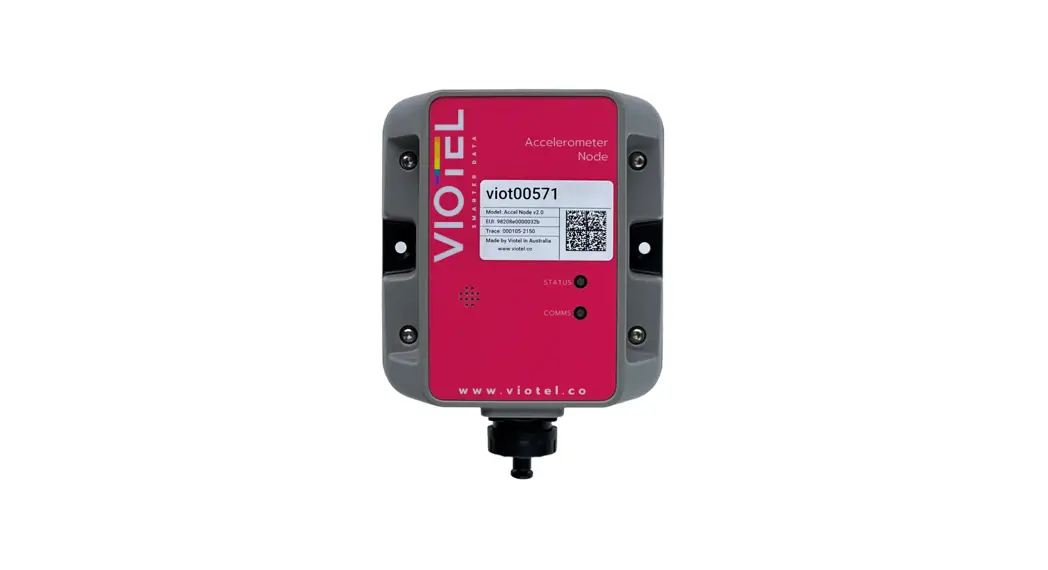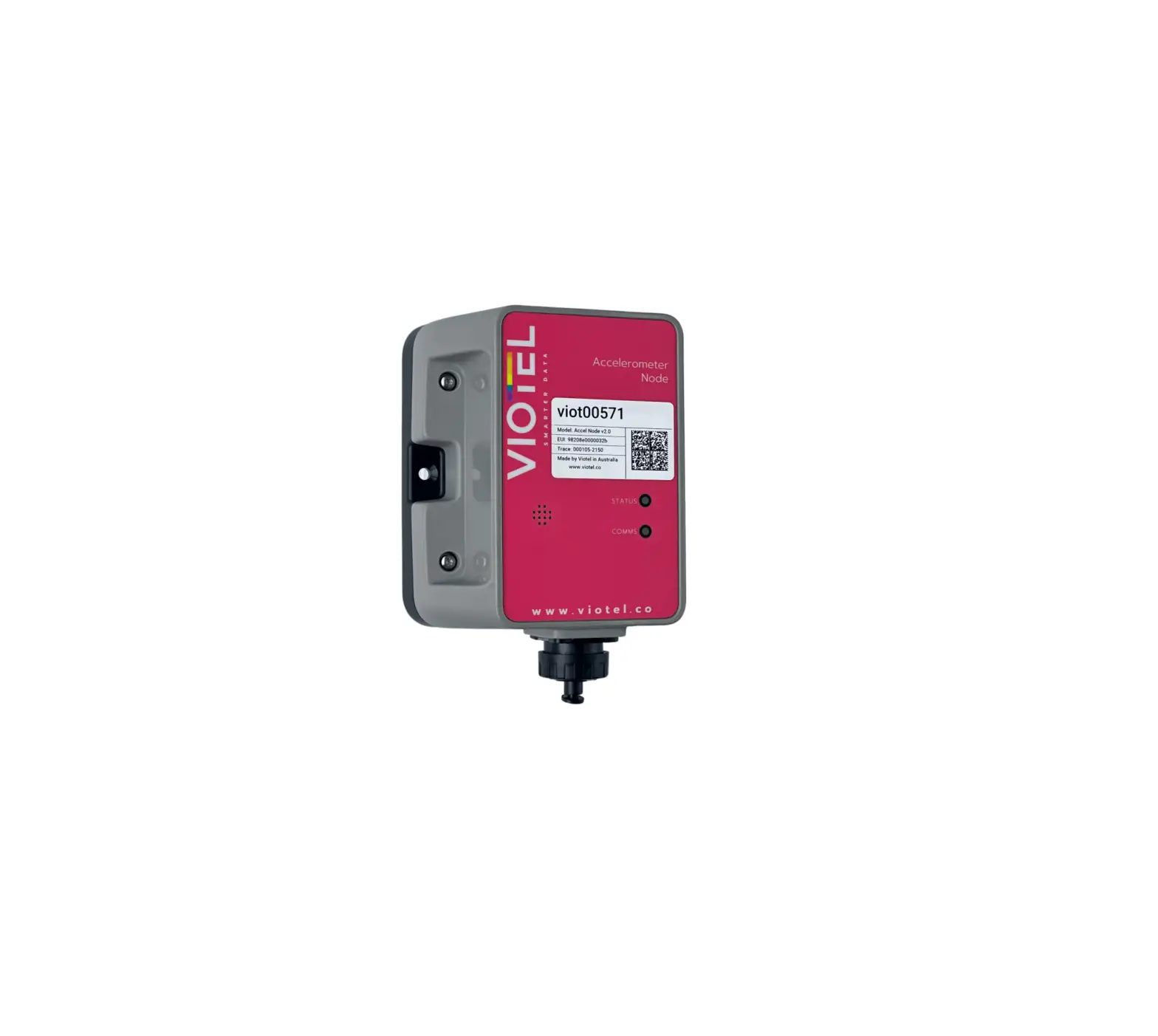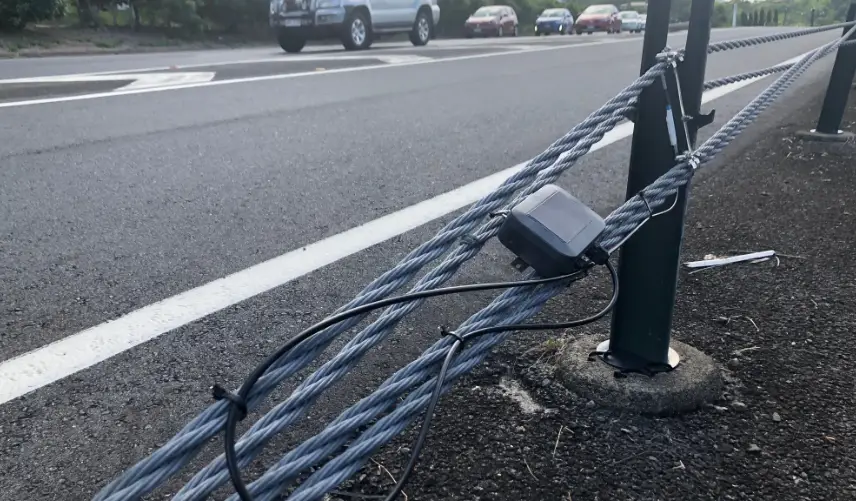

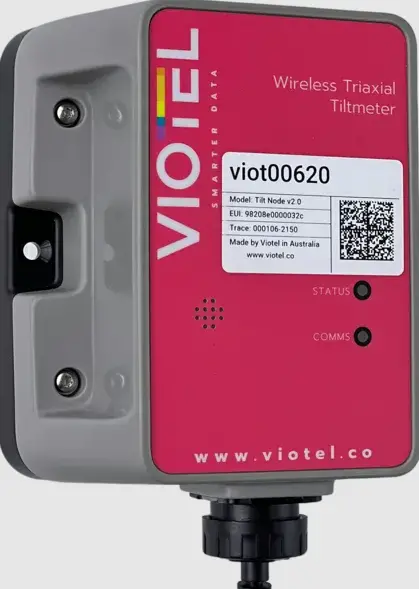
VIOTEL Wireless Triaxial Tiltmeter Node
Instruction
- MOUNT
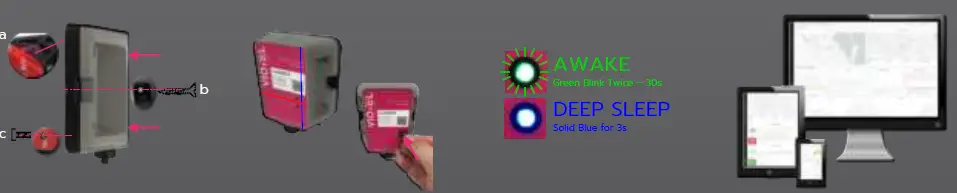
Mount the device firmly to your chosen location using two of the three available methods.- Two-sided adhesive
- 2 x Side mounting holes
- 2 x Threaded holes
- POWER ON
Tap the magnetic key between the STATUS and COMMS LED on the device: a solid blue light will appear from the STATUS LED. Place the key back in the same position within 3 seconds. - CONFIRM STATUS
Wait for 30s, if you see a double green blink; the device is operating and Awake.
Congratulations; your device is now monitoring. Otherwise wait 30s and repeat step 2. - POWER ON
Please head over to your nodes Dashboard to begin seeing the data.
Our Resonance
Resonance describes the phenomenon of increased amplitude that occurs when a an external force or a vibrating system is equal or close to a natural frequency of the system on which it acts.
Leveraging decades of experience in earthquake analysis and monitoring of mining seismicity, Viotel have a deep understanding of resonance and have developed a unique series of asset management solutions involving monitoring and analysis of vibrations and waveforms.
Specification
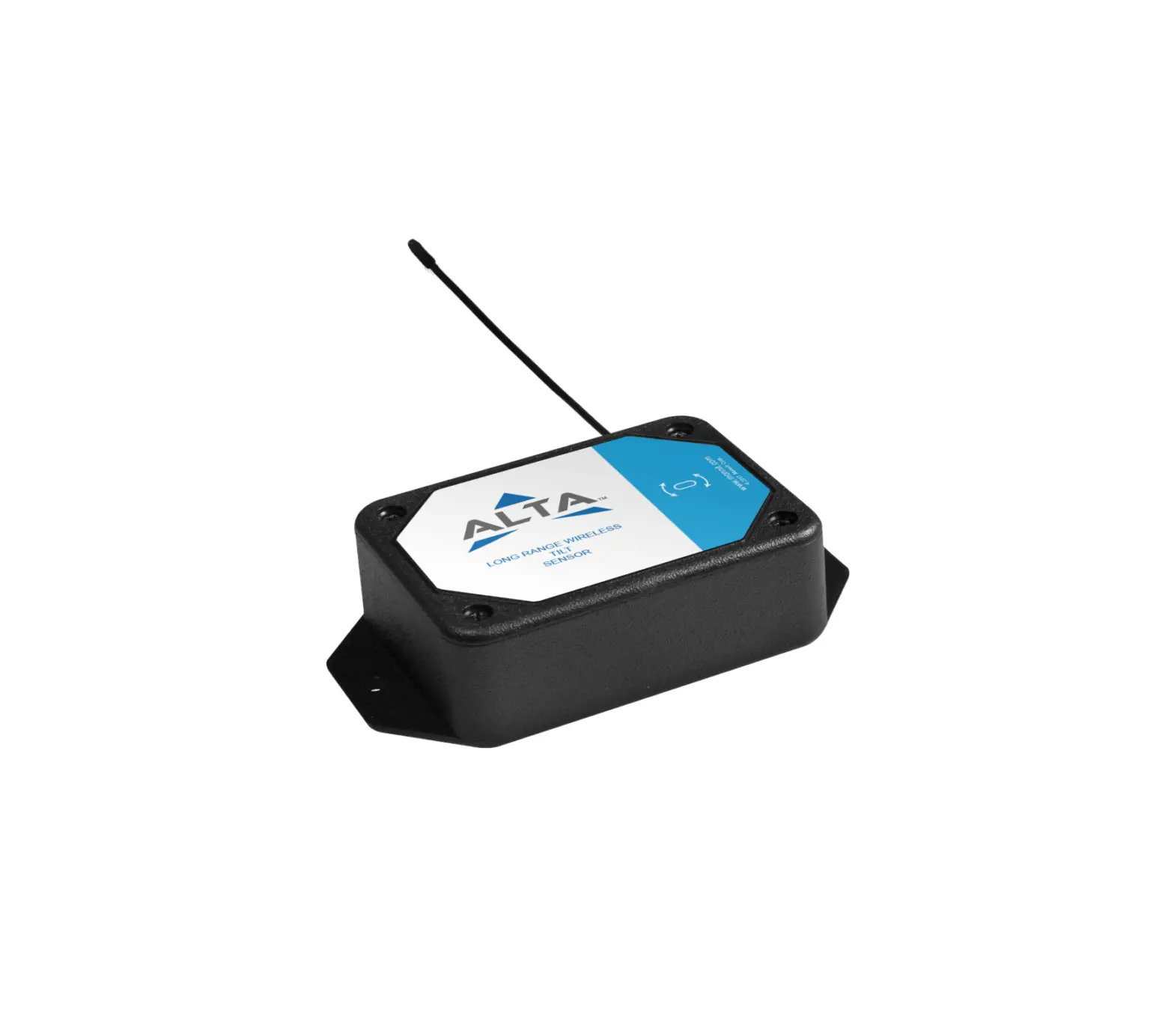
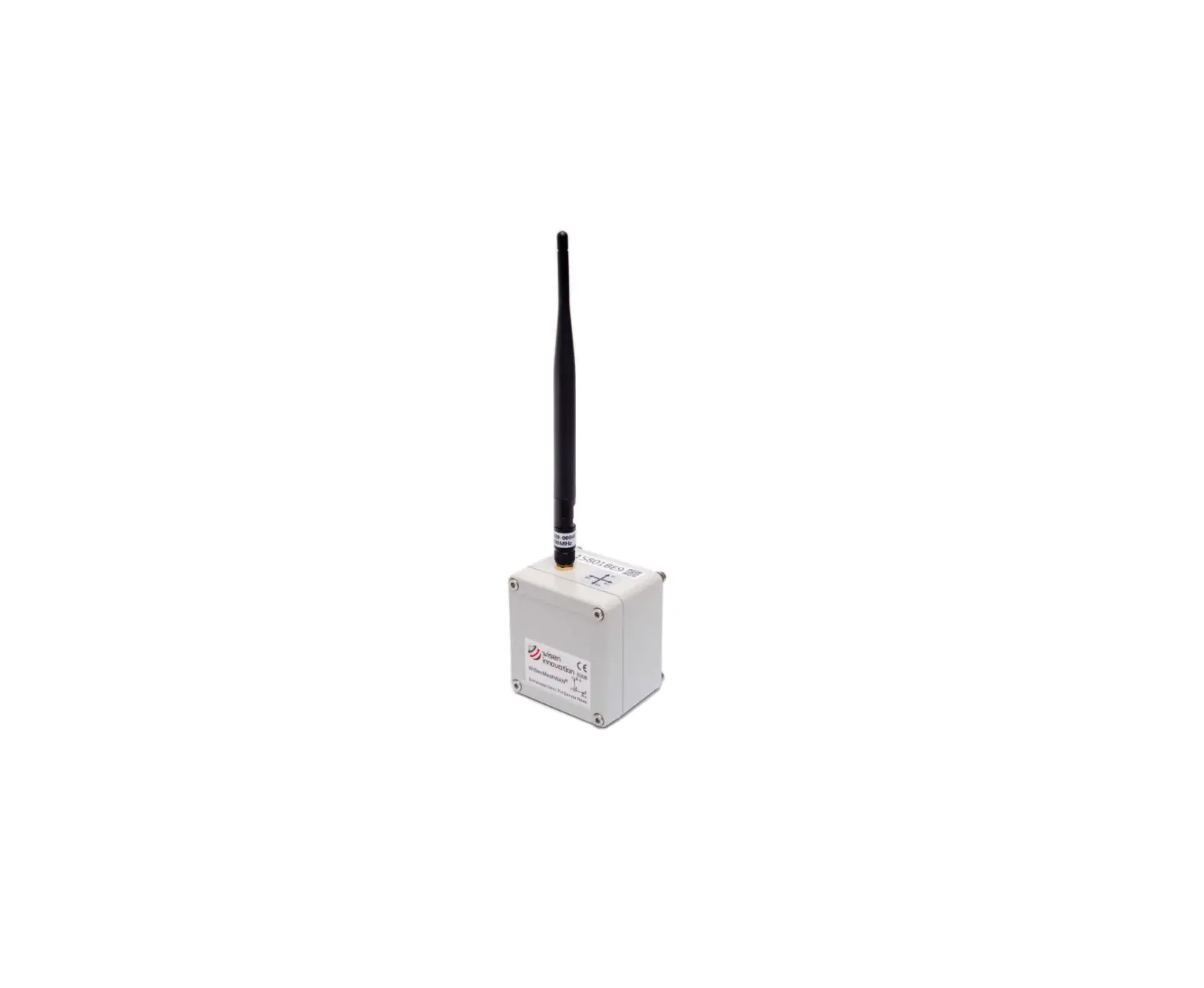
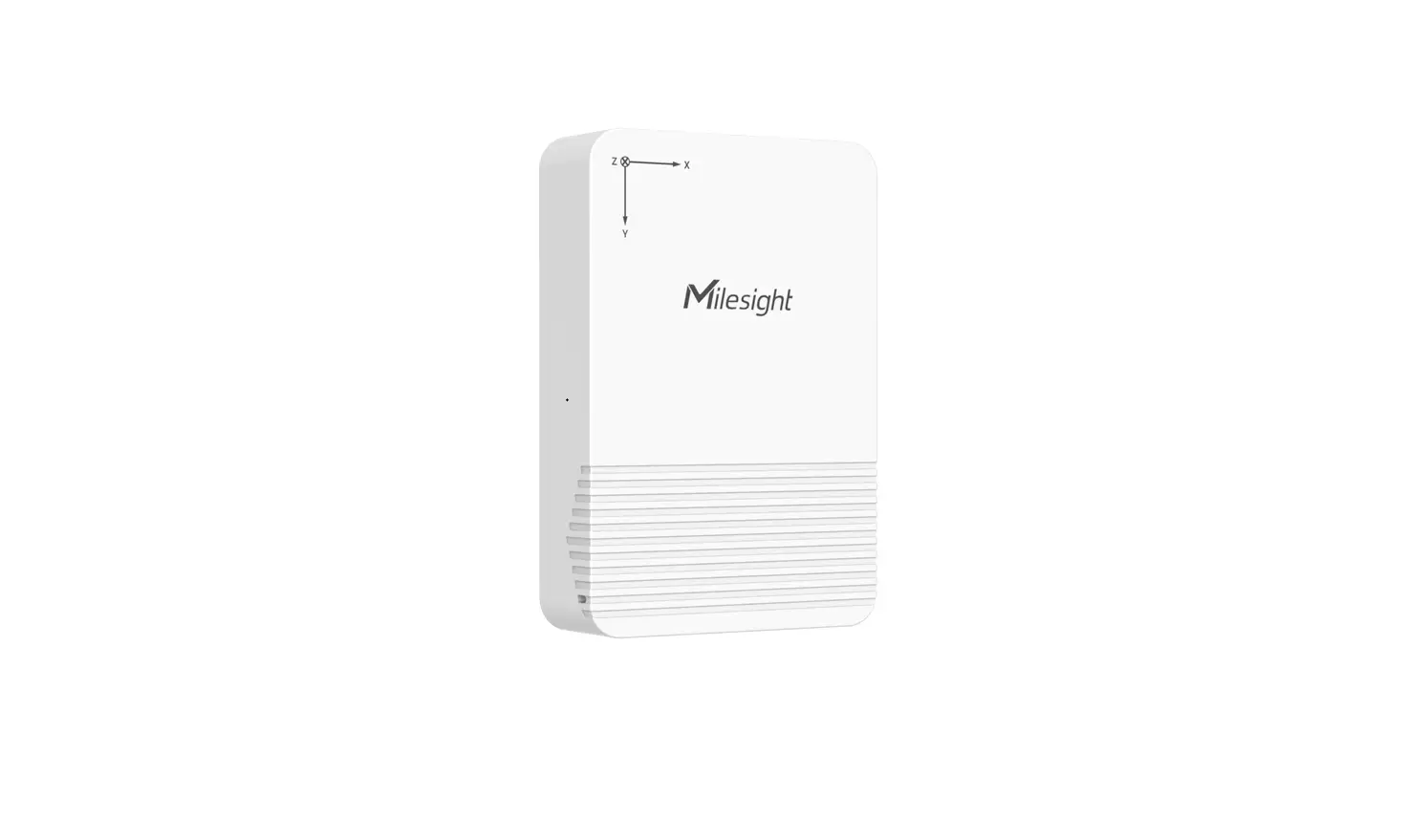
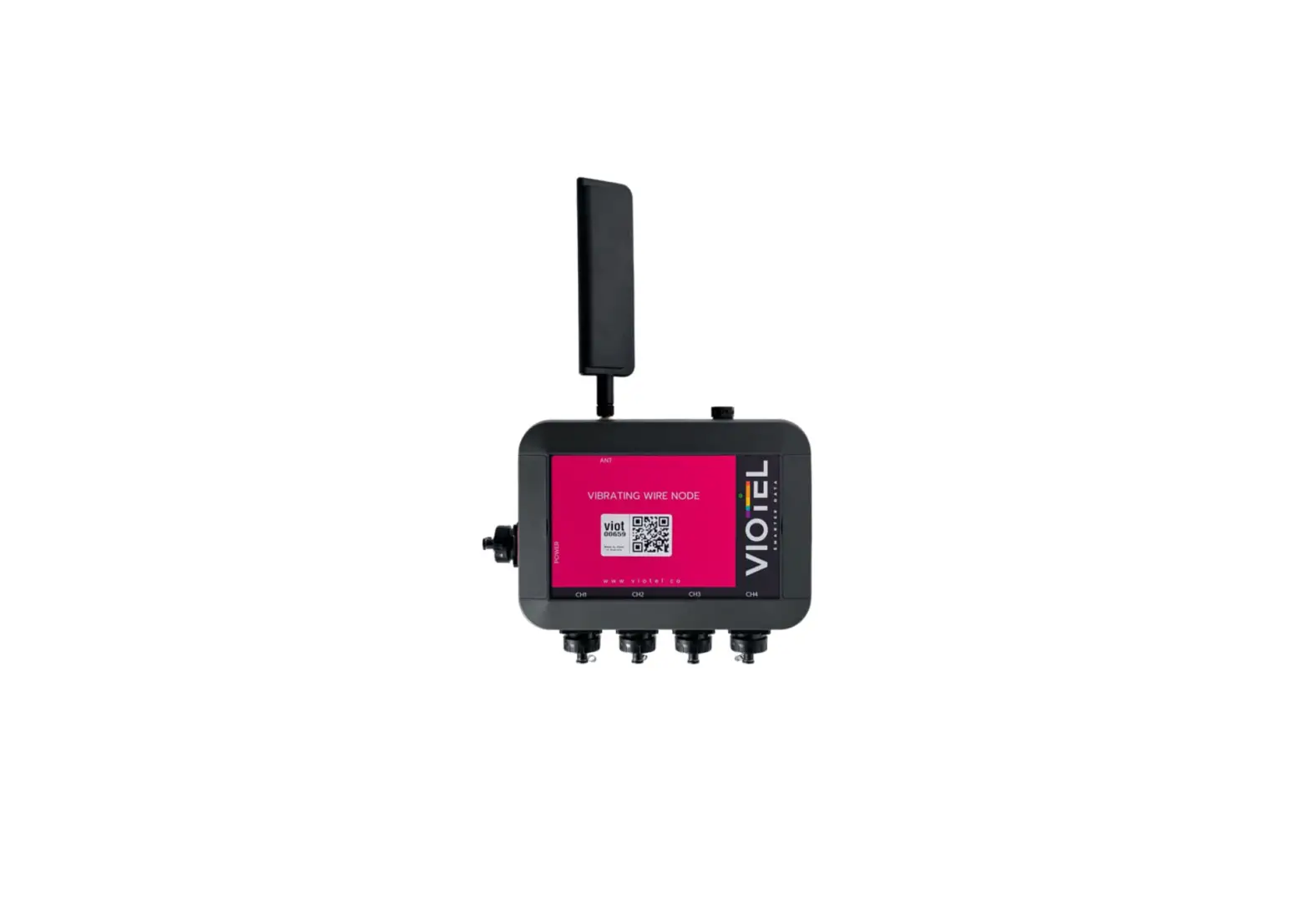
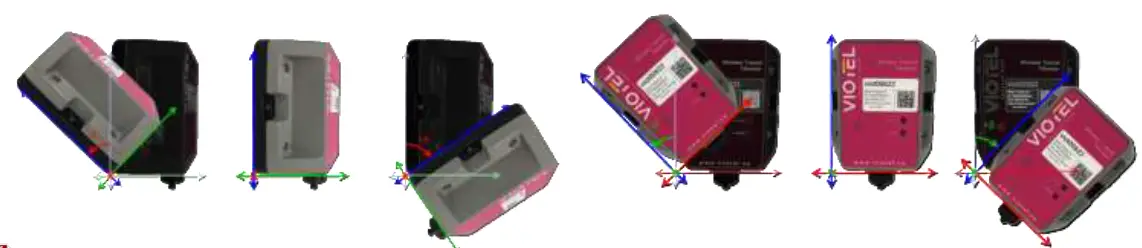
The Viotel Wireless Triaxial Tiltmeter features a high accuracy triaxial tilt sensor and is self-contained with internal battery (solar panel optional), GPS and cellular (CatM1) modem.
The tiltmeter is shipped pre-programmed and integrated. Simply mount the sensor in the desired location and power on for reliable, continuous, real-time monitoring.
www.viotel.co
[email protected]

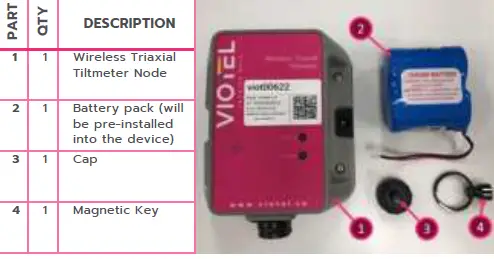
PARTS INCLUDED
 Viotel - Smart Monitoring Solutions
 Viotel - Smart Monitoring Solutions