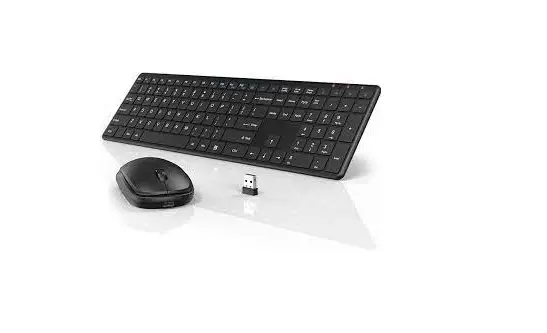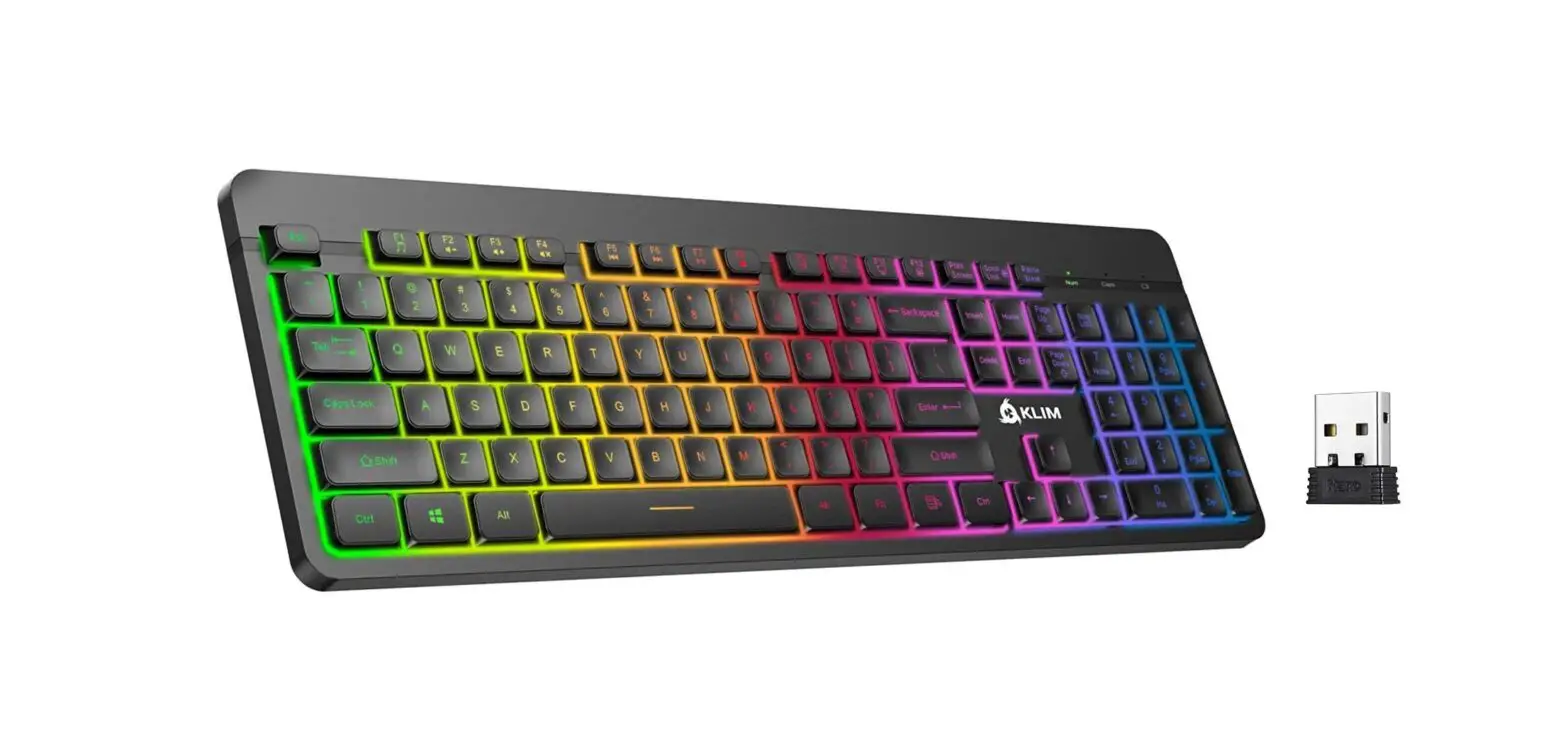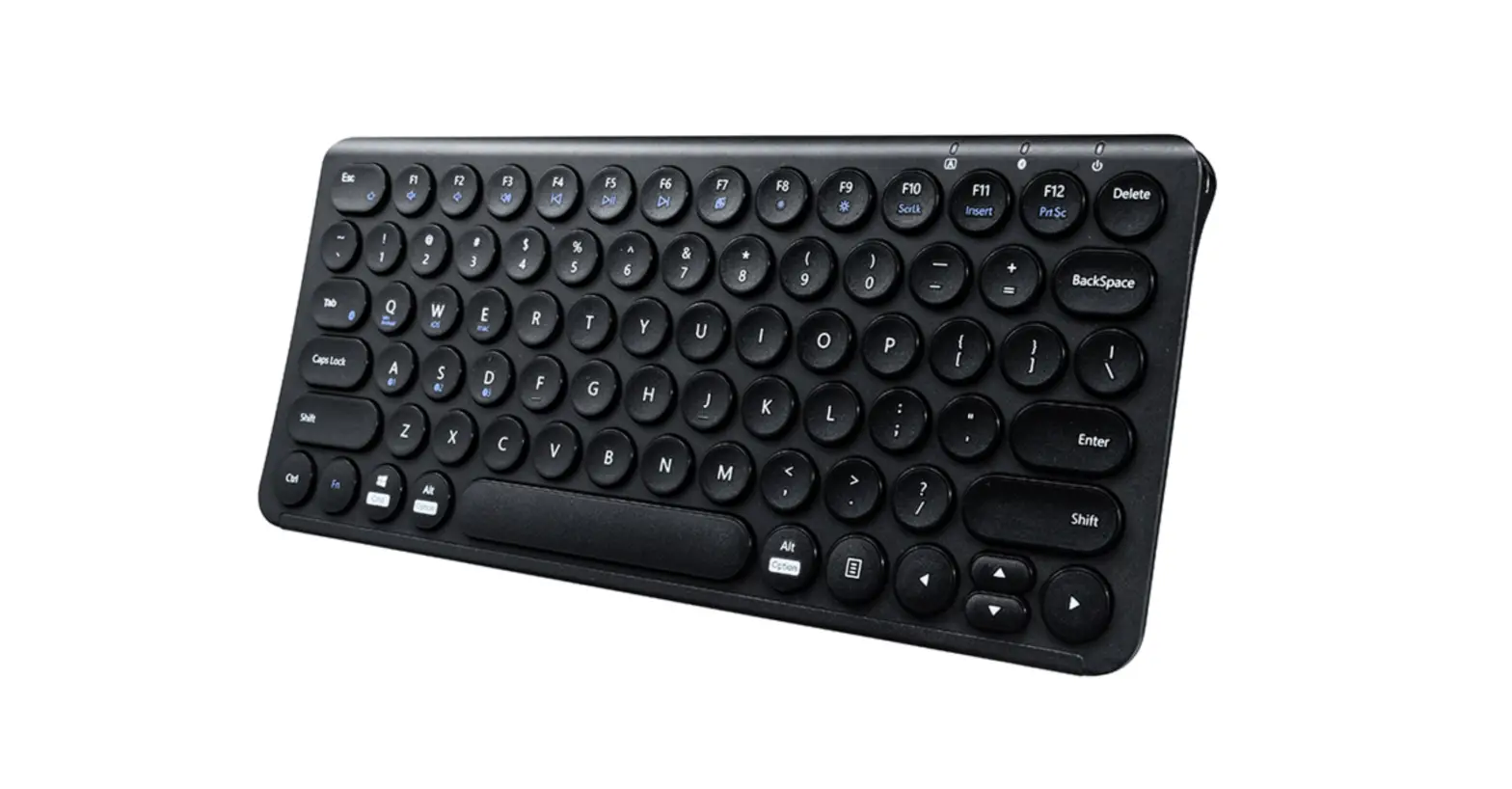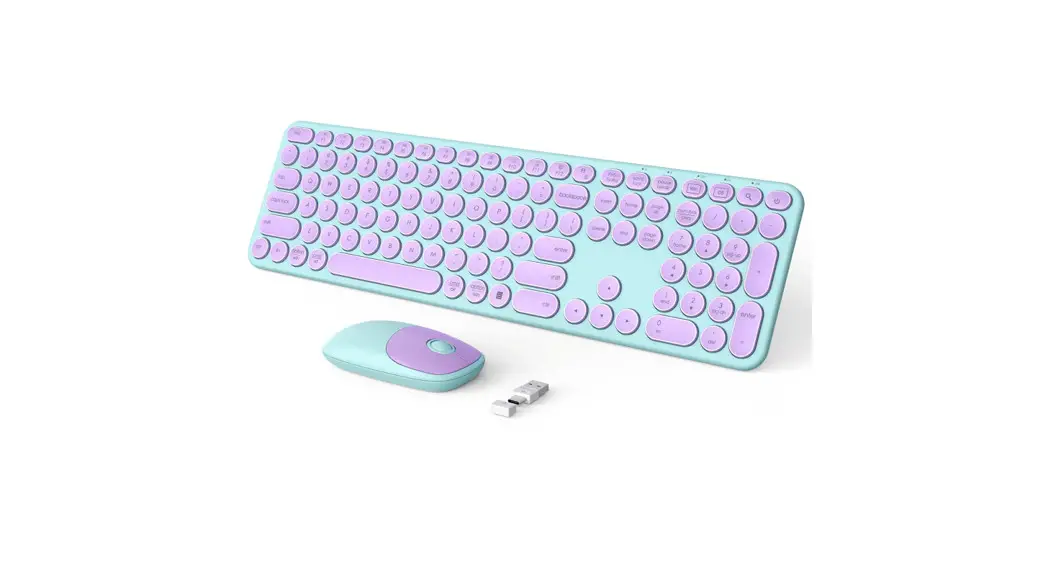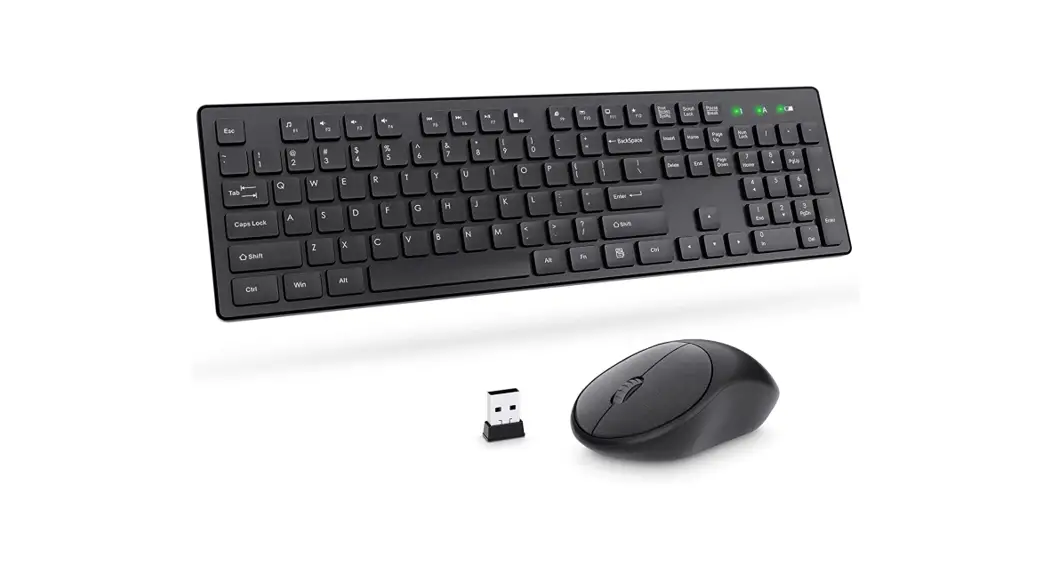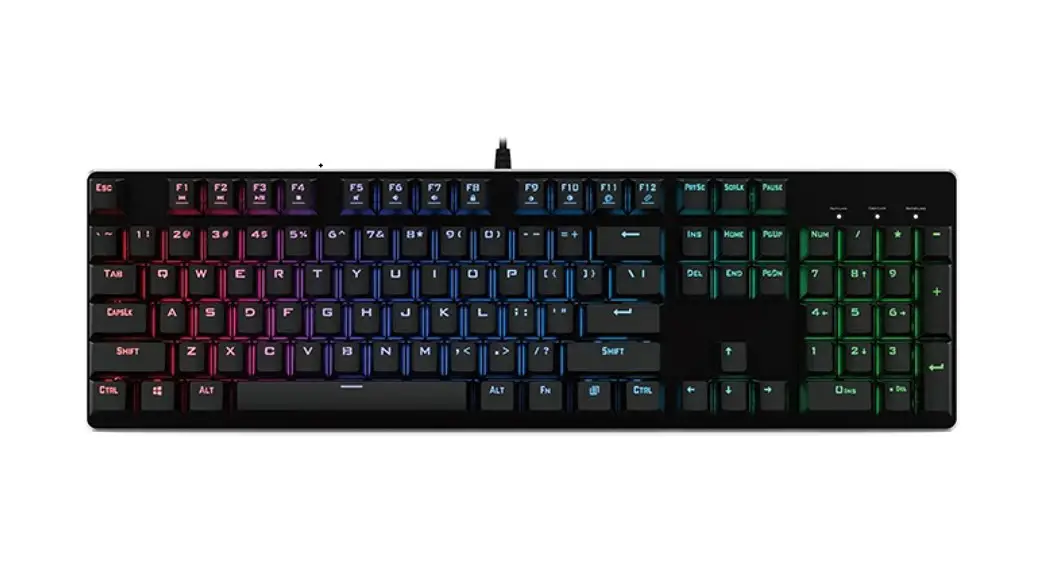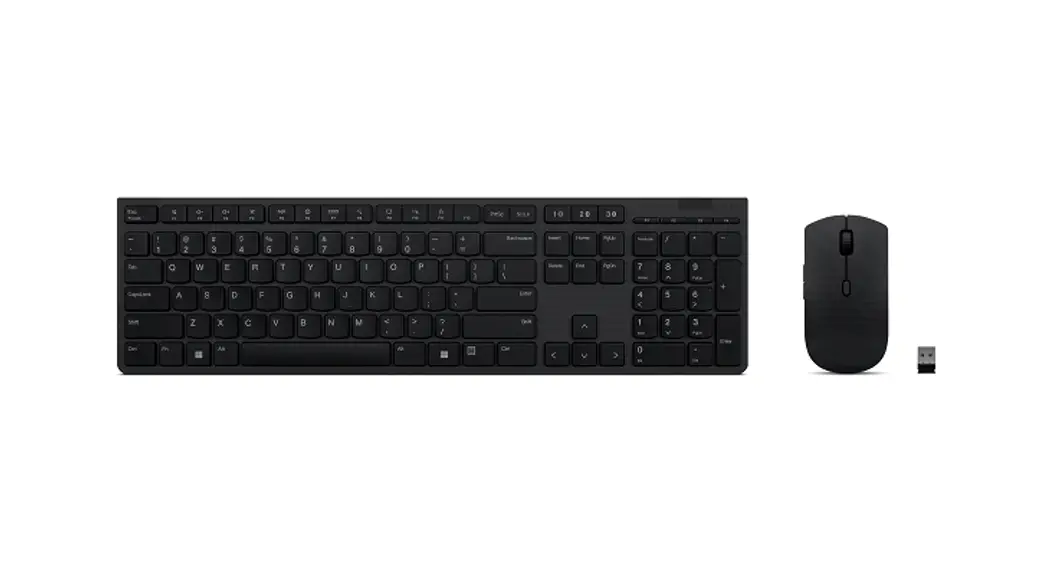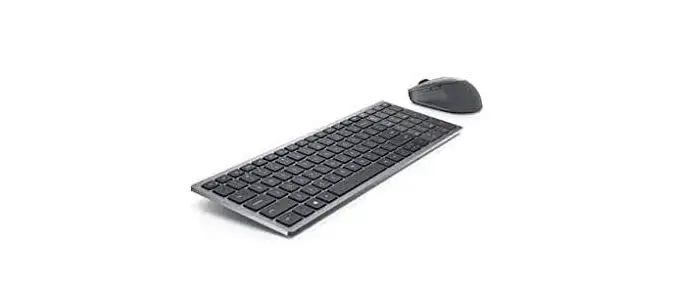

Pall kms one 2.4G Wireless Rechargeable KeyBoard With Cover
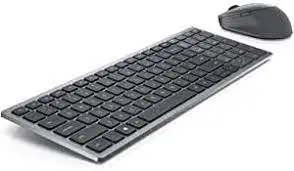
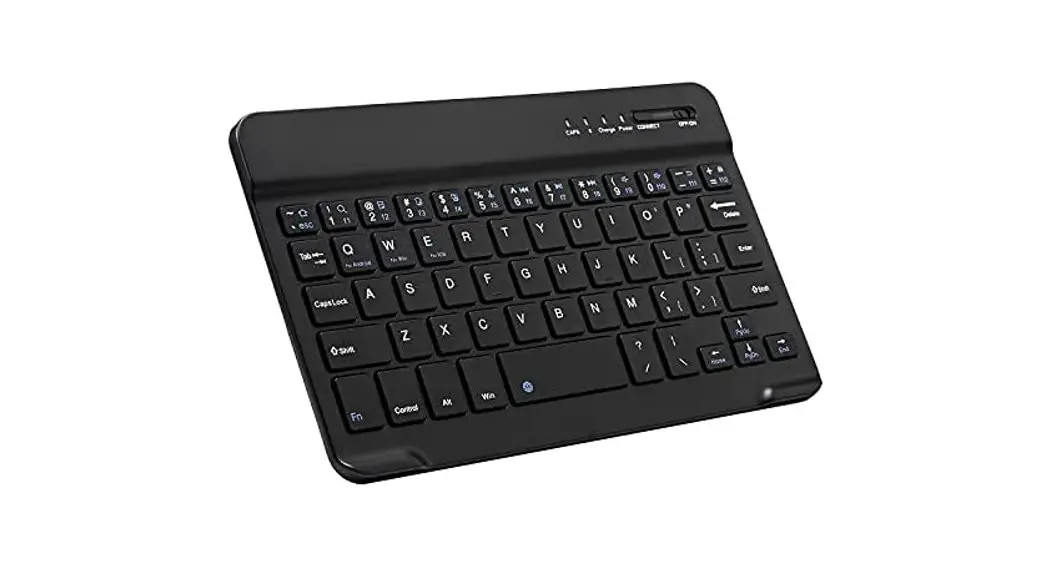
Keyboard Specification
| Working voltage | 3.0V |
| Working current | <5mA |
| Keys number | 95 keys |
| Keycap structure | scissiors |
| Keyboard size | 34r 122•2omm |
| Keyboard weight | 330g |
| Keyboard lifespan | 3 millions keypresses |
| Wireless operating distance | 10 meters |
| Storage temperature | -40 – 125 degree (in celsius) |
| Operating system | Windows XP/7/8/10Nista |
Mouse Specification
| Working voltage | 3.0V |
| Working current | <20mA |
| Sleeping current | <0.2mA |
| Mouse buttons | 4 |
| DPI levels | 800/1200/1600dpi |
| Mouse size | 113•59•2emm |
| Weight | 66g |
| Mouse buttons lifespan | 3 million clicks |
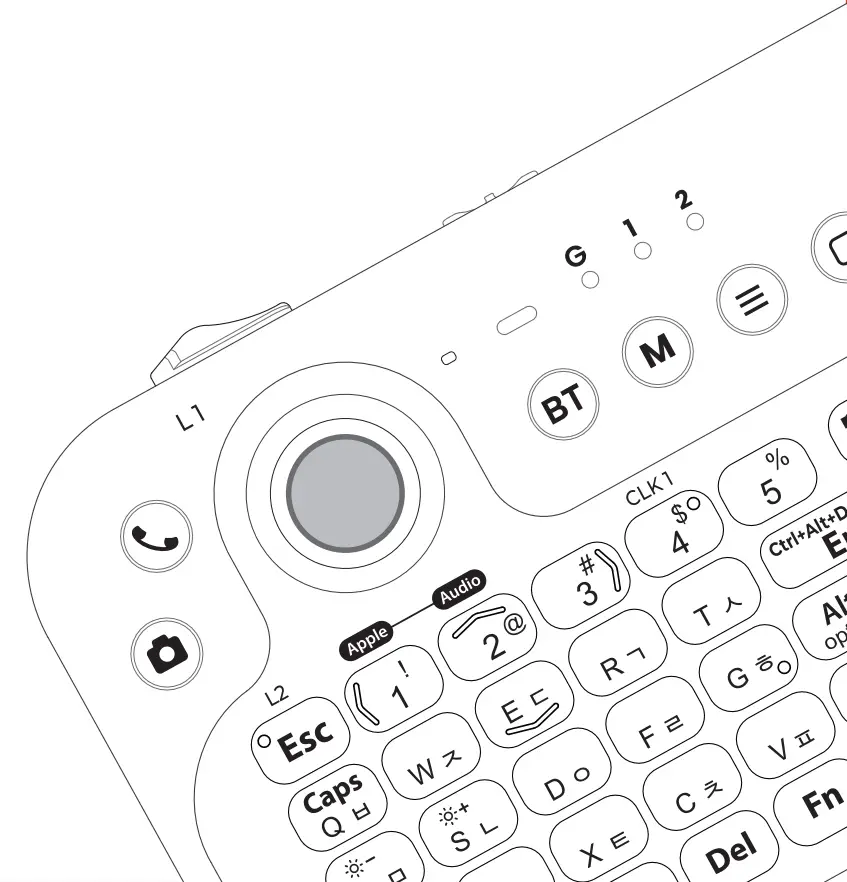
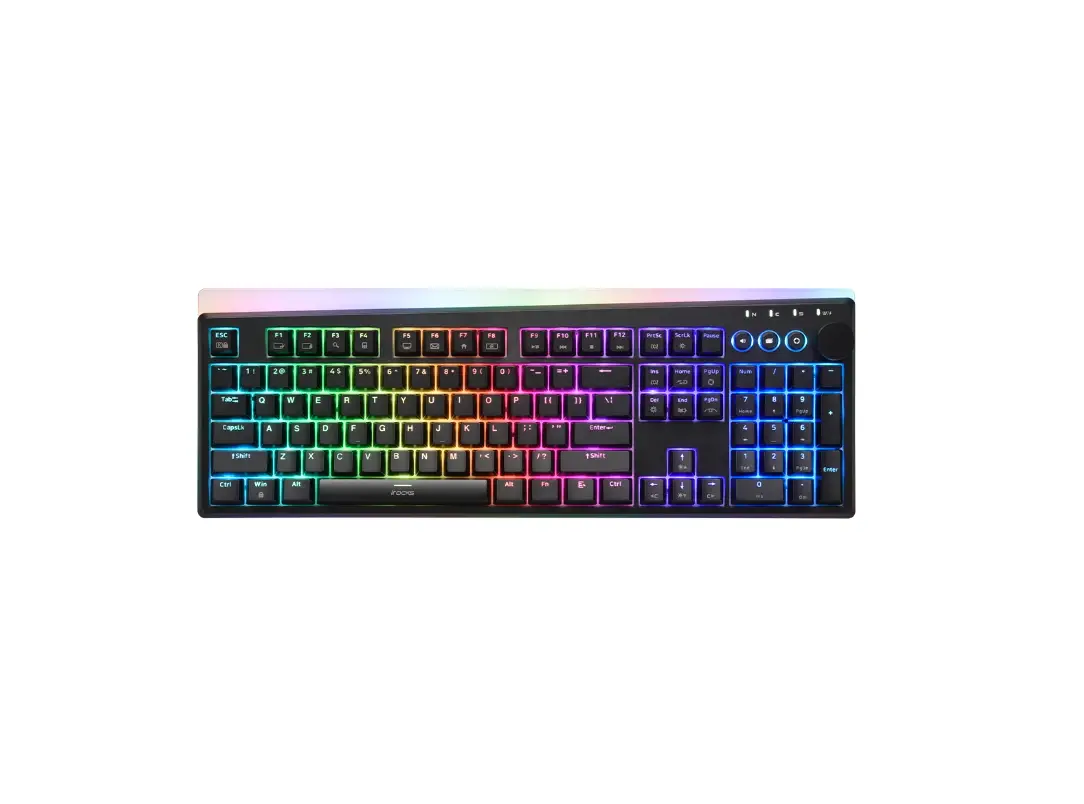
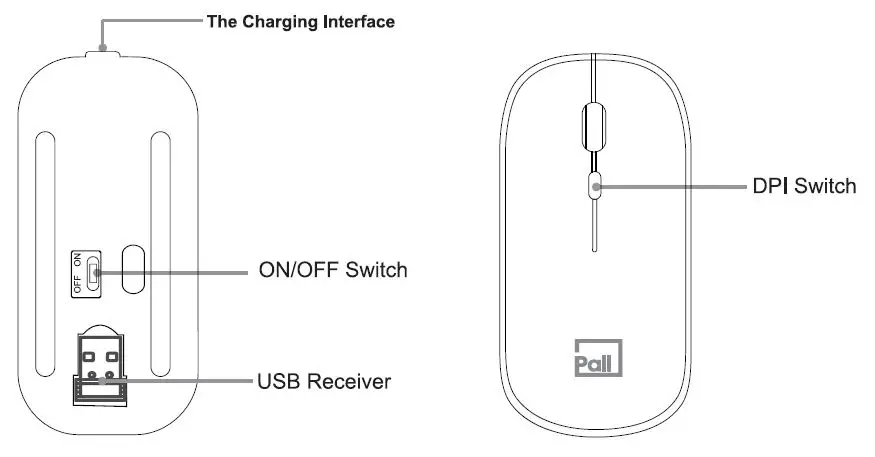
Product explicative image
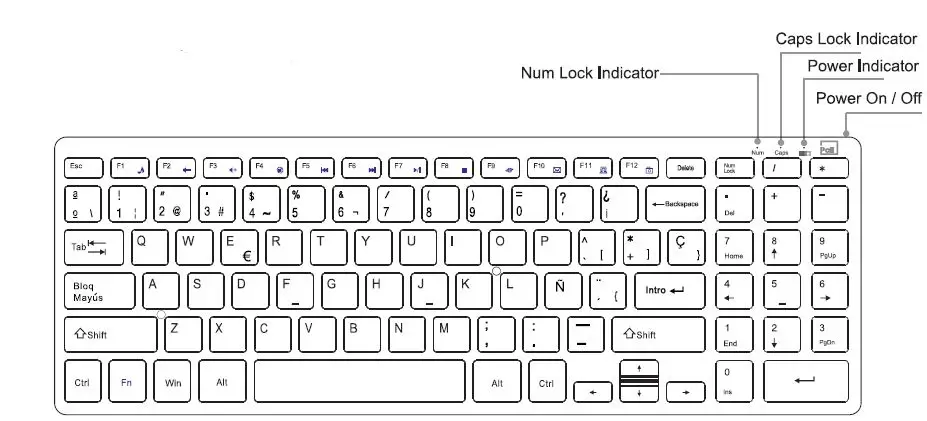
Functional Description
 Fn+F1=Music
 Fn+F2=Volume down
 Fn+F3=Volume up
 Fn+F4=Mute
 Fn+F5=Previous
 Fn+F6=Next
 Fn+F7=Play/Pause
- Fn+F8=Stop
 Fn+F9=Web browser
 Fn+F10=Email
 Fn+F11=My computer
 Fn+F12=My favorite
 Fn+F1=Music
 Fn+F2=Volume down
 Fn+F3=Volume up
 Fn+F4=Mute
 Fn+F5=Previous
 Fn+F6=Next
 Fn+F7=Play/Pause
 Fn+F8=Stop
 Fn+F9=Web browser
 Fn+F10=Email
 Fn+F11=My computer
 Fn+F12=My favorite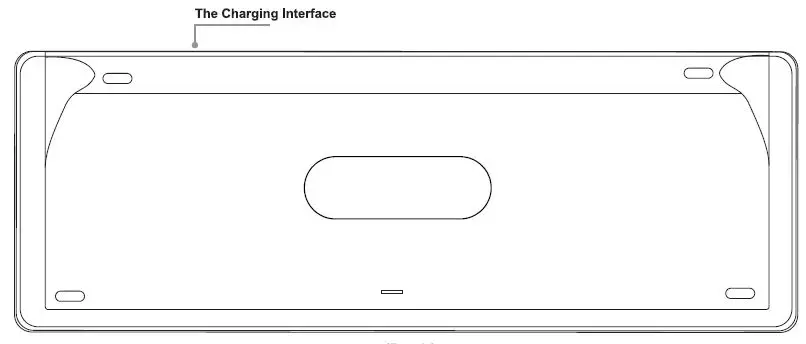
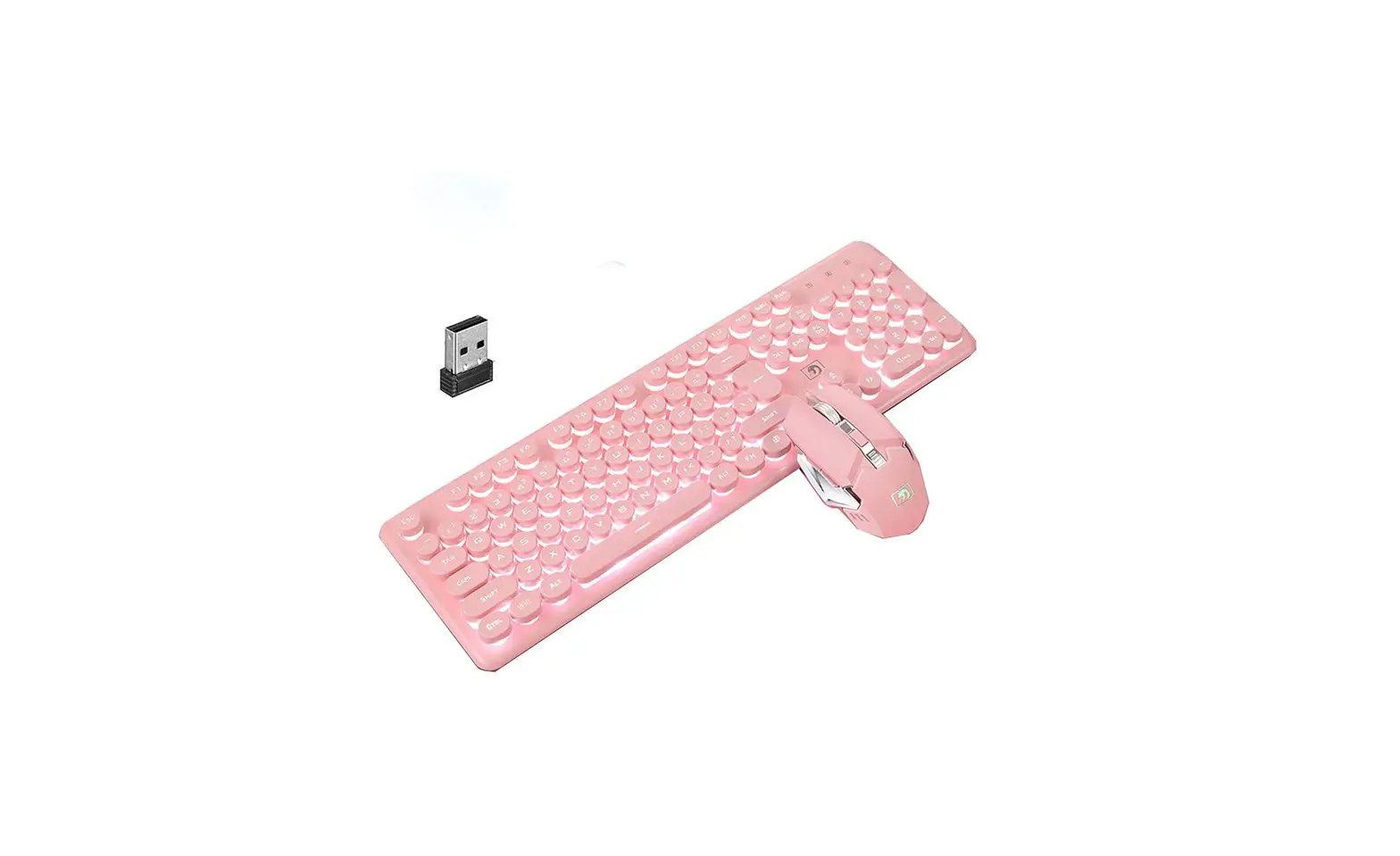
Package contents:
- 1 x Wireless Keyboard
- 1 x Wireless Mouse (USB receiver included)
- 1 x User Manual
- 1 x Micro USB Charging Cable.
FCC Caution
This device complies with part 15 of the FCC Rules. Operation is subject to the following two conditions: (1) This device may not cause harmful interference, and (2) this device must accept any interference received, including interference that may cause undesired operation.
Any Changes or modifications not expressly approved by the party responsible for compliance could void the user’s authority to operate the equipment.
Note: This equipment has been tested and found to comply with the limits for a Class B digital device, pursuant to part 15 of the FCC Rules. These limits are designed to provide reasonable protection against harmful interference in a residential installation. This equipment generates uses and can radiate radio frequency energy and, if not installed and used in accordance with the instructions, may cause harmful interference to radio communications. However, there is no guarantee that interference will not occur in a particular installation. If this equipment does cause harmful interference to radio or television reception, which can be determined by turning the equipment off and on, the user is encouraged to try to correct the interference by one or more of the following measures:
- Reorient or relocate the receiving antenna.
- Increase the separation between the equipment and receiver.
- Connect the equipment into an outlet on a circuit different from that to which the receiver is connected.
- Consult the dealer or an experienced radio/TV technician for help.
This equipment complies with FCC radiation exposure limits set forth for an uncontrolled environment.