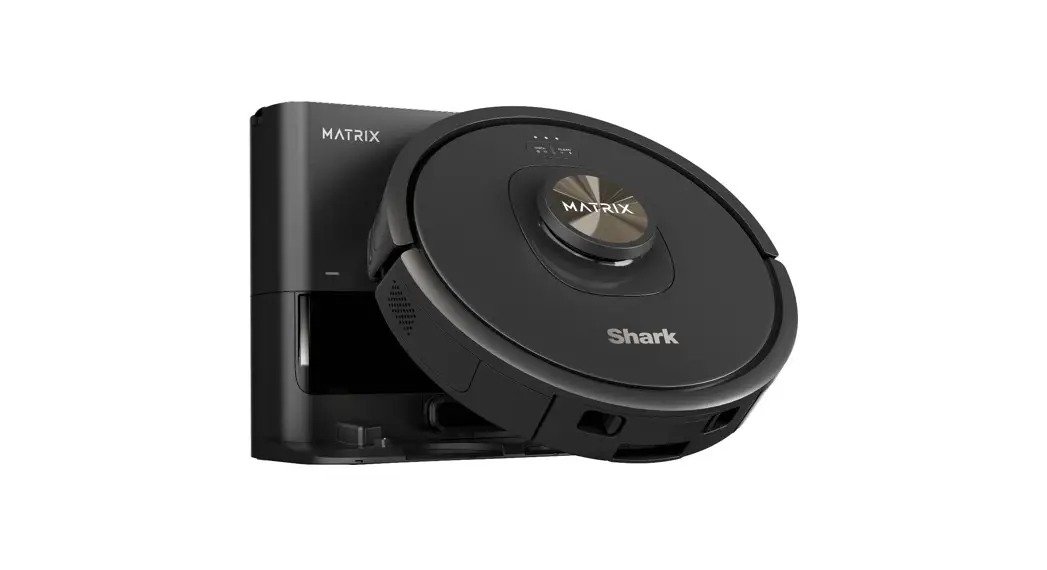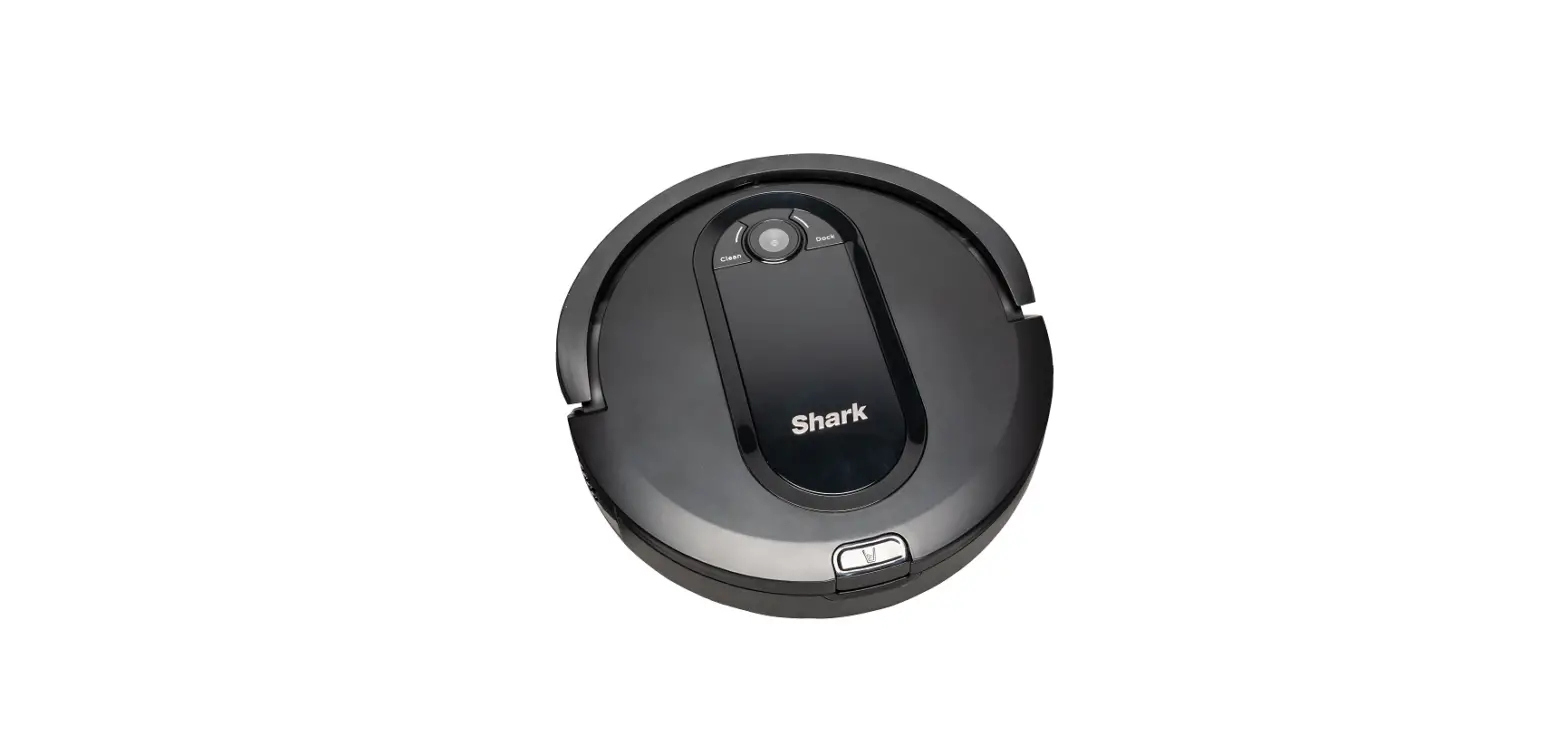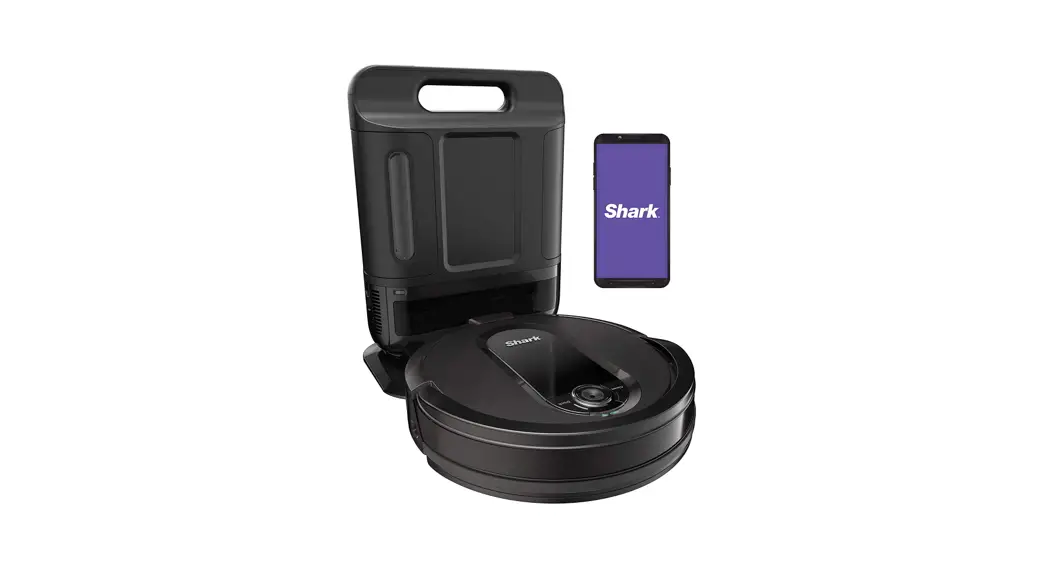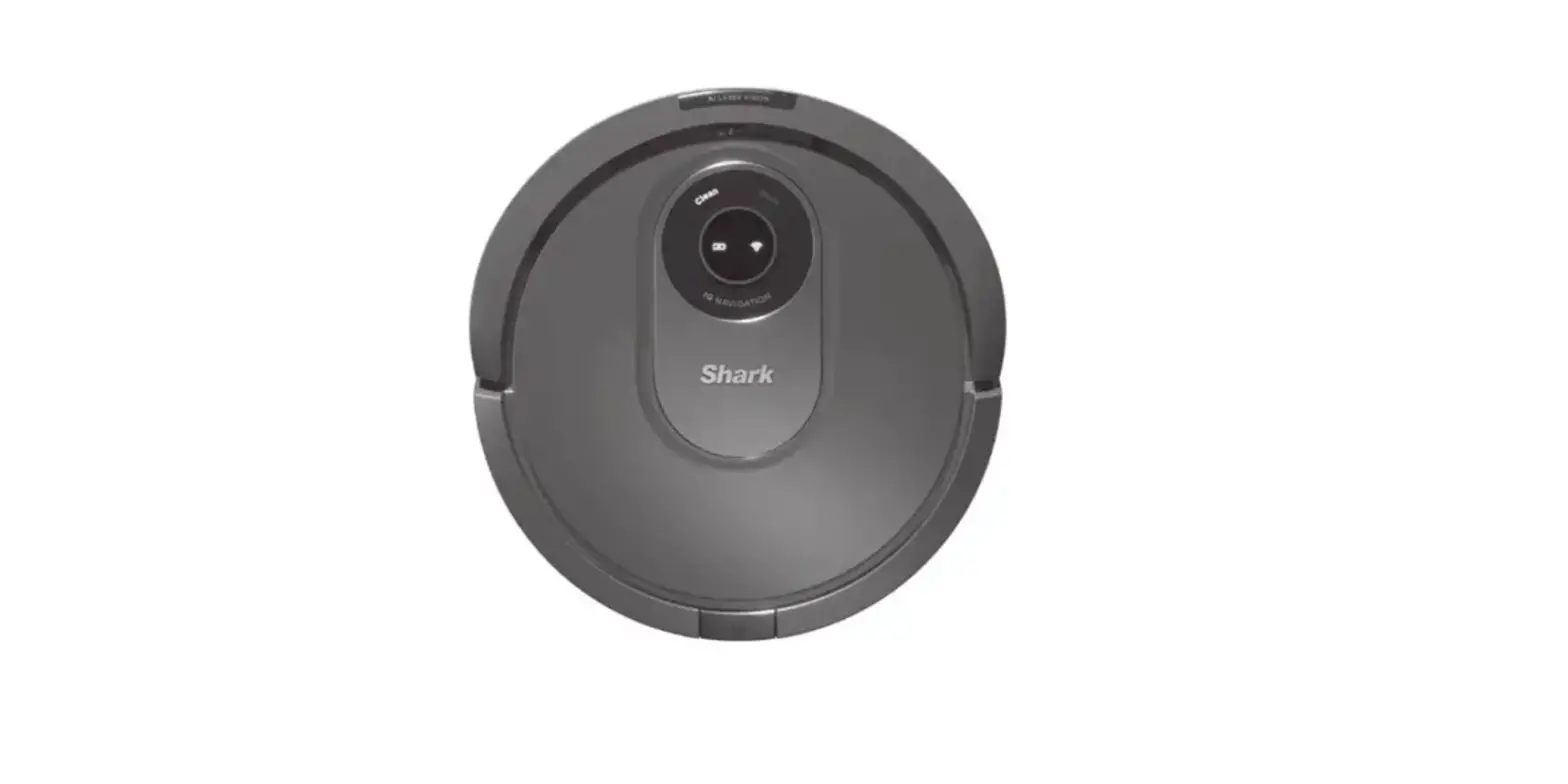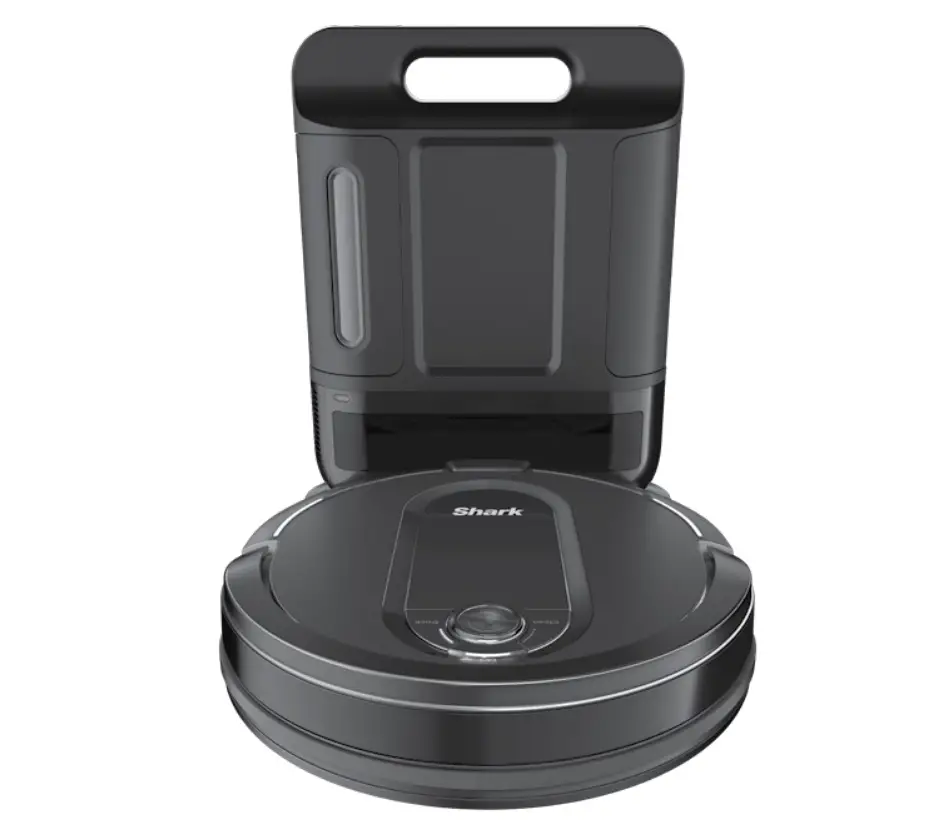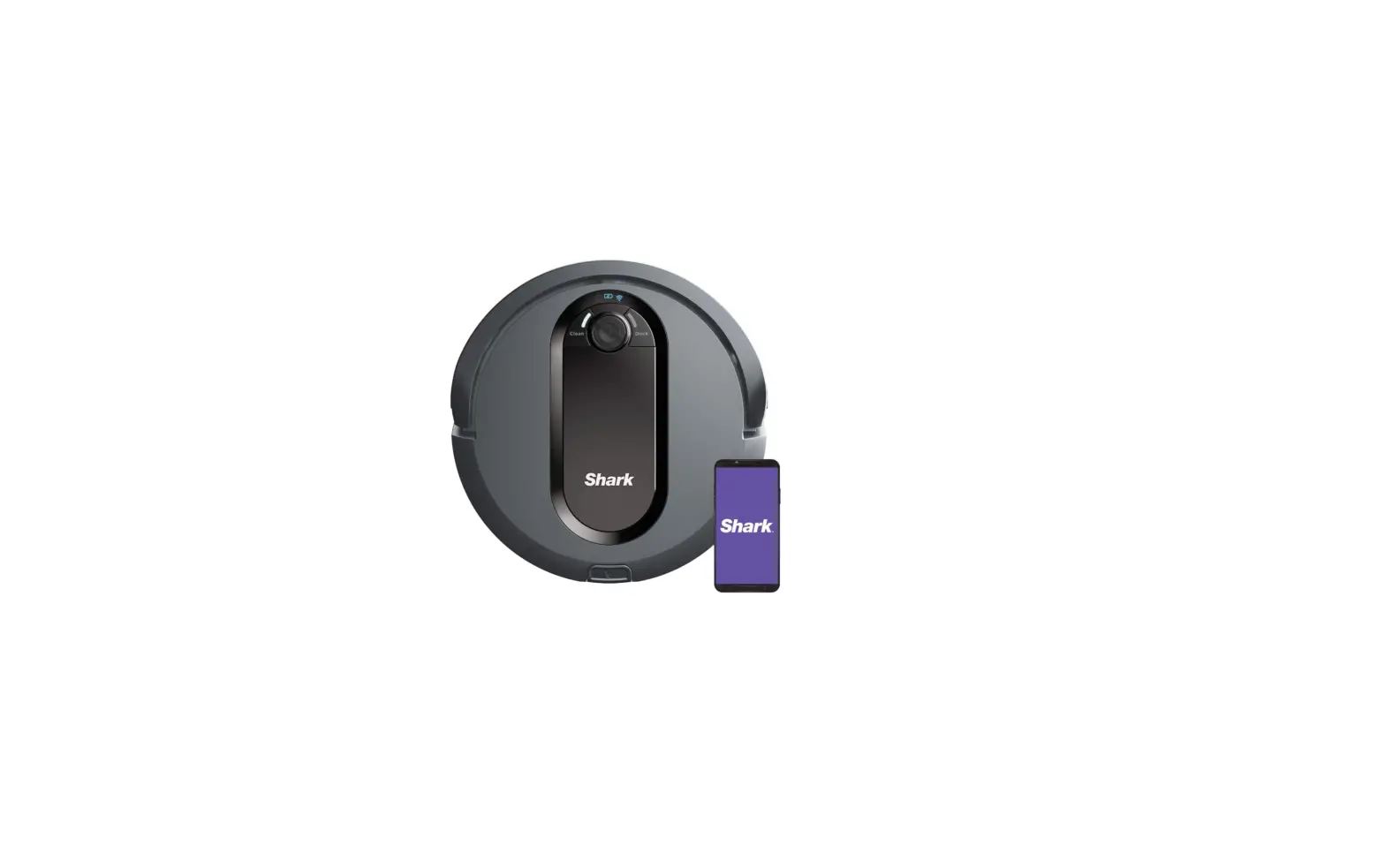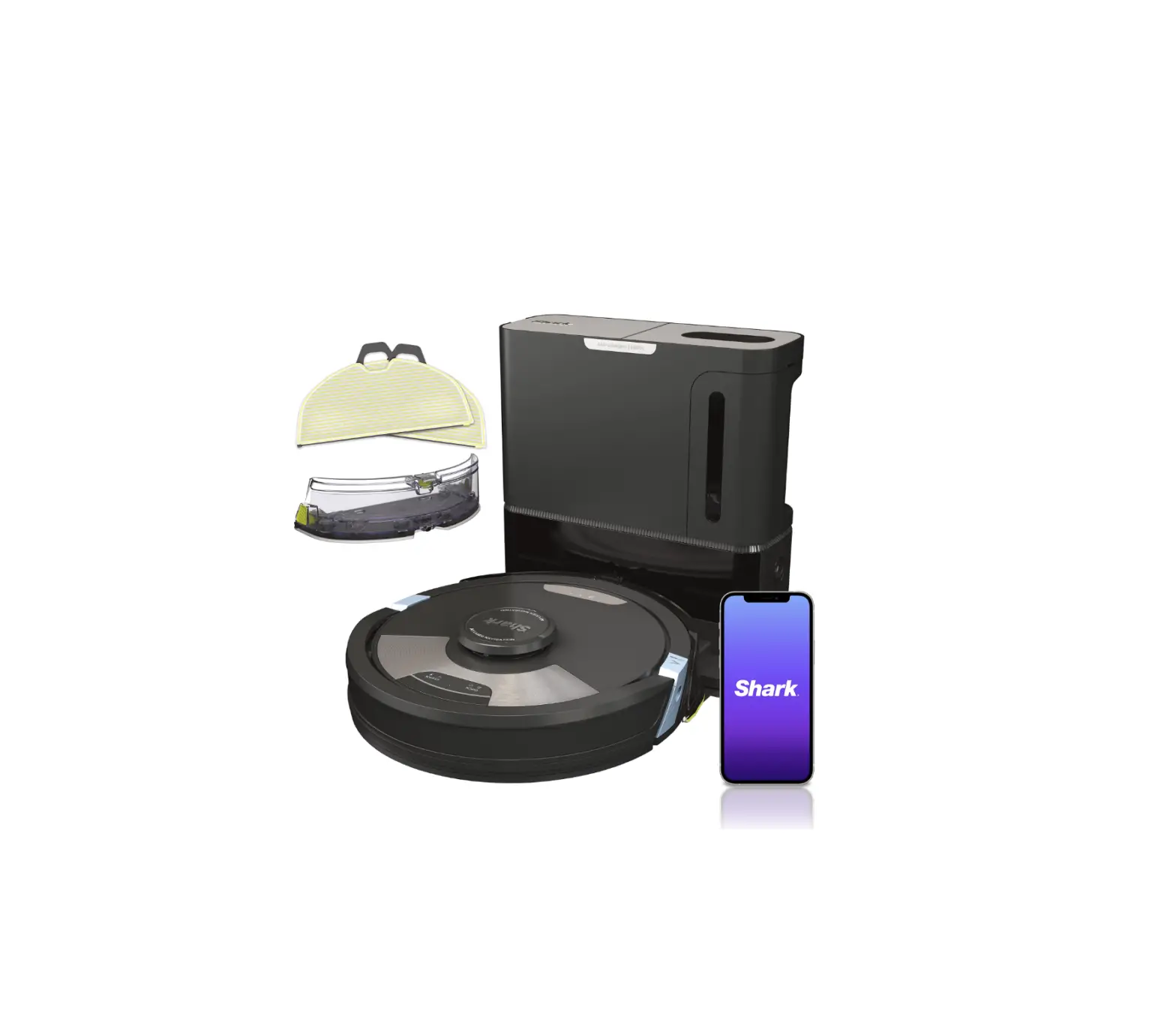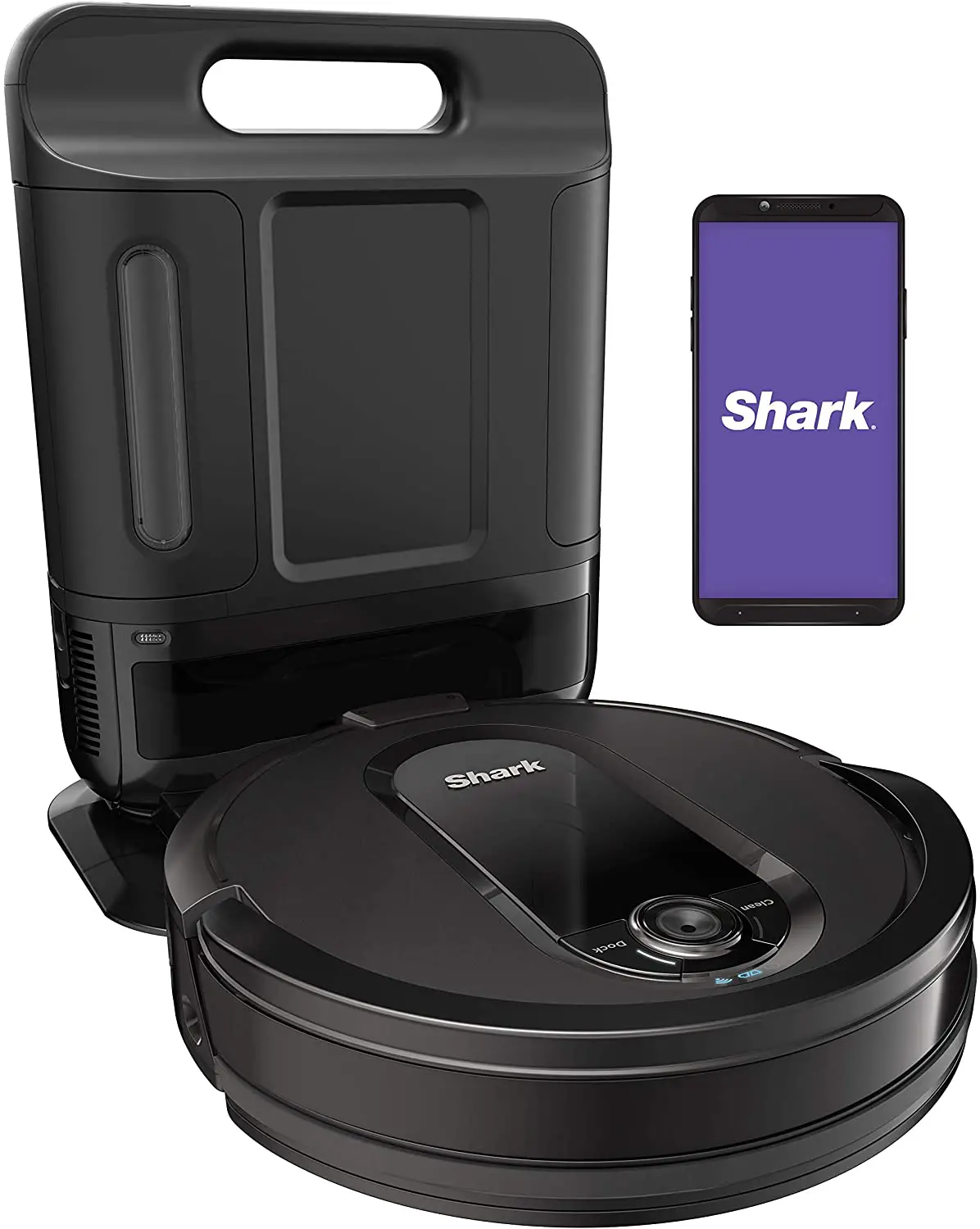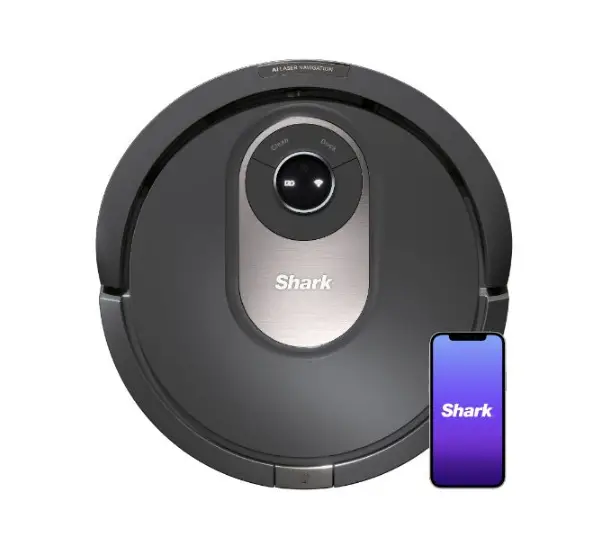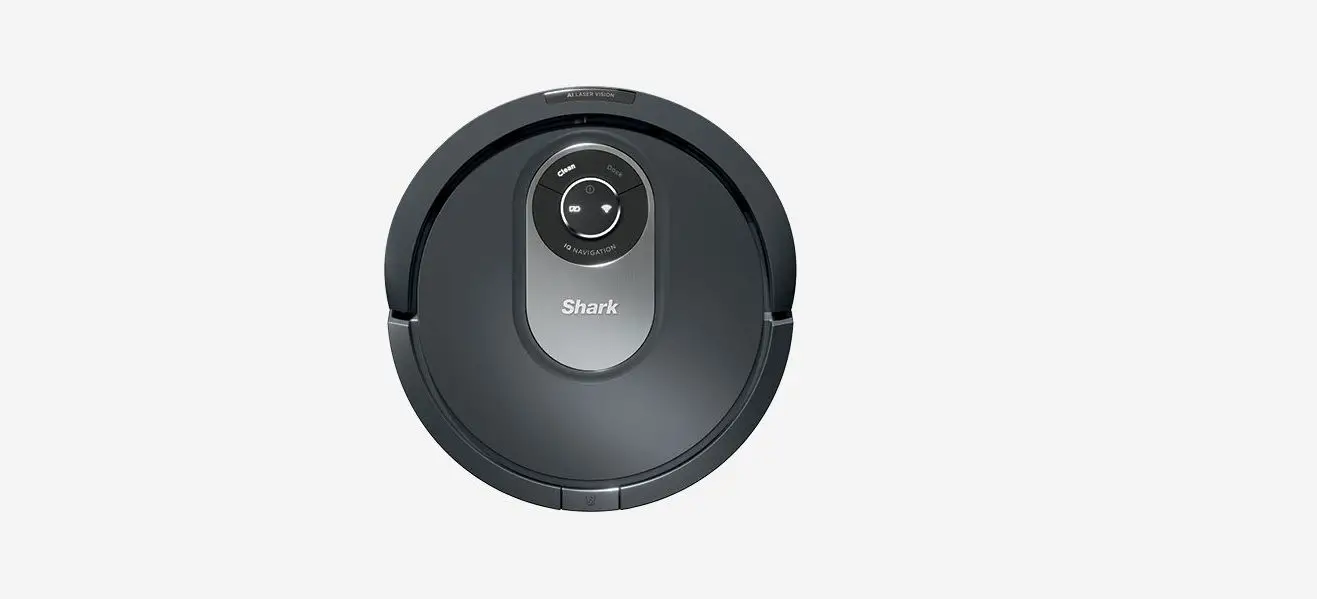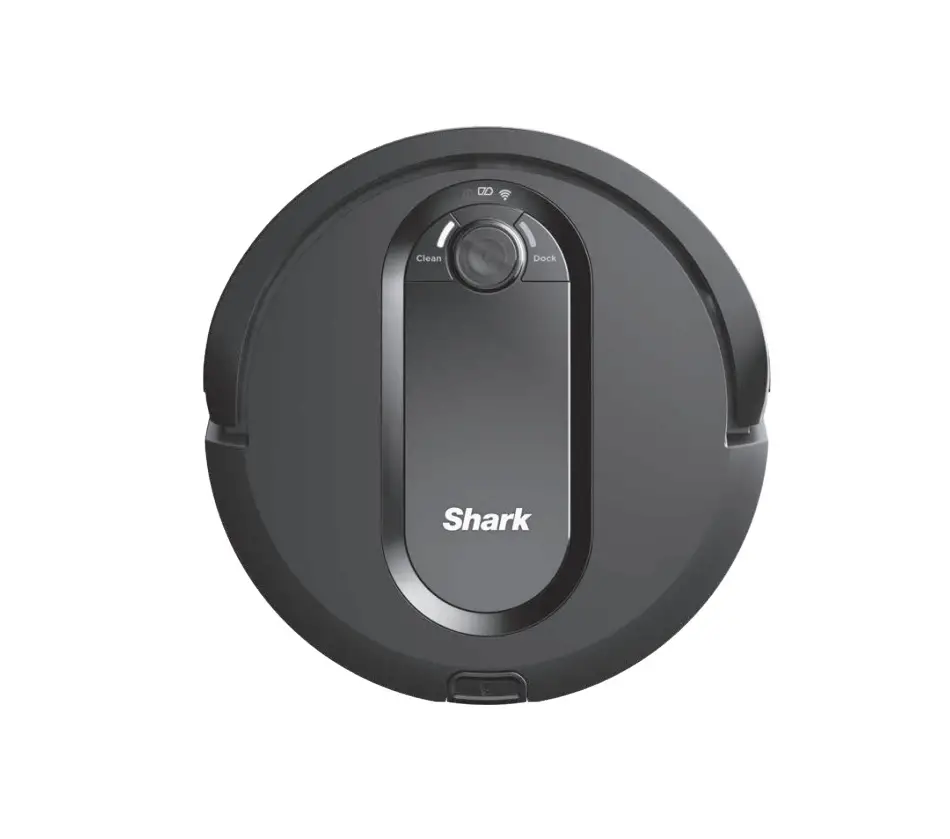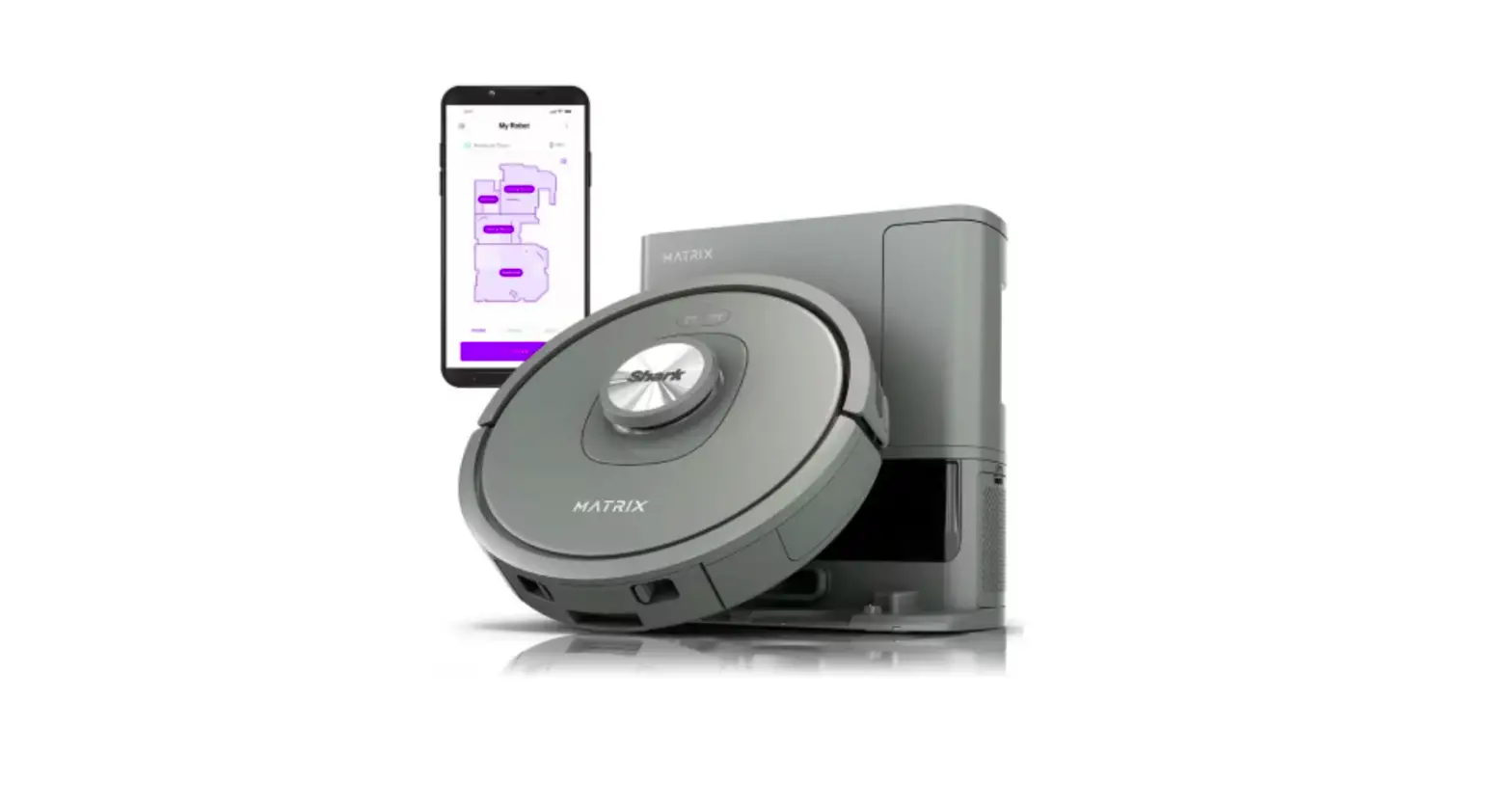
Shark MATRIX 2300 Series Robot Vacuum Cleaner User Guide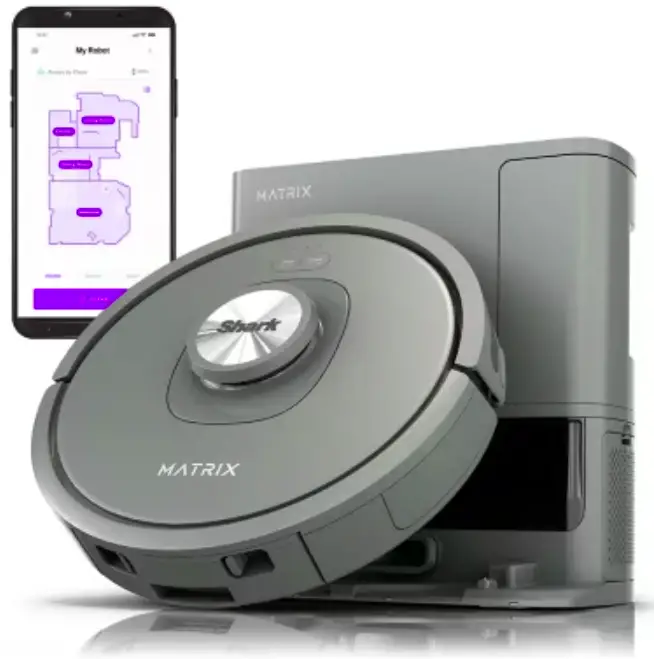
Robot Setup
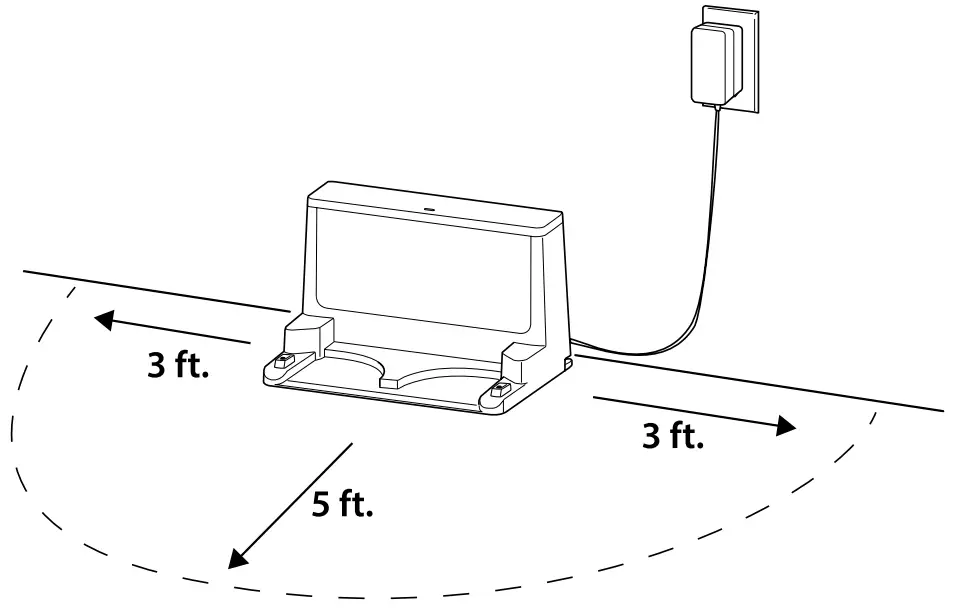
- Set Up Dock
- Remove any plastic wrap and foam from the robot and base.
- Place dock in a spot with a strong Wi-Fi signal.
- Dock LED will turn green when powered ON.
- Note: Check between the bumper and wheels to ensure all protective materials are removed prior to robot use.

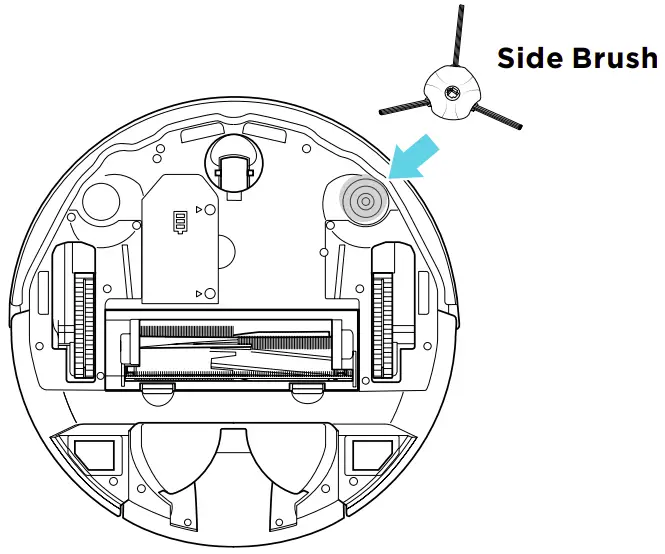
- Attach Side Brush
- Note: Side brush design may vary.

- Note: Side brush design may vary.
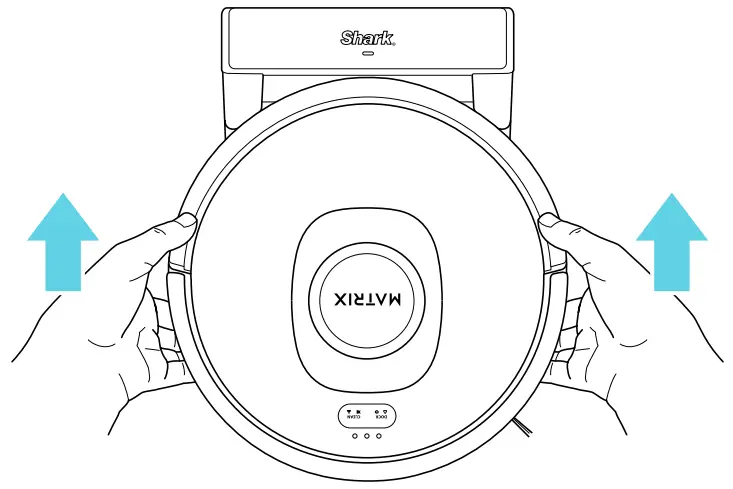
- Place Robot on Dock
- Robot will turn on when properly placed on dock.
- Dock LED will turn blue when the robot is charging.

- Scan the QR code to download the Shark Clean® app.
- Complete your robot setup process in the app.
App Features
- ✔ Matrix Cleaning
- ✔ Mapping
- ✔ Scheduling
- ✔ No-Go Zones


What’s Included
Robot
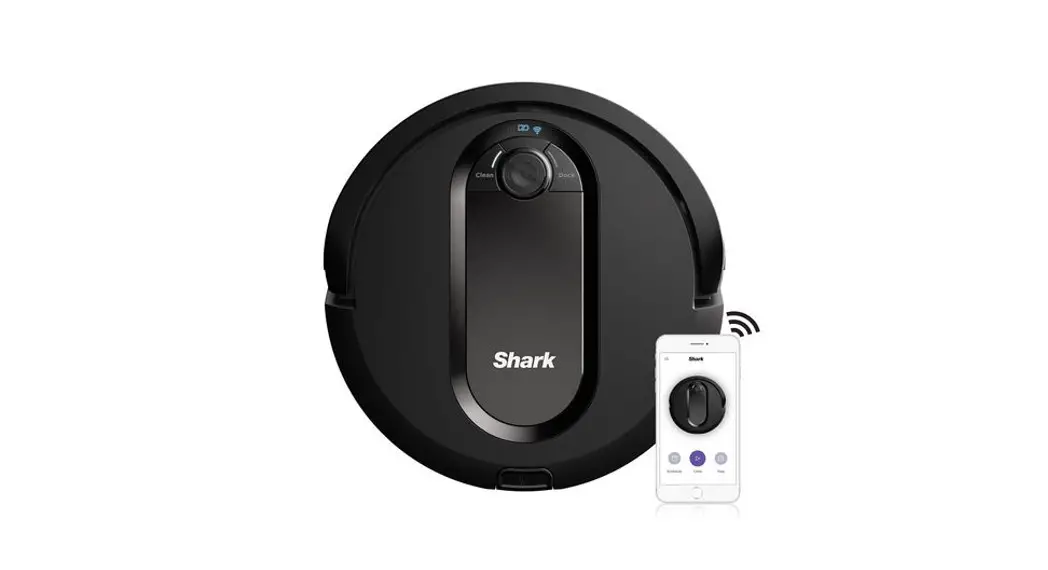
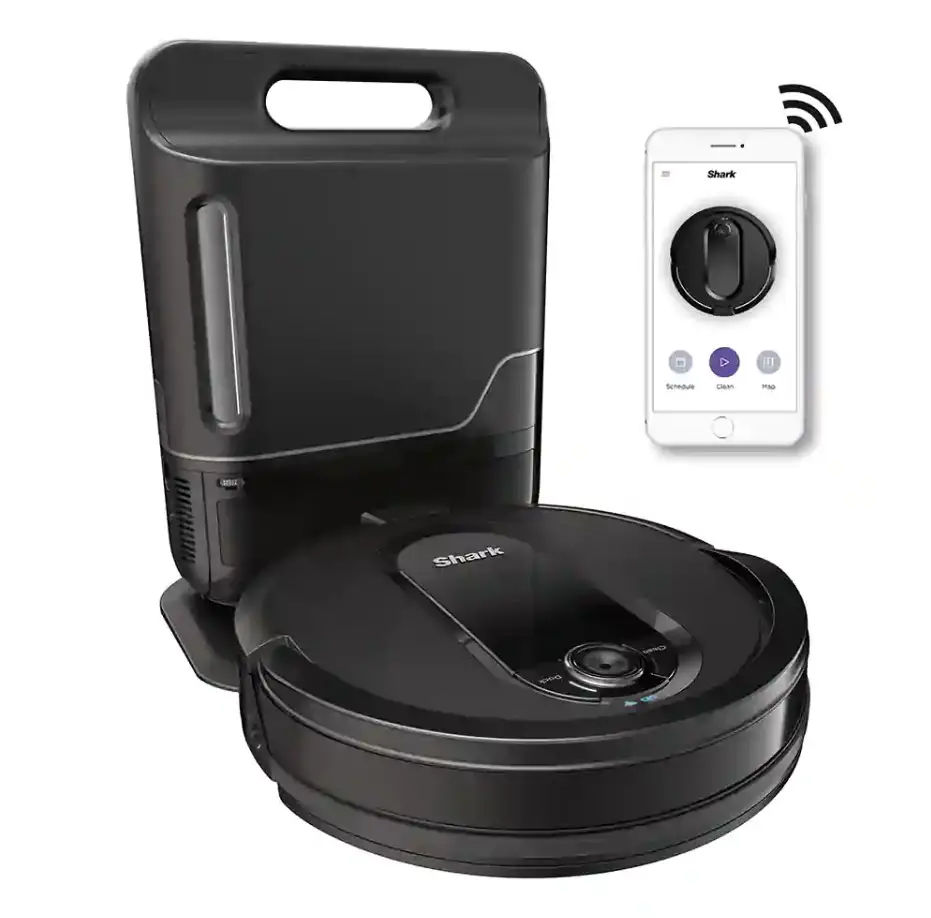
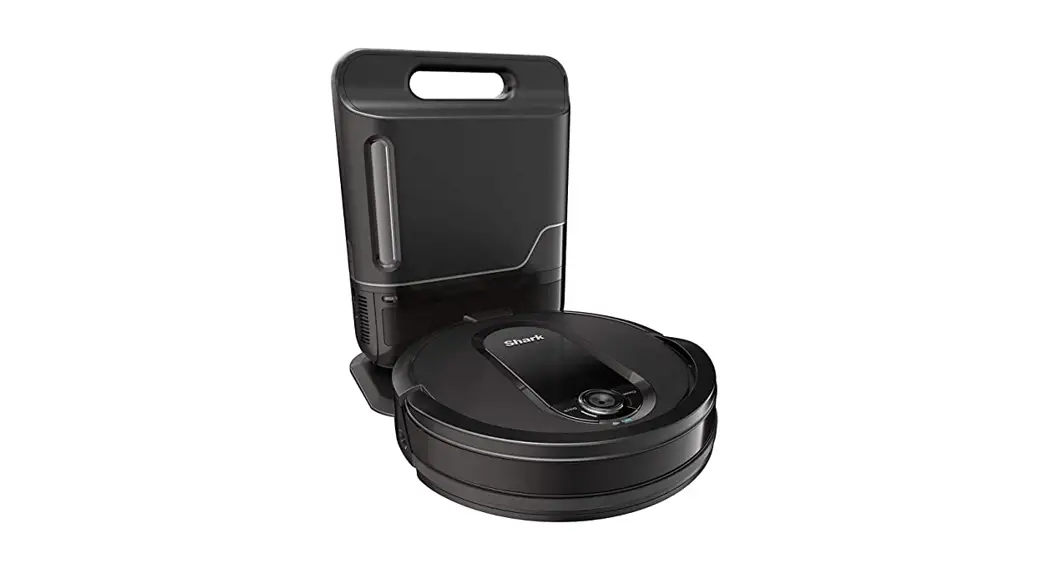
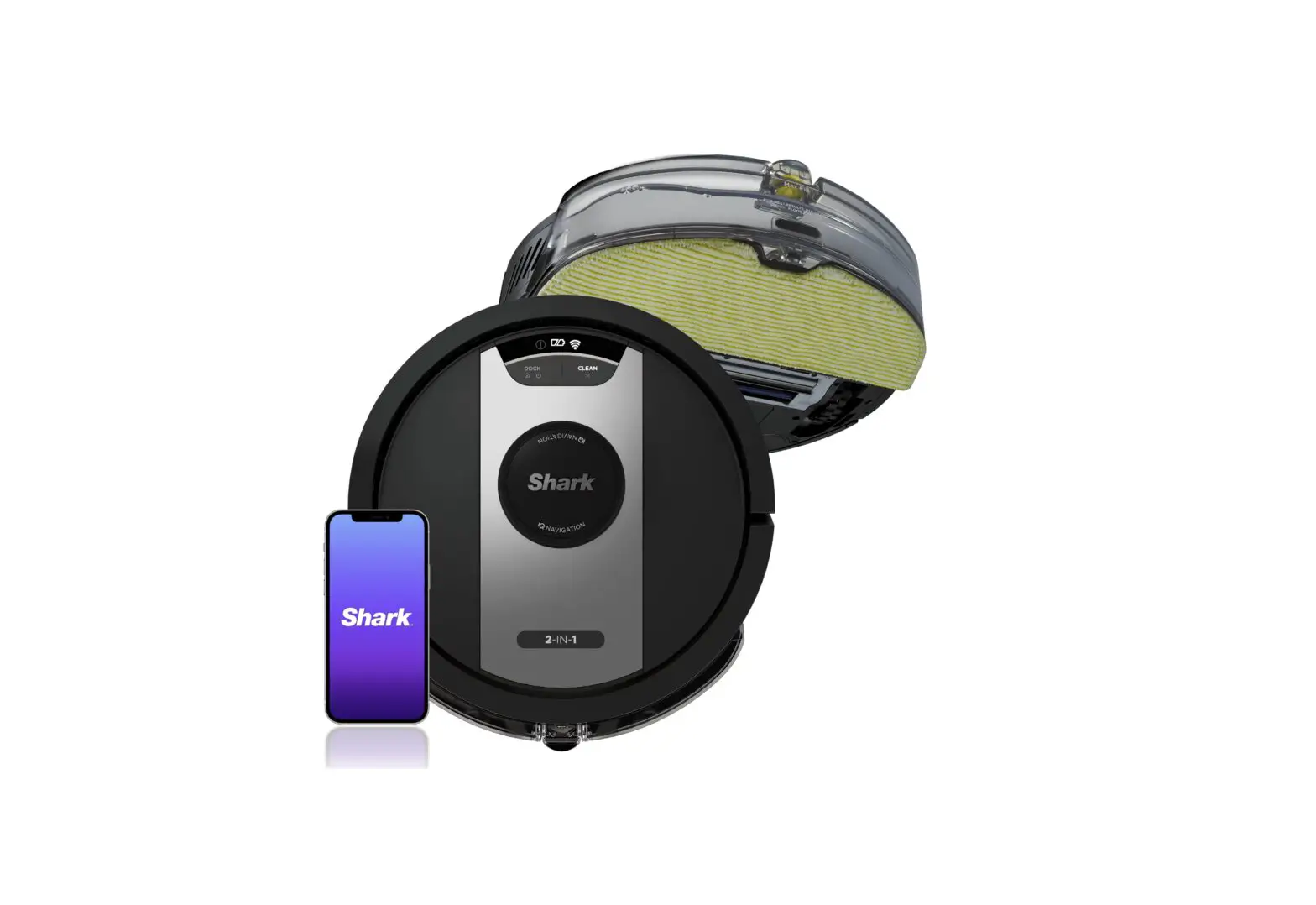
Shark Matrix™ robot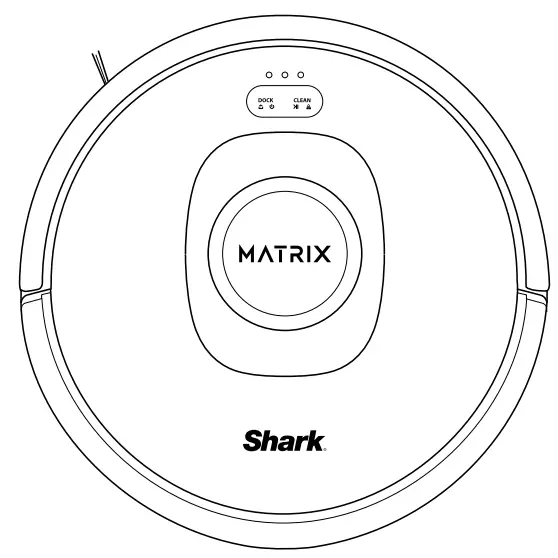
Side Brush
Moves debris into robot’s path.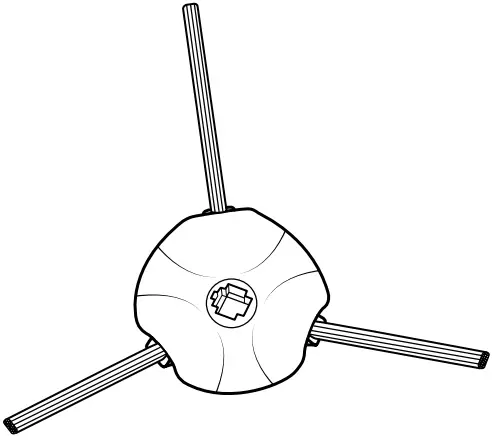
Robot Dock
Charging dock for robot.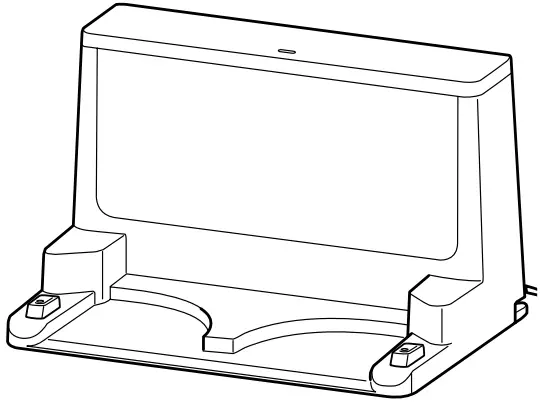
Two Easy Steps If You’re Stuck
- Visit the app or sharkclean.com/support
- wner’s Guide
- How-To Videos
- Tips & Tricks
- Troubleshooting
- FAQs
- For additional help, please scan the QR code to visit the digital Instruction Booklet or call 1-888-228-5531 for robot support.
Maximize your Robot Experience
Tips and tricks for getting the most out of your robot:
- To manually turn ON/OFF your robot, hold down the
DOCK button for 5–7 seconds. - Clear the area of cords and wires before each clean.
- Always place your robot on a level surface when performing maintenance.
- Clean brushroll, charging contacts, and filter regularly.
© 2023 SharkNinja Operating LLC. SHARK and SHARKCLEAN are registered trademarks of SharkNinja Operating LLC. SHARK MATRIX is a trademark of SharkNinja Operating LLC. APPLE and the Apple logo are trademarks of Apple Inc., registered in the U.S. and other countries. APP STORE is a service mark of Apple Inc., registered in the U.S. and other countries. GOOGLE, GOOGLE ASSISTANT, GOOGLE PLAY, the Google Play logo, and Android are trademarks of GOOGLE LLC.