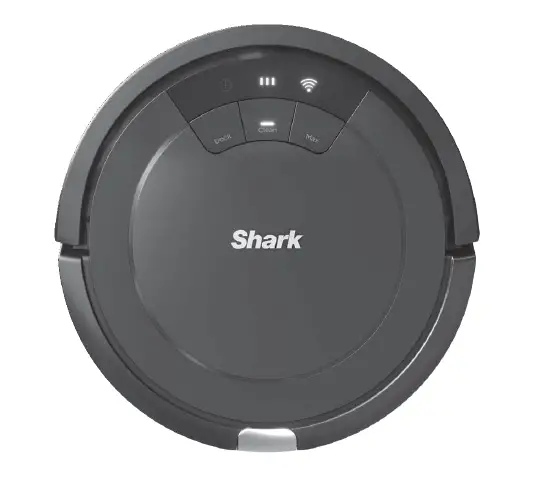
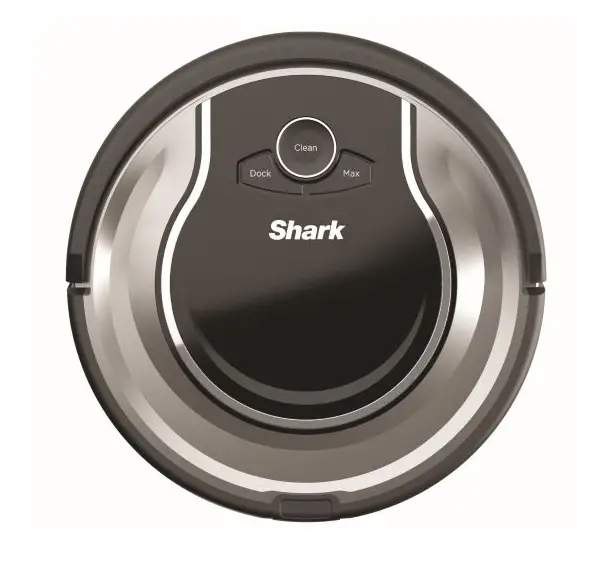
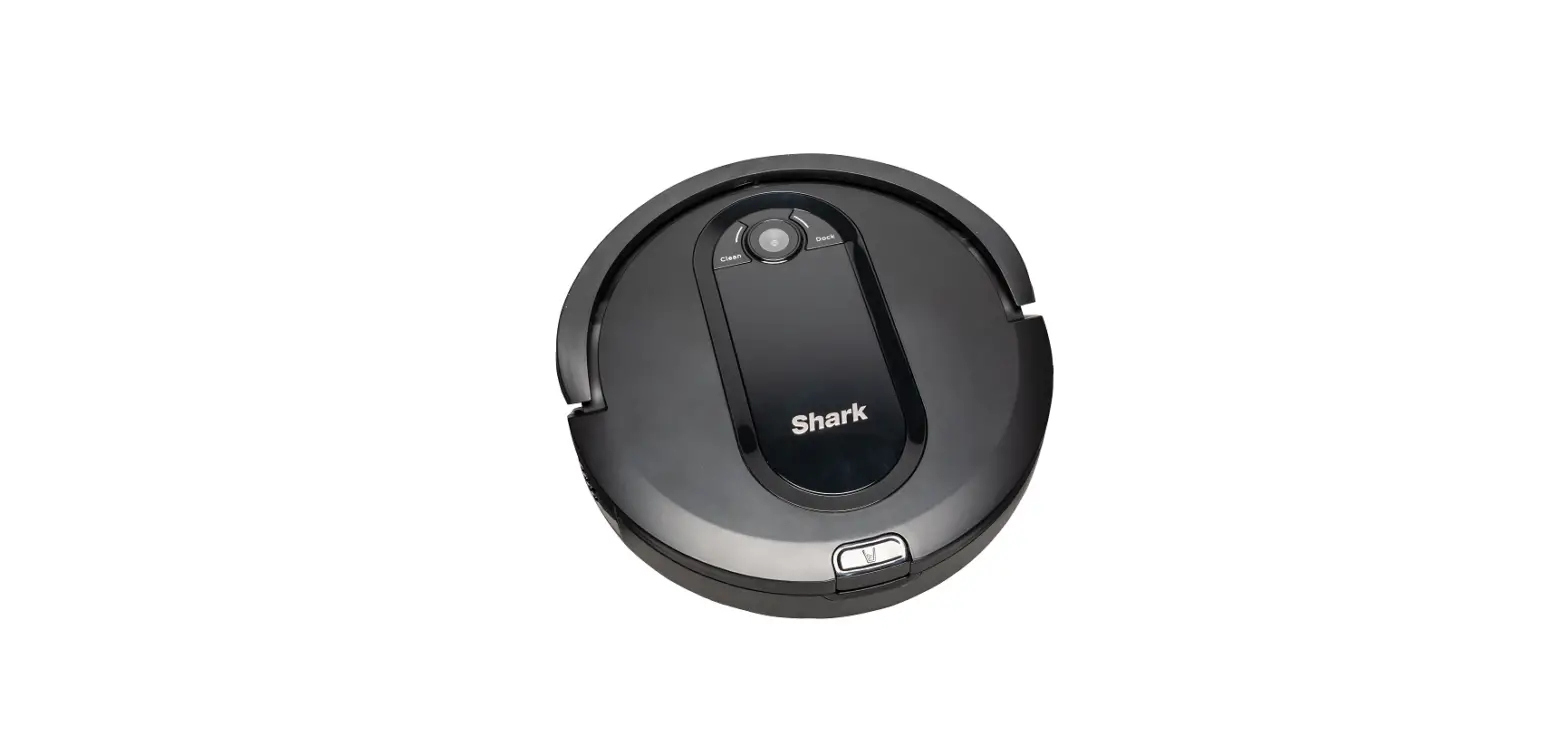
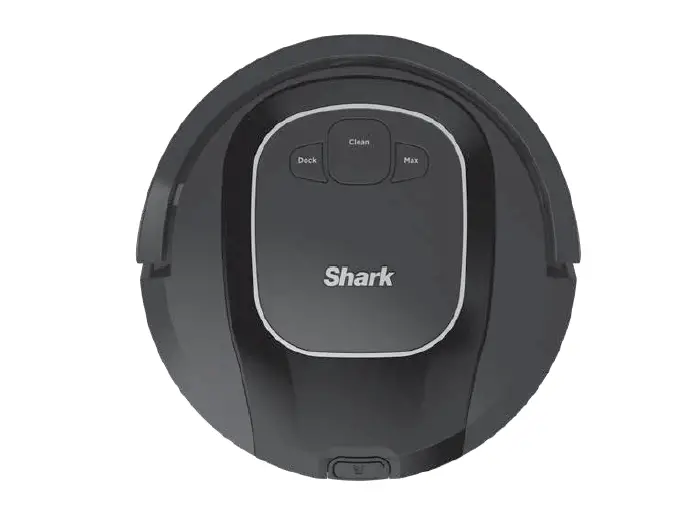
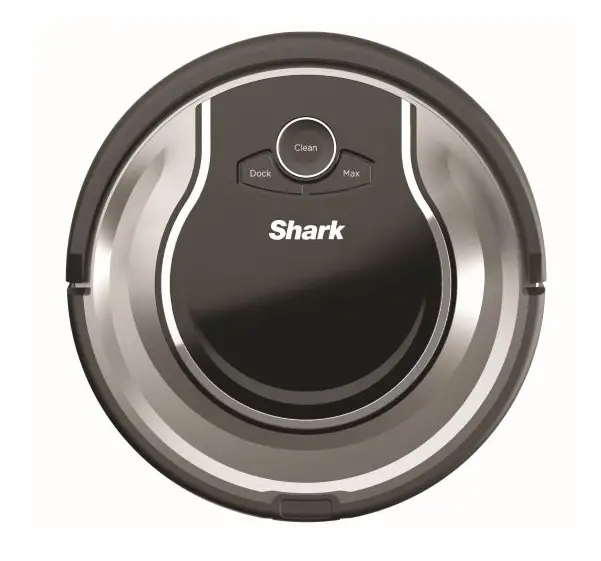
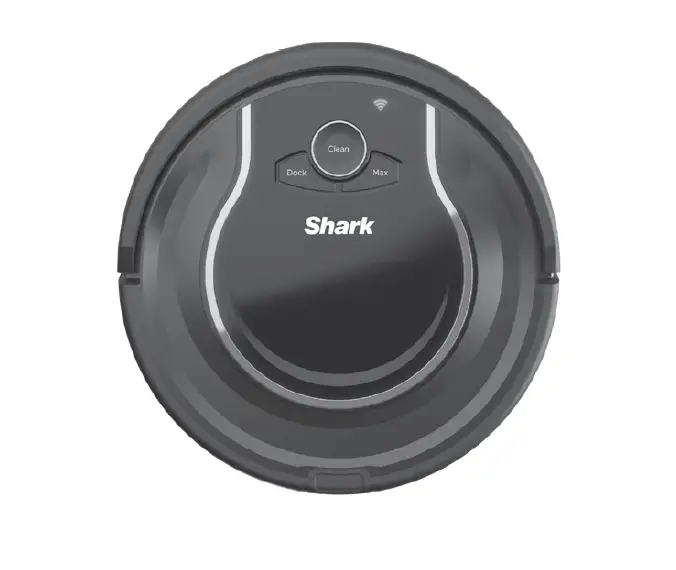
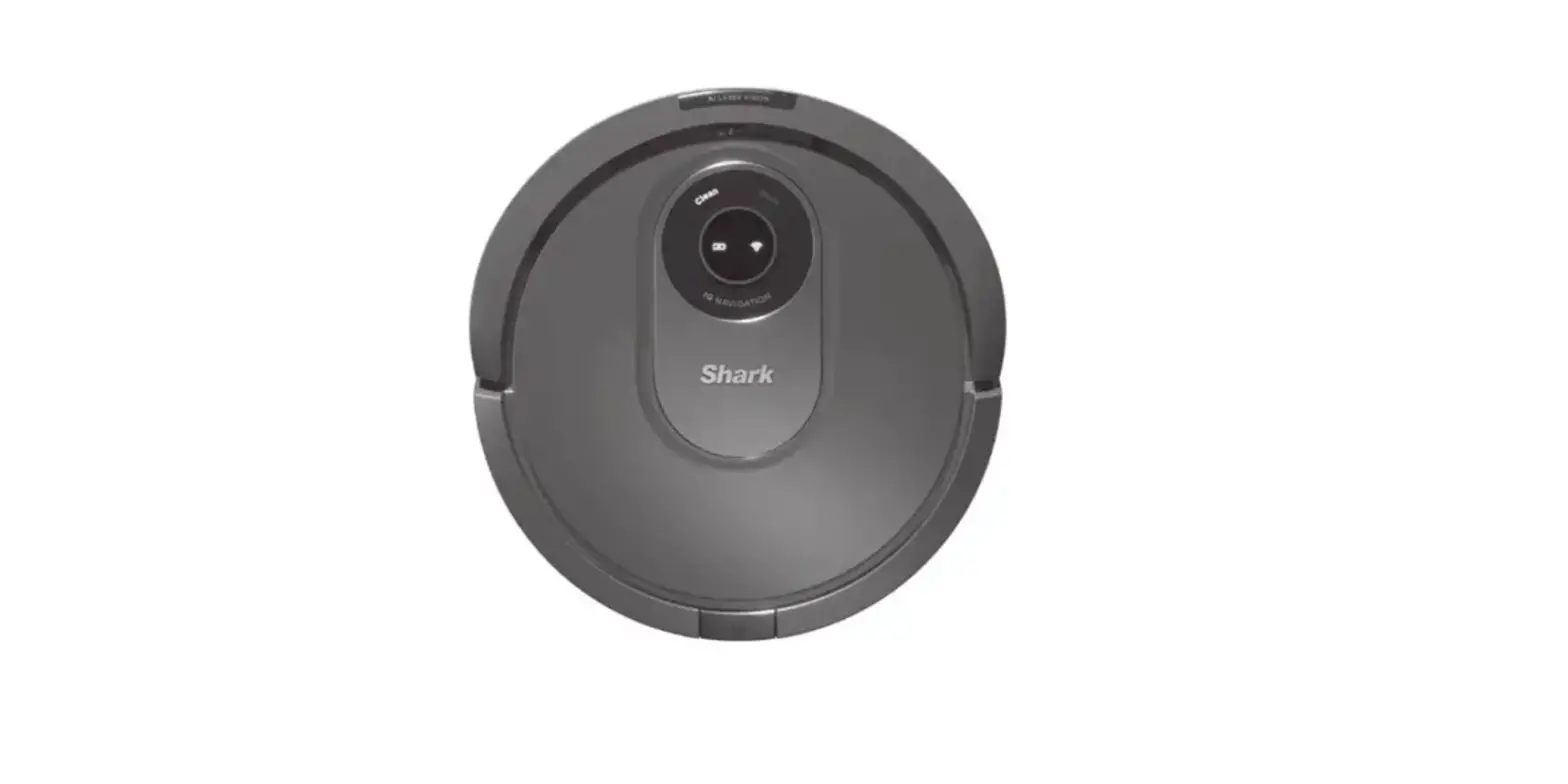
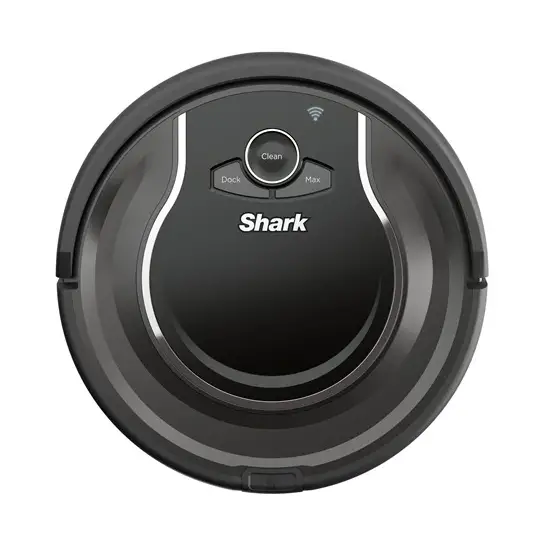
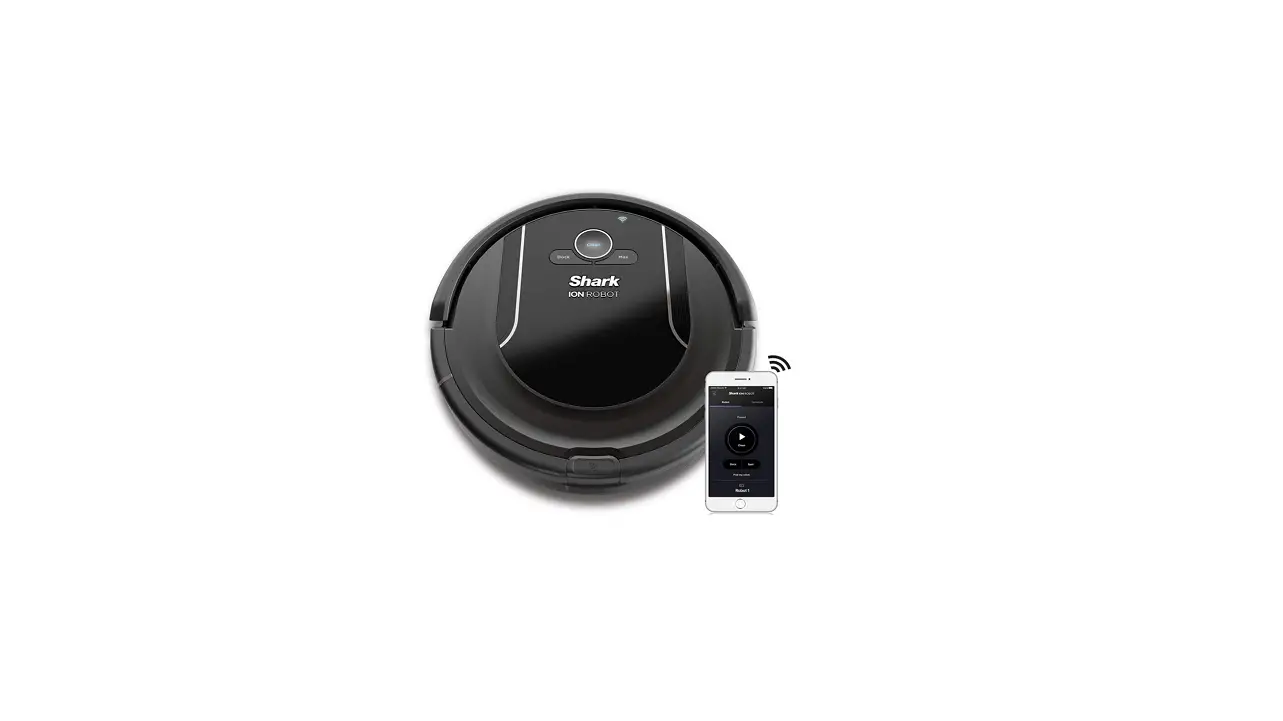
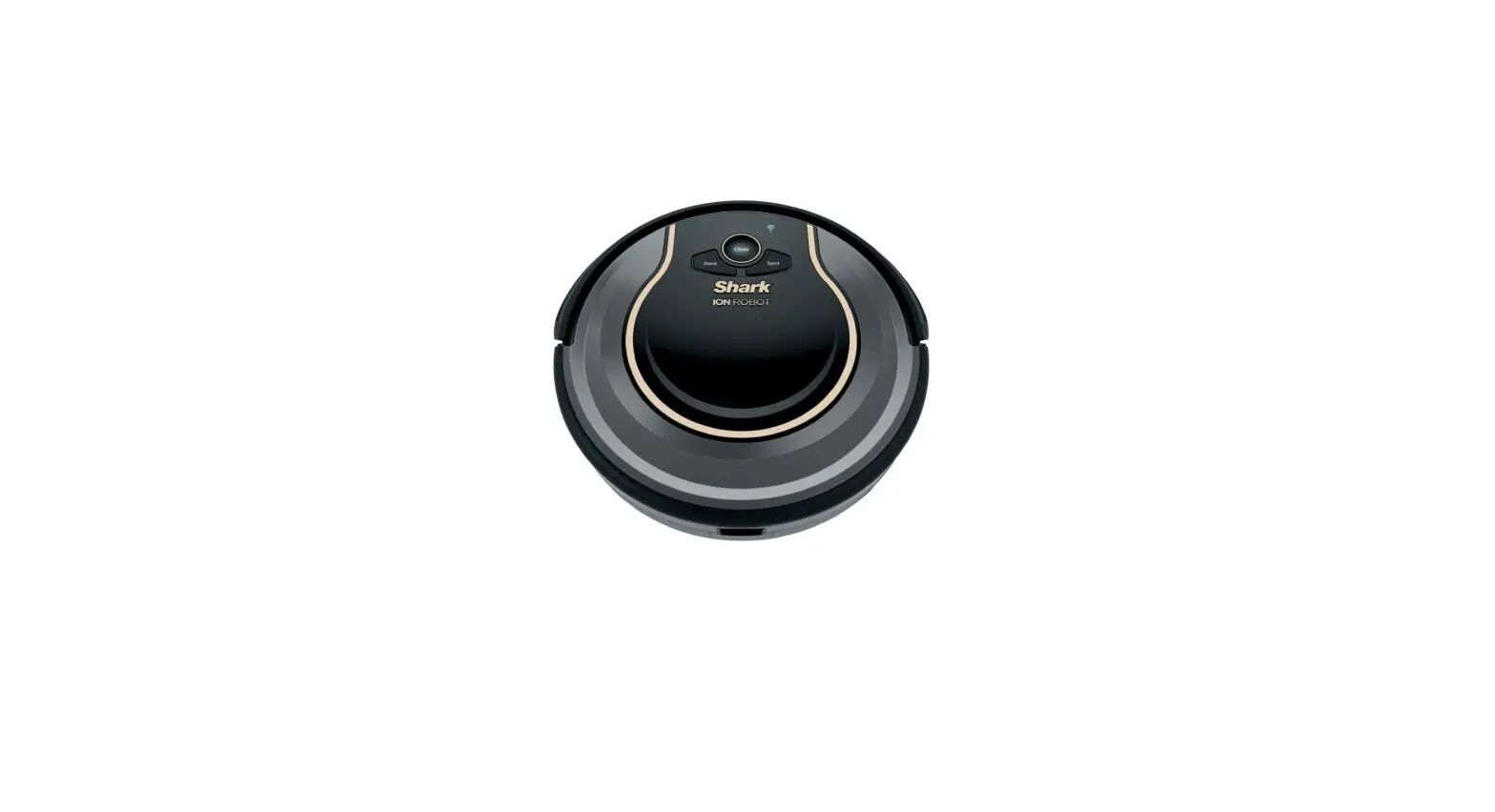
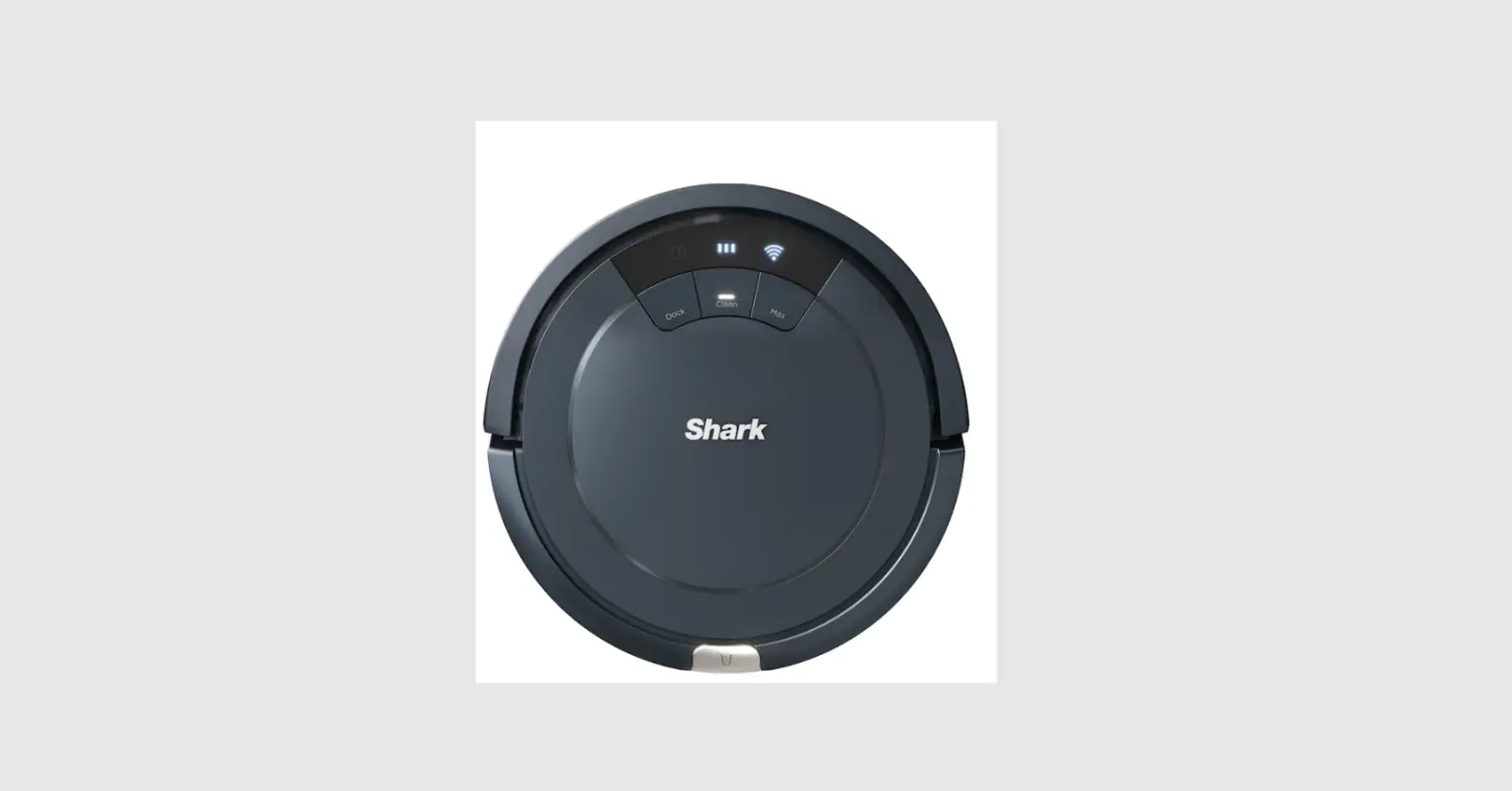
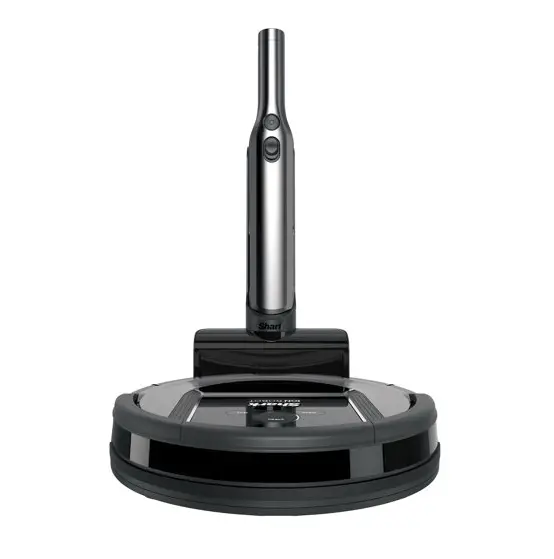
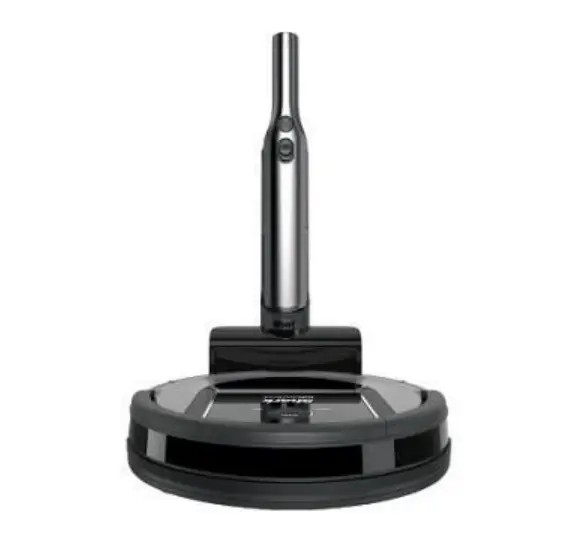
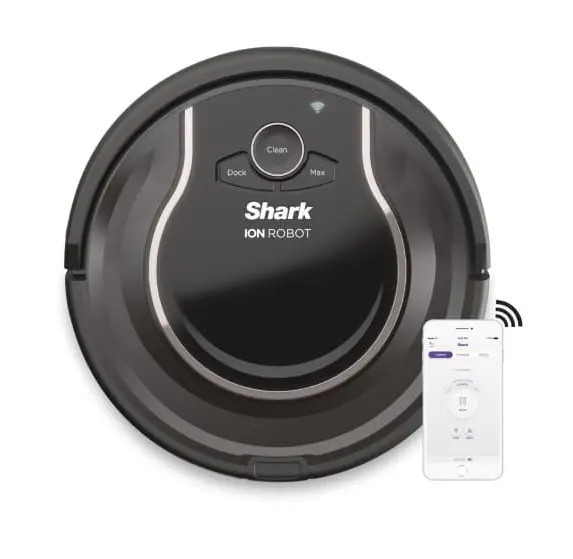
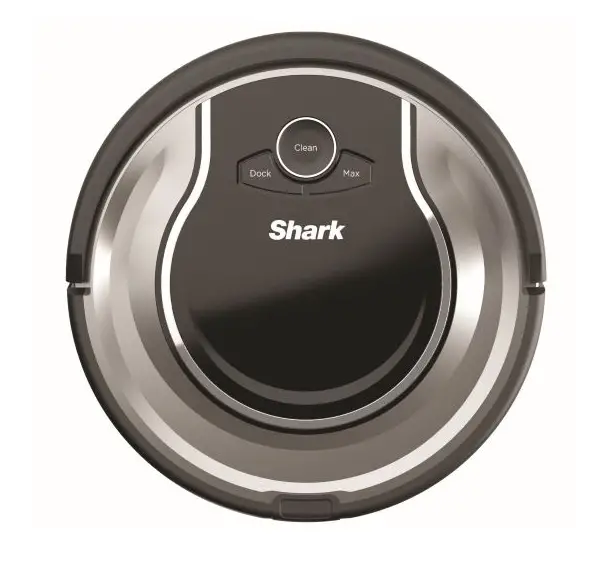
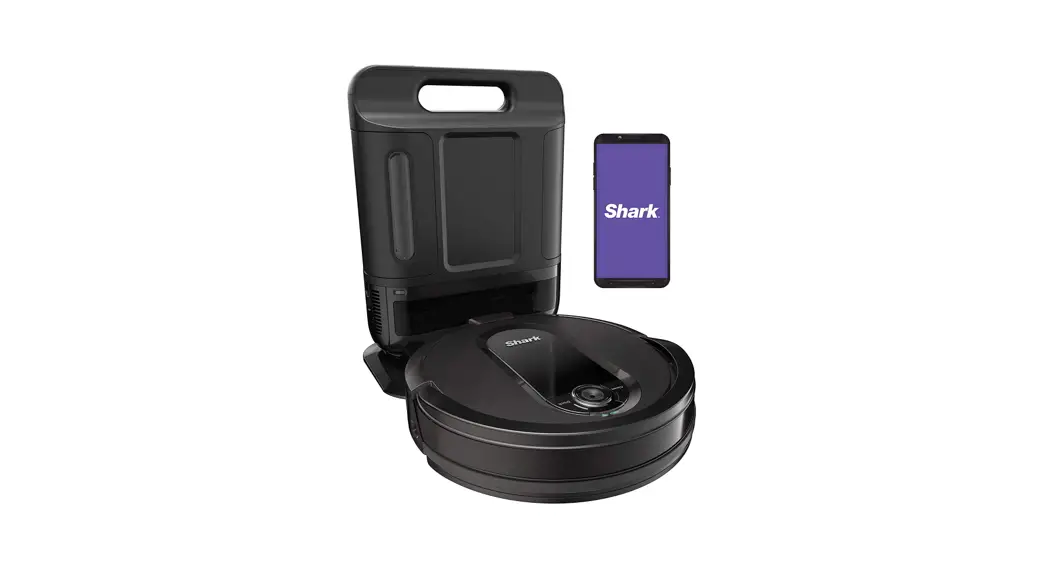
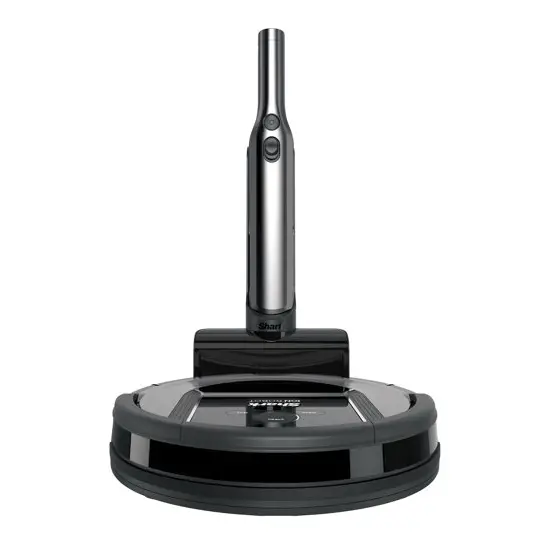
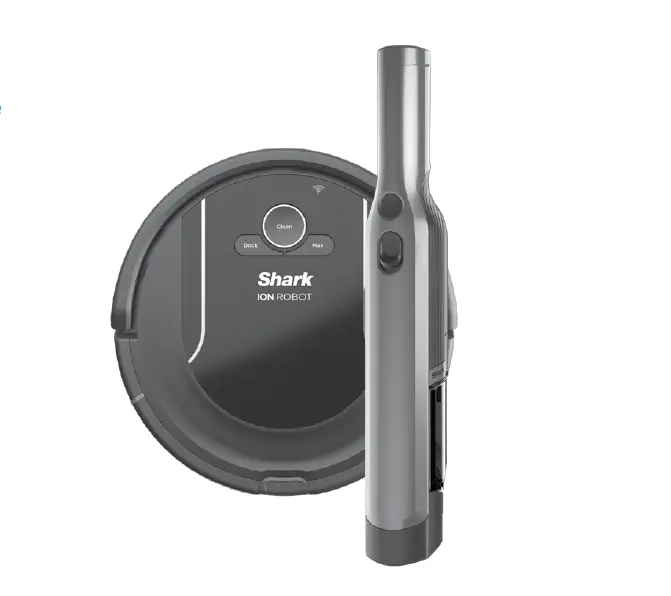
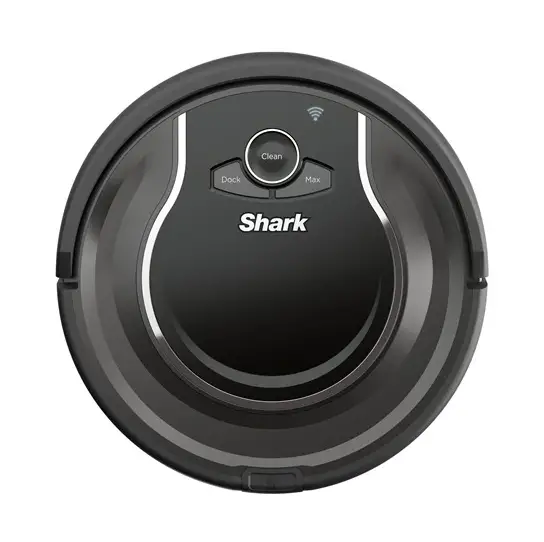
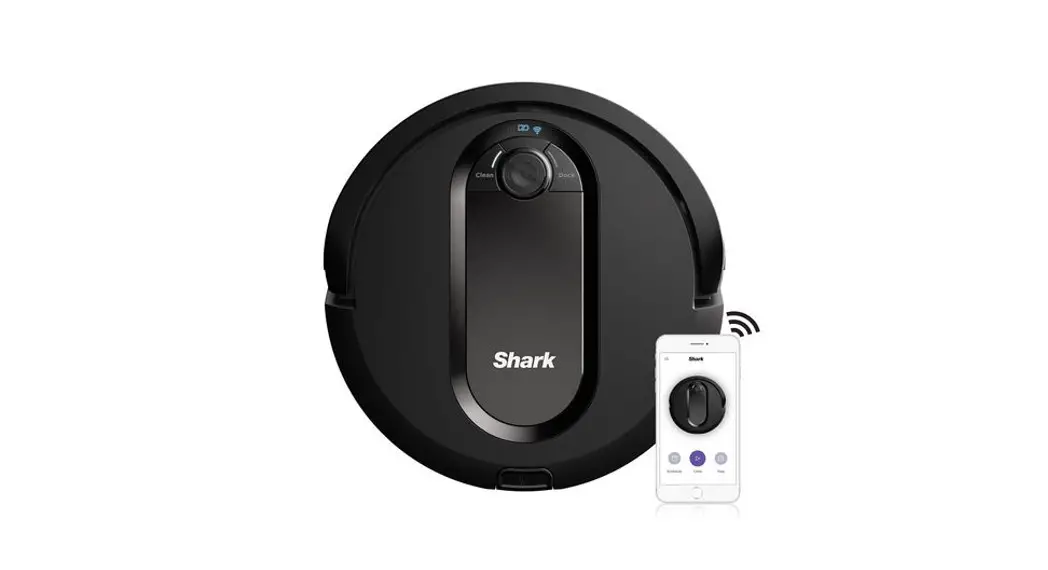
RV700 ION Robot Vacuum Cleaner
Product Information
The Shark ION Robot combines the ease of a robot with the
performance of a Shark. It is designed to autonomously clean your
home, maneuvering around obstructions and tight spaces with its
Smart Sensor technology. The robot comes with a charging dock, side
brushes, a power switch, and a remote for scheduling cleaning.
Features:
- Smart Sensor technology for maneuvering and navigation
- Charging dock for convenient recharging
- Side brushes for effective cleaning
- Power switch for turning on and off
- Remote for setting a cleaning schedule
Contact Information:
If you need assistance or have any questions, you can contact us
at 800-798-7398 or visit our website at sharkclean.com.
Product Usage Instructions
Step 1: Set up your charging dock
Place the charging dock on a level surface against a wall in a
space without obstructions. This location should be easily
accessible by your Shark ION Robot. Plug the dock into a power
outlet. For better performance, it is recommended to place the dock
in a central location with a wide view of your home.
Step 2: Install the side brushes
Snap the two included side brushes onto the posts located at the
bottom of the robot.
Step 3: Power up Shark ION Robot
Flip the power switch located on the side of your Shark ION
Robot to the ON position. Place the robot on the charging dock.
When all three indicator lights are solid blue, it means that your
robot is fully charged. Press the Clean button to start the
cleaning process.
Step 4: Prep your home for cleaning
Remove all obstacles such as loose power cords, clothes, toys,
and low-hanging drapes from the floor to allow the robot to
maneuver freely. You can use the included BotBoundary strips to
block off specific areas or obstacles that you don’t want the robot
to enter. Refer to the BOTBOUNDARY USAGE GUIDE included with the
strips for more information.
Step 5: Set your robot’s cleaning schedule
Use the included remote to set a recurring cleaning schedule for
your Shark ION Robot. The instructions for setting the schedule can
be found on the back of the remote and in your Owner’s Guide.
Please be sure to read the enclosed Shark® Owner’s Guide prior to using your robot.
IONTM
ROBOT
EASE OF A ROBOT. PERFORMANCE OF A SHARK.TM
CONGRATULATIONS ON YOUR NEW SHARK ION ROBOT
Getting Started is Easy Follow These Simple Steps To Get Cleaning
STEP
1
SET UP YOUR CHARGING DOCK:
Place charging dock on a level surface with its back against a wall, in a space without obstructions, that can easily be accessed by your Shark ION Robot. Plug dock into a power outlet.
NOTE: Placing your dock in a central location with a wide view to your home will improve your robot’s ability to return to the dock.
3 ft. 5 ft.
3 ft.
STEP
2
INSTALL THE SIDE BRUSHES
Snap the 2 included side brushes onto the posts on the
bottom of the robot.
STEP
STEP
3
POWER-UP SHARK ION ROBOT
Flip the Power switch located on the side of your Shark ION Robot to the ON position and place your robot on the dock.
When all 3 indicator lights are solid blue, your robot is fully charged. Simply press the Clean button to send your robot into action.
3h
Charging Time
NOTE: Power switch must be ON to charge.
4
PREP YOUR HOME FOR CLEANING
With Smart Sensor technology, your robot maneuvers around obstructions and navigates its way out of tight spaces as it cleans. To help your robot complete its mission, prep your floor by removing all obstacles, such as loose power cords, clothes, toys, and low-hanging drapes.
Use the included BotBoundaryTM strips to easily block off obstacles or areas you don’t want your robot to enter.
See the BOTBOUNDARY USAGE GUIDE included with your BotBoundary strips for more information.
See the TIPS AND TRICKS FOR GREAT PERFORMANCE GUIDE to discover how to get the best from your robot.
Robot Traps
Robot Friendly
5
SET YOUR ROBOT’S CLEANING SCHEDULE
Use the included remote to set a recurring cleaning schedule for your robot. Simple instructions are located on the back of your remote and in your Owner’s Guide.
For assistance, contact us at 800-798-7398 or visit us online at sharkclean.com
Please be sure to read the enclosed Shark® Owner’s Guide prior to using your unit. Don’t forget to register your robot at registeryourshark.com
©2018 SharkNinja Operating LLC. SHARK is a registered trademark of SharkNinja Operating LLC. BOTBOUNDARY, EASE OF A ROBOT. PERFORMANCE OF A SHARK, and SHARK ION are trademarks of SharkNinja Operating LLC.
RV700_N_QSG_PP_Mv3
Dock
Max
Clean Enter
Hold / to Set
@sharkcleaning
STEP
 Sign In
 Vacuum Cleaners, Steam Mops, Hair Care & Air Purifiers | Shark Home Cleaning