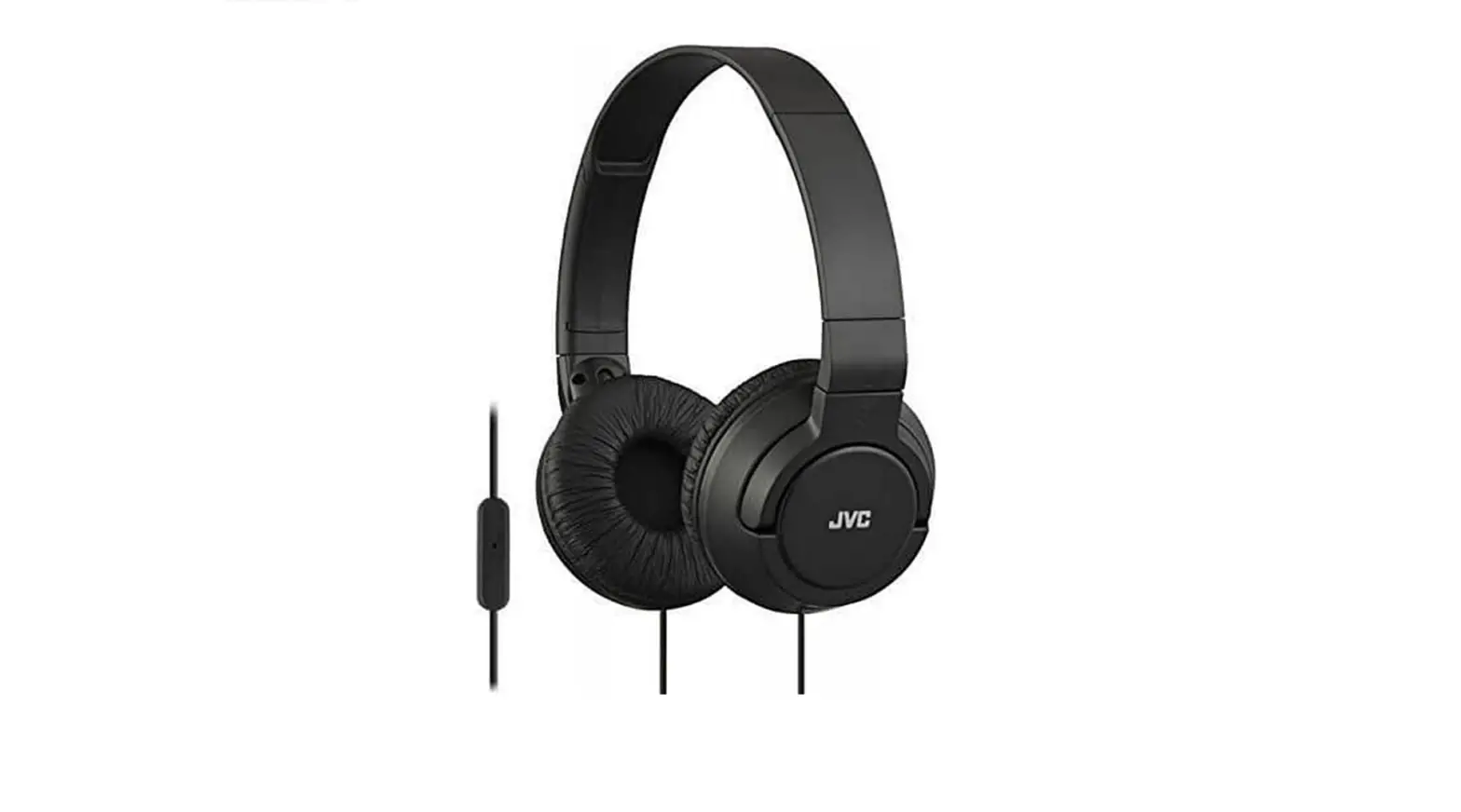

JVC BassHeadband w Smrtphn Mic
Specifications
- Product Dimensions
8.9 x 7.8 x 3.3 inches - Item Weight
8 ounces - Connectivity Technology
Wired - Special Features
Microphone, Foldable, IOS, Android - Driver
Unit30mm - Magnet type
Neodymium - Frequency Response
10-22,000Hz - Max. Input Capability
500mW(IEC) - one-button remote control & mic
Yes - Brand
JVC
Introduction
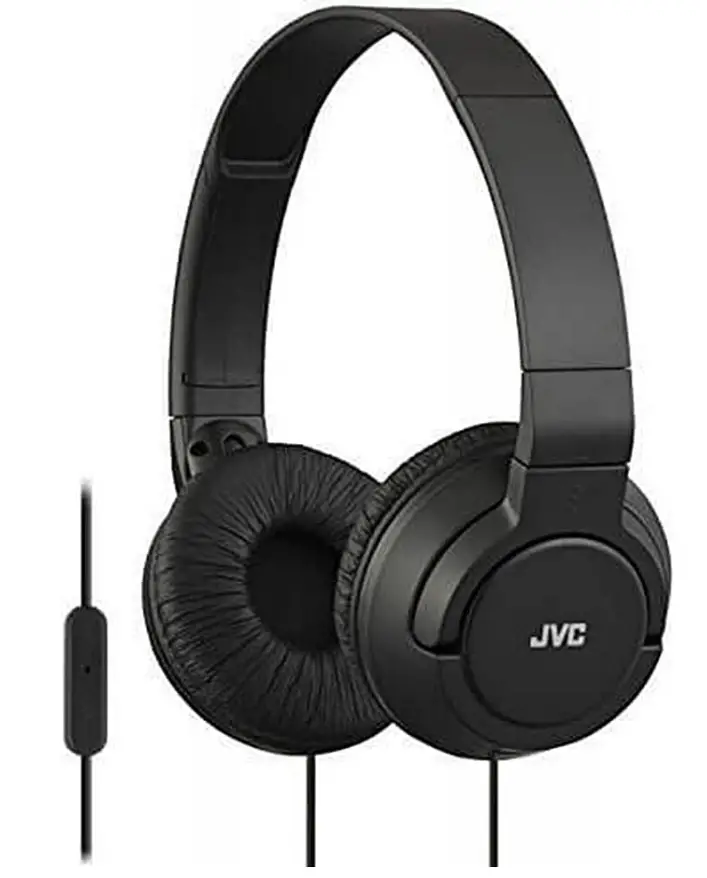
The HA-SR185 sports a vibrant, seamless, folding design and 30mm neodymium driver units that provide high-quality sound. It has a one-button microphone/remote that works with BlackBerry, iOS, and Android devices.
WARNING
Hearing Comfort and Well-Being
- Do not play your personal audio at a high volume. Hearing experts advise against continuous extended play.
- If you experience a ringing in your ears, reduce the volume or discontinue use.
Traffic Safety
- Do not use it while operating a motorized vehicle. It may create a traffic hazard and is illegal in many areas.
- You should use extreme caution or temporarily discontinue use in potentially hazardous situations.
- Do not turn up the volume so high that you cannot hear the sound around you.
CAUTION
For your safety
- In dryer air conditions such as in winter, you may feel some static shock when using the headphones.
- Should you start to feel ill while using the headphones, you should stop using them immediately.
- Be sure that your hair or any other objects do not get caught in the headband slider (adjuster) when adjusting the headband.
Avoid using headphones
- in places subject to excessive humidity or dust
- in places subject to extremely high (over 40 °Cor 104 °F) or low (under 0°Cor 32 °F) temperatures
DO not leave the headphones.
- exposed to direct sunlight near a heater
To protect the headphones, DO NOT.
- Allow them to get wet shake them or drop them against hard objects
Precautions for use
- Be careful not to apply the power that exceeds the headphones ‘input capacity. This may result in sound distortion and could damage the oscillation board.
- Grasp and pull the headphone jack directly when disconnecting from your device. Do not pull out by the cord.
- The ear pads will wear out earlier than the other parts even in normal use or in normal storage due to the material characteristics.
- For replacement of the ear pads, consult with the dealer where you purchased the headphones.
USING THE HEADPHONES
Using the remote control unit
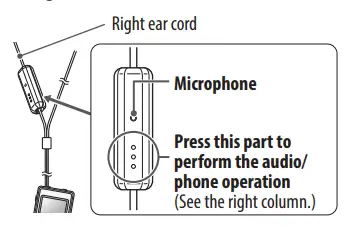
Audio/phone operation (example for iPhone)
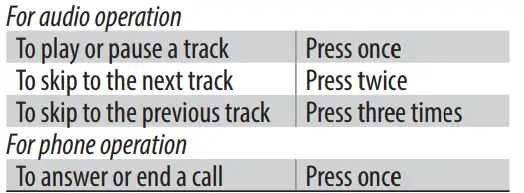
- This unit can not guarantee the operation of all of the remote control functions.
- This unit supports smartphones with a 4-pole plug headphone jack. Any devices with a 3.5 mm 3-pole or 2-pole plug headphone jack are not supported.
Features
- BlackBerry, Android, iPhone, iPod, and iPad 1-button remote with microphone
- pristine audio reproduction with a 30mm Neodymium driver unit.
- Deep Bass delivers strong deep bass.
- Flat and tiny 2-way folding for small, portable storage
- Lightweight construction for comfortable, extended use
- Four color options1.2m cord with thin, gold-plated iPhone plug
Frequently Asked Questions
Consider the following remedies: Check to see if the mute button on your headset is turned off. Check to see if your computer and microphone are properly connected. Ensure that the system default recording device is your microphone or headset.
Connecting a USB headset with a microphone or a USB webcam with a microphone is the simplest approach to solve this issue. But if your microphone is displayed, click on it to help ensure it is turned on. If your microphone’s “enable” button appears, the microphone is deactivated.
Make sure the headsets are plugged in correctly. The headphone jack, not the audio jack, is where the headsets should be connected. Change the outlet; some outlets have a louder noise than others. Change the power outlet if the noise continues.
A diaphragm can be found in both headphones and microphones. Both devices use vibrations, but headphones vibrate the diaphragm to produce sound, whilst microphones track sound vibrations to record them.
Put each ear cup directly on the ears and the headband over the centre of your head. When using on-ear headphones, experiment with how the earpads rest on your ears to find a position that lets you hear the audio clearly without feeling too restricted or uncomfortable.
The sound is balanced, crisp, and detailed. The increased body provided by the extra bass settings is subtle and works well with a variety of musical styles. Conclusion As expected from trusted JVC, the sound quality of these over-ear headphones is excellent for the price. These are a really wise option.
JVC, on the other hand, produces many of the best inexpensive earbuds on the market that are suitable for couch potatoes and money hoarders. The top Sennheiser products are lastly generally acknowledged by DJs and audiophiles alike.
Ensure that your audio card’s drivers are correctly installed. Additionally, and I know this sounds silly, make sure that your headphones, not the mic or anything else, are correctly inserted into the headphone socket. If that still doesn’t work, ensure sure your audio card is properly initialised in the bios.
Take some foam or other padding and place it inside the ear pad of your headphones all the way around to make them more comfy. Your ears should have more room inside the cup because the pad’s thickness should rise as a result. You could try something a little softer, like cotton balls, in place of the backer rod I used.