
AIre Mate102 433 Pendant
Introduction
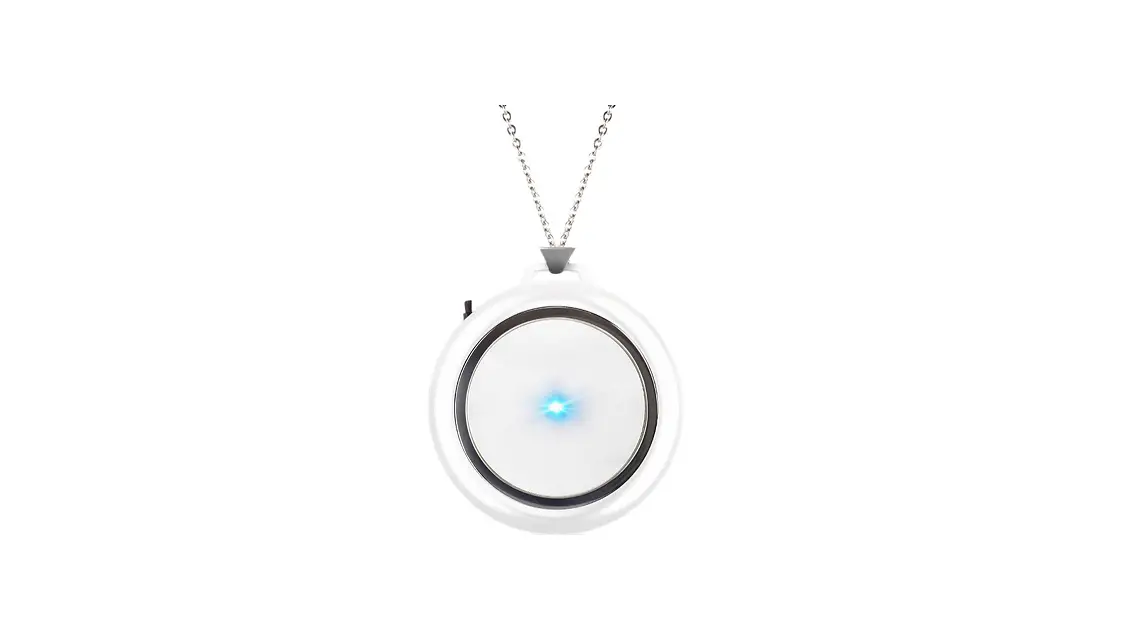
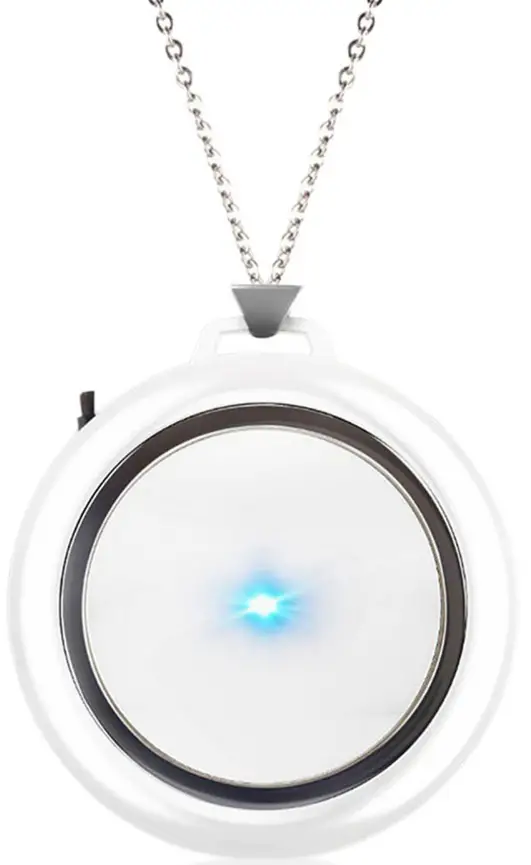
AIRE Mate102 is a 433 Pendant that is designed as an accessory for Emergency call equipment. It works on the 433 protocol. It will send 433 signals after the SOS button is pressed or falls freely. The LS100 device which receives the 433 signal will dial an emergency call.
Product Overview
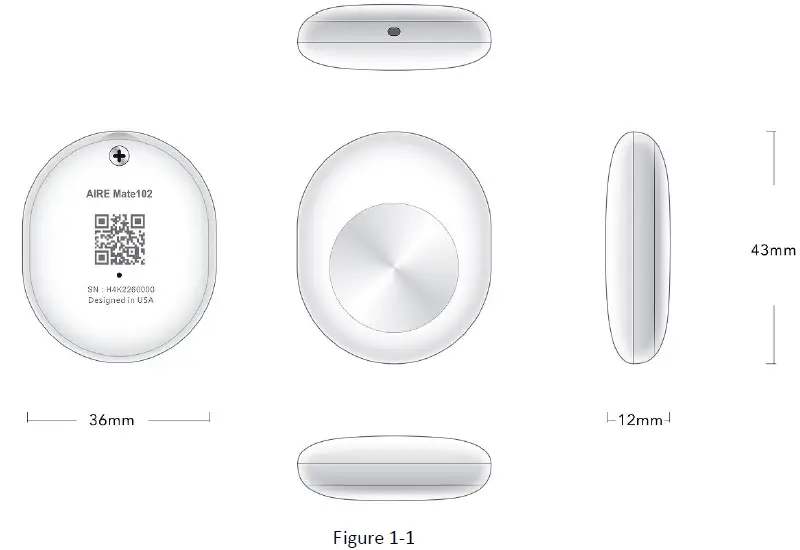
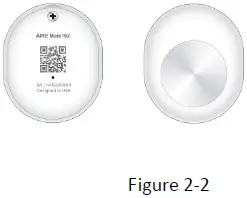
Appearance
Buttons Interface Description
| Button /USB Interface Description | |
| KEY/interface | Description |
| SOS Key | short press for 1 second then sends 433 data. |
| long press for 10 seconds then send the version number and battery voltage data. |
LED Description
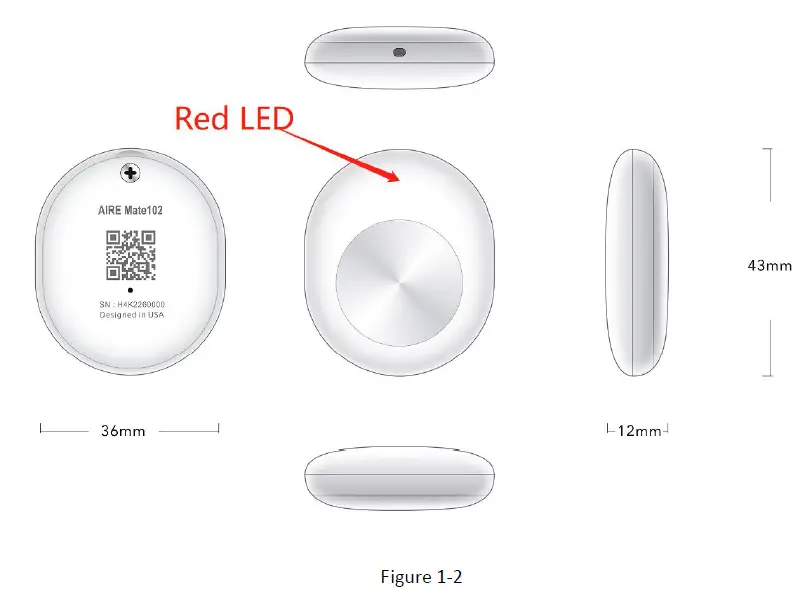
There is 1 LED light in the AIRE Mate102 device, the description is as follows.
| Light | Event | State |
|
RED LED | Normal | Dark |
|
Power on | Solid for 4 times mean battery voltage more then 3.1v | |
| Solid for 3 times mean battery voltage more then 3v | ||
| Solid for 2 times mean battery voltage more then 2.9v | ||
| Solid for 1 times mean battery voltage less then 2.9v.need to change battery |
Getting Started
Parts List
| Name | Picture | Remark |
| LS100 Base Station | 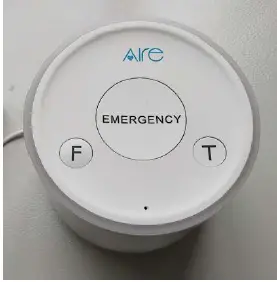 | The LTE Base Station. will dial an emergency call when the receiver the pendant 433 signal. |
| AIRE Mate102 Pendant |  | The Pendant will send 433 signals to the base station |
Built-in Battery
The following items are suggestions for built-in battery usage, please pay more attention.
- The device is a pendant, which is designed to be used with the LS100 Base station.
- There is a button battery(CR2430) integrated into the device. The Pendant will automatically power on when the button battery is assembled.
LS100 Base station
The LS100 base station is an LTE/CAT1 emergency call device that could be used to respond to the 433 data sent from the Mate102 Pendant by custom protocol. The adapter is used for device power on, and built-in battery charging, which should be plugged into the power supply socket at any time ( by the end-user).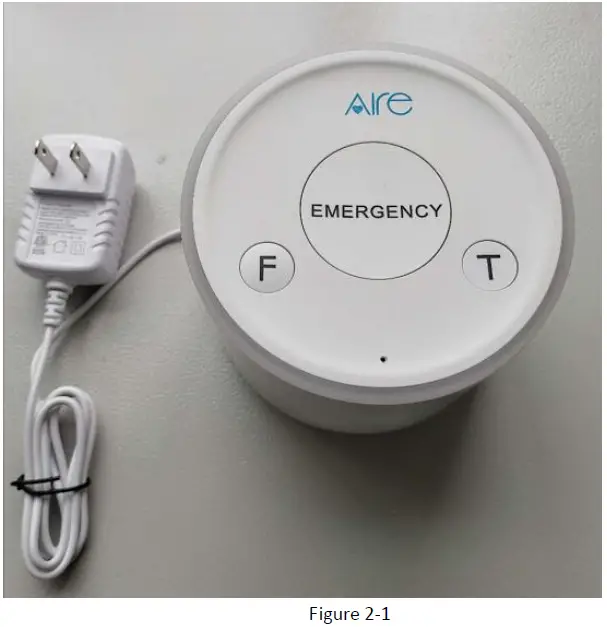
Power on/Power off
Power on:
- The Pendant will automatically power on when the button battery is assembled.
Power off:
- UnPlugged the button battery.
Note: the user can change the button battery when the battery is dead.
Frequency
433:433.92MHz
Troubleshooting and Safety info
Troubleshooting
| Trouble | Possible Reason | Solution |
| Unable to power on AIRE Mate102. | The battery run out or dead. | change the button battery(CR2430) |
| Beacon broadcast data can not be received | The Mate102 is not in the <white number list> | Add the SN of Mate102 in the <white number list> of LS100 by custom protocol |
Safety info
The following items are suggestions for safety use, please pay more attention.
- Please do not disassemble the device by yourself.
- Please do not put the device in an overheating or too humid place, avoid exposure to direct sunlight. Too high a temperature will damage the device or even cause a battery explosion.
- Please do not use AIRE Mate102 on airplanes or near medical equipment.
FCC STATEMENT
- Labeling requirements.
This device complies with part 15 of the FCC Rules. Operation is subject to the condition that this device does not cause harmful interference. - Information to the user.
Any Changes or modifications not expressly approved by the party responsible for compliance could void the user’s authority to operate the equipment. - Information to the user.
- Reorient or relocate the receiving antenna.
- Increase the separation between the equipment and receiver.
- Connect the equipment into an outlet on a circuit different from that to which the receiver is connected.
- Consult the dealer or an experienced radio/TV technician for help.
This equipment complies with FCC radiation exposure limits set forth for an uncontrolled environment. This device must accept any interference received, including interference that may cause undesired operation. This radio is designed for and classified as “General population/uncontrolled Use”, the guidelines are based on standards that were developed by independent scientific organizations through periodic and thorough evaluation of scientific studies. The standards include a substantial safety margin designed to assure the safety of all persons regardless of age or health. Body and limbs operation; this device was tested for typical body and limbs operations kept at 0mm for body-worn. To maintain compliance with RF exposure requirements, use accessories that maintain a 0mm for body-worn.
IC Caution: User manuals for license-exempt radio apparatus shall contain the following or equivalent notice in a conspicuous location in the user manual or alternatively on the device or both.
This device complies with Industry Canada licence-exempt RSS standard(s). Operation is subject to the following two conditions:
- this device may not cause interference, and
- this device must accept any interference, including interference that may cause undesired operation of the device.
The device has been tested for typical body-worn operations. The back of the device kept 0mm from the body with belt-clip.