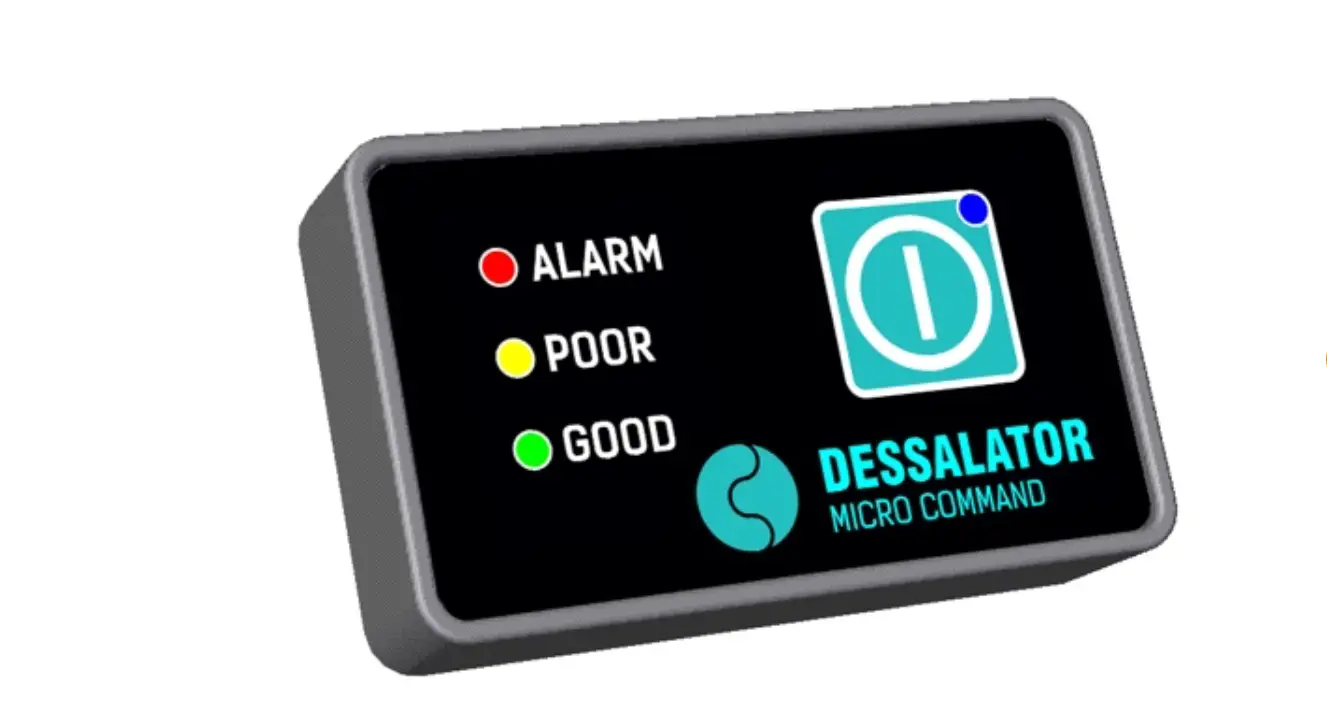

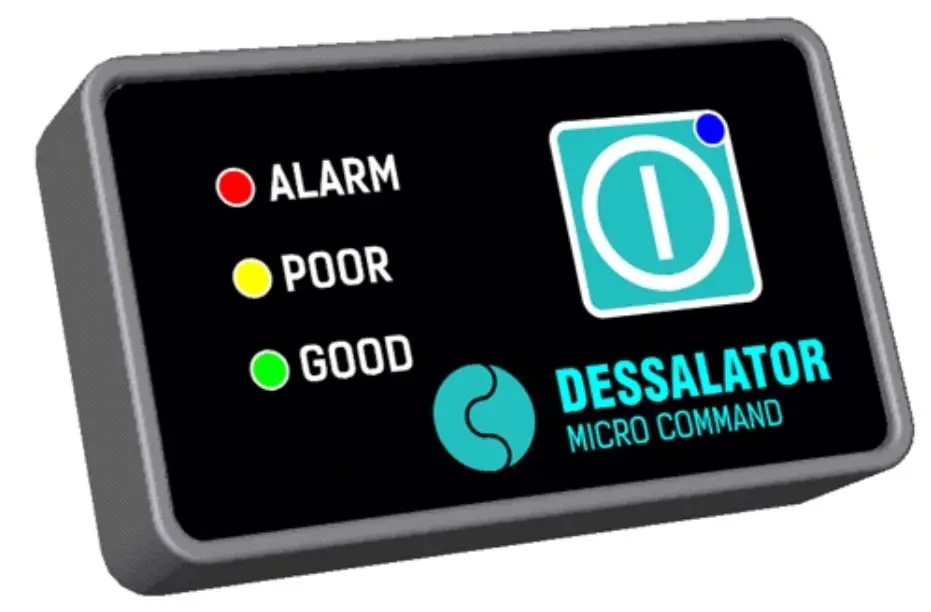
STANDBY :
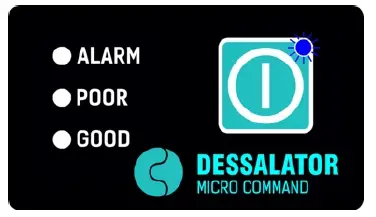
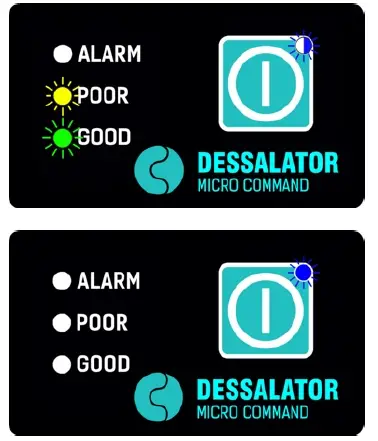
- When your watermaker is in STANDBY, the BLUE LED is lit as an indication. Should the BLUE LED be perceived as disturbing, they can be turned off by briefly pressing the buttons .
Another brief press on one of the buttons will turn the BLUE LED back on if the water maker is still on standby.

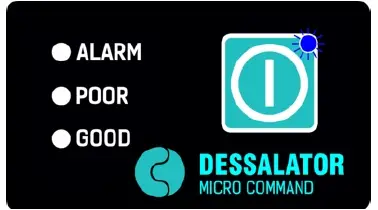
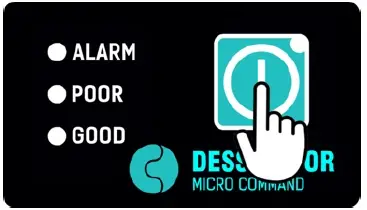
STARTING YOUR WATERMAKER :
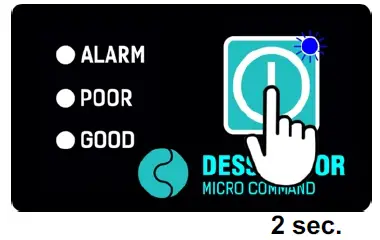
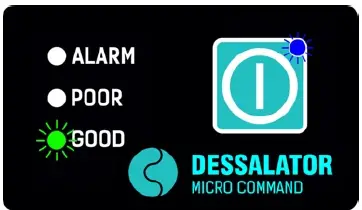
- To start the watermarked from STANDBY, press and hold the button for about 2 seconds.
The BLUE LED of the button will start to blink and the buzzer will acknowledge the operation with 2 ‘beeps’.
Upon release of the button, the water maker will start.

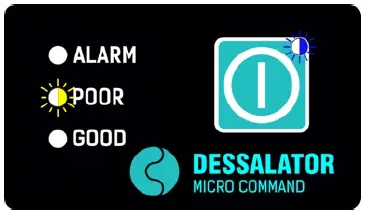
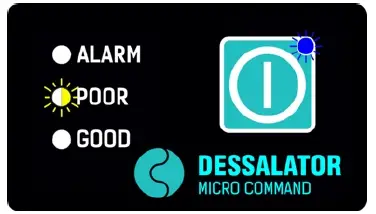
- The RED, YELLOW and GREEN LEDs will show the same indication as on the control panel of the water maker.
The blinking speed of the YELLOW LED provides feedback of the water pressure in the system : faster blinking means higher pressure.
Once the production water is of good quality, the GREEN LED will light up.

Note : It is best practice to slowly build up water pressure inside the system in order to prolong the lifetime of your membranes.
For that reason, should you plan to start your wavemaker frequently using the Micro-Command we highly recommend to consider a machine with Automatic Pressure Regulation, like the DESSALATOR Navigator, Automatic or Pro-Auto series.
STOPPING YOUR WATERMAKER :
- To STOP your watermaker normally :
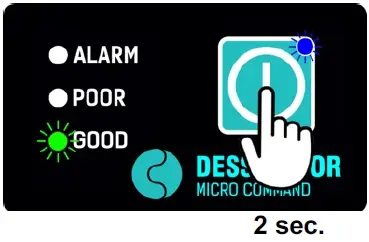
Press and hold the button for about 2 seconds. Upon release of the button, the wavemaker will STOP and go to STANDBY.

STOPPING YOUR WATERMAKER WITH AN AUTOMATIC RINCE CYCLE :
Note : Whilst the automatic rinse function is present on all DESSALATOR watermarks, this function should only be initiated remotely on a wavemaker equipped with Automatic Pressure Regulation.
- To STOP your watermaker and terminate the process with an automatic rinse cycle :
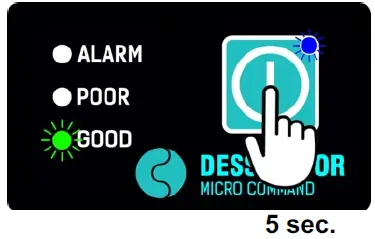
Press and hold the button for about 5 seconds until the YELLOW and GREEN LEDs are both lit and a long ‘beep’ is heard from the buzzer.
Upon release of the button, the wavemaker will STOP and initiate an automatic rinse cycle before going to STANDBY.

CAUTION
Starting the wavemaker from a distance using this Micro-Command, does not absolve you from convincing yourself that no unsafe situations can arise from this action. Always use common sense, make sure that operation conditions are met and that it is safe to start your watermaker to protect bystanders, yourself and the machinery. Read the manual of your wavemaker and do NOT start the watermaker unless you fully understand its operation and can obey the procedures.
In relation to the above, it is understood that we only recommend to start the watermaker using the Micro-Command on machines that have Automatic Pressure Regulation.
For other machine series, the Micro-Command is intended as a tool used for monitoring and stopping the watermaker remotely. However, it is still possible to start these machines remotely using the Micro-Command. But water pressure in the system might have to be adjusted by hand on the main front panel of your watermaker. Starting your watermaker with the pressure regulator pre-set to production pressure position might have a negative effect on the life time of your membranes. A fast blinking BLUE and RED LED indicates that the self-check of the Micro-Command failed. Check the cable and the connections between watermaker and Micro-Command. Should the issue persist, please contact DESSALATOR or our distributor.
Note :
- LEDs are on

- LEDs are flashing

- LEDs are off