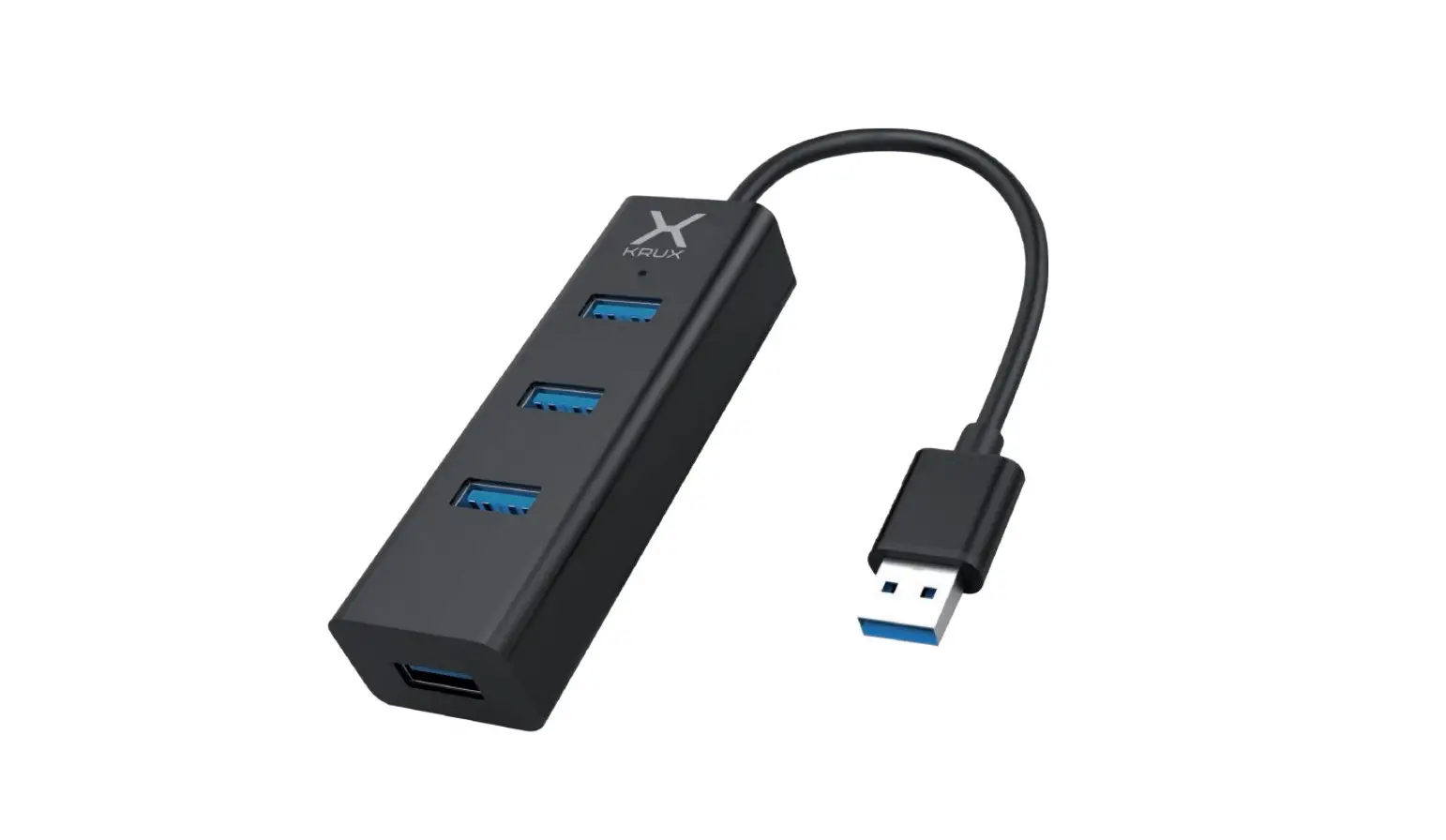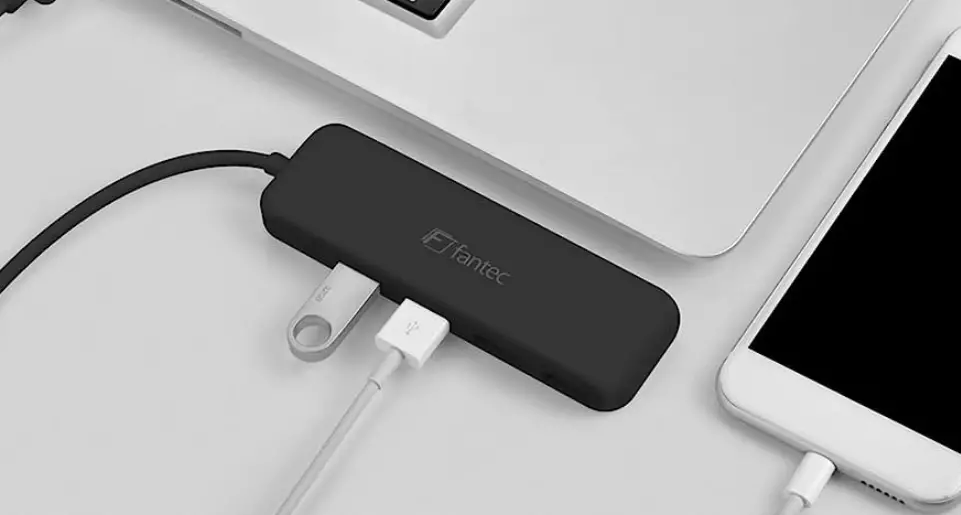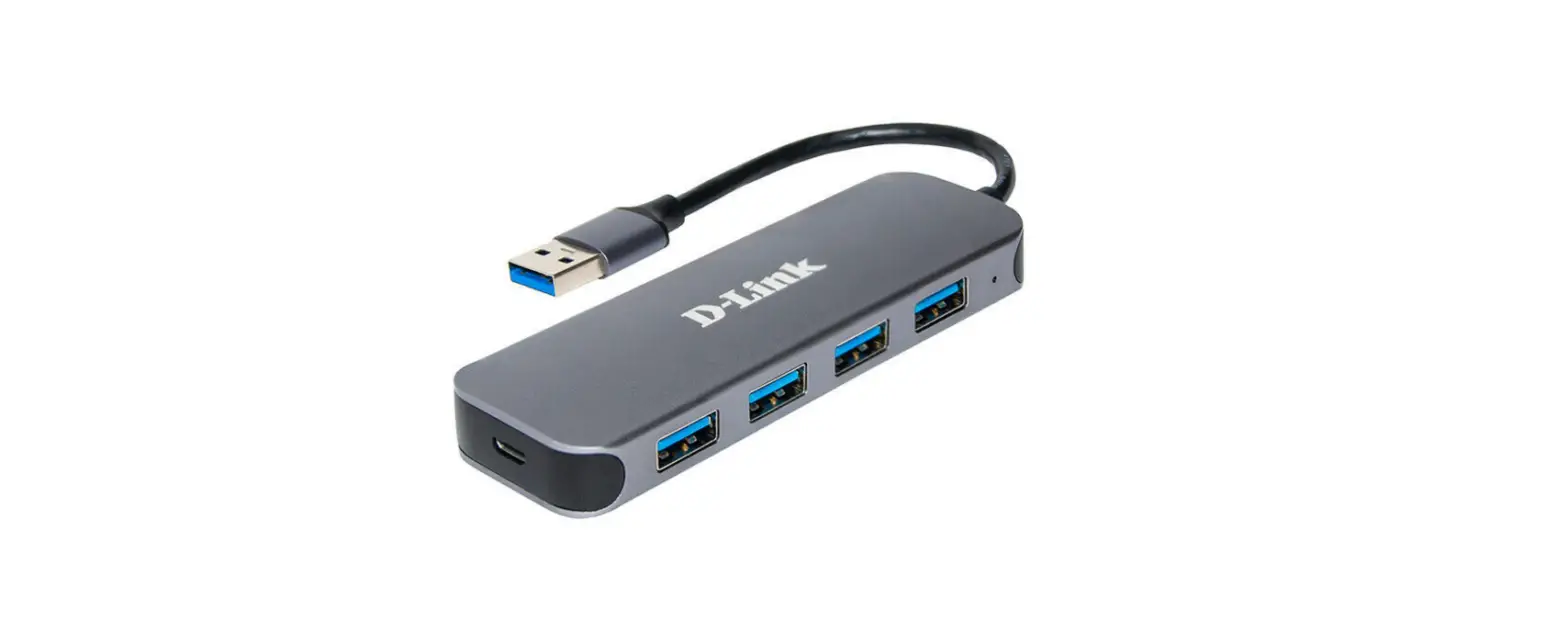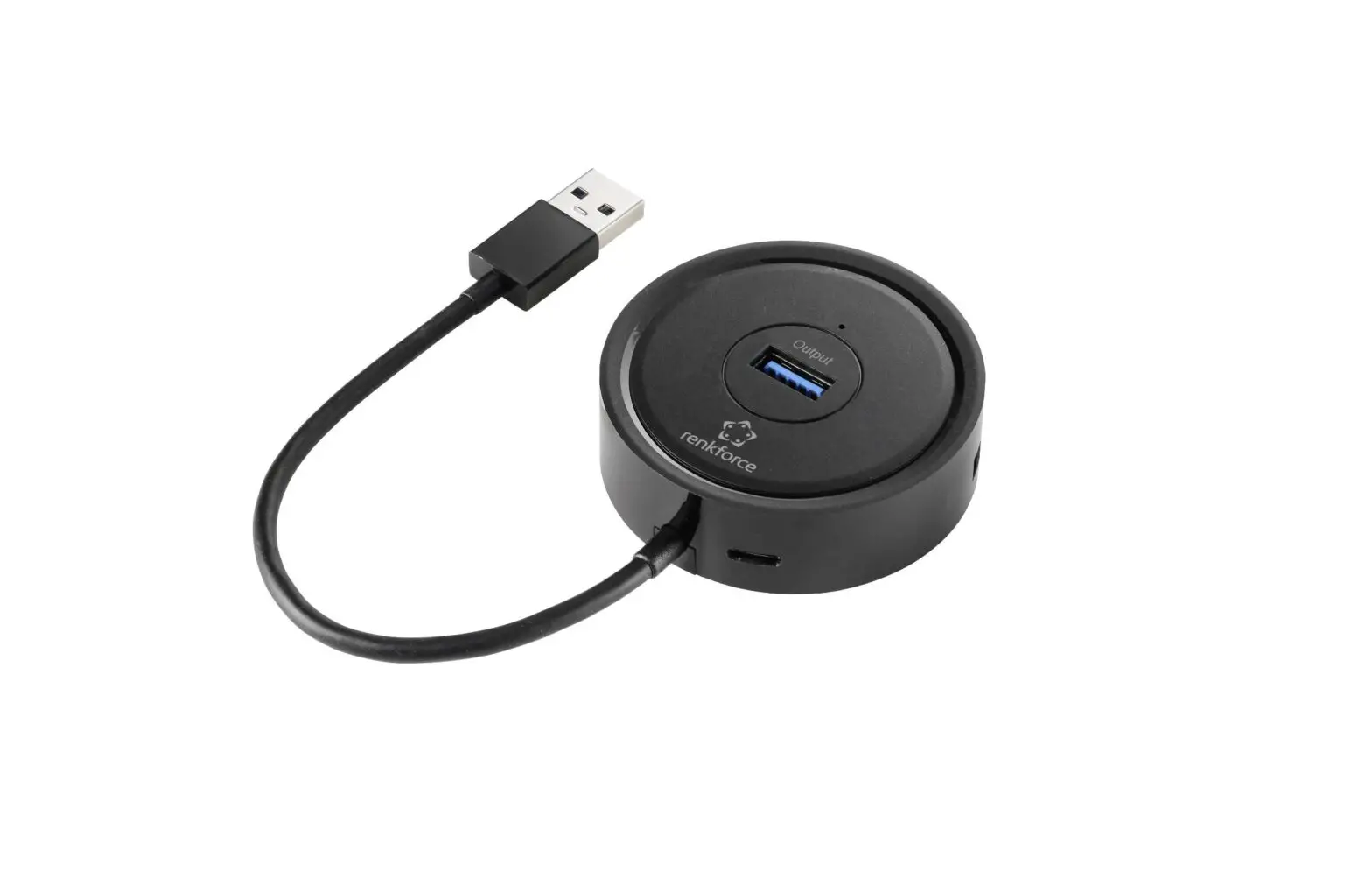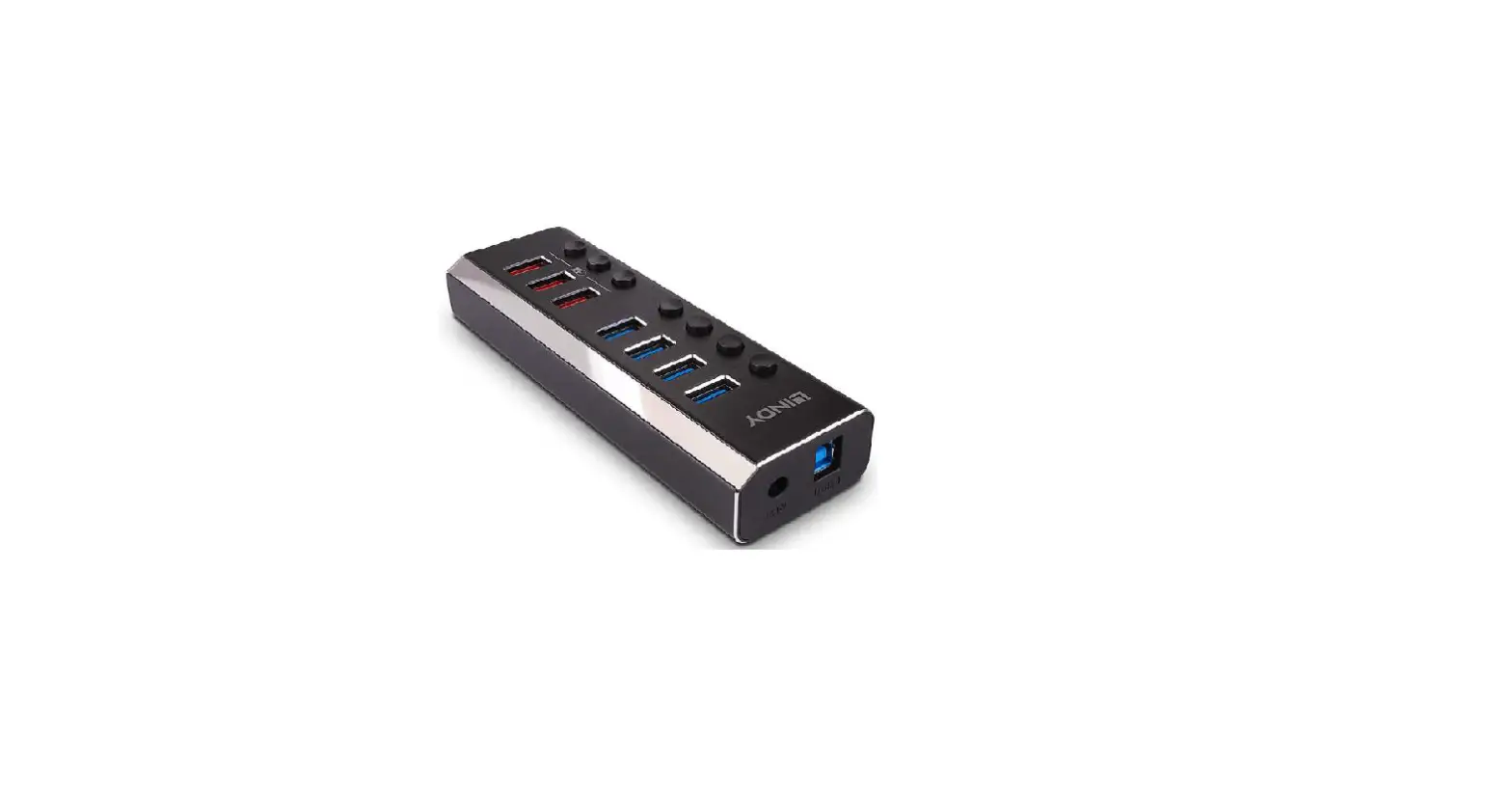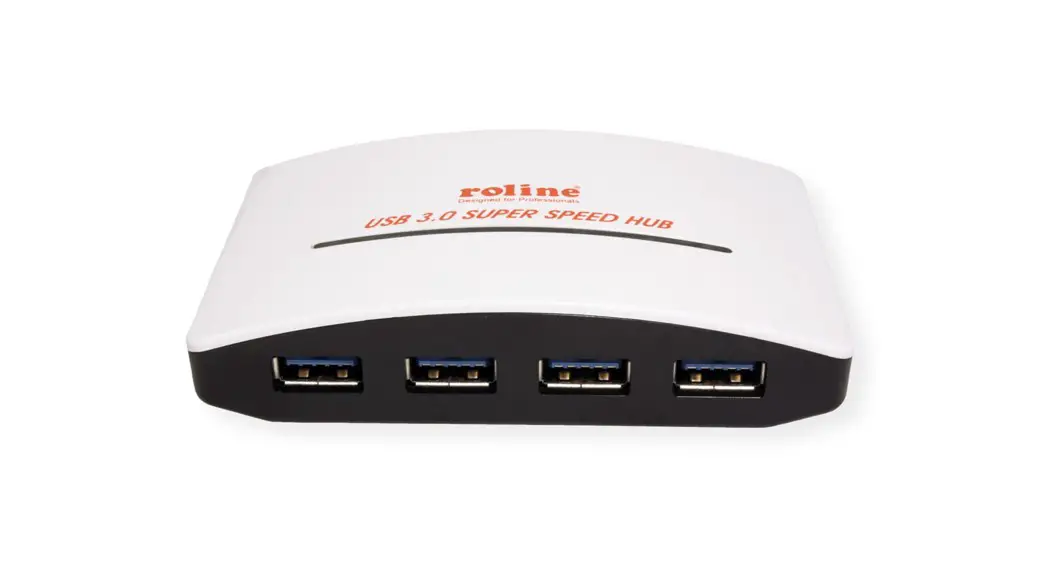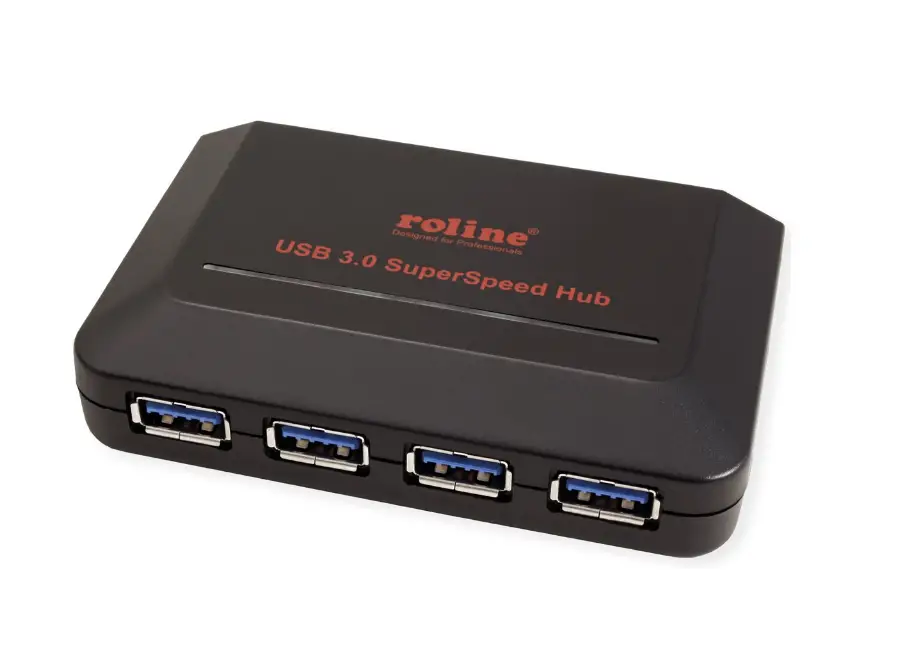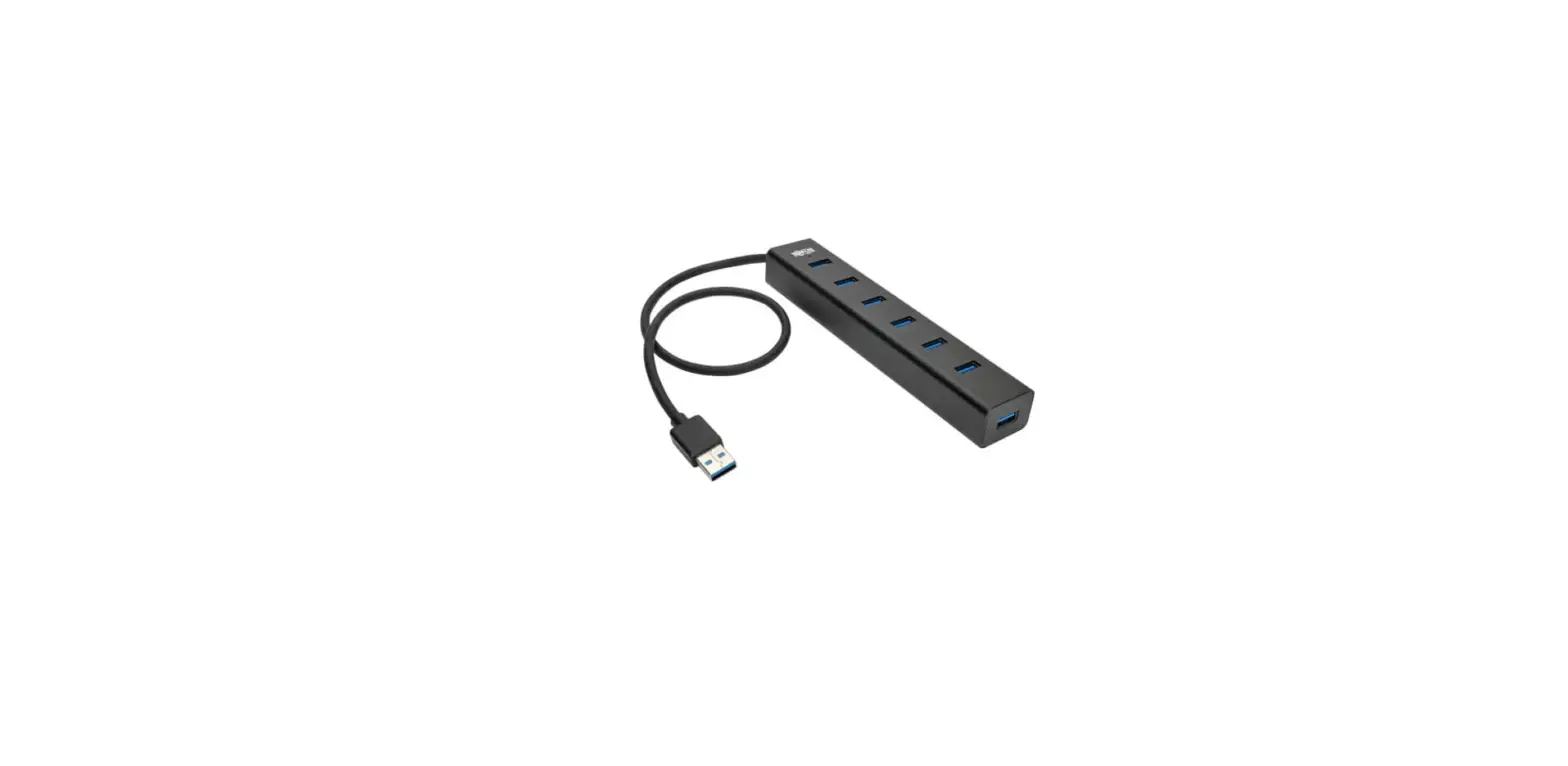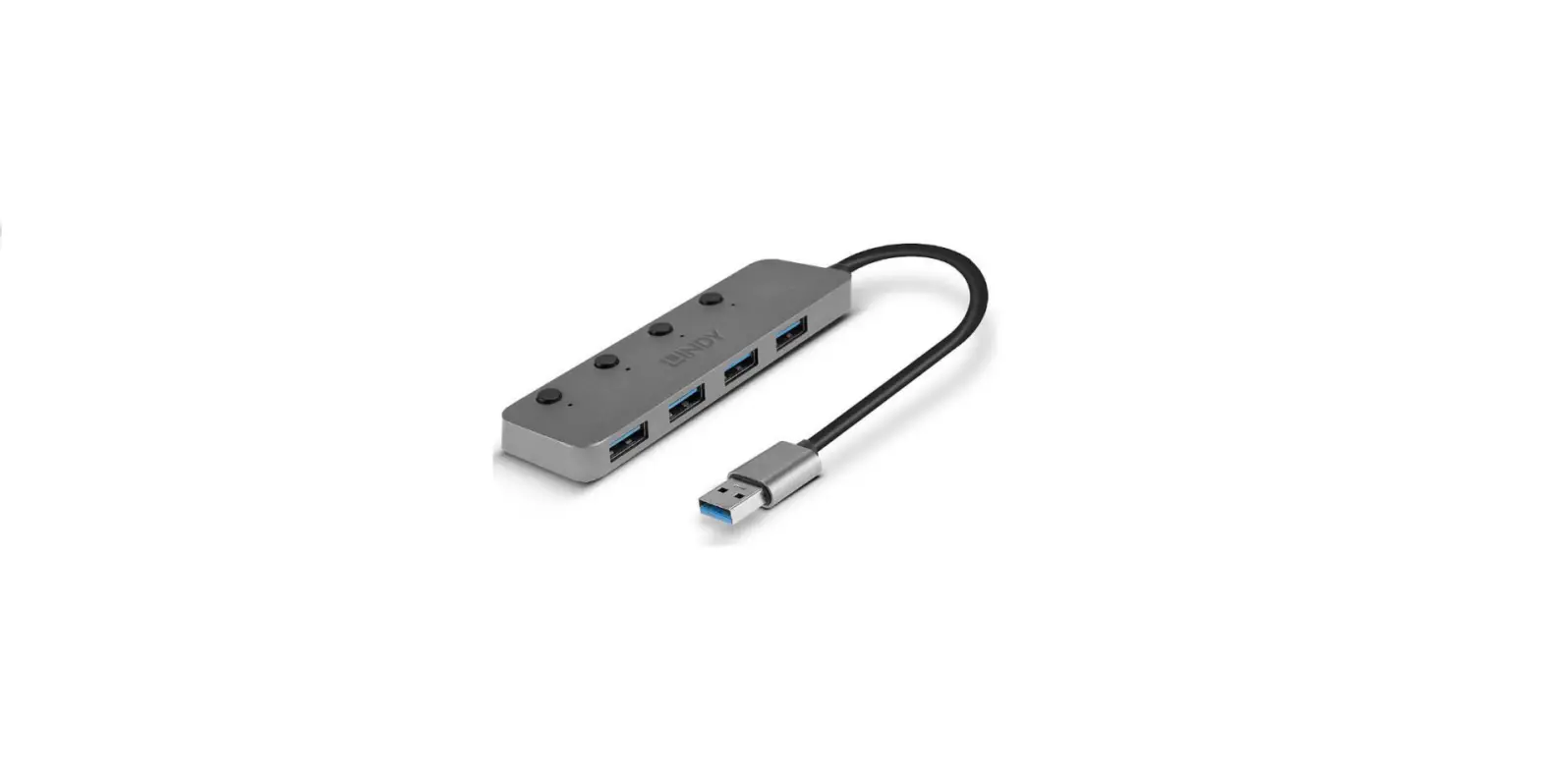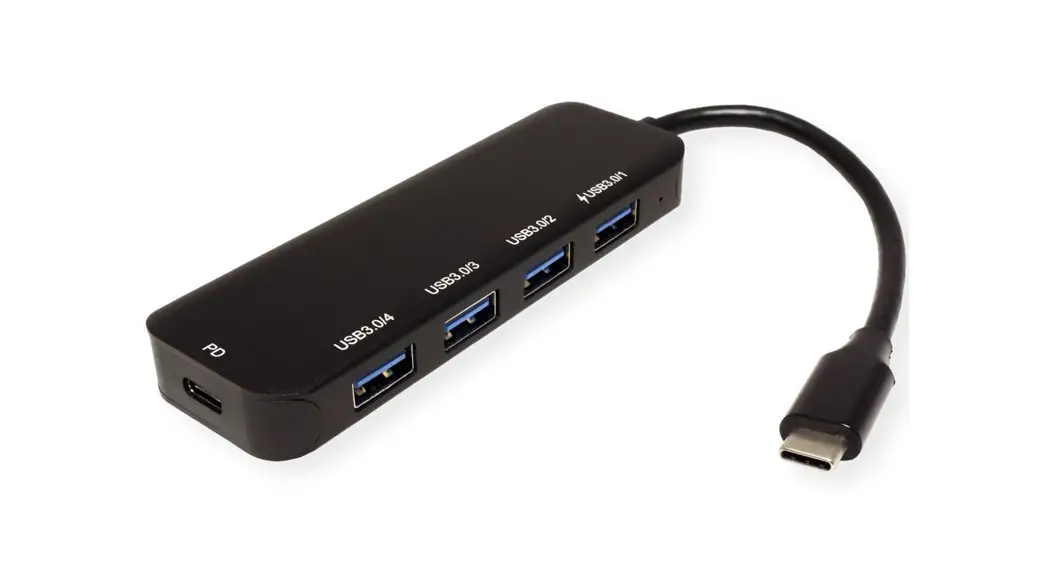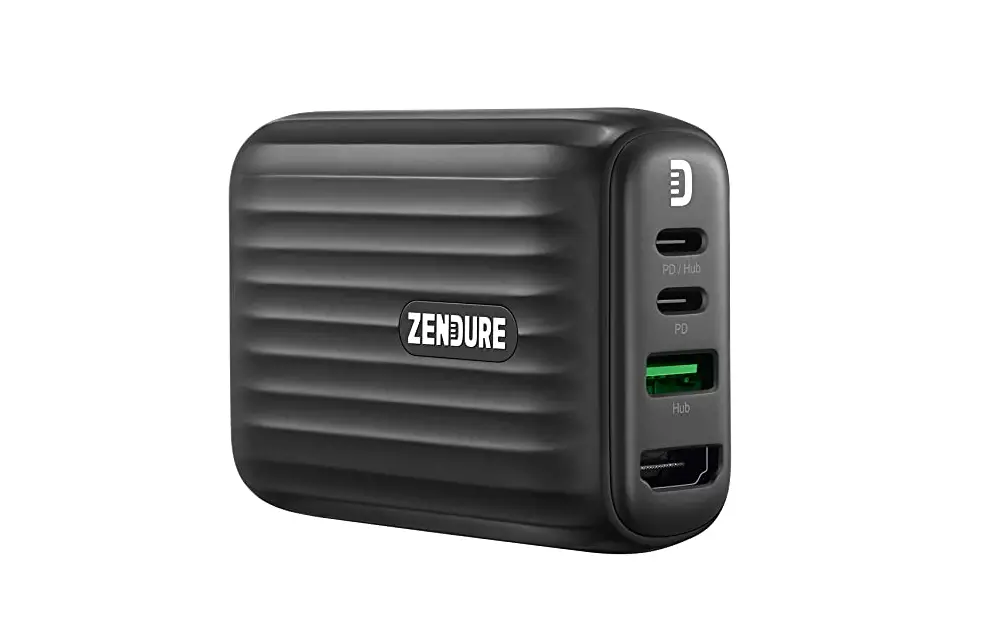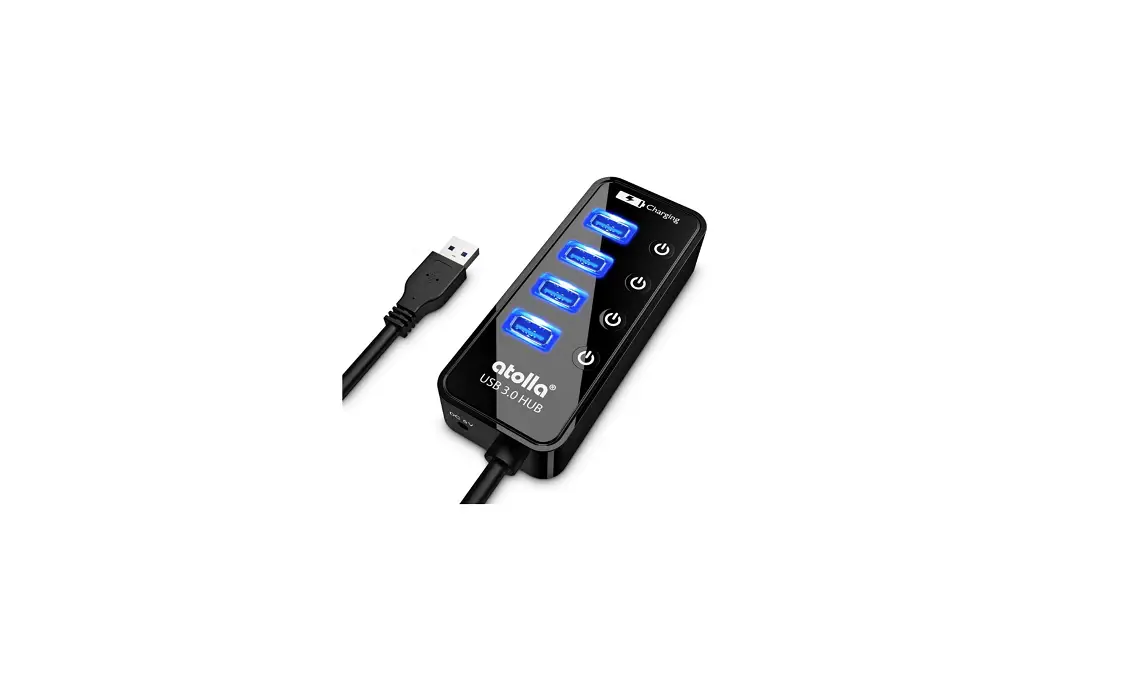

Atolla CH-204U3 4-Ports Super Speed USB 3.0 Hub Splitter
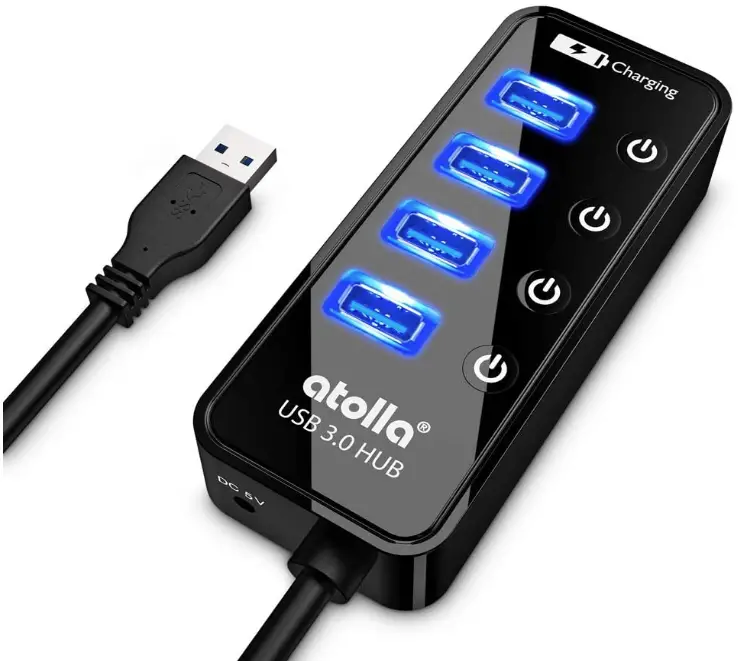
Package Contents
- 4-Port USB 3.0 Hub
- USER MANUAL
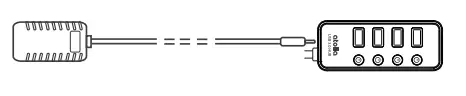
- AC Power Adapter (Not available with CH-204U3)
- USB 3.0 Extension Cable (Not available with CH-204U3)
Description
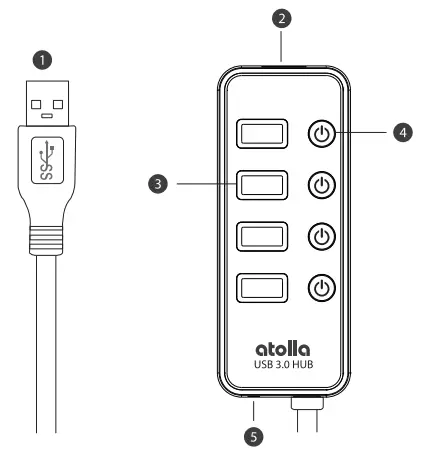
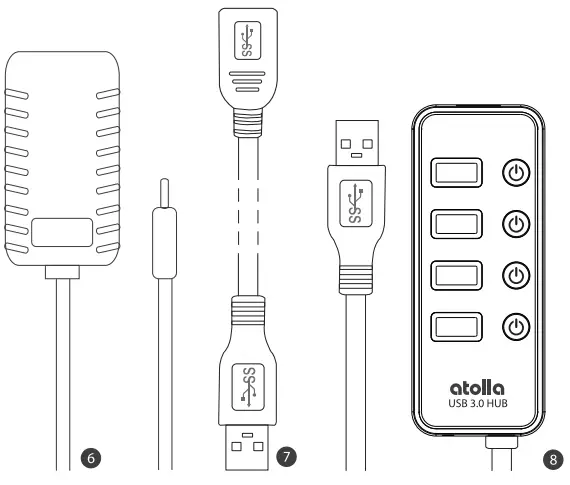
- USB 3.0 Plug (Type A, Male)
- USB SmartCharging Port (Type A, Female)
- USB 3.0 Port(Type A, Female)
- Individual Power Switch
- AC Power Jack
- AC Power Adapter
- USB 3.0 Extension Cable
- atolla USB 3.0 hub
While laptops are getting lighter and more compact than ever, these savings in size comes at the cost of fewer USB ports to connect your accessories. This atolla Hub is an ideal tool to expand 4 SuperSpeed* USB 3.0 ports for your laptop, Ultrabook, or computer. These USB 3.0 Ports are BC1.2 compliant**, which can charge at up to 1.5A while syncing data. At the same time, leveraging USB intelligent charging controller, USB SmartCharging Port (up to 2.4A) can dynamically detect and adapts to the best charging mechanism for power-hungry devices, such as iPad, and tablets.
Certified by USB Implementers Forum (USB-1F) for SuperSpeed USB 3.0 Hub Battery Charging (BC) Specification (Version 1.2-December 2010)
What are the Benefits USB 3.0 can offer?
- Higher transfer speed (up to 5Gbps)
- Increased maximum bus power (up to 900mA)
- Full-duplex data transfers
- Support for rotating media
- Backward USB 2.0 compatibility
INSTALLATION
- Connect the USB 30 Plug to your computer.

- Turn on the Individual Power Switch.
 Turn on: Tap the button Turn off: Press and hold (2secs)
 - Blue LED light will indicate hub is receiving power.

- Plug the USB devices” you wish to connect to your computer into the turned-on USB 3.0 Port.

- Plug the AC Power Adapter* into a power outlet and the opposing end of the cable into the hub’s AC Power Jack (“DC 5V” marked).

“Hub is compatible with USB 3.0, 2.0, and 1.1, but Superspeed rates are only possible when the hub is plugged into a computer’s USB 3.0 port and the peripherals connected to the hub are USB 3.0 devices.
**Not available with CH-204U3, coming only with CH-204U3l

 Turn on: Tap the button
FEATURES
Elegant Must Have
- Compact case with sleek glossy UV finish, CH-204U3 is truly portable on the go.
- Surge protection, temperature control, and more advanced safety features keep you and your devices safe.
Extend USB 3.0 Connectivity
- Expands your laptop, Ultrabook, or computer’s USB 3.0 port to 4 external USB 3.0 ports.
- Supports USB 3.0 SuperSpeed transfer rates up to 5Gbps, ideal for high-throughput devices.
Time Saving with Fast Charging
- 4 SuperSpeed Ports provide up to 1.5A for charging and syncing data simultaneously (power adapter applied).
- The SmartCharging Port provides up to 2.4A, ideal for charging iPads, and other tablets.
Easy Setup, Easy Life
- Plug & play with most major OS from Windows, and Mac OS to Linux, no drivers required*.
- Backwards compatible with USB 2.0, 1.1, and 1.0 devices, devices can be hot-plugged into individual devices /USB 3.0 host controllers may require drivers
SPECIFICATION
General:
- Brand: atolla
- Model: CH-204U3
- Color: Black
- LEDS: Blue
- Housing: ABC with sleek glossy UV coat finish
Connectivity:
- USB Input: 1x USB 3.0 Plug (Type A, Male)
- Output: 4x USB 3.0 Output Port (Type A, Female) 1x USB SmartCharging Port (Type A, Female)
Power (Coming only with AT-204U3)
- Input: 100-240VAC ~ 50/60Hz, 0.5A
- Output: DC 5V/3A
Transfer Rate:
up to 5Gbps 640MBps -transfer rates are device and USB host controller dependent)
Operating System Requirements:
- Windows: Windows 10, Windows 8.1, Windows° 8, Windows 7, Windows Vista”, Windows° XP
- Mac: Mac OS X 10.2 (and above) Mac OSX Lion 10.7.4 users should upgrade to Mountain Lion 10.8.2 or later to avoid unstable connections.
- Linux: kernels 3.0 and later
Unit Measurement:
- Length: 4.3″ (10.9cm)
- Width: 1.73″ (4.4cm)
- Height: 9″ (2.3cm)
- Unit Weight: 2021b (92g)
- Cable Length: 24″ (60cm)
TIPS
- atolla USB 3.0 hub is backward-compatible with USB 2.0/1.1 devices. However, to reach the maximum transfer rate (5Gbps) of USB 3.0 SuperSpeed, it requires a USB 3.0 Port in a laptop/PC, USB 3.0 extension cable (if required), and USB 3.0 Devices.
- atolla USB 3.0 hubs are designed bus-powered, which means peripherals that require low power (for example, keyboards and mice) can work fine without an external AC adapter. But the total power is limited by the host computer USB port, usually less than 900mA in USB 3.0 or 500mA in USB 2.0. Please buy the CH-204U3-K complete kit, or add an atolla official AC Adapter to provide a stable connection and fast charging for your power-hungry devices.
- With a dedicated built-in Intelligent Charging controller, the SmartCharging Port at the end of atolla HUB will dynamically detect the best amps (up to 2.4A) to charge your devices. This can prevent damage to your device when charged in a fast way.
- Some devices, such as the Apple SuperDrive (looking for Apple-speciñc signaling), will not work when connected through any USB hub. 2.4 GHz wireless devices, such as wireless keyboard/mouse receivers, Bluetooth, and Wii adapters, may not work in close proximity to USB 3.0 devices or hubs. If required, install the latest update for Windows or Apple Mac OS X and Linux/Unix systems for best results.
WARRANTY
The atolla company provides a warranty of 18 MONTHS limited warranty for its products against defects in material and workmanship.
During this period, we will repair or replace any product which proves to be defective. However, we will not warranty any product which has been subject to improper freight handling, shipping abuse, improper installation or unauthorized repair. The warranty will not cover products installed with components not approved by atolla.
If you discover a defect, please send an email to request a REPLACEMENT or REFUND to [email protected], and we will respond to you as soon as possible. Or contact us at www.atolla.us.
Designed by atolla Made in China
WEBSITE www.atolla.us
EMAIL [email protected]
Copyright o 2016 Ruiwei Technology Co., LTD. All rights reserved.
FAQs
Yes, the USB 3.0 Hub supports charging iPad and other tablets.
Yes, the USB 3.0 Hub supports Apple SuperDrive.
Yes, the USB 3.0 Hub supports Apple Camera, and Connection Kit.
Yes, the USB 3.0 Hub supports Apple Thunderbolt to Gigabit Ethernet Adapter.
Yes, the USB 3.0 Hub supports Apple Thunderbolt to FireWire Adapter.
Yes, the USB 3.0 Hub supports Apple Thunderbolt to SD Card Camera Reader.
Essentially, USB hubs are devices with several ports that help you connect a number of devices to your computer, while USB splitters divide a single line into two or more.
1. Connect the Type-B connector of the included USB 3.0 cable to the Upstream port (Root Port, Type-B) of the USB 3.0 4-Port Hub. 2. Plug the Type-A connector of the included USB 3.0 cable into an available USB port (USB 3.0 recommended) of the computer, and the driver will install automatically.
It is possible to use some USB hubs without a power supply, however, doing so may prevent the USB hub or certain high-power USB peripherals from operating. It is always recommended to use an included power supply with a USB hub when possible.
The Targus 4-Port Hub is a convenient and compact way to use more USB ports than your computer has available. The hub is USB powered so there is no need to always plug into an AC adapter, giving you the ability to connect up to four electronic devices to your laptop all at once.
Yes, it is absolutely safe. The only potential problem that arises is exceeding the USB hub power limitations, but luckily a little pop-up will appear that lets you know when this has happened. Your computer won’t allow any physical damage if your USB hub is trying to draw too much current so I’d say go for it.
Most modern USB 3.0 hosts use extensible Host Controller Interface (XHCI) USB controllers. The XHCI specification allows for a massive 7,906 endpoints! However, common implementations of the XHCI controllers impose their own limit on the total number of endpoints to 96.
Yes. All devices connected through a USB hub share the bandwidth available to that hub. Not specifically at 50% each though. You’ve got 480 Mbit/s to work with per USB 2.0 hub at the computer.
With a USB port hub, you’d be able to connect all your friends’ USB hard drives at once and simultaneously transfer the photos to everyone. Some USB port hubs even come with SD card slots, so you could transfer the photos directly from your port hub. You wouldn’t have to transfer them to your computer first.
The voltage must be within 7 to 24 or 7 to 40 Volts DC, depending on the specifications of the USB hub. The power supply must convert AC to DC (no AC output). The power rating is equal or greater to the requirements of the hub.
If you want to charge a phone, tablet, or portable battery pack, or power a USB-powered device, you need to get a POWERED USB hub. The easiest way to identify one is that it comes with an AC power adapter which must be plugged into the USB hub.
Video – Product Overview
Download The PDF Link: Atolla 4-Ports Super Speed USB 3.0 Hub Splitter pdf