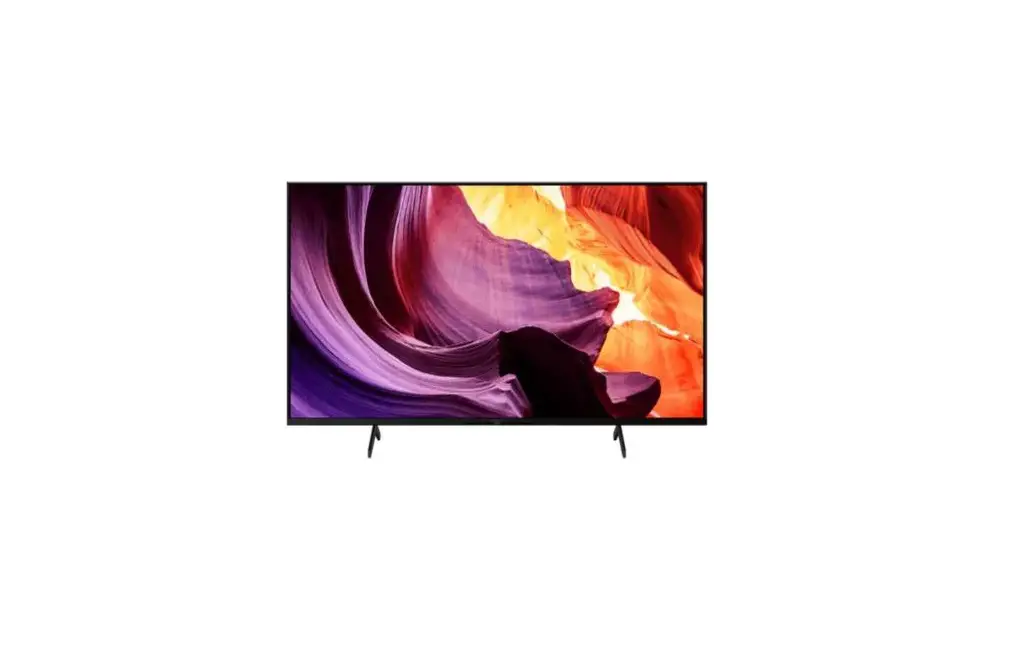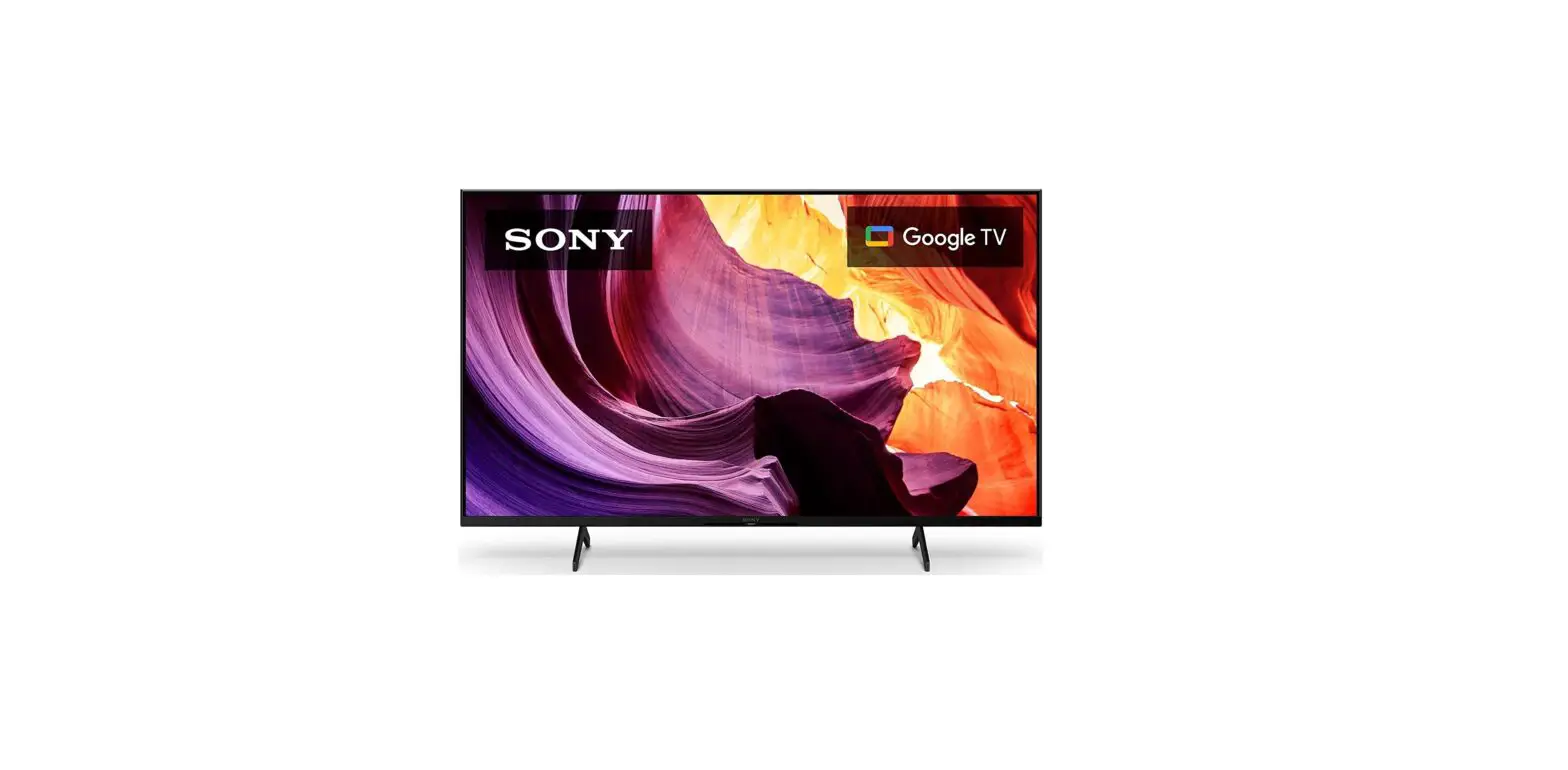

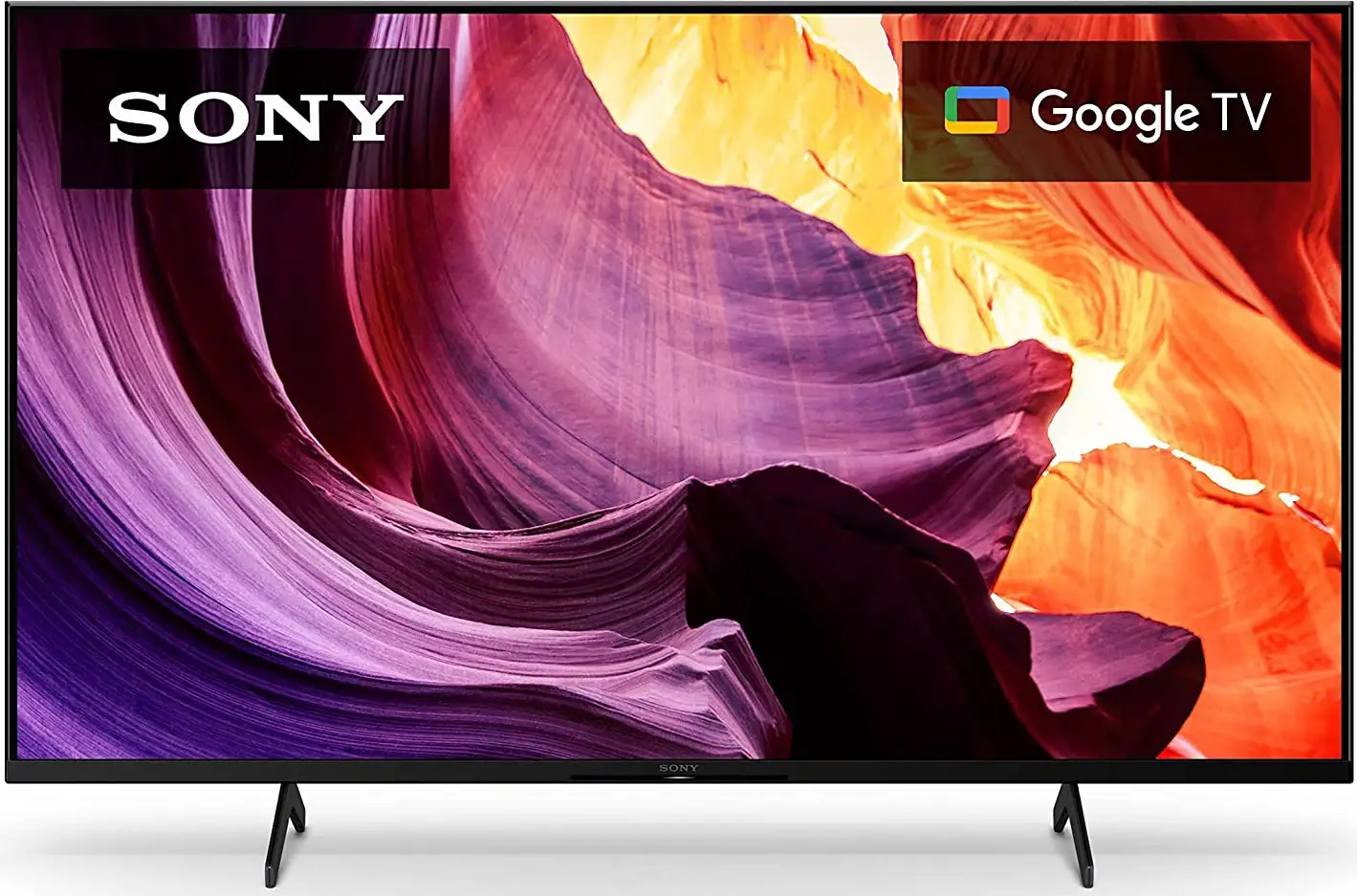
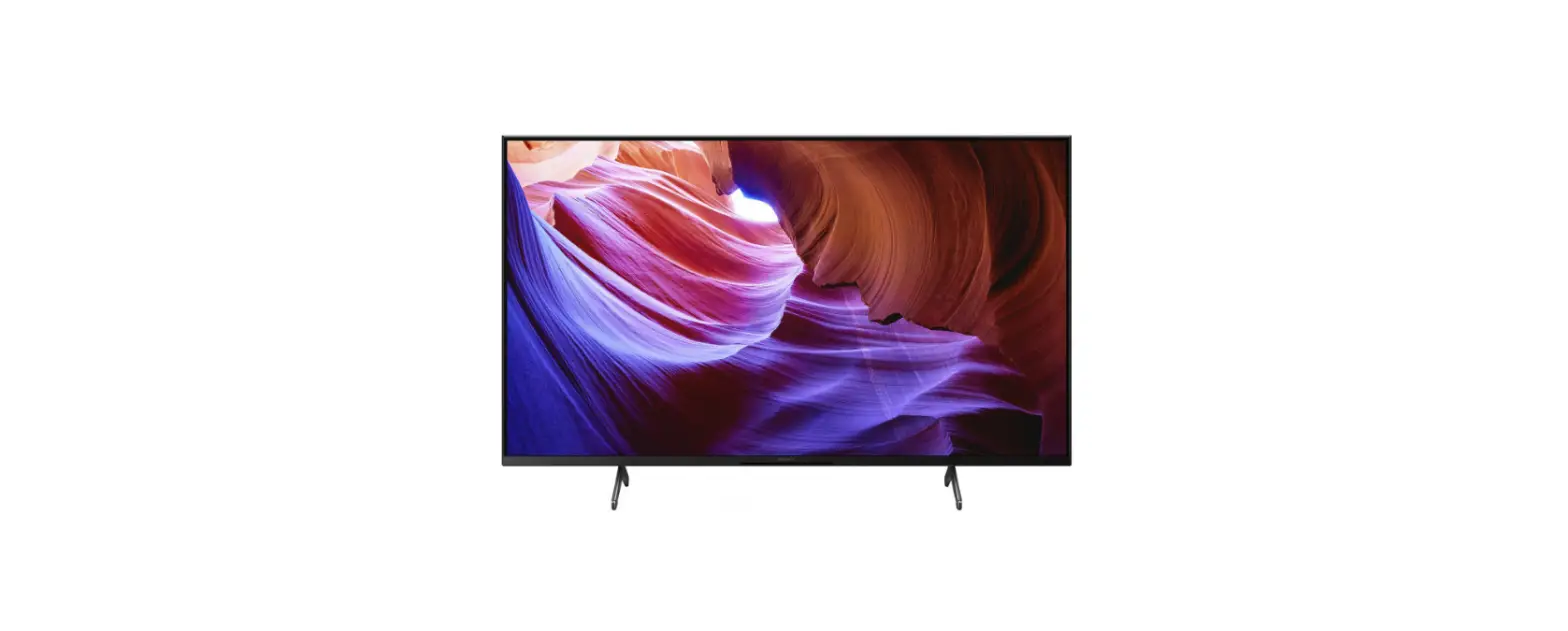
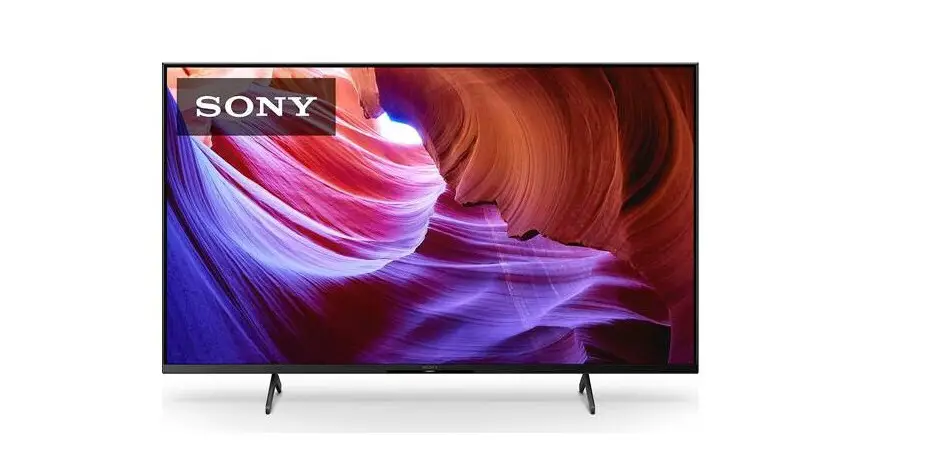
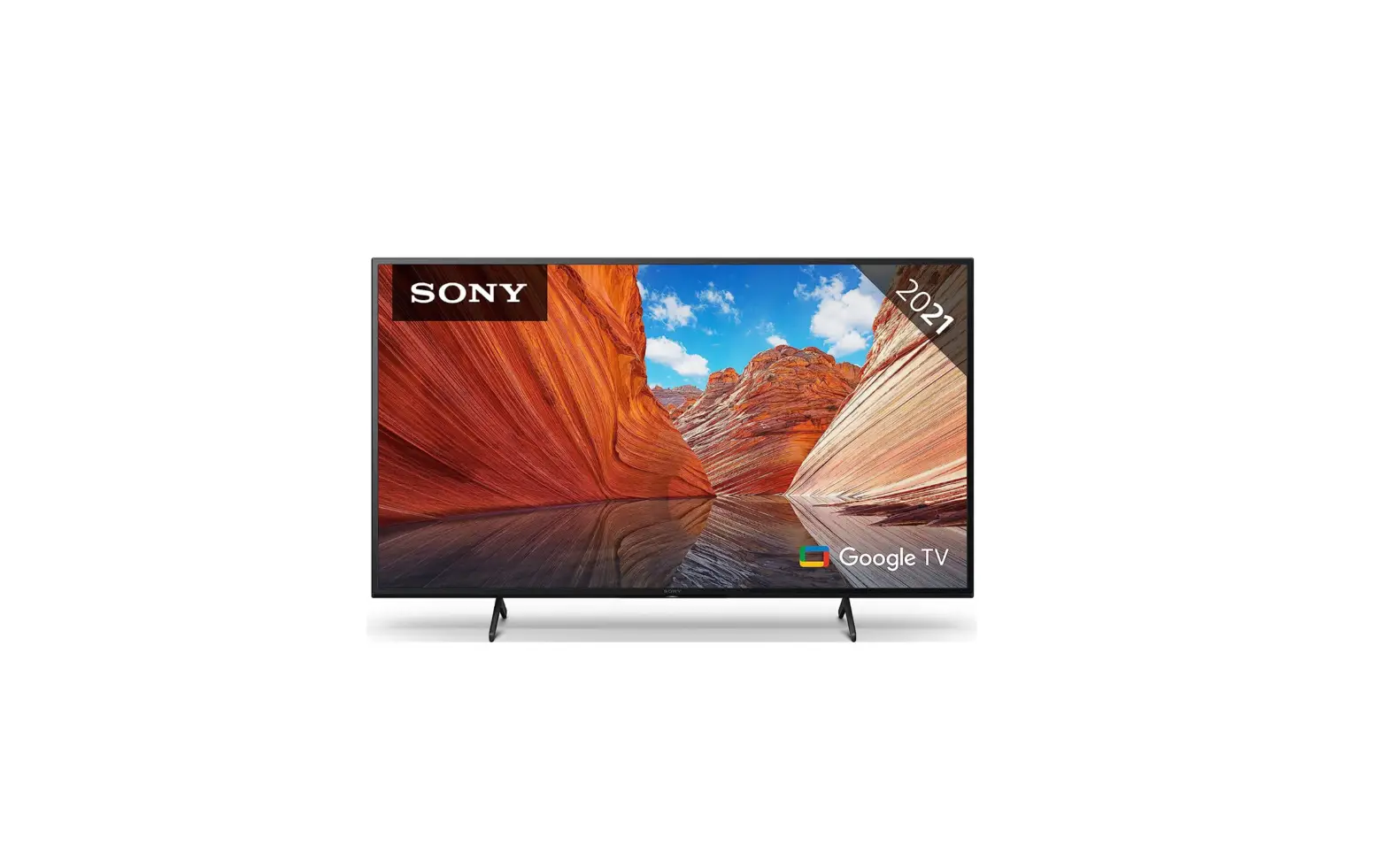
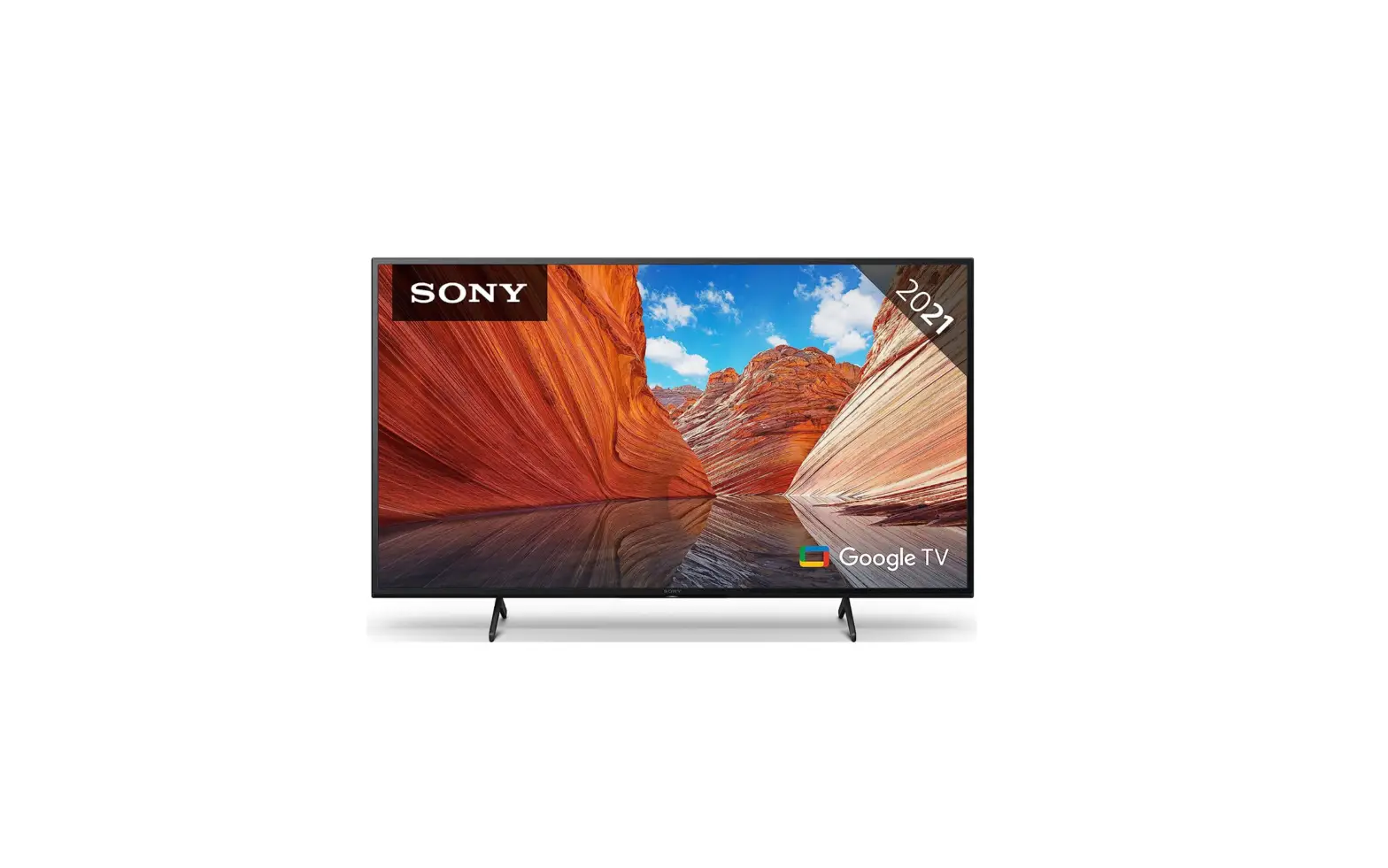
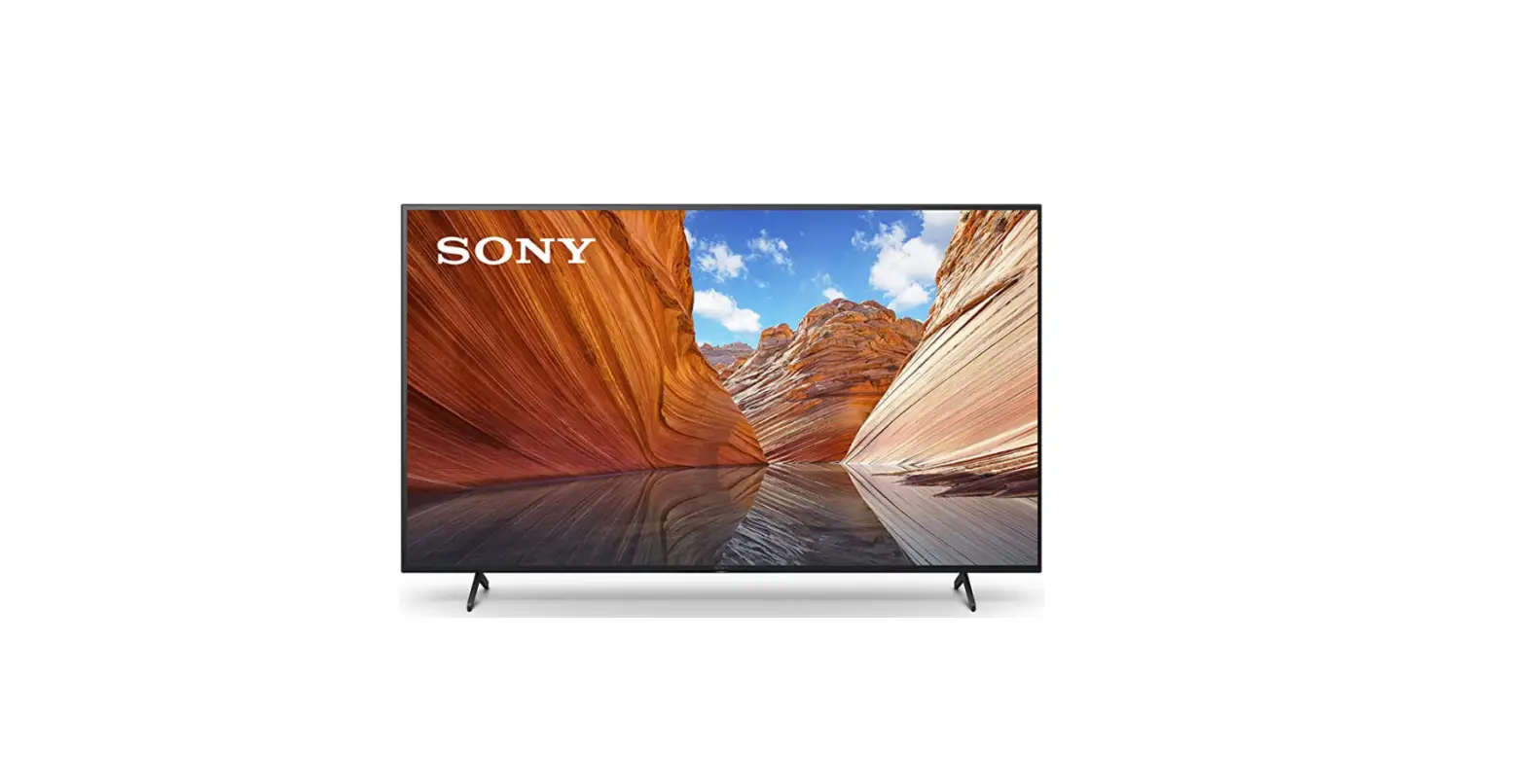
Sony KD-43X81K 4K Ultra HD TV
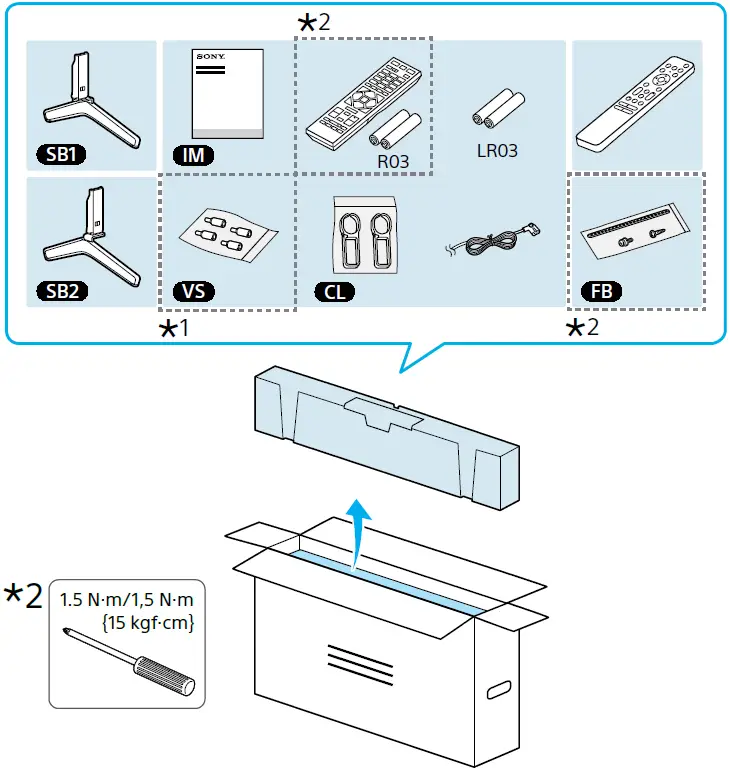
What’s included
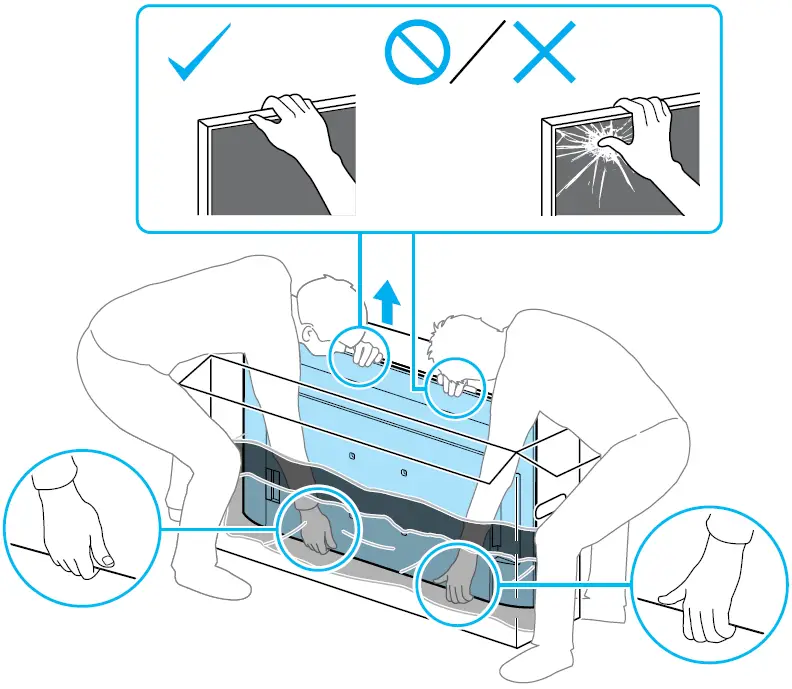
Warning Unboxing
- Don’t grab the LCD through its screen.
- Grab the LCD with its edges carefully
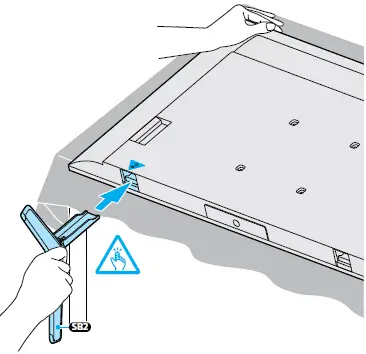
Before setting up your TV
Some TV models are packaged with a detached Table-Top Stand so you can mount your TV to a wall immediately. See “Installing the TV to the Wall” if you want to mount the TV to a wall. If you are not mounting the TV to a wall, you will need to attach the Table-Top Stand (refer to the Setup Guide).
Be sure to consider the following while setting up your TV:
- Disconnect all cables when carrying the TV.

- Before transporting the TV set, remove the stand cover and terminal covers.

- Carry the TV with an adequate number of people; larger size TVs require two or more people.

- Correct hand placement while carrying the TV is very important for safety and to avoid damage.




Using TV as Part of an Audio System
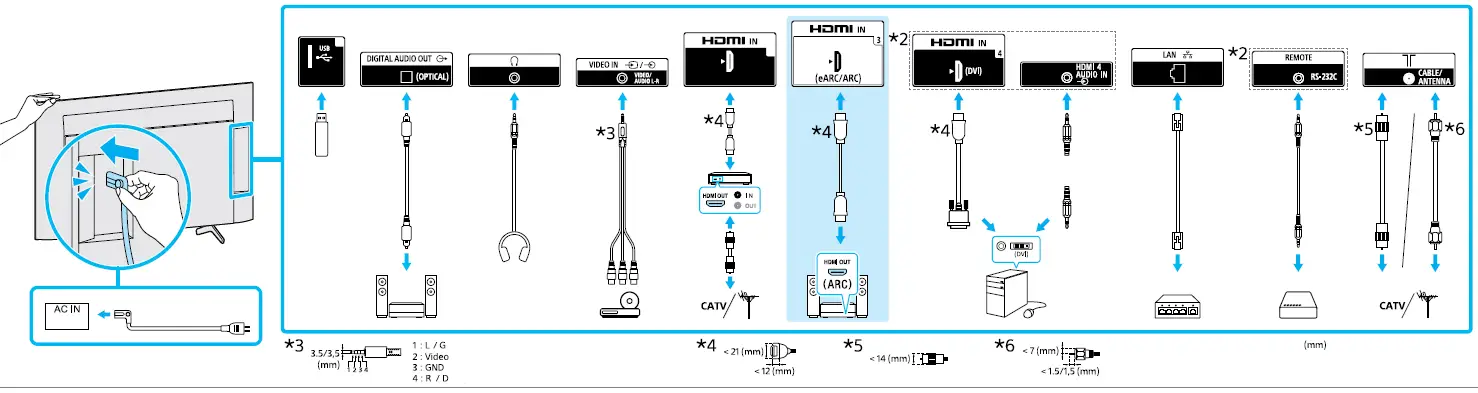
Note
- Before connecting cables, disconnect the AC power cord of both the TV and AV receiver.
- Refer to the instruction manual of the Audio system with the S-CENTER OUT terminal for detail.

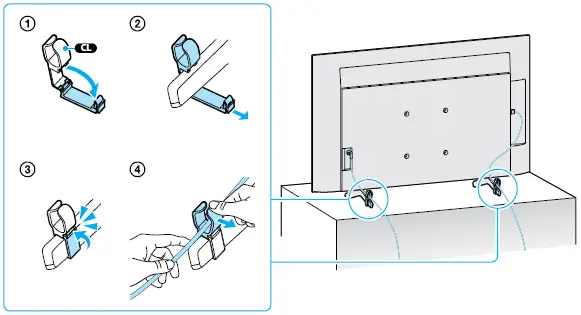
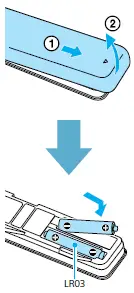
Installation of the batteries
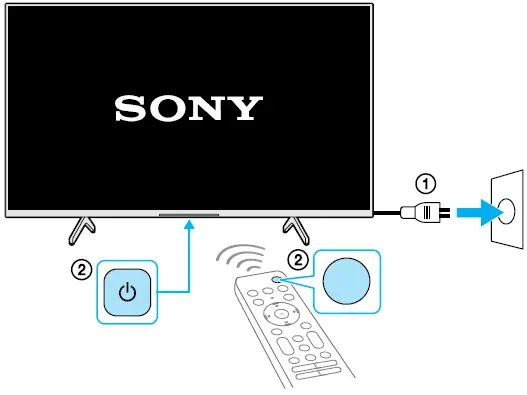
Power On the LCD
- Plug in the socket
- Use the Remote and press the power button
- Turn on the LCD
FAQ’s
The screen size of this TV is 43 inches.
The TV has a resolution of 3840 x 2160 pixels.
The TV has a refresh rate of 50Hz.
Yes, the TV supports HDR10 and HLG.
The TV runs on Android TV.
Yes, the TV has built-in Wi-Fi.
The dimensions of the TV are (W x H x D) 969 x 569 x 57 mm without stand, and 969 x 619 x 280 mm with stand.
The TV has 4 HDMI ports, 2 USB ports, Ethernet, Composite Video Input, Digital Audio Output, and Headphone Jack.
Yes, the TV comes with a remote control.
The price of the TV varies by region and retailer, so it’s best to check with your local electronics stores or online retailers for current pricing.
Owning a Sony 4K Ultra HD TV allows you to experience exceptional picture quality with sharper and more vivid images, deeper blacks, and a wider color gamut. It also provides a better viewing experience with improved detail and clarity, especially when watching content that has been optimized for 4K.
Regular HD content has a resolution of 1920 x 1080 pixels, while 4K content has a resolution of 3840 x 2160 pixels. This means that 4K content has four times as many pixels as regular HD content, resulting in a sharper, more detailed picture.
Yes, there is an increasing amount of 4K content available to watch on Sony 4K Ultra HD TV. Many streaming services, such as Netflix and Amazon Prime Video, offer a wide selection of 4K content, including movies, TV shows, and documentaries.
Download this PDF Link: Sony KD-43X81K 4K Ultra HD TV Setup Guide Quick


![Sony X950H 4K HDR LED TV [XBR65X950H] User Manual](https://manualsee.com/img/239/15738/2020/12/Sony-X950H-4K-HDR-LED-TV-XBR65X950H-featured-1568x768.png "Sony X950H 4K HDR LED TV [XBR65X950H] User Manual")