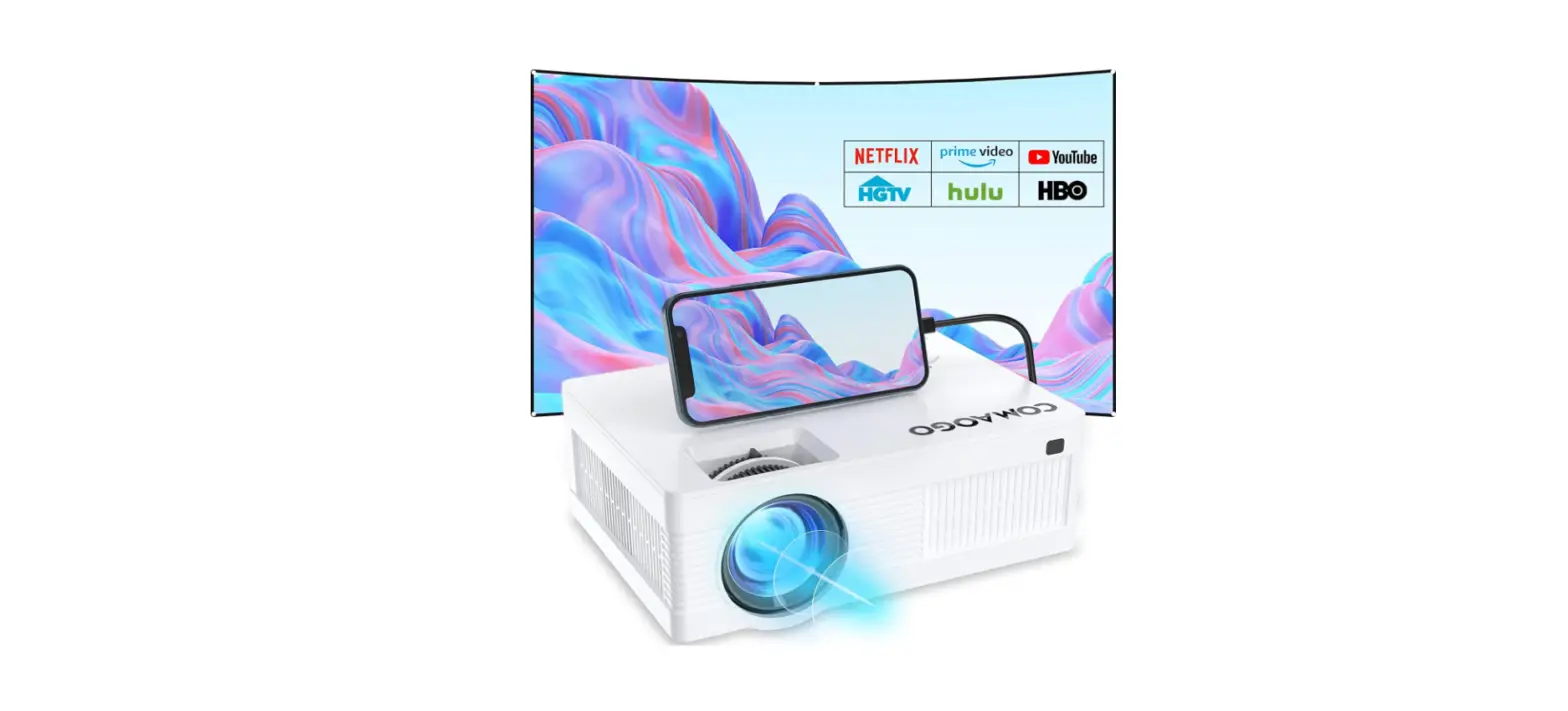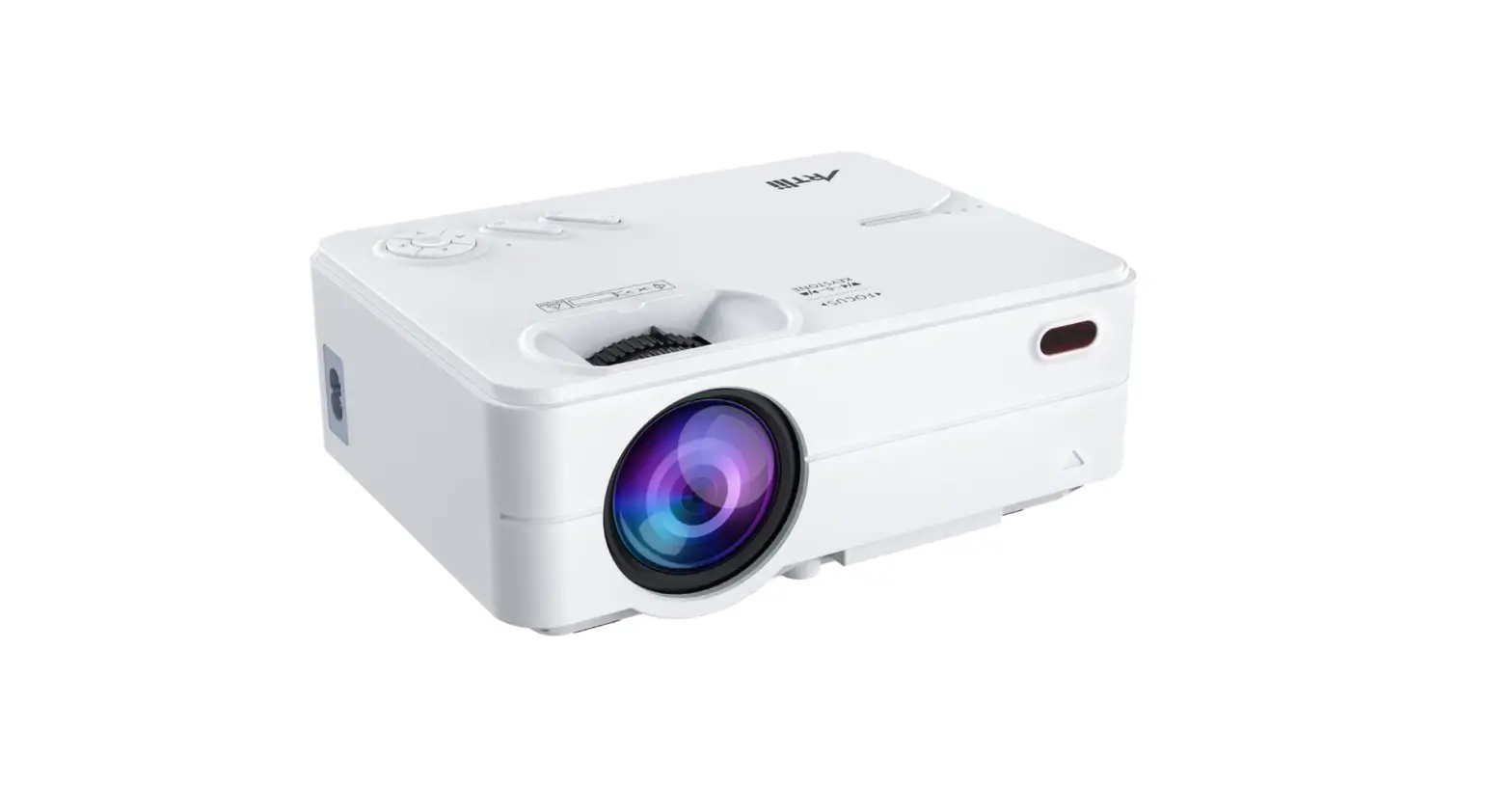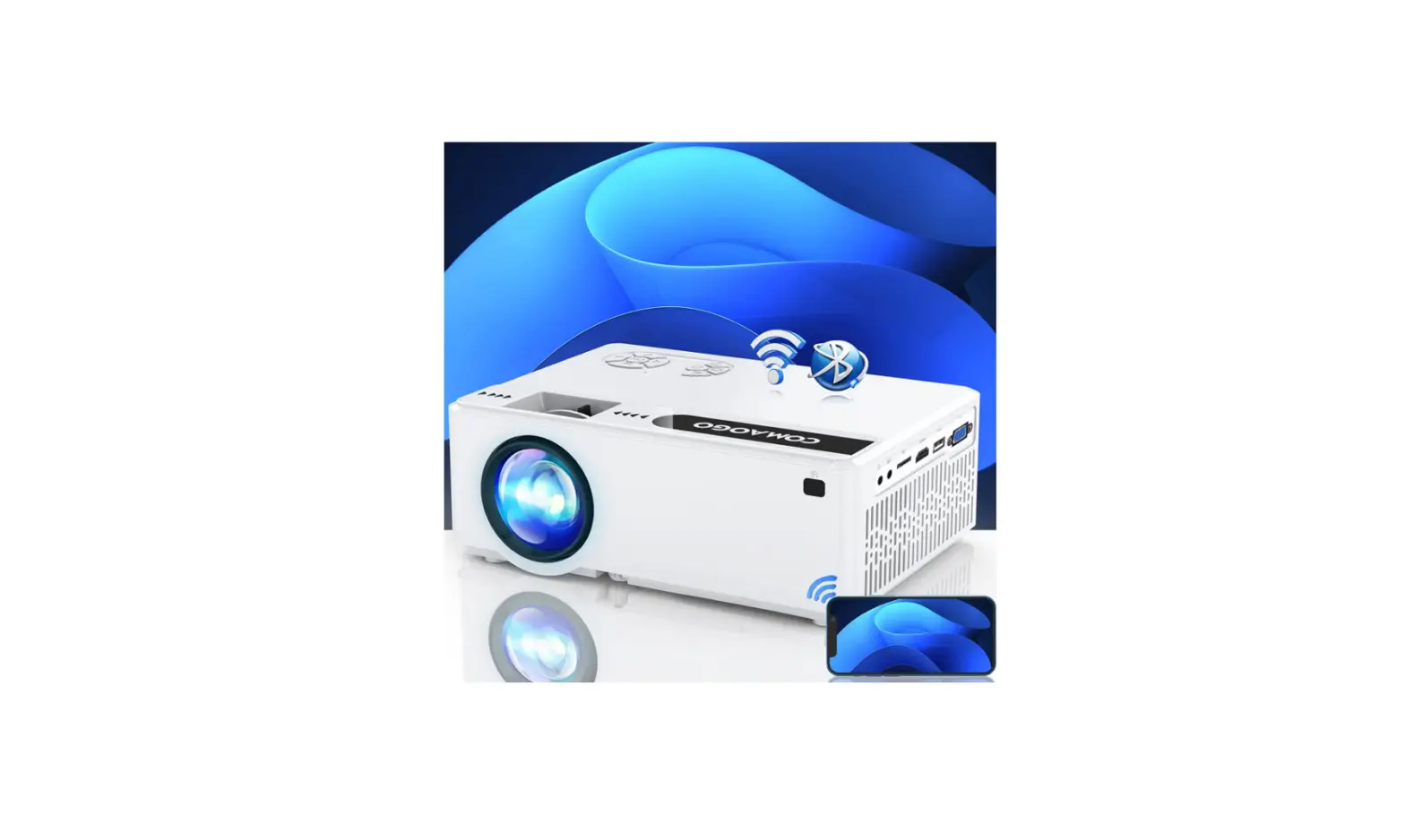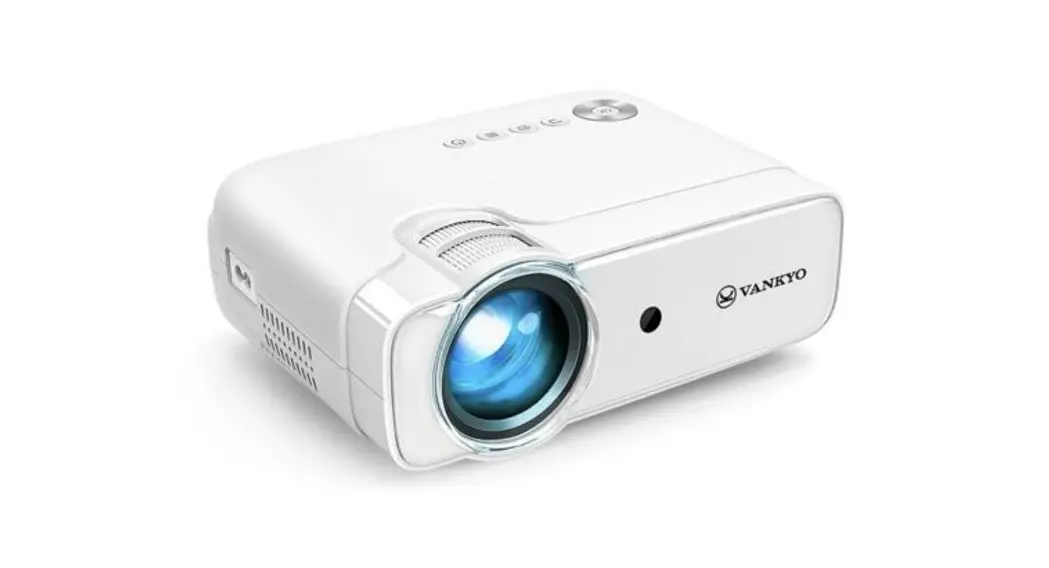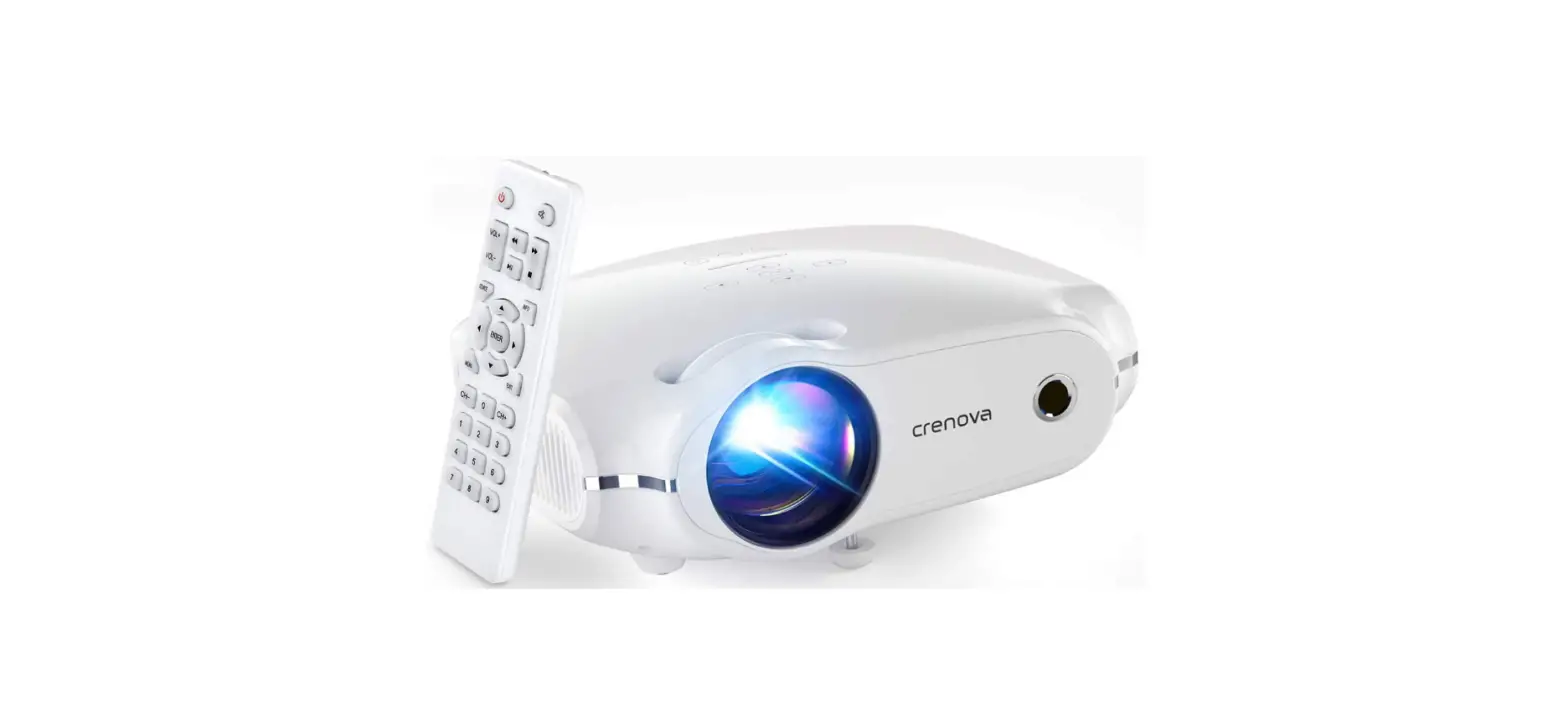
 Crenova XPE500 Mini Movie Projector
 Crenova XPE500 Mini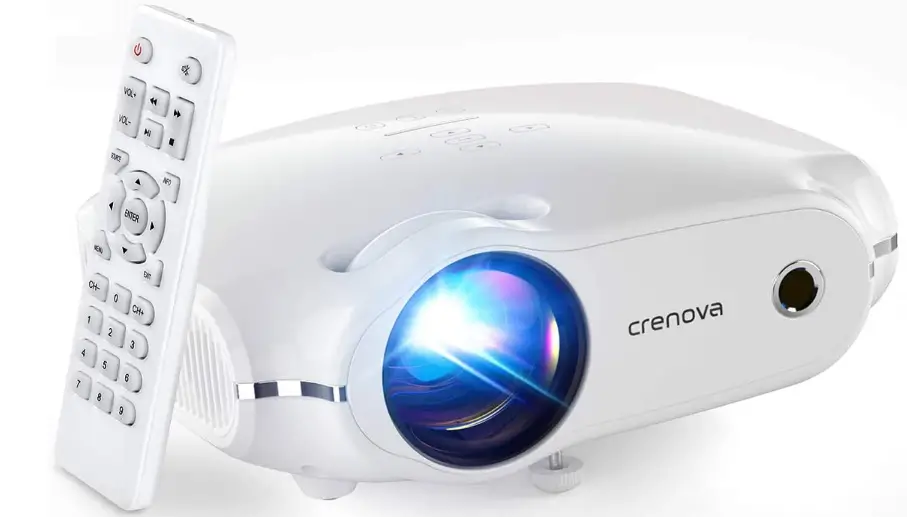
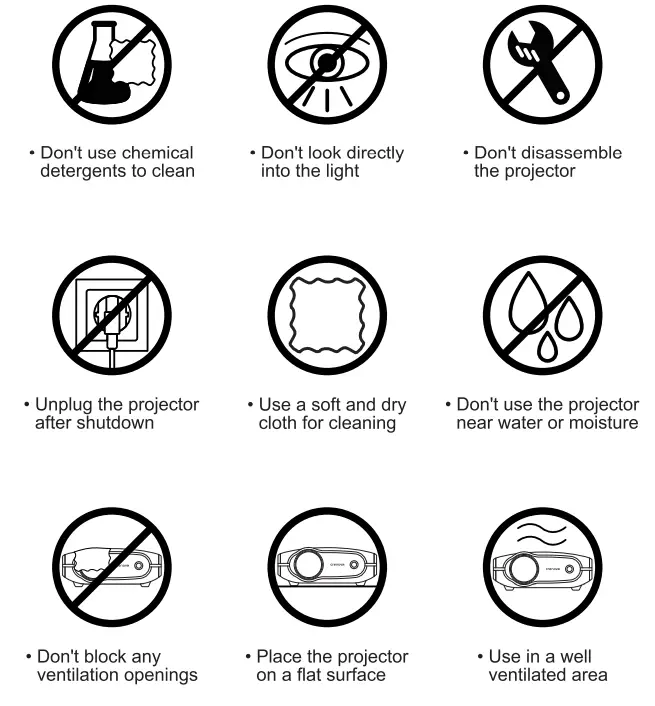
Important Safety Instructions
BOX CONTENTS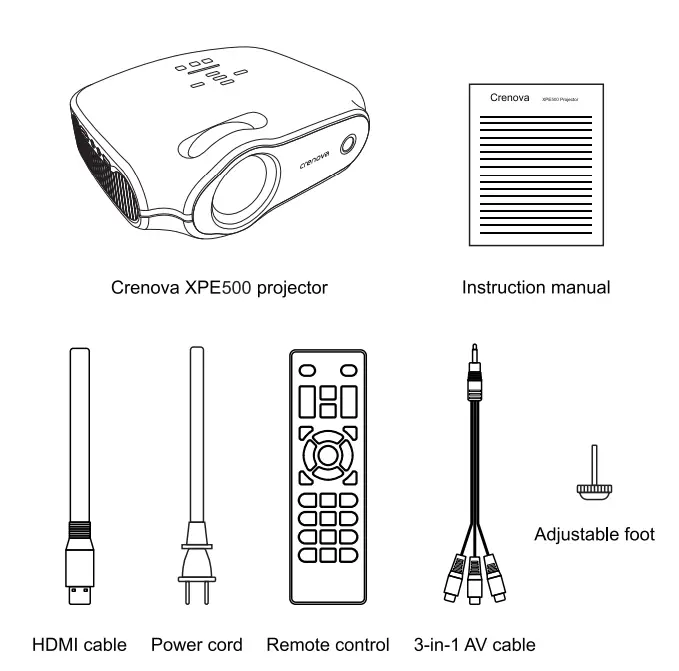
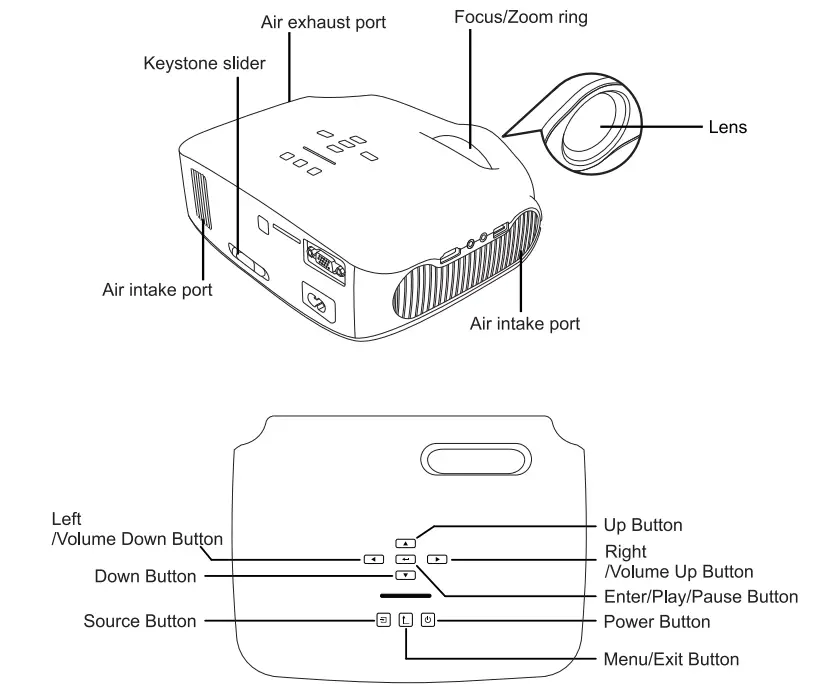
Note: Adjust the focus ring and the keystone slider before using the projector. Turn off this product when not in use to prolong the life of the projector.
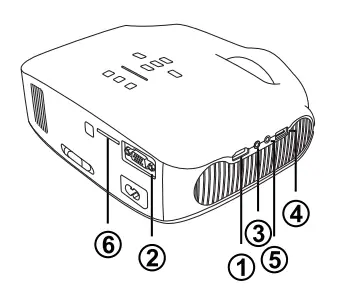
Product Parts
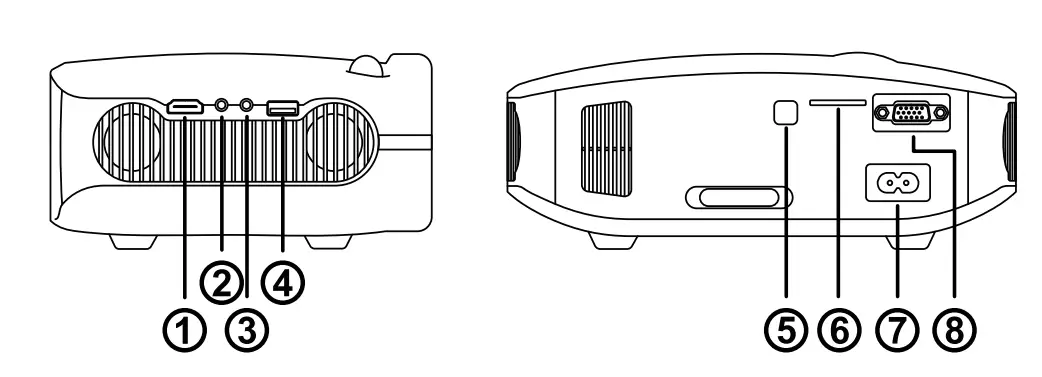
- HDMI port
- AV input port
- Audio jack
- USB port
- IR receiver
- SD card slot
- aC input port
- VGA port
Remote Control
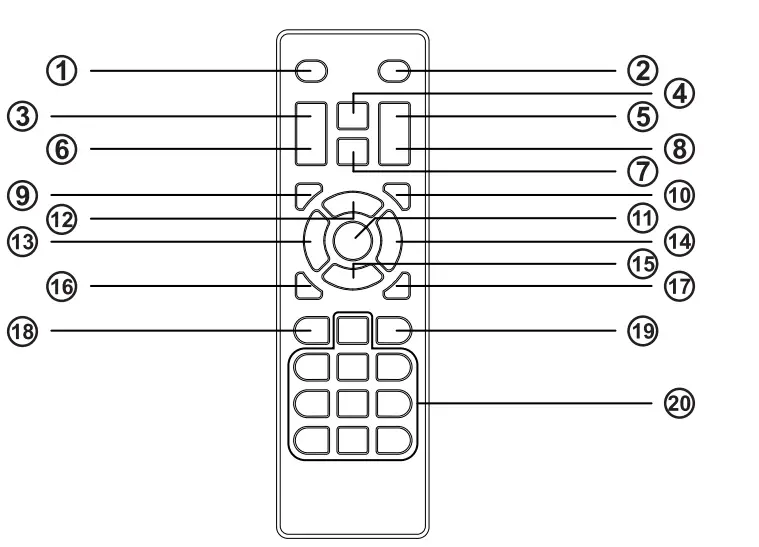
- Power button (turns the projector on or off)
- Mute button (turns off sound)
- VOL+ button (adjusts speaker volume)
- Fast backward button (fast backwards)
- Fast forward button (fast forwards)
- VOL- button (adjusts speaker volume)
- Play/Pause button (plays/pauses the playing content)
- Stop button (stops the playing content)
- SOURCE button (selects the input source)
- INFO button (operates the information function)
- ENTER button (selects and confirms options)
- Up (selects upward movement)
- Left (selects leftward movement)
- Right (selects rightward movement)
- Down (selects downward movement)
- MENU button (accesses projector menu system)
- EXIT button ( exits functions)
- CH- button (changes channels)
- CH+ button (changes channels)
- Numeric buttons (enter numbers)
Projector Operations
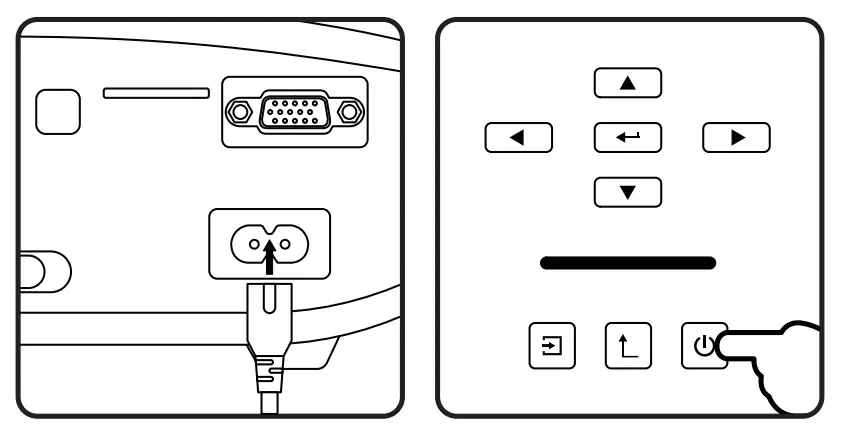
- Connect the power cord to the projector’s power inlet, press the Power Button to turn on the projector.
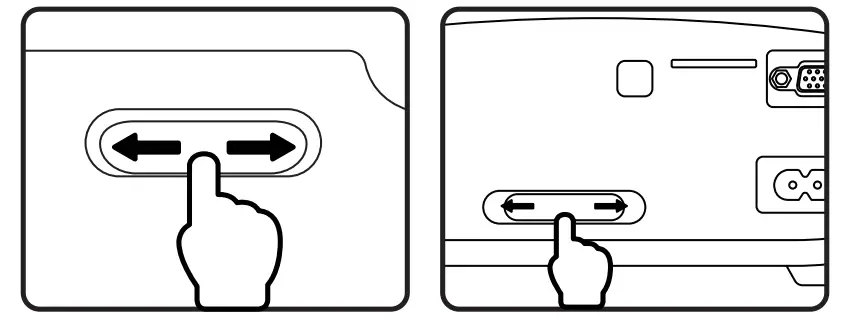
- Rotate the Focus Ring and the Keystone Correction simultaneously until to get the clear image.
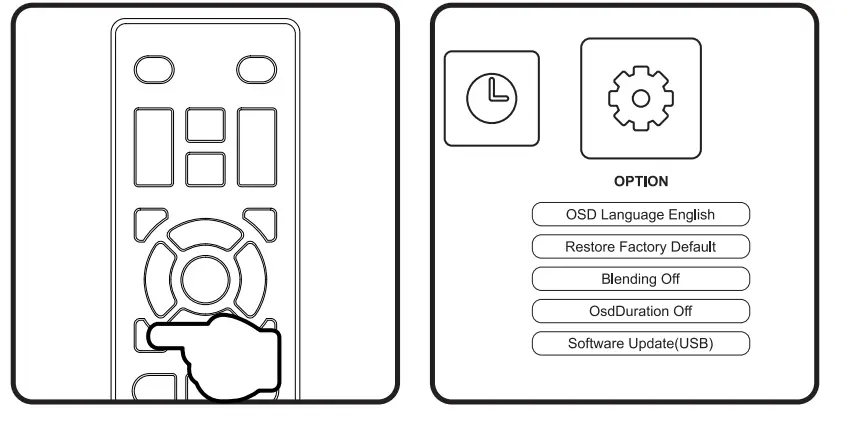
- Press the Menu Button. Press Left/Right to select OPTION. Choose OSD Language under OPTION.

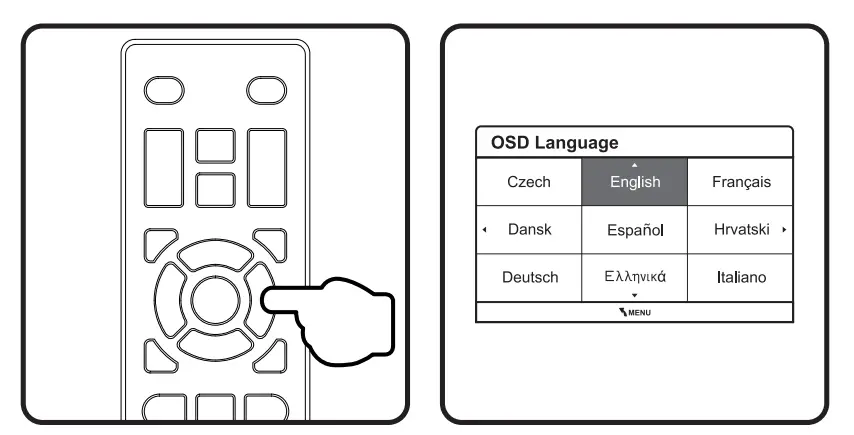
- Press Enter to access the submenu of OSD Language and press Up/Down/Left/Right to select the language.

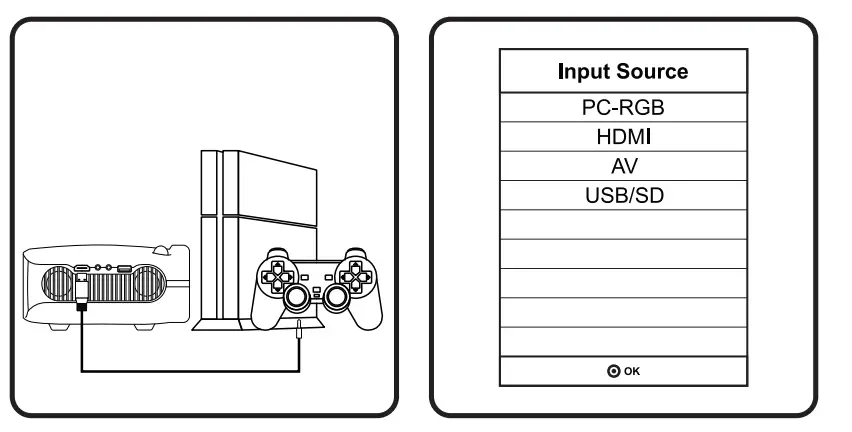
- To connect a device, press the Source Button.
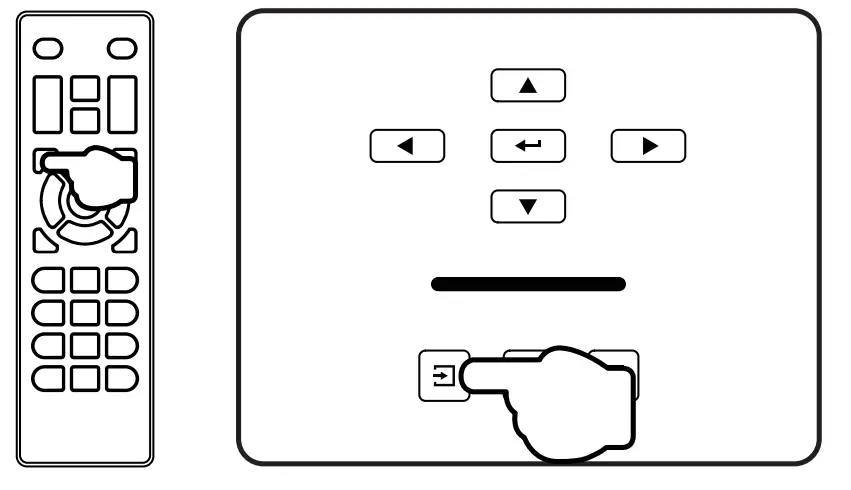
- Select the correct input source and prepare the cable for device connections if necessary.

- Connect the projector to your device with the compatible cable and port.
Note: Do not hot plug the device, power off the device before making any connections. If you follow the above connecting steps, however, there is no display or it does not work, please refer to the detailed instruction manual or contact us to solve the problems.
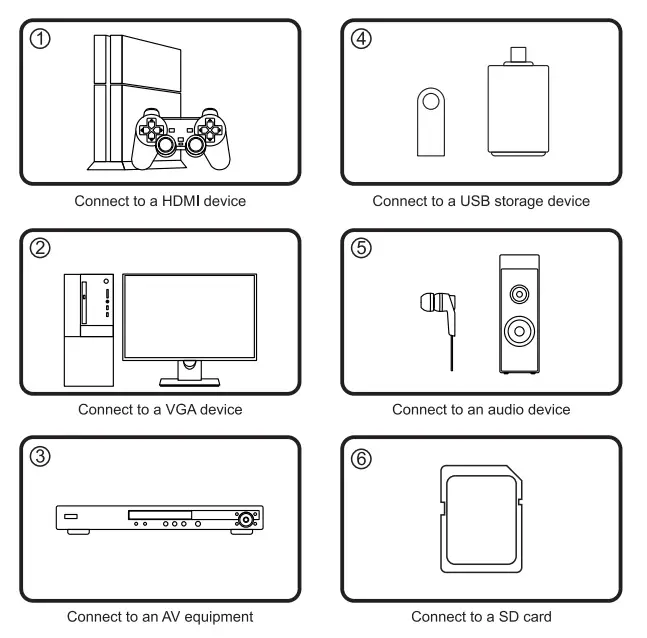 If you follow the above connecting steps, however, there is no display or it does not work, please refer to the detailed instruction manual or contact us to solve the problems.
PRODUCT SPECIFICATION
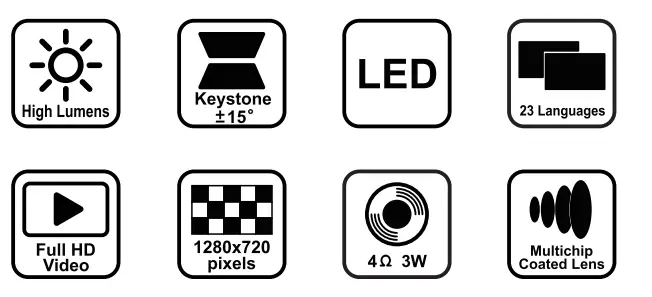
| Imaging Technology | TFT LCD |
| Native Resolution | 1280×720 pixels |
| Maximum Supported Resolution | 1920×1080 pixels |
| Light | LED |
| Lens | Multichip Coaled Lens (F=126) |
| Keystone | ± 15 ° Correction |
| Screen Size | 33-200 inches |
| Projection Distance | 1.12-Bm |
| Aspect Ratio | 16:9 |
| Color | 16.7M |
| Consumption | SSW(Max) |
| Power Supply | AC 100-240V(50/60Hz) |
| Supported Audio Formats | MP3/WMA/AAC/WAV/M4A |
| Supported Image Formats | JPG/JPEG/BMP/GIF/PNG/TIF |
| Supported File Format | TXT |
|
Supported Video Formats | MPG/MPENOB/DAT/BUK/TS0/TRP/TS/TP/ M2T/RM0/RMV/RM/RMVB/AVI/MP4/DIV/ MOV/MKV/WSF/ASF/FLV/WMV/ASM/3GP/ 3G2/H265 |
Projection Distance and Screen Size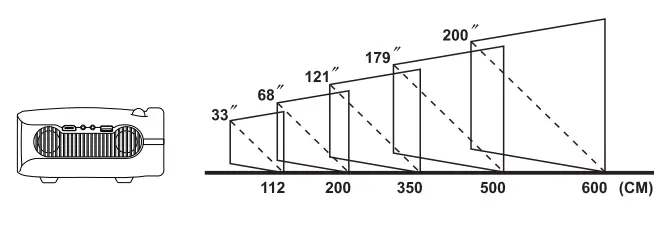 Helpful Tips
- Please operate the projector in a dark room.
- The cooling system makes slight noise to avoid overheating.
- Connecting to an external audio device is recommended.
- Business data presentation is not recommended.
- Maximum supported resolution of the projector is 1920×1080 pixels.
- The projector does not support Dolby Vision.
- Mirror a smartphone to the projector with a HDMI/WiFi dongle.
Warranty
Your projector comes with a free replacement or a full refund within 1 year that lets your product with confidence.
Contact Us
Whether you need further assistance, are looking for answers, or just want to share your reviews with us, you will find many ways to contact us right here.
- Email: [email protected]
- Call: United States
United Kingdom
(323)-250-0585
01892 71 0138 - Facebook: https://www.facebook.com/icrenova/
- Official Homepage: www.crenova.net
FAQS
No it does not have bluetooth built in so you can use the aux output from the projector to a speaker. I bought the projector and it’s great. Highlight recommend for the price.
there is no replacement parts needed because the projector has a good QUALITY to support those hours.
It comes with everything you need in regard to having an HDMI cord and the other plugs, which allows you to attach to a computer. However if you want to attach your phone to the projector, you must buy that separate lightning port.
One that have a phone jack on one end and a USB on the other. Galaxy may have one on their site. you might be able to use your power cord if it disengages from the outlet plug
You can turn it off using the remote too but the button works turning it off.
No it does not have bluetooth built in so you can use the aux output from the projector to a speaker.
still does not connect?
Not sure about how to connect to iPhone. I just plug my fire stick into the hdmi port, and it’s good to go
It doesn’t have Bluetooth capability, Source can be AV port or HDMI, as well memory card TF card an so on. It has good enough sound to watch movies. 6-7 of my friends are visiting me at weekends and we are watching movies. Sound is totally enough for us.
Yes it works excellent and it shows good graphics you can connect more things with the projector and it doesn’t freeze
the ceiling screws are M4 model. And the size would be 4mm*10mm. We may recommend buy the universal mount according to the size of the ceiling screws model.
Yes, it should. You just need to connect them via HDMI cable (which is not included).
Plug hdmi cable to projector and plug power wire into wall. Make sure you have WiFi and it should work.
not great, but yes. the fan is somewhat loud and it is tricky to get the whole image in focus