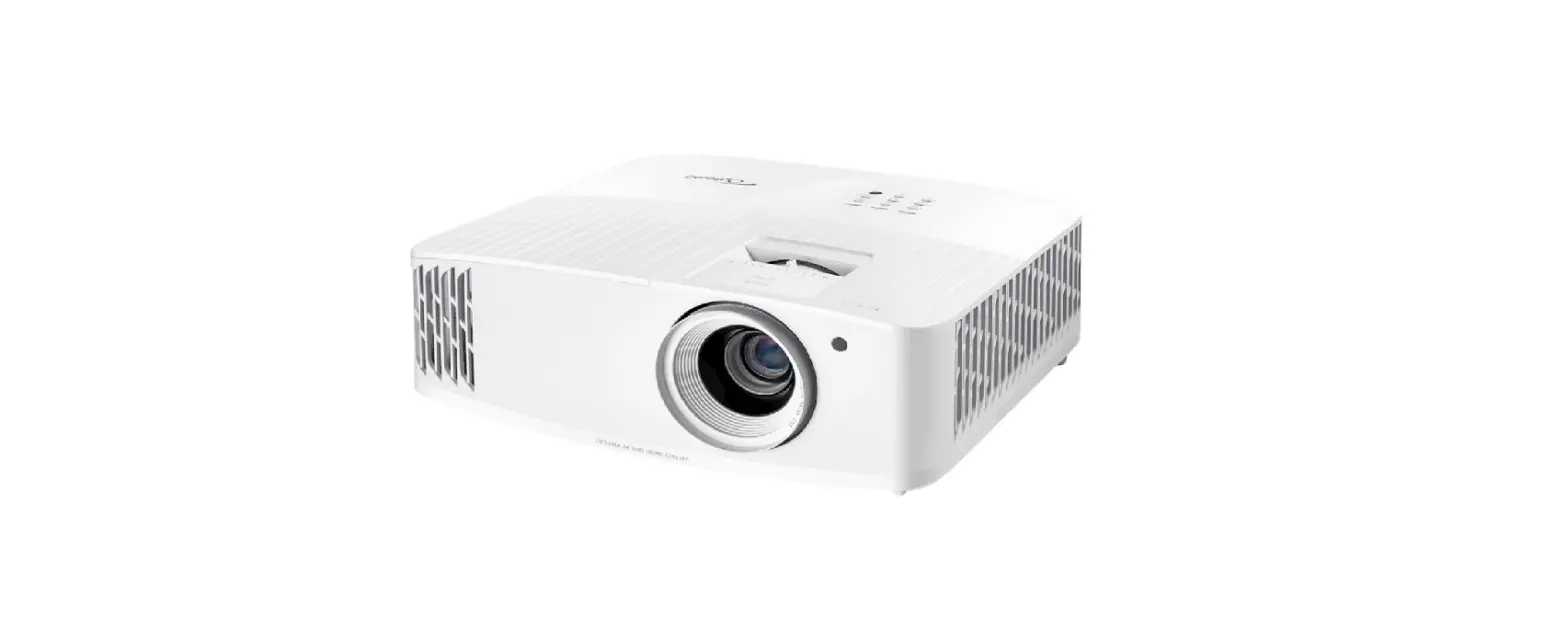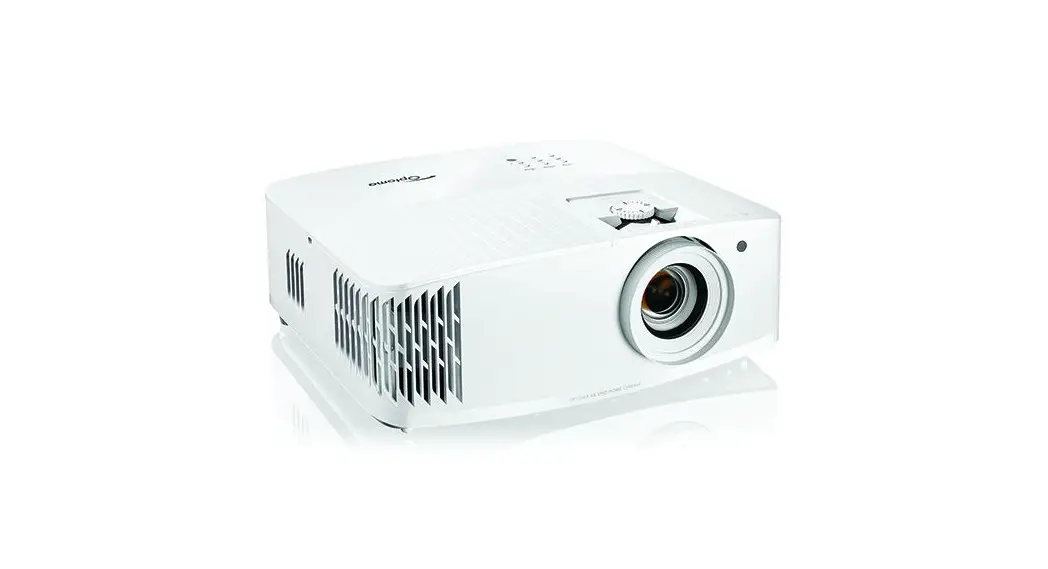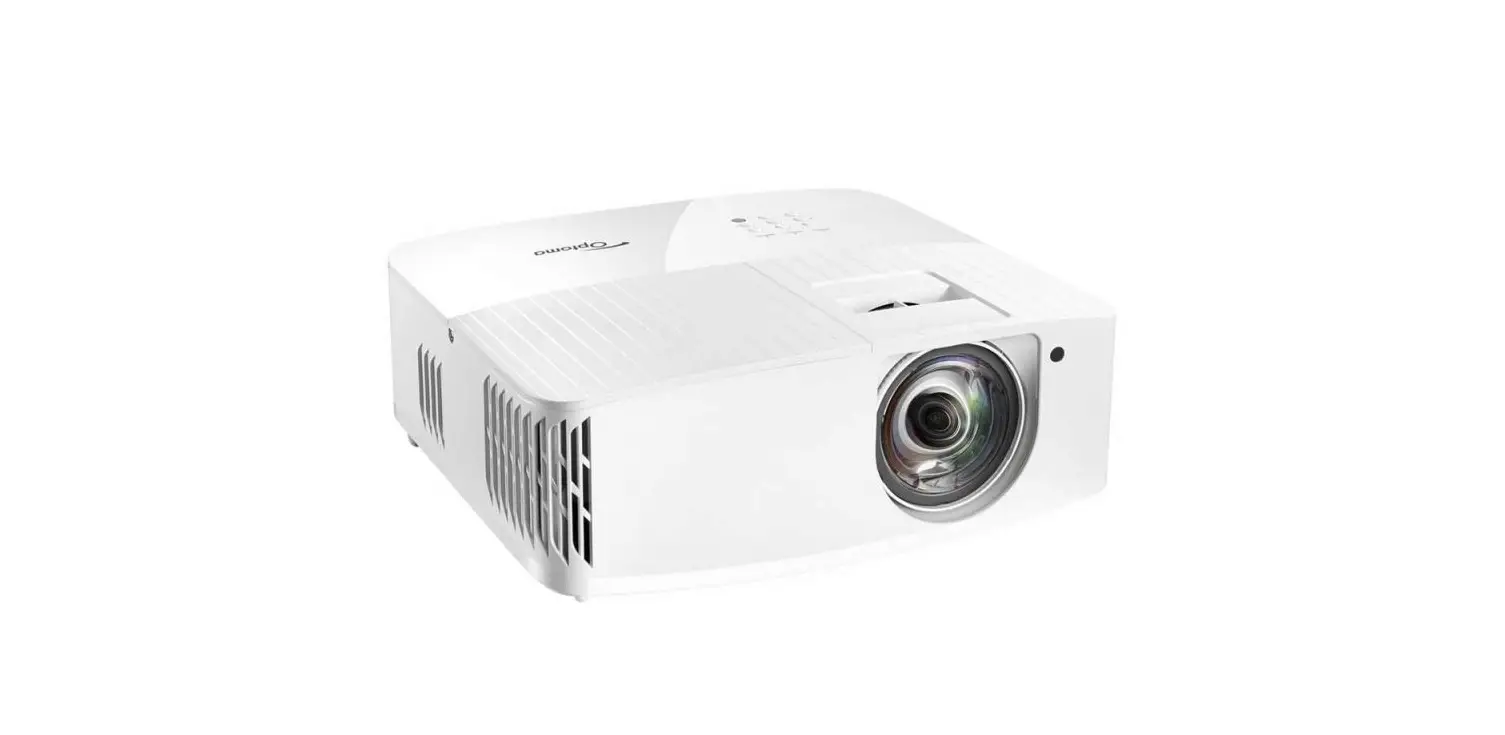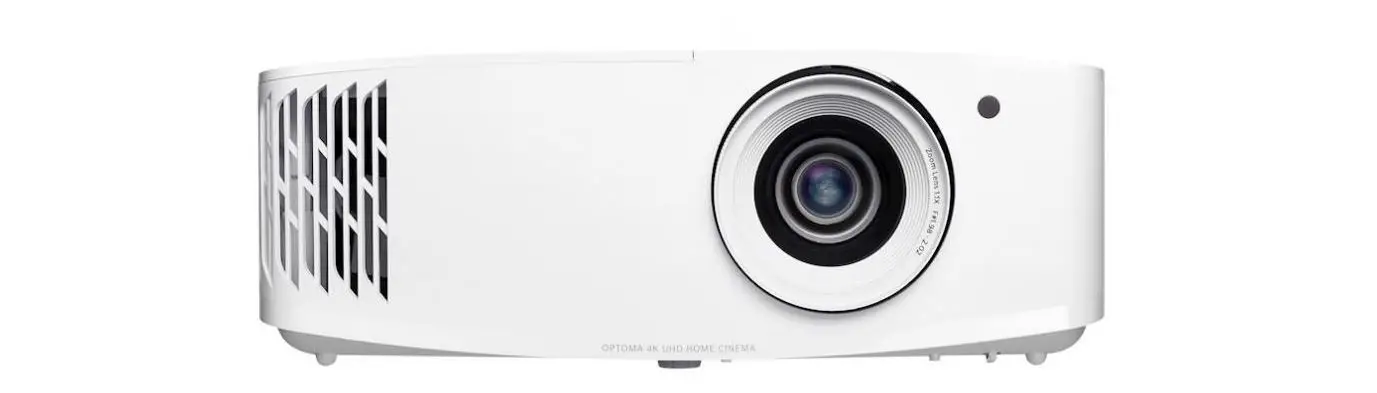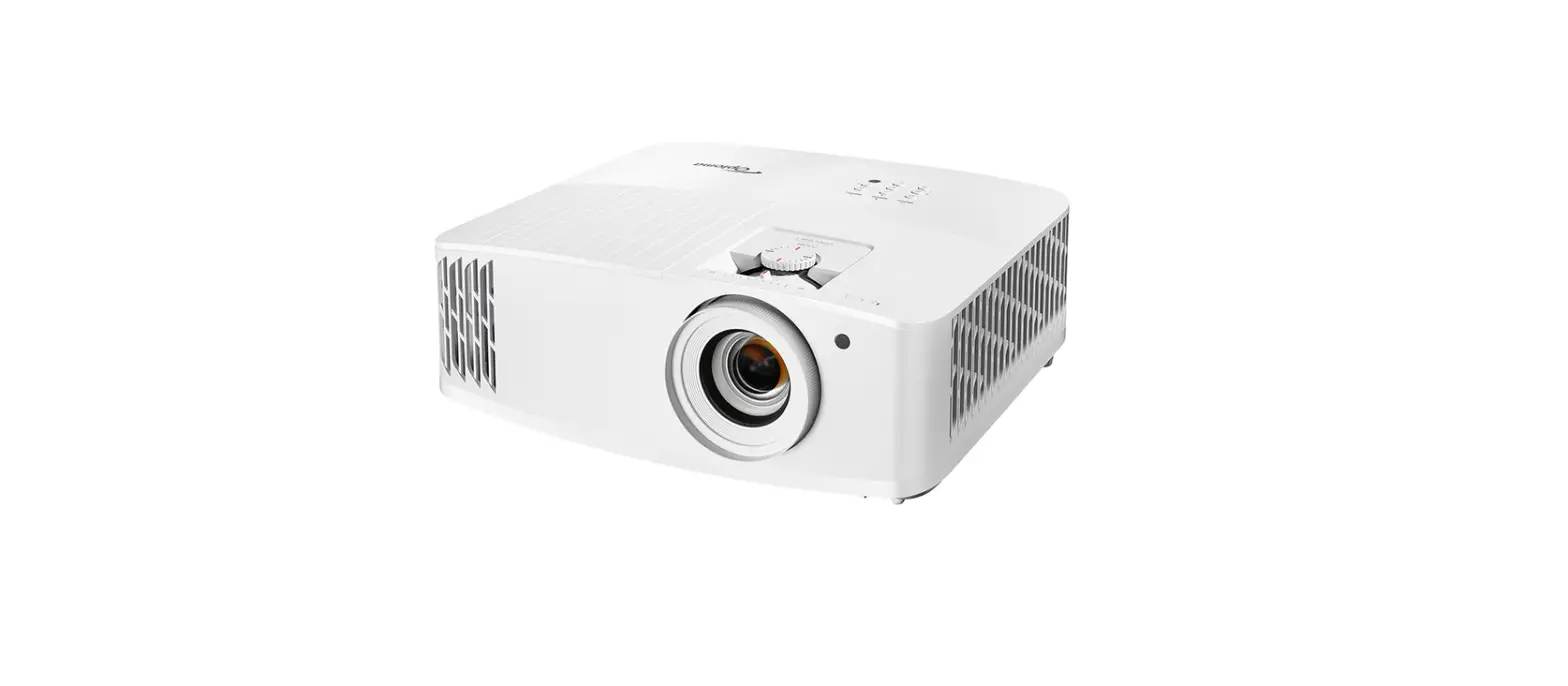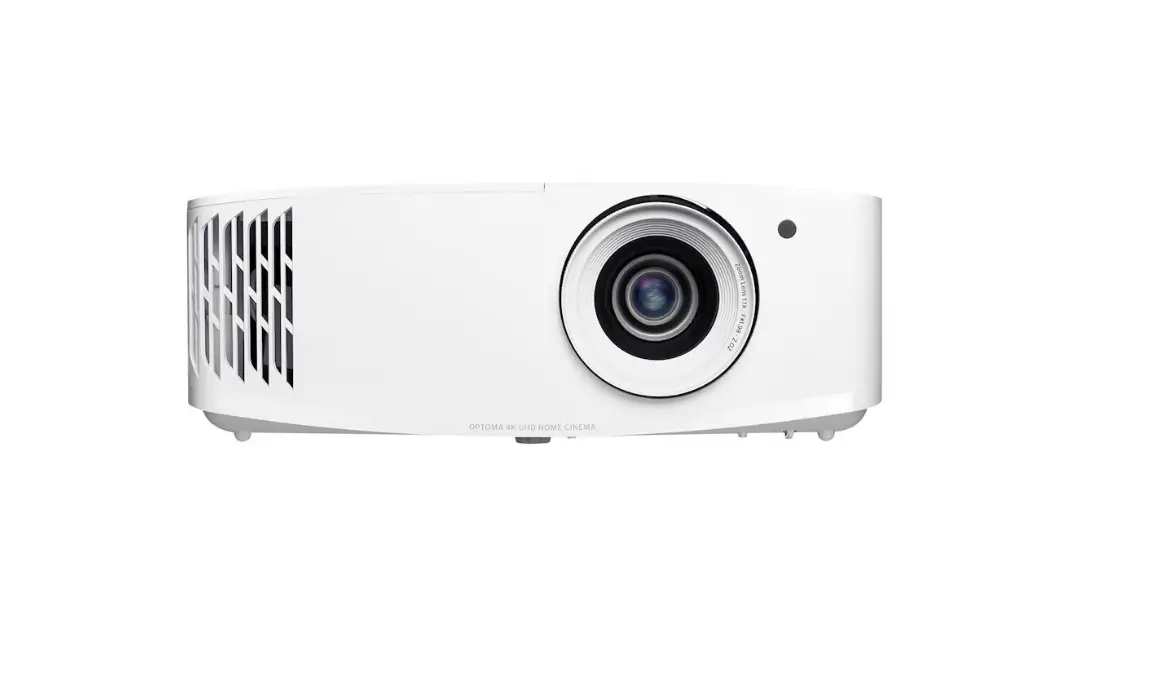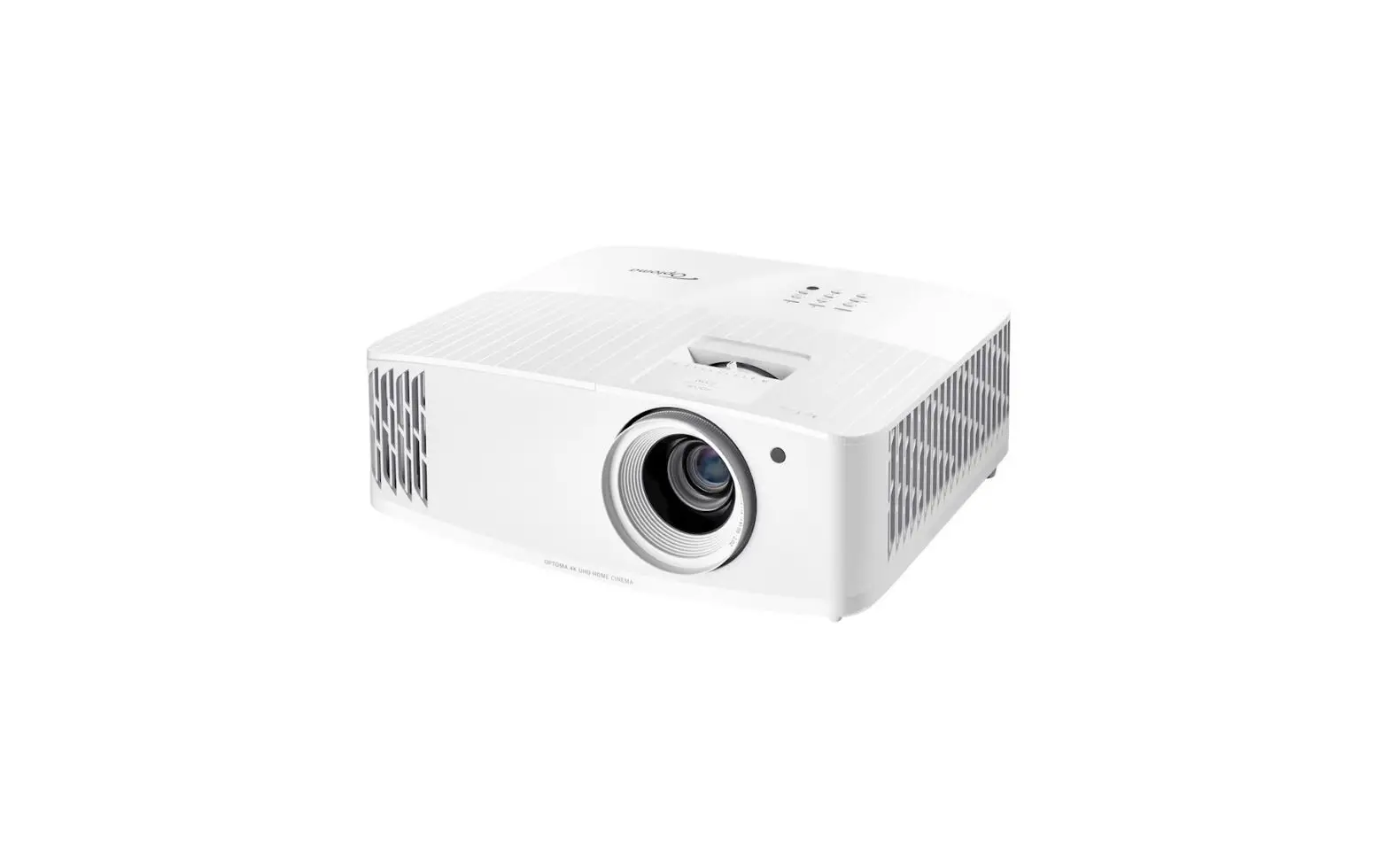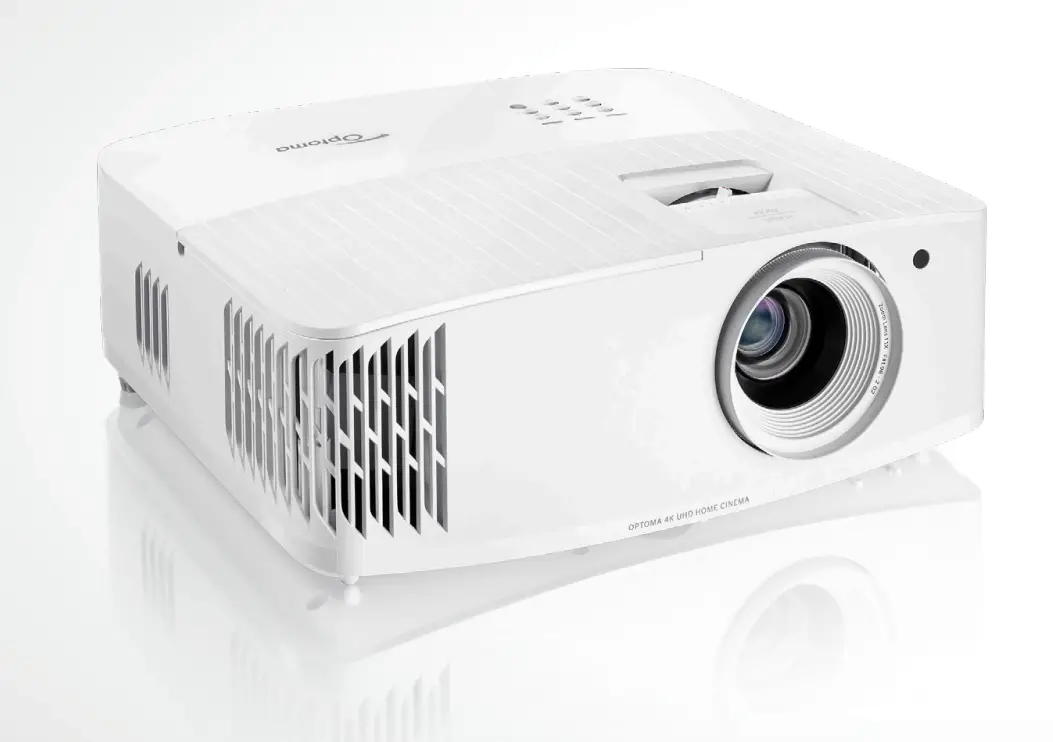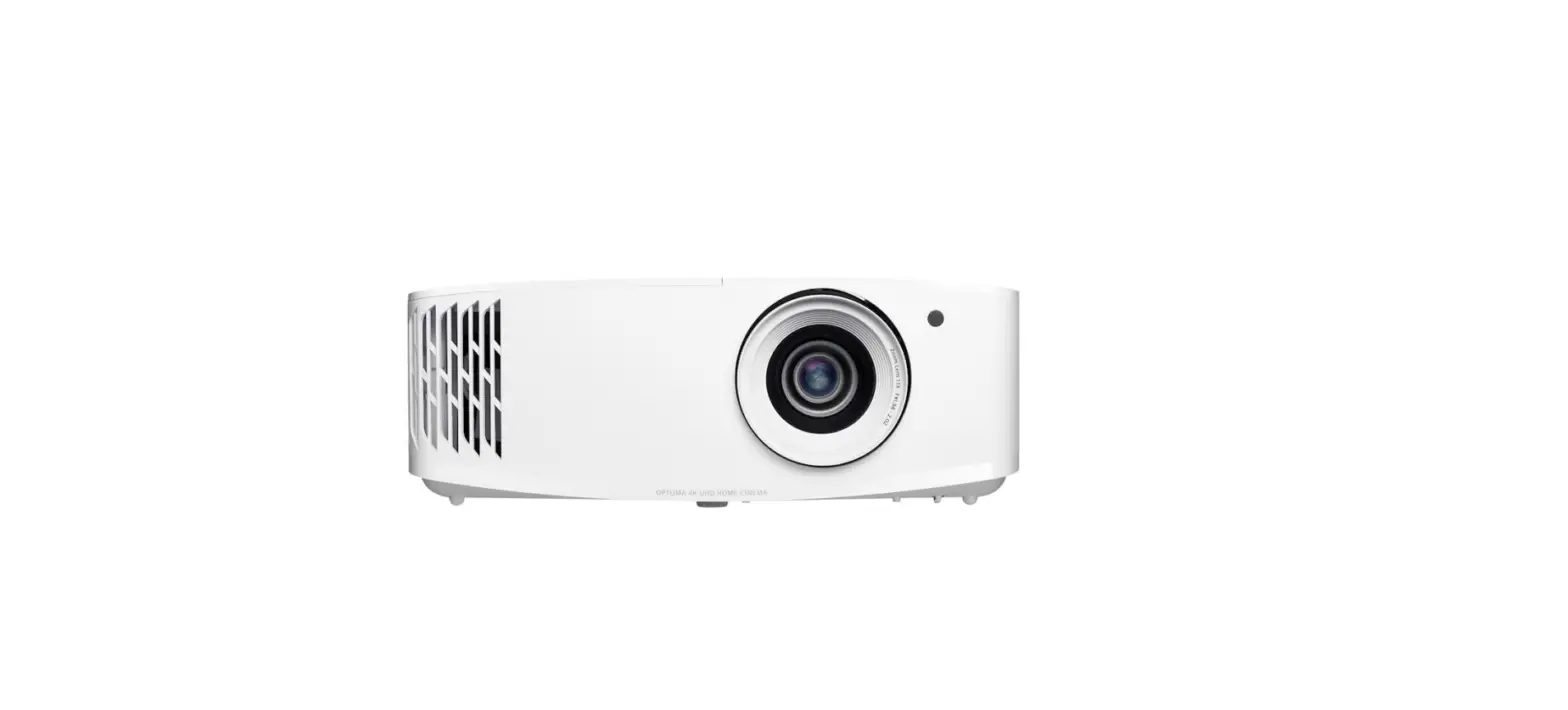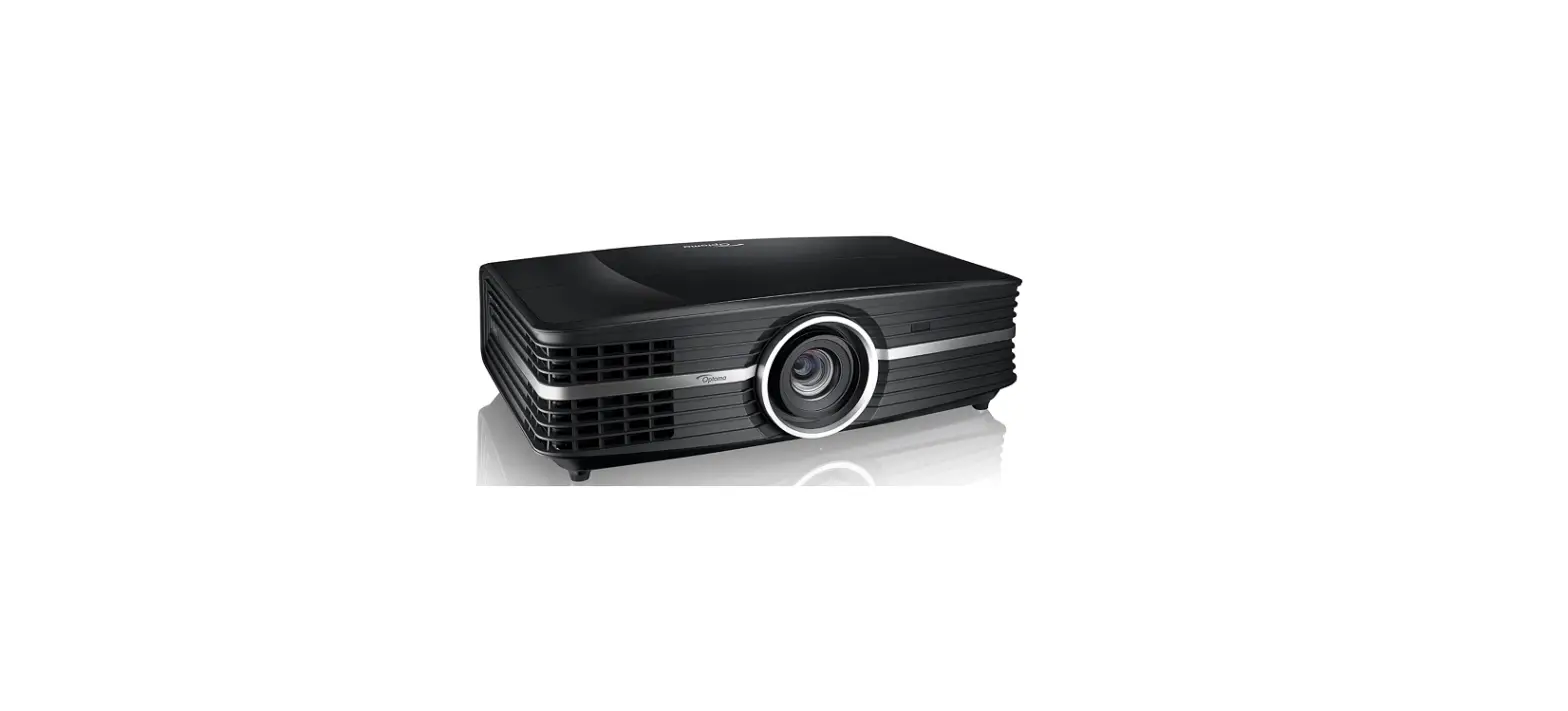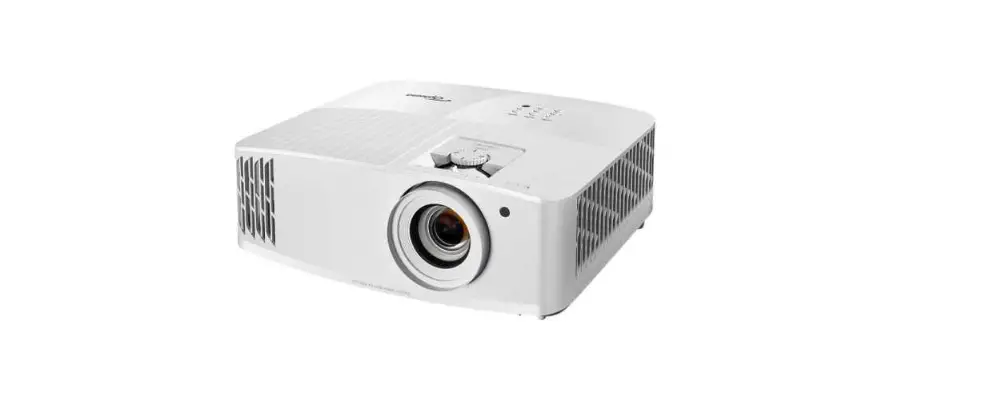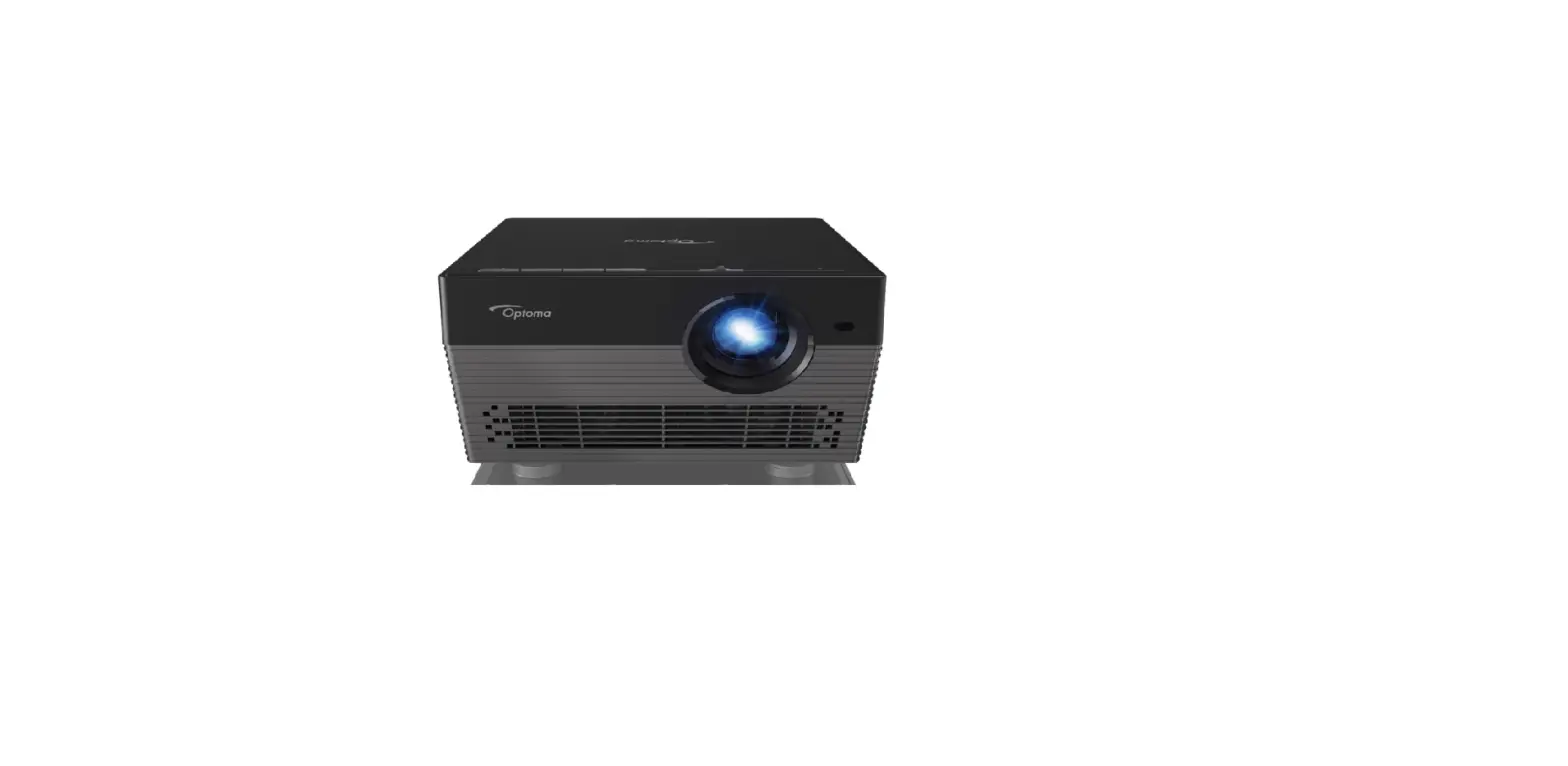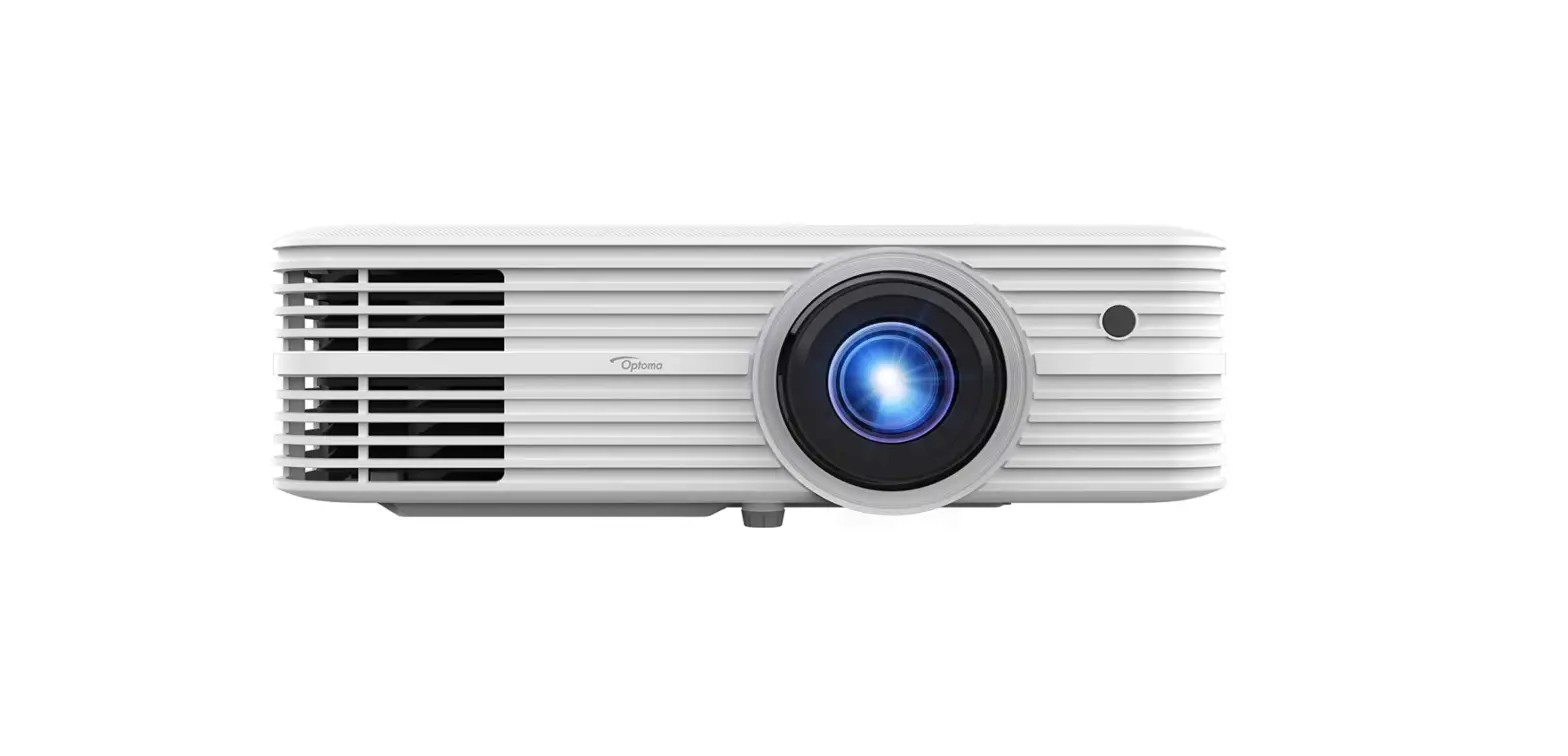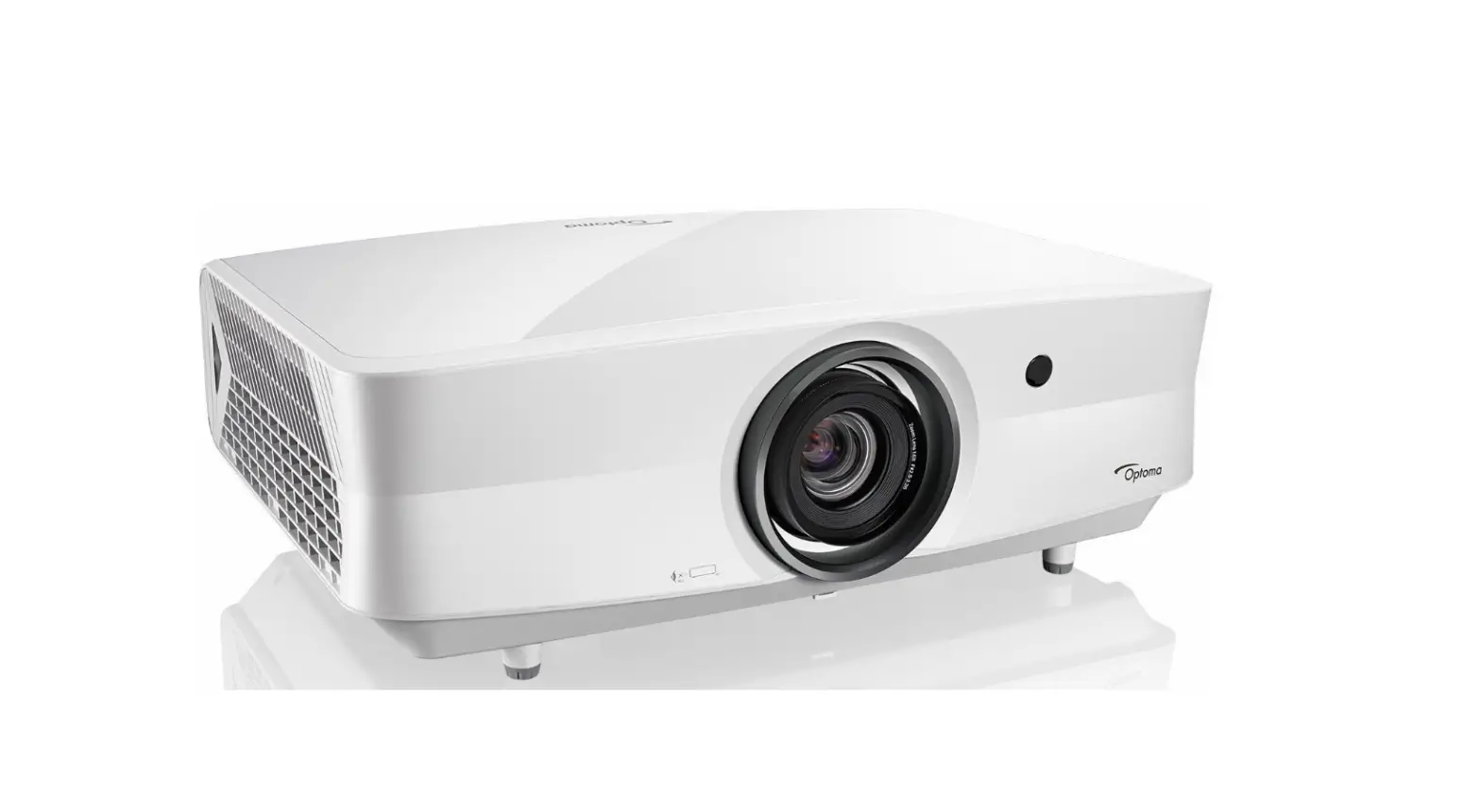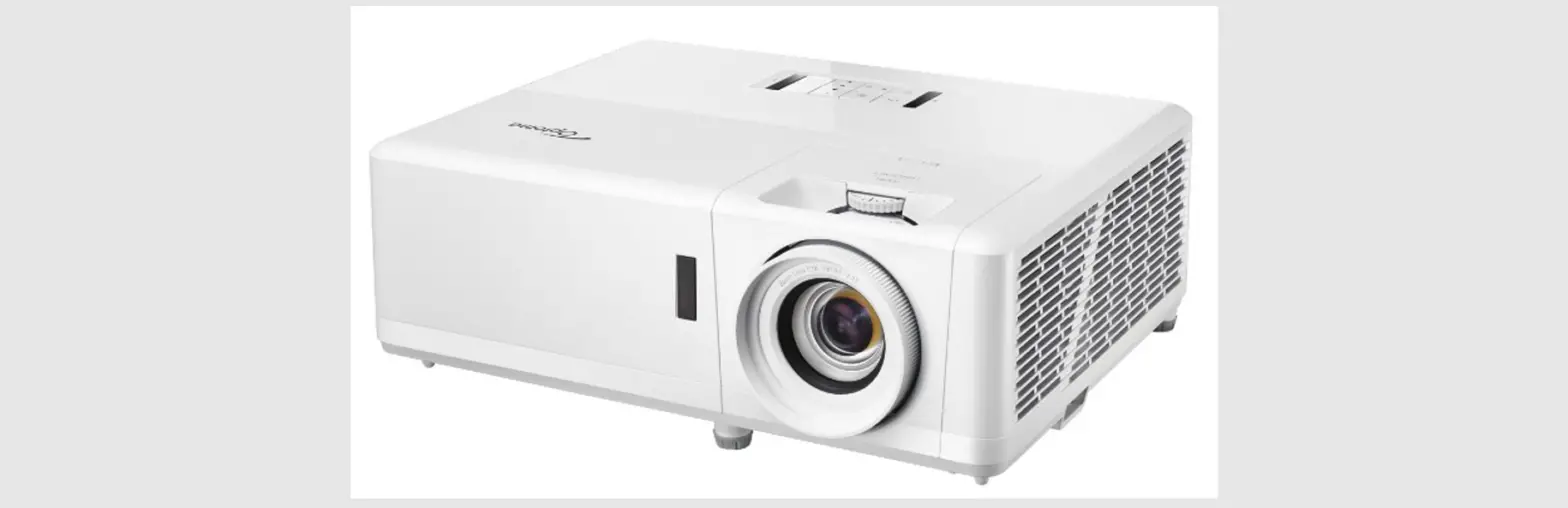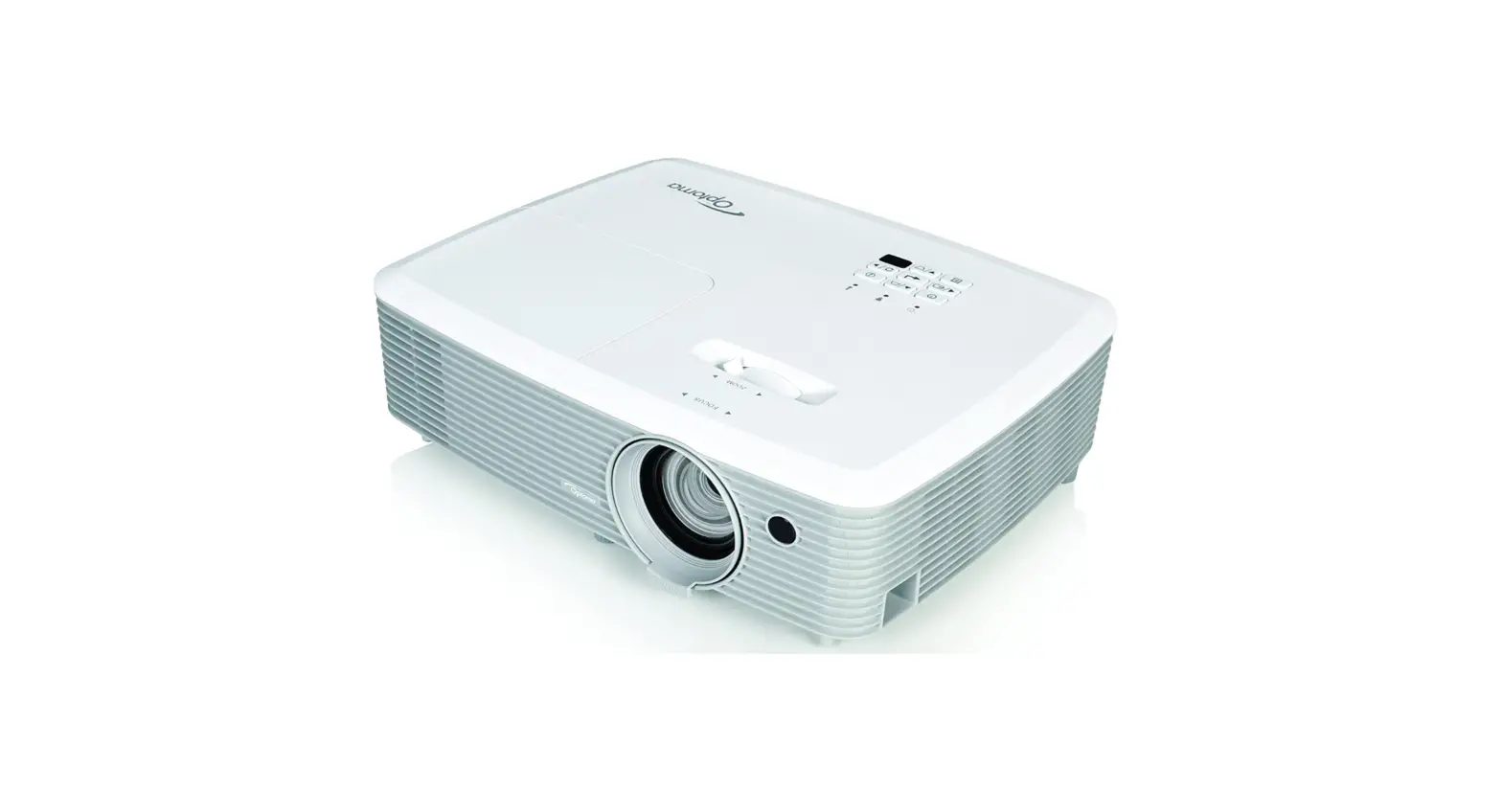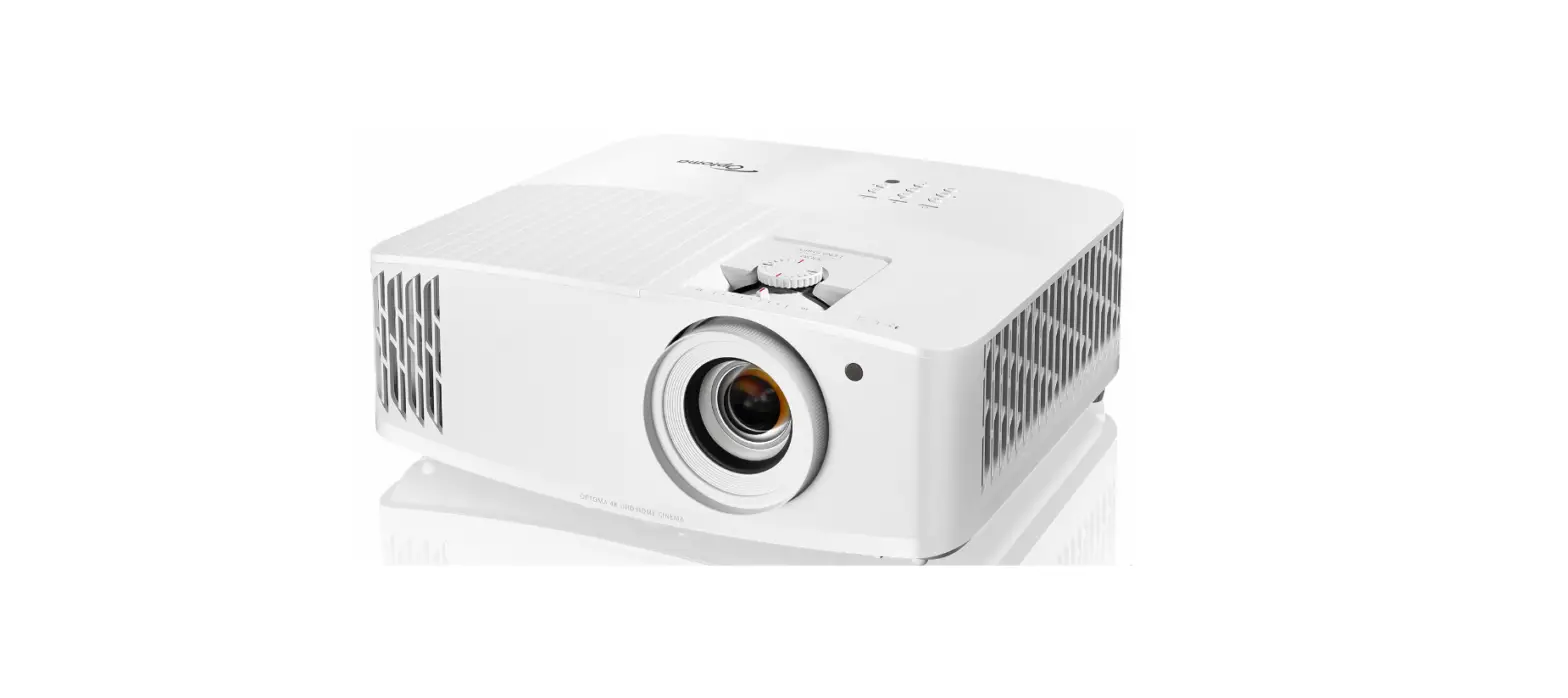

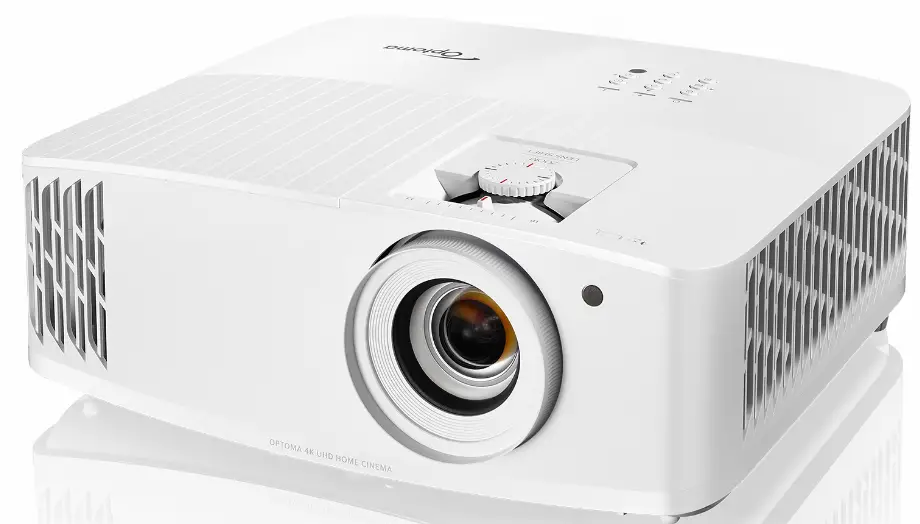
Optoma UHD35 True 4K UHD Gaming Projector
What’s in the Box
UHD35 projector, quick start user manual, remote, batteries for remote, power cable
Accessories
- Lamp (replacement): BL-FU240E
- Remote (replacement): BR-3003B
- Universal mount: OCM815W, OCM818W-RU
Next-Generation 4K UHD Home Theater & Gaming Experience
Experience next-generation gaming on a huge screen with the 3,600 lumens, 4K UHD Optoma UHD35 home entertainment projector. Project images up to 300 inches with incredible details, vibrant colors, and outstanding input response for unmatched 4K HDR cinematic and gaming experiences. HDMI 2.0 with HDCP 2.2 support ensures connectivity to the latest 4K UHD devices while a 12V trigger enables control of motorized screens. Up to 15,000-hour lamp life delivers many years of use with minimal maintenance when using Dynamic mode for a lower total cost of ownership.
Lightning-fast refresh rates up to 240 Hz
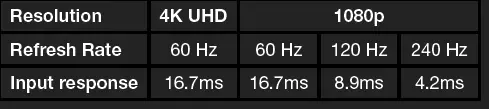
Next-generation console gamers can game at 1080p 120 Hz for outstanding smoothness. PC gamers can up the ante and take things to 240 Hz at 1080p for quadruple of the visual fluidity of conventional projectors and TVs.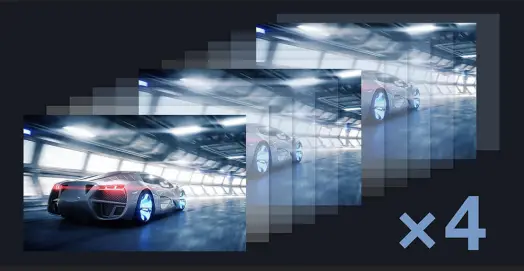
Enhanced Gaming Mode – 16ms at 4K UHD
Feel incredible input response with Enhanced Gaming mode. Combining the lightning-fast 240 Hz refresh rate and Enhance Gaming mode brings virtual instantaneous input response of 4.2ms for a competitive gaming advantage.

 Bright 3,600 lumens with 1,000,000:1 contrast ratio for lights-on viewing
 Ultra-fast 240 Hz refresh rate for unmatched 1080p gaming smoothness
 Enhanced Gaming Mode delivers up to 4.2ms response time at 1080p, 240 Hz, 16ms at 4K UHD.
 4K UHD (HDMI 2.0, HDCP 2.2) with HDR10 and HLG compatibility
 Up to 15,000 hour lamp life reduces total cost of ownership
 Compact, lightweight chassis & quiet operation
 Bright 3,600 lumens with 1,000,000:1 contrast ratio for lights-on viewing
 Ultra-fast 240 Hz refresh rate for unmatched 1080p gaming smoothness
 Enhanced Gaming Mode delivers up to 4.2ms response time at 1080p, 240 Hz, 16ms at 4K UHD.
 4K UHD (HDMI 2.0, HDCP 2.2) with HDR10 and HLG compatibility
 Up to 15,000 hour lamp life reduces total cost of ownership
 Compact, lightweight chassis & quiet operation
PRODUCT PARTS
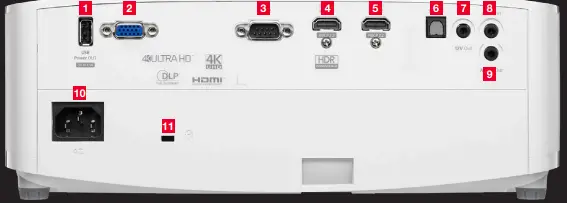
- USB Power
- VGA
- RS-232C
- HDMI 2.0
- HDMI 2.0
- Optical S/PDIF
- 12V trigger
- Audio-In
- Audio-Out
- AC Power
- KensingtonTM Lock
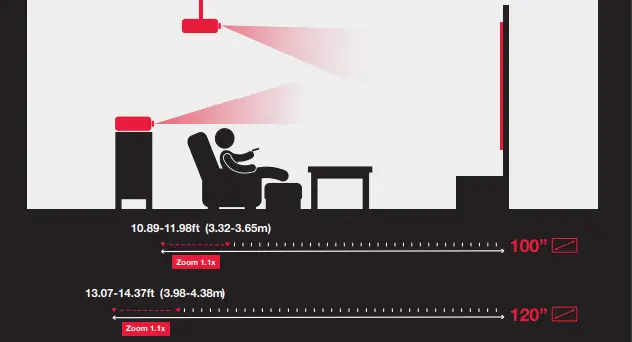
Projection Distance
SPECIFICATIONS
OPTICAL/TECHNICAL SPECIFICATIONS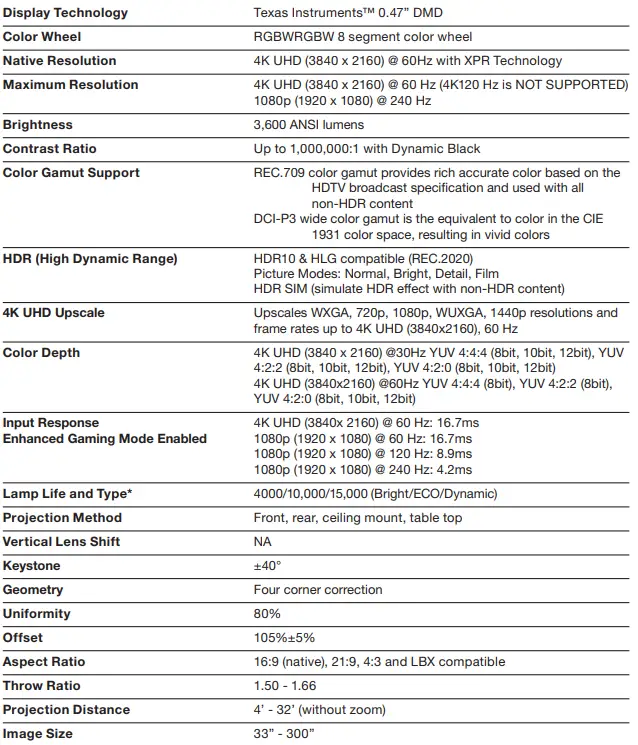
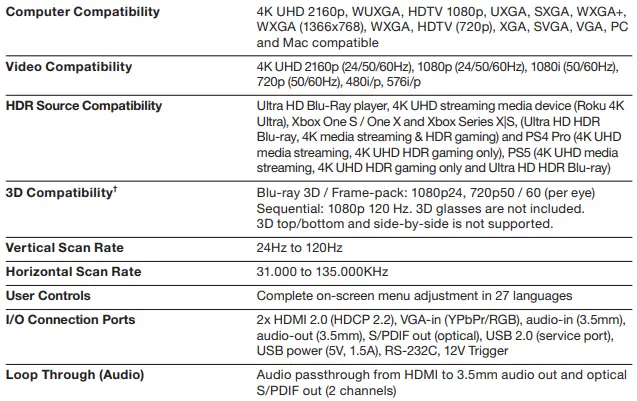
COMPATIBILITY SPECIFICATIONS
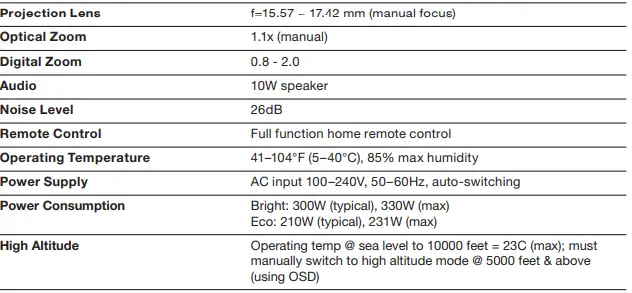
PHYSICAL SPECIFICATIONS
Light source
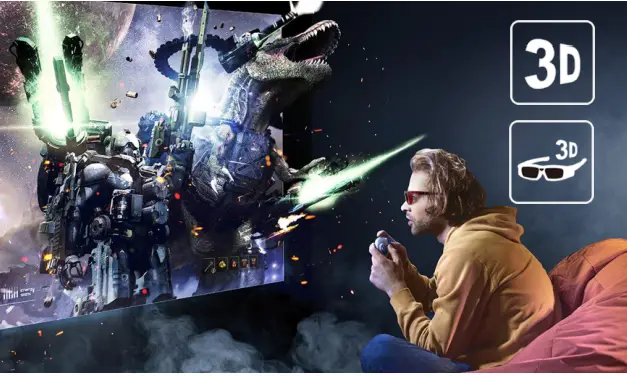
Light source life is dependent upon many factors, including brightness mode, display mode, usage, environmental conditions and more. Light source brightness can decrease over time. †3D content can be viewed with DLP Link active shutter 3D glasses when projector is used with a compatible 3D player. Copyright © 2020 Optoma Technology, Inc. DLP® and the DLP logo are registered trademarks of Texas Instruments™. All other trademarks are the property of their respective owners. All specifications subject to change at any time. 02052021
Warranty
1 Year limited parts and labor warranty on the projector, 90 days lamp warranty
FAQS
Make sure all necessary cables are securely connected and the power is on for the projector and connected video sources. Try using a shorter HDMI cable. Try connecting the video source directly to the projector. Press the projector’s power button to wake it from standby or sleep mode
Your Optoma projector likely has a built-in protection circuit to prevent overheating. When the projector gets extremely hot, the protection mechanism kicks in and turns off the device
The serial number is located on a sticker on the bottom of the projector
The model number of most projectors is located at the bottom of the device.
You can easily mirror your Android, iOS, Windows, MacOS and ChromeOS device at the touch of a button. Or wirelessly cast documents, images or videos stored on your mobile device or laptop. The app also acts as a wireless mouse and keyboard allowing you to control your projector.
Turn it off, unplug its power cable from the outlet, and wait for a few minutes before reconnecting and turning it back on. What is this? If you need to do a hard reset, just go to your unit’s Main Menu, choose Settings, and select Factory Reset
Plugin your Lighting Adapter into the charing port of your iPhone. Connect the appropriate cable to the adapter. Connect the other end of the cable to your projector. You may need to switch the right input for your projector to see the screen
You can connect your USB device or camera to the projector’s USB TypeA port and use it to project images and other content. If your USB device came with a power adapter, plug the device into an electrical outlet.
Press the menu button on the projector or the remote control and then navigate to the Advanced Settings. 2. Select to restore factory default settings. Note: Some models may have the reset option in a slightly different location
You can easily mirror your Android, iOS, Windows, MacOS and ChromeOS device at the touch of a button. Or wirelessly cast documents, images or videos stored on your mobile device or laptop. The app also acts as a wireless mouse and keyboard allowing you to control your projector
You can easily use your iPhone to give presentations or project movies. Unfortunately, you can’t use the device as a stand-alone projector. You need a portable projector to get the job done. For a stable connection, use an adapter cable to connect your iPhone to your projector
The Optoma Projector interfaces to your computer through the device’s VGA port, but connecting in this manner only provides video and not audio to the projector. You need to purchase and use a 3.5 mm mini-jack audio cable to send audio from your computer to the projector
The UHD60 Optoma projector lamp replacement is rated at 3,000 lumens with a lamp life of 4,000/10,000/15,000 hours lifespan (Standard, Eco, Dynamic)
According to the specs published here the Optoma CinemaX-P1 it is capable of Dolby Digital and Dolby Digital Plus passthrough via HDMI ARC or optical S/PDIF
Registered. Its most likely on the bottom of the projector and might be covered by the ceiling mount. If the projector works check through the menus and it should give the model and serial# in an info screen