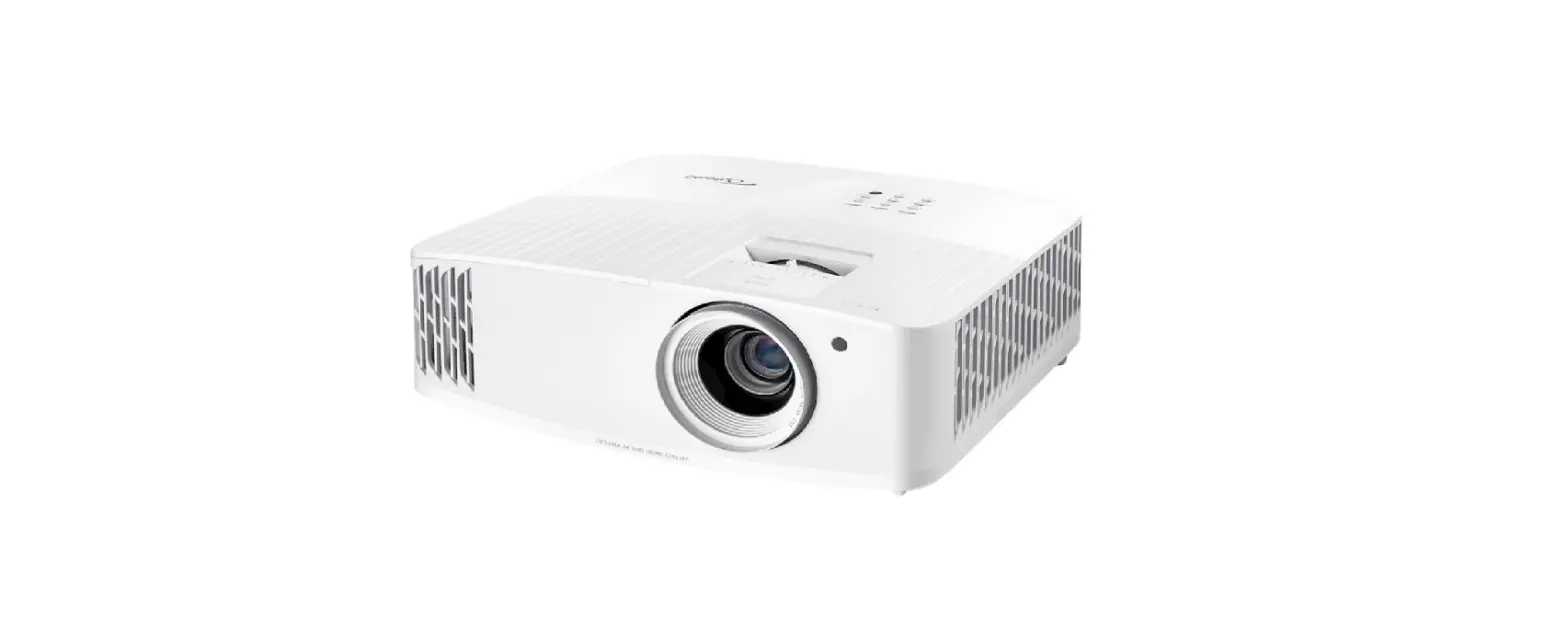
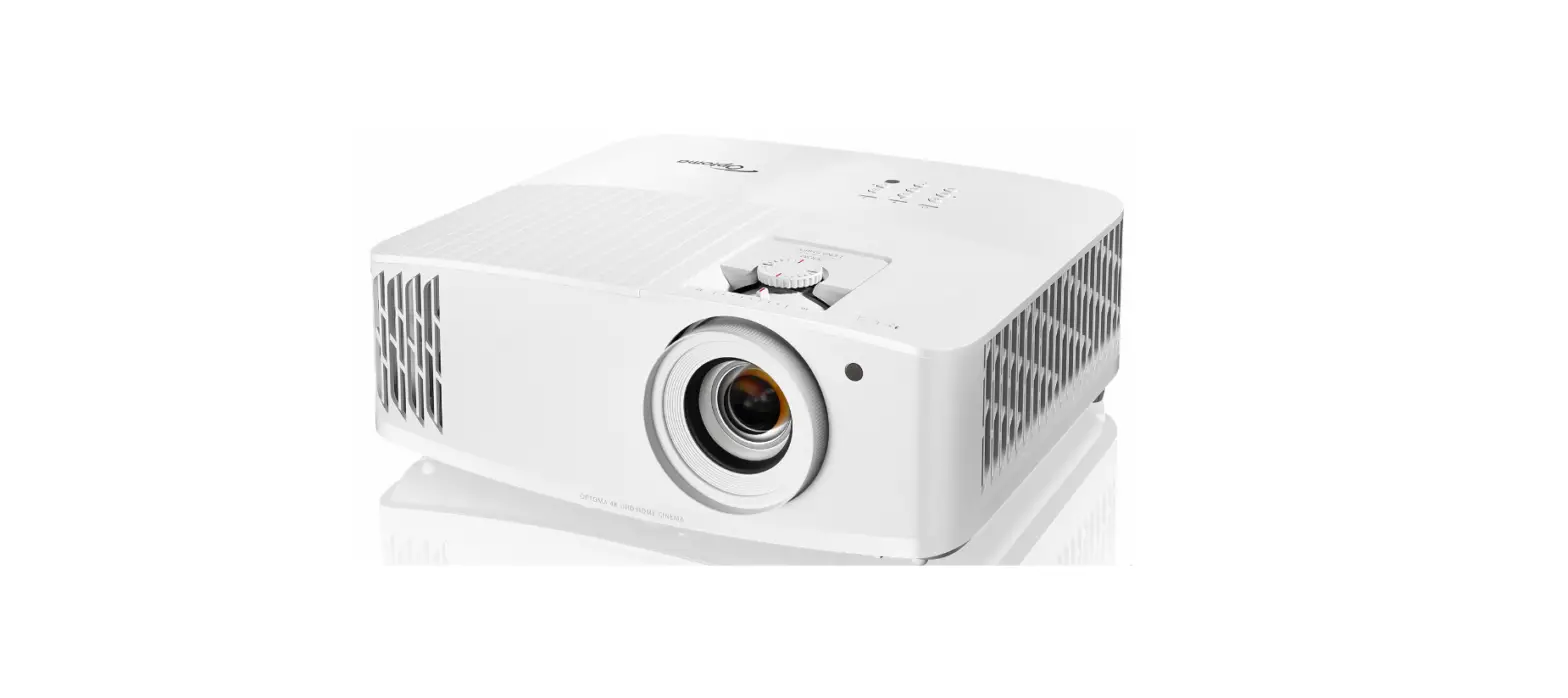
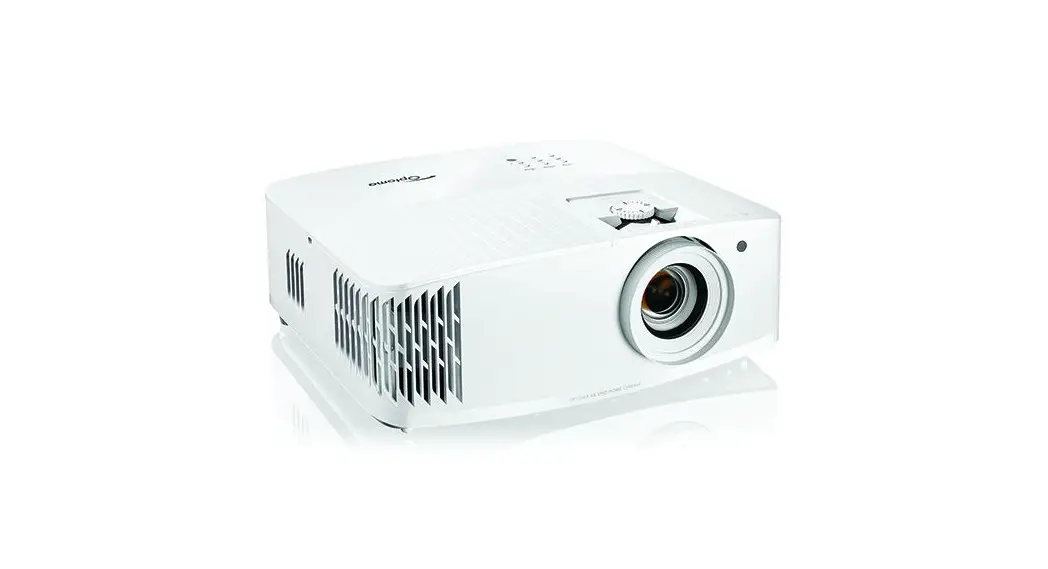
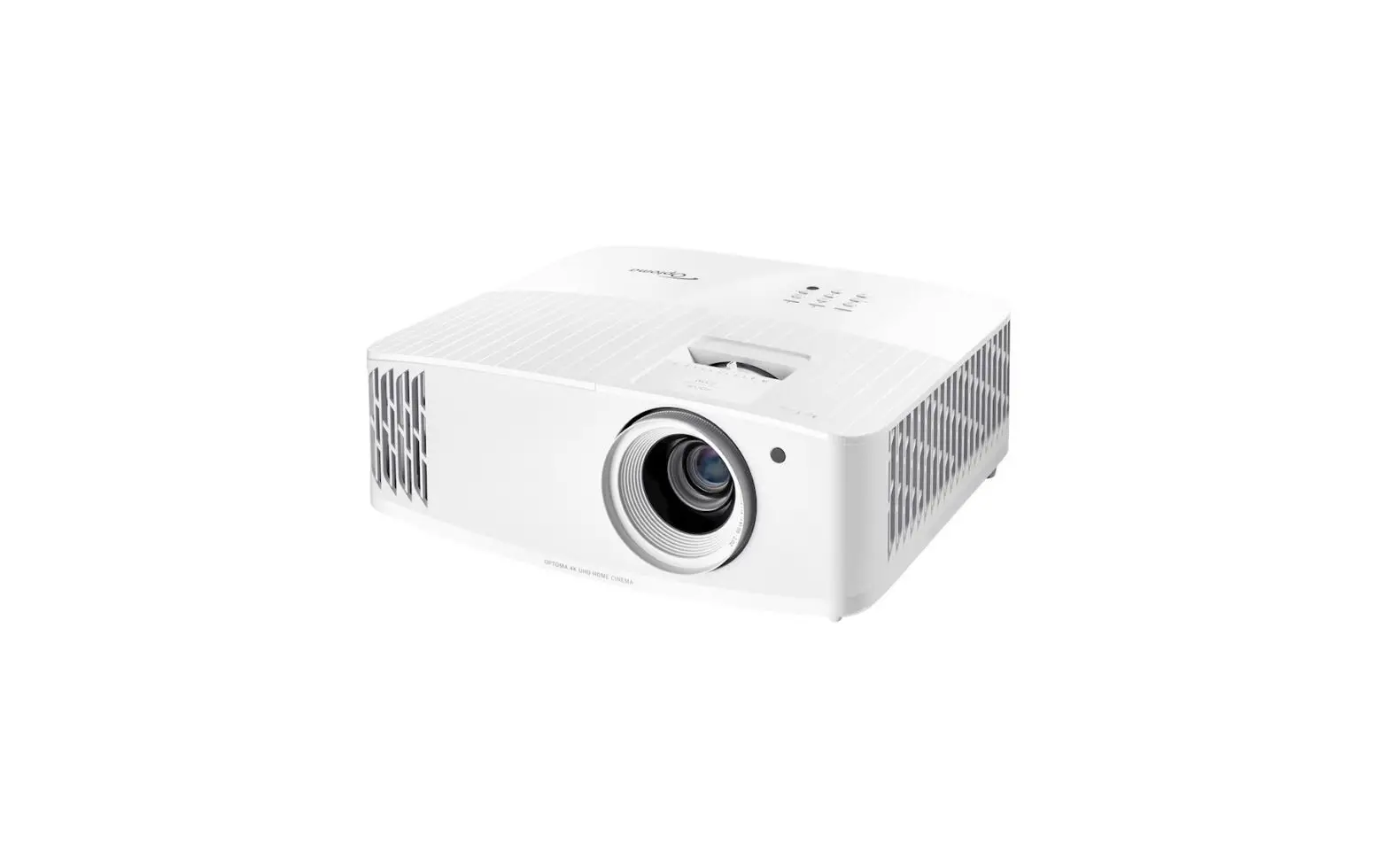
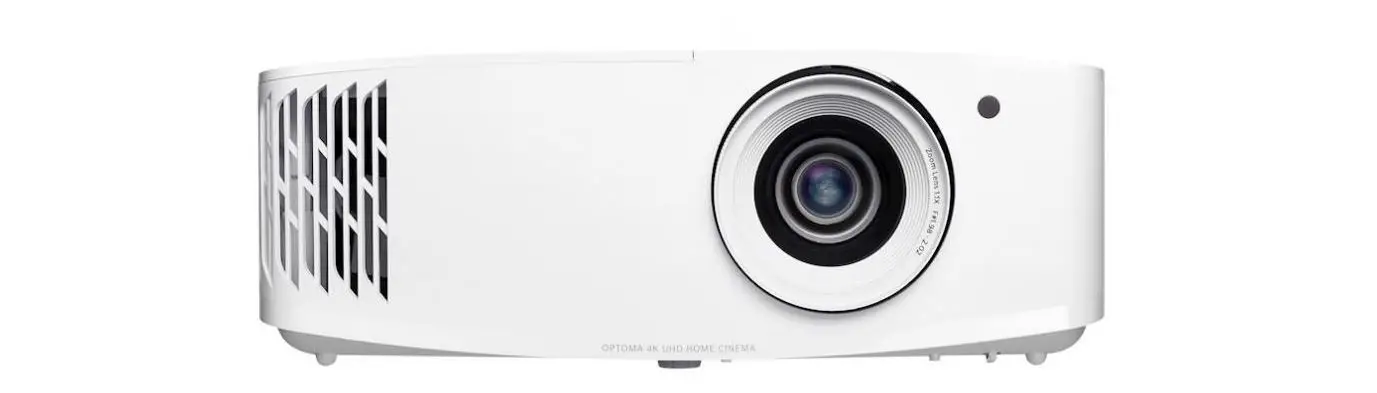
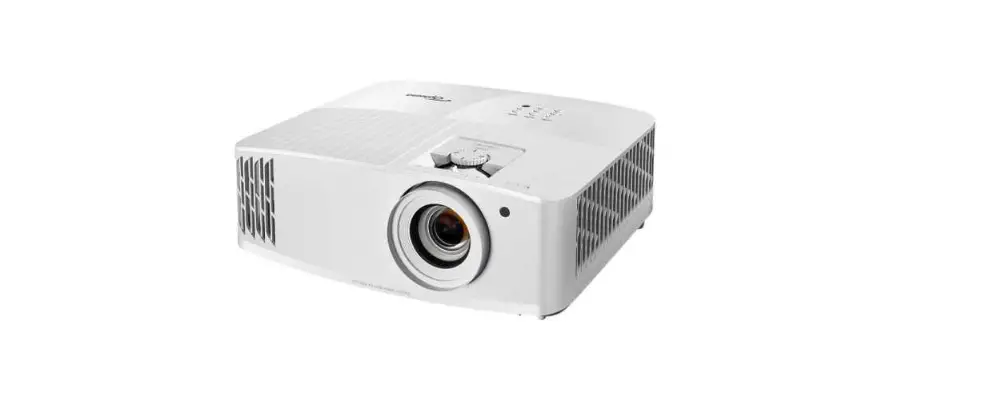
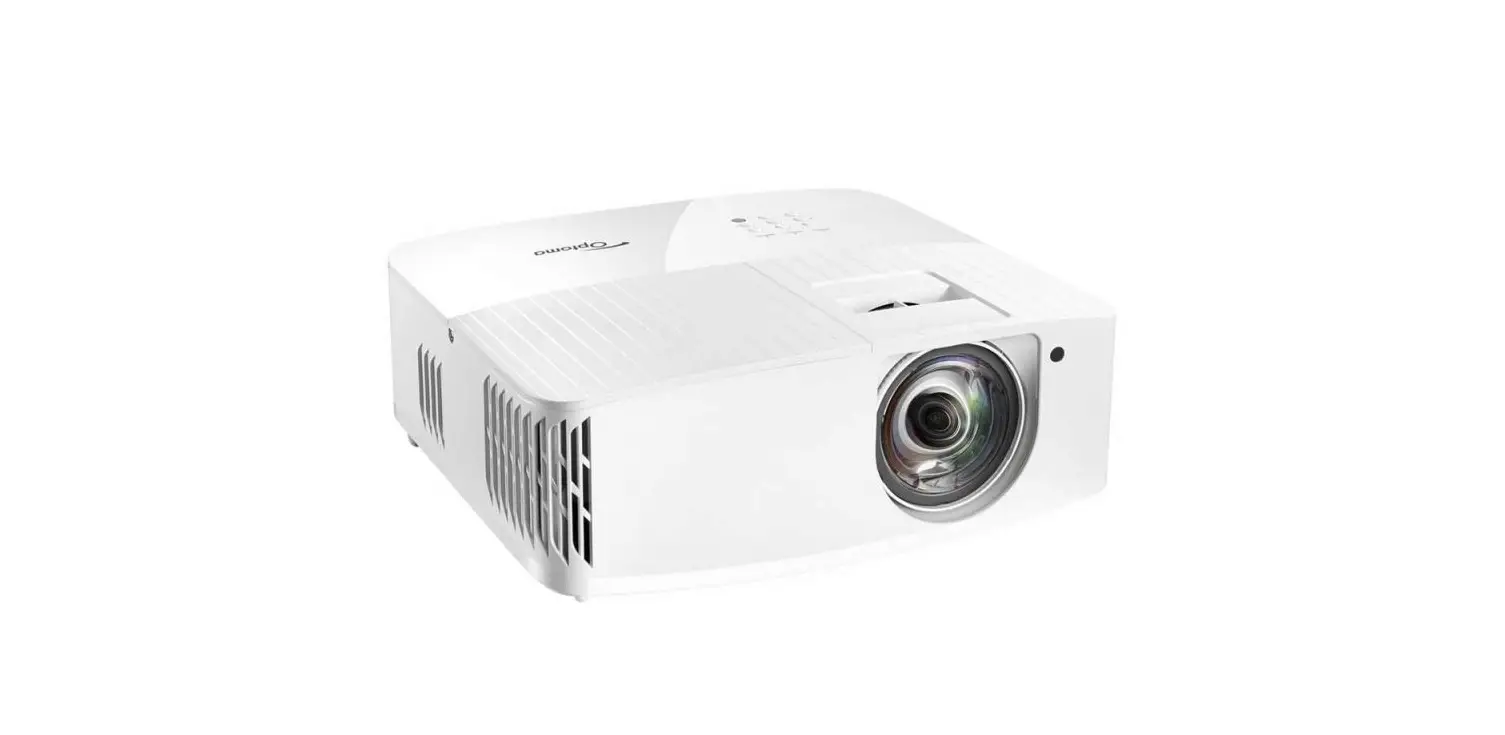
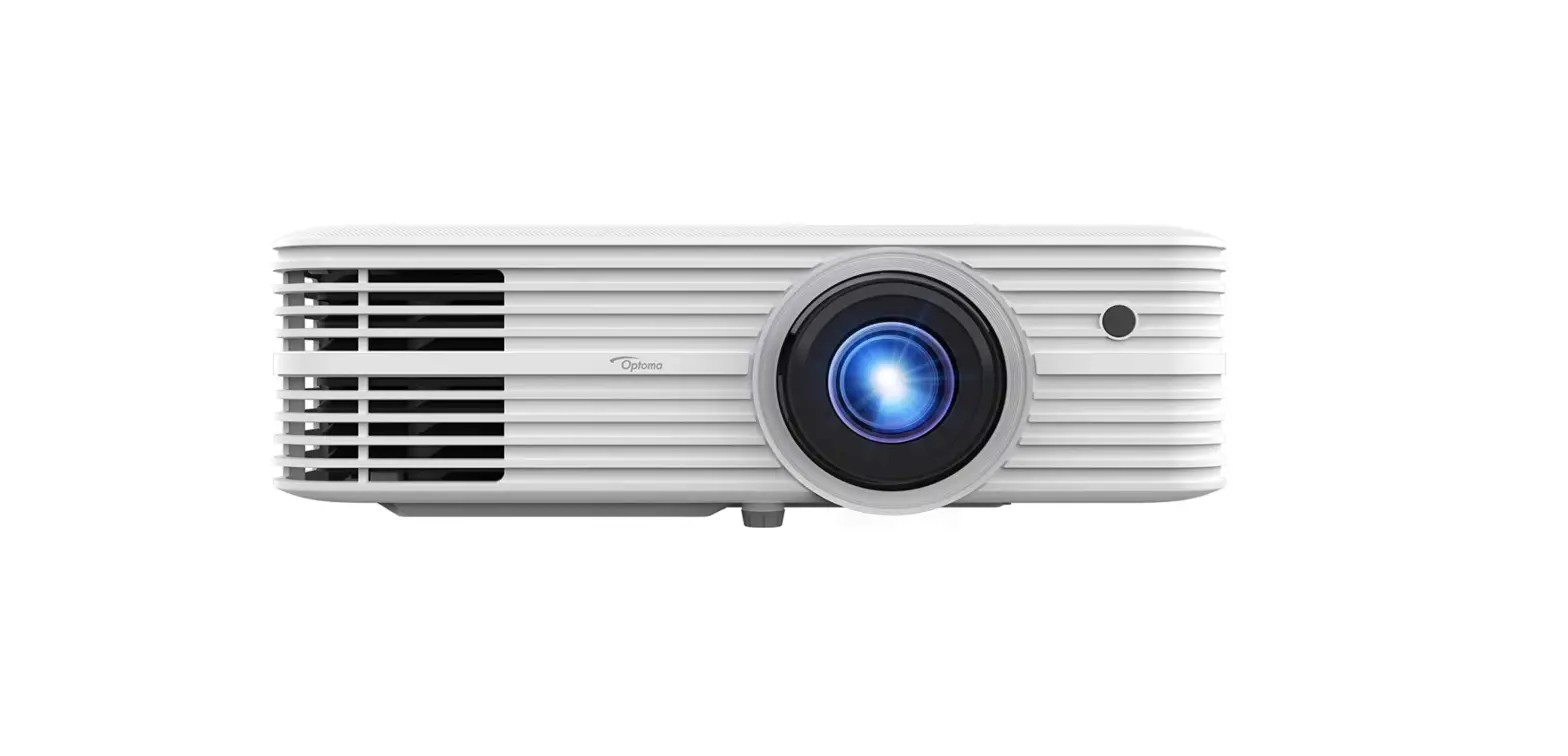
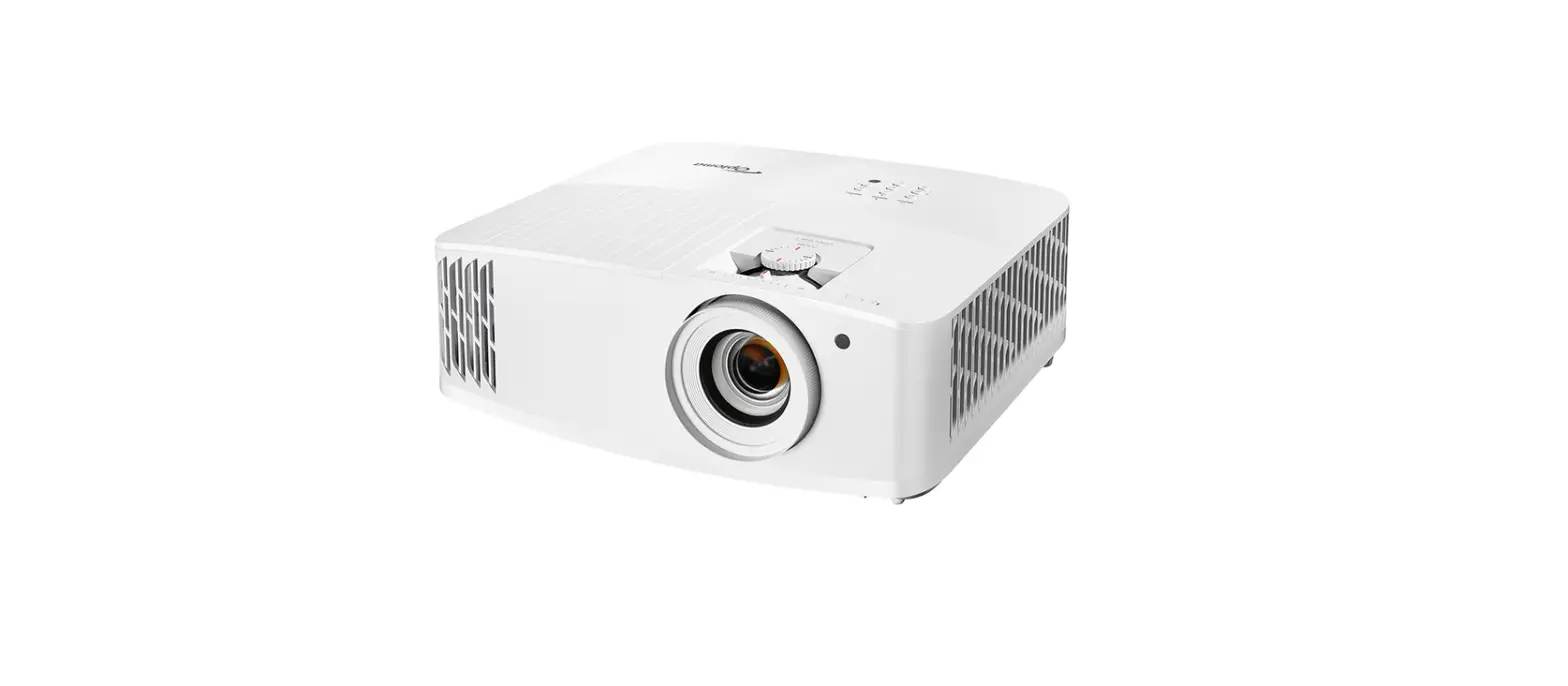
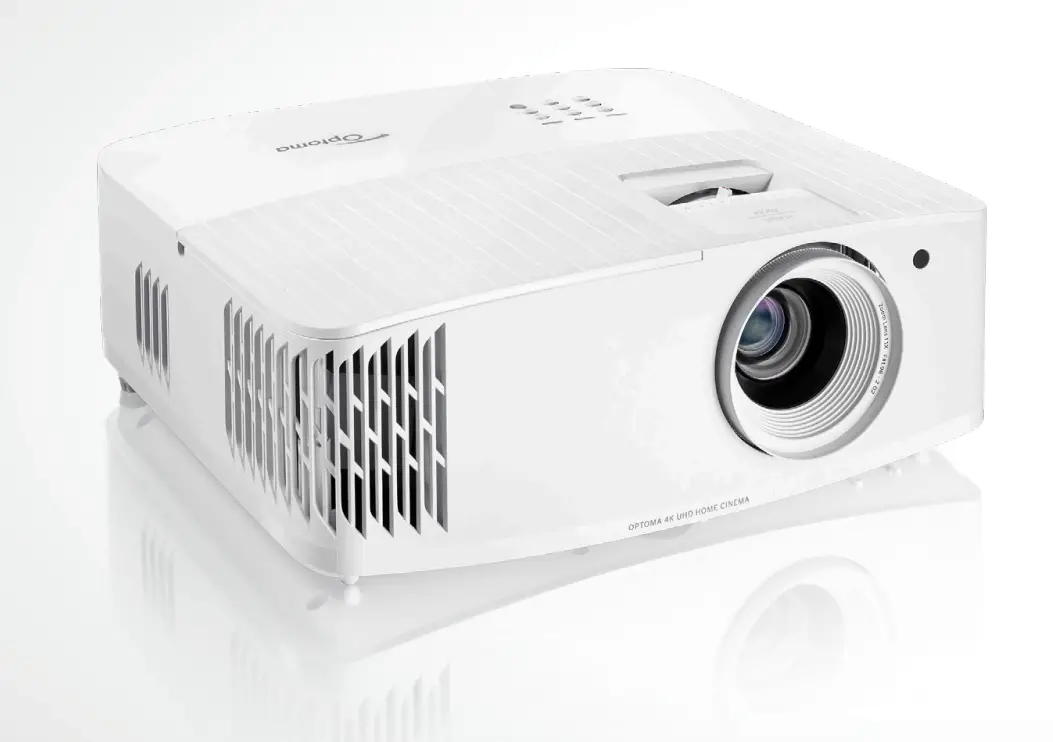
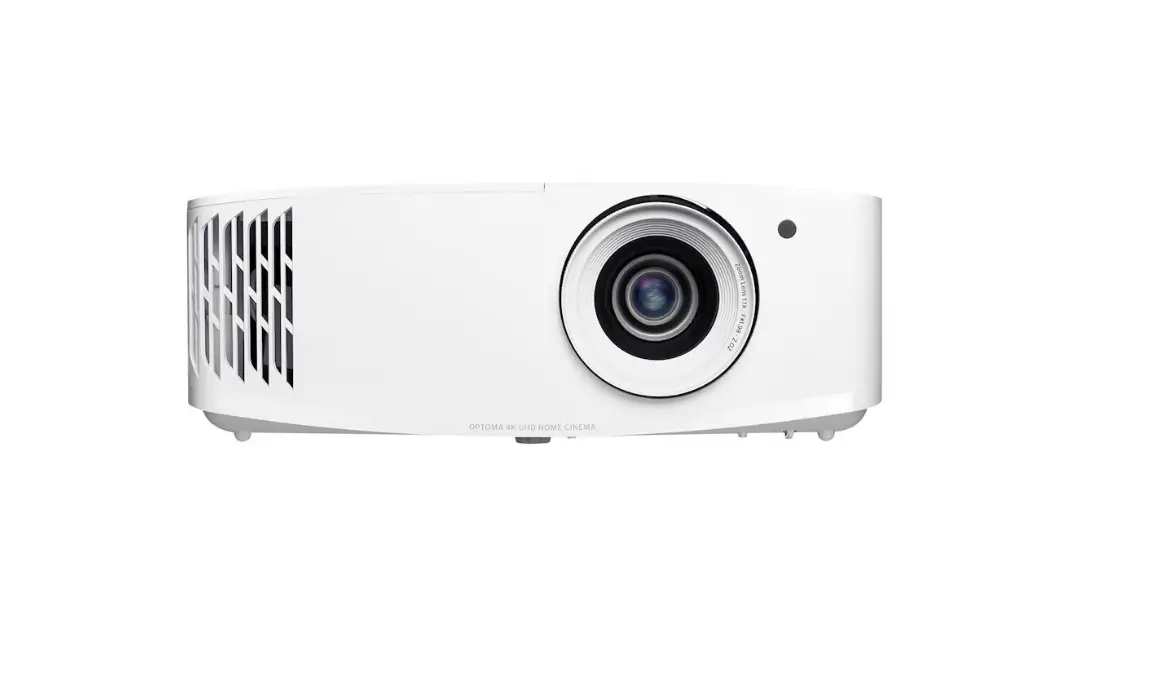
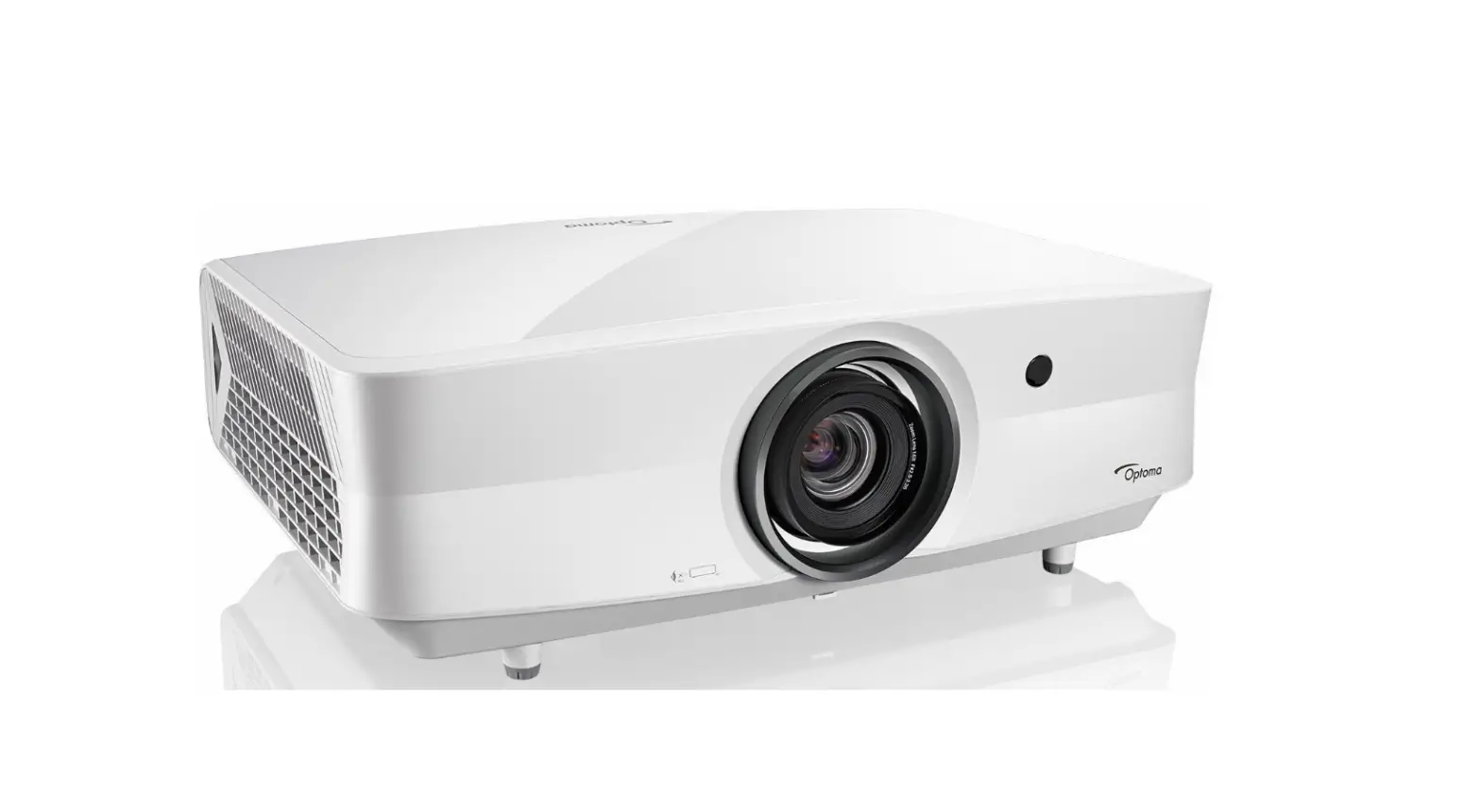
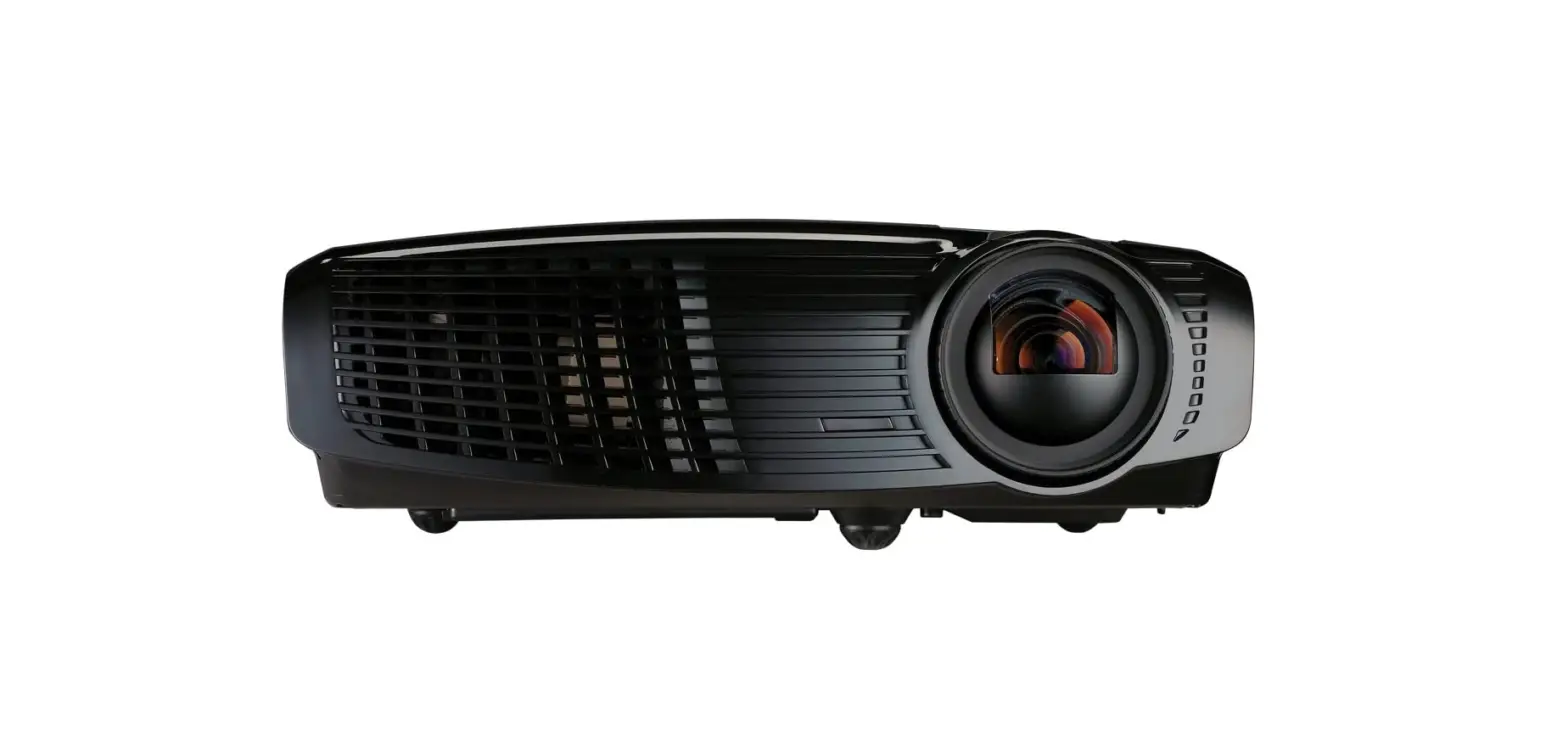
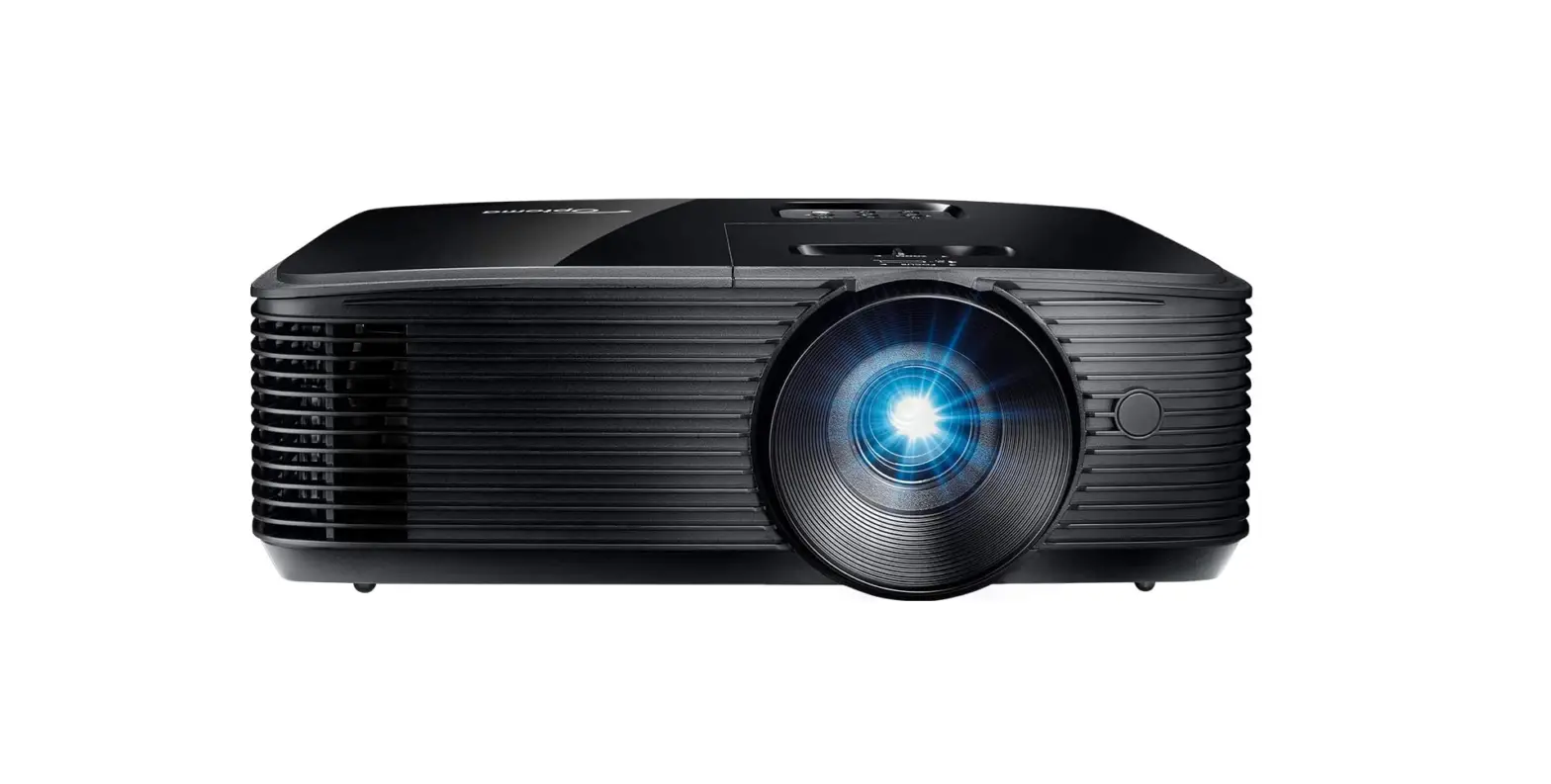
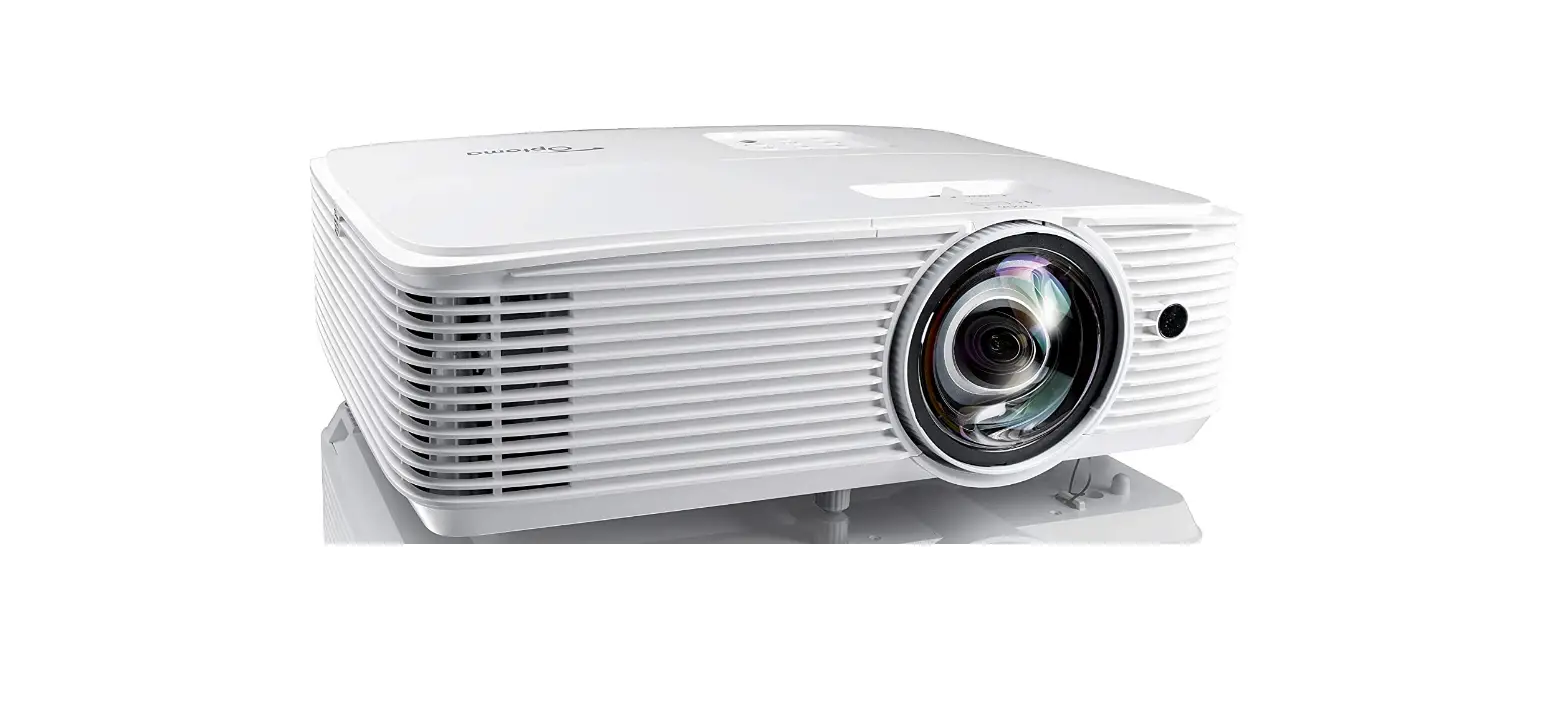
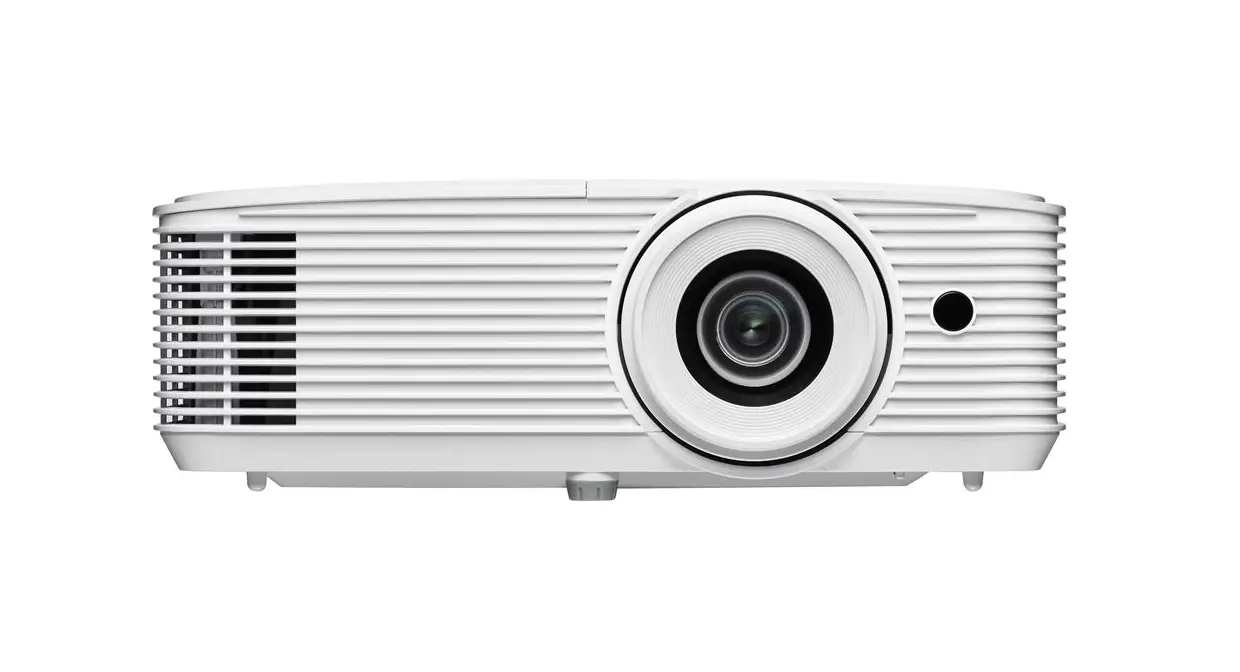
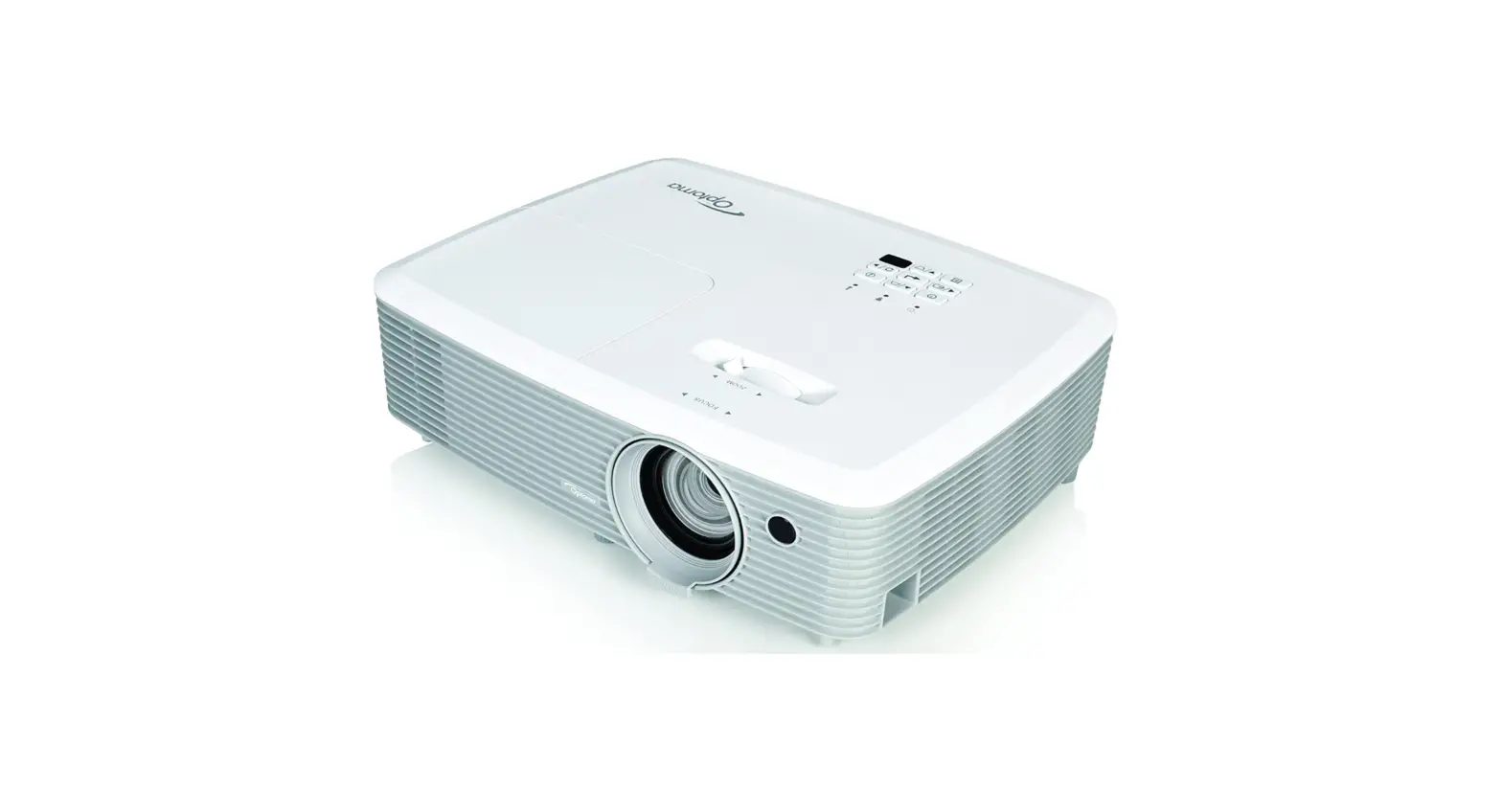
UHD35X Optoma 4K UHD Projector
Product Information:
| Product Name | UHD35x |
|---|---|
| Description | Bright, True 4K UHD gaming and home entertainment projector |
| Display Technology | DLPTM |
| Resolution | UHD (3840×2160) |
| Brightness | 3,600 lumens |
| Contrast Ratio | 1,000,000:1 |
| Native Aspect Ratio | 16:9 |
| Aspect Ratio – Compatible | 4:3 |
| Keystone Correction – Horizontal | Yes |
| Keystone Correction – Vertical | Yes |
| Horizontal Scan Rate | 31 ~ 135Khz |
| Vertical Scan Rate | 24 ~ 120Hz |
| Uniformity | 80% |
| Screen Size | 0.84m ~ 7.62m (33″ ~ 300″) diagonal |
| Lamp Info | Light source type: Lamp Lamp watts: 240 Lamp life hours (up to): 4000 (Bright), 15000 (Dynamic), 10000 (Eco) |
| Throw Ratio | 1.5:1 ~ 1.66:1 |
| Projection Distance | 1.21m – 9.9m |
| Zoom | 1.1 Manual |
| Zoom Type | 15.84 mm~17.42mm/0.624~0.686 Vertical |
| Focal Length | +0% 105% |
| Connectivity | Inputs: 2 x HDMI 2.0 Outputs: 1 x Audio 3.5mm, 1 x S/PDIF, 1 x USB-A power 1.5A Control: 1 x RS232, 1 x 12V trigger |
| Noise Level (Typical) | 26dB |
| Noise Level (Max) | 28dB |
| PC Compatibility | UHD, WQHD, WUXGA, FHD, UXGA, SXGA, WXGA, HD, XGA, SVGA, VGA, Mac |
| 2D Compatibility | 480i/p, 576i/p, 720p(50/60Hz), 1080i(50/60Hz), 1080p(50/60Hz), 2160p(50/60Hz) |
| 3D Compatibility | Frame-pack: 1080p24, 720p50 / 60 Full 3D |
| Security | Security bar, Kensington Lock, Password protected interface |
| OSD / Display Languages | 10 languages: English, French, German, Italian, Japanese |
| Operating Conditions | humidity 85% |
| Remote Control | Backlit home remote |
| Speaker Count | 1 |
| Watts per Speaker | 10W |
| In the Box | AC power cord, Remote control, 2x AAA batteries, Basic user manual |
| Input Lag | 4.20ms |
| Power | Power supply: 100 ~ 240V, 50 ~ 60Hz Power consumption (standby): 0.5W Power consumption (min): 220W Power consumption (max): 305W |
| Weight and Dimensions | Dimensions (W x D x H) mm: 315 x 270 x 118 Gross weight: 4.68 kg Net weight: 3.98 kg |
* Images are for representation purposes only and may be
simulated.
Product Usage Instructions:
To use the UHD35x projector, follow these steps:
- Place the projector in a suitable location where it has a clear
line of sight to the screen or wall you want to project onto. - Connect the necessary cables to the inputs and outputs of the
projector. Use the provided HDMI cables for video input. - Connect the power supply to the projector and plug it into a
power outlet. - Turn on the projector using the power button or the remote
control. - Adjust the keystone correction settings if needed to ensure a
rectangular image on the screen. - Select the desired input source using the remote control or the
buttons on the projector. - Use the zoom and focus controls to adjust the image size and
sharpness as per your preference. - Enjoy your gaming or home entertainment experience with the
UHD35x projector.
For more detailed instructions and information, please refer to
the user manual included in the box.
optomaeurope.com
UHD35x
Bright, True 4K UHD gaming and home entertainment projector
True 4K UHD resolution – HDR and HLG compatible Lights on viewing – 3600 lumens for use any time of day Lightning fast gaming projector – Delivers 1080p 240Hz with an ultra-low input lag of 4.2ms Full 3D compatible – Experience life-like bigscreen entertainment Immerse yourself in a world of Ultra HD gaming, live sports, TV shows and movies. The lightning-fast, low latency 4K UHD UHD35x delivers impressive cinema-quality images, an ultra-low input lag of 4.2ms and a high refresh rate of 240Hz – perfect for a competitive gaming advantage. TV and movie fans can also enjoy excellent colour depth, crystal clear detail, and sparkling contrast for a stunningly immersive experience.
fi Speci cations
Display/image Display technology Resolution Brightness Contrast ratio Native aspect ratio Aspect ratio – compatible Keystone correction horizontal Keystone correction – vertical Horizontal scan rate Vertical scan rate Uniformity Screen size Lamp info Light source type Lamp watts Lamp life hours (up to) Optical Throw ratio Projection distance (m) Zoom Zoom type Focal length (mm) Lens shift
ff Native o set
Connectivity Connections
General Noise level (typical) Noise level (max) PC compatibility
2D compatibility
3D compatibility 3D Security OSD / display languages
Operating conditions
Remote control Speaker count Watts per speaker In the box
Input lag Power Power supply Power consumption (standby) Power consumption (min) Power consumption (max) Weight and dimensions Dimensions (W x D x H) mm Gross weight Net weight
DLPTM
UHD (3840×2160) 3,600 lumens 1,000,000:1 16:9 4:3
+/-40°
+/-40°
31 ~ 135Khz 24 ~ 120Hz 80% 0.84m ~ 7.62m (33″ ~ 300″) diagonal
Lamp 240 4000 (Bright), 15000 (Dynamic), 10000 (Eco)
1.5:1 ~ 1.66:1 1.21m – 9.9m 1.1 Manual 15.84 mm~17.42mm/0.624″~0.686″ Vertical +0% 105%
Inputs 2 x HDMI 2.0 Outputs 1 x Audio 3.5mm, 1 x S/PDIF, 1 x USB-A power 1.5A Control 1 x RS232, 1 x 12V trigger
26dB 28dB UHD, WQHD, WUXGA, FHD, UXGA, SXGA, WXGA, HD, XGA, SVGA, VGA, Mac 480i/p, 576i/p, 720p(50/60Hz), 1080i(50/60Hz), 1080p(50/60Hz), 2160p(50/60Hz) Frame-pack: 1080p24, 720p50 / 60 Full 3D Security bar, Kensington Lock, Password protected interface 10 languages: English, French, German, Italian, Japanese,
fi Portuguese, Russian, Chinese (simpli ed), Spanish ° ° ° ° 5 C~40 C/41 F~104 F, max altitude 3000M/9843ft, max
humidity 85% Backlit home remote 1 10W AC power cord Remote control 2x AAA batteries Basic user manual 4.20ms
100 ~ 240V, 50 ~ 60Hz 0.5W 220W 305W
315 x 270 x 118 4.68 kg 3.98 kg
© Copyright 2022, Optoma and its logo is a registered trademark of Optoma Corporation. Optoma Europe Ltd is the licensee of the registered trademark. All other product names and company names used fi fi herein are for identi cation purposes only and may be trademarks or registered trademarks of their respective owners.Errors and omissions excepted, all speci cations are subject to change without notice.All
images are for representation purposes only and may be simulated. 06092022045332
 Projectors for home and business, LED displays, IFPDs, screens | Optoma United Kingdom