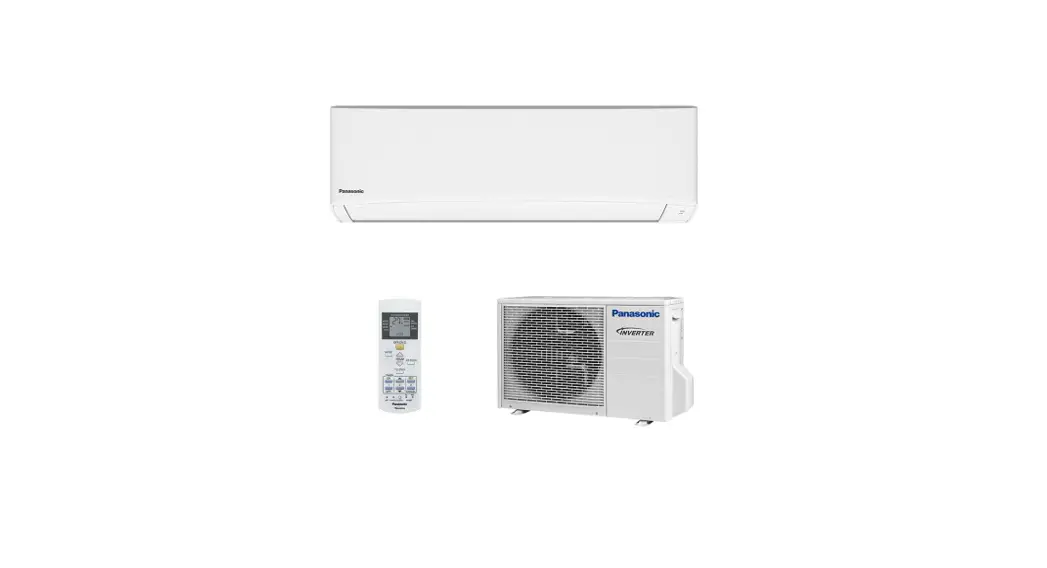
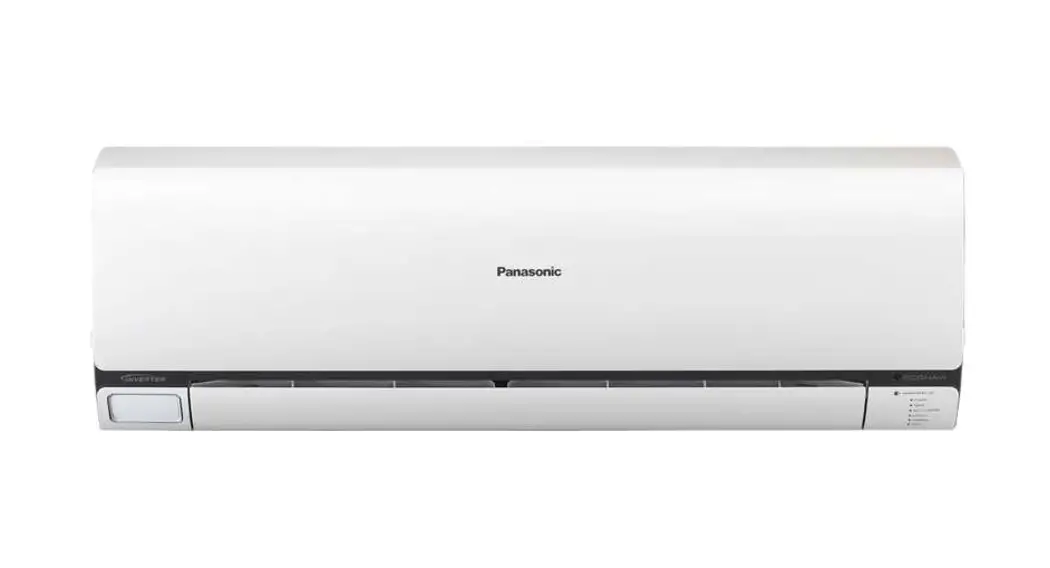
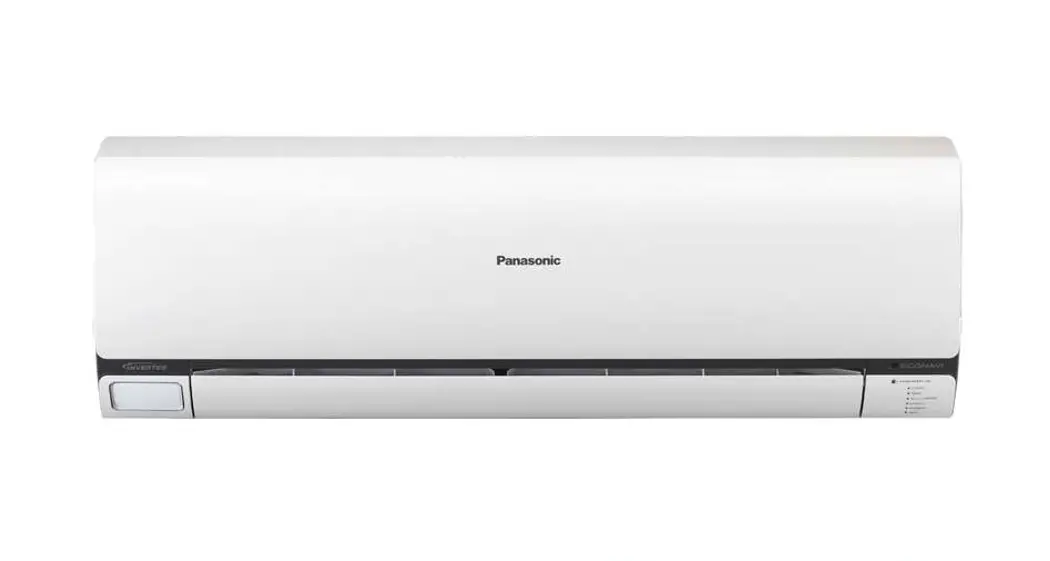
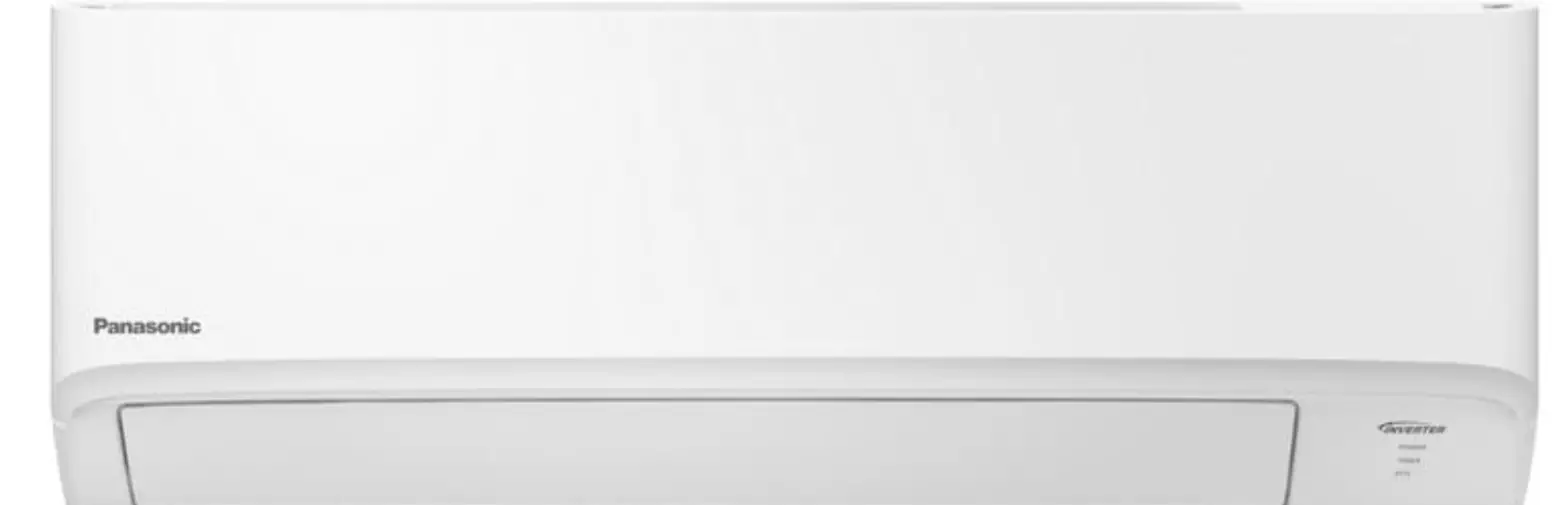
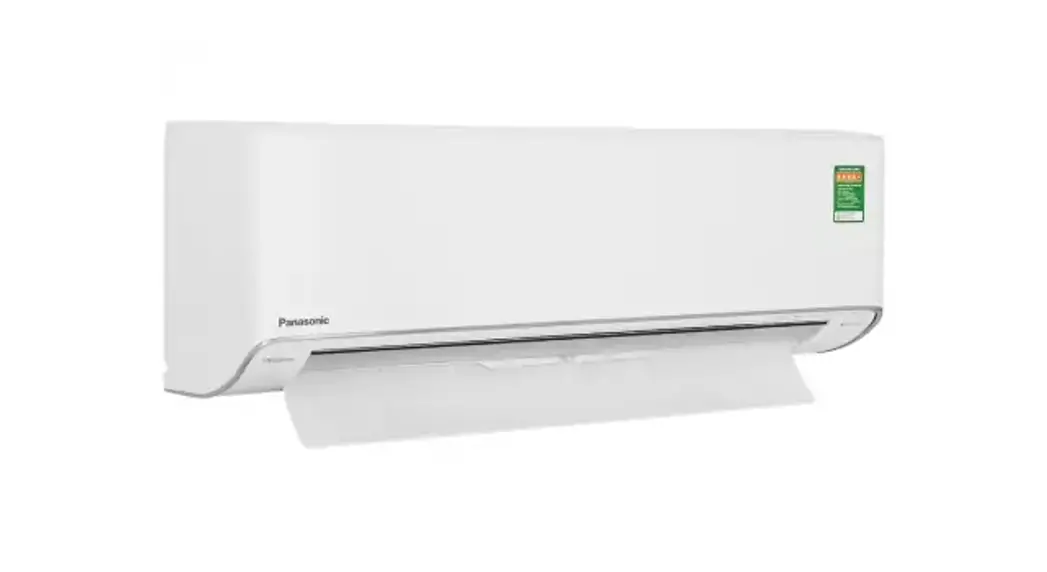
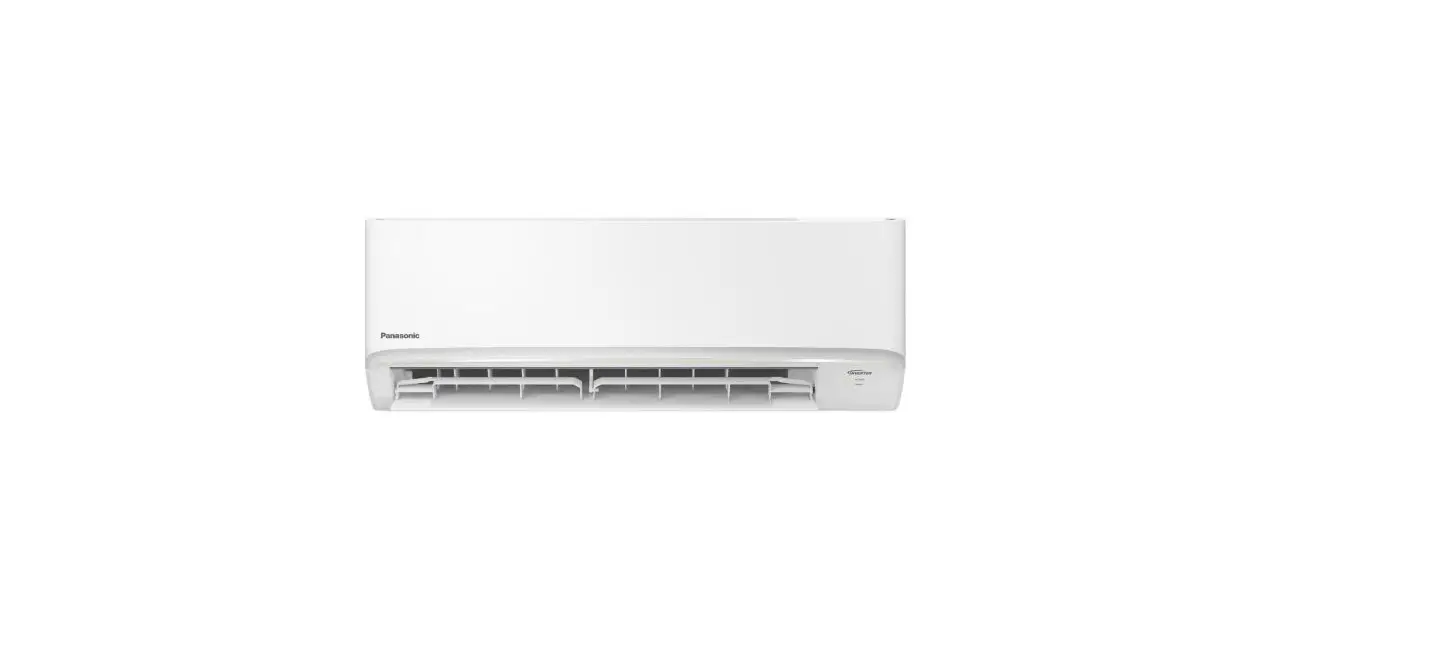
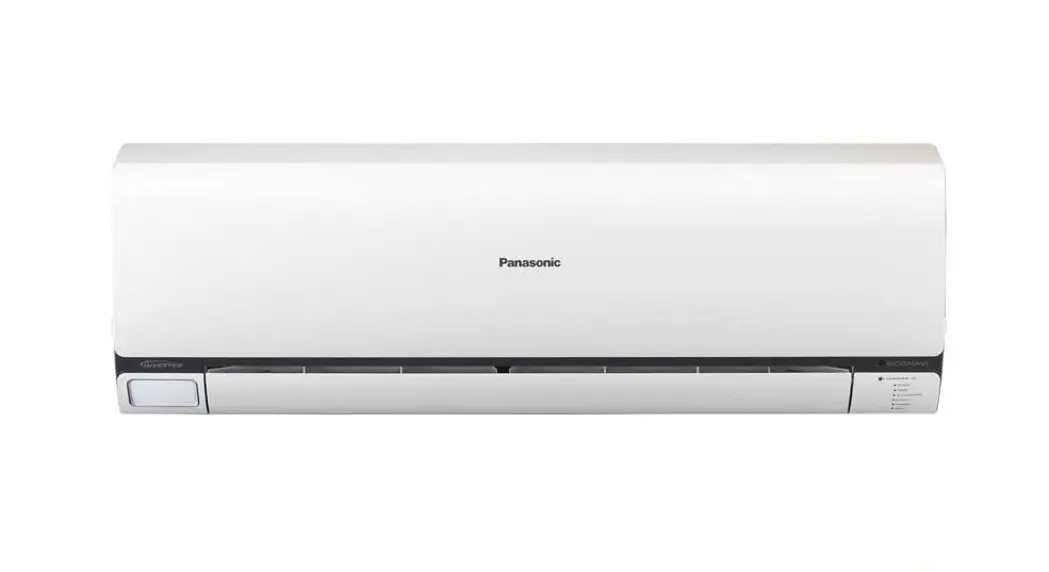
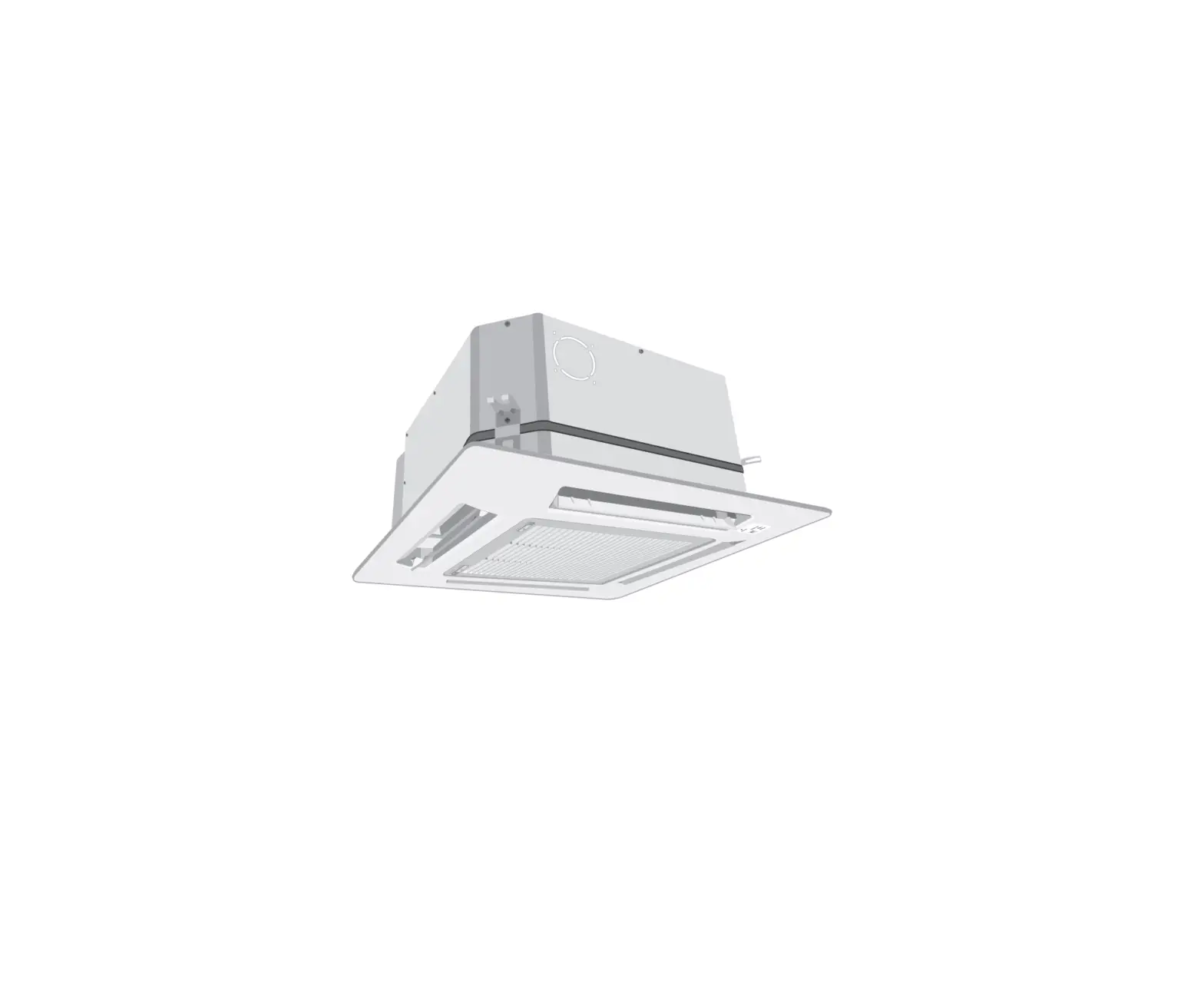
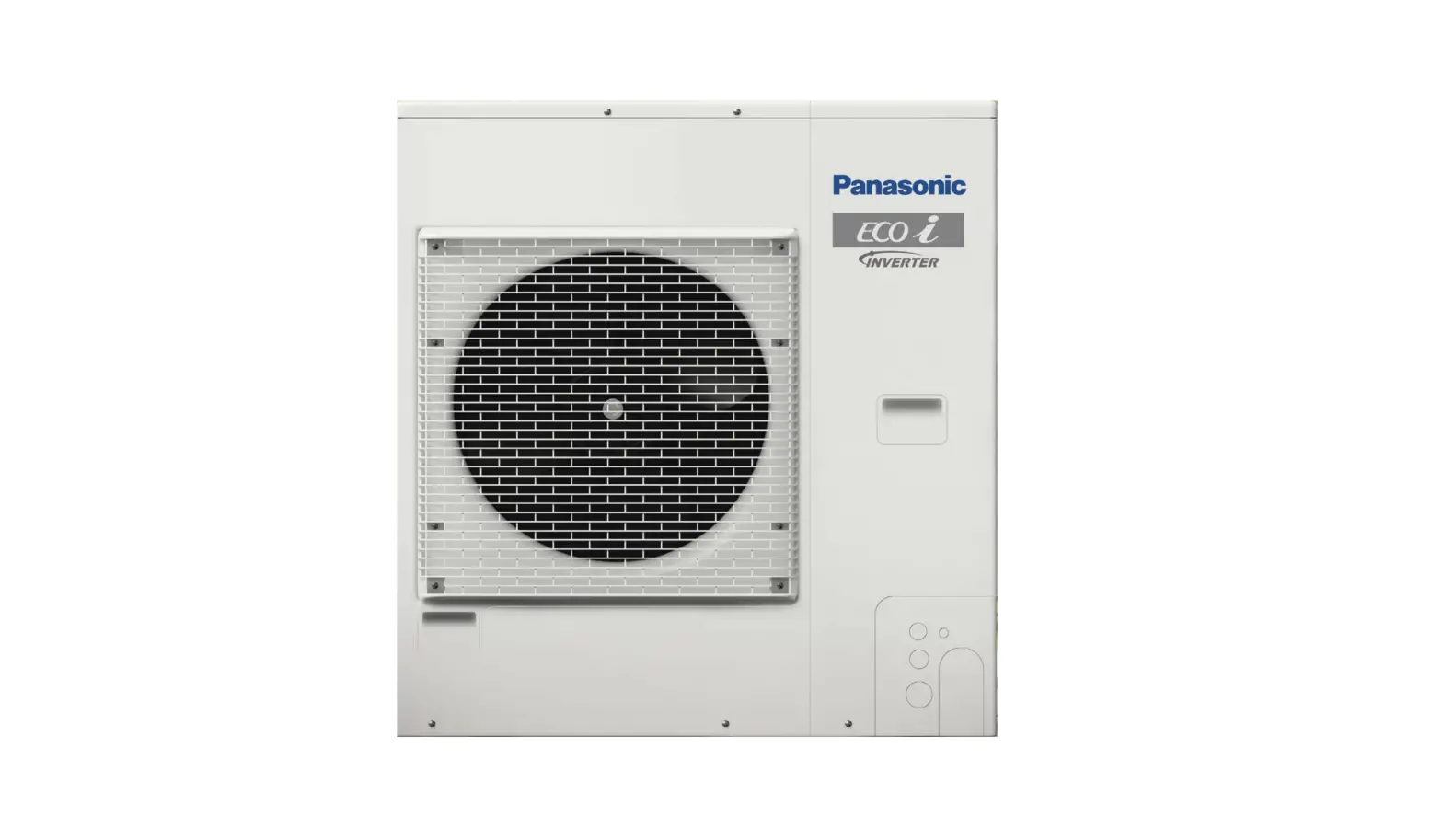
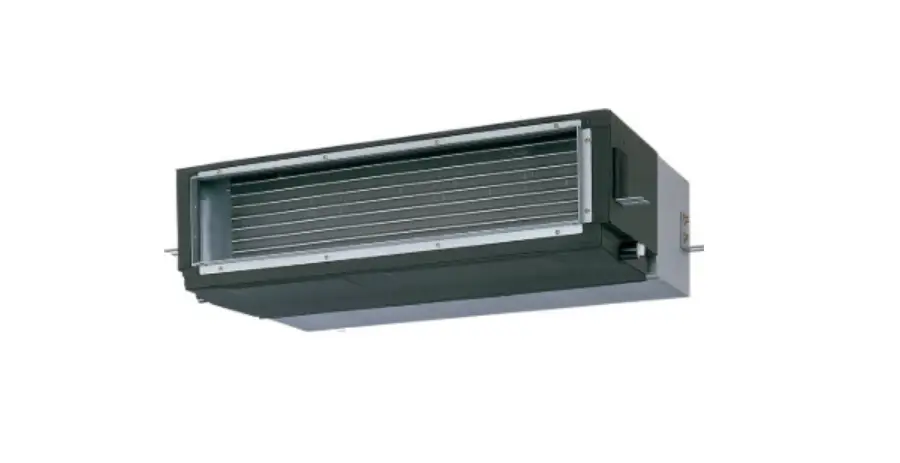
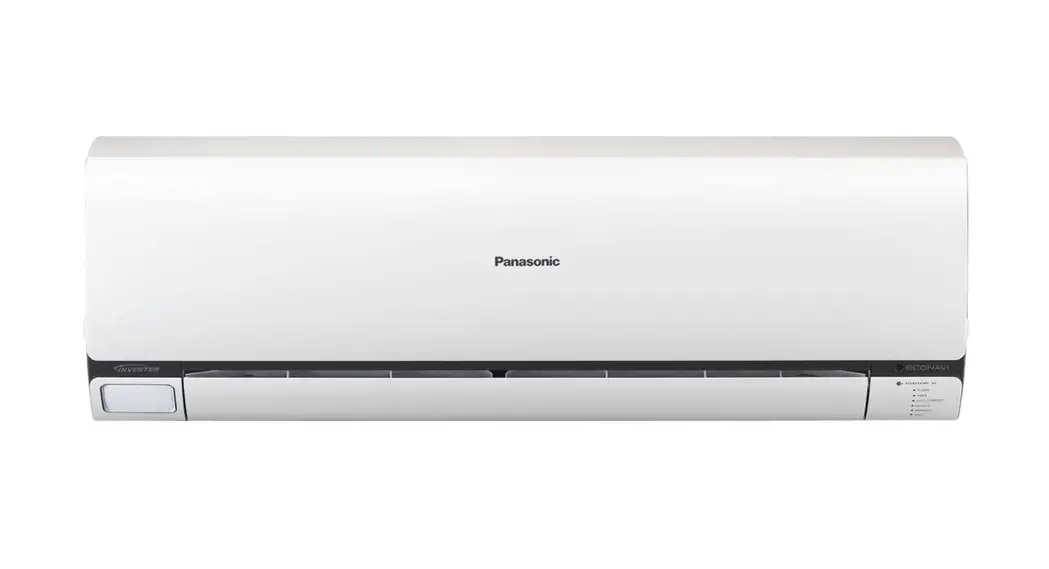
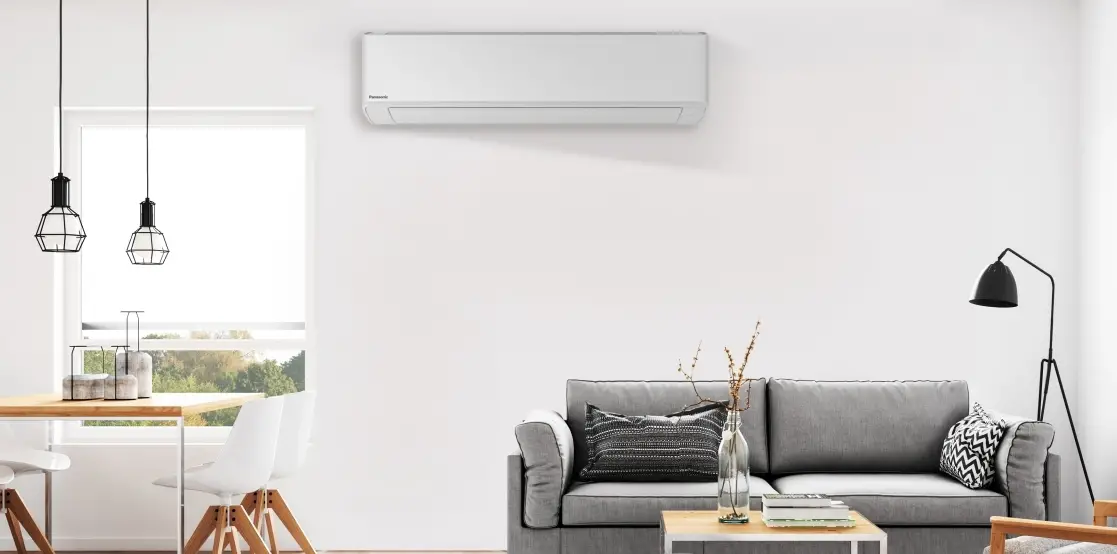
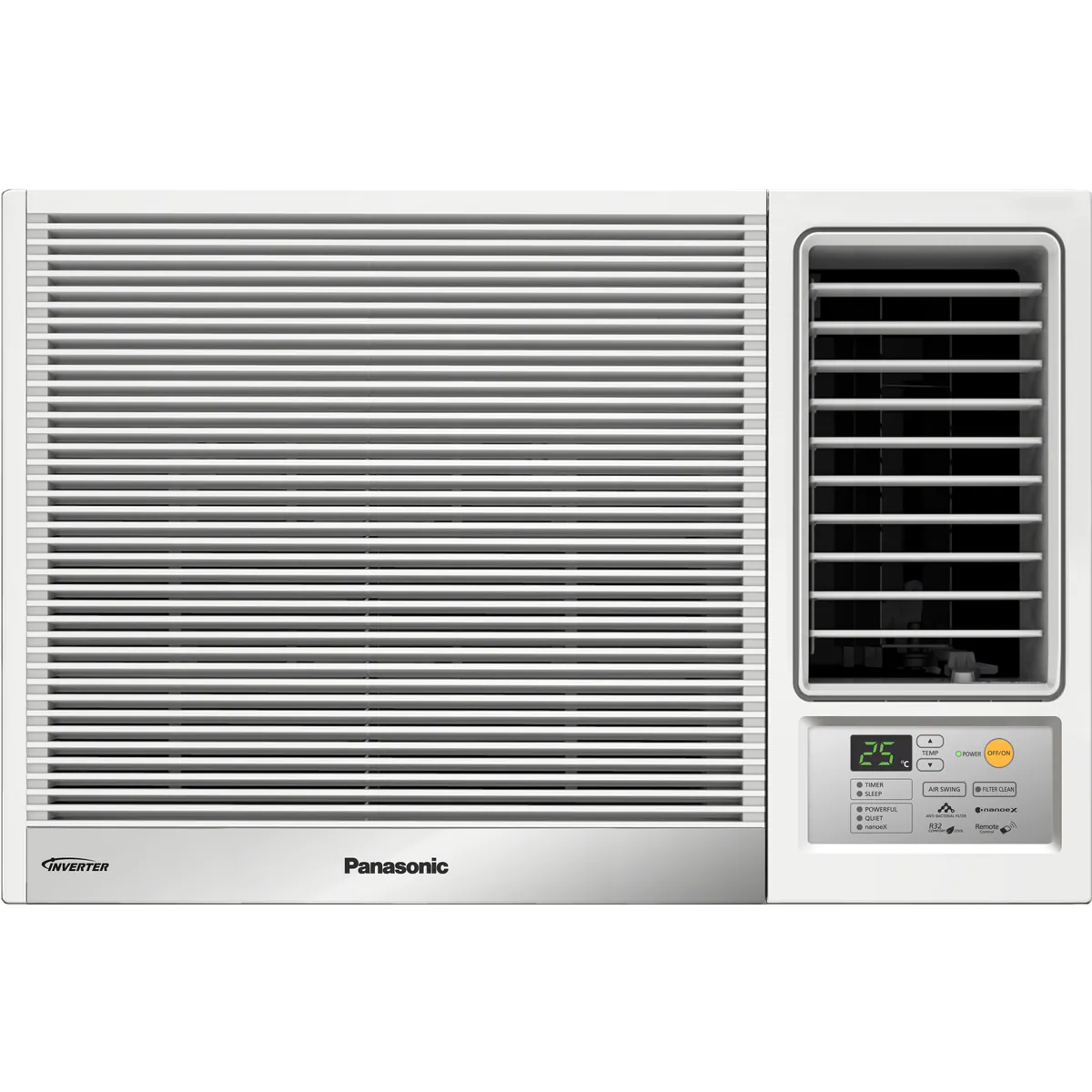
CS-U9ZKH-8 Air Conditioner
Product Information: – Product: Air Conditioner – Model No.
Indoor Unit: CS-U9ZKH-8, CS-U12ZKH-8, CS-U18ZKH-8, CS-U24ZKH-8 –
Model No. Outdoor Unit: CU-U9ZKH-8, CU-U12ZKH-8, CU-U18ZKH-8,
CU-U24ZKH-8 Product Usage Instructions: 1. Before operating
the unit, please read these operating instructions thoroughly and
keep them for future reference. 2. Before installation, the
installer should read the Installation Instructions and request the
customer to keep them for future reference. 3. Remove the remote
control packed with the indoor unit. 4. To turn on/off the air
conditioner: – Press the POWER button to start/stop the operation.
5. To select the desired mode: – Press the iAUTO-X button for
automatic mode. – Press the COOL button for cooling mode. – Press
the DRY button for dehumidifying mode. 6. To adjust the desired
temperature: – Press the TEMP UP button to increase the
temperature. – Press the TEMP DOWN button to decrease the
temperature. 7. To adjust airflow direction: – Press the upper
direction button for swing movement in the upper direction. – Press
the lateral direction button for swing movement in the lateral
direction. 8. To adjust fan speed and quiet condition: – Use the
corresponding buttons to adjust fan speed and quiet mode as
desired. 9. To enjoy fresher and cleaner environment: – Use the
corresponding buttons for additional features not used in normal
operation. 10. To turn on/off the Wireless LAN feature: – Press the
corresponding button to turn the Wireless LAN feature ON or OFF.
11. To restore the remote control to default settings: – Press the
corresponding button to restore the remote control to default
settings. 12. For more information on usage, refer to the “How to
Use” section. 13. For cleaning instructions, refer to the “Cleaning
the Air Conditioner” section. 14. For troubleshooting, refer to the
“Troubleshooting” section. 15. The illustrations in the manual are
for explanation purposes only and may differ from the actual unit.
They are subject to change without notice.
Operating Instructions
Air Conditioner
Model No. Indoor Unit CS-U9ZKH-8 CS-U12ZKH-8 CS-U18ZKH-8 CS-U24ZKH-8
Outdoor Unit CU-U9ZKH-8 CU-U12ZKH-8 CU-U18ZKH-8 CU-U24ZKH-8
Hng dn s dng
2-11
Máy iu hòa không khí
Trc khi bt thit b, vui lòng c k hng dn s dng này và gi li tham kho cho nhng ln sau. Trc khi lp t, ngi lp t nên: c hng dn lp t và yêu cu khách hàng ct gi bn hng dn tham kho sau này. G iu khin t xa c óng gói cùng vi dàn lnh.
Operating Instructions Air Conditioner
12-21
Before operating the unit, please read these operating instructions thoroughly and keep them for future reference.
Before installation, the installer should: Read the Installation Instructions, then request the customer keep them for future reference.
Remove the remote control packed with the indoor unit.
Ting Vit
English
ACXF55-34491
Mt Network Adaptor (B iu hp mng) tích hp sn cho phép bn iu khin hot ng ca iu hòa t bt k âu.
S dng iu khin trong khong 8m tính t b phn nhn tín hiu iu khin t xa trên dàn lnh.
Hng dn nhanh
B
Lp pin
A iu chnh ng h
2
3
1 Nhn CLOCK , sau ó
A
1
nhn cài t thi
gian.
1 Kéo np y lng ca iu khin.
2 Lp pin AAA hoc R03.
3 y np.
· Nhn nút CLOCK trong
khong 5 giây hin th thi gian theo dng 12 gi (am/pm) hoc 24 gi.
2 Nhn
xác nhn.
2
Cm n bn ã la chn Máy iu hòa không khí Panasonic.
Mc Lc
Cách S dng ……………….4-6 Tìm Hiu Thêm… ………………7 V sinh Máy iu hòa ……….8 Nhng vn thng gp …………………………….9-11
Ting Vit
Ph kin
· iu khin t xa · Pin AAA hoc 2 pin R03 · gi iu khin · 2 c vít ca gi iu khin
Ni dung trong hng dn này ch mang tính cht gii thích và có th khác so vi máy thc. Nhà sn xut có th thay i mà không báo trc.
B Các tính nng c bn
1 Nhn
khi ng/ngng hot ng.
2 Nhn
chn
ch mong mun.
iAUTO-X COOL
DRY
3 Nhn TEMP UP (TNG NHIT ), TEMP DOWN (GIM NHIT ) chn nhit mong mun.
Lên
POWER
· Khi máy ON (BT), biu tng mt i khi màn hin th ca iu khin t xa.
Xung
Dãy nhit la chn: 16.0 °C ~ 30.0 °C / 60 °F ~ 86 °F.
· Nhn nút trong khong 10 giây hin th n v nhit là °C hoc °F.
3
Cách S dng
Các èn hin th
Thay i hng gió
Hng lên xung
ÿRFiQKJLy
Hng nghiêng
qua li
ÿRFiQKJLy
· Không iu chnh cánh gió bng tay. * Xem mc “Tìm Hiu Thêm…” bit thêm chi tit
iu chnh TC QUT và ch YÊN TNH
FAN SPEED (TC QUT): · Khi chn ch FAN AUTO (QUT T NG), tc qut s c t ng iu chnh theo ch hot ng. · Chn tc qut thp nht ( ) có ch hot ng vi ting n thp. · Khi chn ch iAUTO-X, tc qut s t ng cài t thành AUTO (T NG). iu chnh tc qut, hãy hy ch iAUTO-X. QUIET (YÊN TNH): · Gim ting n ca lung gió thi.
tn hng môi trng ti mi hn và sch hn
Không dùng
trong khi vn hành bình
thng.
Nhn ON (BT) hay OFF (TT) tính nng Wireless LAN (LAN
Không dây).
Nhn khôi phc li các thit lp gc ca iu khin.
· Ch này kt hp gia ch nanoeTMX và nanoeTM-G (nanoeTM TECHNOLOGY).
· nanoeTM TECHNOLOGY bt u t ng khi thit b c bt.
· Nhn
ON (BT) hay OFF (TT) ch
này bng tay.
· Ch này có th c kích hot ngay c khi máy ang OFF (TT). Chú ý rng tc ca cánh o gió và qut s hot ng theo cài t ca iu khin t xa.
· Nu mt in khi máy ang chy, ch s c phc hi ngay khi có in tr li.
4
gim lng tiêu th in
Xem mc “Tìm Hiu Thêm…” bit thêm chi tit.
Cách S dng
· gim lng tiêu th in và tit kim nng lng tt hn mà không nh hng n s thoi mái.
· Chc nng ECO không th c kích hot khi ang s dng ch iAUTO-X.
· Nhn nút ln na hy b.
t c nhit mong mun nhanh chóng
Thit lp nhit iAUTO-X
-2°C / -4°F
Ti a = 4 ting
· Khi bt ch iAUTO-X, máy s t ng gim 2°C (4°F) t nhit cài t tng tc hiu qu làm lnh phòng.
· Tc qut c t thành AUTO (T NG) và bn không th thay i tc qut.
· Sau ti a 4 gi, máy tr v nhit cài t cui cùng. tng thi gian hot ng ca ch
iAUTO-X, nhn
ln na kích hot li ch iAUTO-X.
· Khi phòng ã t n nhit cài t, và nhit phòng ln hn 23°C và m phòng ln
hn 60%, ch iAUTO-X s hot ng theo cài t nh trc.
· Khi m trong phòng cao, tc qut s hot ng tc thp hn.
· Khi máy OFF (TT) và bn mun nhanh chóng t c nhit mong mun, nhn
bt máy ch iAUTO-X.
· hy ch iAUTO-X, nhn nút
.
tn hng cm giác thoi mái ti a khi ng
Ting Vit
· Chc nng này s mang li cho bn mt môi trng thoi mái khi ng. Nó s t ng iu chnh nhit ng theo khung gi trong sut quá trình c kích hot. · èn báo ca dàn lnh s m dn i khi chc nng này c kích hot. Không c s dng cách này nu sáng ca èn báo ã b làm m i. · Hot ng này s c tích hp vi b hn gi kích hot (0.5, 1, 2, 3, 4, 5, 6, 7, 8 hoc 9 gi). · Chc nng này có th c thit lp cùng vi ch hn gi. Chc nng ng s c u tiên hn chc nng hn gi OFF (TT). · Hot ng này có th c hy b bng vic nhn nút tng ng cho n khi ng h hn gi ch 0.0h.
kt ni ti mt mng
· cài t hot ng Mô-un LAN Không dây, vui lòng xem Sách Hng dn Cài t.
5
Cách S dng
Cài t hn gi
Bn có th cài t hen gi bt hay tt máy 2 thi gian lp sn khác nhau.
1
2
3
· hy ch hn gi, nhn nút hoc chn thit lp hoc
1 Chn ch TIMER Ví d:
ON (BT) hay TIMER OFF (TT) lúc
OFF (TT).
22:00 gi
· Mi ln bm:
7KLWOSFK ÿWKRiW
2 Chn thi gian.
tng ng, sau ó nhn .
· Nu ch hn gi ã b hy bng tay hoc do mt in, bn có th khôi phc li ch này. Nhn nút hoc chn thit lp hoc tng ng, sau
ó nhn .
· Cài t hn gi gn nht s c hin th và s c kích hot sau ó.
· Ch hn gi hot ng theo cài t gi trên iu khin t xa và s lp li hàng ngày khi gi hn ã c cài t. cài t gi, xin vui lòng xem phn Hng dn.
3 Xác nhn cài t.
Ghi chú
,
,
· Có th c chn cùng lúc.
, · Không th kích hot cùng mt lúc.
6
Tìm Hiu Thêm…
Cách S dng / Tìm Hiu Thêm…
Ting Vit
Ch hot ng
iAUTO-X
: Cung cp kh nng làm mát nhanh, lý tng trong nhng ngày nng nóng.
COOL (LÀM LNH) : em li s làm mát d chu mt cách hiu qu và phù hp vi nhu cu ca bn.
DRY (HÚT M)
: Qut quay chm thi gió mát nh nhàng. Khi FAN AUTO (QUT T NG) c chn, ch DRY (HÚT M) s hot
ng kèm kim soát m.
Cài t nhit ch tit kim nng lng
Bn có th tit kim in khi bt máy khong nhit khuyn khích. COOL (LÀM LNH): 26.0 °C ~ 28.0 °C / 79 °F ~ 82 °F.
Hng gió
ch iAUTO-X: Các cánh o gió ngang s s ng a lên/xung theo v trí nh sn. Khi t c nhit , cánh o gió ngang s c nh ti v trí phía trên. ch COOL (LÀM LNH): Cánh o gió ngang c c nh gia v trí cài t. Khi t c nhit , cánh o gió ngang s t ng xoay lên/xung. ch DRY (HÚT M) kèm kim soát m: Nu FAN AUTO (QUT T NG) c t, cánh o gió ngang s t ng xoay lên/xung. Khi t c nhit , cánh o gió ngang s c c nh v trí ã nh trc. ch DRY (HÚT M) không kèm kim soát m: Cánh o gió ngang c c nh gia v trí cài t. Khi t c nhit , cánh o gió ngang s t ng xoay lên/xung.
ch iAUTO-X/COOL/DRY (iAUTO-X/LÀM LNH/HÚT M) Cánh o gió ngang s t ng di chuyn lên/xung.
iu khin ch t khi ng
Khi in c khôi phc sau khi mt in, các quá trình s t khi ng li sau mt khong thi gian vi ch hot ng và hng lung không khí ging vi nh trc khi mt in. · Ch iu khin này không áp dng khi thit b c thit lp ch HN GI.
V sinh bên trong
Chc nng này nhm nâng cao kh nng v sinh bên trong ca thit b iu hòa không khí.
kích hot v sinh bên trong, hãy tt thit b và nhn nút
trong hn 3 giây t iu khin t xa.
Trong quá trình v sinh bên trong, h thng lc nanoeTMX s c bt và các cánh o gió ngang s
m hot ng tc qut thp trong ti a 2,5 gi trc khi thit b tt. Không tt ngun in trong khi
thc hin thao tác này. Thao tác v sinh bên trong hoàn thành khi qut dng và cánh o gió óng. Khi
có in tr li sau khi b li, hot ng này s không tip tc.
iu kin hot ng
S dng iu hòa trong di nhit ch nh trong bng.
Nhit °C (°F)
COOL
Ti a
(LÀM LNH) Ti thiu
Khi trong nhà
DBT
WBT
32 (89.6)
23 (73.4)
16 (60.8)
11 (51.8)
DBT: Nhit bu khô, WBT: Nhit bu t
Khi ngoài tri
DBT
WBT
46 (114.8)
26 (78.8)
16 (60.8)
11 (51.8)
7
V sinh Máy iu hòa
Cn tin hành v sinh và bo dng nh k m bo máy hot ng ti u. Máy bn s gây ra hng hóc và bn có th thy mã li “H 99”. Liên h trm bo hành y quyn c tr giúp.
· Trc khi v sinh, tt in ngun và tháo phích cm.
· Không chm tay vào lá nhôm vì li lá nhôm sc có th gây tn thng.
· Không dùng benzen, cht n mòn hoc bt ty ra.
· Ch dùng xà bông ( pH 7) hoc cht ty ra trung tính.
· Không dùng nc nóng hn 40 °C / 104 °F ra.
Khi trong nhà (Cu trúc ca thit b có th khác nhau tùy thuc vào kiu máy)
Mt máy
Lá nhôm
AUTO OFF/ON
Li lc khí
Ngun phát nanoeTM-G
Khi trong nhà
Khi ngoài tri
Hãy nh tay khi x lý b mt thit b tránh b try xc bi các vt sc nhn hoc thô ráp (ví d: móng tay, dng c, nhn, v.v.). Lau nh thit b bng khn mm m. Dàn trao i nhit và qut cn c v sinh nh k bi i lý y quyn.
Mt máy
Dn sch rác xung quanh máy. Làm sch ng dn nc.
Ngun phát nanoeTM-G 2 tun mt ln · Lau sch bng vi bông khô. · Không chm vào trong khi máy ang hot ng.
Ra nh nhàng và phi khô. Cách tháo g mt máy phía trc
Li lc khí 2 tun mt ln
1 Dng lên.
A
· Ra/tráng li lc nh nhàng
vi nc tránh làm h b
AUTO OFF/ON
B
mt li lc.
· Phi khô li lc trong bóng râm, tránh xa
2 Trt tm che la hoc phi trc tip di nng.
phía trc sang phi A và kéo ra B .
· Thay li lc khi b h.
G b b lc không khí
Gn b lc không khí
óng li cn thn
1 Gi nm ngang.
AUTO OFF/ON
2 Cn chnh và y vào.
3 óng xung. 4 Nhn c hai u và im gia ca mt trc
máy.
8
G khi máy
Lp vào thit b
Nhng vn thng gp
V sinh Máy iu hòa / Nhng vn thng gp
Nhng hin tng sau không phi s c thuc thit b.
Hin tng
Nguyên nhân
èn POWER (NGUN) nhp nháy trc khi máy bt.
· ây là bc u chun b cho hot ng TIMER (HN GI) sau khi ã c cài t. Khi ch hn gi c ON (BT), máy có th bt sm hn (ti 15 phút) thi gian ã nh t c nhit yêu cu úng thi gian ã nh.
èn TIMER (HN GI) luôn ON (BT).
· Khi ch hn gi (Timer) c cài t, ch hn gi (Timer) s lp li hàng ngày.
Máy chm hot ng vài phút sau khi khi ng li. · S trì hoãn này nhm bo v máy nén.
ôi khi qut khi trong nhà ngng li ch · Giúp loi b mùi trong phòng. qut t ng.
Phòng có mùi l.
· Có th do mùi m thp phát ra t tng, thm, c trong nhà hay qun áo.
Có ting crac trong khi máy chy.
· Thay i nhit khin các b phn n ra hay co li.
Ting nc chy trong khi máy chy.
· Môi cht lnh chy trong máy.
Sng phun ra t khi trong nhà.
· Trong quá trình làm lnh, không khí lnh ta ra có th gây nc ngng t.
Khi ngoài tri có nc hoc hi nc thoát ra.
· ch làm lnh, quá trình ngng t xy ra ti các ng ng lnh và nc ngng t có th chy t khi ngoài tri.
Thit b ngoài tri gây n khi ch iAUTO-X ban u.
· Máy nén và qut quay tc cao hn tng hiu sut làm mát trong quá trình hot ng ban u.
Bc màu mt s linh kin bng nha.
· S bc màu tùy thuc vào vt liu c s dng trong các linh kin bng nha. Quá trình này s din ra nhanh hn khi tip xúc vi nhit, ánh sáng mt tri, tia cc tím, hoc các yu t môi trng.
Bi có th bám vào xung quanh bng iu khin · S tích t bi là do quá trình thanh lc không khí ion âm t
phía trc, li tn nhit và tng bao quanh thit công ngh nanoeTM-G. Lau sch bui thng xuyên vi mt
b sau khi s dng lâu dài.
ming vi sch m.
Khi chy ch nanoeTM TECHNOLOGY, khi trong nhà s phát ra ting ro ro nh.
· iu này là hoàn toàn bình thng khi máy phát nanoeTMX ang hot ng. Nu bn lo lng v ting n này, hãy hy ch nanoeTM TECHNOLOGY.
èn báo mng LAN không dây ON (BT) khi máy · Kt ni mng LAN không dây vi b nh tuyn ã c kích
OFF (TT).
hot.
Kim tra các quy trình sau ây trc khi gi bo hành.
Hin tng
Kim tra
Ch COOL (LÀM LNH) không hot ng hiu · Cài t nhit úng quy cách.
qu.
· óng ht ca s và ca ra vào.
· V sinh hoc thay tm lc.
· Gt sch mi vt cn ng gió vào và ng gió ra.
Máy chy n.
· Kim tra xem máy có b lp t nghiêng không.
· Mt máy óng ã khp cha.
iu khin t xa không hot ng. (èn hin th m hoc tín hiu yu.)
· Kim tra pin c lp úng không. · Thay pin yu.
Máy không hot ng.
· Kim tra xem cu dao óng không.
· Kim tra xem có hn gi tt không.
Máy không nhn tín hiu t iu khin t xa.
· Kim tra xem mt nhn có b chn không.
· Mt s loi èn hunh quang có th nh hng ti vic truyn tín hiu iu khin. Liên h trm bo hành y quyn c tr giúp.
èn báo nanoeTM TECHNOLOGY dàn lnh không ON (BT) khi công ngh nanoeTM TECHNOLOGY c kích hot.
· Dùng iu khin t xa ly mã li và hi t vn i lý y quyn.
9
Ting Vit
Nhng vn thng gp
Khi…
iu khin b mt hoc không hot ng
AUTO OFF/ON
(Cu trúc ca thit b có th khác nhau tùy thuc vào kiu máy)
1. Nâng mt trc. 2. Nhn nút AUTO OFF/ON (T NG TT/BT) mt ln s dng
ch iAUTO-X. 3. vn hành ch COOL (LÀM LNH) bt buc, nhn nút AUTO
OFF/ON (T NG TT/BT) và gi cho n khi nghe 1 ting bíp, sau ó th tay. (Thao tác này s do nhân viên bo dng thc hin) 4. Nhn nút AUTO OFF/ON (T NG TT/BT) ln na tt máy.
èn ch báo quá sáng
· gim hoc khôi phc sáng ca èn báo trên máy, nhn trong vòng 5 giây.
trên iu khin và gi
Kim tra máy sau mt thi gian dài không s dng · Kim tra pin.
· Kim tra và m bo không có vt th l xung quanh các ng gió vào và ng gió ra.
· S dng nút AUTO OFF/ON (T NG TT/BT) trên máy chn ch COOL (LÀM LNH). Xem mc “iu khin t xa b mt hoc có li xy ra” trên bit thêm chi tit. Sau 15 phút hot ng, nu chênh lch nhit gia ca gió vào và ca gió ra nh di ây có ngha là máy hot ng bình thng:
COOL (LÀM LNH): 8 °C / 14.4 °F
Máy s không c s dng trong mt thi gian dài · Bt ch nanoeTM TECHNOLOGY trong 2~3 gi loi b hoàn toàn hi m còn sót li bên trong máy. Vic này giúp ngn chn s phát trin ca nm mc.
· Tt in ngun và rút phích cm khi máy.
· Tháo pin ra khi iu khin t xa.
IU KIN KHÔNG C T SA CHA MÁY TT NGUN IN VÀ RÚT PHÍCH CM KHI MÁY. Sau ó liên h ti ai lý y quyn trong các trng hp sau: · Có ting ng khác thng khi máy ang hot ng.
· Nc/vt l vào bên trong iu khin t xa.
· Nc ang r ra t khi trong nhà.
· Cu dao thng xuyên b ngt.
· Dây ngun nóng hn bình thng.
· Công tc hoc nút bm không hot ng bình thng.
10
Ly mã li
Nu máy ngng hot ng và èn báo TIMER (HN GI) nhp nháy, dùng iu khin t xa ly mã báo li.
1 Dùng vt nhn nhn nút trong 5 giây
3 Dùng vt nhn nhn nút trong 5 giây thoát khi ch kim tra li
2 Nhn nút n khi bn nghe mt lot ting bíp, sau ó ghi li mã báo li
4 Tt máy và thông báo mã báo li vi trm bo hành y quyn.
· i vi mt s li, bn có th phi khi ng li máy vi ch hot ng hn ch, vi 4 ting “bíp” lúc khi ng.
Nhng vn thng gp
Ting Vit
Hin th chn oán
H 00 H 11
H 12
H 14
H 15
H 16
H 17 H 19 H 21
H 23
H 24 H 25 H 26 H 27
H 28
H 30 H 31 H 32 H 33 H 34
H 35
H 36
H 37
H 38
Vn /Kim soát bo v
Không có ghi nh v li
Tín hiu gia hai khi trong/khi ngoài bt thng
Khi trong hot ng không úng công sut
Cm bin nhit gió khi trong bt thng
Cm bin nhit máy nén ca khi ngoài bt thng
B phn bin th (CT) khi ngoài bt thng
Cm bin nhit hút khi ngoài bt thng
ng c qut khi trong nhà b kt
Báo mc nc ngng ca khi trong bt thng
Cm bin nhit dàn trao i nhit s 1 ca khi trong bt thng
Cm bin nhit dàn trao i nhit s 2 ca khi trong bt thng
Thit b i-on ca khi trong bt thng
B phát i-on bt thng
Cm bin nhit gió khi ngoài bt thng
Cm bin nhit dàn trao i nhit s 1 ca khi ngoài bt thng
Cm bin nhit ng y khi ngoài bt thng
Cm bin h bi có vn
Cm bin nhit dàn trao i nhit s 2 ca khi ngoài bt thng
Khi trong/khi ngoài mt kt ni vi nhau
Cm bin nhit b làm mát khi ngoài bt thng
Nc ngng hoc bm nc ngng bt thng
Cm bin nhit ng dn gas khi ngoài bt thng
Cm bin nhit ng lng khi ngoài bt thng
Khi trong/khi ngoài không cùng kiu máy (không trùng mã hiu)
Hin th chn oán
H 39
H 41 H 50 H 51 H 52 H 58 H 59
H 64
H 67 H 70
H 71
H 72
H 79
H 85
H 97 H 98
H 99
F 11 F 16
F 17
F 18 F 87 F 90 F 91
F 93
F 94 F 95 F 96 F 97 F 98
F 99
Vn /Kim soát bo v
Khi trong hot ng bt thng hoc ch ch Kt ni dây in hay ng dn bt thng ng c qut thông gió b kt ng c qut thông gió b kt B phn gii hn trái-phi bt thng Cm bin gas khi trong bt thng Cm bin Eco bt thng Cm bin áp sut cao khi ngoài bt thng Nanoe bt thng èn cm bin bt thng Bo iu khin bên trong qut dàn lnh DC bt thng Cm bin nhit bình cha bt thng Mô-un mng nôi b (LAN) không dây ghi li Giao tip bt thng gia khi trong nhà và mô-un mng ni b (LAN) không dây
ng c qut khi ngoài b ket Bo v áp sut cao khi trong Bo v hin tng ông á ca khi trong hot ng Công tc van 4 chiu bt thng Bo b tng dòng in hot ng Khi trong ch ch ông á bt thng Bng mch khô b khóa bt thng Bo v quá nhit vi hp iu khin Bo b mch công sut (PFC) bt thng Chu k làm lnh bt thng Vòng quay ca máy nén khi ngoài bt thng Bo v quá áp u y máy nén Bo v áp sut cao làm lnh khi ngoài Bo v quá nhit in tr máy nén Bo v quá nhit máy nén Bo v tng dòng in hot ng Nhn bit dòng in mt chiu (DC) khi ngoài
* Mt s mã li không có cho mu máy ca bn. Vui lòng kim tra vi i lý y quyn bit thêm chi tit.
11
A new built-in Network Adaptor that allows you to control your air conditioner unit operation from anywhere.
Use the remote control within 8 m from the remote control receiver on the indoor unit.
B
12
Quick Guide
Inserting the batteries
2
A Clock setting
3
1 Press CLOCK , then
A
1
press to set the
time.
1 Pull out the back cover of remote control.
2 Insert AAA or R03 batteries.
3 Close the cover.
· Press CLOCK for approximately 5 seconds to show the time as 12-hour (am/pm) or 24-hour.
2 Press
to confirm.
Thank you for purchasing Panasonic Air Conditioner.
Table of Contents
How to Use ……………….14-16 To Learn More… ……………..17 Cleaning the Air Conditioner ………………..18 Troubleshooting …………19-21
Accessories
· Remote control · AAA or R03 batteries × 2 · Remote control holder · Screws for remote control
holder × 2
The illustrations in this manual are for explanation purposes only and may differ from the actual unit. They are subject to change without notice.
B Basic operation
1 Press
to
start/stop the operation.
POWER
· When the unit is ON, disappears from the remote control display.
2 Press
to select
the desired mode.
iAUTO-X COOL
DRY
3 Press TEMP UP, TEMP DOWN to select the desired temperature.
Up
Down
Selection range: 16.0 °C ~ 30.0 °C / 60 °F ~ 86 °F.
· Press for approximately 10 seconds to show the temperature as °C or °F.
13
English
How to Use
Indicators
To adjust airflow direction
Upper direction
(swing)
Lateral direction
(swing)
· Do not adjust the flap by hand. * For details operation, refer “To Learn More….”
To adjust FAN SPEED and QUIET condition
FAN SPEED: · When FAN AUTO is selected, the fan speed is adjusted automatically according to the operation mode. · Select the lowest fan speed ( ) to have a low noise operation. · When iAUTO-X mode is selected, the fan speed is automatically set to AUTO. To adjust the fan speed, cancel iAUTO-X mode.
QUIET: · This operation reduces airflow noise.
To enjoy fresher and cleaner environment
Not used in normal operation.
Press to turn the Wireless LAN feature ON or OFF.
Press to restore the remote control to default setting.
14
· This operation combines both nanoeTMX and nanoeTM-G (nanoeTM TECHNOLOGY). · nanoeTM TECHNOLOGY automatically starts when the unit is turned on.
· Press
to turn ON or OFF this operation
manually.
· This operation can be activated even when the unit
is OFF. Note that the flap and fan speed will operate
according to the remote control setting.
· If a power failure occurs during this operation,
this operation resumes immediately when power
resumes.
To reduce power consumption
· To reduce power consumption for better energy saving without sacrificing comfort. · ECO function cannot be activated during iAUTO-X mode. · Press the button again to cancel.
See “To Learn More…” for details.
To reach the desired temperature quickly
Set temperature iAUTO-X
-2°C / -4°F
Max = 4 hours
· When iAUTO-X mode is turned on, the unit automatically reduces the temperature by 2°C (4°F) from the set temperature to accelerate the room cooling effect. · Fan speed is set to AUTO and you cannot change the fan speed. · After a maximum of 4 hours, the unit returns to the last set temperature. To extend iAUTO-X
operation, press
again to reactivate the iAUTO-X.
· When the room has reached set temperature, and room temperature is > 23°C and room humidity is > 60%, iAUTO-X will operate at a predetermined setting.
· When room humidity is high, fan speed will operate at lower speed.
· When the unit is OFF and you want to reach the desired temperature quickly, press to turn on the unit in iAUTO-X mode.
· To cancel iAUTO-X mode, press
button.
To maximise comfort while sleeping
· This operation provides you with a comfortable environment while sleeping. It will automatically adjust the sleep pattern temperature during the activation period. · The indoor unit indicator will dim when this operation is activated. This is not applicable if the indicator brightness has been manually dimmed. · This operation is incorporated with the activation timer (0.5, 1, 2, 3, 4, 5, 6, 7, 8 or 9 hours). · This operation can be set together with timer. Sleep operation has the priority over OFF timer. · This operation can be cancelled by pressing the respective button until the sleep timer reaches 0.0h.
To connect to a network
· For Wireless LAN Module operation setup, please refer to Setup Instructions Manual.
How to Use
English
15
How to Use
To set the timer
You can set the timer to turn on and off the unit at 2 different preset time.
1
2
3
1 Select TIMER ON or TIMER OFF. · Each time pressed:
(exit setting)
Example: OFF at 22:00
2 Set the time.
· To cancel the timer, press or to select the respective setting or , then press .
· If the timer has been cancelled manually or due to power failure, you can restore the timer again. Press or to select the respective setting or , then press
.
· The nearest timer setting is displayed and will activate in sequence.
· The timer operation follows the clock setting on the remote control and will repeat daily when timer has been set. For clock setting, refer to Quick Guide.
3 Confirm the setting.
Note
,
,
· Can be selected at the same time.
, · Cannot be selected at the same time.
16
How to Use / To Learn More…
To Learn More…
Operation mode
iAUTO-X COOL DRY
: Provides fast cooling operation which is ideal on a hot day. : Provides efficient comfort cooling to suit your needs. : Operates at low fan speed for a gentle cooling operation.
When FAN AUTO is selected, DRY mode will operate with humidity control.
Energy saving temperature setting
You may save energy when operating the unit within the recommended temperature range. COOL: 26.0 °C ~ 28.0 °C / 79 °F ~ 82 °F.
Air flow direction
In iAUTO-X mode: The horizontal flap swings up/down automatically at a predetermined position. Once the temperature is achieved, the horizontal flap is fixed at upper position.
In COOL mode: The horizontal flap is fixed at middle position setting. Once the temperature is achieved, the horizontal flap swings up/down automatically.
In DRY mode with Humidity Control: If FAN AUTO is set, the horizontal flap swings up/down automatically. Once the temperature is achieved, the horizontal flap is fixed at the predetermined position.
In DRY mode without Humidity Control: The horizontal flap is fixed at middle position setting. Once the temperature is achieved, the horizontal flap swings up/down automatically.
In iAUTO-X/COOL/DRY mode: The horizontal flap swings up/down automatically.
Auto restart control
When power is resumed after a power failure, the operation will restart automatically with the last operation mode and airflow direction. · This control is not applicable when TIMER is set.
Inside Cleaning
This function is to enhance the inside cleaning of the air conditioner indoor unit.
To activate inside cleaning, turn off the unit and press
button for more than 3 seconds from
remote control. During inside cleaning operation, nanoeTMX will turn on and horizontal flap is open with
low fan speed operation for a maximum of 2.5 hours before the unit is turned off. Do not turn off the
power supply during this operation. The inside cleaning operation is completed when the fan stops and
the flap is close. When power is resume after failure, this operation will not resume.
Operating conditions
Use this air conditioner in the temperature range indicated in the table.
Temperature °C (°F)
COOL
Max. Min.
Indoor
DBT
WBT
32 (89.6)
23 (73.4)
16 (60.8)
11 (51.8)
Outdoor
DBT
WBT
46 (114.8)
26 (78.8)
16 (60.8)
11 (51.8)
DBT: Dry bulb temperature, WBT: Wet bulb temperature
English
17
Cleaning the Air Conditioner
Cleaning has to be carried out at regular intervals to ensure the unit is at optimal performance. A dirty unit may cause malfunction and you may retrieve “H 99” error code. Consult an authorised dealer.
· Before cleaning, switch off the power supply and unplug the unit.
· Do not touch the aluminium fin as the sharp parts may cause injury.
· Do not use benzine, thinner or scouring powder.
· Use soap ( pH 7) or neutral household detergent only.
· Do not use water hotter than 40 °C / 104 °F.
Indoor unit (Structure of the unit may vary depending on the model)
Front panel
Aluminium fin
AUTO OFF/ON
Air filters
nanoeTM-G Generator
Indoor unit
Do handle the unit surface with care to avoid scratches by sharp or rough items (e.g. fingernails, tools, rings, etc). Wipe the unit gently with a soft damp cloth. The coils and fans should be cleaned periodically by an authorised dealer.
Front panel
Wash gently and dry.
How to remove front panel
1 Raise up.
A
Close it securely 1 Hold horizontally.
AUTO OFF/ON
B
2 Slide the front panel to right A and pull out B .
Outdoor unit
Clean the debris that surround the unit. Clear any blockage from the drain pipe.
nanoeTM-G Generator Once every 2 weeks
· Clean with dry cotton bud. · Do not touch during operation.
Air filters
Once every 2 weeks
· Wash/rinse the filters gently with water to avoid damaging the surface.
· Dry the filters thoroughly under a shade, away from fire or direct sunlight.
· Replace any damaged filters.
Remove air filter
Attach air filter
AUTO OFF/ON
2 Match and push in.
3 Close down. 4 Press both ends and center of the front panel.
Remove from the unit Insert into the unit
18
Troubleshooting
Cleaning the Air Conditioner / Troubleshooting
The following symptoms do not indicate malfunction.
Symptom
Cause
POWER indicator blinks before the unit is switched on.
· This is the preliminary step to prepare for the TIMER operation after it has been set. When Timer is set ON, the unit may start earlier (up to 15 minutes) before the actual set time to achieve the desired temperature on time.
TIMER indicator is always ON.
· When Timer has been set, the Timer setting repeats daily.
Operation is delayed a few minutes after restarting. · The delay is a protection to the unit’s compressor.
Indoor fan stops occasionally during automatic fan · This is to help remove the surrounding odour. speed setting.
The room has a peculiar odour.
· This may be due to damp smell emitted by the wall, carpet, furniture or clothing.
Cracking sound during operation.
· Changes in temperature caused the unit to expand and contract.
Water flowing sound during operation.
· Refrigerant flow inside the unit.
Mist emerges from indoor unit.
· During cooling operation, the discharged cold air may condense to water vapour.
Outdoor unit emits water or steam.
· During cooling operation, condensation occurs on cold pipes and the condensed water may drip from the outdoor unit.
Louder noise at outdoor unit during early operation · The compressor and fan rotate at higher speed to boost
of iAUTO-X.
cooling performance during initial operation.
Discoloration of some plastic parts.
· Discoloration is subjected to the types of materials used in plastic parts. It is accelerated when exposed to heat, sun light, UV light or environmental factors.
After extended use, dust may cover the front panel, · The dust accumulation is due to the air purification effect of
grilles and the wall surrounding the unit.
negative ions from nanoeTM-G. Remove the dust regularly
with a clean dampened cloth.
Soft buzzing sound from indoor unit during nanoeTM TECHNOLOGY operation.
· It is normal when the nanoeTMX generator is working. If you are concerned about the sound, cancel the nanoeTM TECHNOLOGY operation.
Wireless LAN indicator is ON when the unit is OFF. · The unit’s wireless LAN connection with the router has been activated.
English
Check the following before calling for servicing.
Symptom
Check
Operation in COOL mode is not working efficiently.
· Set the temperature correctly. · Close all doors and windows. · Clean or replace the filters. · Clear any obstruction at the air inlet and air outlet vents.
Noisy during operation.
· Check if the unit has been installed at an incline.
· Close the front panel properly.
Remote control does not work. (Display is dim or transmission signal is weak.)
· Insert the batteries correctly. · Replace weak batteries.
The unit does not work.
· Check if the circuit breaker is tripped. · Check if timers have been set.
The unit does not receive the signal from the remote control.
· Make sure the receiver is not obstructed.
· Certain fluorescent lights may interfere with the signal transmitter. Consult an authorised dealer.
The nanoeTM TECHNOLOGY indicator at the indoor unit is not ON when nanoeTM TECHNOLOGY is activated.
· Use the remote control to retrieve the error code and consult an authorised dealer.
19
Troubleshooting
When…
The remote control is missing or a malfunction has occurred
1. Raise the front panel.
2. Press AUTO OFF/ON once to use in iAUTO-X mode.
3. To operate forced COOL mode, press AUTO OFF/ON hold until you
AUTO OFF/ON
hear 1 beep, then release. (This operation shall be performed by service
personnel)
4. Press AUTO OFF/ON again to turn off the unit.
(Structure of the unit may vary depending on the model)
The indicators are too bright · To dim or restore the indicators’ brightness on the unit, press seconds.
on the remote for 5
Conducting a seasonal inspection after extended period of non-use · Check the batteries.
· Check that there is no obstruction around the air inlets and outlet vents.
· Use AUTO OFF/ON on the unit to select COOL mode. For details, refer “The remote control is missing or a malfunction has occurred” above. After 15 minutes of operation, it is normal to have the following temperature difference between the air inlet and outlet vents:
COOL: 8 °C / 14.4 °F
The units will not be used for an extended period · Activate nanoeTM TECHNOLOGY mode for 2~3 hours to remove any moisture left in the internal parts thoroughly. This is to prevent mould growth.
· Turn off the power supply and unplug the unit.
· Remove the batteries from the remote control.
NON SERVICEABLE CRITERIAS TURN OFF THE POWER SUPPLY AND UNPLUG THE UNIT. Then consult an authorised dealer in the following conditions: · Abnormal noise during operation. · Water/foreign particles have entered the remote control. · Water is leaking from the indoor unit. · The circuit breaker switches off frequently. · The power cord becomes unnaturally warm. · The switches or buttons are not functioning properly.
20
How to retrieve error codes
If the unit stops and the TIMER indicator blinks, use the remote control to retrieve the error code.
1 Press for 5 seconds
3 Press for 5 seconds to quit checking
2 Press until you hear beep sound, then write down the error code
4 Turn the unit off and inform the error code to an authorised dealer.
· For certain errors, you may restart the unit for limited operation if there are 4 beeps when operation starts.
Troubleshooting
Diagnostic display
H 00 H 11 H 12 H 14
H 15
H 16
H 17 H 19 H 21
H 23
H 24 H 25 H 26 H 27
H 28
H 30 H 31 H 32
H 33
H 34
H 35
H 36
H 37
H 38
H 39
Abnormality/Protection control
No memory of failure
Indoor/outdoor abnormal communication
Indoor unit capacity unmatched
Indoor intake air temperature sensor abnormality
Outdoor compressor temperature sensor abnormality
Outdoor current transformer (CT) abnormality
Outdoor suction temperature sensor abnormality
Indoor fan motor mechanism lock
Indoor float switch operation abnormality
Indoor heat exchanger temperature sensor 1 abnormality
Indoor heat exchanger temperature sensor 2 abnormality
Indoor ion device abnormality
Minus ION abnormality
Outdoor air temperature sensor abnormality
Outdoor heat exchanger temperature sensor 1 abnormality
Outdoor discharge pipe temperature sensor abnormality
Abnormal swimming pool sensor
Outdoor heat exchanger temperature sensor 2 abnormality
Indoor/outdoor misconnection abnormality
Outdoor heat sink temperature sensor abnormality
Indoor/outdoor water adverse current abnormality
Outdoor gas pipe temperature sensor abnormality
Outdoor liquid pipe temperature sensor abnormality
Indoor/outdoor mismatch (brand code)
Abnormal indoor operating unit or standby units
Diagnostic display
H 41 H 50 H 51 H 52 H 58 H 59 H 64 H 67 H 70 H 71 H 72 H 79 H 85 H 97 H 98 H 99 F 11 F 16 F 17 F 18 F 87 F 90 F 91 F 93
F 94
F 95
F 96 F 97 F 98 F 99
Abnormality/Protection control
Abnormal wiring or piping connection Ventilation fan motor locked Ventilation fan motor locked Left-right limit switch fixing abnormality Indoor gas sensor abnormality Eco sensor abnormality Outdoor high pressure sensor abnormality nanoe abnormality Light sensor abnormality DC cooling fan inside control board abnormality Abnormality tank temperature sensor Wireless LAN module write error Abnormal communication between indoor & wireless LAN module Outdoor fan motor mechanism lock Indoor high pressure protection Indoor operating unit freeze protection 4-way valve switching abnormality Total running current protection Indoor standby units freezing abnormality Dry circuit blocked abnormality Control box overheat protection Power factor correction (PFC) circuit protection Refrigeration cycle abnormality Outdoor compressor abnormal revolution Compressor discharge pressure overshoot protection Outdoor cooling high pressure protection Power transistor module overheating protection Compressor overheating protection Total running current protection Outdoor direct current (DC) peak detection
English
* Some error code may not be applicable to your model. Consult an authorised dealer for clarification.
21
Memo
Memo
Panasonic Corporation
1006, Oaza Kadoma, Kadoma City, Osaka 571-8501, Japan Website: http://www.panasonic.com
© Panasonic Corporation 2022
Printed in Malaysia
ACXF55-34491 SZ1022-1
 Panasonic North America | Technologies that Move Us